SurveyMonkey
SurveyMonkey is an online survey and feedback collection platform for customer insights.
Website
Industry
Marketing
Share this article:

How to reopen closed surveys in SurveyMonkey

Here is how to reopen closed surveys in surveymonkey

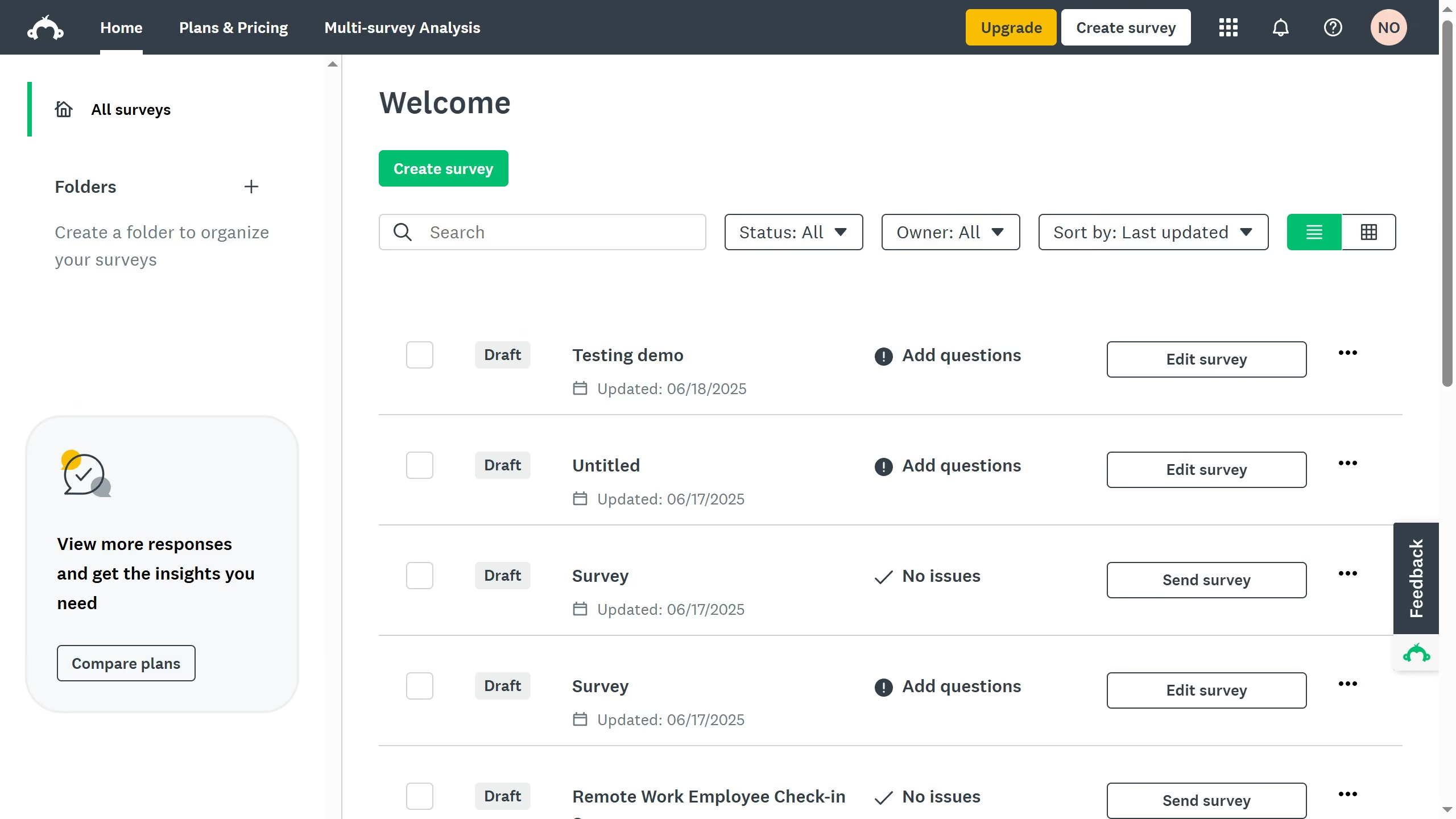
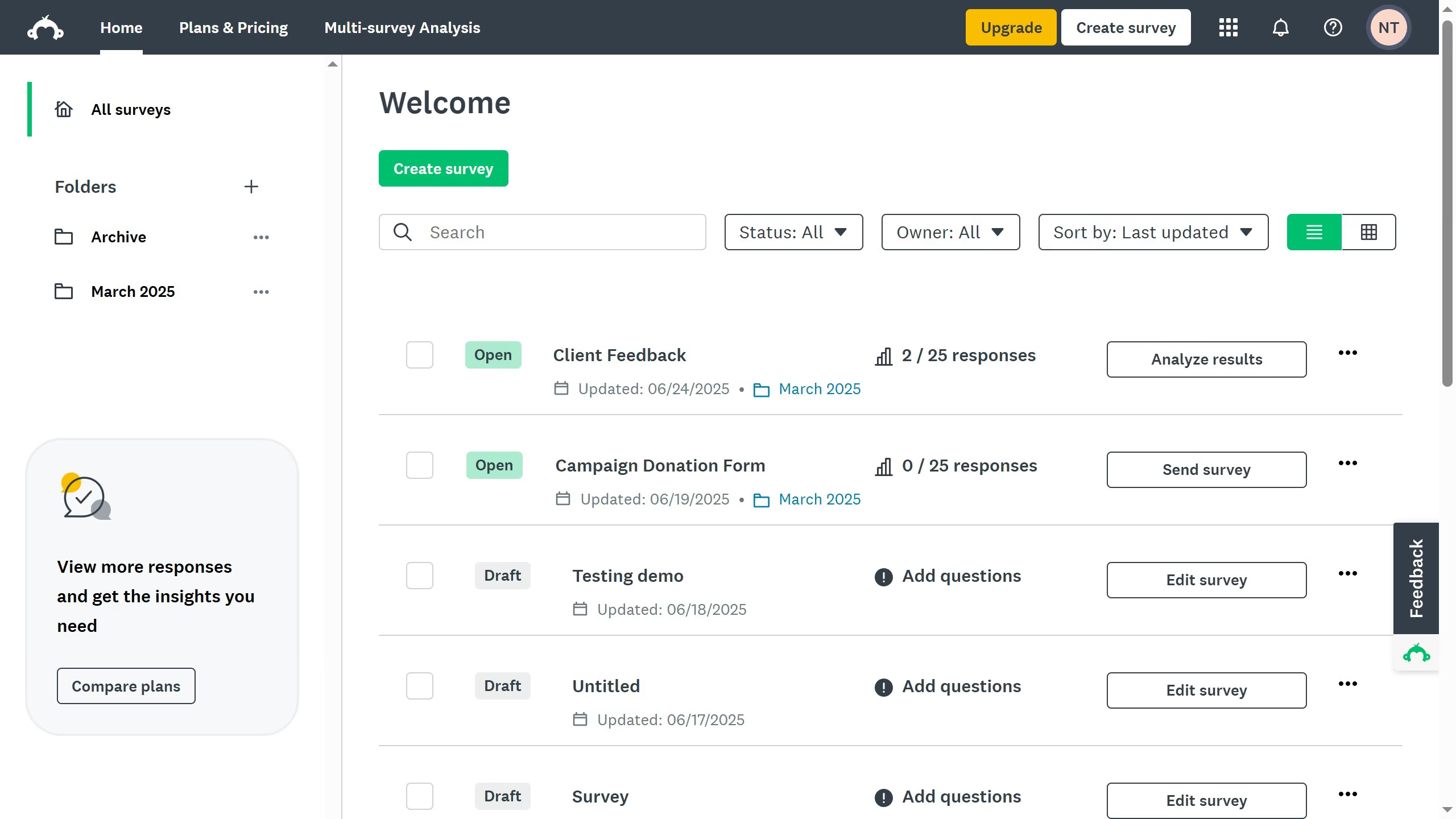
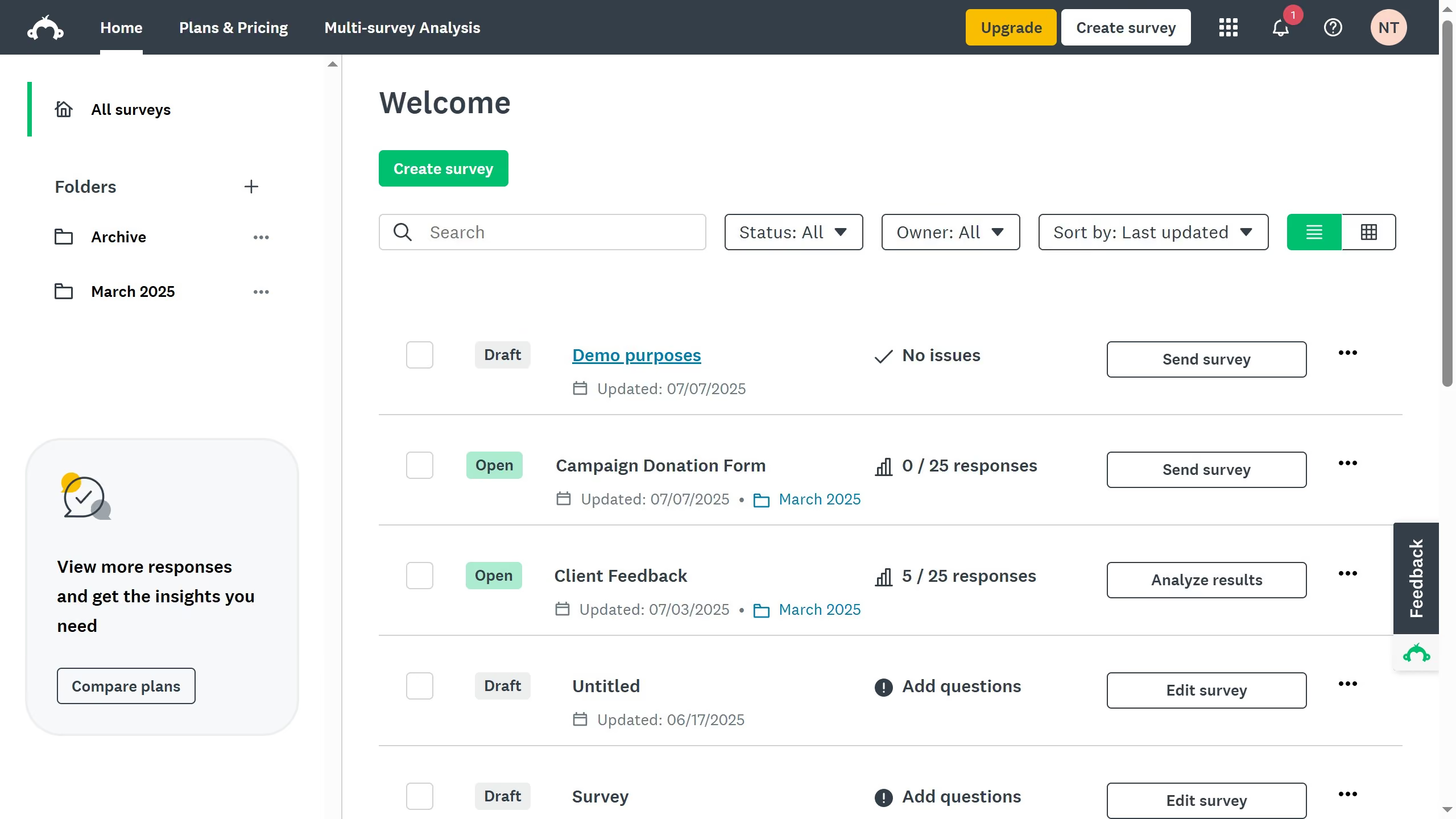
  1. On your SurveyMonkey dashboard, choose the survey you want to edit from your list
  2. Go to the "COLLECTOR RESPONSES" tab at the top
  3. Find the collector you used to send your survey that you want to open
  4. Click the "..." at the right side to open its options
  5. Then click the "Open collector" status
  6. Finally click the "Open collector" button to open the survey

Create your own interactive guide with Guideflow

Why should you reopen closed surveys in SurveyMonkey

SurveyMonkey is a powerful tool designed to streamline the process of gathering feedback and insights.

The feature to reopen closed surveys in SurveyMonkey is an invaluable asset for users looking to maximize their reach and collect additional responses. This ability ensures you can gather more data even after a survey's initial run, enhancing the feedback you receive.

By reopening surveys, users can engage with respondents who might have missed the initial deadline, leading to comprehensive insights and more informed decision-making.

This seamless functionality helps maintain continuity in data collection, enabling users to continually adapt and refine their approach based on real-time feedback.


Last update
June 23, 2026
Cursor MariaA cursor points to a button labeled "James."

Create your first demo in less than 30 seconds.