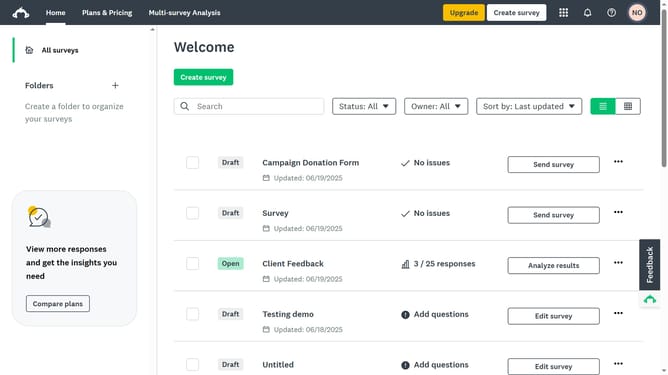
How to prevent multiple responses in SurveyMonkey
Here is how to prevent multiple responses in surveymonkey
- First click the survey you want to manage
- Then click on the "COLLECT RESPONSES" tab in the survey navigation menu
- Next click on the collector in the collectors list
- Then click on "Multiple responses" option in the survey settings
- Finally toggle it off to prevent respondents from submitting more than one response
Why should you prevent multiple responses in SurveyMonkey
SurveyMonkey is a powerful platform that simplifies the process of creating and distributing surveys.
Among its many features, SurveyMonkey provides options to prevent multiple responses from the same participant.
This feature is crucial for maintaining the integrity and reliability of your survey data, ensuring each response is unique and representative.
By preventing duplicate entries, you can make informed decisions based on genuine, unbiased insights, enhancing the overall credibility of your survey results.
Last update