How to make specific questions optional in SurveyMonkey
Here is how to make specific questions optional in surveymonkey
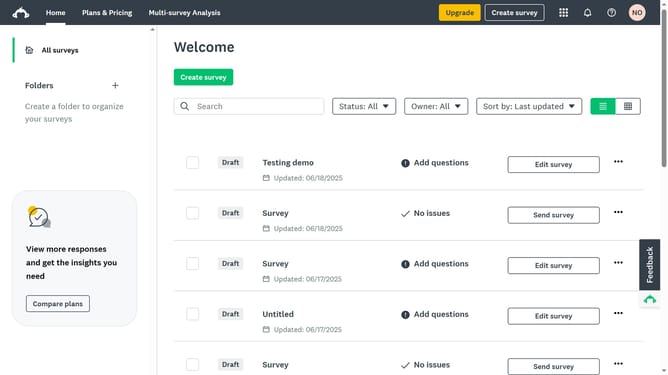
- First click the survey you want to open
- Then click on the "DESIGN SURVEY" tab in the top navigation menu
- Next click on the question you want to edit
- Then click on the "Options" button in the question toolbar
- Next toggle off the "Required" option to make the question optional
- Finally click on the "Save" button in the Options panel
Why should you make specific questions optional in SurveyMonkey
SurveyMonkey is a dynamic platform for creating insightful surveys with ease.
One of its standout features is the ability to make specific questions optional, providing survey creators with valuable flexibility.
This customization not only respects respondents’ autonomy but can also lead to higher completion rates by reducing pressure.
When participants feel less obligated to answer every question, they are more likely to share more thoughtful and genuine responses, enhancing the overall quality of your data collection.
Last update