SurveyMonkey
SurveyMonkey is an online survey and feedback collection platform for customer insights.
Website
Industry
Marketing
Share this article:

How to export survey data in SurveyMonkey

Here is how to export survey data in surveymonkey

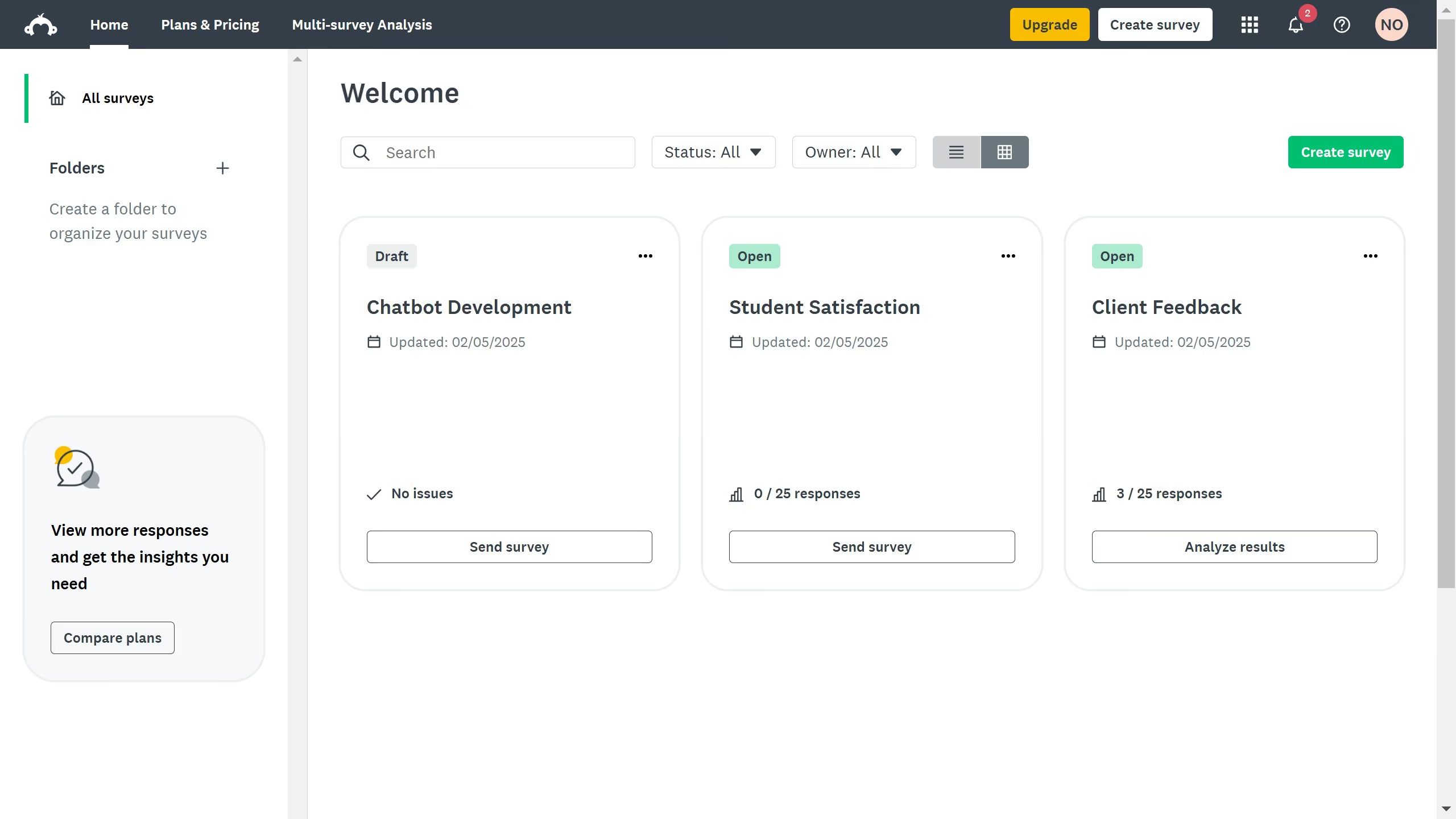
  1. On your SurveyMonkey dashboard, choose the survey you want to edit from your list
  2. Click the "ANALYZE RESULTS" tab at the top
  3. Click the "Save as" button in the upper-right corner
  4. Click the "Export" button to proceed
  5. Select the data you need to proceed with the download

Create your own interactive guide with Guideflow

Why should you export survey data in SurveyMonkey

SurveyMonkey is a powerful online platform designed to simplify the process of creating and distributing surveys to gather valuable insights.

The feature to export survey data in SurveyMonkey is a crucial tool for transforming raw data into meaningful information. This feature allows seamless download of survey results in various formats, making data analysis smoother and more efficient.

Exporting data enhances the ability to share results with stakeholders quickly, ensure data storage convenience, and integrate findings with other analytical tools, thereby maximizing your decision-making processes.


Last update
June 23, 2026
Cursor MariaA cursor points to a button labeled "James."

Create your first demo in less than 30 seconds.