SurveyMonkey
SurveyMonkey is an online survey and feedback collection platform for customer insights.
Website
Industry
Marketing
Share this article:

How to turn on question numbers in SurveyMonkey

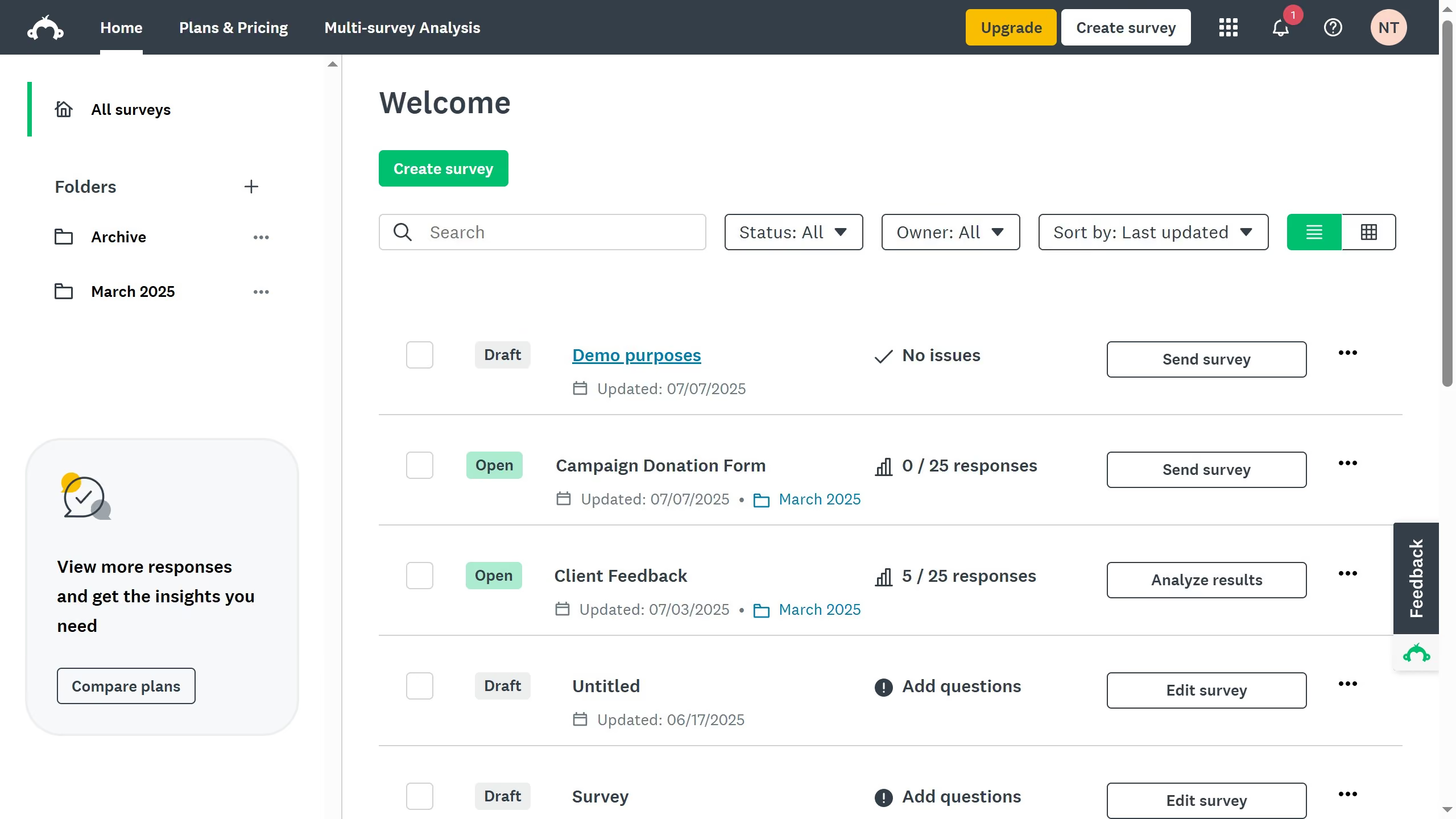
Here is how to turn on question numbers in surveymonkey

  1. From the dashboard, open the survey you want to edit
  2. Then click on the "DESIGN SURVEY" tab in the top navigation menu
  3. Next click on the "Options" button in the design toolbar
  4. In the sidebar, find the "Question Numbers" setting
  5. Finally toggle the switch on to show the question numbers in your survey

Create your own interactive guide with Guideflow

Why should you turn on question numbers in SurveyMonkey

SurveyMonkey is a versatile tool designed to simplify the process of gathering and analyzing survey data.

Enabling question numbers in SurveyMonkey enhances your survey's organization and respondent experience. This feature helps participants easily navigate your survey, ensuring clarity as they progress through each question.

By providing a structured sequence, question numbers also facilitate seamless data analysis and reporting. This means clearer insights, more accurate results, and an overall boost in survey efficacy.


Last update
June 23, 2026
Cursor MariaA cursor points to a button labeled "James."

Create your first demo in less than 30 seconds.