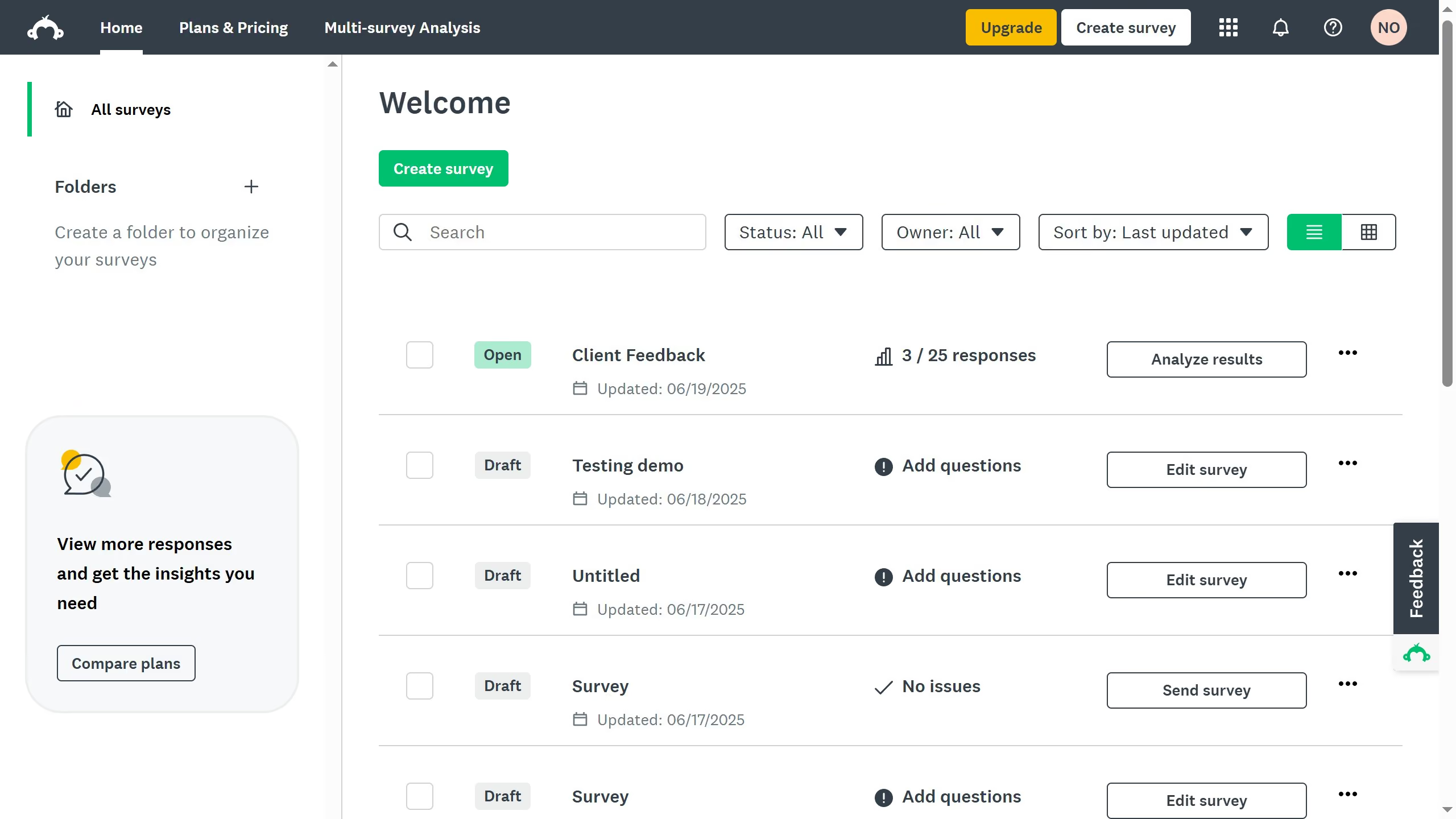
Here is how to export responses to excel in surveymonkey
- First click the survey you want to open
- Then click on the "ANALYZE RESULTS" tab
- Next click on the "Individual Responses" tab
- Click the "Save as" button in the upper-right corner
- Finally click the "Export files" button to generate the survey responses file