How to close a survey collector in SurveyMonkey
Here is how to close a survey collector in surveymonkey
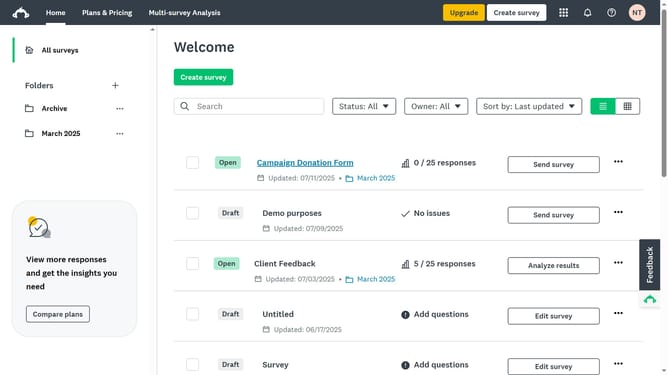
- First click the survey whose collector you want to close
- Then click on the "COLLECT RESPONSES" tab in the main navigation menu
- Next click on the action menu ("...") button next to the collector
- Then select "Close collector" option from the dropdown menu
- Finally click on the "Close collector" button in the confirmation dialog
Why should you close a survey collector in SurveyMonkey
SurveyMonkey is a dynamic platform designed to create insightful surveys easily and effectively.
Closing a survey collector in SurveyMonkey allows you to manage the flow of responses effortlessly and ensures that responses are collected within the desired timeframe. This feature provides control over survey availability and can help maintain data integrity by setting precise deadlines.
The ability to close collectors within SurveyMonkey enhances the quality of data analysis, allowing users to draw timely, meaningful conclusions from complete datasets. Efficient survey management directly contributes to improved decision-making.
Last update