SurveyMonkey
SurveyMonkey is an online survey and feedback collection platform for customer insights.
Website
Industry
Marketing
Share this article:

How to view all active shared links in SurveyMonkey

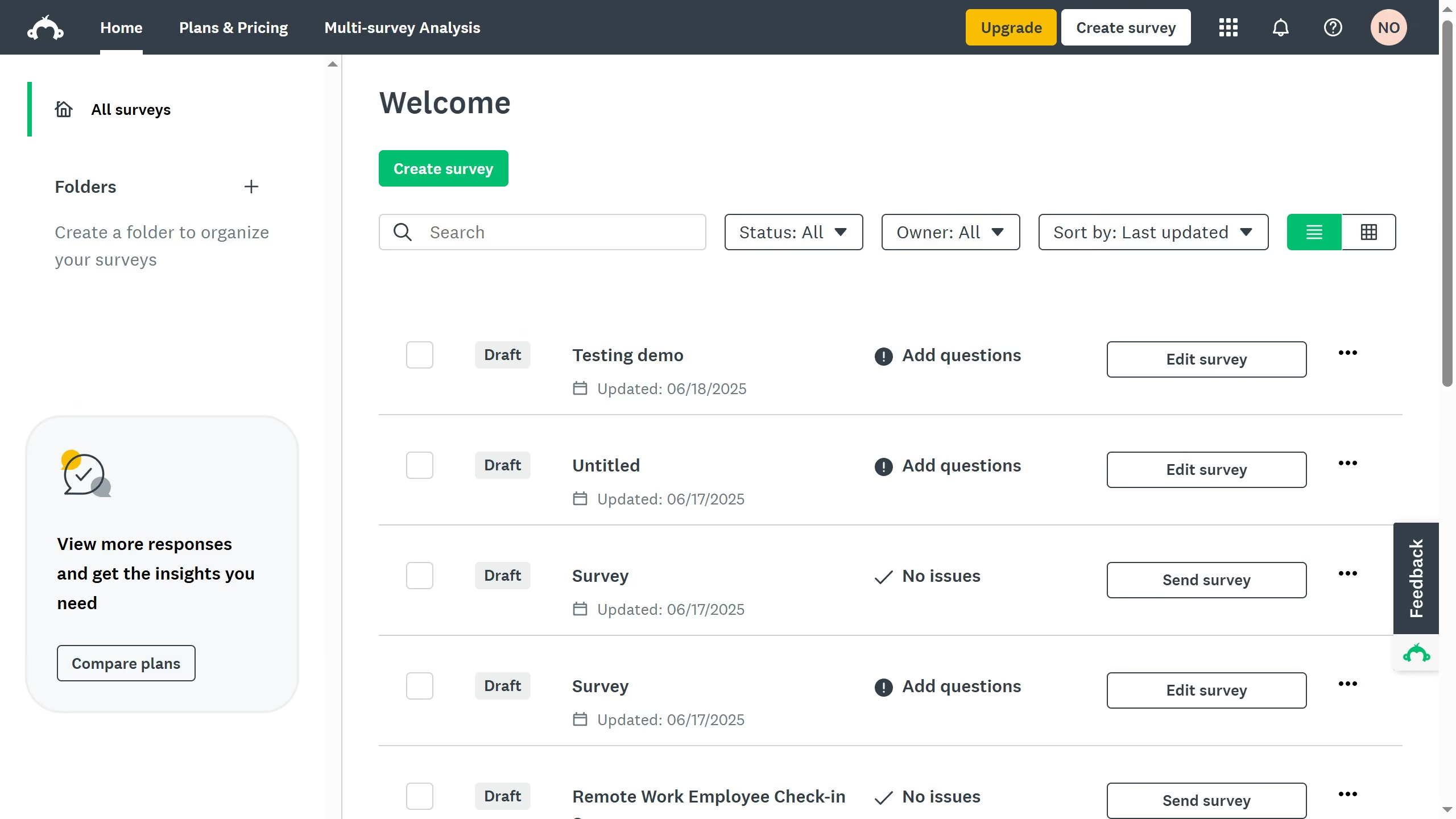
Here is how to view all active shared links in surveymonkey

  1. How to view all active shared links in SurveyMonkey
  2. Then click on "ANALYZE RESULTS" tab in the top navigation menu
  3. Next click on "Shared data" button in the analysis toolbar
  4. Finally here you will see all the active shared links of your survey results

Create your own interactive guide with Guideflow

Why should you view all active shared links in SurveyMonkey

SurveyMonkey is a leading online survey platform designed to quickly gather insights and feedback through customizable surveys.

One of its valuable features is the ability to view all active shared links. This feature allows users to efficiently track and manage who has access to their surveys.

Understanding which links are active is crucial for ensuring the right people are reached and responses are collected effectively.

This not only enhances security by preventing unauthorized access but also optimizes survey engagement and response tracking.


Last update
June 23, 2026
Cursor MariaA cursor points to a button labeled "James."

Create your first demo in less than 30 seconds.