SurveyMonkey
SurveyMonkey is an online survey and feedback collection platform for customer insights.
Website
Industry
Marketing
Share this article:

How to delete a response in SurveyMonkey

Here is how to delete a response in surveymonkey

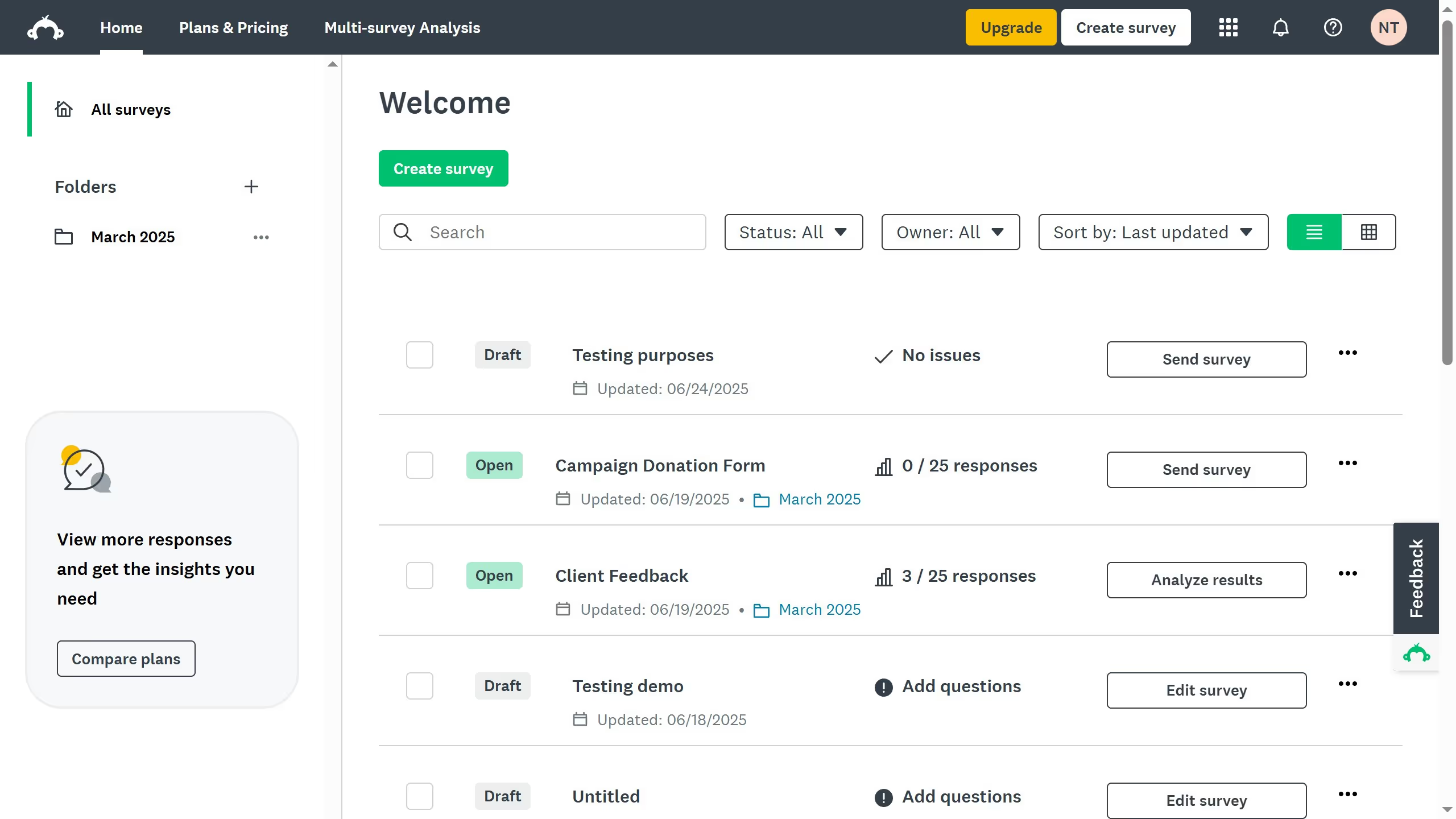
  1. First, select the survey of your choice and click the three-dot icon (...)
  2. Then click on "Analyze results" from the dropdown menu
  3. Next click on the "Individual Responses" tab 
  4. Locate the response you want to delete and click the trash bin icon
  5. Alternatively, click the arrow for more options
  6. Next click "Delete"
  7. in the confirmation dialog, click "Delete response" to confirm the deletion
  8. The response has been deleted and cannot be restored anymore

Create your own interactive guide with Guideflow

Why should you delete a response in SurveyMonkey

SurveyMonkey is a dynamic platform designed to help you effortlessly create, distribute, and analyze surveys.

The capability to delete a response in SurveyMonkey is crucial when you need to maintain the accuracy and reliability of your collected data. This feature allows you to remove any erroneous or irrelevant entries, ensuring your dataset remains pristine and reflects only the most pertinent information.

By using this feature, you not only streamline your data analysis process but also enhance the quality of your insights, leading to more informed decision-making.


Last update
June 23, 2026
Cursor MariaA cursor points to a button labeled "James."

Create your first demo in less than 30 seconds.