How to integrate with third-party apps in SurveyMonkey
Here is how to integrate with third-party apps in surveymonkey
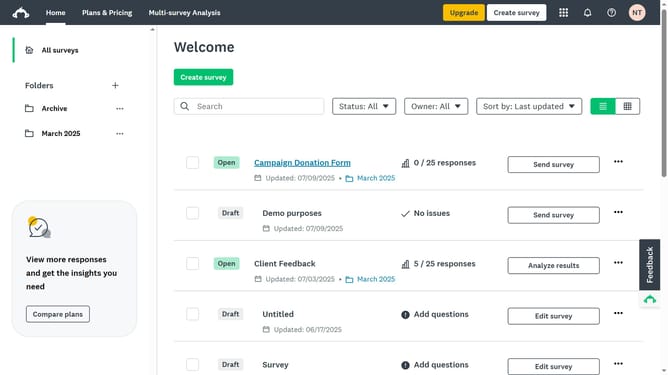
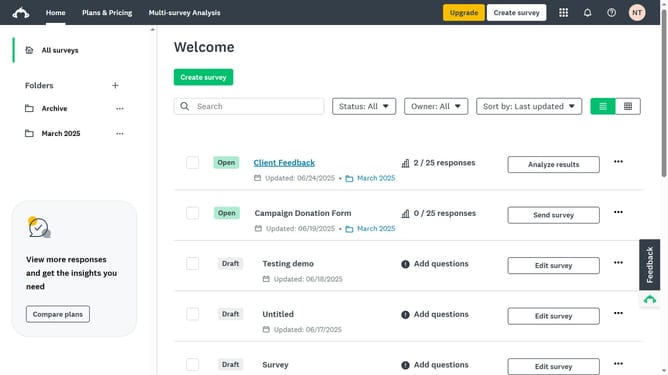
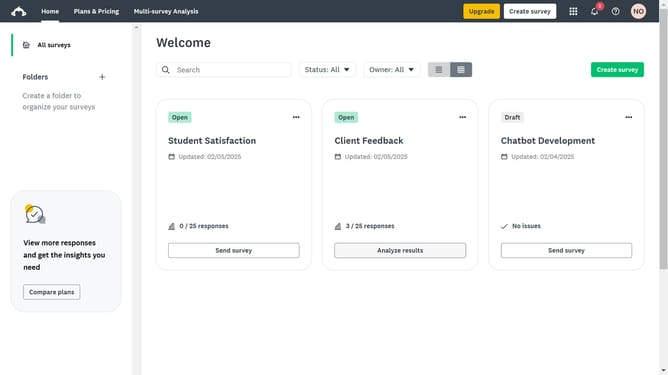
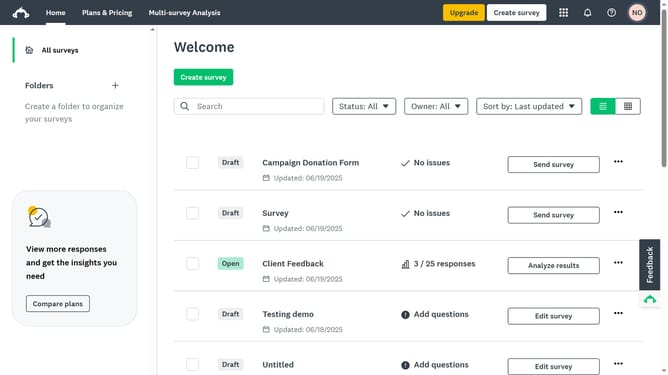
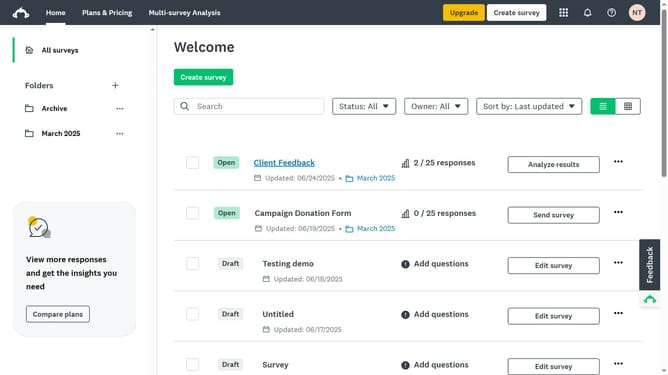
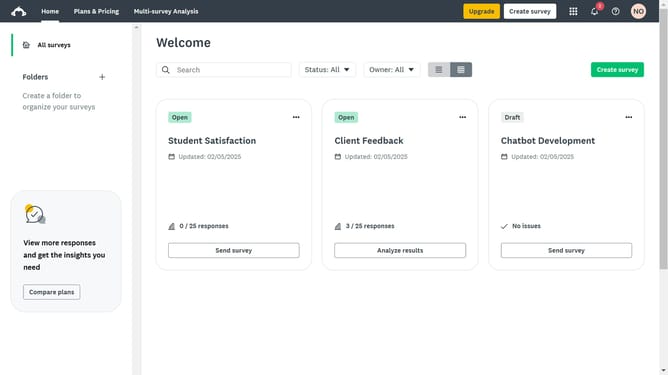
- First click on the app launcher icon in the top navigation bar
- Then click on "Apps & integrations" option in the products menu
- Next click third-party application you want to integrate
- Finally click the "Install" button on the application integration details page
Why should you integrate with third-party apps in SurveyMonkey
SurveyMonkey is a powerful platform used worldwide for crafting insightful surveys.
Integrating with third-party apps in SurveyMonkey elevates its utility by seamlessly connecting your survey data with a broad array of tools you already rely on.
This feature enables efficient data flow and real-time updates across different platforms, enhancing productivity and strategic insights.
By integrating apps, users can streamline operations and optimize results without manually transferring information, saving valuable time and effort.
Last update