SurveyMonkey
SurveyMonkey is an online survey and feedback collection platform for customer insights.
Website
Industry
Marketing
Share this article:

How to export individual responses from SurveyMonkey

Here is how to export individual responses from surveymonkey

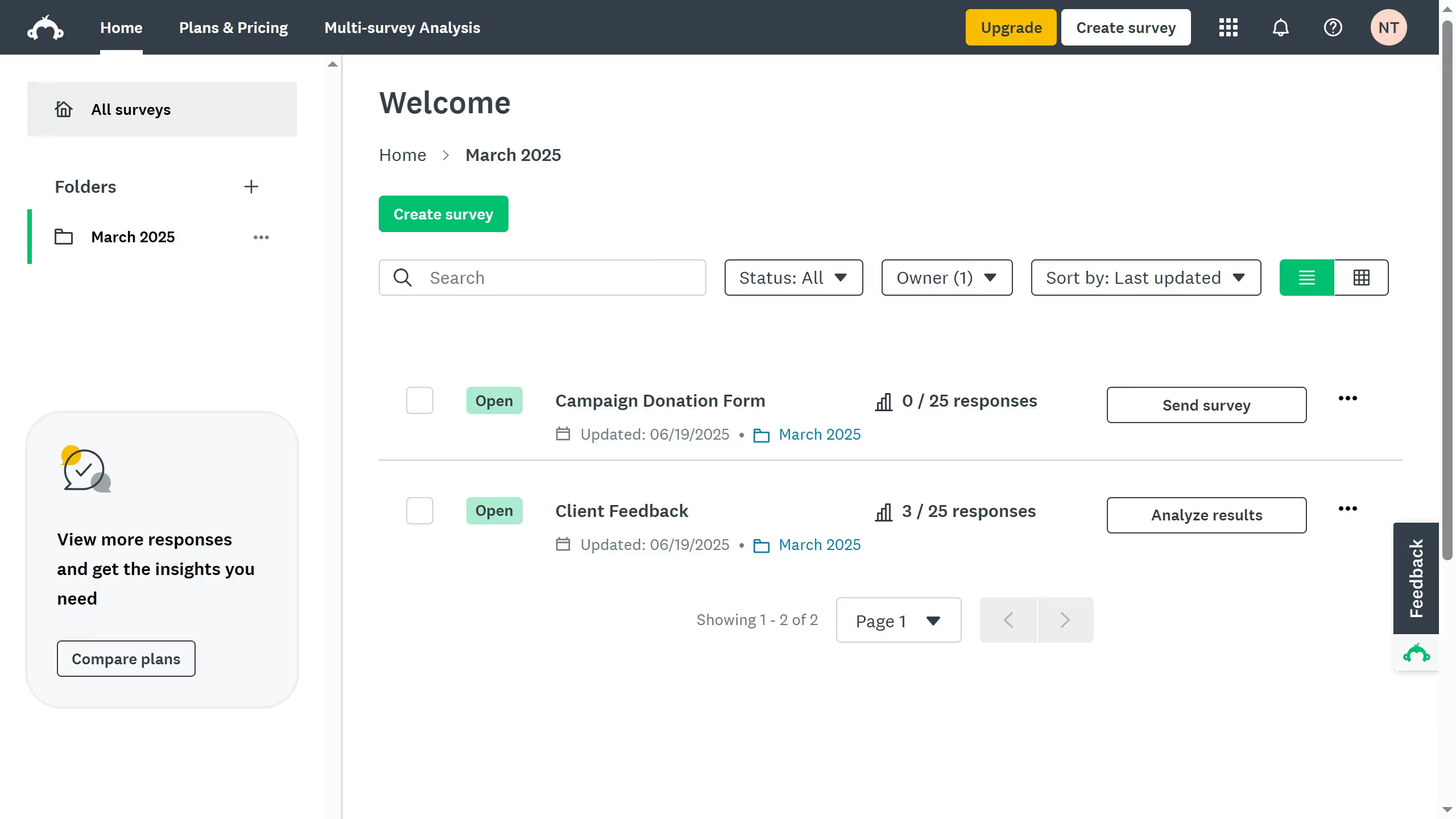
  1. First click the survey you want to open
  2. Then click on the "ANALYZE RESULTS" tab
  3. Next click on the "Individual Responses" tab in the analysis section
  4. Then click on the "View" button of the response you want to export
  5. Finally click on the "Export" button in the individual response details

Create your own interactive guide with Guideflow

Why should you export individual responses from SurveyMonkey

SurveyMonkey is a versatile tool designed to gather valuable insights through customizable surveys.

The ability to export individual responses from SurveyMonkey offers a unique advantage for in-depth analysis. This feature allows users to view each respondent's answers separately, providing a clearer understanding of varied perspectives.

Utilizing this feature allows businesses and researchers to tailor their approach, ultimate aiding in better decision-making and customized strategies based on specific feedback.


Last update
June 23, 2026
Cursor MariaA cursor points to a button labeled "James."

Create your first demo in less than 30 seconds.