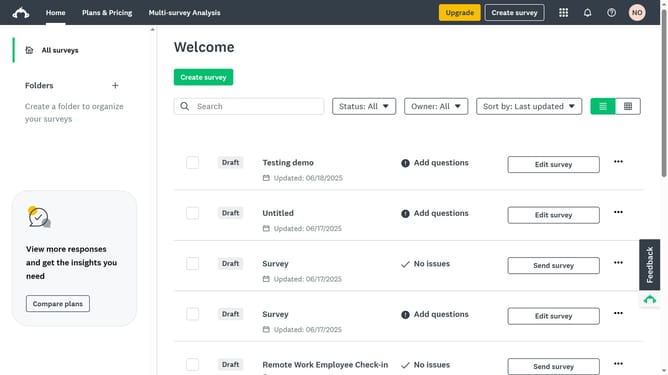
How to filter surveys by owner in SurveyMonkey
Here is how to filter surveys by owner in surveymonkey
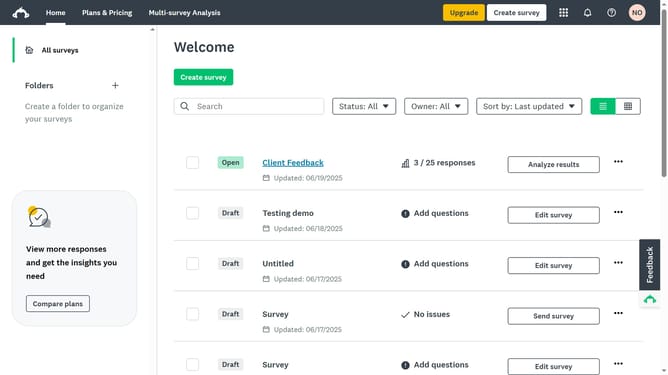
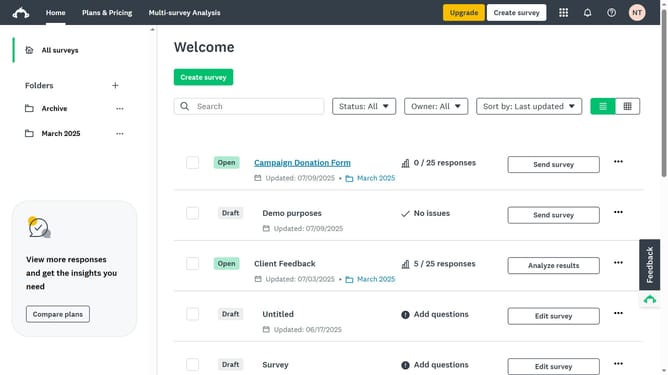
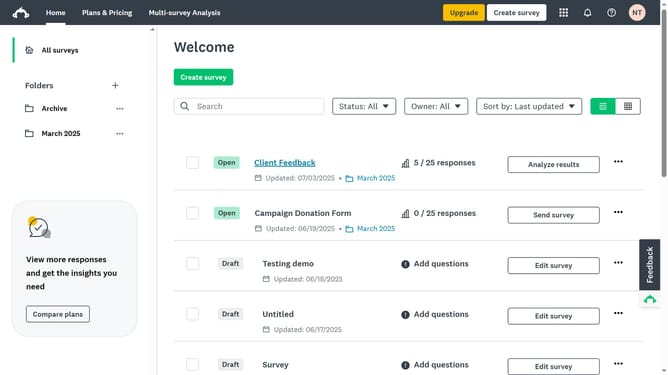
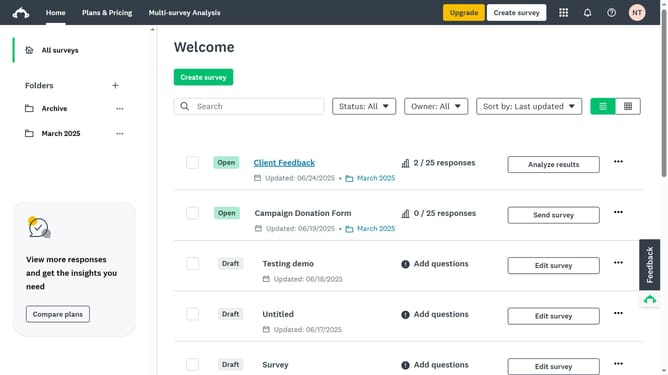
- First click on the "Home" link in the top navigation menu
- Then click on the “Owner” or “Created by” filter dropdown
- Finally select the name of the member or your own to view their surveys
Why should you filter surveys by owner in SurveyMonkey
SurveyMonkey is a powerful online platform designed for creating and distributing surveys with ease.
Among its many features, the ability to filter surveys by owner allows users to streamline their survey management process effortlessly.
By using this feature, teams can quickly identify which surveys belong to specific individuals, enhancing collaboration and accountability across projects.
This functionality is particularly beneficial in scenarios with multiple contributors, ensuring that resources are efficiently organized and easily retrievable.
Last update