You have a laptop that walked out with a contractor eight months ago. A projector nobody can find. A software license you renewed twice because two teams tracked it in two spreadsheets. Somewhere in a finance folder, a fixed-asset register lists gear that was decommissioned last year.
This is the quiet tax on operational teams. Assets scatter across spreadsheets, email threads, and disconnected tools, and nobody owns the source of truth. When audit season arrives, someone spends three weeks reconciling what the records say against what actually exists. When a device goes missing, there is no custody history to trace it. When a warranty lapses, there is no alert that fired.
The market reflects how large this problem has become. Precedence Research pegged the global asset tracking market at USD 26.18B in 2025, projecting growth to USD 106.19B by 2035 at a 15.03% CAGR. Cloud deployment already accounted for 63% of that market. Teams are moving off spreadsheets fast, and the instrumentation gap is the reason.
If you think of asset visibility the way a product manager thinks about activation and retention, the logic is simple: you cannot improve what you cannot measure, and you cannot measure what you cannot see. The right asset tracking software gives you clean instrumentation on physical and IT assets, with ownership, location, condition, and lifecycle state in one place. This shortlist ranks the tools that do that best for teams balancing visibility, maintenance, compliance, and a rollout that will not stall.
What's inside
This guide covers 11 asset tracking software tools built for tracking physical and IT assets, running audits, scheduling maintenance, and managing lifecycle from purchase to retirement. We selected each tool based on four criteria that matter to operators: mobile access and barcode or RFID support, reporting and audit depth, lifecycle and maintenance features, and how quickly a team can adopt it without heavy configuration. The list spans budget-friendly options for small teams, IT-heavy platforms for hardware and software estates, and enterprise systems for governed environments. Pricing and G2 ratings reflect verified figures at the time of writing.
TL;DR
- Best overall for most teams: Asset Panda, for configurable tracking across mixed asset types.
- Best free option: AssetTiger, with unlimited users and a genuinely usable free tier.
- Best for barcode and RFID workflows: Wasp Asset, built for fixed-asset audits and loss prevention.
- Best for IT asset management depth: ServiceNow IT Asset Management or Lansweeper, depending on whether you need governance or discovery.
- Best for broad lifecycle and compliance coverage: Flexera One, for hybrid IT, SaaS, and cloud spend at scale.
- Best for simpler rollouts: Reftab or EZO, for teams that need structure without a long implementation.
If you also manage the workflows around these assets, related guides on audit management software and contract lifecycle management pair well with an asset tracking rollout.
What is asset tracking software?
Asset tracking software is a system that records what assets an organization owns, where they are, who has them, and what condition or lifecycle stage they are in, using barcodes, QR codes, RFID tags, or network discovery to keep records current.
At its core, an asset tracking system handles a small set of recurring jobs. It creates a single register of assets. It tracks custody through check-in and check-out. It runs audits against physical reality. It schedules maintenance and fires alerts before warranties or licenses lapse. And it records lifecycle status so finance, IT, and operations all see the same truth.
Most modern asset management software share a common capability set:
- Mobile app and scanning: capture and update asset records from a phone using barcode, QR, or RFID.
- Barcode and RFID support: tag physical assets for fast, accurate identification during audits and transfers.
- Reporting and audit trails: generate reports and keep a defensible history of every change and movement.
- Alerts and notifications: trigger on maintenance due dates, warranty expiry, license renewals, and overdue returns.
- Ownership and custody history: see who holds an asset now and who held it before.
- Integrations: connect to service desks, CMDBs, procurement, and finance systems.
The distinction worth holding in your head: an asset management system covers the full lifecycle and financial view, while a narrower asset tracking program may focus mainly on location and custody. Most tools on this list do both, but they weight the balance differently. IT asset management software leans toward discovery and license compliance. Fixed asset tracking leans toward audits and depreciation.
When to use asset tracking software
Track equipment across distributed teams
When gear moves between people, sites, or job locations, custody history is the metric that matters. A field crew checks out a scanner, a new hire receives a laptop, a classroom borrows a tablet cart. Mobile asset tracking with barcode scanning lets anyone update ownership in seconds, so the record reflects reality instead of last quarter's guess. Equipment tracking software with real-time custody data turns "who has this?" from a Slack thread into a lookup.
Replace spreadsheets and manual audit trails
Spreadsheets do not enforce anything. Two people edit the same row, a formula breaks, and reconciliation becomes archaeology. A centralized asset management system gives you one register with audit trails baked in, so every change is timestamped and attributed. During an audit, you scan instead of guess, and variance drops because the system flags what it cannot find. This is where barcode asset tracking software earns its cost in a single audit cycle.
Manage compliance, renewals, and maintenance
Missed maintenance and lapsed compliance are avoidable surprises. Lifecycle management workflows let you schedule preventive maintenance, set renewal reminders, and route approvals before a deadline passes. Alerts fire on warranty expiry, license renewals, and calibration dates. For regulated environments, compliance management with a full audit history turns an inspection from a scramble into an export.
Comparison table
Here is how the 11 tools compare on intent, primary use case, pricing, and G2 rating. Use it to scan for fit before reading the full sections.
| # | Product | Intent | Key use case | Pricing | G2 rating |
|---|---|---|---|---|---|
| 1 | AssetTiger | Budget-conscious teams | Free asset tracking with unlimited users | Free up to 250 assets; from $20/mo | 4.5/5 |
| 2 | Asset Panda | Most teams | Configurable tracking across mixed assets | From $3,000/yr | 4.2/5 |
| 3 | Wasp Asset | Operations-heavy teams | Barcode/RFID fixed-asset audits | From $108/mo | 4.2/5 |
| 4 | ManageEngine AssetExplorer | IT teams | IT asset discovery and lifecycle | From $115/mo | 4.2/5 |
| 5 | Freshworks Freshservice | IT service desks | ITSM-tied asset management | From $19/agent/mo | 4.6/5 |
| 6 | Lansweeper | IT visibility | Network discovery and inventory | From $199/mo | 4.4/5 |
| 7 | ServiceNow IT Asset Management | Enterprises | Governed ITAM lifecycle | Custom quote | 4.3/5 |
| 8 | Flexera One | Enterprises | Software, SaaS, and cloud governance | Custom quote | 4.3/5 |
| 9 | Reftab | Small to mid teams | Simple asset and equipment tracking | Free up to 50 assets; from $31.25/mo | Highly rated |
| 10 | EZO | Growing multi-site teams | Asset, inventory, and maintenance | From $44.75/mo | 4.4/5 |
| 11 | InvGate Asset Management | Mid-market/enterprise IT | Unified IT inventory and lifecycle | From $1,499/yr | 4.7/5 |
1. AssetTiger
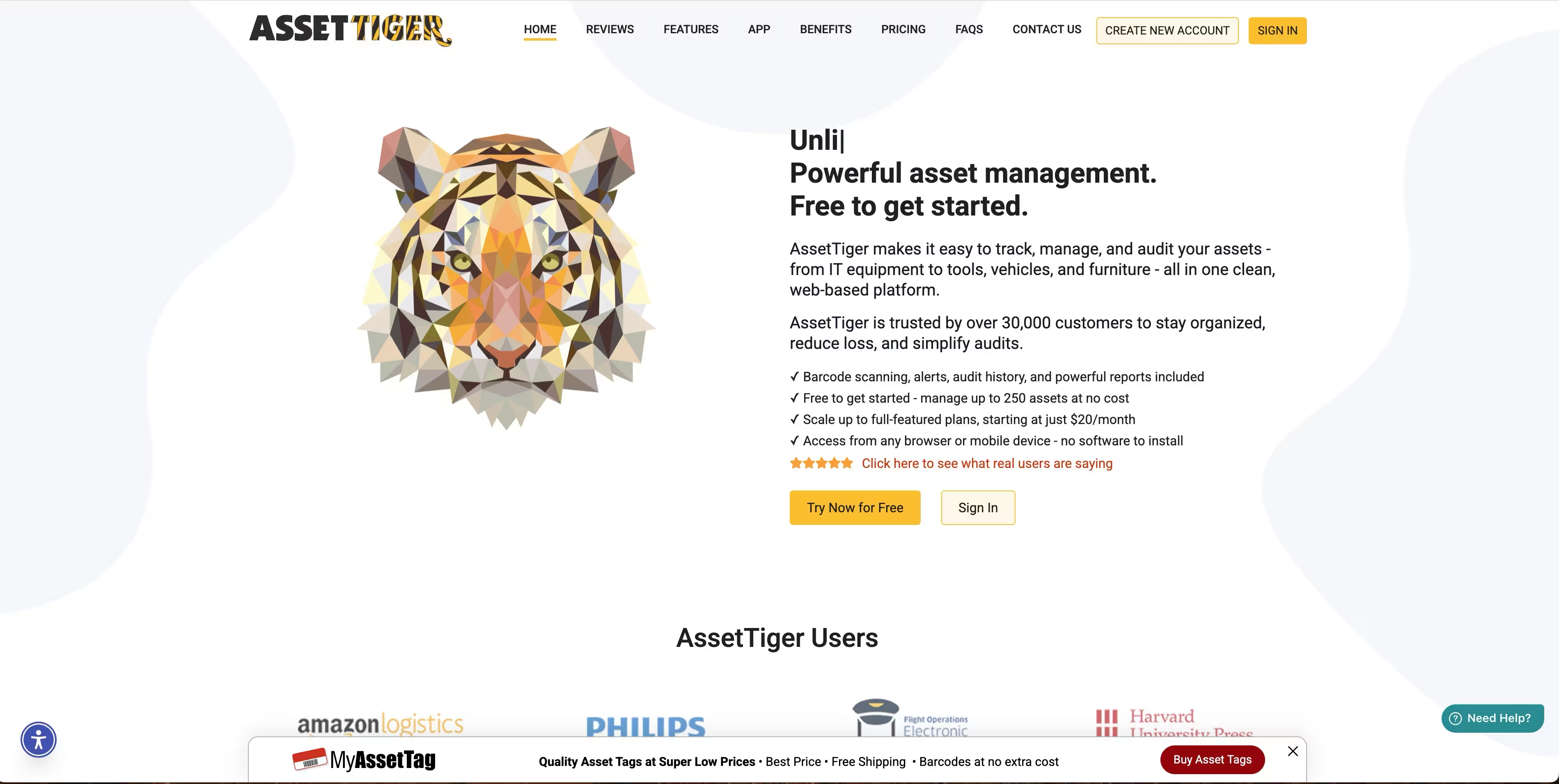
AssetTiger is cloud-based asset management software for tracking, auditing, and managing assets and inventory. Its differentiator is a free tier that covers real usage, not a crippled trial, plus pricing that scales by asset count rather than seats. That pricing model is unusual and worth pausing on: you add unlimited users on paid plans, so cost tracks the size of your asset base, not your headcount.
Best for: Budget-conscious teams and smaller operations that want a working asset tracking system without a per-seat bill.
Key strengths
- Barcode and QR scanning: tag and look up assets from a mobile device during audits and transfers.
- Check-in/check-out and custody tracking: know who holds each asset and record every handoff.
- Maintenance scheduling and audit reporting: set service reminders and generate audit-ready reports.
Why choose AssetTiger: If your constraint is budget and your team is small, few tools match the value. The free tier handles up to 250 assets, and paid plans stay affordable because you never pay per user. For a PM-minded operator, that means you can roll it out across an ops team without a procurement fight over seat counts.
AssetTiger pricing: A free plan covers up to 250 assets. Paid tiers scale by asset count: Basic at $20/month (up to 500 assets), Core at $40/month (up to 2,500), Advanced at $75/month (up to 10,000), Pro at $140/month (up to 50,000), and Enterprise at $275/month (up to 250,000). All paid plans include unlimited users.
2. Asset Panda
Asset Panda is cloud-based asset tracking and asset management software for organizations that need to track, audit, and manage physical assets across many contexts. Its strength is configurability. You shape fields, workflows, and automations around how your team actually works, which is why it shows up across education, healthcare, construction, IT, and facilities. That flexibility is what makes it the default pick for teams that want one source of truth for mixed asset types.
Best for: Teams that need configurable asset tracking with barcode scanning and a scalable, single register across departments.
Key strengths
- Asset and inventory tracking: manage physical assets and consumable inventory in one system.
- Barcode generation and scanning: create and scan barcodes for fast identification and audits.
- Automations and workflows: trigger actions and route approvals without manual follow-up.
Why choose Asset Panda: When your assets do not fit a rigid template, configurability is the deciding factor. Asset Panda lets you model unusual asset types and build the workflows around them, so the system bends to your process instead of the reverse. For operators worried about maintainability as the org grows, that flexibility is the hedge.
Asset Panda pricing: Three annual plans. Starter is $3,000 per year (5 full users, up to 1,000 assets), Business+ is $7,200 per year (10 full users, up to 5,000 assets), and Enterprise is $18,000 per year (20 full users, up to 10,000 assets). A 7-day free trial is available.
3. Wasp Asset
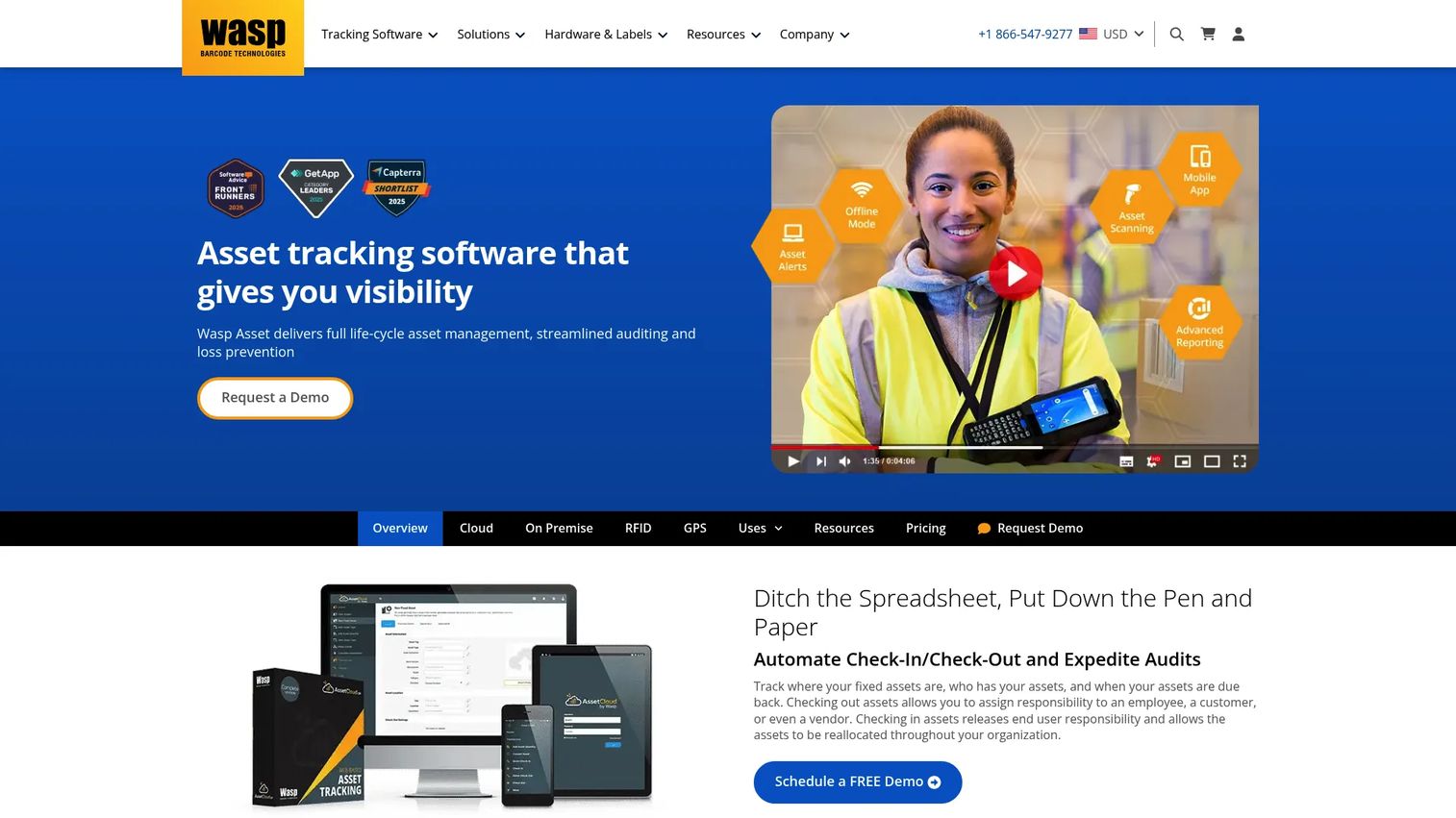
Wasp Asset, formerly AssetCloud, is asset tracking software built for barcode and RFID fixed-asset management, auditing, and loss prevention. It leans operations-heavy, which suits teams that treat audits and custody as core workflows rather than afterthoughts. If your reality involves physical inventory counts, employee equipment issuance, and vendor handoffs, Wasp is designed around exactly that.
Best for: Organizations needing fixed-asset tracking with barcode or RFID workflows and defensible audit trails.
Key strengths
- Check-in/check-out for employees, customers, and vendors: manage custody across every party that touches an asset.
- Audits and transaction history: run counts and keep a complete record of every movement.
- Barcode and RFID support: tag assets for fast, accurate identification at scale.
Why choose Wasp Asset: Choose Wasp when barcode and RFID workflows are the point, not a bonus. It fits operations teams that run frequent audits and need loss prevention baked in. The cloud and on-premise options give you deployment flexibility that regulated or infrastructure-conscious teams often require.
Wasp Asset pricing: Basic starts at $108/month billed annually (1 user), Complete is $250/month billed annually (5 users), and Enterprise is contact-for-pricing for teams over 30 users. Additional users are priced separately for both cloud and on-premise deployments.
4. ManageEngine AssetExplorer
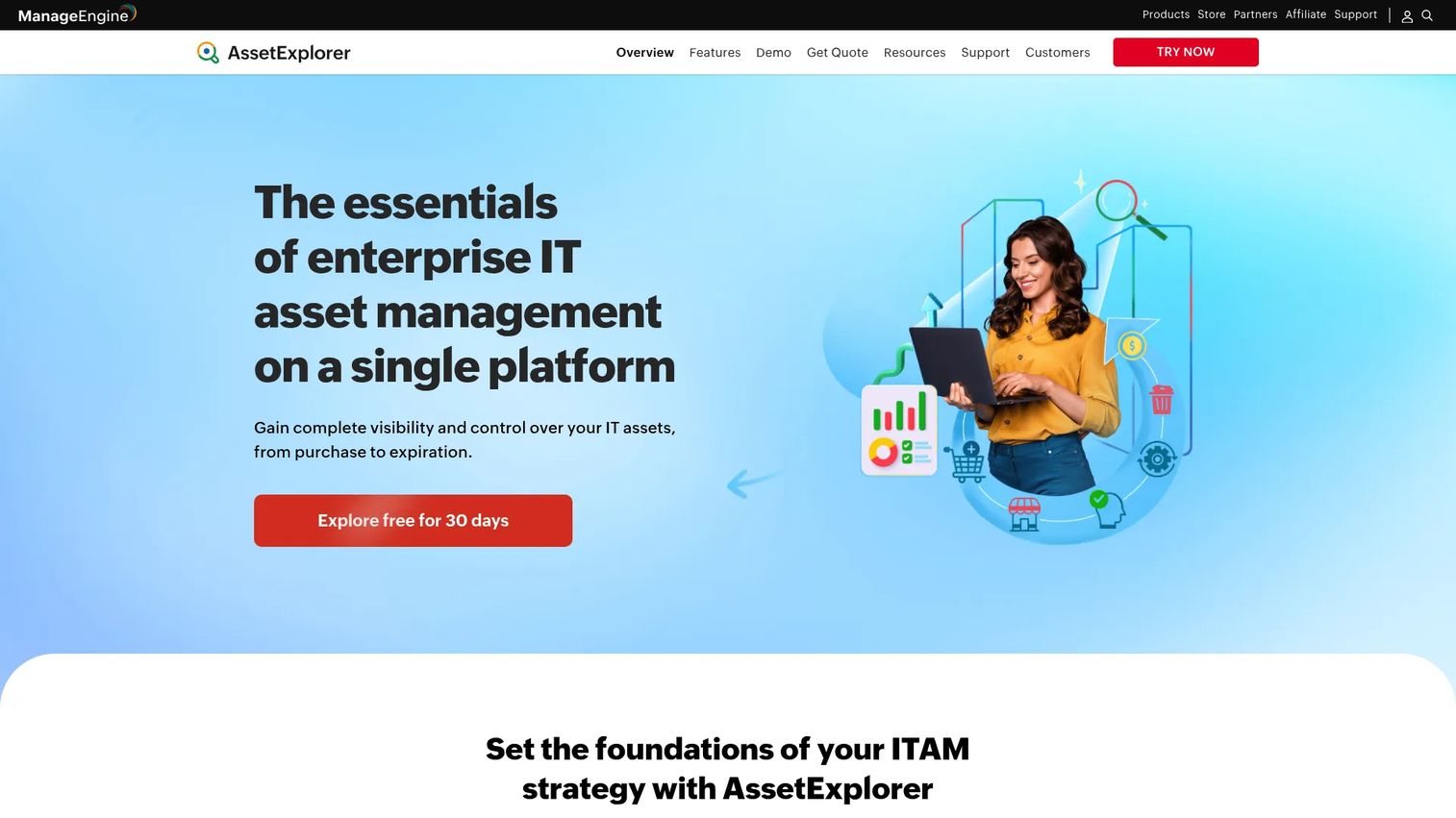
ManageEngine AssetExplorer is IT asset management software for discovering, tracking, and managing hardware and software assets. Where general asset tools stop at physical custody, AssetExplorer adds auto-discovery, a CMDB, and license compliance, so it fits mixed hardware and software environments. It is a practical middle ground: more IT depth than a generic tracker, less overhead than a full enterprise platform.
Best for: IT teams needing affordable asset discovery and lifecycle tracking across hardware and software.
Key strengths
- Complete asset lifecycle management: track assets from procurement through retirement.
- Auto-discovery and inventory management: scan the network to keep the inventory current automatically.
- CMDB, software asset management, and license compliance: map relationships and stay ahead of license risk.
Why choose ManageEngine AssetExplorer: If your assets are mostly IT and you want discovery without an enterprise price tag, this is the pragmatic pick. Auto-discovery removes manual entry, and license compliance features help IT teams avoid the double-renewal problem that spreadsheets never catch.
ManageEngine AssetExplorer pricing: Cloud pricing is asset-count based, starting around $115/month (or US$955 billed annually) for 250 IT assets and scaling up to $1,545/month for 10,000 assets. A 30-day fully functional free trial covers up to 250 IT assets. On-premises pricing is also available with monthly and yearly options.
5. Freshworks Freshservice
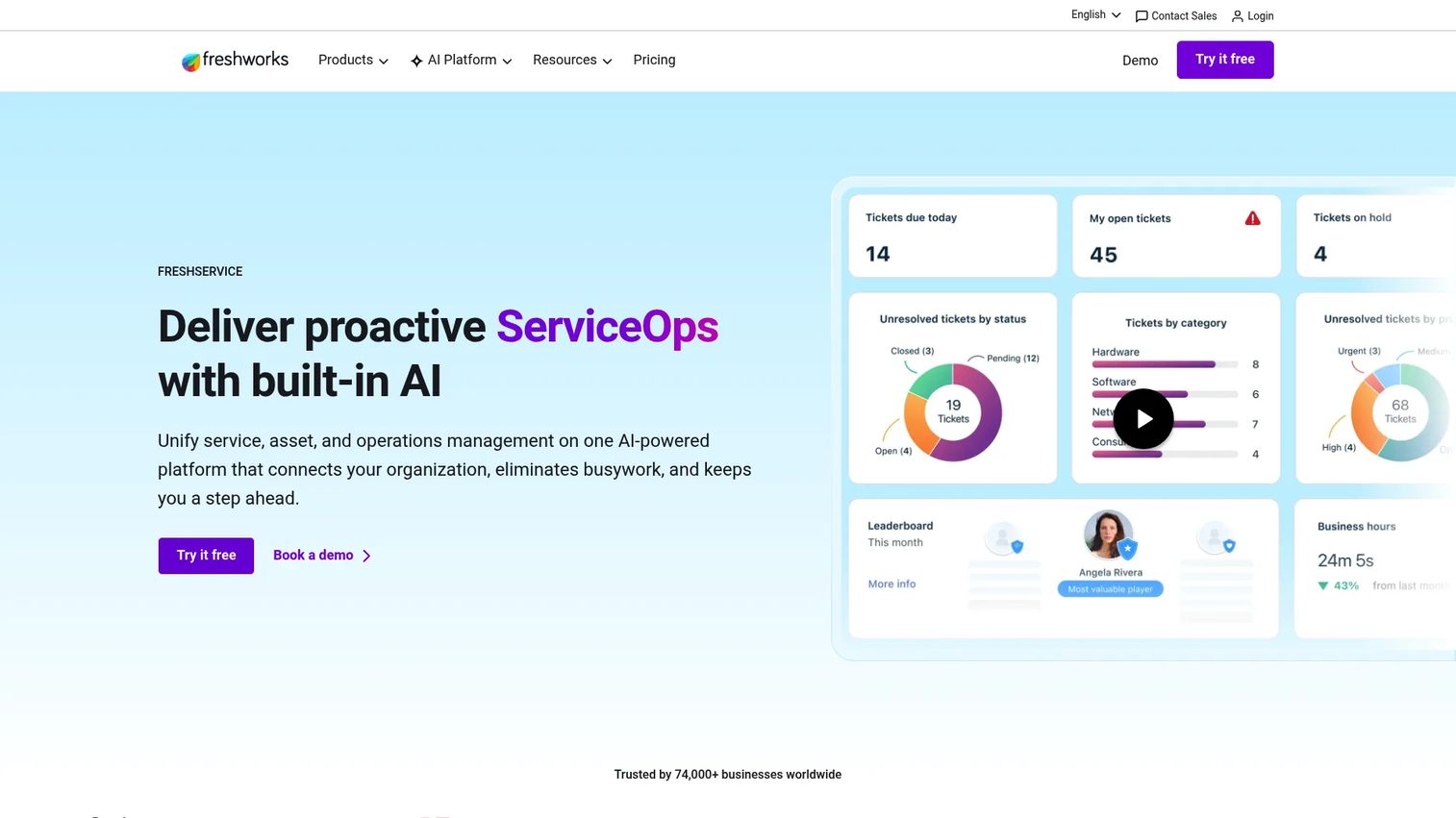
Freshworks Freshservice is AI-powered IT service management and employee service software, with asset management built into the service desk. The angle here is different from a standalone tracker: assets live alongside incidents, requests, and change management. When a laptop breaks, the asset record and the support ticket are one workflow, not two systems.
Best for: IT teams and internal service desks that want asset management tied to their support and request processes.
Key strengths
- Incident, problem, change, and service request management: run the full ITSM motion in one place.
- IT asset management and CMDB: track assets and their relationships within the service context.
- Workflow automation, AI assistants, and omnichannel support: automate routing and resolution across channels.
Why choose Freshworks Freshservice: Choose Freshservice when assets are inseparable from service. If your team already fields IT requests through a help desk, tying asset data to those workflows removes reconciliation between systems. For teams already in the Freshworks ecosystem, it is the natural extension.
Freshworks Freshservice pricing: Starter is $19/agent/month billed annually, Growth is $49/agent/month, Pro is $99/agent/month, and Enterprise is custom-priced. A 14-day free trial is available.
6. Lansweeper
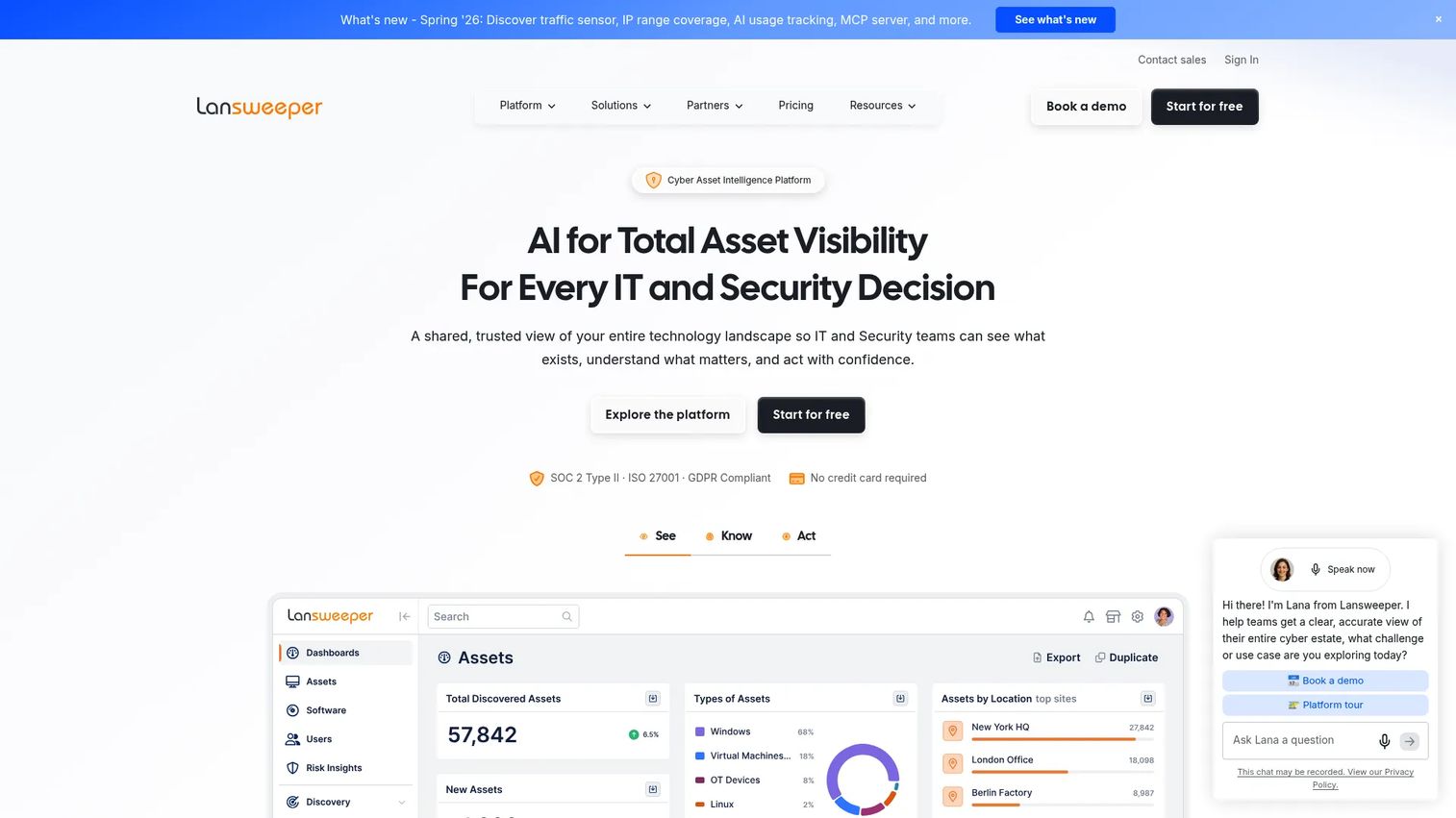
Lansweeper is an IT asset intelligence platform for discovering, inventorying, and analyzing IT, OT, cloud, and agent-based assets. Its focus is depth of visibility. It scans the network and surfaces what is actually connected, including devices nobody remembered to record. For teams whose blind spot is "we do not know what we have," Lansweeper is built to close that gap.
Best for: Organizations needing centralized discovery and inventory of IT, OT, and cloud assets.
Key strengths
- IT discovery: scan and inventory every connected device automatically.
- Cloud discovery: extend visibility to cloud infrastructure alongside on-premise assets.
- Vulnerability insights: surface security risk tied to the assets you have discovered.
Why choose Lansweeper: When discovery is the priority and manual inventory keeps missing things, Lansweeper goes deeper than simpler trackers. It maps hardware and software across environments and layers in vulnerability data, which turns an asset inventory into a security signal, not just an accounting record.
Lansweeper pricing: A 14-day free trial offers full access and can continue free up to 100 assets. Starter is from $199/month billed annually (2,000 assets), Pro is from $379/month (2,000 assets, expandable to 9,000), and Enterprise is custom-priced starting at 10,000 assets.
7. ServiceNow IT Asset Management
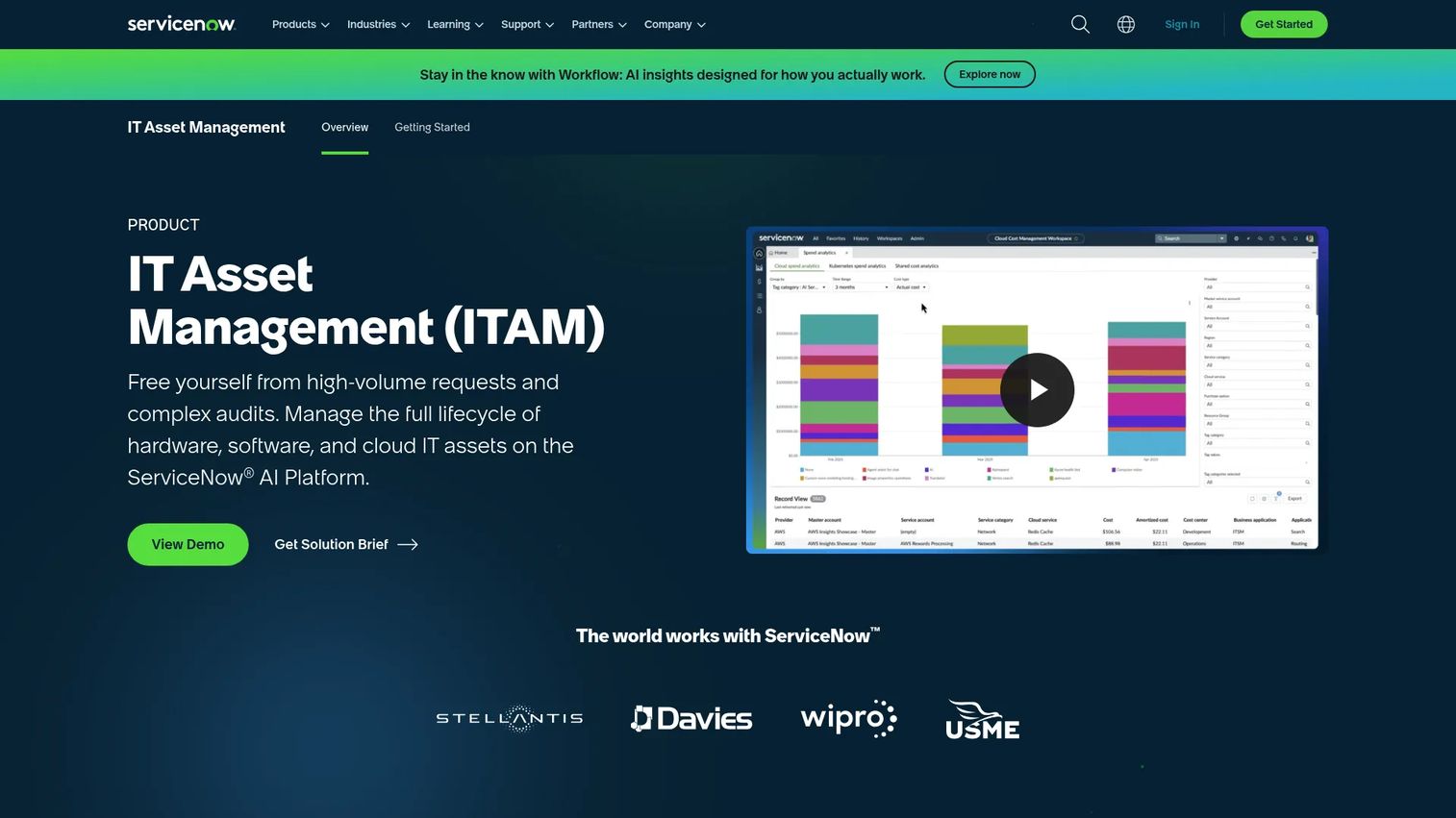
ServiceNow IT Asset Management is IT asset management software on the ServiceNow AI Platform for managing software, hardware, and cloud asset lifecycles. It is built for large organizations with formal IT processes, where asset workflows connect to a CMDB, service catalogs, and procurement. The value is orchestration: assets are one node in a governed enterprise system, not an isolated register.
Best for: Large enterprises needing centralized IT asset lifecycle control and compliance.
Key strengths
- Automates full asset lifecycle workflows: manage assets from request through disposal with governance.
- Tracks software licenses and hardware assets: unify software and hardware asset management.
- Connects with CMDB, catalogs, and procurement: give the enterprise a single, connected view.
Why choose ServiceNow IT Asset Management: Enterprises buy ServiceNow for orchestration across a governed estate, and implementation is a genuine project. Teams take it on because the payoff is a connected system where asset, service, and procurement data align. If you already run ServiceNow for ITSM, extending into ITAM keeps everything on one platform.
ServiceNow IT Asset Management pricing: ServiceNow offers custom quotes only and does not publish a public price. Expect an enterprise contract sized to your estate and modules.
8. Flexera One
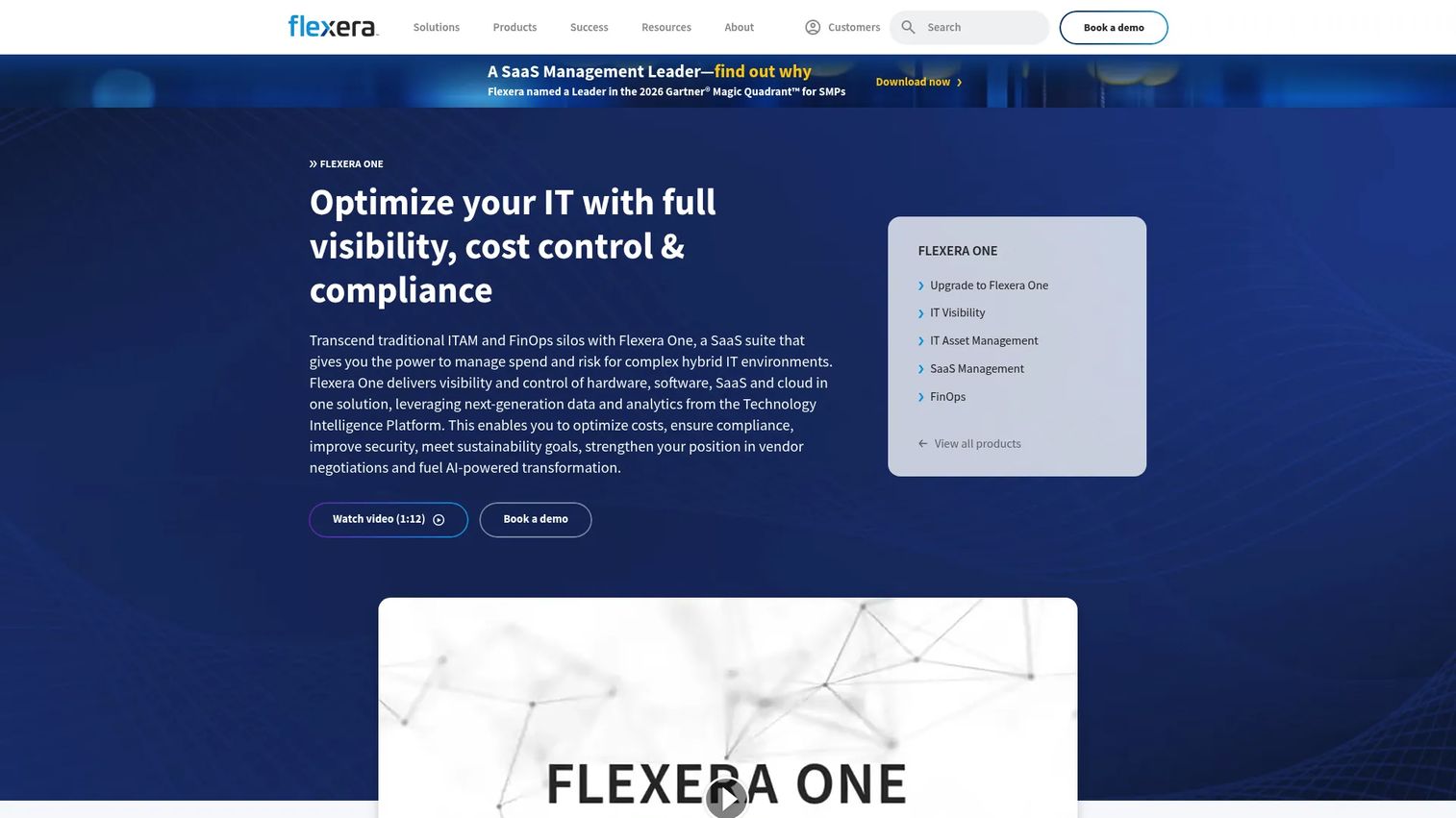
Flexera One is a SaaS platform for hybrid IT asset management, SaaS management, FinOps, and cloud and software cost optimization. Its strength is breadth across complex software estates. It ties license optimization, SaaS spend, and cloud cost into one view, which matters when your risk and cost sit in software and subscriptions rather than physical gear.
Best for: Enterprises managing hybrid IT, SaaS, and cloud spend and compliance at scale.
Key strengths
- IT visibility across hybrid IT estates: see hardware, software, SaaS, and cloud in one platform.
- IT asset management and license optimization: reduce license risk and reclaim unused spend.
- SaaS management and cloud cost optimization: control subscription sprawl and cloud costs.
Why choose Flexera One: Choose Flexera when software and cloud are where your money and compliance risk live. It supports cost control and risk reduction across a sprawling estate, which is the problem enterprises face once SaaS subscriptions outnumber physical assets. It is a governance and optimization platform first.
Flexera One pricing: Flexera does not publish public pricing; the product page directs prospects to book a demo. Expect enterprise procurement sized to your hybrid IT and SaaS footprint.
9. Reftab
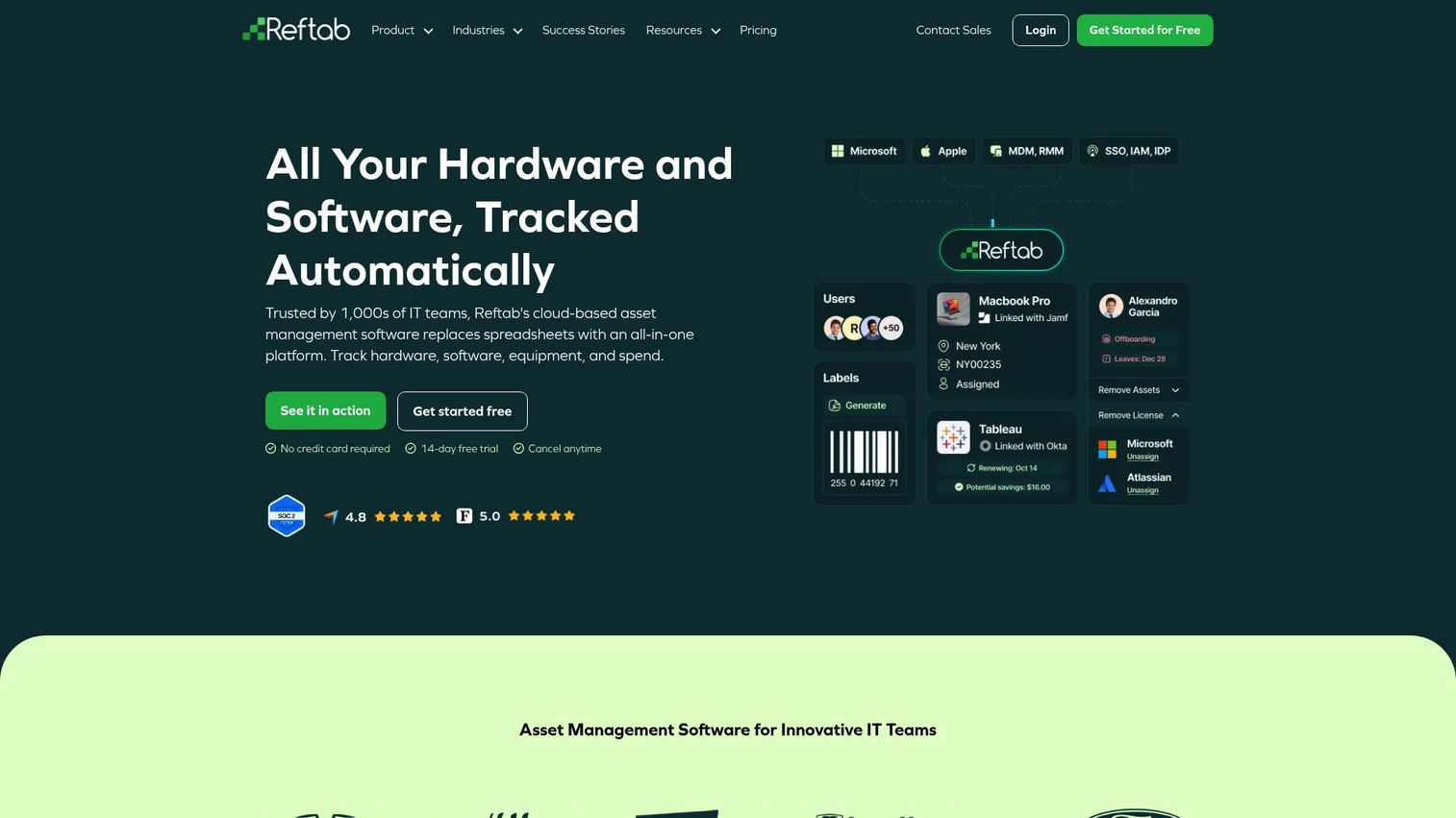
Reftab is cloud-based asset management software for tracking hardware, software, equipment, and IT spend. Its appeal is simplicity: straightforward setup, clean barcode tracking, and equipment lending workflows that a small team can run without a specialist. It gives you real structure without a long implementation.
Best for: IT teams needing asset, software, and equipment tracking in one system without heavy configuration.
Key strengths
- Hardware asset management: track devices and equipment with barcode and QR support.
- Software asset management: keep software and license records alongside hardware.
- Maintenance management: schedule and track service on tracked assets.
Why choose Reftab: For smaller teams or a single department, Reftab lands the balance between spreadsheet chaos and enterprise overhead. Mobile check-in and check-out make equipment lending simple, and the free tier lets you validate the workflow before committing budget.
Reftab pricing: A free forever plan covers up to 50 assets. Paid plans include Starter at $31.25/month, Pro at $62.50/month, and Complete IT Management at $125.75/month, all billed annually. Reftab is well rated by users on review sites.
10. EZO
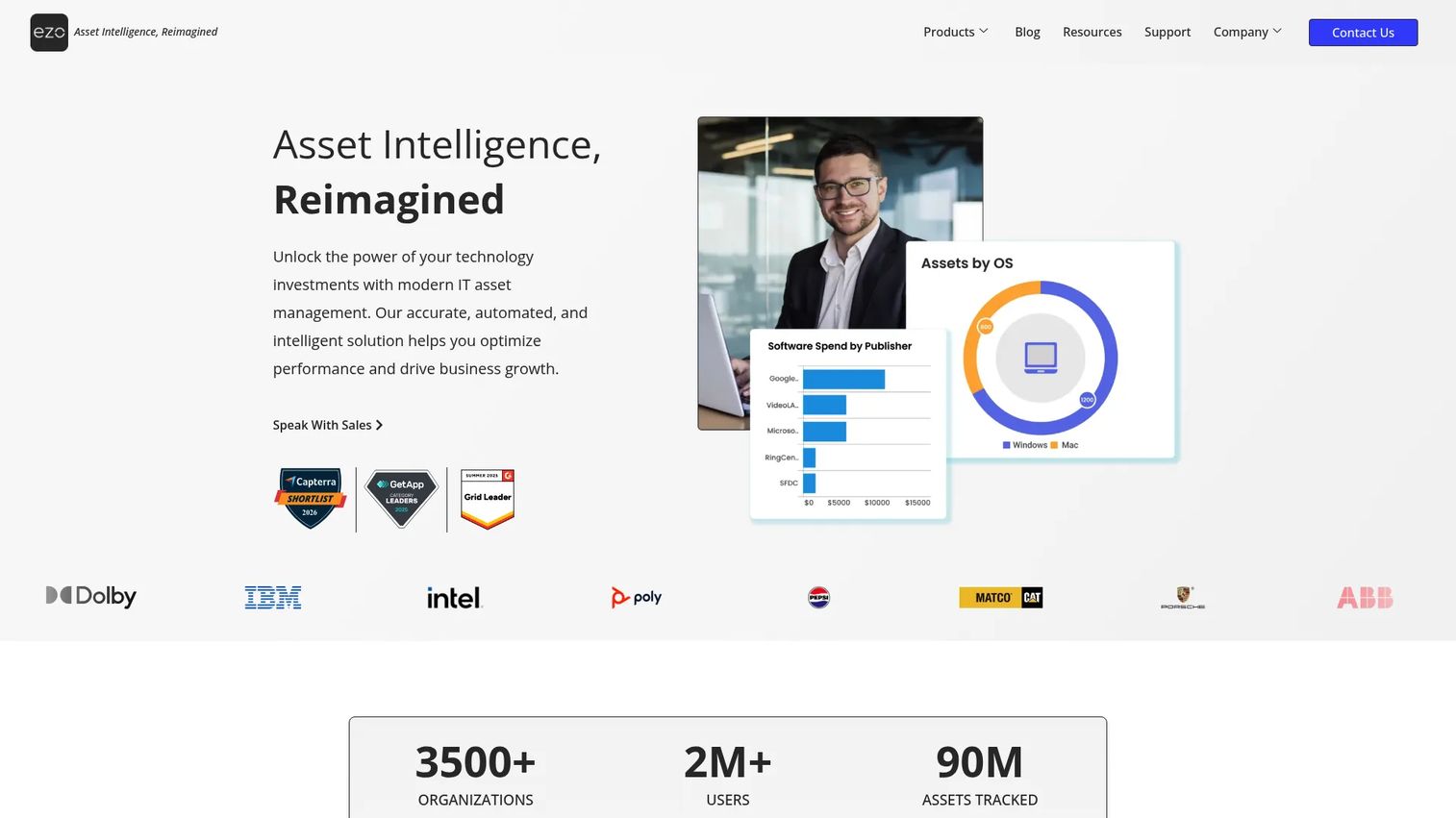
EZO is cloud-based asset intelligence and management software for asset tracking, inventory, and maintenance operations. It fits growing teams that have outgrown spreadsheets but do not need an enterprise platform. Multi-location support, mobile scanning, and built-in maintenance make it a solid step up when structure starts to matter.
Best for: Mid-market and enterprise teams managing assets, inventory, and maintenance across multiple locations.
Key strengths
- Asset lifecycle management: track assets from acquisition through retirement.
- Mobile barcode, QR, and RFID scanning: update records from the field across sites.
- CMMS, work orders, and preventive maintenance: schedule and manage maintenance in the same system.
Why choose EZO: When a growing team needs reservations, approvals, and preventive maintenance without stitching together separate tools, EZO consolidates them. Multi-location support and an API mean it scales with the org, and reporting plus alerting give operators the instrumentation to stay ahead of maintenance.
EZO pricing: Starting prices are based on 100 tracked items: Essential at $44.75/month, Advanced at $52.25/month, and Premium at $57.50/month, with Enterprise custom-priced. A 15-day free trial is available with no credit card required.
11. InvGate Asset Management
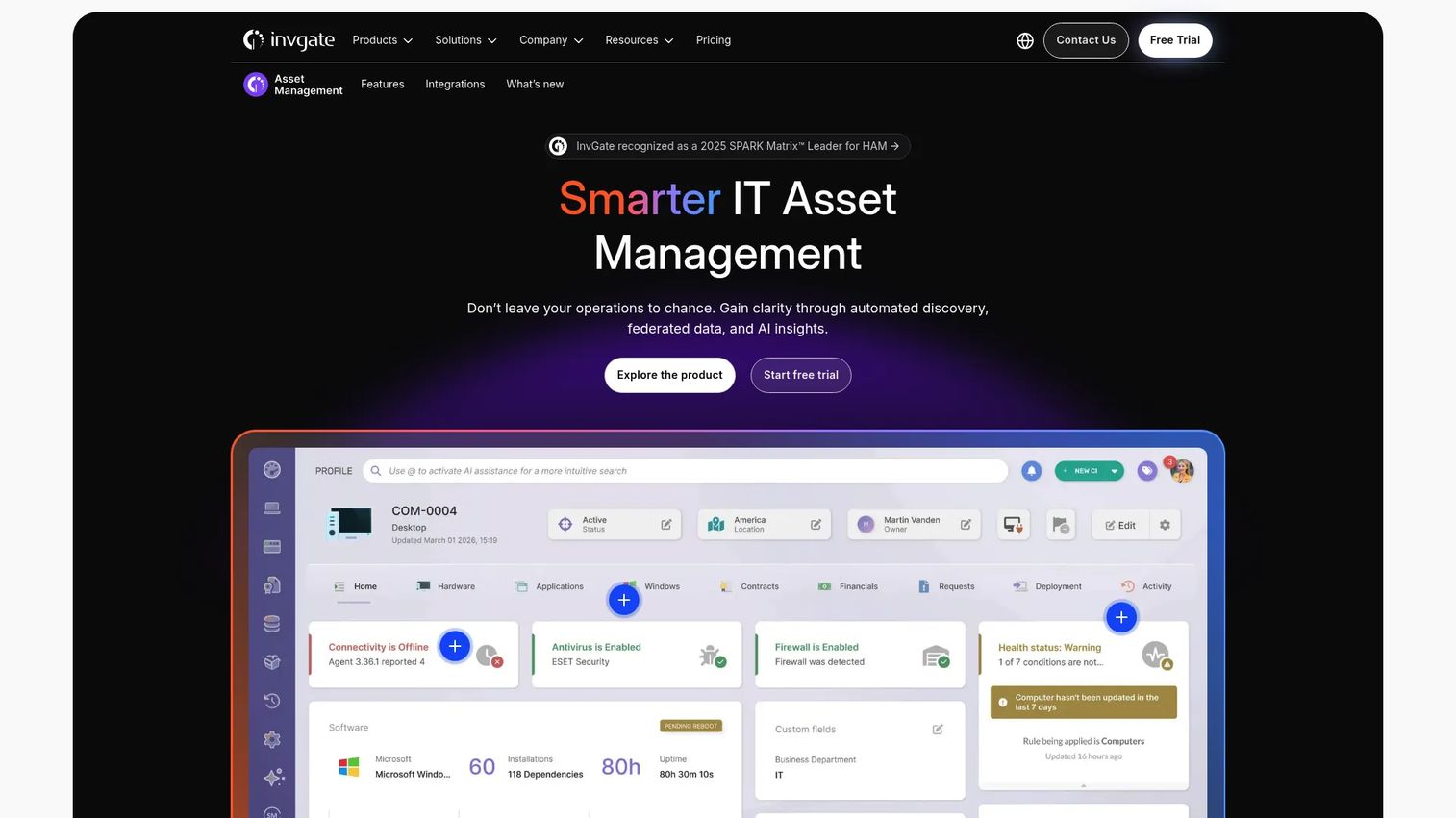
InvGate Asset Management is IT asset management software for discovering, tracking, and optimizing hardware, software, and related infrastructure across the asset lifecycle. It is configurable and IT-focused, with automated discovery and a CMDB that give operations and IT teams a unified inventory. It slots in for teams that want depth without an enterprise implementation cycle.
Best for: Mid-market and enterprise IT teams needing unified asset inventory and lifecycle control.
Key strengths
- Automated discovery: find hardware, software, cloud infrastructure, and databases automatically.
- CMDB and relationship mapping: understand how assets connect across the estate.
- Asset lifecycle management with analytics and automation: track, analyze, and automate lifecycle actions.
Why choose InvGate Asset Management: Choose InvGate when you want a configurable IT asset platform with strong discovery and reporting, priced below the enterprise heavyweights. The analytics and automation depth help IT teams move from tracking to optimizing, and the CMDB keeps relationships visible as the estate grows.
InvGate Asset Management pricing: Starter is a fixed $1,499/year for 5 agents, Pro is $500/agent/year for 5 to 50 agents, and Enterprise starts at $12,000/year for any number of agents. A 30-day free trial is available.
What to look for before you buy
Before committing to an asset tracking system, run your shortlist against these criteria.
Mobile and scanning support
If assets move, mobile matters. Check that the mobile app supports the scanning method you need, whether barcode, QR, or RFID, and that field updates sync in real time. Mobile asset tracking is what keeps custody data honest between audits.
Reporting and audit trails
Look for defensible audit trails: timestamped, attributed records of every change and movement. Reporting depth determines how fast you can answer finance, compliance, and leadership. If your rollout is driven by audit pain, weight this heavily.
Lifecycle and maintenance workflows
Evaluate how the tool handles the full lifecycle, from procurement to retirement, plus preventive maintenance and renewal alerts. Lifecycle management and compliance management features are what turn a passive register into an active system that prevents surprises.
Integrations and maintainability
Check integrations with your service desk, CMDB, procurement, and finance stack. For a PM-minded buyer, maintainability is the quiet cost: a tool that decays as your process changes creates ongoing overhead. Favor systems that stay current with minimal manual upkeep. Adjacent workflow tools like audit management software and contract management software often integrate here.
Ease of adoption
The best asset management system is the one your team actually uses. Assess setup effort, the learning curve for operators, and whether a free trial or free tier lets you validate before you commit budget.
Conclusion
There is no single best asset tracking software, only the best fit for your assets, team size, and workflow. If budget is the constraint and your team is small, AssetTiger and Reftab get you tracking fast without a seat-based bill. If you need one configurable source of truth across mixed asset types, Asset Panda is the safe default. For barcode and RFID audit workflows, Wasp Asset is purpose-built.
On the IT side, ManageEngine AssetExplorer and Lansweeper deliver discovery depth for hardware and software, Freshservice ties assets to your service desk, and InvGate offers configurable lifecycle control at mid-market pricing. When governance and scale are the requirement, ServiceNow IT Asset Management and Flexera One handle enterprise estates, software compliance, and cloud spend.
The practical next step: shortlist your top two based on team size and workflow complexity, then run both through a real audit cycle using their free trials. Track the same set of assets in each and see which one your team keeps using after week one. That trial-to-adoption signal will tell you more than any feature list.
FAQs
Asset tracking software is used to record what assets an organization owns, where they are, who has them, and their condition or lifecycle stage. Teams use it to run audits, schedule maintenance, prevent loss, and keep finance, IT, and operations working from one accurate register instead of scattered spreadsheets.
The features that matter most are mobile access with barcode or RFID scanning, defensible audit trails and reporting, lifecycle and maintenance workflows, alerts for renewals and warranties, and integrations with your service desk, CMDB, and finance stack. Ease of adoption ranks alongside these, because a system nobody uses tracks nothing.
Barcode is cheaper and works well when someone scans each asset individually, which suits most audits and check-in and check-out workflows. RFID reads many tags at once without line of sight, so it wins for high-volume inventory counts and fast-moving assets. Many tools support both, so match the method to how often and how quickly you need to scan.
Asset tracking focuses on location, custody, and movement, answering where an asset is and who has it. Asset management software covers the fuller picture, including lifecycle status, depreciation, maintenance, and financial reporting. In practice most modern tools do both, but they weight the balance differently depending on whether they target IT, facilities, or finance.
Yes, once assets are worth tracking or auditing, a spreadsheet stops scaling. Small businesses benefit from custody history, audit trails, and maintenance alerts, and options like a free tier from AssetTiger or Reftab make it affordable to start. The value shows up in the first audit or the first device you do not have to replace because you found it.
Most reputable asset tracking systems are cloud-based with encryption, role-based access controls, and audit logs. Enterprise platforms typically add SSO, compliance certifications, and granular permissions. Evaluate a vendor's security documentation against your own compliance requirements, especially if you track assets tied to regulated data or environments.
Yes. Audit support and maintenance scheduling are core capabilities across the tools on this list. You can run physical counts by scanning against the register, keep a timestamped audit trail of every change, schedule preventive maintenance, and trigger alerts before service dates, warranties, or licenses lapse.
IT teams should prioritize auto-discovery to keep inventory current, a CMDB for relationship mapping, software license compliance, and integration with the service desk. IT asset management software like ManageEngine AssetExplorer, Lansweeper, or InvGate leans into these, while ServiceNow and Flexera One add enterprise governance and software or cloud cost optimization at scale.