A manager approves a timesheet on Friday. It's wrong. Someone clocked out two hours late, a lunch break never got logged, and one shift shows a punch from a parking lot three miles from the job site. Payroll runs Monday. Now it's a scramble.
That scramble is the real cost of tracking hours badly. It isn't just about attendance. It's about payroll accuracy, labor visibility, and the trust that erodes when hours get fudged. The global employee time tracking software market was valued at roughly USD 2.69 to 2.92 billion in 2024 and is projected to reach USD 6.5 billion by 2035, growing at an 8.4% CAGR, according to WiseGuyReports (2024). Companies are spending on this for a reason: manual timesheets leak money.
If you run internal ops, fulfillment, a support team, or you're evaluating tools for a portfolio company, the question isn't whether you need time clock software. It's which one fits your team without adding admin you didn't have before. This guide compares nine options on the criteria that actually change payroll outcomes, so you can shortlist one or two and trial them fast. If you also spend time evaluating GTM and enablement tooling, our roundups on business intelligence and employee advocacy software tools follow the same practical, evidence-first format.
What's inside
This guide covers nine employee time clock software tools, chosen for clock-in reliability, anti-time-theft controls, scheduling, payroll-ready exports, reporting, and speed of rollout. We prioritized tools that do time tracking well over sprawling HR suites that bury the time clock under a dozen modules you'll never use. Each entry includes an overview, who it fits, key strengths, verified pricing, and honest notes on where it lands best. It's written for operators who want to cut manual timesheet cleanup, not add another dashboard nobody checks. For readers building broader internal tooling, our guides on ai app builder software and component content management systems round out the stack.
TL;DR
- Best for simple setup: OnTheClock. Straightforward time tracking, scheduling, and PTO without heavy implementation.
- Best for free or low-cost teams: Jibble. A genuine free-forever plan with unlimited users and mobile clock-ins.
- Best for GPS and geofencing: Buddy Punch. Accountability-first tracking with GPS on punch, geofences, and multiple clock-in methods.
- Best for scheduling and payroll workflows: Homebase. Scheduling, time clock, and payroll add-on built for hourly teams.
- Best for mobile or deskless teams: Connecteam. Time clock plus communication and scheduling in one app for frontline workers.
- Best for larger teams needing governance: UKG. Enterprise-grade workforce management with compliance and scheduling depth.
If you want simple and cheap, start with Jibble or OnTheClock. If time theft is your problem, look hard at Buddy Punch. If you're at real scale, UKG or Paycom belong on the shortlist.
What is employee time clock software?
Employee time clock software is a tool that records when workers start and stop their shifts, then turns those punches into approved, payroll-ready hours. It replaces paper cards, spreadsheets, and honor-system tracking with a system that captures clock-ins, applies rules, and produces clean reports.
The core capabilities most buyers need:
- Clock in and clock out across web, mobile, kiosk, PIN, QR code, or biometric methods
- Timesheets and approvals so managers can review and correct hours before payroll
- PTO and overtime tracking with accruals and rule-based calculations
- Scheduling to plan shifts and compare scheduled versus actual hours
- Reporting and payroll exports that feed hours into payroll systems without re-keying
- GPS, geofencing, kiosk, and mobile clock-ins for distributed or on-site teams
Here's what separates basic time tracking from real time clock software. A simple timer records duration. A time clock system enforces where, when, and how a punch happens, then ties it to a person, a shift, and a pay rule. That distinction matters when you're paying real money based on those numbers. A time clock app that lets anyone punch in from anywhere, with no verification, is just a nicer spreadsheet. The tools worth paying for add control: location checks, device rules, audit trails, and approvals that catch errors before they hit payroll.
That's the line between clock in software that logs hours and a time clock system you can actually run payroll against.
When to use employee time clock software
Track hourly work without spreadsheet cleanup
If a manager spends Friday afternoon reconstructing who worked what, an employee time clock app pays for itself fast. Clock in software captures punches in real time, flags missing ones, and lets employees fix minor errors before approval. You stop chasing people for hours and start reviewing a near-complete timesheet. For teams of 10 or more, the manual overhead alone usually justifies the cost.
Prevent off-site punches and buddy punching
When employees work across locations, or when one worker clocks in a friend who's running late, you need more than a login. GPS time clock software confirms a punch came from an approved place. Geofencing blocks clock-ins outside a set radius. Photo verification and PINs tie each punch to a real person. If time theft is quietly inflating your payroll, these controls are the reason to buy.
Sync hours into payroll without rework
The moment you're copying hours from one tool into payroll by hand, you've introduced errors and wasted time. Payroll-ready time clock software exports approved hours directly, or integrates natively with your payroll provider. This is often the single biggest buying driver: not tracking hours, but getting clean, approved hours into payroll without a second data-entry pass.
Comparison table
The table below sorts tools by relevance to employee time clock software specifically. Pricing and G2 ratings are current as of mid-2026, pulled from each vendor's pricing page and G2 listing. Where a vendor doesn't publish prices, we've noted custom pricing.
| # | Product | Intent | Key use case | Pricing | G2 rating |
|---|---|---|---|---|---|
| 1 | OnTheClock | Simple time tracking | Time, scheduling, PTO for SMBs | $4/employee + $5 base/mo | 4.5/5 |
| 2 | Jibble | Free time tracking | Attendance on a budget | Free; paid from $4.49/user/mo | 4.7/5 |
| 3 | Buddy Punch | Accountability tracking | GPS, geofencing, anti-time-theft | From $4.49/user/mo + $19 base | 4.8/5 |
| 4 | Homebase | Scheduling + time clock | Hourly teams, payroll add-on | Free; paid from $30/mo | 4.6/5 |
| 5 | Clockify | Broad time tracking | Timesheets, kiosk, reporting | Free; paid from $3.99/seat/mo | 4.5/5 |
| 6 | Connecteam | Deskless workforce | Time clock + comms + scheduling | Free; paid from $29/mo | 4.6/5 |
| 7 | When I Work | Scheduling-first | Shift teams, time clock, messaging | From $2.50/user/mo | 4.4/5 |
| 8 | UKG | Enterprise workforce mgmt | Compliance, governance, scheduling | Custom | 4.4/5 |
| 9 | Paycom | All-in-one HCM | Payroll + HR + time in one system | Custom | 4.5/5 |
Best employee time clock software for 2026
1. OnTheClock
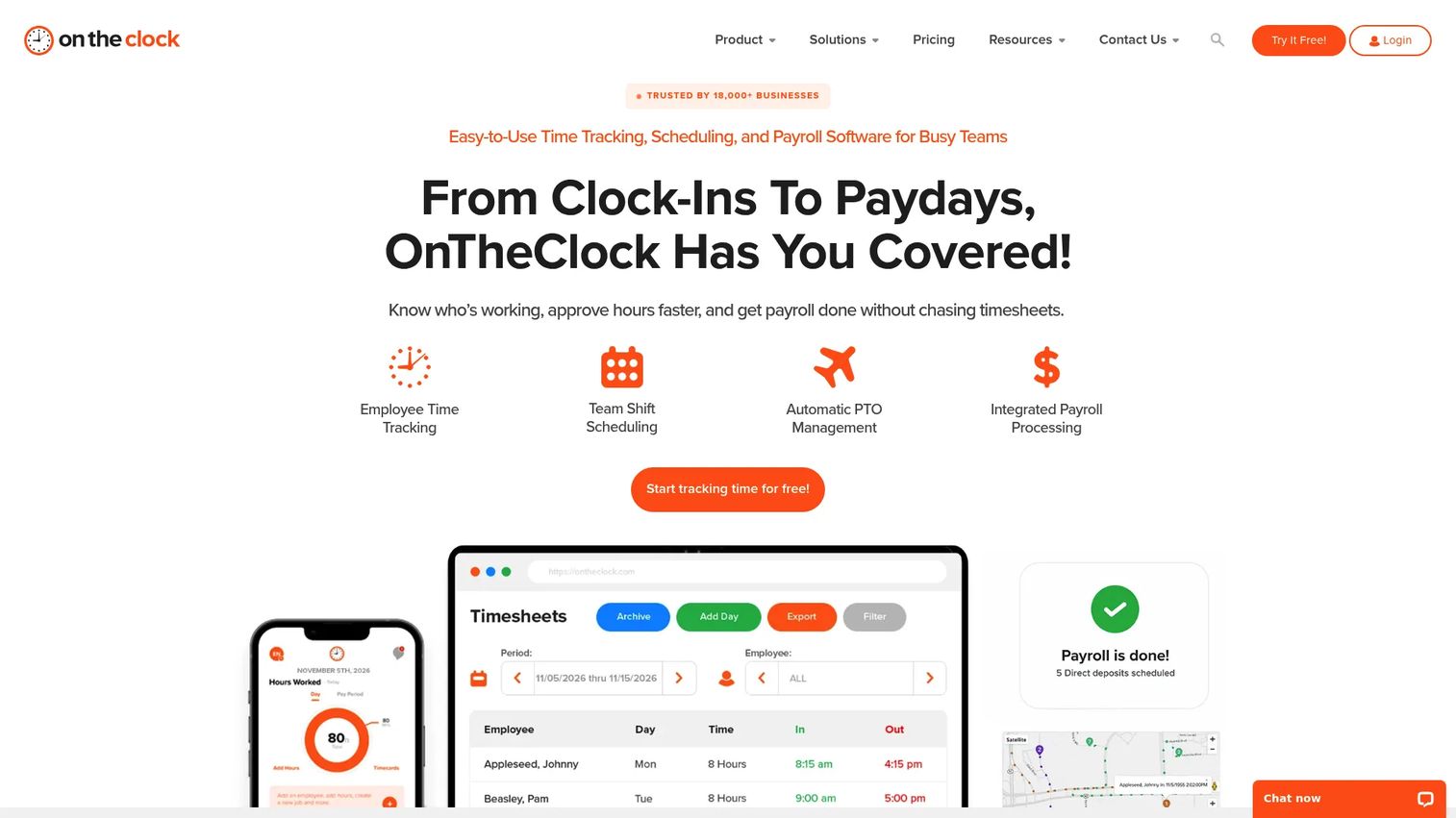
OnTheClock is employee time tracking, scheduling, PTO, and payroll software built for small to mid-sized teams that want to track hours without an implementation project. You manage time tracking, scheduling, and payroll in one platform, then approve hours and move on. The appeal is how little standing between signup and a working time clock.
Best for: Small to mid-sized businesses that need affordable time tracking with scheduling and PTO built in.
Key strengths
- Time and attendance tracking: Employees clock in from web or mobile, and managers approve hours in one view.
- Automatic PTO tracking: Accruals and balances calculate on their own, so you stop maintaining a separate spreadsheet.
- Location and punch controls: Restrict where and how employees can clock in to keep punches honest.
Why choose OnTheClock: If your problem is simple, chasing timesheets and cleaning up payroll, OnTheClock solves it without asking you to learn a workforce platform. It fits operators who want time, scheduling, and PTO in one place and value fast rollout over deep configuration.
OnTheClock pricing: The Time Clock, Scheduling, and PTO plan runs $4 per employee plus a $5 monthly base fee, billed monthly after a 30-day free trial. Adding payroll costs $6 per employee plus a $40 base fee per month. Enterprise pricing for 100-plus employees is custom. There's no permanent free tier, but the 30-day trial lets you test it on a real payroll cycle.
2. Jibble
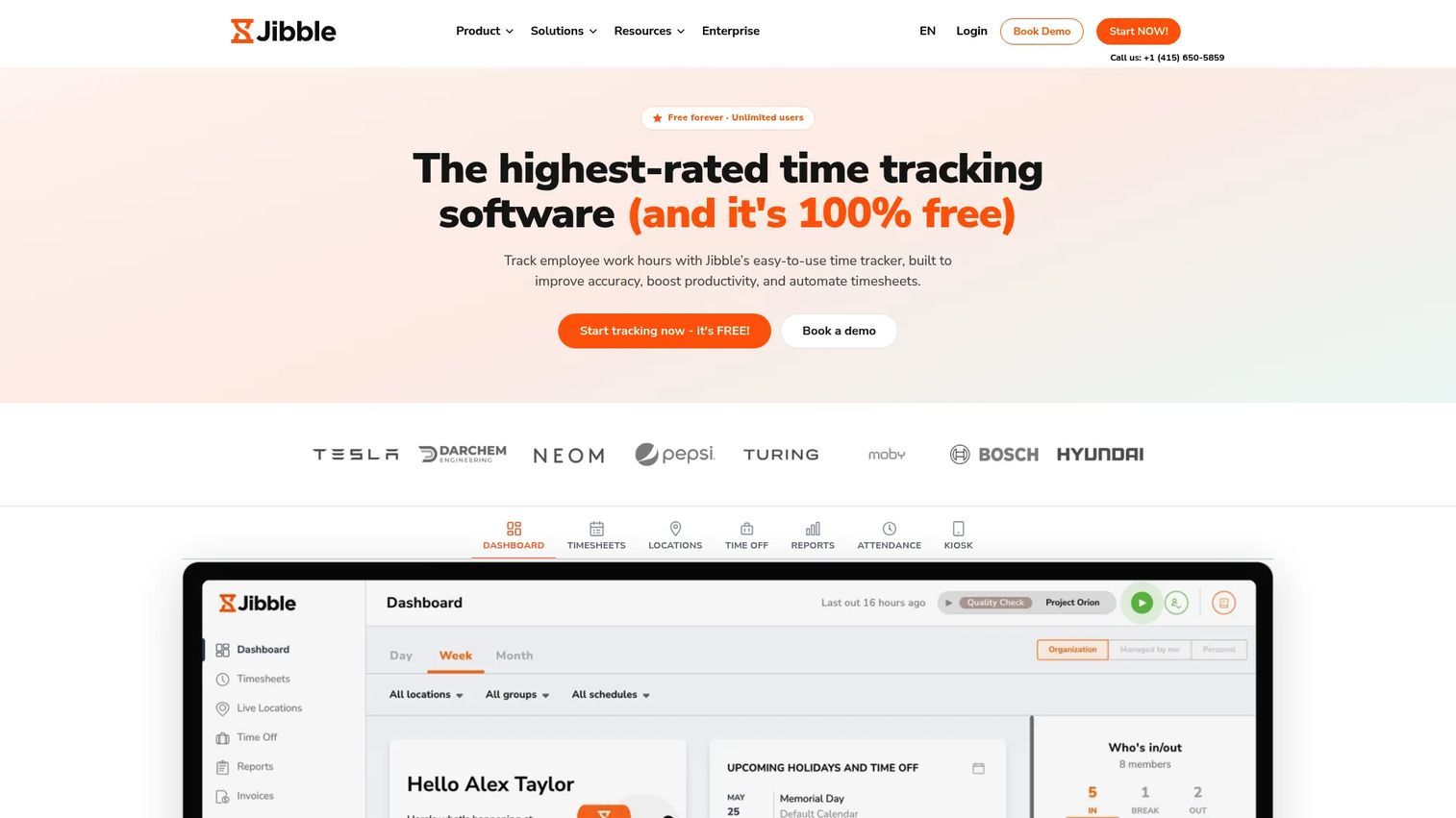
Jibble is free time tracking and attendance software that scales up when you need more. The free plan isn't a stripped teaser: it covers unlimited users, mobile and web clock-ins, and basic timesheets. For teams that need accountability without a budget line, that's rare.
Best for: Teams that need a free or genuinely low-cost time clock app with attendance controls.
Key strengths
- Time tracking and timesheets: Log hours across mobile, web, and shared devices, then export clean timesheets.
- Attendance, GPS, and kiosk clock-ins: Confirm location and run a shared kiosk for on-site punching.
- Face recognition, screenshots, and reporting: Add verification and reporting depth as accountability needs grow.
Why choose Jibble: The free-forever plan is the headline. If you're a small business testing whether time clock systems are worth it, Jibble lets you find out at no cost, then upgrade for GPS depth, facial recognition, and advanced reporting when you're ready.
Jibble pricing: The Free plan is free forever for unlimited users. Premium runs $4.49 per user per month, and Ultimate is $7.99 per user per month, both billed per user. Regional pricing may vary. Starting free and upgrading only when you hit a real limit keeps this low-risk for a small team.
3. Buddy Punch
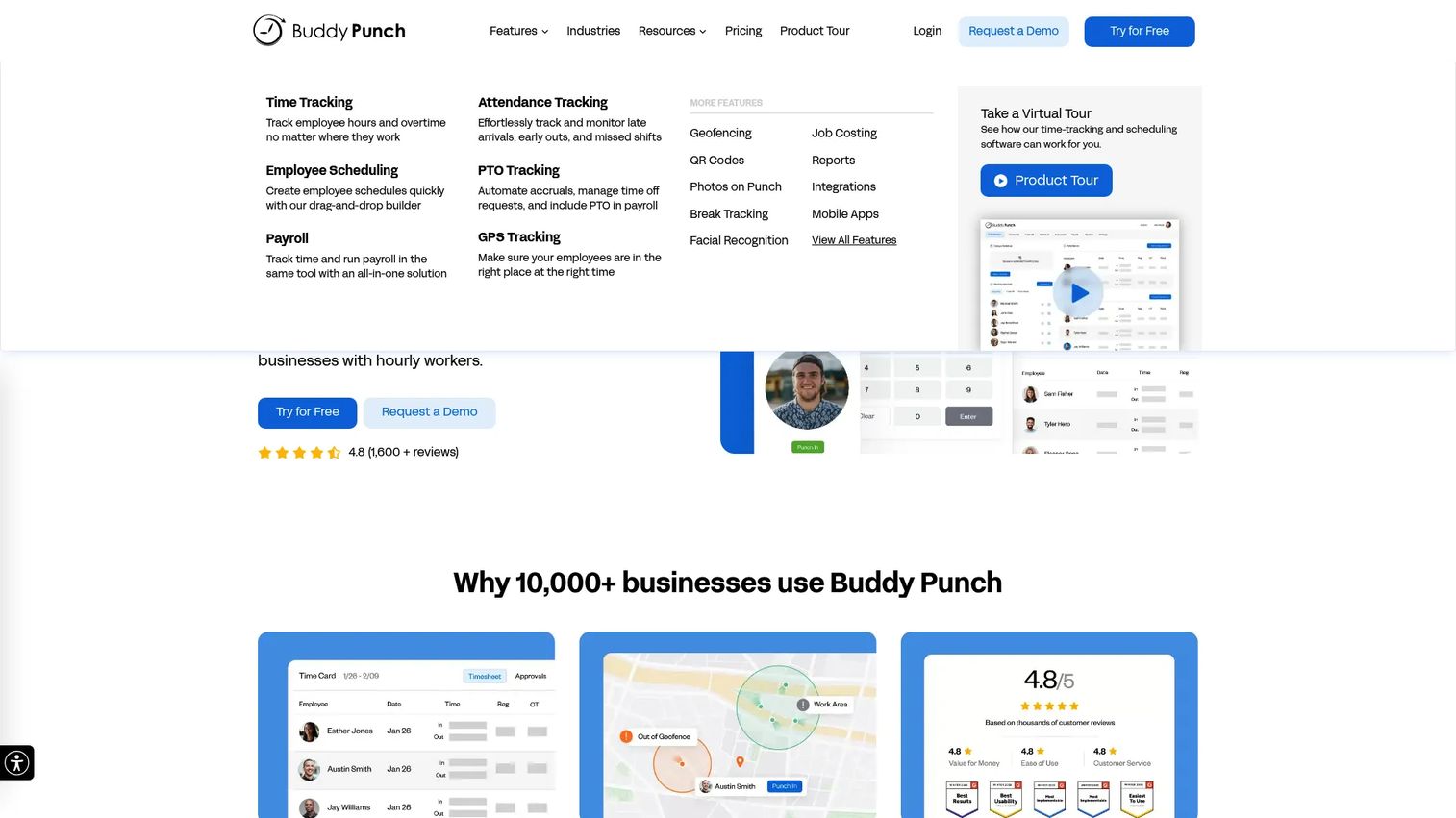
Buddy Punch is employee time tracking, scheduling, and payroll software built around accountability. It has the tools for on-site or remote operations, with GPS on punch, geofences, and multiple clock-in methods that make buddy punching hard to pull off. If preventing time theft is why you're shopping, this one earns its spot.
Best for: Small to mid-sized businesses that need employee time tracking with real workforce accountability controls.
Key strengths
- Flexible clock-in methods: Employees punch via web, mobile, kiosk, QR code, or text, with PIN, facial recognition, or username and password.
- GPS and geofencing: Use GPS on punch and geofences to confirm employees are where they're supposed to be.
- Scheduling, PTO, and payroll integrations: Handle overtime, reporting, and exports into your payroll provider.
Why choose Buddy Punch: With a strong G2 rating from hundreds of reviews, Buddy Punch is the pick when accountability is non-negotiable. Put it on a tablet to create a central kiosk everyone uses, or lean on GPS for field crews. The Android app is free with every plan.
Buddy Punch pricing: After a 14-day free trial, Starter is $4.49 per user per month, Pro is $5.99, and Enterprise is $10.99, each with a $19 monthly base fee. Annual billing saves up to 18%. There's no free tier, but the trial covers enough to test the anti-time-theft controls on a live shift.
4. Homebase
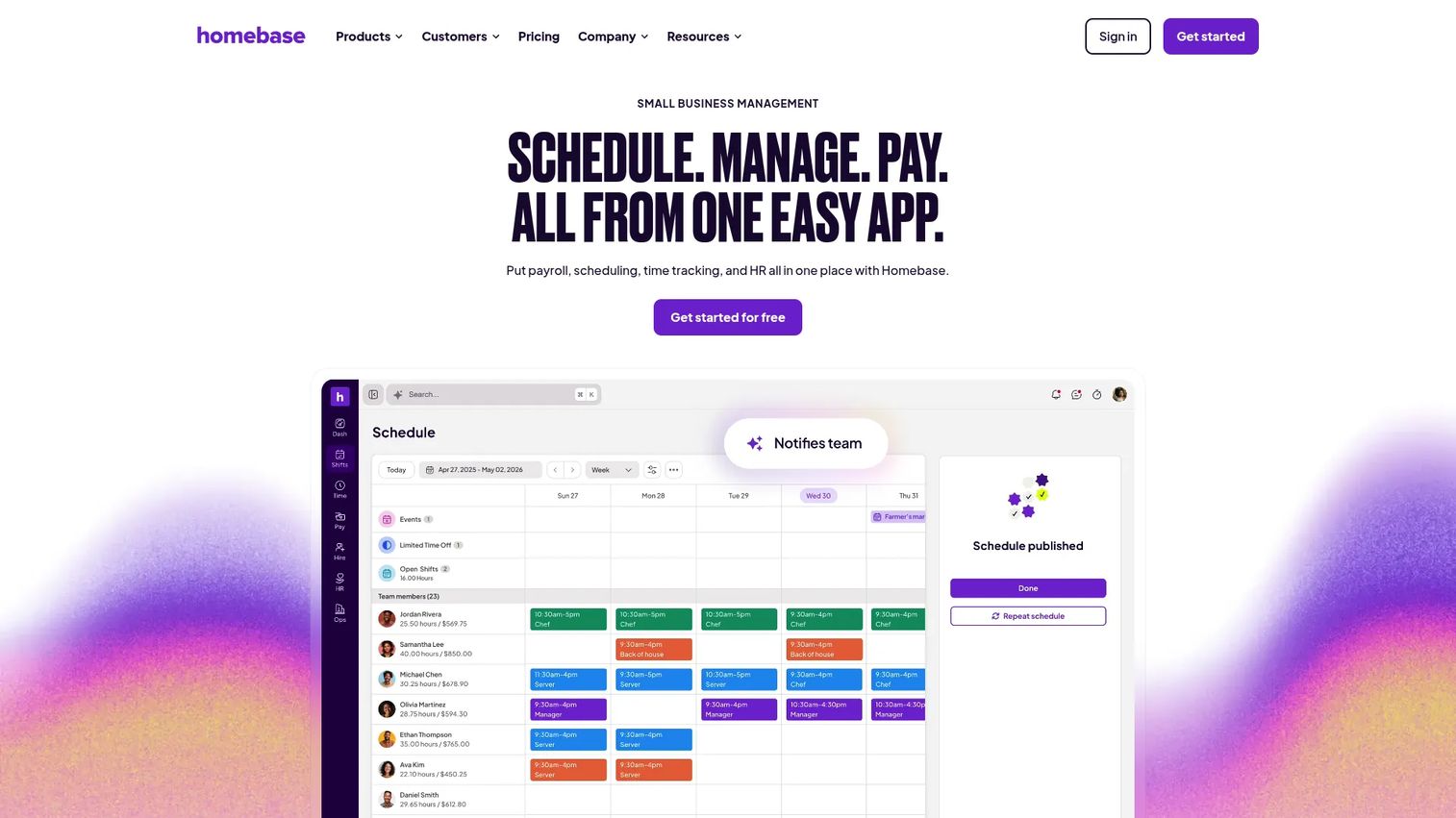
Homebase is workforce management software for hourly teams, covering scheduling, time tracking, payroll, hiring, and team communication. It's broader than a pure time clock, but the scheduling-plus-time-clock combination fits front-line businesses that plan shifts and track them in the same place.
Best for: Hourly small businesses that want scheduling, time tracking, and payroll in one system.
Key strengths
- Scheduling and time clock: Build shifts and compare scheduled versus actual hours without switching tools.
- Payroll and timesheets: Turn approved hours into payroll with the payroll add-on, or export cleanly.
- Hiring, onboarding, and team communication: Manage the full hourly-worker lifecycle alongside attendance.
Why choose Homebase: If scheduling and time tracking are two sides of the same job for you, Homebase keeps them together. The free Basic plan makes it easy to start, and you add paid tiers as scheduling and compliance needs grow.
Homebase pricing: The Basic plan is free. Paid plans are Essentials at $30 per month, Plus at $70, and All-in-One at $120, all per location and billed monthly. Payroll is an add-on. Starting free and scaling by location keeps costs predictable for a single-site team.
5. Clockify
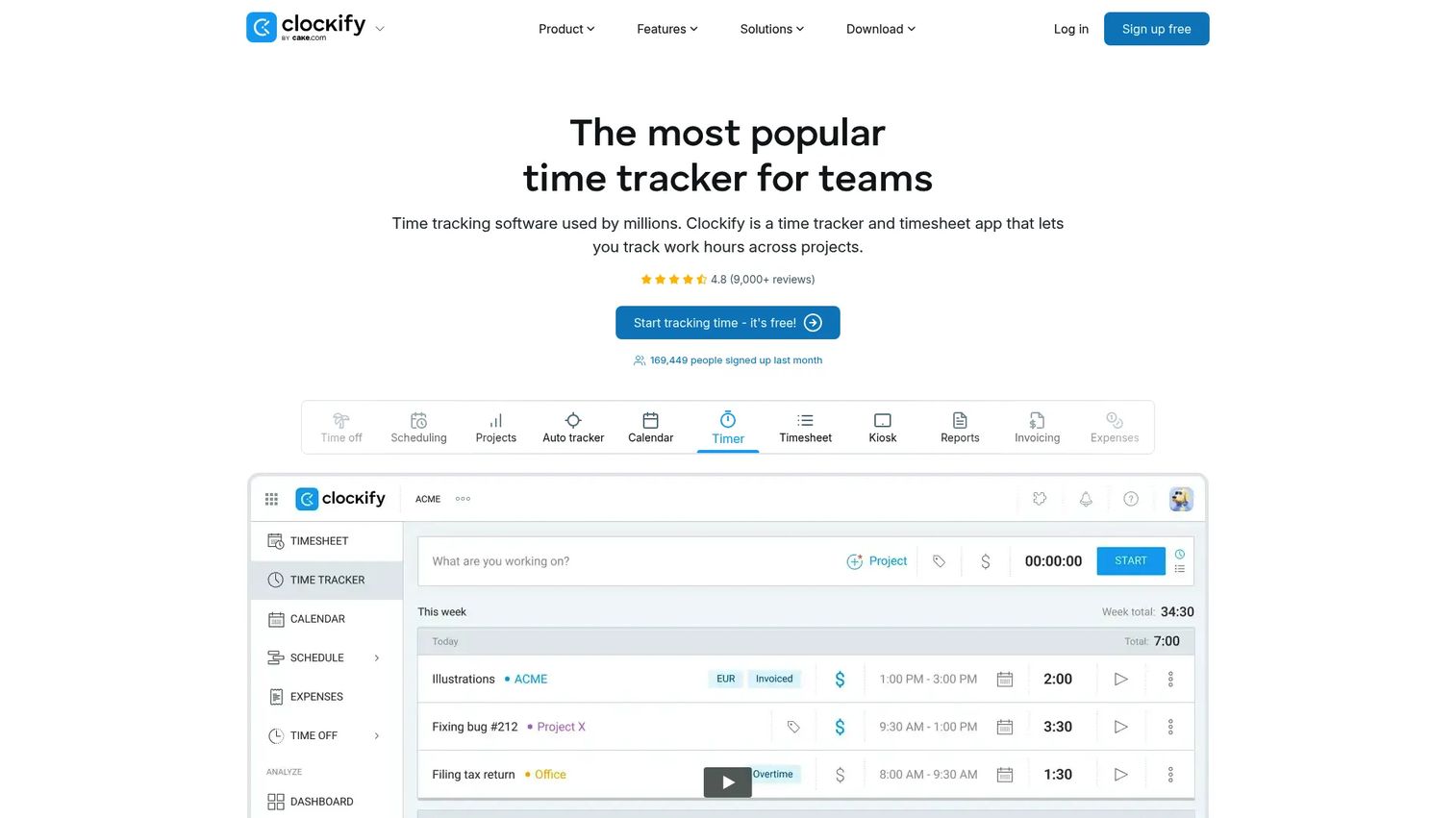
Clockify is time tracking and timesheet software for teams and individuals. It leans toward broad, flexible hours tracking with a kiosk mode for shared devices and strong reporting. If you want low-friction time capture that also works for project time, Clockify covers a lot of ground.
Best for: Teams needing simple time tracking, timesheets, and reporting across many use cases.
Key strengths
- Time tracker and timesheets: Log hours manually or with a running timer, then approve and export.
- Kiosk and auto tracker: Run a shared-device kiosk for clock-ins, or track activity automatically.
- Reports and invoicing: Turn tracked hours into detailed reports and, where relevant, invoices.
Why choose Clockify: Clockify's free plan for up to five users and low per-seat pricing make it an easy starting point. It works as a straightforward time clock, and it stretches into project-based tracking if your team needs both. The kiosk mode is handy for on-site clock-ins.
Clockify pricing: The Free plan covers up to five users. Basic is $3.99 per seat per month and Standard is $5.49, both billed annually. Enterprise runs $11.99 per seat and the Productivity Suite is $12.99, also billed annually. Monthly-billed options are available. The free tier plus cheap paid seats make it low-cost to scale.
6. Connecteam
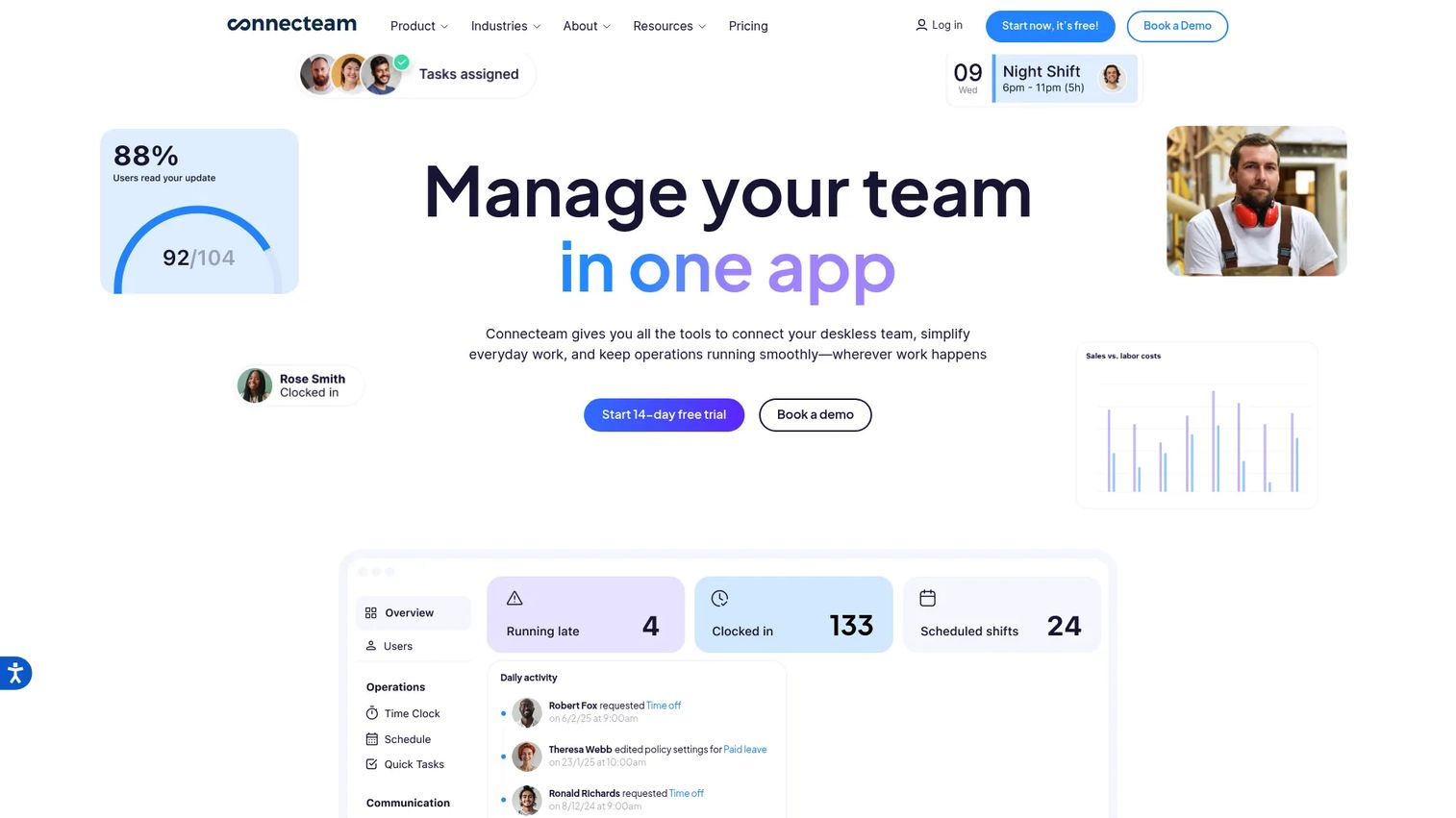
Connecteam is an all-in-one workforce management app built for frontline and deskless teams. It pairs a time clock and scheduling with chat, updates, training, and recognition, all in one mobile app. The company designs for the roughly 80% of the global workforce, some 2.7 billion workers, who aren't tied to a desk.
Best for: Frontline and deskless teams that want time tracking, scheduling, communications, and HR tools in one app.
Key strengths
- Time clock and scheduling: Track time and attendance, including time off, and build shifts in the same app.
- GPS and mobile clock-ins: Confirm location on punch for teams working across sites and in the field.
- Communication and training: Run chat, updates, courses, and recognition where your deskless team already works.
Why choose Connecteam: If your workers live on their phones, not at a computer, Connecteam meets them there. The time clock is one piece of a broader deskless toolkit, which suits operators who want fewer apps for a distributed crew.
Connecteam pricing: Connecteam offers a free Limited plan and a free Small Business Plan for teams under 10 employees. Paid hub-based plans start at Basic for $29 per month, Advanced at $49, and Expert at $99, with fixed pricing for the first 30 users. Annual pricing is listed on the pricing page. The free small-business tier makes it viable for a lean team.
7. When I Work
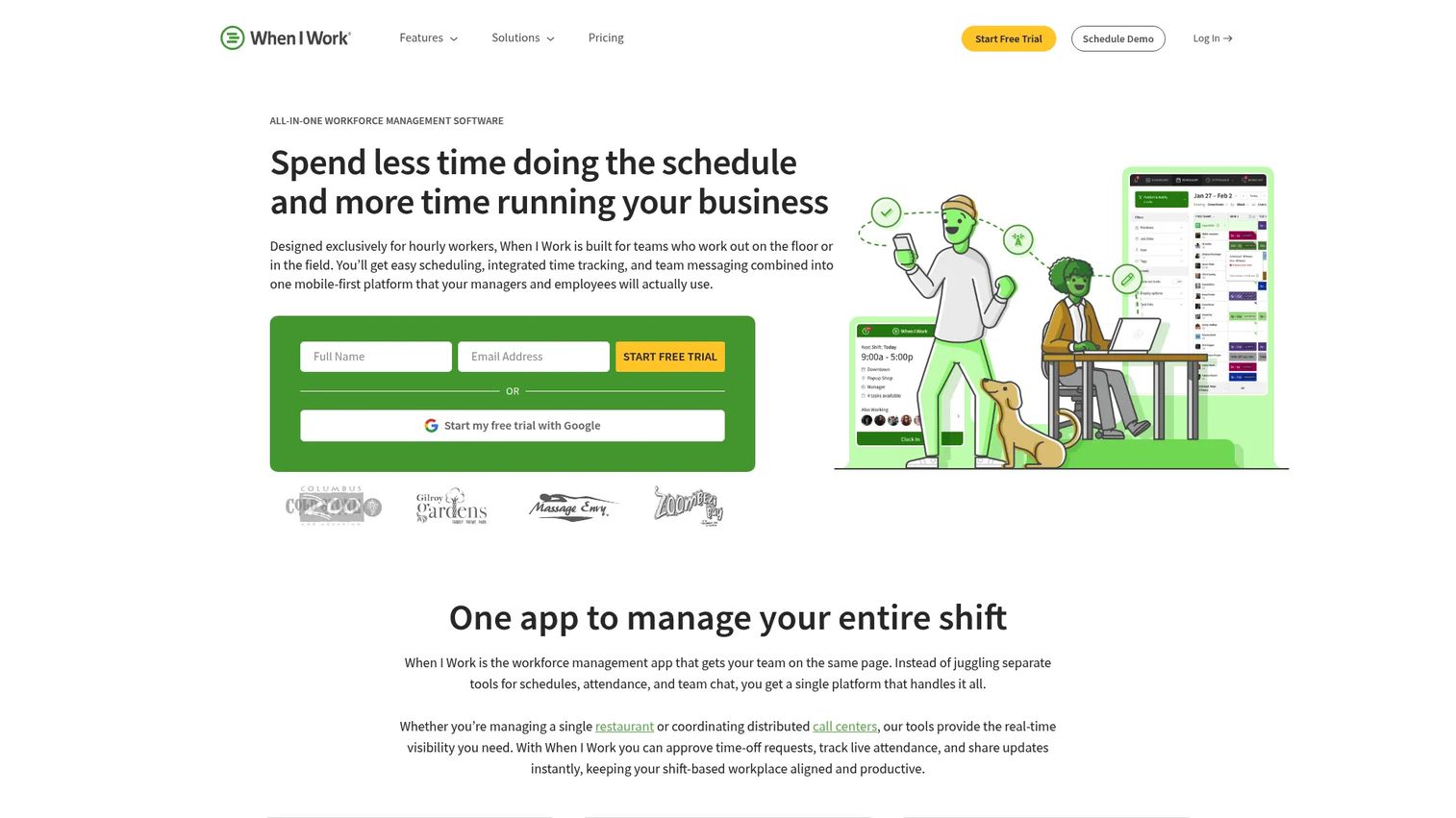
When I Work is shift-based workforce management software for scheduling, time tracking, and team messaging. It's scheduling-first, so the time clock is tightly wired to shifts. For service and hourly teams that plan around shifts, that pairing keeps scheduled and actual hours in sync.
Best for: Shift-based teams that need scheduling, time tracking, and internal messaging in one tool.
Key strengths
- Employee scheduling: Build and publish shift schedules that flow directly into time tracking.
- Time tracking and attendance: Capture mobile clock-ins tied to scheduled shifts and flag discrepancies.
- Team messaging: Coordinate shift swaps and updates without a separate chat tool.
Why choose When I Work: If scheduling drives your operation, When I Work builds the time clock around it rather than the other way around. It's a practical fit for restaurants, retail, and service teams where the schedule is the center of gravity.
When I Work pricing: Essentials starts at $2.50 per user per month for single-location teams, Pro is $5, and Premium is $8, all billed monthly. There's a 14-day free trial and no permanent free tier. Try it free for 14 days on a real schedule before committing.
8. UKG
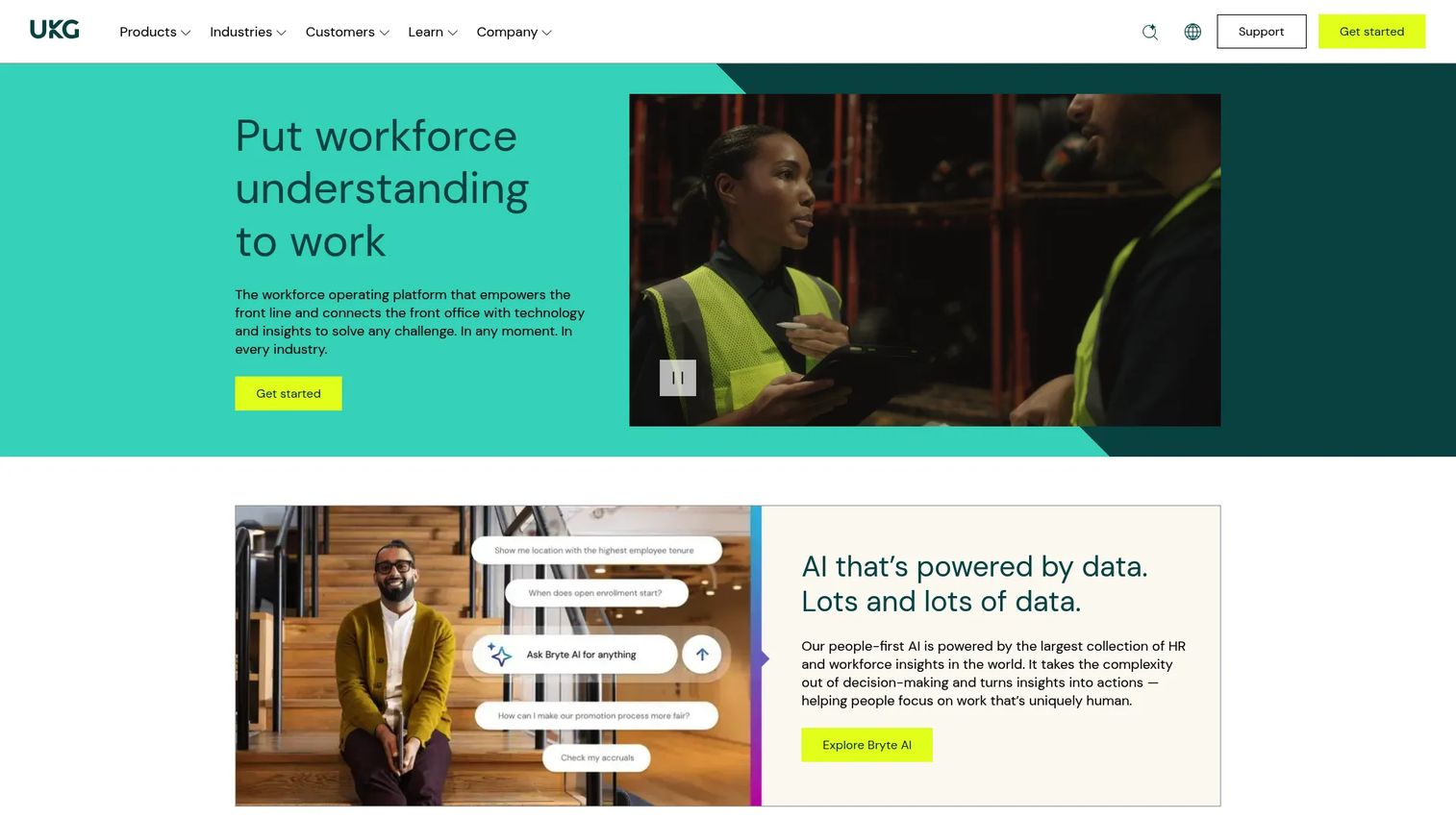
UKG provides HR, payroll, and workforce management software for organizations that have outgrown a standalone time clock. Time, attendance, and scheduling sit inside a broader suite with benefits and payroll. UKG empowers frontline and deskless workers to manage time, view schedules, and use HR tools on any device.
Best for: Mid-market organizations needing an all-in-one HR, payroll, and workforce management suite.
Key strengths
- Time, attendance, and scheduling: Manage complex shift patterns and attendance rules at scale.
- Payroll processing: Run payroll inside the same system that tracks hours.
- HR and benefits administration: Handle compliance and governance alongside timekeeping.
Why choose UKG: When you're past the point where a simple time clock app works, and compliance, governance, and multi-department scheduling matter, UKG is built for that complexity. It's an investment in a suite, not a point tool, which suits larger teams.
UKG pricing: UKG Ready offers Start, Core, Plus, and Advanced plans, but pricing is quote-based with no public dollar figure. You'll go through a sales conversation to get numbers scoped to your headcount and modules. Treat it as a suite evaluation, not a quick self-serve signup.
9. Paycom
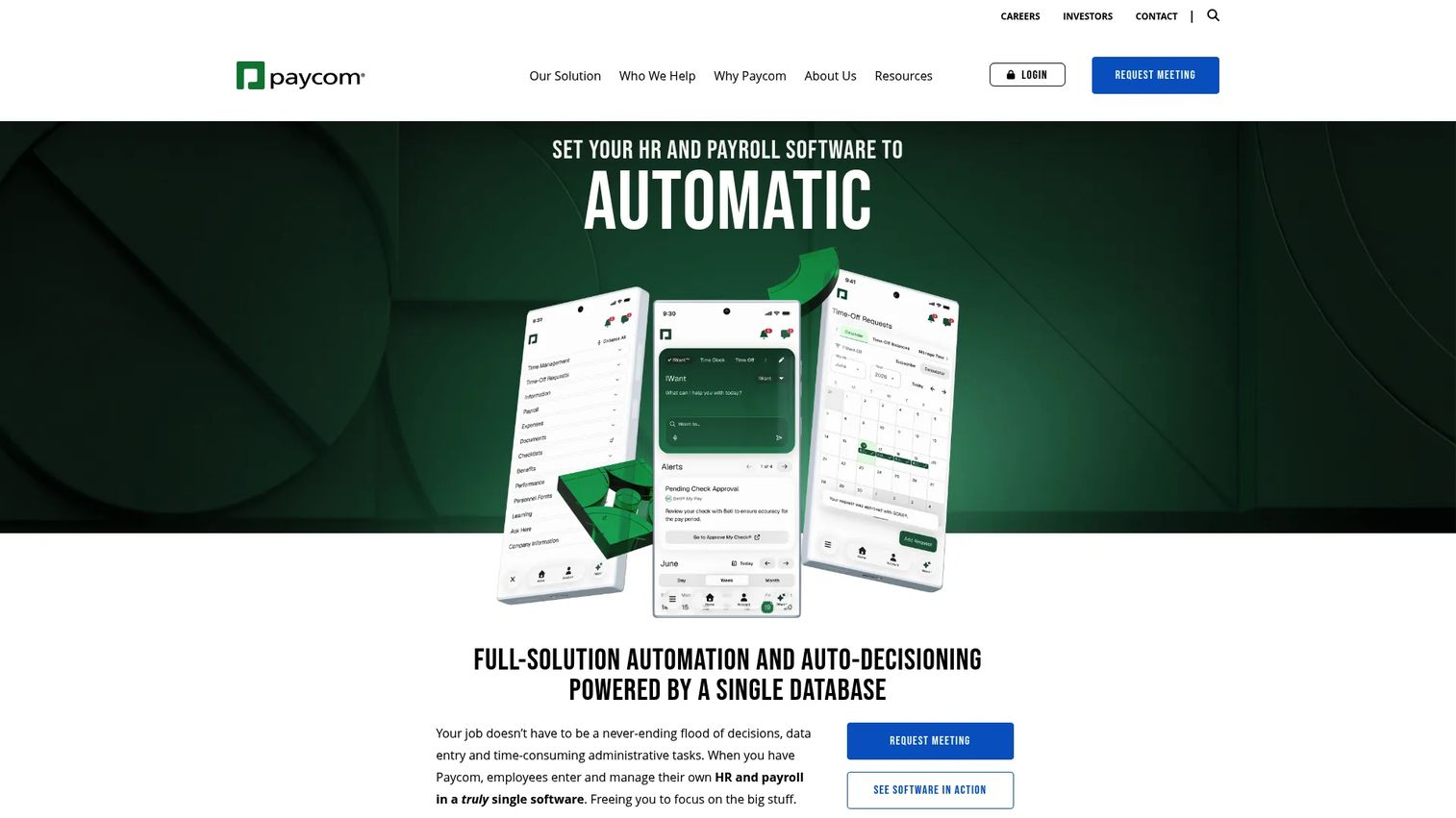
Paycom is cloud-based HCM software that unifies payroll, HR, time, talent, and compliance in a single database. Its Time and Attendance software automates how you record and document staff hours within that single system. If you'd rather buy one platform than stitch a time clock to a payroll tool, Paycom is that bet.
Best for: Mid-market to enterprise teams that want unified payroll and HR automation.
Key strengths
- Single-database HCM platform: Time, payroll, and HR share one source of truth, so hours flow straight to pay.
- Geofencing and Microfence controls: Set broad or precise locations, down to a building or floor, that employees must be near to clock in.
- Time and labor management: Employees get 24/7 insight into their timecards in the app, and payroll automation reduces manual work.
Why choose Paycom: Paycom's timekeeping software scales from a small startup to an established enterprise. The reason to choose it over a standalone time clock is consolidation: one system for payroll, HR, and time, with location controls precise enough for multi-floor sites.
Paycom pricing: Paycom customizes pricing based on the tools you need and your employee count, with no public prices listed. Expect a quote scoped to headcount and modules. It's a full-platform commitment, so evaluate it against your payroll and HR needs, not just time tracking.
Considerations
Clock-in methods
Match the clocking method to how your team actually works. Desk teams do fine with web or mobile. On-site crews often need a shared kiosk, PIN, or QR code. Field and distributed workers need mobile with GPS. If you have a mix, confirm the tool supports several methods at once, and check whether facial recognition or photo verification is included or gated to a higher tier.
Anti-time-theft controls
If time theft is a real cost, evaluate GPS, geofencing, device restrictions, and WiFi constraints closely. Geofencing blocks clock-ins outside an approved radius. Photo or facial verification ties a punch to a person. Audit trails let you prove what happened. Not every tool includes all of these, and some reserve the strongest controls for paid tiers, so verify before you commit.
Scheduling and PTO
Decide whether you need scheduling in the same tool. If you plan shifts, a combined scheduling-plus-time-clock system keeps scheduled and actual hours aligned. Check for PTO requests, accruals, and overtime rules that match your state and company policy. A tool that miscalculates overtime creates the exact payroll problem you're trying to solve.
Payroll readiness
This is often the whole point. Confirm the tool either exports approved hours in a format your payroll system accepts, or integrates natively with your provider. Check that approvals happen before export, and that the tool handles corrections cleanly. The goal is one approved dataset flowing to payroll, not a second round of manual entry.
Reporting and visibility
Look at report quality: attendance summaries, labor cost visibility, and clean exports. If you manage multiple locations or departments, you want to see hours rolled up and broken down without building spreadsheets. Good reporting is what turns a time clock from a compliance chore into an operational signal.
Setup and adoption
The best system is the one your team actually uses. Assess how fast employees can start clocking in without training. If rollout requires a week of onboarding for hourly staff, adoption suffers and you're back to manual fixes. Tools with a free trial or free tier let you test adoption on a real shift before you pay.
Conclusion
Employee time clock software earns its keep when it removes manual timesheet cleanup, tightens payroll accuracy, and closes the gaps where time theft creeps in. The right pick depends on your complexity.
For simple, low-friction time tracking, OnTheClock and Jibble are the fastest to stand up, and Jibble's free plan makes it nearly risk-free to try. If time theft is your problem, Buddy Punch's GPS, geofencing, and multi-method clock-ins are built for it. For scheduling-driven hourly teams, Homebase and When I Work keep shifts and hours together. Clockify and Connecteam suit teams that want flexible or deskless-first tracking. And when you're at scale with real compliance and governance needs, UKG and Paycom bring full workforce and payroll suites.
Don't overbuy. Shortlist one or two tools that match your team size and clocking environment, then trial them on a real shift workflow, through a full approval and payroll cycle. That single test tells you more than any feature list. Pick the one that gets clean hours into payroll with the least manual work, and move on.
FAQs
Employee time clock software records when employees start and stop work, then turns those punches into approved, payroll-ready hours. Most tools add scheduling, PTO tracking, and payroll exports on top of basic clock-in and clock-out. It replaces paper cards and spreadsheets with a system you can actually run payroll against.
Prioritize flexible clock-in methods (mobile, web, kiosk, PIN, QR), GPS and geofencing if you have off-site work, payroll exports or native integrations, scheduling, approvals, and solid reporting. Match the feature set to how your team works rather than buying every module. Anti-time-theft controls matter most if you suspect buddy punching.
For a small business time clock, Jibble and OnTheClock are strong starting points. Jibble offers a genuine free-forever plan, and OnTheClock keeps setup simple with time, scheduling, and PTO in one place. Both keep costs low and get clean hours into payroll without a heavy rollout.
GPS time clock software checks a worker's location at the moment they punch, then confirms it falls within an approved area. Geofencing draws a virtual boundary around a job site so clock-ins outside it get blocked or flagged. This confirms a punch came from where the work actually happens.
Time clock software is attendance-first: it records shift start and end times, enforces where and how people punch, and feeds payroll. Time tracking software is often broader, covering project or task time for billing and productivity. Some tools, like Clockify, do both, but the buying question is whether you're paying for hours worked or analyzing where time goes.
Prevent buddy punching by tying each punch to a verified identity and location. GPS and geofencing confirm the punch happened at the right place. Photo or facial recognition confirms the right person. PINs, kiosks, and device restrictions add further checks. Layering two or three of these makes it hard for one worker to clock in for another.
Most employee clock in software either exports approved hours in a payroll-ready format or integrates natively with common payroll providers. The goal is to move one approved dataset into payroll without re-keying. Before buying, confirm the tool supports your specific payroll system and that approvals happen before export.
Yes, when manual timesheets, payroll errors, or time theft cost you more than the software. If a manager spends hours each week fixing timesheets, or payroll runs late because hours are wrong, even a low-cost time clock app pays for itself quickly. Free tiers from tools like Jibble let a small team confirm the value before spending anything.