Your production schedule lives in one spreadsheet. Inventory counts live in another. Procurement runs on email threads, finance closes the books in a system that has never spoken to the shop floor, and quality records sit in a binder someone photographs before an audit.
Every one of those systems is technically working. The problem is they do not talk to each other. So when a customer order changes, nobody knows whether you have the raw materials, whether the line has capacity, or what it does to the month's margin until someone reconciles five sources by hand.
That gap is why manufacturing is the largest single buyer of enterprise software. The sector accounts for roughly 24% of global ERP software demand, making it the biggest industry adopter, according to Maximize Market Research (2025). As the broader ERP market approaches about USD 100 billion by 2026, Astra Canyon (2024) highlights manufacturing as a primary driver of adoption.
The hard part is not deciding you need manufacturing ERP software. It is choosing one. A production ERP platform touches production planning, materials, finance, procurement, and shop floor control at once, so the wrong pick creates the exact chaos it was supposed to remove. If you are evaluating cloud ERP manufacturing options and want a decision framework instead of a feature dump, this guide is built for that. If you work across adjacent operations stacks, our roundups of the best marketing resource management software and best event planning software follow the same buyer-first structure.
What's inside
This guide is for people shortlisting manufacturing ERP systems, not people learning the definition for the first time. It assumes you already know you need one and now have to defend a choice to a buying committee.
We selected the eight platforms below on the criteria that actually predict a good outcome:
- Manufacturing fit: genuine support for discrete, process, mixed-mode, make-to-order, and engineer-to-order production, not a generic ERP with a bolt-on module.
- Core operations coverage: production planning, scheduling, inventory, BOMs, routing, shop floor control, quality, and finance in one system.
- Deployment flexibility: cloud, on-premises, and hybrid ERP options so the tool fits your infrastructure, not the reverse.
- Implementation practicality: realistic rollout effort for your team size and IT bandwidth.
- Vendor maturity: track record, support depth, and staying power for a decade-long commitment.
The list spans cloud-first suites and hybrid-capable platforms, and it covers everything from enterprise-scale operations to smaller shops.
TL;DR
- Best overall for broad manufacturing operations: Microsoft Dynamics 365, for teams that want deep production and supply chain coverage inside a familiar Microsoft stack.
- Best for enterprise complexity: SAP S/4HANA Cloud, for large, global, multi-plant manufacturers.
- Best for industrial and discrete manufacturers: Infor CloudSuite Industrial, for shop-floor-heavy operations.
- Best for growing mid-market manufacturers: Oracle NetSuite ERP, for finance plus operations in one cloud suite.
- Best for production-centric depth: Epicor Kinetic, purpose-built around the shop floor.
- Best mid-market cloud ERP: Acumatica Cloud ERP, for usability and unlimited-user pricing.
- Best for hands-on and modular control: Odoo Manufacturing.
- Best for smaller manufacturers: Deskera ERP, for straightforward operations.
What is manufacturing ERP software?
Manufacturing ERP software is an integrated system that connects production, procurement, inventory, finance, and shop floor operations into a single source of truth so a manufacturer can plan, execute, and track the entire make-to-ship cycle in one place.
That is the difference between manufacturing ERP and a generic ERP for manufacturing that was designed for distribution or services. A production ERP platform models how things are actually built. Core capabilities include:
- Production planning: turning demand into feasible build plans across plants and lines.
- Scheduling: sequencing work orders against finite capacity, labor, and machine availability.
- Inventory and materials management: tracking raw materials, WIP, and finished goods with real-time counts.
- BOM and routing: managing multi-level bills of materials and the operation sequences that consume them.
- Shop floor control: capturing labor, machine, and production data from the floor as work happens.
- Quality and traceability: enforcing inspections, holds, and full serial or lot tracking for audits and recalls.
- Demand forecasting: projecting requirements so procurement and production stay ahead of orders.
Generic ERP handles the ledger, the purchase order, and the invoice. Manufacturing resource planning software adds the layer that ties material requirements to production capacity to delivery dates, which is exactly where spreadsheet-run shops break down.
Deployment matters as much as features. The cloud ERP vs on-premises ERP decision comes down to control and cadence: cloud ERP manufacturing platforms shift maintenance to the vendor and update continuously, on-premises keeps data and customization in-house, and hybrid ERP splits the difference by keeping sensitive workloads local while running the rest in the cloud.
When to use manufacturing ERP
When you need end-to-end visibility
Spreadsheets and point tools work until the handoffs multiply. Once a change in a sales order has to ripple through purchasing, scheduling, and finance, and nobody trusts the numbers without a manual reconciliation, you have outgrown the patchwork. An ERP system for manufacturing gives every team the same live picture, so a schedule change updates material needs and margin at once.
When production planning is breaking down
If you are expediting materials weekly, missing promise dates, or scheduling by gut feel, the coordination between demand, capacity, and inventory has exceeded what humans can hold in their heads. This is the moment most teams move to production ERP software: finite scheduling, MRP, and real routing turn planning from firefighting into a repeatable process.
When compliance and traceability matter
Regulated and safety-critical manufacturers cannot afford gaps in the record. When you need serial or lot traceability, audit-ready quality documentation, and the ability to trace a defect back to a supplier batch in minutes, ERP stops being a nice-to-have. The best ERP software for manufacturing bakes quality checks and traceability into the workflow instead of leaving them to a separate log.
Comparison table
The table below ranks the eight manufacturing ERP systems by relevance to a broad set of manufacturing buyers. Pricing for enterprise ERP is almost always quote-based, so where a public figure exists we show it and otherwise note the model.
| # | Product | Intent | Key differentiation | Pricing | G2 rating |
|---|---|---|---|---|---|
| 1 | Microsoft Dynamics 365 | Broad manufacturing operations on a Microsoft stack | AI and Copilot across production, finance, and supply chain | From $150/user/mo (Sales); other apps quote-based | Not listed |
| 2 | SAP S/4HANA Cloud | Enterprise, global, multi-plant | Industry best practices and real-time analytics at scale | Request a quote | 4.4/5 |
| 3 | Infor CloudSuite Industrial | Discrete and process manufacturers | End-to-end manufacturing depth with Infor OS | Quote-based | 3.9/5 |
| 4 | Oracle NetSuite ERP | Growing mid-market manufacturers | Finance plus operations in one cloud suite | Annual license, quote-based | 4.1/5 |
| 5 | Epicor Kinetic | Production-centric manufacturers | Manufacturing-first ERP built around the shop floor | Quote-based | 4.1/5 |
| 6 | Acumatica Cloud ERP | Mid-market cloud ERP | Unlimited-user pricing, low-code customization | From under $2,185/mo (manufacturing) | 4.4/5 |
| 7 | Odoo Manufacturing | Modular, hands-on teams | Open-source MRP inside a full app suite | Free tier; paid from $24.90/user/mo | 4.2/5 |
| 8 | Deskera ERP | Smaller manufacturers | Straightforward integrated SMB suite | From $199/user/mo | 4.4/5 |
1. Microsoft Dynamics 365
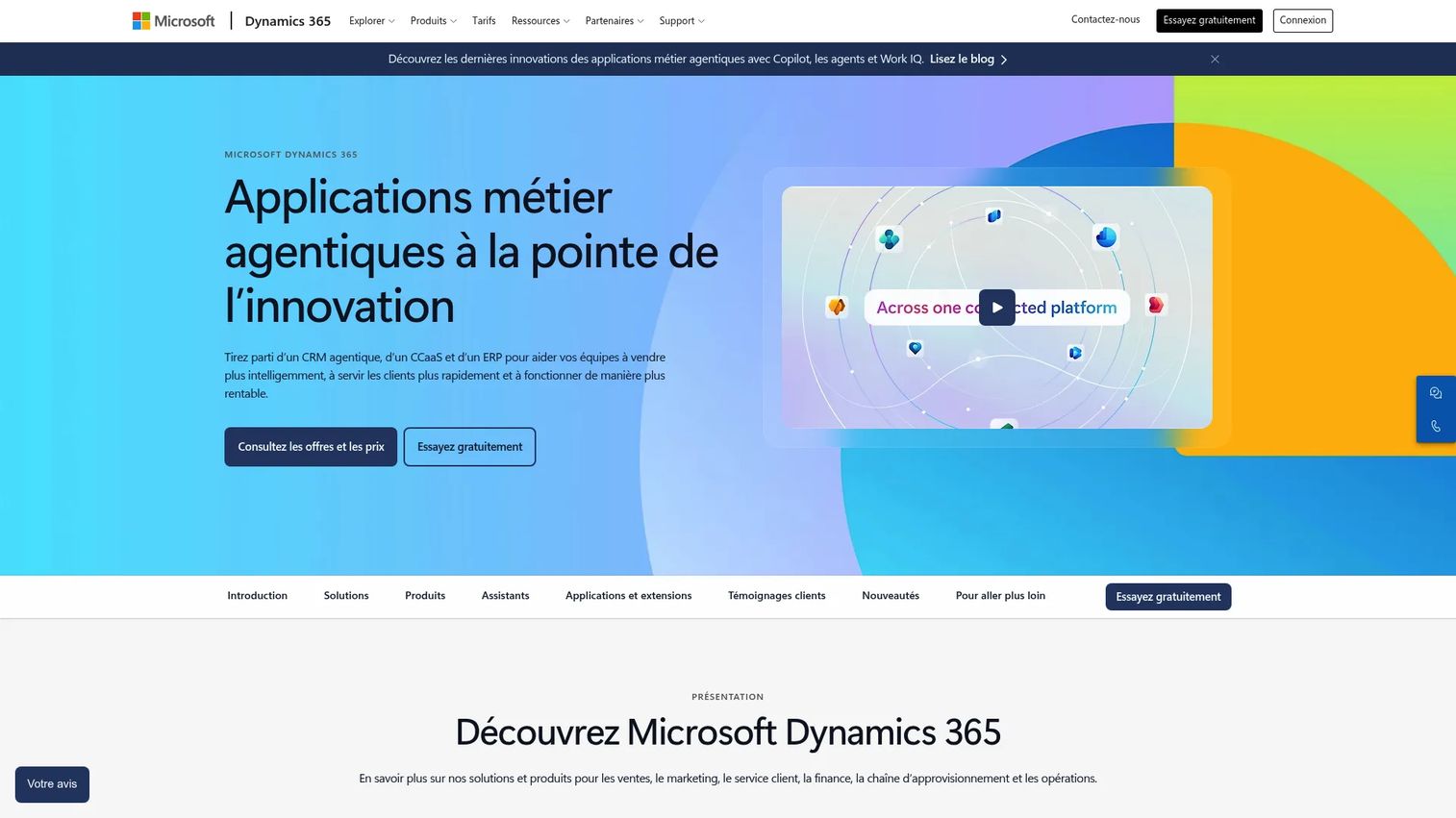
Microsoft Dynamics 365 is a modular suite of AI-powered CRM and ERP business applications, with Supply Chain Management and Finance apps aimed squarely at manufacturers. It connects production, planning, forecasting, and finance while sitting inside the Microsoft ecosystem most teams already run, from Teams and Outlook to Power BI and Azure.
Best for: organizations that want deep production and supply chain coverage without leaving the Microsoft stack.
Key strengths
- Microsoft-native integration: production and finance data flow into Power BI, Excel, and Teams without a separate connector project.
- AI and Copilot: built-in assistance across sales, service, finance, and supply chain workflows.
- Modular apps: run Supply Chain Management and Finance on their own or add Sales and Customer Service as you grow.
Why choose Microsoft Dynamics 365: if your organization is already committed to Microsoft, the integration and single identity model remove a whole category of friction. Supply chain, demand forecasting, and shop floor coordination live next to the reporting and productivity tools your teams use daily, which shortens adoption for a workforce that already knows the environment.
Microsoft Dynamics 365 pricing: Microsoft prices individual apps rather than one suite fee. The Sales app starts at $150 per user per month billed yearly and includes a free trial, while Supply Chain Management and other manufacturing-relevant apps are quote-based through Microsoft sales. Because pricing varies by app and user count, plan to scope the exact module mix before you can pin down a number.
2. SAP Cloud ERP
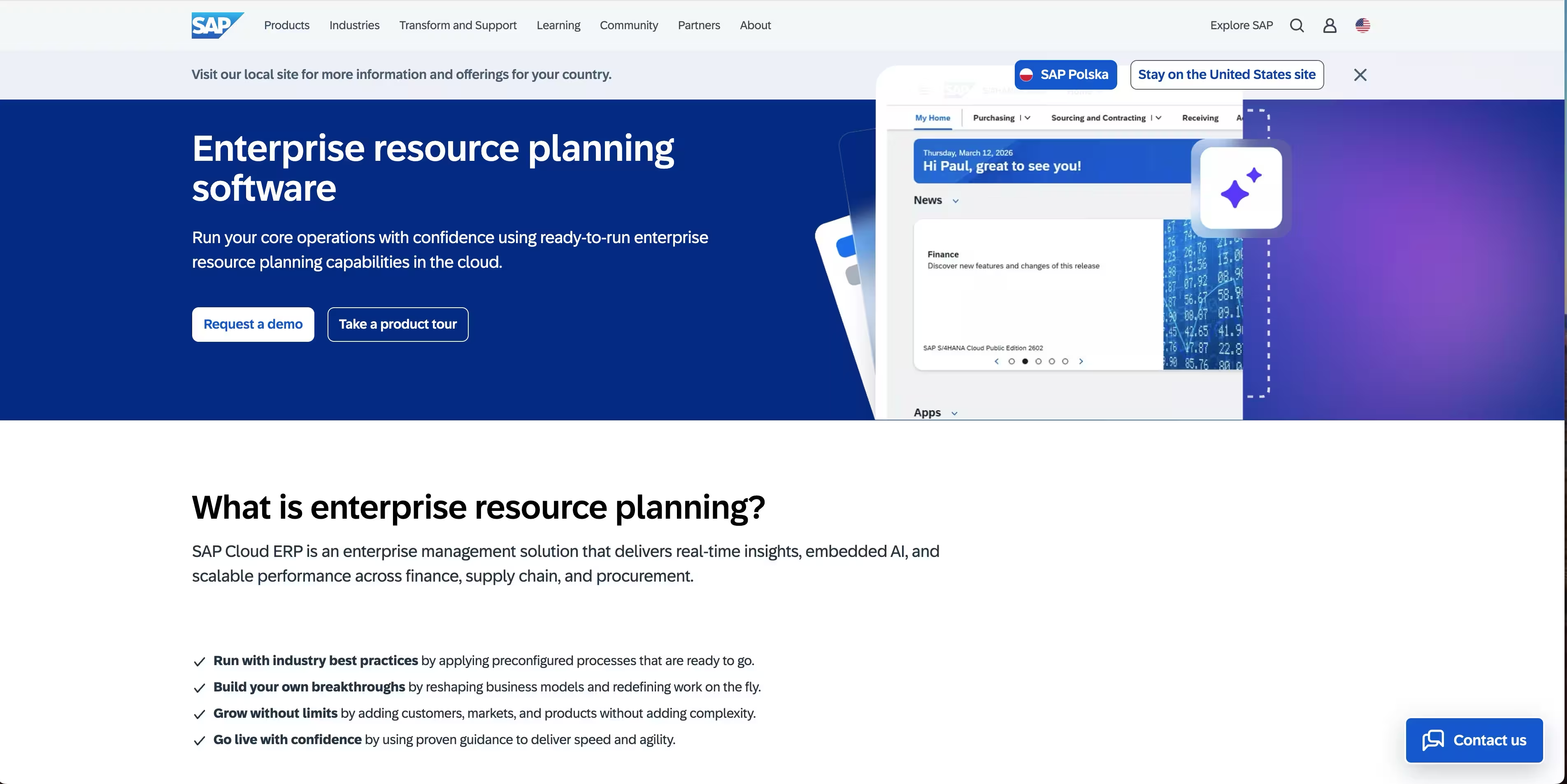
SAP offers cloud ERP for running core business processes with a modern user experience, embedded AI, and real-time analytics. It targets large enterprises that need standardized, preconfigured processes across finance, supply chain, and operations in many plants and countries at once.
Best for: large, complex, global manufacturers that need process depth and multi-entity scale.
Key strengths
- Industry best practices: preconfigured process templates shorten the path to a standardized rollout.
- Real-time analytics: live data across finance, supply chain, HR, and sales in one model.
- Embedded integration: core business processes connect natively rather than through bolt-on middleware.
Why choose SAP S/4HANA Cloud: SAP earns its place when complexity is the point. Multi-plant, multi-currency, multi-regulatory manufacturing is where its depth in planning, finance, and supply chain pays off. Smaller shops rarely need this much system, but a global enterprise running discrete and process manufacturing side by side will find few peers.
SAP S/4HANA Cloud pricing: SAP uses a request-a-quote model for S/4HANA Cloud Public Edition rather than a public list price. Expect pricing to scale with users, modules, and deployment scope, so budget a scoping conversation with SAP or a partner into your evaluation timeline. It holds a 4.4 out of 5 rating on G2.
3. Infor CloudSuite Industrial
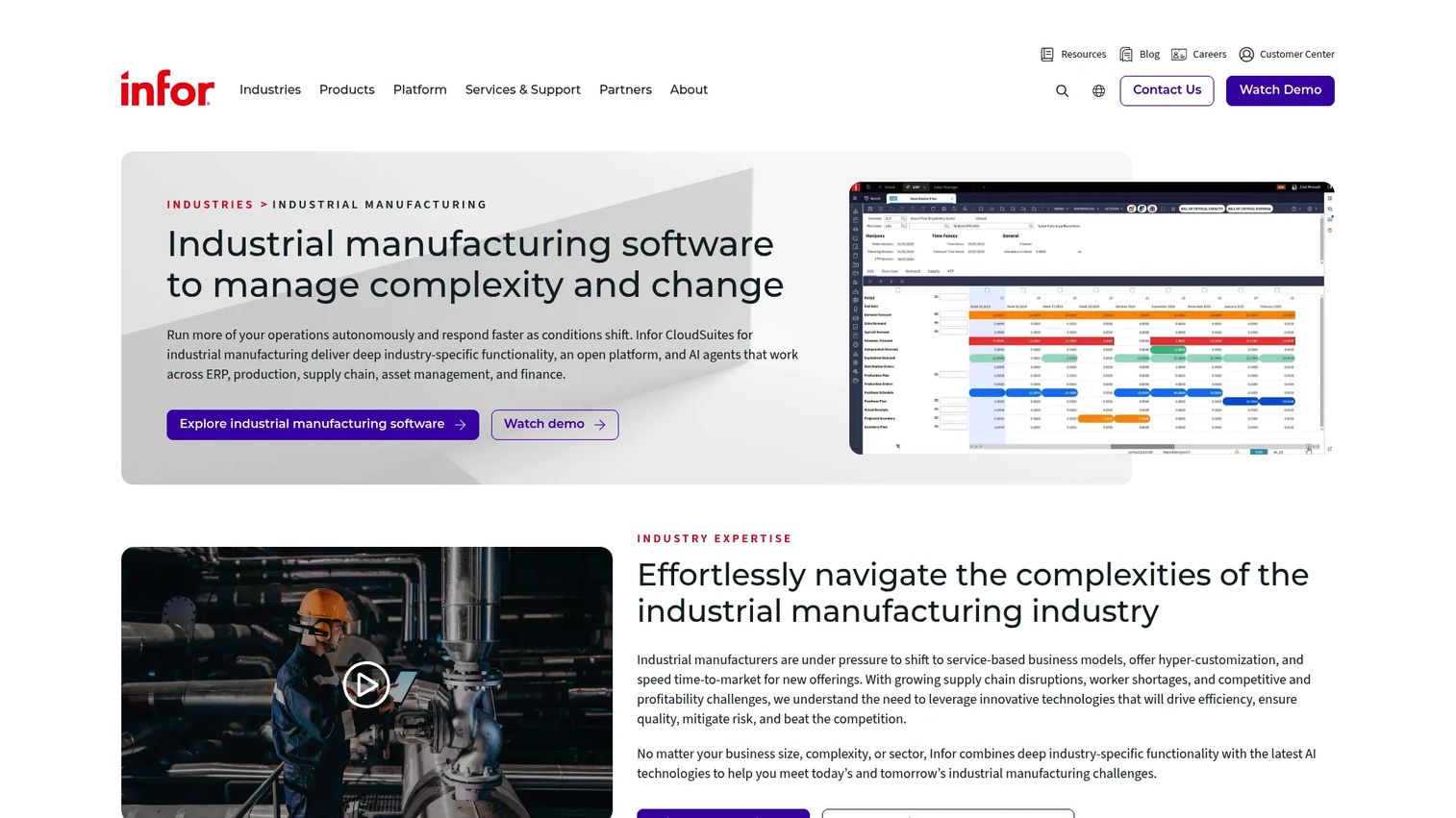
Infor CloudSuite Industrial is a cloud ERP built for discrete and process manufacturers to manage end-to-end operations from the shop floor to the executive level. Built on the SyteLine core and delivered on multi-tenant cloud with Infor OS, it is one of the more manufacturing-specific systems on this list.
Best for: small to midsize industrial and discrete manufacturers that need industry-specific capabilities.
Key strengths
- End-to-end manufacturing ERP: production execution and planning tie directly to the operations that feed them.
- Discrete and process support: handles both manufacturing modes plus mixed-mode operations.
- Multi-tenant cloud with Infor OS: a platform layer for integration, workflow, and analytics across the suite.
Why choose Infor CloudSuite Industrial: for operations-heavy teams, the appeal is depth on the floor. Shop floor control, production execution, and supply chain visibility are treated as first-class, not add-ons. Manufacturers who need the system to reflect how work actually moves through the plant, rather than adapting the plant to the software, tend to shortlist Infor.
Infor CloudSuite Industrial pricing: Infor describes transparent pricing options but does not publish a numeric price, so pricing is quote-based and scoped to your deployment. The SyteLine core that powers CloudSuite Industrial holds a 3.9 out of 5 rating on G2.
4. Oracle NetSuite ERP
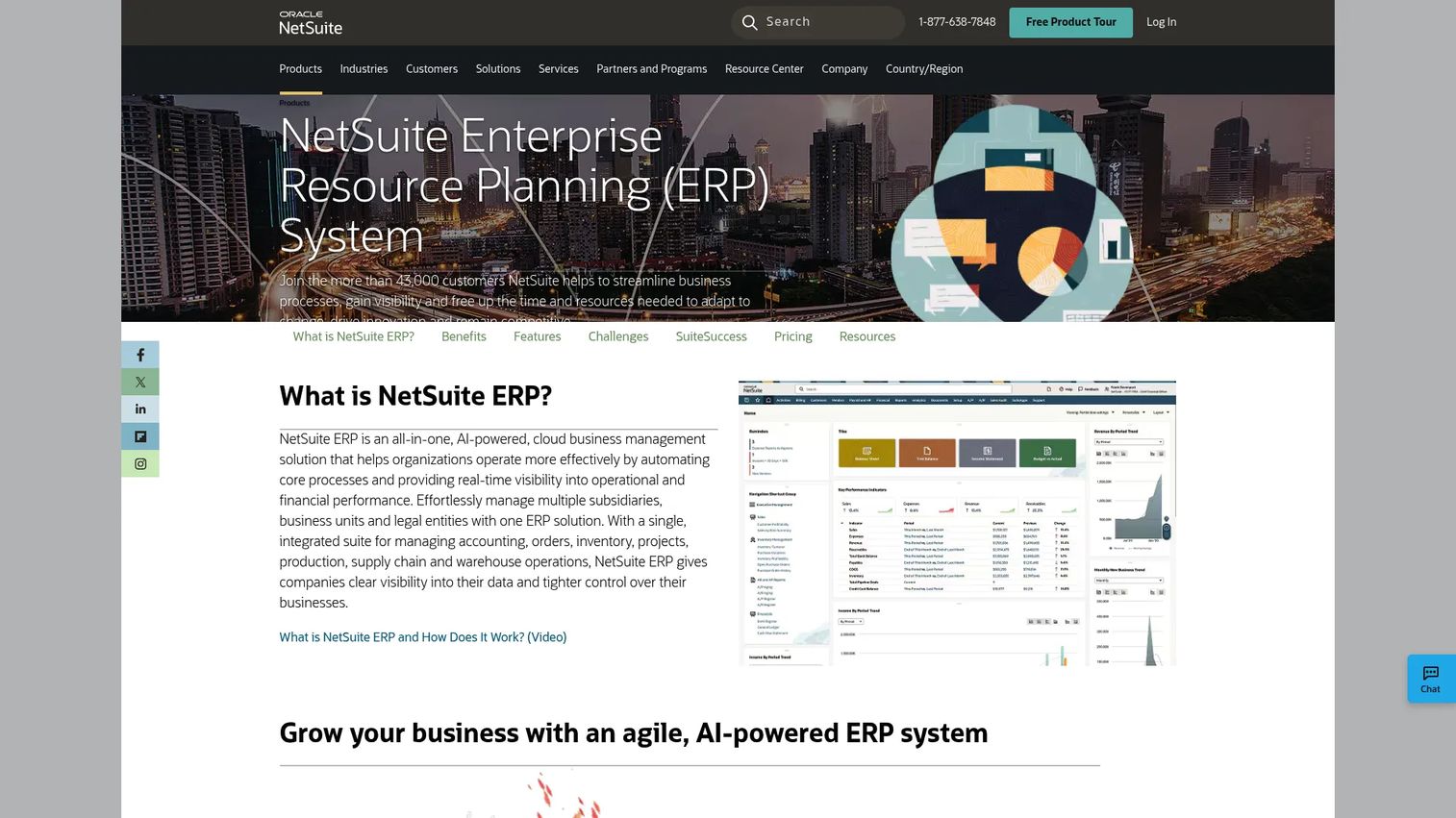
Oracle NetSuite ERP is a cloud ERP covering financials, operations, inventory, supply chain, and multi-subsidiary management. It is a strong fit for growing manufacturers who want financial control and operations in one system, especially companies running several entities or currencies.
Best for: growing mid-market manufacturers that need finance and operations unified in the cloud.
Key strengths
- Financial management: accounting and finance are core strengths, not an afterthought.
- Global business management: multi-currency and consolidation for multi-subsidiary operations.
- Inventory and supply chain: order, inventory, warehouse, and supply chain management in one place.
Why choose Oracle NetSuite ERP: NetSuite is the middle path between a lightweight SMB suite and a heavy enterprise platform. If finance is your center of gravity and manufacturing operations sit alongside it, NetSuite gives you a unified ledger and real-time inventory without the implementation weight of a tier-one enterprise suite. Multi-entity manufacturers value the consolidation especially.
Oracle NetSuite ERP pricing: NetSuite uses an annual license made up of the core platform, optional modules, and a user count, plus a one-time implementation fee. No public numeric price is listed, so pricing is quote-based and scoped to your configuration. It holds a 4.1 out of 5 rating on G2.
5. Epicor Kinetic
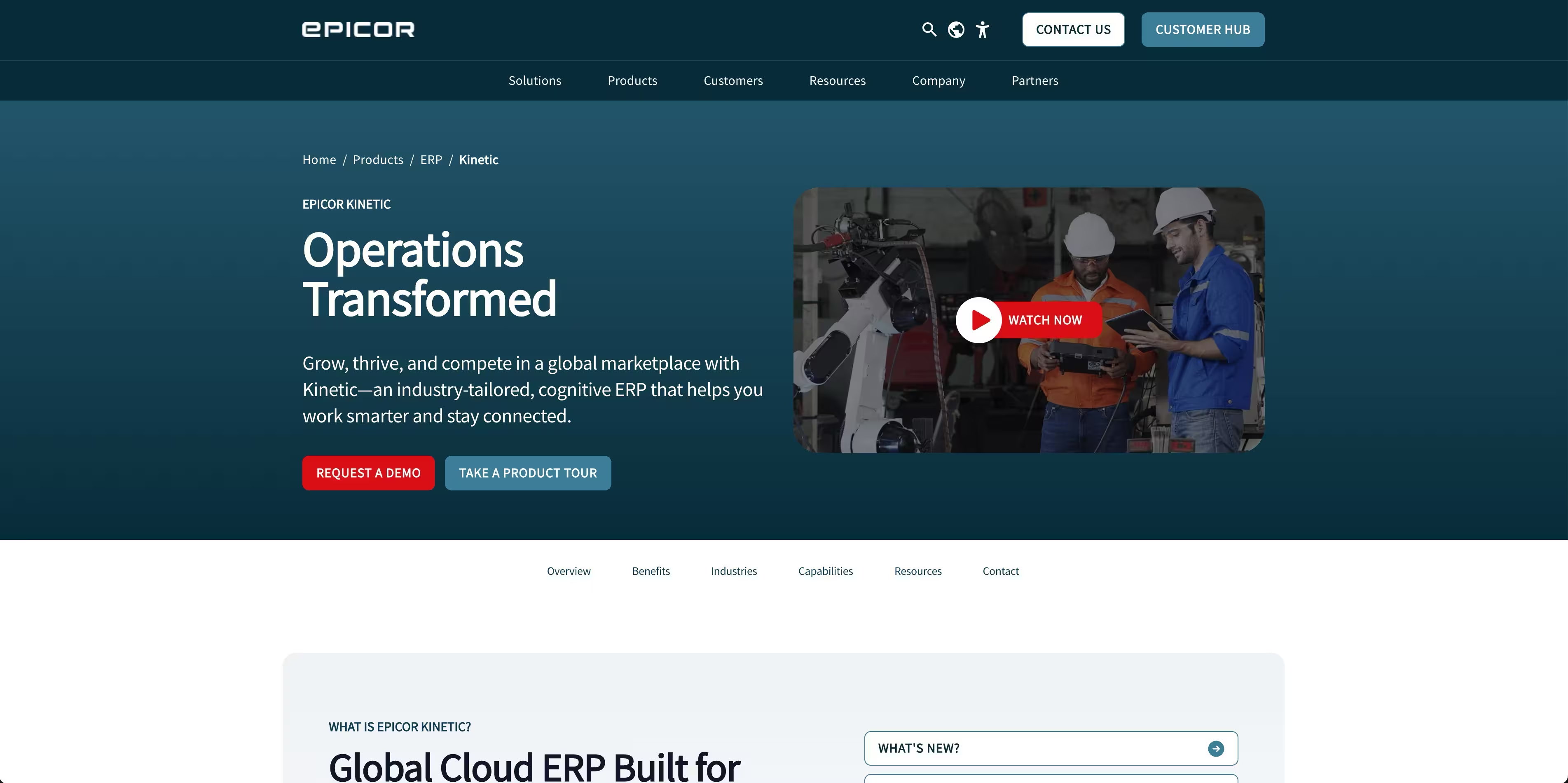
Epicor Kinetic is a global cloud ERP built specifically for manufacturers, with a focus on business intelligence, collaboration, and manufacturing operations. It covers supply chain, planning, production, and financial management, and it is one of the more manufacturing-first options here.
Best for: manufacturers that need operational depth and a system built around the shop floor.
Key strengths
- Manufacturing-first design: planning, scheduling, and production execution are the core, not a module.
- Supply chain and planning: demand, materials, and capacity coordination built for real production.
- Configurable platform: workflows, data, and user experience adapt to how your plant runs.
Why choose Epicor Kinetic: Kinetic is a production-centric choice for teams whose competitive edge is the floor. If scheduling, shop floor visibility, and execution are where you win or lose, an ERP that treats those as the main event, rather than an extension of finance, is worth serious evaluation. Rollouts should be scoped with a partner given the configurability.
Epicor Kinetic pricing: Epicor does not publish a public price for Kinetic, so pricing is quote-based and scoped to your operations. Epicor's G2 seller page shows Kinetic at a 4.1 out of 5 rating.
6. Acumatica Cloud ERP
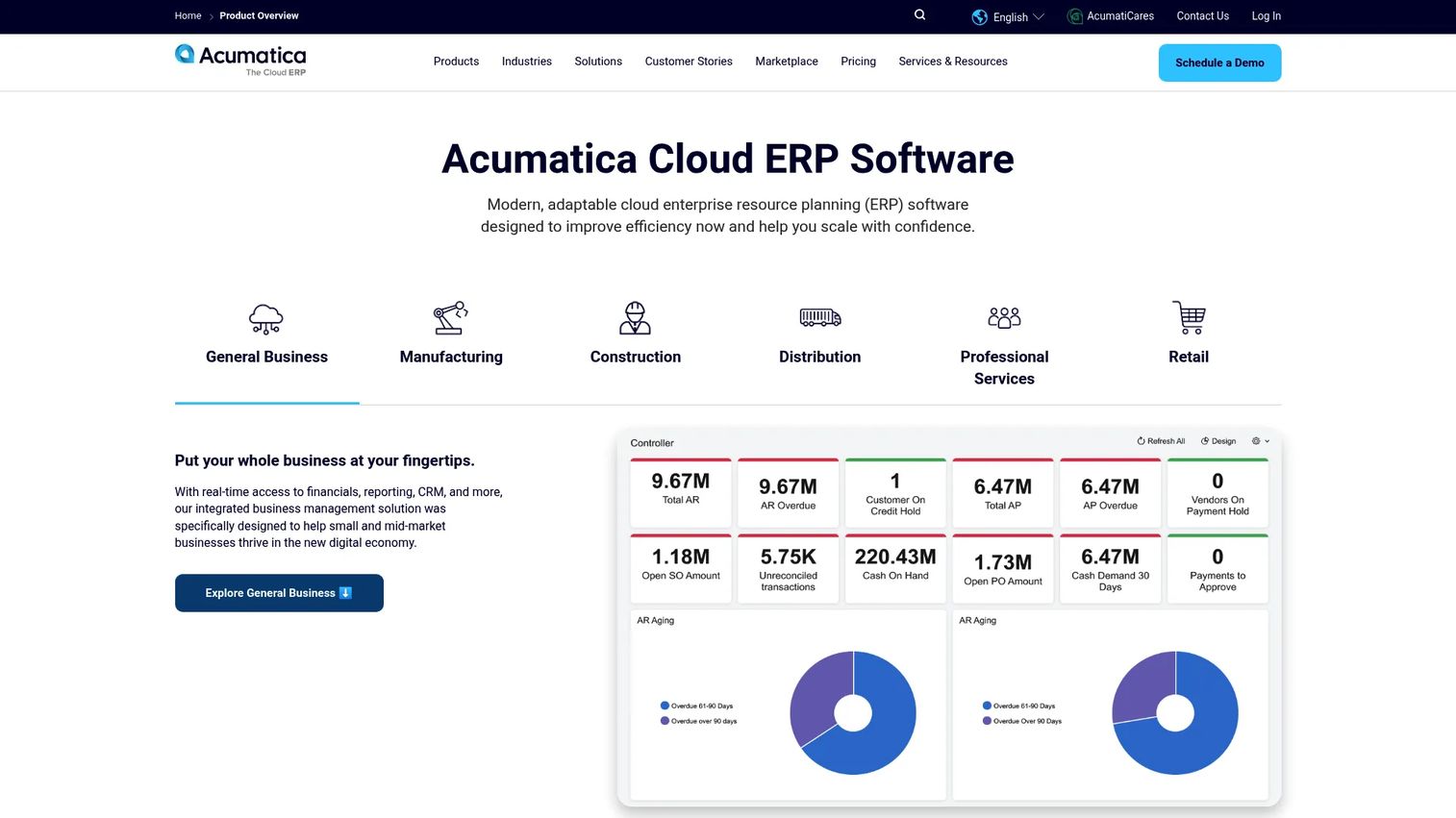
Acumatica Cloud ERP is a cloud ERP for small and midsize businesses with modular business management, low-code and no-code customization, and industry-specific editions including manufacturing. Its consumption-based, unlimited-user model sets it apart from per-seat competitors.
Best for: growing mid-market manufacturers that want a configurable, industry-specific cloud ERP with unlimited users.
Key strengths
- Modern cloud platform: AI and ML, mobile access, and a customizable interface out of the box.
- Low-code and no-code customization: tailored workflows, reports, and dashboards without engineering.
- Industry editions: dedicated modules for manufacturing, distribution, construction, and more.
Why choose Acumatica Cloud ERP: for growing operations, Acumatica's usability and pricing model are the draw. Because it does not charge per user, teams can add shop floor, warehouse, and office staff without every login raising the bill. The low-code layer means the system adapts as your processes mature, which matters for manufacturers that are still standardizing.
Acumatica Cloud ERP pricing: Acumatica presents pricing as custom and tailored on its main page, with packaged offers visible elsewhere. Its APEX for manufacturing bundle is listed at under $2,185 monthly, and the distribution bundle at under $1,495 monthly. There is no free tier. It holds a 4.4 out of 5 rating on G2.
7. Odoo Manufacturing
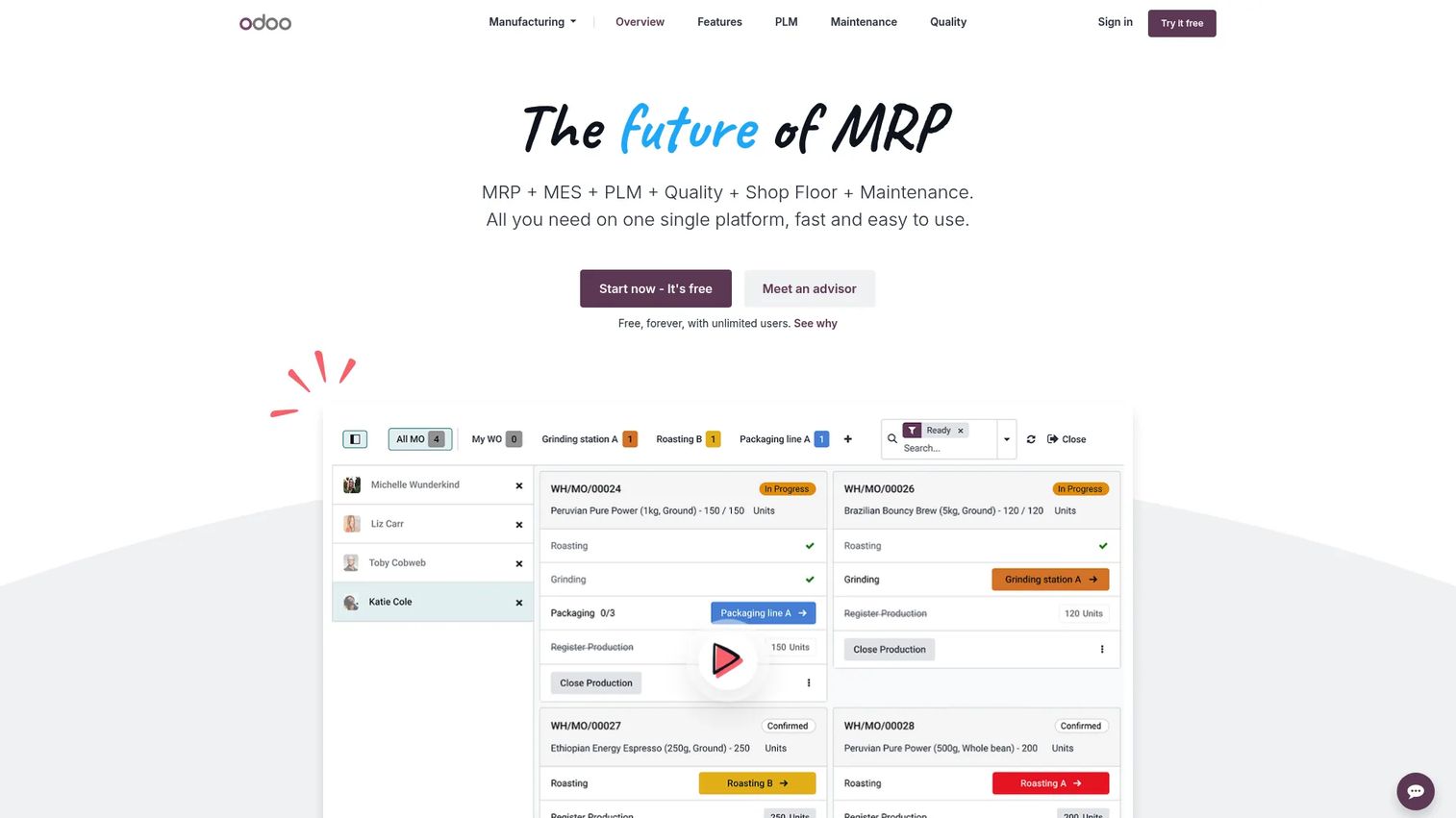
Odoo Manufacturing is an open-source MRP app for planning, executing, and tracking production inside the broader Odoo suite. Because it plugs into Odoo's inventory, quality, maintenance, and accounting apps, it gives hands-on teams modular control at a low entry cost.
Best for: teams that want modular control and are comfortable configuring their own stack.
Key strengths
- Manufacturing and work orders: finite capacity planning and Gantt scheduling for real production sequencing.
- Shop floor operations: tablet and barcode workflows on the floor, plus traceability and quality.
- Modular suite: add inventory, maintenance, cost analysis, and accounting as separate but connected apps.
Why choose Odoo Manufacturing: Odoo appeals to hands-on operators who want to own their configuration and start small. The One App Free plan and modular structure let you begin with manufacturing and expand into adjacent functions on your own timeline. Teams with technical bandwidth can tailor it deeply; those without will want a partner to accelerate the build.
Odoo Manufacturing pricing: Odoo offers a One App Free plan with unlimited users, a Standard plan at $24.90 per user per month, and a Custom plan at $49.00 per user per month. Manufacturing itself is free on the product page, though multi-app deployments move you into the paid plans. It holds a 4.2 out of 5 rating on G2 for Odoo MRP.
8. Deskera ERP
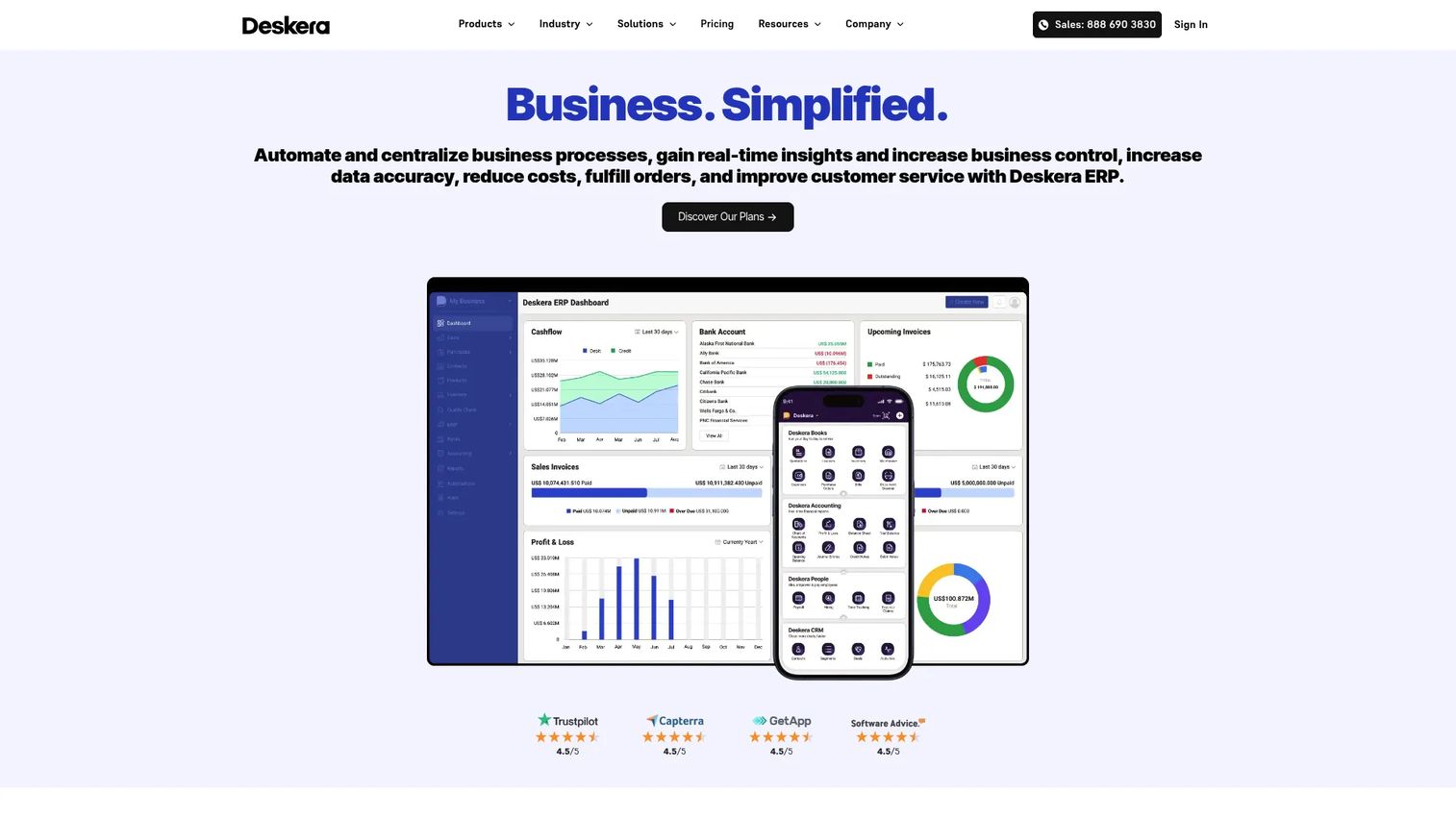
Deskera ERP is a cloud ERP covering accounting, inventory, warehouse, order, procurement, CRM, HR, and customer service in one integrated suite. It is built for small to mid-sized businesses that want the core of an ERP without the weight of an enterprise deployment.
Best for: smaller manufacturers that need straightforward integrated operations.
Key strengths
- Accounting and finance: financial management sits at the core of the suite.
- Operations coverage: order, procurement, inventory, and warehouse management in one system.
- Adjacent modules: CRM, HR, customer service, and business intelligence included.
Why choose Deskera ERP: Deskera is the pragmatic pick for smaller operations that want to consolidate scattered tools into one system quickly. It covers the essentials of accounting, inventory, and orders without the scoping overhead of larger suites. Manufacturers with the deepest scheduling, discrete-versus-process, or heavy traceability needs will eventually compare it against the more manufacturing-specific platforms above, but for straightforward SMB operations it is a clean starting point.
Deskera ERP pricing: Deskera's Growth plan starts at $199 per user per month billed annually with a five-user minimum, and the Mid Market plan starts at $249 per user per month billed annually, also with a five-user minimum. The Enterprise tier is quote-based. There is no free tier. It holds a 4.4 out of 5 rating on G2.
Considerations before you buy
The tool matters less than matching it to your operation. Run every finalist through this checklist.
Manufacturing type
Discrete, process, mixed-mode, make-to-order, and engineer-to-order all model production differently. A system strong in discrete assembly may be thin on process batch and formula management. Confirm the platform natively supports how you actually build before you evaluate anything else.
Deployment model
Decide the cloud ERP vs on-premises ERP question early, because it shapes cost, control, and update cadence. Cloud shifts maintenance to the vendor, on-premises keeps data and customization in-house, and hybrid ERP lets you keep sensitive workloads local while running the rest in the cloud. Match the model to your IT reality, not to a vendor preference.
Implementation risk
Most ERP pain is implementation pain. Ask about realistic timelines, partner dependencies, data migration effort, and how much configuration your team can own versus outsource. A system that fits perfectly on paper but takes 18 months to stand up can stall the business it was meant to help.
Integration and data
Your ERP has to exchange data with CAD, MES, EDI, shipping, and existing finance tools. Map those integrations before signing, and confirm each one is supported natively or through a maintained connector rather than a custom build you own forever.
Total cost and scalability
Look past the license. Implementation, per-user or per-consumption pricing, customization, and ongoing support all add up. Model the three-year cost at your projected headcount and volume, so a low entry price does not hide a steep scaling curve.
Conclusion
The best manufacturing ERP software is the one that matches your production complexity, deployment preference, and integration depth, not the one with the longest feature list. Enterprise, multi-plant operations gravitate to SAP S/4HANA Cloud and Microsoft Dynamics 365. Industrial and production-centric teams look hard at Infor CloudSuite Industrial and Epicor Kinetic. Growing mid-market manufacturers weigh Oracle NetSuite ERP and Acumatica Cloud ERP, while smaller and more hands-on shops consider Deskera ERP and Odoo Manufacturing.
The next step is not another demo booking. Build a scorecard first: list your must-have capabilities by manufacturing type, weight deployment and integration requirements, and score each finalist honestly. Then take your two or three top choices into demos with real scenarios from your floor. A vendor that can run your actual work order, BOM, and quality check live is telling you far more than a polished generic walkthrough ever will.
FAQs
Manufacturing ERP software is an integrated system that connects production, procurement, inventory, finance, and shop floor operations into one source of truth. It lets manufacturers plan, execute, and track the full make-to-ship cycle in a single platform instead of stitching together spreadsheets and disconnected tools.
Generic ERP handles finance, purchasing, and general operations. Manufacturing ERP adds the production layer: BOMs, routings, finite scheduling, MRP, shop floor control, and quality traceability. It models how products are actually built, which is exactly where a generic ERP for manufacturing falls short for production-heavy teams.
At minimum, look for production planning, finite scheduling, inventory and materials management, BOM and routing, shop floor control, quality and traceability, demand forecasting, and finance. The right mix depends on your manufacturing type, but these are the modules that separate true manufacturing ERP systems from repackaged distribution software.
Neither is universally better; it depends on your priorities. Cloud ERP manufacturing platforms shift maintenance to the vendor, update continuously, and scale easily. On-premises keeps data and customization fully in-house. Choose based on your IT bandwidth, data control requirements, and update cadence tolerance.
Hybrid ERP runs part of the system in the cloud and part on-premises. Manufacturers use it to keep sensitive or latency-critical workloads, like shop floor systems, local while running finance, planning, and analytics in the cloud. It is a common path for teams that cannot move everything at once.
Discrete manufacturing assembles distinct units and needs strong BOM, routing, and serial tracking. Process manufacturing works with formulas, recipes, and batches, and needs formula management, yield tracking, and lot control. Confirm a platform natively supports your mode, or mixed-mode if you run both, before shortlisting it.
The main risks are underscoped timelines, poor data migration, low user adoption on the shop floor, and unsupported integrations that turn into custom builds. Mitigate them by scoping realistically, cleaning data early, involving floor users in configuration, and confirming every integration is natively supported before you sign.
AI in modern manufacturing ERP systems supports demand forecasting, predictive maintenance, anomaly detection in quality data, and scheduling optimization. Tools like Copilot in Microsoft Dynamics 365 and embedded AI in SAP S/4HANA Cloud surface insights and automate routine steps, but the value depends on clean data feeding the models.