
You inherit a spreadsheet. It says you own 412 laptops. Procurement says 380. Finance depreciated 450. Nobody knows which number is real, and the security audit starts in three weeks.
That gap is the actual problem with manual IT inventory. It is not that spreadsheets are hard to use. It is that they drift the moment a device gets reassigned, a license renews, or someone spins up a cloud instance without telling anyone. Inventory data ages faster than anyone updates it, and by the time you need it, for an audit, a renewal, a breach investigation, it is already wrong.
The market has noticed. The global inventory management software market is projected at USD 2.7 to 2.75 billion in 2026, with cloud deployments now accounting for roughly 68 to 70% of usage, according to Future Market Insights (2026). Teams are moving off local files and toward systems that discover, track, and reconcile assets automatically.
Good IT inventory software closes the gap between what you think you own and what you actually run. It pulls hardware and software into one place, tracks ownership and lifecycle events, and gives you defensible data when someone asks. If you are also evaluating adjacent governance tooling, it helps to know how audit management software and best contract lifecycle management software fit around your inventory layer, since renewals and compliance evidence often live next door.
This guide ranks ten tools by how well they actually solve the visibility problem, not by brand size.
What's inside
This guide is for IT managers, systems admins, operations leads, and product-minded operators choosing an IT inventory management system. We looked at tools that centralize hardware and software inventory, track ownership and lifecycle, and produce reporting you can defend in an audit.
We ranked each tool against four criteria that matter most in practice:
- Discovery depth: how well it finds assets across networks, endpoints, and cloud without manual entry.
- Lifecycle and ownership tracking: warranty, assignment, status, and change history.
- Reporting and audit readiness: exportable evidence, alerts, and dashboards.
- Integrations: CMDB, ITSM, and procurement fit with low maintenance.
TL;DR
- Best for open-source teams: Snipe-IT gives you a free, self-hostable IT asset management software with full API control.
- Best for automated discovery in a monitoring stack: SolarWinds fits teams already running hybrid IT observability.
- Best for teams buying ITSM: Freshservice folds inventory into a broader service desk motion.
- Best for enterprise CMDB and governance: ServiceNow ITAM handles asset lifecycle at scale.
- Best for hybrid cloud and dependency mapping: Device42 maps relationships between assets, not just counts.
What is IT inventory software?
IT inventory software is a system that discovers, catalogs, and tracks an organization's hardware and software assets, along with their ownership, status, and lifecycle events, in a single source of truth.
It sits next to, but is distinct from, a few related concepts:
- Asset tracking records that an asset exists and who holds it.
- Inventory discovery automatically finds assets across your network and endpoints.
- IT asset management (ITAM) adds financial, contractual, and lifecycle governance on top of inventory.
- CMDB (configuration management database) models the relationships and dependencies between assets to support change and incident workflows.
Most modern tools blur these lines, but the core capabilities you should expect are consistent:
- Automated discovery across networks, endpoints, and cloud
- Hardware and software inventory in one catalog
- Ownership and assignment tracking by user, team, or location
- Lifecycle and warranty tracking from procurement to retirement
- Reporting and audit readiness with exports and alerts
- Integrations with ITSM, CMDB, and procurement systems
The stronger the automated discovery and the cleaner the lifecycle tracking, the less the inventory drifts, and the less firefighting you do before every audit.
When to use IT inventory software
Replacing spreadsheets
Manual tracking works until it doesn't. The break point is usually around the moment a single person can no longer remember who has what. Once you cross a few hundred assets, or run more than one office, reassignments and cloud spend outpace anyone's ability to log them by hand. Centralized IT inventory tracking software replaces the "ask around and update the sheet" loop with automated discovery and a live record.
Preparing for audits or compliance reviews
Audits punish stale data. When an assessor asks which machines run an end-of-life OS, or which software licenses you actually deployed, you need evidence, not estimates. Good inventory data ties each asset to an owner, a location, and a software state, which is exactly what audit readiness requires. Pairing inventory with contract management and license records turns a scramble into a report you can export.
Connecting inventory to ITSM workflows
Inventory becomes far more useful when it feeds tickets, changes, and CMDB context. When an incident hits, an agent who can see the asset's owner, warranty, and dependencies resolves faster. When a change is proposed, dependency data shows the blast radius. If your team already runs a service desk, ITSM integration is the difference between a static list and an operational system.
Comparison table
The table below is built for shortlist filtering. Sort by intent first, then check pricing and rating against your deployment model. Pricing and G2 data reflect verified vendor and G2 listings as of mid-2026.
| # | Product | Intent | Key differentiation | Pricing | G2 rating |
|---|---|---|---|---|---|
| 1 | Snipe-IT | Open-source asset tracking | Free self-hosted, full API, hosted option | Free self-hosted; hosted from $39.99/mo | 4.6/5 |
| 2 | SolarWinds | Discovery in a monitoring stack | Observability plus ITSM in one vendor | From $8/node/mo | Not verified |
| 3 | Freshservice | Inventory inside ITSM | Service desk, CMDB, automation together | From $19/agent/mo | 4.6/5 |
| 4 | Cloudaware | Multi-cloud CMDB | Cloud and hybrid asset discovery | From $200/mo | 3.9/5 |
| 5 | ServiceNow ITAM | Enterprise lifecycle governance | End-to-end lifecycle on ServiceNow platform | Custom | 4.3/5 |
| 6 | Device42 | Dependency mapping | Discovery plus application dependency mapping | Custom | 4.7/5 |
| 7 | Flexera One | Software license management | License optimization and audit defense | Custom | Not verified |
| 8 | Asset Panda | Configurable tracking | Mobile barcode scanning, custom fields | From $3,000/yr | 4.2/5 |
| 9 | InvGate Assets | Balanced ITAM | Inventory, CMDB, network discovery | From $1,499/yr | 4.7/5 |
| 10 | Lansweeper | Broad discovery | IT, OT, and cloud asset discovery | From $199/mo | 4.4/5 |
1. Snipe-IT
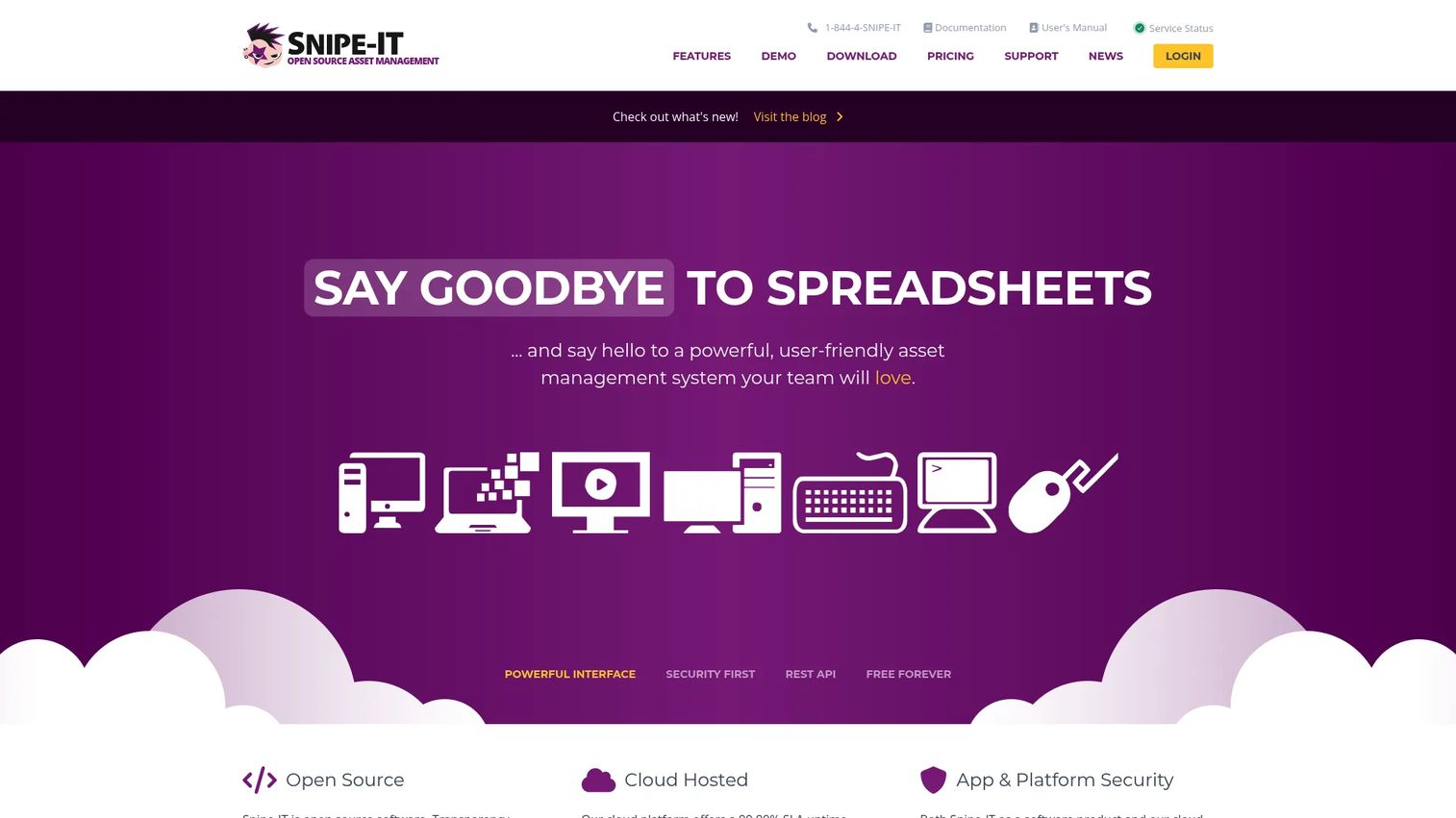
Snipe-IT is open-source IT asset management software for tracking hardware, licenses, accessories, and related assets. It gives you a free, self-hostable core with a full API, plus a paid hosted option if you would rather not run the server yourself. For teams that value control and low vendor lock-in, it is the default starting point.
Best for: Organizations that want a free, self-hosted or lightly hosted IT asset management system with full data ownership.
Key strengths
- Asset inventory and assignment tracking: Log every device and tie it to a user, location, or department.
- License management with expiration alerts: Track software license management seats and renewals before they lapse.
- Email notifications and API access: Automate reminders and pull inventory into your own tooling.
Why choose Snipe-IT: If you have the appetite to self-host, the open-source core costs nothing and hands you complete data ownership. That matters for teams with strict privacy requirements or a preference for open-source asset management they can audit and extend. The hosted option exists for teams that want the same product without running infrastructure.
Snipe-IT pricing: Self-hosted is free. Hosted plans start at $39.99 per month, or $399.99 billed annually, for Basic Hosting. Small Business Hosting is $99.99 per month, and Dedicated Hosting starts at $249.99 per month. Larger dedicated servers run higher on annual terms. Snipe-IT holds a 4.6/5 rating on G2.
2. SolarWinds
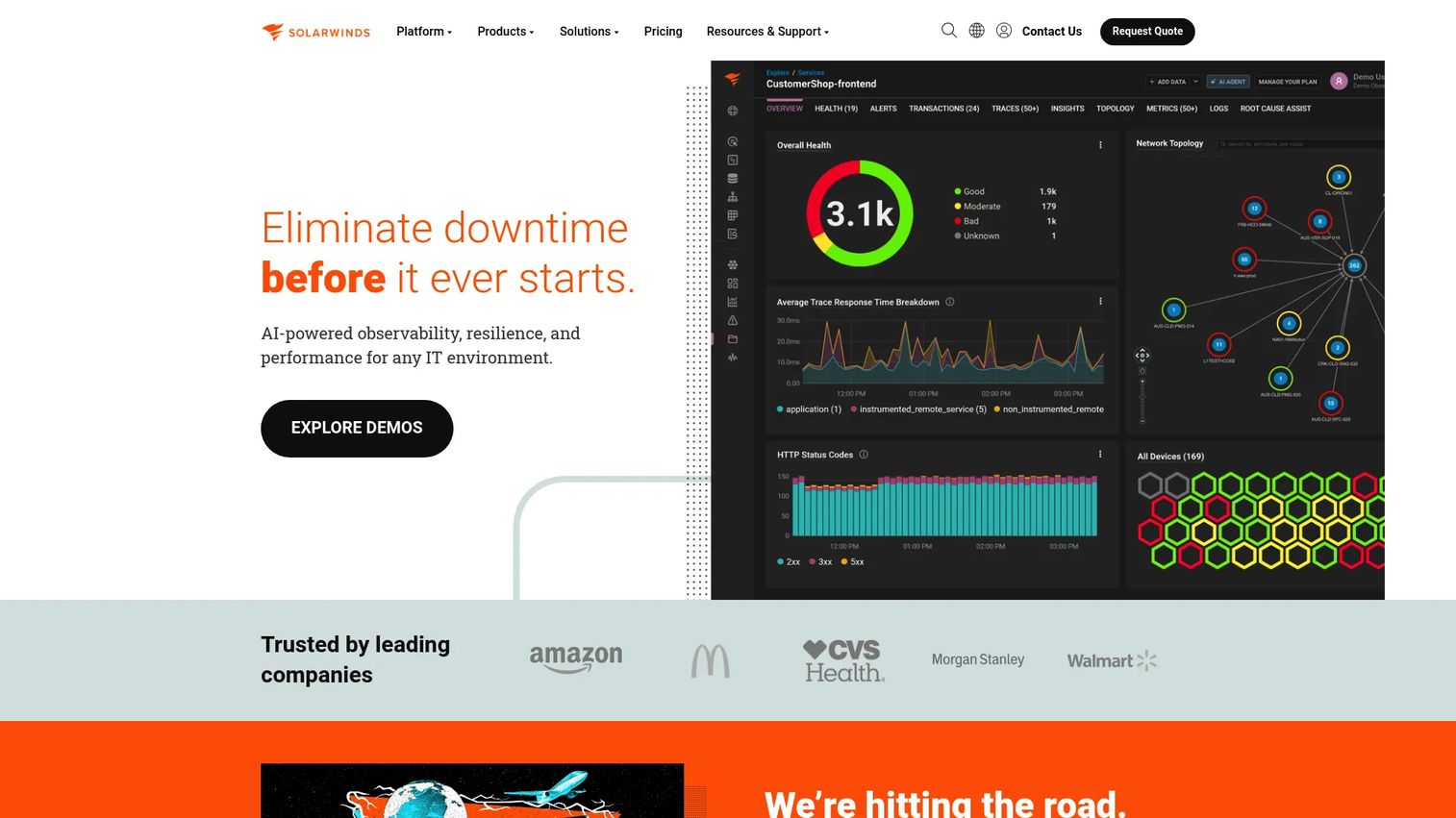
SolarWinds is IT observability, database, and service management software built for hybrid IT environments. Its asset inventory lives alongside monitoring, so discovery data and operational context sit in the same vendor stack. That adjacency is the point: teams already running SolarWinds for monitoring get inventory without bolting on a separate tool.
Best for: Teams managing hybrid IT, observability, and ITSM inside one vendor stack.
Key strengths
- AI-powered observability: Track metrics, traces, logs, and user experience in one place.
- IT service management: Run incident, asset, and service catalog workflows with lifecycle tracking built in.
- Database monitoring: Monitor and optimize across major databases alongside asset data.
Why choose SolarWinds: The value is consolidation. If your monitoring, service desk, and inventory all run through one vendor, you cut integration overhead and get automated discovery that already understands your environment. For teams building a broader observability and ITSM practice, that single-stack fit is hard to replicate by stitching point tools together.
SolarWinds pricing: Pricing is product-specific. Observability Self-Hosted starts at $8 per node per month. Service Desk Essentials starts at $39 per technician per month, billed annually. Web Help Desk is available as a $533 annual subscription. A single brand-wide price is not published, so scope pricing to the specific products you need. A brand-wide G2 rating was not verified.
3. Freshservice
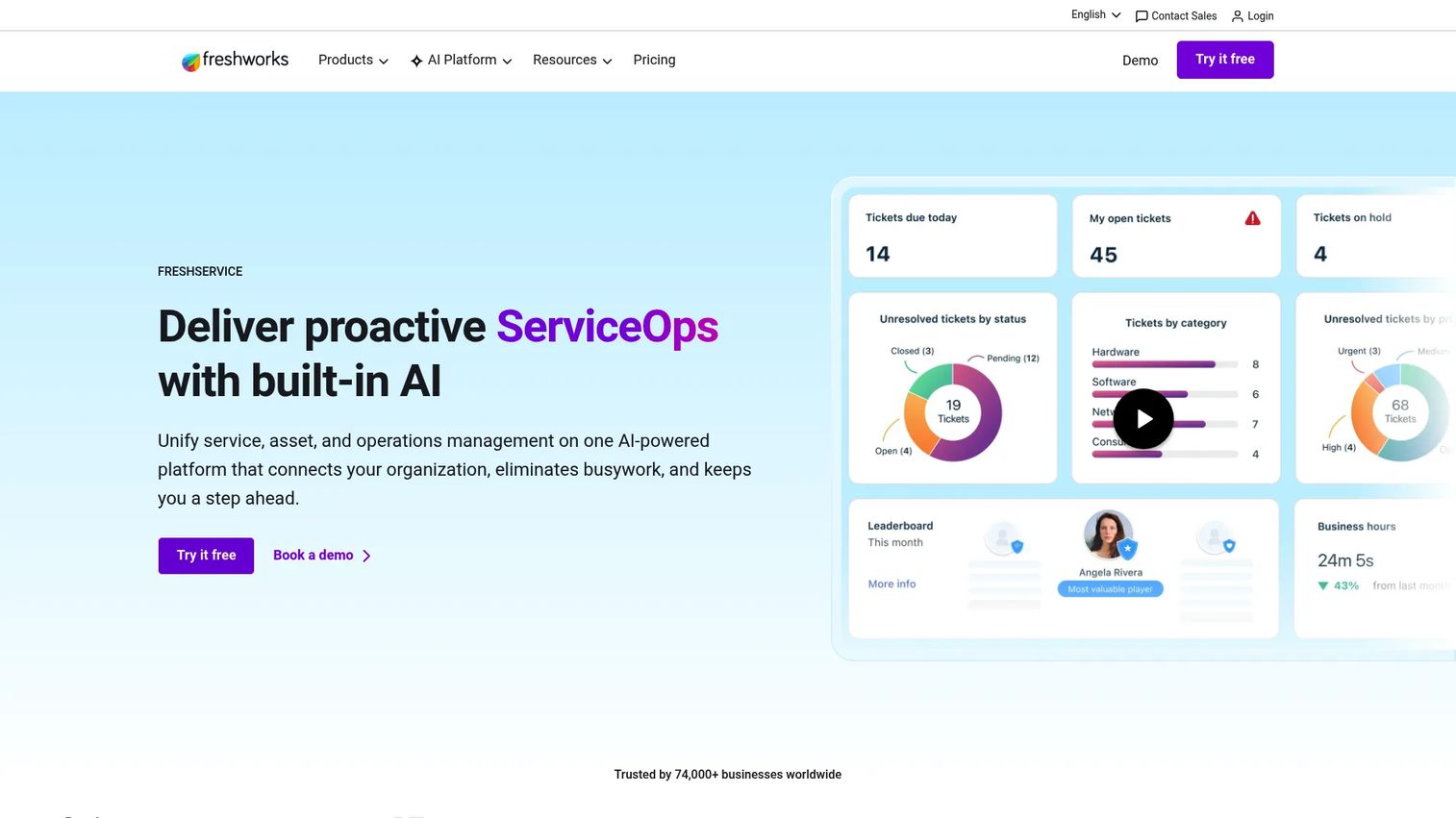
Freshservice is AI-powered IT service management and employee service software with inventory built into the service desk. Its CMDB, asset management, and automation live in the same product as ticketing, which means inventory data flows straight into incidents and changes. For teams that want inventory inside a broader service motion rather than as a standalone list, it fits cleanly.
Best for: IT teams that need a unified service desk, asset management, and automation platform in one product.
Key strengths
- Incident, problem, change, and asset management: Handle the full ITSM lifecycle with assets attached to every workflow.
- Service catalog, automation, and CMDB: Model dependencies and automate routine requests through a self-service portal.
- ITOM, ESM, and analytics: Extend to operations management, employee service, and reporting with a mobile app and marketplace integrations.
Why choose Freshservice: If you are already buying ITSM or plan to, folding inventory into the same platform removes a whole integration project. The CMDB ties assets to tickets and changes, so support and product operations both see the same live data. That shared context matters when a feature rollout or incident depends on knowing exactly what runs where.
Freshservice pricing: Starter is $19 per agent per month, billed annually. Growth is $49, Pro is $99, and Enterprise is custom. Pricing shown reflects the annual billing view. A free trial is available; no free tier was verified. Freshservice holds a 4.6/5 rating on G2.
4. Cloudaware
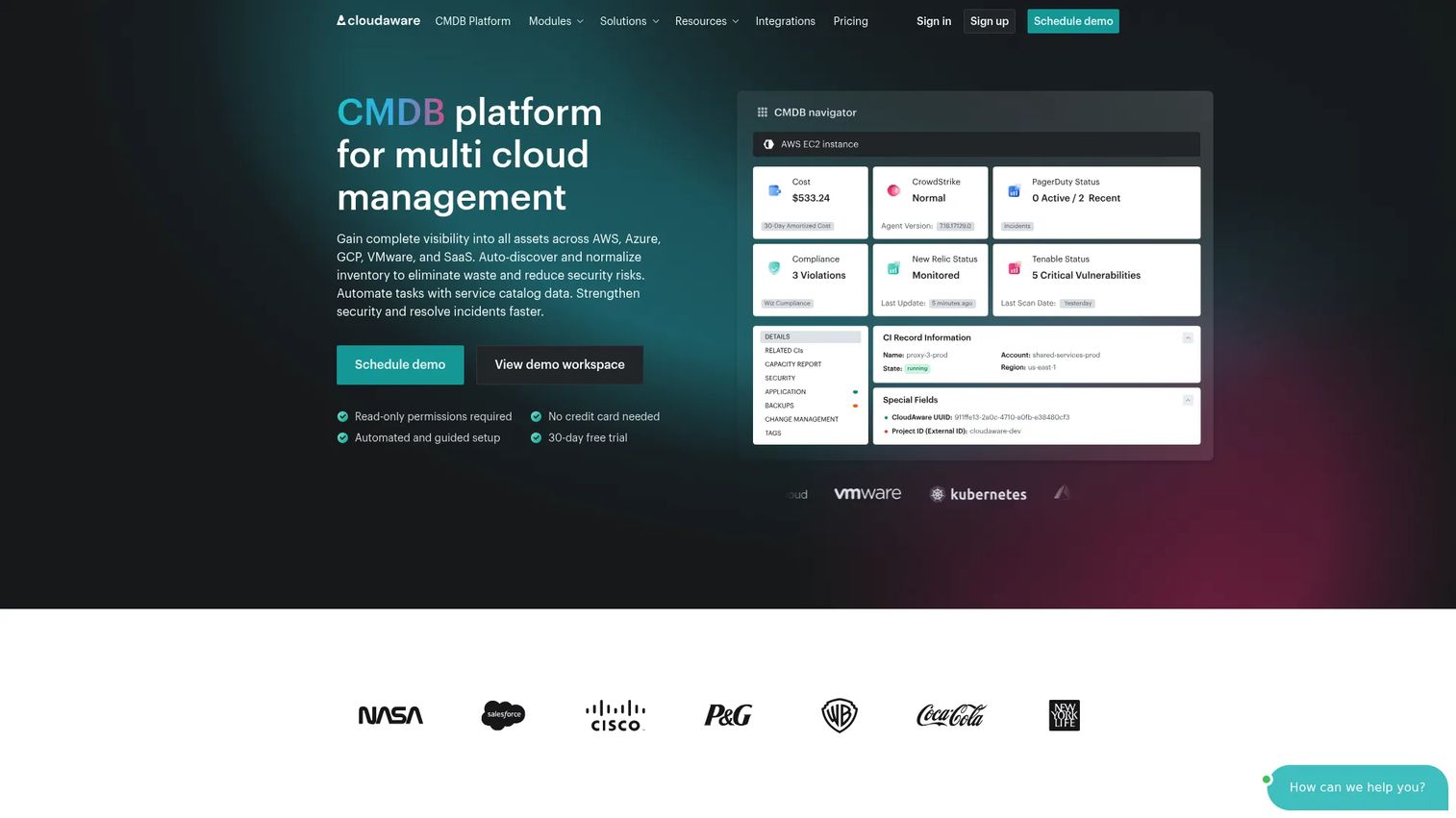
Cloudaware is a SaaS-based multi-cloud CMDB and IT management platform for managing, securing, and governing cloud and hybrid environments. Its strength is deep infrastructure visibility: it discovers assets across multiple clouds and on-prem, then adds FinOps, compliance, and security context on top. For teams whose inventory problem is mostly cloud sprawl, that context is the differentiator.
Best for: Enterprises needing a multi-cloud CMDB plus adjacent FinOps and security modules.
Key strengths
- Multi-cloud CMDB: Discover and model assets across clouds and on-prem in one configuration database.
- FinOps and cost management: Tie asset inventory to cloud spend for accountability.
- Compliance and vulnerability modules: Layer in monitoring, SIEM, and compliance checks against the same asset data.
Why choose Cloudaware: When your infrastructure spans several cloud providers, a CMDB that reconciles all of it into one model beats juggling per-provider consoles. The FinOps and compliance modules mean inventory doubles as a cost and risk lens, not just a device count. That combination suits teams where cloud governance and IT inventory management are the same conversation.
Cloudaware pricing: The public pricing page is a calculator. It shows an estimated starting price of $200 per month, with capacity for up to 25,000 configuration items and estimates that start at 50 servers. Custom pricing is also available. Cloudaware holds a 3.9/5 rating on G2.
5. ServiceNow ITAM
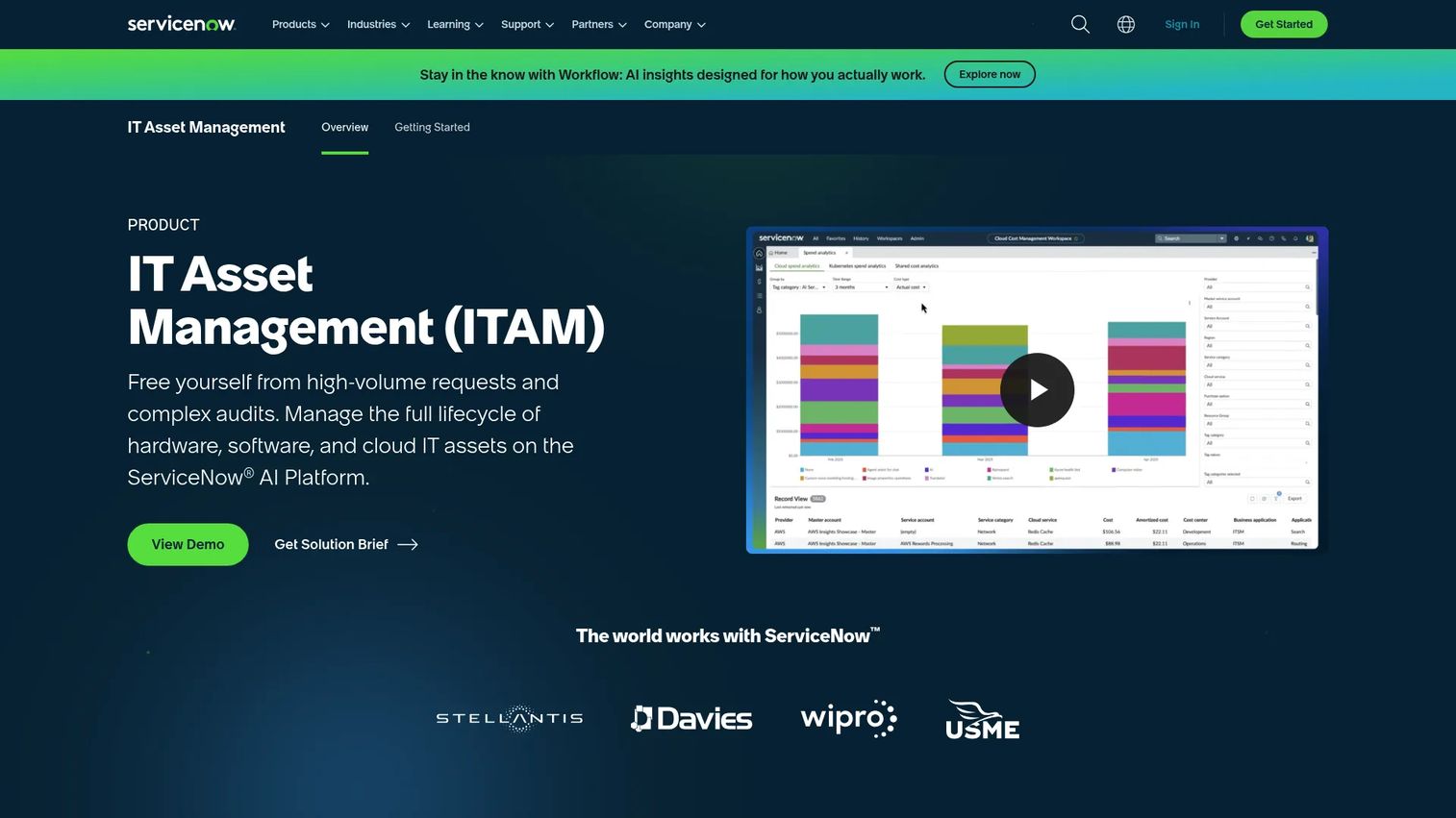
ServiceNow ITAM is IT asset management software on the ServiceNow AI Platform for managing hardware, software, and cloud asset lifecycles. It is built for organizations that treat asset lifecycle as a governed process, with procurement, contracts, and compliance all wired into the same platform as their CMDB and service management. At enterprise scale, that governance is the reason to choose it.
Best for: Large organizations that need centralized IT asset lifecycle control and compliance.
Key strengths
- End-to-end lifecycle automation: Manage assets from procurement through retirement with governed workflows.
- Real-time visibility: See contracts, costs, and compliance status across the estate at once.
- CMDB and procurement integrations: Connect asset data to change, incident, and buying workflows natively.
Why choose ServiceNow ITAM: For large orgs with strict process and reporting requirements, the platform's depth is the draw. Everything, lifecycle, procurement, CMDB, compliance, lives in one governed system. That said, for a small team that only needs to know what laptops exist, the platform can be more than the job requires. Match the tool to the process maturity you actually have.
ServiceNow ITAM pricing: ServiceNow uses quote-based pricing and directs prospects to a representative. No public numeric price is published. ServiceNow ITAM holds a 4.3/5 rating on G2.
6. Device42
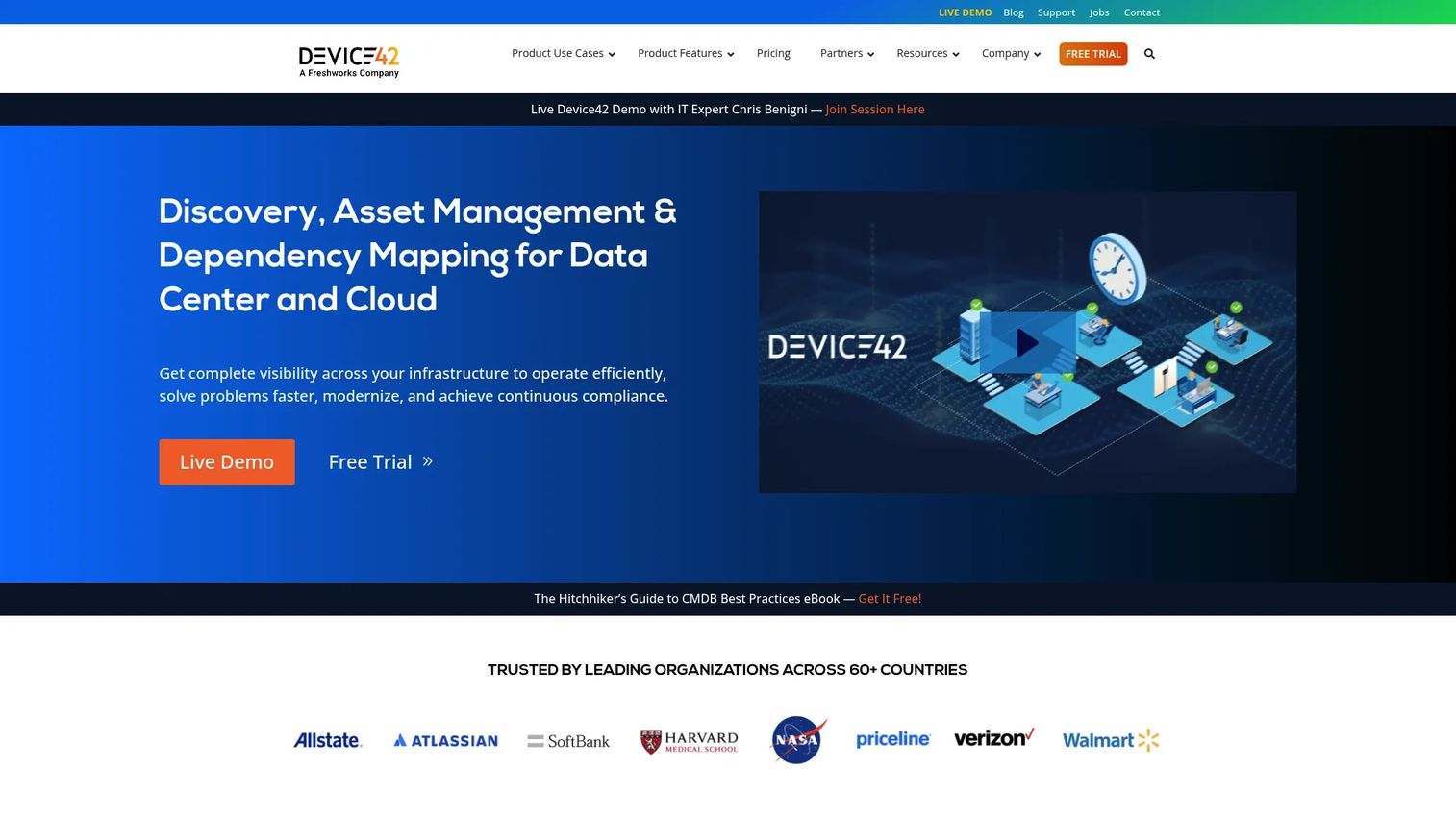
Device42 is hybrid IT infrastructure discovery, CMDB, DCIM, IPAM, and asset management software. Where most tools count assets, Device42 maps how they relate. Its application dependency mapping shows which services rely on which infrastructure, which is what you need before a migration, a change, or a risk assessment. For teams that care about relationships, not just inventory, it stands apart.
Best for: Enterprises that need automated hybrid IT discovery and dependency mapping.
Key strengths
- Infrastructure discovery: Find assets automatically across hybrid environments.
- CMDB and dependency mapping: Model relationships between applications and the infrastructure they run on.
- DCIM, IPAM, and asset management: Cover data center, IP address, and asset tracking in one platform.
Why choose Device42: Dependency data changes how you handle change. When you know a database backs three revenue-critical apps, you plan the migration differently. Device42's discovery plus mapping gives you that topology view, which helps teams catch configuration drift and understand blast radius before they act. It is infrastructure intelligence, not just a register.
Device42 pricing: Pricing is an annual subscription based on the number of devices. No public numeric price is published, so request a quote scoped to your device count. Device42 holds a 4.7/5 rating on G2.
7. Flexera One
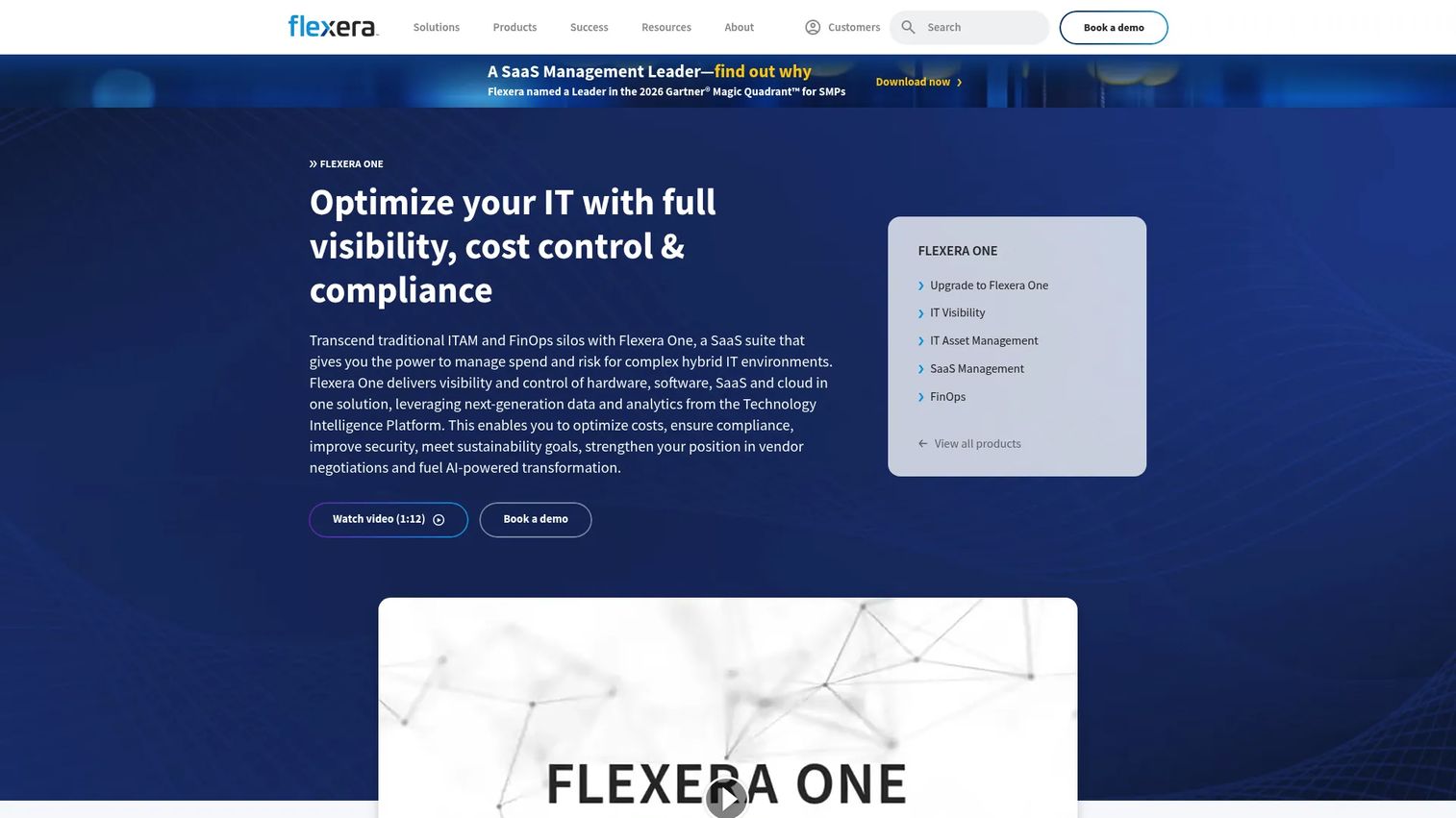
Flexera One is a SaaS suite for IT asset management, SaaS management, cloud cost optimization, and IT visibility. Its center of gravity is software: license optimization, audit defense, and compliance across hardware, software, SaaS, cloud, and containers. If your biggest exposure is not devices but software spend and license risk, Flexera targets that directly.
Best for: Large enterprises managing hybrid IT, SaaS, and cloud spend and compliance.
Key strengths
- IT visibility across surfaces: Cover hardware, software, SaaS, cloud, containers, and vendor APIs.
- License optimization and audit defense: Turn software license management into a compliance and savings function.
- SaaS and cloud spend optimization: Apply FinOps-oriented controls to recurring software cost.
Why choose Flexera One: Pure inventory tells you what you have. Flexera tells you whether you are over-licensed, under-licensed, or exposed in an audit, which is a different and often more expensive problem. The distinction matters: this is software license management and spend governance layered on top of visibility, not a lightweight device tracker.
Flexera One pricing: Flexera does not publish public pricing; the product page emphasizes booking a demo. Request a quote scoped to your estate. A current numeric G2 rating was not verified.
8. Asset Panda
Asset Panda is cloud-based asset management and asset tracking software built around flexibility. Custom fields, mobile barcode scanning, and configurable workflows let you shape the system to how your team actually tracks assets, without a heavy implementation. For operations teams that want practical, adaptable tracking, it lands well.
Best for: Organizations that need configurable asset tracking with mobile barcode scanning.
Key strengths
- Barcode and QR code scanning: Check assets in and out from a phone in seconds.
- Mobile app for iOS and Android: Update inventory from the field, not just the desk.
- Workflow automation and custom fields: Model your own asset lifecycle without code.
Why choose Asset Panda: When your tracking needs are specific and your patience for long deployments is short, configurability wins. The mobile-first design suits teams doing physical audits, field checks, and frequent reassignments. It is a practical choice for asset lifecycle tracking where flexibility matters more than a deep CMDB.
Asset Panda pricing: Three annual plans scale by users and assets tracked. Starter is $3,000 per year, Business+ is $7,200 per year, and Enterprise is $18,000 per year. Asset Panda holds a 4.2/5 rating on G2.
9. InvGate Assets
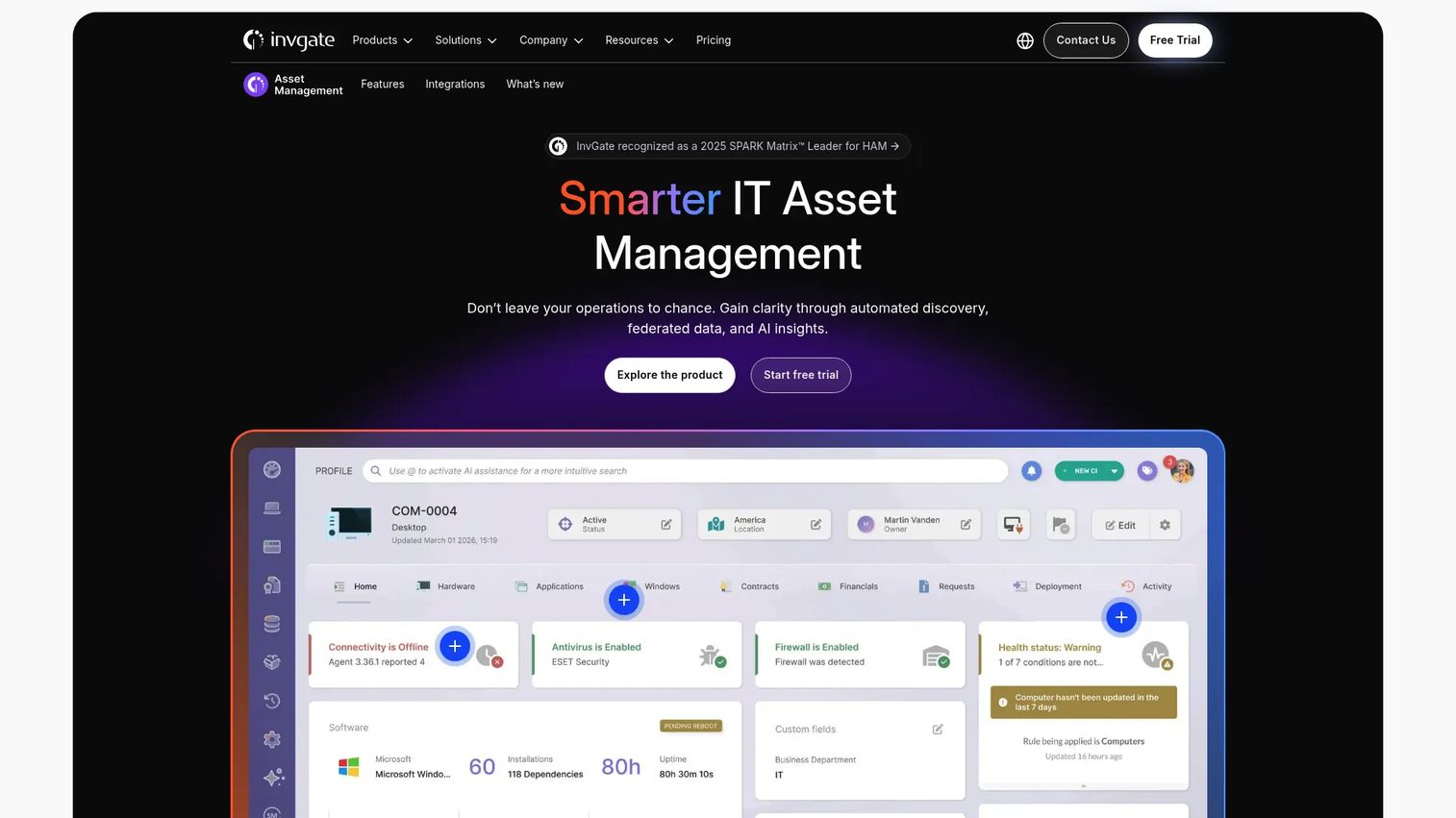
InvGate Assets is IT asset management software for discovering, tracking, and managing hardware, software, and related infrastructure. It aims for balance: solid inventory, a CMDB, and network discovery, wrapped in a usable interface with ties to service management. For teams that want a well-rounded ITAM without enterprise-grade complexity, it hits a reasonable middle.
Best for: Teams that need centralized IT asset visibility, discovery, and lifecycle management.
Key strengths
- Asset inventory: Maintain a live catalog of hardware and software.
- CMDB: Model configuration items and their relationships.
- Network discovery: Find assets automatically across the network.
Why choose InvGate Assets: The appeal is governance without the learning curve. You get discovery, a CMDB, and lifecycle tracking in a product that teams tend to find approachable, which helps adoption stick. When paired with InvGate's service management, inventory feeds tickets and changes, giving you an ITAM foundation that scales with process maturity.
InvGate Assets pricing: The public pricing page lists Starter, Pro, and Enterprise tiers. Starter starts at $1,499 per year and Pro starts at $2,500 per year, with Enterprise custom-quoted. Pricing on the site reflects InvGate's broader suite. InvGate Asset Management holds a 4.7/5 rating on G2.
10. Lansweeper
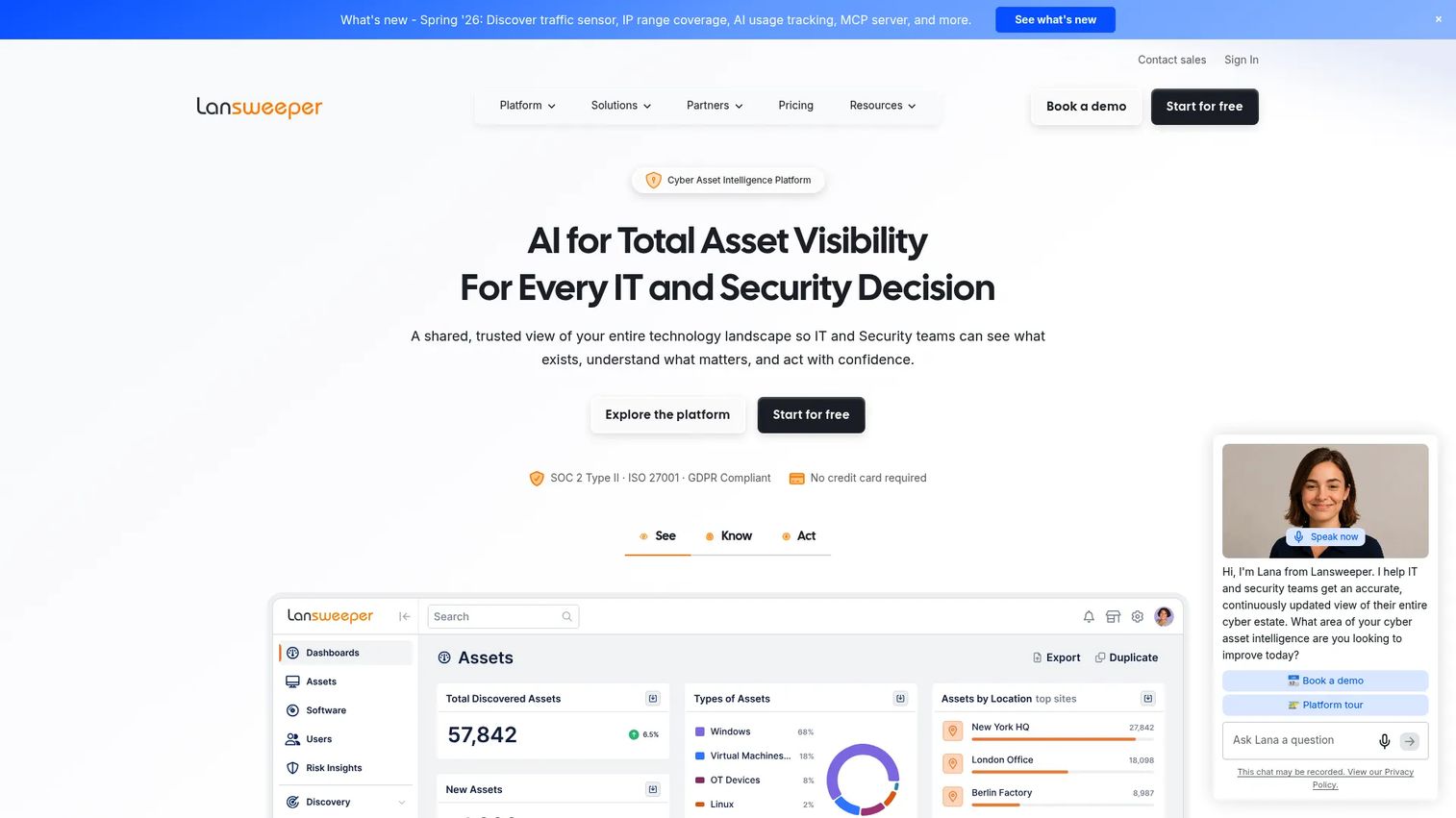
Lansweeper is a cyber asset intelligence and IT asset management platform for discovering, inventorying, and managing IT, OT, and cloud assets. Its differentiator is breadth of discovery: it reaches across IT, operational technology, and cloud to build a fuller picture than device-only tools. If your environment is diverse and you keep finding assets nobody logged, Lansweeper is built for that.
Best for: IT teams that need asset discovery, inventory, and visibility across IT, OT, and cloud environments.
Key strengths
- IT discovery: Scan and inventory endpoints, servers, and network gear.
- OT discovery: Extend visibility into operational technology assets.
- Cloud discovery: Bring cloud resources into the same inventory picture.
Why choose Lansweeper: You cannot secure or manage what you cannot see, and Lansweeper's job is to see everything. The IT, OT, and cloud coverage means fewer blind spots, which is exactly what audit readiness and security posture depend on. For teams whose main gap is discovery breadth across mixed environments, it builds the complete inventory picture others miss.
Lansweeper pricing: A 14-day free trial is available. Starter begins from $199 per month, billed annually, and includes 2,000 assets. Pro begins from $379 per month with expanded capacity. Enterprise starts at 10,000 assets and is custom-priced. Lansweeper holds a 4.4/5 rating on G2.
Considerations before you buy
Before you commit, run each shortlisted tool against the criteria that actually predict whether it will hold up in production.
Discovery depth and accuracy
Ask how the tool finds assets and how often. Agent-based, agentless, and network discovery each have different coverage. The real test is whether discovery catches cloud instances, remote endpoints, and OT gear, not just the machines on your LAN. Weak automated discovery is where inventory drift starts.
Lifecycle and ownership traceability
A device count is not enough. You need to know who owns each asset, its warranty and contract status, and its full change history. Strong lifecycle tracking is what makes procurement, renewals, and retirement decisions defensible instead of guesswork.
Reporting and audit readiness
Look at the export formats, the alerting, and how quickly you can answer a specific auditor question. If you cannot pull "every asset running an end-of-life OS" in a few clicks, the reporting is not audit-ready. Dashboards are nice; exportable evidence is essential.
Integrations and maintainability
Check ITSM integration, CMDB fit, and procurement connections against your existing stack. The best data model still fails if it does not feed your tickets and changes. Weigh maintainability too: a tool that needs constant manual reconciliation will decay, no matter how good its first import looks. If governance is a priority, see how it pairs with your audit management and event management processes.
Conclusion
The right IT inventory software depends less on brand and more on your deployment model and process maturity. For lean teams that want control and zero license cost, Snipe-IT is the practical starting point. Teams already invested in a monitoring stack get the cleanest fit from SolarWinds, while those buying a service desk should look hard at Freshservice for its inventory-inside-ITSM design.
At the enterprise end, ServiceNow ITAM delivers governed lifecycle control, Device42 wins on dependency mapping, and Flexera One targets software license management and spend. For configurable, mobile-first tracking, Asset Panda fits, InvGate Assets balances ITAM and usability, and Lansweeper leads on discovery breadth across IT, OT, and cloud.
Your next step: shortlist two or three by deployment model, then run each against your own asset count, audit requirements, and existing ITSM stack. The tool that produces a clean, exportable inventory report on day one is the one worth trialing further.
FAQs
IT inventory software is a system that discovers, catalogs, and tracks an organization's hardware and software assets, along with ownership, status, and lifecycle events. It centralizes what spreadsheets fragment, using automated discovery to keep the record current. The goal is a single, defensible source of truth for what you own and run.
IT inventory software focuses on discovering and tracking what assets exist and who holds them. IT asset management software adds financial, contractual, and lifecycle governance on top, covering procurement, cost, compliance, and retirement. In practice, most modern tools blend both, and the line is a spectrum rather than a hard boundary.
Yes. Strong tools maintain hardware and software inventory in one catalog, tying installed software and licenses to the devices they run on. This matters for software compliance and audit readiness, since license exposure often hides in unmanaged installs. Look for tools that reconcile deployed software against entitlements automatically.
Once a single person can no longer remember who has what, usually a few hundred assets or more than one location, yes. Small teams often start with a free or self-hosted option like Snipe-IT to avoid license cost while gaining automated discovery. The payoff is fewer surprises at audit time and less manual reconciliation.
Automated discovery scans your environment using agents, agentless probes, or network scanning to find and identify assets. Agent-based methods report from the endpoint, while network discovery maps devices across subnets, and cloud discovery pulls from provider APIs. The best tools combine methods so cloud instances, remote endpoints, and OT gear all land in one inventory.
Prioritize exportable evidence over dashboards. You want to answer specific auditor questions fast, such as which assets run an end-of-life OS or which licenses are over-deployed. Strong reporting includes scheduled reports, threshold alerts, and clean exports that tie each asset to an owner and lifecycle state.
For teams that value data ownership and low vendor lock-in, yes. Open-source asset management like Snipe-IT gives you a free, auditable, extensible core you can self-host. The trade to weigh is that you run the infrastructure yourself, which many teams accept in exchange for full control, though hosted options exist when they would rather not.
Most tools either include a CMDB or connect to one, mapping assets as configuration items with their relationships. ITSM integration then feeds that data into incident, problem, and change workflows, so agents see an asset's owner, warranty, and dependencies inside a ticket. The tightest integrations, like Freshservice's built-in CMDB, remove the sync overhead entirely.