Location intelligence software analyzes geographic data to reveal patterns tied to physical places, helping teams answer questions like "where should we open the next store" or "which customers live within a 15-minute drive." It's the layer that turns raw addresses and coordinates into decisions about sites, markets, and operations.
This guide compares 12 location intelligence platforms in a market projected to reach 53.62 billion by 2030, breaks down when each one fits, and covers the selection criteria that actually matter when you're evaluating options.
What's inside
This guide covers 12 location intelligence software platforms that help teams analyze spatial data, visualize geographic patterns, and make decisions based on physical location insights. You'll find a definition of location intelligence, a comparison table, detailed breakdowns of each platform, and selection criteria to match the right tool to your workflow.
TL;DR
- What location intelligence software does: Analyzes, visualizes, and maps spatial data to reveal trends tied to physical locations
- Top use cases: Site selection, foot traffic analysis, marketing optimization, and risk assessment
- Who uses it: Retail, commercial real estate, logistics, and financial services teams
- How to choose: Match data sources, visualization depth, and integration needs to your specific workflow
What is location intelligence software
Location intelligence software combines geographic data with business information to help teams make decisions based on physical location patterns. You might also hear it called spatial intelligence software or location analytics software. The core idea is straightforward: take data about places (stores, customers, competitors, delivery routes) and layer it onto maps so patterns become visible.
This is different from a basic mapping tool. A simple map shows where things are. Location intelligence shows why that matters for your revenue, customers, or operations.
Most platforms run on GIS (Geographic Information System) technology under the hood. GIS handles the mapping and spatial analysis. Location intelligence software packages GIS capabilities with business-specific features like foot traffic estimates, demographic overlays, and pre-built dashboards.
That packaging matters because it means marketing teams and sales ops can use the tools without becoming GIS analysts first.
How location analytics platforms process spatial data
The data pipeline works in three stages. First, platforms pull data from mobile devices, POI databases, Census records, and proprietary panels. POI stands for "points of interest," which refers to specific locations like stores, restaurants, or landmarks.
Second, algorithms process that raw data. They calculate drive times, density patterns, trade areas, and visitor flows. A trade area is the geographic zone a store draws customers from.
Third, results appear as heat maps, dashboards, and exportable reports. Teams can share findings with stakeholders or feed the data into other systems.
Core capabilities of location intelligence tools
Most platforms offer four main capabilities. For teams evaluating how to present these insights visually, see our guide to data visualization tools:
- Spatial analysis and modeling: Density analysis, drive-time calculations, and predictive site scoring help teams evaluate locations before committing resources
- Foot traffic analysis: Visitor counts, dwell time, and visit frequency from anonymized mobile data show how people actually move through physical spaces
- Data visualization: Interactive maps, heat maps, and dashboards make patterns visible without requiring technical expertise
- Demographic integration: Census data, consumer profiles, and behavioral segments layered onto maps provide context about who lives, works, and shops in specific areas
When to use a location intelligence platform
The right platform depends on your primary question. Are you choosing a site? Understanding customers? Optimizing delivery routes? Each use case calls for different capabilities.
Commercial real estate and site selection
CRE teams and retailers use location data platforms to score potential sites before signing leases. Trade area analysis shows the geographic zone a store draws customers from. Competitive proximity mapping reveals how close competitors are and whether that helps or hurts.
The goal is knowing whether a location will perform before committing capital. You want data, not gut feelings, when the lease is seven figures.
Retail analytics and store performance
Foot traffic benchmarking compares your store visits to competitors. Customer origin analysis shows where visitors come from. Same-store trends over time reveal whether performance is improving or declining.
This is distinct from site selection because it focuses on existing locations rather than new ones. You already have the store. Now you want to understand what's happening inside it and around it.
Marketing attribution and consumer insights
Location intelligence helps marketers understand offline behavior. Visit attribution answers whether someone who saw an ad later visited a store. Audience building creates targetable segments based on real-world behavior rather than just demographics or online activity.
Teams looking for complementary tools may also explore audience intelligence platforms and account-based marketing tools to round out their stack.
If you're running campaigns for a retail brand, location data connects digital spend to physical store visits. That connection is hard to make any other way. Pairing location data with marketing automation tools can further improve campaign performance.
Supply chain and logistics optimization
Route planning, warehouse placement, and last-mile delivery optimization all benefit from map intelligence. Logistics teams use spatial analysis to minimize drive times and fuel costs across over 70 percent of logistics companies.
If you're evaluating warehouse locations or delivery zones, spatial analysis helps you model scenarios before making expensive commitments.
Location intelligence software comparison
# | Product | Best for | Key differentiation | Pricing | G2 rating |
|---|---|---|---|---|---|
1 | Maptive | Sales territory mapping | No-code business mapping | Subscription tiers | 4.6/5 |
2 | Placer.ai | Foot traffic analysis | Large mobile data panel | Enterprise pricing | 4.6/5 |
3 | Esri ArcGIS | Enterprise spatial analysis | Industry-standard GIS | Tiered by deployment | 4.4/5 |
4 | CARTO | Cloud-native spatial analytics | Warehouse-native queries | Usage-based | 4.5/5 |
5 | Mapbox | Custom mapping applications | Developer APIs and SDKs | Pay-as-you-go | 4.5/5 |
6 | Foursquare | POI data licensing | Global places database | Enterprise licensing | 4.3/5 |
7 | SafeGraph (Dewey) | Raw location data | High-quality POI datasets | Data licensing | 4.4/5 |
8 | Precisely | Address validation | Enterprise geocoding | Enterprise licensing | 4.2/5 |
9 | Mapline | Territory management | Spreadsheet integration | Subscription tiers | 4.5/5 |
10 | eSpatial | Sales route optimization | Salesforce integration | Per-user subscription | 4.3/5 |
11 | BatchGeo | Quick address mapping | Instant, no-account mapping | Freemium | 4.4/5 |
12 | ZeeMaps | Basic map creation | Low-cost pin mapping | Freemium | 4.2/5 |
1. Maptive
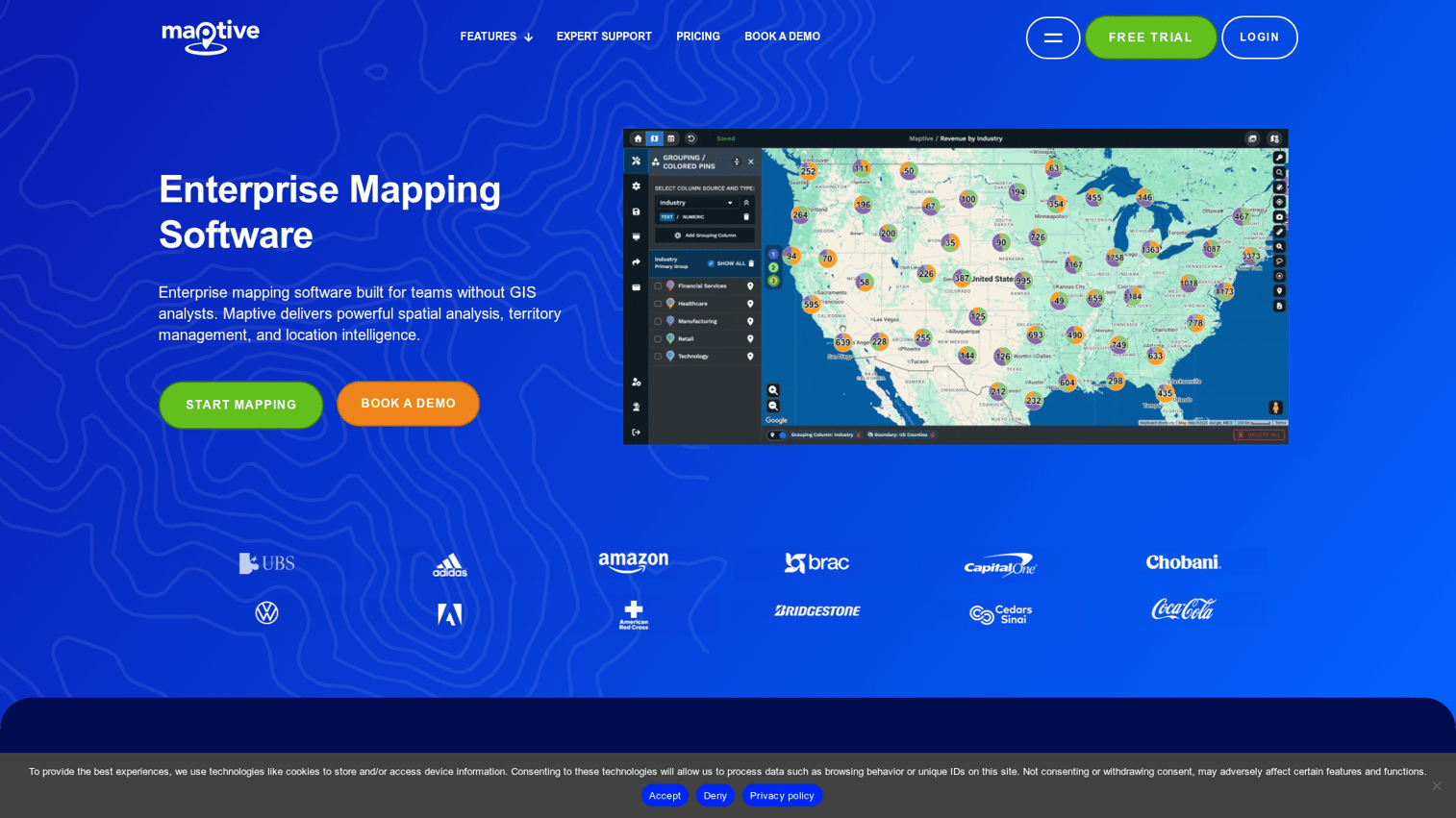
Maptive is a browser-based location analytics platform designed for sales teams and analysts who want to map customer data without GIS expertise. It focuses on business mapping rather than foot traffic or mobile data. You upload a spreadsheet, and Maptive turns it into a visual map with territories, routes, and clusters.
Best for: Sales territory mapping and customer visualization
Key strengths
- Territory optimization: Draw and balance sales territories visually without technical skills
- Route planning: Plan multi-stop routes for field teams to reduce drive time
- Data import flexibility: Upload spreadsheets and map them instantly
- No GIS background required: Built for business users, not analysts
Why choose Maptive
Pick Maptive when your team works with customer lists and sales data but lacks GIS expertise. It handles the common use case of "I have a spreadsheet of addresses and want to see them on a map" without requiring training or technical setup.
Pricing
Subscription tiers with a free trial available. Pricing scales with features and user count.
2. Placer.ai
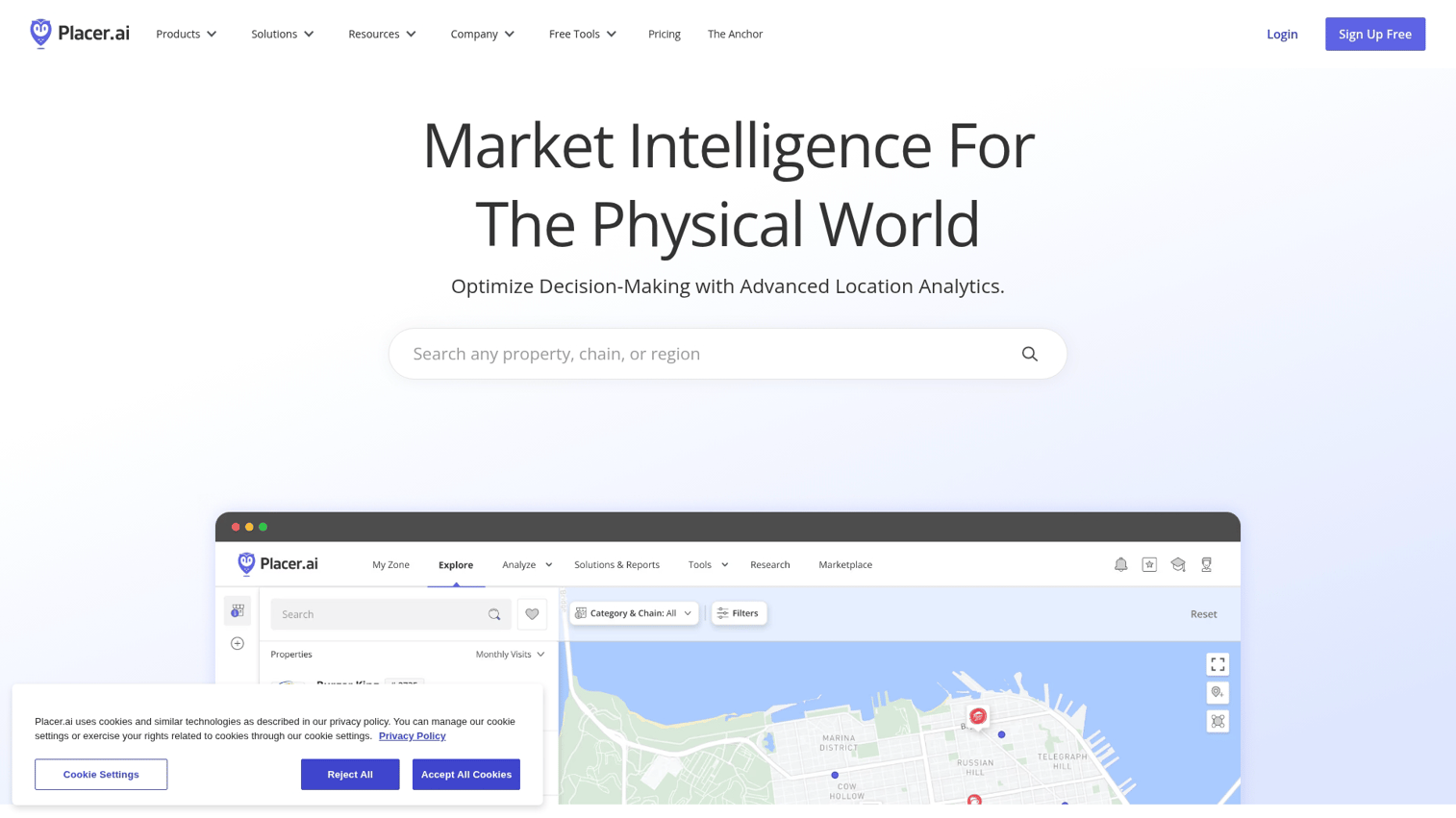
Placer.ai specializes in foot traffic data and visitor analytics. It processes anonymized mobile device signals to estimate visits, dwell time, and customer origin for retail, restaurant, and CRE teams. If you're evaluating a potential store location or benchmarking against competitors, Placer.ai provides the visit data to inform those decisions.
Best for: Foot traffic analysis and retail site selection
Key strengths
- Foot traffic panel: Large mobile data panel for visit estimates across millions of locations
- Competitive benchmarking: Compare your traffic to nearby competitors in the same category
- Trade area mapping: Visualize where your customers actually come from, not just where you think they do
- Industry-specific dashboards: Pre-built views for retail, CRE, and restaurants reduce setup time
Why choose Placer.ai
Choose Placer.ai when foot traffic data is central to your decisions in a market that saw 0.4 percent growth in 2024.
Pricing
Enterprise pricing model. Pricing is not publicly listed and requires a demo request.
3. Esri ArcGIS
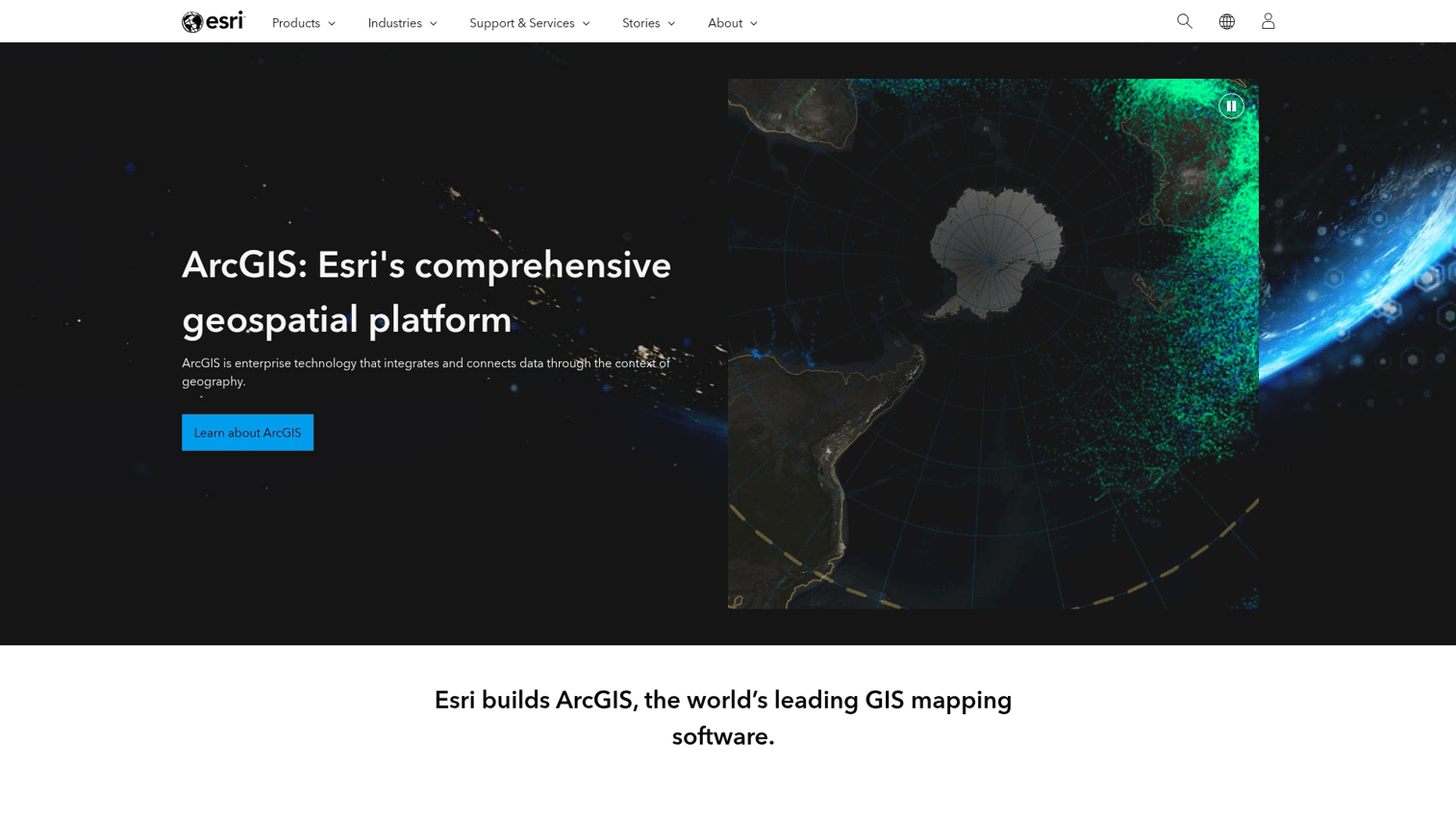
Esri ArcGIS is the industry-standard GIS platform used by governments, utilities, and large enterprises for advanced spatial data management and analysis. It's the most powerful option but also the most complex. If you're doing serious spatial analysis at scale, ArcGIS is likely already on your radar.
Best for: Enterprise-scale spatial analysis and data management
Key strengths
- Full GIS capabilities: The deepest spatial analysis toolkit available
- Data management: Store, manage, and govern massive spatial datasets
- Ecosystem: Thousands of extensions, integrations, and pre-built applications
- Industry adoption: The standard in government, utilities, and environmental science
Why choose Esri ArcGIS
Choose ArcGIS when you have complex spatial analysis requirements and the technical resources to support it. It's overkill for simple business mapping but essential for organizations doing serious geospatial work.
Pricing
Tiered pricing based on deployment type (cloud vs. on-premise) and user count. ArcGIS Online offers a more accessible entry point than full enterprise deployments.
4. CARTO
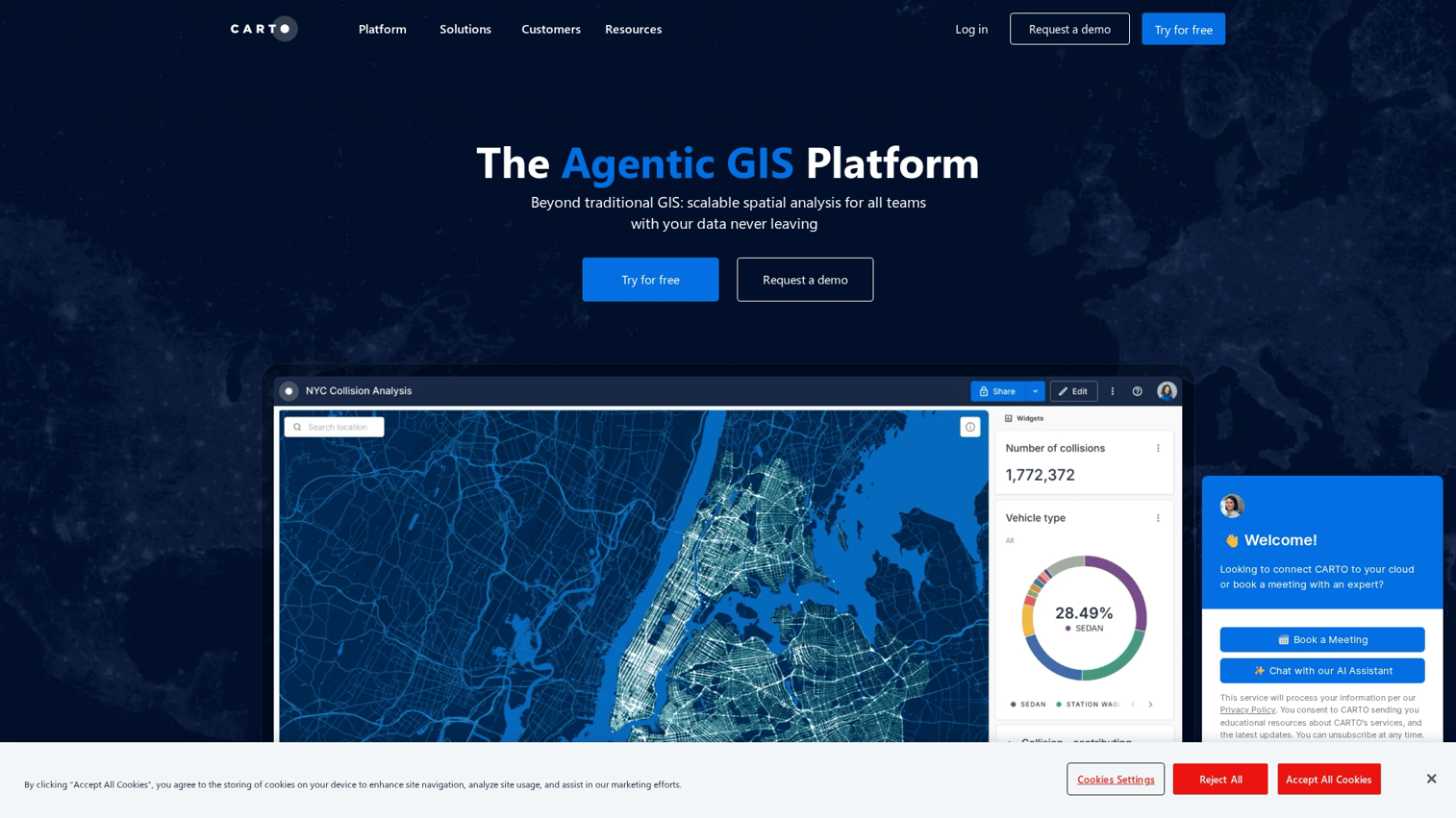
CARTO is a cloud-native location analytics platform built for data teams working in modern cloud data warehouses like Snowflake, BigQuery, and Databricks. It positions itself as spatial analytics for the cloud era, not traditional desktop GIS.
The key difference: CARTO queries data in place. Your data stays in your warehouse. CARTO runs spatial queries against it without moving anything.
Best for: Cloud-native spatial analytics and data science teams
Key strengths
- Warehouse-native: Runs queries directly in your cloud data warehouse without moving data
- Low-code analysis: Drag-and-drop spatial workflows for non-GIS users
- AI agents: Emerging AI capabilities tied to 52 percent higher advanced solution usage
- Visualization: Strong cartographic output for dashboards and presentations
Why choose CARTO
Choose CARTO when your data lives in Snowflake, BigQuery, or Databricks and you want spatial analysis without data movement. It's particularly strong for data teams that already work in SQL and want to add location intelligence to existing workflows.
Pricing
Usage-based pricing tied to compute and data volume. Free tier available for small projects.
5. Mapbox
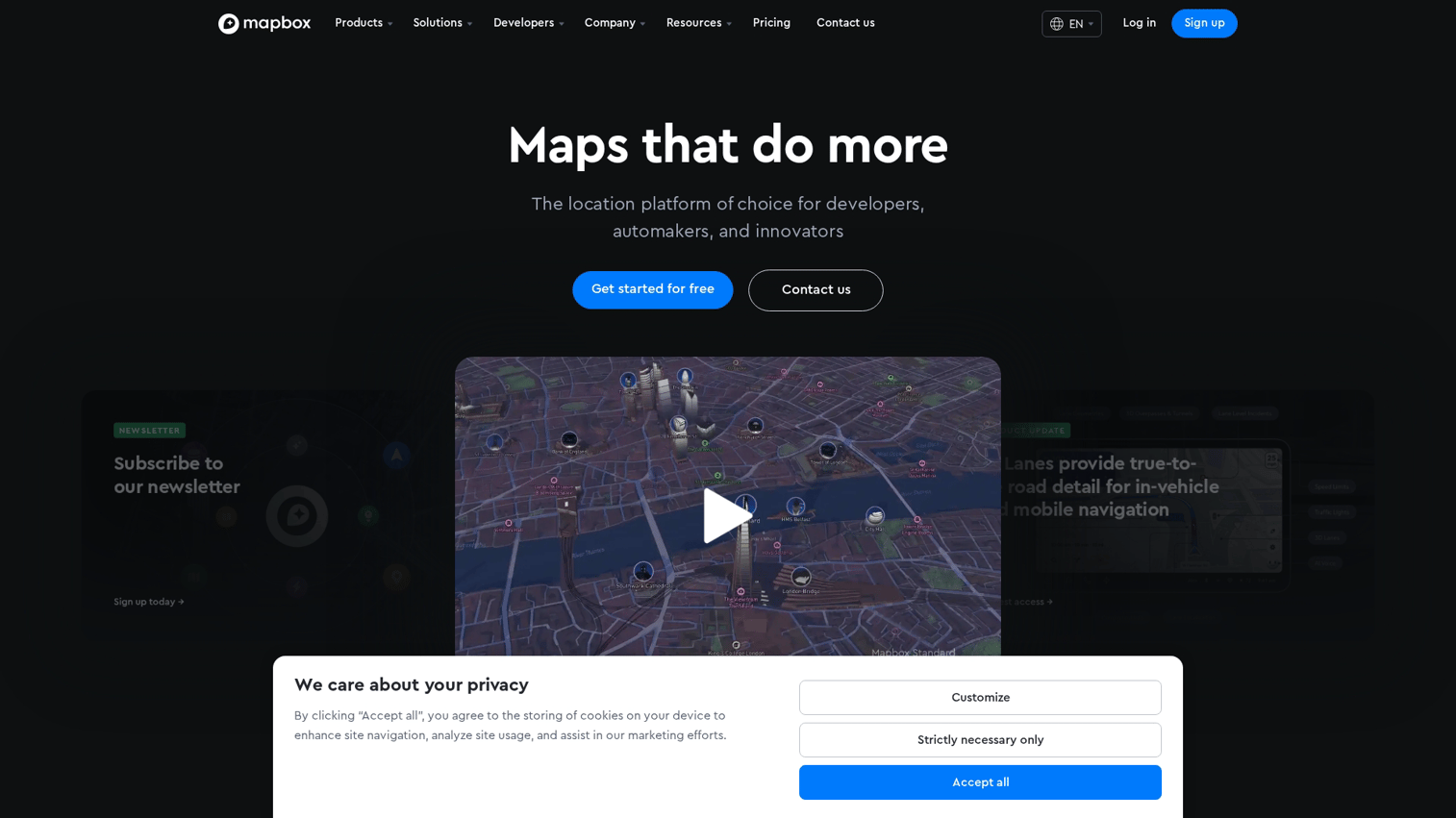
Mapbox is a location data platform and mapping infrastructure provider used by developers building custom mapping applications. It's not a turnkey analytics tool. It's the building blocks for creating your own location intelligence solutions.
If you're building a product that includes maps, Mapbox provides the APIs. If you want to upload a spreadsheet and see a map, look elsewhere.
Best for: Developers building custom mapping applications
Key strengths
- Custom map design: Full control over map styling and layers
- APIs and SDKs: Navigation, geocoding, and search APIs for developers
- Scalability: Built to handle billions of map loads
- Mobile support: Strong iOS and Android SDKs
Why choose Mapbox
Choose Mapbox when you're building a product that includes maps and want full control over the experience. It's for developers who want to build something custom, not business users who want to upload a spreadsheet.
Pricing
Pay-as-you-go pricing based on API calls and map loads. Generous free tier for low-volume use.
6. Foursquare
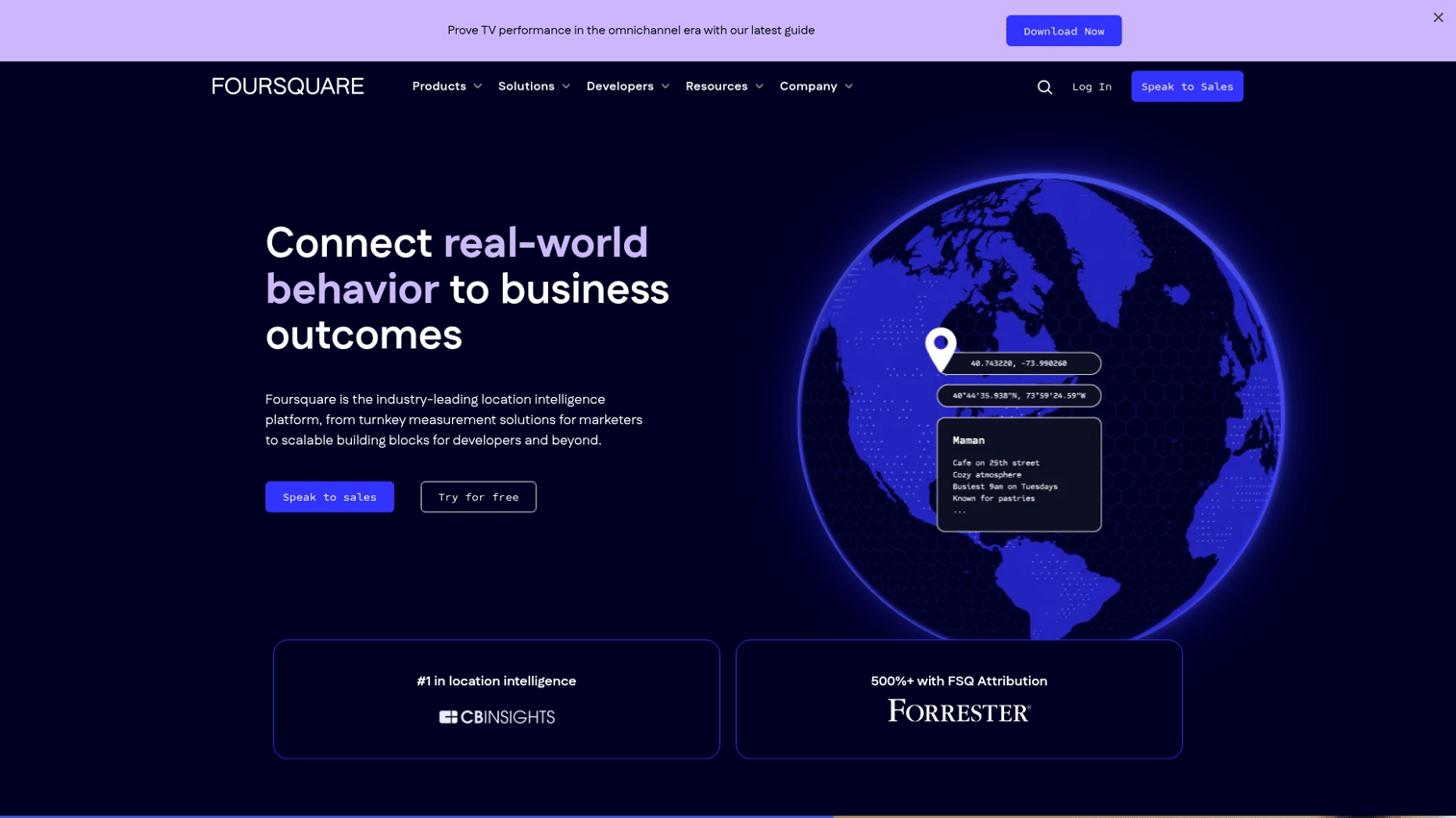
Foursquare evolved from its consumer check-in app into an enterprise location intelligence platform. It offers both raw POI data licensing and turnkey analytics products for marketers and analysts.
If you're building audience segments for ad targeting or licensing place data for internal analytics, Foursquare is a major player in that space.
Best for: POI data licensing and audience targeting
Key strengths
- POI database: One of the largest global databases of places
- Audience segments: Pre-built behavioral segments for ad targeting
- Attribution: Measure offline visits driven by digital campaigns
- Data licensing: License raw location data for internal analytics
Why choose Foursquare
Choose Foursquare when you want to license POI data or build audience segments based on real-world behavior. It's particularly strong for marketers running location-based ad campaigns.
Pricing
Enterprise pricing for data licensing and platform access. Pricing varies significantly by use case.
7. SafeGraph (by Dewey)
SafeGraph (now part of Dewey) is a location data company known for its POI and foot traffic datasets. It's primarily a data provider rather than a full analytics platform. Teams that want raw data to analyze in their own tools are the target audience.
Best for: Raw location data for analysts and data scientists
Key strengths
- POI accuracy: High-quality place data with detailed attributes
- Foot traffic patterns: Visit counts and patterns at the place level
- Data delivery: Flat files or warehouse integrations for flexible use
- Academic access: Free data access programs for researchers
Why choose SafeGraph
Choose SafeGraph when you have the technical resources to work with raw data and want high-quality POI and foot traffic datasets. It's not a turnkey solution. It's data for teams that build their own analytics.
Pricing
Data licensing model based on coverage and refresh frequency. Academic and startup programs available.
8. Precisely
Precisely (formerly Pitney Bowes Software) is an enterprise data integrity company with a strong location intelligence division. It focuses on address validation, geocoding, and spatial data enrichment for large organizations.
Geocoding is the process of converting addresses into geographic coordinates. If you're dealing with messy address data at scale, Precisely cleans it up.
Best for: Address validation and enterprise data enrichment
Key strengths
- Geocoding accuracy: Industry-leading address-to-coordinate matching
- Data enrichment: Append demographic and risk attributes to customer records
- Global coverage: Strong international address data
- Enterprise integrations: Pre-built connectors for Salesforce, SAP, and other enterprise systems
Why choose Precisely
Choose Precisely when address data quality is critical to your operations. It's particularly strong for organizations with large customer databases that require accurate geocoding and enrichment.
Pricing
Enterprise licensing model. Pricing requires consultation.
9. Mapline
Mapline is a location analytics software platform aimed at business users who want to visualize and analyze location data without deep technical skills. It competes with Maptive in the business mapping space, offering similar spreadsheet-to-map functionality.
Best for: Business mapping and territory management
Key strengths
- Spreadsheet integration: Map data directly from Excel or Google Sheets
- Territory management: Create and optimize sales territories
- Heat maps and clustering: Visualize density patterns
- Collaboration: Share maps with team members
Why choose Mapline
Choose Mapline when you want straightforward business mapping without GIS complexity. It handles the common use case of visualizing customer or sales data on a map.
Pricing
Subscription-based pricing with multiple tiers. Free trial available.
10. eSpatial
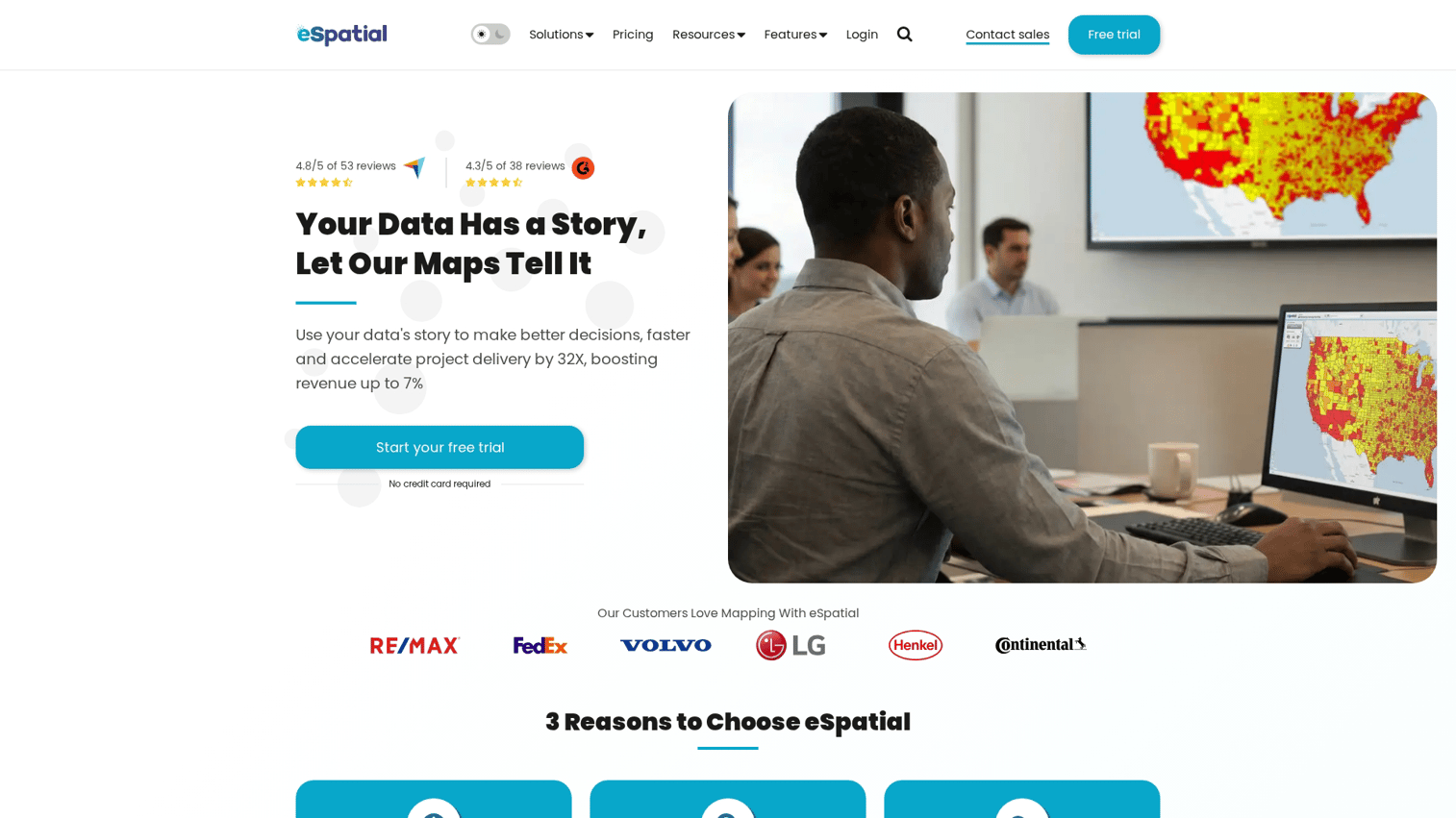
eSpatial is a cloud-based location intelligence tool designed for sales and marketing teams. It focuses on territory mapping, route planning, and customer visualization without requiring GIS expertise.
The Salesforce integration makes it particularly useful for teams already working in that ecosystem.
Best for: Sales territory mapping and route optimization
Key strengths
- Territory balancing: Optimize territories by revenue, accounts, or workload
- Route planning: Plan efficient multi-stop routes
- CRM integration: Connect to Salesforce for real-time data sync
- Visual analytics: Heat maps and pin maps for presentations
Why choose eSpatial
Choose eSpatial when you're a Salesforce shop that wants territory mapping and route planning without leaving your CRM ecosystem.
Pricing
Per-user subscription pricing. Available on Salesforce AppExchange.
11. BatchGeo
BatchGeo is a simple, free-tier mapping tool for quickly visualizing address lists on a map. It's not a full location analytics platform. It serves teams that want fast, basic mapping without a learning curve.
Paste addresses, get a map. That's the value proposition.
Best for: Quick, simple address mapping
Key strengths
- Instant mapping: Paste addresses, get a map in seconds
- No account required: Free tier works without signup
- Embeddable: Add maps to websites or presentations
- Simplicity: No GIS knowledge required
Why choose BatchGeo
Choose BatchGeo when you want to visualize a list of addresses quickly and don't want to learn a new tool. It's not for complex analysis. It's for fast visualization.
Pricing
Free tier with premium options for additional features like custom branding and larger datasets.
12. ZeeMaps
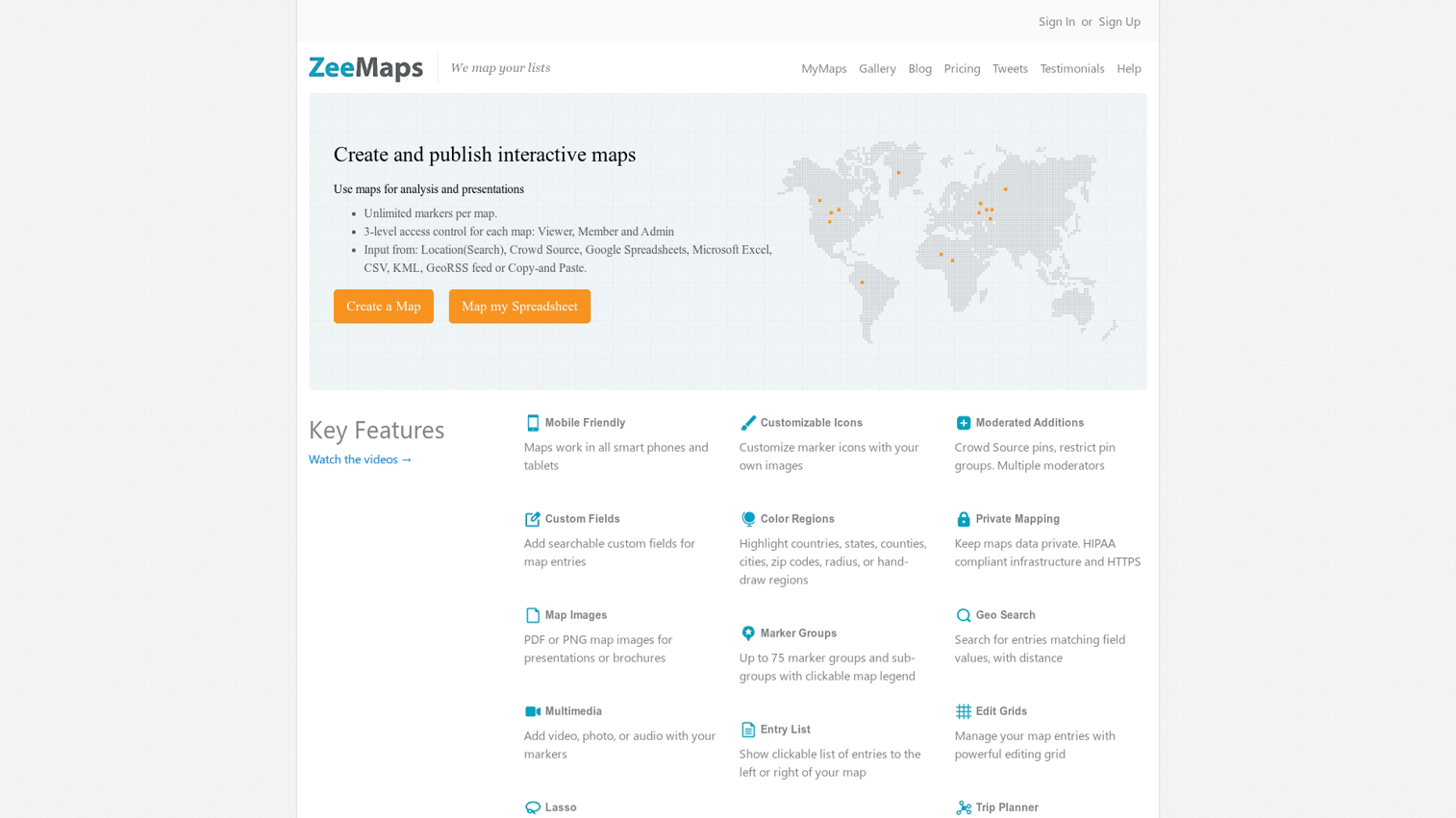
ZeeMaps is a straightforward map intelligence tool for creating shareable pin maps from spreadsheets. Like BatchGeo, it targets users who want basic visualization without enterprise complexity.
Best for: Basic map creation and sharing
Key strengths
- Easy data import: Upload CSV or Excel files
- Customization: Color-coded pins and custom icons
- Sharing: Public or private map links
- Low cost: Affordable pricing for small teams
Why choose ZeeMaps
Choose ZeeMaps when you want simple, affordable pin mapping without the overhead of enterprise tools.
Pricing
Freemium model with paid plans for premium features and larger maps.
How to choose the right location analytics platform
The best location intelligence software depends on your data sources, technical capacity, and primary use case. Teams in sales may also benefit from reviewing sales intelligence tools alongside location platforms. Here's what to evaluate.
Data accuracy and sourcing transparency
Not all foot traffic and POI data is equal. Ask vendors about their data panel size, how they handle sampling bias, and whether they can explain their methodology. Reputable location intelligence companies will be transparent about their sources.
If a vendor can't explain where the data comes from, that's a red flag.
Integration with your cloud data warehouse
Modern teams store data in Snowflake, BigQuery, or Databricks. Does the platform query data in place (warehouse-native) or require data exports? This matters for data governance and avoiding duplication.
If you're already invested in a cloud data warehouse, look for platforms that integrate with your existing infrastructure.
Self-serve accessibility vs technical depth
There's a tradeoff between ease of use and analytical power:
- Business mapping tools (Maptive, eSpatial): Accessible but limited in analytical depth
- Full GIS platforms (Esri ArcGIS): Powerful but require training and often dedicated analysts
- Cloud-native platforms (CARTO): Balance accessibility with technical capability for data teams
Match the tool to your team's skills. If you don't have GIS analysts, don't buy a GIS platform.
Pricing model and total cost of ownership
Three common pricing models exist:
- Per-seat subscriptions: Predictable but can get expensive with large teams
- Usage-based pricing: Pay for what you use but harder to budget
- Data licensing fees: Separate costs for accessing underlying datasets
The cheapest option is rarely the best fit. Evaluate total value, not just sticker price. For guidance on building a broader go-to-market approach, see our go-to-market strategy guide.
Visualization and presentation capabilities
Location insights are only valuable if stakeholders can understand them. Does the platform produce presentation-ready maps, embeddable visualizations, or require export to other tools?
When presenting location insights to stakeholders, interactive demos for product managers and other stakeholders help buyers experience the value of your analysis without scheduling a live walkthrough.
Tip: Before committing to a platform, request a trial with your actual data. The demo environment often looks better than reality. Test with your real use case to see how the platform handles your specific needs.
Turn location insights into decisions
Location intelligence platforms help teams move from "where" questions to confident decisions about sites, customers, and markets. The best results come from combining accurate data with clear communication of findings.
The next step? Try a free plan or demo with your real use case to see how each platform handles your team's actual needs.
Start your journey with Guideflow today!
FAQs about location intelligence software
Update frequency varies by platform and data type. Foot traffic data typically refreshes weekly or monthly, while POI data updates on a rolling basis as places open, close, or move. Ask vendors about their specific refresh cadence before committing.
Most platforms combine anonymized mobile device signals, GPS data from apps, POI databases, Census records, and proprietary survey panels to build their location datasets. The quality and coverage of data sources varies significantly between vendors.
GIS (Geographic Information System) software is the underlying technology for mapping and spatial analysis. Location intelligence software packages GIS capabilities with business-specific features like foot traffic, demographics, and pre-built dashboards for non-technical users. Think of GIS as the engine and location intelligence as the car built around it.
It depends on the platform. Business mapping tools like Maptive and eSpatial are designed for non-technical users. Enterprise GIS platforms like Esri ArcGIS require training and often dedicated analysts.
Match the tool to your team's skills.
Reputable location data companies anonymize and aggregate mobile data to prevent individual identification. Most platforms offer documentation on their compliance with GDPR, CCPA, and other privacy regulations. Ask for specifics before signing a contract.
Several modern platforms, including CARTO, offer native integrations with cloud data warehouses like Snowflake, BigQuery, and Databricks. Native integration allows you to run spatial queries without moving data out of your existing infrastructure.