



You sent 60 emails this week. Four people replied. None of them booked.
Most SDRs read that as a copy problem. Rewrite the subject line. Add another CTA. Test a new opener. But the copy was probably fine. The timing was wrong. You reached out to accounts that had no reason to care that Tuesday, and no message rescues bad timing.
That is the gap sales trigger software closes. It watches for sales trigger events, a new funding round, a leadership hire, a tech adoption, a spike in research activity, then tells you which accounts just became relevant. Instead of working a static list top to bottom, you work the accounts that changed this week.
The timing matters more every year. By 2025, roughly 75% of organizations globally use sales automation in some form, and 61% of B2B firms have adopted sales automation solutions, according to Cirrus Insight (2025). The prospecting tools winning attention now are the ones that catch buying signals early and route them fast.
This guide ranks 15 trigger events software tools for 2026, from signal detection to CRM sync, and shows how to turn a signal into a booked meeting.
What sales trigger software is
Sales trigger software is a category of sales intelligence tools that monitor companies and contacts for meaningful events, score those events for relevance, and alert sellers so they can reach out at the right moment.
A trigger is any change that makes outreach relevant. The software watches thousands of accounts at once, catches the change, and pushes it to the seller or straight into the CRM.
Common trigger events these tools detect:
- Funding rounds and new investment
- Executive and leadership changes
- New hires on relevant teams (hiring intent)
- Technology adoption or stack changes (technographics)
- Product launches and expansions
- Website visits and content research (intent data)
- Job changes among past champions
- Mergers, acquisitions, and office openings
Core capabilities to expect:
- Monitoring: continuous trigger monitoring across accounts and contacts
- Scoring: ranking signals by relevance and strength for lead prioritization
- Alerts: CRM alerts, Slack, and email notifications in near real time
- Routing: assigning signals to the right rep or sequence
- CRM sync: two-way sync with Salesforce, HubSpot, and outreach tools
- Automation: trigger event automation that fires a sequence when a signal lands
The strongest tools do all six. Weaker ones detect signals but leave the acting to you.
Why trigger events matter for SDRs
Your time is the scarce resource. A trigger tells you where to spend it.
Timing is the obvious win. A prospect who just closed a Series B has budget and a mandate to spend it. A new VP of Sales in week two is rebuilding their stack and open to pitches they would have ignored last month. Reach them in that window and your reply rate climbs. Reach them three months later and you are one more cold email.
Prioritization is the second win. Most SDRs work a list of 500 accounts with no signal on which 30 are worth a touch today. Trigger software ranks them. You spend your morning on accounts that moved, not accounts that happen to sit at the top of a spreadsheet.
Personalization is the third. A trigger gives you a reason to write. "Saw you just opened a London office" beats "I wanted to reach out" every time. The signal is the first line of your email.
Trigger events vs intent data
People conflate these, and they are not the same.
Intent data measures research behavior. It tells you an account is consuming content about your category, often anonymized at the company level. It is a probability signal: someone at this company is looking.
A trigger event is a discrete, verifiable change. A funding announcement. A named hire. A confirmed tech adoption. It is a fact, not a probability.
Intent tells you an account is warm. A trigger tells you exactly why and gives you the line to open with. The best stacks use both: intent to widen the net, triggers to sharpen the outreach.
How the signal reaches you
Under the hood, most tools run on webhooks and API connections. A source publishes an event, the platform catches it, scores it, and fires a webhook into your CRM or Slack. The better the API coverage, the more sources you can wire in and the faster the signal lands. Speed matters because of signal decay: a funding trigger is gold in week one and stale by week six.
How to evaluate sales trigger software
Not every tool fits every team. Here is the checklist an SDR team should run before buying.
- Speed: how fast does a signal reach you after the event? Near real-time beats a weekly digest.
- Signal coverage: which trigger types does it track, and how many sources feed it?
- Accuracy: how often are the signals right? Noisy data trains reps to ignore alerts.
- Integrations: does it sync cleanly with your CRM and sequencer, or is it another tab?
- Alerts and routing: can it push CRM alerts and route the right signal to the right rep automatically?
- Actionability: does it help you write and send the next touch, or just show a dashboard?
Use this quick fit guide:
- Best fit for lean teams: affordable, fast to adopt, direct-dial data included
- Best fit for enterprise GTM: layered signals, predictive scoring, deep CRM orchestration
- Best fit for ops-heavy teams: flexible enrichment and custom trigger workflows
- Best fit for outbound at scale: prospecting and trigger sequencing in one system
Comparison table
The table below sorts tools by relevance to the SDR trigger workflow. "Best for" describes the ideal user. "Key differentiator" is what sets each tool apart on real-time sales triggers, CRM sync, and signal detection. Pricing and G2 ratings reflect current public values; where a vendor gates pricing, it is marked as quote-based.
| # | Product | Best for | Key differentiator | Pricing | G2 rating |
|---|---|---|---|---|---|
| 1 | Autobound | Signal-driven personalized outreach | 350+ insight types feeding messages | From $19 (credit packs) | 4.8/5 |
| 2 | UserGems | Job-change and champion tracking | Turns relationship signals into pipeline | From $2,750/mo | 4.7/5 |
| 3 | Bombora | Account-level intent | Company Surge intent data | Quote-based | 4.4/5 |
| 4 | 6sense | Enterprise GTM orchestration | Predictive buying-stage AI | Quote-based | 4.3/5 |
| 5 | Lead411 | Lean teams needing direct dials | Affordable triggers plus contact data | Quote-based | 4.5/5 |
| 6 | Apollo | Prospecting plus triggers in one | All-in-one data and outreach | Free tier available | 4.7/5 |
| 7 | ZoomInfo | Enterprise data benchmark | Broad coverage plus intent | Quote-based | N/A |
| 8 | Salesforce Einstein | Salesforce-native teams | CRM-native scoring | From $50/user/mo | 4.0/5 |
| 9 | HubSpot | SMB and mid-market | CRM-native workflows | Free tier available | 4.4/5 |
| 10 | Clearbit | Enrichment and visitor ID | Reveal anonymous traffic | Quote-based | 4.4/5 |
| 11 | Cognism | EMEA-compliant prospecting | Compliant EU/US data | From $12,750/yr | 4.6/5 |
| 12 | Clay | Ops-heavy custom workflows | Flexible enrichment and orchestration | Free tier available | 4.7/5 |
| 13 | Outreach | Outbound teams at scale | Trigger-driven sequencing | Quote-based | 4.3/5 |
| 14 | LinkedIn Sales Navigator | Daily social monitoring | Profile and account alerts | From $119.99/mo | 4.4/5 |
| 15 | Common Room | Signals outside the CRM | Community and digital engagement | From $2,500/mo | 4.5/5 |
Best sales trigger software for 2026
Fifteen tools, ranked by how directly they serve the SDR trigger workflow: detect the signal, route it, and help you send the next touch.
1. Autobound
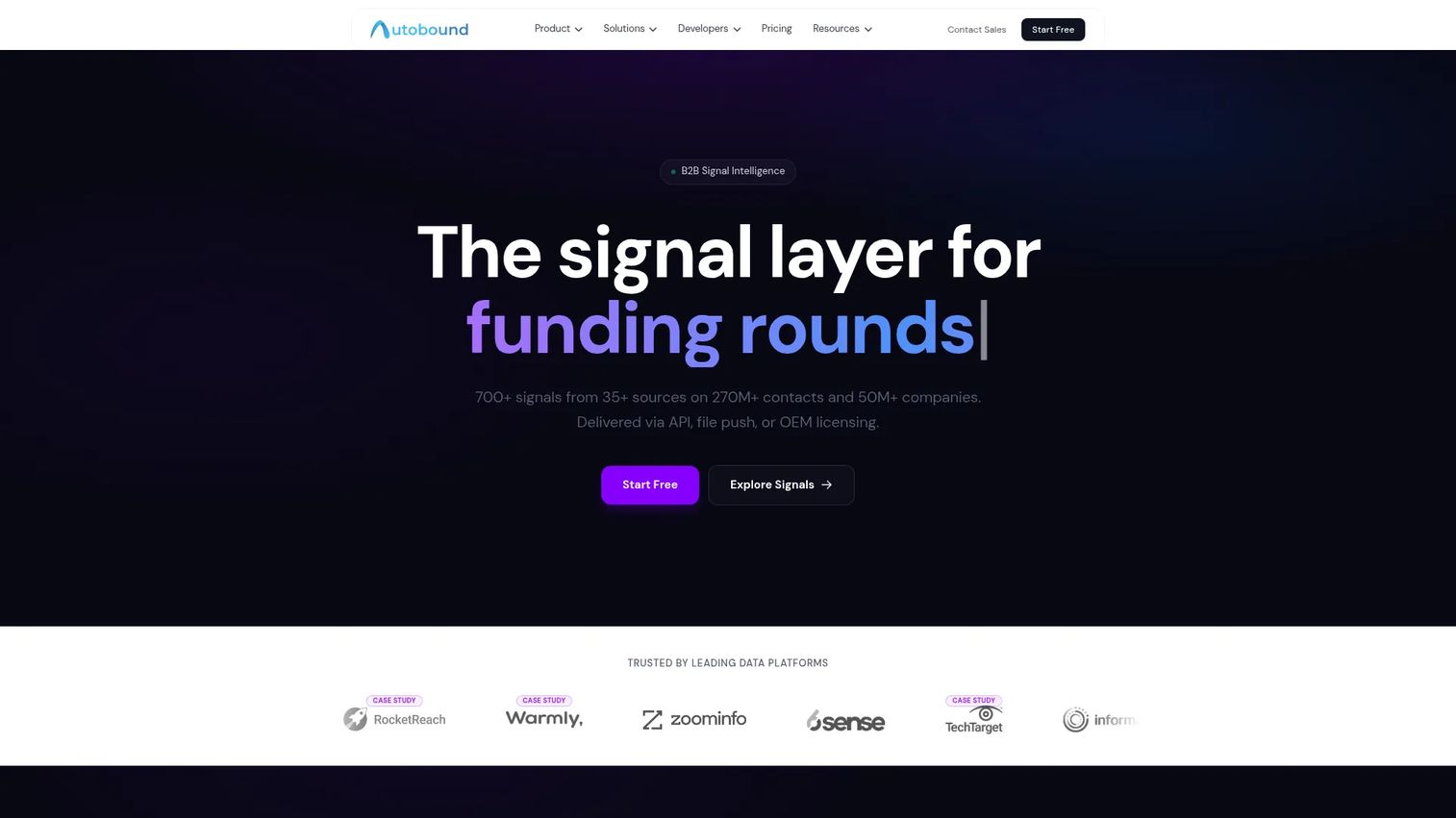
Autobound is signal intelligence infrastructure built for GTM teams that want triggers to turn straight into outbound. It tracks 350+ insight types and live prospect and company signals, then feeds them into personalized messages through its AI Studio. The result is outreach that references the exact event that made the account relevant, not a generic template.
For SDRs, the appeal is speed from signal to send. A funding round or a new hire becomes a written, personalized first line without you digging through news feeds. It carries a 4.8/5 rating on G2 across 263 reviews.
Best for: GTM and sales teams that need real-time signal data and personalized outreach at scale.
Key strengths
- AI Studio for creating and automating outreach campaigns
- 350+ insight types and live prospect signals
- REST API, MCP server, and GTM integrations
- Signal data that plugs straight into messages
- Usage-based credits that never expire
Why choose Autobound: If your bottleneck is writing personalized touches fast, Autobound closes the gap between a signal firing and an email going out. It fits reps who want the trigger and the message in one motion.
Pricing: Public pricing is usage-based credit packs. Starter is $19, Growth $49, Scale $149, Pro $499, Business $1,299, and Enterprise $4,999, all one-time purchases. Signup includes 1,000 free credits, and credits never expire. Custom volume and flat file delivery are quote-based.
2. UserGems
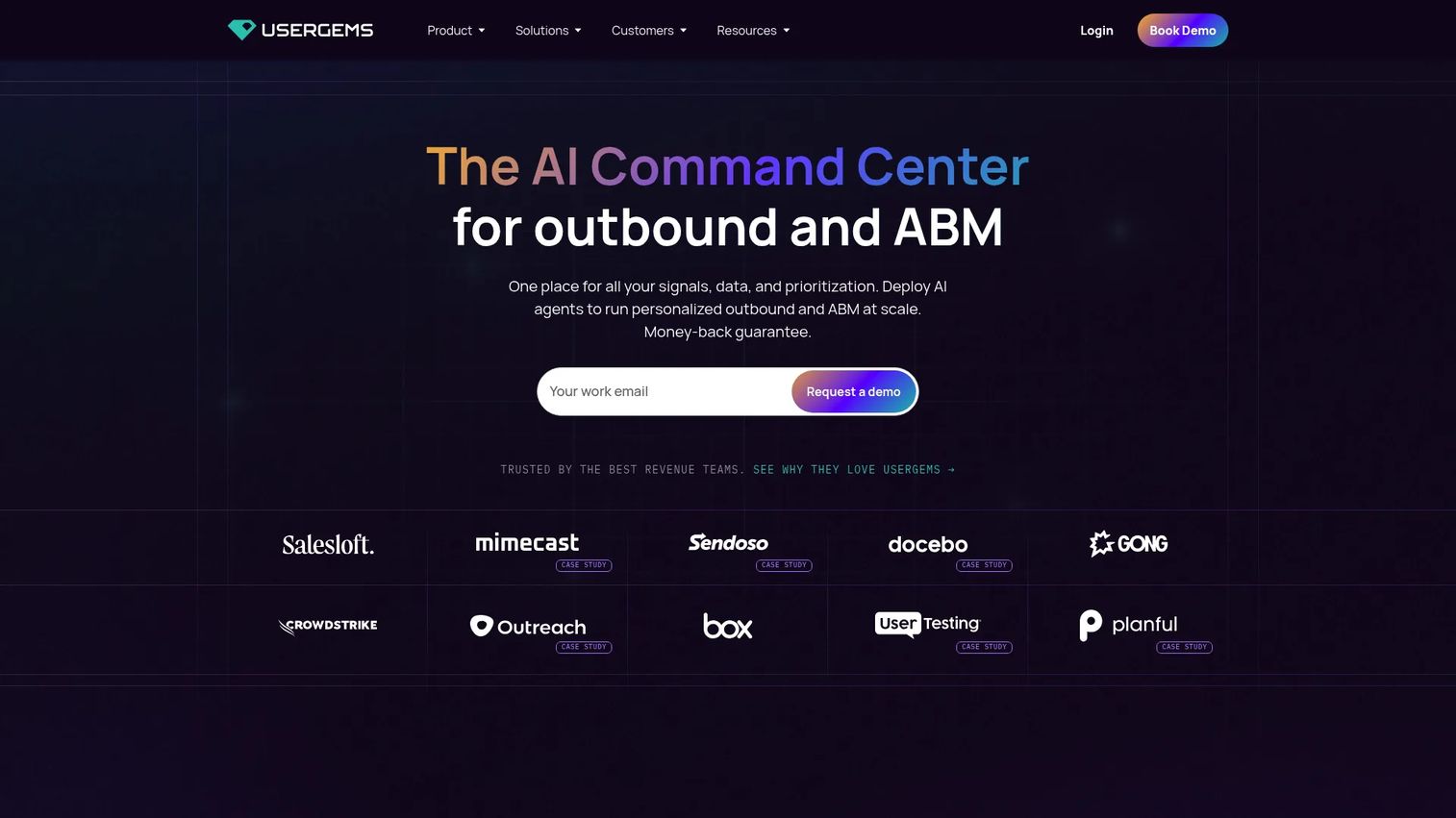
UserGems built its name on one of the most reliable triggers in outbound: the job change. When a past champion, customer, or user moves to a new company, that is a warm door most reps never notice. UserGems catches it, scores it, and orchestrates the follow-up.
For SDRs, this is reactivation gold. Someone who loved your product at their last job is now a buyer at a new account with budget authority. The platform also layers in AI emails, a Chrome extension for reps, and campaign orchestration so the signal drives action, not just a notification.
Best for: B2B sales teams using signals and job-change data to prioritize and execute outbound.
Key strengths
- Job-change tracking on champions and buyers
- AI emails and outbound assistance
- AI Chrome extension for reps
- Signal scoring and campaign orchestration
- Warm-outreach and reactivation plays
Why choose UserGems: Job changes are among the highest-converting triggers in B2B, and few tools track them as cleanly. Choose it when relationship-based warm outreach is central to your motion.
Pricing: Public plans are Core at $2,750/month ($33k/year), Advanced at $5,750/month ($69k/year), and Elite at $10,000/month ($120k/year). A Starter package is mentioned for startups under 80 employees, and enterprise pricing is by contact. G2 rates it 4.7/5.
3. Bombora
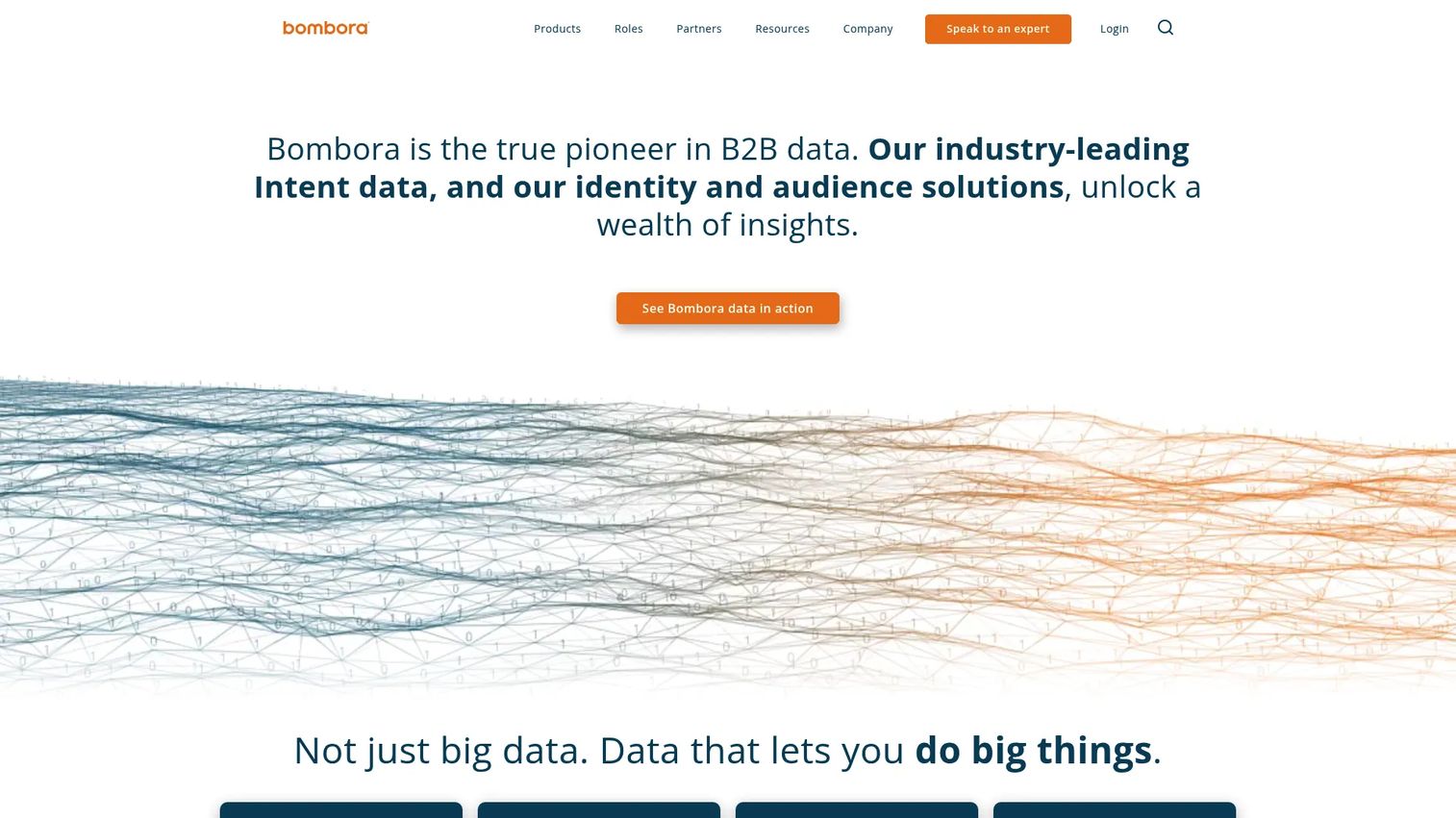
Bombora is the reference name in B2B intent data. Its Company Surge signal flags when an account starts consuming more content about your category than usual, which tells you interest is building before any public trigger event fires.
For SDRs, Bombora works best as a layer, not a standalone. Pair its intent signals with a discrete trigger source and you get both the "who is warming up" and the "here is exactly why to call." That combination sharpens account research and gives outreach a timing rationale.
Best for: B2B teams needing account-level intent signals for sales and marketing prioritization.
Key strengths
- Company Surge intent data
- Audience Solutions for B2B targeting
- Account-level buying signals
- Sales and marketing integrations
- Timing signal to layer with hard triggers
Why choose Bombora: When you want early warning that an account is researching your category, Bombora is the standard. It pairs well with a hard-trigger tool that tells you the specific event.
Pricing: Bombora does not display public pricing. The site directs prospects to request a demo or contact sales. It holds a 4.4/5 rating on G2.
4. 6sense
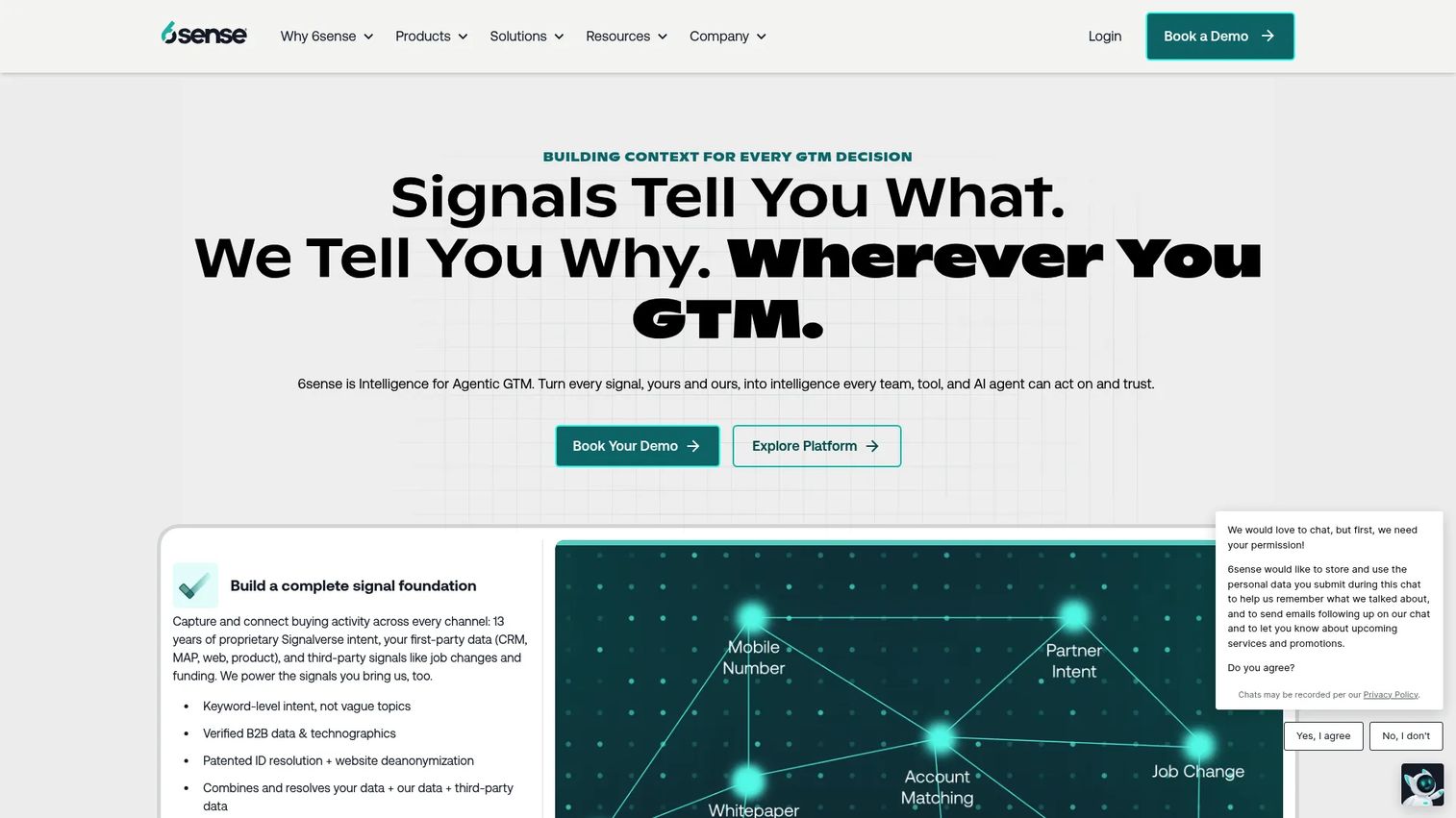
6sense is a full GTM intelligence platform that aggregates signals, predicts buying stage, and prioritizes accounts. Rather than surfacing one trigger at a time, it blends intent, technographics, and engagement into a predicted stage so teams know which accounts are close to buying.
For larger GTM teams, this layered approach fits how enterprise deals actually work. A sales copilot, alerts, and workflow automation turn the prediction into rep action, and the predictive scoring helps route effort toward accounts most likely to convert this quarter.
Best for: B2B teams needing account intelligence, intent data, and GTM orchestration.
Key strengths
- Predictive AI models, scores, and dashboards
- Company and contact insights with technographics
- Sales copilot, alerts, and workflow automation
- Buyer-discovery and buying-stage identification
- Signal aggregation across multiple sources
Why choose 6sense: When you need many signal types folded into one buying-stage prediction, 6sense suits complex, multi-stakeholder motions. It fits teams with the scale to act on layered intelligence.
Pricing: 6sense uses feature bundles across Sales Intelligence, Data Credits, and Predictive AI. The public pricing page describes bundles and directs teams to book a demo. G2 rates 6sense Revenue Marketing 4.3/5.
5. Lead411
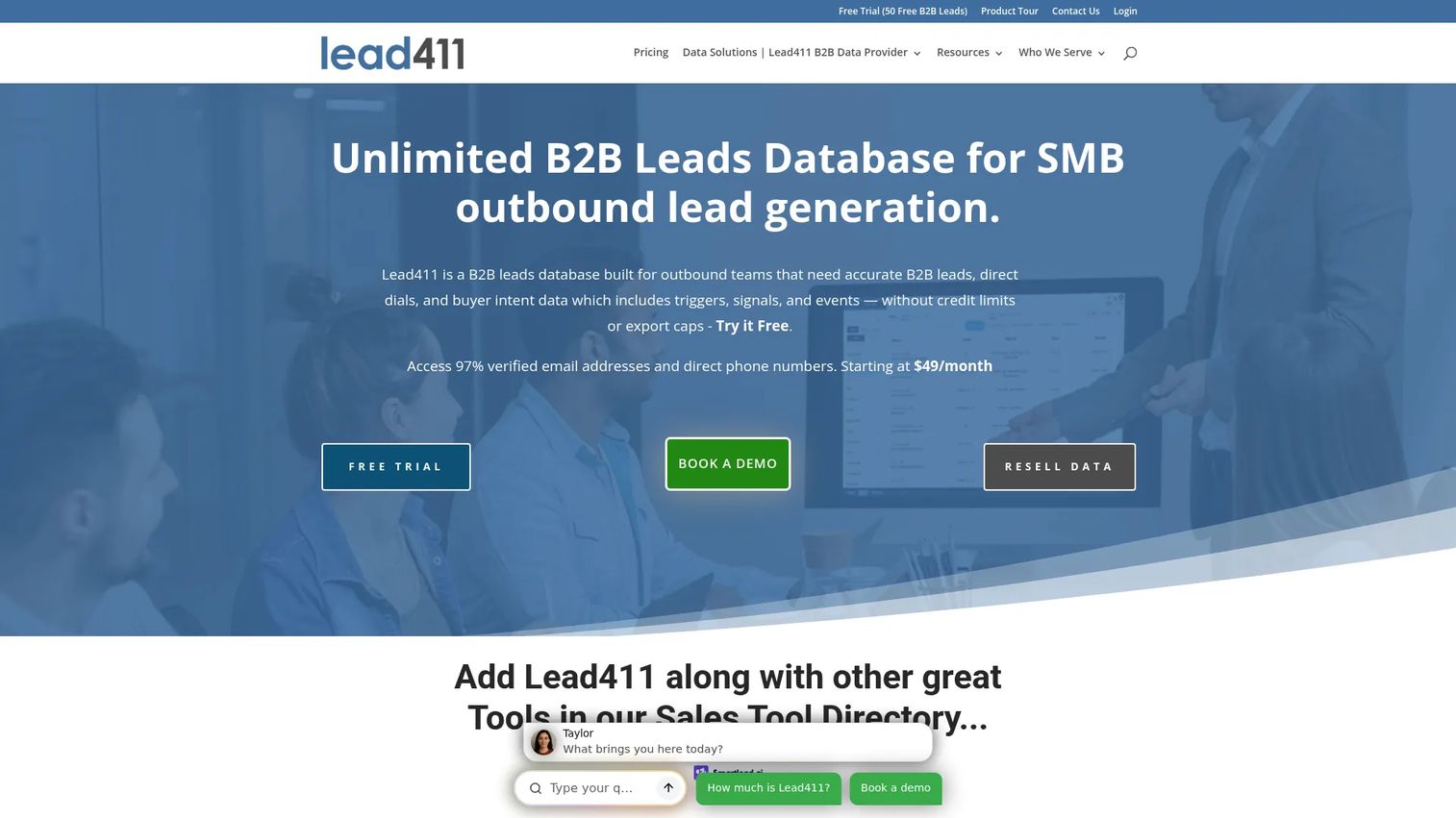
Lead411 pairs sales intelligence with trigger monitoring and verified direct dials at a price point lean teams can carry. It tracks growth signals like hiring and funding and pairs them with contact data so you can act the moment a trigger fires.
For a small SDR team, that combination matters. You get the signal and the phone number in one place, without stitching together a data vendor and a trigger tool. That reduces the tab sprawl that slows reps down.
Best for: Lean SDR teams that want affordable trigger monitoring plus direct-dial contact data.
Key strengths
- Growth and hiring trigger monitoring
- Verified direct-dial phone numbers
- B2B contact and company data
- Sales intelligence in one workspace
- Budget-friendly for small teams
Why choose Lead411: When budget is tight but you still need both triggers and dials, Lead411 packs the essentials without enterprise pricing. It fits teams that value coverage per dollar.
Pricing: Lead411 does not publish flat pricing on its main page and works through quote-based plans. It carries a 4.5/5 rating on G2.
6. Apollo
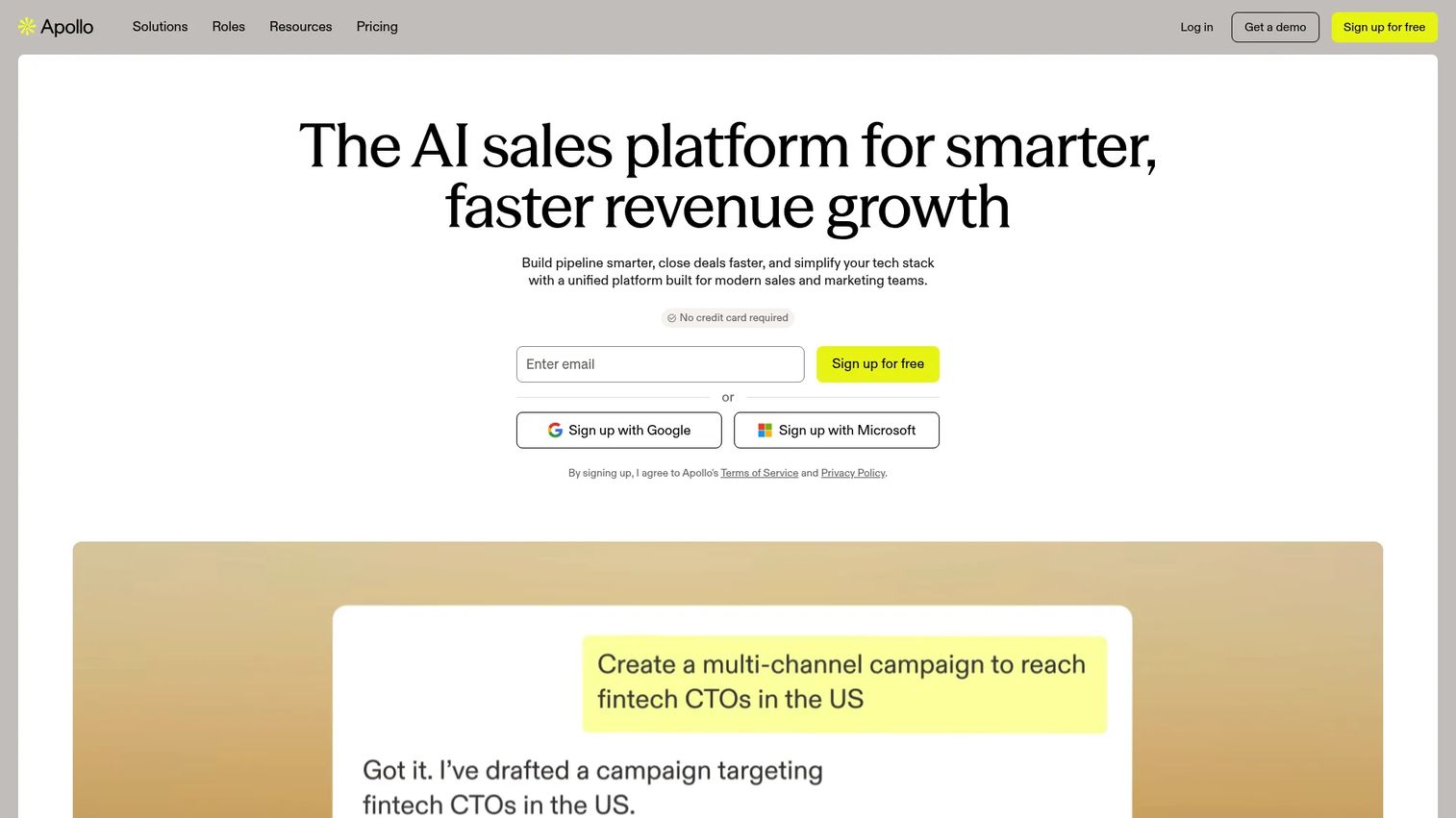
Apollo combines a large B2B database, multi-channel outreach, and trigger-based workflows in one system. For high-volume outbound sales, that consolidation means the prospecting list, the signal, and the sequence live under one login.
SDRs use Apollo to build lists on firmographic and technographic filters, catch signals like job changes and funding, then fire a sequence, all without leaving the platform. The data enrichment and workflow automation keep records clean so touches do not get wasted on stale contacts.
Best for: B2B sales teams that need prospecting and outreach in one platform.
Key strengths
- B2B contact and company database
- Multi-channel outreach automation
- Trigger-based workflow automation
- Data enrichment and CRM sync
- List building on firmographics and technographics
Why choose Apollo: If you want to cut the number of tools between finding an account and sending the first touch, Apollo bundles the workflow. It suits volume-driven teams that value one system over best-in-class point tools.
Pricing: Apollo offers a free-forever Starter plan and a free trial. Paid tiers add higher data limits and automation. G2 rates it 4.7/5.
7. ZoomInfo
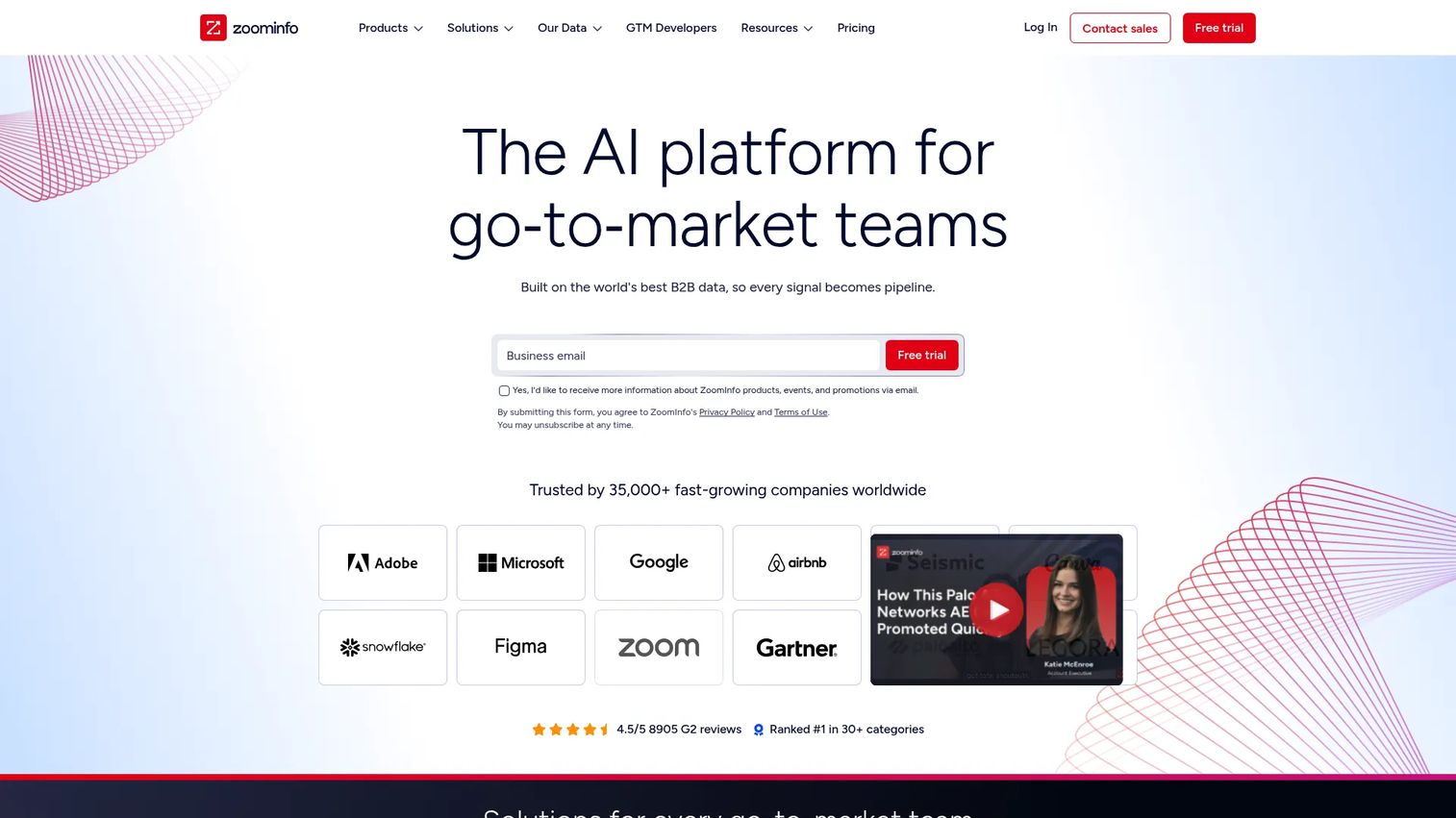
ZoomInfo is the enterprise benchmark for B2B go-to-market intelligence. Its scale of company and contact data, combined with intent and technographics, is why many large teams treat it as the default. Data enrichment and orchestration push signals into the CRM where reps work.
For SDRs at bigger organizations, ZoomInfo is often the layer everything else connects to. Its intent signals and org-level data give reps the coverage to research accounts deeply and catch buying signals across a wide territory.
Best for: Teams that need a large B2B contact and data platform with enrichment and intent signals.
Key strengths
- Company and contact data at scale
- Intent and technographic signals
- Data enrichment and orchestration
- CRM-connected workflows
- Broad territory coverage
Why choose ZoomInfo: When breadth of data is the priority and budget supports it, ZoomInfo is the coverage benchmark. It suits enterprise teams that need one data spine across sales, marketing, and ops.
Pricing: ZoomInfo is a quote-based enterprise platform and does not publish public pricing. Plans are scoped by seats, data, and modules through sales.
8. Salesforce Einstein
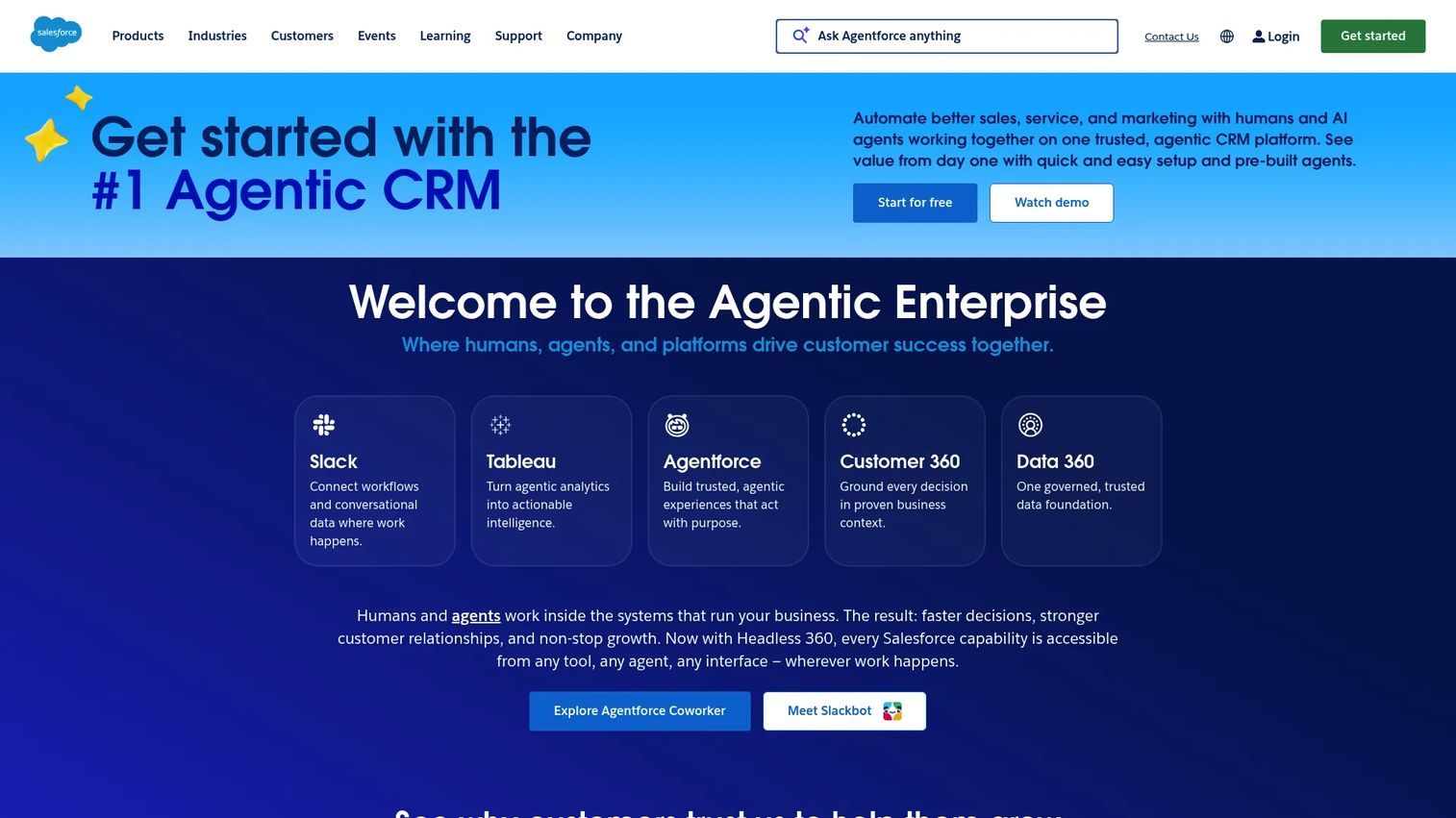
Salesforce Einstein is the AI layer inside Salesforce, adding predictive scoring, recommendations, and signal interpretation directly to the CRM. For teams already living in Salesforce, that native position means scoring and alerts appear where reps already work, with no extra tab.
SDRs benefit when the CRM itself flags which leads and opportunities are heating up based on activity and engagement. Because it reads the data already in Salesforce, the signal interpretation reflects your own pipeline, not a generic model.
Best for: Teams already using Salesforce that want built-in AI for sales and service workflows.
Key strengths
- Predictive lead and opportunity scoring
- CRM-native signal interpretation
- Sales and service AI automation
- Generative AI across Salesforce clouds
- Recommendations inside existing records
Why choose Salesforce Einstein: When Salesforce is your system of record, Einstein keeps scoring and signals native. It fits teams that prefer AI inside the CRM over a separate platform.
Pricing: Sales Cloud Einstein pricing is quote-based and available in higher Salesforce editions. The one public first-party figure is Service Cloud Einstein at $50/user/month, billed annually. It holds a 4.0/5 rating on Capterra.
9. HubSpot
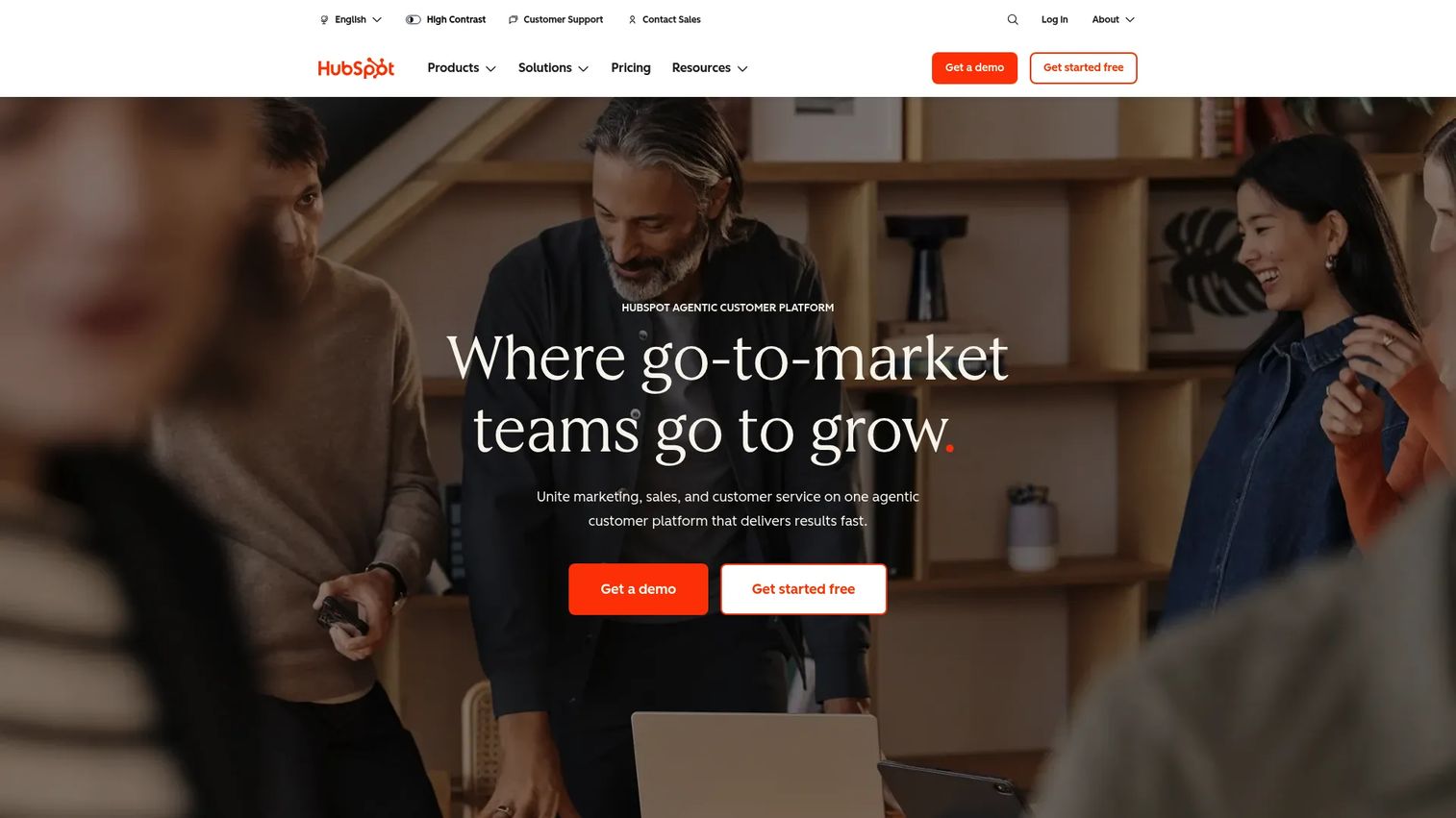
HubSpot brings signal tracking and workflow automation inside a CRM that smaller teams actually adopt. Website activity, email engagement, and form fills become triggers that fire workflows, and the ease of setup is the draw for SMB and mid-market teams.
For SDRs, the value is speed to first value. You can wire a trigger to a task or sequence without an admin, and the CRM-native tracking means signals and contact history sit in one record. HubSpot also now houses Clearbit-powered enrichment.
Best for: Businesses that want an all-in-one customer platform with CRM, marketing, sales, and service tools.
Key strengths
- CRM-native activity and engagement tracking
- Workflow automation on triggers
- Free CRM to start
- AI content writer and live chat
- Easy adoption for smaller teams
Why choose HubSpot: When adoption speed and an all-in-one platform matter more than deep enterprise data, HubSpot wins on usability. It fits SMB and mid-market teams building their first trigger workflows.
Pricing: HubSpot offers a free tier at $0/month. Starter is $7/month per seat, Professional is $450/month, and Enterprise is $1,500/month, with monthly or annual billing. It carries a 4.4/5 rating on G2.
10. Clearbit
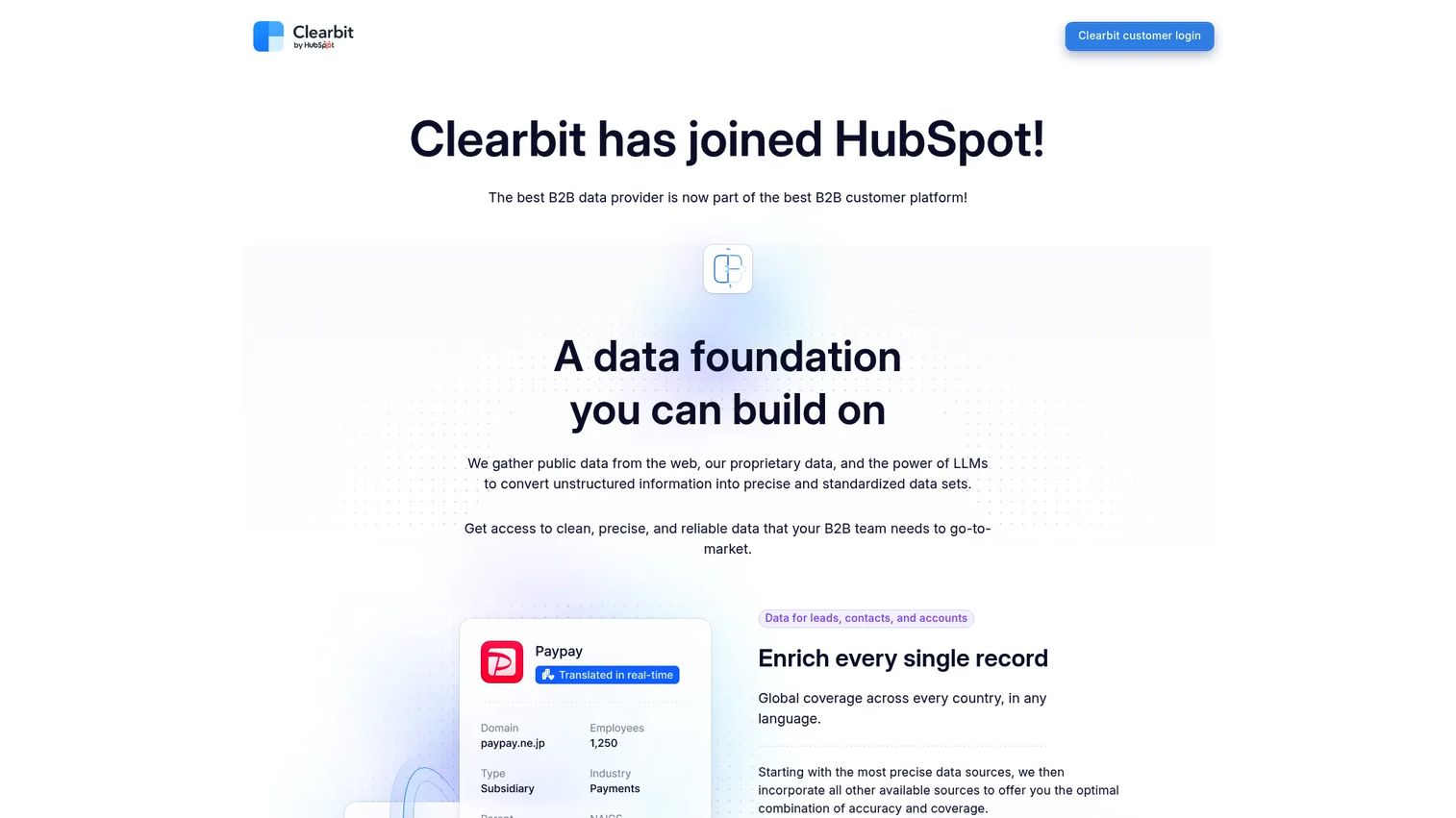
Clearbit, now part of HubSpot, is a B2B data platform for enrichment, real-time scoring and routing, and revealing anonymous website traffic. That last capability is a trigger in itself: knowing which company just visited your pricing page tells you where to point outreach.
For SDRs, Clearbit tightens targeting and routing. Anonymous visitor reveal plus buying-intent signals means a warm account surfaces before it fills out a form, and dynamic form shortening keeps conversion high on the inbound side.
Best for: Teams that need B2B enrichment and website visitor identification.
Key strengths
- Enrich leads, contacts, and accounts
- Score and route leads in real time
- Reveal anonymous website traffic
- Buying-intent signals
- Dynamic form shortening
Why choose Clearbit: When your triggers should come from your own website traffic, Clearbit turns anonymous visits into named accounts to route. It fits teams optimizing inbound-to-outbound handoff.
Pricing: Clearbit supports current customers but is no longer offering new standalone subscriptions, and public pricing is not shown. It holds a 4.4/5 rating on G2.
11. Cognism
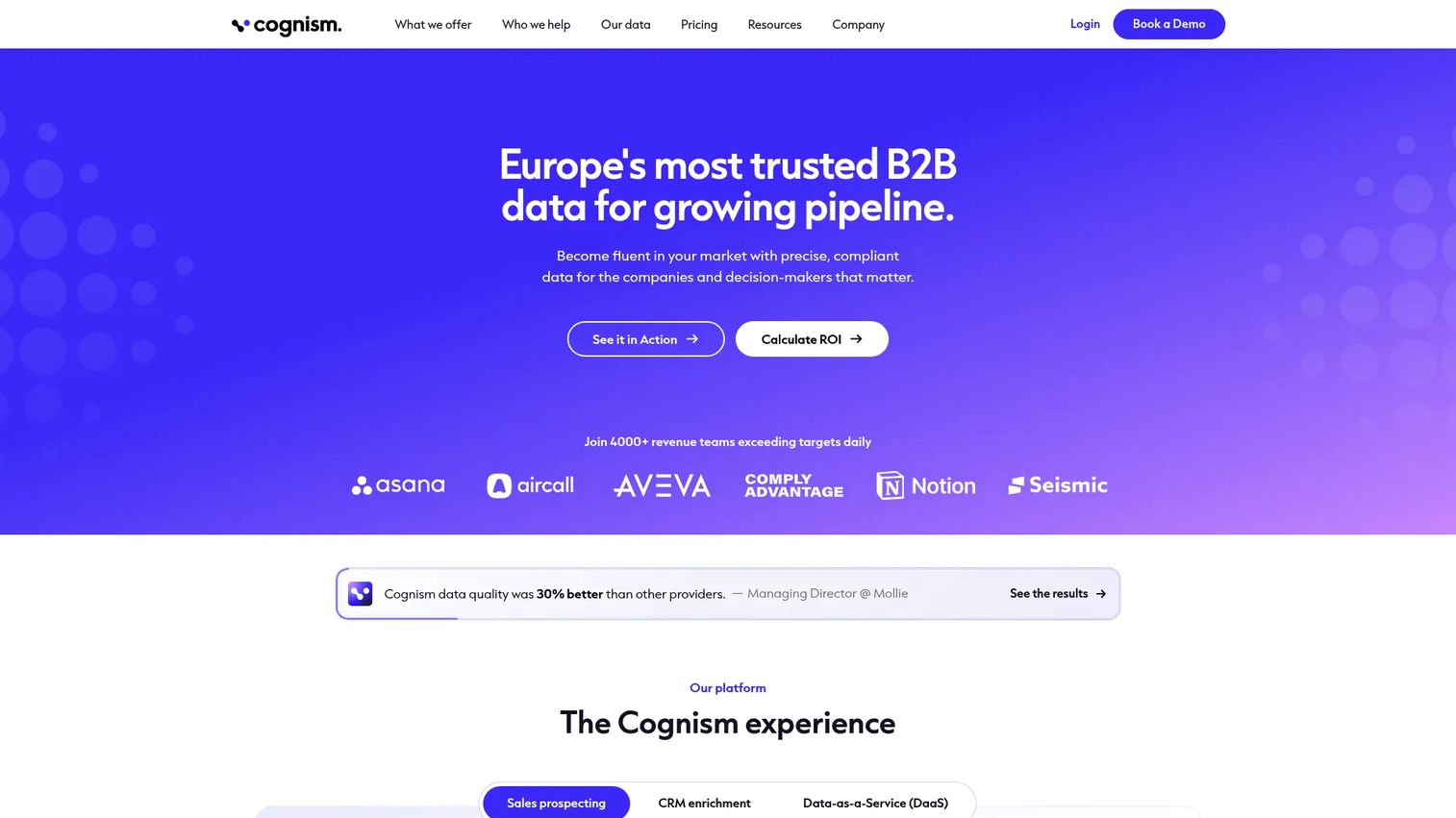
Cognism is a B2B sales intelligence and data platform known for compliant prospecting data, especially across Europe. For teams working cross-border, phone-verified data and EU compliance are the reason it lands on the shortlist.
SDRs running EMEA and US outbound use Cognism to prospect with contact data they can dial without compliance worries, plus CRM enrichment and AI company research to build context fast. That cross-border coverage is hard to match with US-first tools.
Best for: Mid-market and enterprise B2B teams that need compliant prospecting data and enrichment, especially in Europe.
Key strengths
- Sales prospecting with contact and company data
- Phone-verified, compliant EU and US data
- CRM enrichment
- AI search and AI company research
- Cross-border coverage
Why choose Cognism: When your outbound crosses into Europe, Cognism's compliance posture and phone-verified data reduce risk. It fits mid-market and enterprise teams selling internationally.
Pricing: Standard sales prospecting starts at $12,750 annually and Pro at $17,000 annually, both including 5 seats. CRM Enrichment and Data-as-a-Service are quote-based. It carries a 4.6/5 rating on G2.
12. Clay
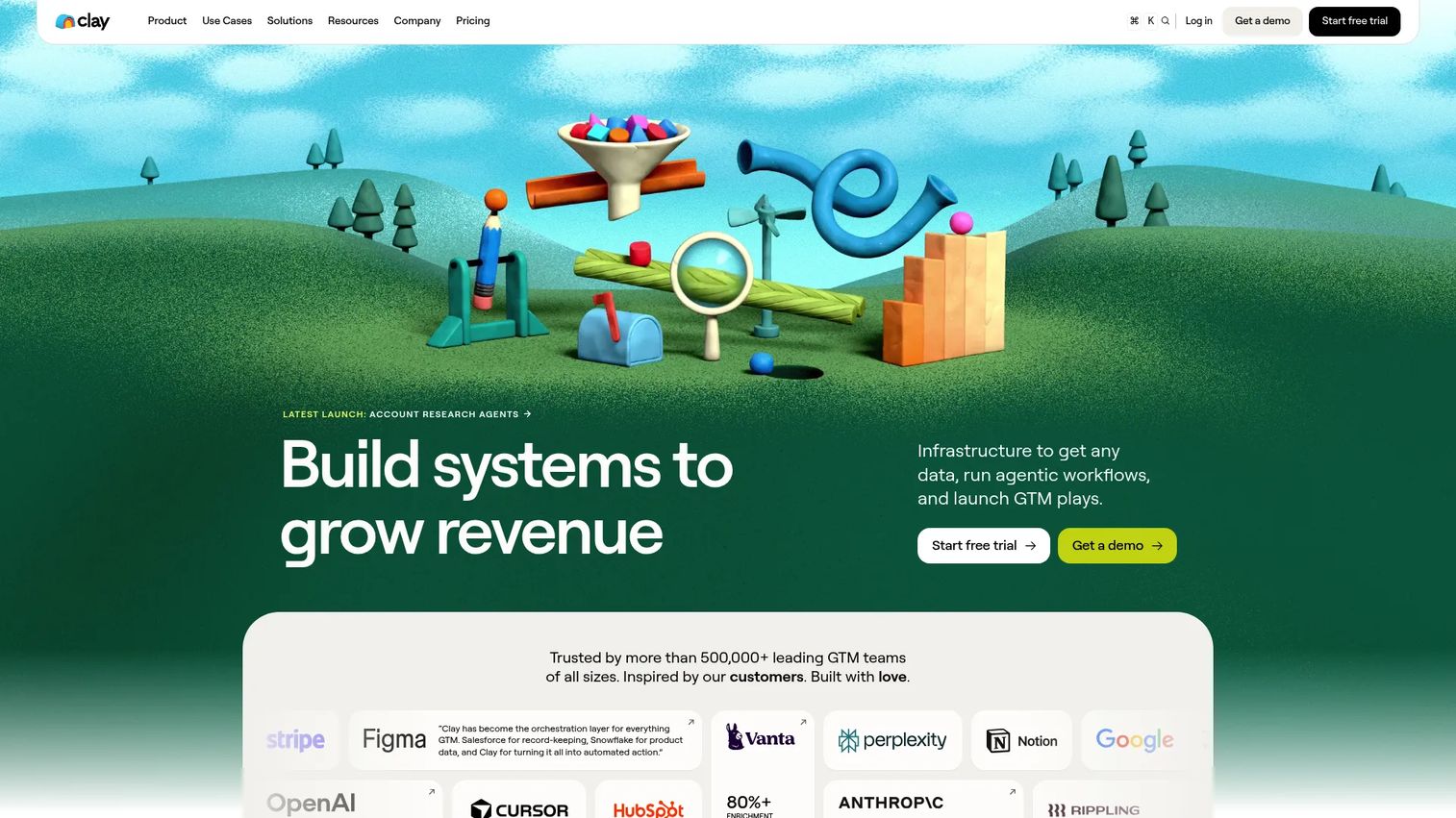
Clay is a GTM data and automation platform that lets ops-heavy teams build custom trigger workflows from scratch. It pulls from multiple data providers, runs AI research through its Claygent agent, and orchestrates enrichment and outreach in one flexible layer.
For SDR teams with a RevOps mind, Clay is the tool that turns "we wish we could trigger on X" into a live workflow. You define the signal, enrich the account, and sync to CRM without waiting on a vendor roadmap. That flexibility is why operations-driven teams gravitate to it.
Best for: Teams that need data enrichment, signal tracking, and AI-assisted outbound workflows.
Key strengths
- Claygent AI research agent
- Audiences unified GTM data layer
- Multi-provider data enrichment
- Custom trigger orchestration
- CRM sync
Why choose Clay: When off-the-shelf triggers do not cover your plays, Clay lets you build them. It fits ops-heavy teams that want control over signal logic and enrichment.
Pricing: Clay offers a free tier with 500 actions per month. Launch starts at $185/month, Growth at $495/month, and Enterprise is custom with an annual commitment. Pricing is usage-based on actions and data credits. G2 rates it 4.7/5.
13. Outreach
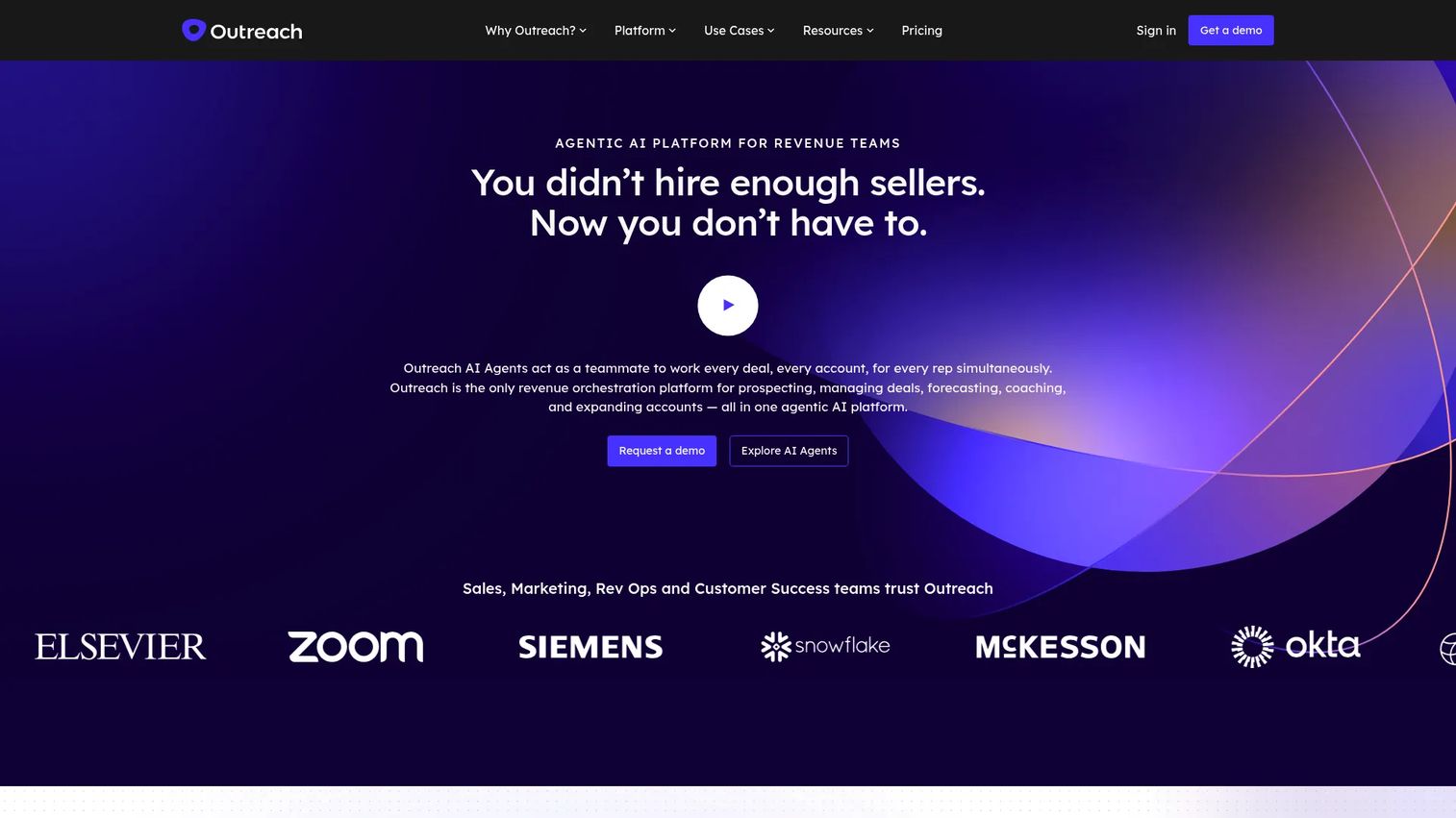
Outreach is a sales engagement platform where trigger-driven sequencing and follow-up automation live. For teams already running outbound at scale, a signal can automatically enroll a contact into the right sequence, so follow-up timing does not depend on a rep remembering.
SDRs benefit from the execution layer. Where a data tool detects the trigger, Outreach acts on it, firing multi-step sequences, managing tasks, and surfacing conversation intelligence to keep deals moving. Its deal and pipeline management round out the workflow.
Best for: Revenue teams needing AI-powered sales engagement, coaching, and forecasting.
Key strengths
- Sales engagement and sequencing
- Trigger-based sequence enrollment
- Deal and pipeline management
- Conversation intelligence and forecasting
- Follow-up automation at scale
Why choose Outreach: When you already have signal sources and need the execution engine, Outreach automates the follow-up. It fits teams running high-volume outbound that want triggers wired to sequences.
Pricing: Outreach uses custom, per-user pricing with no public dollar amounts across its Amplify tiers, combining seat pricing with consumption-based AI credits. It holds a 4.3/5 rating on G2.
14. LinkedIn Sales Navigator
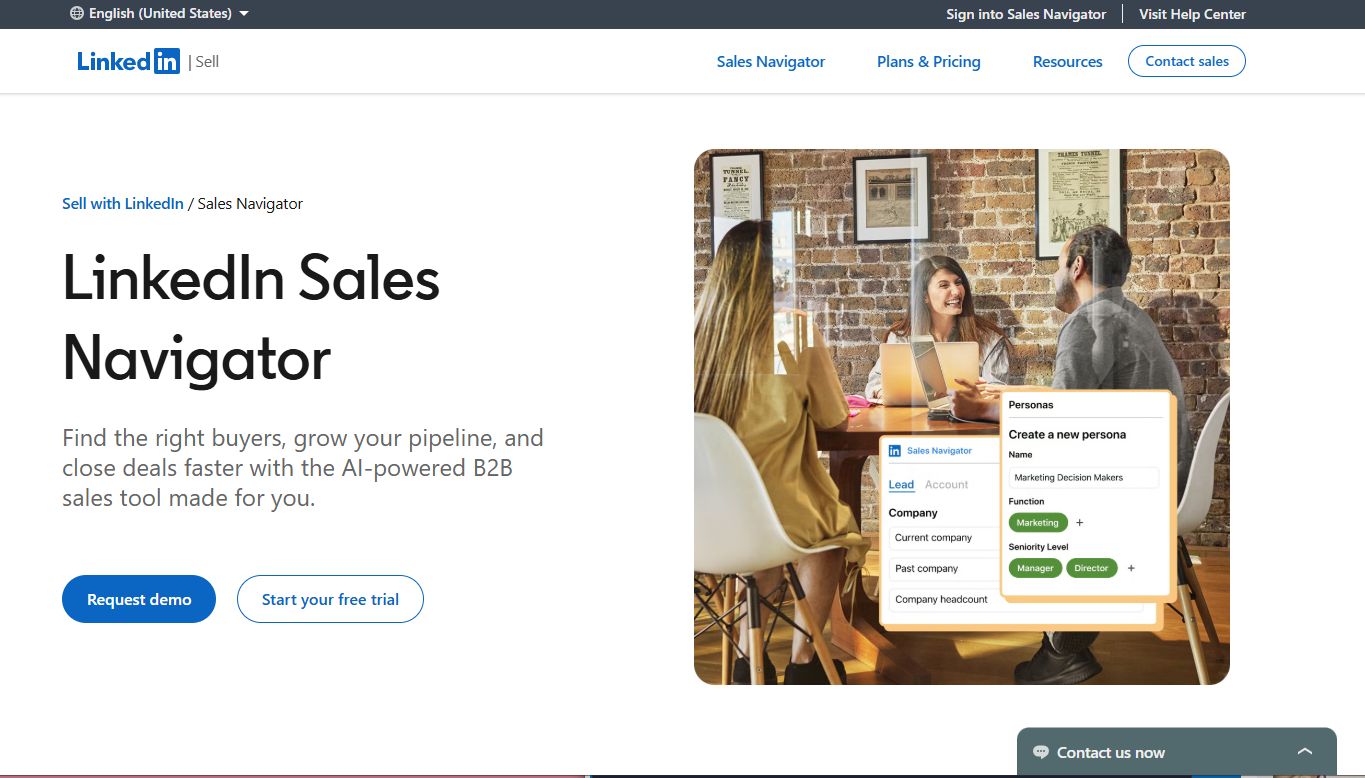
LinkedIn Sales Navigator is the daily-use companion for social trigger monitoring. Profile changes, job moves, and account alerts surface directly in the platform where buyers already spend time, making it a low-friction way to catch signals every morning.
For SDRs, the value is currency. LinkedIn data on role changes and account activity is often the freshest signal available, and 50+ advanced search filters plus AI-powered Account IQ and Lead IQ help you turn a profile change into a personalized InMail the same day.
Best for: B2B sales teams prospecting on LinkedIn.
Key strengths
- 50+ advanced search filters
- Profile and job-change alerts
- Account and lead activity monitoring
- InMail for direct outreach
- AI-powered Account IQ and Lead IQ
Why choose LinkedIn Sales Navigator: When social signals and fresh role changes drive your outreach, Sales Navigator is the daily habit. It fits reps who prospect and personalize directly on LinkedIn.
Pricing: Core starts at US$119.99/month per license and Advanced at US$159.99/month per license. Advanced Plus is quote-based. Free trials are available for Core and Advanced. It carries a 4.4/5 rating on G2.
15. Common Room
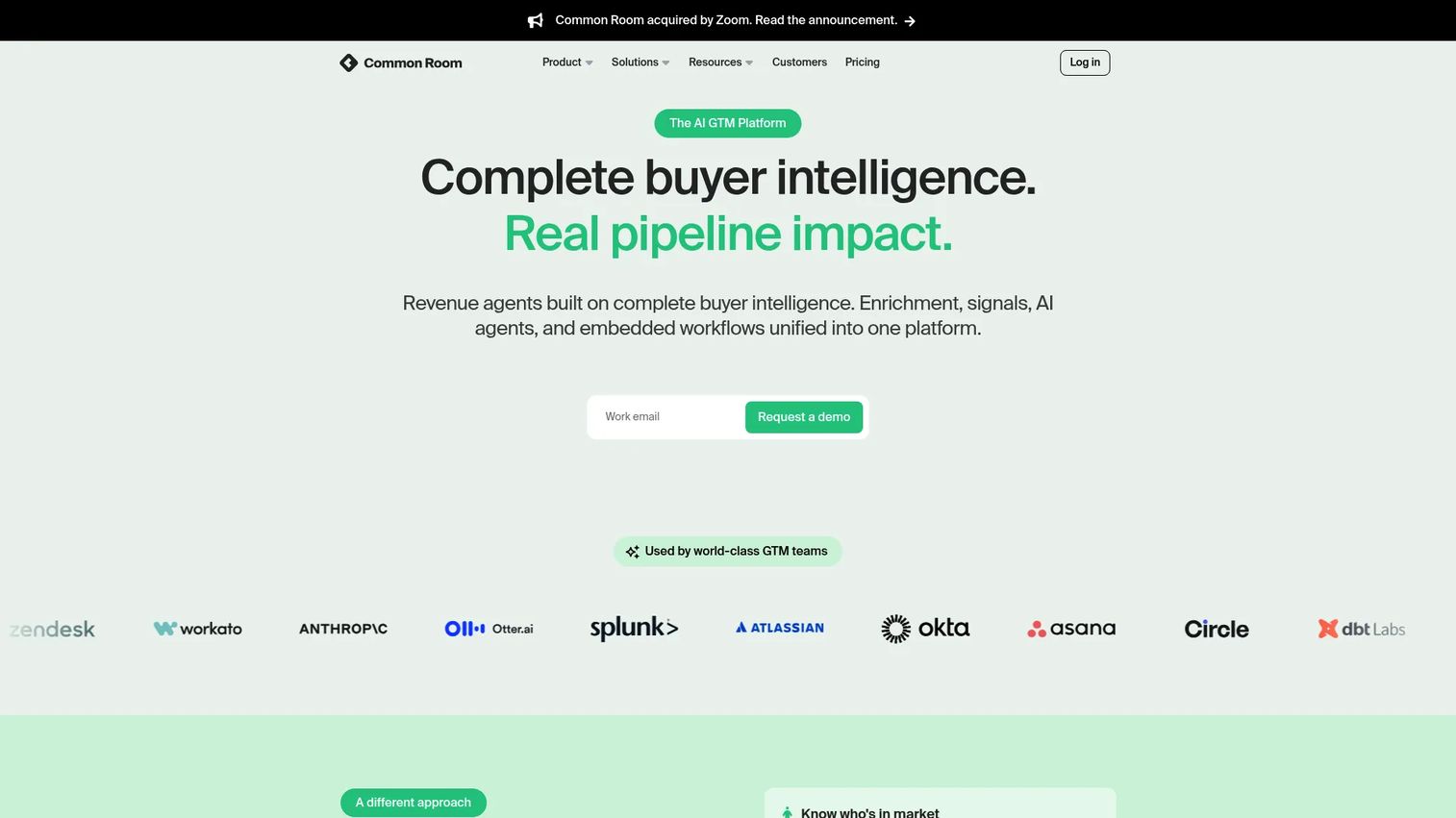
Common Room watches for signals that live outside the CRM: community activity, digital engagement, and product-led touchpoints. For teams whose buyers show interest in Slack communities, GitHub, or docs before they ever fill a form, that visibility is a real edge.
SDRs use Common Room to catch buying signals traditional data tools miss, then enrich and activate them. RoomieAI handles research, message drafting, and activation, while Person360 and account scoring turn scattered engagement into a prioritized list.
Best for: B2B GTM teams that want signal-based selling and buyer-intelligence workflows.
Key strengths
- RoomieAI for research, capture, and activation
- Person360 and account and contact scoring
- Community and digital engagement signals
- Alerts, workflows, and segments
- Broad integrations
Why choose Common Room: When your buyers engage in communities and product surfaces before a form fill, Common Room sees what CRMs cannot. It fits PLG and community-led motions.
Pricing: Essential is $2,500/month billed annually. Advanced and Enterprise are custom. It holds a 4.5/5 rating on G2.
Common mistakes to avoid
Trigger software fails teams for predictable reasons. Each one has a fix.
Acting on stale signals. A funding trigger you catch in week six is cold. The fix: prioritize tools with near real-time delivery and work the freshest signals first. Set a rule that anything older than 14 days drops in priority.
Drowning in low-quality alerts. Turn on every trigger type and you get 200 notifications a day, so reps ignore all of them. The fix: score signals and mute the weak ones. Start with two or three high-intent trigger types, then expand once reps trust the feed.
Skipping CRM hygiene. A perfect signal routed to a duplicate or dead record is wasted. The fix: keep enrichment and dedup running so triggers land on clean, current contacts. Dirty data turns good triggers into bounced emails.
Detecting signals with no routing plan. A dashboard full of triggers that nobody is assigned to work is a report, not a workflow. The fix: define routing rules up front. Every trigger type maps to a rep, a sequence, and an SLA for first touch.
Treating the signal as the whole job. The trigger is the reason to reach out, not the outreach itself. The fix: pair every trigger with a written first touch that references it. The event is your opening line, not a checkbox.
How to use trigger software in an SDR workflow
A signal is worth nothing until it becomes a booked meeting. Here is how the good teams move it through, step by step.
1. Detect. The tool monitors your target accounts and catches the event, a hire, a raise, a tech change, a research spike. Wire your highest-value trigger types first so the feed stays useful.
2. Qualify. Not every trigger is worth a touch. Check fit against your ICP before acting. A funding round at a company outside your segment is still noise.
3. Enrich. Pull the contact data and context you need to write. Direct dial, verified email, the champion's new title. This is where clean data pays off.
4. Route. Assign the signal to the right rep or sequence automatically. CRM alerts and Slack notifications should land the moment a qualified trigger fires, not in a next-day digest.
5. Sequence. Send a first touch that leads with the trigger. The event is line one. For high-value accounts, follow the email with a short, self-serve product experience so the buyer can explore on their own terms. An interactive demo embedded in that first touch lets a prospect see the product across the whole journey, from a cold-email leave-behind to a landing page to a follow-up after a call, without waiting on a live session. Teams building these use Guideflow to capture a flow and share it as a link, so the product does the talking on the first touch.
6. Measure. Track reply rate, meetings booked, and pipeline by trigger type. Kill the triggers that do not convert and double down on the ones that do.
On automation: fire sequences on trigger event automation, but keep a human check on high-value accounts. On CRM handoff: sync engagement back so the AE inherits the full signal history. On timing: first touch inside 48 hours of a trigger beats a polished touch a week late.
Considerations before you buy
Before you sign, run the category-level checks that decide whether a tool sticks.
Workflow fit
The tool has to live where your team already works. If reps run outbound in a sequencer and the CRM, a trigger tool that forces a new tab loses adoption fast. Confirm the signal lands in the CRM or Slack, not a separate dashboard nobody opens.
Alert quality
More alerts is not better. Ask how the vendor scores signals and how you tune the feed. A tool that lets you start narrow and expand keeps reps trusting the alerts instead of muting them by week two.
Integration depth
Check the actual connectors, not the logo wall. Two-way CRM sync, native sequencer support, and webhook or API access decide whether trigger event automation runs clean. Shallow integrations create manual copy-paste that eats the time you bought the tool to save.
Pricing model
Credit packs, per-seat, and quote-based plans each behave differently as you scale. A cheap entry price with steep per-seat jumps can cost more than a flat platform at team size. Model your real usage before committing.
Adoption
The best signal engine fails if reps do not use it. Favor tools with fast setup and a short learning curve, and pick a champion to own rollout. Adoption, not features, decides whether the tool moves your pipeline.
Conclusion
Sales trigger software earns its place when signals turn into action, not when they fill a dashboard.
For lean SDR teams, Lead411 and Apollo pack triggers and contact data at a workable price. For enterprise GTM, 6sense and ZoomInfo layer signals into buying-stage intelligence across a wide territory. For ops-heavy teams that want to build their own logic, Clay is the flexible pick. For job-change reactivation, UserGems is hard to beat, and for daily social monitoring, LinkedIn Sales Navigator is the habit that keeps signals fresh.
Whatever you pick, the workflow matters more than the tool. Detect, qualify, enrich, route, sequence, measure. Reach the account inside 48 hours of the trigger, lead your first touch with the event, and let the product do some of the talking so meetings convert into pipeline.
Start narrow with two or three high-intent triggers, prove they book meetings, then expand. The next step is to shortlist two tools from this list, run a trial on your real target accounts, and measure reply rate by trigger type before you commit.
Start your journey with Guideflow today!
FAQs
Sales trigger software monitors companies and contacts for meaningful events, scores them for relevance, and alerts sellers so they can reach out at the right moment. It detects sales trigger events like funding, hires, and tech changes, then routes them into your CRM or outreach tool.
Intent data measures research behavior and tells you an account is probably warming up, usually anonymized at the company level. A trigger event is a discrete, verifiable change, like a named hire or a funding round. Intent tells you an account is warm; a trigger tells you exactly why and gives you an opening line. The strongest stacks use both.
Job changes among past champions convert well because you already have a relationship. Funding rounds signal new budget. Leadership hires open a window for stack changes. Technology adoption and website research spikes add timing. Start with two or three high-intent types before expanding.
As close to real time as possible. Signal decay is real: a funding trigger is strong in week one and stale by week six. Aim to reach the account within 48 hours of the event. Near real-time CRM alerts and Slack notifications beat a weekly digest.
Yes. Most tools offer two-way CRM sync with Salesforce and HubSpot, and many push CRM alerts, tasks, or Slack notifications through webhooks and API connections. Salesforce Einstein and HubSpot also run signal scoring natively inside the CRM. Confirm the depth of the integration, not just that a connector exists.
Qualify it against your ICP, enrich the contact, then send a first touch that leads with the trigger as the opening line. Route high-value signals to the right rep with an SLA for first touch. For strong accounts, pair the email with a self-serve product experience so the buyer can explore before a call.
Often yes. Intent tools like Bombora widen the net, hard-trigger tools name the specific event, and community platforms catch signals outside the CRM. Combining sources gives you both coverage and precision, but watch for alert overload and dedup across feeds so reps trust the signal.
Track reply rate, meetings booked, and pipeline influenced by trigger type. Baseline your current numbers before rollout, then compare. Kill the triggers that do not convert and double down on the ones that do. The tool is working when signal-driven touches outperform your cold list.










