Your warehouse lead needs an answer in 10 seconds. Your field tech is on a ladder. Your support manager is coordinating three simultaneous escalations. A scheduled call is the wrong tool for all of them.
The problem with leaving voice channels open is the other side of that coin: Ambient noise, privacy risk, and cognitive overhead that compounds across a distributed team. Push to talk software solves the middle ground. Voice when you press a button. Silence the rest of the time.
The global push-to-talk software market was valued at $861 million in 2025 and is projected to reach $1.266 billion by 2034, according to Business Research Insights (2026). That growth reflects a real operational shift: Teams are replacing two-way radios, cutting down on scheduled calls, and rethinking how fast communication actually needs to work.
What complicates the buying decision is that "push to talk software" spans four meaningfully different product types. A Windows microphone-control utility does not compete with a workforce PTT platform. A gaming voice app is not a field operations tool. Most comparison pages pick one category and ignore the rest.
This guide covers all four. If you are evaluating whether a VP of Ops can own this tool after you hand it off, start here.
What's inside
This guide compares 13 push-to-talk software options for 2026 across platforms, communication modes, and use cases.
- Who it's for: Founders, ops leaders, and IT managers evaluating PTT across field teams, desktop workflows, gaming, or existing collaboration stacks
- How tools were chosen: Cross-platform relevance, verified pricing, G2 ratings, communication mode coverage, and admin control depth
- What's covered: Dedicated PTT apps, hardware-adjacent tools, Windows microphone utilities, and collaboration platforms with PTT modes
- What to check: Device compatibility, microphone behavior, security posture, and rollout burden before committing
TL;DR
- Best for mobile workforce communication: Zello or NuovoTeam, both built specifically for field teams at scale
- Best for workforce operations with admin controls: NuovoTeam, with geofencing, SOS, and a command dashboard
- Best for rugged or hardware-supported PTT: AINA Small Talk, designed for physical button workflows
- Best for Windows microphone control: PushToTalk (paid utility) or Always Push-to-Talk (free, open-source)
- Best for existing Microsoft 365 stacks: Microsoft Teams, which includes walkie-talkie capability on supported plans
- Best for gaming and communities: Discord, with built-in push-to-talk settings and low-latency voice channels
What is push to talk software?
Push to talk (PTT) software lets users transmit voice only while pressing a button, hotkey, screen control, or hardware trigger, rather than keeping a live microphone open. When the button is released, transmission stops. Also known as press to talk, this model gives users precise control over when they are heard.
Some tools are full communication networks: They manage channels, contacts, presence, and broadcasting across mobile and desktop devices. Others are local Windows utilities that control microphone state inside whatever voice app you already use.
How push to talk works
- Press and hold a key, button, or screen control to transmit
- Release to stop transmitting
- Some tools support toggle mode (press once to activate, press again to deactivate)
- Some tools support push-to-mute mode (microphone is live by default, pressed to mute)
Common communication modes
- One-to-one: Private voice between two users
- Group channels: Team or department communication
- One-to-many broadcast: Dispatch, operations, and announcements
- Local microphone control: Hotkey mute or unmute inside a separate voice app
Key features to look for
- Platform support: Windows, Android, iOS, browser, desktop
- Hotkeys and hardware button compatibility
- Group channels and user presence
- Admin controls, user provisioning, and role management
- Microphone privacy, push-to-mute, and mute-state reliability
- Encryption and access permissions
- Location, SOS, and dispatch tools for mobile teams
- Low-bandwidth performance for field environments
- Per-user pricing that scales predictably
Push to talk software is not a replacement for documentation, project management, or structured decision records. It excels when speed matters and a typed message is too slow.
When to use push to talk software
Coordinate field teams without open voice channels
Operations, logistics, security, healthcare, and retail teams often need faster coordination than typing allows but lighter communication than a phone call demands. PTT apps on Android and iOS, including support for rugged devices, give field teams instant voice over cellular or Wi-Fi without keeping mics live. For founders, the question is whether your ops or IT lead can own deployment without you in the room.
Control microphone privacy on desktop
Windows users, remote workers, gamers, and creators face a specific problem: Live microphones in video calls or gaming sessions create privacy risk and noise. Microphone control utilities with global hotkeys, push-to-mute modes, per-application profiles, and status overlays solve this without replacing the voice app itself.
Reduce call overhead for fast team updates
PTT-style communication works best for short, time-sensitive updates: "I'm at the gate," "escalation resolved," or "shipment delayed." It does not replace structured standup calls, async documentation, or project decisions. Deploy it where speed beats polish, and keep it off channels where context matters.
Push to talk software comparison
The table below covers all 13 tools with verified pricing and G2 ratings as of October 2026. Tools are ordered from dedicated PTT networks to hardware-adjacent products, then Windows utilities, then collaboration platforms. Because these are fundamentally different product types, compare each tool against its own category first.
| # | Product | Best for | Key differentiator | Pricing | G2 rating |
|---|---|---|---|---|---|
| 1 | Zello | Mobile and frontline teams | Live channels plus dispatch and radio integration | From $6.80/user/month (annual) | 4.4/5 |
| 2 | NuovoTeam | Workforce operations | Geofencing, SOS, clock-in, command dashboard | Contact for pricing | 4.5/5 |
| 3 | PeakPTT Push To Talk | Managed LTE radio fleets | Nationwide 4G LTE PTT with GPS and dispatch console | From $24.95/month per radio | 4.5/5 |
| 4 | Orion | Enterprise frontline operations | Voice AI workflows and 60+ language translation | Custom pricing | 4.7/5 |
| 5 | BiPTT | Frontline teams, individual users | Free standard plan, dispatcher console, radio gateway | Free (Standard); contact for paid plans | 4.0/5 |
| 6 | EVO PTT | Self-hosted PTT deployments | One-time enterprise license with white-label rights | From €2,800 one-time (Enterprise License) | 4.5/5 |
| 7 | AINA Small Talk | Hardware-button field workflows | Free for up to 5 users, physical PTT accessory fit | Free up to 5 users | 4.5/5 |
| 8 | The Headset App | Sports and team coaching | Multi-channel, mobile-first, Apple Watch support | From $19.99/month per team member | 5.0/5 |
| 9 | PushToTalk | Windows microphone control | Per-app profiles, push-to-mute, multi-mic control | Contact vendor for pricing | N/A |
| 10 | Always Push-to-Talk | Free Windows PTT utility | Open-source, Caps Lock shortcut, automatic muting | Free (open-source) | N/A |
| 11 | Microsoft Teams | Microsoft 365 organizations | Walkie-talkie mode inside existing M365 environment | From $4.00/user/month (annual) | 4.4/5 |
| 12 | Discord | Gaming and online communities | Built-in PTT settings, low-latency voice channels | Free; Nitro from $2.99/month | N/A |
| 13 | Yac | Async voice updates | Asynchronous voice messages, not live PTT channels | Free; paid plans from $3/user/month (annual) | N/A |
Best 13 push to talk software tools for 2026
1. Zello
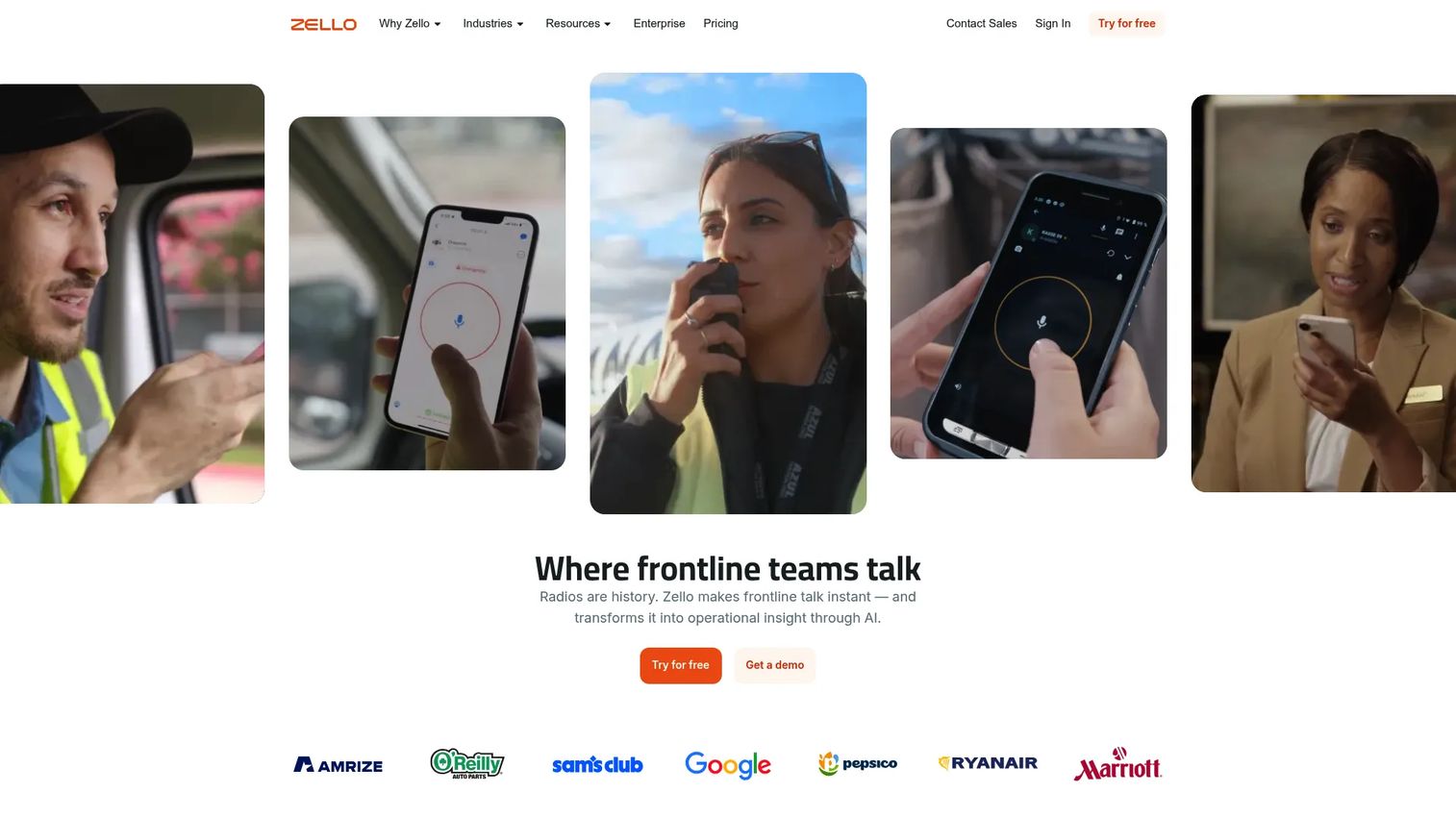
Zello is one of the most widely recognized push-to-talk apps for frontline teams, communities, and mobile workforces. It delivers real-time voice channels alongside one-to-one messaging, location tracking, and emergency alerts, all accessible on Android, iOS, and desktop. A management console, API access, and radio integration make it a serious operational tool rather than a consumer app.
Best for: Frontline teams in transportation, retail, hospitality, manufacturing, and public safety moving from radios to cellular PTT.
Key features
- Live group voice channels with user presence
- One-to-one voice, text, photo, and image messaging
- Unlimited channels plus location tracking
- Emergency alerts and dispatch controls
- Hardware PTT button support and radio integration
Why choose Zello: Zello is the default starting point for teams replacing radios or fragmented chat with structured PTT. Its broad platform support and 14-day free trial reduce adoption risk when you are handing rollout to an ops lead rather than managing it yourself.
Zello pricing: The Core plan runs $6.80 per user per month on annual billing, or $8.00 per user per month billed monthly. The Plus plan is $12.75 per user per month (annual) or $15.00 billed monthly. Enterprise pricing requires contacting sales. First responders may qualify for free access. A 14-day free trial covers both Core and Plus.
G2 rating: 4.4/5
2. NuovoTeam
NuovoTeam is a workforce communication and management platform built for non-desk and frontline teams. It covers one-to-one PTT, one-to-many broadcasting, clock-in and clock-out tracking, employee location visibility, and an admin command dashboard, all on a single mobile interface that works over cellular or Wi-Fi on Android, iOS, and desktop.
Best for: Operations leaders who need PTT communication paired with field visibility, attendance, and safety workflows.
Key features
- One-to-one and one-to-many push-to-talk
- Real-time employee location tracking
- Clock-in and clock-out attendance tracking
- SOS alerts and emergency response
- Admin command dashboard with geofencing
Why choose NuovoTeam: NuovoTeam fits teams where communication and workforce management overlap. Logistics, security, retail, and manufacturing teams in particular get more operational signal here than from a PTT-only tool. The admin controls are substantial enough to hand off to a VP of Operations without a long setup window.
NuovoTeam pricing: Pricing is not displayed on the vendor site. Contact NuovoTeam directly for a quote. G2 reviewers have not reported specific price ranges publicly.
G2 rating: 4.5/5
3. PeakPTT Push To Talk
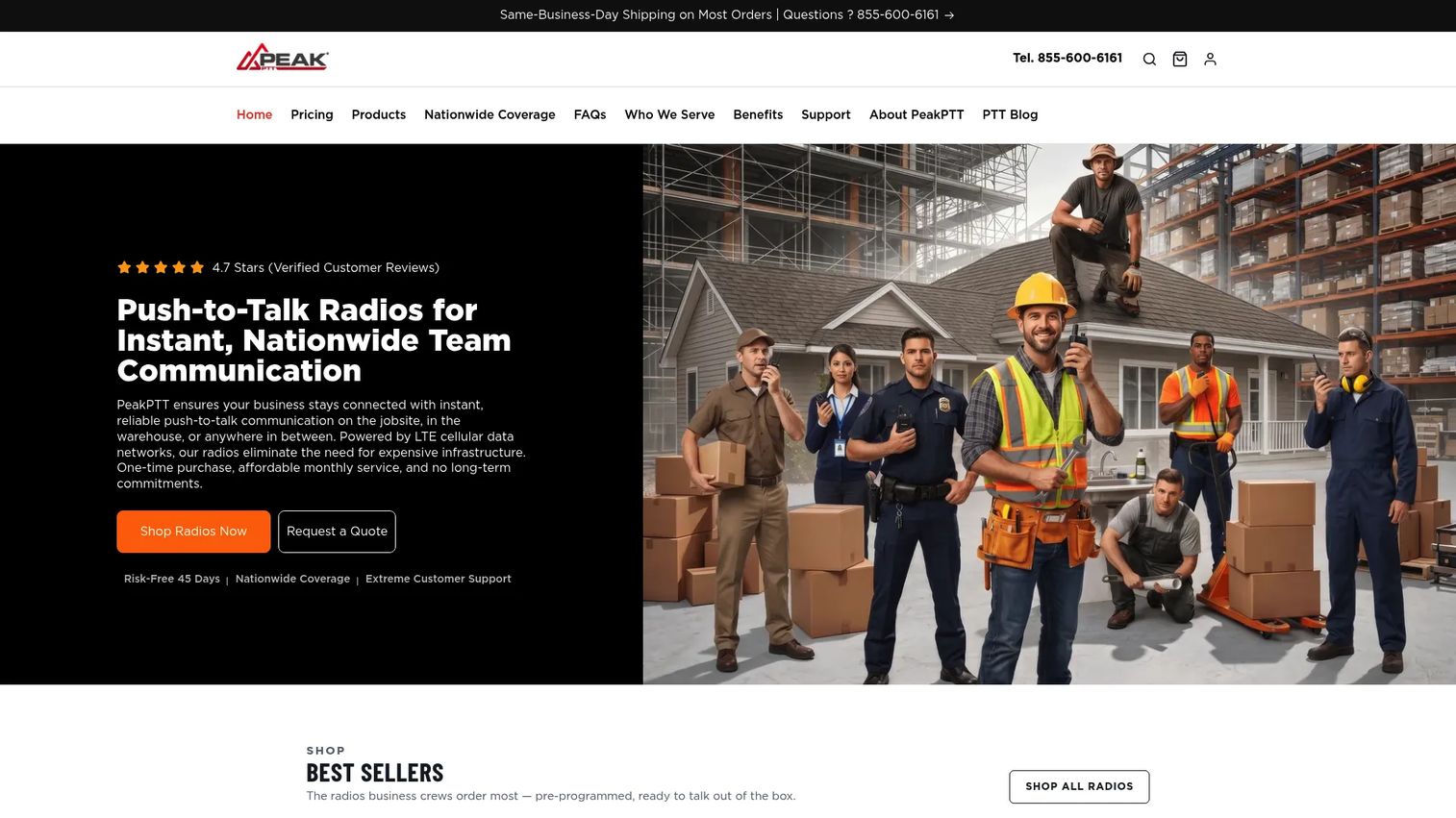
PeakPTT delivers business push-to-talk over nationwide 4G LTE networks, paired with managed radio hardware, GPS fleet tracking, a PC dispatch console, and mobile apps for Android and iOS. It is purpose-built for organizations that want radio-grade reliability on cellular infrastructure, including 60-second GPS tracking with route history, geofencing, SOS alerts, and recorded-call playback.
Best for: Business and government teams that need LTE-grade PTT across a managed radio fleet with GPS visibility.
Key features
- Nationwide 4G LTE push-to-talk communication
- 60-second GPS tracking with live fleet map and geofencing
- SOS emergency alerts
- PC dispatch console with recorded-call playback
- iOS and Android mobile apps as optional add-ons
Why choose PeakPTT: This is the right fit when radio hardware reliability matters alongside software features. The per-radio subscription model makes total cost predictable for fleet-based operations. Teams evaluating PeakPTT against software-only PTT apps should factor in hardware procurement alongside software costs.
PeakPTT pricing: Radio hardware is a separate one-time purchase ranging from $129.00 to $389.00. The Unlimited Nationwide PTT service runs $24.95 per radio per month. A Dispatch Seat add-on is $12.00 per seat per month, and the Mobile App add-on is $9.95 per user per month.
G2 rating: 4.5/5
4. Orion
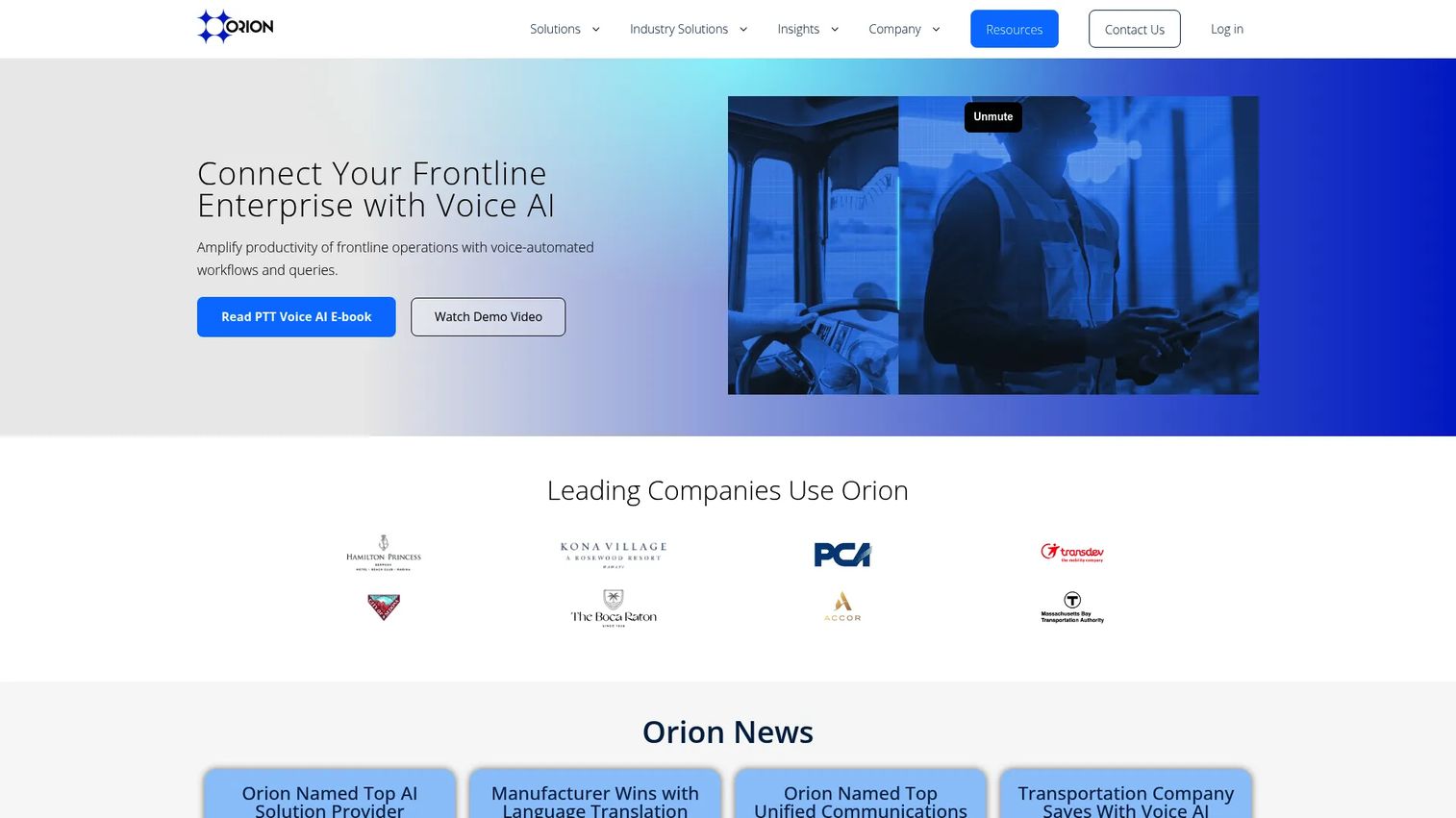
Orion is a voice-first intelligent collaboration platform designed for deskless and frontline workforces in enterprise environments. Beyond PTT, it adds voice AI workflows, automated bots that query enterprise systems, and speech-to-speech translation across 60+ languages. Real-time location services, an operations console, and SDKs for custom integrations make it a stronger fit for complex deployments than for straightforward radio replacement.
Best for: Enterprise frontline operations in healthcare, transportation, hospitality, manufacturing, and field services that need voice AI alongside PTT.
Key features
- Secure push-to-talk and multimodal communication
- Voice AI workflows and enterprise-system queries via voice commands
- Speech-to-speech translation in 60+ languages
- Voice-activated emergency response and checklists
- Real-time location services and operations console
Why choose Orion: Orion earns its place when the team needs more than channels. If your field workers need to query inventory systems, receive translated instructions, or trigger automated workflows by voice, Orion handles those jobs where a standard PTT app cannot.
Orion pricing: Pricing is not publicly listed. Contact Orion directly for enterprise plan details and a custom quote.
G2 rating: 4.7/5
5. BiPTT
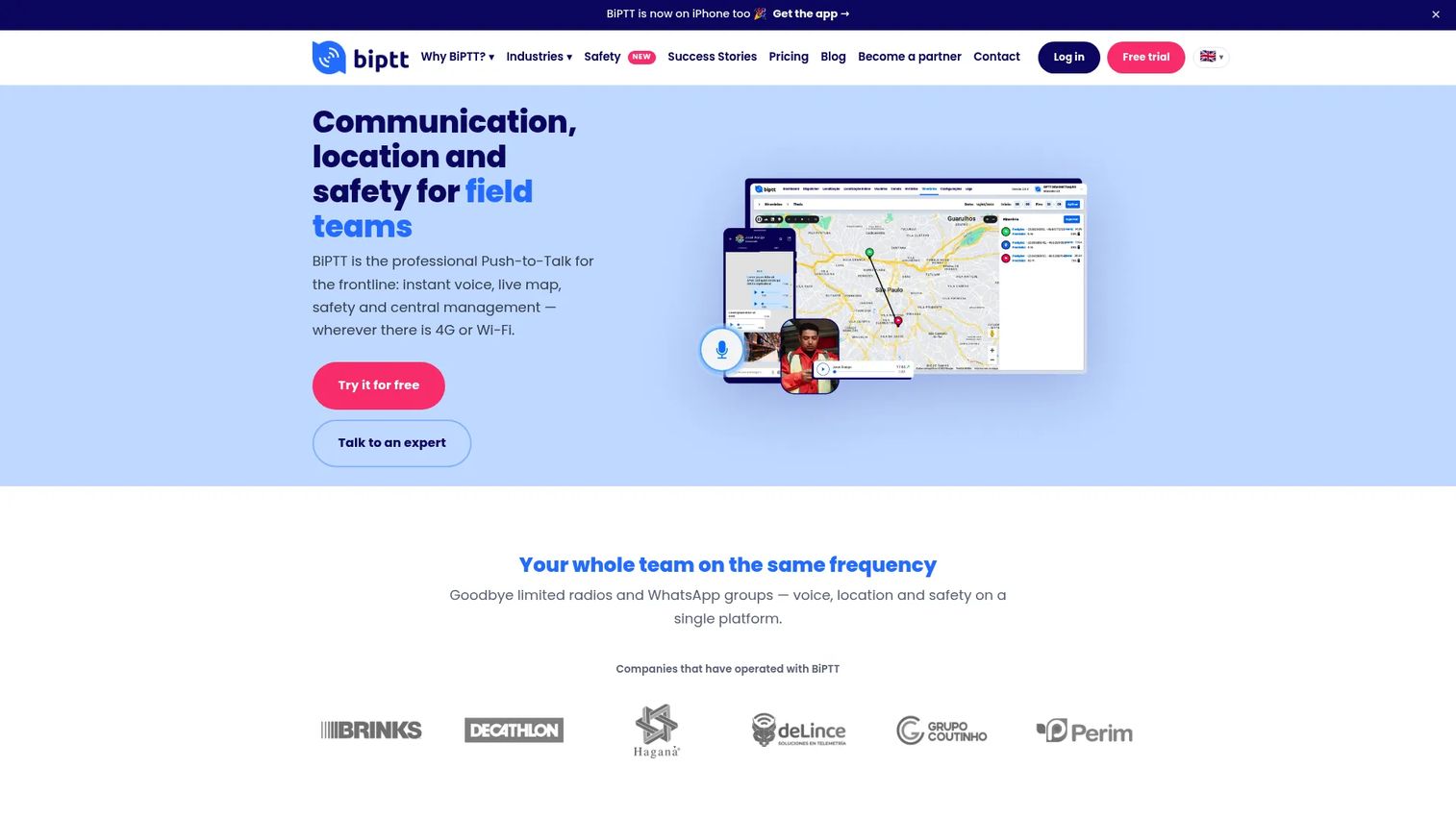
BiPTT is a professional PTT platform covering voice communication, real-time geolocation, a web management portal, voice-to-text transcription, call recording, and a dispatcher console. It also supports radio-to-app gateway integration, which makes it a bridge option for organizations running legacy radio hardware alongside smartphone-equipped teams. A Standard plan is available for free for individual use.
Best for: Frontline and field-service teams that want PTT, live location, safety features, and a dispatcher console, with a free entry point for individual users.
Key features
- Push-to-talk group channels and individual voice calls
- Real-time geolocation and route history
- Web management portal with user, channel, and role controls
- Voice-to-text transcription and call recording
- Dispatcher console and radio-to-app gateway integration
Why choose BiPTT: The free Standard tier makes it worth testing before committing to a paid deployment. The dispatcher console and radio gateway are practical additions for teams managing a mixed hardware and smartphone environment. Note that BiPTT's pricing is in Brazilian reais, and paid plans require direct contact with the vendor.
BiPTT pricing: The Standard plan is free for individual use. Premium and Enterprise plans are contact-based. A 7-day free trial is available for paid plans.
G2 rating: 4.0/5
6. EVO PTT
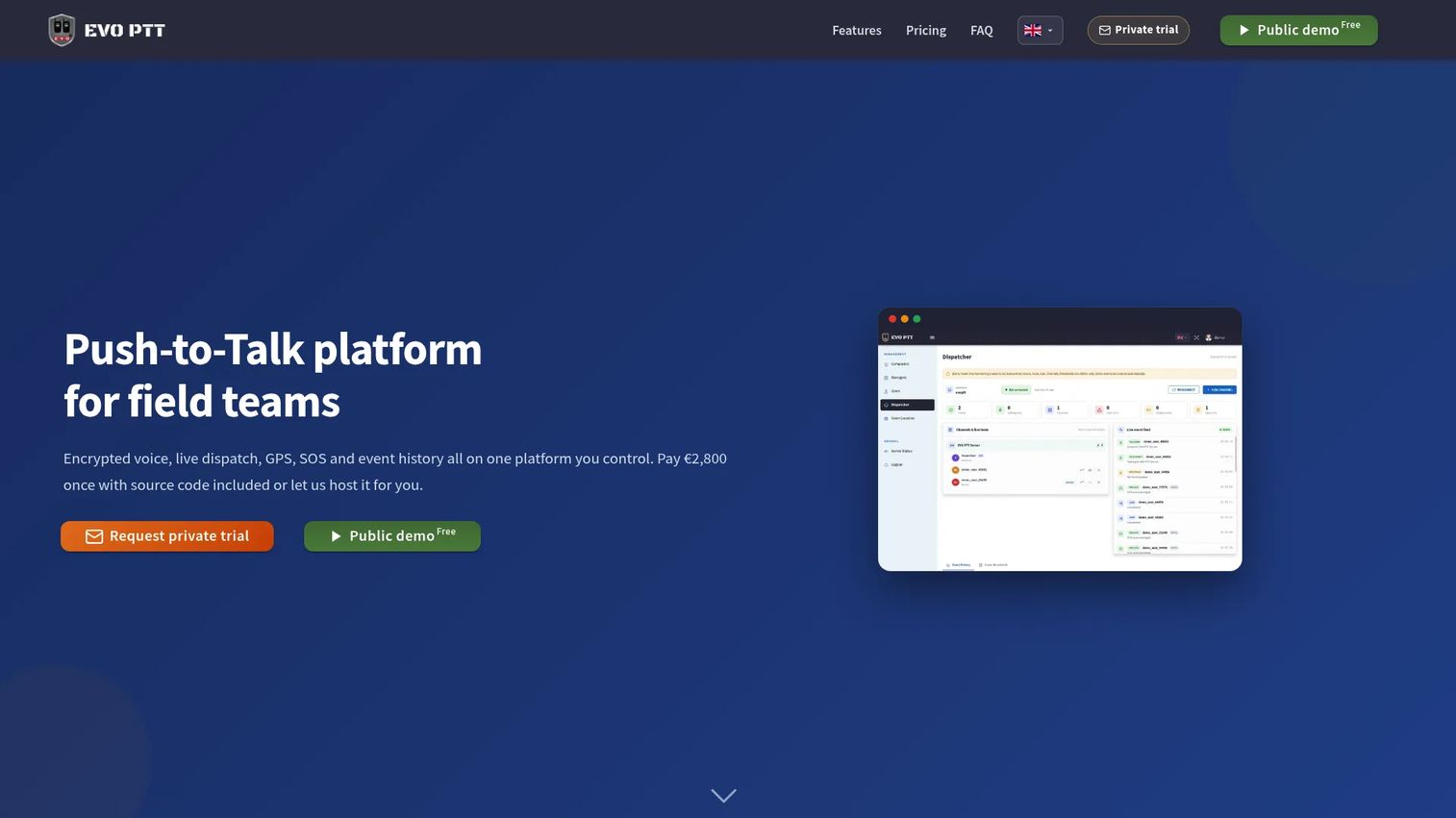
EVO PTT is a PTT platform for field teams that adds a distinctive option most competitors do not offer: A one-time enterprise license with full source code, white-label rights, self-hosting capability, and commercial rights included. It covers encrypted voice, real-time GPS tracking, a live dispatch console, and one-tap SOS alerts. A public demo is free to access.
Best for: Organizations that need secure, self-hosted PTT with ownership of the underlying code, such as government agencies or security-sensitive enterprises.
Key features
- Encrypted voice and data communication
- Real-time GPS tracking and live dispatch console
- One-tap SOS alerts with exportable event history
- Self-hosting and white-label rights (Enterprise License)
- Free public demo access
Why choose EVO PTT: The one-time license model changes the economics for large deployments or organizations that need to keep data entirely inside their own infrastructure. It is not the fastest path to a pilot, but it is a meaningful option for teams where security review would block a standard SaaS deployment.
EVO PTT pricing: The Enterprise License is a one-time purchase at €2,800, covering unlimited users, source code, self-hosting, white-label rights, installation, onboarding, and initial support. A hosted subscription option exists, but pricing for that model is not publicly listed.
G2 rating: 4.5/5
7. AINA Small Talk
AINA Small Talk is a push-to-talk communication app designed to work alongside AINA's physical PTT accessories, including hardware buttons built for gloved, mobile, and hands-free use cases. The app covers group and individual PTT calls, a dispatcher platform, location viewing, emergency alerts, and call requests, all on a mobile interface built for field conditions.
Best for: Security, logistics, field service, construction, and manufacturing teams that need hardware button PTT alongside app-based communication.
Key features
- Group and individual push-to-talk calling
- Dispatcher platform with talk-group management
- Team-member location viewing
- Emergency alert function
- Call requests and hardware PTT button support
Why choose AINA Small Talk: If your team works in gloves, operates equipment, or cannot reliably tap a phone screen, physical PTT buttons change what's practical in the field. AINA's hardware ecosystem paired with Small Talk handles those environments where software-only solutions create friction.
AINA Small Talk pricing: The app is free for up to 5 users. Paid pricing for larger teams could not be confirmed from AINA's website at time of publication. Contact AINA for commercial plan details. Hardware accessories are a separate purchase.
G2 rating: 4.5/5
8. The Headset App
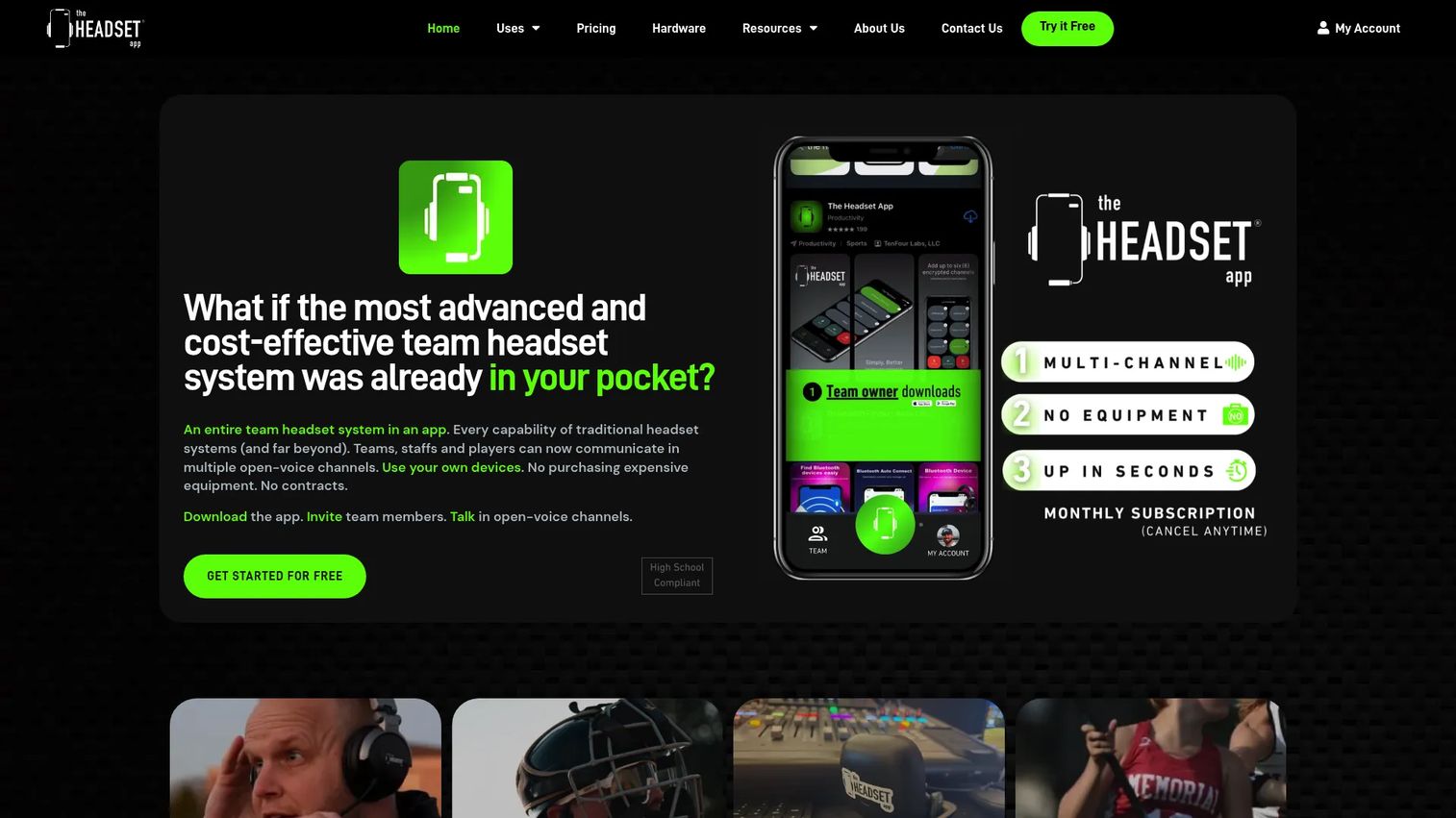
The Headset App is a mobile team communication system that gives users up to 6 simultaneous open-voice channels using their own phones and headsets. Encrypted audio, premium HD quality, an Apple Watch app, and an All Channels button distinguish it from standard PTT networks. It is built primarily for sports coaching environments but applies wherever teams need multiple open audio channels managed from a mobile device.
Best for: Sports coaching teams and small groups needing multi-channel, mobile-first voice communication without dedicated hardware infrastructure.
Key features
- Up to 6 customizable simultaneous voice channels
- Premium HD audio and encrypted communication
- Apple Watch app
- All Channels button for monitoring all active channels
- Team-member access management
Why choose The Headset App: The multi-channel open-voice model works differently from standard PTT. Rather than pressing to talk into a single channel, users can monitor multiple active conversations simultaneously. For coaching staff coordinating across offense, defense, and sideline positions, that distinction matters.
The Headset App pricing: Plans start at $19.99 per team member per month (monthly billing). Annual billing is $99.99 per team member per year. A Season Pass is available at $19.99 per team member as a one-time purchase. A 5-day free trial is included, with a minimum of 2 users required.
G2 rating: 5.0/5
9. PushToTalk

PushToTalk is a Windows-focused utility that gives users system-wide microphone control across all applications. It supports push-to-talk mode, push-to-mute mode, toggle mode, global hotkeys, per-application profiles, a microphone status overlay, and multi-microphone control. This is not a PTT communication network. It works inside whatever voice or conferencing app you already use.
Best for: Windows users who need reliable system-wide microphone control across multiple applications, including games, video calls, and voice chat platforms.
Key features
- Global hotkeys across all Windows applications
- Push-to-talk, push-to-mute, and toggle modes
- Per-application microphone profile switching
- Microphone status overlay
- Multi-microphone control
Why choose PushToTalk: The distinction from workforce PTT apps matters here. PushToTalk does not create communication channels or manage contacts. It controls your microphone. For remote workers, content creators, or gamers who need reliable mute behavior without building a new communication workflow, that focus is exactly right.
PushToTalk pricing: Pricing details for PushToTalk were not accessible on the vendor site at time of publication. Visit pushtotalk.app directly to check current plan pricing, trial availability, and Microsoft Store purchase options.
G2 rating: N/A
10. Always Push-to-Talk
Always Push-to-Talk is a free, open-source Windows utility that keeps the default microphone muted unless a designated key is held. The Caps Lock key is the default shortcut. Configurable on-screen display shows microphone status, optional activation and deactivation beeps provide audio feedback, and the app can launch at Windows startup via the system tray.
Best for: Technical Windows users who want a lightweight, zero-cost push-to-talk microphone utility without installing a managed communication platform.
Key features
- Universal push-to-talk key across Windows programs and games
- Automatic microphone muting for privacy
- Configurable microphone status on-screen display
- Optional activation and deactivation beeps
- Optional Windows startup launch via system tray
Why choose Always Push-to-Talk: This is the right choice for a solo developer, gamer, or remote worker who wants a lightweight local solution and is comfortable downloading from a GitHub release. It does not require an account, subscription, or network. The trade-off is that it is a single-user tool with no admin controls, user management, or mobile support.
Always Push-to-Talk pricing: Free open-source software distributed under an MIT license through GitHub releases. No subscription or purchase required. Designed for Windows 10; not tested on other Windows versions per the repository documentation.
G2 rating: N/A
11. Microsoft Teams
Microsoft Teams is a collaboration platform covering chat, meetings, calls, file sharing, and channel-based teamwork. It includes walkie-talkie and push-to-talk style capabilities in supported contexts, particularly for frontline workers on mobile devices with qualifying Microsoft 365 plans. Its core job is broader than PTT, but teams already standardized on Microsoft 365 can add PTT functionality without a separate tool.
Best for: Organizations already running Microsoft 365 that want PTT-style communication inside their existing stack without adding another vendor.
Key features
- Walkie-talkie mode for frontline workers (plan-dependent)
- Chat, calls, and video meetings in one platform
- Microsoft 365 integration with file sharing and tasks
- Identity and admin controls via Azure Active Directory
- Mobile workforce support across Android and iOS
Why choose Microsoft Teams: If your organization pays for Microsoft 365, the walkie-talkie feature is included at no additional cost on qualifying plans. The downside is that dedicated PTT platforms typically offer more operational depth: GPS tracking, SOS alerts, dispatcher consoles, and lower-friction field workflows.
Microsoft Teams pricing: The Microsoft Teams Essentials plan starts at $4.00 per user per month on annual billing. Microsoft 365 business plans that include full Teams access start at $6.00 per user per month. Verify current plan availability and walkie-talkie feature inclusion at microsoft.com.
G2 rating: 4.4/5
12. Discord
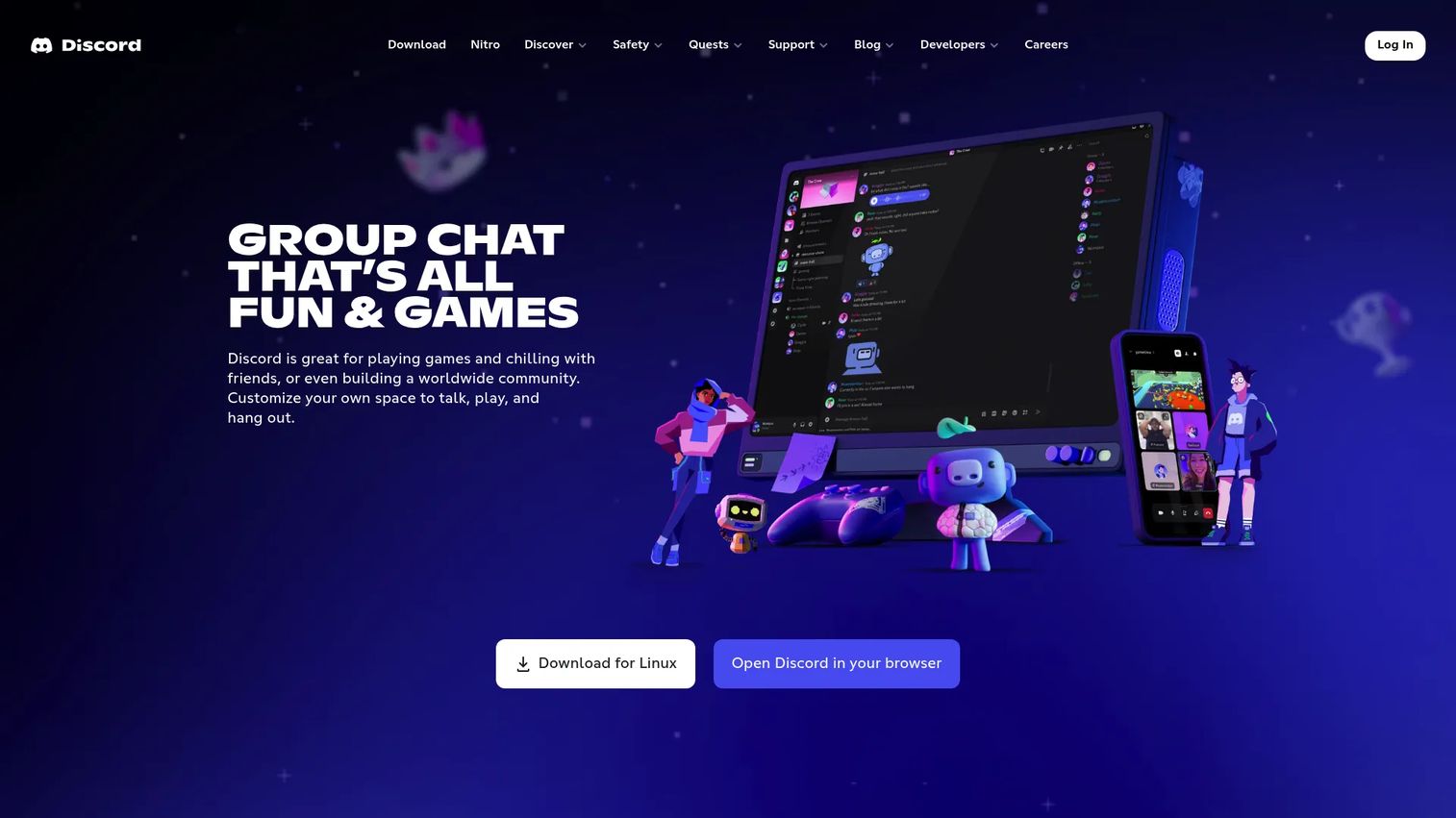
Discord is a communication platform for text, voice, video, screen sharing, and community servers. Push-to-talk is a configurable voice input mode in Discord's settings, letting users transmit only while holding a designated key. It is popular for gaming groups and online communities where teams already live inside Discord's server structure. Low-latency voice, role-based channel access, and a free core plan make it accessible at no cost for most use cases.
Best for: Gaming groups, online communities, and informal remote teams that want push-to-talk voice within a platform they already use daily.
Key features
- Push-to-talk settings for voice channels
- Low-latency voice communication
- Servers with organized text and voice channels
- Role-based access and community permissions
- Cross-platform access on desktop, mobile, browser, and console
Why choose Discord: Discord's push-to-talk mode works well when users are already in the platform for other reasons. For founders evaluating it as a workforce tool: Discord lacks the admin controls, SOS features, GPS visibility, and device management that regulated or field-heavy teams require. Use it for gaming and community contexts; evaluate a dedicated PTT platform for operational field teams.
Discord pricing: The core service is free. Nitro Basic is $2.99 per month or $29.99 per year. Nitro is $9.99 per month or $99.99 per year.
G2 rating: N/A
13. Yac
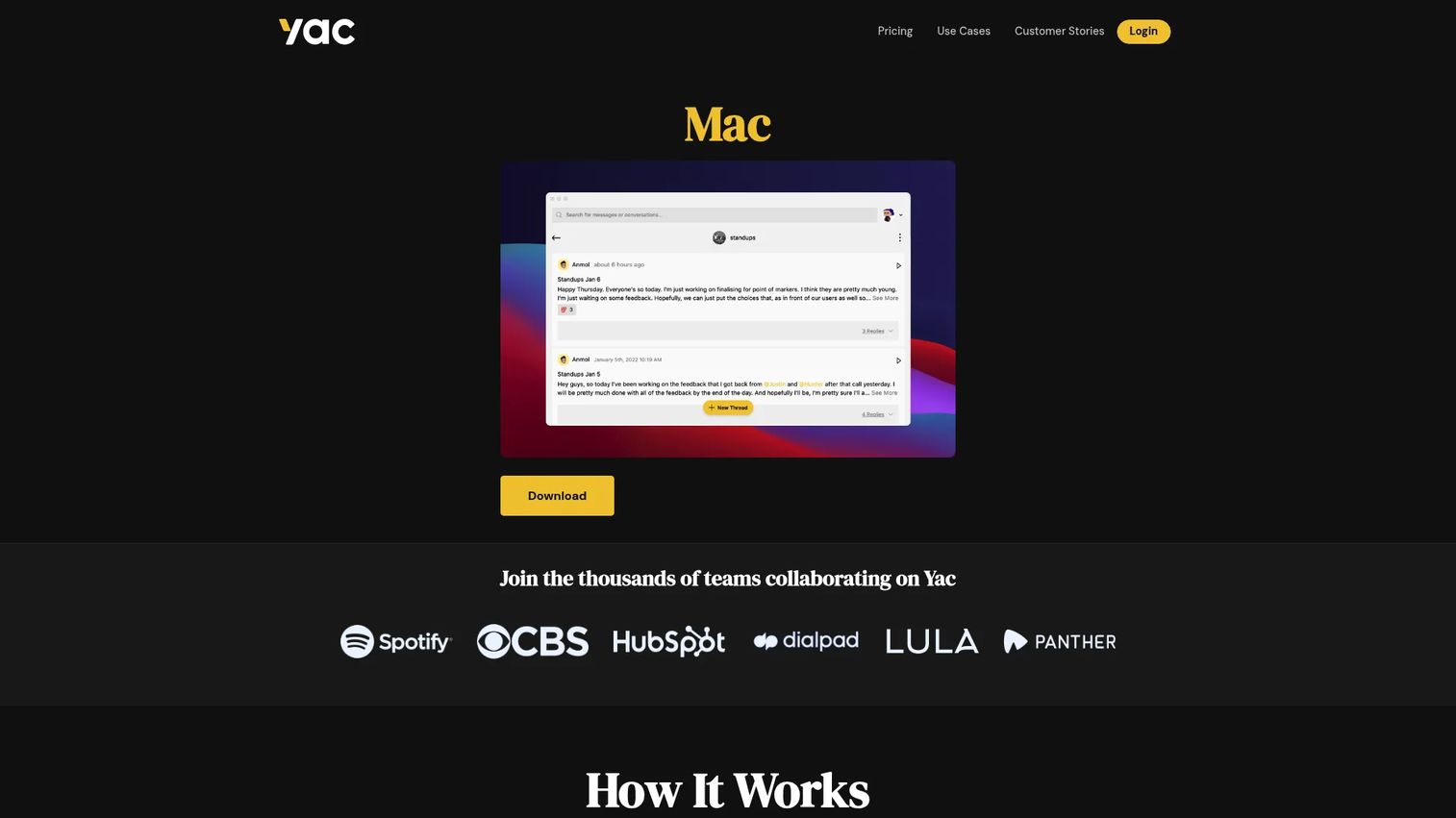
Yac is an asynchronous voice messaging and collaboration platform for remote teams. Users record voice messages with screen and camera recording, share them as links, and recipients listen when convenient. Yac reduces meetings rather than replacing radios. It belongs in this list because it answers a related question ("how do we coordinate without scheduling calls?") through a fundamentally different mechanism: Async, not live.
Best for: Remote and distributed teams that want to reduce meetings with async voice updates, not dispatch teams that need live walkie-talkie communication.
Key features
- Asynchronous voice messages with transcriptions
- Screen and camera recording with screen annotation
- Shareable links, private groups, and team channels
- Slack and Zapier integrations (paid plans)
- Unlimited voice messages on the free plan
Why choose Yac: Be clear about the distinction: Yac does not transmit live. A field technician cannot use it to report an emergency in real time. For remote software teams reducing synchronous meeting load, it is a better fit than a live PTT platform because the async format preserves context and does not interrupt focus.
Yac pricing: The Free plan includes unlimited voice messages, screen recording, and the last 100 messages. Yac for Teams is $3.00 per user per month billed annually, or $5.00 per user per month billed monthly. Paid plans add unlimited history, transcription search, and integrations.
G2 rating: N/A
Considerations when choosing push to talk software
Match the tool to the communication mode
One-to-one PTT, group channels, one-to-many broadcast, async voice, and local microphone control are different jobs that call for different tools. A dispatcher coordinating 40 field workers has different needs than a gamer who wants to mute their microphone between rounds. Confirm the primary communication mode before shortlisting any vendor.
Check device and network coverage
Verify that the tool runs on the specific devices your team uses: Android, iOS, Windows, rugged handhelds, or browser. Low-bandwidth performance matters for field teams in areas with weak cellular signal. Some tools require specific hardware or cellular plans that add procurement steps.
Evaluate microphone privacy and control
For Windows users, confirm how the tool handles mute state across applications. A single misconfigured app can leave a microphone live when a user believes they are muted. Look for status overlays, audio feedback, and hotkeys that work globally across all applications, not just inside one app.
Review admin, security, and compliance needs
Ask each vendor about encryption standards, user provisioning, identity management, data retention policies, location data storage, and audit logging before deploying to regulated teams. Security review requirements differ substantially across healthcare, government, and financial services contexts.
Compare pricing to rollout reality
Per-user pricing looks manageable at 10 users and expensive at 200. Factor in active daily users, device count, hardware accessories if relevant, admin seat costs, and support tier requirements. A one-week pilot with real users in the target environment is more useful than a vendor demo for understanding actual adoption.
Conclusion
For dedicated mobile PTT, Zello and NuovoTeam are the two most practical starting points. Zello fits teams that need channel-based communication with broad platform support and a clear trial path. NuovoTeam adds workforce management depth when communication connects to attendance, location, and safety workflows.
PeakPTT is the right call when managed LTE radios are part of the equation. Orion earns its place for enterprise teams that need voice AI on top of communication infrastructure. BiPTT and EVO PTT cover organizations that want a free entry point or self-hosted deployment respectively.
AINA Small Talk fits hardware-button workflows. The Headset App fits multi-channel coaching environments. PushToTalk and Always Push-to-Talk fit Windows users who want microphone control without a new communication platform.
Microsoft Teams fits organizations already in Microsoft 365 who want to add PTT without a new vendor. Discord fits gaming and community voice. Yac fits async voice updates, not live dispatch.
Choose the communication mode first. Shortlist 2 or 3 tools that match it. Run a one-week pilot with the team that will use it daily. Measure adoption, missed messages, and call reduction before expanding.
If your team sells software and needs to explain product workflows as clearly as a PTT app coordinates field teams, use interactive demos to show the product instead of describing it.
Start your journey with Guideflow today!
FAQs
Push to talk software lets users transmit voice only while pressing a button, hotkey, screen control, or physical hardware trigger. Some tools are full communication networks that manage channels, contacts, and presence across mobile and desktop. Others are local utilities that control microphone state inside separate voice applications.
Push to talk requires an intentional press to transmit. Voice activation, by contrast, transmits whenever the microphone detects sound above a threshold. PTT gives more control in noisy environments, reduces accidental audio, and prevents open-mic situations across shared workspaces or gaming sessions.
Zello and NuovoTeam are the strongest options for mobile workforce use. Zello offers broad adoption and channel-based communication on both platforms. NuovoTeam adds workforce management features including SOS, location tracking, and geofencing. Verify device management support, admin controls, and cellular network reliability before rolling out to a field team.
Zello has strong Android support with hardware button compatibility and a dispatch console designed for field use. NuovoTeam also runs on Android with mobile-first workforce features. PeakPTT offers a mobile app add-on for Android at $9.95 per user per month alongside its LTE radio hardware ecosystem.
Microsoft Teams includes a walkie-talkie feature for frontline workers in supported configurations. Availability depends on the specific Microsoft 365 plan, device type, and tenant settings. Verify current feature access and plan requirements directly with Microsoft before planning a deployment.
Discord's push-to-talk settings work well for gaming groups and online communities where users are already in the platform. It is not a good fit for field operations that need admin controls, location tracking, SOS workflows, or device management. For workforce coordination, evaluate a dedicated PTT platform instead.
PushToTalk and Always Push-to-Talk both focus on Windows microphone control. PushToTalk is a paid utility with per-application profiles and a microphone status overlay. Always Push-to-Talk is a free open-source utility using Caps Lock as the default hotkey. Neither is a PTT communication network; both control microphone behavior inside existing applications.
Security depends on the specific tool's encryption standards, access controls, identity management, device policies, data retention practices, and audit logging. Review vendor security documentation and, where regulatory requirements apply, route questions through your own security and legal teams rather than relying on marketing-level compliance claims.
PTT apps replace radios effectively for teams that already carry smartphones or rugged mobile devices with cellular coverage. Radios remain the better option in environments with poor cellular coverage, strict hardware certification requirements, or specific emergency communication protocols that require purpose-built radio infrastructure.