



A single typo in a DNS record can take down an entire service. You edit a zone by hand, fat-finger an IP, and suddenly traffic routes to nowhere. Then you spend the next hour tracing which server holds the stale entry.
That risk grows with every server you add. Manual edits work at three zones. They stop working at three hundred, spread across on-premises, cloud, and branch sites.
The global market for these tools reached USD 1.35 billion in 2025 and is projected to hit USD 3.10 billion by 2030, an 18.16% CAGR, according to Mordor Intelligence (2025). Enterprises drive most of that spend, accounting for roughly 65% of DNS tool adoption versus 35% for SMBs, per Global Growth Insights (2026).
The right DNS management software cuts configuration errors, centralizes control, and makes multi server or hybrid operations governable. This guide breaks down eight tools so you can match one to your environment.
What's inside
This guide is for infrastructure, IT, and technical ops teams comparing DNS management tools. It also serves presales engineers who validate DNS or DDI fit during technical evaluations.
We selected each tool against four criteria:
- Automation and dns automation: How well it reduces manual zone edits and enforces policy at scale
- Multi server visibility: Whether it gives one view across servers, providers, and sites
- Security and permissions: Role-based access, approvals, audit trails, and DNS security features
- DNS or IPAM breadth: Whether it handles DNS alone or full DDI with DHCP and ip address management software
Tools are ordered by relevance to centralized control, automation, and distributed management.
TL;DR
- Best for enterprise DDI: Infoblox NIOS DDI, unified DNS, DHCP, and IPAM across hybrid and multi-cloud
- Best for centralized multi vendor DNS: ManageEngine DDI Central, one console for mixed DNS providers
- Best for cloud native DNS operations: Cloudflare DNS, globally distributed authoritative DNS with a free tier
- Best for Windows DNS administration: Microsoft DNS Manager, native Windows Server DNS with scripting
- Best for hybrid enterprise control: BlueCat Integrity, policy-driven DDI governance
- Best for broad IPAM plus DNS: EfficientIP SOLIDserver DDI, unified DDI as a network source of truth
- Best for unified DNS oversight: Micetro, overlay control across existing infrastructure
- Best for authoritative DNS infrastructure: PowerDNS, programmable DNS at scale
What is DNS management software
DNS management software is software that helps teams create, edit, validate, publish, monitor, and govern DNS records and zones across one or more servers. It replaces manual zone file edits and scattered server consoles with a central point of control.
The category overlaps with DDI and IPAM when organizations need centralized control over DNS, DHCP, and IP allocations together. A pure dns manager focuses on zone and record operations. A DDI platform bundles DNS, DHCP, and ip address management software into one system. Both aim at the same outcome: fewer errors, faster changes, and clearer visibility across a multi server DNS footprint.
Cloud-based deployment now leads the market, holding a 58.2% share of the DNS management software space in 2025, according to MarketIntelo (2025). That shift reflects how many teams run hybrid or cloud-first networks and want centralized dns management without racking new hardware.
Core capabilities to expect:
- Zone and record editing: Create and modify A, AAAA, CNAME, MX, TXT, and other record types in one interface
- Record validation: Catch syntax errors and conflicts before changes publish
- Policy controls: Enforce naming standards, approvals, and role-based permissions
- Audit trails: Track who changed what, when, and where
- DNS monitoring: Watch resolution health, response times, and availability
- DNS automation: Push changes via API, templates, or scripts instead of by hand
- IPAM and DHCP: In DDI platforms, manage IP allocation and lease assignment alongside DNS
The stronger tools tie these together so a single change propagates cleanly across every server and environment.
When to use DNS management software
Centralize zone changes across multiple servers
Manual edits work fine on one authoritative server. Add a second, a hidden primary, and a handful of cloud zones, and consistency breaks down. Someone updates one console and forgets the others.
Centralized dns management gives you one source of truth. You edit once, and the change publishes to every server that needs it. That matters most when different teams touch DNS and nobody owns the full picture.
Reduce configuration errors before they reach production
Most DNS outages are self-inflicted. A missing dot, a wrong TTL, a record pointing at a decommissioned host. These slip through when changes go live with no review.
Validation, approval workflows, and controlled publishing catch errors before they route real traffic. For presales teams supporting a technical evaluation, this is the story that resonates: the tool prevents the 2 a.m. incident, not just the tedious edit.
Run hybrid or distributed DNS with better visibility
Cloud, on-premises, branch offices, remote sites. Each adds a place where DNS can drift. Hybrid dns management pulls these into one view so you see every zone and record regardless of where it lives.
That visibility is what makes multi-cloud and branch operations manageable rather than a guessing game across consoles.
Troubleshoot performance or availability issues faster
When resolution slows or a service goes dark, you need to know fast whether DNS is the cause. DNS monitoring tracks response times, query patterns, and server health in real time.
Good dns troubleshooting turns a vague outage report into a specific fix. You see which server, which zone, which record, and you resolve it before the ticket queue fills up.
Comparison table
We chose these eight tools for their strength in centralized control, dns automation, and distributed management. The list favors platforms that scale from a single zone to enterprise DDI, and it spans cloud native DNS, Windows administration, and full ddi solutions. Ratings come from each tool's current G2 listing where available, and pricing reflects each vendor's published figures at time of writing.
| # | Product | Best for | Key differentiator | Pricing | G2 rating |
|---|---|---|---|---|---|
| 1 | Infoblox NIOS DDI | Enterprise DDI | Unified DNS, DHCP, IPAM with Grid management | Custom (token-based) | 4.6/5 |
| 2 | ManageEngine DDI Central | Centralized multi vendor DNS | Microsoft DNS plus threat intelligence | From $3,199 | Not listed |
| 3 | Cloudflare DNS | Cloud native DNS | Globally distributed authoritative DNS | Free to $200/mo | 4.5/5 |
| 4 | Microsoft DNS Manager | Windows DNS administration | Native Active Directory integration | Included with Windows Server | 4.4/5 |
| 5 | BlueCat Integrity | Hybrid enterprise control | API-first DDI governance | Custom | 4.3/5 |
| 6 | EfficientIP SOLIDserver DDI | Broad IPAM plus DNS | Network source of truth automation | Custom | Not listed |
| 7 | Micetro | Unified DNS oversight | Non-disruptive overlay | Free trial available | 4.3/5 |
| 8 | PowerDNS | Authoritative DNS infrastructure | Programmable DNS at scale | From $9,800/yr | Not listed |
Best 8 DNS management software tools for 2026
1. Infoblox NIOS DDI
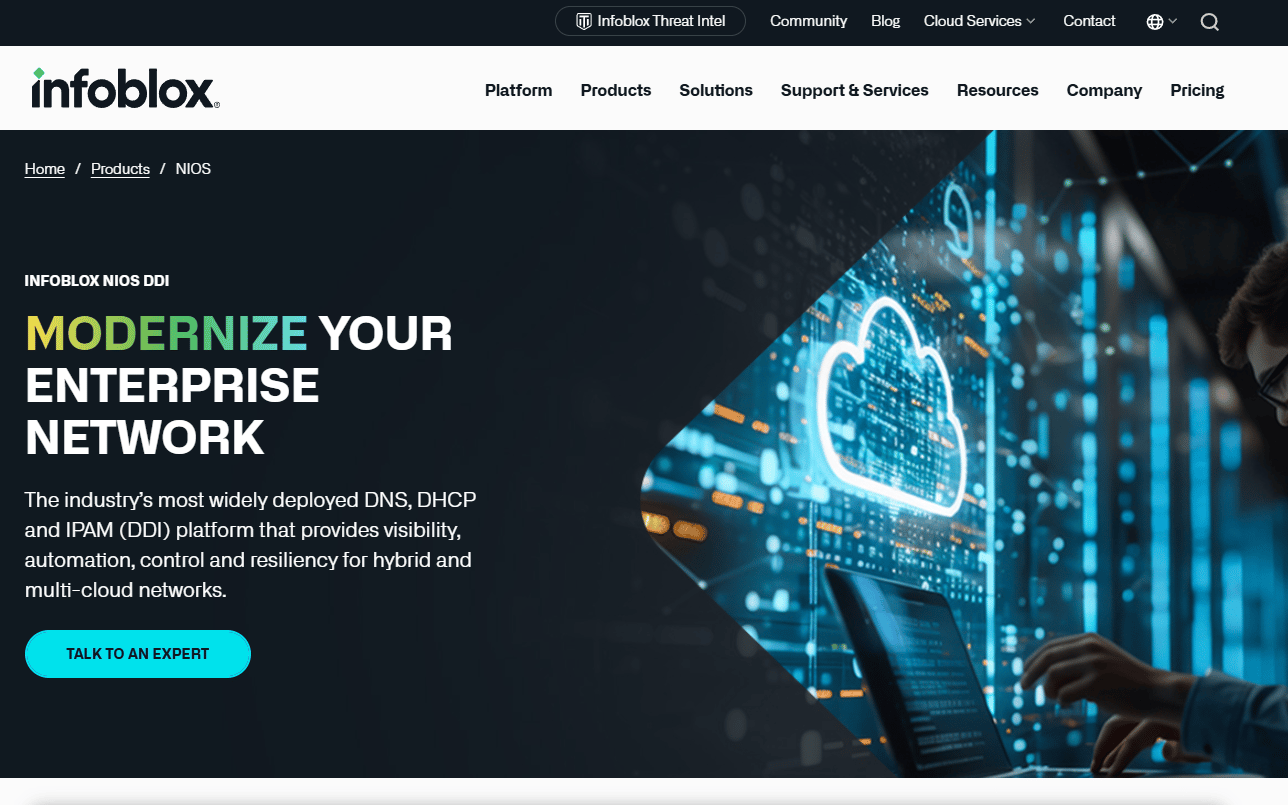
Infoblox NIOS DDI is enterprise-grade DNS, DHCP, and IPAM software built for hybrid and multi-cloud networks. It centralizes network services behind a single control plane, so large teams manage every zone, lease, and IP allocation from one place. The Grid Management Console and Infoblox Portal give operators unified visibility and control across distributed sites.
Best for: Enterprises needing centralized DDI management across on-prem, hybrid, and multi-cloud environments.
Key features
- DNS, DHCP, and IP address management (IPAM) in one platform
- Grid Management Console and Infoblox Portal management
- High availability, automation, and resiliency features
- Centralized control across distributed and multi-location networks
- Enterprise governance and policy enforcement
Why choose Infoblox NIOS DDI: It fits large infrastructure teams that treat DNS as part of a broader DDI stack and need resiliency and governance at scale. Smaller teams running a handful of zones may find it heavier than they need.
Infoblox NIOS DDI pricing: Infoblox uses token-based licensing with subscription and usage-based models. Pricing is arranged through Infoblox rather than posted as a list price, so you contact their team for a quote sized to your network.
Infoblox NIOS DDI holds a 4.6 out of 5 rating on G2.
2. ManageEngine DDI Central

ManageEngine DDI Central is enterprise DNS, DHCP, and IPAM software for centralized network services management. It brings mixed DNS providers and on-premises servers under one console, which suits teams juggling several vendors at once. Built-in Microsoft DNS and DHCP management makes it a fit for Windows-heavy estates that also run other DNS backends.
Best for: Organizations that need centralized DNS, DHCP, and IPAM control with enterprise DDI workflows.
Key features
- DNS, DHCP, and IPAM centralized management
- Microsoft DNS and DHCP management
- DNS threat intelligence and DNS firewall protections
- Multi vendor and remote site support
- Policy-based automation across servers
Why choose ManageEngine DDI Central: It works well when you manage multiple DNS providers and want one place to enforce policy and watch for threats. Teams already inside the ManageEngine ecosystem gain the most from the shared tooling.
ManageEngine DDI Central pricing: ManageEngine lists two editions on a subscription license. The Professional edition starts at $3,199, and the Enterprise edition at $6,199, with some capabilities offered as add-ons in the Professional tier.
A current G2 star rating for DDI Central was not readable at time of writing.
3. Cloudflare DNS
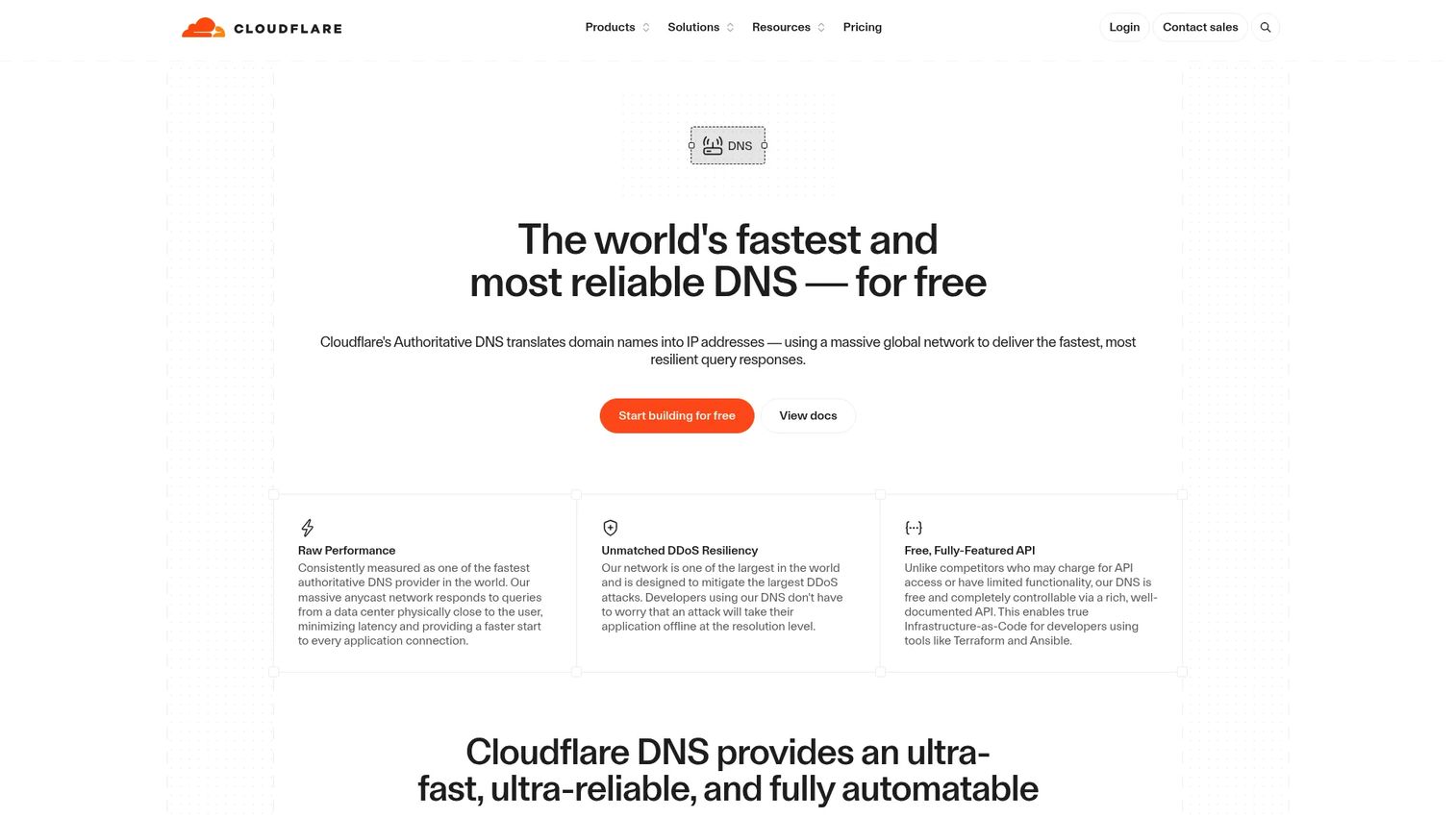
Cloudflare DNS is Cloudflare's authoritative DNS service for fast, resilient domain name resolution. It runs across a globally distributed network, so queries resolve close to the user with minimal admin overhead. This is the most cloud native option on the list, built for teams that want speed and reliability without managing DNS servers themselves.
Best for: Teams needing fast, globally distributed authoritative DNS with built-in security and a free entry tier.
Key features
- Authoritative DNS records management
- DNSSEC support
- CNAME flattening
- Globally distributed anycast network
- Cloud dns management with no server maintenance
Why choose Cloudflare DNS: It suits modern cloud and split horizon setups where dns reliability and response time matter most. Teams that need deep on-premises DHCP and IPAM control will pair it with a separate DDI platform.
Cloudflare DNS pricing: Cloudflare offers a Free plan at $0 per month, a Pro plan at $20 per month billed annually or $25 monthly, and a Business plan at $200 per month billed annually. Enterprise runs on custom contract pricing, and DNS queries are not charged on the Free, Pro, or Business plans.
Cloudflare holds a 4.5 out of 5 rating on G2.
4. Microsoft DNS Manager
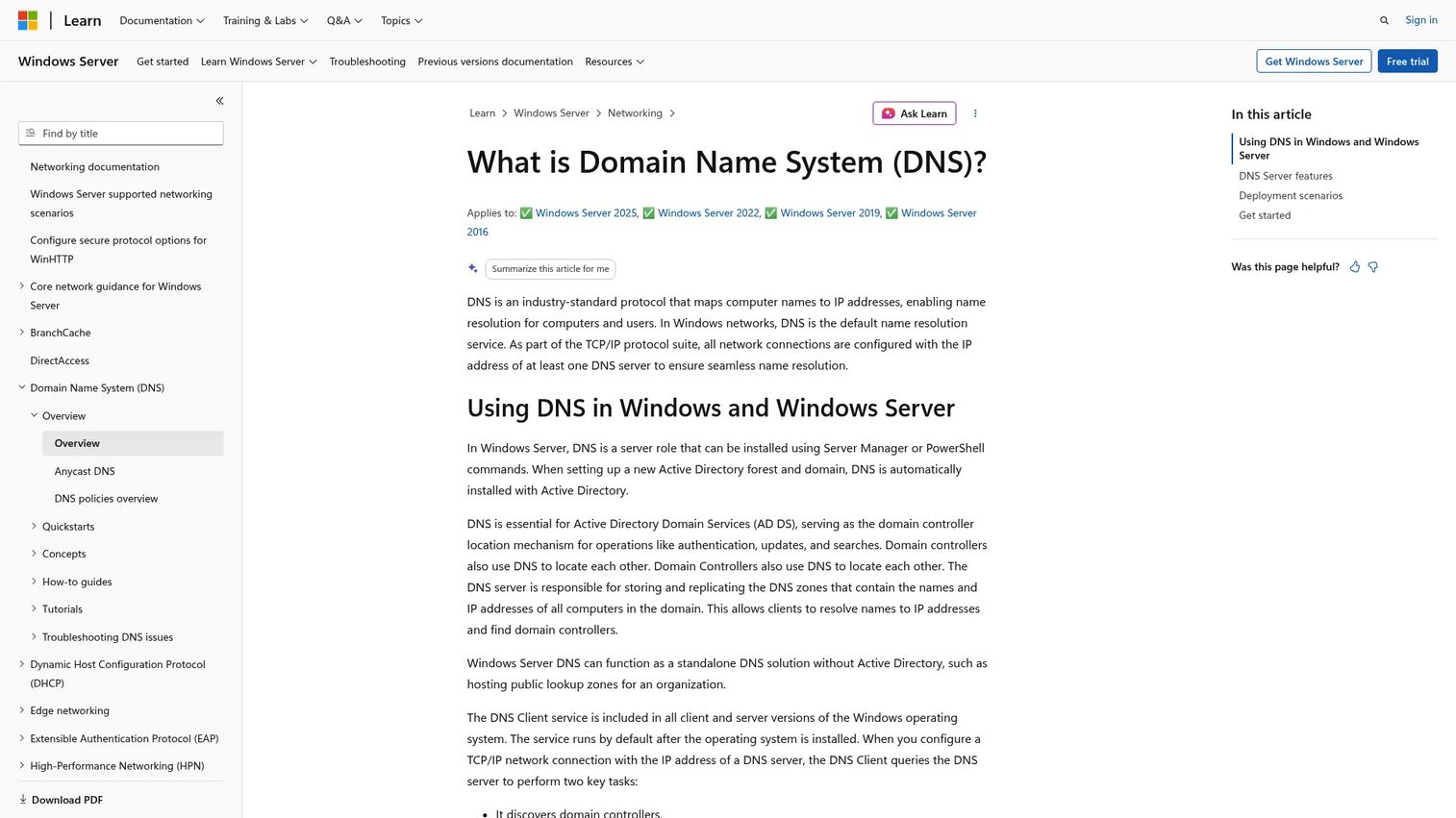
Microsoft DNS Manager is Microsoft's Windows Server DNS role and management tooling for name resolution in Windows environments. It ships with Windows Server, so shops already running Active Directory get a familiar dns manager without adding a new vendor. Administrators handle zones and records through the console or automate with dnscmd and PowerShell.
Best for: Organizations running Windows Server that need DNS name resolution and server-role management.
Key features
- Active Directory integration
- Dynamic updates and DNSSEC
- Forwarding and conditional forwarding
- DNS policies and Anycast
- Monitoring, logging, and caching
Why choose Microsoft DNS Manager: It is the natural pick for Windows shops that want DNS bundled with the server they already run and scripted through PowerShell. Teams with heavy multi-cloud or multi vendor DNS often layer a DDI platform on top for centralized control.
Microsoft DNS Manager pricing: The DNS Server role is included with a Windows Server license at no separate cost. There is no standalone product price, since it comes as part of the operating system.
Reviewers rate the tooling around 4.4 out of 5 on G2.
5. BlueCat Integrity
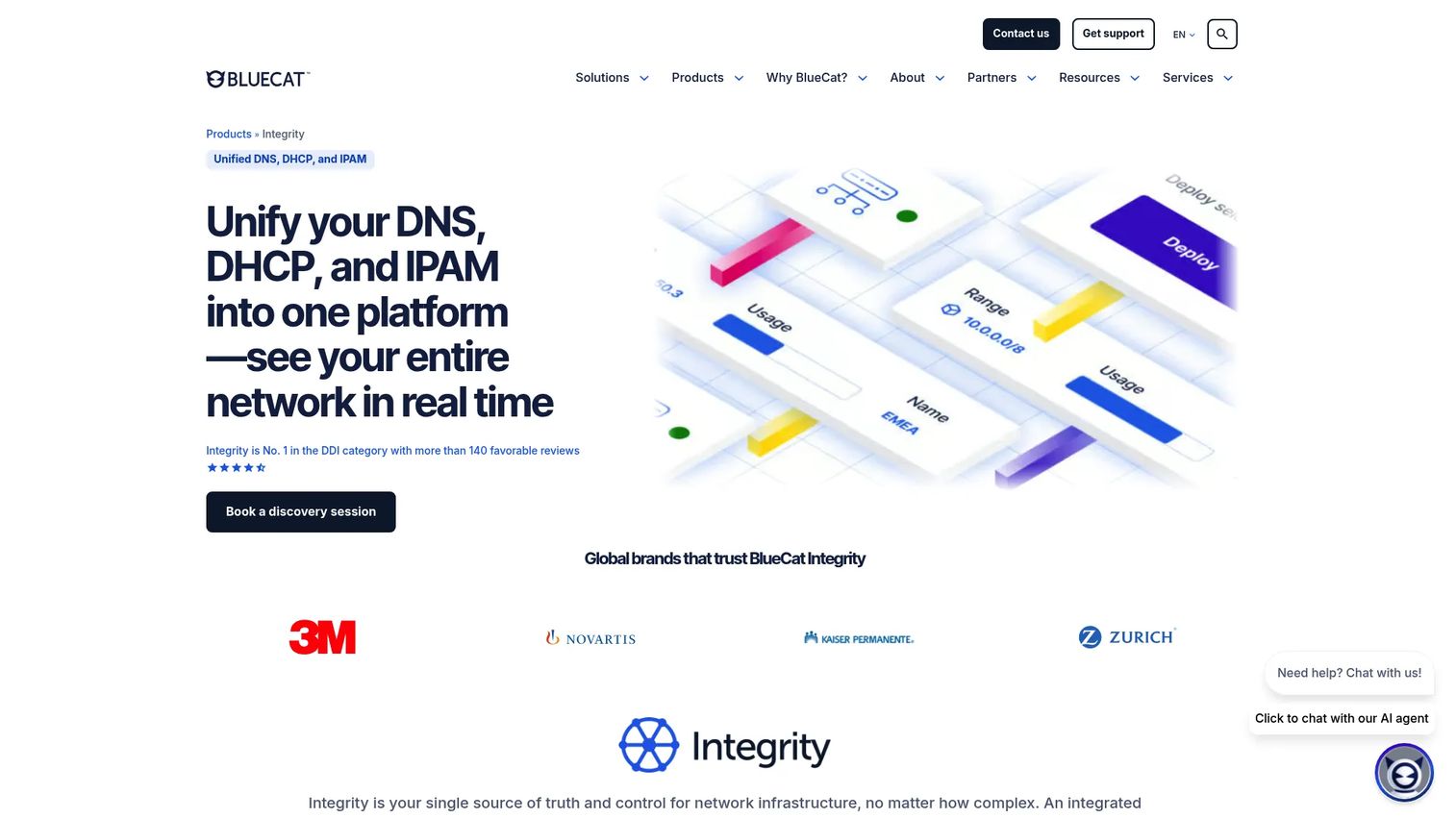
BlueCat Integrity is a centralized DDI platform for unified DNS, DHCP, and IP address management. It targets enterprises that need policy enforcement and controlled change management across hybrid and multicloud networks. An API-first design lets teams automate DNS operations and fold them into existing pipelines.
Best for: Enterprises needing centralized DDI control across hybrid and multicloud networks.
Key features
- Unified DNS, DHCP, and IPAM
- API-first automation and integrations
- Hybrid and multicloud visibility and control
- Policy enforcement and controlled change management
- Centralized governance across environments
Why choose BlueCat Integrity: It fits teams that put governance and policy control first and want dns automation wired into their infrastructure through APIs. The strength here is control across many environments rather than lightweight single-zone editing.
BlueCat Integrity pricing: BlueCat presents Integrity through a discovery session and sales conversation rather than posted pricing. You book a demo to get a quote scoped to your network size and requirements.
BlueCat Integrity holds a 4.3 out of 5 rating on G2.
6. EfficientIP SOLIDserver DDI
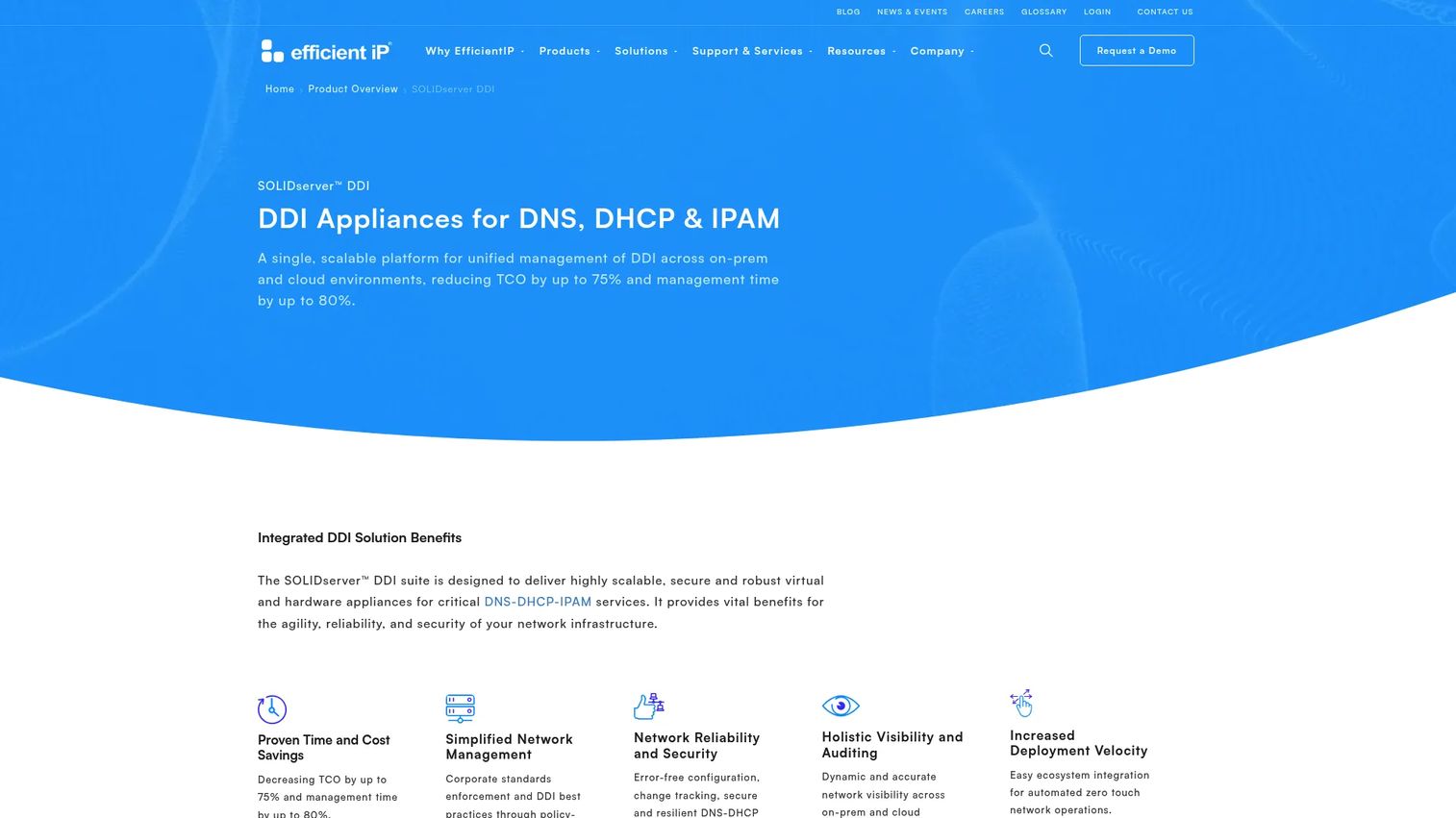
EfficientIP SOLIDserver DDI is a unified DNS, DHCP, and IPAM platform for on-premises and cloud network management. It positions itself as a network source of truth, pulling DNS and IP data into one authoritative record that automation can draw from. That makes it a fit for network teams running distributed, hybrid infrastructure.
Best for: Enterprises needing centralized DDI management across hybrid environments.
Key features
- Unified DNS, DHCP, and IPAM management
- Hybrid on-premises and cloud deployment support
- Network source of truth for consistent data
- Automation APIs for programmatic control
- Scalable across distributed environments
Why choose EfficientIP SOLIDserver DDI: It appeals to network teams that want broad IPAM and DNS together with automation built around a single source of truth. The platform leans toward larger, distributed networks rather than small single-site setups.
EfficientIP SOLIDserver DDI pricing: EfficientIP arranges SOLIDserver pricing directly with each customer rather than publishing figures. Reach out to their team for a quote based on your deployment size and modules.
A verified G2 rating for SOLIDserver DDI was not available at time of writing.
7. Micetro

Micetro is a DDI orchestration platform that centralizes DNS, DHCP, and IPAM across hybrid and multicloud environments. Its distinguishing move is a non-disruptive overlay: it manages your existing infrastructure rather than replacing it. That lets teams gain centralized control without ripping out the DNS and DHCP servers they already run.
Best for: Enterprises needing centralized control of DNS, DHCP, and IPAM without replacing existing infrastructure.
Key features
- Centralized DNS, DHCP, and IPAM management
- Non-disruptive overlay for existing infrastructure
- REST API and automation integrations
- Hybrid and multicloud oversight
- Single control plane for mixed environments
Why choose Micetro: It is the right fit when you want unified oversight across mixed DNS and IPAM environments but cannot afford a forklift migration. The overlay approach keeps current servers in place while adding one management layer.
Micetro pricing: Micetro promotes a free trial and demo flow rather than a posted price. You start with the trial, then work with the team on a quote sized to your environment.
Micetro holds a 4.3 out of 5 rating on G2.
8. PowerDNS
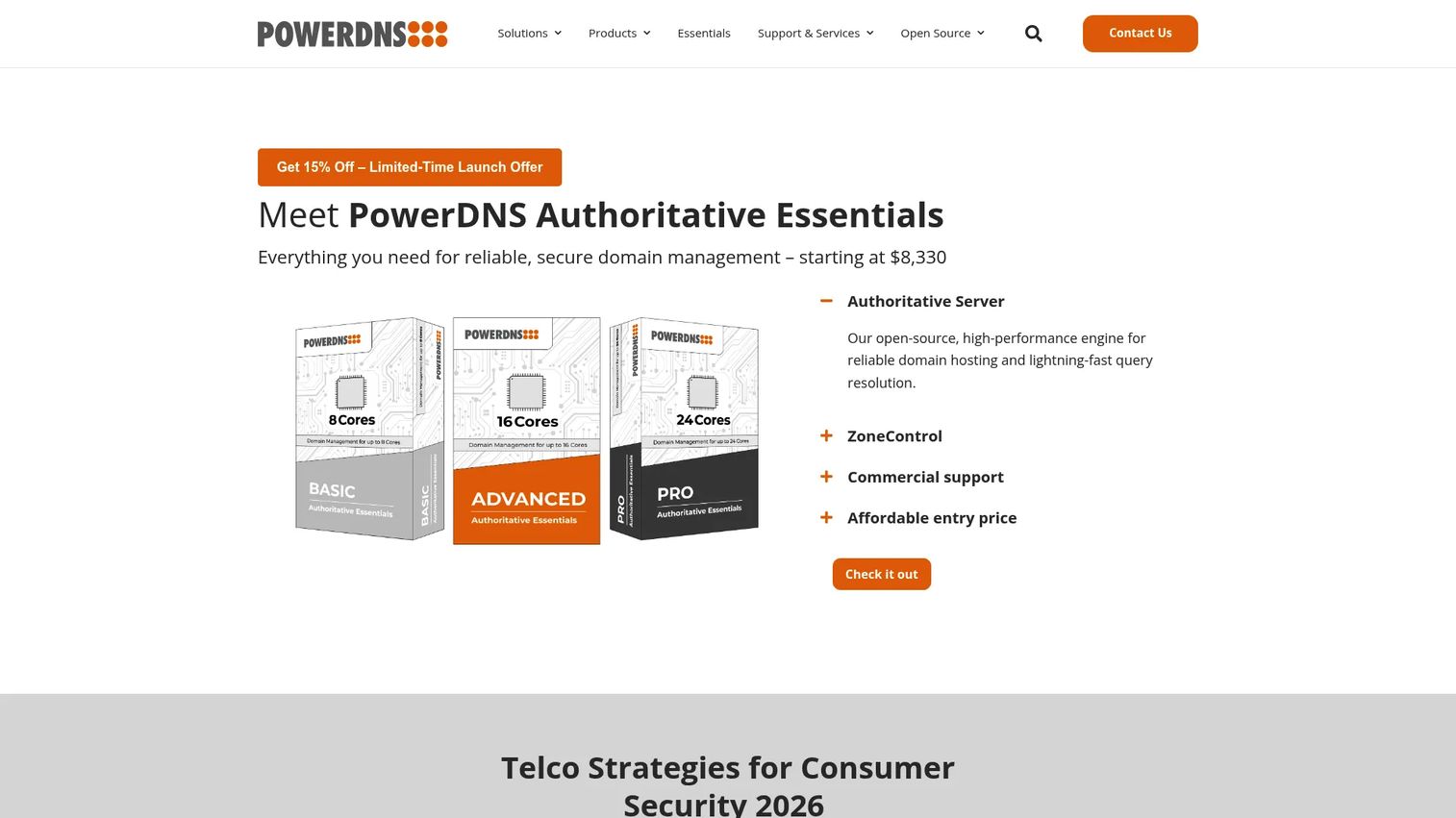
PowerDNS provides open-source and commercial DNS software for authoritative DNS, recursive DNS, and DNS load balancing. It appeals to teams that want programmatic, API-driven control over DNS infrastructure at scale. The authoritative server, recursive resolver, and load balancing components let operators build a DNS stack that fits their exact traffic patterns.
Best for: Large-scale DNS operators needing authoritative, recursive, and load-balancing infrastructure.
Key features
- Authoritative DNS server
- Recursive DNS resolver
- DNS load balancing and traffic management
- API-friendly, programmable operations
- Flexible zone management at scale
Why choose PowerDNS: It fits engineering-led teams that want flexible, API-driven DNS infrastructure and are comfortable building around open-source components. Teams wanting bundled DHCP and IPAM in one console will look to a full DDI platform instead.
PowerDNS pricing: PowerDNS Authoritative Essentials comes in annual subscription plans: BASIC at $9,800 per year, ADVANCED at $13,600 per year, and PRO at $17,400 per year. A limited launch offer shows discounted first-year pricing.
A verified G2 rating for PowerDNS was not available at time of writing.
Considerations
Deployment model and environment mix
Start with where your DNS actually lives. A cloud-first shop leans toward cloud dns management, while a Windows estate favors native Active Directory integration. Teams spanning on-premises, cloud, and branch sites need hybrid dns management that shows every zone in one view.
DNS only or full DDI
Decide whether you need a focused dns manager or full ddi solutions. If IP allocation and DHCP already cause headaches, a platform that unifies DNS, DHCP, and ipam solutions saves you from stitching three systems together. If DNS is your only pain, a lighter tool may fit better.
Automation and API depth
Manual edits do not scale. Check how the tool handles dns automation: templates, approvals, and a real API that fits your pipelines. Presales teams evaluating fit should press on whether automation covers bulk changes and rollback, not just single-record edits.
Security, permissions, and audit
Look for role-based access, change approvals, and audit trails so you know who changed what. DNS security features like a DNS firewall or threat intelligence matter for teams facing external risk. These controls also make security and compliance reviews far easier to pass.
Monitoring and troubleshooting
A good dns monitoring tool shows resolution health, response times, and query patterns in real time. That visibility turns dns troubleshooting from guesswork into a specific fix. Confirm the tool alerts on the failures you care about before you commit.
Conclusion
Match the tool to your operating model. Infoblox NIOS DDI, BlueCat Integrity, and EfficientIP SOLIDserver DDI fit enterprise DDI, where DNS, DHCP, and IPAM belong in one governed platform. ManageEngine DDI Central and Micetro shine at centralized multi vendor control across mixed environments.
For cloud native DNS with minimal overhead, Cloudflare DNS leads. Windows shops get the most from Microsoft DNS Manager, since it ships with the server they already run. Engineering teams building programmable, high-scale DNS infrastructure will gravitate to PowerDNS.
Your next step: map your server mix, decide how much policy control you need, and confirm whether DNS is standalone or part of a broader DDI stack. That answer narrows eight tools to a shortlist of two. From there, run a trial or a scoped evaluation against your real zones before you commit.
Start your journey with Guideflow today!
FAQs
DNS management software creates, edits, and governs your zones and records, giving you control over what DNS serves. DNS monitoring software watches resolution health, response times, and availability so you catch failures fast. Many DDI platforms bundle both, but a standalone dns monitoring tool focuses only on observability, not on making changes.
Choose full ddi solutions if IP allocation and DHCP cause as much pain as DNS, since a DDI platform unifies all three in one system. A focused dns management tool fits when DNS is your only concern and you already handle IPAM elsewhere. Larger, distributed networks usually benefit from the unified DDI approach.
Yes. Hybrid dns management platforms like Infoblox NIOS DDI, BlueCat Integrity, and Micetro give one view across cloud, on-premises, and branch DNS. This centralized dns management removes the drift that happens when different environments are managed from separate consoles.
Look for native Active Directory integration, support for dynamic updates, and PowerShell or dnscmd scripting for dns automation. Microsoft DNS Manager covers Windows-native needs, while ManageEngine DDI Central adds Microsoft DNS management inside a broader multi vendor console. Pick based on whether you run Windows only or a mixed estate.
DNS automation replaces manual zone edits with templates, validation, and approval workflows that catch mistakes before changes publish. A missing dot or wrong record fails validation instead of routing live traffic to nowhere. Automation also applies bulk changes consistently across every server, so servers do not drift out of sync.
Visibility across every environment matters most, so you see cloud, on-premises, and branch zones in one place. After that, weigh dns automation depth, role-based permissions, and how well the tool fits your existing servers without a forklift migration. An overlay approach like Micetro keeps current infrastructure while adding centralized control.
Open source tools like PowerDNS run authoritative and recursive DNS at large scale and offer strong API-driven control. They fit engineering-led teams comfortable building and maintaining their own stack. Enterprises that want bundled DHCP, IPAM, governance, and vendor support in one console often choose a commercial DDI platform instead.










