The apparel design software market hit $2.19 billion in 2025 and is projected to reach $5.06 billion by 2034, according to The Insight Partners (2026). That growth signals real adoption pressure: Brands are replacing physical sampling rounds, manual pattern workflows, and fragmented handoffs with digital tools.
But picking the wrong software is expensive in ways that show up late. You buy a 3D garment simulator when the team needs pattern grading. You invest in illustration software when the factory needs production files. The tool looks impressive in demos and creates friction in practice.
Apparel design software is not a single category. It spans fashion illustration, 2D CAD, 3D garment simulation, material authoring, and operations management. Each solves a different problem in the design-to-production chain. The right choice depends on where your workflow breaks down, not which logo looks best on a shortlist.
This guide gives you a practical buying map across all five categories.
What's inside
This guide compares 15 apparel design software tools for 2026, selected across 3D visualization, 2D CAD, pattern making, illustration, material design, and apparel operations. Tools were evaluated on:
- Workflow fit and production readiness
- Pricing model and total adoption cost
- Learning curve and implementation speed
- Current G2 rating and reviewer sentiment
Pricing and G2 ratings were verified against live sources before publication.
TL;DR
- Best overall for 3D garment design: CLO, for brands that want one 3D asset to carry concept through digital sample review
- Best for enterprise 3D development: Browzwear VStitcher, for larger brands needing simulation at scale
- Best for pattern making and marker workflows: TUKAtech, for teams moving design into production
- Best for fashion illustration: Adobe Illustrator, the vector standard for technical flats and line sheets
- Best for made-to-measure and online clothing design: Tailornova, for accessible custom apparel workflows
- Best for apparel operations: AIMS360, once the design bottleneck shifts to costing and production
What is apparel design software?
Apparel design software helps fashion teams create, visualize, fit, pattern, document, and prepare garments for production using digital tools.
The category is not one thing. It covers five distinct tool types, and most production workflows touch more than one.
Core types of apparel design software
- Fashion illustration tools: Sketches, prints, technical flats, and colorways
- 2D CAD and pattern tools: Patterns, grading, markers, and production file exports
- 3D garment simulation tools: Draping, fit validation, and digital samples
- Material and texture tools: Fabrics, trims, stitching, and surface detail
- Apparel operations tools: Tech packs, costing, inventory, and production handoff
Key features to look for
- 2D pattern drafting and grading
- 3D garment visualization and avatar-based fit review
- Fabric physics and material libraries
- Tech pack and BOM support
- Marker making and production file exports
- Collaboration and approval workflows
- Integrations with ERP, PLM, e-commerce, or manufacturing systems
These capabilities appear across tools that use them in very different ways. A fashion illustration app and an enterprise apparel ERP both count as apparel design software, but they solve different problems.
The right tool depends on the bottleneck. Sketching, fitting, pattern making, and factory handoff are different jobs, and buying software for the wrong one costs you time and money before you realize the mismatch.
When to use apparel design software
Reduce physical sampling rounds
3D garment simulation and digital sampling let teams review silhouettes, fabric behavior, and fit earlier in the development process. The goal is fewer avoidable sample rounds, not the elimination of physical samples entirely. Material physics, drape simulation, and avatar-based fit validation catch issues before a factory cuts fabric.
Prepare patterns for production
CAD, grading, markers, and file exports matter when design has to become instructions a factory can execute. Production teams need accurate patterns, graded sizes, and optimized markers. Without them, handoff becomes a source of delays and costly corrections at the cutting table.
Align design, production, and merchandising
Apparel software gives designers, technical teams, and operations a shared artifact. Digital samples support line reviews without requiring physical samples to travel between teams. Founders and product leads get faster assortment decisions and fewer surprises at approval.
Apparel design software comparison
The table below covers all 15 tools with their primary use case, key differentiator, current pricing, and G2 rating. Start here to identify which category fits your bottleneck, then read the full entry for the tools that match.
| # | Product | Best for | Key differentiator | Pricing | G2 rating |
|---|---|---|---|---|---|
| 1 | CLO | 3D garment design | End-to-end 3D apparel development | From $25/mo | N/A |
| 2 | Browzwear VStitcher | Enterprise 3D development | Advanced simulation and fit workflows | From $75/mo | 4.8/5 |
| 3 | TUKAtech | Pattern making and markers | Full 2D and 3D production workflow | From $19/mo | 5.0/5 |
| 4 | Optitex | CAD and 3D prototyping | Integrated pattern design and virtual sampling | Quote-based | 4.6/5 |
| 5 | Lectra Modaris | Industrial pattern development | Enterprise pattern engineering and fit | Quote-based | N/A |
| 6 | Gerber AccuMark | Production CAD and markers | Pattern, grading, and marker automation | Quote-based | N/A |
| 7 | Tailornova | Online made-to-measure clothing | Browser-based patterns and 3D fit models | From $29/mo | N/A |
| 8 | Adobe Illustrator | Technical flats and illustration | Vector design standard for apparel | From $22.99/mo | 4.6/5 |
| 9 | Adobe Substance 3D | Digital materials and visualization | Procedural materials and photorealistic textures | From $59.99/mo | 4.6/5 |
| 10 | CorelDRAW | Vector apparel graphics | Affordable vector design with print workflows | From $99.99/yr | 4.3/5 |
| 11 | Affinity Designer | Budget vector design | Free for individuals, strong vector tools | Free | 4.6/5 |
| 12 | Canva | Simple apparel visuals | Fast mockups and presentation assets | Free/$144/yr | 4.7/5 |
| 13 | Procreate | Fashion sketching on iPad | iPad-first sketching, one-time purchase | One-time purchase | 4.9/5 |
| 14 | Style3D | 3D fashion collaboration | 3D design plus supply chain workflows | From $500/yr | N/A |
| 15 | AIMS360 | Apparel operations and ERP | ERP-connected production and inventory | Quote-based | 4.4/5 |
Best 15 apparel design software tools for 2026
Each tool below solves a different workflow problem. Start with your bottleneck, not the logo. Pricing and G2 ratings change, so check vendor sites before finalizing your shortlist.
1. CLO
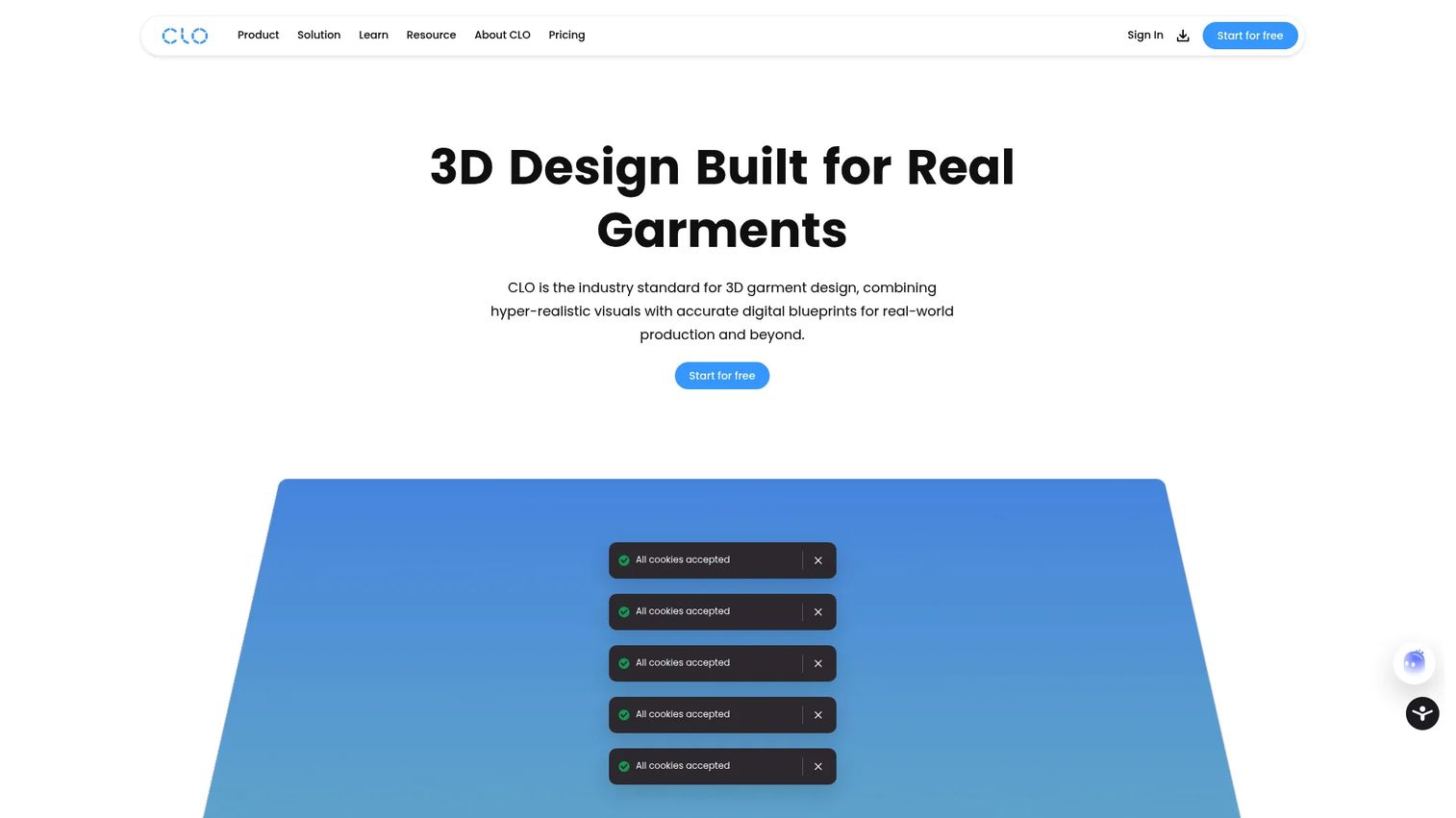
CLO is one of the most complete 3D fashion design platforms available. It handles the full garment development cycle: 2D pattern creation, 3D simulation with realistic fabric drape and stretch, fit validation across sizes, photorealistic rendering, and collaboration through its CLO-SET ecosystem. Teams use it to produce a single 3D master garment asset that works across design reviews, digital samples, e-commerce visuals, and production conversations.
Best for: Fashion designers, pattern makers, and apparel brands that need 3D garment development from concept through digital sample review.
Key features
- 3D garment simulation with realistic fabric drape, stretch, and weight
- 2D pattern creation and editing with real-time 3D updates
- Fit validation across sizes with grading-error detection
- Photorealistic rendering and animation output
- AI-assisted design and CLO-SET asset collaboration
Why choose CLO: It fits teams that want one 3D garment file to support design, line review, sampling reduction, and production conversations. It is not the lightest choice for occasional mockups or simple illustration work.
CLO pricing: Student plans start at $25/month. Individual plans run $50/month. Enterprise and Academic plans use custom pricing. A 14-day free trial is available for eligible individual users.
2. Browzwear VStitcher
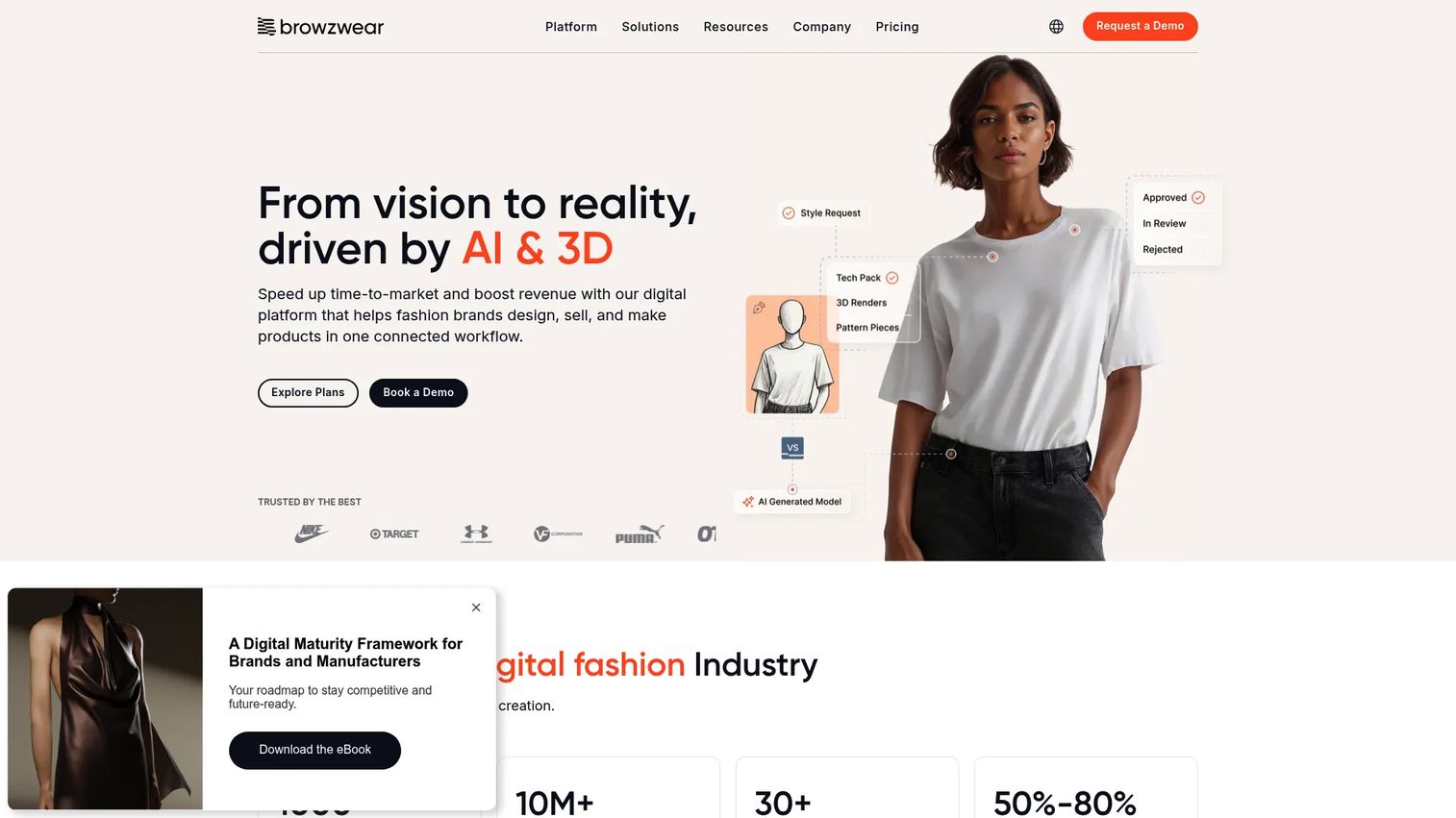
Browzwear VStitcher is enterprise-grade 3D apparel development software built for brands, manufacturers, and technical design teams. It delivers true-to-life garment visualization, fit validation on customizable avatars, 2D pattern drafting, size grading, tech-pack generation, and production-ready file exports. Tension and pressure mapping give technical designers insight that static fit notes cannot.
Best for: Larger apparel brands and technical design teams that need 3D product development at scale with production-ready outputs.
Key features
- AI-driven fit intelligence and true-to-life 3D garment simulation
- 2D pattern drafting and 3D draping with real-time visualization
- Tension and pressure mapping for technical fit review
- Tech-pack generation and production-ready file export
- Photorealistic rendering and virtual material libraries
Why choose Browzwear VStitcher: Best fit when 3D simulation must connect directly to technical design decisions and production approval. Teams evaluating it should plan for onboarding time, as reviewers note the learning curve scales with workflow complexity.
Browzwear VStitcher pricing: Freelancer plans start at $75/month (or $750/year). FreelancerPlus runs $150/month (or $1,500/year). Teams plans are priced at $3,950/year per user. Enterprise pricing is custom.
G2 rating: 4.8/5 on G2.
3. TUKAtech
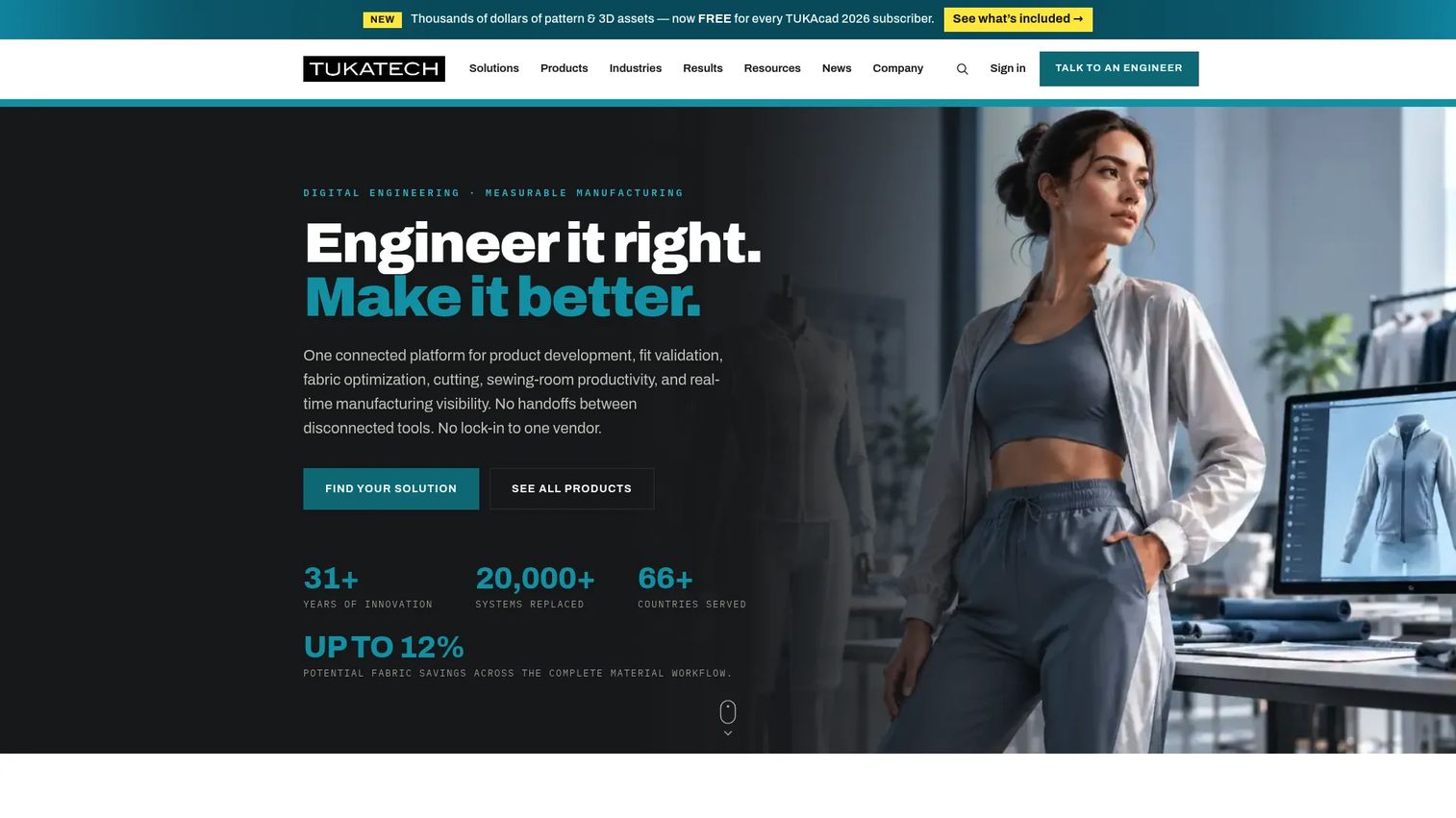
TUKAtech covers the full apparel production workflow: Pattern making, grading, 3D virtual sampling, marker making, fabric optimization, and cloud collaboration. Its suite includes TUKAcad for pattern CAD and marker making, TUKA3D for virtual sampling, and cloud-based tools for team collaboration. It sits closer to the production end of the workflow than illustration tools, making it relevant for CAD software buyers with operational needs.
Best for: Apparel businesses that need both pattern CAD and production workflow support in one platform.
Key features
- Digital pattern making, grading, and marker making
- 3D virtual sampling, fit simulation, and digital photoshoot capabilities
- Automatic marker nesting and fabric-utilization optimization
- Cloud collaboration across design and production teams
- Production-ready file exports
Why choose TUKAtech: Strong fit when the bottleneck is moving from design into production with accuracy and efficiency. It is more operationally focused than fashion illustration or pure 3D visualization tools.
TUKAtech pricing: TUKAcad Learning Edition starts at $19/month. TUKAcad Professional Edition runs $199/month or $1,900/year. A 14-day trial is available for TUKAcad, and TUKA3D offers a 30-day trial.
G2 rating: 5.0/5 on G2
4. Optitex
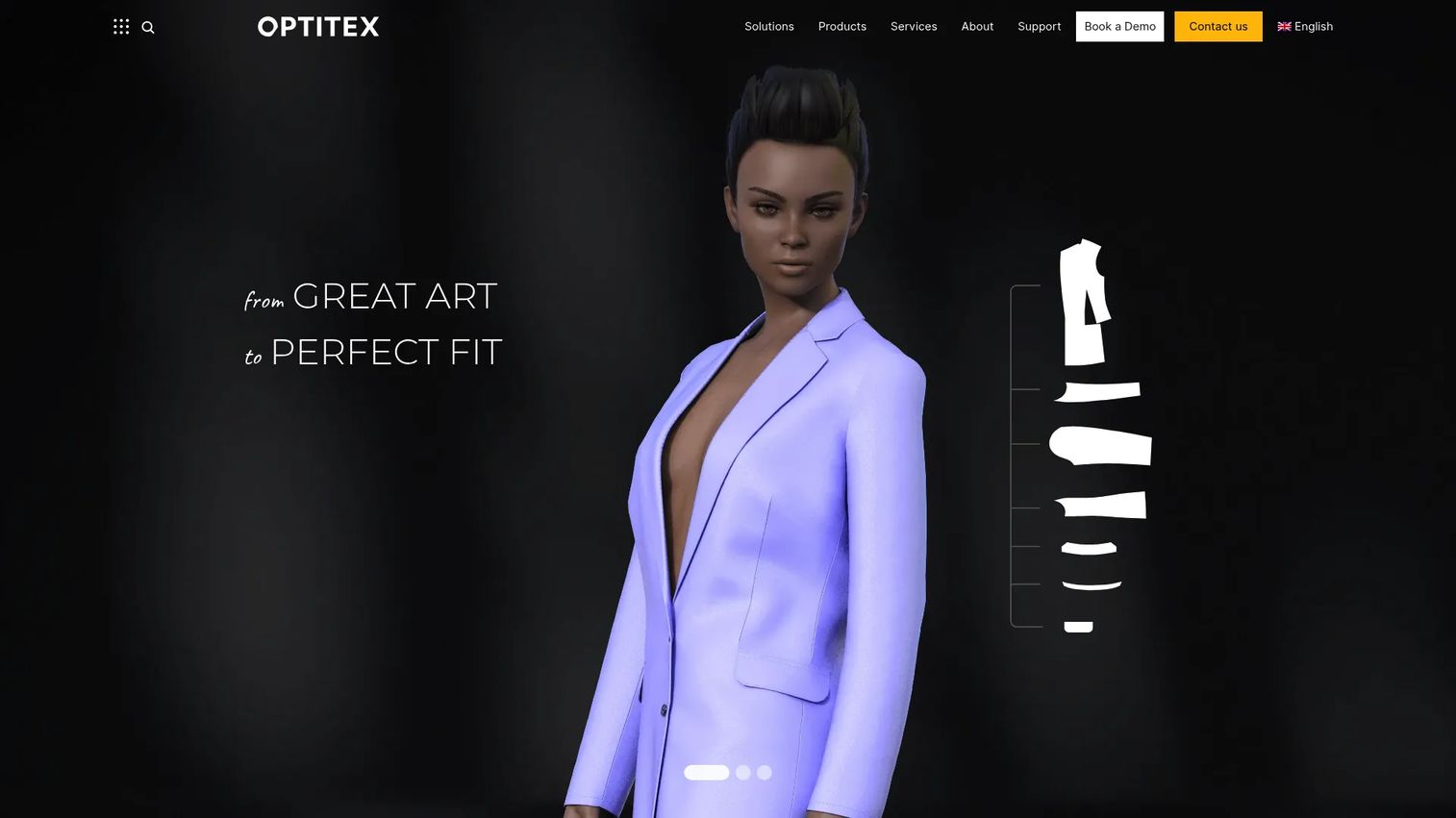
Optitex combines 2D CAD and 3D prototyping for production-oriented apparel teams. It covers pattern design, grading, automated nesting, virtual garment visualization, fabric simulation, and cutting-layout optimization. Fashion teams, manufacturers, and textile producers use it to move from design to factory-ready outputs without switching platforms.
Best for: Technical apparel teams that need CAD precision and virtual prototyping in the same workflow.
Key features
- 2D pattern design and grading
- 3D garment visualization, fabric simulation, and virtual sampling
- Marker making, automated nesting, and cutting-layout optimization
- Manufacturing-ready export formats
- Integration with broader apparel production workflows
Why choose Optitex: Production teams often need more than a sketching or visualization tool. Optitex fits teams that need technical accuracy before factory handoff, combining pattern work and 3D review in one environment.
Optitex pricing: Optitex prices by deployment and use case. Contact their sales team for current plan and user costs.
G2 rating: 4.6/5 on G2.
5. Lectra Modaris
Lectra Modaris is enterprise pattern development software for apparel brands and manufacturers. It covers industrial patternmaking, grading, fit adjustment, product industrialization, and 2D/3D prototyping with material and mannequin libraries. Lectra offers subscription licensing with one to three-year commitment periods.
Best for: Established apparel companies and manufacturers that need industrial-grade pattern engineering with governance and production maturity.
Key features
- Connected intelligent patterns with synchronized pattern-piece adjustments
- Parametric design linked to configurable measurement charts
- Pattern grading and product industrialization workflows
- 2D/3D prototyping with material, color, and mannequin libraries
- Automatic pleating, dart rotation, and geometric-rule tools
Why choose Lectra Modaris: Best fit when the buying team values governance, production maturity, and integration with established apparel operations infrastructure. This is not a beginner design app. It is an industrial system.
Lectra Modaris pricing: Lectra uses subscription licensing with one to three-year commitment periods. Contact Lectra directly for deployment and product costs.
6. Gerber AccuMark
Gerber AccuMark is a long-established production CAD platform for pattern design, grading, marker making, and cut planning. It is used heavily by manufacturers and apparel production teams that need reliable, repeatable marker accuracy and production file outputs. Gerber Technology is now part of Lectra.
Best for: Manufacturers and apparel production teams that need pattern, grading, and marker automation at the factory level.
Key features
- Pattern design with blocks, seam finishes, image placement, and BOM creation
- Automated and manual grading with made-to-measure support
- Marker making, material-utilization tracking, and cost calculation
- ERP order import and production file outputs
- Cut planning support for factory operations
Why choose Gerber AccuMark: Best fit when production efficiency and marker accuracy matter more than creative ideation. Reviewers note a learning curve, particularly for teams new to industrial CAD systems.
Gerber AccuMark pricing: Contact Gerber or request a quote for plan and deployment costs.
7. Tailornova
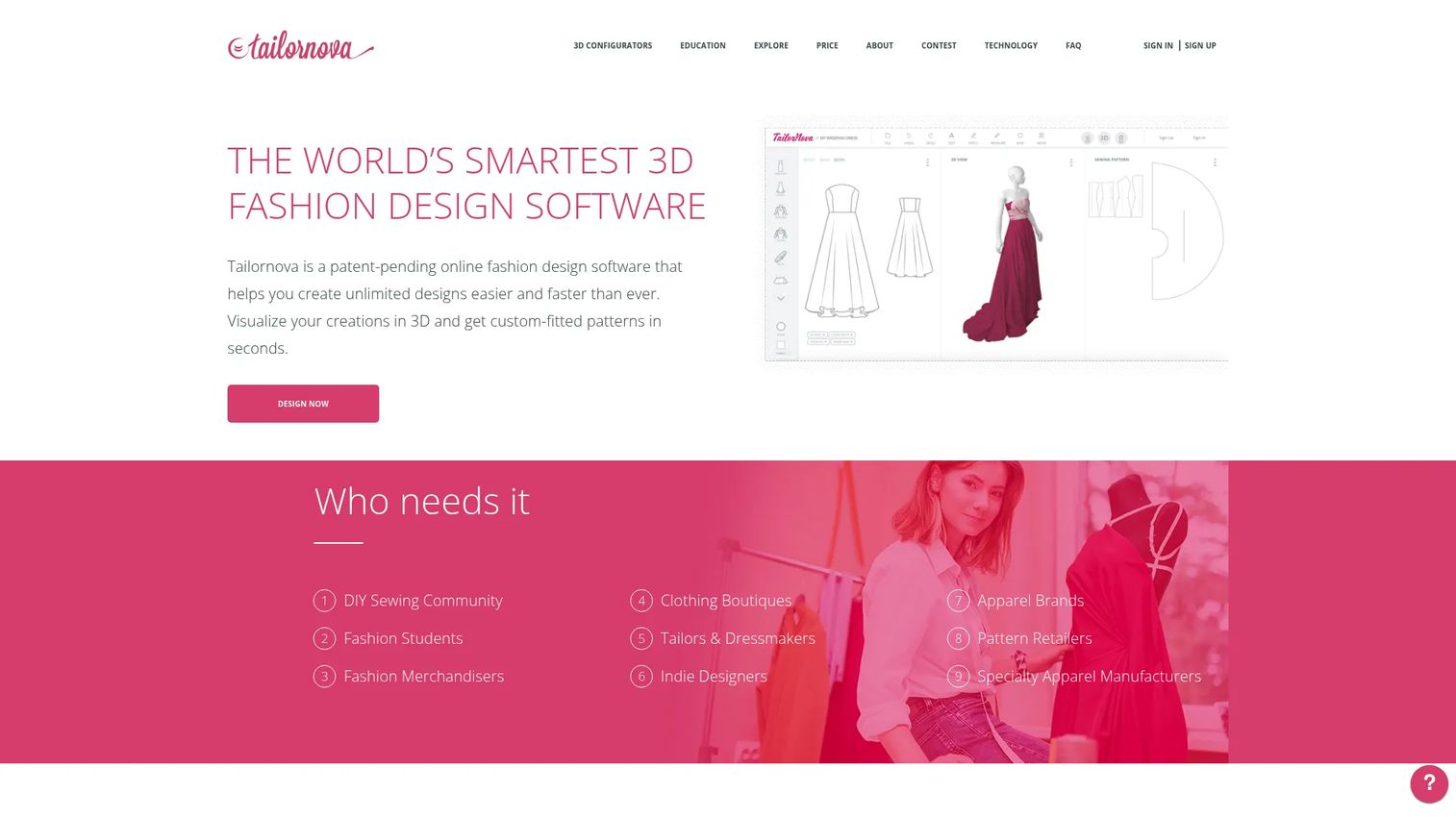
Tailornova is web-based clothing design software for creating custom-fit apparel, 3D garment previews, and downloadable sewing patterns. It generates patterns from body measurements, simulates garments on a 3D FitModel, creates vector technical flats, and exports patterns in PDF, PLT, DXF, and DXF-AAMA formats. Automated sewing instructions and pattern grading reduce manual work for small labels and custom apparel sellers.
Best for: Independent designers, boutiques, tailors, and custom apparel sellers needing accessible made-to-measure workflows without a heavy CAD stack.
Key features
- Custom-fit patterns based on body measurements
- 3D garment simulation and customizable 3D FitModel
- Smart design templates and vector technical flats
- Downloadable PDF, PLT, DXF, and DXF-AAMA patterns
- Automated sewing instructions and pattern grading
Why choose Tailornova: Strong fit for made-to-measure and bespoke apparel contexts where buyers need accessible custom clothing workflows. It is especially useful for teams coming from manual measurement and drafting.
Tailornova pricing: Personal plans start at $29/month. Commercial plans run $49/month. Commercial Pro runs $79/month. Enterprise pricing is custom.
8. Adobe Illustrator
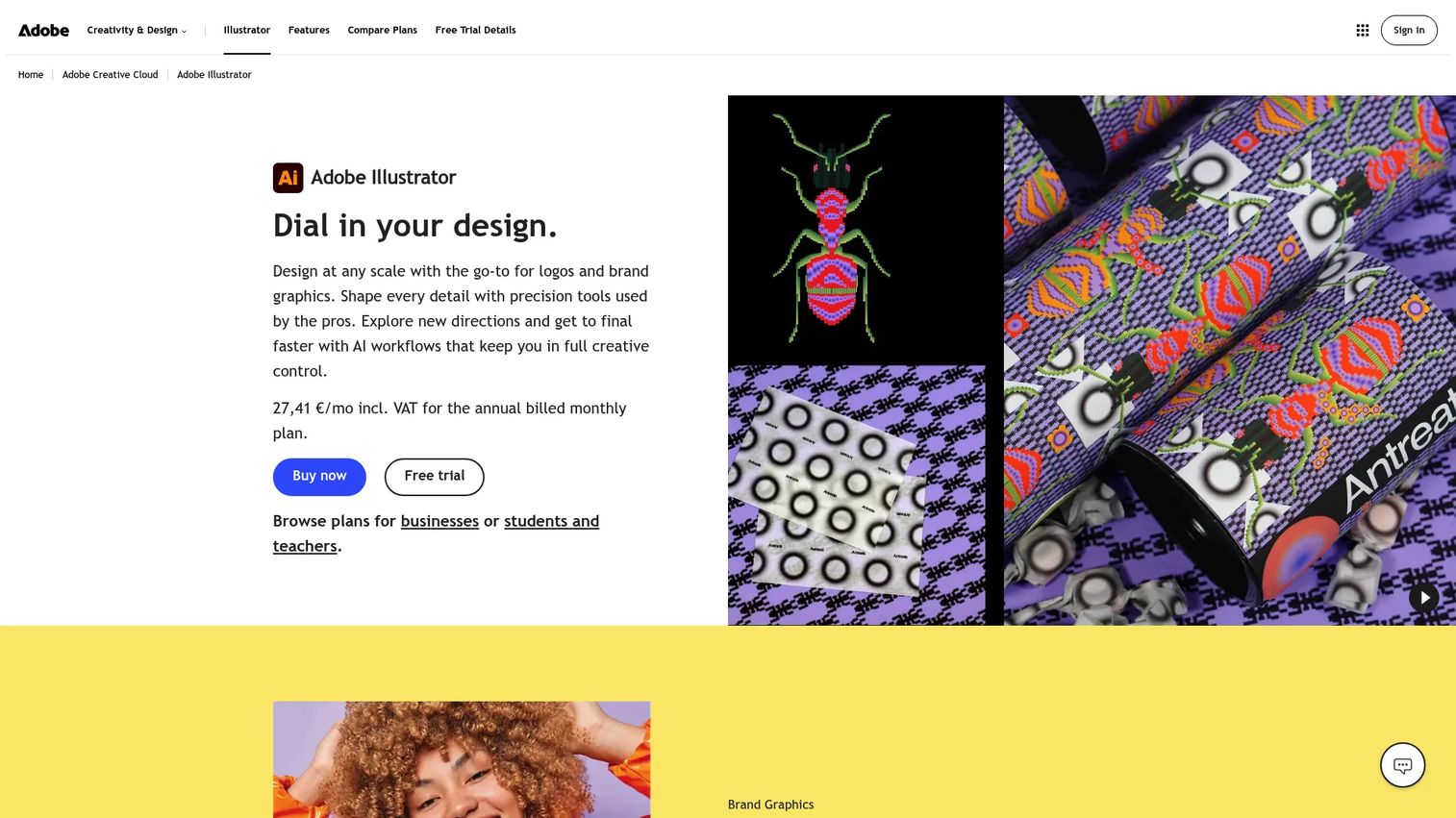
Adobe Illustrator is the vector design standard used across fashion teams for technical flats, print artwork, fashion illustration, line sheets, colorway creation, and apparel graphics. It is not a 3D garment simulator or pattern CAD system. Its strength is precise, scalable vector output that production, marketing, and buyers can use.
Best for: Designers creating technical flats, prints, apparel graphics, and presentation-ready concepts.
Key features
- Vector technical flats and fashion illustration tools
- Print artwork and colorway creation
- Image Trace and recolor for imported photos
- Layered design files with Creative Cloud integration
- Generative AI features for vector artwork and patterns
Why choose Adobe Illustrator: Best fit when the team's bottleneck is clear visual communication, not garment simulation. It pairs well with CAD or 3D tools but does not replace them. See the AI design tools guide for how AI is extending vector workflows.
Adobe Illustrator pricing: Individual plans start at $22.99/month (billed annually). Annual prepaid plans run $263.88/year. Team plans start at $37.99/month per license. A 7-day free trial is available.
G2 rating: 4.6/5 on G2.
9. Adobe Substance 3D
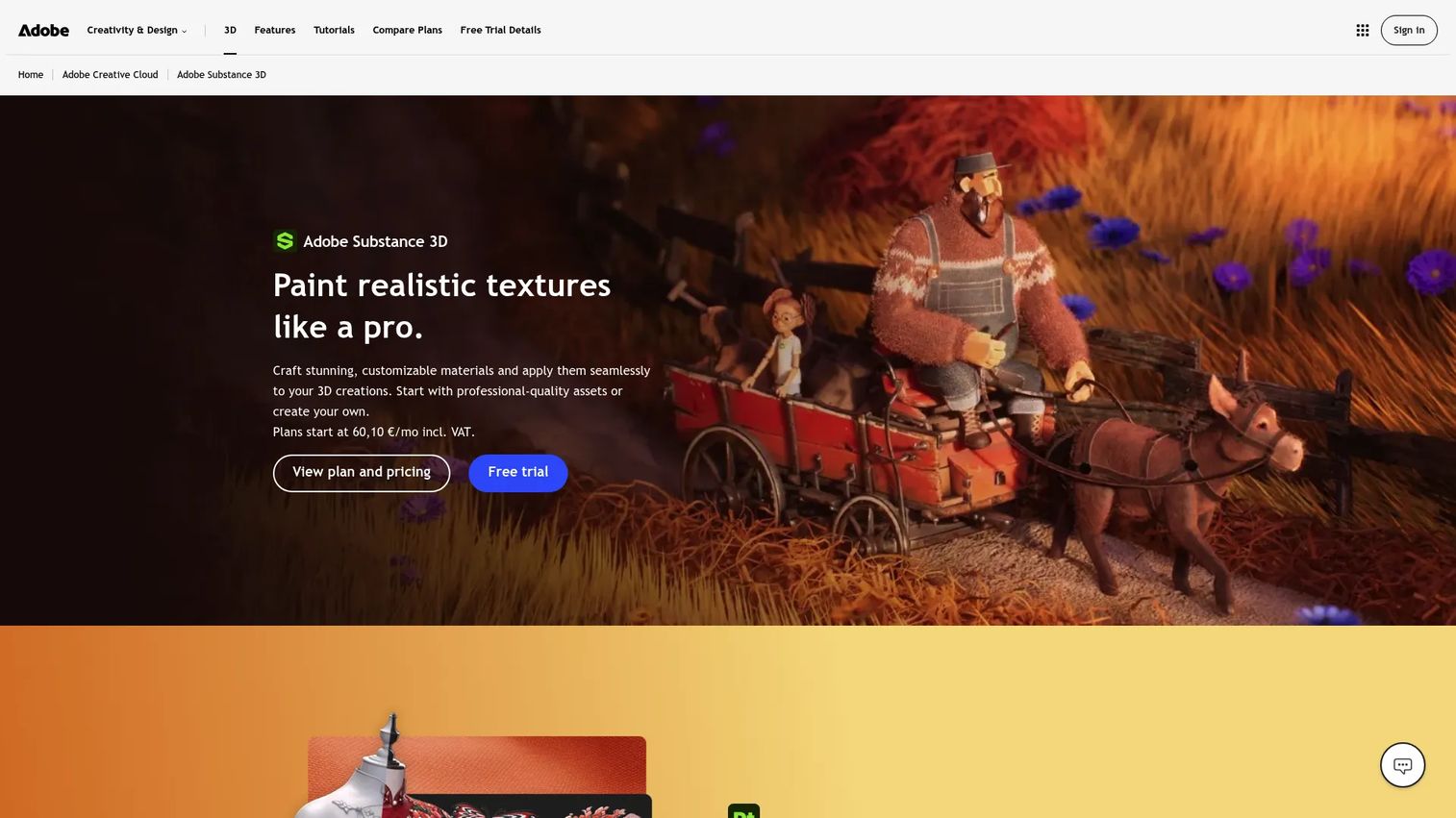
Adobe Substance 3D is a material and 3D visualization toolkit rather than a full apparel CAD platform. It covers fabric texture creation, stitching, seams, zippers, embroidery, and surface detail through procedural materials and photorealistic rendering. Teams pair it with garment design tools when material realism matters for e-commerce, virtual showrooms, or line reviews. The collection includes access to 20,000+ premium 3D assets.
Best for: Teams needing photorealistic digital materials, textures, and apparel visualization assets to support e-commerce or digital product presentations.
Key features
- Procedural material creation and fabric texture design
- High-resolution material painting directly onto 3D models (Substance 3D Painter)
- Realistic material creation from photographs (Substance 3D Sampler)
- Photorealistic 3D scene staging and rendering (Substance 3D Stager)
- Access to 20,000+ premium 3D assets
Why choose Adobe Substance 3D: Strong fit when material realism matters more than garment pattern accuracy. Pair it with a garment design tool when patterning, fit, and production outputs are also required.
Adobe Substance 3D pricing: Individual Collection plans run $59.99/month. Teams Collection plans run $119.99/month per license (billed annually). A 30-day free trial is available.
G2 rating: 4.6/5 on G2
10. CorelDRAW
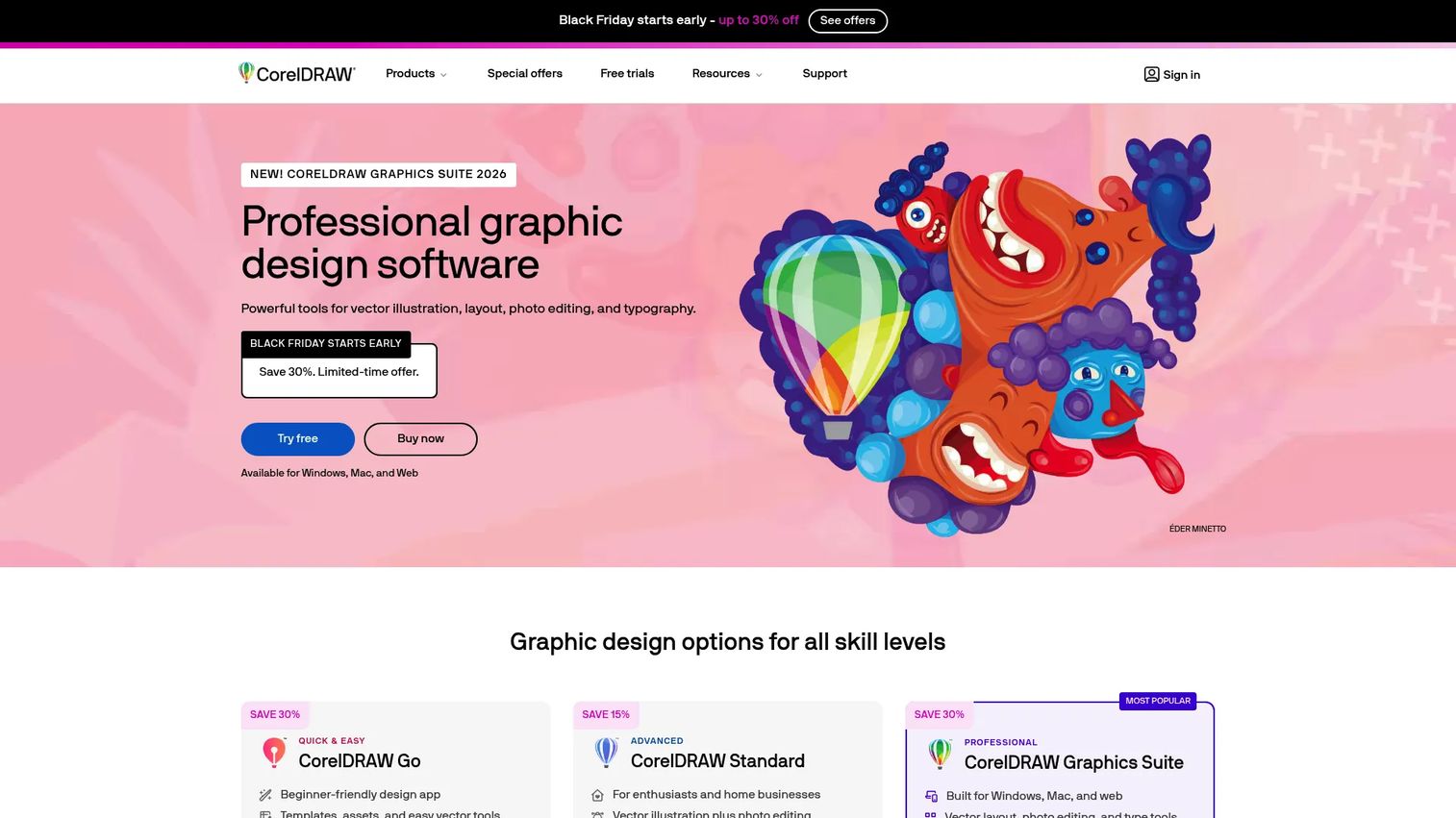
CorelDRAW is vector design software used for apparel graphics, print layouts, textile artwork, and product visuals. It includes photo editing through Corel PHOTO-PAINT and AI-powered bitmap-to-vector tracing. CorelDRAW offers both subscription plans and a one-time purchase option, which matters for teams that want to avoid ongoing subscription costs.
Best for: Small teams creating apparel graphics, print files, screen-printing artwork, and vector-based production materials.
Key features
- Vector illustration and page layout tools
- Photo editing with Corel PHOTO-PAINT
- AI-powered bitmap-to-vector tracing with PowerTRACE
- Browser-based CorelDRAW Web for flexible access
- Print production output and typography controls
Why choose CorelDRAW: Useful when the team needs design output for graphics, screen printing, embroidery prep, or presentation assets. The one-time purchase option reduces long-term cost for shops that need vector production files without ongoing subscription overhead.
CorelDRAW pricing: CorelDRAW Go starts at $99.99/year. CorelDRAW Graphics Suite subscription runs $439/year. CorelDRAW Standard is a one-time purchase at $419. A 15-day free trial is available.
G2 rating: 4.3/5 on G2.
11. Affinity Designer
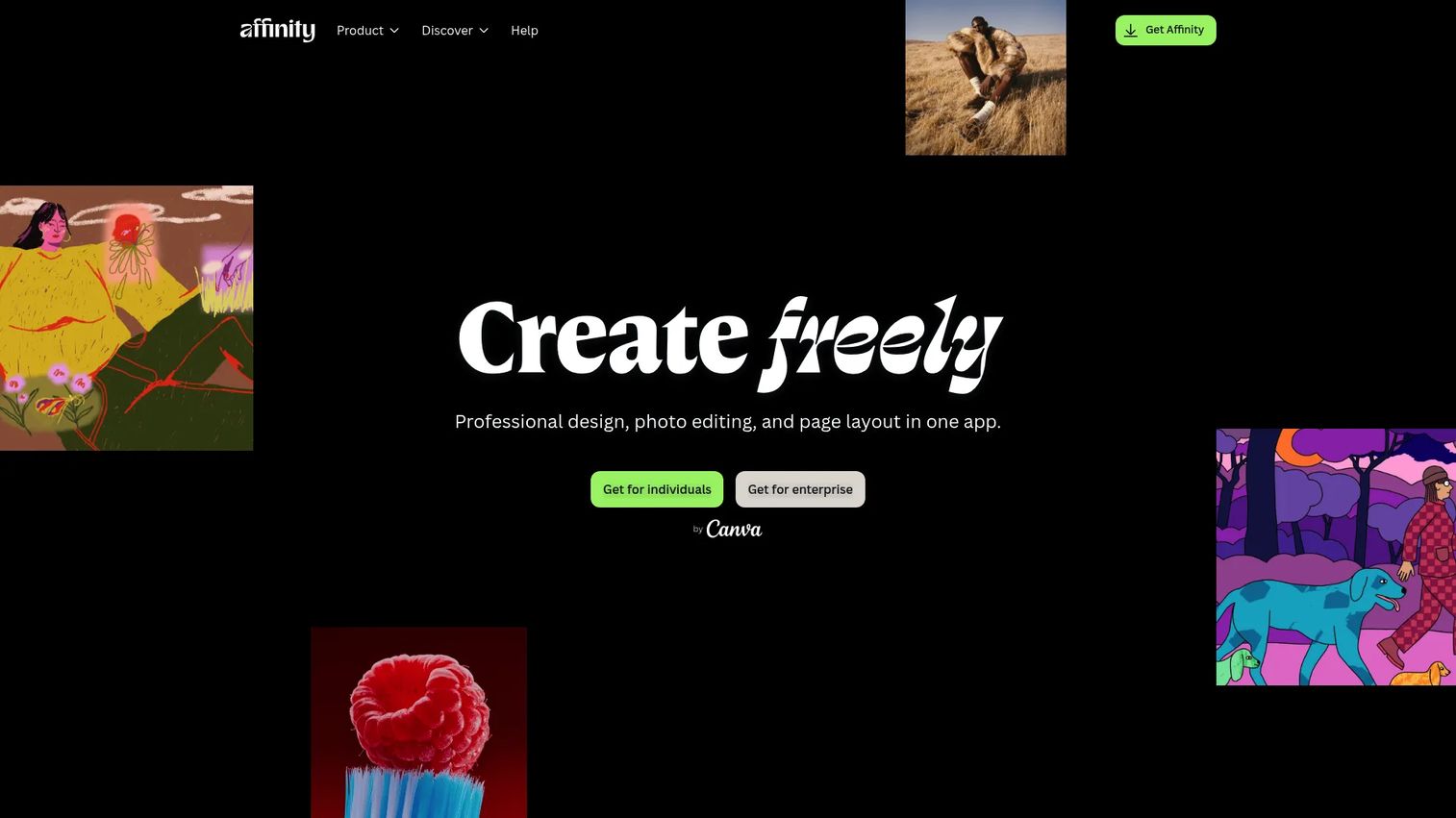
Affinity Designer is professional vector design software for fashion flats, graphics, and concept visuals. It is now free for individuals following Canva's acquisition of the Affinity suite, making it the most accessible entry point for vector work in this list. Enterprise access uses a custom pricing model.
Best for: Freelancers, students, and small labels that need strong vector design output without any subscription cost.
Key features
- Vector design and digital illustration tools
- Shape Builder, curve editing, snapping, grids, and constraints
- Non-destructive editing and real-time previews
- Typography tools including text on paths and character styles
- PDF, SVG, PNG, JPEG, and WebP export formats
Why choose Affinity Designer: Good fit when cost control matters and the team needs strong 2D design output. It does not include fashion-specific production workflows, so teams moving toward pattern work or production will eventually need a dedicated apparel CAD tool.
Affinity Designer pricing: Free for individual users. Enterprise pricing requires contacting Canva.
G2 rating: 4.6/5 on G2.
12. Canva
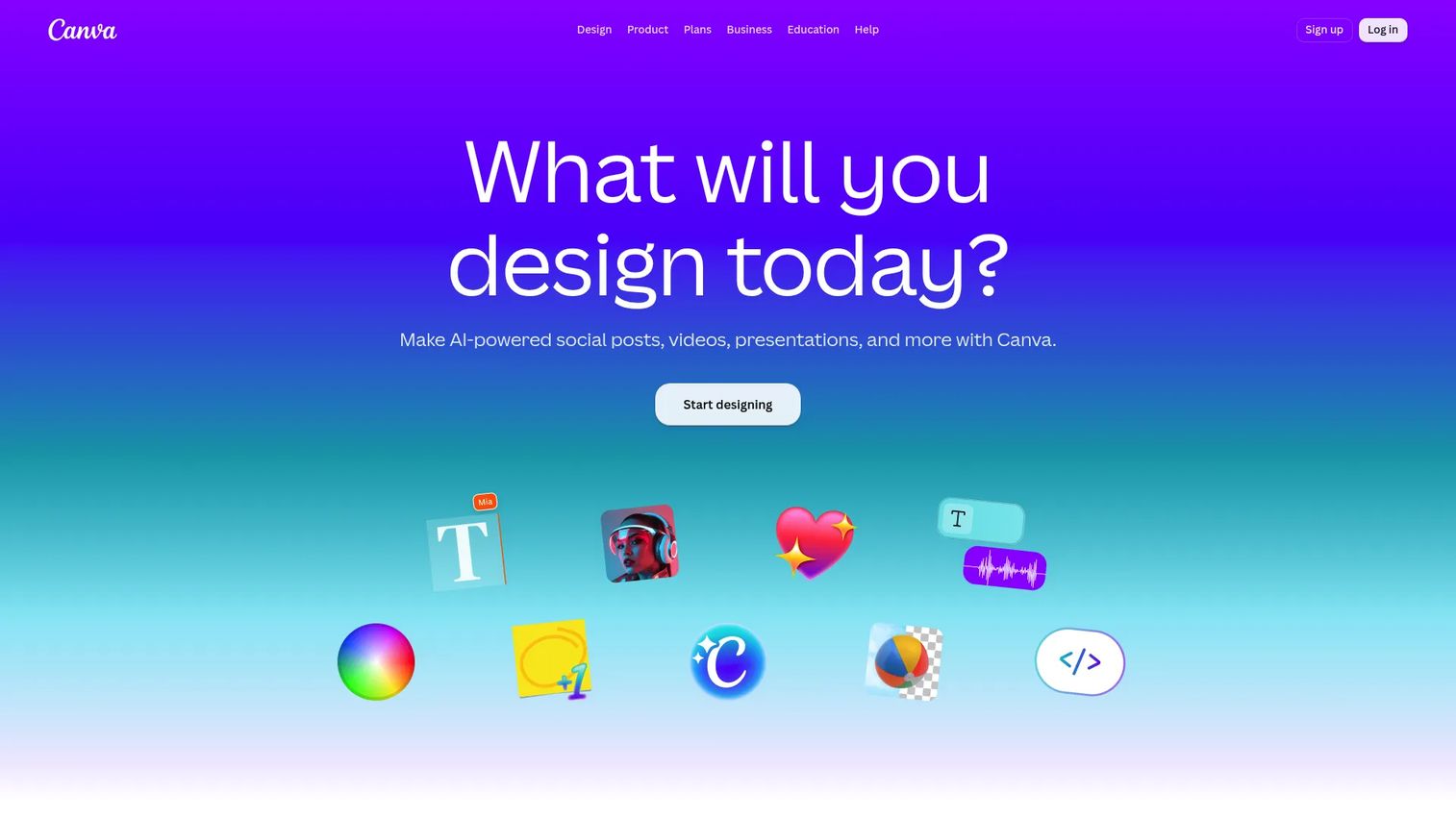
Canva is an accessible design platform for mood boards, marketing visuals, lookbooks, simple apparel mockups, and brand presentations. It is not a production CAD or pattern tool. Early-stage brands often use it to build founder decks, social content, and buyer presentations before they have a technical design team.
Best for: Early-stage brands creating quick apparel visuals, brand decks, lookbooks, and social content.
Key features
- Apparel mockup templates and brand kit tools
- AI-powered tools including Magic Resize and background removal
- Real-time collaboration and cloud storage
- Social content formats and presentation design
- Team management for small creative groups
Why choose Canva: Good fit when the team needs fast, presentable visuals without a design-heavy workflow. Do not use it as a substitute for technical design or pattern software. Once production conversations start, you need CAD.
Canva pricing: Free plan available. Canva Pro runs $144/year for one person. Canva Business runs $250/year per person. Enterprise pricing is custom.
G2 rating: 4.7/5 on G2.
13. Procreate
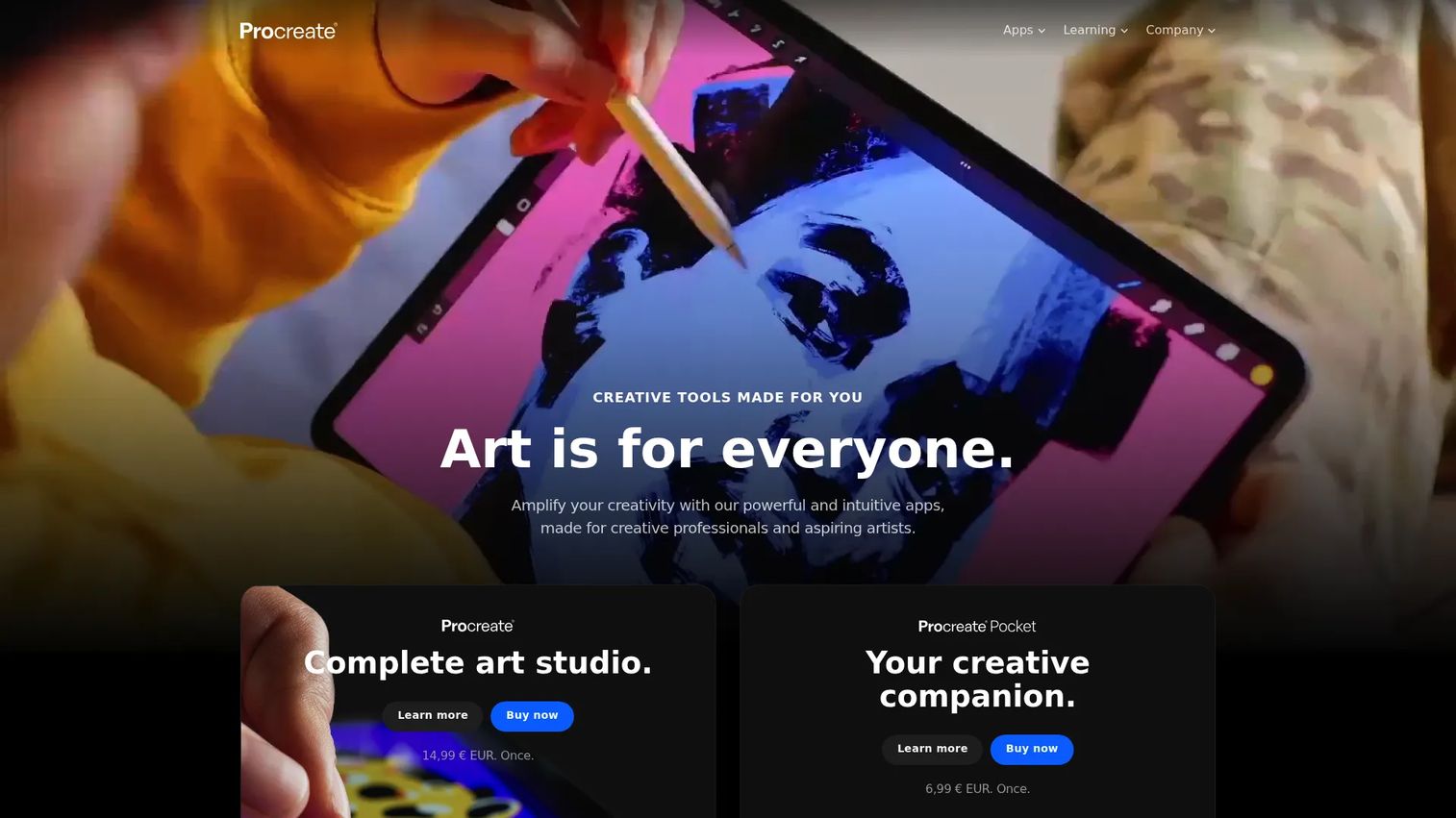
Procreate is an iPad-first sketching app used for fashion illustration, silhouette exploration, color direction, and early creative concept work. It does not handle production CAD, pattern grading, marker making, or 3D simulation. It is a concept tool, and a strong one. Over 300 customizable brushes, layer-based drawing, and time-lapse recording make it a favorite for designers who want to capture ideas quickly before handing off to a technical workflow.
Best for: Designers who want fast hand-drawn fashion sketching and concept art on iPad.
Key features
- Over 300 handcrafted customizable brushes
- Layer-based drawing with blend modes, masks, and effects
- QuickShape and Drawing Assist for clean line work
- Time-lapse recording of the drawing process
- Export options including PSD, PDF, and PNG
Why choose Procreate: Best for concept work before the technical design phase. It captures ideas quickly, and then production teams need a CAD or apparel development tool to take those ideas into manufacturing.
Procreate pricing: Procreate for iPad is a one-time App Store purchase. Procreate Dreams (animation) is $12.99 as a separate one-time purchase.
G2 rating: 4.9/5 on G2.
14. Style3D
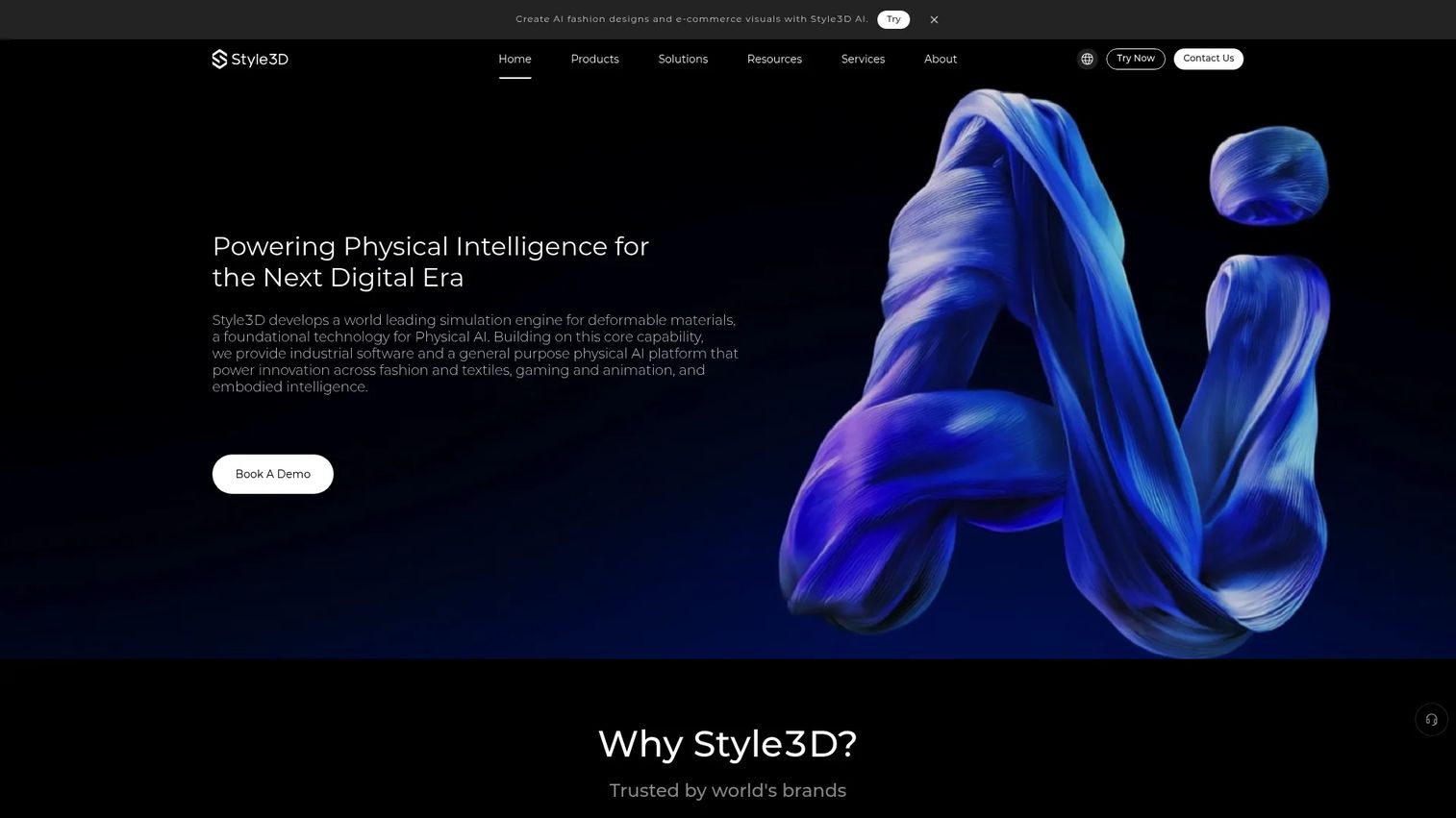
Style3D provides 3D fashion design and digital product development tools with a focus on collaboration and supply chain connectivity. It covers 3D garment design, fabric simulation, AI-assisted fashion design and visual generation, digital sample review, and vendor collaboration workflows. Its positioning emphasizes the connection between design teams and manufacturing partners, making it relevant for brands evaluating 3D rendering software alongside supply chain tools.
Best for: Fashion brands and suppliers exploring 3D design, digital sampling, and supply chain collaboration workflows.
Key features
- 3D garment design and fabric simulation
- AI-assisted fashion design and visual generation
- Digital asset collaboration and management
- Digital sample review across design and supply chain teams
- Supply chain connectivity for manufacturer collaboration
Why choose Style3D: Strong fit when teams want 3D apparel development tied to vendor collaboration and digital supply chain workflows. Compare it directly against CLO and Browzwear on workflow fit before deciding, as all three cover similar 3D ground with different ecosystem strengths.
Style3D pricing: Style3D Simulator lists an Academy plan at $500/year per license. Individual and Enterprise plans are available but not publicly priced. A 30-day free trial is offered. New perpetual-license orders stopped as of April 30, 2026.
15. AIMS360
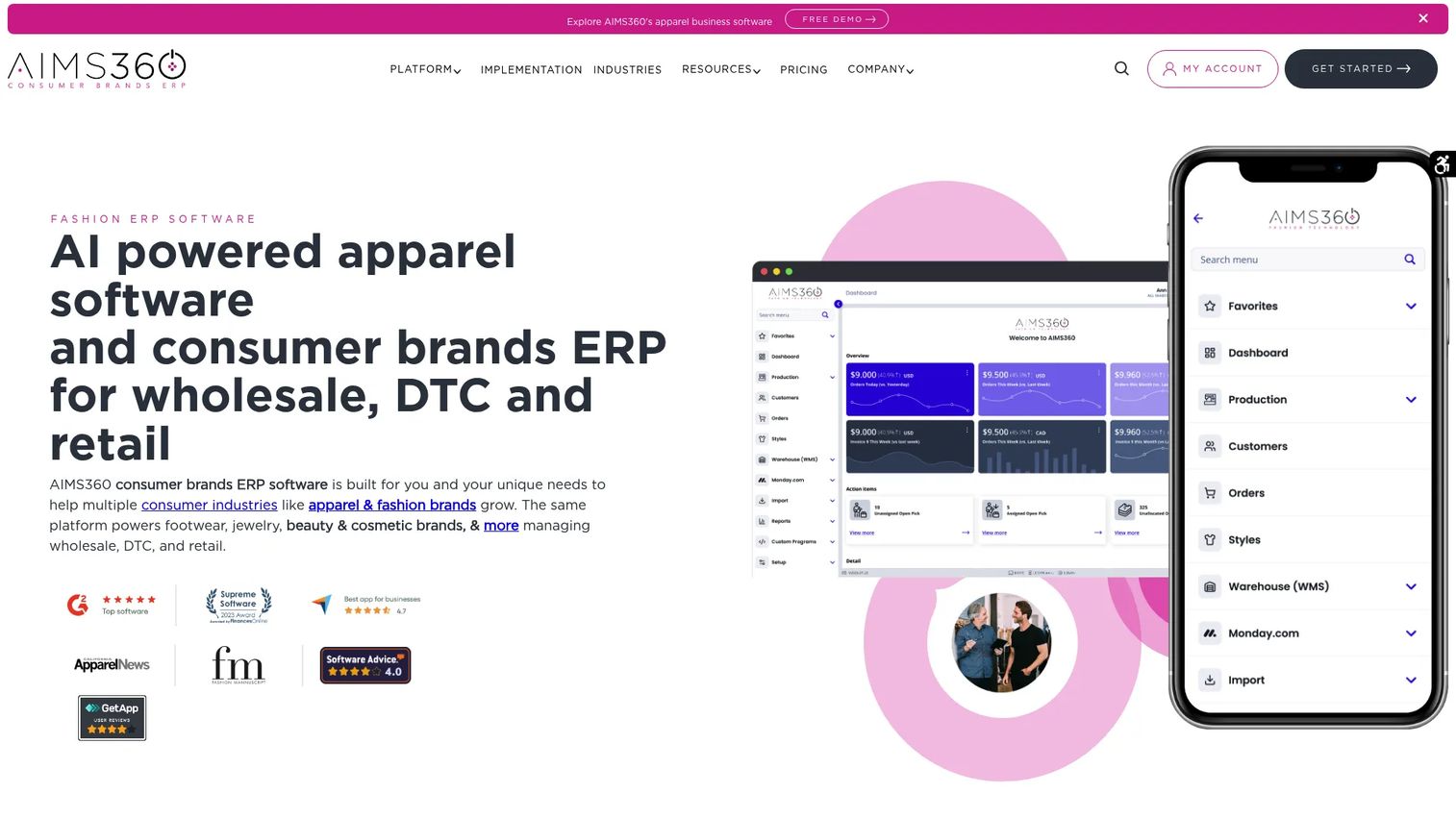
AIMS360 is cloud-based ERP for apparel and consumer brands. It handles production and PLM, omnichannel order management (wholesale, DTC, retail, Shopify, Amazon), inventory, warehouse operations, EDI, payments, and accounting integrations. It includes built-in connections for ChatGPT, Claude, and Grok for AI-assisted workflows. AIMS360 belongs in this list because design decisions eventually need BOM, costing, production, and wholesale support, and this is where most apparel brands hit their next operational wall. Teams evaluating broader ERP context may also want to review apparel ERP software options.
Best for: Apparel brands that need design-to-production visibility and operational control after concepts become products.
Key features
- Production and PLM with BOMs, vendor purchase orders, cut tickets, and work-in-process tracking
- Omnichannel order management across wholesale, DTC, retail, and marketplace channels
- Built-in EDI, warehouse management, barcode scanning, and intelligent allocation
- Accounting integrations and API access
- AI connections for ChatGPT, Claude, and Grok
Why choose AIMS360: Best fit when the design bottleneck has moved downstream into costing, inventory, production, or wholesale operations. It complements design tools rather than replacing them.
AIMS360 pricing: A limited Bronze offer provides the first 3 users free for the first 12 months (for new customers signing by December 31, 2026, on a 24-month agreement). Silver and Gold plans start at 5 and 10 users respectively and are priced by quote. Contact AIMS360 for current plan and implementation costs.
G2 rating: 4.4/5 on G2.
Considerations when choosing apparel design software
Match the tool to the bottleneck
Before shortlisting, name the specific workflow step causing delays or cost. If the bottleneck is sketching and concept approval, illustration tools apply. If it is fit validation, prioritize 3D simulation. If it is factory handoff, CAD and ERP matter more. Buying by category name without identifying the bottleneck is the most common and expensive mistake.
Check production outputs before buying
Ask what file formats the factory actually uses. Pattern files, markers, tech packs, BOMs, and production documents have different requirements across factories and manufacturing regions. Confirm that the tool's exports match your production chain before committing, not after onboarding.
Budget for training and rollout
Powerful 3D and CAD tools require training, material libraries, process changes, and technical ownership to deliver value. A tool that no one adopts is not cheaper than the problem it was meant to solve. Factor implementation time and team capability into the total cost.
Evaluate integrations with the rest of the stack
The key question is: Where does the design data go next? ERP, PLM, e-commerce, accounting, inventory, and manufacturing systems all need inputs from design. Check which integrations come standard and which require custom work or additional cost.
Separate creative visuals from production truth
Mockups and sketches help sell ideas internally and to buyers. Production needs measurements, patterns, materials, costs, and specifications. A founder presentation built in Canva and a factory-ready marker file built in AccuMark are two completely different outputs. Treat them as such.
Conclusion
The right apparel design software is the one that matches the workflow step you are actually trying to fix.
For 3D garment development, CLO, Browzwear VStitcher, and Style3D are the strongest options, each with different strengths in ecosystem, scale, and supply chain connectivity. For CAD and production preparation, TUKAtech, Optitex, Lectra Modaris, and Gerber AccuMark cover the pattern, grading, and marker workflows that factory handoff requires. Adobe Illustrator, CorelDRAW, Affinity Designer, Canva, and Procreate serve creative, illustration, and presentation needs at different price points. Tailornova fills the made-to-measure and online clothing design gap for accessible custom workflows. Adobe Substance 3D handles material realism for digital product assets. AIMS360 handles the operational layer once design outputs need to become purchase orders, inventory, and production schedules.
Shortlist two or three tools based on your specific bottleneck. Run a sample garment or workflow through each before buying. The cost of switching after a full deployment is far higher than the cost of a longer evaluation.
FAQs
Start with Canva for quick mockups and presentations, Procreate for iPad-based fashion sketching, or Tailornova for browser-based made-to-measure patterns. Adobe Illustrator is worth learning early if technical flats are part of your workflow. Beginners who move into production will eventually need a CAD tool, but these are the right starting points.
Small brands often start with Adobe Illustrator, CLO, Tailornova, or Canva. As production volume grows, the need for pattern accuracy, marker efficiency, and production visibility pushes brands toward TUKAtech, Optitex, Gerber AccuMark, Lectra Modaris, or AIMS360. The right answer depends on where the production pain shows up.
Fashion design software is a broad category that includes sketching tools, mood board platforms, 3D visualizers, and material design apps. Apparel CAD is more technical and specifically handles patterns, grading, marker making, and production file generation. Many teams use both, with fashion design tools handling creative development and CAD tools handling factory-ready outputs.
You need it when the team wants to reduce avoidable sample rounds, review fit earlier in the development cycle, or create digital product assets for e-commerce and line reviews. You probably do not need it yet if the immediate priority is simple concept sketching, social mockups, or early mood boards. Match the investment to the production stage.
It can reduce avoidable sample rounds and catch fit and construction issues earlier. Final physical validation still matters for fabric hand, fit compliance, and production approval on most garment categories. Digital sampling changes how many rounds you need, not whether physical samples exist entirely.
Adobe Illustrator is the most widely used tool for technical flats in apparel. CorelDRAW and Affinity Designer are vector alternatives. Technical flats are different from production patterns: A flat shows the design specification visually, while a production pattern contains the actual cut lines, seam allowances, and measurements a factory uses.
TUKAtech, Optitex, Lectra Modaris, and Gerber AccuMark are the primary pattern making tools in this list. Each covers 2D pattern drafting, grading, and production preparation. Tailornova offers a more accessible made-to-measure pattern workflow for smaller operations. The choice depends on production scale, factory requirements, and whether you need 3D fit validation alongside pattern work.
2D CAD excels at patterns, grading, markers, and production handoff. It is the tool factories work with directly. 3D software excels at visualizing fit, drape, and construction before a pattern is finalized or a physical sample is cut. Many mature brands run both: 3D for design reviews and sampling reduction, 2D CAD for the production-ready outputs that follow. If budget allows only one, start with the tool that addresses your current bottleneck.