A file opens. The geometry looks fine. Then your CAM engineer pulls the model into the machining workflow and discovers that PMI is gone, assembly hierarchy collapsed, and tolerances disappeared entirely. That rework cycle costs hours, sometimes days, before production can start.
NIST research estimates that interoperability issues involving varying data formats cost U.S. discrete manufacturers between $20.9 billion and $42.9 billion annually (NIST, 2019, updated 2025). For product managers building CAD-enabled products, that number lands closer to home: Weak import support creates a setup wall before users reach their first meaningful workflow. Failed translation inflates support volume, slows activation, and triggers the kind of early churn that is hard to diagnose.
This guide is a practical shortlist. It covers 15 CAD data exchange software tools, from standalone converters to embedded SDKs, enterprise CAD platforms, and open-source BIM libraries. Each entry reflects verified pricing and current G2 ratings.
What's inside
This guide is for product managers, engineering managers, software architects, and platform teams evaluating CAD interoperability options. Tools were selected based on:
- Format coverage across native and neutral CAD files
- Data integrity support (PMI, assembly hierarchy, metadata, B-Rep)
- SDK or API availability for embedded product workflows
- Fit across end-user converters, CAD platforms, developer toolkits, and BIM libraries
- Verified pricing and active G2 or review presence
TL;DR
- Best overall CAD exchange platform: CAD Exchanger, for teams that need viewing, conversion, SDK, and web deployment in one product
- Best developer SDK: HOOPS Exchange SDK, for software teams embedding CAD import and export into engineering applications
- Best standalone translator: Datakit CrossManager, for operational conversion across 2D and 3D formats without an SDK
- Best embedded SDK alternative: Datakit CrossCad/Ware, for product teams building CAD interoperability into proprietary software
- Best for translation with repair: TransMagic, for manufacturing and supplier teams that need geometry healing alongside conversion
- Best for open-source BIM workflows: IfcOpenShell and xbim toolkit, for AEC developers working with IFC data
What is CAD data exchange software?
CAD data exchange software converts, translates, imports, exports, validates, or shares CAD model data across different design, engineering, manufacturing, and construction systems.
A file that opens is not the same as a file that exchanged correctly. The real test is whether the right data survived the translation. That includes:
- 2D drawings: DWG, DXF, and drafting annotations
- 3D geometry: Solid B-Rep, surfaces, and polygonal meshes
- Assembly structure: Part hierarchy, instances, and configurations
- PMI and GD&T: Tolerances, dimensions, manufacturing annotations, and datums
- Metadata: Materials, colors, layers, properties, and product attributes
Key capabilities to look for
- Format conversion across native CAD files and neutral formats (STEP, IGES, JT, STL, DXF, Parasolid XT)
- Geometry healing and model repair
- PMI, metadata, and assembly preservation
- Validation and model comparison
- SDKs, APIs, and workflow connectors for embedded product use
- PLM, PDM, CAM, and BIM integration support
- Version upgrade and downgrade handling
- Secure supplier and customer file exchange
Exchange methods in practice
Tools in this category fall into four categories: End-user desktop converters, developer SDKs and APIs, native CAD platforms with built-in exchange, and open-source libraries for BIM. Choosing the wrong category creates its own technical debt. An SDK where you needed a converter means engineering overhead you did not budget. A standalone converter where you needed an embedded API means a broken user workflow that generates support tickets on day one.
When to use CAD data exchange software
Import customer files without blocking activation
Product managers building CAD-enabled SaaS tools, quoting platforms, DFM applications, or digital manufacturing products face this problem directly. If users cannot import a file from their native CAD system within the first session, the product never reaches value. CAD file format compatibility determines whether that first workflow completes or stalls.
Move models between engineering and manufacturing systems
CAD-to-CAM handoffs, quoting pipelines, inspection workflows, and simulation environments all depend on models arriving intact. PMI and tolerances must survive conversion. Assembly context matters for downstream toolpath generation. A missing face or collapsed hierarchy at this stage means manual reconstruction before production can proceed.
Build CAD translation into your own product
For platform PMs, this is a build-versus-buy decision with real engineering cost. Building translation from scratch ties up developer cycles and creates ongoing maintenance as format versions change. Licensing a CAD SDK or using a platform API reduces that opportunity cost and lets engineering focus on product-differentiating work.
CAD data exchange software comparison
The table below separates end-user tools, native CAD platforms, developer SDKs, and open-source libraries. Pricing reflects verified data from vendor pricing pages. G2 ratings are current. Where no G2 listing exists, the field reads N/A.
| # | Product | Best for | Key differentiator | Pricing | G2 rating |
|---|---|---|---|---|---|
| 1 | CAD Exchanger | Engineering and product teams needing viewer, converter, and SDK | Combines desktop, web, and SDK options in one product family | Custom pricing | 4.5/5 |
| 2 | HOOPS Exchange SDK | Software teams embedding CAD import and export | Single API for 30+ import formats and 10+ export formats | Custom pricing | N/A |
| 3 | Datakit CrossManager | CAD administrators running batch or standalone conversion | Standalone operation without external CAD licenses | Custom pricing | 4.5/5 |
| 4 | Datakit CrossCad/Ware | Product teams embedding CAD exchange in proprietary software | Native and neutral format SDK with PMI and metadata handling | Custom pricing | 5.0/5 |
| 5 | TransMagic | Manufacturing and supplier teams translating and repairing models | Geometry repair, validation, and comparison alongside translation | Custom pricing | N/A |
| 6 | Autodesk Data Exchange | AEC and manufacturing teams in Autodesk-centered workflows | Shares precise model subsets without full file transfer | Custom pricing | N/A |
| 7 | AutoCAD | DWG-based drafting, AEC, and engineering teams | Native DWG workflows with web and mobile access | From $2,095/year | 4.4/5 |
| 8 | SolidWorks | Mechanical design teams needing CAD plus exchange | Parasolid kernel with STEP, IGES, and manufacturing handoff | From $2,820/year | 4.4/5 |
| 9 | CATIA | Enterprise product teams managing complex assemblies | Multi-discipline engineering with PLM and 3DEXPERIENCE integration | From $7,229/year | 4.2/5 |
| 10 | Siemens NX | Manufacturers needing CAD, CAM, and CAE in one platform | Integrated design and manufacturing with Teamcenter adjacency | From $220/month | 4.3/5 |
| 11 | PTC Creo | PTC-centered engineering organizations | Parametric CAD with model-based definition and Windchill PLM | Custom pricing | N/A |
| 12 | Autodesk Inventor | Mechanical design teams standardized on Autodesk | Parametric 3D modeling with DWG interoperability | From $2,585/year | N/A |
| 13 | Open Cascade | Developer teams building CAD and CAE applications | Open-source 3D modeling kernel with STEP and IGES support | From €13,300 (support packages) | 4.5/5 |
| 14 | IfcOpenShell | BIM and AEC developers working with IFC models | Free open-source IFC toolkit with Python bindings | Free (open source) | N/A |
| 15 | xbim toolkit | .NET teams building BIM and AEC applications | Open-source .NET IFC toolkit with WebGL viewer | Free (open source) | N/A |
Best 15 CAD data exchange software tools for 2026
1. CAD Exchanger
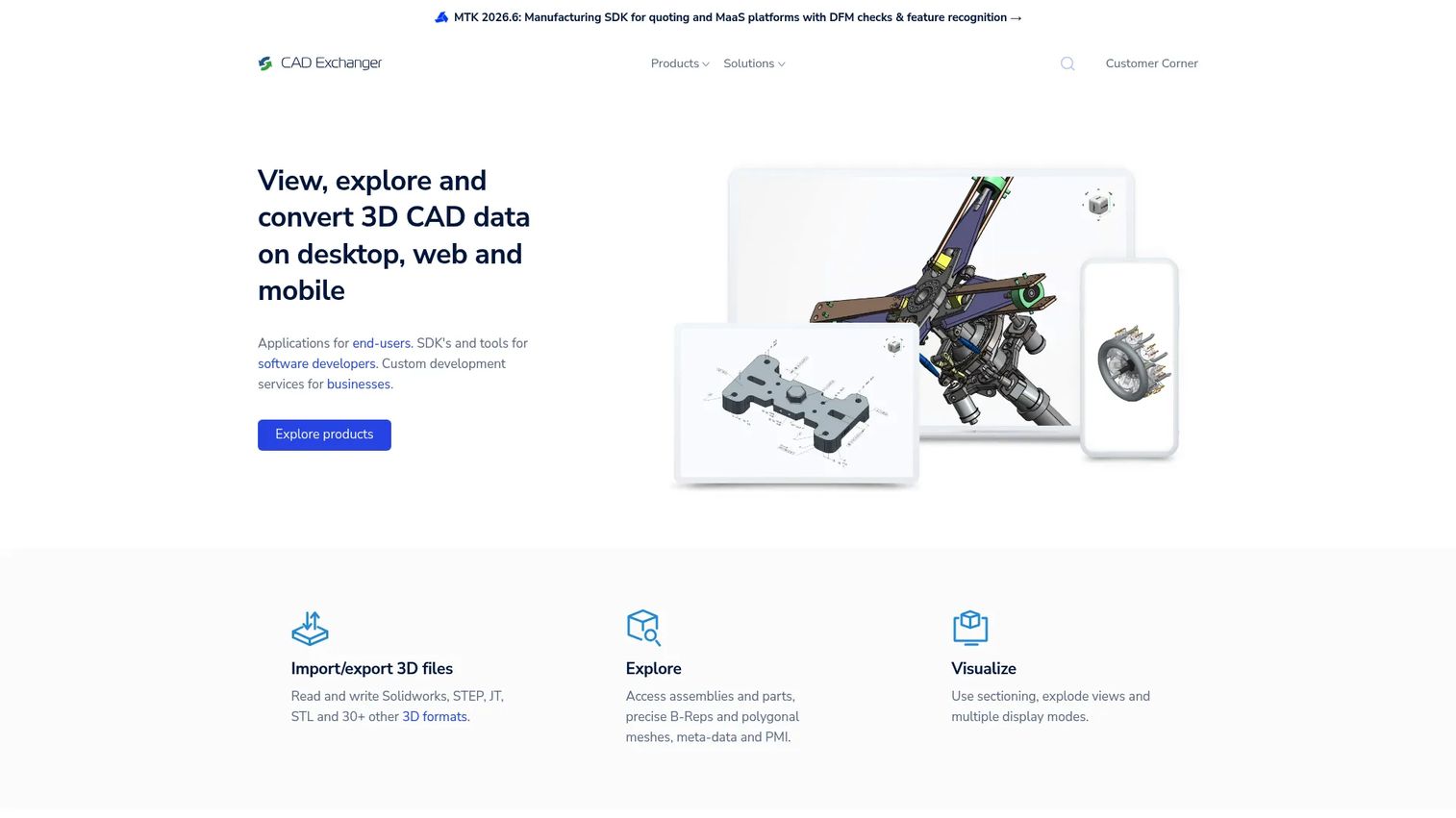
CAD Exchanger is a 3D CAD viewing, conversion, and developer platform from the team at Geomagic. It handles 30+ CAD and BIM formats across desktop, web, and SDK deployment paths. Engineers use CAD Exchanger Lab to inspect and convert files; developers use the SDK and Web Toolkit to embed that same capability into their own applications. The manufacturing toolkit extends into PMI inspection and BIM format support.
Best for: Engineering and product teams that need a practical mix of viewer, converter, and SDK options without committing to a single deployment model.
Key features
- Import and export of 30+ CAD and BIM formats
- 3D viewing with B-Rep, meshes, PMI, and metadata
- Sectioning, exploded views, and measurement tools
- SDK for C#, C++, Java, JavaScript, and Python
- Web Toolkit for browser-based CAD viewing
Why choose CAD Exchanger: It is the most balanced option for teams that need both end-user conversion and developer integration from one vendor. PMs evaluating build-versus-buy for CAD import will find the SDK path here substantially cheaper than building format support internally.
CAD Exchanger pricing: CAD Exchanger offers subscription and perpetual licensing with node-locked and floating models. Contact the vendor for current pricing; a free trial of CAD Exchanger Lab is available to test conversion workflows before purchasing.
G2 rating: 4.5/5
2. HOOPS Exchange SDK
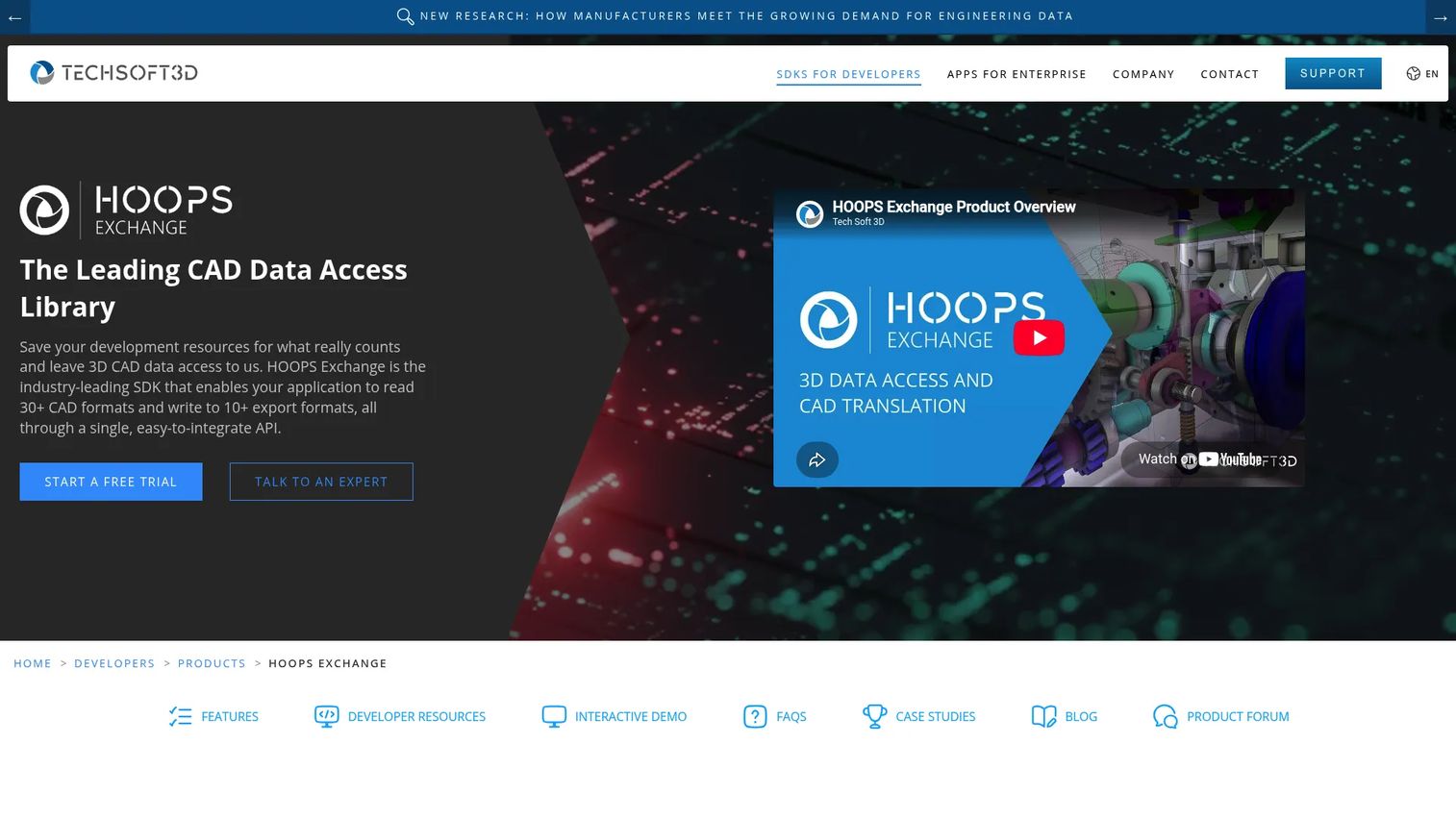
HOOPS Exchange SDK is a C++ developer toolkit from Tech Soft 3D for adding CAD data import and export to engineering software products. A single API covers more than 30 CAD and AEC import formats alongside 10+ export formats including JT, STEP, STL, and FBX. The SDK exposes B-Rep geometry, PMI, model trees, persistent IDs, styles, and construction geometry for downstream processing.
Best for: Software development teams building CAD, CAE, CAM, visualization, simulation, or manufacturing applications that need reliable format coverage without building readers from scratch.
Key features
- Import support for 30+ CAD and AEC formats via a single API
- Export to JT, STEP, STL, FBX, and 10+ additional formats
- Access to B-Rep, PMI, product structure, and persistent IDs
- Construction geometry, views, and style data
- 60-day evaluation available for integration testing
Why choose HOOPS Exchange SDK: Use it when CAD translation is part of your product architecture. The engineering effort to integrate an SDK is a one-time cost; the alternative (building individual format readers) compounds across every new version your customers send.
HOOPS Exchange SDK pricing: Tech Soft 3D does not post numeric pricing for HOOPS Exchange. Contact the vendor directly; a 60-day free evaluation is available so engineering teams can test integration before licensing.
3. Datakit CrossManager
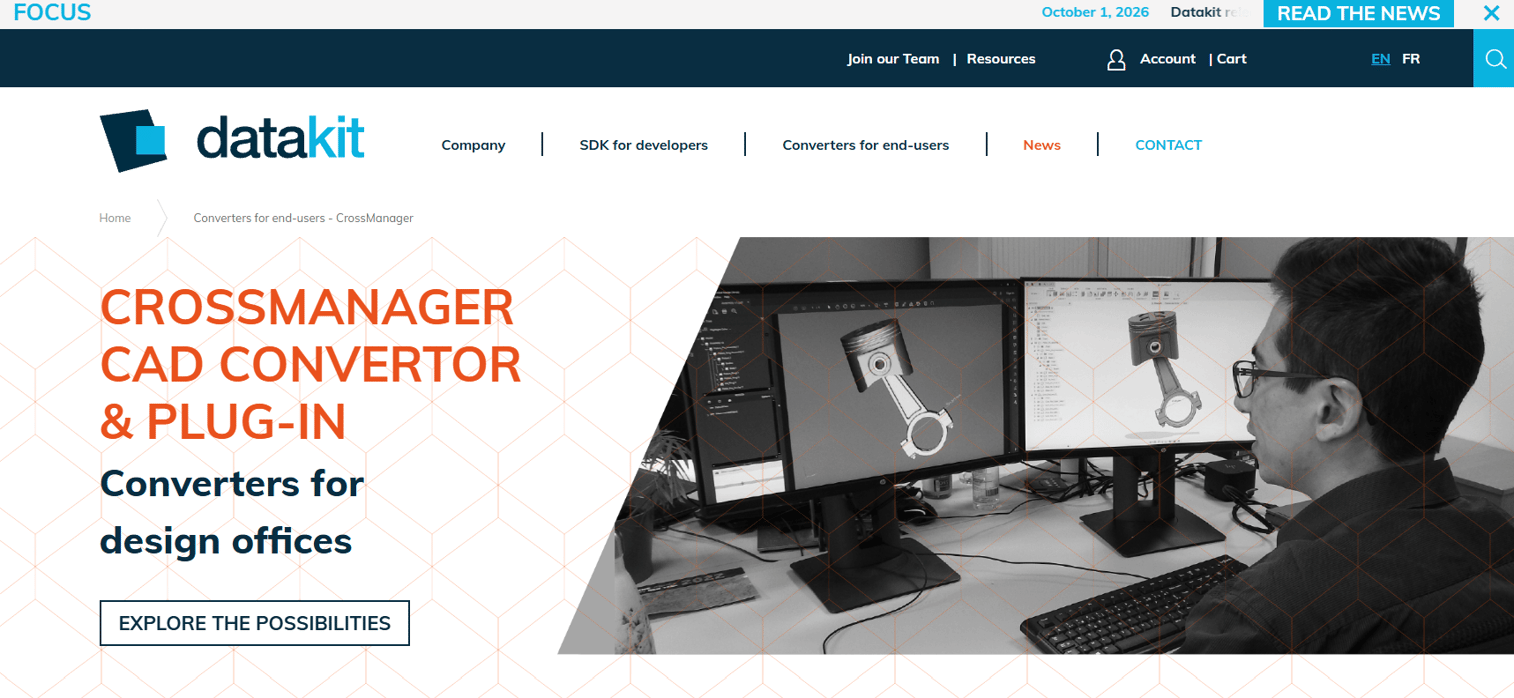
Datakit CrossManager is a standalone application for converting single files or batch folders of 2D and 3D CAD data across native and neutral formats. It operates without external CAD licenses and ships with a graphical interface and command-line option, making it practical for both manual workflows and automated pipelines. The Advanced edition handles recursive folder conversion, which matters for organizations processing supplier data at volume.
Best for: Design offices, industrial companies, and CAD administrators that need reliable batch conversion without embedding an SDK into a product.
Key features
- Single and batch CAD file conversion
- GUI and CLI access across the product range
- 2D and 3D format support including STEP, IGES, and JT
- PMI and GD&T transfer
- No external CAD license required
Why choose Datakit CrossManager: The no-external-license requirement is practically significant. Teams do not need to maintain CAD seats just to run conversions, which reduces overhead for operations and IT. A free test version is available before purchase.
Datakit CrossManager pricing: Request a quote directly from the vendor. A free test version of CrossManager is available to evaluate conversion accuracy on your own files.
G2 rating: 4.5/5
4. Datakit CrossCad/Ware
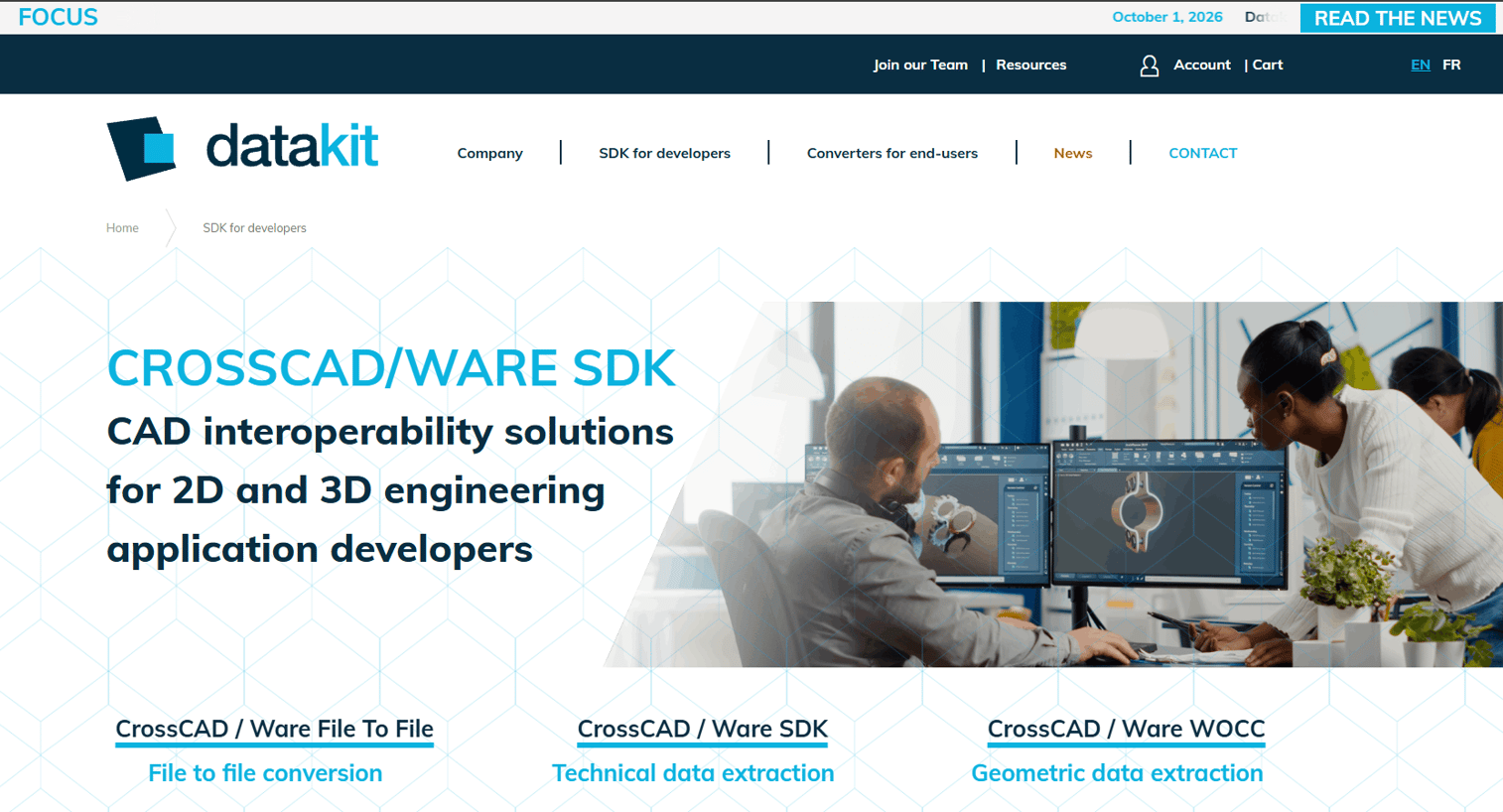
Datakit CrossCad/Ware is an SDK and interoperability library for software vendors that need to read, write, and convert 2D and 3D CAD formats inside their own applications. It supports native and neutral formats including CATIA, SolidWorks, STEP, IGES, IFC, JT, Parasolid, STL, OBJ, and glTF. Three deployment variants cover different product architectures: File-to-File for conversion pipelines, SDK for full integration, and WOCC for web-connected workflows.
Best for: Product teams embedding CAD import and export directly into proprietary manufacturing, inspection, PLM, or CAM software.
Key features
- Native format readers for CATIA, SolidWorks, NX, Creo, and others
- Neutral format writers including STEP, IGES, and JT
- PMI, metadata, assembly, features, and tolerance extraction
- Windows, Linux, and macOS support
- File-to-File, SDK, and WOCC deployment variants
Why choose Datakit CrossCad/Ware: Compare it against HOOPS Exchange SDK on format list coverage, language bindings, and licensing model. CrossCad/Ware is worth evaluating when the format list includes IFC alongside mechanical CAD formats, since that combination is not universal across SDK vendors.
Datakit CrossCad/Ware pricing: Pricing requires contacting Datakit and varies by licensed modules, deployment model, and support terms. Request a test build from the vendor to validate integration before committing.
G2 rating: 5.0/5 (one review)
5. TransMagic

TransMagic is a CAD interoperability tool focused on translation, geometry repair, model comparison, and inspection across major native and neutral formats. It ships in three core product tiers (SUPERVIEW, PRO, EXPERT) plus optional modules including MagicHeal for automated geometry repair, MagicCheck for model comparison, and MagicBatch for automated translation pipelines. Engineering teams use it when they receive files from external systems that arrive with geometry errors.
Best for: Manufacturing, supplier quality, and engineering teams that receive CAD files from many external systems and need to inspect, heal, and translate before downstream use.
Key features
- Multi-format CAD translation across native and neutral formats
- Automated geometry repair via the MagicHeal module
- Model comparison and validation with MagicCheck
- Assembly restructuring and PMI handling
- Native CAD plug-ins for embedded workflows
Why choose TransMagic: The repair workflow separates TransMagic from pure translators. Teams that regularly receive broken geometry from suppliers, and need to fix it before quoting or CAM programming, will find repair and translation in one tool more efficient than combining a converter with a separate healing step.
TransMagic pricing: Cost varies by product tier (SUPERVIEW, PRO, EXPERT) and selected add-on modules. Contact the vendor for pricing. A free trial is advertised on the product website.
6. Autodesk Data Exchange
Autodesk Data Exchange is a cloud service for sharing precise subsets of design geometry and element properties across Autodesk and connected third-party applications. Rather than exchanging entire model files, it lets teams share only the geometry and attributes a downstream workflow needs. Exchanges stay linked to source models, so updates propagate when the design changes. The service exposes connectors, an API, and an SDK for custom integration.
Best for: AEC and manufacturing teams working primarily within Autodesk-connected workflows who need controlled, continuously updated model-data sharing across applications.
Key features
- Selective geometry and property sharing (not full file transfer)
- Live connection to source models for downstream updates
- Data Exchange API for custom workflows
- Data Exchange SDK for application integration
- Application connectors across Autodesk products
Why choose Autodesk Data Exchange: Use it when the core problem is controlled data sharing across Autodesk-connected applications rather than broad standalone conversion. Teams outside the Autodesk ecosystem will find more format coverage in a dedicated converter or SDK.
Autodesk Data Exchange pricing: Pricing for Autodesk Data Exchange was not separately published on vendor pages at time of research. Contact Autodesk to determine whether access is included in existing Autodesk subscriptions or requires separate licensing.
7. AutoCAD
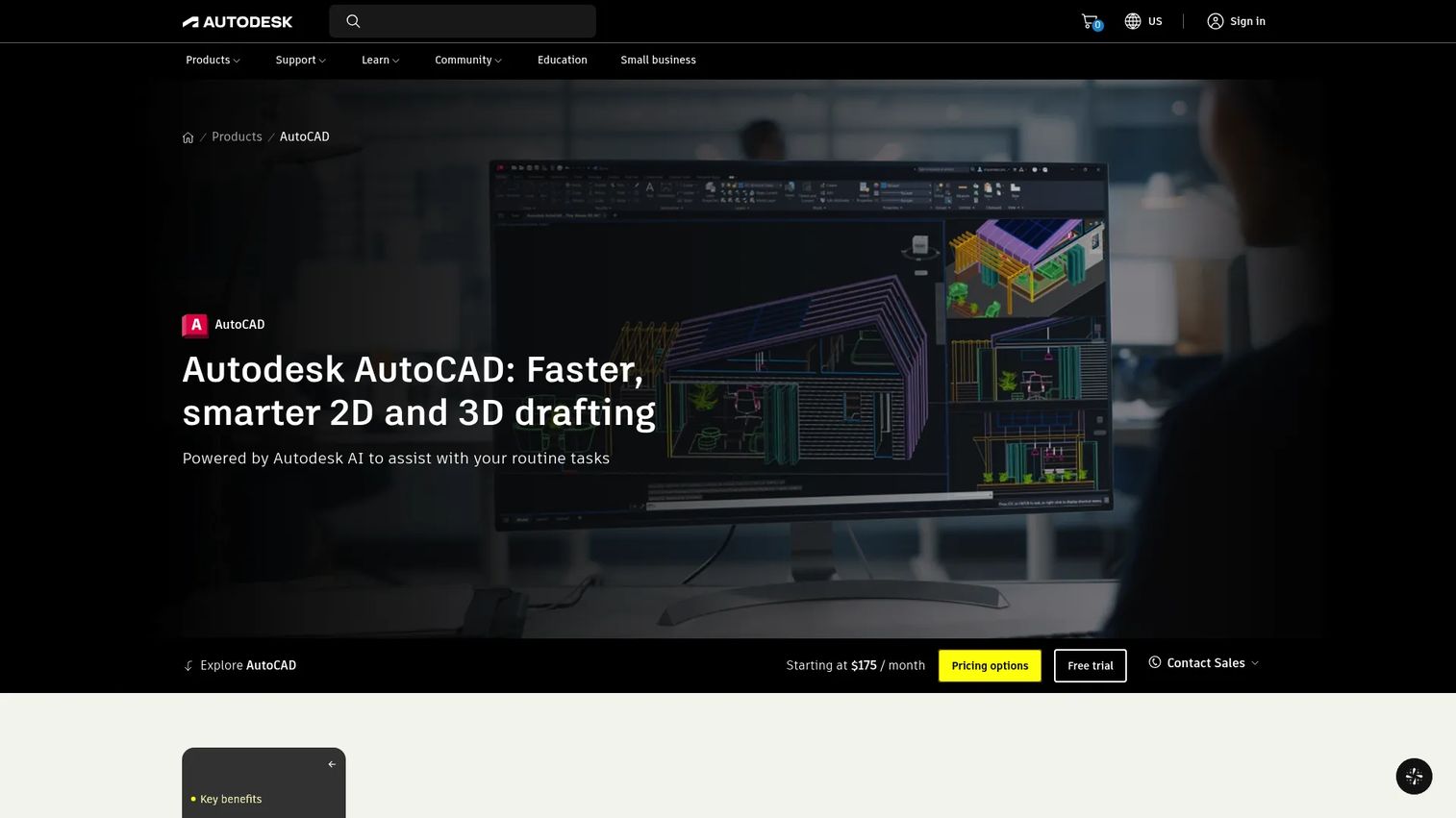
AutoCAD is Autodesk's 2D and 3D CAD platform, the primary authoring tool for DWG-based workflows in architecture, engineering, and construction. The subscription includes AutoCAD for Windows and Mac, seven industry-specific toolsets, plus web and mobile access. For teams whose exchange problem centers on DWG and DXF formats, AutoCAD is the native environment rather than a conversion layer on top of it.
Best for: Architecture, engineering, construction, and manufacturing teams whose exchange workflows are primarily DWG and DXF-based.
Key features
- Native DWG and DXF authoring and exchange
- 2D drafting and annotation workflows
- 3D solid, surface, and mesh modeling
- Seven industry-specific toolsets (architecture, mechanical, electrical, and others)
- Desktop, web, and mobile access
Why choose AutoCAD: Choose it when the exchange problem is DWG-centric. For broad mechanical CAD translation across CATIA, NX, or Creo formats, pair AutoCAD with a dedicated CAD SDK or standalone converter. AutoCAD handles drafting workflows natively; it is not a universal translator.
AutoCAD pricing: Annual subscription at $2,095/year; monthly at $260/month; three-year plan at $6,285. A 15-day free trial is available, and educational access is free for eligible students and instructors.
G2 rating: 4.4/5
8. SolidWorks
SolidWorks is Dassault Systèmes' mechanical CAD platform, built on the Parasolid geometric modeling kernel. It handles 3D parts, assemblies, and drawings with native import and export for STEP, IGES, DXF, and DWG alongside its own proprietary format. The platform also connects to simulation, rendering, CAM, and manufacturing workflows within the Dassault ecosystem. Cloud collaboration and revision management are included in the current Cloud Services subscription plans.
Best for: Mechanical product teams that need full CAD authoring alongside supplier exchange, manufacturing handoff, and simulation in a single environment.
Key features
- 3D parts, assemblies, and drawings with Parasolid kernel
- STEP and IGES import and export
- Real-time cloud collaboration and revision management
- Integrated simulation, CAM, and rendering workflows
- Manufacturing documentation and BOM management
Why choose SolidWorks: Choose it when the team needs CAD creation alongside exchange, not standalone conversion. If the only requirement is format translation, a lighter converter is cheaper to operate and maintain. SolidWorks earns its seat when mechanical design, supplier exchange, and manufacturing prep happen in the same workflow.
SolidWorks pricing: Design Standard with Cloud Services at $2,820/year; Design Professional at $3,456/year; Design Premium at $4,716/year. Prices are for a single user in the USA, billed annually. No free tier is offered.
G2 rating: 4.4/5
9. CATIA

CATIA is Dassault Systèmes' enterprise product engineering platform, widely used in aerospace, automotive, and industrial manufacturing for complex assembly design, multi-discipline engineering, and long product lifecycle management. It operates on the 3DEXPERIENCE platform, providing PLM integration, collaborative workflows, and enterprise governance alongside core CAD. Data exchange in CATIA is inseparable from the broader engineering and PLM context the product is built for.
Best for: Enterprise product teams managing highly complex assemblies, multi-discipline engineering programs, and long product lifecycles where CAD exchange and PLM governance must co-exist.
Key features
- Advanced 3D mechanical and surface modeling
- Multi-discipline engineering (mechanical, systems, electrical)
- 3DEXPERIENCE PLM integration and collaborative workflows
- Native CATIA format plus STEP and IGES support
- Enterprise governance and access control
Why choose CATIA: Use it when CAD exchange is tied to a complex product development program that also requires simulation, systems engineering, and enterprise data governance. Teams that only need format conversion do not need this level of platform investment.
CATIA pricing: Design Engineering Essential at $7,229/year; Master at $9,230/year; Elite at $14,926/year. Prices reflect the Design Engineering bundle from Dassault Systèmes' store, billed annually. No free tier is available.
G2 rating: 4.2/5
10. Siemens NX

Siemens NX is an integrated CAD, CAM, and CAE platform from Siemens Digital Industries Software. It covers parametric and direct modeling, CNC programming, machining simulation, and design-integrated simulation. The product is closely aligned with Siemens Teamcenter for PLM, making it a strong choice for organizations managing engineering data across design and manufacturing. As of mid-2026, Siemens has begun rebranding the CAD components of NX under the Designcenter product line.
Best for: Manufacturers and engineering organizations that need CAD, CAM, and simulation under a single product with close Teamcenter PLM adjacency.
Key features
- Integrated CAD, CAM, and CAE workflows
- Parametric, direct, surface, solid, and facet modeling
- CNC programming and multi-axis machining simulation
- Design-integrated simulation and analysis
- Cloud-based collaboration and data management
Why choose Siemens NX: Choose NX when data exchange sits inside a larger engineering-to-manufacturing lifecycle rather than as a standalone translation task. Teams that only need conversion between formats will find a dedicated translator or SDK a more proportionate option.
Siemens NX pricing: NX X Manufacturing Essentials at $220/month; CAM Standard at $250/month; CAM Advanced at $500/month. These reflect G2-reported figures for the NX X Manufacturing tiers. Contact Siemens for design-focused module pricing.
G2 rating: 4.3/5
11. PTC Creo
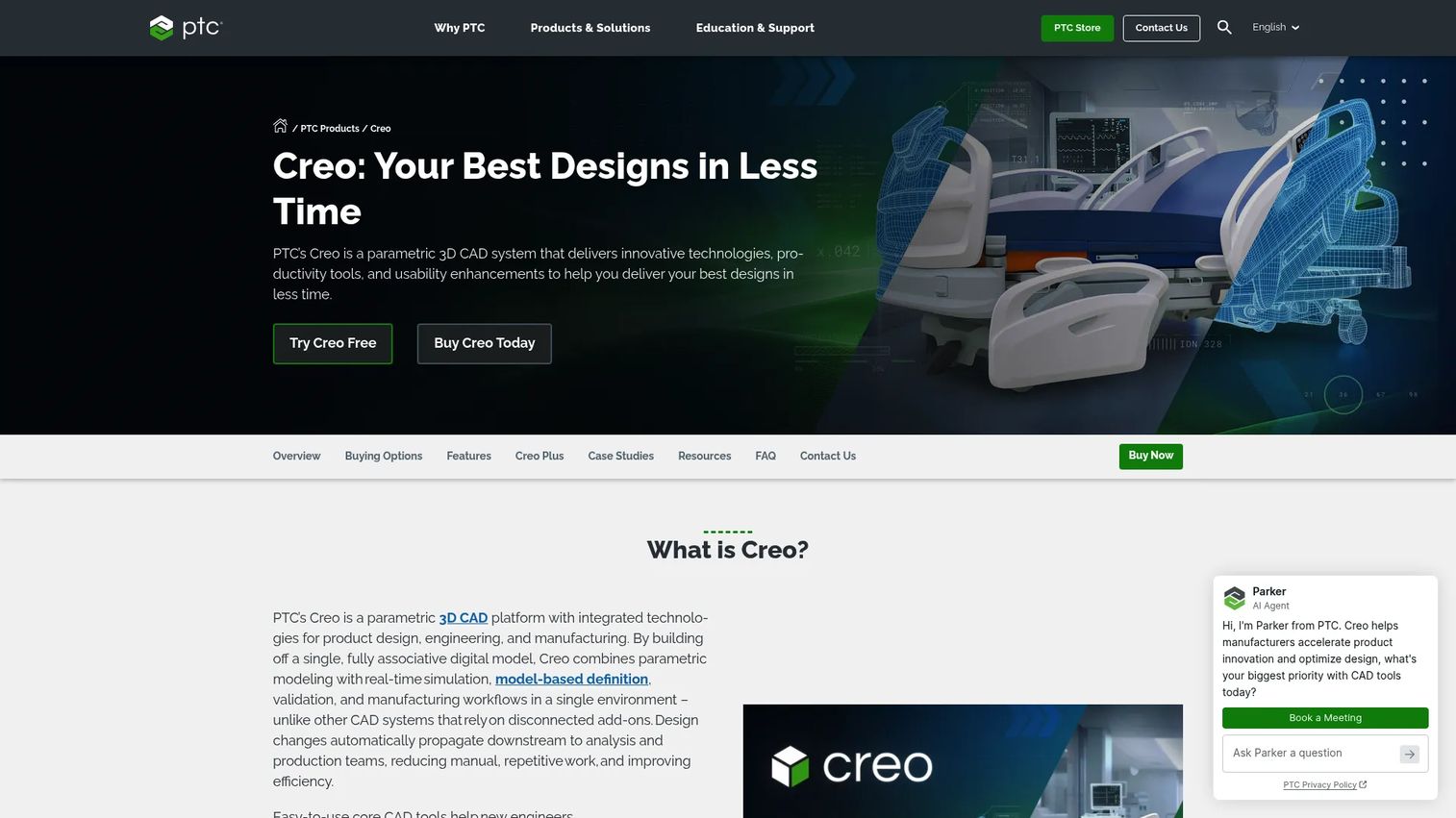
PTC Creo is a parametric 3D CAD platform for product design, simulation, and manufacturing. It integrates model-based definition, GD&T authoring, generative design, and AI-assisted modeling alongside STEP and IGES exchange. Creo connects closely to PTC's Windchill PDM and PLM platform, making it a natural choice for product organizations that need CAD authoring and engineering data management in a single vendor relationship. A SaaS option, Creo+, extends the platform to cloud-based workflows.
Best for: Product teams using PTC-centered engineering workflows, particularly those also managing product data through Windchill.
Key features
- Parametric 3D modeling and assembly design
- STEP and IGES import and export
- Model-based definition and GD&T authoring
- Generative design and topology optimization
- Windchill PDM and PLM integration
Why choose PTC Creo: Choose Creo when the team needs parametric CAD authoring alongside structured product data management, not standalone file translation. For independent multi-format conversion, evaluate a dedicated translator or SDK alongside Creo rather than relying on its native exchange capabilities alone.
PTC Creo pricing: The store lists Creo Design Essentials, Large Assembly Suite, and Design Suite packages; licensing is floating or node-locked. Contact PTC or a reseller for current pricing.
12. Autodesk Inventor
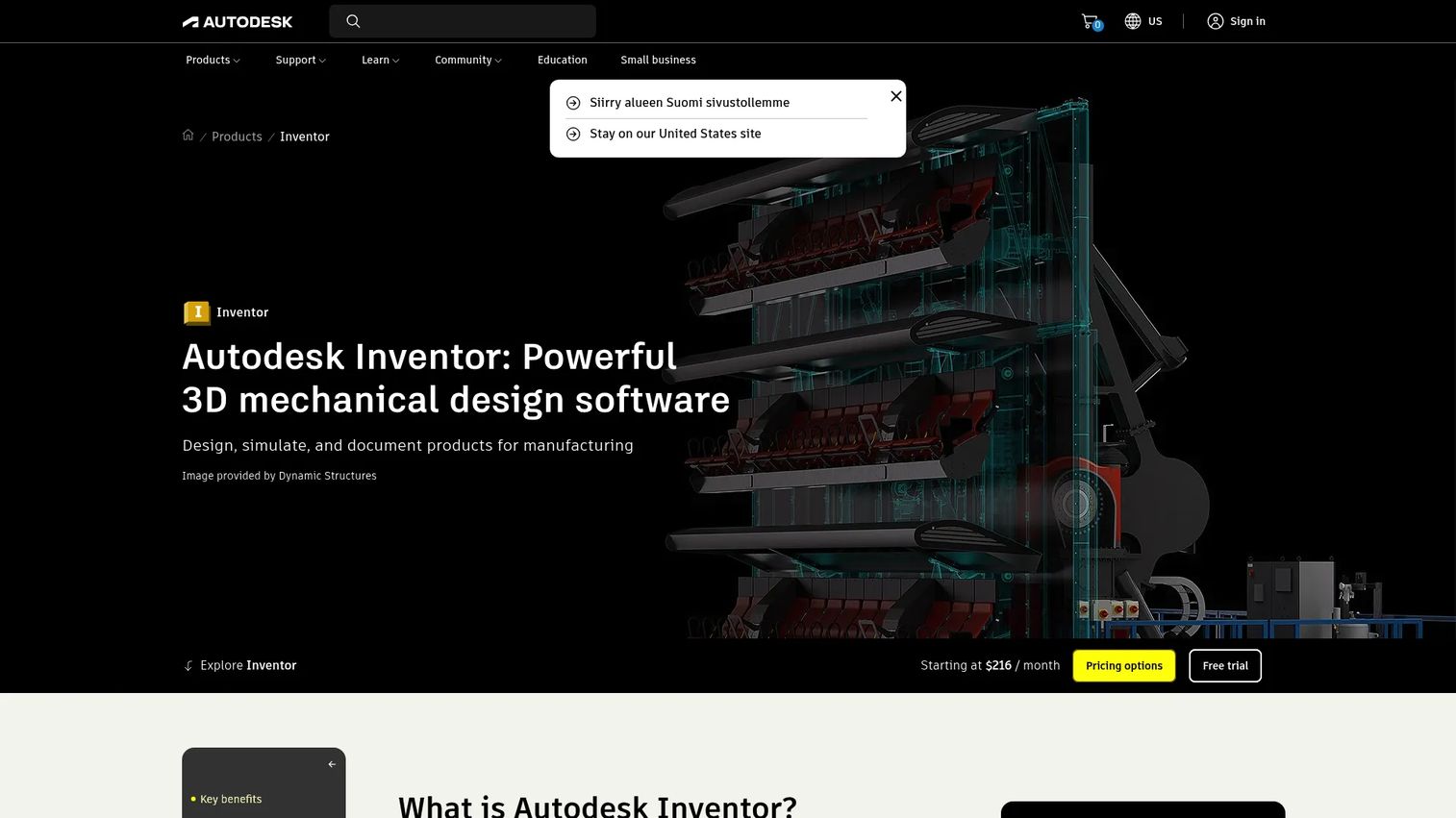
Autodesk Inventor is Autodesk's mechanical design platform for 3D parametric modeling, assembly design, simulation, and manufacturing documentation. It handles STEP, IGES, and DWG exchange natively, making it practical for teams that work primarily within the Autodesk ecosystem and need mechanical design plus supplier file exchange in the same tool. A 30-day free trial is available.
Best for: Mechanical design teams standardized on Autodesk products that need 3D modeling and supplier file exchange in a single subscription.
Key features
- Parametric, direct, freeform, and rules-based design
- Assembly design with constraint-based modeling
- STEP and IGES workflows alongside DWG interoperability
- Sheet metal, frame, tube, and harness design
- Model-based definition with 3D dimensions and annotations
Why choose Autodesk Inventor: Choose it when the team needs mechanical CAD authoring and Autodesk interoperability, not broad neutral format coverage across non-Autodesk native files. For CATIA, NX, or Creo file exchange, evaluate a dedicated converter alongside Inventor.
Autodesk Inventor pricing: Monthly at $320/month; annual at $2,585/year; three-year at $7,755. A 30-day free trial is available.
13. Open Cascade
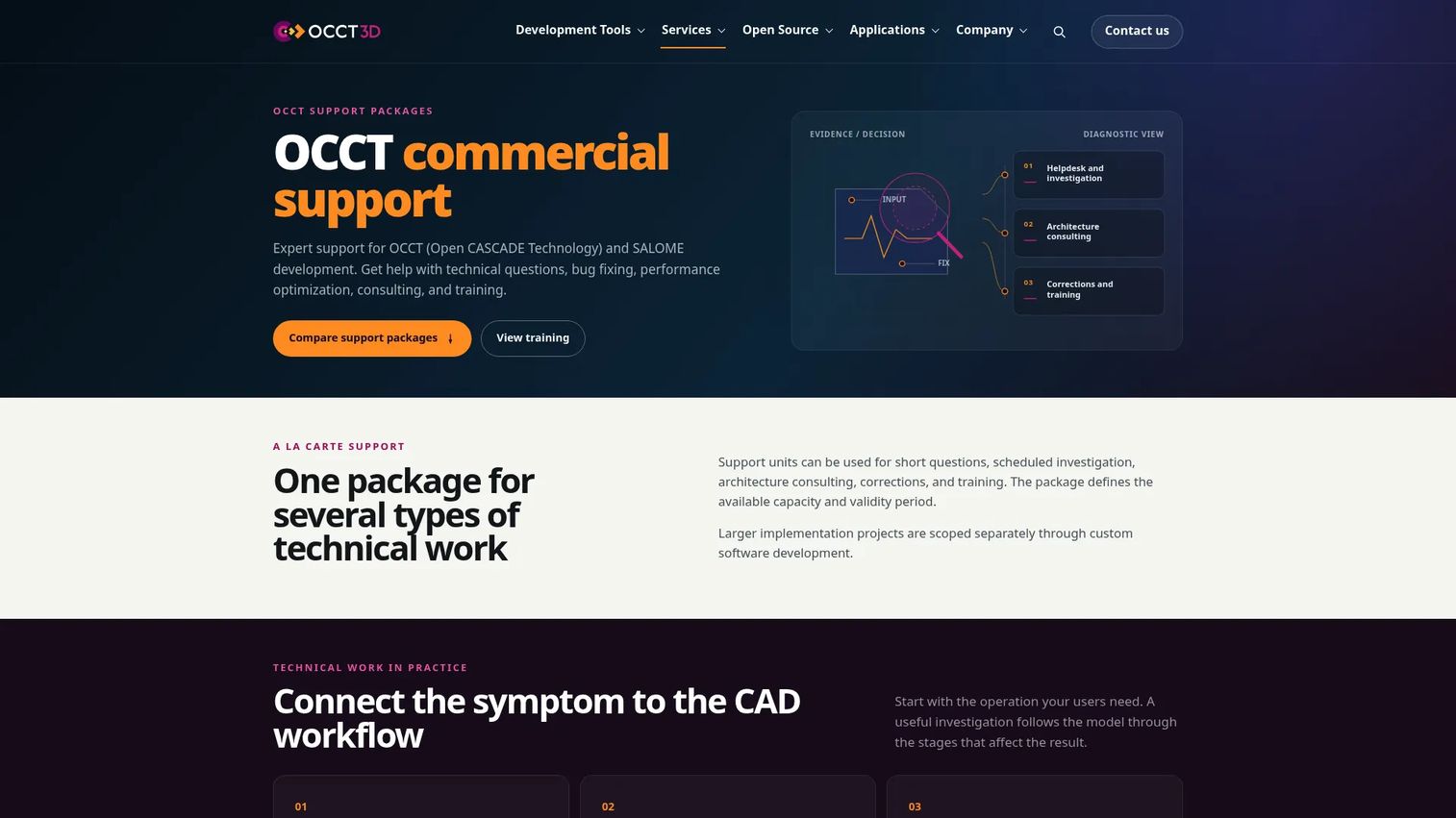
Open Cascade provides an open-source 3D modeling kernel and data exchange library used by developers building CAD, CAM, CAE, and visualization applications. The technology covers solid B-Rep modeling, 3D visualization, STEP and IGES exchange, mesh processing, and workflow automation. FreeCAD, Gmsh, and several commercial CAD tools are built on Open Cascade Technology. Commercial support packages are available through the occt3d.com portal for engineering teams that need guaranteed response and professional services.
Best for: Engineering and software teams with internal development capability that need open-source geometry processing and STEP/IGES exchange infrastructure.
Key features
- Open-source B-Rep solid and surface modeling kernel
- STEP and IGES import and export
- 3D visualization and rendering infrastructure
- Mesh processing and geometry analysis
- Industrial workflow automation libraries
Why choose Open Cascade: Choose it when control over the geometry kernel and source-level access matter more than a supported commercial SDK. Open Cascade requires engineering ownership and domain knowledge. Teams that want a supported, faster-integration path should evaluate a commercial SDK first.
Open Cascade pricing: Open Cascade Technology is open source under the LGPL license. Commercial support packages from occt3d.com start at €13,300 for a Start package (100 support units, valid 3 months), €37,800 for Team (300 units, 6 months), and €59,500 for Enterprise (500 units, 12 months).
G2 rating: 4.5/5
14. IfcOpenShell
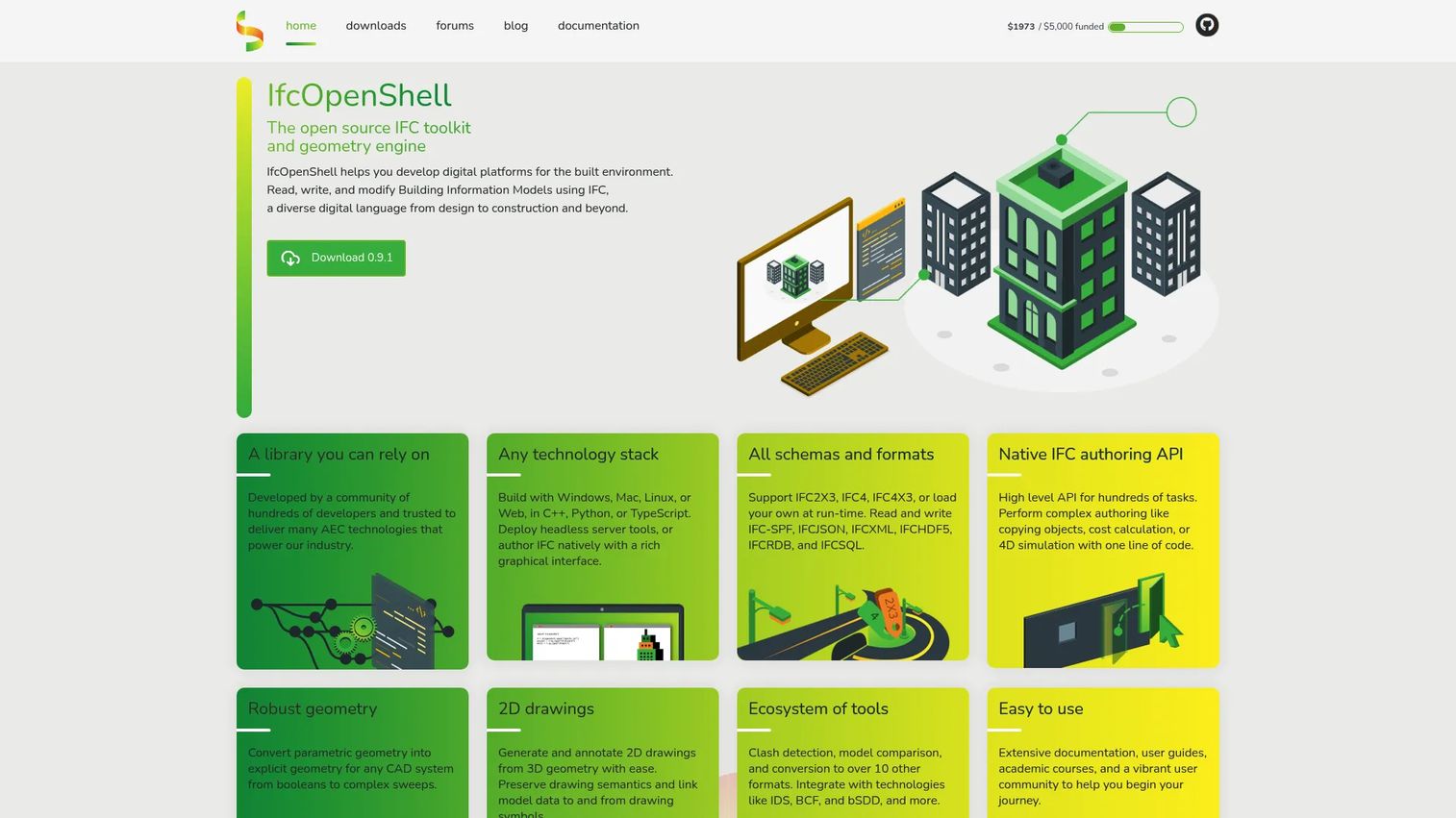
IfcOpenShell is a free, open-source software library for working with IFC data in AEC and BIM workflows. It supports IFC2X3, IFC4, and IFC4X3 schemas, including multiple serialization formats. Developers use it for IFC authoring, geometry extraction, clash detection, model comparison, and conversion to over 10 formats. Python bindings make it accessible for automation scripts and data pipelines without deep C++ expertise.
Best for: AEC product teams and BIM developers building IFC-based authoring, analysis, coordination, or conversion workflows.
Key features
- IFC2X3, IFC4, and IFC4X3 schema support
- Native IFC authoring API for modeling and simulation
- Geometry conversion to 10+ formats
- Clash detection and model comparison
- Python tooling for automation and data pipelines
Why choose IfcOpenShell: Choose it when the data exchange problem is BIM-specific rather than mechanical CAD translation. IfcOpenShell gives AEC developers direct IFC access that commercial BIM software often abstracts away. For general mechanical CAD translation, it is not the right tool.
IfcOpenShell pricing: Free and open source. No paid tiers. Commercial support options are not listed on the official site; check the project repository for community resources.
15. xbim toolkit
xbim toolkit is an open-source .NET library for reading, creating, viewing, validating, and processing IFC building information models. It supports IFC2x3 and IFC4 schemas and includes a WebGL-based viewer (xBIM viewer) for browser-based model display. Teams building .NET applications for construction, digital twin, or facility management workflows use xbim to handle IFC data without writing a parser from scratch. The toolkit is distributed through NuGet under a CDDL open-source license.
Best for: .NET development teams building BIM, AEC, or digital construction applications that need IFC data access, validation, and visualization.
Key features
- IFC2x3 and IFC4 schema reading and writing
- 3D geometric and topological operations
- IFC schema validation and data extraction
- WebGL-based viewer for browser deployment
- NuGet distribution for .NET integration
Why choose xbim toolkit: Choose it when the product is .NET-based and the exchange requirement is IFC. It covers the BIM-specific use case that generic CAD translators do not handle well. Teams building on other runtimes or needing mechanical CAD format support should look elsewhere.
xbim toolkit pricing: Free and open source under the CDDL license. No paid tiers. Distributed via NuGet for .NET projects.
Considerations when choosing CAD data exchange software
Check the formats your users actually send
Format lists in marketing materials are not the same as tested compatibility. Verify that the tool handles the specific format versions and variants your users work with: CATIA V5 versus V6, NX 2206 versus NX 2312, SolidWorks 2024, Creo 9, DWG 2024, STEP AP242, and so on. A tool that claims STEP support may not correctly transfer PMI authored under AP242 MBD.
Test for data loss, not just successful file opening
A file can open without error while losing PMI, tolerances, assembly hierarchy, materials, colors, and metadata in the process. Build a benchmark file set that includes assemblies with constraints, PMI-annotated models, multi-body parts, and at least one broken geometry sample from a real supplier. Run those files through any candidate tool before purchasing.
Decide between end-user software and embedded SDKs
For product managers, this is the core build-versus-buy decision. Use desktop converters when trained operators handle files outside the product workflow. Use a CAD SDK or API when file import must happen inside the product, as part of the user's first session or a core workflow. The opportunity cost of building format readers internally typically exceeds the SDK licensing cost within the first release cycle.
Validate repair, healing, and comparison workflows
Some teams need to fix broken geometry before manufacturing or simulation can proceed. Others only need clean files viewed and translated. The right tool depends on how much model cleanup the workflow requires. If supplier files regularly arrive with open edges, missing faces, or topological errors, a tool with integrated healing (like TransMagic's MagicHeal module) reduces the manual step between import and downstream use.
Map to PLM, PDM, CAM, and security requirements
Enterprise engineering workflows require permissions, version control, auditability, and data governance alongside format coverage. A converter that handles CATIA files but has no PLM connector creates a manual re-entry step that adds latency and error risk. Evaluate integration requirements against the existing stack: Windchill, Teamcenter, Vault, PDM software, CAM systems, and inspection platforms all have their own data expectations.
Conclusion
The right CAD data exchange software depends on what your workflow actually needs from the translation layer.
For teams that need balanced viewing, conversion, and SDK options, CAD Exchanger covers the most ground in a single product family. Software teams building embedded CAD import into their own products should evaluate HOOPS Exchange SDK and Datakit CrossCad/Ware in parallel, comparing format lists, language support, and licensing structure. Datakit CrossManager and TransMagic serve operational translation workflows where engineering or manufacturing operators convert files manually or in batch.
For Autodesk-centered architecture and construction workflows, Autodesk Data Exchange and AutoCAD handle their respective domains. Enterprise CAD platforms (CATIA, Siemens NX, PTC Creo, SolidWorks, Autodesk Inventor) belong in the evaluation when CAD authoring and exchange must coexist inside the same environment.
For AEC and BIM-specific workflows, IfcOpenShell and xbim toolkit give developers direct IFC access without a commercial license. Open Cascade covers teams that need an open-source geometry kernel with STEP and IGES support.
If you are building a product where CAD file import determines whether users reach their first meaningful workflow, treat the exchange layer as an activation metric, not an infrastructure detail. Test against your users' real files before committing.
For product teams exploring how to present and demonstrate technical software to engineering buyers, see how teams use interactive demo tools alongside the product itself.
FAQs about CAD data exchange software
CAD data exchange software converts, translates, imports, exports, validates, or shares CAD model data across different design, engineering, manufacturing, and construction systems. It covers everything from standalone desktop converters and developer SDKs to native CAD platforms with built-in exchange and open-source libraries for BIM. The category spans 2D drawing exchange (DWG, DXF), 3D geometry (STEP, IGES, JT), and building model exchange (IFC).
Conversion is one operation, moving a file from one format to another. Data exchange is broader: It includes translation quality, metadata and PMI preservation, assembly structure integrity, validation, connectors, APIs, and integration with downstream systems like CAM, PLM, and simulation. A file can convert without exchanging correctly if tolerances, colors, or assembly constraints drop in the process.
No single format is universally best. STEP (particularly AP242) is the most widely accepted neutral format for mechanical CAD, preserving B-Rep geometry, assembly structure, and PMI. JT is common in visualization and manufacturing contexts, especially in automotive. IFC is the standard for BIM and AEC model exchange. DWG and DXF matter for drafting workflows. STL handles polygonal mesh data for additive manufacturing and simulation. Choose based on what your downstream system accepts and what data that system needs to receive intact.
Common losses include PMI (dimensions, tolerances, GD&T annotations), assembly hierarchy and constraints, material properties, color and layer information, feature history, metadata and custom attributes, and manufacturing intent. Some losses are format-related (IGES does not carry assembly structure), others are tool-related (converter does not implement the full specification). Testing with benchmark files that include PMI and assemblies before purchasing is the only reliable way to know what survives.
Use an SDK when CAD file import is part of the product experience, meaning users upload or open files as part of their first or core workflow. Embedding an SDK keeps that step inside the product and avoids a friction point that generates support tickets. Use standalone conversion software when trained operators handle files manually, outside the product, before data enters a system. The engineering effort to integrate an SDK is a one-time cost; the activation cost of a broken import workflow compounds across every user who fails at that step.
Build a benchmark file set that represents your real user base: Native files from CATIA, NX, Creo, and SolidWorks; neutral STEP and IGES files; assemblies with multiple levels of hierarchy; PMI-annotated models; and at least one file with known geometry errors from a real supplier. Run all of them through the candidate tool and check not just that they open but that PMI, materials, and assembly structure survived. Most vendors offer evaluation periods or test versions, which are specifically designed for this kind of pre-purchase testing.
Open-source libraries work well when your team has engineering ownership and the use case is well-defined. Open Cascade Technology powers several commercial CAD products and handles STEP, IGES, and B-Rep geometry at a kernel level. IfcOpenShell and xbim are solid choices for IFC-based BIM workflows. The tradeoff is maintenance: Format specifications update, and open-source libraries require your engineering team to track and apply those changes. Commercial SDKs offload that work to the vendor. For teams with limited developer bandwidth, the opportunity cost of maintaining an open-source integration may exceed the cost of a commercial license.
For product managers building CAD-enabled applications, file import is often the first meaningful action a new user takes. If that import fails, drops geometry, or produces an unusable model, the user has not reached value, and the activation metric does not register correctly. Poor CAD exchange raises support ticket volume, increases time to first value, and creates the kind of early friction that shows up as low week-one retention. Strong exchange support reduces the setup wall and gives users a path to their first successful workflow with the files they already have.
Related reading: Best CAD software | Best 3D modeling software | 3D visualization software | Additive manufacturing software | CAD/CAM software