Your support inbox has 340 open tickets. Forty of them are the same question about resetting a password. Your best agent just wrote the same five-step walkthrough for the third time this week. And the help center article that would deflect all of it? Two product updates out of date.
That is the daily reality most support teams are trying to escape. The volume keeps climbing, the answers keep repeating, and the tools that were supposed to help mostly move the chaos around.
The service desk software market is growing from $14.2B in 2025 to a projected $30.8B by 2034, a 10.8% CAGR, according to Marketintelo (2025). That growth is not abstract. It reflects support teams everywhere hitting the same wall: email cannot scale, spreadsheets lose context, and human-only support gets expensive fast as the user base grows.
The right service desk system fixes three things at once. It centralizes requests so nothing gets lost. It routes and prioritizes so the right ticket reaches the right agent. And it deflects the repetitive questions so agents spend time on the problems that actually need a human. This guide breaks down seven tools that do this well, with verified pricing and G2 ratings, so you can shortlist without wading through vendor marketing.
What's inside
This guide is for support leaders, support ops, and IT teams comparing service desk software and help desk solutions in 2026. We picked seven tools that serve real support workflows, not just feature checklists.
Each tool was evaluated on four criteria:
- Ticket management depth: routing, prioritization, escalation, and SLA tracking
- Self-service and knowledge base: deflection quality and portal usability
- Automation and AI: workflow automation and AI ticket management that reduce repetitive work
- Pricing clarity and scale: free tier, free trial, seat pricing, and how cost behaves as you grow
Pricing and G2 ratings were verified against each vendor's live pages.
TL;DR
- Best for AI-assisted customer support at scale: Zendesk, with omnichannel routing and a deep knowledge base
- Best for simple, human-centered support: Help Scout, built around a shared inbox with a free tier
- Best for Atlassian-native teams: Jira Service Management, strong on ITSM and request routing
- Best for structured IT service desk: Freshservice, with incident management and asset tracking
- Best for IT governance and CMDB: SolarWinds Service Desk, focused on asset and workflow control
- Best for AI-driven ITSM: SysAid, pairing an AI Copilot with built-in asset management
- Best value multichannel help desk: Zoho Desk, broad features with a free forever edition
What is service desk software?
Service desk software is a system that centralizes customer or employee support requests, routes and prioritizes them as tickets, automates repetitive work, and gives teams reporting visibility across the whole support workflow. It is the layer that turns scattered emails, chats, and form submissions into a single, trackable queue.
The difference between a service desk and an ad hoc inbox is ownership and visibility. In a shared email inbox, two agents reply to the same customer, tickets fall through the cracks, and nobody can measure response time. A help desk ticketing system assigns every request an owner, a status, and a history. That structure is what makes deflection, automation, and reporting possible.
Most service desk systems share a core set of capabilities:
- Ticket logging and organization: every request becomes a trackable ticket with status and history
- Routing and prioritization: rules assign tickets to the right agent or queue by topic, urgency, or SLA
- Workflow automation: triggers, macros, and rules handle repetitive steps without manual work
- Self-service portal and knowledge base: a searchable help center where users solve issues themselves
- Reporting and analytics: dashboards for ticket volume, first-contact resolution, and CSAT
- SLA tracking and notifications: timers and alerts that keep response commitments visible
These capabilities map directly to the metrics support teams live by: ticket volume, first-contact resolution rate, average handle time, CSAT, and deflection rate. A good knowledge base lifts self-serve rates. Good routing lowers average handle time. Good workflow automation cuts the repetitive load that burns agents out. That is why teams care, and why the category keeps growing.
When to use service desk software
Not every team needs a full service desk on day one. Here is how to know when the switch pays for itself.
When email is breaking down
You know the signs. Two agents reply to the same thread. A customer asks why nobody answered, and nobody knows the ticket existed. You cannot report on response time because there is no ticket, just a mess of forwarded emails. A service desk system creates visibility and ownership, so every request has a clear status and a name attached to it.
When repetitive tickets keep coming back
If a third of your queue is the same handful of "how do I" questions, you have a deflection problem, not a staffing problem. A knowledge base plus workflow automation lets you answer once and reuse that answer forever. Macros stop demanding long written walkthroughs. The right ticket deflection setup keeps recurring questions out of the queue entirely.
When the team is growing
Human-only support gets expensive fast. As your user base grows, ticket volume grows with it, and adding headcount one-for-one is not sustainable. Service desk software helps you scale response quality without scaling cost proportionally. This is where the enterprise vs SMB question matters: SMB teams want fast setup and a free tier, while enterprise teams need SLA management, ticket escalation, and governance. Match the tool to your stage, not the other way around.
Comparison table
Use this table to shortlist quickly. It covers who each tool fits best, the core use case, verified starting pricing, and current G2 ratings. Detailed breakdowns follow below.
| # | Product | Best for | Key use case | Pricing | G2 rating |
|---|---|---|---|---|---|
| 1 | Zendesk | AI-powered customer support at scale | Omnichannel ticketing and routing | From $19/agent/mo (yearly) | 4.3/5 |
| 2 | Help Scout | Simple human-centered support | Shared inbox and knowledge base | Free tier; from $25/user/mo | 4.4/5 |
| 3 | Jira Service Management | Atlassian-native ITSM teams | Request routing and ITSM workflows | Free; from $20/agent/mo | 4.3/5 |
| 4 | Freshservice | Structured IT service desk | Incident and asset management | From $19/agent/mo (yearly) | 4.6/5 |
| 5 | SolarWinds Service Desk | IT governance and CMDB | Ticketing, assets, and workflows | From $39/technician/mo | 4.3/5 |
| 6 | SysAid | AI-driven ITSM | AI Copilot and asset management | From $89/agent/mo | 4.5/5 |
| 7 | Zoho Desk | Value multichannel help desk | Omnichannel ticketing and self-service | Free edition; paid tiers available | 4.4/5 |
Best service desk software for 2026
1. Zendesk

Zendesk is an AI-first service platform built for customer and employee support at scale. It handles omnichannel ticketing, routing, and a self-service knowledge base under one roof, with AI agents layered on top to deflect and resolve. For support teams drowning in volume across email, chat, and social, Zendesk is the mature all-purpose option that most competitors benchmark against.
Best for: Support teams that need AI-assisted omnichannel customer support at scale.
Key features
- AI agents for automated ticket resolution
- Omnichannel ticketing and routing across channels
- Self-service knowledge base and help center
- Workforce engagement and contact center add-ons
- Reporting and analytics for support metrics
Why choose Zendesk: If your support spans multiple channels and you need automation that scales past a few hundred tickets a day, Zendesk gives you depth without stitching tools together. It suits teams ready to invest in a full platform rather than a lightweight inbox.
Zendesk pricing: Support Team starts at $19 per agent per month paid yearly. Suite Team is $55 per agent per month and Suite Professional is $115 per agent per month, both paid yearly. A Copilot add-on is $50 per agent per month. Suite Enterprise is quote-based. A free trial is available; there is no free-forever tier.
2. Help Scout
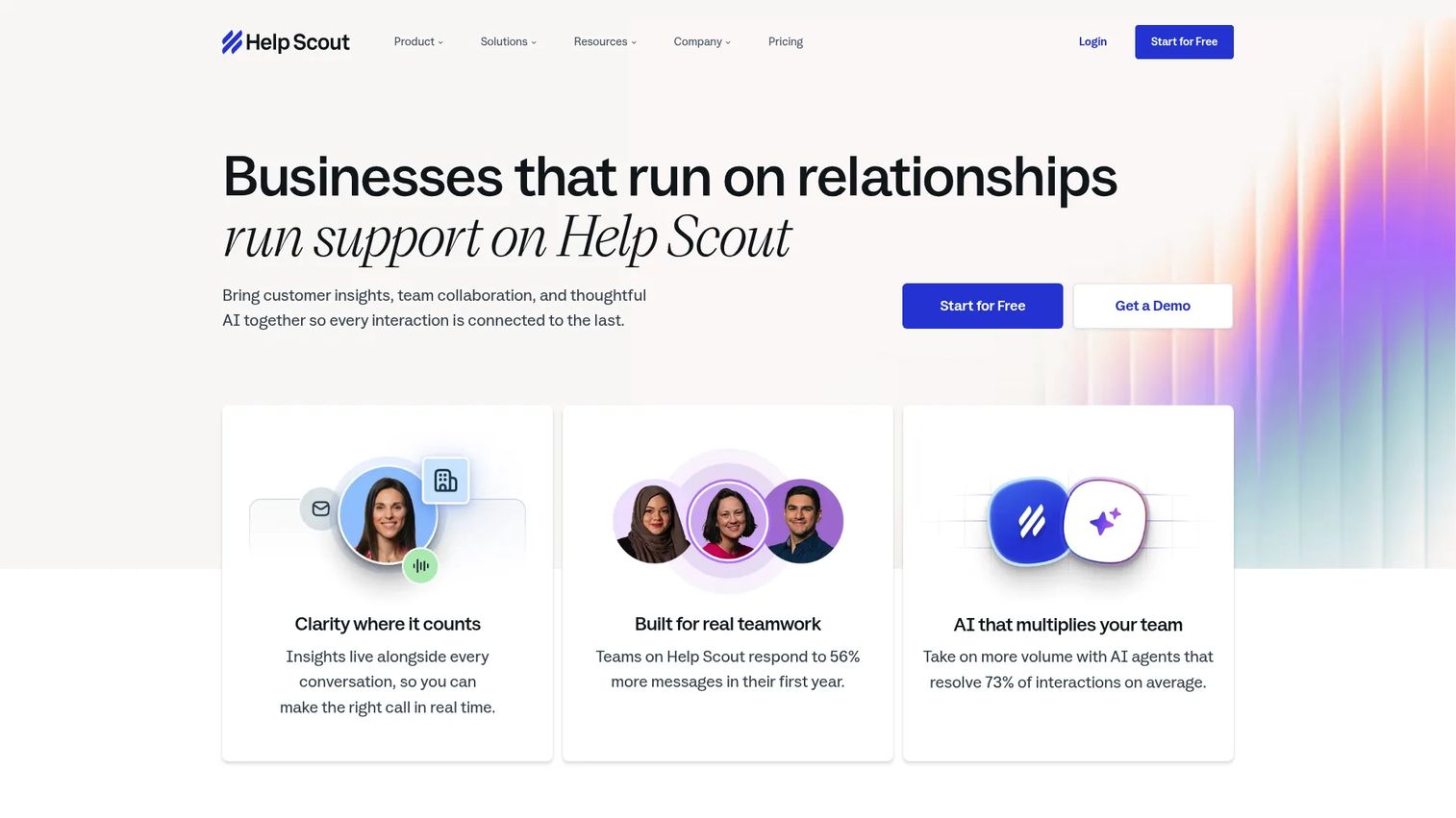
Help Scout is customer support software built around a shared inbox, with a knowledge base, live chat, and AI features attached. It keeps the support experience feeling human and email-like rather than ticket-heavy, which is why smaller and mid-sized teams gravitate to it. The Docs knowledge base and Beacon help widget make self-service a natural extension of the workflow.
Best for: Teams that want a simple shared-inbox support platform with Docs, chat, and AI add-ons.
Key features
- Shared inbox with multiple inboxes and collaboration
- Knowledge base (Docs) and Beacon help widget
- Live chat and messaging
- Workflows and SLA management
- AI Answers for automated resolutions
Why choose Help Scout: If your team values a clean, human-centered support workflow over heavy ITSM machinery, Help Scout keeps operations simple. It fits customer support ticketing where relationships matter more than complex routing trees.
Help Scout pricing: A Free plan is available with 5 users, 1 inbox, and 1 Docs site. Standard is $25 per user per month, Plus is $45 per user per month, and Pro is $75 per user per month. AI Answers is a paid add-on at $0.75 per resolution.
3. Jira Service Management
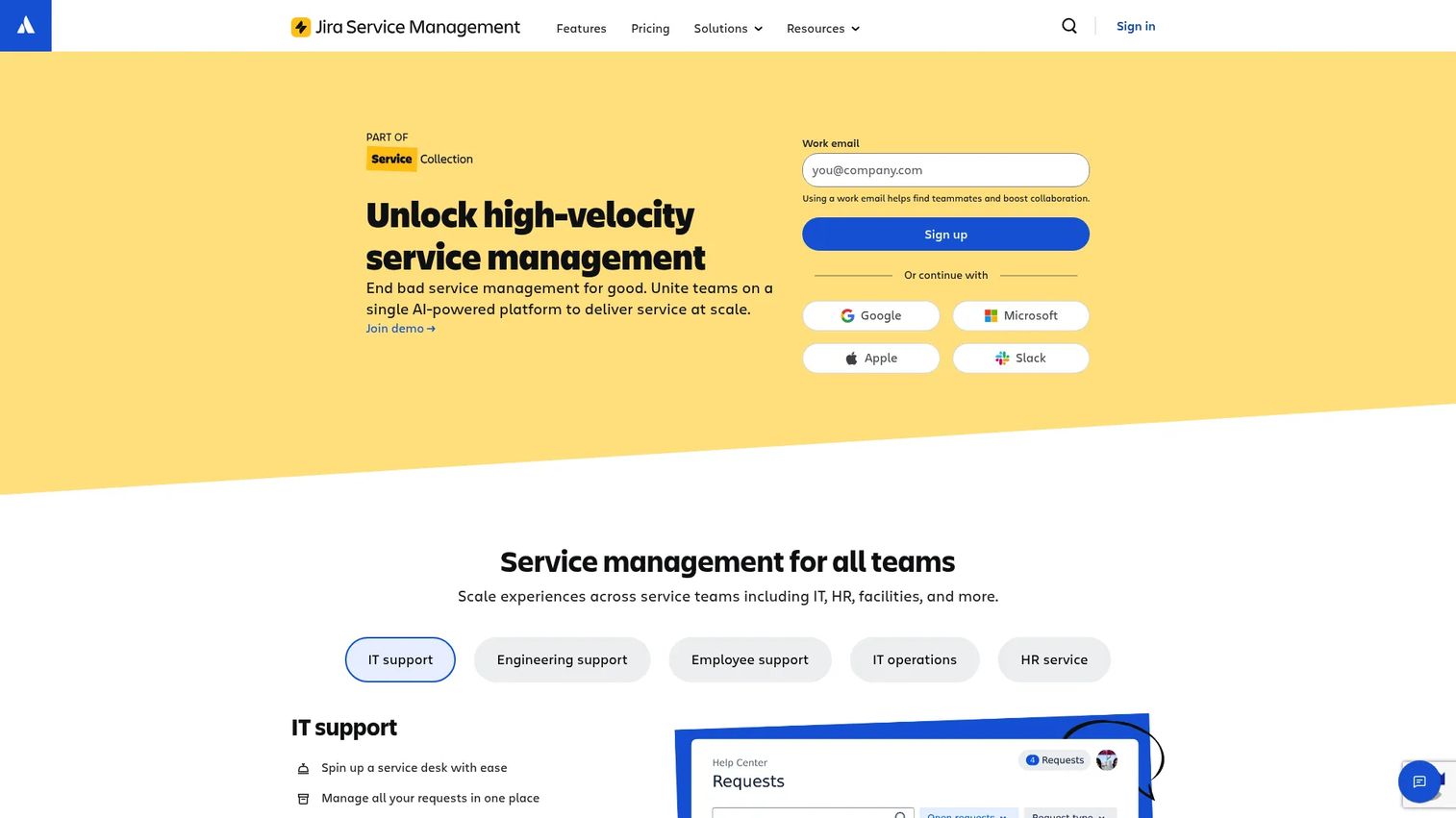
Jira Service Management is Atlassian's service management platform for IT and other teams to handle requests, incidents, changes, and assets. It shines for teams already living in the Atlassian world, where tickets connect directly to Jira development work. Queues, forms, automation, and SLAs give it real ITSM depth beyond basic ticketing.
Best for: IT and operations teams needing a configurable service desk and ITSM workflow platform.
Key features
- Queues, dashboards, and reports
- Forms, workflows, automation, and SLAs
- Customer portal and self-service
- Alerts and on-call management
- Asset and configuration management
Why choose Jira Service Management: If your engineering team already runs on Jira, connecting support tickets to dev work removes a handoff gap most tools cannot close. It suits IT support teams that need structure and traceability across requests and incidents.
Jira Service Management pricing: A Free plan covers up to 3 agents. Standard is $20 per agent per month and Premium is $51.42 per agent per month. Enterprise pricing is quote-based through Atlassian sales.
4. Freshservice
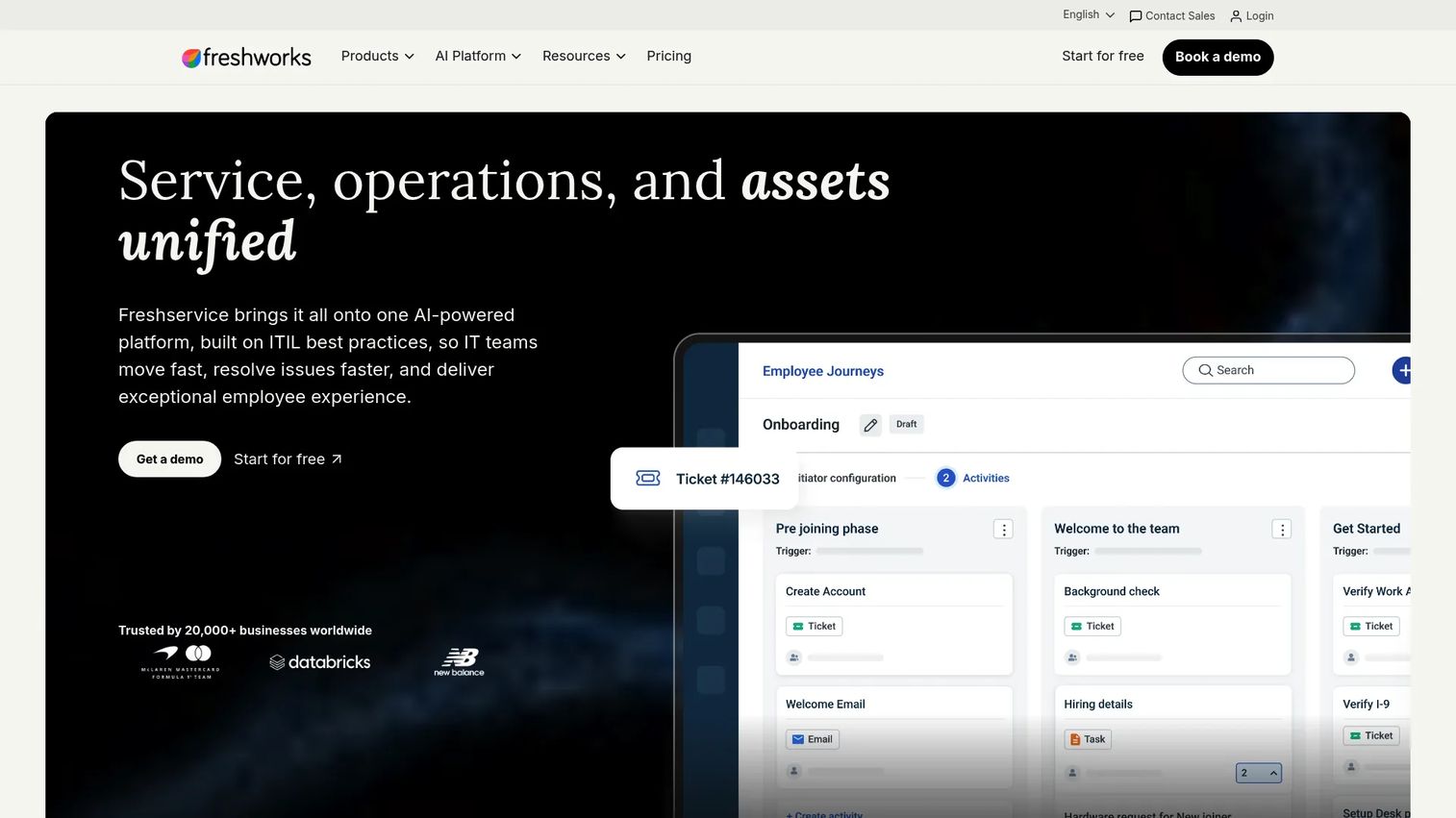
Freshservice is AI-powered IT service management software covering ITSM, ITAM, and enterprise service management. It gives IT teams a structured service desk with incident, problem, and change management, plus a service catalog and built-in asset management. The automation and self-service portal are strong enough to deflect a meaningful share of internal requests.
Best for: IT teams needing a configurable service desk with asset and workflow management.
Key features
- Incident, problem, change, and service catalog management
- Built-in IT asset management with automated discovery
- Workflow automation and low-code customization
- Self-service portal and knowledge base
- Reporting and dashboards
Why choose Freshservice: If you want IT support depth without the heaviest enterprise complexity, Freshservice balances structure and usability well. Its 4.6/5 G2 rating reflects a service desk that IT teams actually enjoy running.
Freshservice pricing: Starter is $19 per agent per month, Growth is $49 per agent per month, and Pro is $99 per agent per month, all billed annually. Enterprise is custom-priced. A 14-day free trial is offered.
5. SolarWinds Service Desk
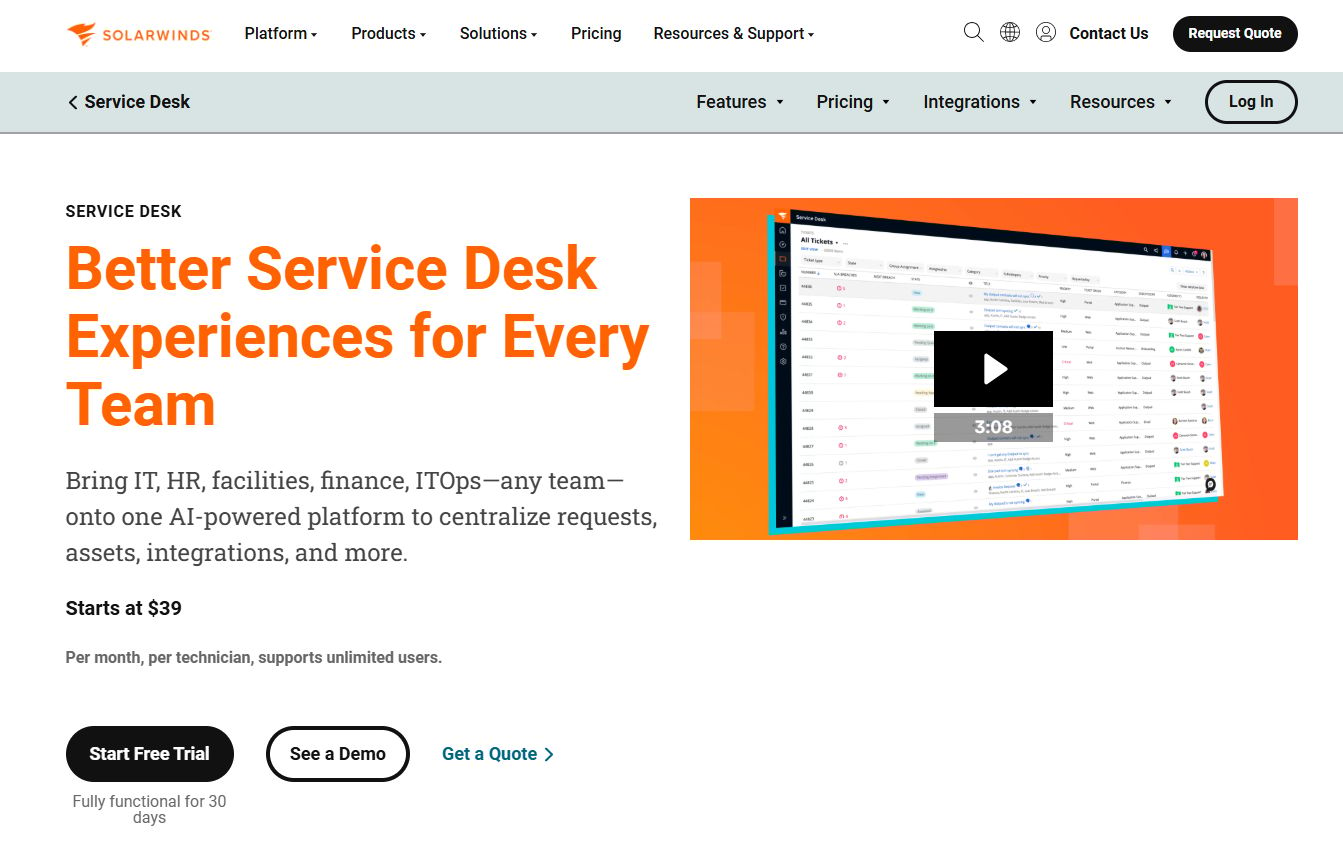
SolarWinds Service Desk is a cloud-based, AI-powered ITSM platform for ticketing, asset management, and CMDB. It leans toward IT teams that need governance: incident management with AI-assisted response, IT asset tracking, and a configuration management database that keeps everything connected. For mid-market IT organizations, it centralizes support and asset data in one place.
Best for: IT teams needing a mid-market ITSM suite with ticketing, asset, and CMDB capabilities.
Key features
- Incident management with AI-assisted response
- IT asset management
- Configuration management database (CMDB)
- Workflow automation
- SLA tracking and admin controls
Why choose SolarWinds Service Desk: If asset visibility and CMDB accuracy matter as much as ticket resolution, this suite ties them together. It fits IT support teams that need governance and reporting alongside day-to-day ticketing.
SolarWinds Service Desk pricing: Essentials is $39 per technician per month, Advanced is $79 per technician per month, and Premier is $99 per technician per month. Subscriptions are billed annually with a 30-day free trial; purchasing requires contacting sales.
6. SysAid
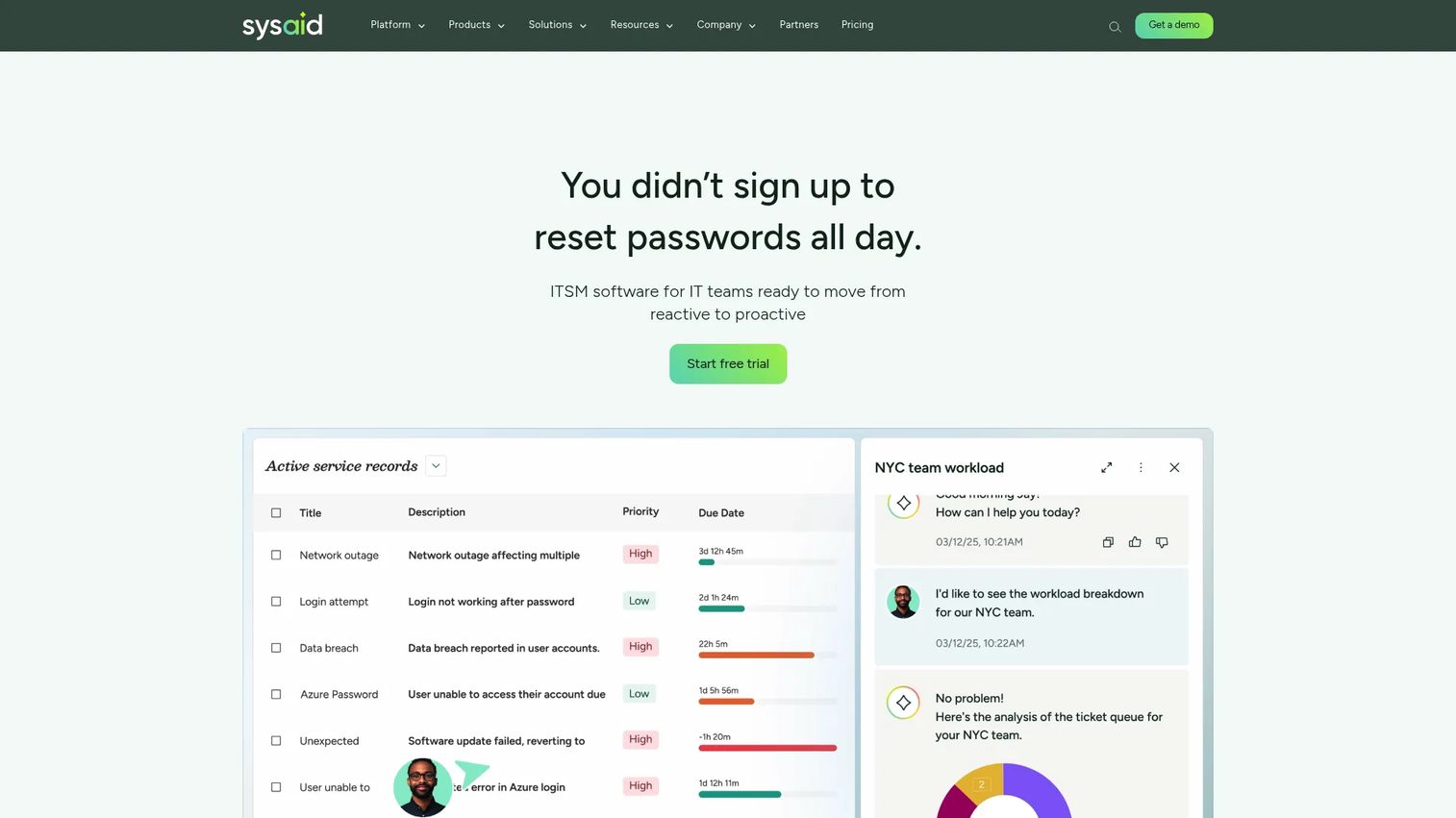
SysAid is an AI-powered ITSM platform for service desk, asset management, and automation. It centers on an AI Copilot and AI agents that handle repetitive work, paired with incident, request, change, and problem management. For IT teams that want AI ticket management baked into the core rather than bolted on, SysAid delivers operational control.
Best for: IT teams wanting an AI-driven ITSM service desk with built-in asset management and automation.
Key features
- Incident, request, change, and problem management
- AI Copilot and AI agents
- Asset management and CMDB
- Workflow automation
- Self-service and knowledge base
Why choose SysAid: If AI-assisted resolution and automation are priorities and you run a structured IT operation, SysAid puts those front and center. It suits teams that value operational depth and want AI woven through the service desk.
SysAid pricing: The Professional plan is $89 per agent per month. Enterprise is custom-priced and starts at 20 agents. A free trial with access to all features is available.
7. Zoho Desk
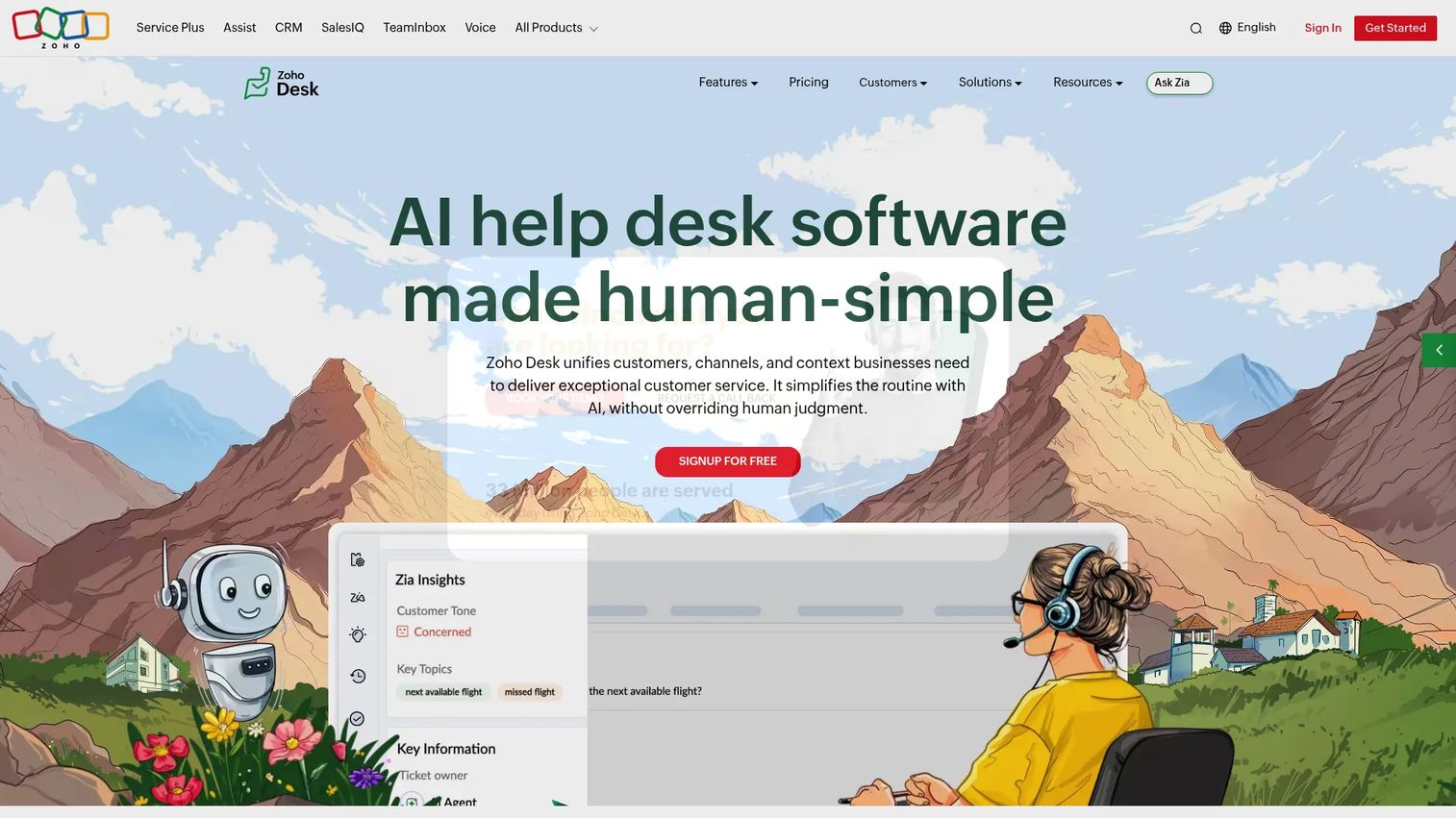
Zoho Desk is AI-powered customer service and help desk software for managing support across channels. It packs a unified inbox, help center, SLA management, and workflows into a value-oriented package. For teams that want a broad feature set without enterprise-heavy pricing, Zoho Desk covers multichannel ticketing, automation, and self-service without the complexity.
Best for: Teams that want a customizable omnichannel help desk with self-service and automation.
Key features
- Unified support inbox
- Help center and knowledge base
- SLA management and workflows
- Multichannel ticketing
- Automation and AI assistance
Why choose Zoho Desk: If you want strong help desk software without paying enterprise prices, Zoho Desk gives you range at a lower entry cost. It fits growing teams that need multichannel coverage and a free forever edition to start.
Zoho Desk pricing: A Free Edition covers 3 user licenses. Paid tiers include Express, Standard, Professional, and Enterprise, priced per user per month and billed annually. A request-a-quote option is available for larger needs.
Considerations
Shortlisting is easy. Choosing is where teams get it wrong. Here is what to test before you commit.
Ticket routing and prioritization
Routing rules decide whether the right ticket reaches the right agent or sits in a general queue for hours. Check how flexible the workflow builder is: can you route by topic, customer tier, urgency, and SLA? Test ticket escalation paths too. A rigid routing engine forces manual triage, which defeats the purpose.
Knowledge base and self-service
Your self-service portal is your deflection engine. Weak search means users give up and open a ticket anyway. Test the knowledge base search quality, check whether articles surface inside the help center intuitively, and look for article analytics that show which pages actually deflect. Good self-service is measured in tickets that never arrive.
Automation and AI
AI helps most with ticket summarization, suggested replies, and workflow automation that removes manual steps. The test is simple: does the automation reduce work, or does it add setup burden without a payoff? Run a real workflow through it before you buy. AI ticket management should shrink your queue, not create a new configuration project.
Pricing and scale
A low entry price can still get expensive at scale. Compare seat pricing across tiers, check which features are gated behind higher plans, and look at support limits. A free tier or free trial helps you validate before committing. Model your cost at double your current agent count, not today's.
Ease of use and adoption
A powerful product is useless if agents avoid it. Test the admin experience and the end-user intake flow separately. Agents live in this tool all day, so a clunky interface tanks adoption regardless of feature depth. Run a short pilot with real agents before rolling it out widely.
Conclusion
There is no single best service desk software, only the best fit for your ticket complexity, self-service needs, and scale.
For AI-assisted customer support at scale, Zendesk is the mature all-purpose choice. Help Scout wins for teams that want a simple, human-centered shared inbox with a free tier to start. If you live in Atlassian, Jira Service Management connects support to dev work cleanly. Freshservice and SolarWinds Service Desk both suit structured IT service desks, with Freshservice leaning usable and SolarWinds leaning governance and CMDB. SysAid puts AI ticket management at the core for IT-heavy operations. And Zoho Desk delivers the broadest feature set at the lowest entry cost.
The right move is not to pick from a table. Shortlist two or three finalists that match your stage and support workflow, then run a short pilot with real agents and real tickets. Watch what happens to deflection rate, average handle time, and adoption. The tool that moves those numbers is the one to buy.
FAQs
Help desk software focuses on reactive support, resolving customer or employee tickets as they come in. Service desk software is broader, covering ticketing plus IT service management functions like asset management, change management, and CMDB. In practice the terms overlap heavily, and many tools do both. Pick based on whether you need pure ticketing or fuller ITSM depth.
Prioritize ticket management depth (routing, prioritization, SLA tracking), a strong knowledge base and self-service portal, workflow automation, and reporting on the metrics you actually track. AI ticket management for summarization and suggested replies is increasingly standard. Match the feature set to your support workflow, not to the longest checklist.
Yes, especially once email stops scaling. A free tier or free trial lets small teams start without upfront cost, and tools like Help Scout, Zoho Desk, and Jira Service Management all offer free entry points. The value shows up fast in ownership, visibility, and deflection. You do not need enterprise complexity to get the core benefit.
It reduces volume mainly through self-service and automation. A searchable knowledge base deflects repetitive "how do I" questions before they reach the queue. Workflow automation and macros handle routine steps, and AI ticket management can resolve common requests without an agent. Together these lower the load so agents focus on complex issues.
Per-agent or per-seat monthly pricing is the standard, usually cheaper when billed annually. Most vendors offer tiered plans that gate advanced automation, SLA management, and reporting behind higher tiers. Some, like Help Scout, Zoho Desk, and Jira Service Management, include a free tier. Always model cost at your projected agent count, since seat pricing compounds at scale.
Very. The knowledge base is the engine behind ticket deflection and self-serve resolution. A strong one, with good search and article analytics, keeps repetitive questions out of the queue entirely. When product changes outpace documentation, deflection drops, so keeping articles current matters as much as having them.
Yes. Good routing gets tickets to the right agent the first time, and integrated knowledge base access lets agents resolve issues without escalating. Suggested replies and AI assistance surface answers faster during handling. Measure first-contact resolution before and after rollout to confirm the lift is real, not assumed.
It ranges from a few days for a shared-inbox tool like Help Scout to several weeks for a full ITSM platform with asset management and complex routing. Cloud-based service desk software is faster to stand up than on-premise. The bigger variable is your own setup: migrating tickets, building routing rules, and writing knowledge base articles drive most of the timeline.