Most additive teams do not lose time on the printer. They lose it in the gaps between tools. A part gets designed in one system, re-imported into another for build prep, sent to a third for simulation, then manually logged into a spreadsheet for production tracking. Every handoff is a chance to lose data, orientation intent, or traceability. By the time a build fails, nobody can reconstruct which decision caused it.
That fragmentation has a cost, and the market reflects it. The global additive manufacturing software market was valued at $14.01B in 2025 and is forecast to reach $22.98B by 2033, growing at an 8.6% CAGR, according to Swiftimpact Agency (2025). The additive manufacturing MES software segment is growing even faster, at a 17.2% CAGR through 2034 per MarketIntelo (2025). Money is moving into software because software is where the friction lives.
If you own workflow adoption, integration, or tool selection across a manufacturing stack, you already know the pattern. The question is not "which tool has the most features." It is "which tool fits the way my team actually works, from design intent to a finished, traceable part." This guide compares seven platforms across that full span, so you can pick based on workflow fit instead of a spec sheet.
What's inside
This guide is for product, engineering, and operations buyers comparing additive manufacturing software across the whole stack, not just one stage. It covers CAD/CAM design, additive manufacturing simulation software, build preparation software, workflow orchestration, and production management.
We chose the seven tools using four criteria that matter when you own adoption and integration:
- Workflow coverage: how much of the design-to-production path the tool handles
- Integration depth: how well it connects to CAD, MES, ERP, and machine controllers
- Automation: how much manual prep and repetition it removes
- Production readiness: whether it supports traceability, quality, and multi-machine scale
TL;DR
- Best for full product development in one environment: Autodesk Fusion, which keeps design, engineering, and manufacturing in a single cloud workspace.
- Best for simulation before you print: ANSYS Additive Suite, built to predict distortion and de-risk metal builds.
- Best for large-format and automated toolpaths: Aibuild, focused on AI toolpath generation and machine control for LFAM.
- Best for build preparation: Materialise Magics, the long-standing standard for data prep, supports, and nesting.
- Best for production orchestration: Materialise CO-AM, which centralizes machine connectivity, traceability, and workflow automation.
- Best for STL repair and print prep with simulation: Autodesk Netfabb.
- Best for DfAM and lightweighting: nTopology, for lattice design and topology optimization.
What is additive manufacturing software?
Additive manufacturing software is the set of tools that take a part from digital design through build preparation, simulation, and machine execution to a finished, traceable 3D-printed component. It is the connective layer between CAD intent and physical output.
The category spans several capability buckets, and most teams end up combining more than one:
- CAD/CAM integration: designing parts and generating the manufacturing data machines can read
- Slicing and build preparation software: orientation, support generation, nesting, and slicing into printable layers
- Additive manufacturing simulation software: predicting distortion, residual stress, and build failure before committing metal or time
- Materials management: tracking powders, resins, and filaments with batch-level traceability
- Machine connectivity: sending builds to printers and reading status back from the floor
- Workflow orchestration: coordinating orders, jobs, and quality checks across machines and teams
Mature AM software covers the handoffs between these buckets, not just the buckets themselves. That is where additive manufacturing workflow software earns its keep: it keeps design intent, orientation decisions, and material records attached to the part as it moves. The strongest platforms also expose analytics, so a production lead can see cycle time, scrap, and machine utilization without stitching together exports. Whether you run polymer or metal, prototyping or serial 3D printing, the software layer decides how much of your time goes to real engineering versus reconciling files.
When to use additive manufacturing software
Standardize design to production handoffs
The moment your team runs more than a couple of printers, informal handoffs stop scaling. Design intent gets lost, orientation gets re-decided, and traceability breaks. Additive manufacturing software standardizes the path so a part carries its metadata from CAD to the build plate. Reach for it when tribal knowledge is the only thing holding your process together.
Reduce trial-and-error in build prep
Manual build prep burns hours and material on failed prints. Automated packing, support generation, and simulation let you validate orientation and thermal behavior before the machine starts. Use dedicated build preparation software when scrap rates or reprints are eating into throughput and margin.
Orchestrate production across machines and materials
Once you are running multiple machines with different materials and jobs, coordination becomes the bottleneck. Additive manufacturing production software gives you a single view of orders, machine status, materials, and quality data. This is the point where workflow automation for additive manufacturing shifts from nice-to-have to necessary for hitting delivery dates.
Comparison table
The table below helps you narrow quickly by intent, so you can match a tool to the stage you are trying to fix. Pricing and ratings reflect what each vendor and G2 publish; several AM tools are sold on a licensed or quote basis, which is normal for industrial software.
| # | Product | Intent | Key differentiation | Pricing | G2 rating |
|---|---|---|---|---|---|
| 1 | Autodesk Fusion | Integrated CAD/CAM design | Design, engineering, and manufacturing in one cloud workspace | From $680/year; free Personal Use tier | 4.5/5 |
| 2 | ANSYS Additive Suite | Additive manufacturing simulation software | Distortion prediction and process simulation for metal builds | Quote-based; add-on to Mechanical Enterprise | 4.0/5 |
| 3 | Aibuild | LFAM toolpath automation | AI-driven toolpath generation and machine control | Quote-based | Not listed |
| 4 | Materialise Magics | Build preparation software | Data prep, supports, nesting, and automation | Licensed; annual and multi-year options | 4.3/5 |
| 5 | Materialise CO-AM | Production orchestration | MES, machine connectivity, and traceability at scale | Quote-based | Not listed |
| 6 | Autodesk Netfabb | Build prep and simulation | STL repair, packing, and local build simulation | Subscription; free trial | 3.9/5 |
| 7 | nTopology | DfAM and lightweighting | Implicit modeling for lattices and topology optimization | Quote-based; free Preview license | 4.8/5 |
1. Autodesk Fusion
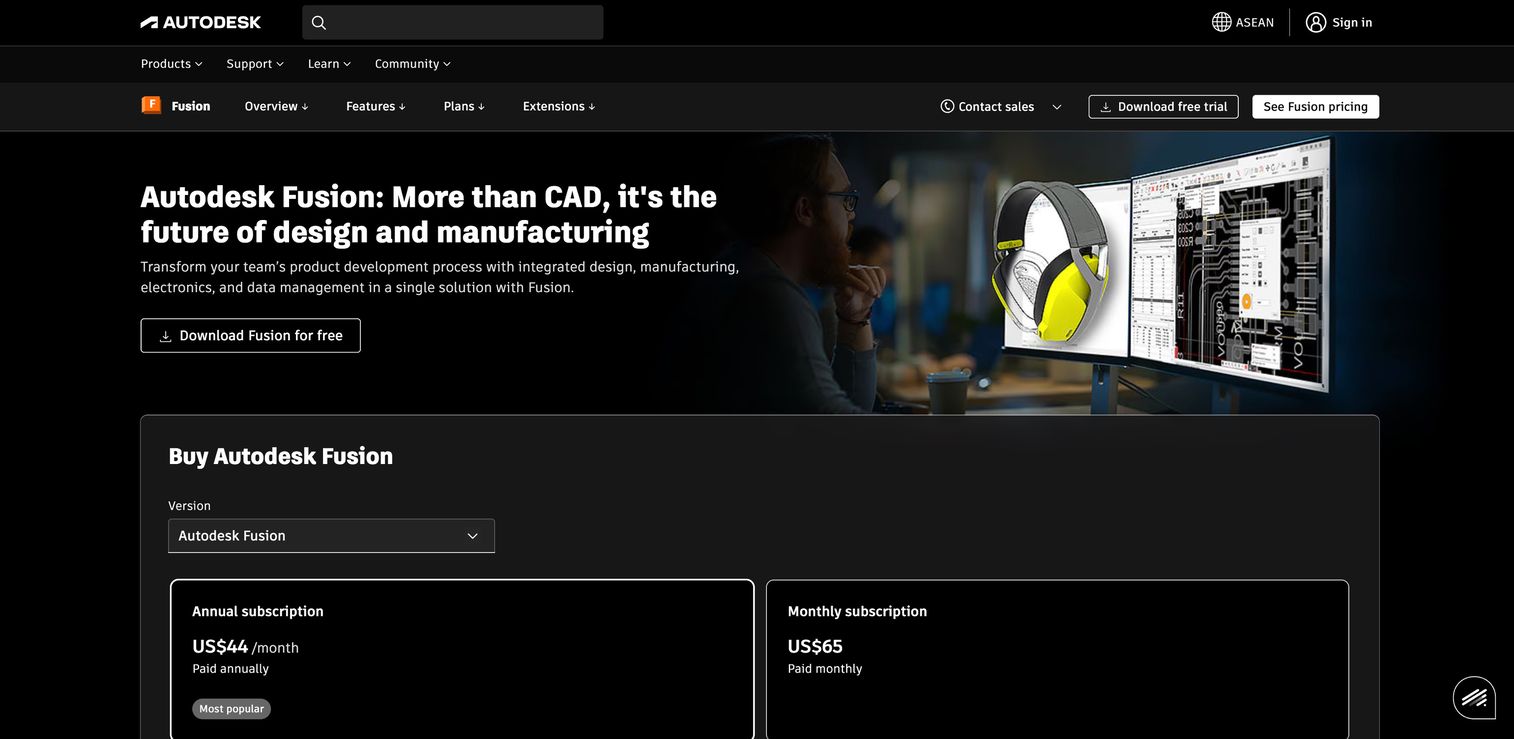
Autodesk Fusion is a cloud-based CAD/CAM/CAE/PCB platform that keeps design, engineering, and manufacturing in one workspace. For additive teams, its value is context: the same model you design is the model you prepare, simulate, and hand off, without the re-import churn that fragments most stacks. That single-environment approach is why teams doing broad product development, not only additive, tend to standardize on it. It functions as capable additive manufacturing design software while still covering subtractive and hybrid work.
Best for: Teams that need integrated design, engineering, and manufacturing in one environment rather than a stitched-together toolchain.
Key strengths
- Integrated CAD/CAM/CAE/PCB: Design, simulate, and generate manufacturing data without leaving the platform, which cuts handoff loss.
- Real-time collaboration: Distributed engineers work on the same cloud model, so version confusion stops eating review cycles.
- Flexible modeling: Sketching, direct modeling, and surface modeling cover the geometry range most parts require.
Why choose Autodesk Fusion: If your team owns product development end to end and additive is one of several manufacturing methods, Fusion reduces the number of tools and the number of handoffs. The CAD/CAM integration is the real draw for cross-functional groups who want design intent to survive all the way to machine instructions.
Autodesk Fusion pricing: The base Fusion plan starts at $680/year on annual billing. Autodesk also lists Fusion for Manufacturing at $2,040/year and Fusion for Design at $2,190/year, plus a Manufacturing Extension at $1,465/year. A free Personal Use version is available for qualifying non-commercial users, which makes it easy to evaluate before committing budget.
2. ANSYS Additive Suite
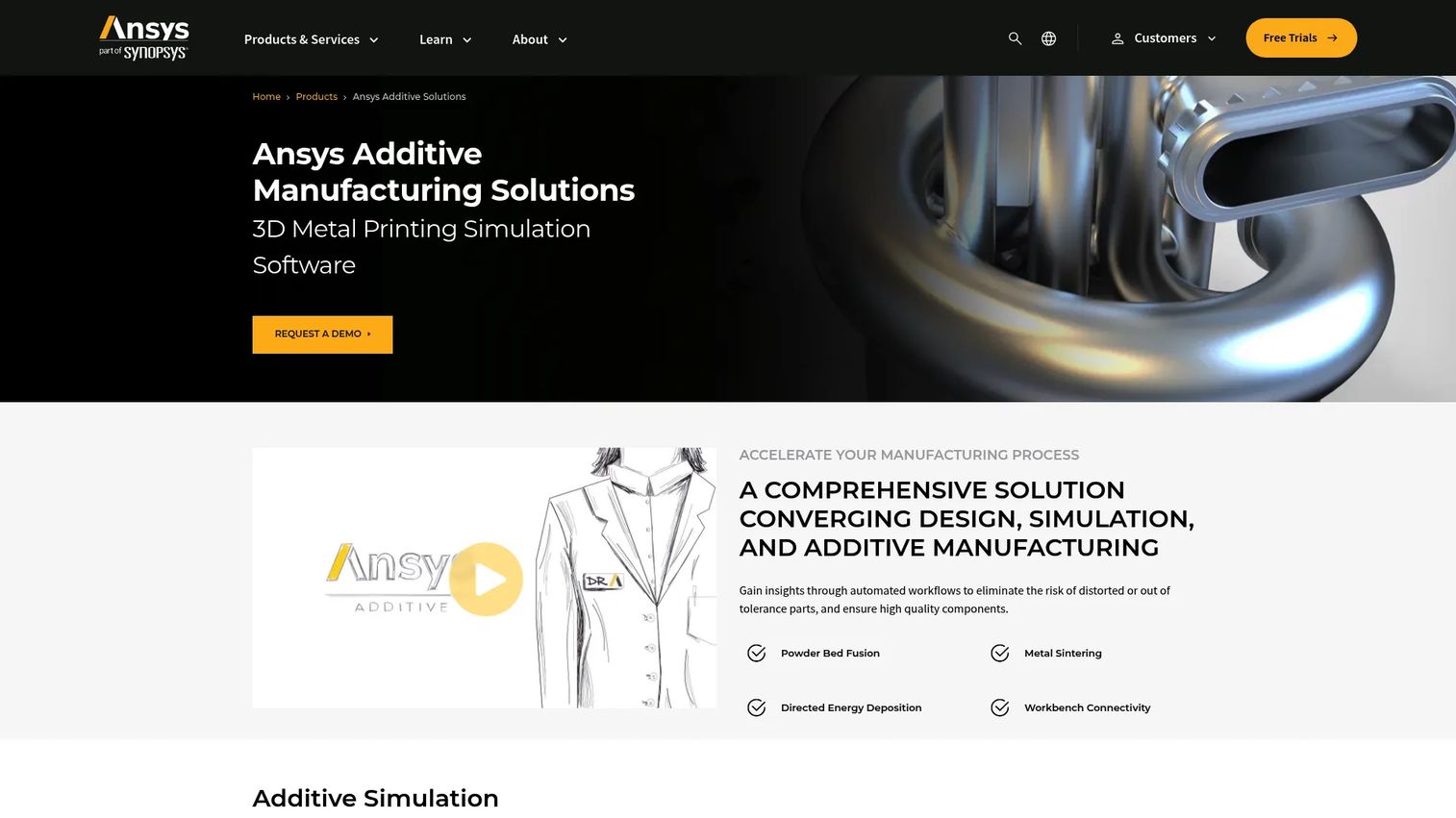
ANSYS Additive Suite is additive manufacturing simulation software built to answer one expensive question before you print: will this build succeed? It models the metal additive process, predicts distortion and residual stress, and helps engineers correct geometry and supports upfront. For teams where a single failed metal build costs days and material, simulation-led validation changes the economics of every print.
Best for: Engineering teams simulating metal additive manufacturing workflows before committing machine time and powder.
Key strengths
- Additive process simulation: Predict how a part will behave during printing, so distortion and failure are caught in software, not on the plate.
- Topology optimization: Generate load-optimized geometry that supports DfAM software workflows before build prep.
- STL and geometry manipulation: Prepare and adjust models with simulation feedback attached to the geometry.
Why choose ANSYS Additive Suite: When qualification and repeatability matter more than speed, ANSYS moves risk from the shop floor into the model. It fits teams running high-value metal parts where distortion prediction and support generation directly reduce scrap. It pairs naturally with a dedicated build prep tool downstream.
ANSYS Additive Suite pricing: ANSYS does not publish a public price. The product page directs buyers to contact sales and notes the suite is available as an add-on to ANSYS Mechanical Enterprise. Plan on a quote-based, contract-driven purchase consistent with enterprise simulation software.
3. Aibuild
Aibuild focuses on large-format additive manufacturing, generating toolpaths and driving machines with AI-assisted automation. Where general-purpose tools stop at slicing, Aibuild leans into the operational side: toolpath generation, hybrid additive and subtractive sequences, machine control, and reporting. It is built for teams whose additive work looks more like a manufacturing line than a prototyping bench.
Best for: Operations and manufacturing teams running large-format or hybrid additive machines that need automated toolpaths and direct machine control.
Key strengths
- AI toolpath generation: Automate complex toolpaths for large-format parts, which reduces manual programming time.
- Hybrid manufacturing: Sequence additive and subtractive steps so finishing is planned, not improvised.
- Machine connectivity and reporting: Drive machines directly and pull back the data production needs to track quality.
Why choose Aibuild: If your bottleneck is toolpath programming and machine coordination for LFAM, Aibuild's automation is where the time savings live. It is the strongest fit when workflow automation for additive manufacturing at the machine level matters more than upstream CAD breadth.
Aibuild pricing: Aibuild does not list public pricing on its site and invites prospective customers to get in touch about plans. Expect a quote-based model, which is typical for specialized industrial additive software. Confirm scope and machine compatibility directly with the vendor before committing.
4. Materialise Magics
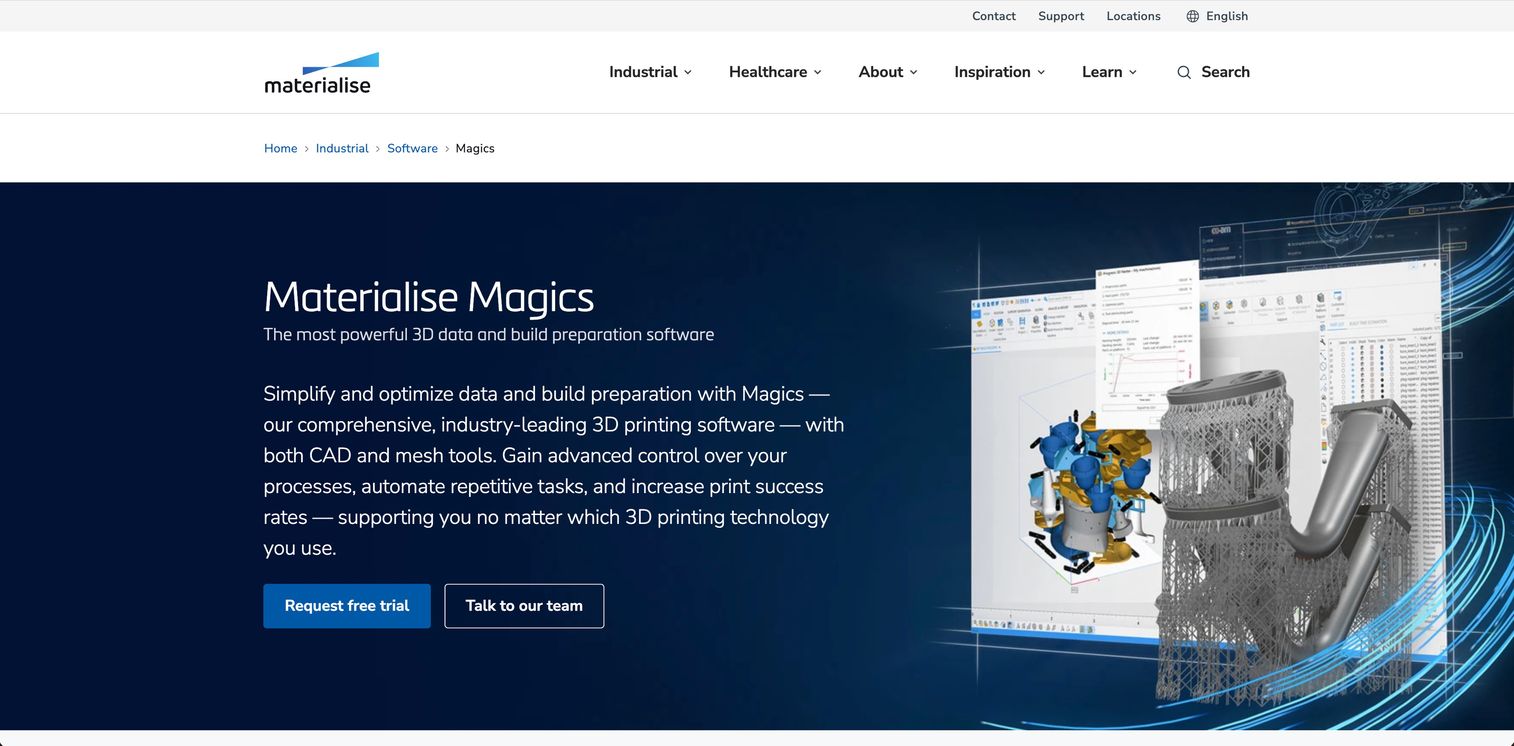
Materialise Magics is the long-established standard for 3D data and build preparation software in additive manufacturing. It imports nearly every relevant file format while retaining native color, then handles editing, repair, cutting, labeling, support generation, nesting, build analysis, and reporting. Service bureaus and production teams lean on it because it turns messy incoming data into print-ready builds with repeatable automation.
Best for: Teams and service bureaus preparing additive builds that need robust CAD/mesh editing, supports, nesting, and workflow automation.
Key strengths
- Broad file support: Import nearly all relevant formats and retain native color, which reduces data loss at intake.
- Data editing and repair: Fix, cut, label, and optimize CAD and mesh data so bad geometry does not reach the machine.
- Supports, nesting, and analysis: Generate supports, nest parts, run build analysis and simulation, and produce reports.
Why choose Materialise Magics: When build prep is your throughput constraint, Magics automates the repetitive work that otherwise consumes an engineer's day. Its longevity means broad printer compatibility and mature print preparation features, which matters for shops running mixed fleets.
Materialise Magics pricing: Materialise sells Magics on a licensed basis with annual licenses, multi-year contracts, and locked or floating license options. No public price is published; pricing is quote-based through Materialise. Match the license type to how many seats and machines your team runs.
5. Materialise CO-AM
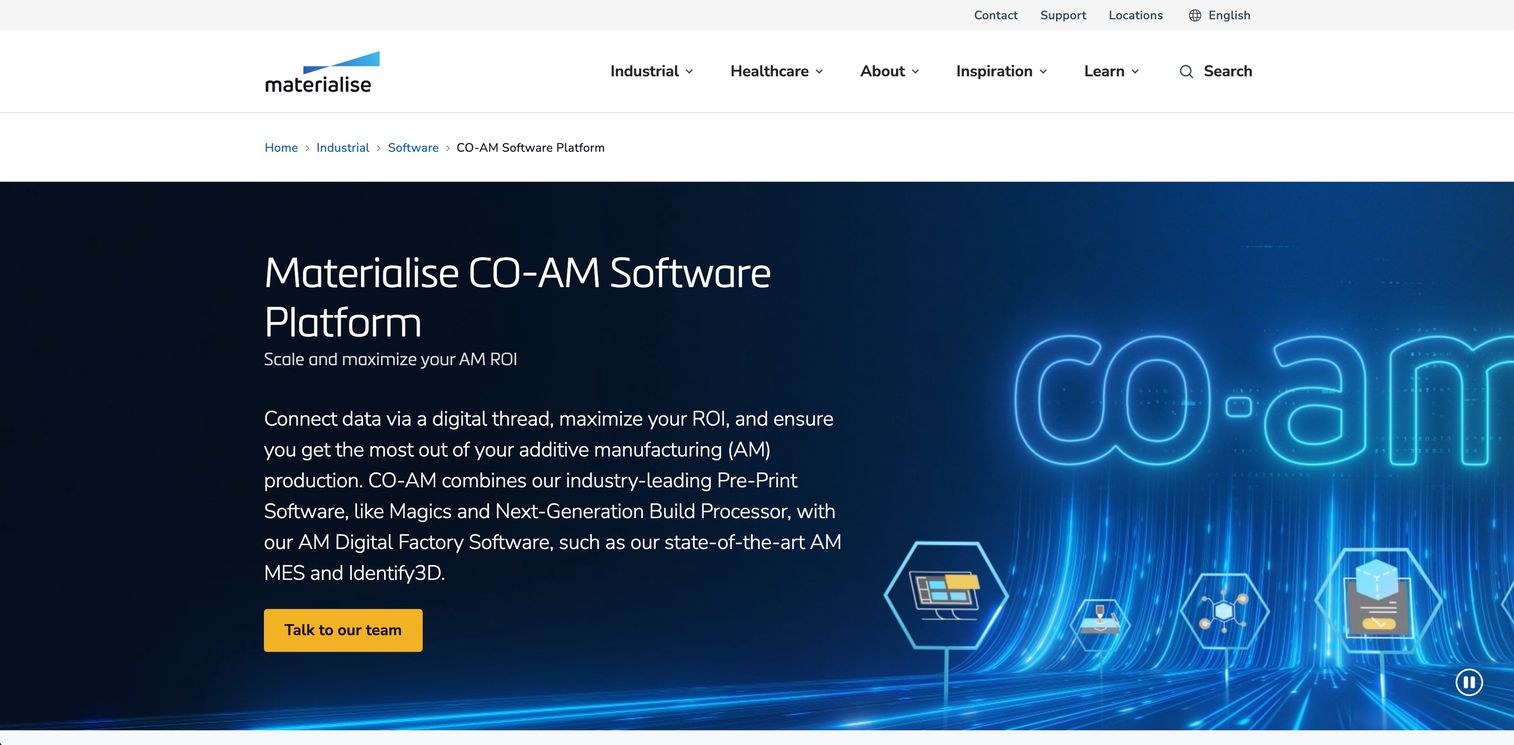
Materialise CO-AM is a software platform for managing and automating additive manufacturing workflows across the production floor. It centralizes AM workflows and order requests, connects pre-print software with digital factory tooling, and layers in MES, machine connectivity, quality and process control, and IP and security features. This is additive manufacturing production software aimed at teams scaling past a few machines into real operations.
Best for: Manufacturers scaling additive operations that need workflow automation, machine connectivity, and end-to-end traceability.
Key strengths
- Centralized workflow orchestration: Manage orders and jobs from one place, so coordination stops living in spreadsheets.
- Machine connectivity and MES: Connect the floor, track jobs, and integrate with business systems for materials management and reporting.
- Quality, process control, and security: Enforce traceability and protect IP across the production lifecycle.
Why choose Materialise CO-AM: When your challenge is coordination rather than a single part, CO-AM gives production a shared source of truth for orders, machines, materials, and quality. It fits teams whose delivery risk comes from fragmented tracking and manual handoffs across machines.
Materialise CO-AM pricing: Materialise does not display a public price for CO-AM; the site directs buyers to contact the team. Expect a quote-based, contract-driven engagement scoped to your machine count and integration needs, including any ERP or MES connections.
6. Autodesk Netfabb
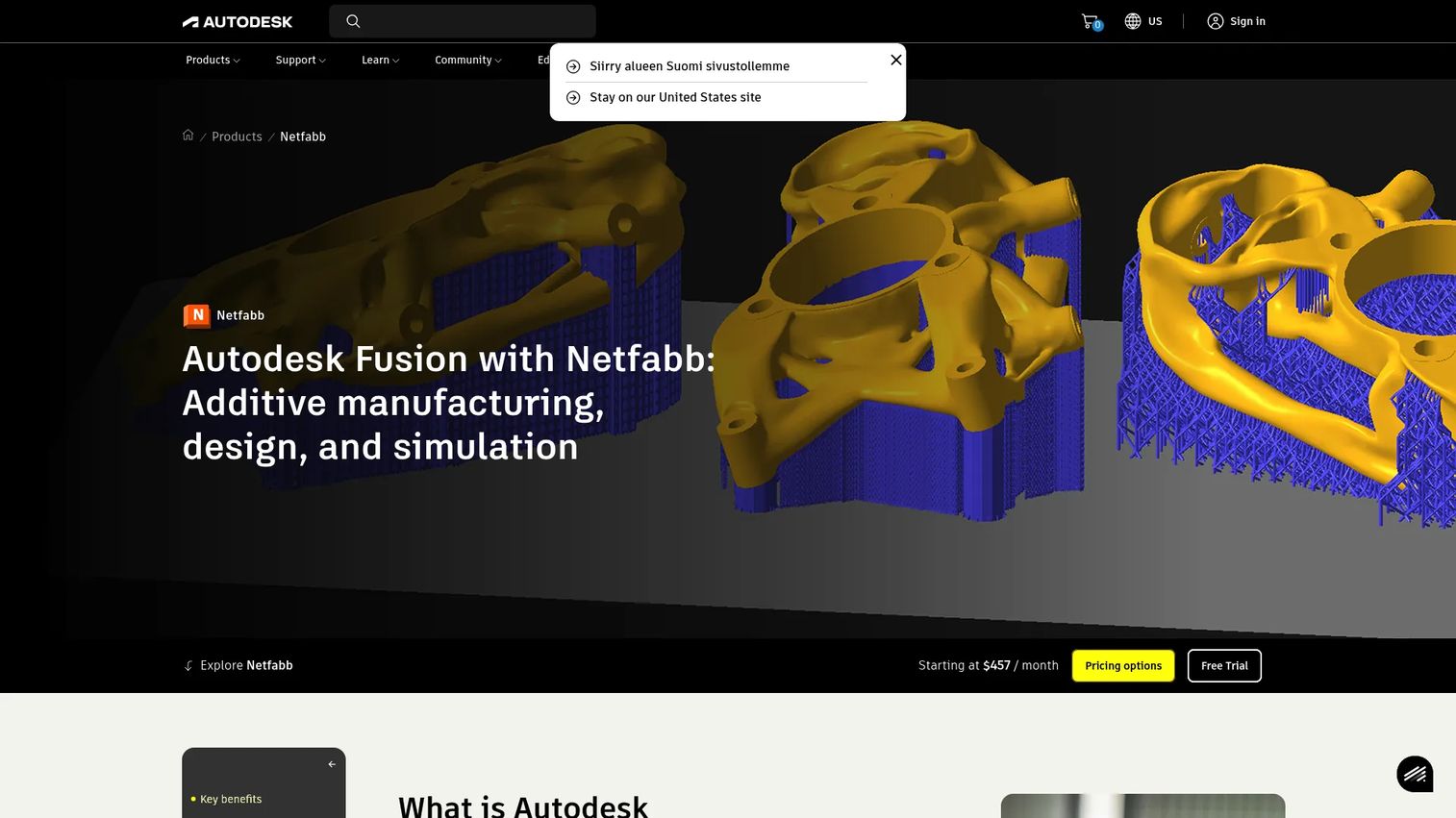
Autodesk Netfabb is dedicated build preparation and simulation software for industrial additive manufacturing. It imports, analyzes, and repairs CAD and mesh models, then handles automatic packing, supports, slicing, and additive toolpaths, plus internal lattice structures and local simulation. Where Autodesk Fusion is broad product development, Netfabb is purpose-built for the print prep and simulation stage of the workflow.
Best for: Industrial additive teams focused on preparing parts for 3D printing and running build simulation.
Key strengths
- Repair and analysis: Import, analyze, and repair models so geometry issues are caught before build prep.
- Packing, supports, and toolpaths: Automatic packing, support generation, slicing, and additive toolpaths reduce manual setup.
- Lattices and local simulation: Build internal lattice structures and run Netfabb Local Simulation to predict build behavior.
Why choose Autodesk Netfabb: Choose Netfabb when your need is deep, dedicated print prep plus simulation rather than the full design suite. It suits teams that design elsewhere and want a focused tool for orientation, supports, and additive manufacturing design software features like lattices, with a CAD/CAM handoff into the rest of the Autodesk stack.
Autodesk Netfabb pricing: Netfabb is subscription-only across Standard, Premium, Ultimate, and Local Simulation tiers. Autodesk does not expose public dollar amounts on the captured pricing view and directs buyers to sales for Ultimate and Simulation. A free trial is available, so you can test the prep workflow before buying.
7. nTopology
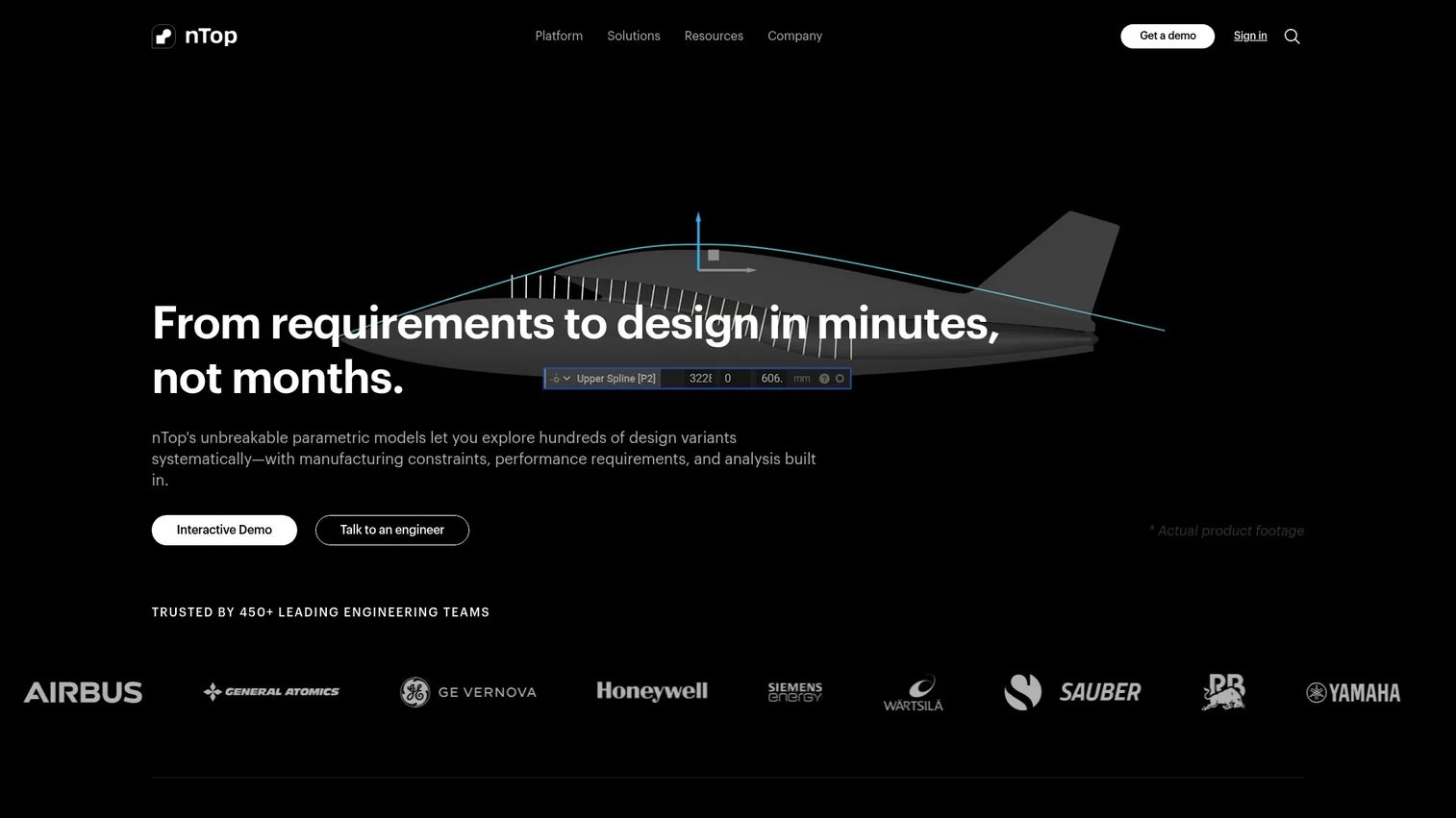
nTopology, now branded nTop, is computational design software for engineering teams that need to create, analyze, and optimize complex geometry using implicit modeling. It is the DfAM software teams reach for when part performance depends on lattices, lightweighting, and topology optimization that traditional CAD struggles to handle. For additive, that means designing geometry that only makes sense to print, then carrying it toward production with simulation attached.
Best for: Aerospace, defense, and additive teams that need robust computational design for lattices, lightweighting, and topology optimization.
Key strengths
- Implicit modeling: Handle complex, high-density geometry that mesh-based CAD tools cannot represent cleanly.
- Lattice structures and topology optimization: Design load-optimized, lightweight parts purpose-built for additive.
- Integrated simulation: Analyze performance inside the design environment, so DfAM decisions are validated early.
Why choose nTopology: When part performance is the goal and additive is the enabler, nTop gives engineers control over geometry that other tools cannot express. It is the strongest fit for teams optimizing weight, stiffness, or flow before build prep, and it feeds cleanly into simulation and manufacturing downstream.
nTopology pricing: nTop does not publish public paid pricing and directs prospects to request a demo or quote. A free Preview license is available on every account, which lets engineers evaluate the modeling workflow before a paid engagement. Scope pricing with the vendor based on seats and required capabilities.
What to evaluate before you buy
Feature lists blur together fast. These criteria keep the decision anchored to how your team actually operates.
Workflow coverage across the stack
Map each tool against your real path from design to finished part. A platform that covers design and build prep but ignores production tracking will push that work back into spreadsheets. Decide which stages you need to consolidate now and which you can add later.
Integration with your existing systems
Additive manufacturing software rarely lives alone. Check how it connects to your CAD tools, machine controllers, and business systems like ERP and MES. Weak CAD/CAM integration or missing machine connectivity turns a promising tool into another data silo.
Automation and maintainability
The value of build preparation software and workflow automation for additive manufacturing is measured in hours saved and reprints avoided. Ask how much manual prep the tool removes and how much upkeep it demands as your part mix and machine fleet change.
Traceability and production readiness
If you are heading toward serial production, materials management and part traceability are not optional. Look for batch-level tracking, quality control, and audit-ready records, especially in regulated industries where a missing record can stall a shipment.
Adoption and total cost
The best tool your team will not use is worthless. Weigh the learning curve, the licensing model, and the seats you actually need against the outcome you are buying. Quote-based industrial software rewards teams that scope their real machine count and integration needs before the first sales call.
Conclusion
There is no single best additive manufacturing software, only the best fit for where your workflow breaks. If you need design, engineering, and manufacturing in one place, start with Autodesk Fusion. If failed metal builds are your cost center, evaluate ANSYS Additive Suite for simulation first. If build prep is the constraint, Materialise Magics and Autodesk Netfabb are built for exactly that. If coordination across machines is the problem, Materialise CO-AM orchestrates the floor. For large-format automation, look at Aibuild, and for DfAM and lightweighting, nTopology leads.
Pick your starting point by maturity, not by feature count. Design-first teams should anchor on CAD/CAM. Quality-driven metal teams should lead with simulation. Operations teams scaling serial production should prioritize workflow orchestration and traceability. Whatever your entry point, choose the tool that closes your biggest handoff gap, then expand coverage as digital manufacturing becomes a larger share of how you build.
FAQs
It takes a part from digital design through build preparation, simulation, and machine execution to a finished, traceable 3D-printed component. Depending on the tool, that includes CAD/CAM design, orientation and support generation, distortion simulation, materials management, and production orchestration across machines. The goal is to keep design intent and traceability attached to the part through every handoff.
Materialise Magics is the long-standing standard for data and build preparation software, with broad file support, supports, nesting, and automation. Autodesk Netfabb is another strong dedicated option, adding STL repair, packing, and local build simulation. Both suit teams whose throughput is limited by manual print preparation.
ANSYS Additive Suite is purpose-built additive manufacturing simulation software, modeling the print process to predict distortion and residual stress before you commit metal. Autodesk Netfabb also offers local simulation for build behavior. Simulation-led validation is most valuable for high-value metal parts where a failed build is expensive.
CAD software designs the part; additive manufacturing workflow software manages everything after design, including build prep, machine connectivity, order tracking, and traceability across the production floor. CAD answers "what is the part," while workflow software answers "how does it get made, tracked, and delivered." Many teams run both, with the workflow layer orchestrating the handoffs.
Prioritize machine connectivity, materials management, quality and process control, and part traceability. Additive manufacturing production software like Materialise CO-AM centralizes orders, jobs, and quality data so coordination stops living in spreadsheets. Also confirm it integrates with your existing business systems before you scale.
Production-focused platforms are built to connect with ERP and MES systems so orders, materials, and job data flow across the business. Materialise CO-AM includes MES capabilities and business system integration directly. Always verify the specific connectors and data depth for your stack before purchase, since integration scope varies by tool.
DfAM software supports Design for Additive Manufacturing, meaning it helps engineers create geometry that only additive can produce, such as lattices, lightweighted structures, and topology-optimized parts. nTopology is a leading example, using implicit modeling to handle complex geometry that traditional CAD struggles with. ANSYS also supports DfAM through topology optimization tied to simulation.
For metal, simulation matters most upfront, which makes ANSYS Additive Suite a strong starting point for distortion prediction and qualification. Materialise Magics and Autodesk Netfabb handle metal build prep and supports, while Materialise CO-AM manages metal production at scale. Many metal teams combine a simulation tool, a build prep tool, and an orchestration layer.