Your live session ran smoothly. The whiteboard sat in one app, the recording ended up somewhere else, and attendance data never reached the learning team. Half your learners showed up, but no one can tell you who stayed engaged or what they actually retained.
That gap is the real problem with most virtual classroom setups. The global virtual classroom market was valued at $15.87 billion in 2025, according to Market Data Forecast, and is projected to reach $18.59 billion in 2026. Despite that growth, most teams still stitch together video calls, shared docs, and separate quizzing tools because no single product clearly covers the full job.
This guide cuts through that. Whether you're running live tutoring, product launch training for Sales, corporate compliance programs, or cohort-based customer education, choosing the right combination of tools depends on what you're teaching, who needs proof of completion, and how much administration your team can realistically support.
What's inside
This guide covers 21 virtual classroom platforms and online learning tools evaluated for 2026. It's built for training managers, L&D leads, customer education teams, and product marketing or enablement professionals who need to run structured learning programs and prove they worked.
- Scope: Live classroom tools, LMS platforms, webinar software, and engagement add-ons
- Selection criteria: Engagement features, recording and on-demand access, LMS integrations, learner analytics, pricing transparency, and security controls
- Who benefits most: Tutors, schools, corporate L&D teams, and PMMs coordinating product education, launch readiness, and partner training
- Table included: All 21 tools compared side by side
TL;DR
- Best for tutoring and online schools: LearnCube is the most purpose-built browser classroom with scheduling, whiteboard, and white-label support
- Best for open-source LMS programs: Moodle and Canvas give institutions full course management and learner analytics with broad academic adoption
- Best for corporate and partner training: Docebo, LearnUpon, and SAP Litmos handle multi-audience programs with reporting, compliance, and integrations
- Best for familiar live video delivery: Zoom works well when reliability and adoption matter most, especially paired with an LMS
- Best for live engagement: Wooclap and Kahoot! add polls, quizzes, and game-based interaction without replacing your core classroom tool
- Best for PMM and enablement teams: Choose based on analytics depth, LMS or CRM integrations, governance controls, and whether the tool shows you who completed what
What is virtual classroom software?
Virtual classroom software is a digital platform for delivering live or structured learning online, with video, audio, chat, interactive whiteboards, content sharing, learner management, recordings, and engagement tracking.
The category spans several distinct product types, and conflating them leads to the wrong purchase:
- Virtual classroom tools: Purpose-built for live instruction with whiteboard, scheduling, and recordings. Examples: LearnCube, Vedamo, eLecta Live
- Learning management systems (LMS): Manage courses, assignments, learning paths, reporting, and administration. Often combined with live class tools. Examples: Moodle, Canvas, Blackboard Learn
- Webinar platforms: Handle registrations, live sessions, and post-session analytics for external audiences. Examples: Livestorm, Adobe Connect
- Video meeting tools: Familiar live video delivery without course management. Often used alongside an LMS. Examples: Zoom, Google Meet
- Engagement add-ons: Polls, quizzes, and participation activities layered on top of a primary classroom tool. Examples: Wooclap, Kahoot!
- Collaboration whiteboards: Visual workspaces for workshops and group activities. Example: Miro
Key features to evaluate:
- Live video and audio reliability
- Interactive whiteboard with annotation
- Polls, quizzes, and breakout rooms
- Screen sharing and uploaded lesson materials
- Session recordings and on-demand access
- Attendance and learner analytics
- LMS or calendar integrations
- Role-based access controls
- Accessibility support (captions, keyboard navigation)
- Privacy and data security controls
The boundary between a virtual classroom and an LMS matters most for PMMs and L&D leaders. A video meeting handles a live session. An LMS handles whether that session counted, who attended, and what they still need to complete.
When to use virtual classroom software
Teach live classes without juggling separate tools
Tutors, language schools, K-12 programs, and cohort-based online courses all need a unified space where video, whiteboard, lesson materials, and recordings live together. If your team manages class scheduling, student billing, and branded online sessions under one roof, a purpose-built virtual classroom platform will serve you better than a repurposed video meeting tool.
Train employees, customers, or partners at scale
Product launches often require structured education delivered across Sales, CS, partners, and customers at the same time. Virtual classroom software helps you run those sessions live, capture attendance, track who completed what, and reuse recordings afterward. For PMMs building repeatable enablement programs, this is where analytics and completion data become the proof of impact leadership asks for.
Run hybrid or hyflex learning programs
Hybrid and hyflex programs serve learners joining from different locations and time zones, sometimes simultaneously. Virtual classroom software handles scheduling, recording, access controls, and captioning so both live and asynchronous learners get a consistent experience. Admin visibility into participation across both modes is what separates a real hybrid program from a patchwork of shared links.
Virtual classroom software comparison
The table below covers all 21 tools in this guide. Pricing reflects verified figures from each vendor's pricing page. G2 ratings are verified from each tool's current G2 listing; N/A appears where a verified G2 listing could not be confirmed.
| # | Product | Best for | Key differentiator | Pricing | G2 rating |
|---|---|---|---|---|---|
| 1 | LearnCube | Tutors and online schools | Browser classroom with whiteboard and white-label | Free; Pro from $19/mo | 4.7/5 |
| 2 | WizIQ | Instructor-led courses with LMS | Live classroom plus course delivery | From $1/user/mo (LMS); from $18/teacher/mo (VC) | 4.2/5 |
| 3 | Blackboard Learn | Higher education LMS | Enterprise academic workflows | Custom pricing | 4.0/5 |
| 4 | Moodle | Open-source learning programs | Flexible LMS with plugin ecosystem | Free (self-hosted) | 4.1/5 |
| 5 | Google Classroom | Schools on Google Workspace | Class management inside Google's education stack | Free for qualifying institutions | N/A |
| 6 | ProProfs Training Maker | Corporate training and assessments | AI course builder with quizzes and compliance tracking | Free up to 10 learners; from $1.99/learner/mo | 4.6/5 |
| 7 | Vedamo | Live tutoring and virtual classrooms | Interactive whiteboard with breakout rooms | From 35 EUR/mo (LMS) | 4.7/5 |
| 8 | eLecta Live | Small training teams | Integrated live classroom and LMS | From $29.90/mo | 4.0/5 |
| 9 | Adobe Connect | Webinars and enterprise training | Persistent rooms with custom layouts | From $190/year/host | 4.0/5 |
| 10 | Class for Web | Structured online education | Browser-based classroom management layer | Custom pricing | N/A |
| 11 | Class Collaborate | Institution-level online classrooms | Education-focused virtual classroom environment | Custom pricing | N/A |
| 12 | SAP Litmos | Enterprise learning operations | LMS for employees, partners, and compliance | From $8K/year | 4.3/5 |
| 13 | Zoom | Live classes at scale | Familiar video with education admin controls | Free; Pro from $14.16/user/mo | 4.6/5 |
| 14 | Google Meet | Simple live sessions in Google Workspace | Built-in video for Google users | From $7/user/mo | N/A |
| 15 | Canvas | Higher education and K-12 LMS | Full LMS with broad academic adoption | Free for teachers; paid tiers by quote | 4.5/5 |
| 16 | Livestorm | Webinars and customer education | Browser-based sessions with registration flows | Free; Pro at $3/attendee | 4.7/5 |
| 17 | Wooclap | Live learner engagement | 20+ interaction types including polls and quizzes | Free (Starter); paid plans by quote | 4.5/5 |
| 18 | Kahoot! | Quizzes and game-based learning | High-participation quiz experiences | Free; paid from $3/mo | 4.6/5 |
| 19 | Docebo | Enterprise learning programs | AI-assisted LMS for multi-audience programs | Custom pricing | 4.3/5 |
| 20 | LearnUpon | Customer and employee training | Multi-portal LMS for multiple learner audiences | Custom pricing (from 100 users) | 4.5/5 |
| 21 | Miro | Visual collaboration in live sessions | Infinite canvas with 7,000+ templates | Free; paid from $8/member/mo | 4.6/5 |
Best 21 virtual classroom software tools for 2026
1. LearnCube
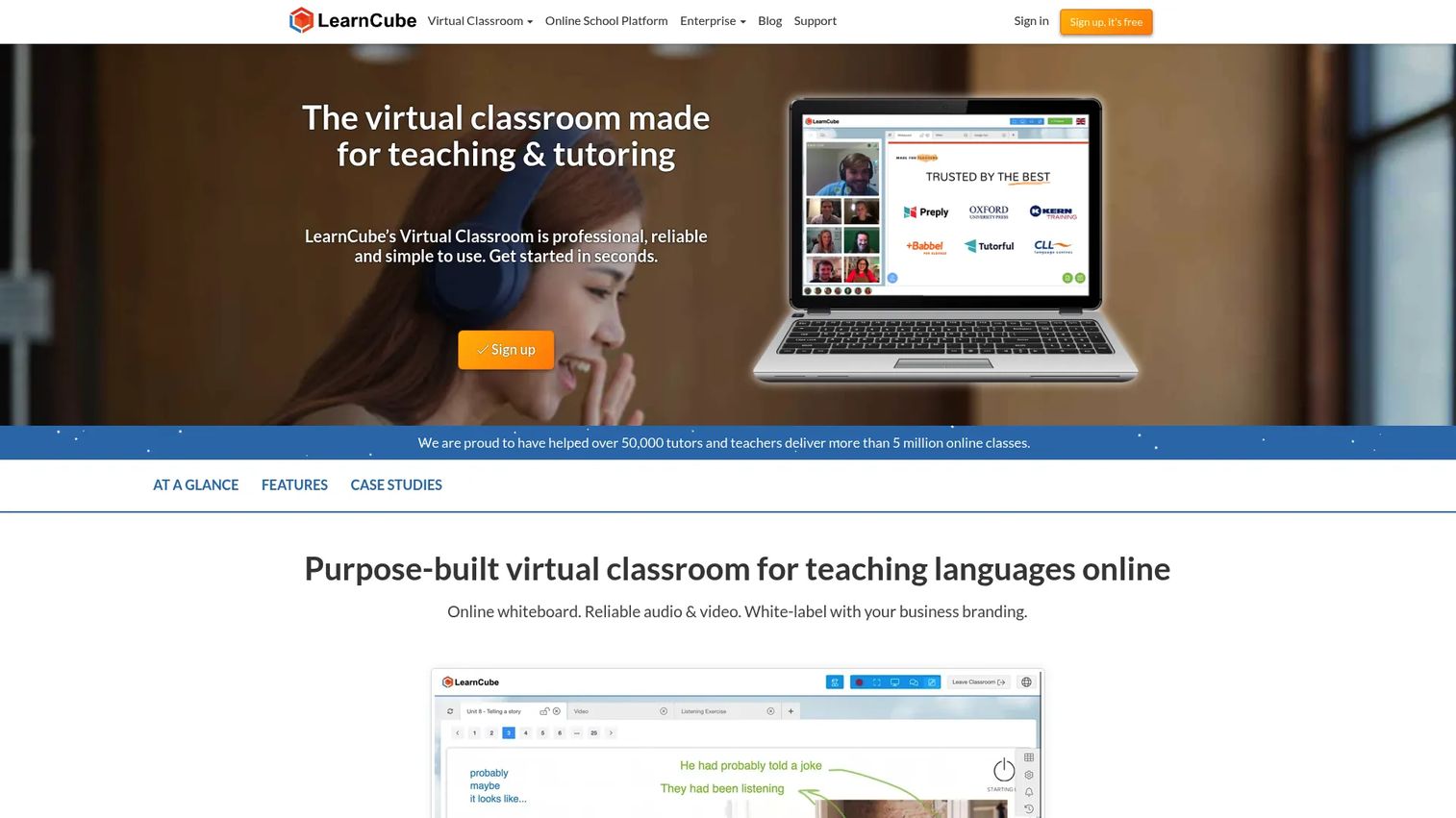
LearnCube is purpose-built virtual classroom and online school software designed for live tutoring, language teaching, and training. The platform runs entirely in the browser with no download required, covering interactive whiteboards, audio and video, chat, lesson material uploads, and class recording in a single environment. White-label options let online schools brand the classroom and the student-facing scheduling experience. Automated reminders, attendance reporting, and online payments round out the school administration side.
Best for: Tutors, language schools, and training businesses that want a dedicated virtual classroom rather than a repurposed video call.
Key features
- Browser-based classroom with no download required
- Interactive whiteboard with annotation and drawing tools
- Cloud-based lesson materials library
- Class recording and playback
- White-label branding and online school administration
Why choose LearnCube: It's the most category-specific pick on this list. Choose it when the classroom itself is the product and you need scheduling, payments, and branding built in, not bolted on.
LearnCube pricing: Free plan available for basic virtual classroom use. Pro plans start from $19 per month. The Online School Premium tier starts from $99 per month, and enterprise options are available by contacting sales.
G2 rating: 4.7/5
2. WizIQ
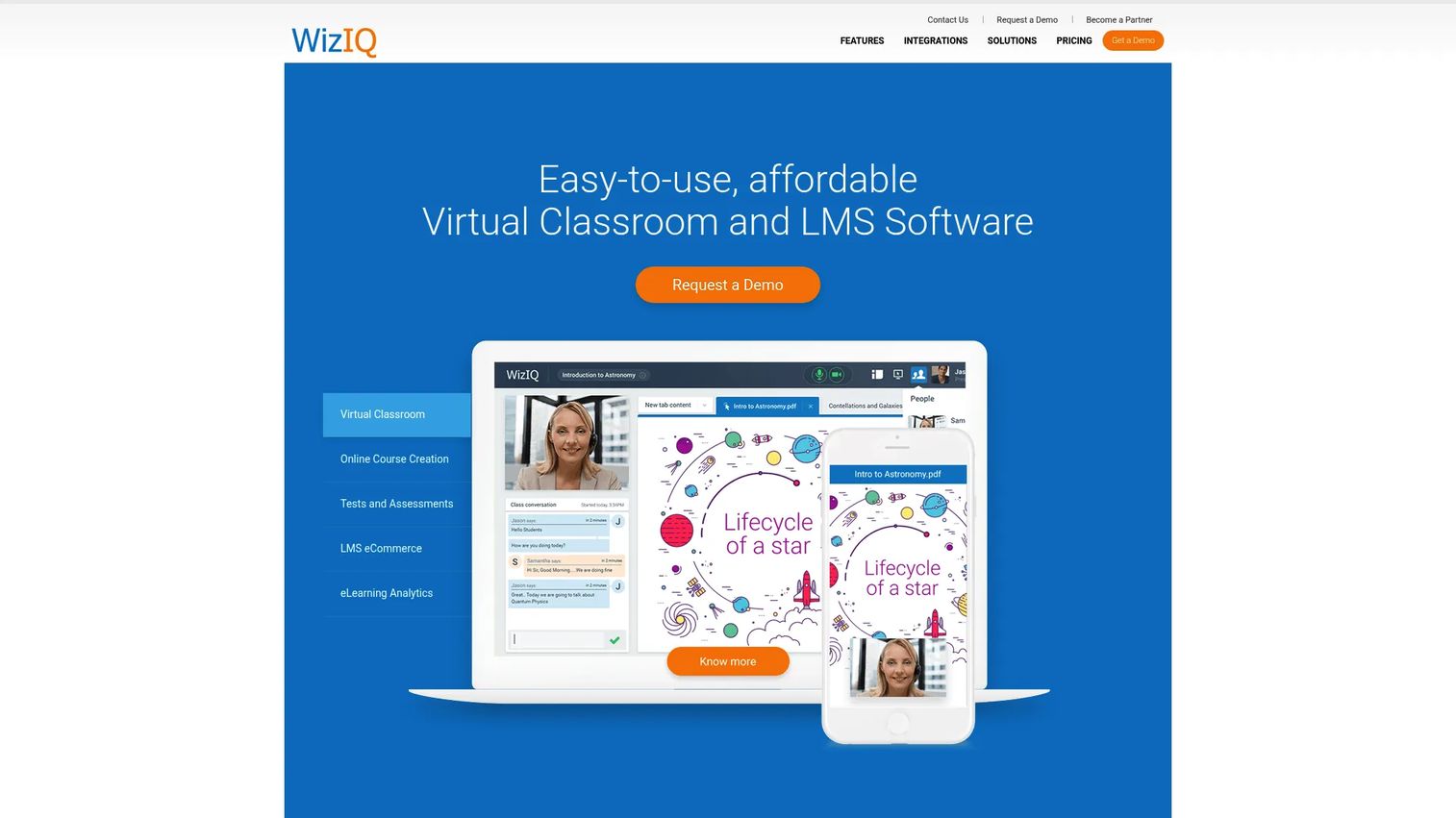
WizIQ is an online learning delivery platform that combines a live virtual classroom with course creation, self-paced content, tests, and learner management. Instructors can run HD live classes with video, audio, breakout rooms, polls, whiteboard, and screen sharing, while also building and selling structured courses with a built-in content library and e-commerce tools. Android and iOS apps extend access to mobile learners. White-label and custom branding options are available.
Best for: Instructors and training businesses that need both synchronous live sessions and a full course delivery system in one platform.
Key features
- HD virtual classroom with breakout rooms and polls
- Course builder with cloud content storage
- Online tests and assessments
- Learner analytics and reporting
- Integrated e-commerce and payment gateway
Why choose WizIQ: A good fit for training businesses moving beyond simple video meetings into structured, monetized programs. It covers both the live room and the course catalog without requiring a separate LMS.
WizIQ pricing: LMS plans start from $1 per user per month. Virtual Classroom plans start from $18 per teacher per month. Named plan tiers (Elite, Infinite, Professional, Enterprise) require contacting sales for pricing. A 14-day free trial is available.
G2 rating: 4.2/5
3. Blackboard Learn
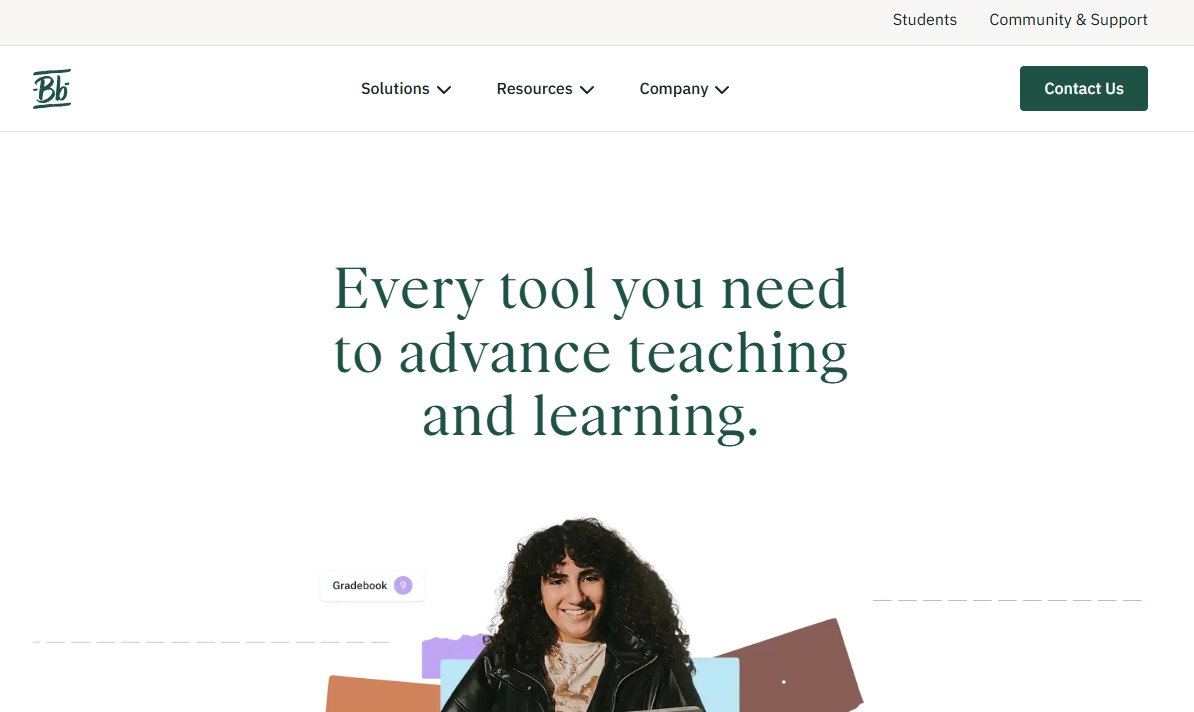
Blackboard Learn is Anthology's learning management system for universities and higher education institutions. It covers course management, assignments, grading, learner communications, and institutional administration, with an Ultra Course View designed for modern, responsive learning workflows. AI-powered tools assist with course design and feedback. The platform includes accessibility features, mobile access through the Blackboard app, and learner-progress analytics that help instructors spot where students fall behind.
Best for: Higher education institutions that need a full academic LMS with governance, gradebook, and campus-wide integrations.
Key features
- Ultra Course View with responsive course workflows
- Assignments, tests, gradebook, and flexible grading
- AI-powered course design and feedback tools
- Learner-progress analytics and accessibility features
- Mobile access via the Blackboard app
Why choose Blackboard Learn: Suited to institutions with complex academic governance, existing campus systems, and a need for formal grading and communication workflows. It runs broad, not lean, so it fits best when the full LMS investment is warranted.
Blackboard Learn pricing: Institutional pricing is available by contacting Anthology directly. No numeric pricing was displayed on the official product page.
G2 rating: 4.0/5
4. Moodle
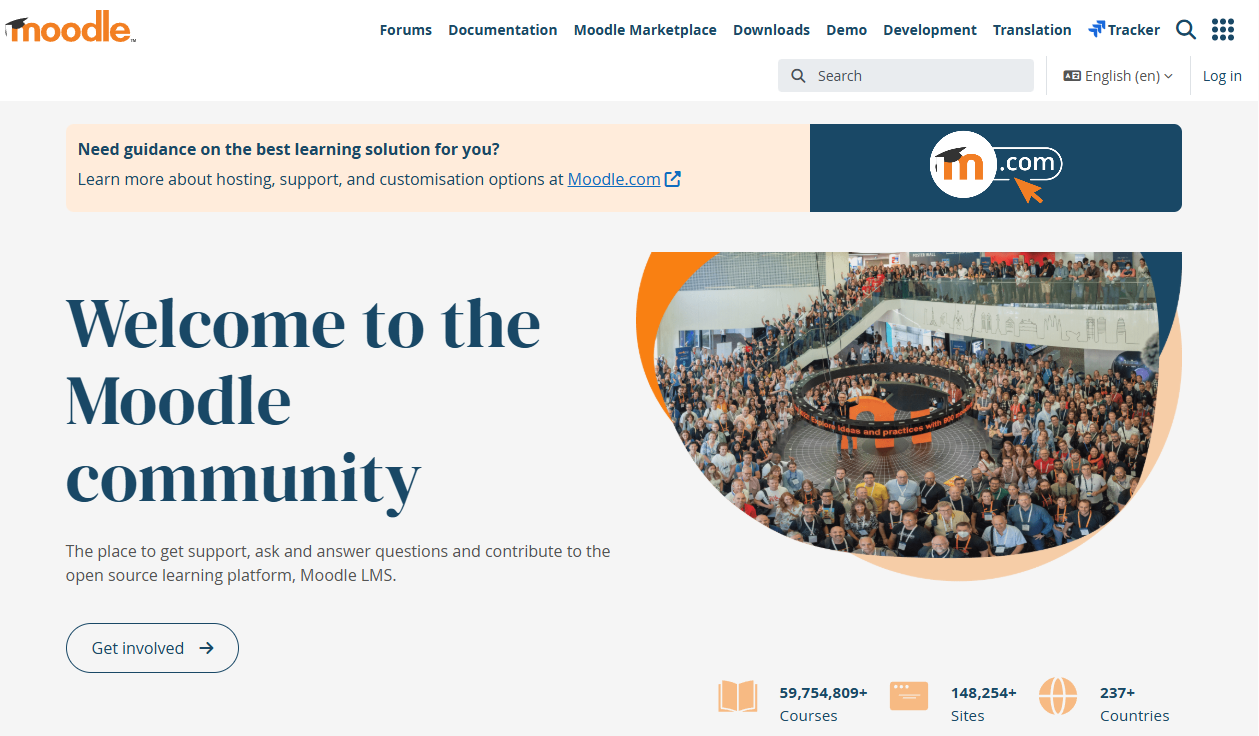
Moodle is a free, open-source learning management system used by schools, universities, nonprofits, and training teams worldwide. Course creation, role-based permissions, assessments, reporting, and a large plugin ecosystem give administrators significant flexibility. Live virtual classroom functionality is available through integrations such as BigBlueButton. Configuration and ongoing administration require technical resources, but MoodleCloud provides a hosted option for teams without server infrastructure.
Best for: Teams that want a customizable, self-hosted LMS and have admin or technical capacity to configure and maintain it.
Key features
- Open-source LMS with self-hosted option
- Course builder with assignments and assessments
- Role-based permissions and learner management
- Plugin ecosystem with thousands of extensions
- Reporting and progress tracking
Why choose Moodle: The right choice when flexibility and data ownership matter more than a polished out-of-the-box classroom experience. Budget-conscious institutions get a full LMS at no licensing cost, though implementation and maintenance costs vary by setup.
Moodle pricing: The core LMS is free to self-host. MoodleCloud hosting plans are available; current plan prices were not publicly displayed on the pricing page. The Moodle App Premium costs €499 per year.
G2 rating: 4.1/5
5. Google Classroom
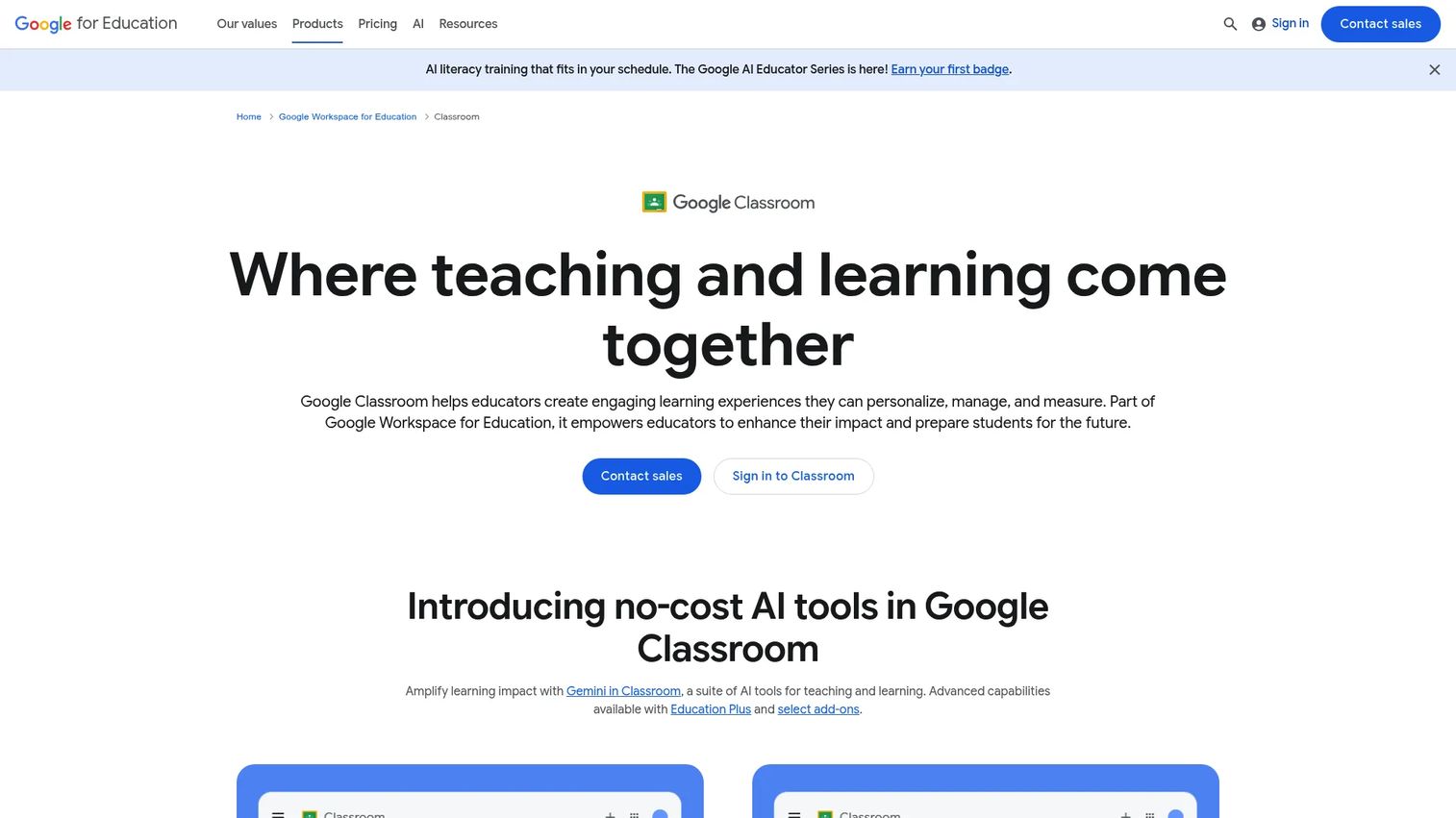
Google Classroom helps educators create, organize, and manage assignments, grades, and class communications as part of Google Workspace for Education. It integrates directly with Google Drive, Docs, Meet, and a growing catalog of EdTech add-ons. Practice sets, interactive YouTube questions, and Read Along support personalized learning. For schools already standardized on Google accounts, adoption friction is close to zero.
Best for: Schools that run Google Workspace for Education and want a lightweight class management layer without a separate LMS.
Key features
- Class stream, assignments, and gradebook
- Google Drive and Docs integration
- Google Meet support for live classes
- Originality reports and class management controls
- EdTech add-on integrations and student information system compatibility
Why choose Google Classroom: Choose it for adoption speed. If your teachers and students already live in Google, this is the lowest-friction way to organize coursework, collect assignments, and run live classes through Meet. It is not a full LMS.
Google Classroom pricing: Education Fundamentals is free for qualifying institutions. Paid Workspace for Education editions (Standard, Teaching and Learning Upgrade, Education Plus) require contacting Google for institutional pricing.
6. ProProfs Training Maker
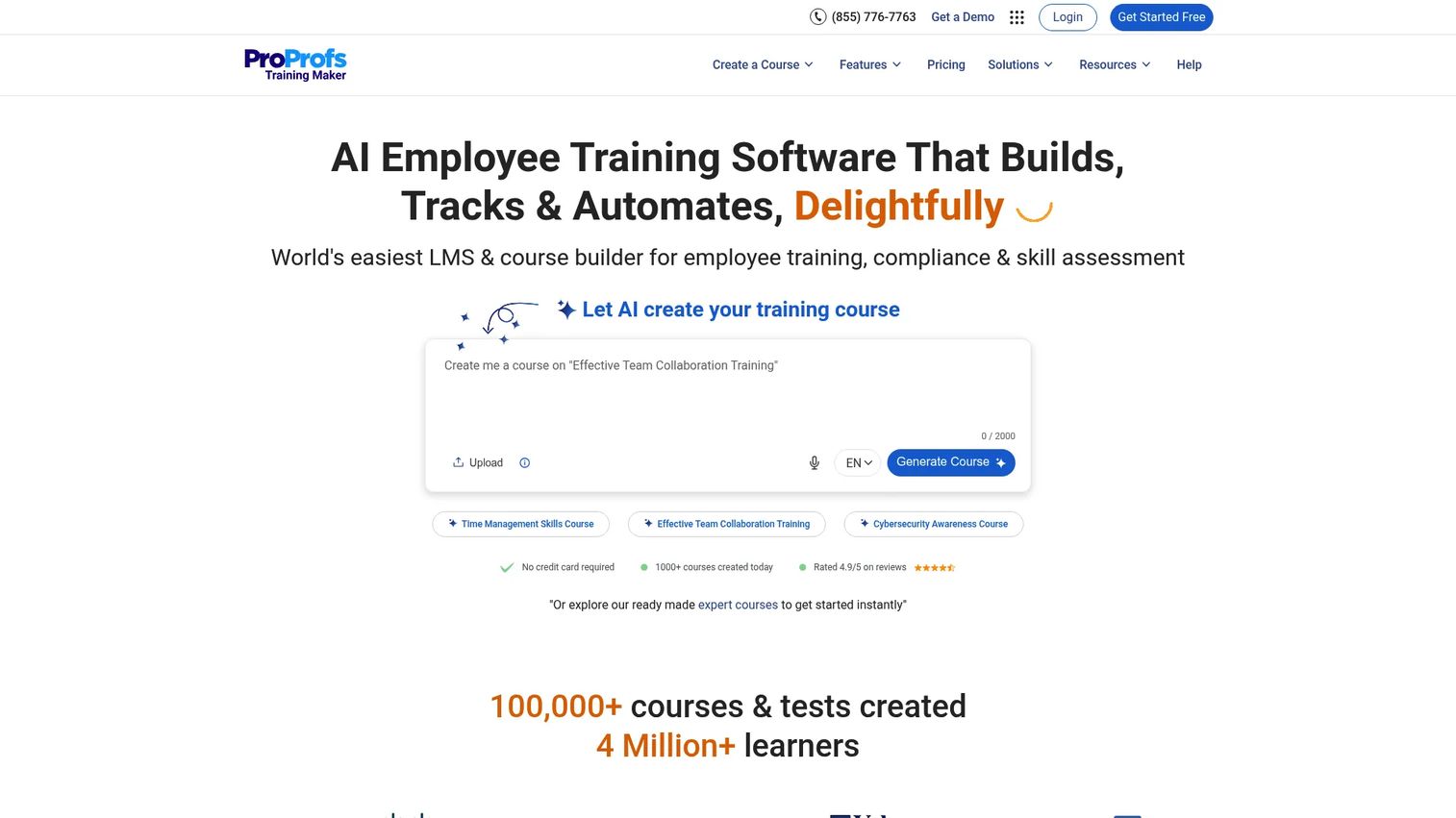
ProProfs Training Maker is an AI-powered learning management platform for creating, delivering, and tracking employee training, compliance programs, and customer education courses. An AI course builder helps teams produce structured modules quickly, with built-in quizzes, learning paths, automated enrollment, and certificate generation. SCORM and TinCan imports, SSO, API, and HRIS integrations support larger organizations. Real-time reporting shows completion, quiz scores, and certification status.
Best for: Corporate trainers and PMMs who need AI-assisted course creation, quizzes, compliance tracking, and learner completion data in one tool.
Key features
- AI course builder and editing assistant
- Quiz and assessment builder with branching
- Learning paths with automated enrollment
- Compliance reminders and certification management
- Real-time reporting and SCORM/TinCan support
Why choose ProProfs Training Maker: A strong pick for product education and enablement programs where you need structured modules, quizzes, and evidence of completion. Pricing scales per active learner rather than per seat, which helps when audiences vary by launch.
ProProfs Training Maker pricing: Free plan covers up to 10 learners. Essentials is $1.99 per active learner per month (billed monthly). Business is $3.99 per active learner per month. The People Development Suite starts at $499 per month billed annually.
G2 rating: 4.6/5
7. Vedamo
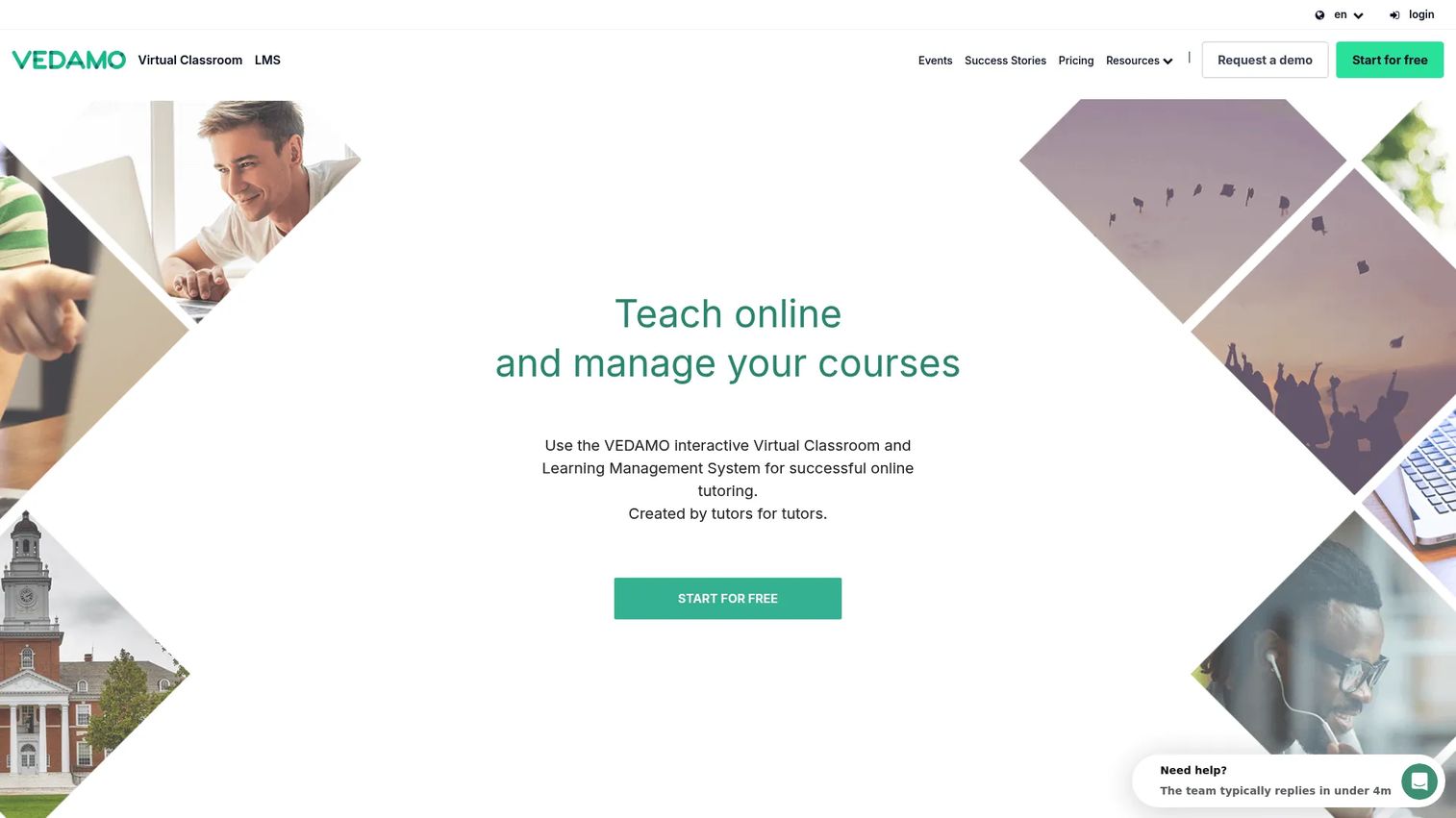
Vedamo is a cloud-based virtual classroom and learning management platform for live online and blended education. The live classroom supports up to 50 participants with video conferencing, an interactive online whiteboard, screen sharing, breakout rooms, and session recording. An integrated LMS handles courses, learner management, scheduling, and content. Universities, tutoring businesses, and corporate trainers use it for interactive live lessons where the whiteboard is central to the session.
Best for: Tutors and online schools that prioritize interactive live lessons with a whiteboard at the center of instruction.
Key features
- Online whiteboard with annotation
- Video conferencing for up to 50 participants
- Breakout rooms and screen sharing
- Interactive session recording
- Integrated LMS for courses and learner management
Why choose Vedamo: A practical alternative to LearnCube for tutoring and small online school programs, especially when you need both live classroom features and course management under one login. The 30-day free trial lets teams test both layers before committing.
Vedamo pricing: The LMS plan starts from 35 EUR per month. Virtual Classroom plan pricing requires contacting the vendor directly through the pricing page. A 30-day free trial is available.
G2 rating: 4.7/5
8. eLecta Live
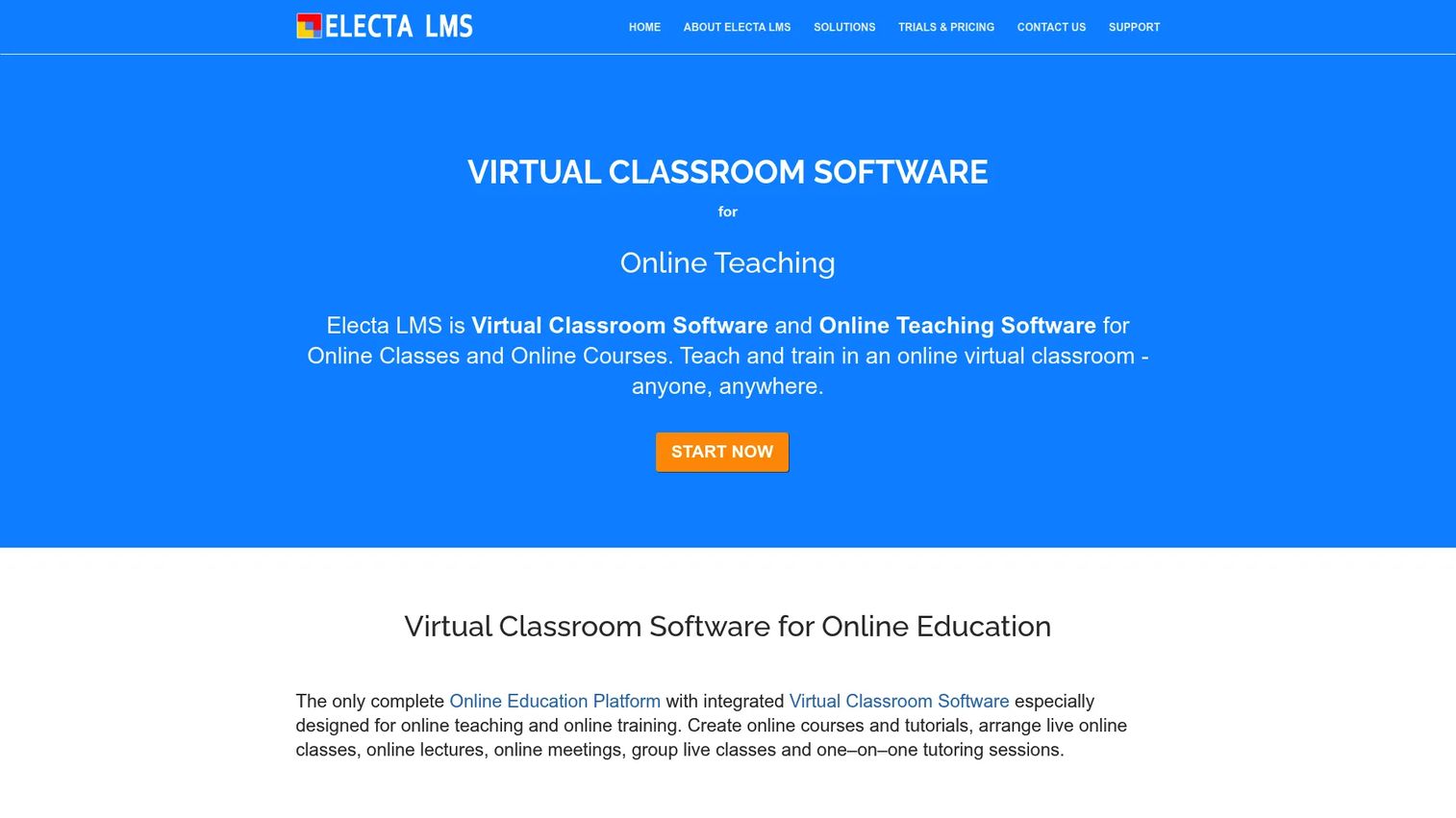
eLecta Live is a hosted virtual classroom and learning management platform for online teaching, training, live classes, and meetings. It includes live audio and video, an interactive whiteboard with annotation and file sharing, breakout rooms, polls, session recording, and a full LMS with course building, quizzes, grading, and student management. A Moodle integration and API access are available for teams that need to connect existing systems.
Best for: Small training organizations, tutors, and schools that need affordable live classroom delivery with integrated course management and no enterprise overhead.
Key features
- Live video classroom with interactive whiteboard
- Breakout rooms and session recording
- Course builder with quizzes and grading
- File sharing and student management
- Moodle integration and API access
Why choose eLecta Live: A cost-effective option for small teams that want the live classroom and LMS in one system without paying enterprise prices. Capacity is selectable at 25 or 100 attendees depending on the plan.
eLecta Live pricing: Plans start at $29.90 per month (or $299 per year). The Pro tier is $39.90 per month (or $399 per year). The Complete Suite including the full LMS is $49.90 per month (or $499 per year). All plans include a two-week free trial.
G2 rating: 4.0/5
9. Adobe Connect
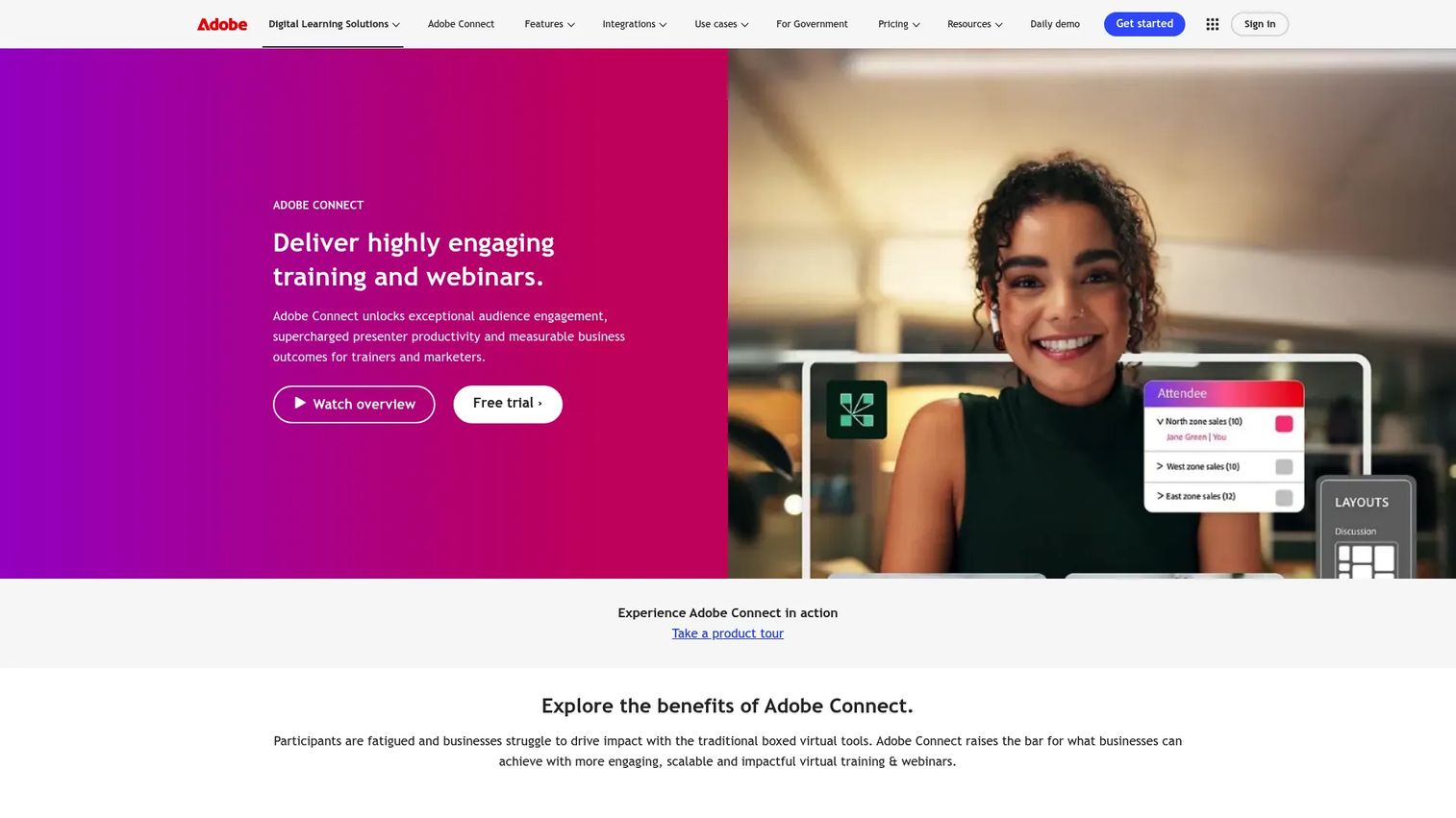
Adobe Connect is a virtual training, webinar, and meeting platform built around persistent, customizable rooms. Hosts design room layouts using pods for content, chat, polls, Q&A, whiteboards, and breakout groups, then reuse those rooms across sessions without rebuilding. Courses and curricula can be assigned through the platform, with session recordings and engagement analytics captured per event. It suits organizations that run formal live training or large-scale virtual events where room control and compliance matter.
Best for: Organizations running formal live training, regulated learning programs, or large-scale webinars where persistent room setup and session control are priorities.
Key features
- Persistent virtual rooms with custom Pods and Layouts
- Breakout rooms, polls, quizzes, and moderated Q&A
- Session recordings and engagement analytics
- Courses and curricula assignment
- Concurrent learner and capacity upgrades available
Why choose Adobe Connect: The persistent room model is the differentiator. Teams that run the same training scenario repeatedly save significant setup time. It's also a fit for organizations where room customization and formal event control matter more than simplicity.
Adobe Connect pricing: Standard is $190 per year per host. Premium is $290 per year per host. Enterprise is $390 per year per host. A free trial is available.
G2 rating: 4.0/5
10. Class for Web
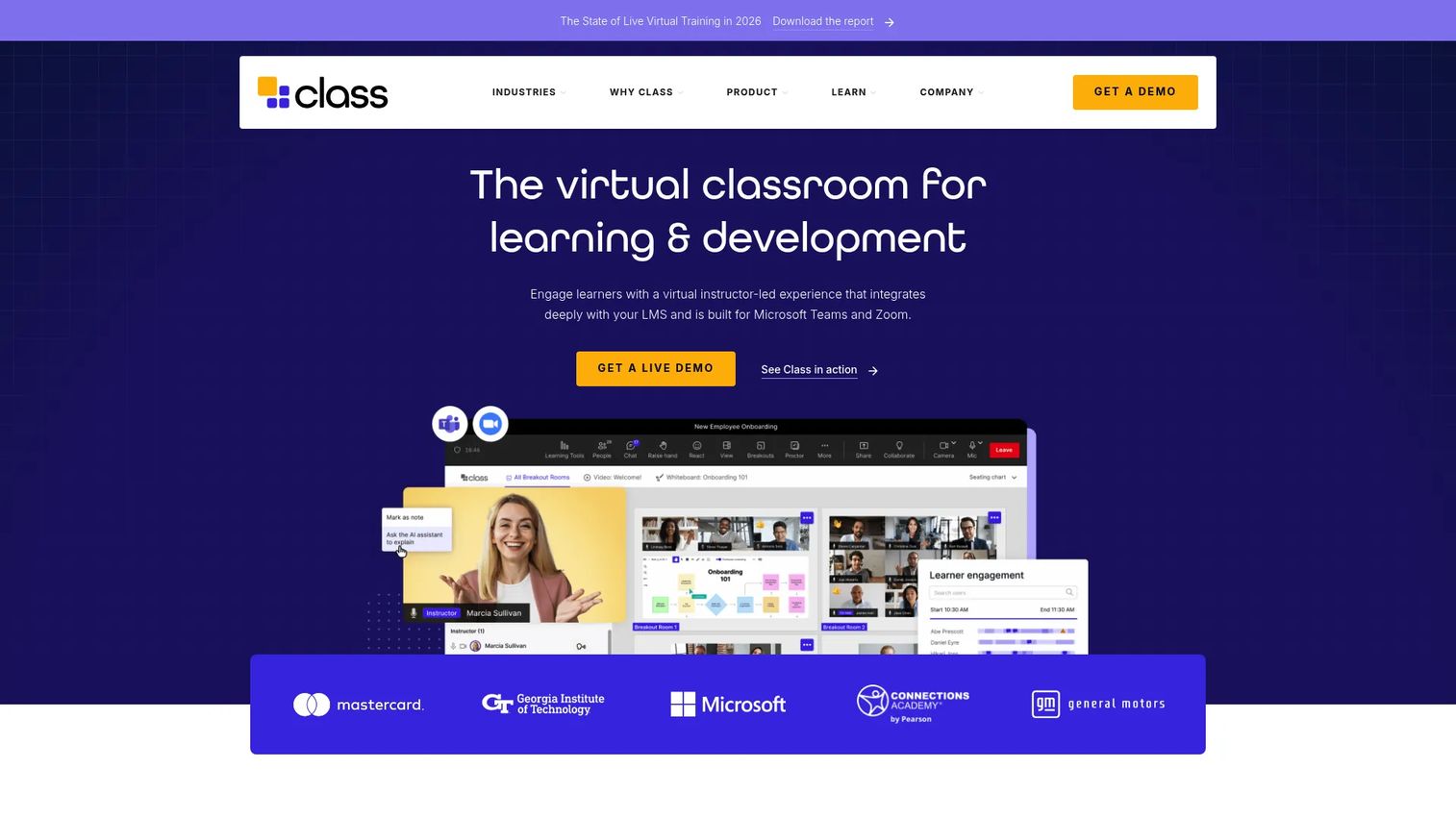
Class for Web adds a structured classroom layer to live online sessions for K-12, higher education, government, and workplace learning. It operates in the browser without requiring app installation and brings classroom-specific tools including interactive whiteboards, advanced chat, polls, reactions, breakout rooms, real-time engagement scoring, attendance tracking, transcription, a gradebook, and LMS data passback. These capabilities sit on top of live video rather than replacing it.
Best for: Schools and organizations that want structured teaching workflows and engagement data layered over their existing live video sessions.
Key features
- Interactive whiteboards, polls, and breakout rooms
- Browser-based access without installation
- Real-time engagement scoring and attendance tracking
- Gradebook and LMS data passback
- Transcription and recording support
Why choose Class for Web: Choose it when your institution already uses a video conferencing tool and wants to add classroom structure, roster management, and learning analytics without switching platforms entirely.
Class for Web pricing: Pricing is available by requesting a demo through the vendor's website. No numeric pricing is displayed on the official site.
G2 rating: N/A (Capterra reports 4.2/5 across 442 reviews, though a current G2 listing could not be confirmed)
11. Class Collaborate
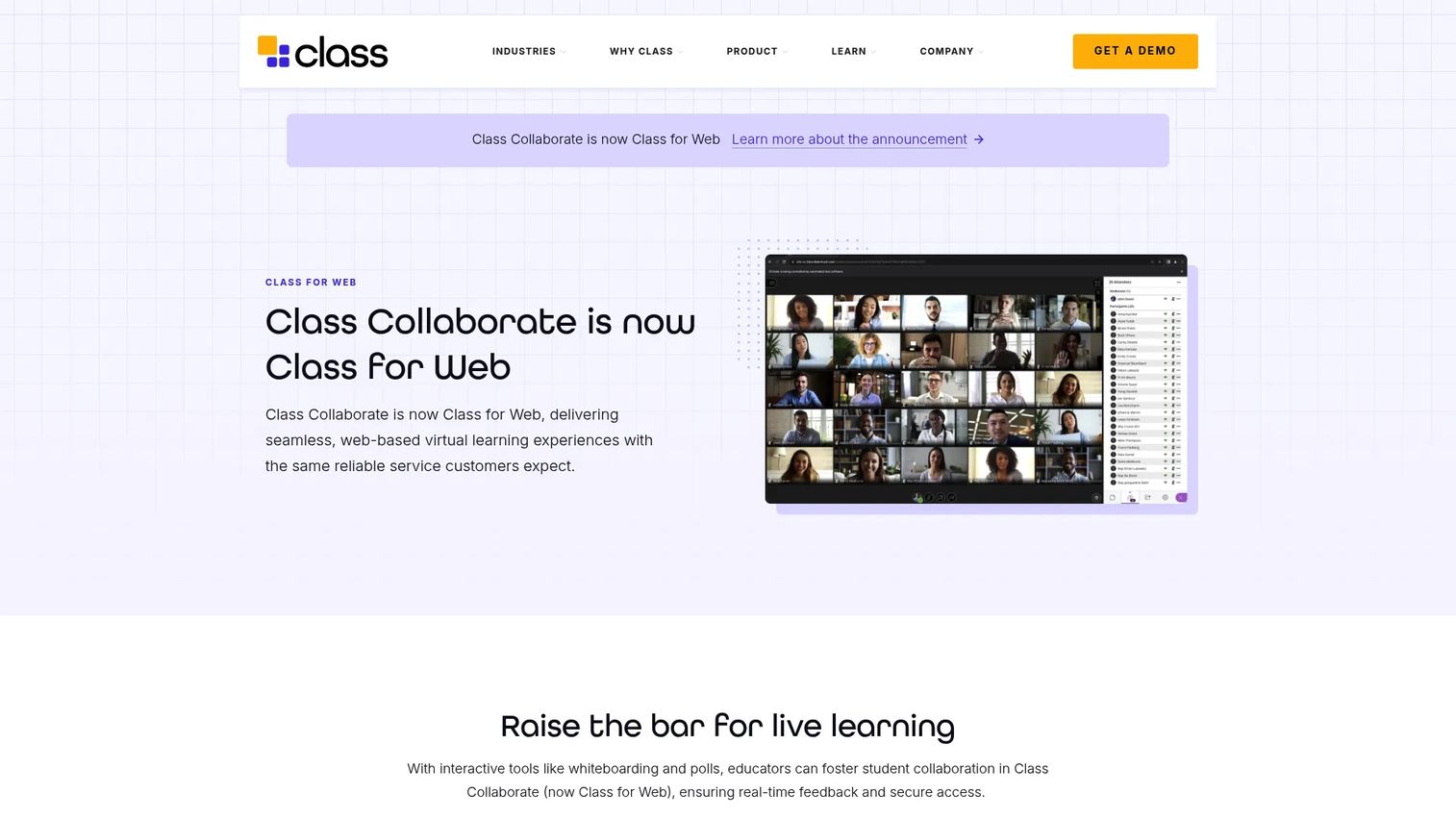
Class Collaborate is Anthology's virtual classroom and online collaboration tool for teaching and learning. The platform supports live sessions for educational institutions delivering online programs, with features including live interaction, learner participation tools, accessibility support, breakout groups, attendance, session recordings, and chat. It is designed to integrate with institutional workflows and LMS environments, particularly those already using Anthology's broader academic platform.
Best for: Educational institutions, colleges, and universities that need a formal online classroom environment integrated with their existing academic stack.
Key features
- Live classroom sessions with learner participation tools
- Breakout groups and attendance tracking
- Session recordings and chat
- Accessibility support
- Institutional LMS integration
Why choose Class Collaborate: It fits institutions already in the Anthology ecosystem that want a virtual classroom aligned with their broader academic platforms and governance requirements.
Class Collaborate pricing: Institutional pricing is available by contacting Anthology. No numeric pricing was verifiable from the official product page.
12. SAP Litmos
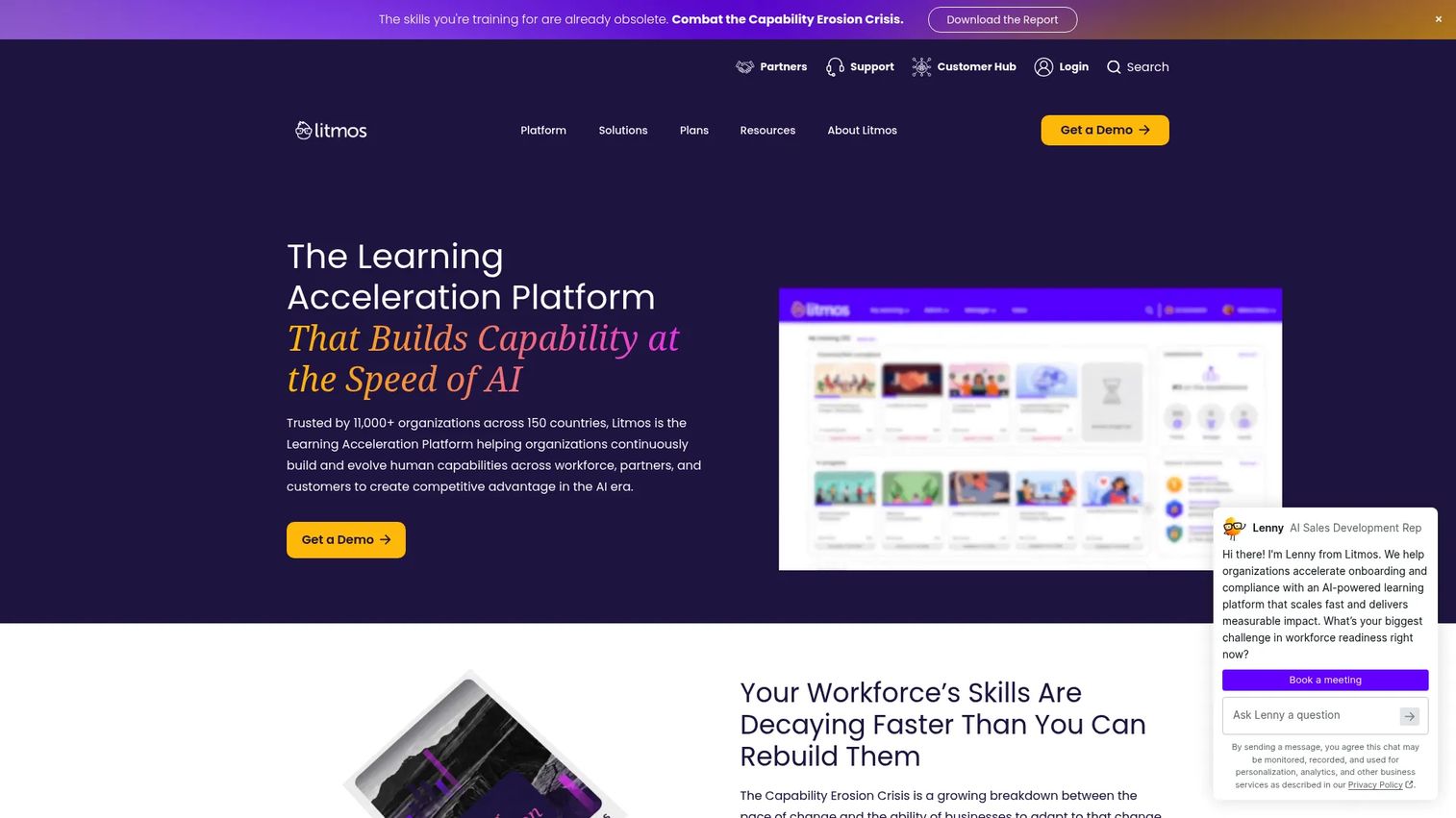
Litmos (now presenting as Litmos rather than SAP Litmos) is a learning acceleration platform for training employees, customers, partners, and compliance audiences at scale. AI assists with course and assessment creation. Learning paths, assignments, mobile learning, SCORM and xAPI support, gamification, reporting dashboards, and certification tracking give L&D teams the administrative depth that enterprise programs need. An off-the-shelf content library and integrations with common HR and business tools extend the platform's reach.
Best for: Enterprises managing structured training across employees, partners, or compliance audiences with reporting and certification requirements.
Key features
- AI-assisted course and assessment creation
- Learning paths, assignments, and compliance tracking
- SCORM and xAPI content support
- Reporting dashboards and certification management
- Gamification and social learning features
Why choose Litmos: A strong fit when you need to manage learning across multiple distinct audiences, prove compliance completions, and connect training data to existing HR or CRM systems. It's more LMS than live classroom, so pair it with a video tool for synchronous delivery.
Litmos pricing: Foundation plans start at $8,000 per year. Platinum plans start at $15,000 per year. Platinum AI pricing is available by contacting sales.
G2 rating: 4.3/5
13. Zoom
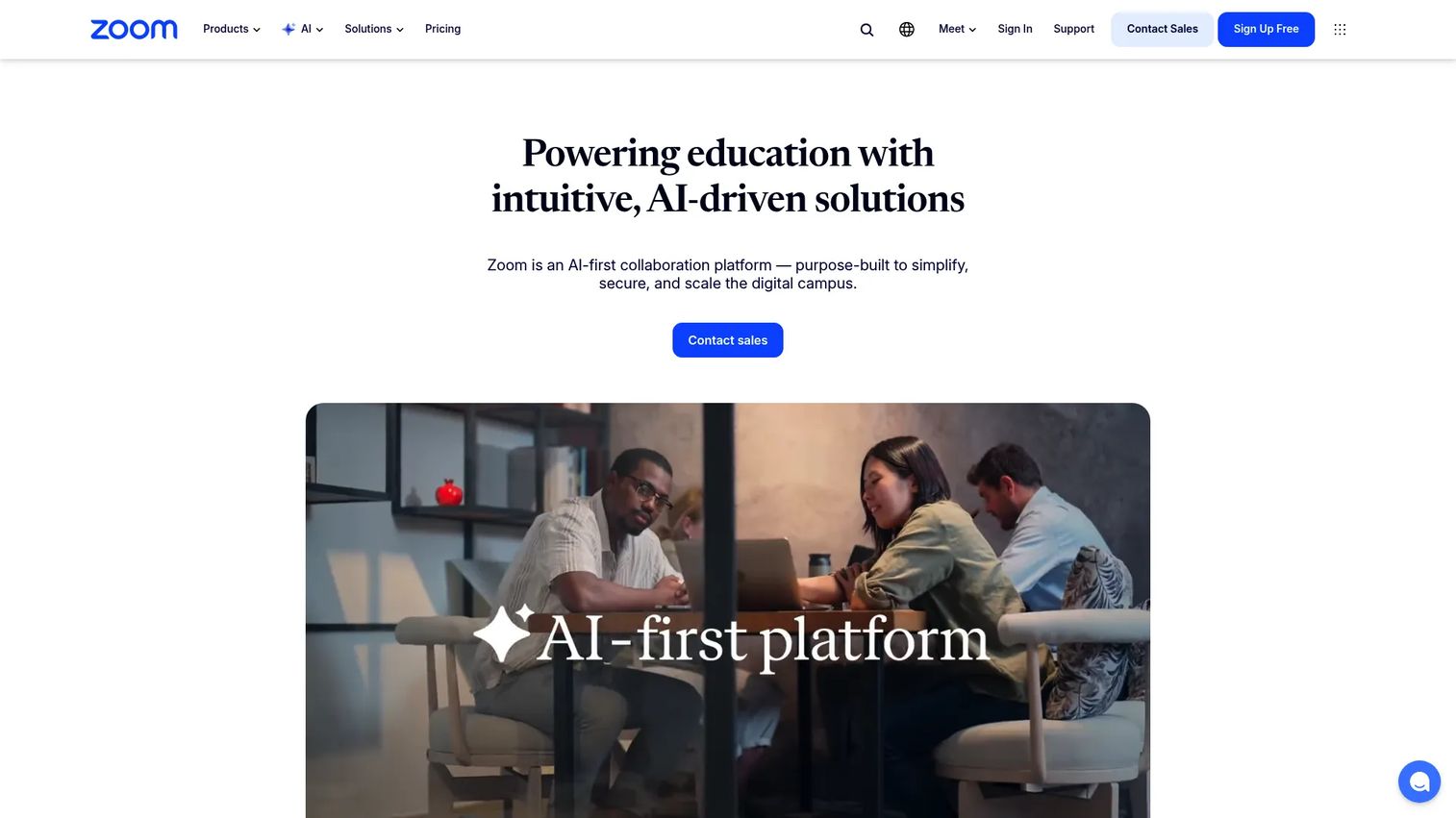
Zoom is a widely adopted video collaboration platform used across schools, colleges, and enterprise training programs. For education, it covers meetings, breakout rooms, polls, annotations, live captions, transcripts, AI Companion features (including lecture summaries and study guide generation), webinar options, and LMS integrations. Lecture recording and video management extend the platform's use beyond live sessions. Education-specific bundles covering campus communication tools are available through contact sales.
Best for: Schools and training teams that need reliable, familiar live video delivery at scale, with options to add webinars and campus-wide communication.
Key features
- Live video with breakout rooms, polls, and annotations
- Live captions, transcripts, and AI Companion features
- Lecture recording and LMS integrations
- Webinar options for larger audiences
- Education-specific admin controls
Why choose Zoom: Adoption is the strongest argument. If your learners already know Zoom, you remove the platform onboarding problem entirely. Add an LMS or engagement tool for assignments and tracking.
Zoom pricing: Workplace Basic is free. Workplace Pro starts at $14.16 per user per month billed annually ($16.99 billed monthly). Workplace Business is $18.33 per user per month billed annually. Education-specific bundles require contacting sales.
G2 rating: 4.6/5
14. Google Meet
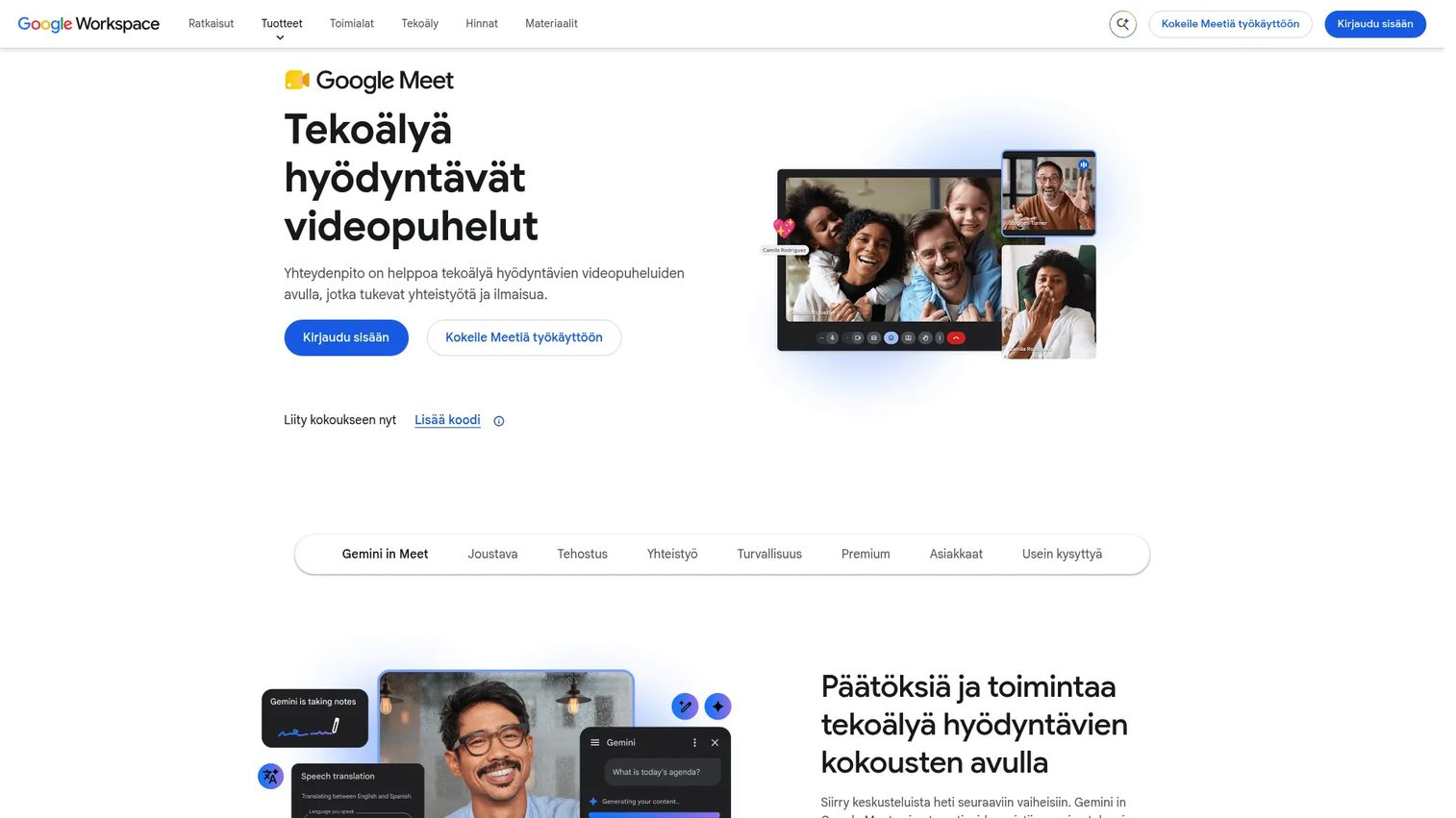
Google Meet is Google's video conferencing tool, built into Google Workspace and available at no cost for individual Google accounts. For education, it integrates with Google Classroom and the full Workspace environment. Live captions, screen sharing, polls, breakout rooms, moderation controls, Q&A, meeting recording, transcripts, and Gemini AI features are available depending on the Workspace edition. Participant capacity increases from 100 on Business Starter to 500 on Business Plus.
Best for: Schools and teams that need simple, accessible live sessions inside their existing Google Workspace environment without an additional tool.
Key features
- Browser-based video meetings with screen sharing
- Live captions and recording (edition-dependent)
- Breakout rooms, polls, and moderation controls
- Google Calendar and Classroom integration
- Gemini AI features on eligible plans
Why choose Google Meet: The right call when your organization is already on Google and you want live sessions without adding a new platform. It's not a classroom or LMS, but for schools using Google Classroom, it completes the live layer naturally.
Google Meet pricing: Available at no cost with a personal Google account. Business Starter is $7 per user per month. Business Standard is $14 per user per month. Business Plus is $22 per user per month. Enterprise pricing requires contacting sales.
15. Canvas
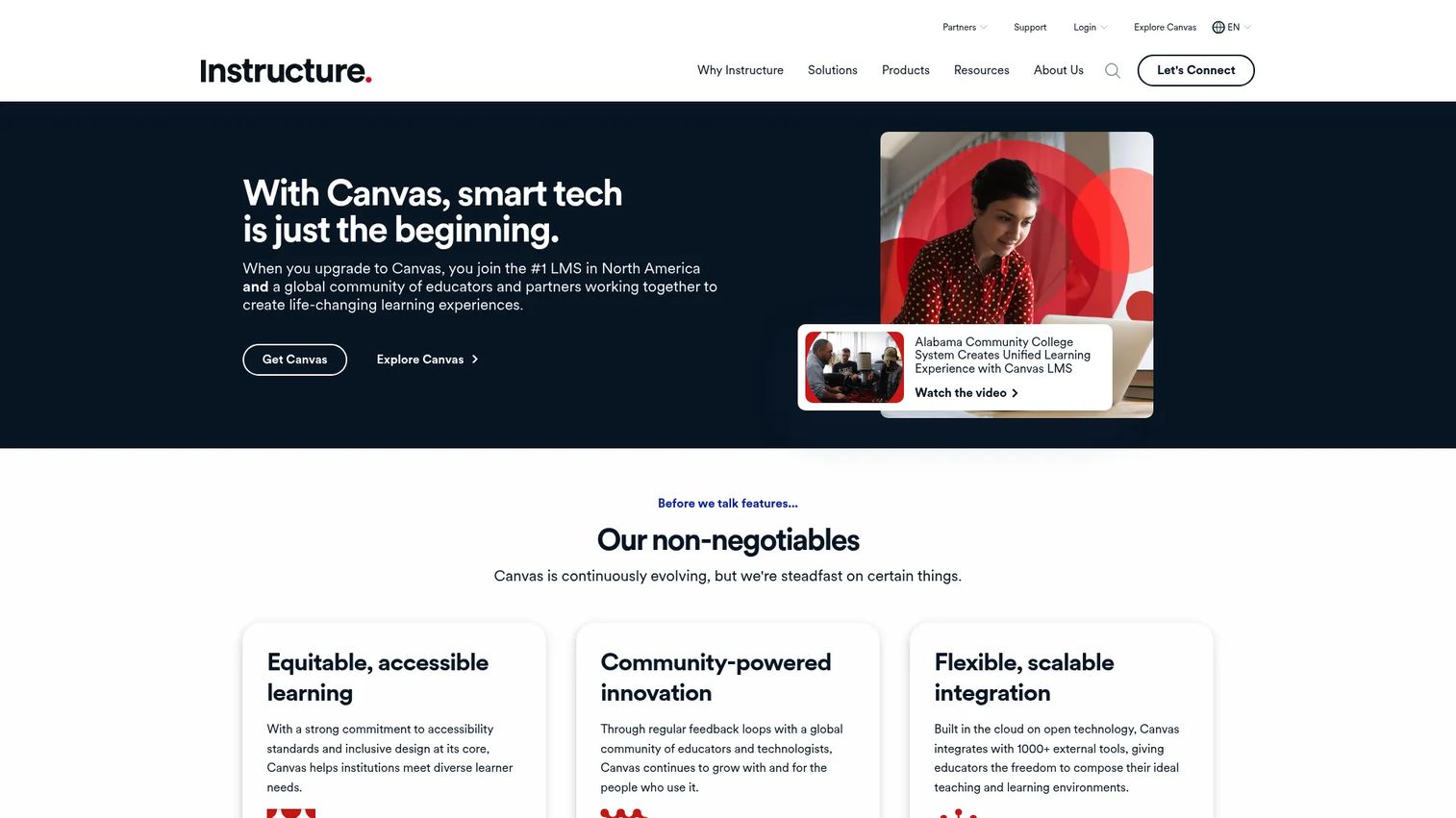
Canvas is a cloud-based learning management system used across K-12, higher education, and online programs. Course creation and delivery, assignments, quizzes, rubrics, a gradebook, discussions, learner progress analytics, LTI integrations, student information system support, and mobile apps give institutions a comprehensive academic platform. IgniteAI tools across the platform support teaching, learning, analytics, and study assistance. Broad integration options connect Canvas to video tools, content libraries, and existing campus systems.
Best for: Schools and universities that need a full LMS as the system of record for courses, assignments, grading, and learner data.
Key features
- Course modules, assignments, and gradebook
- Quizzes, rubrics, and discussion tools
- Analytics and learner progress tracking
- LTI and SIS integrations
- IgniteAI tools for teaching and study support
Why choose Canvas: Choose it as the learning system of record, not just a live class tool. Canvas works best when your institution needs formal course management, grading, and reporting alongside live video delivery through an integrated conferencing tool.
Canvas pricing: A free Canvas Free-for-Teacher account is available. Paid tiers (Canvas Core, Canvas Plus, Canvas Next) are available through a personalized quote by contacting Instructure.
G2 rating: 4.5/5
16. Livestorm
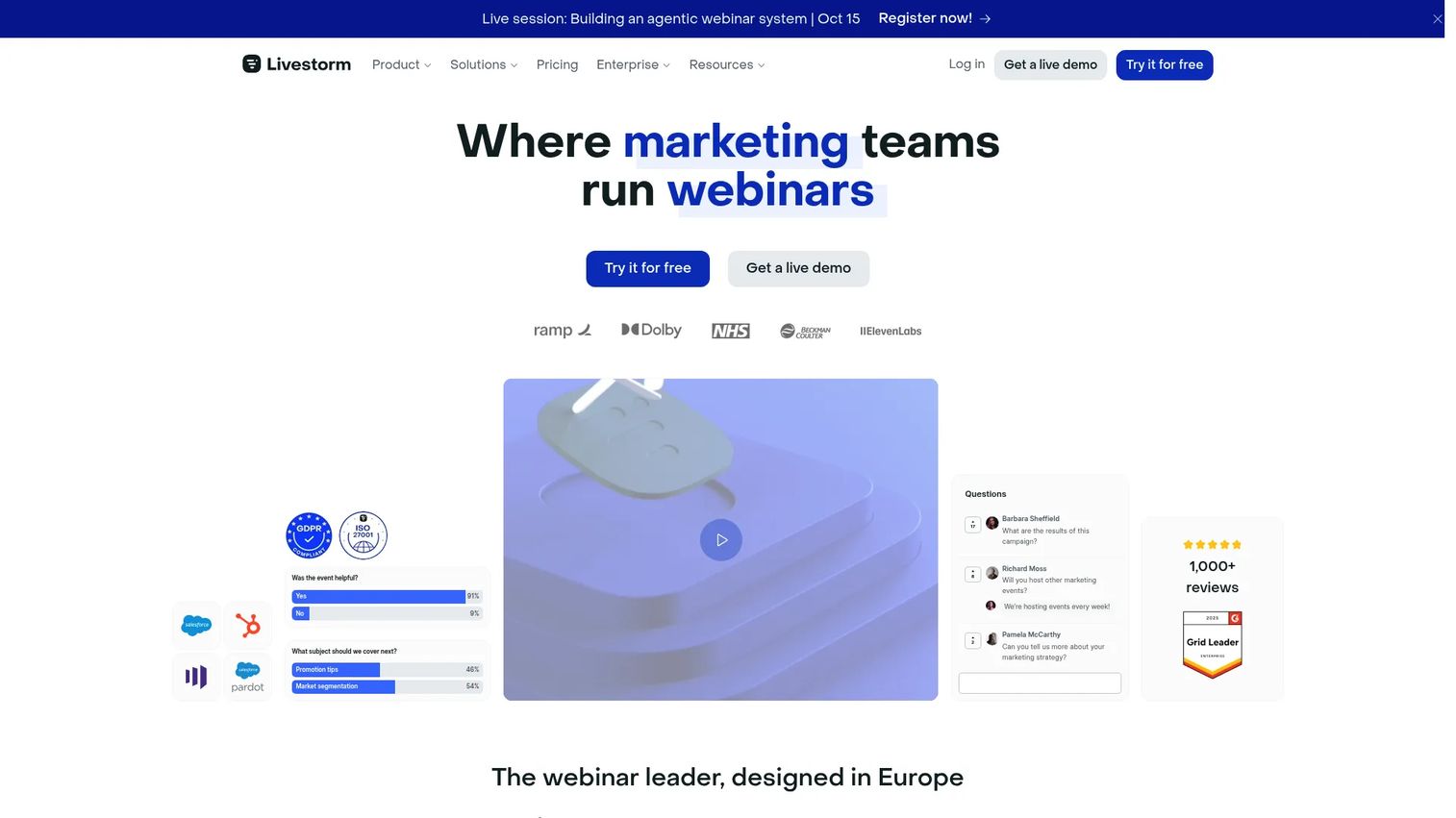
Livestorm is a browser-based webinar and video engagement platform for live sessions, on-demand content, and virtual events. Registration pages, automated email cadences, real-time engagement tools (polls, Q&A, chat, reactions), session recordings, and engagement analytics sit inside a platform that requires no download for hosts or attendees. It suits marketing, sales, and customer education teams running external sessions where registration data, attendee engagement, and post-session reporting matter.
Best for: Customer education, product training, and webinar programs where you need registration workflows, live engagement, and session analytics for external audiences.
Key features
- Browser-based sessions for hosts and attendees
- Registration pages and automated email reminders
- Polls, Q&A, chat, and live reactions
- Session recordings with on-demand replay
- Engagement analytics and integrations
Why choose Livestorm: A practical pick for PMMs running product training webinars, partner sessions, or launch events where registration, attendance, and post-session data need to flow back to marketing or CRM systems. For interactive demo or self-serve product education alongside live events, consider pairing it with a dedicated demo or enablement tool.
Livestorm pricing: A free plan is available with 30 attendee credits per year. The Pro plan charges $3 per attendee. Enterprise pricing requires contacting the vendor.
G2 rating: 4.7/5
17. Wooclap
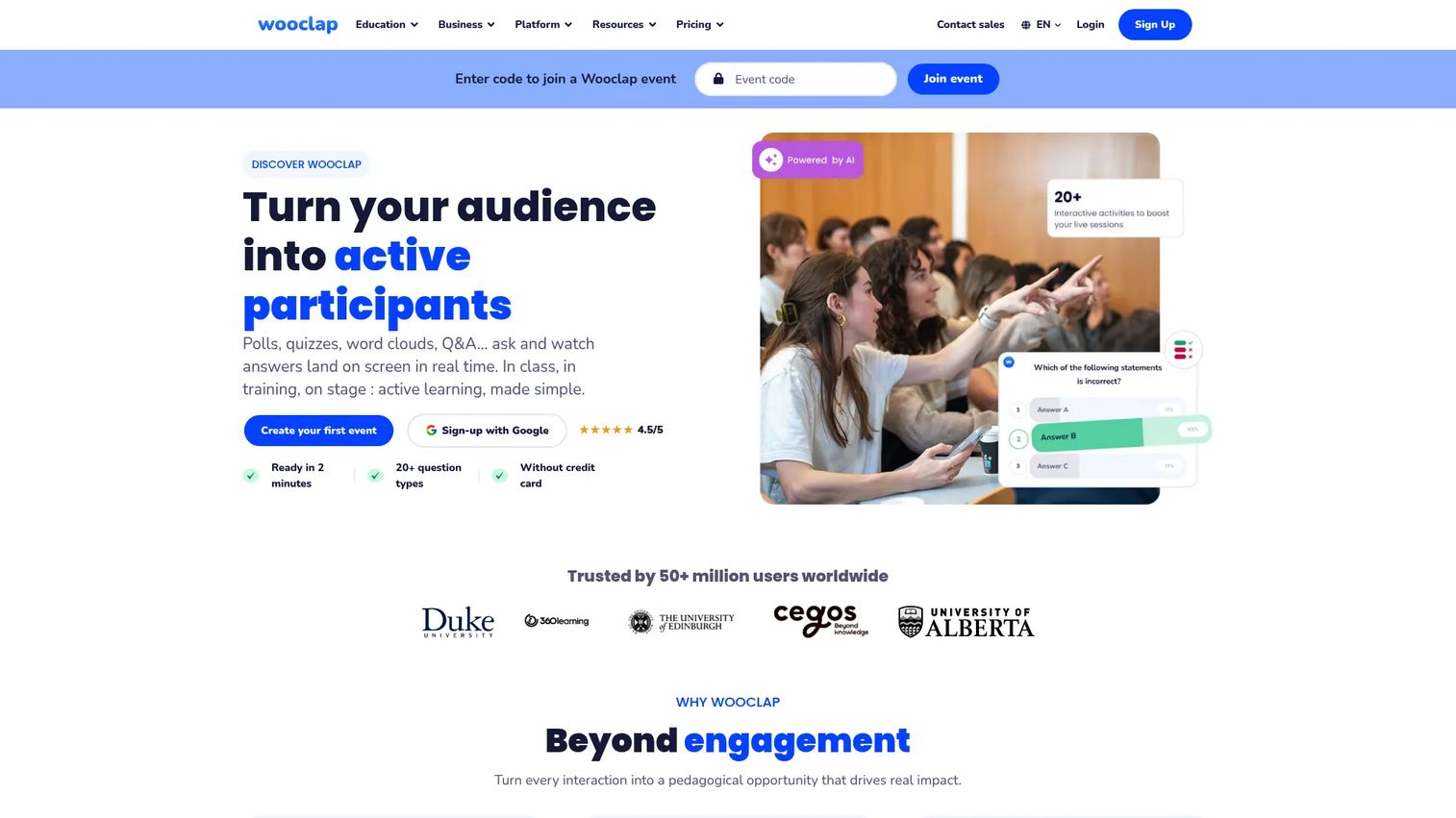
Wooclap is an interactive learning and audience engagement platform for live, online, hybrid, and self-paced sessions. It offers more than 20 question and activity types including polls, multiple choice, word clouds, open questions, matching exercises, brainstorming boards, and competition modes. AI-powered question creation, diversification, and summarization tools help instructors prepare quickly. Integrations with PowerPoint, Google Slides, Microsoft Teams, Zoom, and major LMS platforms let Wooclap sit inside existing workflows.
Best for: Instructors, trainers, and presenters who need more learner participation during live sessions than their primary classroom tool provides.
Key features
- 20+ interactive question and activity types
- AI-powered question creation and brainstorming
- Integrations with Zoom, Teams, and LMS platforms
- Real-time analytics, attendance, and result exports
- Competition mode and team answering
Why choose Wooclap: It strengthens engagement but does not replace your core classroom platform. Pair it with Zoom, Google Meet, or a dedicated virtual classroom tool. Teams running classroom management software programs alongside live instruction will find the LMS integration useful for keeping participation data in one place.
Wooclap pricing: A free Starter plan is available (limited to 5 questions per month). Basic and Pro plan prices require contacting the vendor or checking the pricing page directly. Campus plans start from 6 presenters and are quote-based.
G2 rating: 4.5/5
18. Kahoot!
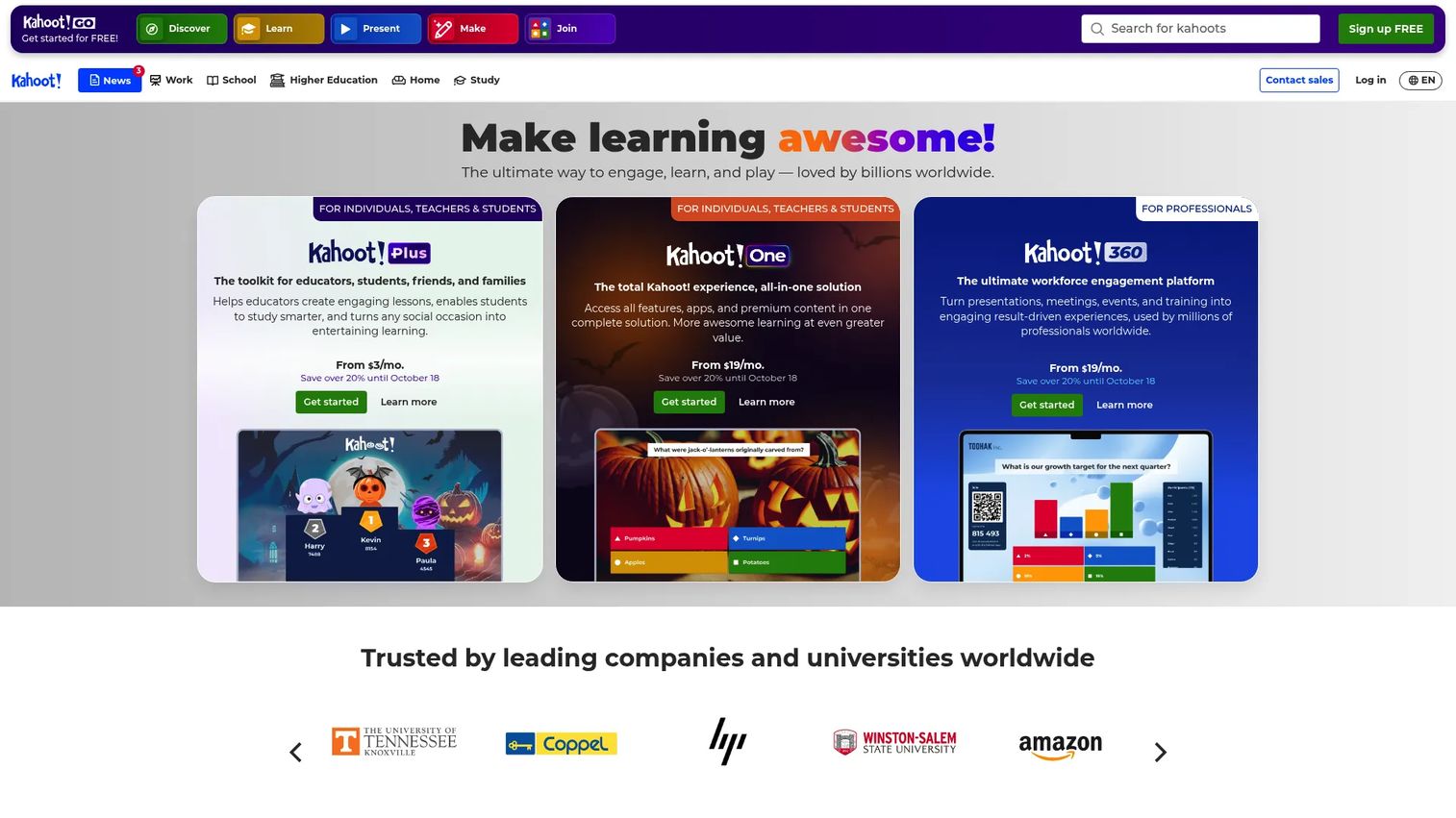
Kahoot! is a game-based learning and audience engagement platform for creating, hosting, and sharing interactive quizzes, challenges, and learning experiences. Live quizzes drive participation through competition and time pressure, while self-paced challenges let learners work through content independently. AI-assisted content creation, ready-made game libraries, real-time reports, and team modes serve both classroom and corporate training contexts. Education and business plans are priced separately.
Best for: Teachers and trainers who use quizzes and game-based challenges to drive participation, check comprehension, or energize a class.
Key features
- Live quizzes with multiple question types
- Self-paced challenges and learning experiences
- AI-assisted content creation
- Real-time reports and progress tracking
- Team modes and ready-made game libraries
Why choose Kahoot!: Position it as an engagement add-on, not a standalone classroom tool. It works well for review sessions, formative assessment, and maintaining energy during live training, especially for corporate onboarding or product launch refreshers.
Kahoot! pricing: Kahoot! Go (free plan) is available. Bronze is $3 per month billed annually ($36/year). Silver is $7 per month billed annually. Gold is $12 per month billed annually. Kahoot! One is $19 per month billed annually. Business and enterprise plans are available separately.
G2 rating: 4.6/5
19. Docebo
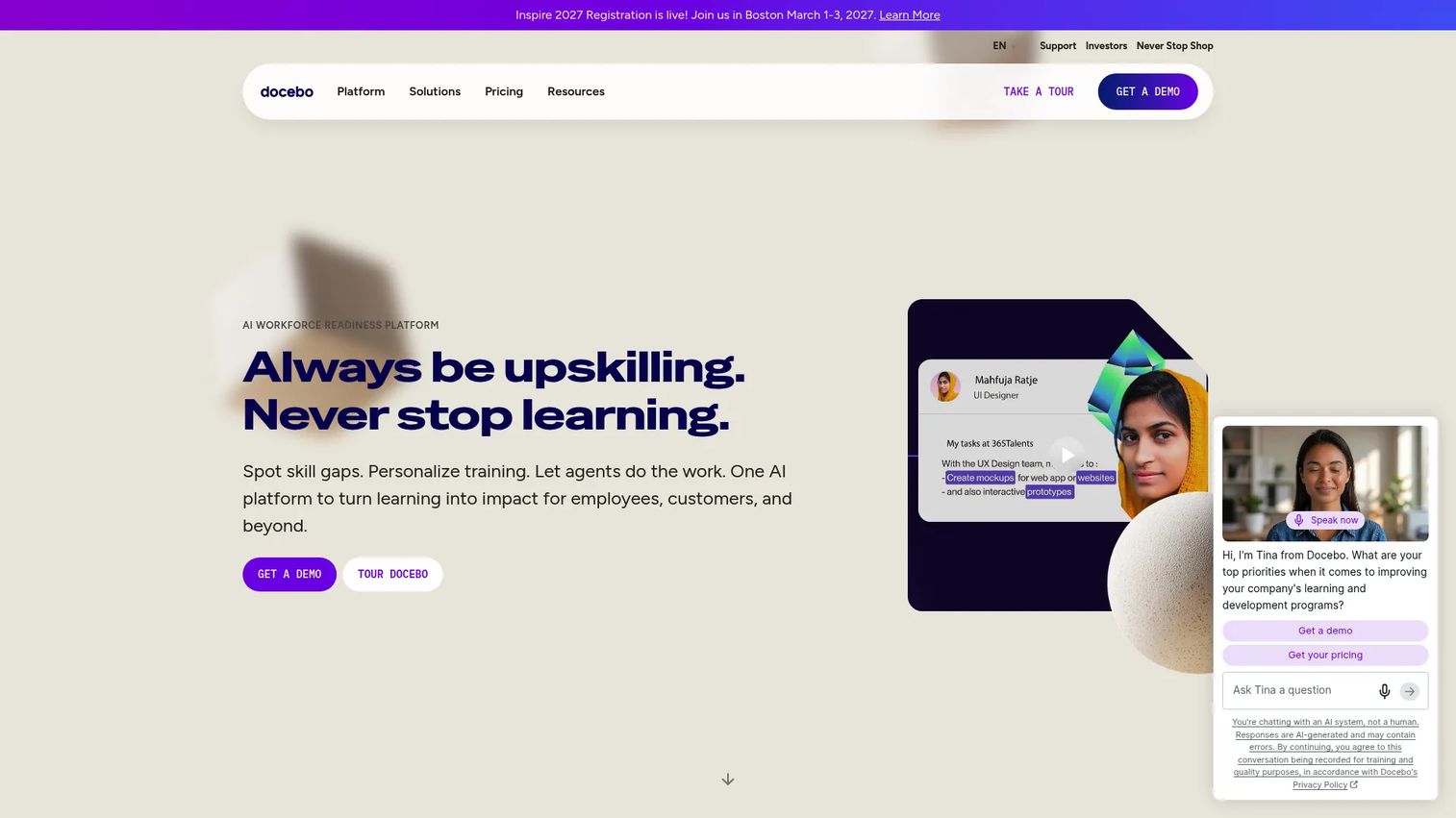
Docebo is an AI-powered enterprise learning platform for employee training, customer education, and partner programs. AI tools assist with content creation and personalization. The platform handles multi-audience portals, certification and compliance tracking, admin automation, advanced analytics, live and on-demand learning, gamification, and learner communities. Integrations connect Docebo to CRM, HR, and content systems. It suits large organizations scaling learning across multiple business units or external audiences.
Best for: Enterprises managing learning operations across employees, customers, and partners from a single platform with advanced analytics and integrations.
Key features
- AI-powered content creation and personalization
- Multi-audience learning portals
- Certification, compliance, and learning path management
- Advanced analytics and reporting
- Gamification, social learning, and communities
Why choose Docebo: A fit for organizations where learning is a GTM motion, not just HR compliance. Customer education teams and PMMs building scalable onboarding and product training programs will find the multi-audience portal model useful for separating external and internal learners.
Docebo pricing: Elevate and Enterprise tiers are available; all pricing is custom and requires contacting sales.
G2 rating: 4.3/5
20. LearnUpon
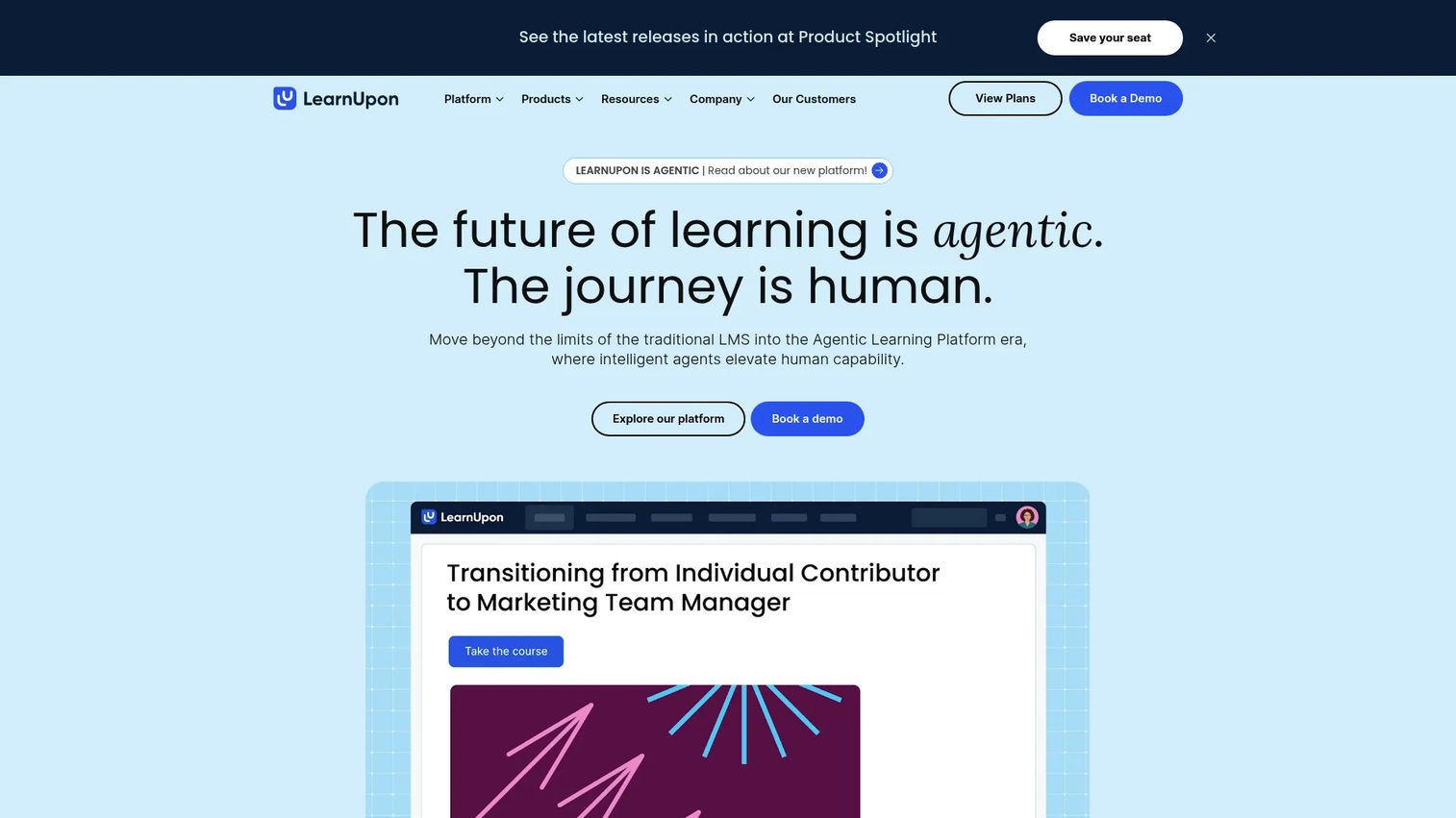
LearnUpon is an agentic learning platform and LMS for employee training, customer education, and association learning. Multi-portal architecture lets organizations run separate learning environments for different audiences from one admin account. AI-powered course creation and assessments, SCORM and xAPI support, live learning, learning paths, reporting, and SSO integrations cover the full training cycle. The platform positions itself for mid-market and enterprise teams coordinating structured learning across multiple distinct audiences.
Best for: Teams that need to train employees, customers, and partners separately from the same LMS with centralized reporting.
Key features
- Multi-portal LMS for distinct audience groups
- AI-powered course creation and assessments
- SCORM and xAPI content support
- Learning paths and reporting
- SSO and integrations
Why choose LearnUpon: The multi-portal model is the key differentiator. PMMs running partner enablement alongside customer education programs can keep audiences separated while reporting rolls up to one view. For best onboarding flow software guidance, this level of audience segmentation matters when onboarding paths differ significantly by customer tier or role.
LearnUpon pricing: Plans are audience-specific. Employee plans start from 100 users. Customer Education plans start from 300 users. Association plans start from 150 users. All pricing requires contacting sales.
G2 rating: 4.5/5
21. Miro
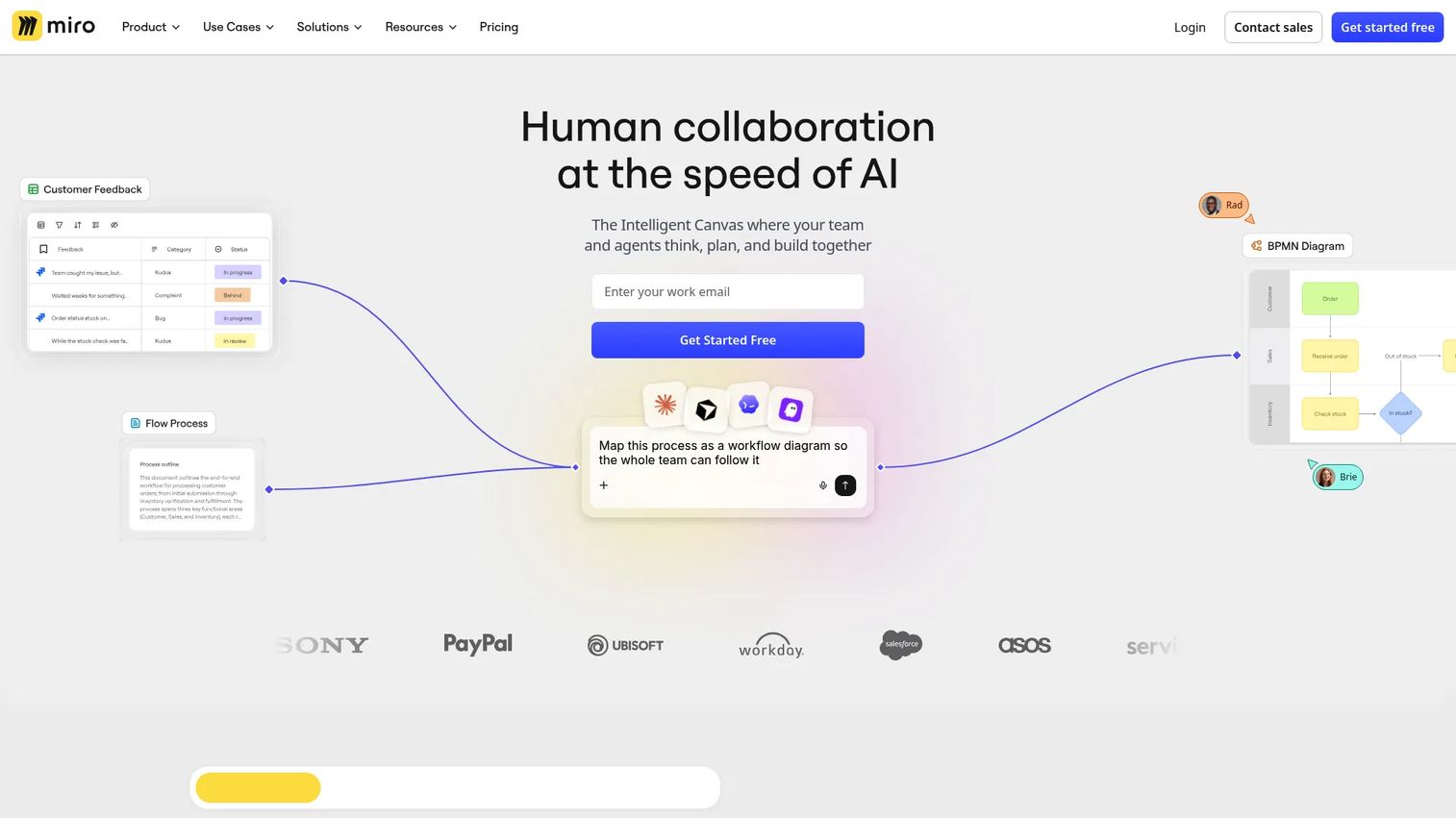
Miro is an AI-powered visual collaboration workspace for teams to plan, co-create, and build together. For live learning, it functions as the visual collaboration layer during workshops, design thinking exercises, cohort retrospectives, and group activities. More than 7,000 customizable templates, infinite canvas, sticky notes, voting, facilitation tools, and 250+ integrations make it flexible for structured and freeform group work. AI tools assist with diagrams, summaries, and workflows.
Best for: Trainers and educators who need visual collaboration during live workshops, planning sessions, or cohort exercises where a shared canvas drives the activity.
Key features
- Infinite canvas with 7,000+ templates
- Sticky notes, voting, and facilitation tools
- AI-powered diagrams, summaries, and workflows
- 250+ integrations including Zoom and Teams
- Diagramming, wireframing, and interactive prototypes
Why choose Miro: It's a visual collaboration add-on, not a standalone virtual classroom. Use it when your session is structured around group activities, mapping exercises, or design sprints where a whiteboard is the primary artifact, not just a backdrop.
Miro pricing: Free plan includes 3 editable boards. Starter is $8 per member per month billed yearly. Business is $20 per member per month billed yearly. Enterprise pricing is custom from 30 members.
G2 rating: 4.6/5
Considerations when choosing virtual classroom software
Match the tool to the learning model
A video meeting covers a simple live session. An LMS covers assignments, learning paths, course completion, and reporting. Most organizations need both, connected. Ask whether you're buying a live room, a course management system, or a full learning environment, because conflating these leads to buying the wrong tool at the wrong layer.
Check engagement features before price
Look for whiteboards, polls, breakout rooms, chat, reactions, and Q&A at a minimum. PMMs and enablement teams should also ask whether the platform shows who participated, where learners dropped off, and which content held attention. Completion data without engagement data tells you someone finished, not whether they understood anything.
Verify recording and on-demand access
Recordings matter for learners who miss sessions and for reinforcing content after a product launch. Check storage limits, retention rules, transcript availability, and whether recordings can be shared securely with external stakeholders. Some platforms restrict recordings to paid tiers.
Review integrations and administration
Evaluate SSO, LMS data passback, calendar integrations, and connections to CRM or marketing automation for customer education programs. PMMs should confirm whether training completion data can reach the rest of the GTM stack, including tools like a Demo Center for centralizing product assets alongside training content.
Run the security and accessibility review early
Programs handling student data, employee records, or customer information need privacy controls, admin access management, and accessibility compliance (captions, keyboard navigation, screen reader support) confirmed before piloting. Verify regional data handling requirements early, not after a pilot proves the tool works.
Conclusion
Virtual classroom software is a stack decision, not a single purchase. The right combination depends on what you're teaching, who needs to prove they learned it, and how much administration your team can sustain.
For dedicated tutoring and online schools, LearnCube is the most purpose-built choice. Moodle and Canvas serve institutions that need a full LMS with flexibility and broad academic adoption. Blackboard Learn fits higher education environments with complex governance. For live video delivery at scale, Zoom remains the default for teams that value familiarity, while Google Meet works naturally for Google Workspace schools. Adobe Connect suits organizations running formal training rooms or large-scale events with persistent layouts.
For corporate and partner training, Docebo and LearnUpon handle multi-audience programs with analytics and governance. Litmos covers compliance-heavy enterprise programs at scale. ProProfs Training Maker gives PMMs and L&D teams a cost-effective course builder with learner tracking.
Wooclap and Kahoot! add engagement depth to any live session. Miro handles visual collaboration during workshops. Pair these with a core classroom or LMS rather than replacing it.
Start your journey with Guideflow today!
FAQs
Virtual classroom software is a digital platform for delivering live or structured learning online. Core capabilities typically include video and audio, interactive whiteboards, chat, polls, breakout rooms, content sharing, session recordings, and learner analytics. The term covers a range of products from dedicated live classroom tools to full learning management systems and webinar platforms.
Virtual classroom software focuses on live instruction, interaction, and recording during sessions. An LMS manages courses, assignments, learning paths, grading, reporting, and administration. Many organizations run both: A live classroom tool for synchronous sessions and an LMS to manage what learners do before, during, and after them.
Purpose-built classroom tools serve tutors best. LearnCube is the strongest option for language tutors and online schools, with browser-based access, whiteboards, scheduling, and white-label support. Vedamo and WizIQ also cover tutoring workflows with live classroom features and LMS management combined. eLecta Live is a cost-effective option for small tutoring operations.
Corporate training programs benefit most from platforms that include analytics, completion tracking, certificates, LMS integrations, and admin controls. Docebo and LearnUpon handle multi-audience enterprise programs. Litmos suits compliance-driven training at scale. ProProfs Training Maker is a good fit for mid-sized teams needing AI-assisted course creation with learner tracking. Adobe Connect works for regulated or formal live training events.
Yes, for simple live sessions. Both tools handle video, audio, screen sharing, and basic in-session engagement well. Teams that need assignments, formal learning paths, quiz-based assessments, or institutional reporting will need an LMS or dedicated classroom platform alongside them. Zoom and Google Meet cover the live room; they do not cover course management.
Live video reliability, interactive whiteboard, breakout rooms, polls and quizzes, session recordings, attendance tracking, and learner analytics are the core. Accessibility support (captions, keyboard navigation), LMS integrations, SSO, and admin access controls become critical as programs scale or handle regulated data.
Pricing changes based on learner count, host seats, session capacity, storage, admin controls, and enterprise security requirements. Free tiers exist for LearnCube, Google Classroom, Moodle (self-hosted), Zoom, and Kahoot!. Mid-range tools like ProProfs Training Maker and eLecta Live price per learner or per classroom. Enterprise platforms including Docebo, LearnUpon, Litmos, Blackboard Learn, and Canvas price by institutional quote starting in the thousands of dollars per year.
Hybrid programs need live video quality, session recordings, captions or transcripts, participation tools for asynchronous learners, and admin visibility across both live and on-demand engagement. Verify that the platform integrates with your scheduling system and LMS before selecting it. Run a real class scenario in your test environment to confirm that both in-room and remote learners get a comparable experience before full rollout.