A barcode that scans on your laptop but fails at a warehouse dock is not a design problem. It is an operations problem.
Most teams discover this after a mislabeled shipment, a failed audit, or a product batch that had to be recalled and relabeled. By then, the cost is no longer theoretical. The barcode software market was valued at $2.47 billion in 2025 and is projected to reach $5.62 billion by 2035, according to Market Research Future (2025), which signals how much operational infrastructure depends on reliable label and scan workflows.
The right tool for your business depends on what happens after a barcode is created. A barcode generator produces an image. A label design platform connects that image to variable data, printer fleets, and compliance requirements. A developer SDK embeds barcode generation inside your product. An inventory or asset tracking tool ties each scan to a record. These are different problems, and they require different tools.
This guide breaks down 12 options, clarifies where each one fits, and helps you pick the right one before volume, SKU count, or operational complexity makes the wrong choice expensive.
What's inside
This guide is for operations leads, founders, and technical teams evaluating barcode software in 2026. Tools were selected based on four criteria:
- Workflow fit: Does it handle label design, generation, developer integration, or scan-based tracking?
- Integration depth: Does it connect to printers, databases, ERP, WMS, or POS systems?
- Pricing clarity: Are tiers, trial options, and scaling costs visible before you commit?
- Operational ownership: Can your team run it without engineering involvement for every change?
Inventory platforms and developer SDKs are included separately from label design tools, with clear explanations of when each category applies.
TL;DR
- Best for enterprise label printing: BarTender for print automation and label governance; CODESOFT for complex variable data and ERP integration
- Best for Zebra printer users: ZebraDesigner fits teams already standardized on Zebra hardware
- Best for desktop label design: LABELVIEW for mid-market scale; LABEL MATRIX for straightforward smaller operations
- Best for developer integration: TBarCode SDK for Windows application embedding; OnBarcode for multi-language library support
- Best for mobile inventory and asset workflows: Orca Scan for no-code scan workflows; Asset Panda for asset lifecycle management; Sortly for visual inventory in small teams
- Best for barcode software for small business: Sortly or Orca Scan, depending on whether you need inventory tracking or custom scan forms
What is barcode software?
Barcode software creates, validates, formats, prints, scans, or manages barcode data for products, assets, shipments, and operational records.
The category spans five distinct layers:
Barcode generation
Converts raw data into a scannable barcode image. Basic online generators and desktop tools live here. This is where barcode creator software and barcode maker software terms apply. A generator produces an asset; it does not manage what happens next.
Label design
Combines barcodes with text, logos, dates, variable fields, and compliance data into a print-ready template. Barcode label software in this category handles serialization, database connections, and template governance across printer fleets.
Barcode printing software and print automation
Sends consistent templates and variable records to one or many thermal printers. Barcode printing software in this tier includes approval workflows, audit trails, and multi-location print management.
Developer integration
Generates barcodes inside applications, websites, PDFs, or reports using a barcode SDK or barcode API. This layer is for product and engineering teams, not operations staff.
Inventory and asset tracking
Connects scans to records, locations, audit history, and stock movement. Barcode software for inventory in this layer is closer to a workflow platform than a design tool.
Barcode formats buyers should understand
- UPC and EAN: Standard retail product identifiers, required for point-of-sale scanning
- Code 128: High-density linear code for logistics, shipping, and internal operations
- QR codes: 2D codes for URLs, forms, and mobile-led workflows; barcode software for QR codes is often the entry point for smaller teams
- Data Matrix: Compact 2D codes for traceability and small label surfaces
- GS1 standards: Required when labels enter retail, logistics, or regulated supply chains; GS1 barcodes are scanned more than 10 billion times daily worldwide, according to GS1 (2024)
Core features to evaluate
- Supported barcode symbologies
- Printer and operating system compatibility
- CSV, database, ERP, WMS, and POS connectivity
- Variable data and serial number generation
- Print preview and barcode validation
- User permissions, version control, and template governance
- SDK or API support where relevant
When to use barcode software
Print product and shipping labels at scale
Label design software earns its place when data changes per item, batch, or shipment. Thermal printer compatibility, serialized label runs, and central template control become critical when SKU counts grow or when labels must meet compliance requirements for retail or regulated supply chains. A barcode labeling system for this context needs to pull from a live data source, not require manual edits per print job.
Add barcode generation to a SaaS product or internal application
Founders and engineering teams need a barcode SDK or barcode API rather than a desktop label designer when barcode creation is a product function. Generating packing slips, invoices, customer asset records, or warehouse documents inside an application requires embedded generation, not a separate workflow. The build-versus-buy question here is about engineering time, not license cost.
Track inventory, equipment, and field assets with scans
Barcode software for inventory or asset management fits when the business needs to know where something is, who has it, and when it was last audited. This is not the same job as printing a label. An inventory platform ties each scan to a record; a label designer creates the label that gets scanned. Buying the wrong one for the wrong job creates a gap in the middle.
Barcode software comparison
The table below separates label-focused tools from developer components and scan-driven inventory platforms. Shortlist by workflow first, then compare within that category.
| # | Product | Best for | Key differentiator | Pricing | G2 rating |
|---|---|---|---|---|---|
| 1 | BarTender | Enterprise label design and print automation | Centralized label management with audit trails | From $199/year | 4.2/5 |
| 2 | CODESOFT | Complex industrial and compliance labels | Advanced variable data and ERP/WMS integration | From $1,525 (3-year subscription) | 3.7/5 |
| 3 | ZebraDesigner | Zebra printer environments | Native Zebra hardware alignment | Free (Essentials); Professional requires license | No G2 rating found |
| 4 | LABELVIEW | Mid-market label design | Database connectivity and scalable templates | From $324 | No G2 rating found |
| 5 | LABEL MATRIX | Simple desktop barcode labeling | Wizard-driven setup for smaller operations | Contact for pricing; 30-day trial available | No G2 rating found |
| 6 | Barcode Studio | Cross-platform barcode generation | Broad symbology support with vector export | From €75/$93/year (Lite) | No G2 rating found |
| 7 | TBarCode Office | Microsoft Office barcode workflows | Barcode creation in Word and Excel | From $185/year (Single license) | No G2 rating found |
| 8 | TBarCode SDK | Application and web developers | Windows barcode SDK with 100+ symbologies | From $209 (one-time) | No G2 rating found |
| 9 | OnBarcode | Multi-language developer libraries | .NET, Java, and mobile barcode components | From $99 (perpetual license) | 3.8/5 |
| 10 | Orca Scan | Mobile barcode data capture | No-code custom scan workflows with offline support | Free tier; paid from $39/mo | No G2 rating found |
| 11 | Asset Panda | Asset tracking and audits | Configurable asset lifecycle with mobile scanning | From $3,000/year | 4.2/5 |
| 12 | Sortly | Small business inventory tracking | Visual inventory with barcode scanning | Free tier; paid from $24/mo (annual) | 4.3/5 |
Pricing and ratings verified October 2026 from each vendor's pricing page and live G2 listing.
Best 12 barcode software tools for 2026
1. BarTender
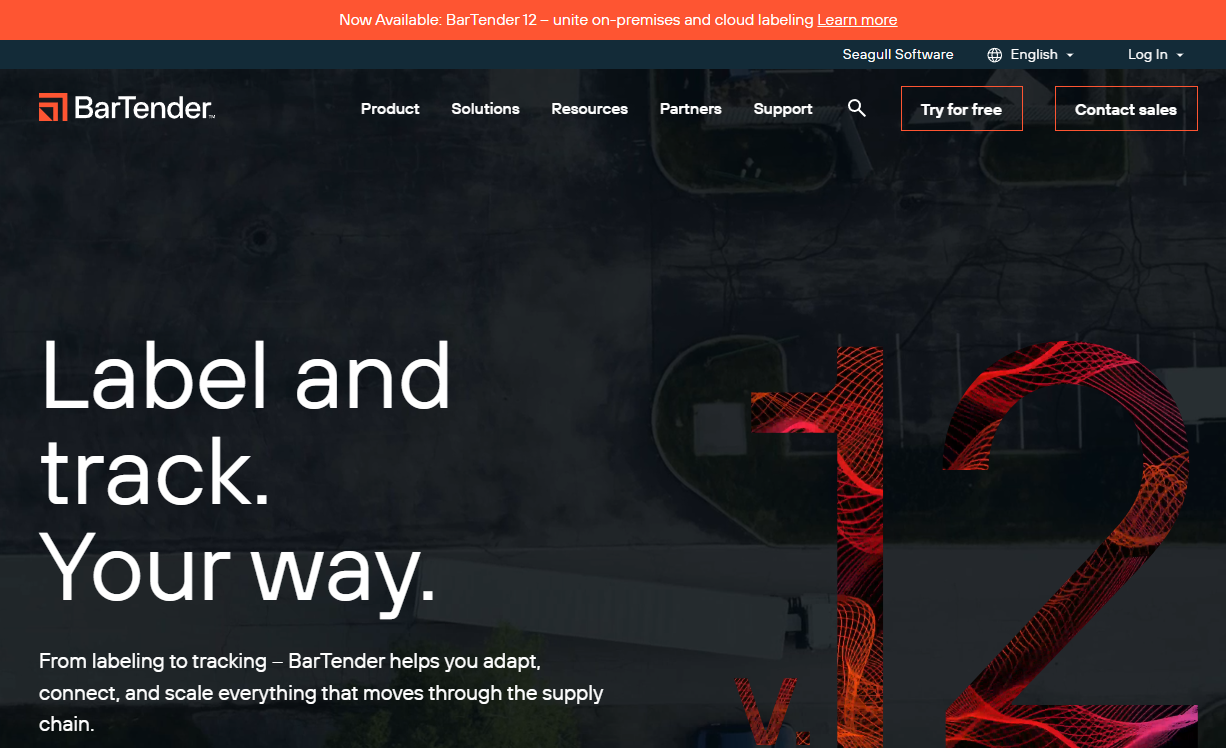
BarTender is labeling and item-tracking software for designing, printing, automating, and managing barcode and RFID labels. It serves manufacturers, warehouses, and supply chain teams that need controlled, repeatable label production across multiple printers and locations. The platform connects label templates to live data sources and includes centralized document management, audit trails, and cloud printing.
Best for: Manufacturing, warehouse, and supply chain teams with high print volume and formal label governance requirements.
Key features
- Centralized label template management with version controls
- Broad barcode and RFID symbology support
- Database-driven variable data via REST APIs and File Drop
- Cloud printing and multi-printer automation
- Audit trails, security permissions, and compliance support
Why choose BarTender: It is the right tool when labels are operational infrastructure rather than one-off documents. If your team needs to connect label output to an ERP, WMS, or database and maintain consistent templates across locations, BarTender handles that without requiring engineering involvement for each update.
BarTender pricing: On-premises plans start at $199/year (Starter) and $299/year (Professional), with the Automation tier at $575/year. Cloud Essentials starts at $390/year and Cloud Automation at $1,750/year. Enterprise tiers on both tracks require contacting sales. A 30-day trial is available, and 1-, 3-, and 5-year plans are offered; monthly plans are not available.
G2 rating: 4.2/5
2. CODESOFT
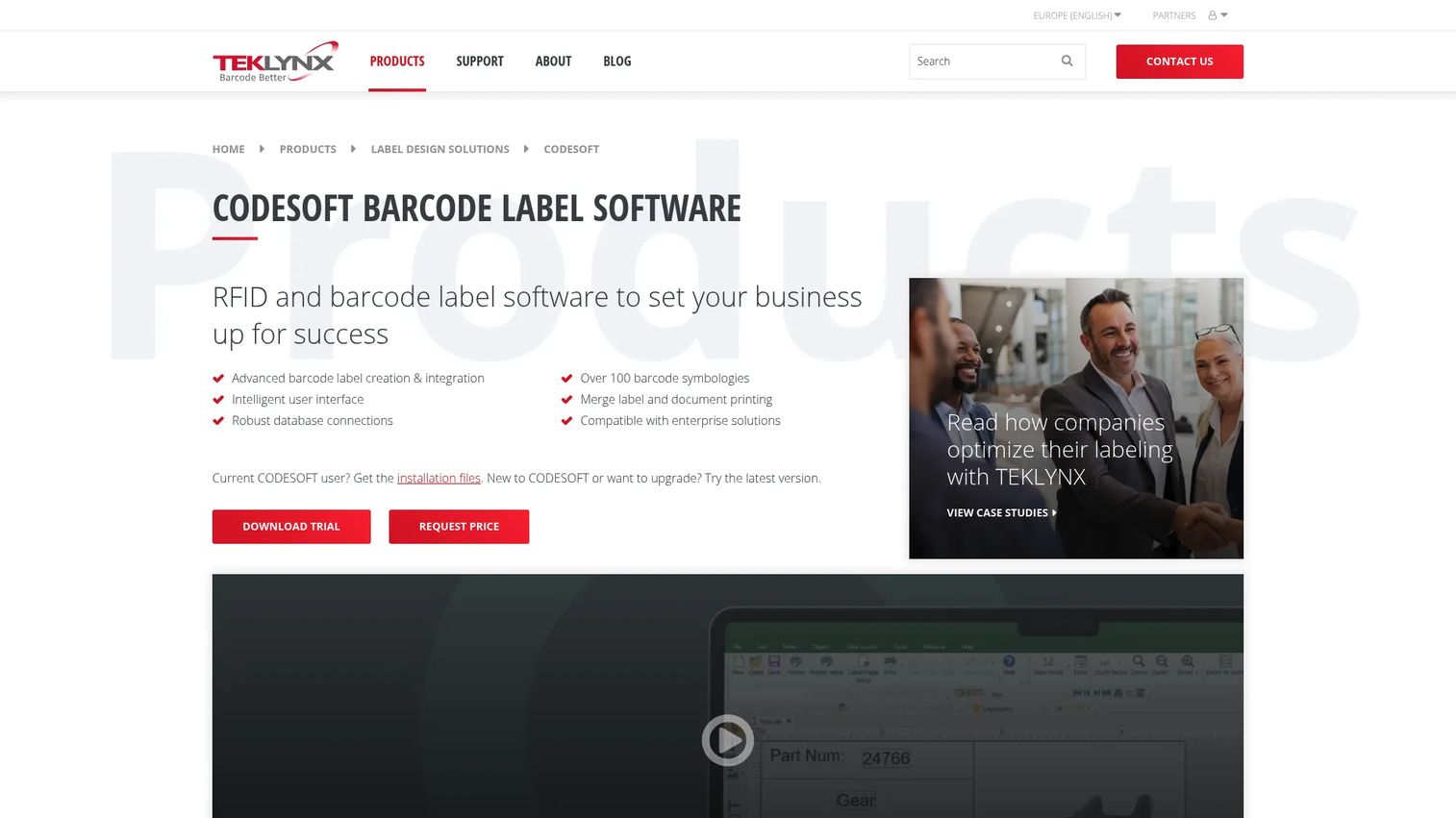
CODESOFT is advanced barcode and RFID label design software built for industrial, manufacturing, logistics, and compliance-sensitive workflows. It supports over 100 barcode symbologies and connects to databases, ERP systems, and WMS platforms for variable data label production. The interface supports 25 languages and includes Unicode, which matters for teams operating across multiple regions.
Best for: Operations teams managing sophisticated variable data, regulatory label requirements, or structured production workflows with enterprise integrations.
Key features
- Over 100 barcode symbologies including RFID support
- Robust database connections and live queries
- ERP and WMS integration for variable data
- Compliance label design tools
- 25-language interface with Unicode support
Why choose CODESOFT: Choose it when labels must pull live operational data from an ERP or WMS and when production requires structured approval workflows. It is not the right starting point for simple desktop labels with static data. The complexity is warranted by the integration depth, and the 30-day trial lets teams validate the fit before committing.
CODESOFT pricing: A 3-year subscription starts at $1,525, per the TEKLYNX storefront FAQ. Exact pricing varies by edition, license configuration, and user count. A free 30-day trial is available.
G2 rating: 3.7/5 (from 3 reviews)
3. ZebraDesigner
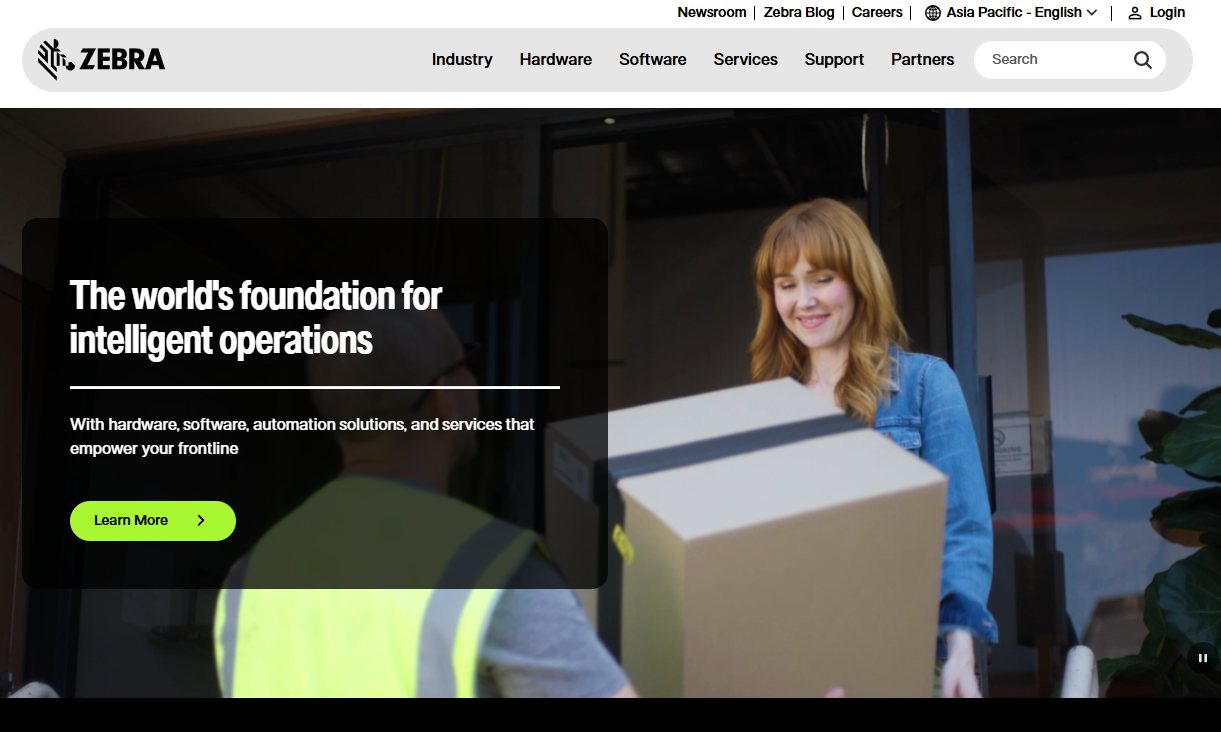
ZebraDesigner is Windows-based label, tag, and receipt design software built specifically for Zebra printers. It comes in three editions: Essentials and Developers are free, while Professional adds database connectivity, RFID support, and scripting. For teams already running Zebra hardware, it removes the complexity of configuring a third-party designer with a printer ecosystem that has its own formatting requirements.
Best for: Small and mid-sized teams using Zebra desktop or industrial printers that need compatible label creation without adopting a larger labeling platform.
Key features
- Zebra printer-focused label and tag templates
- Database and CSV data imports in Professional
- RFID label printing and encoding
- GS1-128 barcode wizard
- Variable field support with basic VB scripting
Why choose ZebraDesigner: The decision comes down to hardware commitment. If your printer fleet is Zebra, this is the pragmatic starting point. It is not a system of record for broader inventory operations, and it does not offer the enterprise governance features of heavier platforms. For teams scaling beyond a single location or printer model, evaluating BarTender or CODESOFT alongside it makes sense.
ZebraDesigner pricing: Essentials and Developers editions are free. Professional requires a one-time activation license; Zebra does not display the Professional price on its product page, so contact Zebra or an authorized reseller for a quote.
4. LABELVIEW
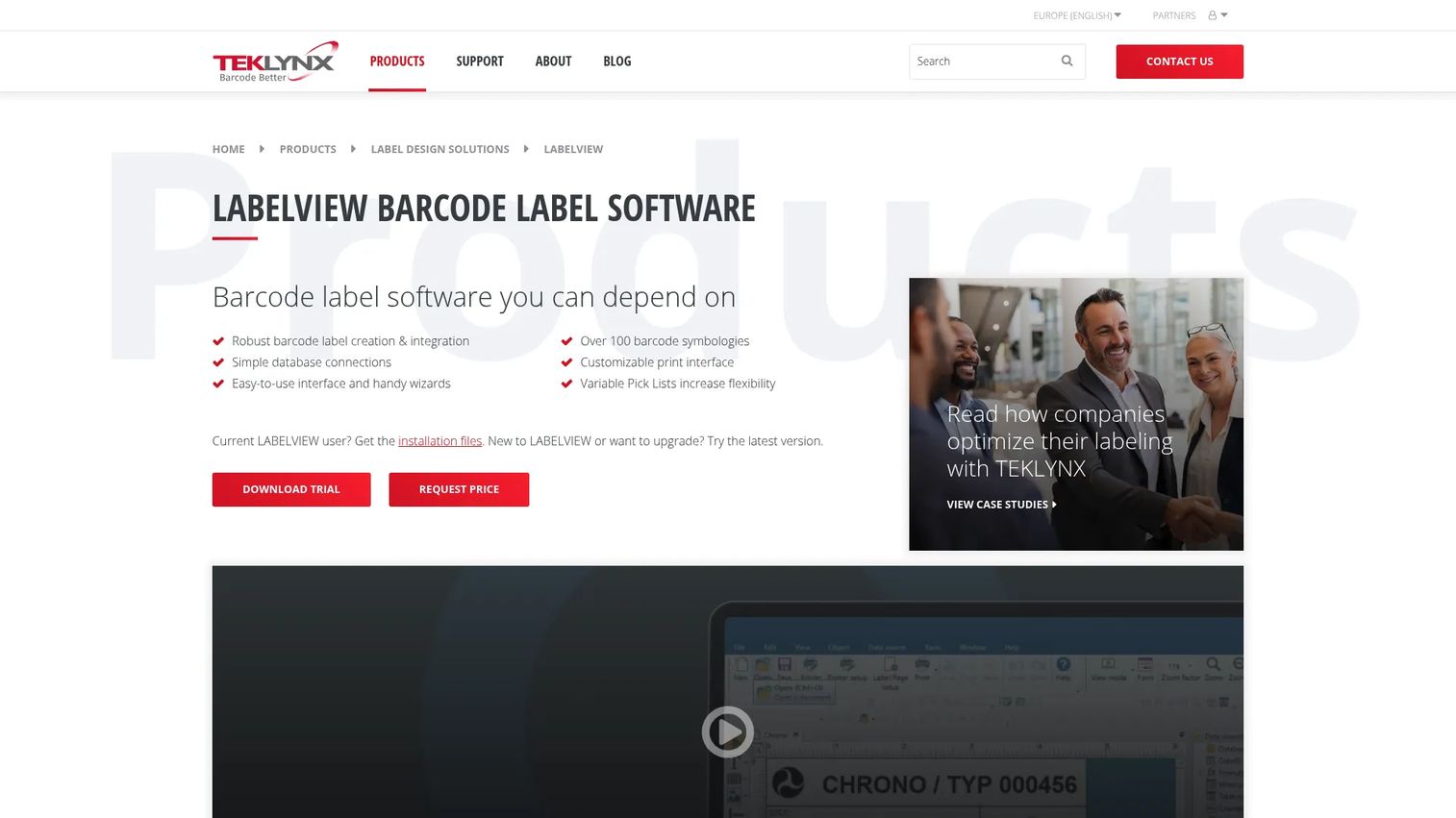
LABELVIEW is a mid-market barcode label design platform for companies that need repeatable templates with database connectivity but have not yet reached the complexity that justifies enterprise label governance. It supports over 100 barcode symbologies and connects to Excel, Access, SQL, Google Drive, OneDrive, and OData. The Form Designer lets teams build custom data-entry forms for operators who print labels without accessing the full designer.
Best for: Growing teams managing recurring labels with changing product, shipment, or customer data that need database connections without enterprise configuration overhead.
Key features
- Over 100 barcode symbologies
- Connections to Excel, Access, SQL, Google Drive, OneDrive, and OData
- Variable Pick Lists and serialization
- Form Designer for custom data-entry interfaces
- TCP/IP printing and multi-printer output
Why choose LABELVIEW: It sits between basic desktop tools and full enterprise platforms. Teams that have outgrown manual label edits but do not need approval workflows or ERP integration at scale will find it covers the gap at a reasonable entry point. The starting price makes it accessible before a larger platform commitment is warranted.
LABELVIEW pricing: Starts at $324 on the TEKLYNX storefront. Pro and Gold editions are available; detailed edition pricing requires contacting TEKLYNX directly.
5. LABEL MATRIX
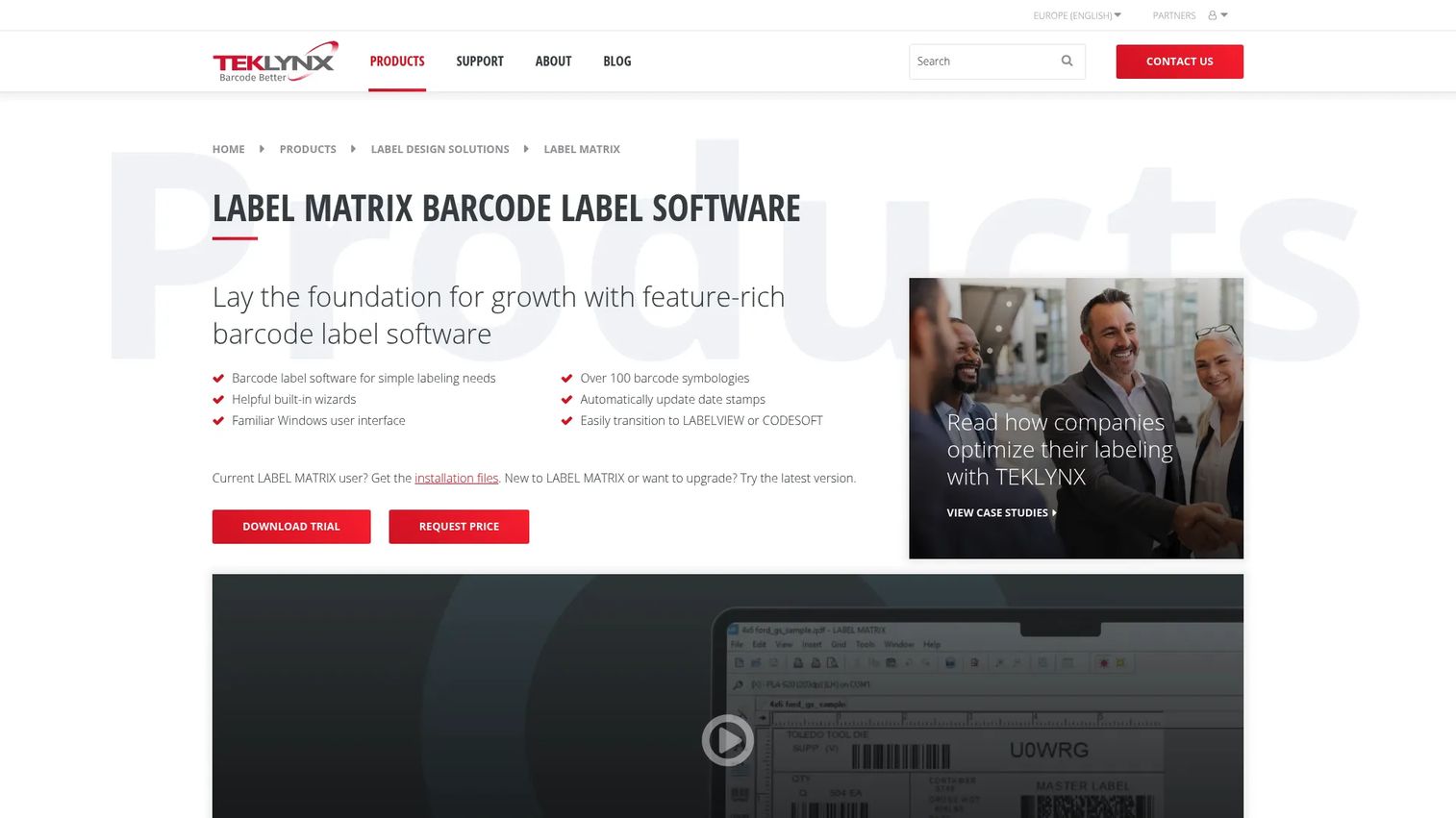
LABEL MATRIX is a Windows-based barcode label design tool for teams with straightforward labeling needs. It uses built-in wizards for printer selection, database setup, and 2D barcode configuration, which reduces the setup burden for operators who are not labeling specialists. The platform supports over 100 barcode symbologies and is compatible with more than 4,000 printer drivers.
Best for: Small operations with a modest number of label formats and limited need for approval workflows or enterprise-scale automation.
Key features
- Built-in wizards for printer, database, and barcode setup
- Over 100 barcode symbologies
- Variable data: Serialization, counters, date offsets, and formulas
- 15 interface languages
- Compatibility with over 4,000 printer drivers
Why choose LABEL MATRIX: Evaluate it when the operation's labeling needs are modest and the team wants to get a label printed in the first week without a lengthy configuration process. Step up to LABELVIEW or CODESOFT when you need richer database connectivity, approval controls, or multi-location print management.
LABEL MATRIX pricing: PowerPro and QuickDraw editions are available. Numeric pricing requires contacting TEKLYNX or requesting a quote through the storefront. A free 30-day trial is available.
6. Barcode Studio
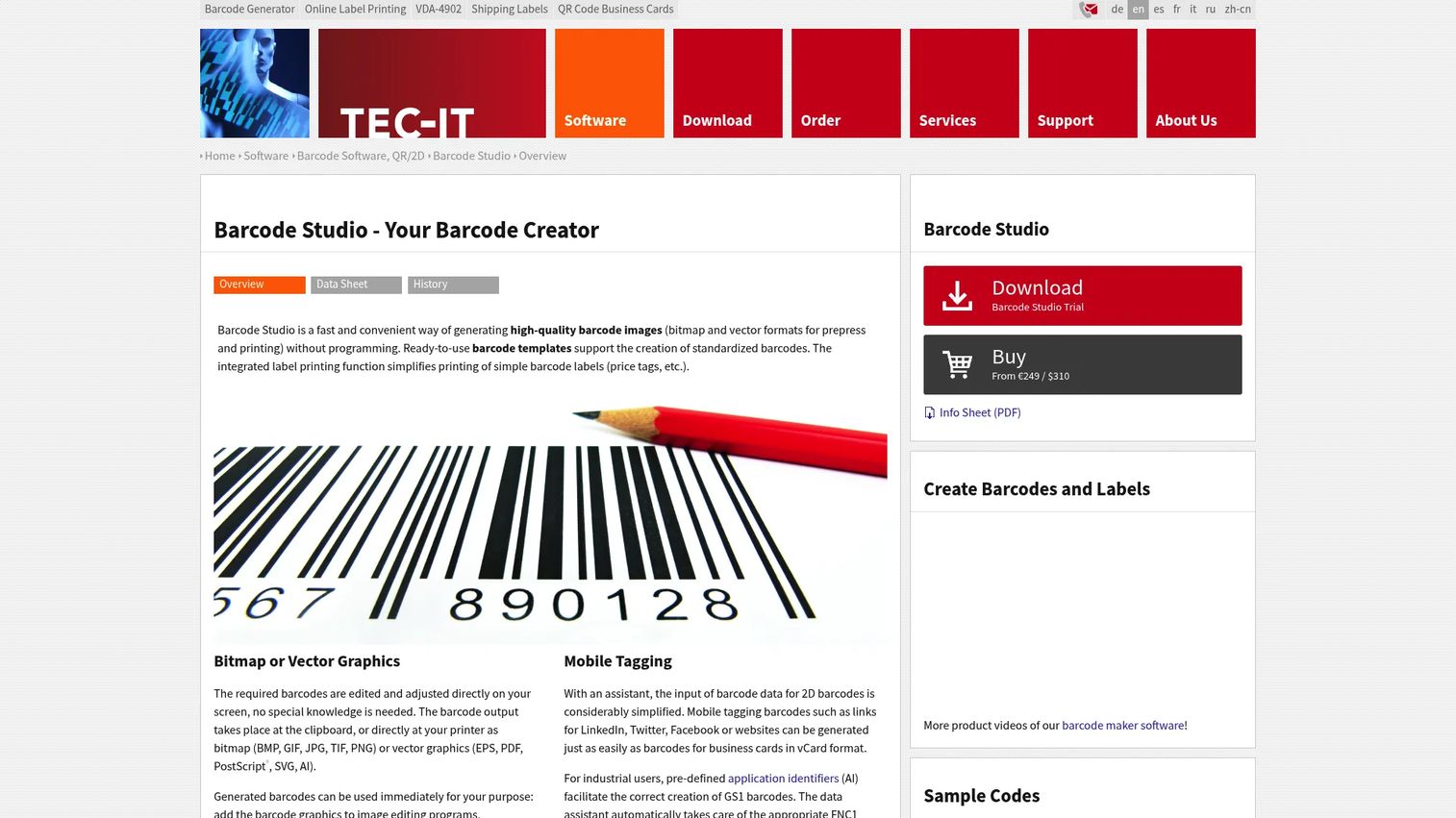
Barcode Studio is desktop barcode generation software for producing high-quality barcode images across Windows, macOS, and Linux. It covers linear, 2D, GS1, composite, and postal symbologies, and outputs both bitmap and vector formats. Batch processing via command-line interface makes it practical for teams generating large barcode series from text or CSV data.
Best for: Designers, technical users, and operations teams that need accurate barcode assets for documents, labels, packaging, or print output across platforms.
Key features
- Linear, 2D, GS1, composite, and postal symbology support
- Bitmap and vector export (including CMYK in Pro)
- Serial-number generation and CSV data import
- Batch processing via command line
- Windows, macOS, and Linux support
Why choose Barcode Studio: The distinction between Barcode Studio and a full label lifecycle platform matters. This tool creates accurate barcode assets; it does not manage a printer fleet or connect to an ERP. It is the right fit when you need QR codes, UPC symbols, or Data Matrix codes for packaging or documents, and you want control over output quality and format.
Barcode Studio pricing: Lite costs €75/$93 per year and covers common barcode types with bitmap output. Pro costs €249/$310 per year and adds all barcode types, vector output, CMYK, and unlimited batch lists.
7. TBarCode Office
TBarCode Office is a Microsoft Office add-in for generating barcodes directly inside Word and Excel documents. It supports over 100 linear, 2D, GS1, and postal symbologies, and handles serial-letter barcode creation and dynamic linking to Excel cells. Barcodes print on any standard printer without requiring special fonts or extensions.
Best for: Back-office teams creating barcode-enabled forms, mailing labels, reports, and spreadsheets inside Microsoft Office without a separate label design workflow.
Key features
- Word and Excel add-ins for barcode insertion
- Over 100 barcode symbologies including GS1 and postal
- Dynamic linking to Excel cells
- Mail merge-compatible barcode creation
- Prints on all standard printers without special drivers
Why choose TBarCode Office: It removes the handoff between document creation and barcode insertion. If your team generates barcoded documents inside Office workflows, this is a cleaner path than exporting assets from a separate barcode tool and importing them manually. It is a document tool, not a warehouse label automation system.
TBarCode Office pricing: The Single license is €149/$185 per year for one installation and one user. Enterprise (World License for unlimited use) pricing is available on request. Product updates and standard support are included during the subscription period.
8. TBarCode SDK
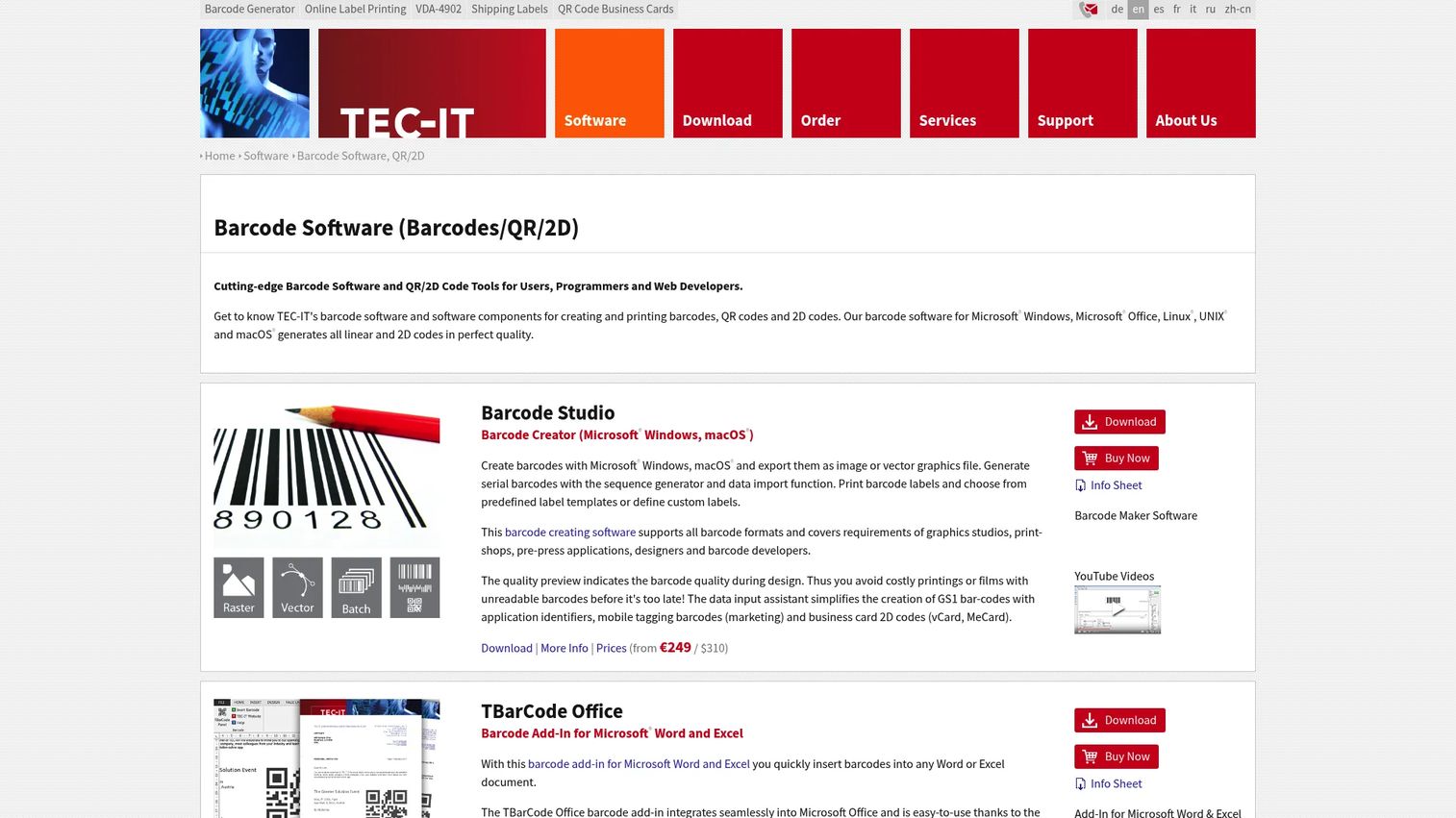
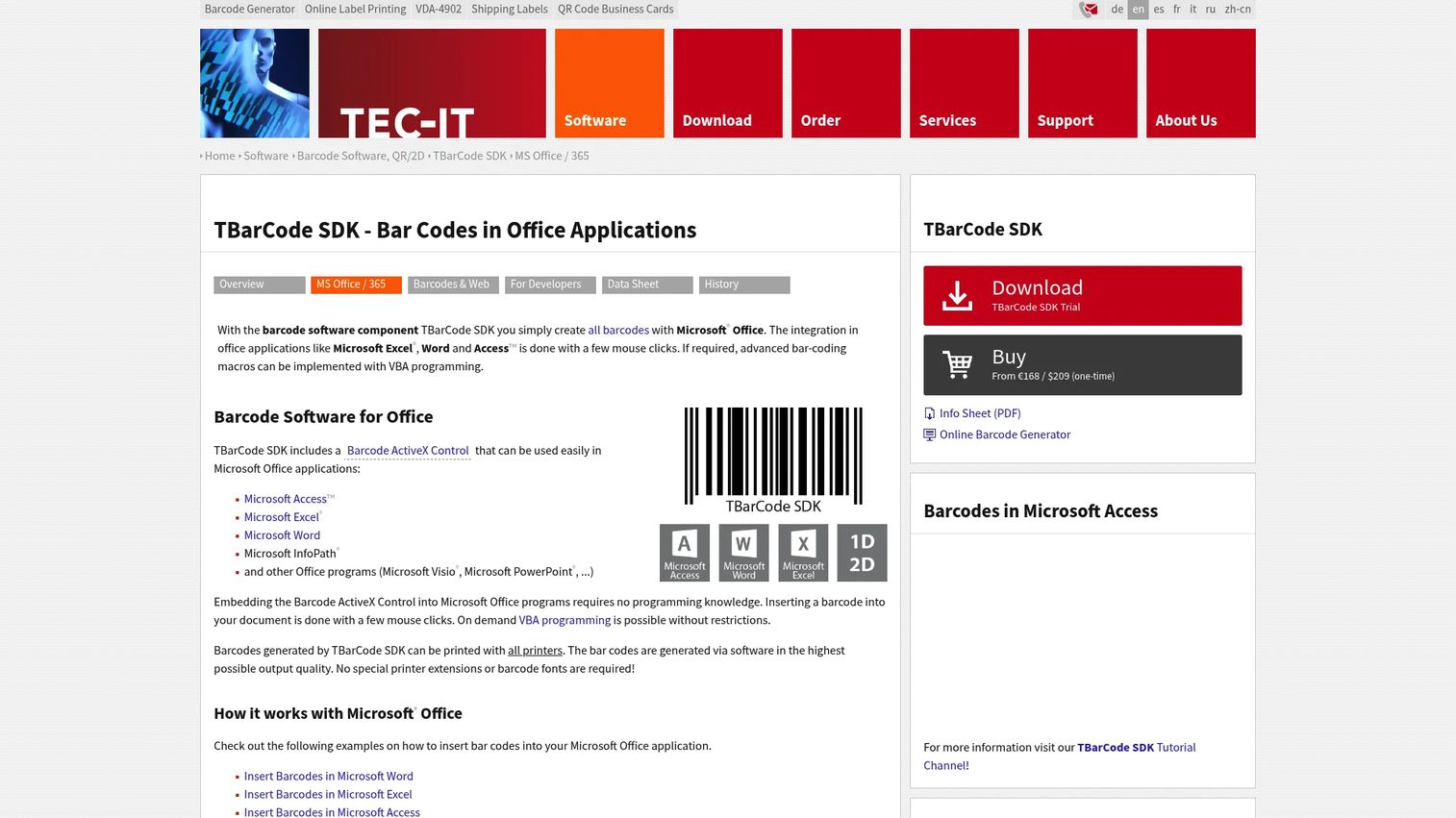
TBarCode SDK is a barcode generation SDK for Microsoft Windows, designed for developers embedding barcode creation into applications, web apps, ERP systems, or automated document workflows. It includes a .NET Assembly, ActiveX Control, and DLL component, and integrates with Visual Basic, C#, .NET, Delphi, and Microsoft Office environments.
Best for: Engineering teams embedding barcode generation into Windows applications, internal software, or document automation pipelines.
Key features
- Over 100 linear and 2D symbologies including Code 128, Data Matrix, QR Code, and PDF417
- .NET Assembly, ActiveX Control, and DLL components
- Integration with Visual Basic, C#, .NET, Delphi, and Office
- Web application and server-side automation support
- Vector and raster output formats
Why choose TBarCode SDK: A barcode SDK is the right route when barcode generation is a product function, not a back-office task. The engineering time to deploy and maintain the integration is the real cost consideration, not just the license. Evaluate it when barcodes need to appear inside an application at generation time, without a manual export step.
TBarCode SDK pricing: Starts at €168/$209 as a one-time perpetual license. Single, Developer, Web, and Enterprise tier prices are available on request from TEC-IT.
9. OnBarcode
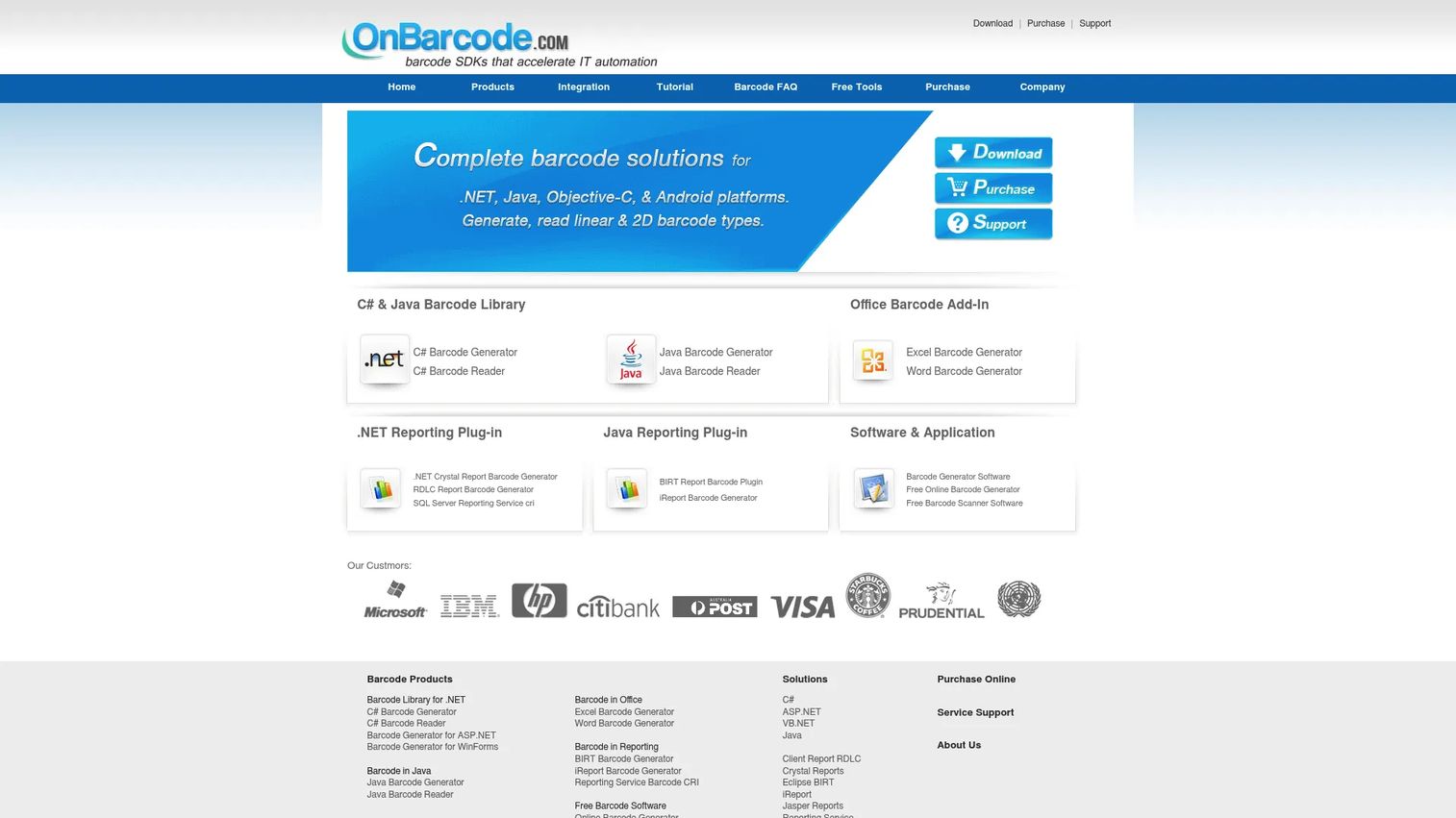
OnBarcode provides barcode generation libraries, controls, and add-ins for .NET, Java, mobile, reporting, and Office applications. It covers Code 128, EAN/UPC, QR Code, Data Matrix, PDF417, and other common symbologies. Licensing is product-specific and perpetual, which suits teams that want a one-time purchase rather than an ongoing subscription for an embedded component.
Best for: Product teams building barcode generation into SaaS applications, business systems, web services, or document workflows across multiple programming languages.
Key features
- Barcode generation for .NET (web, desktop, mobile, console, and class library)
- Code 128, EAN/UPC, QR Code, Data Matrix, and PDF417 support
- Barcode image customization: Dimensions, colors, rotation, and resolution
- Barcode reader and scanner components
- Microsoft Office add-ins and reporting plugins
Why choose OnBarcode: It suits teams with engineers who need barcode generation embedded in code and want a perpetual license model rather than an annual subscription. Evaluate language support, server deployment terms, and ongoing maintenance requirements before committing. The licensing structure is product-specific, so the total cost depends on which components your application needs.
OnBarcode pricing: Perpetual licenses start at $99 for Windows Barcode Generator Software. Excel and Word add-ins start at $109. Java and ASP.NET libraries start at $350. The C# Barcode Generator Suite starts at $990.
G2 rating: 3.8/5 (from 6 reviews)
10. Orca Scan
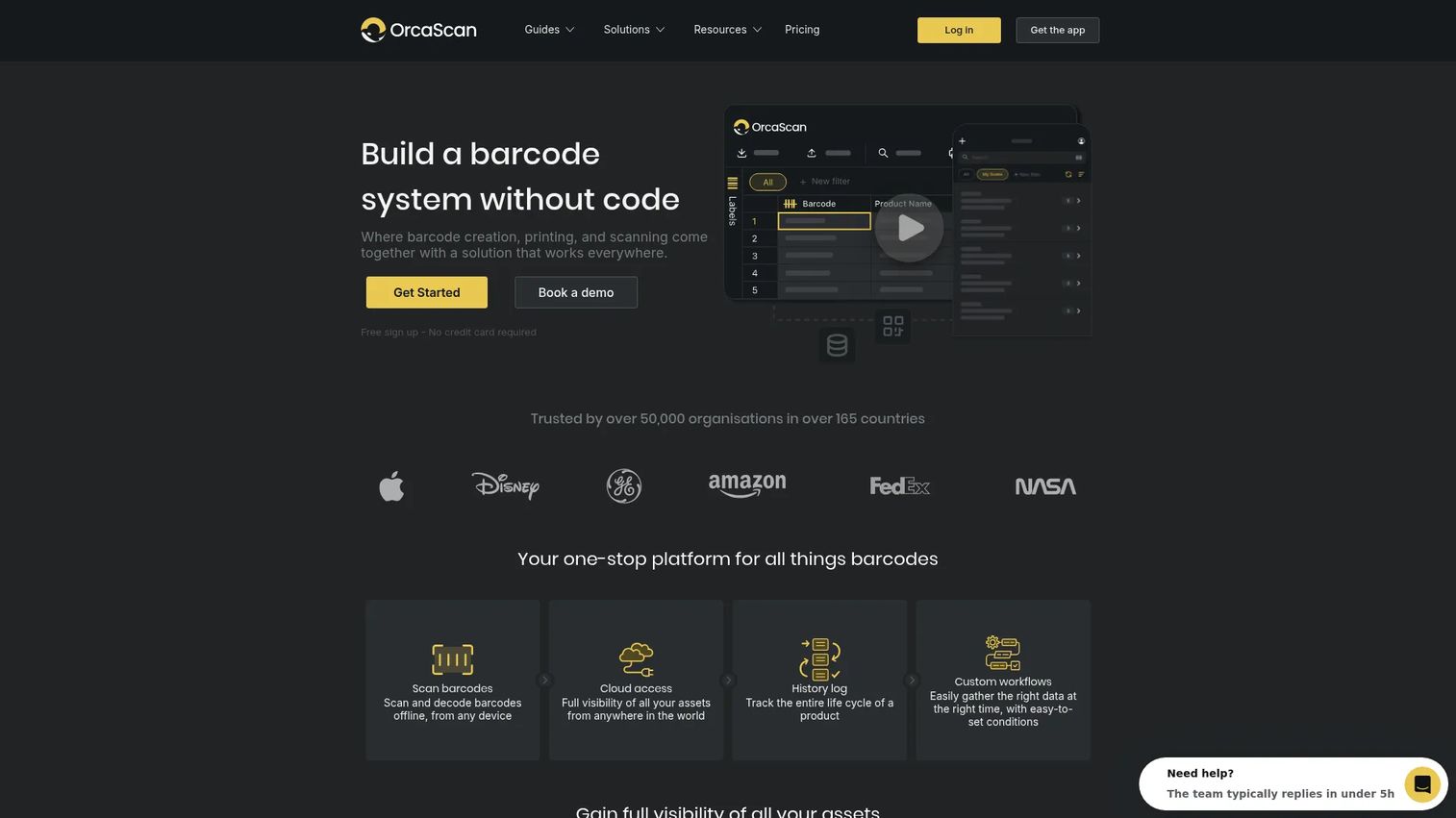
Orca Scan is a no-code barcode platform for creating, printing, scanning, and managing barcode systems across devices. It lets teams build custom scan workflows and data-capture forms without writing code, and supports offline operation with cloud sync. Integrations cover Excel, Google Sheets, Zapier, Power BI, Tableau, databases, and APIs. It also includes a barcode label designer and printing capability alongside the mobile scanning workflow.
Best for: Field teams, warehouse operators, and operations leads that need configurable mobile scanning and data capture without building a custom application.
Key features
- Mobile barcode scanning with offline support
- Custom data-capture forms and scan workflows
- Spreadsheet and database sync
- Cloud history logs and shared scan records
- Barcode inventory software capabilities with label design and printing
Why choose Orca Scan: It is strong when the operational problem is capturing scan data, tracking movements, or running audits, not just designing labels. A scan without a usable record does not create operational visibility. Evaluate whether the form fields, locations, and reporting outputs match what the team actually needs to act on.
Orca Scan pricing: Free plan available. Paid plans start at $39/month billed annually (Starter), $79/month (Business), and $400/month (Enterprise). Monthly billing is also available at higher rates.
11. Asset Panda
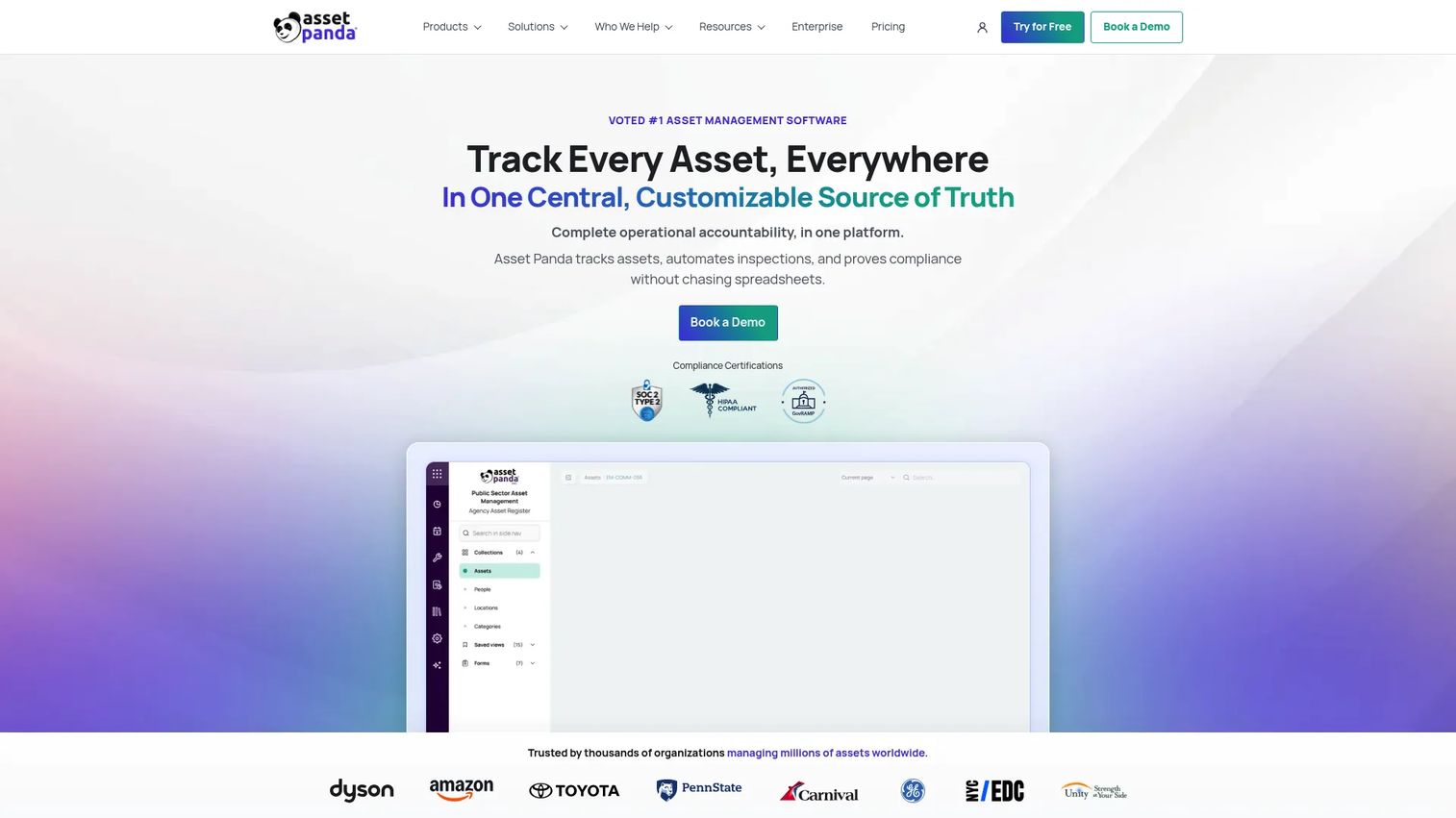
Asset Panda is a cloud-based asset inventory software platform that uses barcode labels and mobile scanning to track equipment, ownership, maintenance, and lifecycle history. It supports configurable workflows, fields, forms, permissions, and automations. The mobile app includes barcode and QR scanning with offline mode, and the platform handles inspections, maintenance tickets, and compliance reporting.
Best for: Companies tracking laptops, devices, equipment, tools, or distributed physical assets across teams and locations.
Key features
- Barcode and asset tag tracking with lifecycle history
- Configurable workflows, fields, forms, permissions, and automations
- Mobile app with barcode/QR scanning and offline mode
- Inspections, maintenance tickets, and notifications
- Global search, reporting, audits, and compliance management
Why choose Asset Panda: It goes beyond barcode creation by tying labels to ownership and operational accountability. The decision driver is whether the business is losing time or money through missing equipment, manual audits, or weak accountability across teams. It is a better fit for asset-heavy organizations than for teams printing retail or shipping labels.
Asset Panda pricing: Starts at $3,000/year (Starter). Business+ plans start at $7,500/year. Pricing is customized to organizational needs; contact Asset Panda for a current quote.
G2 rating: 4.2/5 (from 44 reviews)
12. Sortly
Sortly is visual inventory management software for smaller operations that need an accessible way to track stock, supplies, and equipment with barcode scanning. It organizes items into custom folders and locations, supports low-stock alerts, and provides mobile access for team members in the field. For teams currently tracking inventory in a spreadsheet, the first win is faster counts and clearer ownership without deploying a full warehouse management system. See also our guide to the best ecommerce platform for small business if inventory connects to an online storefront.
Best for: Small businesses and growing teams that need simple, visual inventory control with barcode scanning before they need a WMS.
Key features
- Barcode and QR code scanning on mobile
- Visual inventory with custom folders and locations
- Low-stock alerts and inventory reporting
- Mobile and offline access
- Purchase orders and pick lists
Why choose Sortly: It fits teams that prioritize adoption and ease of use over deep operational customization. It is not a replacement for complex enterprise print automation or manufacturing label governance. The free plan covers up to 100 unique items with 1 user, which makes it a low-risk starting point.
Sortly pricing: Free plan includes 100 items and 1 user. Advanced starts at $24/month billed annually (promotional first-year rate; standard is $49/month). Ultra is $74/month annually ($149/month standard). Premium is $149/month annually ($299/month standard). Enterprise requires a custom quote. A 14-day trial is included on paid plans.
G2 rating: 4.3/5
Considerations when choosing barcode software
Match the tool to the operational job
Do not compare an inventory platform against a label printer platform as if they solve the same problem. Define whether the primary job is label creation, automated printing, software integration, scan-based workflows, or asset tracking. Mixing categories wastes evaluation time and budget.
Confirm printer and device compatibility
Verify support for thermal printers, desktop printers, handheld scanners, and mobile devices before purchasing. A good barcode template fails if the printer driver or label stock does not support it. Ask vendors to confirm compatibility with your specific hardware models, not just a generic category.
Test real data connections
Run a test with the actual data source that will power labels or scans. This may be a CSV file, a SQL database, an ERP, a WMS, or a best POS software integration. Generic connectivity claims are less meaningful than a confirmed working connection with your stack.
Treat barcode quality as a production requirement
Print test labels using the production printer, stock, and density settings. Validate barcodes using the scanners the operation actually uses. Check quiet zones, contrast, label damage resistance, and data encoding. Screen previews do not replicate real-world scan conditions.
Model the cost at the next scale stage
For founders, pricing analysis needs to go beyond the entry tier. Calculate the cost impact of adding users, printers, label formats, locations, and API calls. For barcode labeling systems at warehouse scale, the gap between a starter and an automation tier can be significant. Build the growth scenario into the evaluation before signing an annual contract.
Conclusion
The best barcode software depends on what happens after a barcode is created.
For controlled, high-volume label operations, BarTender and CODESOFT cover print automation and enterprise integration at different complexity levels. ZebraDesigner is the pragmatic call for teams committed to Zebra hardware. LABELVIEW and LABEL MATRIX handle desktop barcode label workflows at different scales. Barcode Studio and TBarCode Office fit barcode generation tied to design output and Office documents. TBarCode SDK and OnBarcode are developer tools for embedding generation into products and business systems. Orca Scan, Asset Panda, and Sortly address scan-driven inventory and asset workflows, each at a different operational scale.
Start by defining the event that needs a barcode: Printing a label, generating a document, tracking an asset, or scanning inventory. Then match the tool to that event. Buying a large platform because it has a familiar feature list, when the actual job is simpler, creates maintenance overhead your team will regret at the next scale stage.
For teams evaluating adjacent operational software, our roundup of best business intelligence software covers the reporting layer that sits above operational tracking tools.
FAQs
Small businesses should prioritize printer compatibility, supported barcode formats, and a pricing model that fits the current team size. For teams that need simple inventory tracking with mobile scanning, Sortly's free plan covers up to 100 items with no upfront cost. For teams that primarily need to design and print labels, LABELVIEW's entry price and wizard-driven setup make it a practical starting point. The deciding factor is whether the primary job is printing labels or tracking what gets scanned.
Barcode software creates or prints codes and labels. Inventory management software uses scans to update item records, stock levels, locations, or asset history. Some platforms combine both functions, but buyers should confirm which workflow each product handles natively before purchasing. Buying a label designer and expecting it to track asset checkouts is a common and expensive misalignment.
Most barcode tools can generate UPC and EAN symbols. Creating the image does not assign a legitimate retail product identifier. Businesses selling through retail channels generally need identifiers obtained from GS1, the standards organization that manages retail barcode numbering. GS1 standards are used by more than 2 million companies across 150 countries, per GS1 (2025). The barcode software handles the image; GS1 membership handles the identifier.
Code 128 and GS1-128 are the most common for internal logistics and shipping operations. Data Matrix works well for compact labels on small parts, and QR codes suit mobile-led workflows where a camera phone replaces a dedicated scanner. The right choice depends on your scanner hardware, label size, data length, and whether labels move through external supply chain partners who have their own format requirements.
A thermal printer prints labels but does not design templates, connect to a database, generate serialized values, or validate barcode quality. Basic printing may need only the driver software that ships with the printer. Recurring variable labels, where each item or batch gets unique data, require a dedicated barcode label software platform to manage templates, data sources, and print automation reliably.
Yes. Developer-focused SDKs and APIs generate barcodes in web apps, desktop applications, packing slips, PDFs, and reports. For teams building this into a product, evaluate language support, licensing terms for server-side deployment, rendering quality, and the engineering cost of integration and ongoing maintenance. Our roundup of API generation software covers broader generation tooling context for developer teams.
Print the label using the production printer, stock, and print density settings. Test it with the scanners used in the operation under realistic conditions, including lighting, distance, and label orientation. Check quiet zones (the blank margins around the barcode), contrast, dimensions, and how the label holds up to surface wear. A barcode that passes a screen preview can still fail at a warehouse dock or point-of-sale reader if any of these variables differ from the test environment.
A free barcode generator handles occasional, static barcode images well. It falls short when teams need dynamic data per item, print automation, database integration, user access controls, template versioning, bulk generation, or scan-based tracking. The gap between a free online generator and a production labeling system is the same gap between a spreadsheet and a database. Both store data; only one handles operational scale.