



Your beef supplier raised prices 12% last month. Your spreadsheet still shows last quarter's number. That burger you priced at a 68% margin is now closer to 61%, and nobody flagged it until inventory ran short at month-end.
That gap between what a dish costs and what your spreadsheet says it costs is where margin quietly leaks. The global food costing software market hit $1.2 billion in 2025 and is projected to reach $2.8 billion by 2034 at a 9.8% CAGR, according to MarketIntelo (2025). That growth tracks a simple pressure: ingredient prices move faster than manual costing can keep up.
For restaurant operators, finance leads, and multi-unit teams, the job is not just pricing dishes once. It is keeping every recipe accurate as supplier costs shift, rolling changes across locations, and protecting margins without slowing down menu updates. This guide compares seven tools built to do exactly that.
What's inside
This guide is for restaurant operators, chefs, finance leads, and multi-unit managers evaluating food costing software in 2026. We looked past marketing pages and compared tools on the criteria that decide whether the software earns its place in your stack.
- Recipe and menu costing accuracy: true plate cost from ingredients, yields, and portions
- Inventory and supplier price sync: live or regular cost updates, not stale numbers
- Multi-location support: standardization and location-level margin visibility
- Menu engineering and reporting depth: knowing which dishes actually make money
- Ease of rollout: whether operators and chefs adopt it or abandon it
TL;DR
Short on time? Here are the decision shortcuts for restaurant food cost software in 2026.
- Best for recipe management and menu costing: meez
- Best for inventory-linked pricing: ReciProfity
- Best for multi-unit menu profitability: Apicbase
- Best for practical spreadsheet-based workflows: EZchef
- Best for back-office sync and broader restaurant ops: Restaurant365
- Best for purchasing and invoice automation: MarketMan
- Best for invoice capture and ingredient cost control: xtraCHEF
What is menu costing software
Menu costing software calculates the true cost of every recipe and menu item by pulling in ingredient prices, yields, portions, and supplier data, then helps you set prices that protect margin.
It replaces the fragile spreadsheet most kitchens start with. Instead of manually updating a cell every time a supplier price changes, the software recalculates plate cost automatically and shows you which items drifted below target margin.
Core capabilities of food cost software include:
- Recipe costing: true cost per dish from ingredient-level data
- Menu pricing: target margins and suggested prices per item
- Inventory tracking: on-hand counts tied to cost of goods
- Supplier price updates: automatic or regular ingredient cost refreshes
- Portion and yield management: waste, trim, and cooking loss factored in
- Menu engineering: ranking dishes by profitability and popularity
- Multi-location cost visibility: location-level margins across a group
Cloud-based deployment held 58.3% of food costing software revenue in 2025, per MarketIntelo (2025), which reflects how operators now expect these numbers accessible from anywhere, not locked to one back-office PC.
When to use
Not every restaurant needs the same depth. Here is how to tell when recipe costing software earns its keep.
When ingredient prices change often
Protein, produce, and dairy prices move week to week. If your costing lives in a spreadsheet, every price change means manual edits across every recipe that uses that ingredient. Software with supplier price updates recalculates plate cost the moment a cost changes, so you catch a shrinking margin before it eats a month of profit.
When you run multiple locations
Multi-unit operators face a harder problem: keeping recipes standardized while tracking margin per site. A dish that clears 70% at one location can slip to 60% at another with different supplier contracts. Food costing and inventory software gives you one source of truth for recipes plus location-level visibility, so a central team can roll a menu update everywhere at once.
When spreadsheets can't keep up
Spreadsheets break in predictable ways. Version drift, formula errors, and one person owning the file are the usual suspects. As menus grow and prices shift, manual costing gets slow and error-prone. Spreadsheet replacement is often the trigger that pushes operators toward dedicated restaurant costing software.
Comparison table
Here is a side-by-side view of the seven tools. Pricing and ratings reflect each vendor's current published figures. Use it to shortlist, then read the full sections below for fit.
| # | Product | Best for | Key differentiator | Pricing | G2 rating |
|---|---|---|---|---|---|
| 1 | meez | Recipe management and menu costing | Recipe source of truth with real-time costing | From $19/mo | Not listed |
| 2 | ReciProfity | Inventory-linked pricing | Instant recipe costing tied to inventory | From $65/mo | Not rated |
| 3 | Apicbase | Multi-unit menu profitability | Centralized back-of-house for multi-site groups | Quote-based | 4.5/5 |
| 4 | EZchef | Spreadsheet-based workflows | Excel-based costing and menu analysis | $289 one-time | Not listed |
| 5 | Restaurant365 | Broader back-office control | Costing inside full accounting and ops platform | Custom quote | 4.6/5 |
| 6 | MarketMan | Purchasing and invoice automation | Inventory and purchasing with cost control | From $199/mo | 4.3/5 |
| 7 | xtraCHEF | Invoice capture and cost control | AP automation feeding food cost data | Free tier available | 2.4/5 |
1. meez
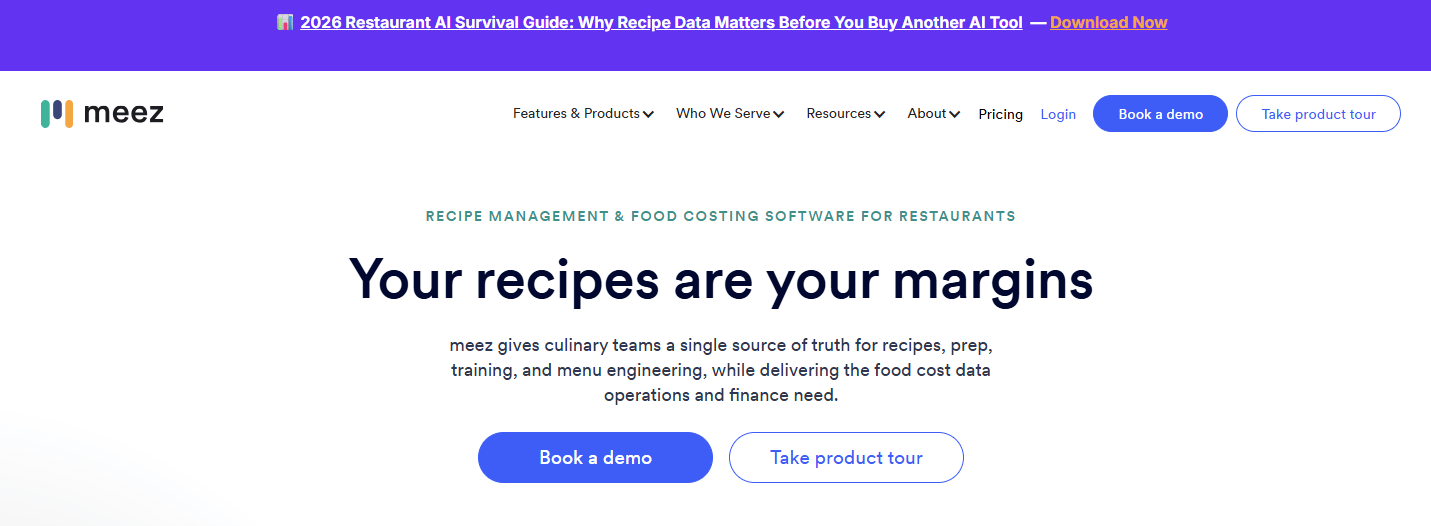
meez is a recipe management and food costing platform built around a single source of truth for recipes, prep, and training. It ties real-time costing to your recipe library, so scaling a batch, converting units, or swapping an ingredient updates plate cost instantly. Chefs and operators work from the same recipe data instead of trading spreadsheet versions.
Best for: Restaurants and foodservice teams that want recipe management and menu costing in one workflow.
Key features
- Unlimited recipes and recipe books
- Recipe scaling and unit conversion
- Automated ingredient price updates and recipe costing
- Menu engineering support
- Staff training workflows
Why choose meez
meez fits teams that need more than a spreadsheet replacement. It is strongest where chefs and operations must work from identical recipe data, and where recipe consistency across shifts or locations matters as much as the costing itself. The training workflows make it useful for kitchens that onboard staff often.
Pricing
meez offers a free tier plus paid plans. Starter is $19 per month billed annually, Pro is $89 per month, and Premium is $179 per month. Enterprise pricing is custom. Paid plans show both annual and monthly views on the pricing page.
A current G2 rating for meez was not available at the time of writing.
2. ReciProfity
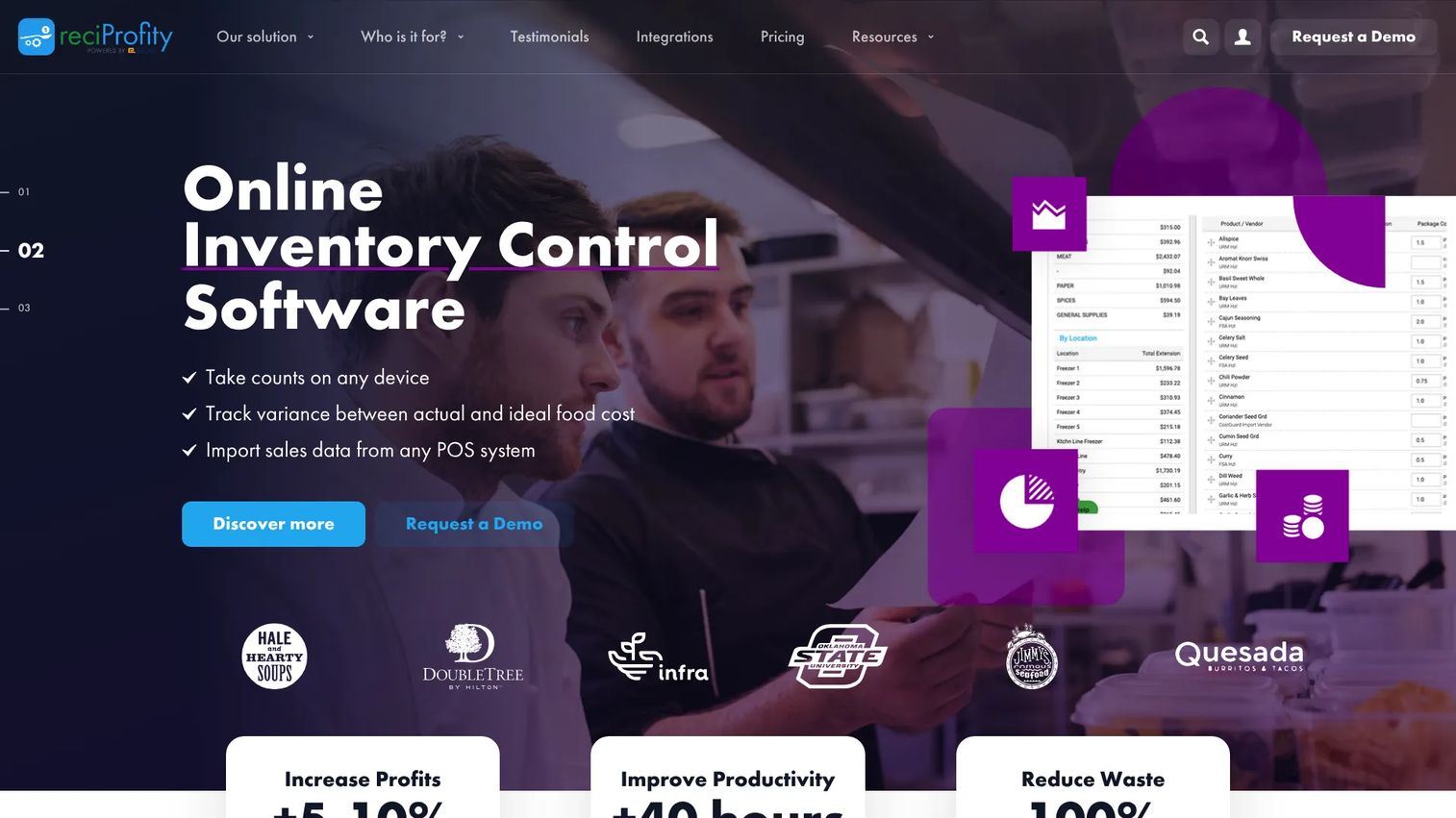
ReciProfity is a cloud-based food costing and inventory platform that ties recipe pricing to what you actually have on hand. It costs recipes instantly against real-time ingredient prices, calculates yields automatically, and supports multi-unit operations with recipe sharing and transfers between sites.
Best for: Restaurants, hotels, and retail food operators that want pricing, inventory, and waste control together.
Key features
- Instant recipe costing based on real-time ingredient prices
- Automatic ingredient yield calculations
- Inventory management
- Multi-unit support and recipe sharing
- Cloud deployment
Why choose ReciProfity
Choose ReciProfity when purchasing and inventory control are as important as pricing. It suits operators who want a straightforward system that connects what they buy to what they charge, with yield math handled for them rather than tracked by hand. The multi-unit support fits small groups sharing recipes across locations.
Pricing
ReciProfity starts at $65 per month on the Agile plan when billed yearly, which works out to $780 per year. The Aware plan is $79 per month, Analyzer is $99 per month, and Multi-Unit plans run $119 to $149 per month. A 30-day free trial is offered with the Analyzer plan, and add-ons cover extra users or units.
ReciProfity's G2 seller page currently shows no reviews, so no meaningful customer rating is available yet.
3. Apicbase
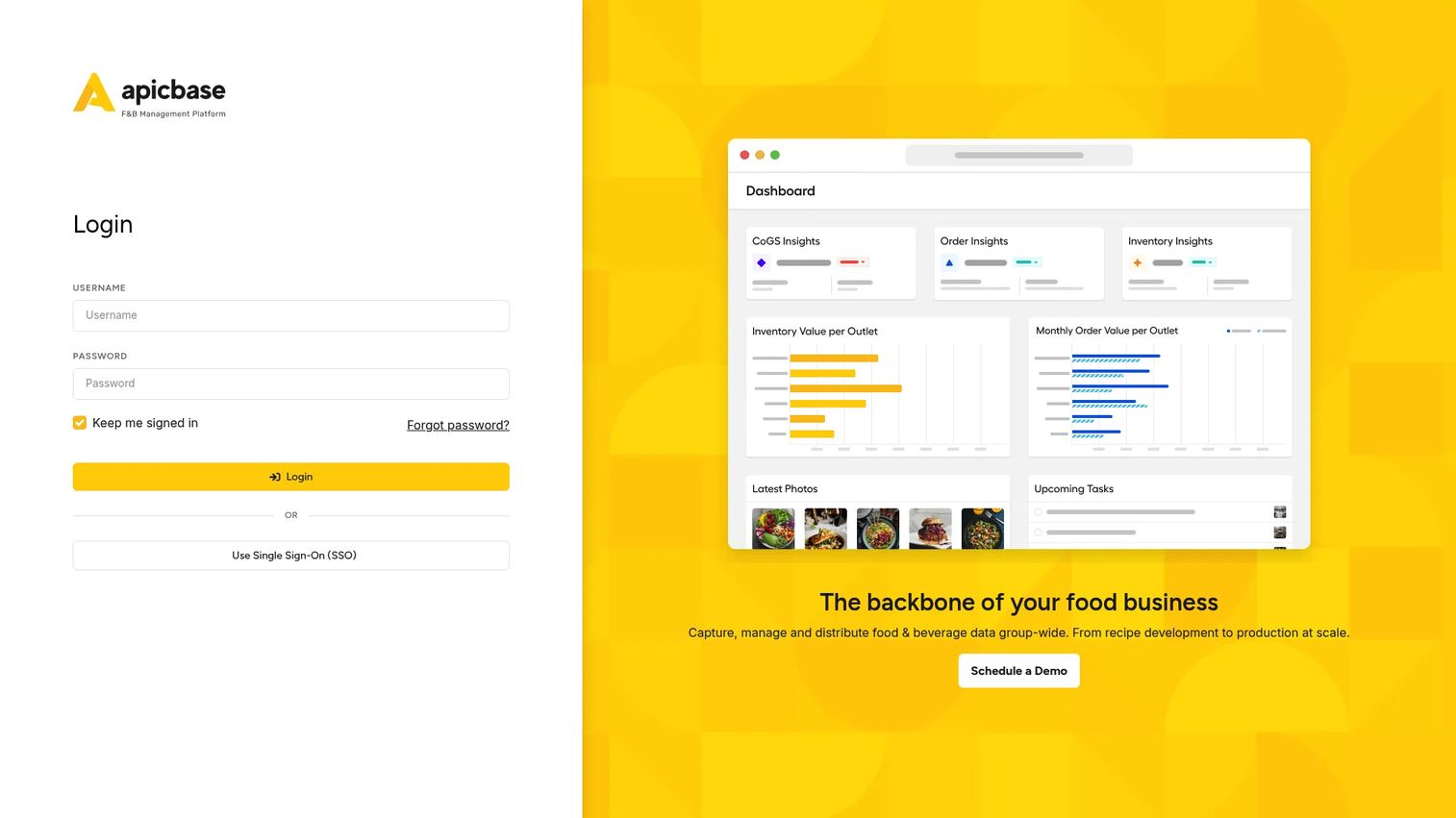
Apicbase is a back-of-house operating system for multi-site foodservice businesses. It centralizes recipe management, inventory, procurement, and menu engineering so central teams can monitor margins across every outlet and simulate the impact of a cost or menu change before rolling it out.
Best for: Multi-location restaurants, catering operations, hotels, and ghost kitchens that need centralized menu profitability control.
Key features
- Recipe management
- Inventory and procurement management
- Menu engineering and sales analytics
- Outlet-level margin visibility
- Cost and variance tracking
Why choose Apicbase
Apicbase suits operators managing margin across many locations rather than one-off menu work. It is the menu engineering software choice when you need to see profitability per outlet, model a price change group-wide, and keep procurement tied to recipe cost. That centralized view is what separates it from tools built for a single kitchen.
Pricing
Apicbase uses quote-based pricing. Plans are Growth, which starts from five outlets, Professional, which adds forecasting, bill-of-materials ordering, and user management, and Enterprise, which adds an SLA, dedicated support, higher API limits, and custom integrations. Public numeric prices are not shown, so you contact their team for a quote.
Apicbase holds a 4.5 out of 5 rating on G2.
4. EZchef
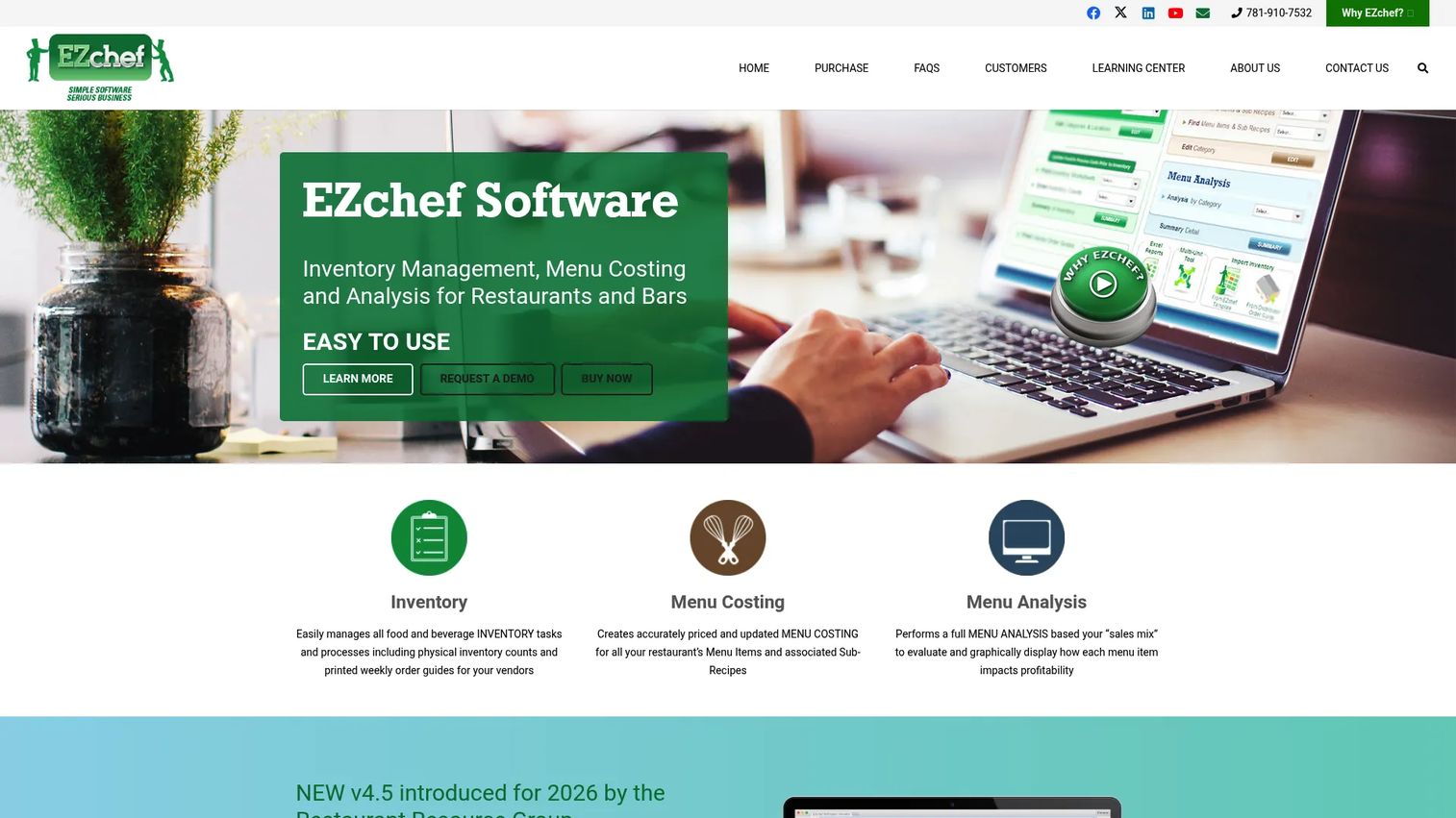
EZchef is restaurant inventory, menu costing, and menu engineering software built for Excel on Windows. It handles inventory by category or location, costs menu items using linked inventory and sub-recipes, and produces menu analysis reports. For operators comfortable in Excel, it keeps costing hands-on without a subscription.
Best for: Independent restaurants that want spreadsheet-based inventory and menu costing on Windows Excel.
Key features
- Inventory management by category or location
- Menu costing with linked inventory and sub-recipes
- Recipe and sub-recipe support
- Menu analysis and engineering reports
- Vendor order guides
Why choose EZchef
EZchef fits teams that value simplicity, hands-on control, and a one-time purchase over recurring fees. It is a strong pick for a single independent restaurant where the operator already lives in Excel and wants structured costing without learning a full cloud platform. The distributor-specific versions map to common vendor order guides.
Pricing
EZchef is a one-time purchase. The Standard version is $289.00, and distributor-specific versions are $359.00. There is no subscription and no free tier. The software runs inside Excel on Windows.
G2 does not have enough reviews of EZchef to publish a current star rating.
5. Restaurant365
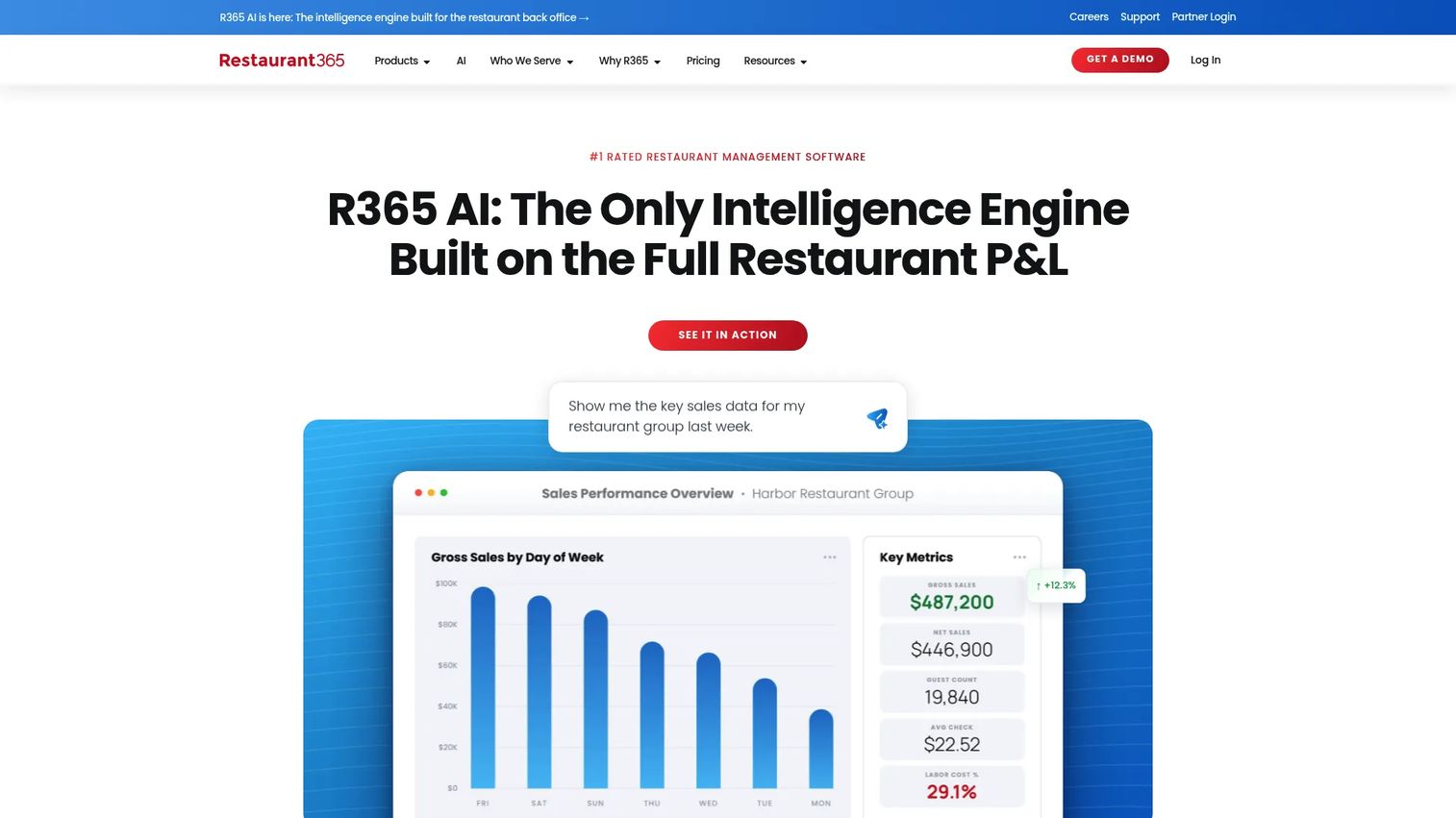
Restaurant365 is a cloud-based restaurant management platform that includes accounting, inventory, purchasing, workforce, and payroll. Recipe costing lives inside a much larger back-office system, so this is an operations platform first and a costing tool second. It fits buyers who want fewer systems and one wider view of the business.
Best for: Multi-location restaurants that want costing inside an all-in-one back-office platform.
Key features
- Accounting and financial reporting
- Inventory and purchasing control
- Recipe costing
- Scheduling and workforce management
- Multi-location controls
Why choose Restaurant365
Choose Restaurant365 when the goal is consolidation, not just costing. It suits multi-unit operators who want accounting, labor, inventory, and recipe cost in one platform instead of stitching several tools together. The tradeoff is scope: it is a heavier system than a focused costing app, which fits groups ready for full back-office control.
Pricing
Restaurant365 uses custom quote pricing. The pricing page does not show public numeric prices, so packaging and cost depend on your location count and the modules you need. You request a quote directly from their team.
Restaurant365 holds a 4.6 out of 5 rating on G2.
6. MarketMan
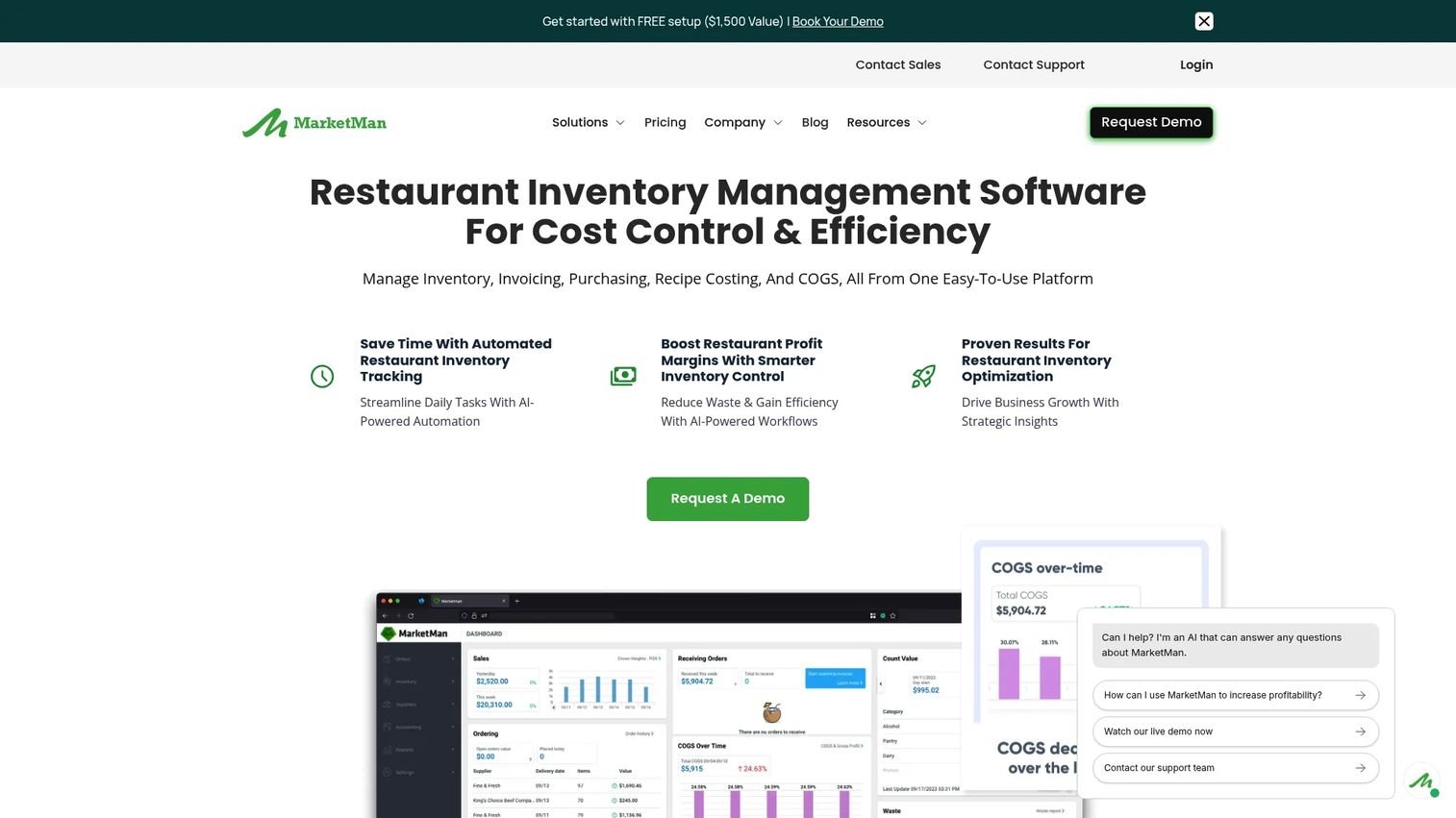
MarketMan is a cloud-based restaurant inventory and purchasing platform that supports menu cost control through supplier and purchase order management. It ties what you order to what you pay, automates accounts payable, and feeds recipe costing from real purchase data. Procurement discipline is where it earns its place.
Best for: Restaurants that need inventory, purchasing, and food-cost control in one platform.
Key features
- Inventory management
- Purchase order management
- Accounts payable automation
- Recipe costing
- Vendor management
Why choose MarketMan
MarketMan is the pick when procurement and ingredient accuracy are the bottleneck. It fits teams that lose margin not to bad pricing but to loose purchasing: unchecked invoices, price creep, and orders that drift from par. By tying purchase orders to vendor pricing, it keeps recipe cost honest from the buy side.
Pricing
MarketMan starts at $199 per month on the Starter plan and $249 per month on Growth, both billed monthly. Enterprise is custom pricing. There is no free tier listed, and plans scale with the features and units you need.
MarketMan holds a 4.3 out of 5 rating on G2.
7. xtraCHEF
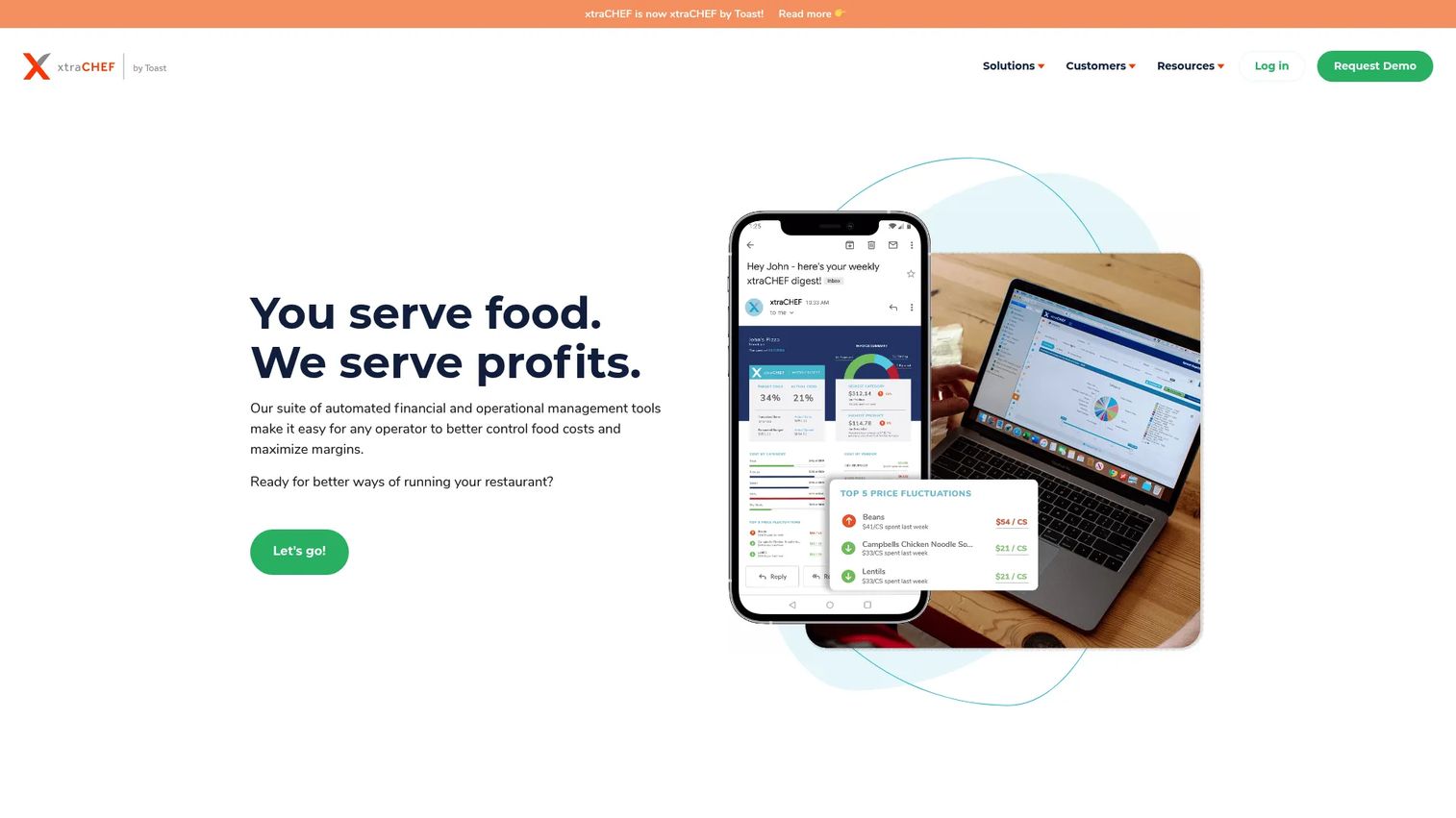
xtraCHEF is restaurant financial and operational management software focused on invoice capture and cost control. It digitizes invoices, automates accounts payable, and tracks food cost using ingredient-level data pulled straight from what suppliers bill you. That makes it a good fit for teams that want invoice processing to feed menu and food cost analysis.
Best for: Restaurants that need invoice capture, food cost tracking, and back-of-house automation.
Key features
- Invoice capture
- AP automation
- Food cost management
- Inventory management
- Supplier data visibility
Why choose xtraCHEF
xtraCHEF fits operators who want the invoice to be the source of cost truth. Instead of typing prices into a costing sheet, you scan the invoice and let the data flow into food cost analysis. It suits finance-minded teams that want accounts payable and cost tracking connected rather than run in separate tools.
Pricing
xtraCHEF offers a free "On the House" tier plus two paid plans, Starter and Chef's Choice. The feature matrix shows what each tier includes, but paid prices are not published, so you confirm those with their team.
xtraCHEF holds a 2.4 out of 5 rating on G2.
Considerations
Before you commit to any food costing and inventory software, run the shortlist through these checks. They separate tools that look good in a demo from tools that survive daily service.
Costing accuracy and depth
Confirm the software handles sub-recipes, yields, trim, and cooking loss, not just raw ingredient cost. A plate cost that ignores waste is a number that lies to you. Ask how the tool factors portion and yield so your margins reflect reality.
Supplier price and inventory sync
Check how ingredient costs get updated. Manual entry, invoice capture, and direct vendor feeds all exist, and they differ a lot in effort. Inventory management for restaurants only helps if the cost data behind it stays current without constant hand-editing.
Multi-location fit
If you run more than one site, verify you can standardize recipes centrally while seeing margin per location. Multi-unit restaurant software should let a central team push a change everywhere and still spot the outlet where a dish quietly lost margin.
Integrations with POS and accounting
The tool needs to talk to your POS for sales data and your accounting system for cost of goods. Without those links, you are back to exporting and re-keying. Confirm the specific integrations you rely on are supported before you buy.
Rollout and adoption
The best costing engine fails if chefs and operators will not use it. Weigh setup time, training, and whether the interface fits how your kitchen already works. A one-time Excel tool and a full cloud platform demand very different adoption effort.
Conclusion
The right menu costing software depends on how you operate, not on a feature checklist. Match the tool to your model.
- meez for recipe-first teams that want costing and consistency in one place
- ReciProfity for operators who want pricing tied tightly to inventory and yield
- Apicbase for multi-unit groups managing margin across many outlets
- EZchef for independents who want hands-on, Excel-based menu analysis
- Restaurant365 for restaurants that want costing inside a broader back-office platform
- MarketMan for teams where purchasing discipline is the margin lever
- xtraCHEF for operators who want invoices to drive food cost tracking
Start by naming your biggest margin leak. If it is stale recipe costs, lead with a recipe-first tool. If it is loose purchasing, start with a purchasing-led one. Shortlist two, run a trial against your actual menu and supplier data, and pick the one your team will still be using in six months.
FAQs
It pulls in ingredient prices, yields, and portion sizes, then calculates the true cost of each recipe and menu item. When a supplier price changes, the software recalculates plate cost automatically. From there it suggests prices that hit your target margin and flags dishes that have slipped below it.
Yes, most modern tools support multi-unit operations. They let a central team standardize recipes across sites while tracking margin at each location. That matters because the same dish can carry different costs at different sites due to local supplier contracts, so location-level visibility is what keeps a group's margins honest.
It depends on the tool and how it connects to your suppliers. Some pull prices from invoice capture, some from direct vendor feeds, and some rely on periodic manual updates. Check the specific method before buying, because automatic supplier price updates are the difference between costing that stays current and costing that quietly goes stale.
For anything beyond a small, stable menu, yes. Spreadsheets suffer from version drift, formula errors, and one person owning the file. Dedicated software recalculates costs automatically, keeps a single source of truth, and scales as menus and prices change. Spreadsheet replacement is one of the most common reasons operators adopt these tools.
Yes. Menu engineering software ranks dishes by profitability and popularity so you can see which items to promote, reprice, or cut. Tools like Apicbase and meez include this, letting you model how a price or ingredient change affects overall margin before you commit to it.
Most tools integrate with common POS systems for sales data and accounting platforms for cost of goods. Restaurant365 goes furthest by including accounting natively. Always confirm your specific POS and accounting tools are supported, since integration gaps force you back into manual exports and re-keying.
Start with your biggest problem. If margins leak because recipe costs are stale, lead with costing. If they leak because purchasing and stock are loose, lead with inventory management for restaurants. Many tools such as ReciProfity and MarketMan combine both, so the cleaner choice is often one platform that ties what you buy to what you charge.
Yes, that is the core of accurate costing. Good tools factor sub-recipes, portion sizes, yields, trim, and cooking loss so plate cost reflects what actually reaches the guest, not just raw ingredient prices. Portion control software and yield management features are what turn a rough estimate into a number you can price against with confidence.










