Your product ships updates every two weeks. Your training library gets refreshed once a quarter, if that. By the time a new rep finishes the onboarding course, three of the screens inside it already look wrong.
That gap is common. 89% of organizations now run a learning management system, according to Training Magazine's 2025 industry report, yet most still can't say whether that training changed behavior. Sales reps complete a course and still fumble the same objection. Customers finish onboarding and still file the same support ticket. Completion rates climb while adoption stays flat.
The problem isn't a lack of training software. It's picking a platform built for how your organization actually teaches: Employees on one path, customers on another, partners on a third, and content that survives your next product launch instead of going stale after it.
Which LMS can turn scattered training into a system you can actually measure?
What's inside
This guide breaks down nine learning management systems for 2026, selected for how well they support:
- Employee onboarding, compliance, and internal enablement programs
- Customer and partner education through branded, access-controlled portals
- Course authoring, certifications, and skills tracking
- Reporting that ties learning activity to readiness and adoption
- Integrations with the CRM, HRIS, and identity tools most go-to-market teams already run
- Pricing structures you can plan a budget around, not just a quote request
Every price, plan limit, and G2 rating below was checked against each vendor's current pricing page and G2 listing before publishing. Where a vendor keeps pricing behind a sales call, that gets stated plainly instead of guessed at.
TL;DR
- Best overall for customer and partner education: LearnUpon combines multi-audience portals with certification and reporting built for external learners.
- Best for smaller teams: TalentLMS gets a program live fast, with a free plan covering up to 5 users and 10 courses.
- Best for collaborative course creation: 360Learning lets subject-matter experts co-author content instead of routing everything through one instructional designer.
- Best for enterprise learning programs: Absorb handles employee, customer, and partner training under one enterprise administration layer.
- Best for rapid course authoring: iSpring LMS turns existing decks and video into structured courses quickly.
- Best for structured sales enablement: WorkRamp ties learning paths directly to sales and customer readiness.
The right pick depends on which audience you train first, who owns the content day to day, and how much reporting your leadership expects to see.
What is a learning management system?
A learning management system is software that helps organizations create, deliver, administer, track, and improve training programs for employees, customers, or partners.
Administrators build courses, assign learners, and set completion rules. Learners work through content at their own pace or on a schedule. Managers check who has finished what, and reporting rolls all of that into dashboards leadership can act on.
An LMS is not the same thing as a few adjacent categories buyers often confuse it with. A learning content management system focuses on producing and reusing content rather than administering learners. A course authoring tool builds the individual lessons an LMS later delivers. A knowledge base holds reference articles rather than structured curricula. And a product education layer, tools that let users learn by clicking through a live product interface, solves a different problem than course delivery altogether. Some Product Marketing Managers pair LMS content with exactly that kind of layer. Guideflow lets you capture a real product flow and personalize it by segment or account, which works well next to a formal course when a launch needs both structured training and a hands-on walkthrough.
Core LMS functions
- Course and curriculum management
- Learner enrollment and user administration
- Assessments and knowledge checks
- Certifications and renewal tracking
- Progress, completion, and compliance reporting
- Learning paths and prerequisites
- Instructor-led and self-paced training
- Mobile learning access
- Integrations with HR, CRM, identity, and collaboration tools
- AI-supported recommendations, authoring, or administration
LMS categories worth knowing
Employee training LMS, customer education LMS, partner training LMS, academic LMS, compliance training LMS, sales enablement LMS, course commerce LMS, and skills-based learning platform all describe the same core software applied to a different audience.
Standards and interoperability
Before you commit, verify SCORM support, xAPI support, single sign-on, API access, and any LTI or integration standard your stack requires. Confirm you can export learner data too. Content and completion records often need to move between Product, Sales, Customer Success, and external audiences, and a platform that locks that data in creates a second project later.
When to use an LMS
Standardize onboarding and product readiness
A structured LMS gives new hires, Sales, and partners the same path through product knowledge instead of a scattered mix of decks and Slack threads. That consistency shortens time to first productive activity, gives managers visibility into who's ready, and turns launch content into a reusable asset rather than a one-time push.
Scale customer and partner education
External audiences need access controls, branded learning paths, certifications, and their own reporting view. An LMS built for extended-enterprise use handles customer onboarding, feature education, partner accreditation, and multi-audience content governance without exposing internal training to people outside your organization. Some teams also share a linked walkthrough inside a course module, then analyze which steps a learner actually completed, since course completion and product engagement tell you different things.
Measure learning beyond attendance
Course completion, assessment results, and certification status are leading indicators, not proof of impact. Connect that data to feature adoption, sales readiness, customer activation, or support deflection before you claim training changed anything. A completed onboarding course and a rep who still can't answer a pricing objection are two different outcomes, and only one of them shows up in a standard LMS report.
LMS comparison table
Use this table as a shortcut before you read the full breakdowns. Sort by the audience you're training first, then check the pricing model against your budget process, since several vendors here only quote pricing after a sales conversation.
| # | Product | Best for | Key differentiator | Pricing | G2 rating |
|---|---|---|---|---|---|
| 1 | LearnUpon | Customer and partner education | Multi-audience learning administration | Custom pricing | 4.5 |
| 2 | TalentLMS | Smaller teams and quick deployment | Accessible setup and broad core LMS coverage | From $119/mo | 4.6 |
| 3 | 360Learning | Collaborative course creation | Subject-matter expert contribution workflows | From $8/user/mo | 4.6 |
| 4 | Absorb | Enterprise learning programs | Enterprise administration and extended learning | Custom pricing | 4.6 |
| 5 | iSpring LMS | Rapid authoring and onboarding | Strong connection to course creation workflows | From $3.97/user/mo | 4.5 |
| 6 | Learn:Up by Confirm | Sales and customer enablement | Structured readiness and enablement programs | Custom pricing | 4.4 |
| 7 | Anthology | Academic and institutional learning | Education-focused administration and delivery | Custom pricing | N/A |
| 8 | SkyPrep | Straightforward business training | Practical course administration and reporting | Custom pricing | 4.6 |
| 9 | Thought Industries | Customer education at scale | External learning and digital customer education | Custom pricing | 4.1 |
9 best learning management systems for 2026
1. LearnUpon
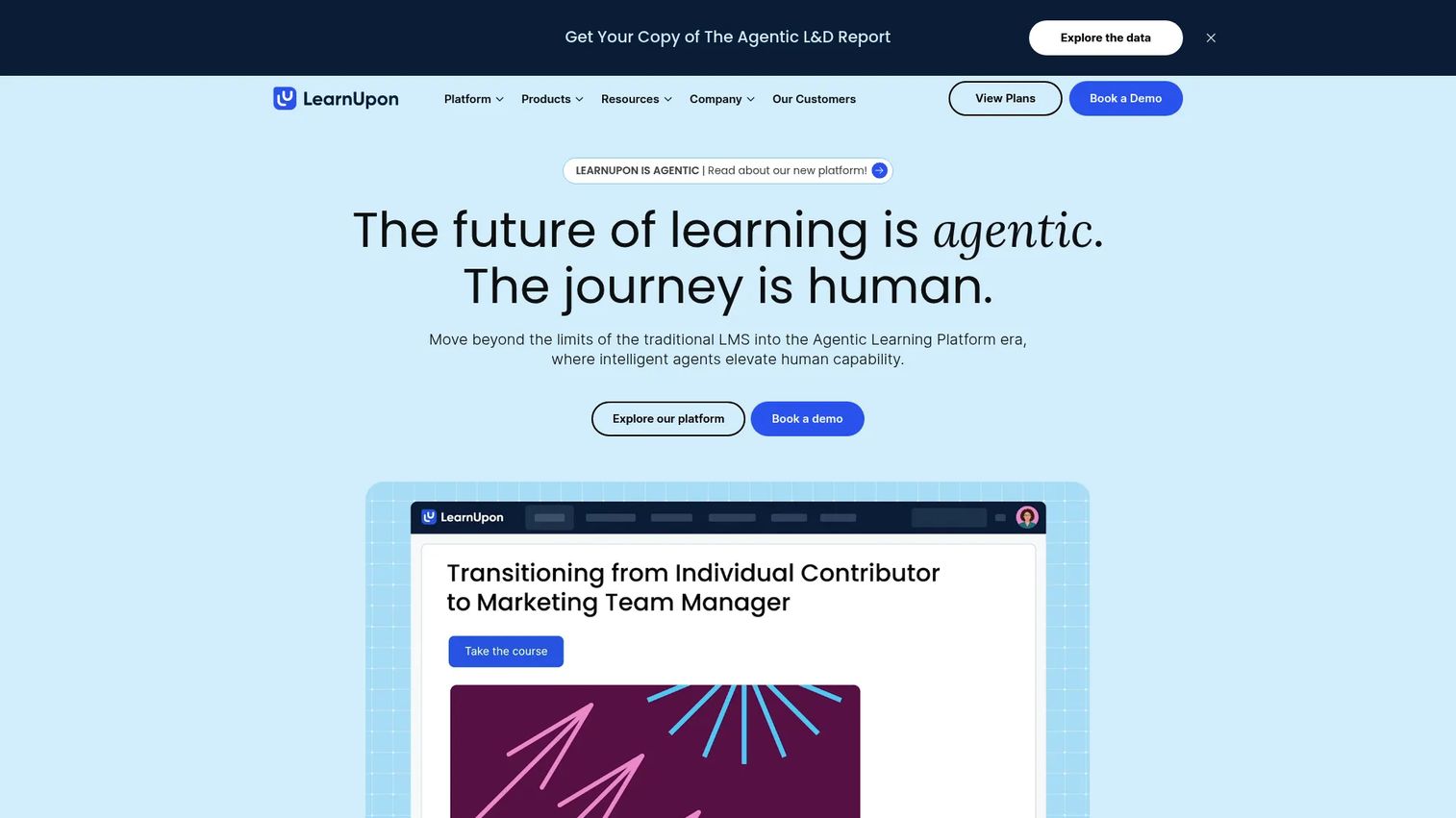
LearnUpon is an AI-driven learning management platform built to deliver and manage training across employees, customers, partners, and members from one account. Learning Portals let you separate audiences while keeping administration centralized, which matters once you're running employee onboarding and a customer academy at the same time. The platform includes AI-powered course creation through Create+ and an AI assistant called Ask Lia for assessments.
Best for: Product Marketing Managers who own external education programs and need one system to govern several audiences at once.
Key features
- Multi-audience Learning Portals for employees, customers, and partners
- AI-powered course creation with Create+
- Learning journeys with dynamic rules and branching
- Certification and re-certification tracking
- Single sign-on, integrations, and eCommerce support
Why choose LearnUpon: It fits teams that have outgrown a basic internal training tool and need governance across multiple external audiences, not just employees. The trade-off is that pricing requires a sales conversation before you see a number.
LearnUpon pricing: LearnUpon doesn't list plan prices on its site. Employee-training plans start at 100 users and customer-education plans start at 300 users, and you get a quote after walking through the platform with the sales team.
LearnUpon holds a 4.5 rating on G2.
2. TalentLMS
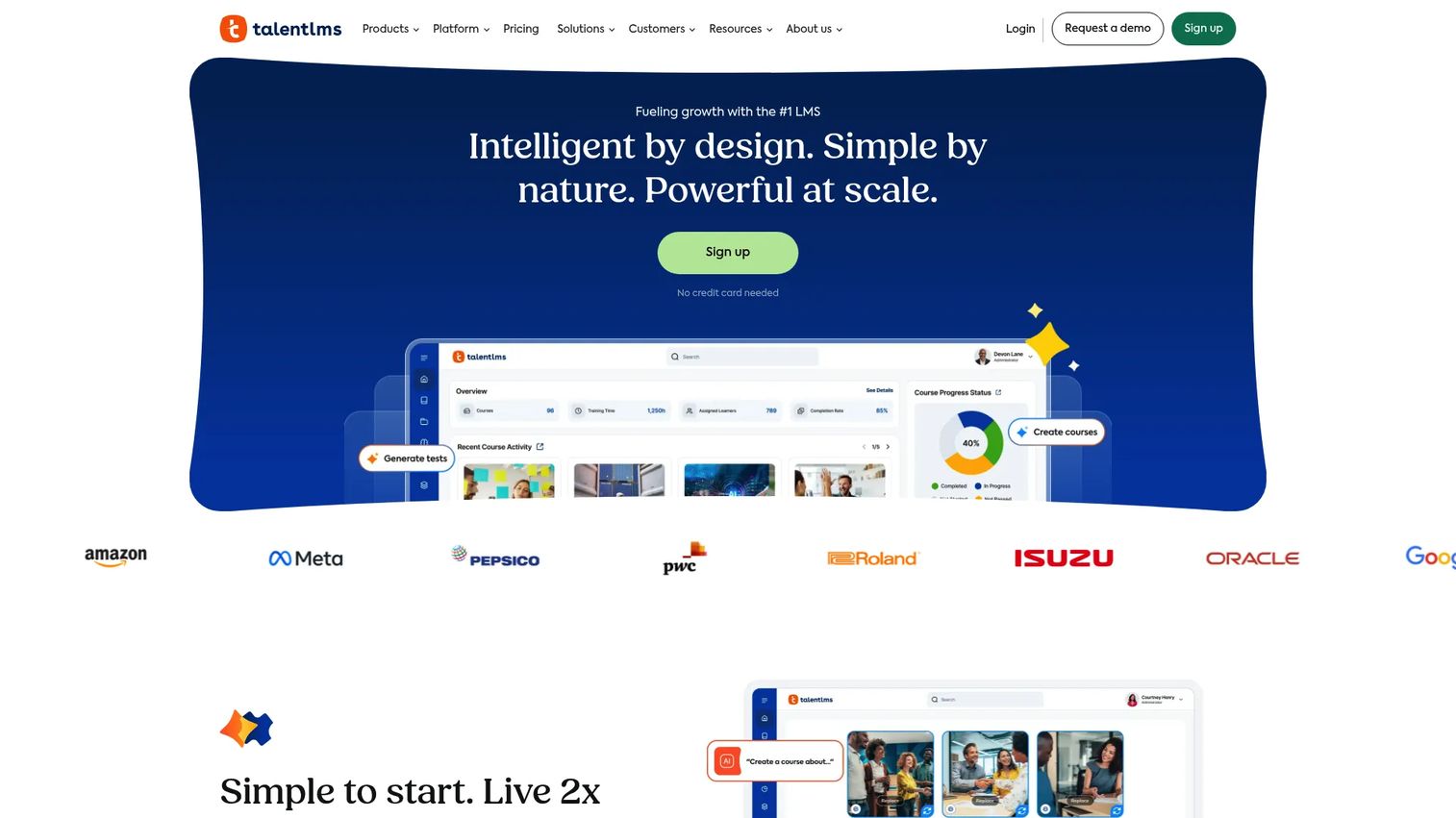
TalentLMS is a cloud-based learning management system built for straightforward course creation and learner administration. It covers employee onboarding and compliance training without a heavy setup process, which makes it a practical starting point for teams without a dedicated LMS administrator. AI features assist with course creation, translation, and coaching.
Best for: Small or mid-sized teams that want a structured readiness path live within days, not months.
Key features
- Unlimited courses on paid plans
- AI-assisted course creation, translation, and assessments
- Learning paths and analytics dashboards
- Custom portals, branding, and single sign-on
- SCORM, Tin Can, and cmi5 support
Why choose TalentLMS: It fits teams that need to launch quickly and keep the program contained. Larger external training requirements, multiple branded portals, or complex certification workflows may push you toward a more specialized platform later.
TalentLMS pricing: TalentLMS starts at $119 per month for the Core plan, billed monthly or yearly. Grow runs $229 per month, and Pro runs $449 per month plus $6 for each additional user. Enterprise pricing needs a call with sales. A free plan covers up to 5 users and 10 courses.
TalentLMS holds a 4.6 rating on G2.
3. 360Learning
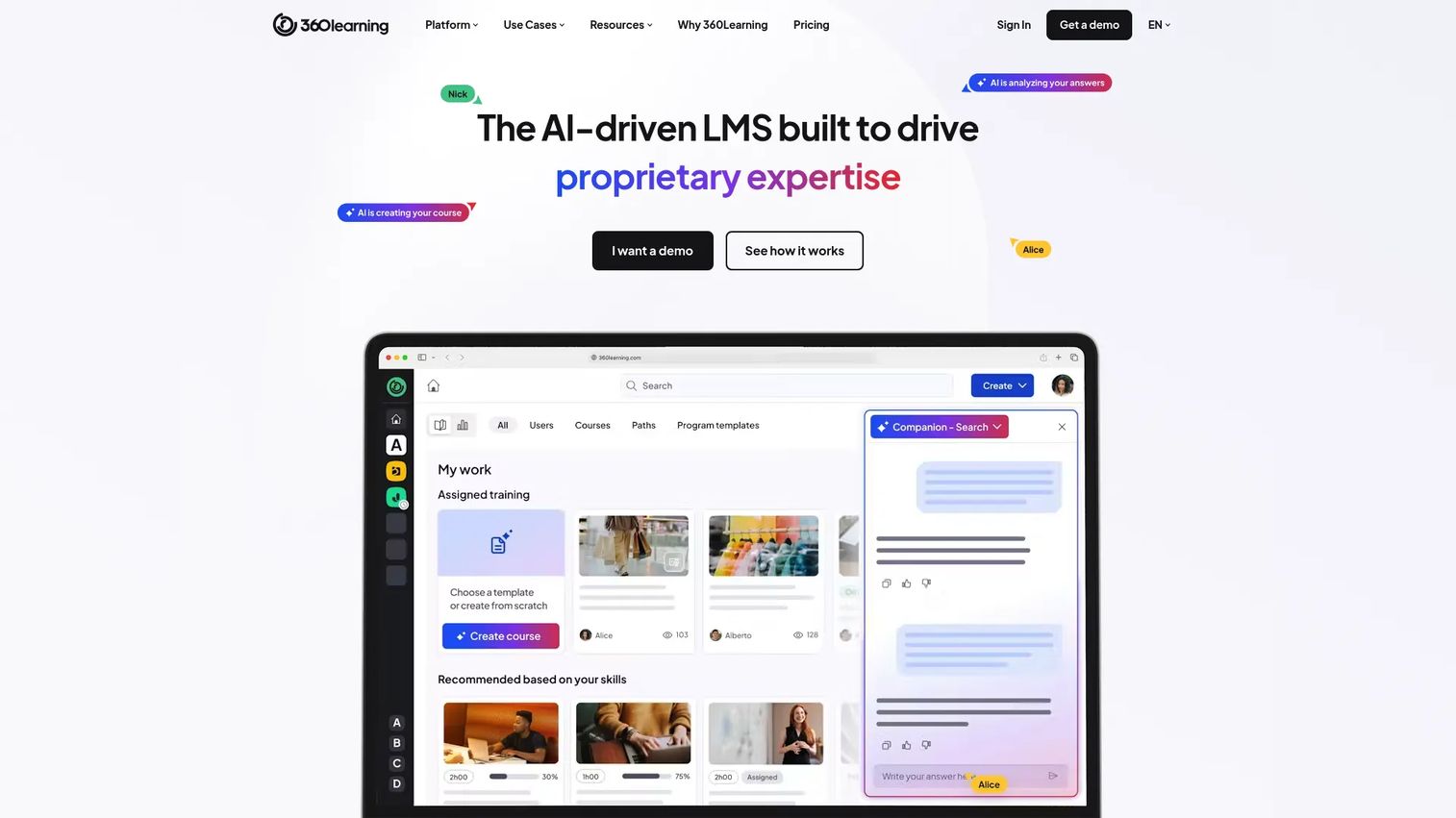
360Learning is an AI-driven learning platform built around collaborative course creation. Subject-matter experts co-author and review content directly instead of routing everything through one instructional designer, which shortens the path from product knowledge to a published course. It combines LMS and learning-experience capabilities with skills-gap analysis and automated compliance workflows.
Best for: PMM teams that need Product, Sales, and subject-matter experts to maintain launch content together instead of in isolation.
Key features
- AI Content Builder for drafting courses fast
- Collaborative authoring with expert review built in
- Skills-based learning and skills-gap analysis
- Learning analytics and automated compliance tracking
- Mobile learning and HRIS integrations
Why choose 360Learning: It fits organizations that want content velocity from shared ownership rather than a single content team. Before opening authoring broadly, decide who approves changes and how you'll keep a course from drifting off message once several contributors touch it.
360Learning pricing: The self-serve Team plan runs $8 per user each month for up to 100 users, billed monthly. Business and Enterprise use custom, generally annual contracts, and a 30-day free trial is available across plans.
360Learning holds a 4.6 rating on G2.
4. Absorb
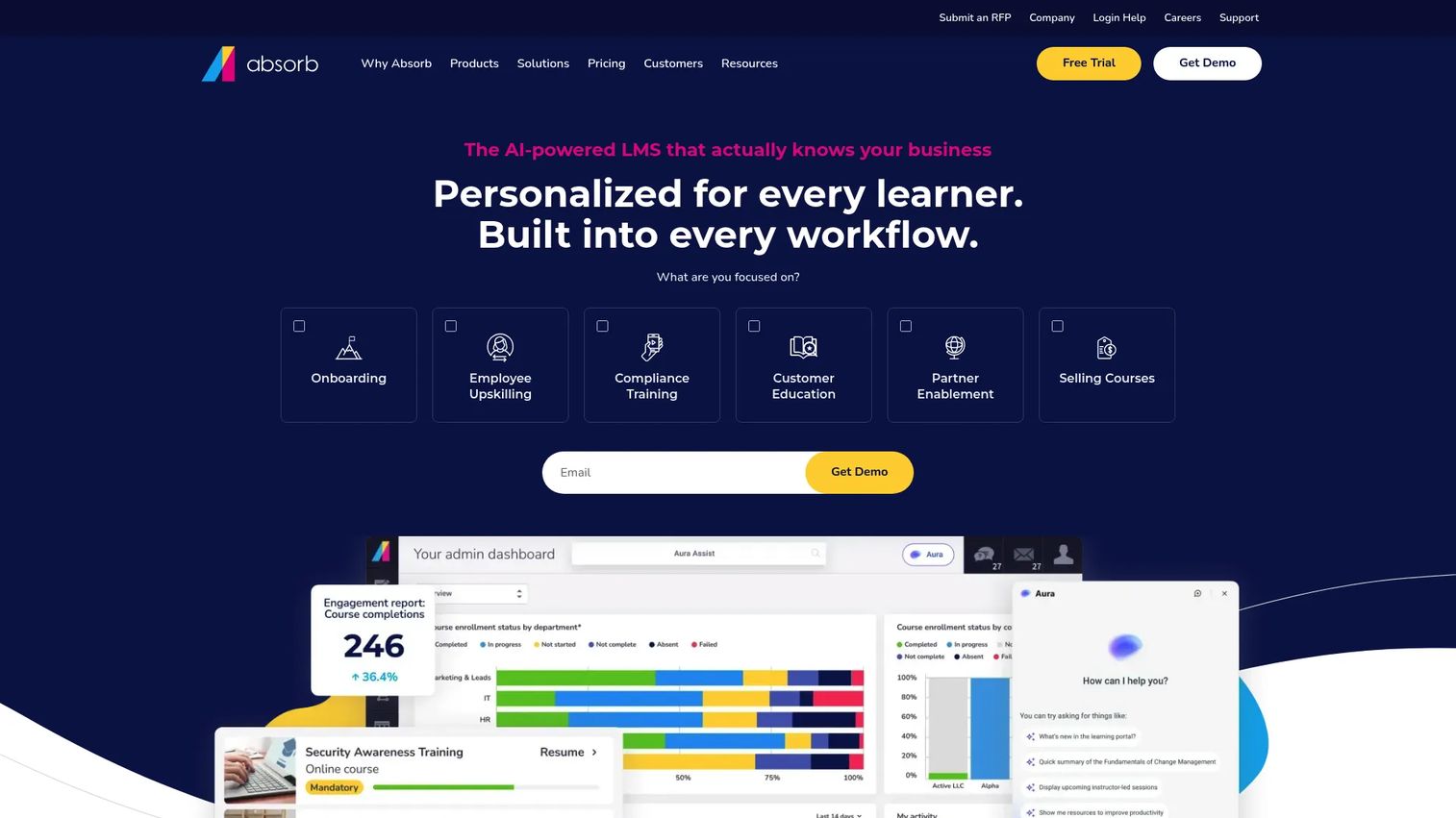
Absorb is an AI-powered learning management system built for enterprise employee, customer, and partner training. Personalized upskilling assigns content by role, department, location, goal, or skill gap, and integrations with systems like ADP, Workday, and Salesforce keep learner data connected to the rest of your stack.
Best for: Enterprise PMM organizations coordinating complex audiences and governance requirements across regions or departments.
Key features
- Role-, department-, and skill-gap-based content assignment
- AI-assisted course creation with quizzes and translations
- Custom compliance and ROI reporting
- API and native integrations with major HR and CRM systems
- Enterprise-grade administration and access controls
Why choose Absorb: It fits organizations running large launch readiness programs across Sales, Support, partners, and customers at once. Plan for a real implementation project rather than a self-serve rollout.
Absorb pricing: Absorb keeps pricing off its site. You submit your learner count and contact details, and the team builds a quote from there, so budget time for a sales conversation before you see a number.
Absorb holds a 4.6 rating on G2.
5. iSpring LMS
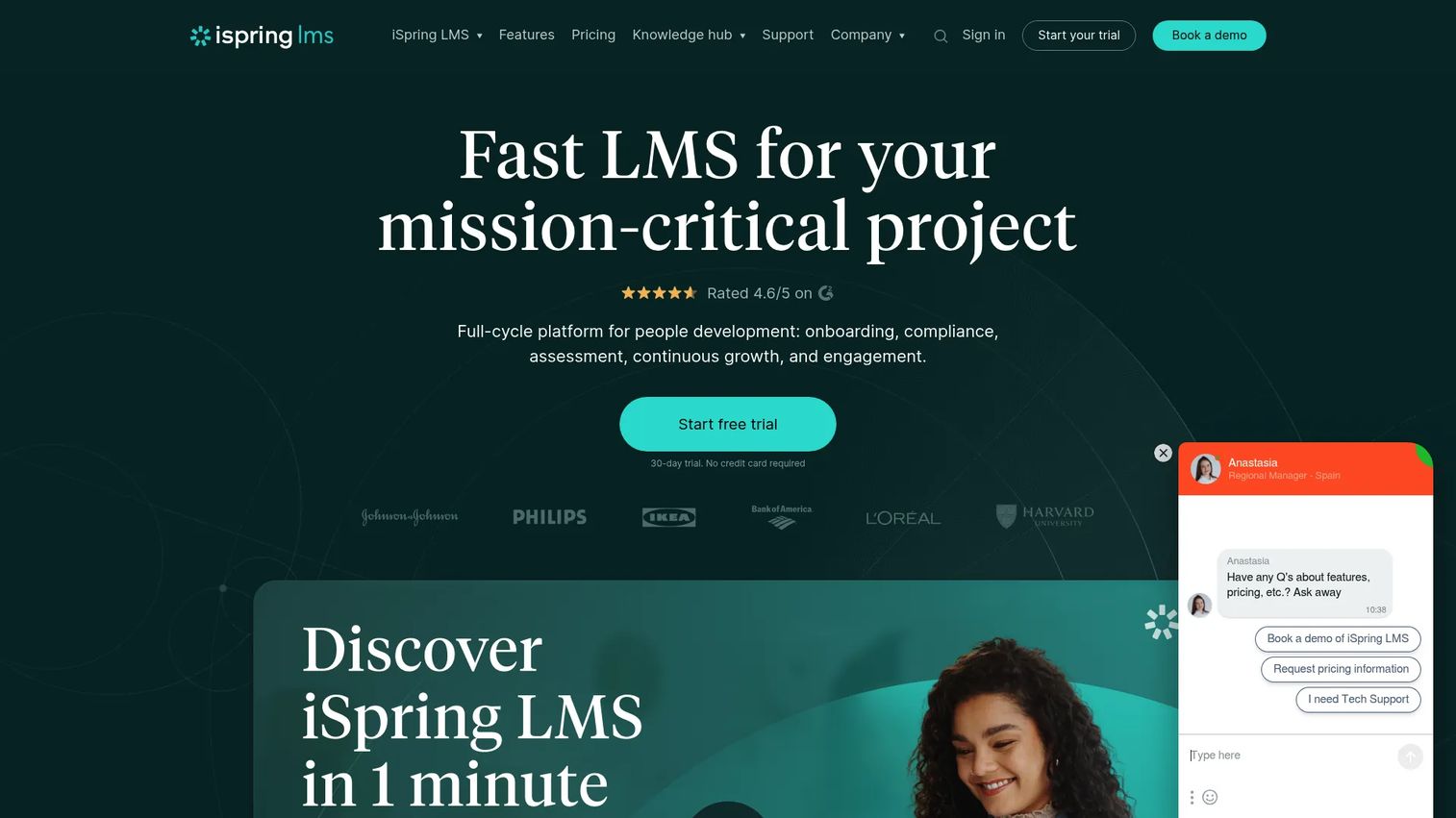
iSpring LMS is a corporate learning management system built around fast course authoring. It connects directly to iSpring's content creation tools, so quizzes, presentations, and video convert into structured lessons without much extra work. On-the-job training modules and 360-degree performance reviews extend the platform past basic course delivery.
Best for: PMM teams that already produce presentation-heavy launch content and want to convert it into structured courses without starting over.
Key features
- Course authoring built on iSpring's presentation tools
- SCORM support with unlimited file hosting
- Learning tracks and personalized development plans
- Mobile apps with offline learning access
- REST and SOAP API with single sign-on
Why choose iSpring LMS: It fits teams that value authoring speed and reusing existing decks over building advanced audience segmentation from scratch. Check how far its multi-audience portal options go before assuming it covers a large external education program.
iSpring LMS pricing: iSpring's Business plan is priced per active user on an annual basis: $6.91 per user each month at 100 users, dropping to $4.46 at 300 users and $3.97 at 500 users. Enterprise pricing is custom, and a free trial is available, though there's no permanent free tier.
iSpring LMS holds a 4.5 rating on G2.
6. Learn:Up by Confirm
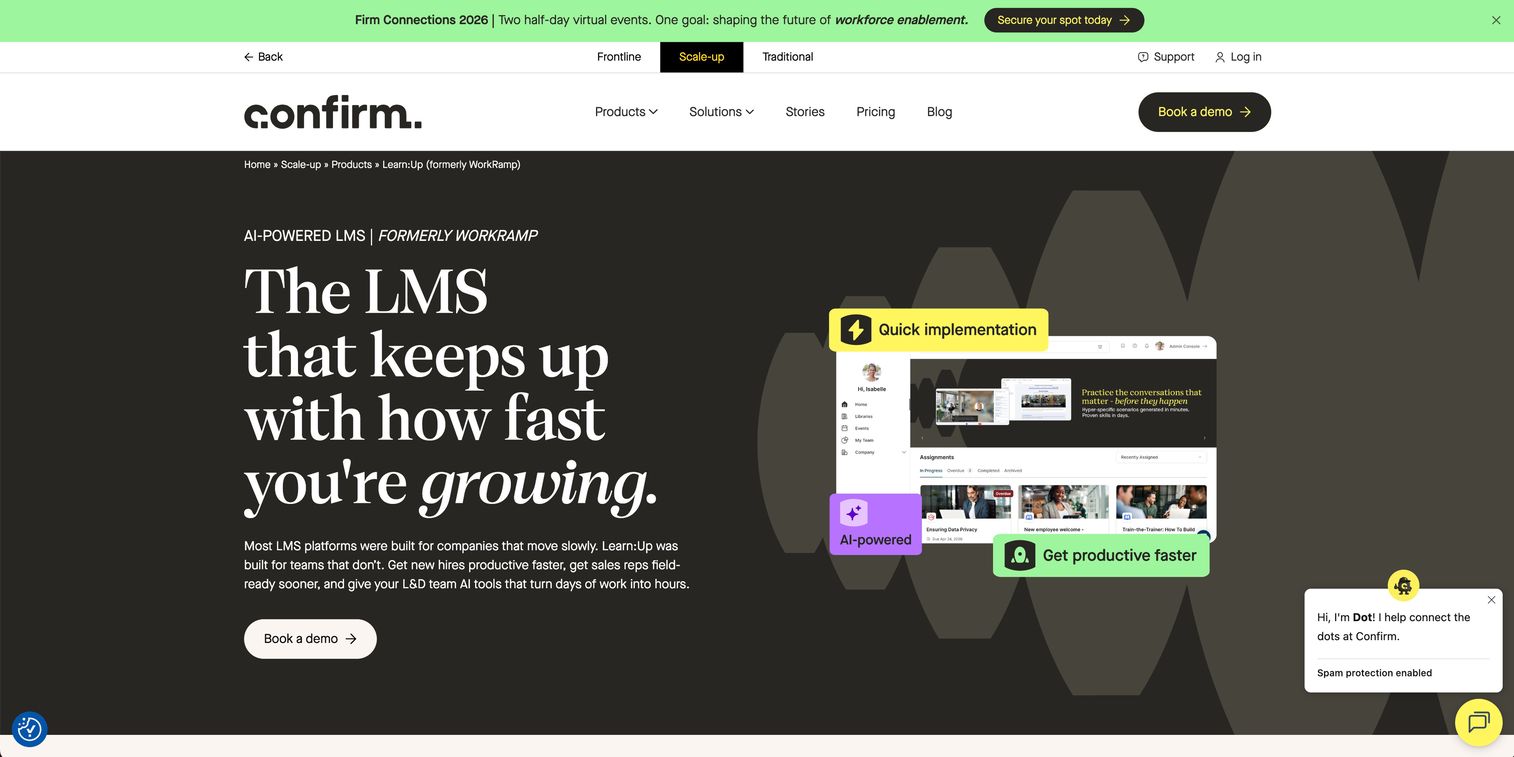
Learn:Up by Confirm is an AI-first learning platform built for employee, customer, and partner training under one Employee Learning Cloud and Customer Learning Cloud structure. Learning paths and certifications tie directly to readiness programs, and AI-powered practice simulations let reps rehearse conversations before a real call.
Best for: PMM teams that need learning tied closely to go-to-market readiness rather than general employee training.
Key features
- Employee Learning Cloud and Customer Learning Cloud
- Native course authoring and Guides
- AI-powered practice simulations for reps
- Learning paths and certification tracking
- Automations for enrollment and training workflows
Why choose Learn:Up by Confirm: It fits enablement-led organizations that want training data connected to revenue workflows, not just completion percentages. Confirm which integrations and reporting views are available at your tier before you commit.
Learn:Up by Confirm pricing: Learn:Up by Confirm organizes pricing into Professional and Enterprise packages, but the exact numbers sit behind a sales conversation rather than a public page. Expect the scoping call to cover learner count and which modules you need.
Learn:Up by Confirm holds a 4.4 rating on G2.
7. Anthology
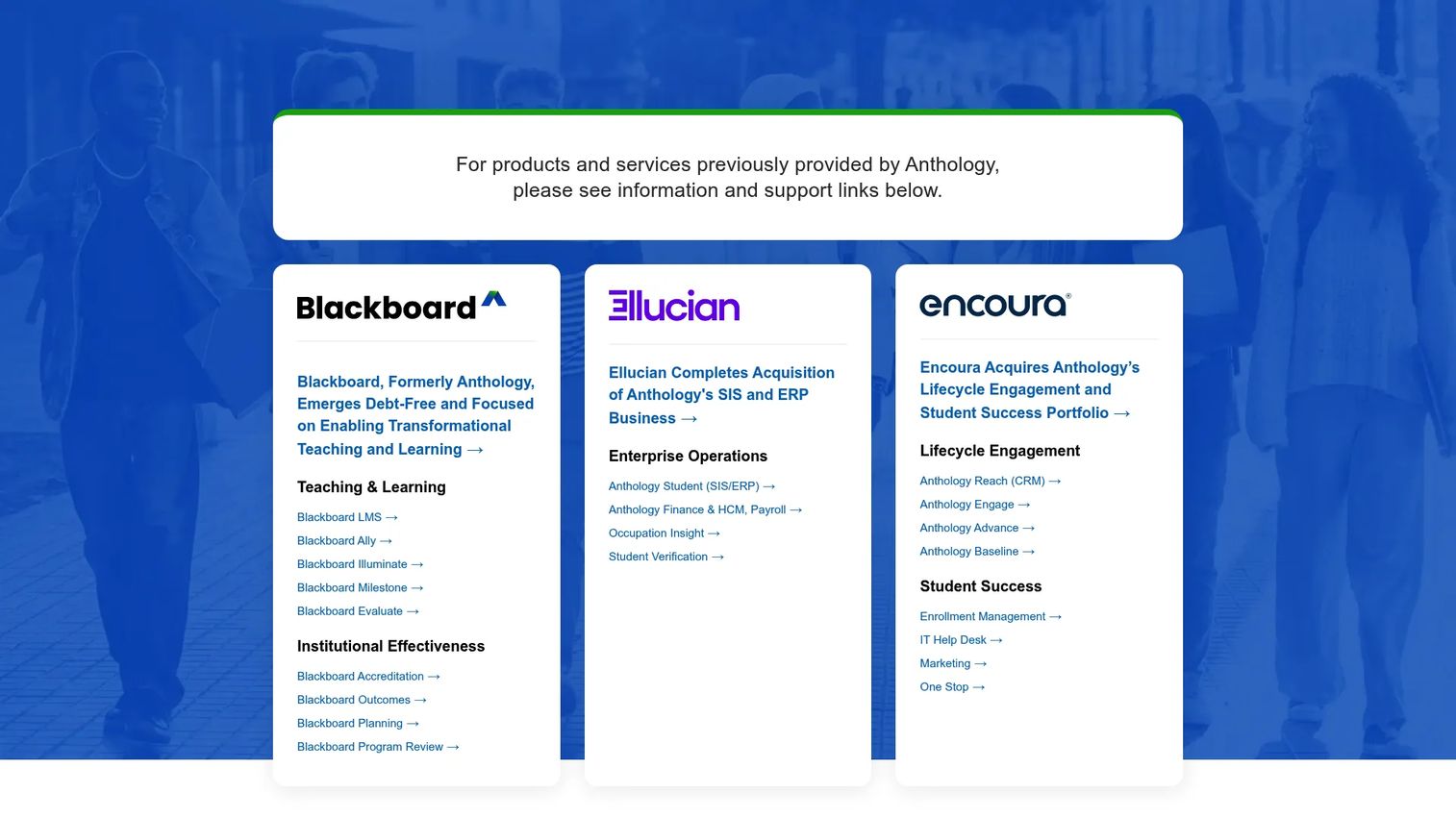
Anthology provides a connected suite of higher-education software spanning teaching and learning through Blackboard, student information and enrollment systems, and institutional analytics. It's built for academic administration rather than corporate enablement, with course delivery, assessment, and digital credentialing designed around how institutions actually run.
Best for: Organizations with academic, institutional, or education-sector training requirements rather than internal corporate enablement.
Key features
- AI-assisted course design through Blackboard
- Student information and enrollment management
- Institutional analytics and engagement tracking
- Digital credentialing and accessibility tools
- Higher-education CRM and constituent management
Why choose Anthology: It fits institutions first. If your PMM team sells education technology or supports institutional training programs, it's worth evaluating. For corporate sales, partner, or customer enablement, the fit is weaker than the dedicated tools on this list.
Anthology pricing: Anthology doesn't post pricing for its learning and student-management suite. Because it's a multi-product platform, your quote gets built around which Anthology products you deploy, so expect a procurement-style conversation rather than a checkout page.
G2 doesn't publish a single brand-level rating for Anthology. Individual products inside its suite, including Blackboard, carry their own separate review scores.
8. SkyPrep
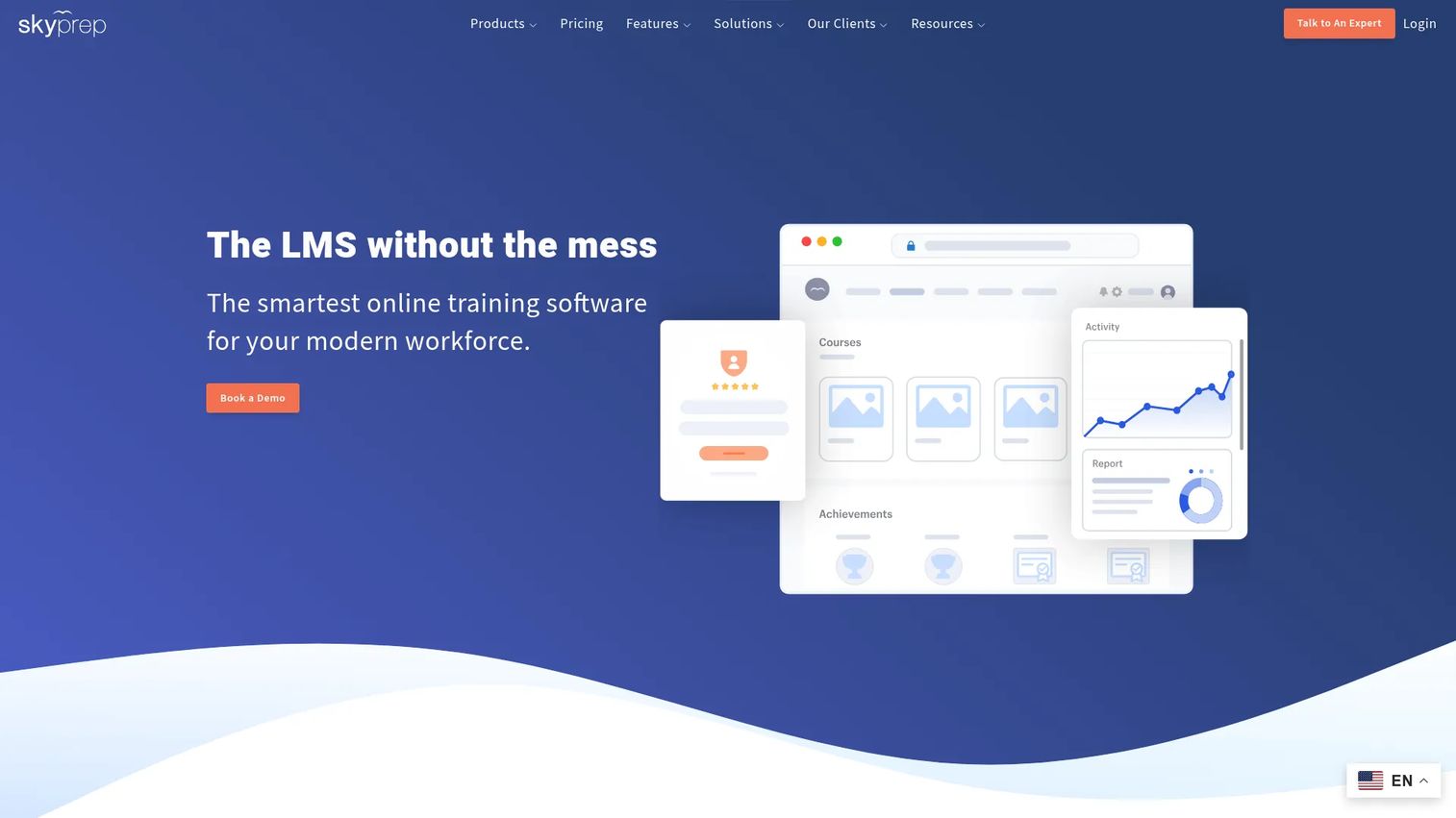
SkyPrep is a corporate learning management system built for creating, delivering, and tracking online training without excessive setup. Course creation includes assessments, checklists, and knowledge checks, and multi-tenant support lets you run separate branded instances for different audiences from one account.
Best for: Teams that value practical administration and clear reporting over a long feature list.
Key features
- Course creation with checklists and knowledge checks
- Workflow automation for enrollment and reminders
- Multi-tenant LMS for separate branded instances
- SCORM compliance and mobile learning
- Gamification and integrations with API access
Why choose SkyPrep: It fits focused onboarding or customer education programs where you want clear reporting without a heavy implementation cycle. Ask about advanced analytics and scaling to larger audiences before you commit long term.
SkyPrep pricing: SkyPrep offers Lite, Premium, and Enterprise Learning Suite plans, each priced through a sales conversation rather than listed on the site. A 14-day free trial lets you test the platform before that call.
SkyPrep holds a 4.6 rating on G2.
9. Thought Industries
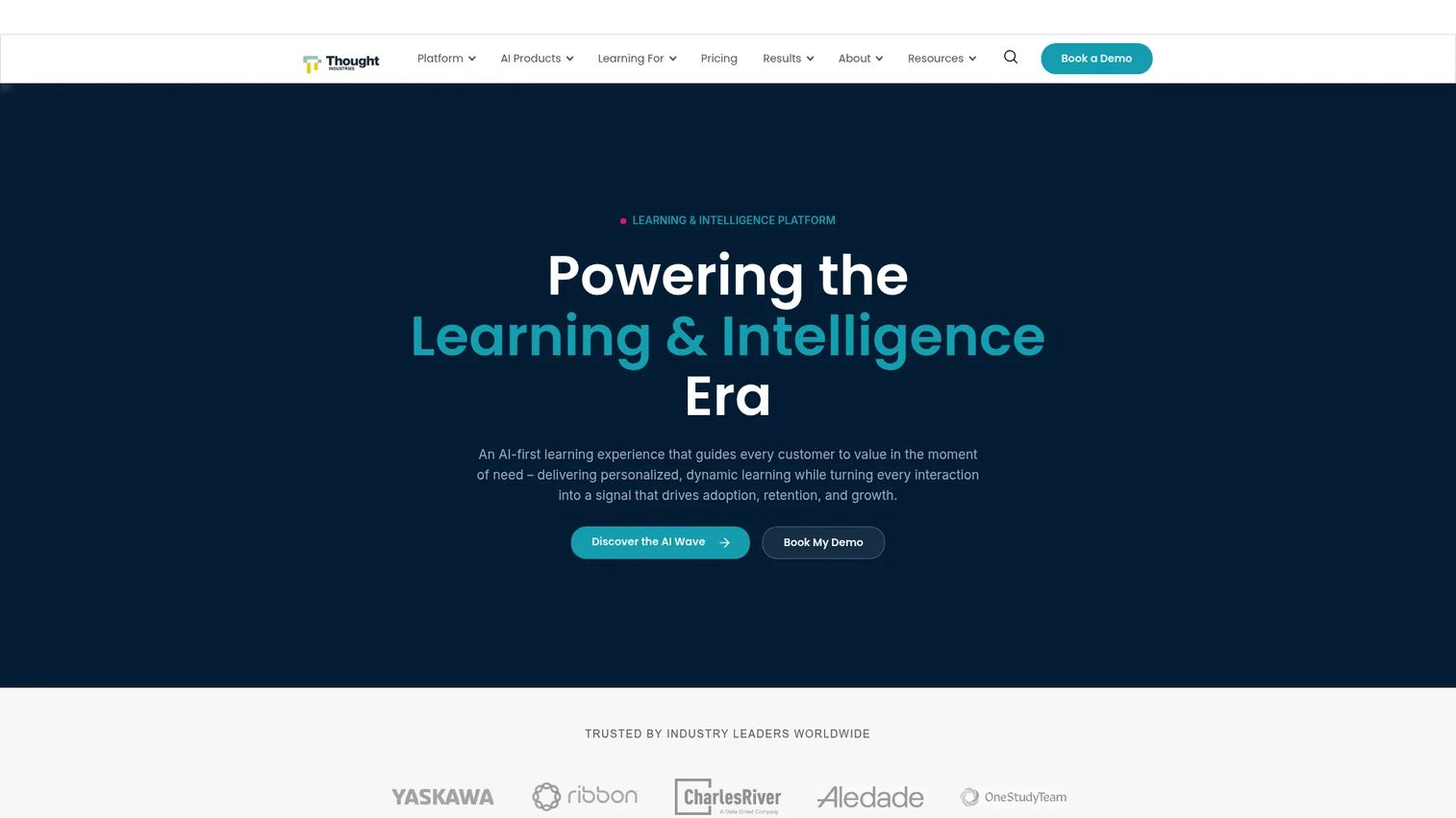
Thought Industries is an AI-powered learning platform built for customer education, partner enablement, and professional training at scale. Conversational AI learning surfaces cited answers and enrollment guidance, and native eCommerce lets organizations monetize courses directly instead of bolting on a separate payment system.
Best for: PMM and customer education teams building a branded external learning program that needs to scale across products, regions, and languages.
Key features
- Conversational AI learning with cited answers
- Native eCommerce for monetized courses
- Personalized learning across audiences and languages
- Omnichannel content distribution
- Analytics and reporting built for external learners
Why choose Thought Industries: It fits teams building a customer academy meant to support adoption and expansion, not just onboarding. Implementation scope and content operations run heavier here than on a lighter internal training tool, so plan the rollout accordingly.
Thought Industries pricing: Thought Industries structures its plans as Starter, Professional, and Enterprise, with pricing built around your quote rather than posted online. Expect the conversation to cover learner volume, content needs, and monetization features before you see a number.
Thought Industries holds a 4.1 rating on G2.
Considerations
Match the LMS to the audience
Employee training, customer education, partner enablement, and academic delivery all carry different requirements. Check external learner access, branding controls, certification workflows, and whether the platform separates data cleanly between audiences before you commit to one system for all of them.
Separate subscription price from total cost
A quoted price rarely covers implementation, migration, course authoring, content production, integrations, or the administrator time a rollout demands. State the pricing model plainly during evaluation, per learner, per active user, flat subscription, or custom, and ask what triggers a renewal increase.
Check integrations and interoperability
Confirm SSO, API access, SCORM and xAPI support, and data export before signing. This matters most when PMM teams need learning data connected to product usage. If your team already uses a tool to integrate engagement data into the CRM, check that your LMS can push completion and certification data into the same systems.
Test reporting before buying
Ask whether reports show enrollment, completion, assessment performance, certification status, and account-level segmentation over time, and whether that data exports cleanly. Reporting should support a decision, not just fill a dashboard.
Plan content ownership and maintenance
An LMS doesn't solve stale content by itself. Assign named content owners, tie review cycles to your release schedule, and set clear rules for archiving courses that no longer match the product. Teams that already collaborate across Product and Sales on launch assets, and use tools that let you edit content quickly after a release, tend to carry that same discipline into how they maintain LMS courses.
Conclusion
LearnUpon covers customer and partner education best. TalentLMS gets a smaller team live fast. 360Learning turns subject-matter experts into contributors. Absorb handles enterprise-scale programs across audiences. iSpring LMS converts existing decks into courses quickly. WorkRamp ties learning to sales and customer readiness. Anthology serves academic institutions. SkyPrep keeps business training straightforward. Thought Industries builds a customer academy that scales.
Shortlist two platforms based on your primary audience, then run a real pilot before signing anything. Build one product launch learning path, attach one assessment or certification, set up one reporting workflow, connect one integration, and update the content once after stakeholder review. That pilot will tell you more about fit than any feature comparison, including this one.
While you're weighing formal course delivery, remember that a hands-on product walkthrough solves a different problem than course completion does.
Start your journey with Guideflow today!
FAQs
A learning management system is software that manages course delivery, learner enrollment, assessments, certifications, and reporting in one place. It replaces scattered documents, one-off webinars, and shared folders with a governed system administrators can track and improve over time.
Pricing models vary: Per learner, per active user, per registered user, flat subscription, or custom enterprise pricing. Beyond the subscription price, budget separately for implementation, course authoring, migration, integrations, and the administrator time a rollout requires.
Prioritize learning paths, certification tracking, analytics, integrations with your CRM and marketing stack, content governance, and support for external audiences like customers and partners. Those features tie learning directly to sales enablement, customer education, and product adoption rather than just internal training.
Yes, though not every LMS does it equally well. Extended-enterprise platforms support branded portals, separate audience segmentation, certifications, and dedicated reporting for external learners, while basic internal training tools often lack that separation.
Start with your audience size, the type of content you produce, and how much reporting and administration capacity your team has. Run a pilot using a real onboarding or compliance program instead of relying on a feature checklist alone.
An LMS manages learners, delivery, assignments, and reporting. A learning content management system focuses more heavily on creating, organizing, and reusing the content itself, and the two often work together rather than replacing each other.
Many now do, covering course drafting, recommendation engines, skills mapping, search, automated administration, and learner personalization. Verify data controls and human review steps for any AI feature, and confirm the value shows up in your reporting rather than taking the vendor's claim at face value.
An LMS can organize product education, onboarding, certification, and feature training into a single measurable system. Proving that training actually changed product usage usually requires connecting LMS data to product analytics or customer systems directly, since course completion alone doesn't confirm adoption.