You quoted a 200-piece job over email on Tuesday. The customer changed the ink color Thursday. Your prepress guy separated the old file, your press operator burned the wrong screen, and now you are eating the cost of two ruined screens and a late delivery. None of that was a talent problem. It was a workflow problem.
Most shops try to fix this with one tool. Buy a shop management platform, they think, and the chaos disappears. It does not. Design lives in one category, color separation in another, film output in a third, and quoting in a fourth. A single screen printing program almost never covers all four jobs well, and pretending it does is how shops end up with half-adopted software and workflows that still route through someone's memory.
The market is large enough that the tooling now matters. The U.S. custom screen printing market was estimated at USD 12.8 billion in 2025 by IBISWorld, and the global printing software market is projected to reach USD 6.78 billion by 2032, growing at a 16.61% CAGR according to Polaris Market Research. That growth means more choices, not fewer, so the real work is mapping tools to the specific stage of your workflow where manual effort is bleeding time.
This guide treats screen printing computer software as four connected jobs rather than one purchase. If you evaluate it that way, the shortlist gets a lot shorter and a lot more honest.
What's inside
This is a ranked shortlist of eight screen print software tools for 2026, grouped by the job they actually do: shop management, prepress and RIP, design, and quoting. We picked tools that solve a distinct part of the workflow, are still actively maintained in 2026, and have transparent enough pricing to evaluate without a sales call. Each entry covers what it does, who it fits, key strengths, and current pricing where the vendor publishes it. Read it as a decision framework for building a stack, not a hunt for one silver-bullet silk screen printing software.
TL;DR
- Best for shop management and production control: Printavo, for shops moving off spreadsheets into quoting, scheduling, and invoicing in one system.
- Best all-in-one for small to mid-size decorators: Teesom, for quote-to-order, purchasing, and vendor integration without per-feature upsells.
- Best for RIP and color separation: Freehand Graphics, for film output and separation reliability at the prepress stage.
- Best entry-level RIP: ImagePrint R.E.D., for shops that need affordable, dependable output on one printer.
- Best design software on a budget: Affinity Designer, for vector artwork without a subscription.
- Best full design suite: CorelDRAW Graphics Suite, the long-standing staple for screen printing design software.
- Best dedicated separation tool: Separation Studio NXT, for shops handling complex spot-color art.
- Best quoting and lead capture: ConvertCalculator, for turning website traffic into quote requests.
What is screen printing software?
Screen printing software is any application that helps a print shop create artwork, separate colors, output films, manage jobs, quote orders, or run production. It is not one category. It spans four distinct jobs that map to different stages of the workflow, and most shops run at least one tool from each.
The four jobs break down like this:
- Design: Vector and raster tools for building print-ready artwork, logos, and apparel graphics. This is where silk screen design software lives.
- Color separation and prepress: Software that splits artwork into individual spot-color or process channels and prepares it for film. Color separation software and prepress software for screen printing sit here.
- RIP and film output: RIP software for screen printing takes the separated file and drives the printer to produce accurate, repeatable film positives.
- Shop and production management: Shop management software for screen printing handles quotes, orders, scheduling, invoicing, payments, and customer communication.
A quoting tool is a fifth, revenue-adjacent layer that sits in front of all of this, capturing leads and turning inquiries into structured quote requests. Understanding which job you are solving is the entire point. A design app will not manage your production calendar, and a shop management platform will not separate a four-color halftone. The shops that run smoothly are the ones that stopped asking one tool to do everything.
When to use each type of software
Fix the operational bottleneck first
If your quotes live in email, your schedule lives on a whiteboard, and your invoices live in a separate accounting app, start with shop management. This is the stage where manual effort compounds fastest, and where a screen printing quote software or full management platform removes the most friction per dollar. It is usually the highest-leverage first purchase for a growing shop.
Solve prepress when reprints climb
When you are burning screens twice, chasing color mismatches, or fighting film density, the problem is in separation and RIP. Dedicated prepress and RIP software for screen printing gives you repeatable output and cleaner films, which directly cuts your reprint rate and screen waste. Shops that print complex art feel this pain first.
Invest in design when art volume grows
If you are recreating customer logos, building templates, or producing original apparel graphics daily, a real design tool pays for itself in speed. Screen printing design software matters most for shops with an in-house artist or a steady flow of custom art requests, where hours of illustration time are on the line every week.
Comparison table
Here is how the eight tools compare across intent, primary use case, pricing, and rating. Use it to match a tool to the workflow stage you are trying to fix, not to pick a single winner.
| # | Product | Intent | Key use case | Pricing | Rating |
|---|---|---|---|---|---|
| 1 | Printavo | Shop management | Quoting, scheduling, invoicing, production tracking | From $109/mo | Not published |
| 2 | Teesom | Shop management | Quote-to-order, purchasing, vendor integration | From $77/mo | Not published |
| 3 | Freehand Graphics | Prepress / RIP | Film output and color separation | From $199/yr | Not published |
| 4 | ImagePrint R.E.D. | RIP output | Entry-level film and print output | From $399 one-time | Not published |
| 5 | Affinity Designer | Design | Vector artwork and layout | See vendor | 4.5/5 (G2) |
| 6 | CorelDRAW Graphics Suite | Design | Full vector suite and prepress prep | See vendor | 4.3/5 (G2) |
| 7 | Separation Studio NXT | Color separation | Spot-color and process separations | From $229/yr | Not published |
| 8 | ConvertCalculator | Quoting / lead capture | Quote forms and pricing calculators | From $0/mo | 4.0/5 (G2) |
1. Printavo
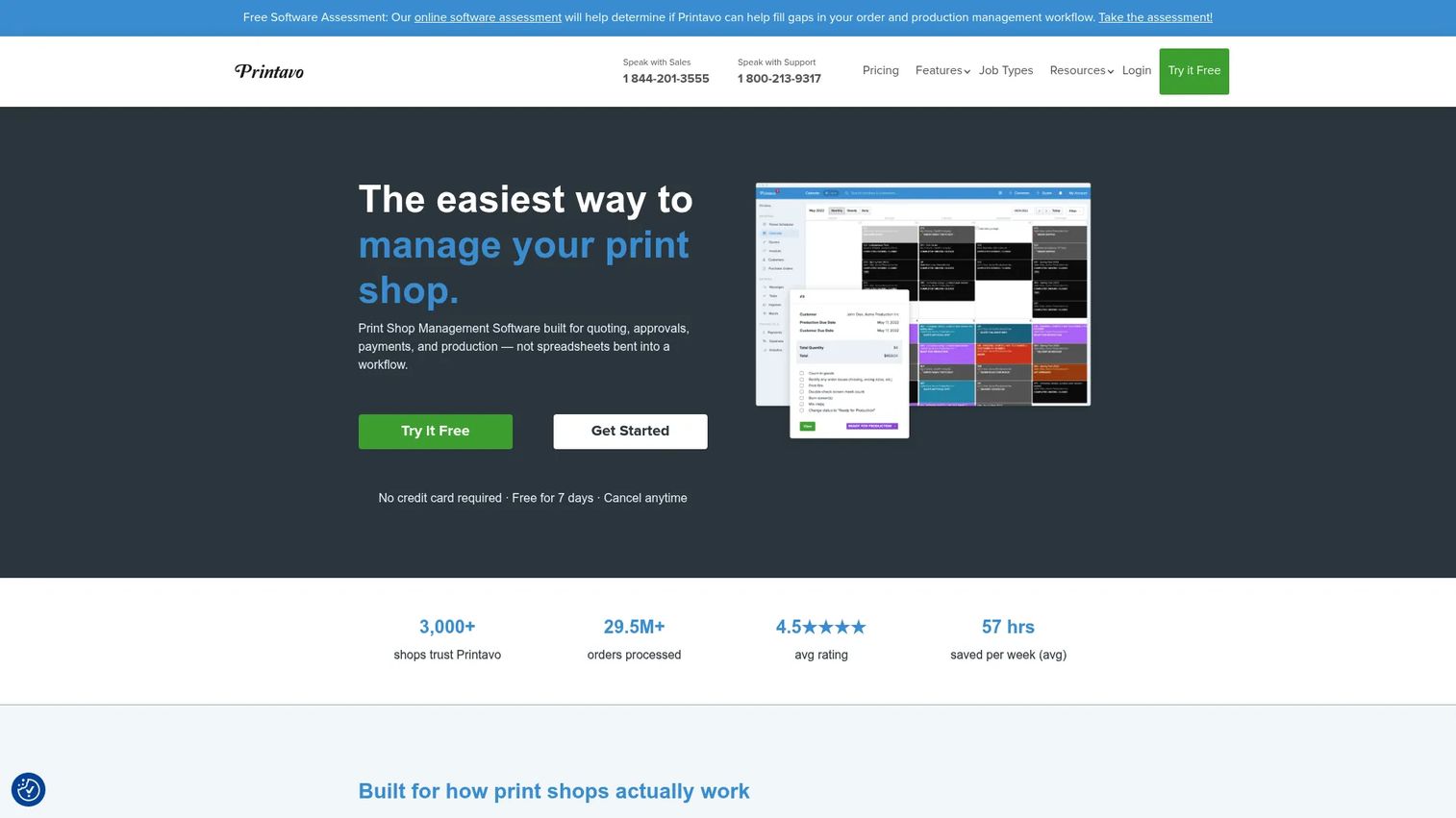
Printavo is cloud-based print shop management software built for quoting, production, invoicing, and customer communication. It functions as the operating system for a shop that has outgrown spreadsheets, email threads, and a whiteboard schedule. Rather than touching artwork or film, it manages everything around the print: the quote, the order, the production calendar, the approval, and the payment. That makes it the right first purchase when your operational chaos is costing more than your prepress problems.
The core value is visibility. When a customer changes an order, everyone downstream sees it in one place instead of relying on a forwarded email that half the team missed. That single change is often the difference between a clean run and a reprint.
Best for: Custom apparel and decorated-product shops that need end-to-end shop management once ad hoc processes stop scaling.
Key strengths
- Custom quoting: Build line-item quotes with itemized pricing so estimates stay consistent across staff and jobs.
- Production calendar: Assign tasks and track jobs on a shared calendar that replaces the whiteboard and the guesswork.
- Integrated payments and approvals: Collect invoices, capture customer approvals, and process payments inside the same system.
Why choose Printavo: If your biggest source of lost time and money is operational, not artistic, Printavo is the tool that removes it. It replaces the spreadsheet-plus-email-plus-accounting patchwork that most shops use to run orders, giving production leads and owners a single view of what is due, what is approved, and what is paid.
Printavo pricing: Printavo offers a 14-day free trial. The Lite plan starts at $109/mo, Standard is $244/mo, and Premium pricing requires contacting sales. Printavo Merch online stores are listed as an additional $109/mo. All pricing is billed monthly.
2. Teesom
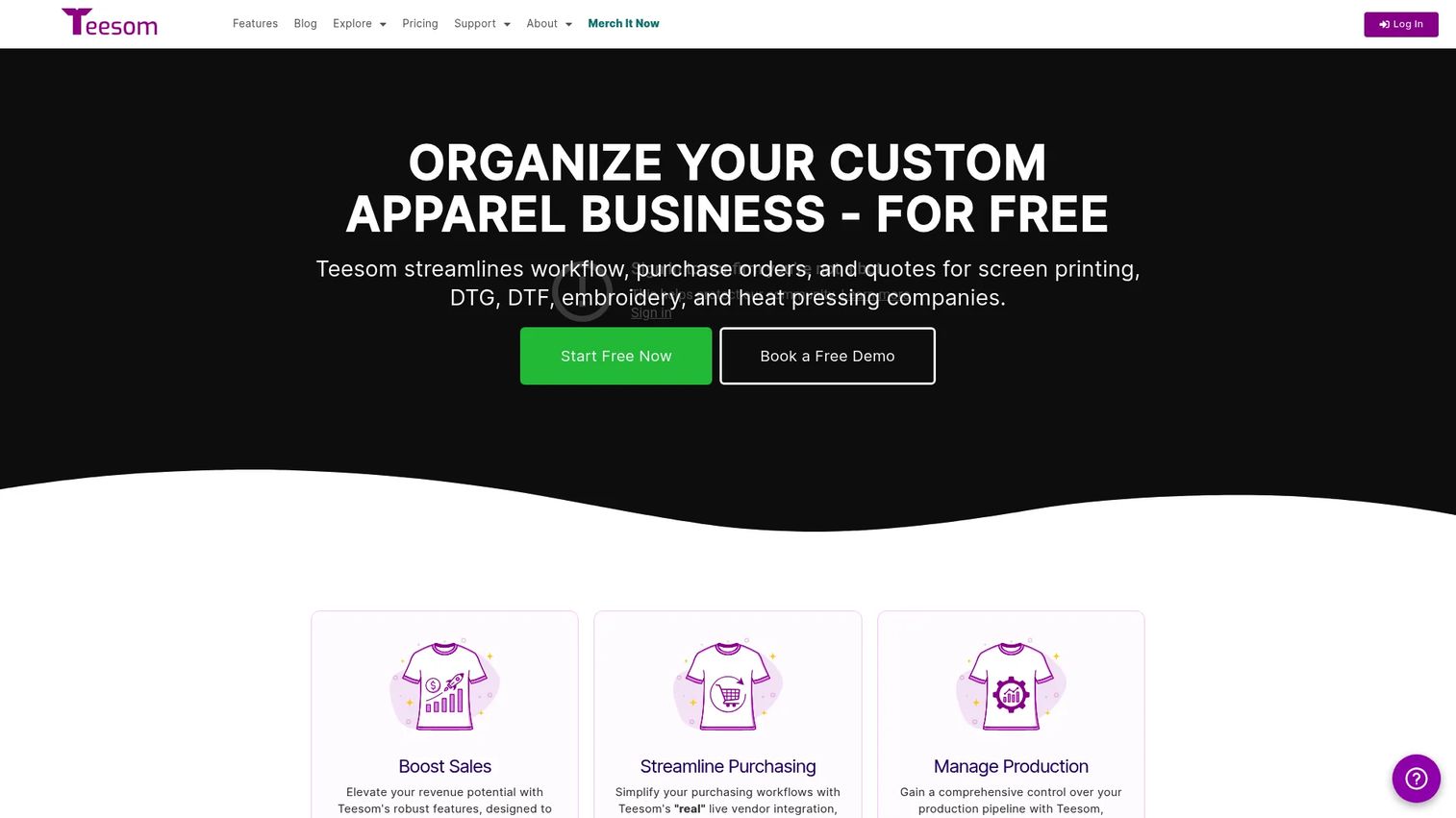
Teesom is business management software for apparel decorators and print shops, covering quoting, purchasing, production, and payment collection in one system. Where it stands apart is packaging: every paid tier includes all features, and pricing scales by the number of users rather than by which modules you unlock. For a small to mid-size shop, that removes the guessing game of which feature sits behind which upgrade.
The other practical edge is vendor integration. Teesom connects to supplier catalogs in real time and integrates with QuickBooks Desktop and Online, so your quote-to-order flow and your accounting stay in sync instead of drifting apart.
Best for: Apparel decorators and print shops that want quoting, purchasing, production, and vendor integration in one screen printing shop management software without per-module upsells.
Key strengths
- Real-time vendor integration: Pull live supplier catalog data so quotes and purchase orders reflect current products.
- Tiered rush pricing: Apply three-tier pricing rules for rush orders so urgent jobs price themselves correctly.
- QuickBooks integration: Sync with QuickBooks Desktop and Online to keep production and accounting aligned.
Why choose Teesom: Teesom reduces the manual follow-up that eats a small shop's day, keeping quotes, orders, and production in one place. Because all features come with every paid plan, you evaluate it on user count alone, which makes the pricing math simple for owners who hate surprise upgrade prompts.
Teesom pricing: Teesom prices by user count, starting at $77/month for up to one user billed monthly, or $785/year billed annually. Higher tiers scale up: up to two users is $111/mo, up to three is $143/mo, up to five is $178/mo, and up to ten is $293/mo, with additional user tiers available. Teesom also offers a free version for startups handling up to 20 orders per month.
3. Freehand Graphics
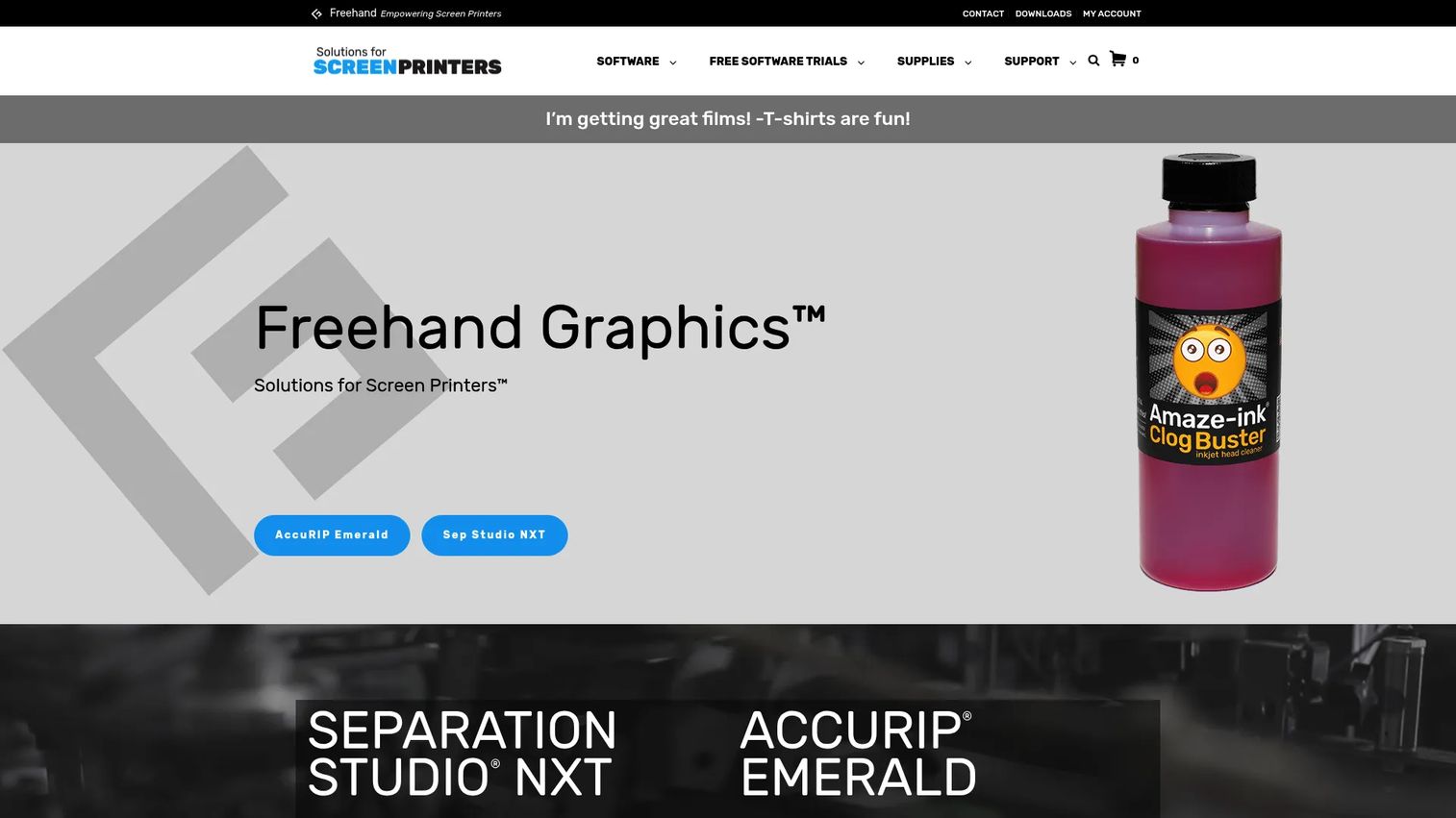
Freehand Graphics is a screen-printing software and supplies company whose tools cover the prepress and RIP stage: film printing and color separation. This is the specialist layer between design and the press. Once your artwork is built, Freehand's software separates it into printable channels and drives the printer to produce accurate film positives. For shops where reprints and screen waste are the real cost center, this is where the money leaks stop.
The lineup centers on AccuRIP Emerald for film-printing RIP and Sep Studio NXT for color separation, with a cloud-based license manager handling activation and support. Together they form a focused prepress software for screen printing setup rather than a general graphics app.
Best for: Screen printers who need dependable film-print RIP and color-separation software at the prepress stage.
Key strengths
- AccuRIP Emerald: A film-printing RIP built to produce dense, accurate positives for burning screens.
- Sep Studio NXT separation: Split artwork into clean spot-color channels ready for output.
- Cloud license manager: Handle activation and support through the Freehand License Manager.
Why choose Freehand Graphics: When your bottleneck is film quality and separation accuracy, a general design suite will not fix it. Freehand's tools are purpose-built for the output stage, which is exactly where repeatability and reduced screen waste come from. It is the specialist pick for shops that treat prepress as a discipline, not an afterthought.
Freehand Graphics pricing: AccuRIP Emerald starts at $199/year. Sep Studio NXT is $229/year. Bundles include the Essential Bundle at $279 then $199/year, the Pro Bundle at $399/year, and a combined NXT-Moves, Sep Studio NXT, and AccuRIP Emerald plan at $549/year. Free trials are available.
4. ImagePrint R.E.D. RIP Software
ImagePrint R.E.D. is entry-level RIP and printing software for photographic and screen printing work, running on both Mac and Windows. It targets the shop that needs reliable output on a single printer without paying for a full production-scale RIP. The focus is the output stage: taking a prepared file and driving the printer with consistent color handling and repeatable results.
Because it works with the driver that ships with the printer and includes a professional spooler plus basic color management, it lowers the barrier to getting accurate film or prints without a steep configuration project. That makes it a sensible RIP software for screen printing for budget-conscious shops.
Best for: Photographers or screen printers who need an affordable, dependable RIP for a single printer.
Key strengths
- Cross-platform: Runs on both Mac and Windows so it fits whatever your shop already uses.
- Uses the printer's own driver: Works with the driver that ships with the printer, simplifying setup.
- Professional spooler and color tools: Includes a spooler and basic color management for consistent output.
Why choose ImagePrint R.E.D.: If you run one printer and care about color handling and repeatability without a production-scale price tag, this is the practical output tool. It sits squarely at the film and print-output stage, so pair it with dedicated separation software when your art complexity grows.
ImagePrint R.E.D. pricing: ImagePrint R.E.D. is a one-time purchase. The Small edition, for printers up to 17 inches wide, is $399. The Large edition, for printers wider than 17 inches, is $599. A no-time-limit trial is available with a demo watermark.
5. Affinity Designer
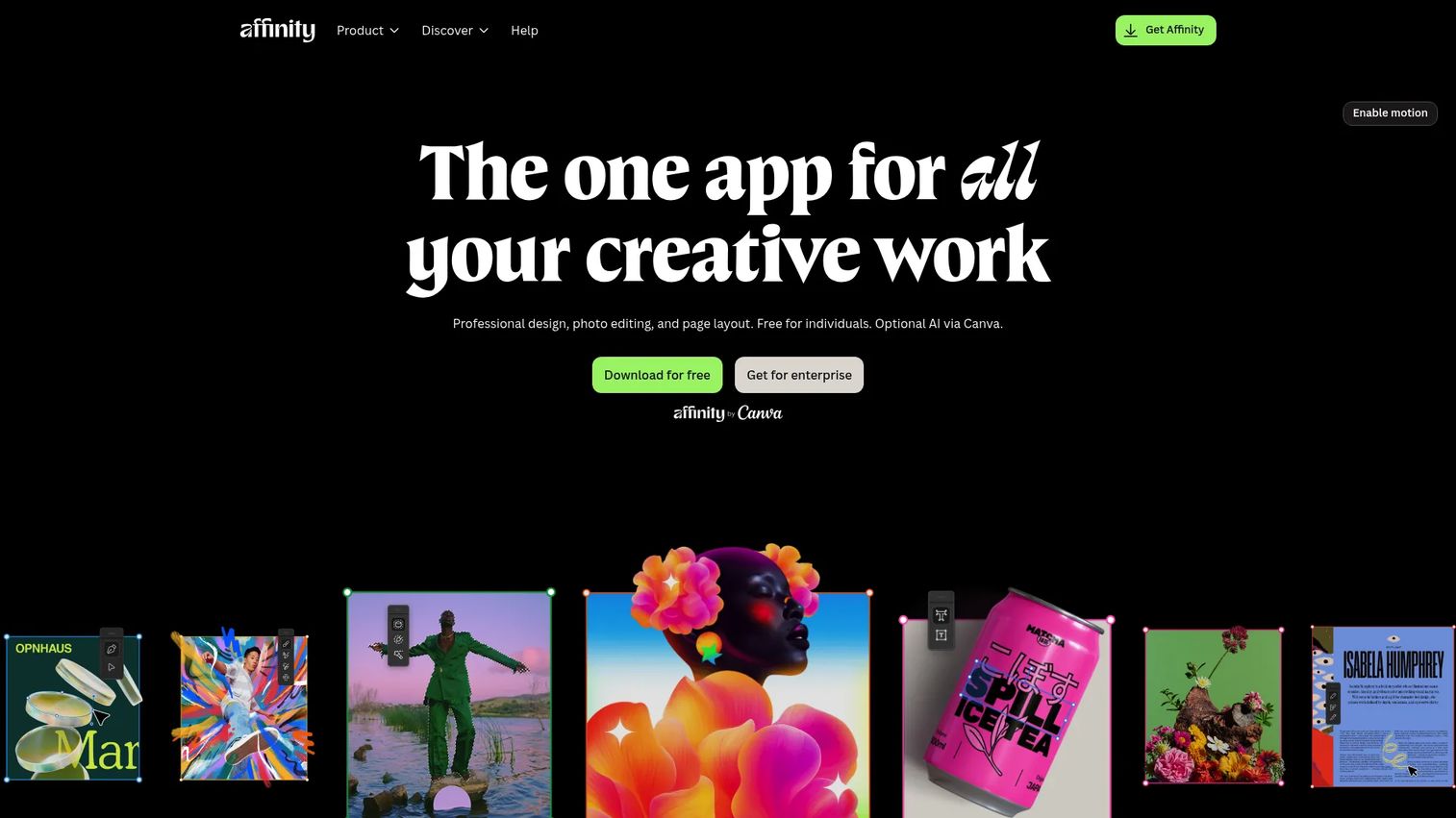
Affinity Designer is professional vector graphics software for illustration, logo design, and layout, combining pixel and vector workflows in a single app. For screen printers, it is the entry point to creating print-ready artwork before separation. You build the shirt art, the logo, or the template here, then hand it off to your separation and RIP stage. It is the first mainstream design tool many shops reach for that does not lock you into a subscription.
The pixel-and-vector-in-one workflow matters for apparel design, where you often move between clean vector lines and raster texture in the same file. Having page layout and typography tools alongside means you can build full mockups without switching apps.
Best for: Solo designers and smaller teams needing vector, raster, and layout tools in one apparel design software app.
Key strengths
- Vector and raster in one: Work with pixel and vector layers in the same file for flexible apparel design.
- Illustration and logo tools: Build clean vector artwork and logos ready for separation.
- Layout and typography: Handle page layout and type without a second application.
Why choose Affinity Designer: For a shop that needs professional artwork capability without ongoing subscription cost, Affinity Designer is a strong first design tool. It creates the print-ready art that feeds your separation and RIP workflow, and it holds a 4.5/5 rating on G2 from users who value the one-app vector-and-raster approach.
Affinity Designer pricing: Affinity's official site indicates you can download Affinity, though current public price figures were not verifiable at the time of writing. Check the vendor's site for the latest purchase terms.
6. CorelDRAW Graphics Suite
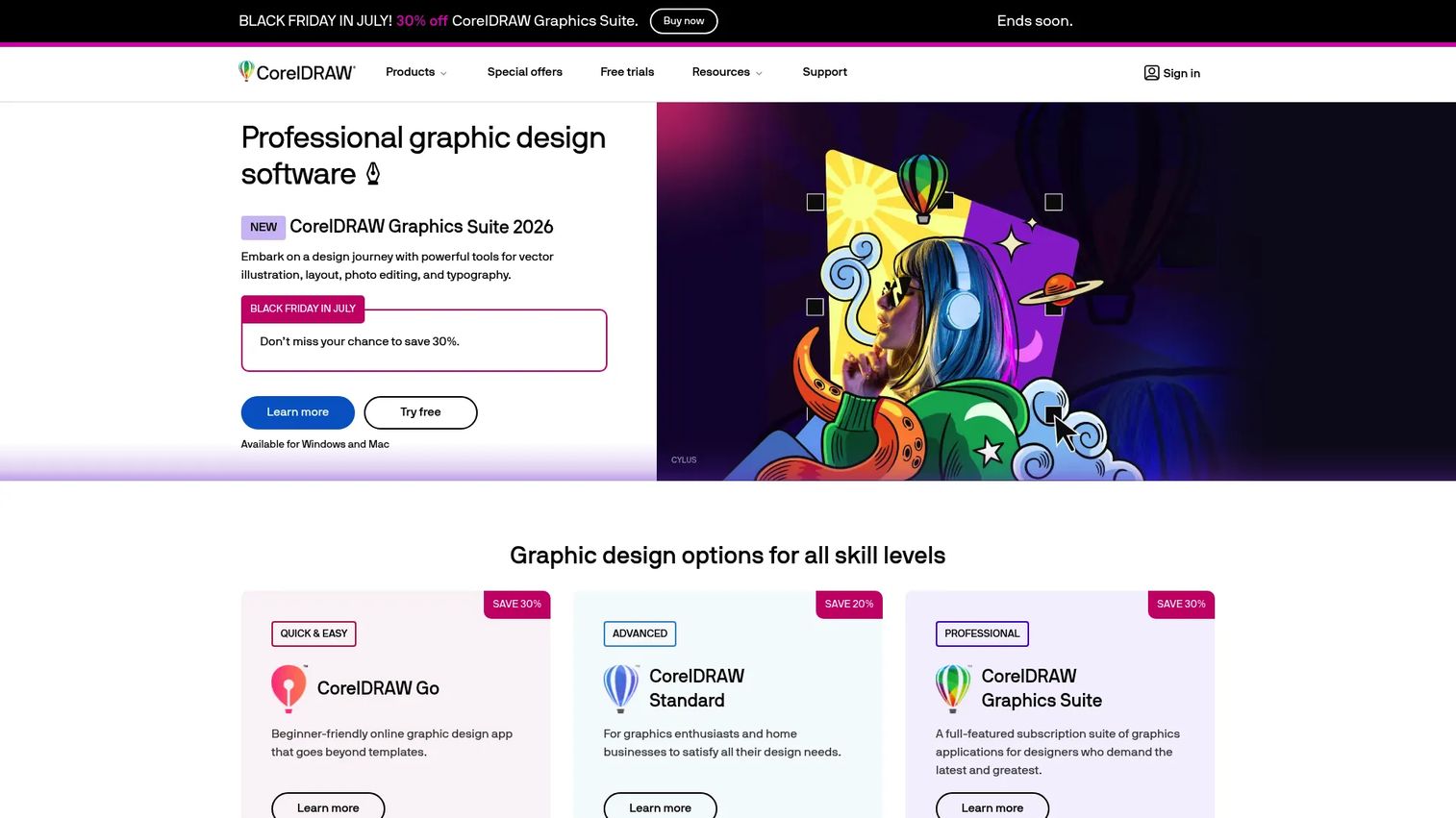
CorelDRAW Graphics Suite is a professional graphic design suite for vector illustration, layout, photo editing, typography, and web workflows. It remains a genuine staple in screen printing design because it pairs deep vector tools with the layout and prepress readiness that decorated-product work demands. Where a lighter app handles single graphics, CorelDRAW is built for teams that need a full production suite and move between illustration, photo editing, and layout in the same job.
The suite bundles Corel PHOTO-PAINT for raster work, a browser-based CorelDRAW Web option, and generative AI tools including AI Generate and background removal. That breadth is why many long-running shops standardized on it years ago and never left.
Best for: Design teams and print-focused professionals needing an all-in-one vector and layout suite.
Key strengths
- Vector illustration and layout: Build complex artwork and multi-element layouts in one environment.
- Corel PHOTO-PAINT: Edit raster images without leaving the suite.
- Generative AI tools: Use AI Generate and AI background removal to speed up production tasks.
Why choose CorelDRAW Graphics Suite: If your shop produces high art volume across illustration, photo work, and layout, CorelDRAW covers all of it in one screen printing design software suite. It is a heavier investment than a single-purpose illustration app, but for teams that need the full toolset daily, that breadth is the point. It holds a 4.3/5 rating on G2.
CorelDRAW Graphics Suite pricing: CorelDRAW offers annual subscription, monthly subscription, and one-time purchase options, plus a 15-day free trial. Current public price figures were not visible at the time of writing, so confirm exact amounts on the vendor's pricing page.
7. Separation Studio NXT
Separation Studio NXT is dedicated color separation software for screen printing, built to split artwork into printable color channels. This is the specialist tool for shops that treat separation as its own discipline rather than a side task inside a design app. It handles both raster art separations and vector art separations into spot colors, plus print-window tools and custom marks and templates for repeatable output.
For shops running complex art, multi-color spot jobs, or process work, a dedicated separation tool produces cleaner channels than a general graphics program's built-in features. That directly affects screen quality and reprint rates at the press.
Best for: Screen printers who need dedicated software to separate artwork into printable color channels.
Key strengths
- Raster and vector separation: Separate both raster and vector art into clean spot-color channels.
- Print-window tools: Set up output with print-window controls tuned for screen printing.
- Custom marks and templates: Reuse custom registration marks and templates across jobs.
Why choose Separation Studio NXT: When separation quality is the difference between a clean print and a scrapped screen, a dedicated tool earns its place. Separation Studio NXT is the specialist separation option for shops handling complex spot-color art, sitting between your design tool and your RIP as a focused prepress step.
Separation Studio NXT pricing: Sep Studio NXT is $229/year. Bundled options include NXT-Moves with Sep Studio NXT at $378, and a combined NXT-Moves, Sep Studio NXT, and AccuRIP Emerald bundle at $549. An 8-day fully functional trial is publicly available.
8. ConvertCalculator
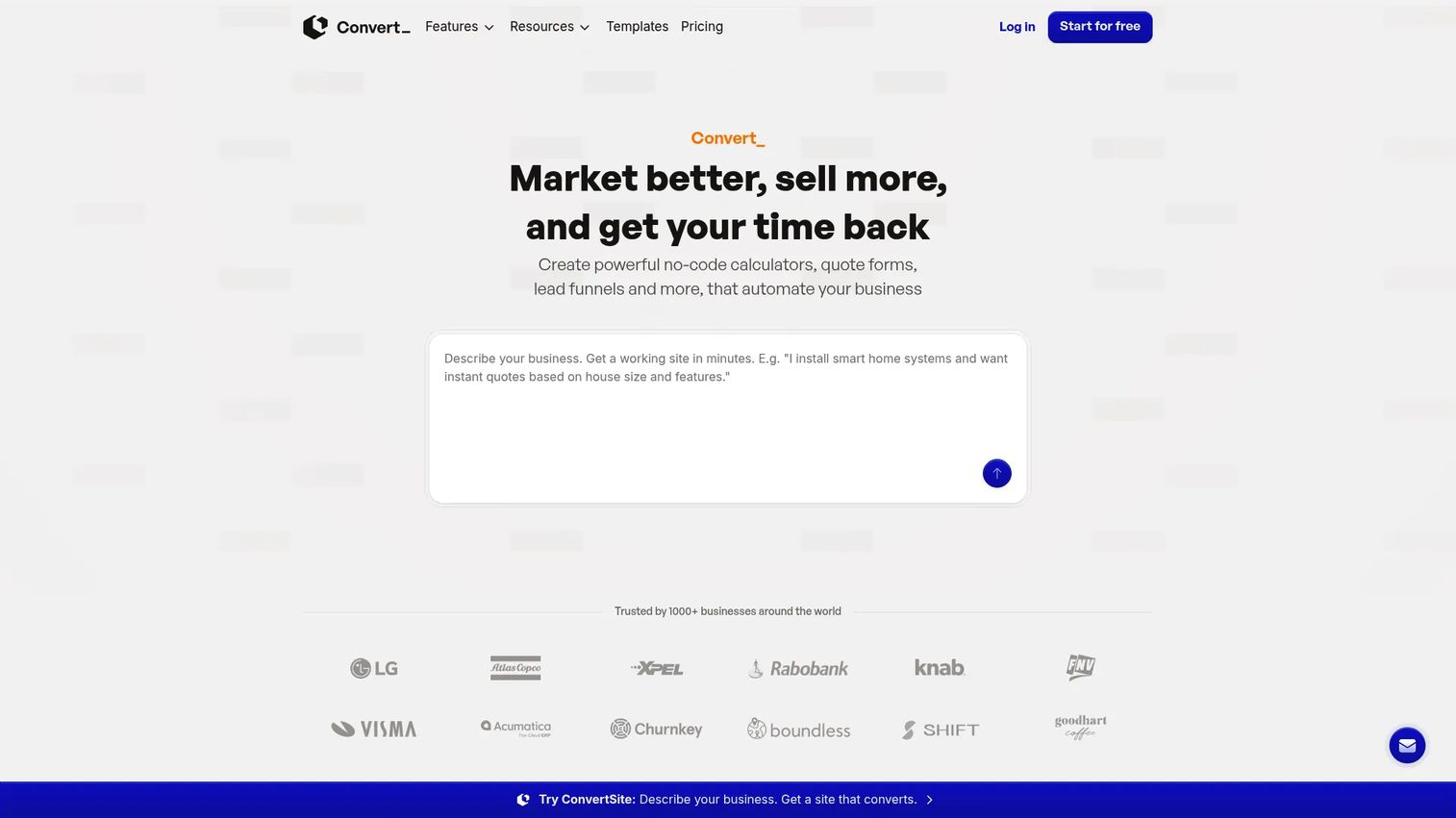
ConvertCalculator is a no-code platform for building calculators, quote forms, and interactive forms that automate lead capture and pricing logic. It closes the list because it solves a revenue problem the other tools do not: turning website visitors into structured quote requests. Instead of a customer emailing "how much for 50 shirts?" they get an instant, formula-driven estimate and you get a captured lead. It supports sales and quoting rather than production, which makes it a clean complement to a shop management platform.
The drag-and-drop builder, formula engine, and show-hide logic let a shop build a custom pricing calculator without a developer. That is the practical appeal for a small business owner who wants a working screen printing quote software on the website this week, not next quarter.
Best for: Print shops that need an embeddable quote form or pricing calculator without writing code.
Key strengths
- Drag-and-drop builder: Assemble calculators and quote forms visually with no coding.
- Formula engine: Build pricing logic that computes estimates from quantity, color count, and options.
- Conditional logic: Use show-hide rules and multi-page forms to guide customers to the right quote.
Why choose ConvertCalculator: If your website generates traffic but not quote requests, ConvertCalculator captures that intent before it leaks. It is a revenue-adjacent tool that pairs with your production stack, not a replacement for it, and it holds a 4.0/5 rating on G2 for its no-code form building.
ConvertCalculator pricing: ConvertCalculator has a free Starter plan at $0/mo for up to 100 visits per month. Paid tiers are Hobby at $20/mo, Pro at $40/mo, Premium at $100/mo, and Platinum at $200/mo, all billed monthly, with annual billing offering two months free.
Considerations before you buy
Match the tool to the workflow stage
The single biggest mistake is buying one tool and expecting it to cover design, separation, RIP, and management. It will not. Identify which stage costs you the most time and money right now, then buy for that stage first. A production bottleneck and an art bottleneck need completely different software.
Check operating system compatibility
Design and RIP tools often differ on Mac versus Windows support. Confirm the software runs on the machines your team already uses before committing. Shop management and quoting tools are usually browser-based and platform-agnostic, but prepress and design apps are where compatibility surprises happen.
Read the pricing model, not just the price
Some tools charge per user, some per feature tier, some as a one-time license, and some as an annual renewal. A low headline price can hide the real cost once you add seats or unlock modules. Map the pricing model to how your shop actually grows so a screen printing software pricing decision does not bite you in a year.
Plan for integrations
Your quoting tool, your accounting software, and your production platform should share data rather than force double entry. Check that the tools you shortlist connect to what you already run, whether that is QuickBooks, a supplier catalog, or your website. Integrations are where a stack either saves time or quietly wastes it.
Weigh the maintenance burden
Every tool you add is another system to keep current as your product mix and team change. Favor software that is actively maintained in 2026 and that your team will actually adopt. An unused tool is worse than no tool, because you paid for it and still route work through the old workaround.
Conclusion
The honest takeaway is that there is no single best screen printing software, because the category is really four jobs wearing one name. Shop management tools like Printavo and Teesom run the business. Prepress and RIP tools like Freehand Graphics and ImagePrint R.E.D. handle output. Design tools like Affinity Designer and CorelDRAW build the art, Separation Studio NXT splits the colors, and ConvertCalculator turns traffic into quotes.
Do not try to replace everything at once. Find the stage where manual effort is costing you the most, whether that is a production calendar living on a whiteboard or reprints piling up from bad separations, and fix that stage first. Then add the next tool only when the next bottleneck becomes the loudest one.
Evaluate your workflow honestly, shortlist the two or three tools that remove the most manual work, and run a trial before you commit. A stack built around your actual bottlenecks will always beat one tool asked to do everything.
Start your journey with Guideflow today!
FAQs
Screen printing software is used across four jobs: creating artwork, separating colors, outputting films through a RIP, and managing quotes, orders, and production. No single tool does all four well, so most shops run one tool per job. What you use it for depends on which stage of your workflow is costing you the most time.
RIP software for screen printing drives your printer to produce accurate, repeatable film positives at the prepress stage. Shop management software runs the business side: quotes, scheduling, invoicing, payments, and customer communication. They solve completely different problems, and most shops need both. Buying one does not remove the need for the other.
For printing software for small shops, the answer depends on your bottleneck. If operations are the mess, Teesom or Printavo consolidate quoting and production. If prepress is the pain, Freehand Graphics or ImagePrint R.E.D. handle separation and output affordably. Start with the single stage that wastes the most time rather than buying a broad suite.
You typically need both, because they do different jobs. Design software like Affinity Designer or CorelDRAW builds the artwork. RIP software then takes that separated file and drives the printer to produce film. A design app does not output film accurately, and a RIP does not create art, so most shops run one of each.
Look past the headline number at the pricing model. Some tools charge per user, some per feature tier, some as a one-time license, and some as an annual renewal. Map the model to how your shop grows, since a per-seat tool gets expensive as you add staff, while a one-time license may lack ongoing updates. Screen printing software pricing is about total cost over time, not month one.
It varies by category. Shop management and quoting tools are usually browser-based, so they run anywhere. Design and RIP tools are where compatibility matters most: some are Windows-only, some cross-platform. ImagePrint R.E.D., for example, runs on both Mac and Windows. Always confirm OS support before buying prepress or design software.
If quoting and production are your only needs, a shop management platform like Printavo or Teesom covers both without adding design or RIP tools you will not use. Look for custom quoting, a production calendar, and invoicing in one system. You can pair it with a website quote tool like ConvertCalculator later if you want to capture leads before they email you.
Yes, this is a core strength of shop management software for screen printing. Platforms like Printavo and Teesom collect customer approvals, send quotes and invoices, and process payments inside one system. That keeps order changes visible to everyone downstream, which is often what prevents the wrong screen from being burned in the first place.