
A technician finishes early. Another is stuck in traffic across town. A customer calls to ask where their appointment window went. Meanwhile, someone in the office is rebuilding tomorrow's schedule in a spreadsheet for the third time today.
That is what manual scheduling looks like at scale. It works when you have three technicians and forty jobs a week. It breaks the moment volume grows, because every added job multiplies the coordination cost. Dispatch gets messy, routes get inefficient, and cash collection slows down because the invoice depends on someone remembering to send it.
The stakes are real. The field service management software market is projected to grow from US$5.6 billion in 2026 to US$12.7 billion by 2033 at a 12.4% CAGR, according to Persistence Market Research (2024). Schedule, dispatch, and route optimization applications alone account for over 28% of that spend, worth more than US$1.6 billion in 2026. Operators are not buying this software for fun. They are buying it because manual coordination stops scaling.
If you run a service business, or you are a founder trying to build a repeatable operation that does not depend on your own heroics, the right scheduling layer changes the math. Fewer missed windows. Tighter routes. Faster invoicing. Cleaner data to run the business on. This guide compares the options that get you from booking to a completed, paid job without the chaos.
What's inside
This guide is for operators, owners, and founders choosing field service scheduling software in 2026. We picked tools that handle the full job lifecycle: booking, technician assignment, dispatch, route planning, mobile updates, and often invoicing. We ranked and described each based on four criteria: workflow fit across the booking-to-payment cycle, mobile technician usability, integration depth with accounting and CRM, and how well each scales as job volume grows. We also included one review platform to help you verify vendor claims before you commit.
TL;DR
- Best all-in-one for home services: Workiz combines scheduling, dispatch, invoicing, payments, and built-in communication in one flow.
- Best free-tier option for small teams: Connecteam offers a genuinely useful free plan for scheduling and workforce coordination.
- Best for blended employed and contracted workforces: ServicePower handles optimization-heavy scheduling at enterprise scale.
- Best research reference: Gartner Peer Insights helps you verify vendor claims with peer reviews before buying.
- Best for existing platform ecosystems: Salesforce, Microsoft Dynamics 365, Oracle, and SAP each shine when you already run their stack.
What field service scheduling software is
Field service scheduling software is a tool that coordinates the assignment, dispatch, and routing of field technicians to jobs, usually across the full lifecycle from booking to completed work and invoicing.
In practice, it replaces the spreadsheets, whiteboards, and group texts that most service businesses start with. It takes an incoming job, matches it to the right available technician based on skills and location, plots an efficient route, pushes the details to a mobile technician app, and often closes the loop with an invoice and payment. That connected flow is what separates real field service management software from a bare calendar.
Most platforms in this category share a common set of capabilities:
- Booking and dispatch: intake jobs from calls, web forms, or online booking, then assign them to technicians manually or with AI scheduling.
- Route optimization: plot the most efficient path across the day's jobs to cut drive time and fit more work in.
- Mobile technician app: give field workers job details, customer history, notes, and status updates on their phone.
- Real-time visibility: track technician location and job status with GPS tracking so dispatch and customers know what is happening.
- Work order management: capture job requirements, parts, photos, and completion notes in one record.
- Invoice and payment workflow: generate estimates, send invoices, and collect payment without a separate accounting hop.
- Integrations: connect to calendars, accounting like QuickBooks, and CRM systems so data flows without re-entry.
- Reporting: surface technician utilization, first-time fix rates, and revenue per job.
The category overlaps heavily with broader FSM software, but the scheduling and dispatch engine is the core. It is the part that decides who goes where, when, and in what order.
What to look for before you buy
Not every feature matters equally. Here is what actually moves the needle on a field operation.
Scheduling optimization that reduces windshield time
The whole point of scheduling automation is to fit more completed jobs into the same day. Look for tools that optimize routes across your technician pool, factor in skills and job duration, and rebalance when something changes. A smart engine turns a four-job day into a five-job day by cutting drive time between stops. Cloud FSM solutions with scheduling-dispatch and route-optimization capabilities led all solution types with 28.16% revenue share in 2025, per Mordor Intelligence, precisely because this is where the return shows up first.
Mobile technician usability
Your technicians live in the field, not at a desk. The scheduling software for field technicians has to work on a phone with spotty signal, show the job, the address, the customer history, and let them update status, capture photos, and collect a signature. If the mobile app is clumsy, technicians route around it and your data quality collapses. Test it on a real phone before buying.
Integrations with your existing stack
A scheduling tool that does not talk to your accounting software creates double entry. Check for a QuickBooks integration, CRM integration, and calendar integrations at minimum. Enterprise buyers should confirm ERP connectivity. The goal is one record per job that flows from booking to payment without anyone retyping it.
Reporting and real-time visibility
You cannot improve what you cannot see. Real-time visibility into technician location and job status lets dispatch reroute on the fly and gives customers accurate arrival windows. Reporting on utilization, first-time fix rate, and revenue per technician turns the tool from a scheduler into a management system.
Automation that removes manual coordination
The best field service scheduling app removes steps humans used to do by hand: sending appointment reminders, following up on unpaid invoices, capturing missed calls, and triggering the next job in a service plan. Every automated step is admin headcount you do not have to hire as you scale.
When field service scheduling software is worth it
Not every team needs a platform on day one. Here is when the switch pays for itself.
When jobs are being scheduled manually
If someone spends hours a day rebuilding the schedule in a spreadsheet, that is the signal. Manual scheduling does not just cost time. It causes double-bookings, missed jobs, and idle technicians. Field service dispatch software absorbs that coordination and frees the person doing it for higher-value work.
When technicians waste time driving inefficient routes
Windshield time is unbilled time. If technicians crisscross the service area because jobs were assigned by whoever was free, route planning and route optimization recover hours every week. Those recovered hours convert directly into more completed jobs and more revenue per technician.
When customers need tighter arrival windows and proactive updates
A four-hour window frustrates customers and generates "where is my technician" calls. Real-time visibility and automated notifications let you offer tighter windows and keep customers informed, which cuts inbound calls and lifts satisfaction scores.
When the team needs better visibility into the day's work
As you add technicians, the owner can no longer hold the whole schedule in their head. A dispatch software layer gives everyone a shared, live view of who is where and what is next. For a founder trying to build an operation that runs without them in every decision, that visibility is the foundation of a repeatable system.
Comparison table
We selected these eight based on workflow completeness, mobile usability, integration depth, and fit across company sizes from small home-services teams to large enterprises. Pricing and ratings reflect verified values at publication; confirm current figures on each vendor's site before you commit.
| # | Product | Intent | Key use case | Pricing | G2 rating |
|---|---|---|---|---|---|
| 1 | Workiz | All-in-one FSM for home services | Scheduling, dispatch, invoicing, and payments in one flow | Free tier; paid plans quote-based | 4.5/5 |
| 2 | Connecteam | Workforce management with a strong free tier | Scheduling, time tracking, and team communication | Free tier; Basic from $35/mo | 4.6/5 |
| 3 | ServicePower | Enterprise optimization for blended workforces | Employed and contracted technician scheduling | Request pricing | 4.4/5 |
| 4 | Gartner Peer Insights | Peer review and research reference | Verifying vendor claims before buying | Complimentary | Not rated |
| 5 | Salesforce Field Service | CRM-connected enterprise field service | Dispatch and mobile workflows on Salesforce | From $55 user/mo | 4.4/5 |
| 6 | Microsoft Dynamics 365 Field Service | Microsoft-native field operations | Scheduling board and connected workflows | From about €105 user/mo | 3.9/5 |
| 7 | Oracle Field Service | AI-driven scheduling at large scale | Routing and dispatch for high-volume operations | Request pricing | 3.9/5 |
| 8 | SAP Field Service Management | ERP-connected enterprise field service | Planning, dispatch, and mobile execution | Request pricing | 4.3/5 |
If you are still mapping the broader software landscape, cross-references like the best ai customer service agents roundup and guides on ai content creation tools can help you see where scheduling fits alongside your other operational tooling.
1. Workiz
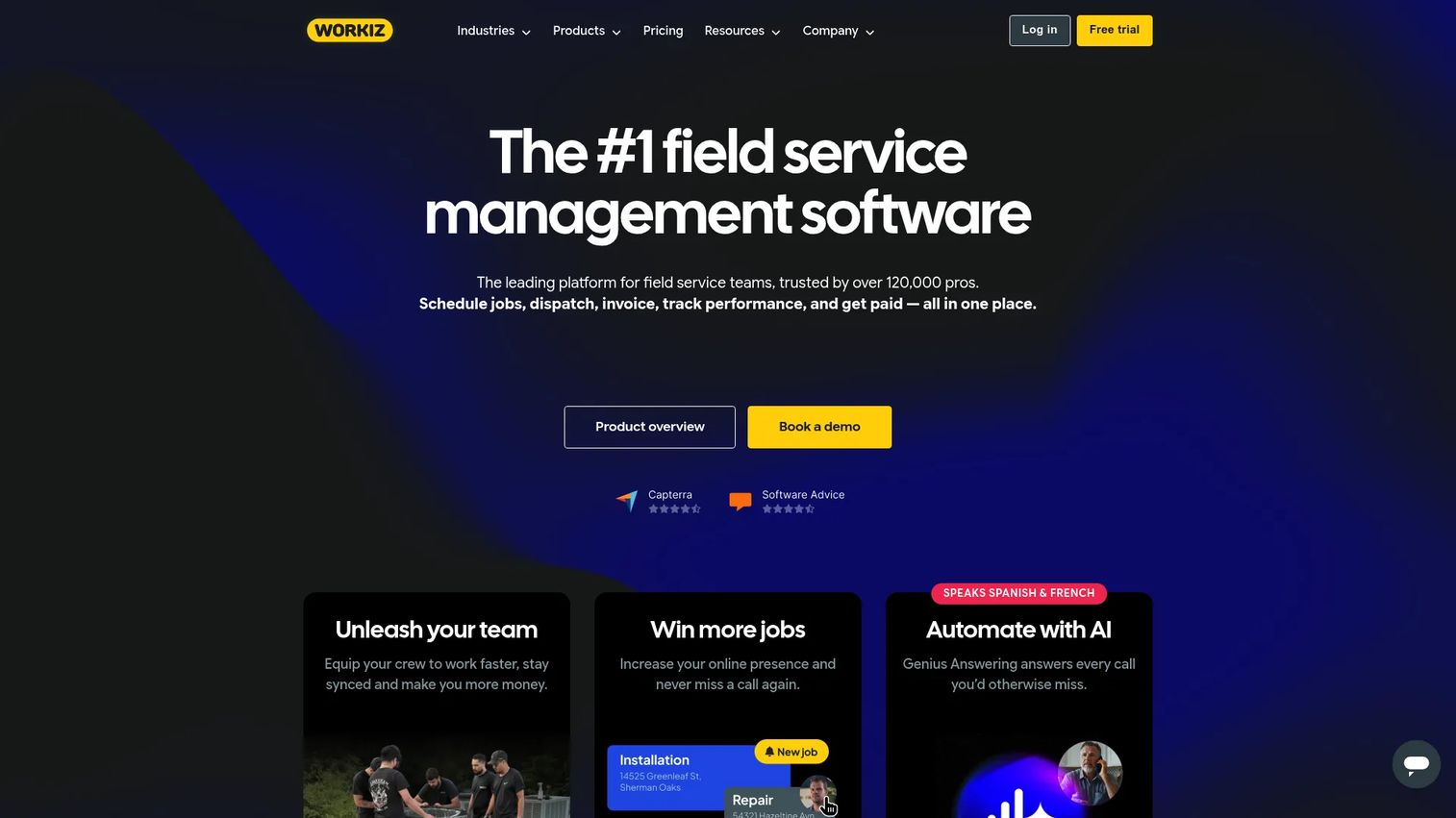
Workiz is field service management software built for home-services businesses that want scheduling, dispatch, invoicing, and communication in a single system. It targets trades like HVAC software buyers, plumbing software users, electricians, appliance repair, and locksmiths, and it puts phone, messaging, and payments in the same place as the job schedule. The result is a workflow that runs from the first customer call to the paid invoice without leaving the platform.
Best for: Home-services businesses that want an all-in-one FSM platform with communications and payments built in.
Key strengths
- Scheduling and dispatching: assign jobs to the right technician and manage the day's routes from one board.
- Invoicing, estimates, and online payments: generate quotes, send invoices, and collect payment inside the same job record.
- Built-in phone, messaging, and automations: capture calls, including AI answering, and trigger workflow automations without a separate tool.
Why choose Workiz: For a service business, the appeal is workflow completeness. Instead of stitching together a scheduler, a phone system, and an accounting tool, Workiz keeps booking and dispatch, communication, and payment in one flow. That consolidation matters when you are trying to reduce the number of tools your team juggles while keeping data clean. The missed-call capture and AI answering features speak directly to businesses that lose revenue when the phone goes unanswered.
Workiz pricing: Workiz offers a free Lite plan for up to two team members that includes scheduling, automations, invoices and estimates, online payments, a local number, and client management. The Standard, Pro, and Ultimate plans are quote-based on the current pricing page and include the first five users. Because paid pricing is gated behind a request, confirm the current numbers with Workiz directly. The company carries a 4.5/5 rating on G2.
2. Connecteam
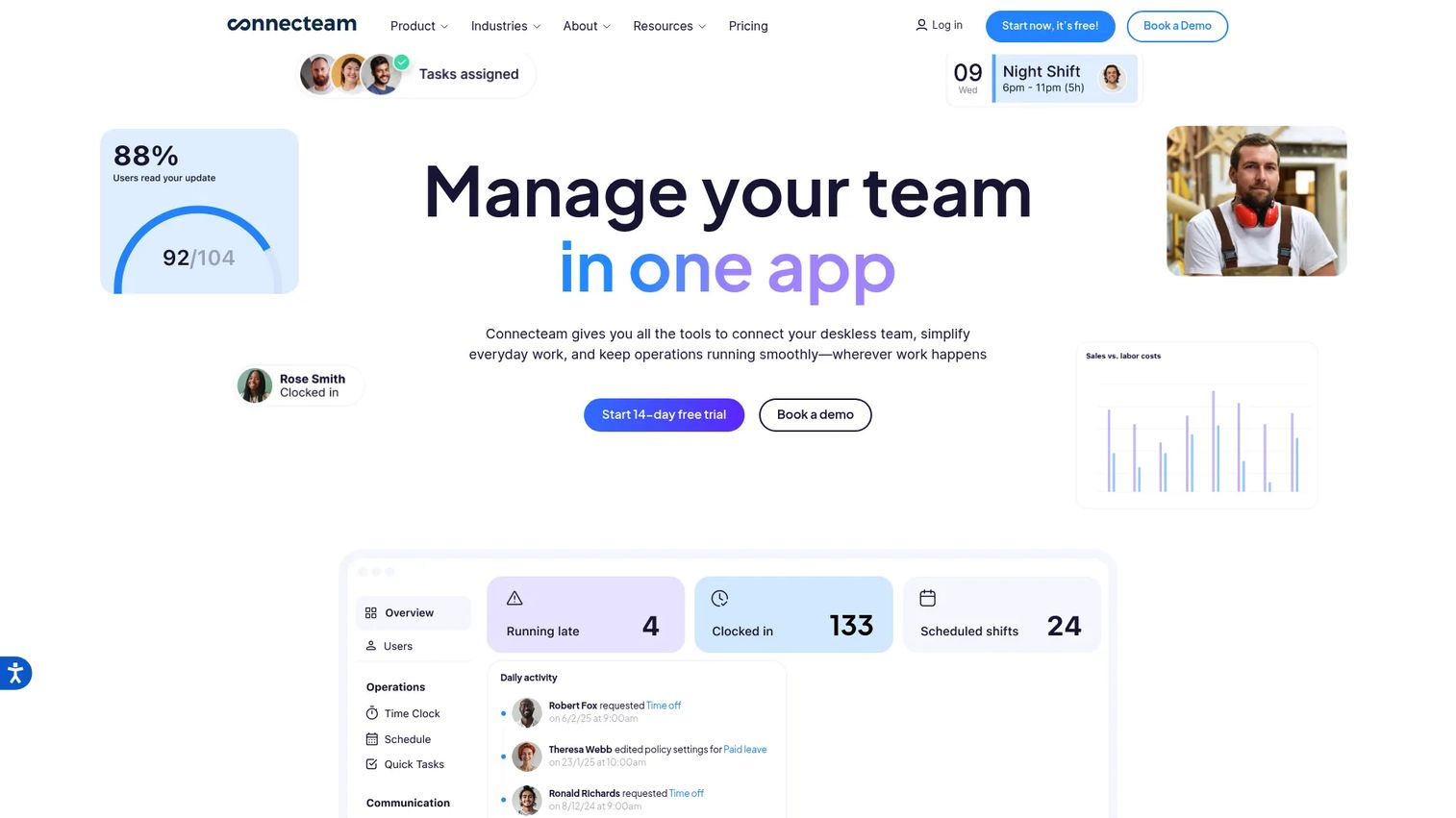
Connecteam is a mobile workforce management platform for deskless and frontline teams, covering scheduling, time tracking, communication, and HR workflows. It is not a pure FSM tool in the way Workiz is, but for teams that need drag-and-drop scheduling plus operational coordination, it is a practical and budget-friendly option. Its free-plan angle makes it especially attractive to small teams testing whether free field service management software can carry their operation.
Best for: Deskless and frontline teams that need an all-in-one workforce management app with a genuinely useful free tier.
Key strengths
- Job scheduling: drag-and-drop shift and job scheduling that technicians see on their phones.
- Time clock and forms: GPS-stamped time tracking plus custom forms for job details and checklists.
- Chat, updates, and training: built-in communication, company updates, and courses or quizzes for onboarding technicians.
Why choose Connecteam: If your primary need is coordinating a mobile team without a heavy FSM investment, Connecteam covers scheduling, time tracking, and communication in one app. It is trusted by a large base of frontline businesses and leans into ease of use rather than deep dispatch optimization. For a small team where the owner is still close to daily operations, that simplicity is the point.
Connecteam pricing: Connecteam offers a free Limited plan for up to 30 users and a free Small Business Plan for businesses with fewer than 10 employees. Paid plans start with Basic at $35 per month, Advanced at $59 per month, and Expert at $119 per month, billed monthly or yearly in USD. A 14-day free trial is available. The platform holds a 4.6/5 rating on G2.
3. ServicePower
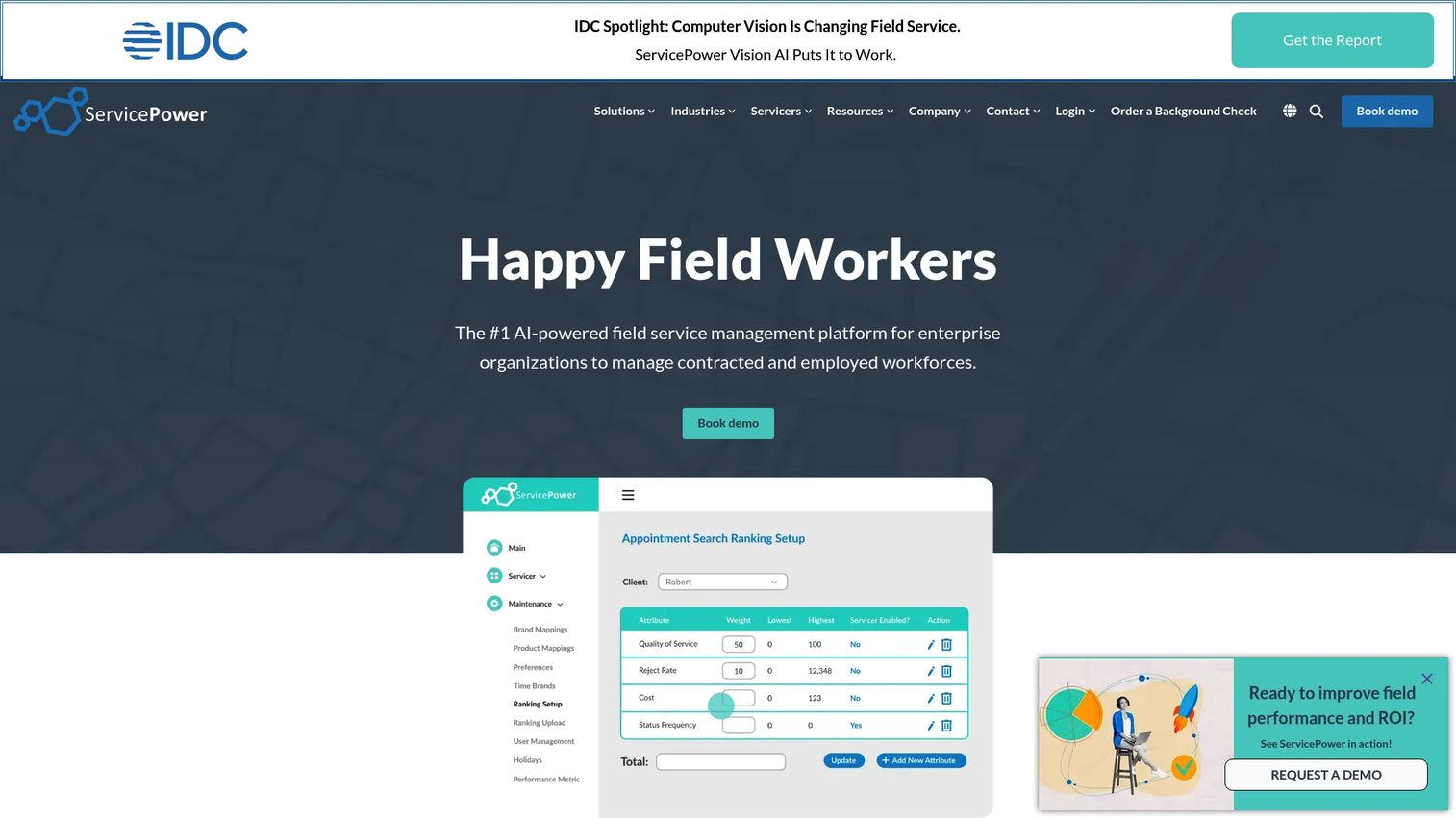
ServicePower is enterprise field service management software built for organizations that manage both employed and contracted workforces. It is an optimization-heavy platform for complex scheduling and dispatch, with intelligent scheduling, live maps, geolocation, and compliance-aware technician matching. If your operation blends in-house technicians with a contractor network, this is the kind of tool built for that reality.
Best for: Large organizations managing both employed and contracted field service teams at scale.
Key strengths
- Scheduling and dispatch: intelligent scheduling with route logic and live maps for complex, high-volume operations.
- Customer self-service: let customers book and manage appointments directly, reducing inbound coordination.
- Contractor management and compliance: match jobs to certified contractors while respecting compliance requirements.
Why choose ServicePower: The differentiator is the blended workforce. Most FSM tools assume you employ every technician. ServicePower is designed for organizations that dispatch across both employees and third-party contractors, with compliance-aware matching that keeps the right certified person on the right job. For enterprises in warranty, insurance, or manufacturer service networks, that model fits the operating reality better than a small-business scheduler would.
ServicePower pricing: ServicePower publishes three solution types, Employed Workforce, Contracted Workforce, and Blended Workforce, but shows only request-pricing CTAs rather than public numbers. Pricing is quote-based, so contact ServicePower for a tailored figure. The platform carries a 4.4/5 rating on G2.
4. Gartner Peer Insights
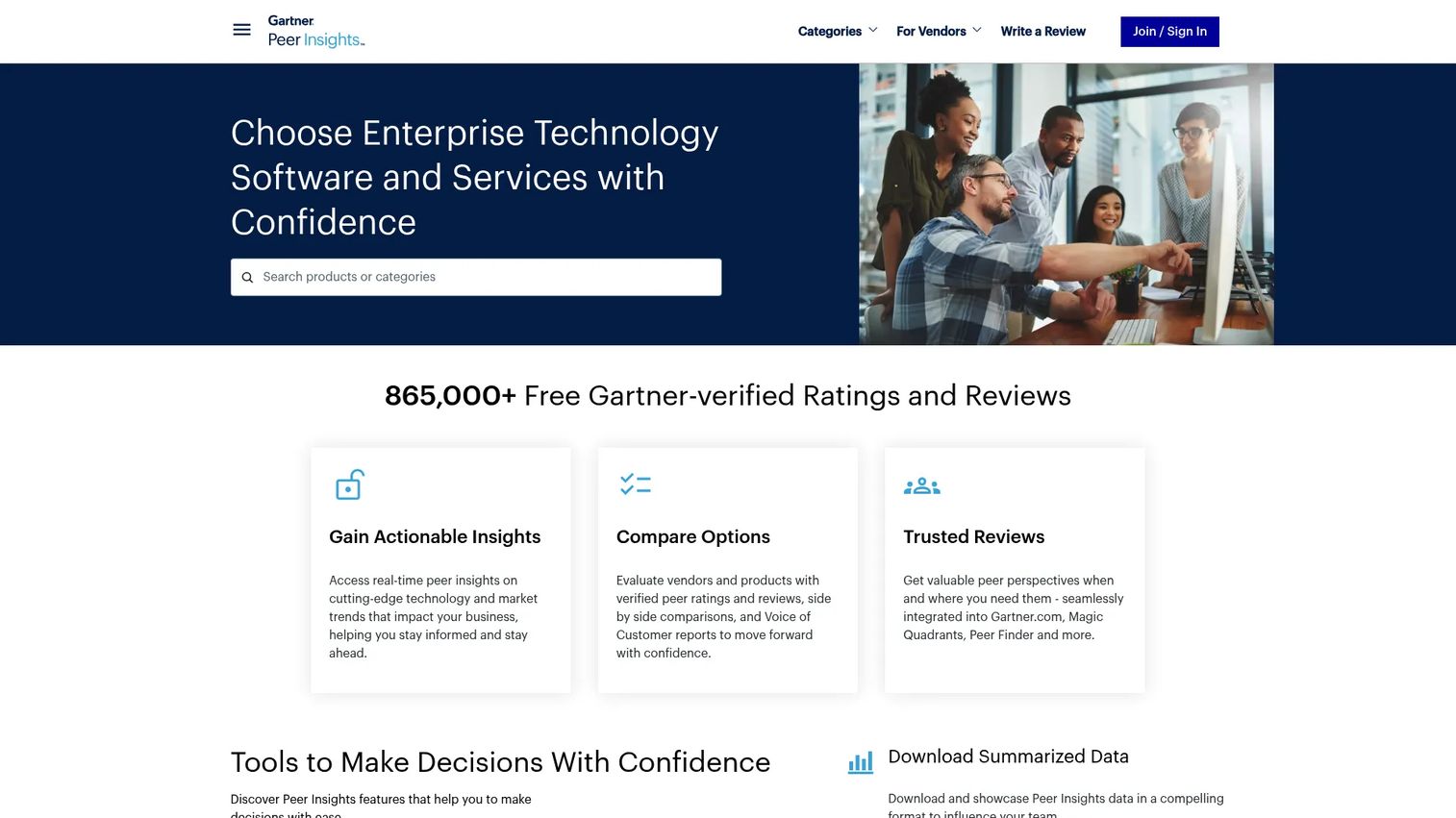
Gartner Peer Insights is not a scheduling tool you buy. It is a Gartner-hosted peer review and ratings platform, and it belongs on this list as a research reference. When you are narrowing a shortlist of field service software, verified peer reviews and Voice of the Customer reports help you separate vendor marketing from operator reality. Use it to pressure-test the claims every vendor makes.
Best for: Enterprise buyers and vendors who want verified peer reviews and Voice of the Customer insights before committing.
Key strengths
- Verified peer ratings and reviews: reviews from real users, verified to reduce vendor-planted noise.
- Product comparisons: filter and compare FSM products side by side using a consistent feature taxonomy.
- Voice of the Customer reports: aggregate sentiment across a category to see where the market actually lands.
Why choose Gartner Peer Insights: For a serious evaluator, review data is a fast way to narrow the market. Look for patterns rather than single reviews: which tools get consistent praise for mobile usability, which get flagged for support responsiveness, which scale cleanly. That pattern reading is more useful than any single testimonial and helps you avoid a costly migration mistake.
Gartner Peer Insights pricing: Access is complimentary for clients who read, review, or submit reviews, and vendors do not need a Gartner license to list and source reviews. There is no posted numeric price because the platform is offered free rather than sold as a plan.
5. Salesforce Field Service
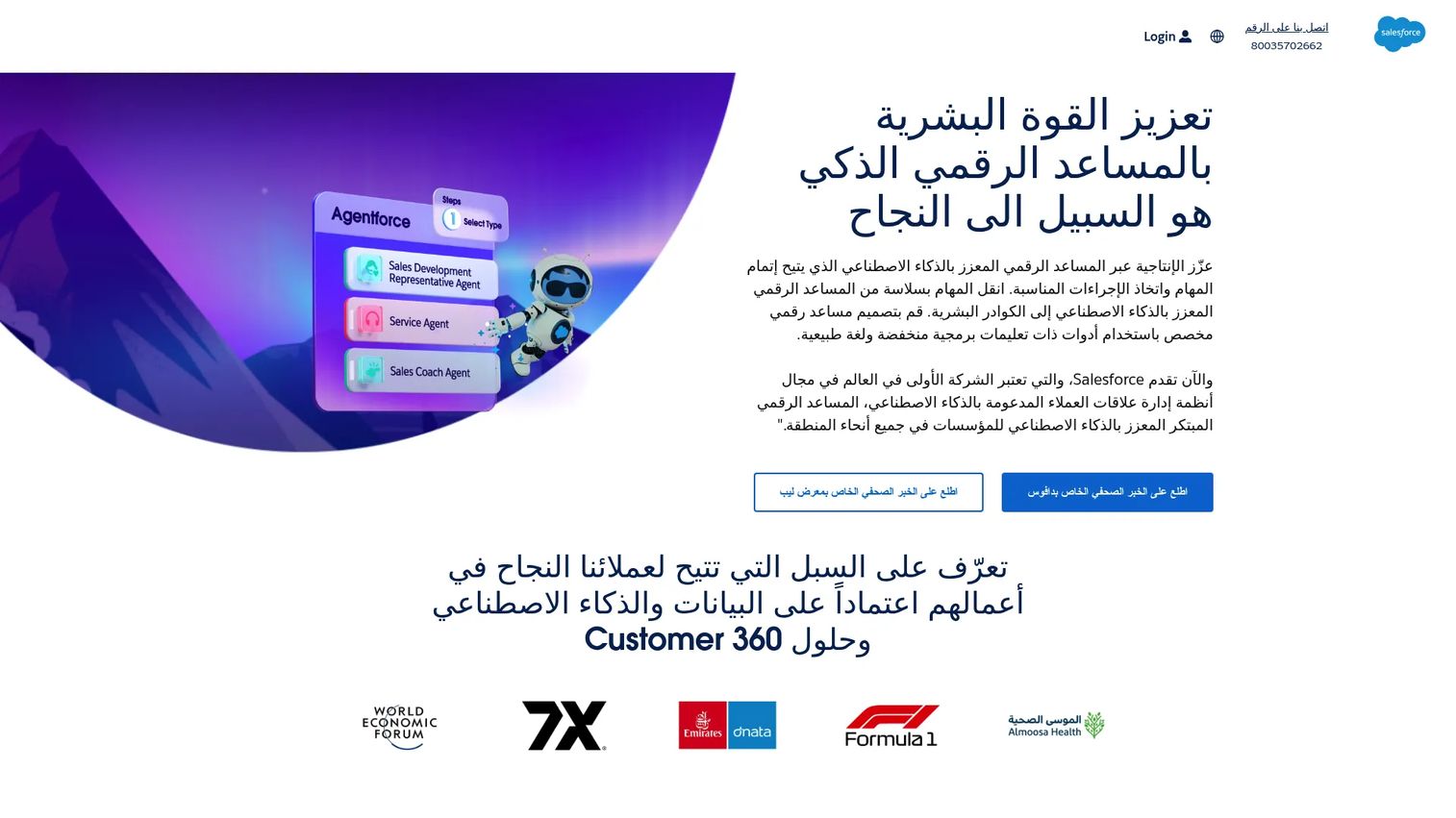
Salesforce Field Service is a field service management product for dispatch, technician, and contractor operations built on the Salesforce platform. It connects scheduling and work order flow directly to your CRM, so customer records, service history, and field operations live in one system. For teams already invested in Salesforce, that connection removes a major integration headache.
Best for: Organizations needing dispatching, mobile technician workflows, and field-service scheduling on Salesforce.
Key strengths
- AI-powered scheduling and route optimization: optimize technician assignment and routing automatically at scale.
- Real-time visibility into field operations: track jobs, technicians, and assets across the operation live.
- Offline mobile work order management: technicians access and complete work orders even without connectivity.
Why choose Salesforce Field Service: The case is ecosystem fit. If your sales and service data already lives in Salesforce, running field service on the same platform means CRM-connected scheduling without exporting data between systems. That matters most for larger operations and service-heavy enterprise teams where the CRM is already the source of truth. The AI scheduling and offline mobile capabilities are built for scale rather than a two-technician shop.
Salesforce Field Service pricing: Public pricing starts at $55 per user per month for the Contractor plan, with Contractor Plus at $80, Dispatcher and Technician at $175, Field Service Plus at $230, and Agentforce 1 Field Service at $650 per user per month, all billed annually. No free tier is offered. The product holds a 4.4/5 rating on G2.
6. Microsoft Dynamics 365 Field Service
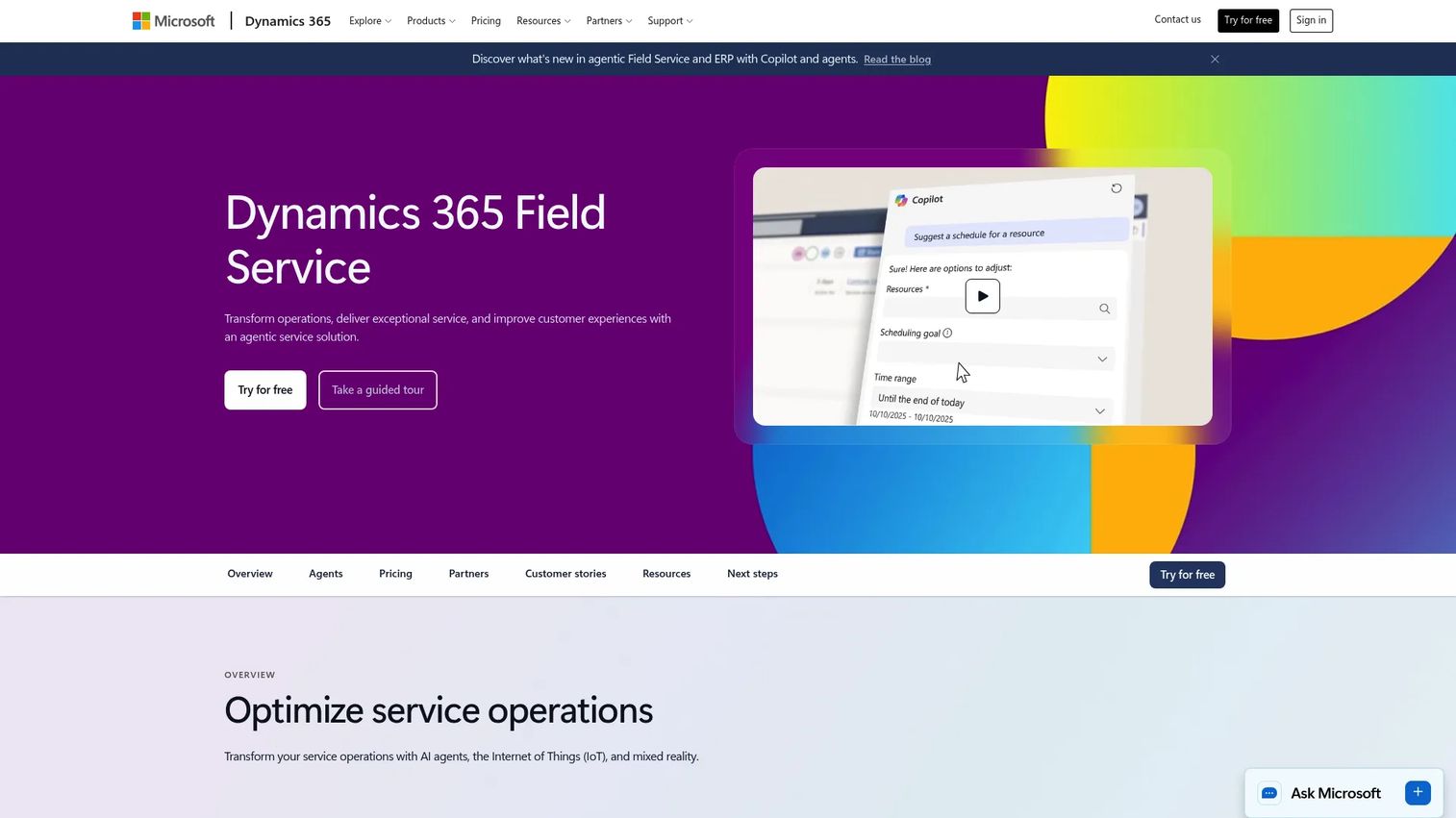
Microsoft Dynamics 365 Field Service is field service management software for dispatching, scheduling, and supporting mobile technicians, built into the Microsoft ecosystem. It offers a scheduling board, connected workflows, and asset and work order management, and it fits naturally for ops teams already running Microsoft 365, Teams, and the Power Platform. For those teams, the data and identity layer is already in place.
Best for: Organizations needing Microsoft-native field service dispatch, scheduling, and mobile technician support.
Key strengths
- Field service management: scheduling board, dispatch, and connected work order workflows in one system.
- Step-by-step guides: guided procedures that walk technicians through tasks in the field.
- Remote expert assistance: connect field technicians to remote experts for complex jobs.
Why choose Microsoft Dynamics 365 Field Service: The draw is stack fit. If your organization already runs on Microsoft, Dynamics 365 Field Service plugs into the identity, collaboration, and data tools you use daily, which shortens deployment and keeps work order management inside a familiar environment. The step-by-step guides and remote assistance features add depth for technicians handling complex or unfamiliar jobs.
Microsoft Dynamics 365 Field Service pricing: Publicly listed pricing starts at about €105 per user per month for the base Field Service plan, with a Field Service Contractor plan at about €50 per user per month and Resource Scheduling Optimization at about €30 per resource per month, all paid yearly. A free trial is available. The product carries a 3.9/5 rating on G2.
7. Oracle Field Service
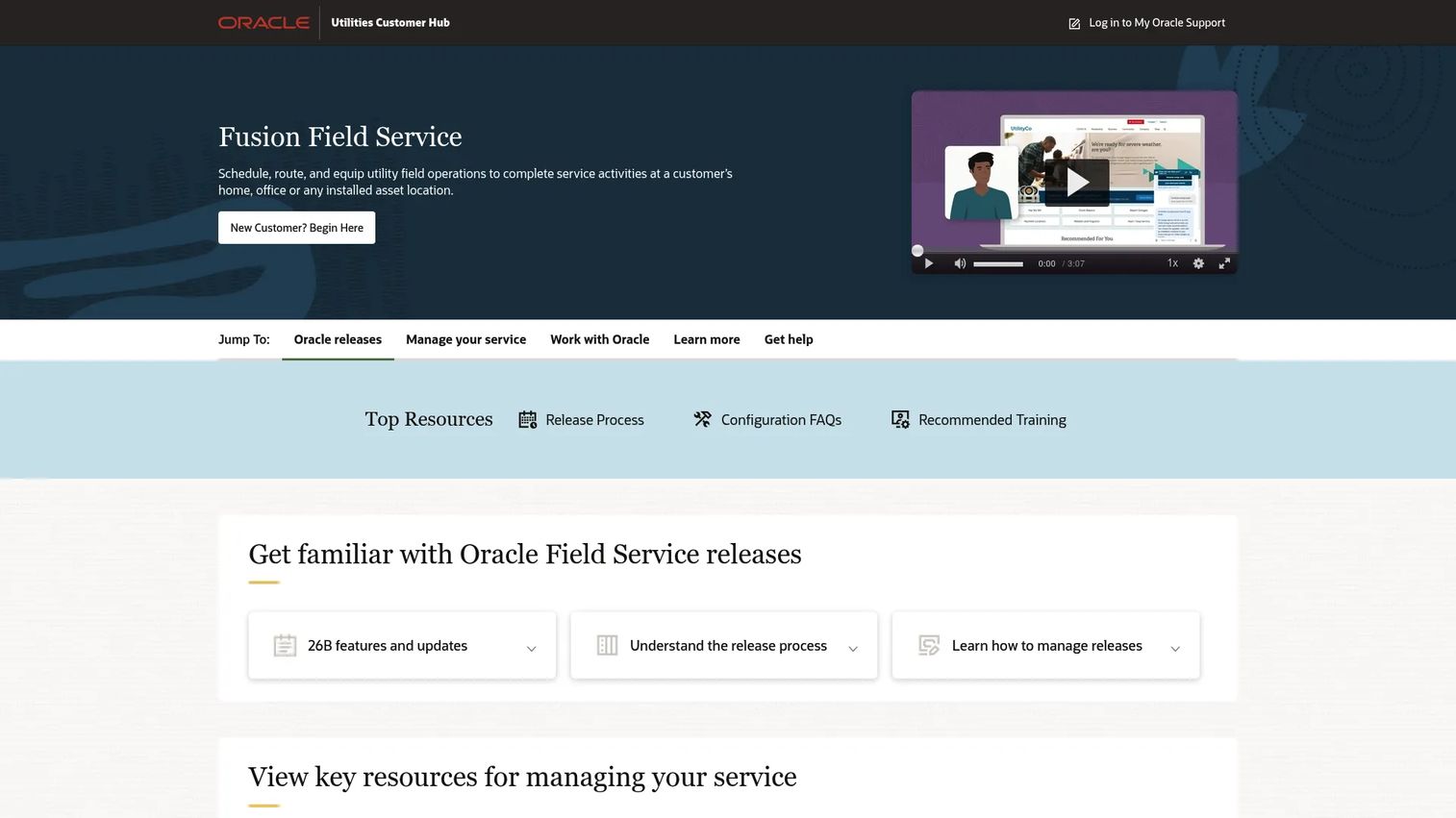
Oracle Field Service is Oracle's cloud field service platform for scheduling, routing, and managing large-scale field operations, with strong roots in utilities. It is built on time-based, self-learning, and predictive technology, which means the scheduling engine improves its estimates as it learns from real job data. For high-volume, process-heavy organizations, that predictive routing is the headline capability.
Best for: Utilities and other high-volume field-service teams needing AI-assisted dispatch and route optimization.
Key strengths
- AI-driven planning and scheduling: self-learning engine that predicts job duration and optimizes assignments.
- Real-time route optimization: continuously adjust routes as conditions change across the day.
- Technician location and status visibility: track where every technician is and what stage each job is in.
Why choose Oracle Field Service: The fit is scale and prediction. Oracle's self-learning model gets sharper as it ingests more job history, which is valuable for organizations dispatching hundreds or thousands of jobs a day. Utilities, telecom, and other large service operations benefit most from the predictive scheduling and real-time route optimization that keep a massive technician pool productive.
Oracle Field Service pricing: Oracle does not publish public pricing for Field Service. The site uses a demo and request-sales flow rather than posted prices, so contact Oracle for a quote. The product holds a 3.9/5 rating on G2.
8. SAP Field Service Management
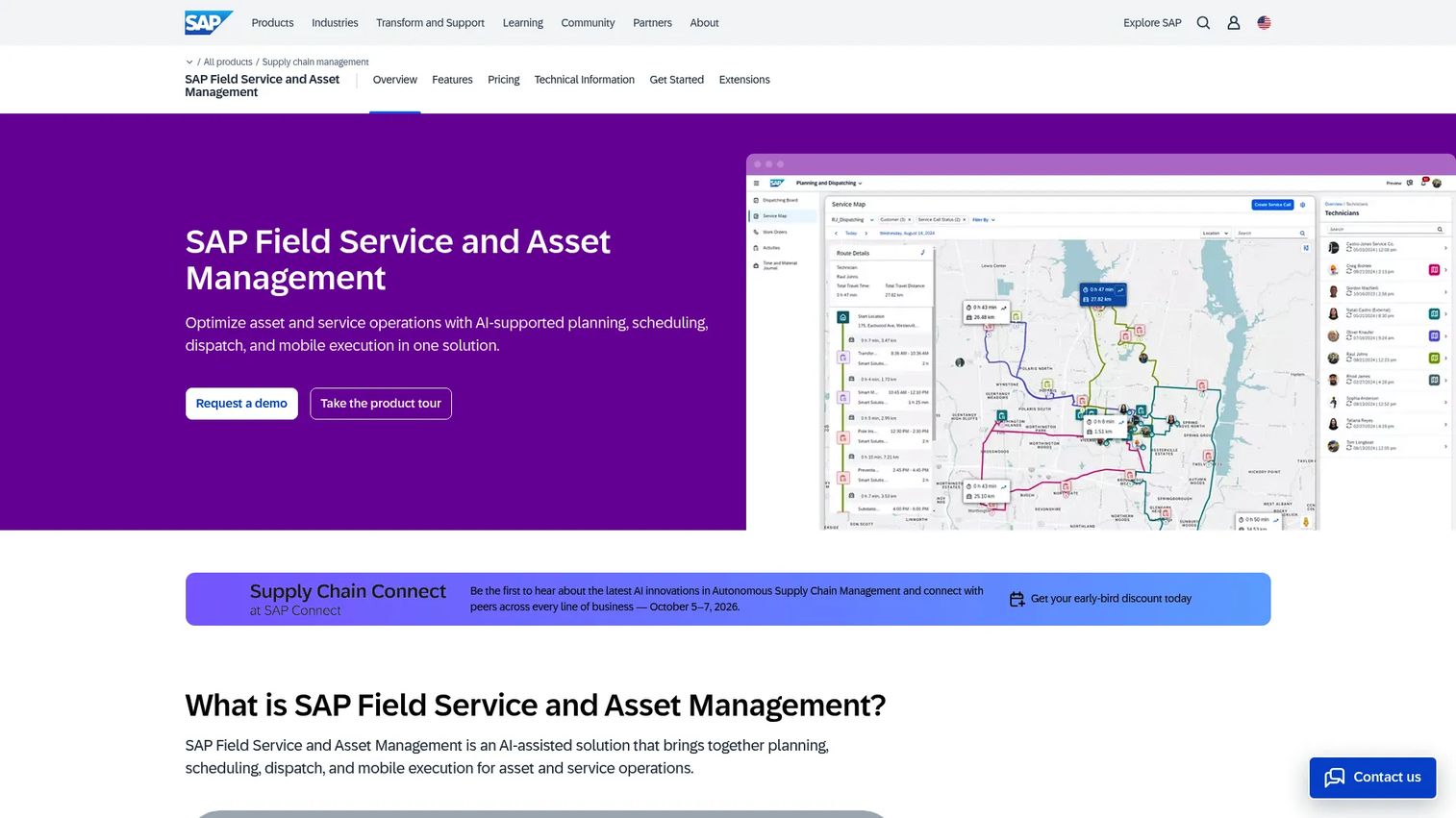
SAP Field Service Management is AI-assisted field service and asset management software for planning, scheduling, dispatch, and mobile execution. Its strength is ERP-connected operations: if your business already runs SAP, field service becomes another connected layer on top of the systems you use for finance, inventory, and asset management. That process depth is what enterprise operations tend to need.
Best for: Enterprises needing AI-assisted field service scheduling and mobile technician execution connected to SAP systems.
Key strengths
- AI-assisted planning, scheduling, and dispatch: automated scheduling that accounts for skills, parts, and constraints.
- Mobile-first field execution with offline capabilities: technicians complete work orders in the field with or without connectivity.
- AI-enhanced execution intelligence and guided workflows: guided procedures and intelligence that support technicians on the job.
Why choose SAP Field Service Management: The case is ERP integration and operational control. For companies already invested in SAP for their core operations, running field service on the same platform keeps asset, inventory, and financial data connected without building bridges between systems. The mobile-first execution and offline capabilities suit enterprise technicians working across sites and connectivity conditions.
SAP Field Service Management pricing: SAP does not display public pricing. The pricing page routes to a request-a-quote path, so contact SAP for a tailored figure. The product carries a 4.3/5 rating on G2.
How to choose the right tool for your team
The right pick depends less on feature checklists and more on your size, workforce model, and existing stack.
If you run a home-services business, HVAC, plumbing, electrical, or appliance repair, and you want one system that handles booking through payment, Workiz is the most direct fit. Its consolidation of scheduling, communication, and invoicing suits owner-operated and growing trades that want fewer tools.
If you are a small or budget-conscious team that mostly needs scheduling and coordination, Connecteam's free tier lets you validate the workflow before spending anything. It is the pragmatic first step for teams not yet ready for a full FSM investment.
If you manage a blended workforce of employees and contractors at scale, ServicePower is built for exactly that model, with compliance-aware matching most tools lack.
If you already run Salesforce, Microsoft, Oracle, or SAP, the matching field service product almost always wins on integration alone. The scheduling engine matters, but the removed data-sync headache and shared source of truth usually decide it. Salesforce and Microsoft suit CRM-centric operations; Oracle and SAP suit high-volume, ERP-heavy enterprises.
Whatever you shortlist, filter first on four things: job volume, routing complexity, mobile technician experience, and integration fit with the systems you already run. Then verify vendor claims on Gartner Peer Insights before you commit to a migration. Start with the tool that matches your current maturity, not the one with the longest feature list.
FAQs
Field service scheduling software is a tool that assigns, dispatches, and routes field technicians to jobs, usually across the full lifecycle from booking to completed work. It typically includes dispatch and mobile technician coordination so field workers get job details, update status, and stay connected to the office in real time.
The core features are scheduling and route optimization, mobile updates for technicians, scheduling automation, integrations with accounting and CRM, and reporting. Together they reduce manual coordination, cut drive time, and give you visibility into technician utilization and job status.
They overlap heavily but are not identical. Scheduling software focuses on assigning, dispatching, and routing technicians, while field service management software is broader and usually adds invoicing, inventory, work order management, asset tracking, and payments. Most modern FSM software includes scheduling as its core engine.
Trades and service businesses use it heavily: HVAC, plumbing, electricians, locksmiths, and appliance repair, along with broader home services. Larger enterprise service teams in utilities, telecom, insurance, and manufacturer warranty networks also rely on it to coordinate high-volume field operations.
Route optimization plots the most efficient path across the day's jobs, which reduces drive time between stops. That recovered time improves technician utilization, lets you fit more completed jobs into a day, and supports tighter arrival windows for customers, which cuts inbound "where is my technician" calls.
At minimum, look for calendar integrations, an accounting connection like a QuickBooks integration, and CRM integration so job and customer data flows without re-entry. Enterprise buyers should confirm ERP connectivity, and most teams benefit from communication tool integrations for automated customer notifications.
Manual scheduling works until volume grows, then it starts causing double-bookings, missed jobs, and idle technicians. Even small teams benefit once someone is spending hours a day coordinating in a spreadsheet, and free or low-cost tiers make it affordable to start before the manual process breaks.
Filter first on four criteria: job volume, routing complexity, mobile technician usability, and integration fit with the systems you already run. Test the mobile app on a real phone, confirm accounting and CRM connections, and check peer reviews to verify vendor claims before committing to a migration.