A product launch date shifts. Sales pulls in three new logos nobody modeled. Finance is still working off last quarter's assumptions. Three teams, three spreadsheets, three different numbers for the same quarter.
That's the real cost of running demand management on disconnected tools. A spreadsheet can hold a forecast, but it can't maintain a shared decision process across product, finance, sales, and operations as conditions change. Demand management software connects forecasting with the planning decisions that follow it: Inventory positions, capacity commitments, budget lines, and launch timing.
The market reflects how seriously companies are taking this problem. The global demand planning solutions market was valued at $4.69 billion in 2025 and is projected to reach $7.82 billion by 2030, according to Mordor Intelligence (2025). This guide evaluates nine demand management software platforms on planning depth, forecasting capability, scenario modeling, integrations, pricing, and fit for different company sizes, so you can build a shortlist instead of a spreadsheet full of assumptions nobody trusts.
What's inside
This guide is built for Product Managers who need to understand demand planning and forecasting software without owning supply chain operations day to day. Here's what you'll find:
- How demand management software differs from a basic forecasting spreadsheet
- Which platforms support demand sensing, scenario planning, and forecast explainability
- How each product connects forecasts to inventory, supply, capacity, or finance
- How pricing, data requirements, and implementation effort affect fit for different team sizes
Tools were selected for category relevance, planning depth, integration coverage, and applicability across finance-led, supply-chain-led, and connected-planning use cases.
TL;DR
- Best overall for flexible planning: Cube pairs a structured planning model with the spreadsheet workflows finance and product teams already trust.
- Best for enterprise connected planning: Anaplan links finance, sales, workforce, and supply chain plans in one model, at the cost of heavier implementation.
- Best for integrated business planning: Board combines planning, analytics, and performance management in a single environment.
- Best for finance-led forecasting: Workday Adaptive Planning ties demand assumptions directly to budgets and headcount.
- Best for project and resource demand: Wrike plans internal work capacity rather than physical product demand.
- Best for supply chain demand sensing: Kinaxis Maestro and Oracle Fusion Cloud Demand Management both specialize in fast-moving, signal-driven forecasting.
What is demand management software?
Demand management software helps organizations forecast, shape, coordinate, and respond to customer or internal demand across planning, supply, inventory, capacity, and financial workflows. It's the layer that turns a forecast number into an operational commitment everyone can act on.
A few related terms get used interchangeably, and the distinction matters when you're evaluating tools:
- Demand forecasting: Predicts likely future demand using historical patterns, statistical models, or machine learning.
- Demand planning: Converts that forecast into an agreed operational plan across teams.
- Demand sensing: Updates near-term forecasts using current internal or external signals rather than historical averages alone.
- Demand shaping: Influences demand itself through pricing, promotions, product changes, or allocation decisions.
- Supply planning: Aligns materials, production, capacity, and replenishment with expected demand.
- Scenario planning: Tests possible outcomes, like a delayed launch or a supply constraint, before committing resources.
Most demand management platforms cover some combination of these capabilities:
- Statistical forecasting and machine learning models
- Demand segmentation by product, customer, geography, channel, or lifecycle stage
- Forecast-driver visibility so teams can explain why a number moved
- External signal ingestion, including market or behavioral data
- Consensus planning across finance, sales, product, and operations
- Scenario modeling for launches, capacity, supply, and budget decisions
- Inventory, replenishment, and supply coordination
- ERP, CRM, accounting, and data warehouse integrations
Not every platform covers all of it. Some tools are built for finance and FP&A. Others prioritize supply chain execution, inventory replenishment, or enterprise-wide connected planning. That split is the first thing to figure out before you start comparing feature lists.
When to use demand management software
Coordinate product launches and demand assumptions
A launch date, an adoption estimate, and a pipeline projection all live in different heads until something forces them together. Demand management software makes those assumptions visible in one model, so teams can revise the forecast as real signals, adoption rates, early pipeline, support ticket volume, come in.
Replace disconnected spreadsheets and manual forecasting
Separate workbooks across sales, finance, operations, and product create version drift fast. A shared planning model gives you version control, an audit trail, and one set of assumptions everyone is working from, instead of three conflicting tabs emailed around before a leadership review.
Model inventory, supply, and capacity scenarios
Comparing a baseline case against an upside case, a supply-constrained case, and a delayed-launch case tells you where the actual risk sits, whether that's a stockout, a missed SLA, or a resourcing gap. That comparison is hard to do credibly in a spreadsheet once more than two variables move at once.
Demand management software comparison
The table below is a starting shortlist, not a substitute for testing a tool against your own data and workflow. Pricing and G2 ratings shift as vendors update packaging and billing, so treat every figure here as a snapshot rather than a permanent number.
| # | Product | Best for | Key differentiator | Pricing | G2 rating |
|---|---|---|---|---|---|
| 1 | Cube | Flexible, spreadsheet-connected planning | Finance and operational planning built around Excel and Google Sheets | Custom pricing | 4.5/5 |
| 2 | Anaplan | Enterprise connected planning | Multi-department planning and scenario modeling | Custom pricing | 4.6/5 |
| 3 | Board | Integrated business planning | Planning, analytics, and performance management in one environment | Custom pricing | 4.4/5 |
| 4 | Workday Adaptive Planning | Finance-led forecasting | FP&A, budgeting, workforce, and operational planning together | Custom pricing, 30-day free trial | 4.3/5 |
| 5 | Wrike | Project and resource demand planning | Work management connected to capacity and resource planning | Free plan, paid plans from $10/user/month | 4.2/5 |
| 6 | SAP Advanced Planning and Optimization | SAP-centered supply chain planning | Demand, supply, and production planning inside SAP environments | Custom pricing | 4.6/5 |
| 7 | Kinaxis Maestro | Supply chain demand sensing | Concurrent planning with rapid response to demand changes | Custom pricing | 4.0/5 |
| 8 | Oracle Fusion Cloud Demand Management | Oracle-centered demand planning | Demand sensing, segmentation, and supply chain coordination | From $1,250/month per named user (10-user minimum) | 4.6/5 |
| 9 | NetSuite Demand Planning | NetSuite users planning inventory and demand | Demand planning built directly on NetSuite ERP data | Custom pricing | 4.1/5 |
9 best demand management software for 2026
1. Cube
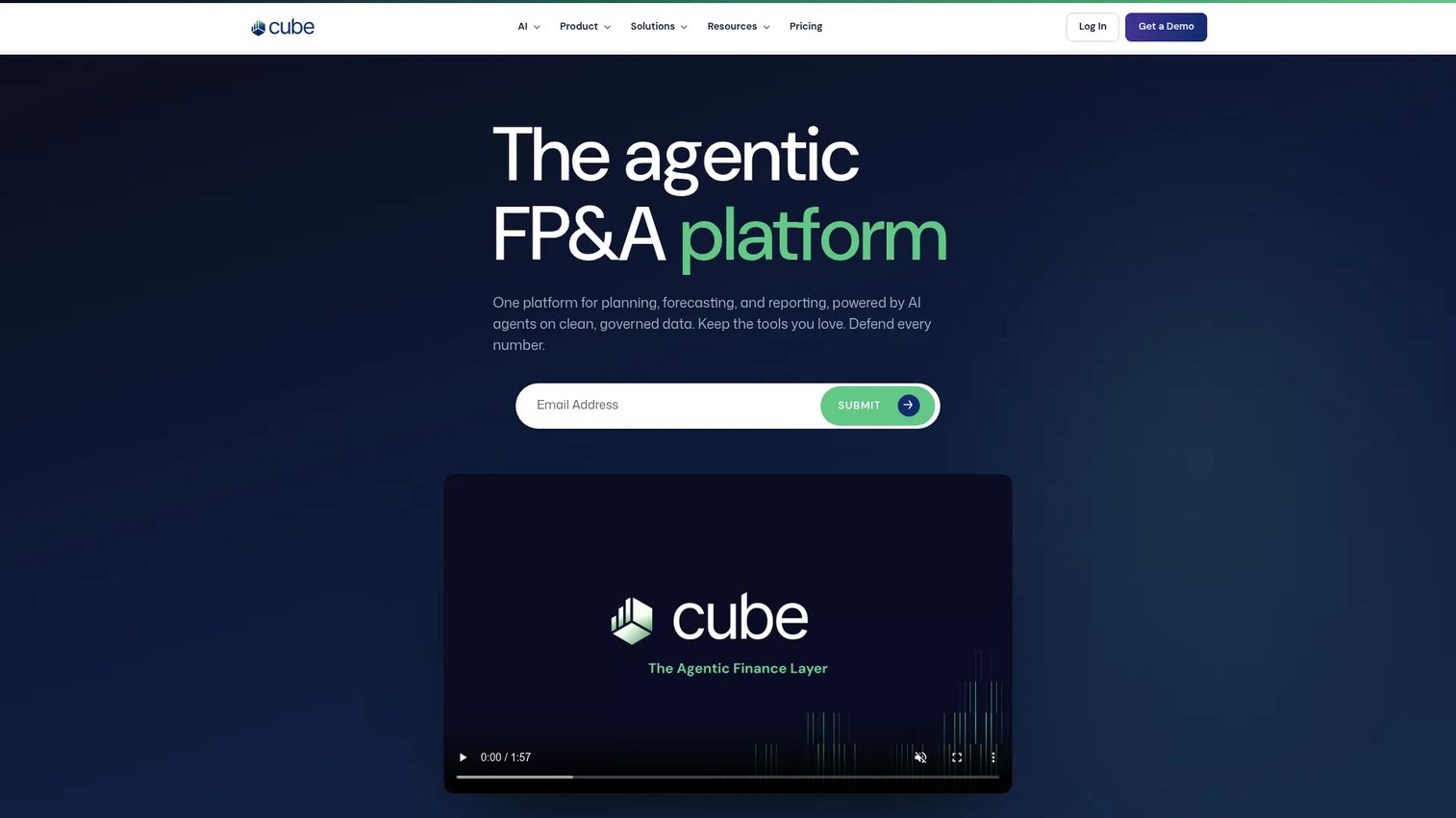
Cube is an FP&A platform built for teams that want a structured planning model without giving up spreadsheet workflows. It handles budgeting, rolling forecasts, driver-based modeling, and variance reporting, while keeping Excel and Google Sheets as the working interface for most contributors.
Best for: Finance or product teams that need planning structure without abandoning the spreadsheets people already know how to use.
Key features
- Annual budgeting and rolling forecasts
- Driver-based financial modeling
- Scenario and what-if analysis
- Excel and Google Sheets integration
- AI agents for planning and analysis
Why choose Cube: Cube fits teams that need a governed planning model but don't want to force finance, product, and operations onto an unfamiliar interface. The tradeoff is depth: Teams that need supply-chain-specific demand sensing or production scheduling will need a more specialized platform alongside it.
Cube pricing: Cube doesn't publish plan prices on its site. It points prospects toward an Essential plan or a custom configuration, with the actual number set through a sales conversation based on team size and modeling complexity.
Cube holds a 4.5 out of 5 rating on G2.
2. Anaplan
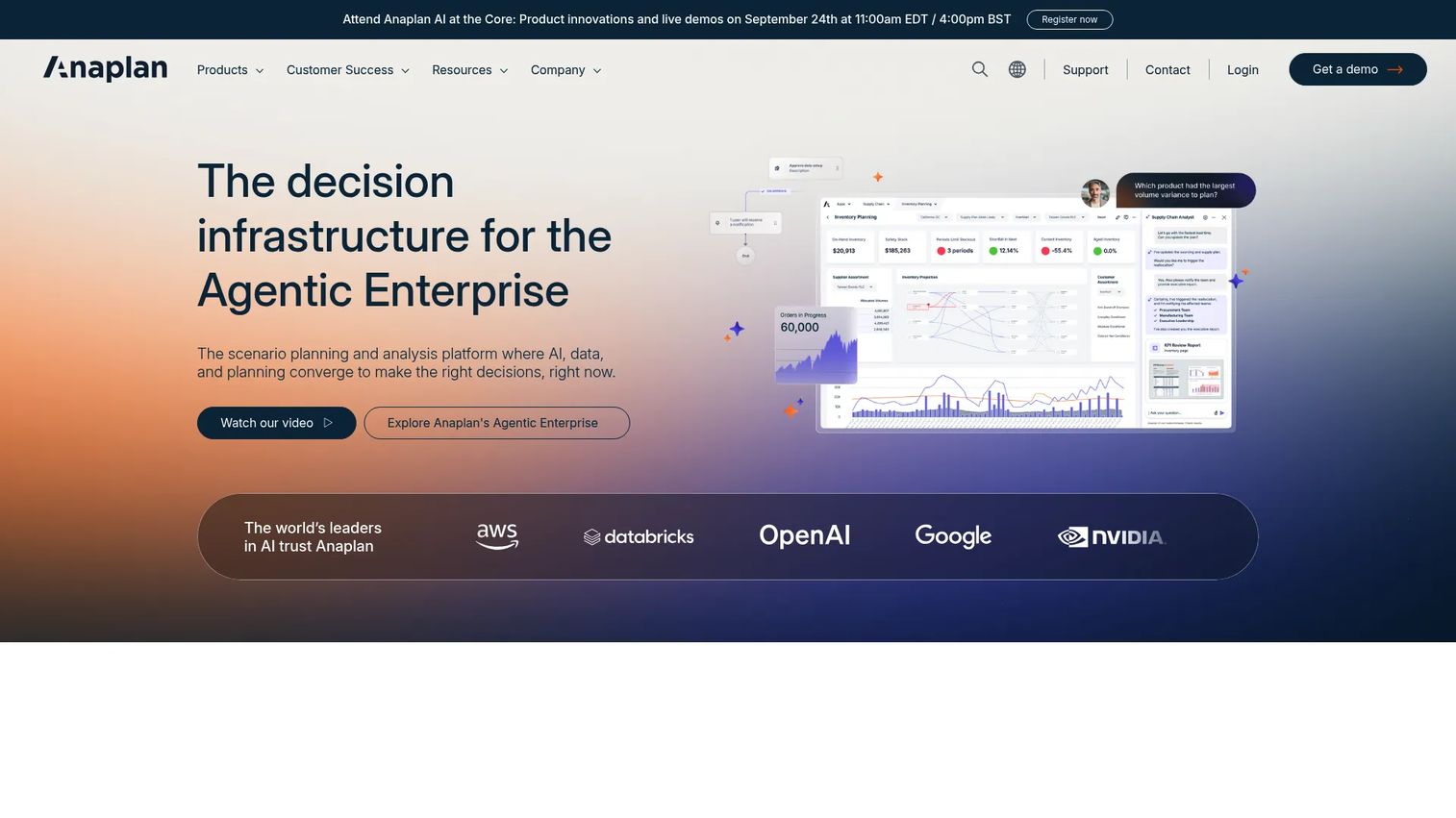
Anaplan is built for organizations that need finance, sales, workforce, and supply chain plans connected in a single model rather than reconciled after the fact. Its multidimensional modeling engine supports deterministic calculations at a scale most spreadsheet tools can't handle, with AI-driven forecasting layered on top.
Best for: Larger organizations with planning dependencies across multiple departments and a team that can own model governance.
Key features
- Multidimensional modeling with deterministic calculations
- Scenario planning and sensitivity analysis
- AI-driven forecasting and optimization
- Enterprise security, governance, and auditability
- Data integration and orchestration
Why choose Anaplan: Anaplan earns its complexity when the planning problem genuinely spans departments with different data owners. That same complexity means implementation takes real time and internal ownership, so it's a weaker fit for a single team trying to move fast.
Anaplan pricing: Anaplan doesn't list plan prices publicly. Every deal runs through a sales conversation, with the final number shaped by module selection, user count, and how many planning models you're connecting.
Anaplan sits at 4.6 out of 5 on G2.
3. Board
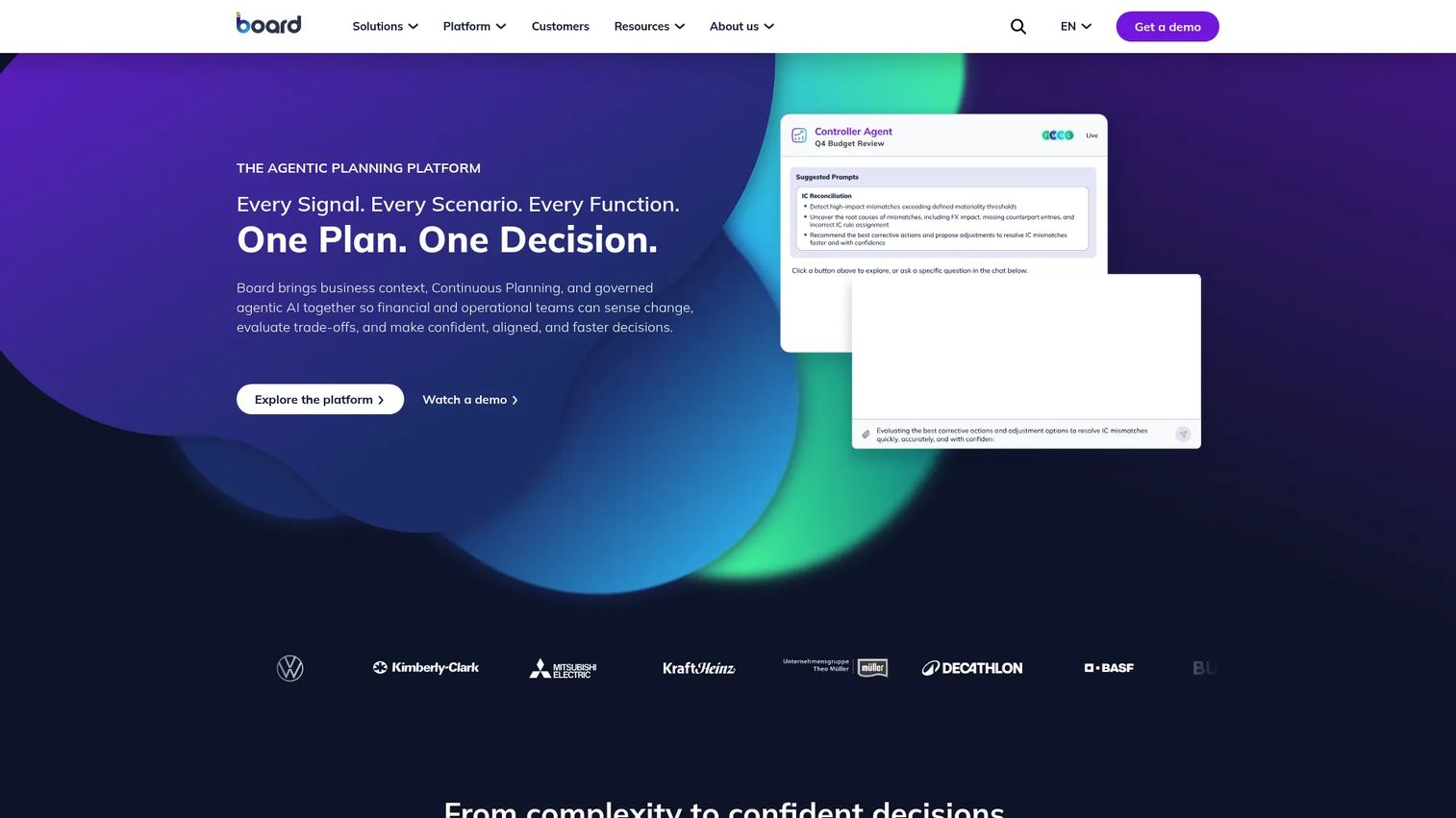
Board combines planning, analytics, reporting, and decision intelligence in one environment, so a demand forecast and the performance dashboard tracking it against actuals live in the same system rather than two disconnected tools.
Best for: Teams that want business planning and analytics together instead of stitching a BI tool onto a separate planning system.
Key features
- Continuous planning and forecasting
- Scenario modeling and simulation
- Advanced analytics and reporting
- Real-time data integration and modeling
- Workflow management for multi-user data entry
Why choose Board: Board suits organizations that want one platform doing double duty as both the planning model and the reporting layer on top of it. The breadth means model design and rollout take real investment before teams see the payoff.
Board pricing: Board's pricing page asks prospects to request a customized quote rather than listing numbers. Cost depends on your deployment model and how many planning modules you're licensing.
Board carries a 4.4 out of 5 rating on G2.
4. Workday Adaptive Planning
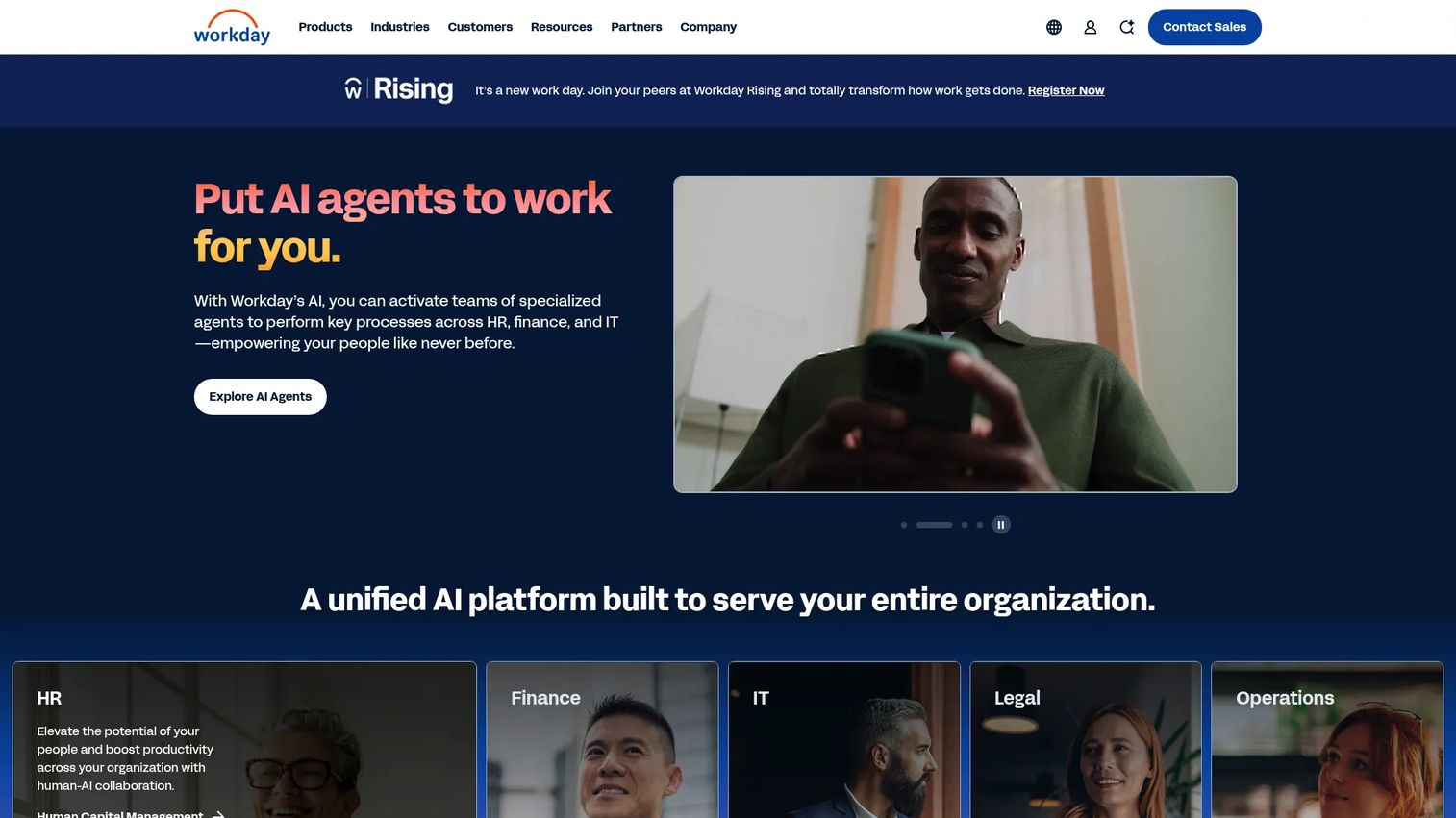
Workday Adaptive Planning is built for finance teams running budgeting, forecasting, and workforce planning together. AI-powered predictive forecasting and anomaly detection connect to ERP, GL, CRM, and HCM data sources, so demand assumptions can tie directly to the budget and headcount lines they affect.
Best for: Finance and FP&A teams that want demand forecasts to flow straight into resource allocation decisions.
Key features
- AI-powered predictive forecasting and anomaly detection
- Unlimited what-if scenario planning
- Driver-based modeling
- Connected data from ERP, GL, CRM, and HCM sources
Why choose Workday Adaptive Planning: This is the right pick when finance owns or co-owns the forecasting process and needs demand numbers linked to budgets and headcount in the same breath. Teams needing deep supply-chain execution, like production scheduling or inventory replenishment, will need to pair it with a specialized platform.
Workday Adaptive Planning pricing: Workday doesn't post a paid-plan price. Its site lists a 30-day free trial, and paid pricing is described only as "varies," set through a sales quote based on modules and user count.
Workday Adaptive Planning holds a 4.3 out of 5 rating on G2.
5. Wrike
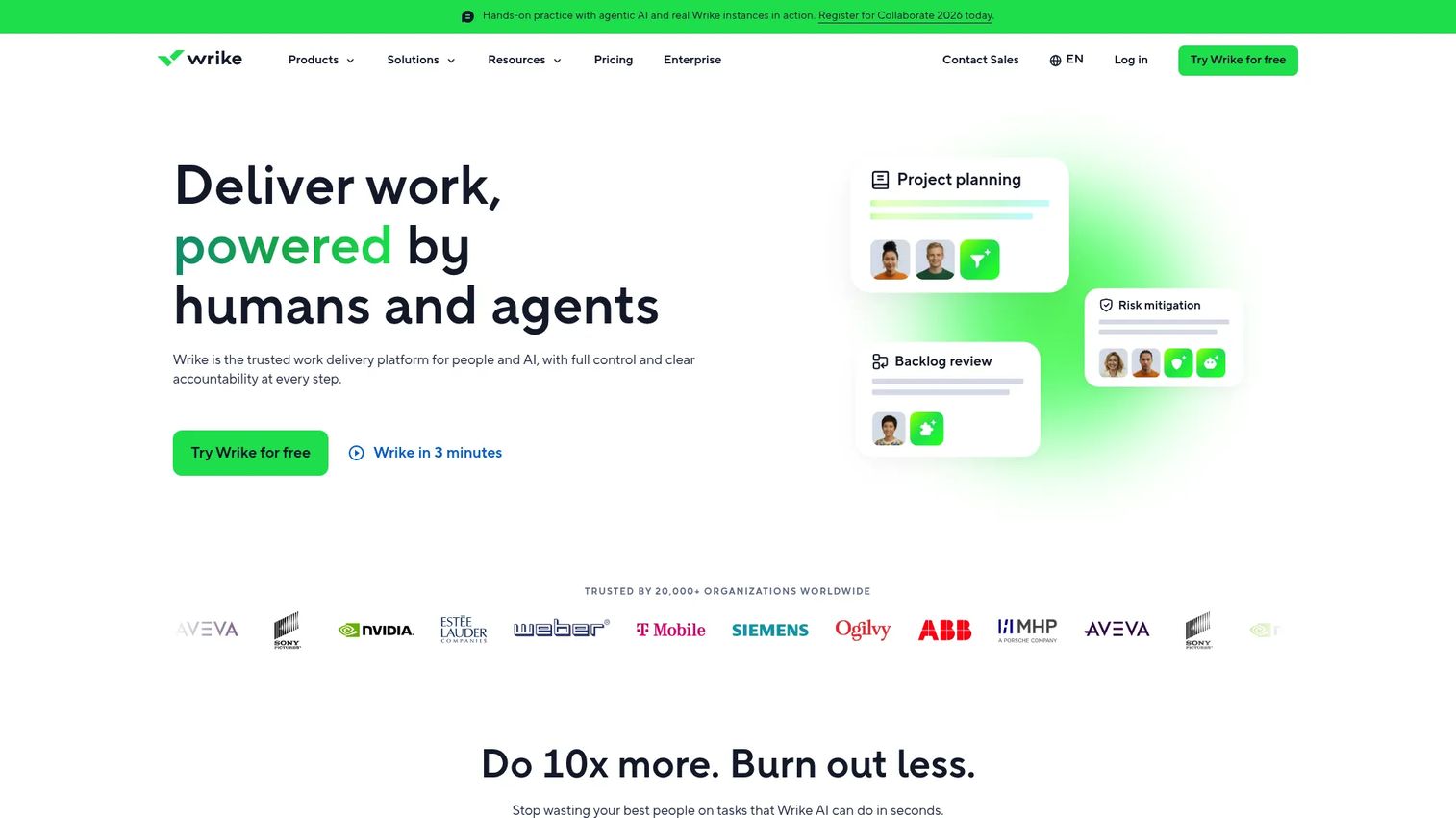
Wrike is a work management platform, and its relevance to demand management sits in internal demand: Project forecasting, resource capacity, and workload visibility across teams. It's a different job than forecasting physical product demand, and worth naming clearly so you don't misjudge the fit.
Best for: Product and operations teams planning project demand, capacity, and resource allocation rather than inventory or supply.
Key features
- Resource capacity planning
- Interactive Gantt charts
- Workload visibility across teams
- Scenario planning for project timelines
- Workflow automation and AI features
Why choose Wrike: Wrike fits when your actual planning problem is people and project capacity, not units of physical inventory. It's a weaker primary system for replenishment or supply-chain forecasting, and works better as a companion to a dedicated demand platform than a replacement for one.
Wrike pricing: Wrike publishes its prices. The Free plan costs $0 per user per month, Team runs $10 per user per month billed annually, and Business moves to $25 per user per month billed annually. The Pinnacle and Apex enterprise tiers require contacting Wrike directly.
Wrike's G2 rating is 4.2 out of 5.
6. SAP Advanced Planning and Optimization

SAP Advanced Planning and Optimization supports demand forecasting, supply network planning, production scheduling, and global available-to-promise inside SAP environments. It's built for organizations running complex, multi-tier supply chains that already live inside SAP data structures.
Best for: Enterprises already invested in SAP infrastructure that need demand planning tied directly to supply and production execution.
Key features
- Demand forecasting and demand planning
- Supply network planning with rule-based and optimization algorithms
- Production planning and detailed scheduling
- Global available-to-promise, including backorder processing
- Order pegging and capable-to-promise
Why choose SAP Advanced Planning and Optimization: This makes sense when your supply chain operations already run through SAP and you need demand planning that speaks the same data language as production and inventory systems. Organizations outside the SAP ecosystem face a steep migration cost to get there.
SAP Advanced Planning and Optimization pricing: SAP doesn't publish a standalone pricing page for this module. Cost gets bundled into a broader SAP licensing and implementation conversation, shaped by which modules and user counts you need.
The G2 rating for SAP Advanced Planning and Optimization is 4.6 out of 5, based on a smaller review base than some other tools on this list.
7. Kinaxis Maestro
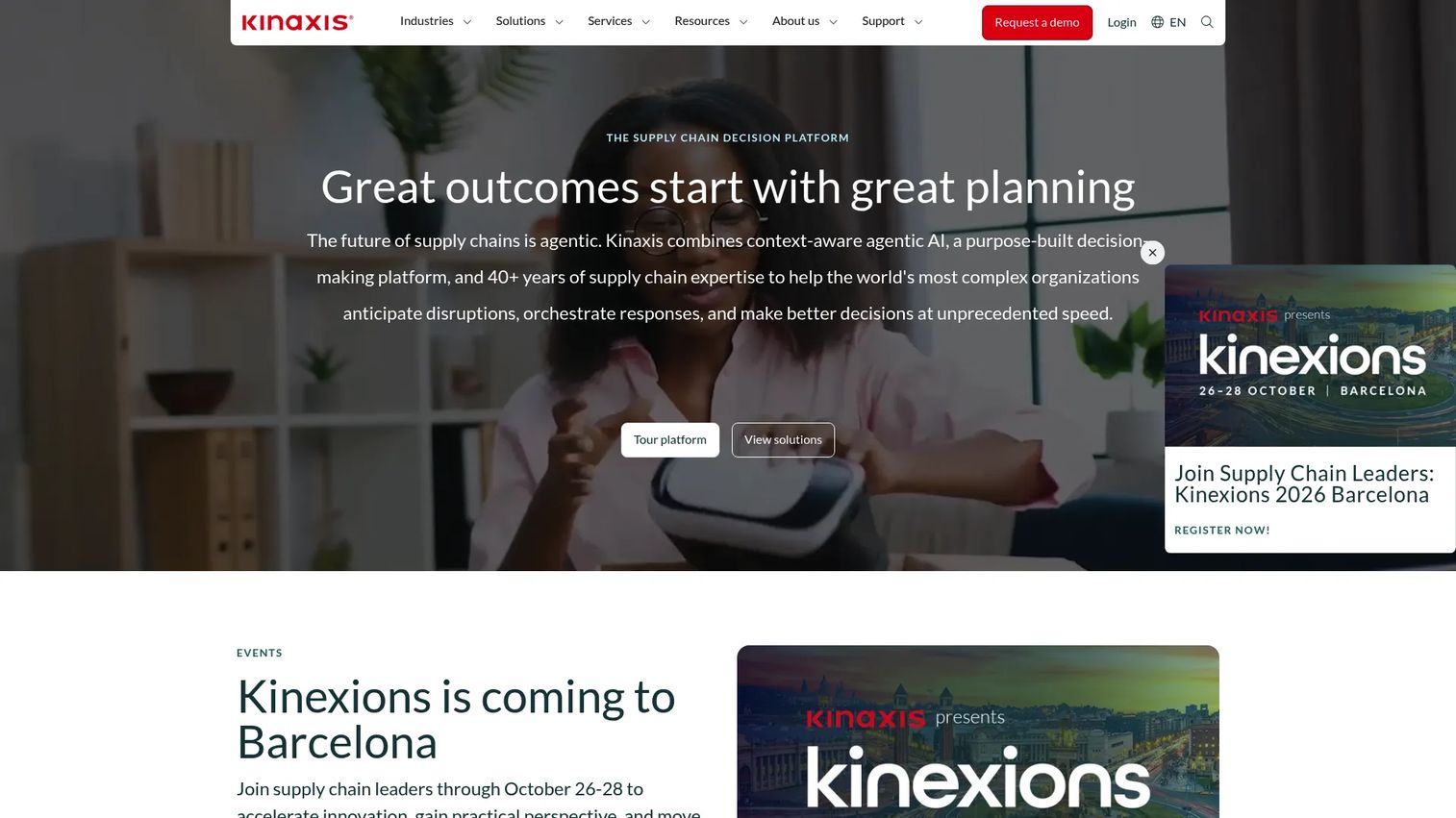
Kinaxis Maestro is built around concurrent planning: Demand sensing, scenario modeling, and supply chain visibility running against the same live data set instead of separate, siloed models that go stale between refreshes.
Best for: Supply chain teams that need to respond fast to demand changes and supply variability without rebuilding the plan from scratch.
Key features
- Demand sensing against live signals
- Concurrent planning across the supply chain
- Scenario analysis and demand-at-risk views
- Supply chain data fabric
- Custom optimization via Solver Studio
Why choose Kinaxis Maestro: Kinaxis Maestro earns its place in complex, fast-moving supply networks where a delayed refresh cycle costs real money. Implementation typically assumes mature data processes and a team dedicated to supply chain ownership, so it's a heavier lift for a smaller operation.
Kinaxis Maestro pricing: Kinaxis doesn't display pricing on its site. Every engagement runs through a sales process, with cost set by the scope of your supply network and how many planning modules you activate.
Kinaxis carries a 4.0 out of 5 rating on G2, based on a limited number of reviews tied to the seller listing rather than the Maestro product specifically.
8. Oracle Fusion Cloud Demand Management
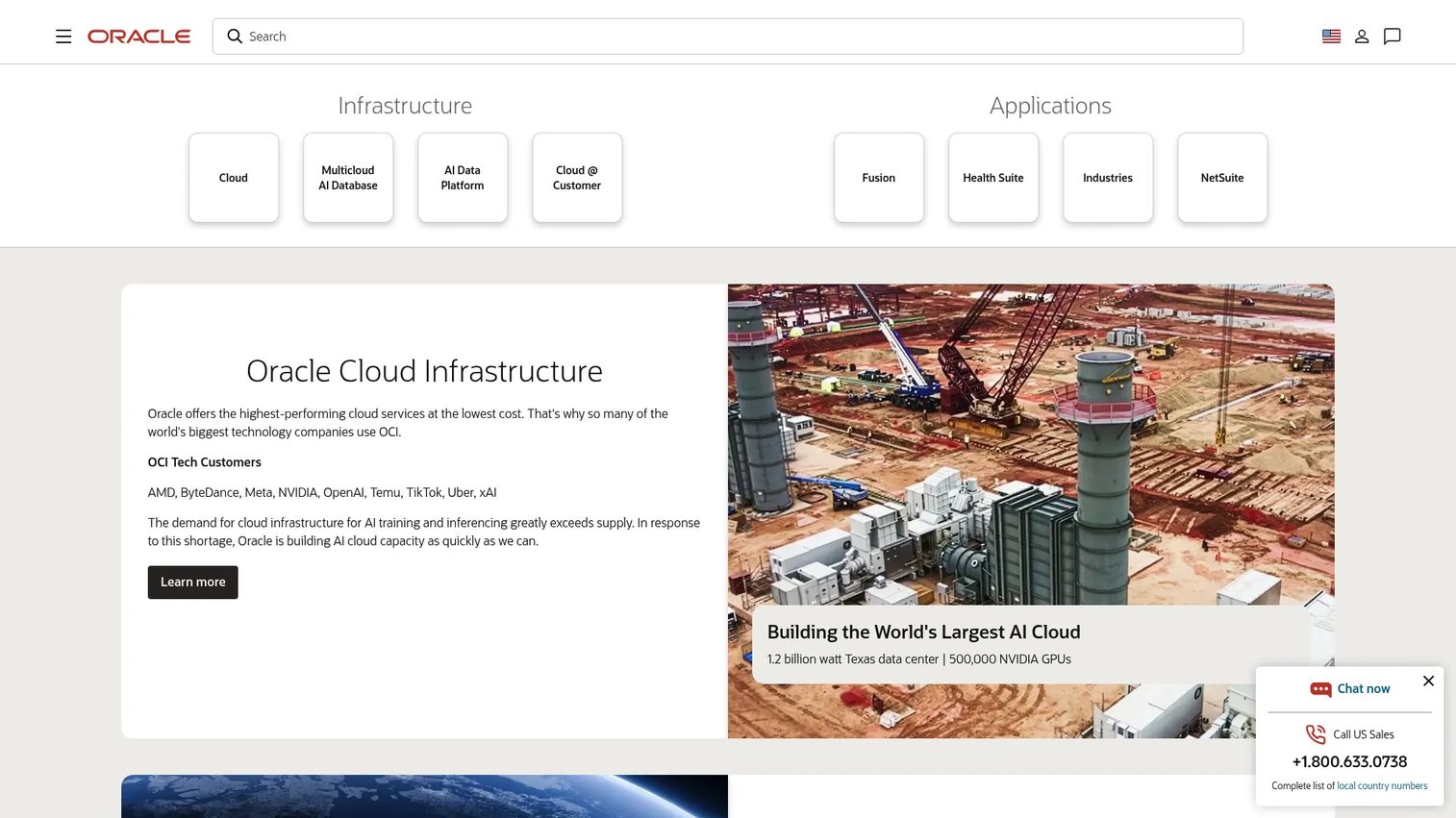
Oracle Fusion Cloud Demand Management blends internal, customer, marketing, weather, and economic signals into machine learning and Bayesian forecasting models that account for baseline demand, trend, seasonality, and causal events at once.
Best for: Large, complex organizations that need demand forecasting, simulation, and replenishment planning connected in one Oracle-native workflow.
Key features
- External signal ingestion, including weather and economic data
- Machine learning and Bayesian forecasting models
- Demand segmentation and forecast-accuracy measurement
- Scenario simulation and cross-functional collaboration
- Demand-driven replenishment planning
Why choose Oracle Fusion Cloud Demand Management: This fits organizations already committed to Oracle Cloud applications that want demand plans wired straight into supply, inventory, and replenishment workflows. The tradeoff is a broader Oracle ecosystem commitment and a real data migration project to get there.
Oracle Fusion Cloud Demand Management pricing: Oracle's global price list puts this at $1,250 per month per Hosted Named User, with a minimum of 10 users, which sets a real entry cost before you even factor in implementation.
Oracle Fusion Cloud Demand Management holds a 4.6 out of 5 rating on G2.
9. NetSuite Demand Planning
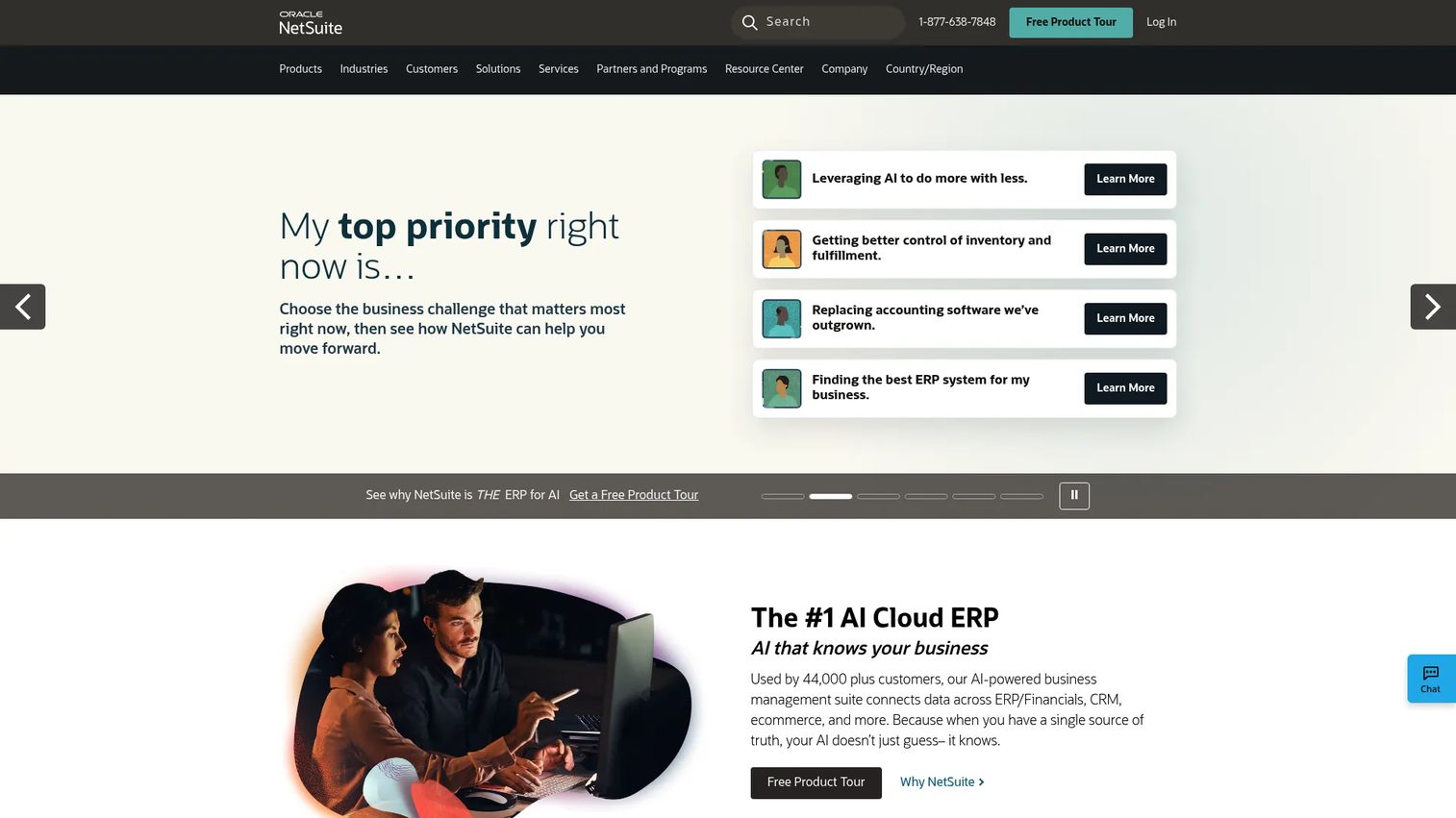
NetSuite Demand Planning forecasts inventory demand using historical sales, seasonal trends, and configurable projection methods, then generates supply plans and recommended purchase, work, or transfer orders directly from ERP data you're already tracking.
Best for: Businesses already running NetSuite that need demand forecasting tied to the inventory and purchasing records already living in the ERP.
Key features
- Demand projection via linear regression, moving average, or seasonal methods
- Planning by item, location, subsidiary, and unit of measure
- Automatic supply plan generation
- Recommended purchase, work, and transfer orders
- Native NetSuite ERP integration
Why choose NetSuite Demand Planning: The advantage here is proximity: Demand planning stays close to the same purchasing and inventory records your finance and operations teams already trust. It's a weaker fit for teams that need heavy external signal ingestion or complex, multi-scenario modeling beyond what NetSuite's planning module supports natively.
NetSuite Demand Planning pricing: NetSuite licenses its planning capabilities through annual subscriptions built around the core platform, optional modules, and user count. No standalone number for Demand Planning is posted publicly, so expect a quote tailored to your existing NetSuite setup.
NetSuite carries a 4.1 out of 5 rating on G2, reflecting the platform overall rather than the Demand Planning module in isolation.
Considerations when choosing demand management software
Forecast accuracy and explainability
Check model accuracy by product, segment, geography, and time horizon, not just an overall percentage. Ask for visibility into forecast drivers, exceptions, and override history so your team can explain why a number moved, not just that it did.
Demand sensing and external signals
Confirm whether the platform actually uses current sales, usage, pipeline, or market signals, or whether "AI forecasting" just means a statistical model running on historical data. Ask how often models refresh and how the vendor validates signal quality before it hits your plan.
Scenario planning and decision workflows
Look for baseline, upside, downside, delayed-launch, and constrained-supply scenarios you can actually build and compare side by side. Confirm whether approvals and financial impact show up in the same workflow, or whether you're exporting numbers to a separate deck for every leadership review.
Integration and data quality
Review ERP, CRM, accounting, and data warehouse integrations, then ask who owns data mapping, refresh schedules, and error handling once the tool is live. A forecasting model is only as good as the data feeding it.
Implementation effort and adoption
Estimate configuration time, historical data prep, model design, and training realistically, not from a sales deck timeline. Before you sign anything, insist on a hands-on walkthrough of the actual product, not a slide deck. Complex platforms live or die on whether your team can navigate the real interface, and a canned demo hides exactly the friction you need to see. If you want a sense of what a well-built interactive walkthrough looks like, tools like Guideflow let a vendor capture their actual product flow, personalize it for your use case, edit the steps as the product changes, share it across your buying committee, analyze where people drop off, collaborate on feedback internally, layer in AI assistance for translations or narration, and integrate engagement data with a CRM. A vendor willing to show you that kind of self-serve walkthrough, rather than just a scripted call, tells you something about how transparent implementation will actually be. A sophisticated model your team doesn't trust won't improve planning, no matter how good the algorithm underneath it is.
Conclusion
Nine platforms, nine different starting points. Cube fits teams that want planning structure without leaving spreadsheets behind. Anaplan and Board suit organizations that need connected, cross-functional planning at scale. Workday Adaptive Planning makes sense when finance owns the forecast. Wrike solves a different problem entirely: Internal project and resource demand, not physical inventory. SAP Advanced Planning and Optimization, Kinaxis Maestro, and Oracle Fusion Cloud Demand Management target supply-chain-heavy operations that need demand sensing and production coordination. NetSuite Demand Planning fits teams that want forecasting close to their existing ERP data.
Before you commit to any of them, return to the questions that actually matter for your team: Can everyone align around the same demand assumptions? Can you model a launch delay or a supply constraint without rebuilding the plan from scratch? Can the system explain why a forecast moved, not just report that it did? Will it stay maintainable as your product, segments, and release cycles keep changing?
Start with one measurable planning workflow, not a company-wide rollout on day one. Prove the model works for a single forecast cycle before you scale it across every team touching demand.
Start your journey with Guideflow today!
FAQs about demand management software
Demand management software helps organizations forecast, plan, sense, shape, and coordinate demand across teams, rather than tracking a single number in a spreadsheet. It's distinct from demand generation software, which focuses on creating marketing and sales pipeline rather than predicting or planning for it.
Demand planning is one component of the broader demand management process, specifically the step where a forecast becomes an agreed operational plan. Demand management also covers demand sensing, demand shaping, inventory coordination, supply alignment, and the cross-functional governance that keeps all of it running together.
AI and machine learning models can detect patterns across historical demand and current signals faster than manual analysis. According to McKinsey (2025), 75% of supply chain companies are planning, piloting, or testing AI use cases like demand forecasting, though only 19% have deployed AI tools at scale. Model quality still depends on data completeness, segmentation, and human review of the outputs.
Manufacturing buyers should prioritize demand sensing, supply planning, production constraints, inventory coordination, and ERP integration over general-purpose forecasting features. Compare SAP Advanced Planning and Optimization, Kinaxis Maestro, and Oracle Fusion Cloud Demand Management, since all three are built around supply chain execution rather than finance-only planning.
Some platforms, like Anaplan and Board, are designed to become the system of record and fully replace spreadsheet-based forecasting. Others, like Cube, connect directly to Excel and Google Sheets so teams keep the interface they already know while gaining a governed model underneath. The right choice depends on how much governance and auditability your process actually needs.
It connects demand forecasts with inventory policies, replenishment rules, lead times, and supply constraints in one model instead of separate systems that require manual reconciliation. The result is better visibility into where excess inventory or stockout risk is building before it becomes a customer-facing problem.
Look for ERP, CRM, accounting, warehouse management, and data warehouse integrations, since a forecast disconnected from operational data is just an educated guess. Integration depth, meaning how much data actually flows automatically versus requiring manual export and import, matters more than the raw number of listed connectors on a vendor's website.
Timelines vary with data quality, planning complexity, the number of integrations, and how many users need training. Ask each vendor for a phased implementation plan with specific milestones and named owners, rather than accepting a single estimated go-live date at face value.