Your roadmap says "add video." Engineering immediately asks which pieces you actually own. Do you handle encoding? Storage? WebRTC session routing? Recording retention? The answer shapes how much of your quarter disappears into video infrastructure rather than product features.
The global video API market reached $3.8 billion in 2025, growing at a 15.2% CAGR through 2034, according to MarketIntelo (2025). That growth reflects how many teams are choosing VPaaS, or video platform as a service, over self-managed media stacks. The right choice means paying metered costs for storage, delivery, or participant minutes instead of building a media pipeline from scratch. The wrong choice means a video feature that absorbs engineering capacity across every release cycle.
This guide is written for product managers who need to match a VPaaS platform to the video experience they are shipping, not a generic infrastructure comparison.
What's inside
This guide covers seven VPaaS platforms evaluated for product and engineering teams in 2026.
- Who it's for: PMs and engineering leads deciding how to add video infrastructure to a web or mobile product
- Selection criteria: API and SDK coverage, video delivery model, real time capabilities, analytics depth
- Also covered: Pricing mechanics, a decision framework separating VOD platforms from real time WebRTC platforms, and a buyer checklist
- Verification: Pricing and G2 ratings verified against each vendor's live pricing page and G2 listing, October 2026
TL;DR
- Best for video delivery and analytics: Mux, with usage-based billing and detailed playback telemetry
- Best for Cloudflare-aligned stacks: Cloudflare Stream, with unified storage and delivery pricing
- Best for white label video hosting: api.video, with free encoding and custom domain support
- Best for embedded WebRTC calls: Daily, with 10,000 free participant minutes monthly
- Best for enterprise real time communications: Vonage Video API, with broad SDK coverage and 100,000 free minutes for new customers
- Best for large-scale global real time engagement: Agora, with SDKs spanning web, mobile, desktop, and game engines
- Best for open source real time architecture: LiveKit, with a free Build plan and AI agent infrastructure
No single platform wins across all video workflows. The right shortlist starts with the user experience you are building.
What is VPaaS?
Video platform as a service, or VPaaS, is cloud-based infrastructure that lets developers add video hosting, playback, live streaming, recording, or real time communication to an application through APIs and SDKs.
It sits between self-managing a full media stack and using a consumer-grade conferencing app. Teams get programmatic control over video workflows without owning the servers, encoders, or CDN contracts that make those workflows possible.
What VPaaS handles
A VPaaS platform typically covers some or all of the following:
- Video ingestion: Accepting uploads from users or capturing live streams via RTMPS or SRT
- Encoding and transcoding: Converting source video into adaptive bitrate formats for delivery across connection speeds
- Storage and delivery: Hosting encoded files and distributing them through a CDN at scale
- Playback controls: Embedding a player in web or mobile with custom UI and access controls
- Real time communication: WebRTC-based calls, screen sharing, recording, and interactive broadcast
- Analytics and observability: Tracking playback start time, rebuffering, session quality, and participant behavior
- Security controls: Signed URLs, domain restrictions, DRM, encryption, and access management
VPaaS versus adjacent categories
| Category | Primary job | Engineering ownership |
|---|---|---|
| VPaaS | Build video into a product via API | Shared with provider |
| Video hosting platform | Publish and distribute finished content | Lower |
| Video conferencing app | Host meetings in a provided room | Minimal |
| Self-managed media stack | Full architectural control | Highest |
The two VPaaS models buyers confuse
Streaming and VOD infrastructure handles upload, encoding, secure storage, content management, and adaptive delivery. Mux, Cloudflare Stream, and api.video are examples. The billing unit is usually stored minutes and delivered minutes.
Real time video infrastructure handles WebRTC sessions, collaboration, interactive broadcast, and recording at call scale. Daily, Vonage Video API, Agora, and LiveKit are examples. The billing unit is typically participant minutes or RTC minutes.
Many products need both. Most teams start with one. Knowing which model your first use case requires is the most important decision in this evaluation.
When to use VPaaS
Embed video workflows inside your product
Product teams building user-generated content libraries, training video platforms, or media-rich features reach for streaming and VOD infrastructure. The goal is letting users upload, manage, and watch video without the team operating an encoder or CDN contract. The metric that matters is content completion rate and the correlation between video engagement and feature adoption.
Add live streaming without operating a media pipeline
Webinars, live commerce events, product launch broadcasts, and community programming all require ingesting a live source, encoding it, and delivering it at viewer scale. The billing variable shifts from storage to delivered minutes and concurrent viewer load. Teams should model three volume scenarios before committing to a provider.
Build real time video experiences
Telehealth visits, remote tutoring sessions, marketplace calls between buyers and sellers, and multi-participant collaboration tools all require low-latency WebRTC infrastructure. The engineering questions shift to SDK quality, call reliability under network variability, recording consent, and session observability. Participant minute cost and SDK platform coverage become the dominant evaluation axes.
VPaaS platform comparison
There is no universal winner in this category. Platforms are optimized either for video delivery workflows or real time interaction. Shortlist by the user workflow first, then compare pricing mechanics and SDK coverage.
| # | Product | Best for | Key differentiator | Pricing | G2 rating |
|---|---|---|---|---|---|
| 1 | Mux | Video delivery and analytics | Playback telemetry and adaptive streaming API | Free tier; prepaid from $20/mo | 4.4/5 |
| 2 | Cloudflare Stream | Cloudflare-aligned VOD and live delivery | Unified storage and delivery pricing | $5/1,000 stored min; $1/1,000 delivered min | N/A |
| 3 | api.video | White label video infrastructure | Free encoding, custom domains, live streaming | Free sandbox; hosting from $0.00285/min stored | 4.8/5 |
| 4 | Daily | Embedded WebRTC calls | 10,000 free participant minutes monthly | Free tier; usage-based thereafter | N/A |
| 5 | Vonage Video API | Enterprise real time video and broadcast | Broad SDK coverage, interactive broadcast | 100,000 free min for new customers; $0.00410/min | 4.2/5 |
| 6 | Agora | Global real time engagement | SDK coverage across web, mobile, and game engines | 10,000 free RTC min/mo; $0.59/1,000 min | 4.1/5 |
| 7 | LiveKit | Open source real time and AI agent apps | Open source framework plus managed cloud | Free Build plan; Ship from $50/mo | 4.5/5 |
Best 7 VPaaS platforms for APIs and SDKs in 2026
1. Mux
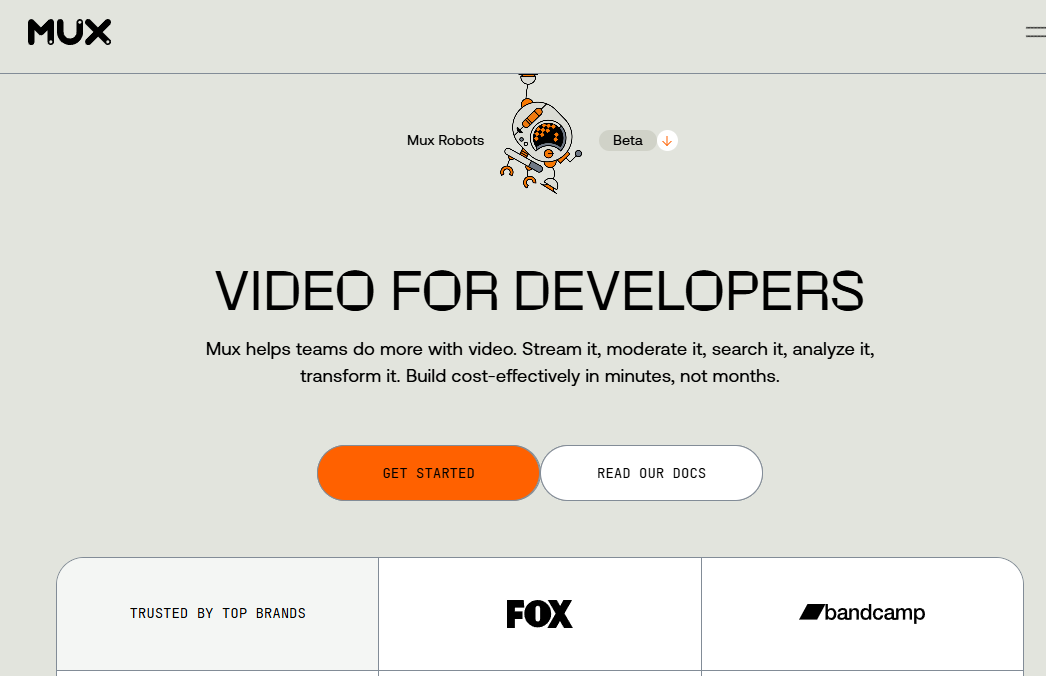
Mux is video infrastructure for building and scaling live and on-demand video experiences. It provides a developer-focused API for video uploads, adaptive delivery, live streaming, and detailed playback analytics. Teams use it to ship video features without managing encoding pipelines, CDN contracts, or player maintenance.
Best for: Development teams building scalable live or on-demand video into web, mobile, and OTT products where playback quality data affects product decisions.
Key features
- Live and on-demand video streaming API
- Adaptive bitrate encoding with 4K support
- DRM, signed URLs, and playback policies
- Mux Data: Real-time playback quality analytics
- AI video workflows and automated captions
Why choose Mux: Mux fits teams whose product success depends on video quality. The playback telemetry covers buffering events, startup failures, and quality-of-experience signals that tie directly to activation and retention metrics. If your PM needs to prove that video engagement affects retention, Mux Data answers that question.
Mux pricing: Mux has a free tier that includes 100,000 monthly delivery minutes. Paid prepaid plans start at $20/month for $100 in credits, with a Scale plan at $500/month for $1,000 in credits. Enterprise contracts are available for higher volumes. Costs accumulate across stored minutes, delivered minutes, and premium features like high-resolution encoding.
G2 rating: 4.4/5
2. Cloudflare Stream
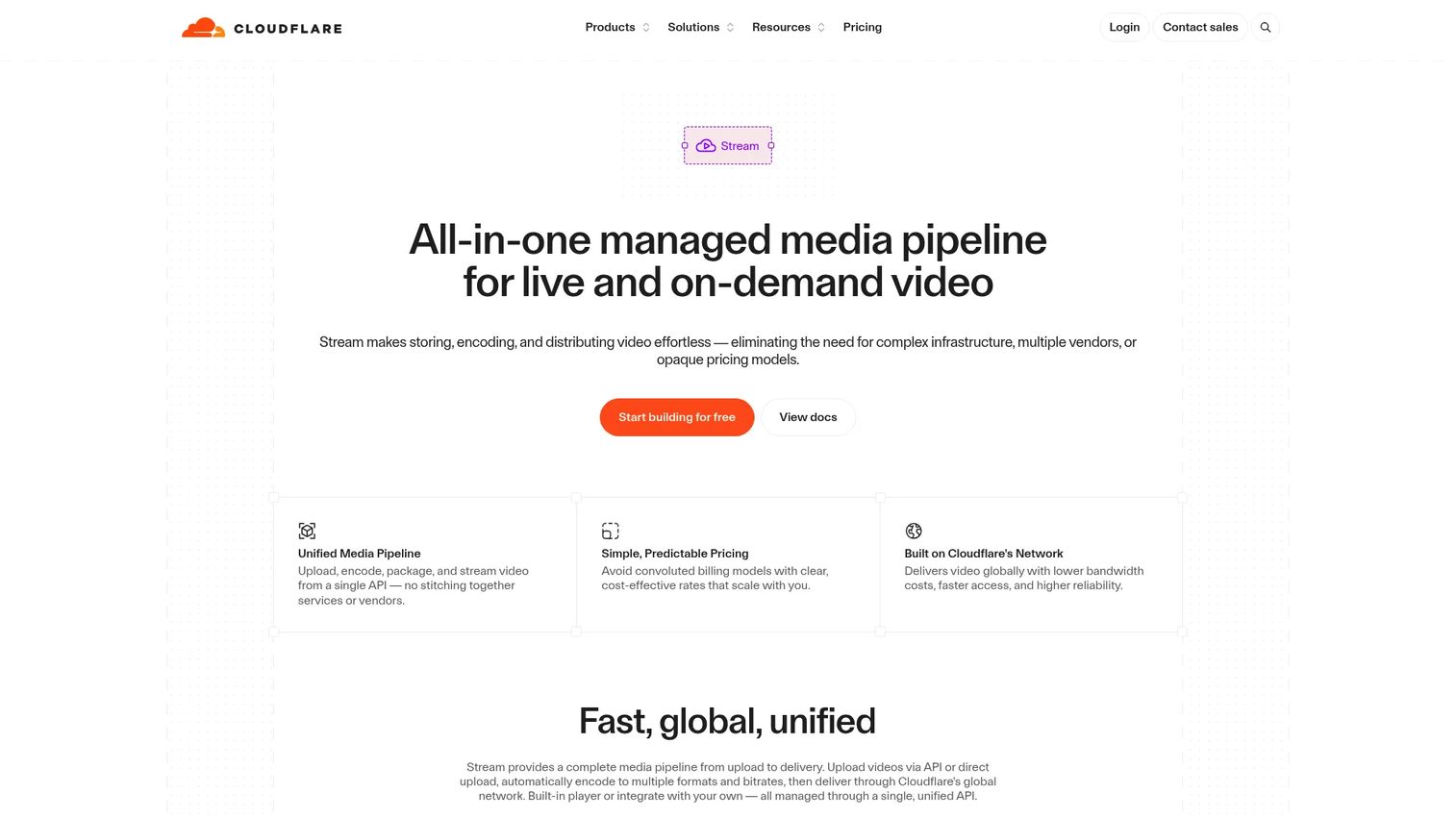
Cloudflare Stream is managed video infrastructure for uploading, encoding, storing, delivering, and live-streaming video through a unified API. Teams get a built-in player, HLS and DASH delivery, signed URLs, and live stream recording without managing separate CDN or encoder contracts.
Best for: Teams that already run services on Cloudflare and want to consolidate video delivery alongside their existing Cloudflare footprint.
Key features
- Upload and automatic encoding for on-demand video
- Live streaming via RTMPS/SRT ingest with HLS/DASH playback
- One-time upload URLs for user-generated content
- Signed URLs, domain restrictions, and download controls
- WebRTC playback support
Why choose Cloudflare Stream: The operational case is consolidation. If your infrastructure already runs through Cloudflare Workers, R2, or Cloudflare's CDN, adding Stream reduces vendor count and simplifies billing. It is a delivery-focused platform rather than a full real time conferencing toolkit, so teams that need participant calls or WebRTC sessions will need a separate layer.
Cloudflare Stream pricing: Storage runs $5.00 per thousand stored minutes monthly. Delivery runs $1.00 per thousand delivered minutes. Encoding and ingress are included at no additional charge. Volume pricing is available through sales.
Model delivery costs carefully. Delivered minutes are the minutes actually streamed to viewers, not the minutes stored. A product with preloaded video content or live streams with high concurrent audiences can see delivery minutes diverge significantly from storage minutes.
3. api.video
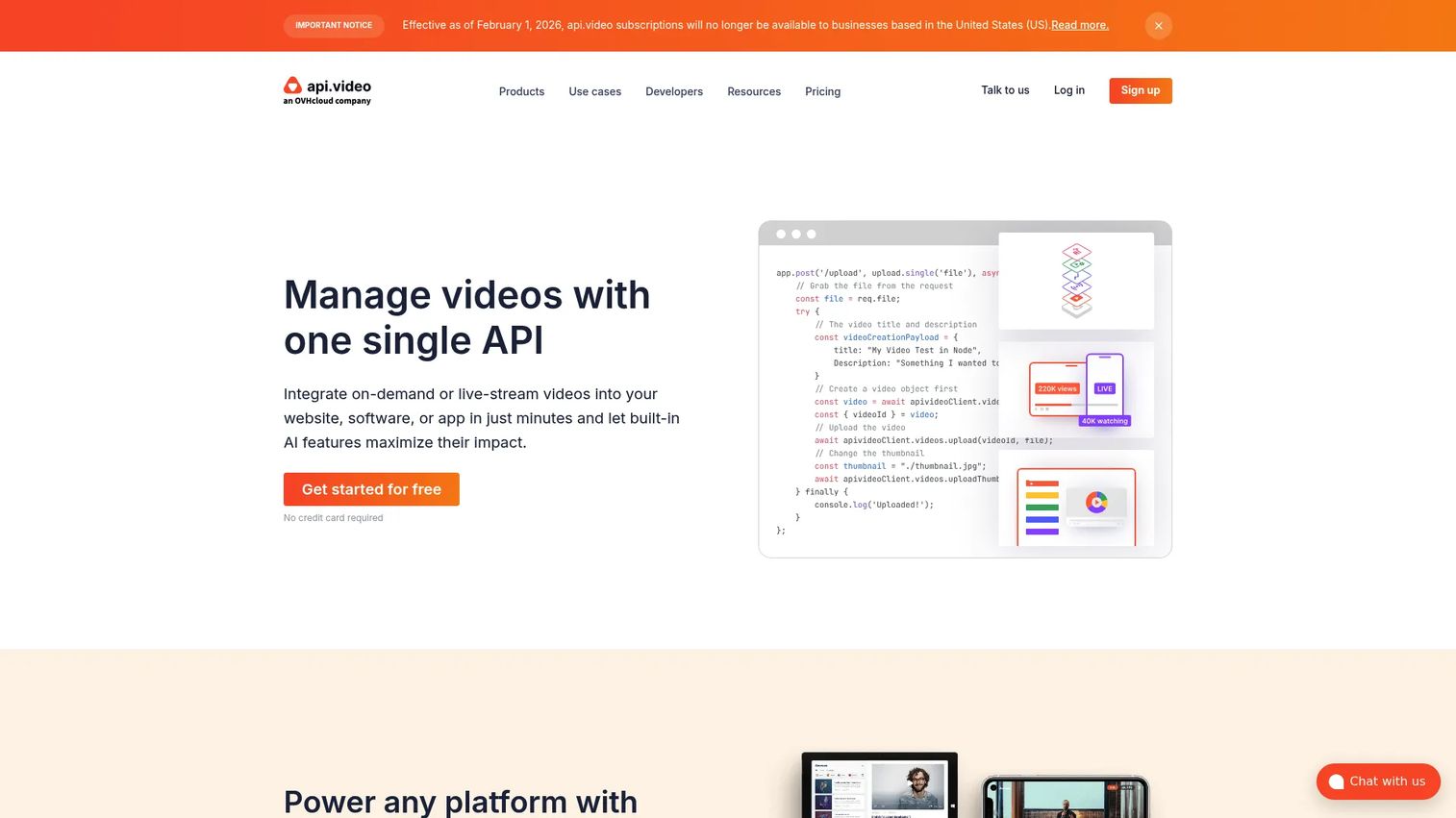
api.video is a purpose-built video API for teams that want to host, encode, deliver, analyze, and white label video experiences without operating their own streaming architecture. It covers on-demand video, live streaming, custom player branding, transcription, and custom domains through a REST API with client SDKs.
Best for: Product teams creating branded customer video experiences where hosted VOD, live streaming, player customization, and custom domains are core requirements.
Key features
- Video upload, encoding, hosting, and CDN delivery
- Live streaming with recording, DVR, and simulcasting
- Customizable player, custom domains, and domain restrictions
- AI video transcription and summarization
- AES encryption and private video controls
Why choose api.video: White label delivery is the primary differentiator. Teams building a video feature that carries their brand throughout, not an embedded third-party player, will find api.video's custom domain and player customization capabilities useful. The free sandbox lets engineers prove the workflow before committing to production costs.
api.video pricing: Encoding is free with no minute limits. Video hosting starts at $0.00285 per stored minute. Delivery starts at $0.0017 per delivered minute. The free sandbox provides access to all API features, with output watermarked and deleted after 24 hours. Enterprise pricing is available through sales.
G2 rating: 4.8/5
Production readiness planning should include custom domain costs, analytics data retention limits, and expected viewing volume by user segment. The sandbox is reliable for workflow validation, but production cost modeling needs observed data from a controlled rollout.
4. Daily
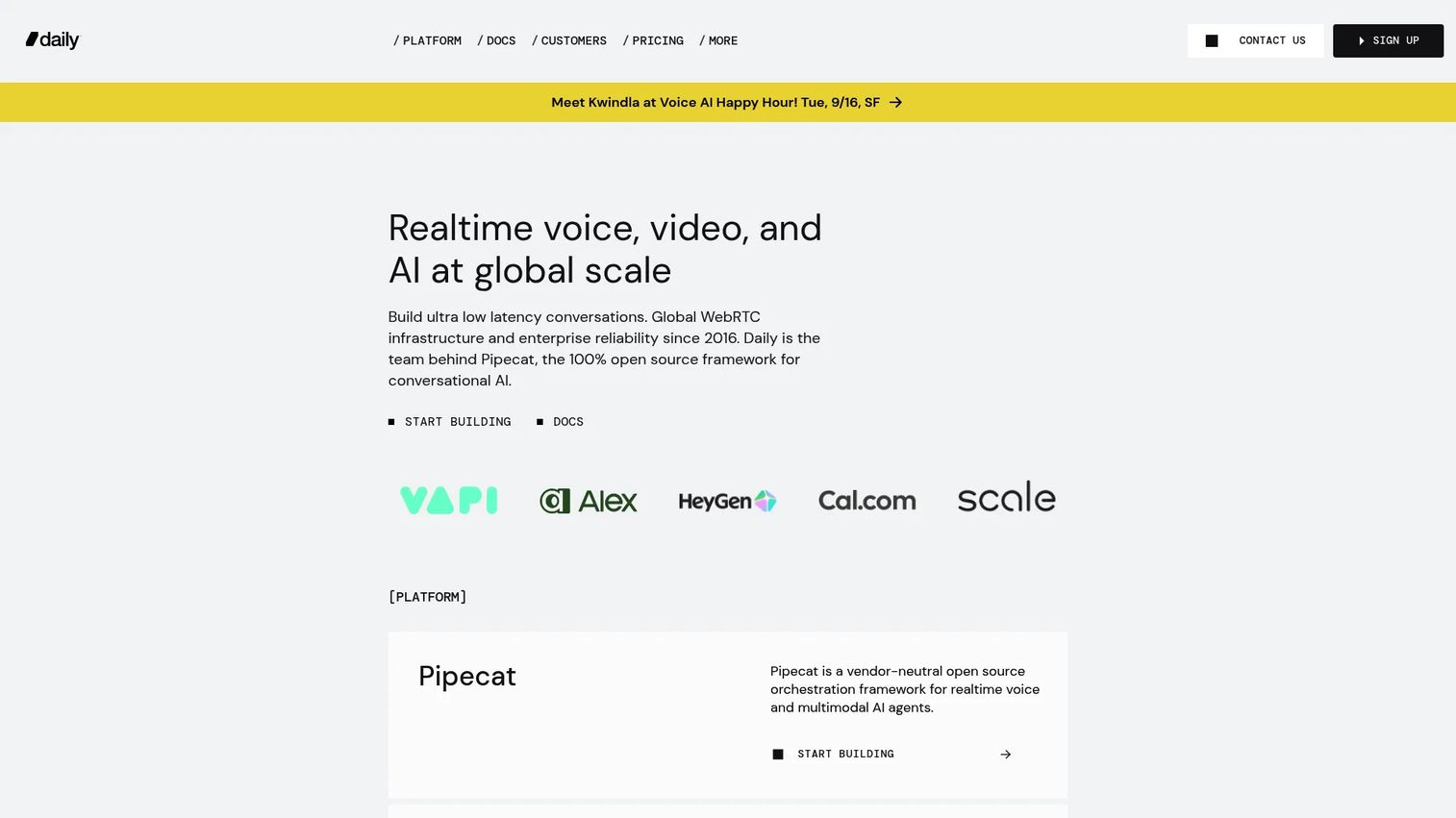
Daily provides real time voice, video, and AI infrastructure for developers through WebRTC SDKs and its Pipecat Cloud platform for conversational AI agents. Teams use it to embed video calls, collaborative sessions, recording, and live streaming into web and mobile products without managing WebRTC media servers.
Best for: Developers building embedded real time video calls, collaborative sessions, or AI-assisted video interactions into a web or mobile product.
Key features
- Real time video and audio SDKs for web and mobile
- Recording, compositing, and live streaming
- Real time transcription and AI capabilities
- Pipecat Cloud for AI voice and video agents
- 10,000 free participant minutes per month
Why choose Daily: Daily reduces the work of running WebRTC infrastructure while keeping the team in control of the product experience. It fits use cases where the user workflow depends on low-latency interaction rather than passive playback. The Pipecat Cloud layer also opens a path to AI-assisted real time applications without rebuilding the media transport layer.
Daily pricing: Daily Video includes 10,000 free participant minutes monthly, then usage-based billing at $0.0015 per participant minute. Pipecat Cloud agent hosting runs $0.01 per minute active.
Plan for failure states before launch. A real time video feature needs defined user permission flows, network fallback behavior, reconnection logic, recording consent handling, and an owner for SDK upgrades across release cycles.
5. Vonage Video API
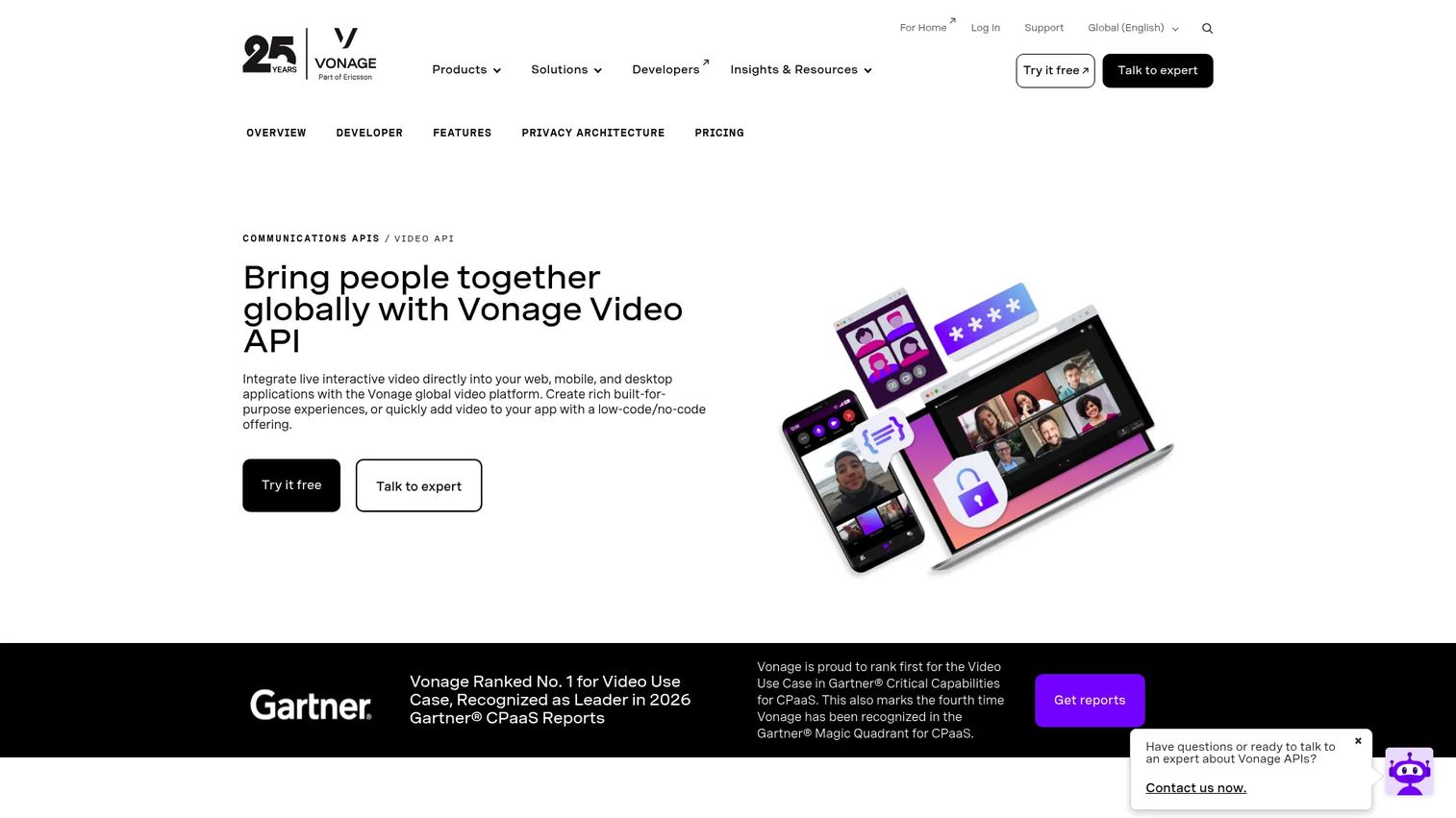
Vonage Video API is a WebRTC-based platform for embedding real time interactive video, audio, screen sharing, chat, messaging, and broadcast capabilities into web, mobile, and desktop applications. It provides SDKs across web, iOS, Android, Windows, Linux, and React Native, along with recording, interactive broadcast, live captions, and an analytics API.
Best for: Teams needing enterprise-ready real time video with advanced broadcast, recording, regional deployment options, and SDK coverage across multiple client environments.
Key features
- 1:1 and group video sessions via WebRTC
- Interactive broadcast via WebRTC, HLS, and RTMP
- Individual stream recording and composition workflows
- SDKs for web, iOS, Android, Windows, and Linux
- Live captions, transcription, SIP interconnect, and Experience Composer
Why choose Vonage Video API: Vonage Video API fits products that need a broader communications infrastructure alongside video. The Advanced Insights API and regional media controls add observability and data residency options that matter to enterprise buyers. Teams should identify which workflows require archiving, composition, broadcast, or regional controls before comparing entry rates, because add-on pricing changes the total cost picture materially.
Vonage Video API pricing: The first 100,000 minutes are free for new customers. After that, video sessions cost $0.00410 per participant per minute. Archive recording of individual streams costs $0.01295 per archive minute. The Advanced Insights API subscription costs $550 per month. Recording, HLS streaming, and regional media options carry separate charges.
G2 rating: 4.2/5
Identify the commercial risk early. A product that requires archiving, composition, broadcast, or data residency needs accurate add-on cost estimates before the first API call, not after the first invoice.
6. Agora
Agora provides APIs, SDKs, and infrastructure for real time voice, video, interactive streaming, chat, signaling, and conversational AI. Its SDK coverage spans web, iOS, Android, Windows, Unity, Unreal Engine, and server-side environments, making it relevant for product teams building across multiple client platforms simultaneously.
Best for: Product teams building global, interactive video features that need SDK coverage across web, mobile, desktop, and game engine environments at scale.
Key features
- Real time voice and video calling
- Interactive live streaming and broadcast streaming
- Cloud recording and cloud transcoding
- Real time speech-to-text and translation
- Conversational AI voice agents and 3D spatial audio
Why choose Agora: Agora becomes compelling when platform coverage and large-scale real time engagement are both core requirements. A product that needs to run on iOS, Android, Unity, and web simultaneously faces a meaningful SDK maintenance burden. Agora's breadth reduces that burden from a recurring engineering project to a dependency update. Cloud recording, analytics, and AI noise suppression add capability without separate vendor contracts.
Agora pricing: The first 10,000 combined RTC minutes are free monthly. After that, Agora RTC costs $0.59 per 1,000 minutes. Agora Signaling costs $0.0015 per 1,000 messages. Chat costs $0.05 per monthly active user. Conversational AI costs $0.10 per minute. Analytics Standard costs $449 per month. Cloud recording and transcoding add separate charges.
G2 rating: 4.1/5
Model the aggregate resolution and media services cost before budgeting. Participant count, subscription behavior, and the mix of media services you enable each affect the monthly total independently.
7. LiveKit
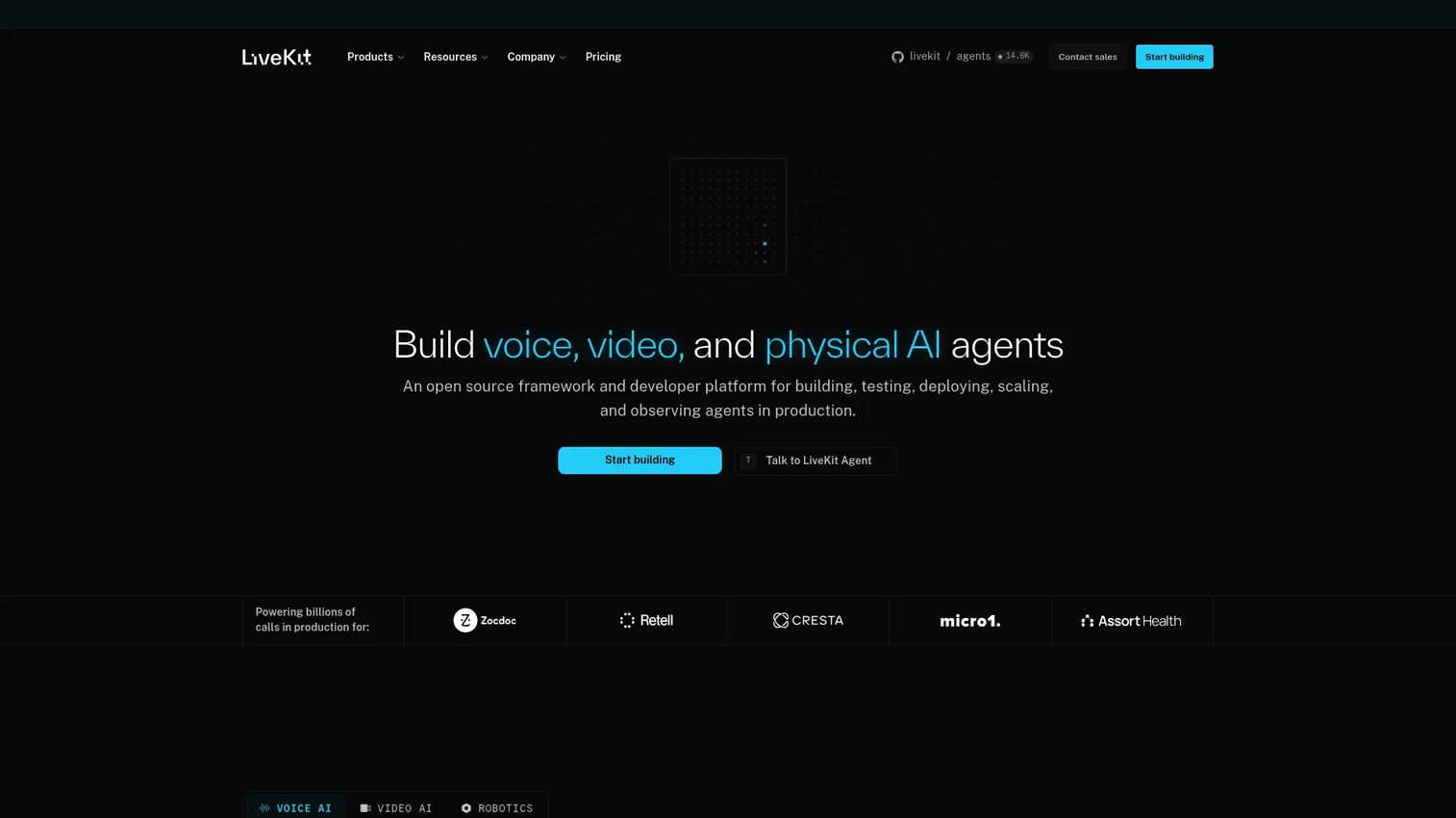
LiveKit is a developer platform for building, deploying, and observing voice, video, and physical AI agents. It is open source at its core, with a managed cloud layer for teams that want infrastructure operations handled without forgoing architectural control. LiveKit covers real time audio and video, data transport, telephony, recording exports, AI agent hosting, and observability.
Best for: Engineering-led teams that need deep control over real time architecture, open source flexibility, and a production path into voice or video AI agents.
Key features
- Open source WebRTC framework with managed cloud
- Real time audio, video, and data transport
- AI agent deployment, inference, and telephony integration
- Recording, egress, and streaming exports
- Global low-latency cloud network with observability
Why choose LiveKit: LiveKit fits teams that expect to customize the real time architecture and want optionality between self-hosted and managed cloud deployment. The open source foundation means the team can inspect, fork, or extend the server code. The managed cloud removes operational overhead for teams that want the control without the maintenance.
LiveKit pricing: The Build plan is free. The Ship plan starts at $50/month. The Scale plan starts at $500/month. Enterprise pricing is custom. Paid plans include larger participant and agent quotas, additional recording and egress capacity, and expanded platform support.
G2 rating: 4.5/5
Decide early whether the team values open source control, managed cloud operations, or a hybrid approach. Revisiting this choice after the first customers depend on the feature is expensive. Document the deployment model in the architecture decision record before the first production release.
Considerations when choosing a VPaaS platform
Match the platform to the user workflow
Start with the experience the user will have, not the capabilities list on a pricing page. A video hosting architecture and a real time communications architecture solve different product jobs. Picking the wrong model means either rebuilding later or shipping a product that performs poorly under real user conditions.
Model the full usage equation
Entry price comparisons are misleading in this category. Estimate stored minutes, delivered minutes, participant minutes, recording usage, and any add-ons for transcription, captions, analytics, or regional media separately. Then run three volume scenarios: Conservative launch, expected adoption, and high adoption.
Evaluate SDK and release maintenance
Ask which client platforms the product needs today and which will be required within the next two release cycles. Include web, iOS, Android, React Native, and any desktop or game engine surfaces relevant to your roadmap. An SDK that requires a breaking upgrade every six months creates recurring engineering opportunity cost.
Define your quality and observability baseline
Set measurable success criteria before the first release: Playback start time, rebuffering rate, call connection success rate, session duration, and recording completion. If you cannot instrument these events from day one, you cannot make data-driven decisions about which VPaaS changes affect retention and activation.
Validate security and data handling requirements
Assess authentication controls, signed URLs, domain restrictions, encryption options, data retention periods, audit logs, and regional deployment availability. These requirements often surface late in the buying process and can eliminate a platform after the integration is partially built.
How to choose the right VPaaS platform for your team
If you need scalable VOD and video analytics
Mux is the right starting point. Its playback telemetry answers the instrumentation question that matters most for a PM: Did the video feature change activation or retention, and where in the viewing experience did users drop off? It fits product video libraries, user-generated content platforms, and media experiences where playback quality data affects roadmap decisions. For product analytics software integrations, plan the event schema before recording the first session.
If your stack already runs on Cloudflare
Cloudflare Stream reduces vendor sprawl. Storage and delivery billing dimensions are clear. The tradeoff is that Stream is optimized for delivery, so a product that needs embedded participant calls will need a separate real time layer alongside it.
If branded video delivery is the core product experience
api.video handles white label playback, custom domains, live streaming, and video content management in one API. The free encoding tier removes a cost variable that other platforms bill separately, which simplifies early budget modeling.
If users must interact in real time
The right platform depends on the interaction model. Daily suits embedded calls and programmable WebRTC workflows where the product controls the UI. Vonage Video API adds advanced broadcast, recording composition, and regional controls for enterprise real time products. Agora covers teams that need broad SDK reach across platforms simultaneously. LiveKit suits engineering teams that want open source architecture and a path to AI agent-driven real time experiences.
Once you have built a complex video workflow, give prospects and internal teams a clickable way to understand it before they experience it live. Interactive demos let you show how the video feature works across different user paths without scheduling a session or provisioning a real environment. A sandbox gives technical evaluators hands-on exploration of the product workflow in a safe, controlled environment. Teams managing multiple demo assets across different use cases can organize them inside a demo center for self-serve discovery.
For teams evaluating adjacent infrastructure decisions, see the Guideflow guides on API monitoring tools, API testing tools, and API documentation tools.
Conclusion
VPaaS selection is a product architecture decision with metric, maintenance, and cost consequences. The category splits clearly along two lines: Streaming and VOD platforms for video delivery, and real time WebRTC platforms for participant interaction.
Mux delivers for teams that need video analytics alongside delivery. Cloudflare Stream suits stacks already consolidated on Cloudflare. api.video fits products where branded, hosted video is the core customer experience.
For real time use cases: Daily covers embedded programmable WebRTC calls, Vonage Video API adds enterprise broadcast and recording depth, Agora handles multi-platform SDK coverage at global scale, and LiveKit gives engineering-led teams open source control with a managed cloud path.
The platform that serves you best is the one that matches the video experience your users need, at the cost model your growth stage can model predictably, with the SDK and release maintenance burden your engineering team can absorb without it dominating the sprint.
Start your journey with Guideflow today!
FAQs
VPaaS is broader. It can include video hosting, encoding, adaptive delivery, APIs, SDKs, real time communication, recording, analytics, and security controls, all exposed programmatically. A video hosting platform focuses more narrowly on storing and distributing completed video, typically through a dashboard rather than an API. Teams building a custom video experience into a product usually need the programmatic control that VPaaS provides.
The answer depends on whether the user watches on-demand video, a large-scale live stream, or participates in a real time session. On-demand and live delivery at viewer scale favor platforms like Mux, Cloudflare Stream, or api.video. Real time interactive streaming with participant calls favors Daily, Vonage Video API, Agora, or LiveKit. Assess the delivery model, latency requirement, player needs, and SDK coverage before shortlisting.
Teams should look for client SDK support across their target platforms, call recording with consent controls, screen sharing, network quality monitoring, session observability, and clear ownership of SDK upgrade cycles. Daily, Vonage Video API, Agora, and LiveKit all offer WebRTC infrastructure with different trade-offs across platform coverage, pricing model, and architectural openness. Product requirements differ enough that a blanket ranking is less useful than mapping each platform against your specific session model.
Common billing units include participant minutes for real time calls, delivered video minutes for streaming, stored video minutes for hosted content, and recording or transcoding minutes for processed media. Add-on services like AI captions, transcriptions, advanced analytics, regional media routing, and DRM carry separate charges on most platforms. Entry price comparisons are only meaningful when you also model the add-on costs for the specific capabilities your product requires.
Many platforms support both, but the implementation details and pricing structures can differ significantly between modes. Live recordings becoming replayable assets is a workflow that varies by platform. Latency characteristics change between live and on-demand delivery. A team should confirm how the platform handles recording-to-VOD workflows, what player protocols are supported in each mode, and how billing shifts between live and on-demand sessions.
APIs manage server-side workflows: Video assets, permissions, webhooks, analytics, recording triggers, and orchestration logic. SDKs help applications capture, publish, render, and interact with media on web, mobile, or desktop clients. Most products that embed video into a user experience need both. The API handles backend operations; the SDK handles what the user actually sees and interacts with.
Prioritize activation rate among users who encounter the video feature, video start success rate, join success rate for real time sessions, content completion, rebuffering frequency, average session length, recording completion, and support ticket volume tied to video failures. Correlate video engagement with D7 and D30 retention to build the business case for continued investment. Teams using best product analytics software tools should instrument these events before the first release.
Build three volume scenarios: Conservative launch, expected adoption, and high adoption. For each scenario, estimate content stored, minutes delivered to viewers, concurrent participants in real time sessions, recording usage, and which premium features you will enable. Use observed data from the first controlled release to recalibrate the model. Pricing across stored minutes, delivered minutes, and participant minutes can compound quickly when multiple features run simultaneously in a high-engagement cohort.