Furniture decisions get expensive when teams rely on flat product photos, rough measurements, and a shared doc full of screenshots. The global online furniture market hit $131.4 billion in 2025 and is forecast to reach $202.33 billion by 2031, according to Mordor Intelligence (2026). Yet 43% of U.S. consumers still make more than half their furniture purchases online without ever seeing the piece in context, according to the HomeByMe Digital Furniture Index (2025). The gap between "looks good on screen" and "works in the actual room" is where expensive mistakes happen.
Home furnishing software closes that gap. Whether you're planning a room for yourself, helping a client approve a concept, staging a property for sale, or building a repeatable visual workflow for a growing design or retail team, the right tool gives everyone a shared picture before anyone signs off.
The SERP for this keyword is mostly vendor landing pages. This guide is the buying comparison they don't provide.
What's inside
This guide covers 12 home furnishing and interior design software tools for 2026, spanning free room planners and professional-grade platforms. It's written for founders, operators, and team leads evaluating which tool earns its place in a real workflow.
Tools were selected based on:
- Coverage of 2D floor planning, 3D room design, and furniture placement
- Catalog depth and rendering quality
- Pricing transparency and team workflow fit
- Verified G2 ratings and current pricing from live vendor sources
TL;DR
- Best overall for consumer-friendly home furnishing: HomeByMe gives homeowners and small teams an easy 2D-to-3D workflow with furnishing catalogs and visual room planning
- Best for AI-assisted planning: Planner 5D covers floor plan recognition, cross-platform access, and a broad furnishing workflow in one tool
- Best for fast 4K visualization: Coohom works well for designers and furniture brands that need polished renders quickly
- Best for large furniture libraries: Homestyler stands out for template variety, cloud rendering, and catalog depth
- Best for professional residential projects: Cedreo and Chief Architect fit teams that need construction-aware plans alongside client-ready outputs
- Best free or open-source option: Sweet Home 3D covers basic layouts when cost matters more than cloud collaboration
What is home furnishing software?
Home furnishing software is digital design software that helps users plan rooms, place furniture, decorate interiors, visualize layouts in 2D or 3D, and preview finished spaces before buying, renovating, staging, or presenting a design.
The category spans simple browser-based room planners and professional-grade interior design platforms. Most tools share a core set of capabilities:
- 2D floor-plan creation and editing
- Floor-plan upload, scan, or recognition from photos
- 3D room and home design
- Drag-and-drop furniture placement
- Furniture and decor libraries or branded product catalogs
- AI-assisted layout or decoration suggestions
- Photorealistic rendering and 4K exports
- 360-degree viewing or walkthrough modes
- Shopping lists and cost estimates
- Collaboration, sharing, and project exports
- Design templates, galleries, and tutorials
How it differs from adjacent categories:
- CAD software: Focuses on technical drafting and construction documentation rather than visual furnishing decisions
- Generic 3D modeling tools: Offer maximum flexibility but require more skill and setup than purpose-built furnishing software
- Retail visualization software: Optimized for product configurators and ecommerce buyer experiences, not full-room planning workflows
For a scaling business, the choice is less about "beautiful renders" and more about whether the tool reduces approval cycles, helps non-designers produce consistent outputs, and gives a new hire or VP a workflow they can run independently on day one. If you're also exploring complementary 3D visualization software or AI design tools to pair with a furnishing platform, those categories are worth evaluating alongside this one.
When to use home furnishing software
Plan a room before buying furniture
Guessing from a product photo is how you end up with a sofa that blocks the door. Home furnishing software lets you place furniture to scale, test traffic flow, and preview color or material combinations before anything ships. Retailers, furniture brands, and homeowners all use this workflow to reduce returns and buyer uncertainty.
Present concepts to clients or stakeholders
A static mood board asks viewers to imagine. A furnished 3D room or photorealistic render asks them to react. Interior designers, real estate teams, and home service companies use these tools to get faster buy-in, reduce revision cycles, and move decisions from "I'm not sure" to approved.
Standardize visual workflows across a team
A founder who owns every design review is a bottleneck. The better outcome is a tool your design, staging, or merchandising team can run without you. Home furnishing software with templates, shared libraries, and shareable project links gives new hires a repeatable starting point. That's the version of this category that earns its place in a stack.
Home furnishing software comparison
The table below covers tools across the full range, from free room planners to professional residential design platforms. Pricing and G2 ratings were verified from live vendor sources in October 2026. For tools with no G2 listing, "N/A" is noted.
| # | Product | Best for | Key differentiator | Pricing | G2 rating |
|---|---|---|---|---|---|
| 1 | HomeByMe | Consumer and small-team home planning | Branded furniture catalog with 4K and 360° rendering | Free plan; paid tiers available | 4.9/5 |
| 2 | Planner 5D | AI-assisted cross-platform home design | Floor plan recognition plus AI decoration tools | Free; Premium from $19.99/mo | N/A |
| 3 | Coohom | Interior designers and furniture brands | AI-powered 3D rendering with large branded library | Free plan; paid plans available | 4.4/5 |
| 4 | Homestyler | Template-driven cloud rendering | AI 3D conversion plus large model library | Free; plans from $6.80/mo | 4.7/5 |
| 5 | RoomSketcher | Real estate and remodeling floor plans | 2D/3D floor plans with AI Convert and FloorCapture | Free; Pro from $12/mo (annual) | 4.5/5 |
| 6 | Foyr Neo | Professional interior design studios | Fast rendering up to 12K with 50,000+ models | From $33/mo; 14-day free trial | N/A |
| 7 | Cedreo | Home builders and remodelers | Residential construction and client presentation workflow | Free plan; Pro at $129/mo | 4.6/5 |
| 8 | Chief Architect | Professional residential architecture | Full CAD, construction docs, and photorealistic 3D | From $229/mo or $1,995/yr | N/A |
| 9 | SketchUp | Architects and advanced design teams | Flexible 3D modeling with 3D Warehouse and extensions | Go from $10.75/user/mo (annual) | 4.5/5 |
| 10 | Live Home 3D | Mac and Windows home design apps | Cross-platform app with Cycles and AI rendering | Free; Pro from $14.99/mo | N/A |
| 11 | Floorplanner | Browser-based floor plan and layout | 260,000+ 3D model library with up to 8K renders | Free; credits from $8.15 | 4.5/5 |
| 12 | Sweet Home 3D | Budget-conscious DIY home layouts | Free desktop app with 3D preview and model import | Free download; paid app store versions | N/A |
Best 12 home furnishing software for 2026
1. HomeByMe
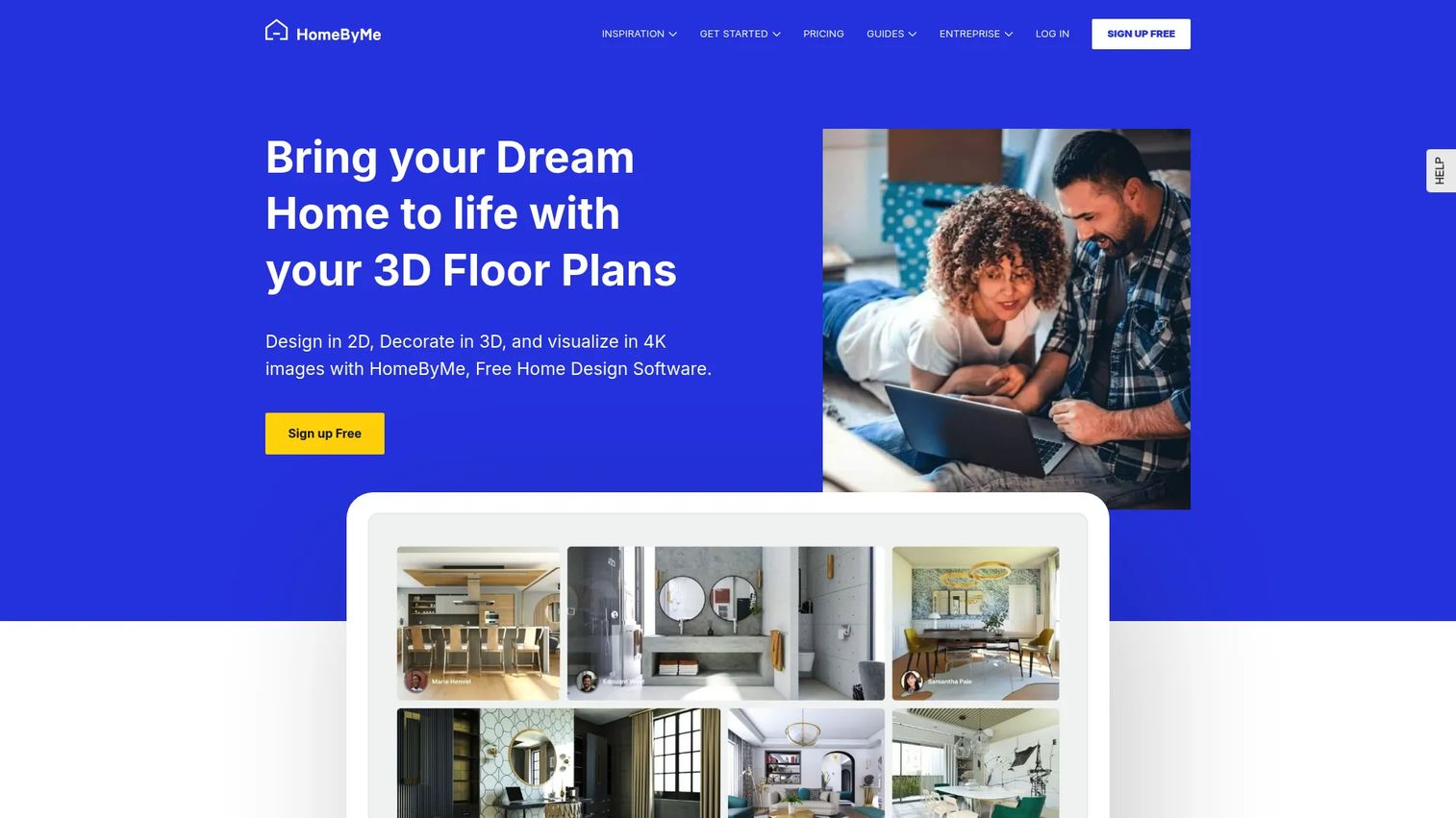
HomeByMe is an online 3D home design service built for individuals and interior design professionals creating furnished room visualizations. You draw a floor plan, populate it with branded furniture from the built-in catalog, then generate HD, 4K, or 360-degree renders for sharing or client presentation. The platform also supports 3DStory portfolios and community inspiration galleries for design discovery.
Best for: Homeowners, small design teams, and furniture shoppers who want a friendly way to test layouts before buying.
Key features
- 2D floor plan editor with room-by-room design
- 3D furnishing with branded product catalog
- HD, 4K, and 360° rendering
- 3D model import and custom furniture creation
- Community gallery and 3DStory portfolios
Why choose HomeByMe: It's the strongest pick when ease of use matters more than deep professional drafting. For retail teams or small operators, it supports fast buyer visualization without requiring design expertise or long onboarding.
HomeByMe pricing: A free Starter plan includes up to 2 projects and 5 Full HD images. Essentials and Pro plans add unlimited projects, expanded rendering credits, model imports, and professional export features. Exact monthly or annual prices for paid tiers require checking the pricing page directly, as they vary by billing period.
G2 rating: 4.9/5
2. Planner 5D
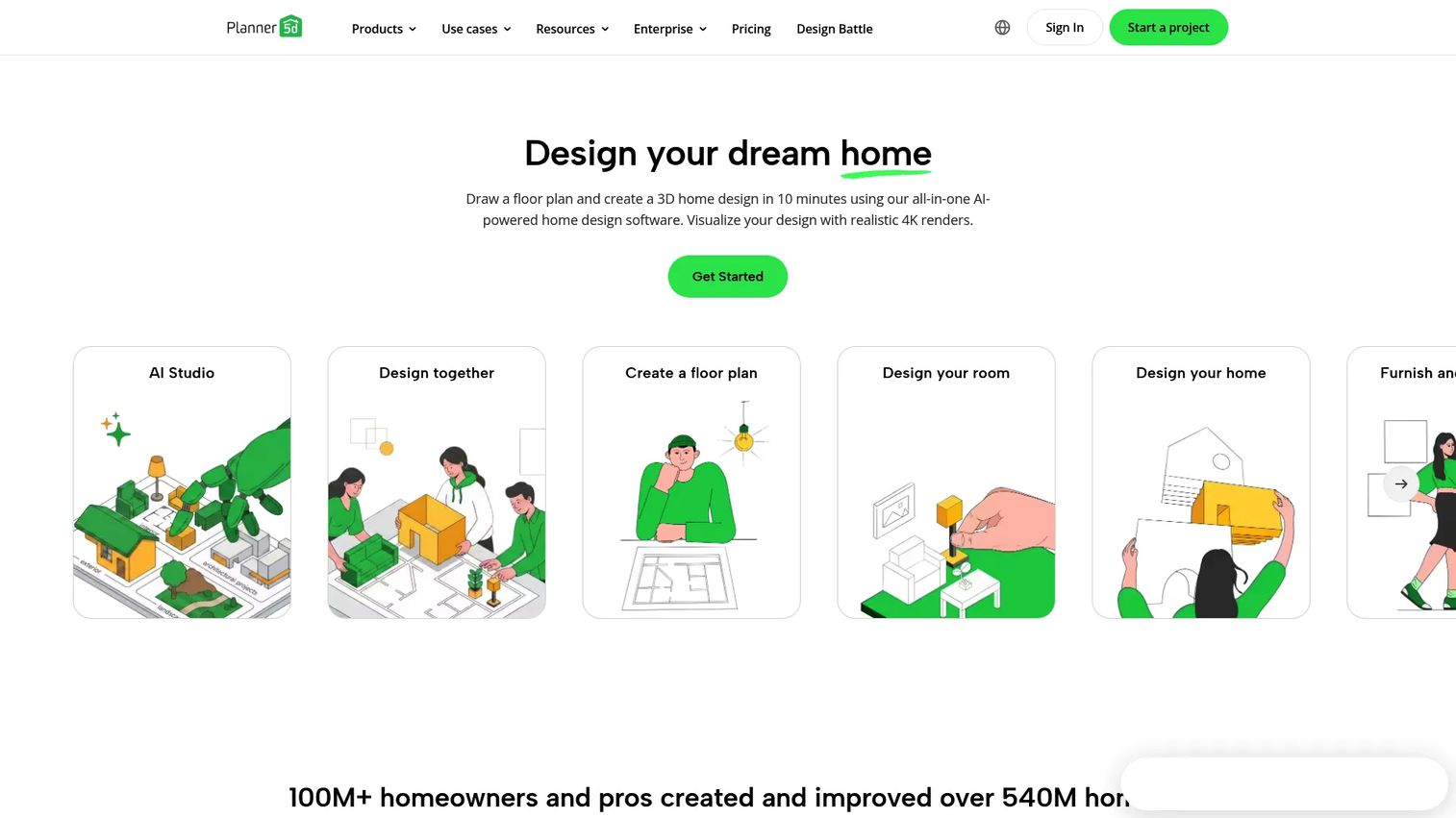
Planner 5D is an AI-powered home design platform covering 2D floor plans, 3D interior design, photorealistic rendering, and cross-platform access across web, iOS, Android, and desktop. Its AI design assistant can recognize an uploaded floor plan photo and convert it into an editable layout, which cuts setup time for teams working from existing blueprints. Shopping lists and cost estimates are available on higher tiers, making it useful for renovation planning workflows.
Best for: Users who want AI-assisted planning, cross-platform access, and a broad furnishing workflow without switching tools.
Key features
- AI floor plan recognition from photos
- 2D and 3D editor with furniture and decor catalog
- 4K rendering on Professional plan
- Shopping lists and project cost estimates
- Cross-platform: Web, iOS, Android, desktop
Why choose Planner 5D: It covers the widest range of user types in one platform, from homeowners to architects to real estate teams. If your workflow crosses multiple personas or device environments, this breadth pays off.
Planner 5D pricing: Free plan includes unlimited projects and 50% of the furniture catalog. Premium runs $19.99/month or $59.99/year, adding the full catalog, AI floor plan recognition, and standard renders. Professional is $49.99/month or $399.99/year and adds unlimited 4K renders, 360° features, CAD export, and branding. Enterprise pricing is custom.
3. Coohom
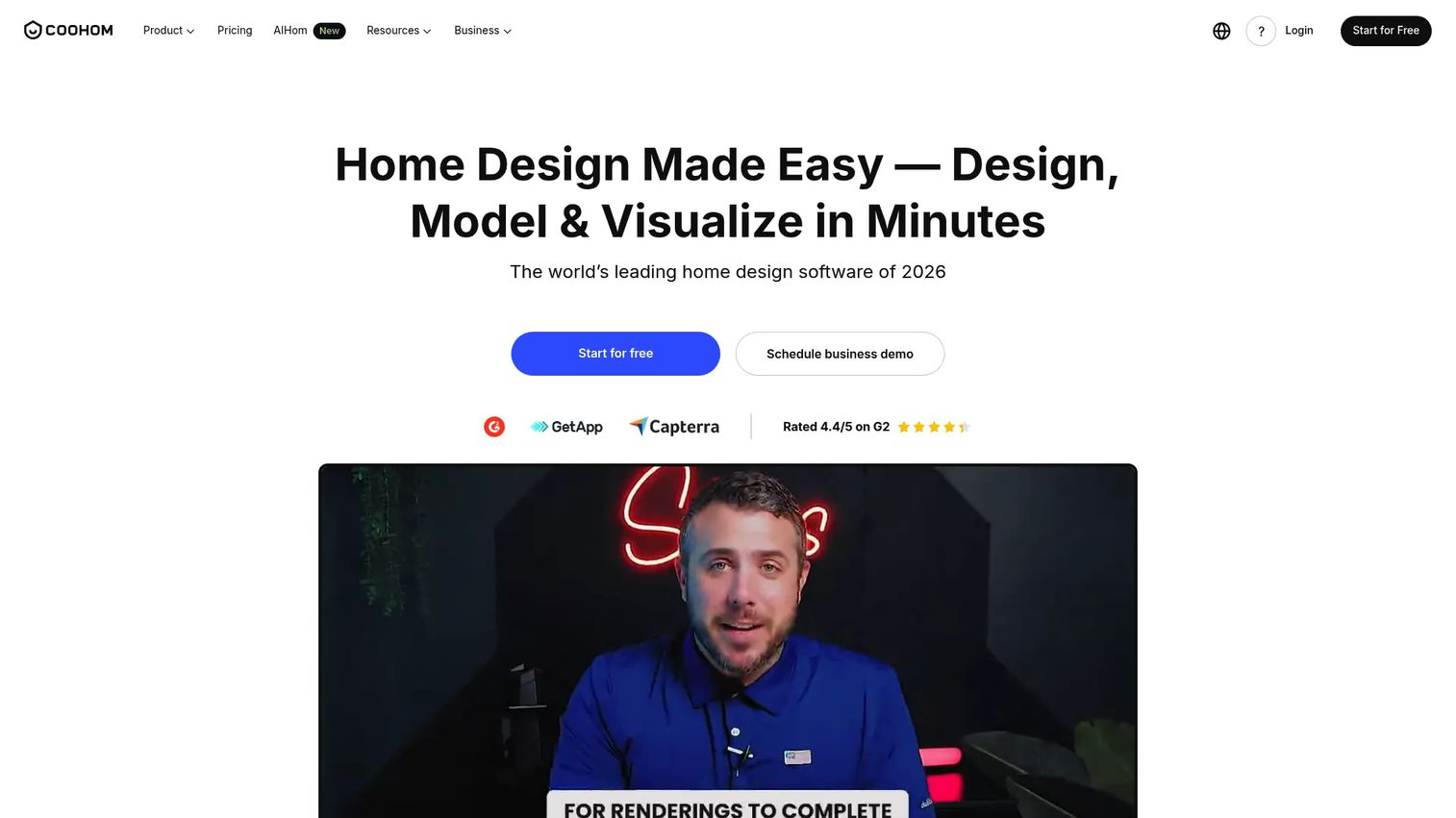
Coohom is a cloud-based 3D interior design and visualization platform built for interior designers, furniture businesses, and retailers. It combines AI-powered space planning, 4K photorealistic rendering, 360-degree virtual walkthroughs, and a large branded furniture and materials library. Construction drawings and bills of materials are also available, making it useful beyond pure visualization. For teams evaluating 3D rendering software more broadly, Coohom sits firmly in the professional-grade tier.
Best for: Interior designers, furniture brands, and retailers that need polished room visualizations quickly.
Key features
- AI-powered space planning and layout generation
- 2D and 3D floor planning with floor plan upload
- 4K photorealistic rendering and 360° walkthroughs
- Large branded furniture and materials library
- Construction drawings and bill of materials export
Why choose Coohom: Render speed and catalog depth are the core advantages. For a scaling team where visual output drives buyer confidence or client approvals, Coohom reduces the time between design concept and shareable asset.
Coohom pricing: Basic Individuals plan is free and supports up to 3 projects. Paid Individual and Individuals & Teams plans use one-time pass pricing, with amounts listed directly on their pricing page. Enterprise pricing requires contacting sales.
G2 rating: 4.4/5
4. Homestyler
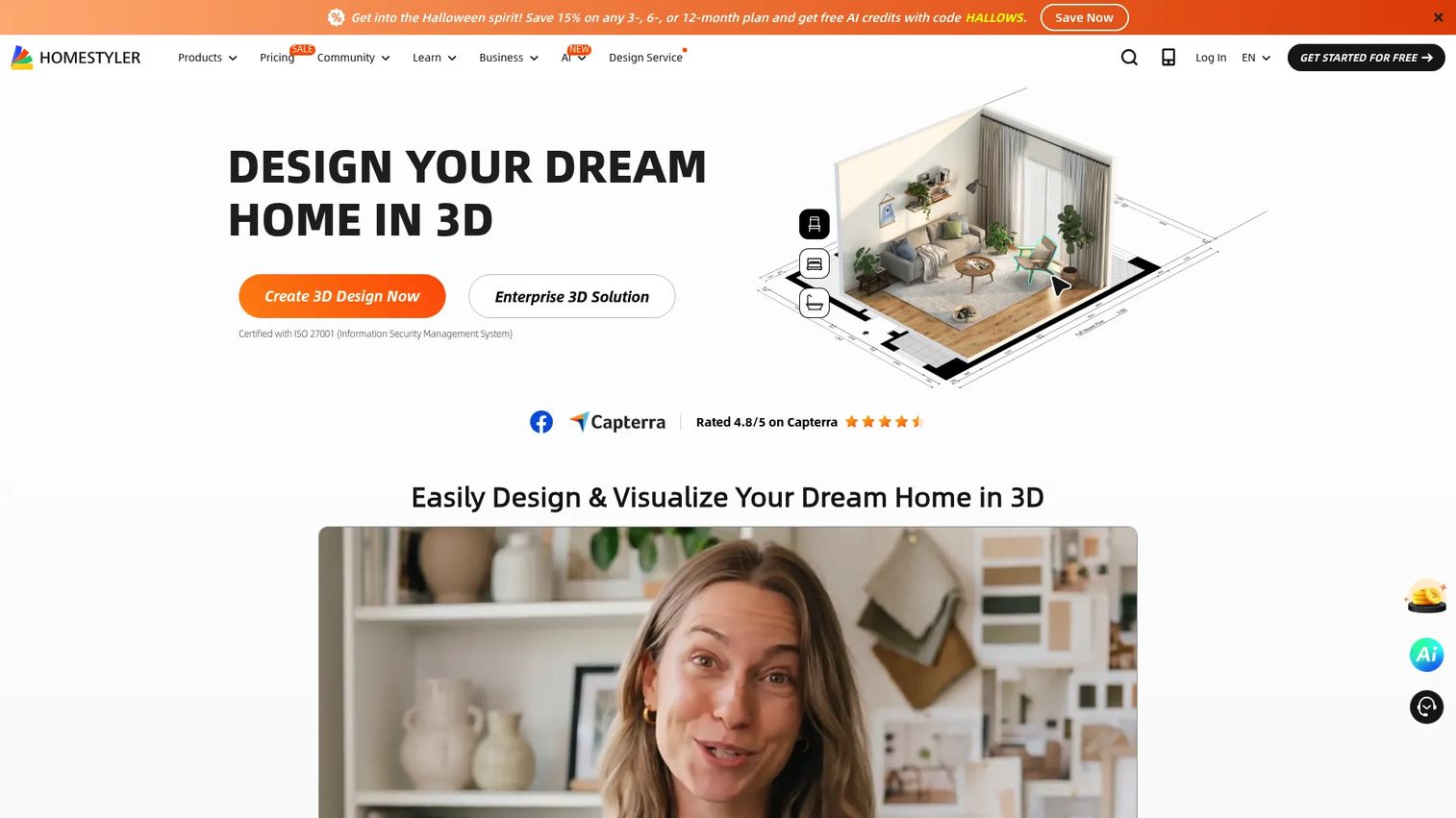
Homestyler is an AI-powered 3D interior design platform that covers floor plan creation, AI-assisted 3D conversion, drag-and-drop furniture placement, cloud rendering, and a large 3D model and materials library. Design challenges, community galleries, and collaboration tools round out the platform. It also supports construction drawing and bill-of-materials export, which extends its usefulness past consumer visualization into professional workflows.
Best for: Users who want a large design library, cloud rendering, and template-driven room planning in a browser-based tool.
Key features
- Floor plan upload and AI 3D conversion
- Cloud-based photorealistic rendering
- AI tools: Planner, Stager, Moodboard, Render, Modeler, Animator
- Large 3D furniture and materials library
- Team collaboration and shared libraries
Why choose Homestyler: Catalog depth and template variety make it fast to move from a blank room to a furnished concept. The community layer and design challenges are a bonus if inspiration is part of the workflow.
Homestyler pricing: Basic plan is free. Individual Pro+ starts at $6.80/month. Individual Master+ starts at $11.80/month. Team plans start at $19.60/seat/month. Enterprise pricing is custom.
G2 rating: 4.7/5
5. RoomSketcher
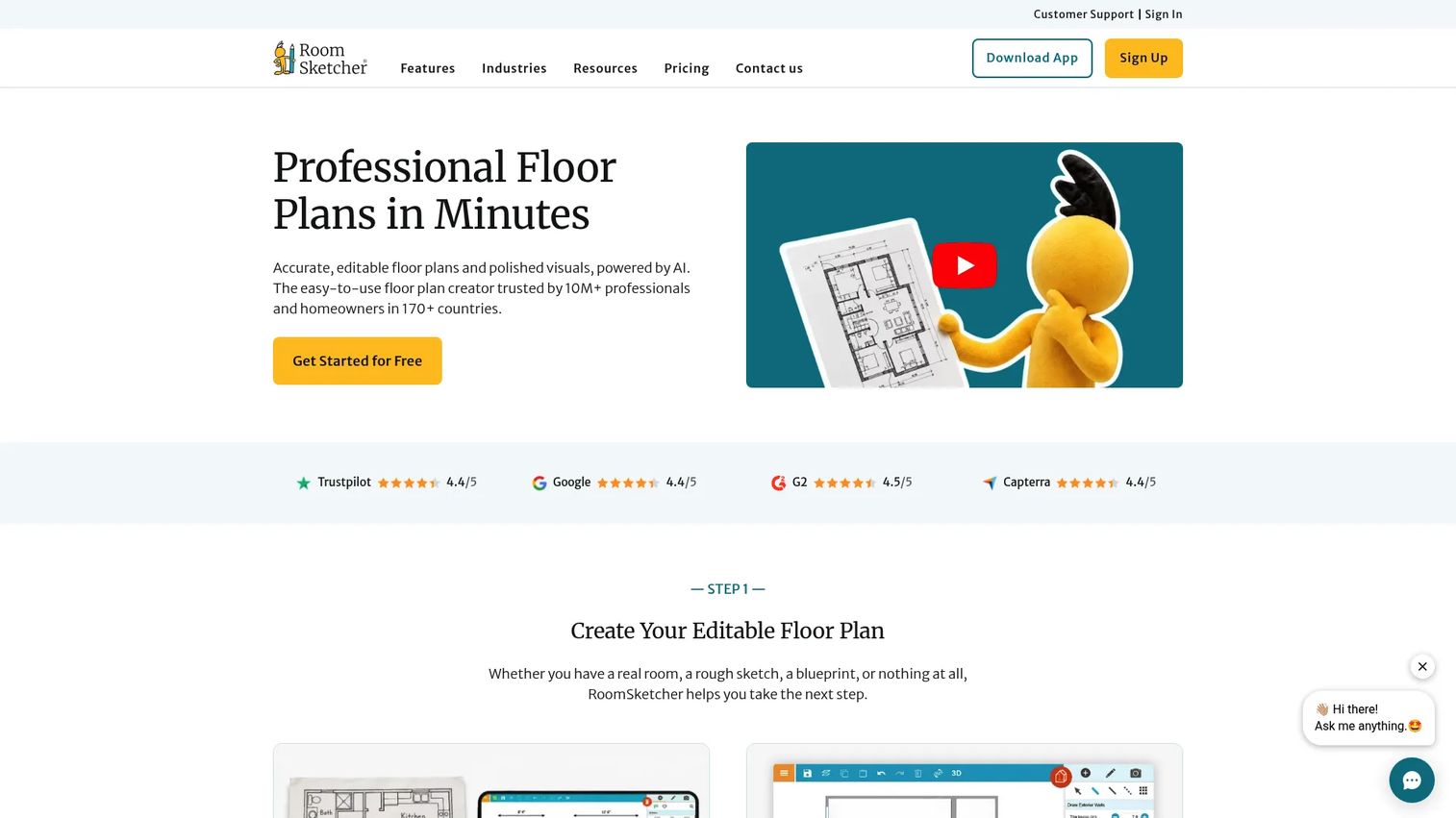
RoomSketcher is floor plan and home design software built for real estate teams, remodelers, and interior designers who need both accurate 2D plans and furnished 3D visuals in one workflow. AI Convert turns photos or sketches into editable floor plans, and FloorCapture supports mobile plan capture. The platform generates 3D Snapshots, AI-rendered images, and 360 Views for client sharing and property listings.
Best for: Real estate teams, remodelers, and designers who need shareable floor plans paired with furnished 3D visuals.
Key features
- 2D and 3D floor plans with measurement tools
- 3D Snapshots, AI Render, and 360 Views
- AI Convert and FloorCapture for plan creation
- Blueprint tracing and branded floor plan exports
- Furniture, materials, and symbols library
Why choose RoomSketcher: It's the strongest pick when plan accuracy matters as much as furnishing visuals. Teams that need shareable layouts for listings, renovation discussions, or client review get both in one tool.
RoomSketcher pricing: Free plan covers basic floor plan creation. Pro is $12/month billed annually ($24/month billed monthly). Team is $35/month billed annually ($70/month billed monthly). Enterprise pricing is custom.
G2 rating: 4.5/5
6. Foyr Neo
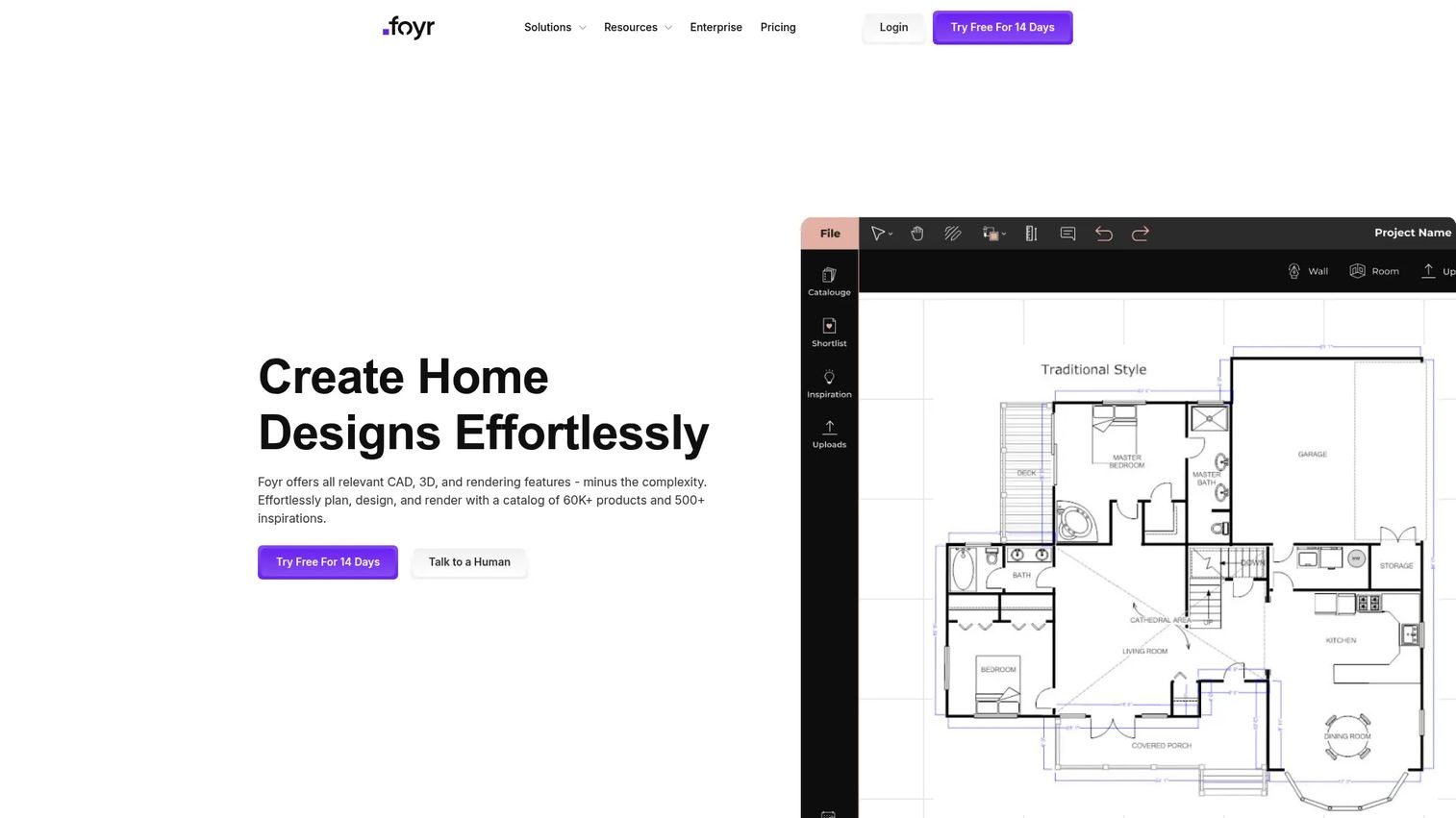
Foyr Neo is browser-based professional interior design software focused on fast 3D design, high-resolution rendering, and client-ready presentations. The platform includes over 50,000 furniture models and textures, photorealistic rendering up to 12K, and 3D walkthroughs. A 14-day free trial lets teams evaluate it before committing to a paid plan. It's a strong fit when visual polish and speed are the primary constraints.
Best for: Interior designers and design studios that need client-ready renders without a long modeling workflow.
Key features
- 2D floor plan creation and editing
- 3D design with 50,000+ furniture models and textures
- Photorealistic rendering up to 12K with 3D walkthroughs
- Render credit system by plan tier
- Browser-based with no software installation
Why choose Foyr Neo: It fits professionals who need speed from concept to client-ready output. This is less about casual room planning and more about moving a design brief from idea to approval with minimal back-and-forth.
Foyr Neo pricing: Basic is $33/month (30 render credits). Standard is $67/month (180 render credits, 2 users, walkthroughs, floor plan exports). Premium is $103/month (unlimited render credits, custom 3D models, elevations, dedicated CSM). A 14-day free trial is available.
7. Cedreo
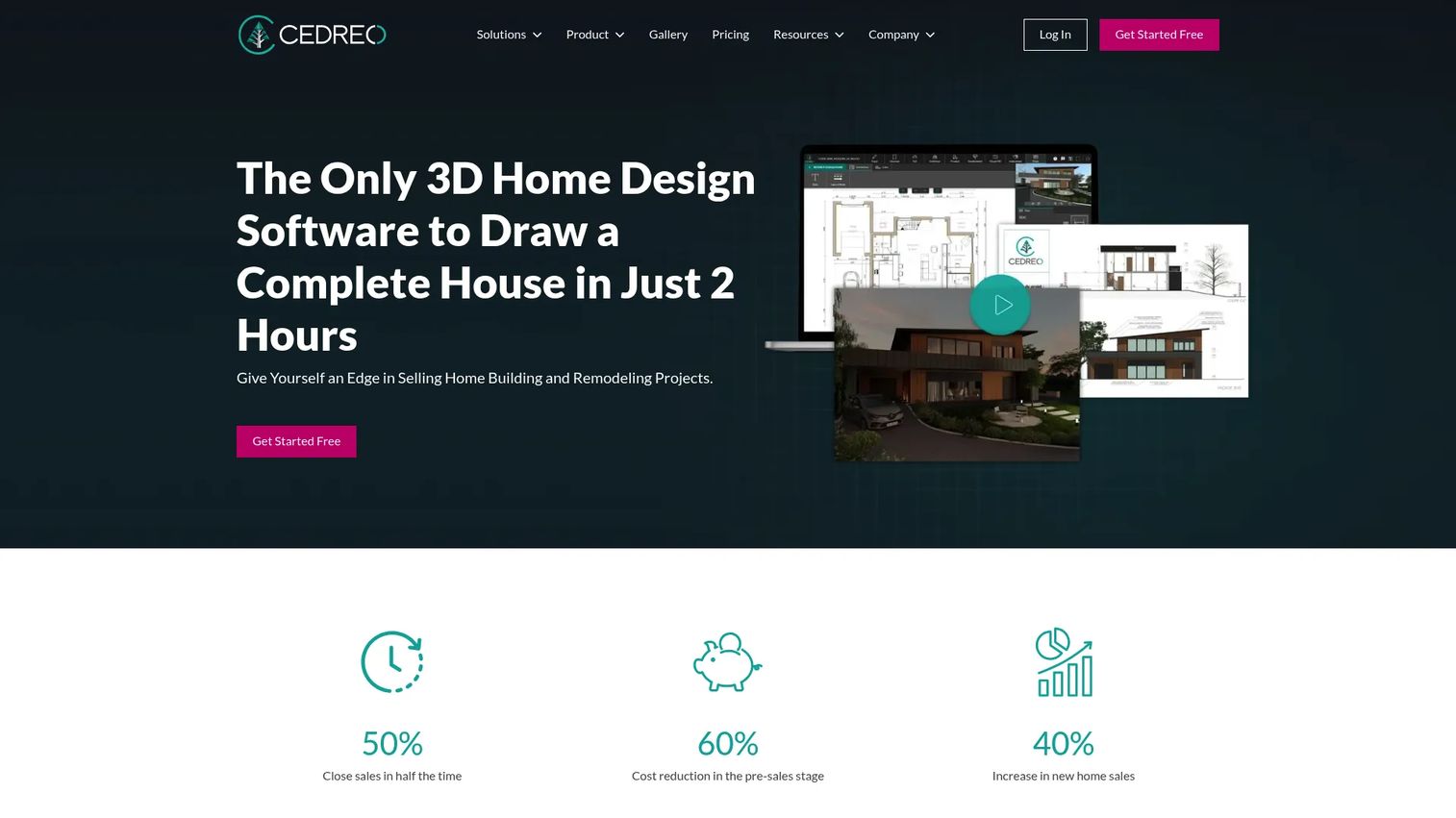
Cedreo is a cloud-based 3D home design platform built for contractors, home builders, remodelers, and interior designers. It covers 2D and 3D floor planning, site planning, interior furnishing, exterior visualization, and photorealistic rendering for client presentations. The platform is designed to reduce the time between first meeting and signed project. For teams exploring broader architectural rendering software or architecture software options, Cedreo sits at the residential-focused end of that spectrum.
Best for: Home builders, remodelers, and residential design firms that sell projects through visual presentations.
Key features
- 2D and 3D floor plan drawing
- Site planning and terrain modeling
- Photorealistic 3D rendering
- Exterior design and client presentation documents
- DXF, PDF, JPG, PNG, and DWG import/export
Why choose Cedreo: It's the right pick when furnishing decisions sit inside a larger construction or renovation sales workflow. For operators, the value is repeatable proposal quality that doesn't bottleneck through a senior designer every time.
Cedreo pricing: Free plan covers one project with basic drawing features. Personal is a $139 one-time purchase (one project, 20 rendering credits). Pro is $129/month. Enterprise pricing requires contacting sales.
G2 rating: 4.6/5
8. Chief Architect
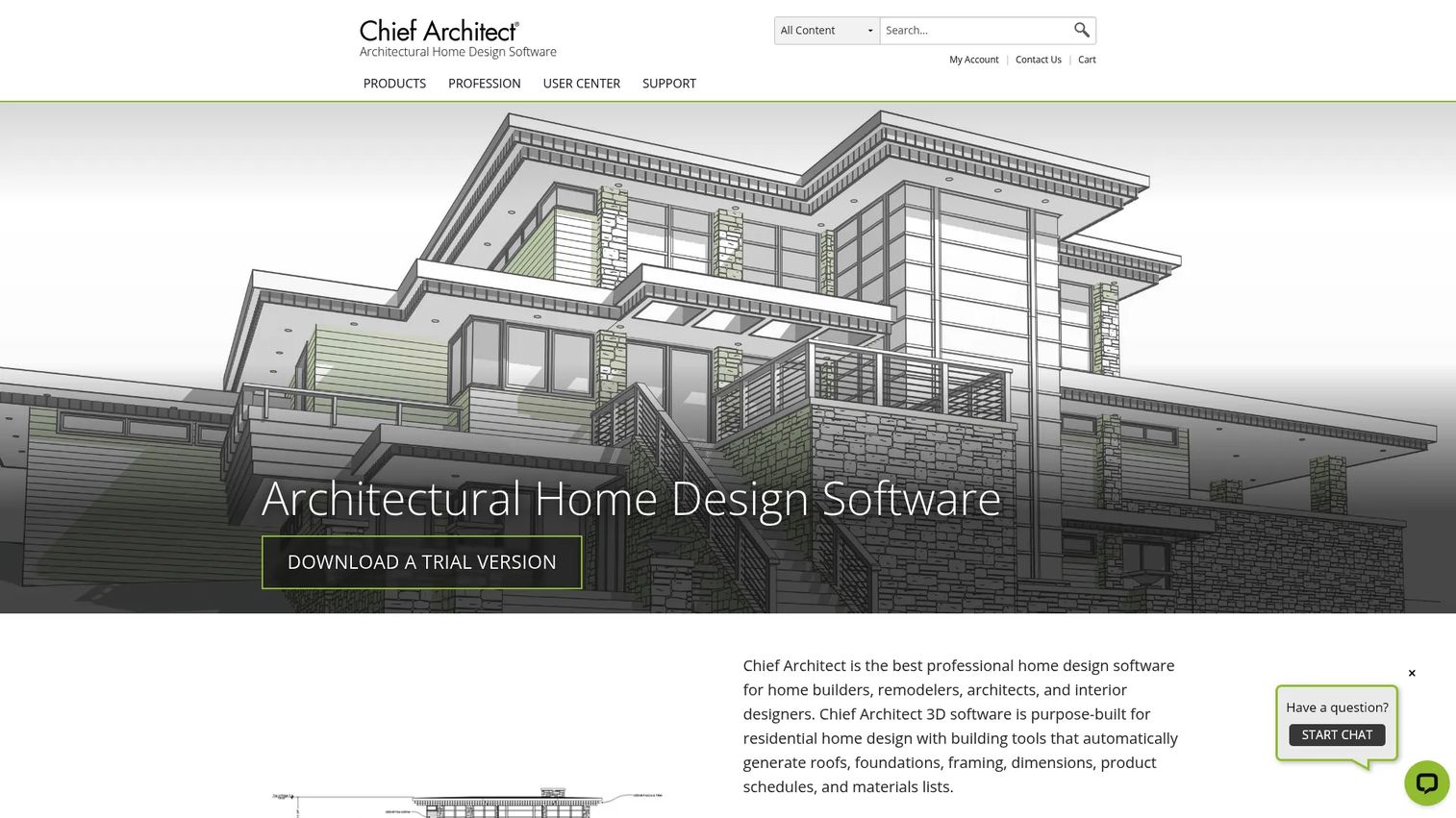
Chief Architect is professional architectural home design software used by residential architects, home builders, remodelers, kitchen and bath designers, and interior designers. It includes automatic building tools for roofs, foundations, framing, dimensions, and materials lists. 3D rendering, virtual reality walkthroughs, and sun/shadow studies are built in alongside full 2D CAD and construction documentation.
Best for: Residential architects, builders, and advanced design teams that need precision beyond basic room planning.
Key features
- Automatic building tools: Roofs, foundations, framing, materials lists
- 3D rendering, VR walkthroughs, and sun/shadow studies
- 2D CAD tools and construction drawings
- Site planning, terrain, decks, and landscaping
- Premium catalog downloads and priority technical support
Why choose Chief Architect: It's the best fit when furnishing decisions live inside a larger construction or remodel workflow requiring accurate documentation. The depth here goes well beyond room planning into full architectural production.
Chief Architect pricing: Premier plan is $229/month or $1,995/year billed annually. No free tier is available. The annual plan includes software upgrades, premium catalog downloads, and priority support.
9. SketchUp

SketchUp is professional 3D design and modeling software used across architecture, interior design, construction, and furniture-heavy commercial spaces. It runs on desktop, web, and iPad, and connects to a massive 3D Warehouse asset library and a broad extension ecosystem for specialized workflows. Revit import and point-cloud modeling are available on the Studio tier. You can also explore how SketchUp compares to best CAD software options for technical workflows.
Best for: Architects, builders, and interior designers that need flexible 3D modeling for custom interiors and complex furniture-heavy spaces.
Key features
- 3D modeling on desktop, web, and iPad
- 3D Warehouse asset library with custom model support
- Extension and plugin ecosystem
- Revit import and point-cloud modeling (Studio)
- Photorealistic materials, environments, and rendering
Why choose SketchUp: It's strongest when teams need flexibility over guided room planning. Custom spaces, unusual furniture, or commercial layouts where a room planner runs out of options are where SketchUp earns its place.
SketchUp pricing: Go is $10.75/user/month billed annually ($19.99/month billed monthly). Pro is $33.25/user/month billed annually ($99.99/month billed monthly). Studio is $95.58/user/month billed annually. Teams pricing requires contacting sales.
G2 rating: 4.5/5
10. Live Home 3D
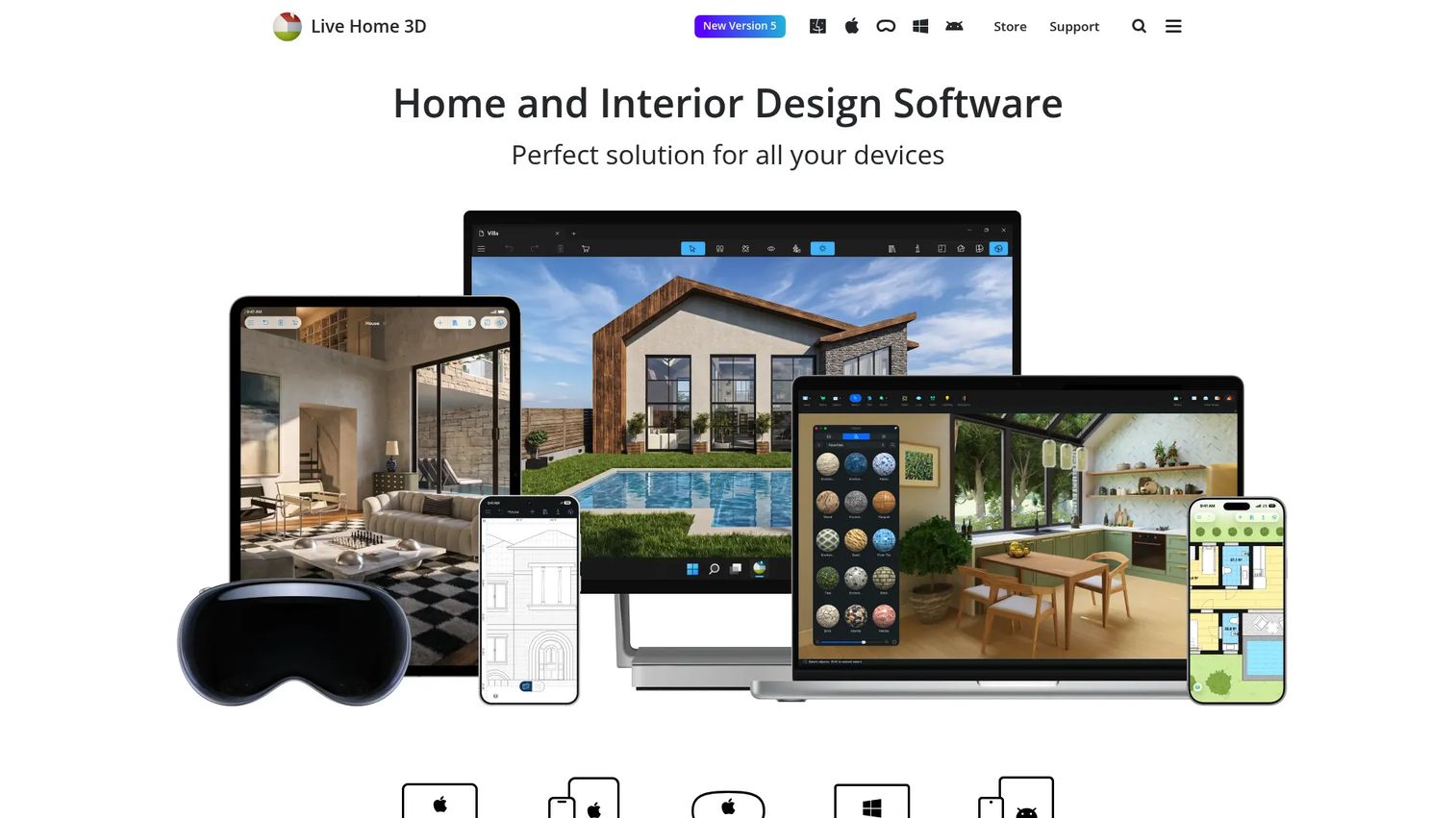
Live Home 3D is a cross-platform home and interior design app for Mac, iPad, iPhone, and Windows. It covers 2D floor plan creation with precise measurements, real-time 3D visualization, photorealistic Cycles rendering, and AI rendering. The object library includes over 2,400 objects and 2,100 materials. Projects can be exported as images, panoramas, videos, and 3D files. Lifetime license options make it attractive for individual users who prefer not to pay monthly.
Best for: Mac, iPad, iPhone, and Windows users who want a polished home design app for personal or small professional projects.
Key features
- 2D floor plans with precise measurements
- Real-time 3D visualization and walkthroughs
- Photorealistic Cycles rendering and AI rendering
- Object library with 2,400+ items and 2,100+ materials
- Export to images, panoramas, videos, and 3D files
Why choose Live Home 3D: It's a good fit when users want app-based home furnishing rather than a browser-only workflow, and when offline work or device-native performance matters.
Live Home 3D pricing: Free version available. Standard Features: $5.99/month or $19.99/year subscription, or a $59.99 lifetime license. Pro Features: $14.99/month or $49.99/year, or a $129.99 lifetime license.
11. Floorplanner
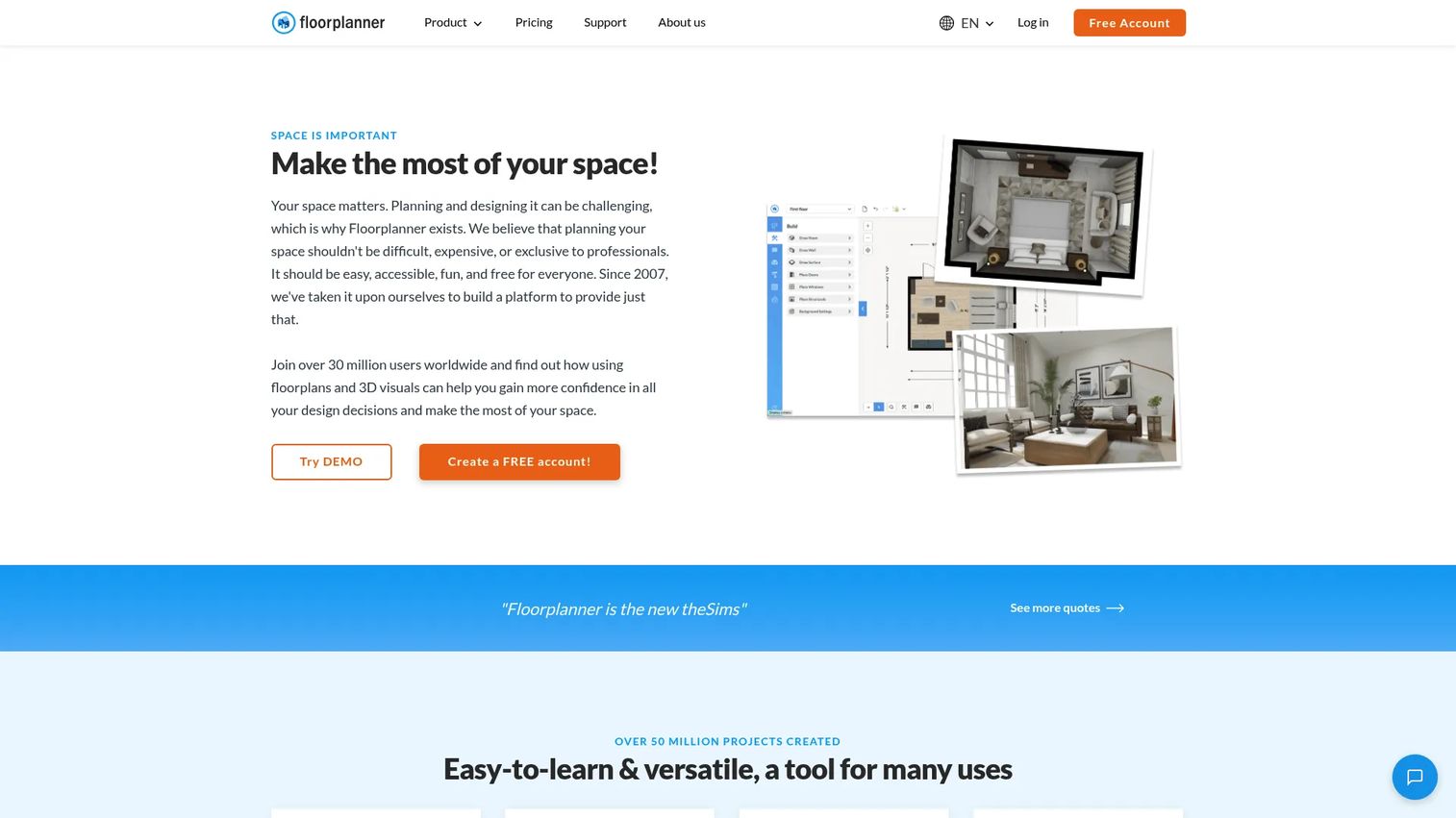
Floorplanner is browser-based software for creating 2D floor plans, 3D space visualizations, and shareable room layouts without installing software. The model library includes over 260,000 3D objects. Renders scale up to 8K for HD, 4K, or 8K exports on upgraded projects. A credit-based purchasing system lets teams pay per project rather than committing to a monthly subscription, which suits sporadic or project-driven use. For broader context on digital floor planning, see also our 3D parts catalog software roundup.
Best for: Teams that need browser-based floor plans and fast room layout visuals for property, retail, or design workflows.
Key features
- Online floor plans: Walls, rooms, doors, windows
- Real-time 3D views and renders up to 8K
- 260,000+ 3D model library
- Project sharing and presentation exports
- Credit-based upgrade system per project
Why choose Floorplanner: It's best when a team needs a practical planning surface without committing to heavyweight professional design software. Property layouts, early design concepts, and internal planning all fit without an annual subscription.
Floorplanner pricing: Basic plan is free. Plus and Pro subscription prices were not publicly displayed during review. Credits are available as one-time purchases: 5 credits for $8.15, 10 for $16.30, 30 for $48.90, and 100 for $163.00.
G2 rating: 4.5/5
12. Sweet Home 3D
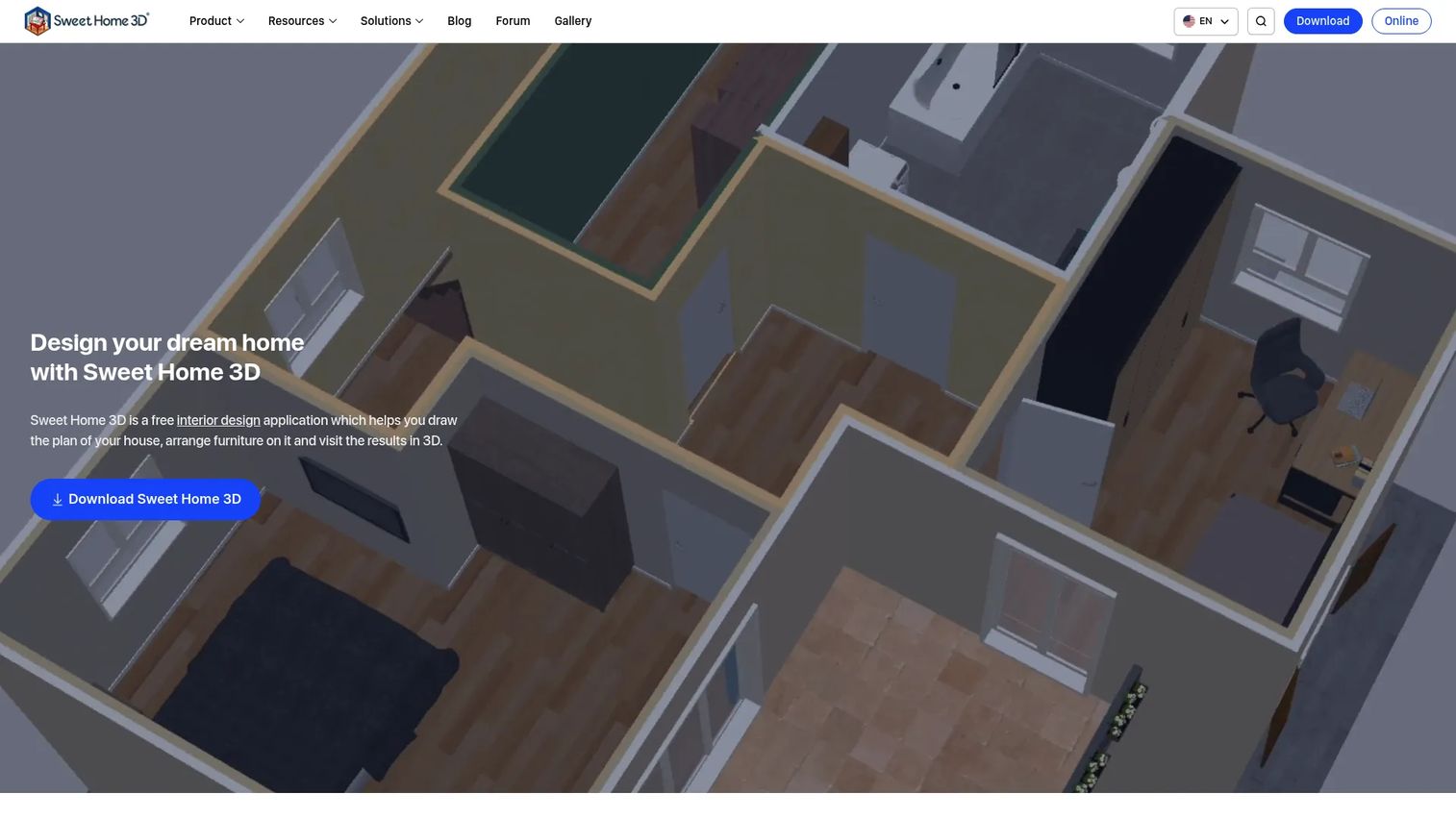
Sweet Home 3D is a free interior design application for drawing floor plans, placing furniture, importing 3D models, and viewing designs in 3D. The core desktop application is free to download and use. Paid distribution versions are available through the Mac App Store, Microsoft Store, and mobile platforms. It's a straightforward tool without cloud collaboration, AI features, or high-resolution rendering, which makes it a clear choice when cost is the primary constraint.
Best for: Budget-conscious DIY users and small teams that need simple furnishing layouts without a paid SaaS platform.
Key features
- 2D plan drawing with walls, doors, and windows
- 3D preview with photorealistic image and video export
- Furniture and 3D model import
- Blueprint import for tracing
- PDF, image, video, and 3D file export
Why choose Sweet Home 3D: Cost matters more than cloud rendering or enterprise workflow features here. It handles simple layouts and early planning well. Professional teams running multiple collaborators or client deliverables will likely need something more capable.
Sweet Home 3D pricing: The desktop application is free to download. Paid versions are available through the Mac App Store, Microsoft Store, and mobile app stores. Specific paid app-store prices were not displayed on the brand website at time of review.
Considerations when choosing home furnishing software
Match the tool to the decision it must support
Before evaluating features, identify what outcome the visual has to drive: Furniture purchase confidence, client approval, property staging, product merchandising, or construction planning. A room planner that works for a homeowner may not produce the documentation a builder's client needs.
Check catalog depth before render quality
A photorealistic render with the wrong furniture library still slows the team down. Evaluate whether the software includes your relevant product category, supports branded product imports, allows custom 3D model uploads, or covers the materials and finishes your workflow requires.
Test the first project workflow before buying an annual plan
Run one real room through the software before committing. Time how long it takes to produce a usable layout. Count the steps to share it with a stakeholder. Check whether a non-expert team member can update the design independently. The tool that passes that test earns the subscription.
Verify what actually drives the price
Pricing varies by seats, active projects, rendering credits, export resolution, commercial use rights, and enterprise governance controls. A free plan that limits renders to two images per month will stall a team producing client deliverables at volume. Identify your volume before comparing plan costs.
Evaluate handoff and collaboration before signing
For business use, ask who owns a design after the first draft. Check whether the platform supports comments, shared project links, client review workflows, permission controls, and version history. A tool that only one person can update is a bottleneck, not an asset.
Conclusion
The right home furnishing software depends on what decision the visual needs to support and who needs to run the workflow without help.
For approachable room planning, HomeByMe gives individuals and small teams a clear 2D-to-3D path with branded catalogs and minimal setup. Planner 5D covers more ground with AI floor plan recognition and cross-platform access, making it useful when the team spans multiple devices or user types. Coohom and Homestyler both deliver polished renders quickly, with catalog depth that suits furniture brands and design-heavy workflows.
For professional residential work, Cedreo and Chief Architect serve teams where furnishing decisions sit inside a larger construction or renovation sales process. SketchUp handles custom and complex spaces where guided room planners run short. For the simplest layouts where cost is the deciding factor, Sweet Home 3D gets the job done without a subscription.
The practical next step: Pick two tools that match your primary use case, run the same room through both, and measure time to a shareable output, catalog fit for your actual furniture, render quality at your required resolution, and how easily a non-designer on your team can update the file. That test tells you more than any feature list.
Looking to visualize and demo software products in addition to physical spaces? Explore best-in-class interactive demo tools for a different but complementary capability.
FAQs
Home furnishing software is digital design software for planning rooms, placing furniture, decorating spaces, and previewing interiors in 2D or 3D before buying or presenting a design. Some tools focus on DIY planning for homeowners, while others support professional interior design, construction, and client presentation workflows.
HomeByMe, Planner 5D, and Sweet Home 3D are strong beginner options. HomeByMe and Planner 5D offer browser-based workflows with guided furniture placement and free plans. Sweet Home 3D is a free desktop app for users who want a simple floor plan and 3D preview without signing up for a service.
Foyr Neo, Chief Architect, Cedreo, Coohom, and Homestyler are professional-friendly. Foyr Neo and Coohom prioritize speed to high-quality render. Chief Architect and Cedreo suit teams that need construction documentation alongside design visuals. SketchUp works for designers who need maximum modeling flexibility for custom or complex spaces.
Several tools offer free plans or free downloads. HomeByMe, Planner 5D, Coohom, Homestyler, RoomSketcher, Cedreo, Floorplanner, and Live Home 3D all have free tiers. Sweet Home 3D is free as a desktop download. Before committing, check the limits on rendering credits, project count, export resolution, and whether commercial use is permitted on the free plan.
For individual use, prioritize furniture library breadth, 3D room design quality, and ease of use. For team or business use, also evaluate rendering resolution, export formats, sharing and collaboration, plan limits by tier, and whether non-designers can run the workflow independently. Accurate measurements and scale matter whenever the output supports a real purchase or construction decision.
Yes. Furniture retailers use these tools to show products in room context, build curated scenes for catalog or ecommerce use, and help buyers visualize how a piece fits before ordering. The best fit depends on whether the platform supports branded product catalog imports, produces high-resolution renders suitable for marketing, and integrates into existing sales or ecommerce workflows.
Home furnishing software emphasizes furniture placement, decor, room layouts, and purchase or staging decisions. Interior design software may go further into materials, lighting specifications, client presentation packages, and construction documents. Several tools in this list, including Chief Architect and Cedreo, span both categories, while simpler room planners stay closer to the furnishing end of the spectrum.
Use a DIY planner for quick room layouts and basic 3D visualization where the primary output is personal decision-making or a simple share link. Choose professional software when you need client-ready renders, construction-aware plans, custom model imports, team collaboration, or a repeatable workflow across multiple projects and stakeholders. The practical separator is whether someone other than you needs to use or depend on the output.