Your activation numbers differ between product analytics and the warehouse. The launch dashboard is delayed because event names don't match across systems. An experiment readout needs manual cleanup before anyone on the roadmap call trusts it.
This is the tax that unreliable data puts on product decisions. According to Fortune Business Insights (2026), data preparation activities account for 60 to 70 percent of total analytics workflow time. That's analyst capacity going into fixing data rather than answering product questions. The data preparation software market reached $1.95 billion in 2025 and is projected to hit $2.21 billion in 2026, according to Research and Markets (2026), which signals how seriously organizations are taking this problem.
Data preparation software handles the work between raw source data and analysis-ready datasets. It covers profiling, cleaning, transformation, integration, enrichment, and validation. Good tooling makes that work repeatable, auditable, and survivable across release cycles.
Which data preparation tool can give product teams reliable data without creating another maintenance burden?
What's inside
This guide is for product managers, analysts, and data practitioners who need trustworthy data for product analytics, BI reporting, and machine learning workflows. Tools were evaluated against:
- Workflow fit: Does it match the job, whether integration, transformation, profiling, or governance?
- Connectivity: Can it reach product analytics, CRM, billing, support, and warehouse sources?
- Data quality controls: Does it profile, validate, and alert on quality issues?
- Maintenance: Do workflows survive schema changes and new releases?
TL;DR
- Best overall for broad data preparation: Dataiku combines visual workflows, machine learning support, governance, and cross-functional collaboration
- Best for self-service querying and preparation: Toad Data Point gives analysts direct, cross-platform access without engineering involvement
- Best for data movement and connectivity: Airbyte moves product, CRM, billing, and support data into analytical destinations
- Best for enterprise data integration: Qlik Talend Cloud handles governed, multi-domain integration at scale
- Best free self-service option: EasyMorph offers a permanent free tier with visual transformations and workflow automation
- Best for visual machine learning workflows: Altair RapidMiner supports drag-and-drop data science with automated ML
What is data preparation software?
Data preparation software helps teams collect, profile, clean, transform, enrich, and organize raw data before analysis, reporting, experimentation, or machine learning.
Raw data rarely arrives with consistent naming, complete events, or aligned definitions. Activation looks different in product analytics than in the warehouse because event names, user identifiers, and timestamp logic diverge at the source. Preparation makes data usable and comparable. Good preparation workflows preserve lineage and repeatability so the same metric means the same thing across every dashboard.
For product managers, this matters at the point of a decision. A retention number is only as trustworthy as the pipeline that produced it.
Core capabilities to look for
- Data discovery and profiling (nulls, duplicates, outliers, schema mismatches)
- Missing-value handling and standardization
- Deduplication across identifiers
- Joins across product, CRM, billing, and support systems
- Data enrichment with account, plan, or lifecycle attributes
- Validation rules tied to business definitions like activation or feature adoption
- Reusable workflows and scheduled jobs
- Governance, permissions, lineage, and ownership
- Export to warehouses, BI tools, notebooks, or ML workflows
Data preparation vs. nearby categories
| Category | Primary job | Typical output |
|---|---|---|
| Data preparation software | Clean, shape, profile, and organize data | Analysis-ready dataset |
| ETL or ELT software | Move and transform data between systems | Loaded warehouse or lake data |
| BI software | Explore and visualize prepared data | Dashboards and reports |
| Data warehouse | Store and query structured data | Central analytical repository |
| Machine learning platform | Build, train, and deploy models | Model and prediction workflow |
Products often overlap. The important question is which job the buyer needs to own. A business intelligence tool may include preparation capabilities, but if the primary bottleneck is data movement or quality, a dedicated preparation layer handles it more directly.
Data preparation steps product teams should understand
1. Gather data from the systems that matter
Start with the sources that feed product decisions: Product analytics, application databases, CRM, billing platforms, support systems, survey tools, and experimentation data. Each source has its own schema, refresh cadence, and identifier format.
2. Profile the source data
Profiling reveals nulls, duplicate records, outliers, inconsistent data types, unexpected values, and event volume anomalies. This step is where you find out that 12 percent of user records are missing plan data before you build a retention cohort on top of them.
3. Clean and standardize
Standardize naming conventions, date formats, user identifiers, categorical values, and duplicate records. One team calls it "trial_start," another calls it "signup_completed." That difference breaks cohort consistency unless it is resolved here.
4. Join and enrich
Combine product events with account attributes, plan tier, lifecycle stage, acquisition channel, or support history. Enrichment is what turns a behavioral signal into a segmented insight.
5. Transform and shape
Apply aggregations, calculated fields, cohort logic, feature engineering for ML, and output schemas. This is where activation rate, time-to-first-value, and feature adoption percentages get built.
6. Validate and document
Tie quality checks to business definitions. A metric is not reliable because the query runs without errors. Validation means checking that event volume is within expected range, that no required properties are null, and that computed values match agreed definitions.
7. Automate and monitor
Schedule jobs, build reusable recipes, set alerts on quality thresholds, track lineage, assign ownership, and define refresh cadence. Automation is what prevents the same cleanup from happening again after the next release.
When to use data preparation software
Prepare product analytics data for activation reporting
Activation analysis requires combining event data, account attributes, plan information, and lifecycle segments. Without a preparation layer, analysts join those sources manually each time a question changes. A reusable pipeline means activation definitions stay consistent across sprint reviews, roadmap sessions, and investor updates.
Clean experiment data before making a roadmap decision
Experiment readouts depend on clean exposure events, correct assignment groups, and consistent conversion tracking. Inconsistent instrumentation distorts results. Preparation validates exposure records, filters users who appear in multiple variants, and confirms that conversion events fire as expected. The result is an experiment you can trust before acting on.
Create reusable datasets for launches and feature adoption
Product launches generate recurring reporting needs: Adoption by cohort, usage by plan tier, activation through the new flow. Building those datasets once as reusable, scheduled outputs means the team gets consistent numbers across every status update, rather than a different analyst running a different query each time.
Data preparation software comparison
Use this table as a starting point for shortlisting. Pricing and ratings reflect verified sources as of September 2026. Contact each vendor to confirm current figures before purchasing.
| # | Product | Best for | Key differentiator | Pricing | G2 rating |
|---|---|---|---|---|---|
| 1 | Dataiku | Enterprise AI and ML preparation | End-to-end AI platform with visual recipes and governance | Custom pricing | 4.4/5 |
| 2 | Toad Data Point | Analyst-led cross-platform querying | Direct SQL and no-code access across multiple data sources | Custom pricing | 4.0/5 |
| 3 | Airbyte | Data movement and source connectivity | 700+ connectors with CDC and warehouse delivery | From $20/month | 4.4/5 |
| 4 | Qlik Talend Cloud | Enterprise data integration and governance | Cloud integration with quality, lineage, and pipeline orchestration | Custom pricing | 4.6/5 |
| 5 | Trifacta Wrangler Enterprise | Visual enterprise data wrangling | Part of Alteryx One; governed wrangling with scheduling | Custom pricing | N/A |
| 6 | Microsoft Power BI | Microsoft-stack BI and reporting | Power Query built-in; strong Microsoft 365 integration | From $14/user/month | N/A |
| 7 | Alteryx One Platform | Automated analytics workflows | Visual low-code blending with 100+ connectors | From $250/user/month | 4.6/5 |
| 8 | DataRobot Agent Workforce Platform | AI and ML data workflows | Enterprise AI agent deployment with governed ML pipelines | Custom pricing | 4.4/5 |
| 9 | Microsoft Power Query | Self-service data shaping | No-code transformations inside Excel, Power BI, and Fabric | Included in Microsoft products | 4.4/5 |
| 10 | Tableau | BI teams using Tableau Prep | Visual joins, profiling, and direct output to Tableau dashboards | From $15/user/month | N/A |
| 11 | Qlik Cloud Analytics | Cloud analytics with built-in prep | Associative engine with no-code data preparation | From $300/month | N/A |
| 12 | Altair RapidMiner | Visual data science and ML | Drag-and-drop ML with feature engineering and AutoML | Free for non-commercial use | 4.6/5 |
| 13 | Strategy One | Enterprise BI with governed metrics | AI-powered semantic layer and pixel-perfect reporting | From $13/user/month | 4.2/5 |
| 14 | EasyMorph | No-code preparation and automation | Permanent free tier; visual ETL with scheduling | Free tier available; Pro from $75/month | 4.1/5 |
| 15 | Datameer | Snowflake-native transformation | Visual and SQL transformation built natively for Snowflake | Custom pricing | 4.2/5 |
| 16 | Informatica Enterprise Data Preparation | Enterprise data quality and governance | ML-enabled discovery, lineage, and collaborative curation | Custom pricing | 4.3/5 |
| 17 | Looker | Governed semantic modeling | LookML semantic layer for consistent cross-team metrics | Custom pricing | 4.4/5 |
| 18 | Zaloni Arena | Data catalog and governance | Augmented catalog with self-service data provisioning | Custom pricing | 4.0/5 |
| 19 | JMP | Statistical analysis and exploration | Interactive statistics with design of experiments | From $1,390/year/user | 4.5/5 |
| 20 | Cloud Dataprep by Trifacta | Google Cloud visual preparation | Code-free profiling and transformation for BigQuery | Custom pricing | 4.3/5 |
| 21 | IBM Cloud Pak for Data | Hybrid enterprise data governance | Data fabric with governance, AI, and multicloud deployment | Custom pricing | 4.3/5 |
Best data preparation software tools for 2026
1. Dataiku
!Dataiku data preparation workflow
Dataiku is an enterprise AI platform that brings data preparation, analytics, machine learning, AI agent orchestration, and governance into a single environment. Teams capture data from enterprise connectors, build visual preparation recipes, and pass cleaned outputs directly into ML workflows or downstream BI tools. Collaboration features let analysts, data scientists, and engineers work on the same project without stepping on each other.
Best for: Large product organizations where data preparation spans analytics, experimentation, and predictive modeling across multiple functions.
Key features
- Visual preparation recipes with Python, R, or SQL support
- Data profiling and quality checks at each flow step
- Reusable transformation recipes across projects
- Scheduled scenarios for automated pipeline runs
- Machine learning AutoML and model deployment
Why choose Dataiku: Choose Dataiku when data preparation is not a standalone task but part of a broader workflow that ends in a model, a governed dataset, or a cross-functional dashboard. It is a platform purchase, not a point tool.
Dataiku pricing: Dataiku does not publish tier prices. Contact sales for a quote. A 14-day trial is available to explore the platform before committing.
Dataiku holds a 4.4/5 rating on G2.
2. Toad Data Point
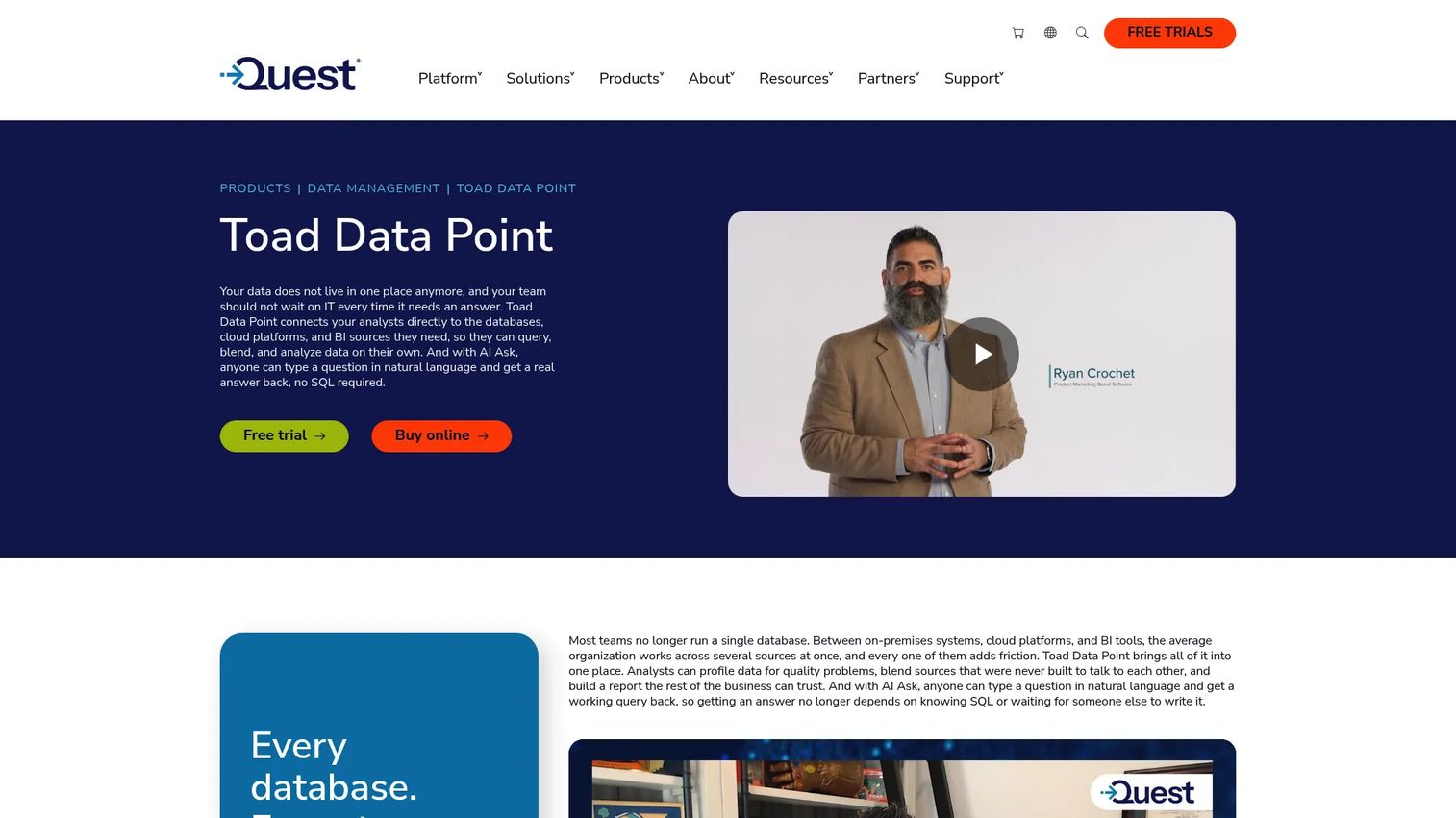
Toad Data Point from Quest is a cross-platform data analysis tool for connecting to multiple data sources, querying, preparing, transforming, and automating reports. It supports SQL, NoSQL, ODBC, and business intelligence sources from a single workspace. An AI Ask feature lets analysts describe what they want in plain language and receive a generated query or transformation.
Best for: Analysts and product teams that need direct access to data across heterogeneous systems without routing every question through engineering.
Key features
- Cross-platform connectivity: SQL, NoSQL, ODBC, BI sources
- Drag-and-drop query builder with full SQL editing
- Data profiling, cleansing, comparison, and transformation
- Automation and scheduling for recurring workflows
- Export to Excel, CSV, HTML, and PDF formats
Why choose Toad Data Point: It fits teams where analysts own the data access layer and need a self-contained workspace that handles everything from connection to cleaned output. The SQL workspace makes it practical for analysts who are comfortable writing queries but want a visual layer on top.
Toad Data Point pricing: Quest does not display a current price on the product page. A 30-day trial is documented. Contact Quest for current pricing on individual and team licenses.
Toad Data Point holds a 4.0/5 rating on G2, based on 21 reviews.
3. Airbyte
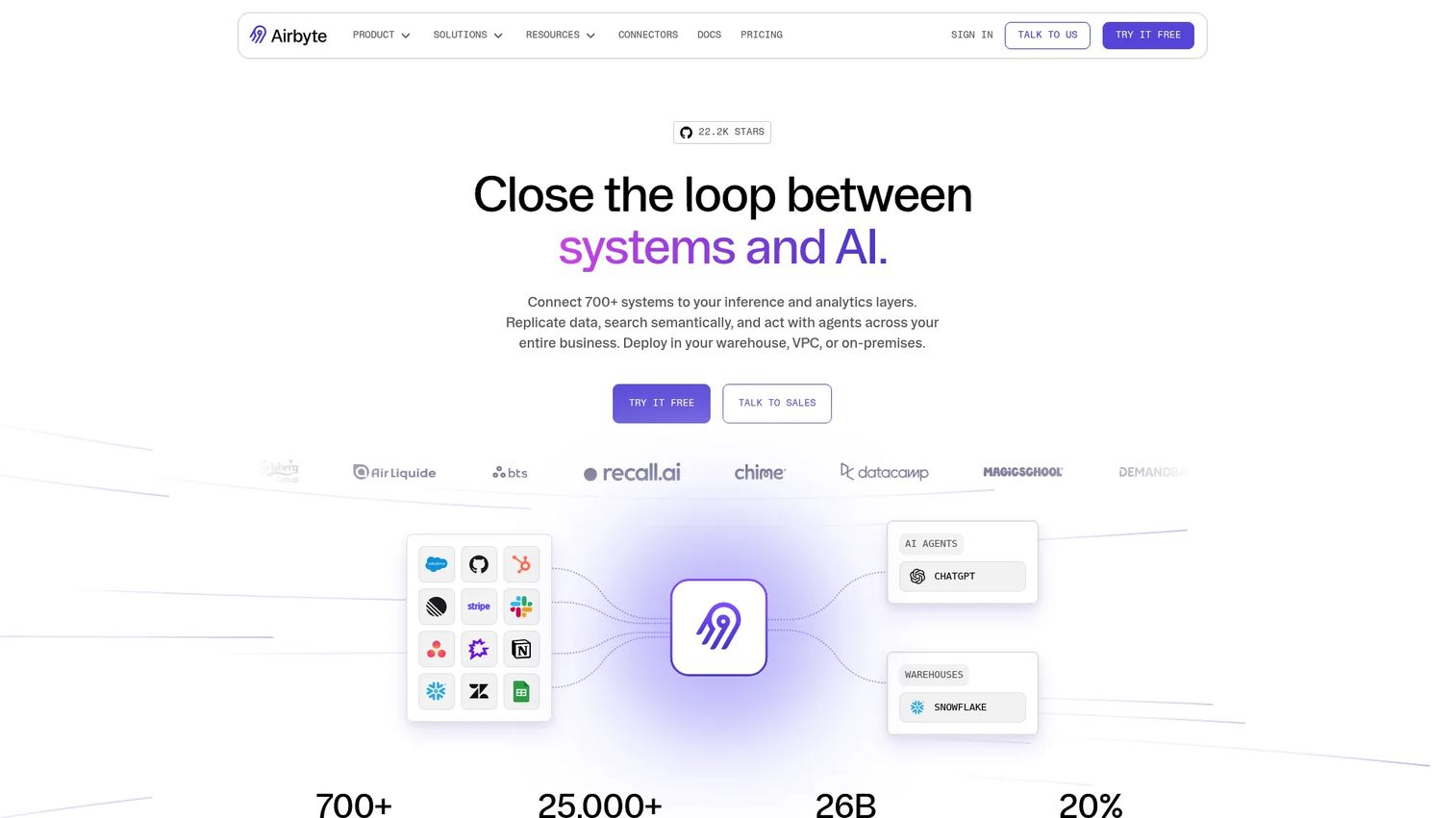
Airbyte is a data movement platform with over 700 connectors for replicating data from SaaS applications, databases, and APIs into warehouses, data lakes, or AI systems. It handles both batch and log-based change data capture. A no-code Connector Builder lets teams create custom connectors without writing integration code from scratch.
Best for: Data teams building a modern warehouse-centered stack who need reliable, monitored pipelines from product analytics, CRM, billing, and support sources into a single analytical destination.
Key features
- 700+ source and destination connectors
- Batch and log-based change data capture
- No-code Connector Builder for custom sources
- Schema change detection and sync monitoring
- Integrations with Airflow, Dagster, Prefect, and dbt
Why choose Airbyte: Airbyte solves the data movement problem specifically. It does not replace a transformation or quality layer, but it handles the connectivity that lets those tools work on complete, fresh data. Teams using dbt for transformation often pair Airbyte for ingestion.
Airbyte pricing: Standard plan starts at $20/month with 5 credits included; additional credits cost $5 each. The Plus plan is $189/month with a 40-credit package. Pro and Enterprise Flex plans use capacity-based pricing; contact sales. A 30-day free trial is available for Standard and Plus. Open-source Airbyte Core is available at no cost.
Airbyte holds a 4.4/5 rating on G2.
4. Qlik Talend Cloud
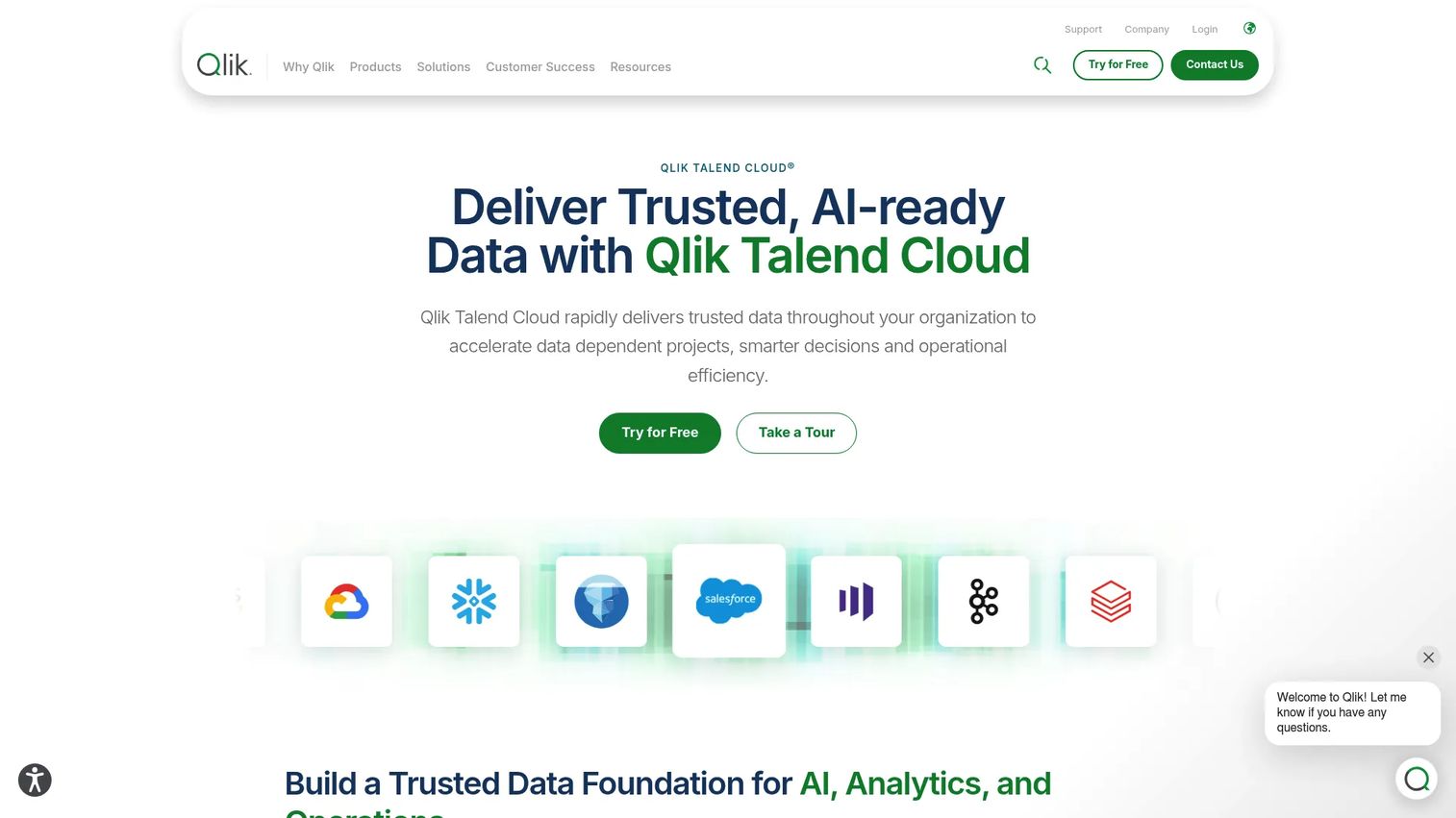
Qlik Talend Cloud is a cloud-based data integration, transformation, quality, and governance platform. It supports real-time data movement, change data capture, ETL and ELT pipelines, and AI-augmented pipeline development across cloud, on-premises, SaaS, databases, SAP, and mainframe sources.
Best for: Organizations managing data across multiple domains where product data must align with finance, customer, operations, and compliance reporting.
Key features
- Real-time data movement and change data capture
- ETL and ELT transformation pipelines
- Data quality management, lineage, and catalog
- AI-augmented pipeline development
- Connectivity across cloud, on-premises, SAP, and mainframe sources
Why choose Qlik Talend Cloud: It is built for organizations that need governed data integration across many systems, not just a single warehouse load. The data quality and lineage capabilities make it defensible when product metrics need to reconcile with financial or operational reporting.
Qlik Talend Cloud pricing: All editions, including Starter, Standard, Premium, and Enterprise, are priced on contact. Usage is measured by data volume moved, job executions, and job duration. A 14-day trial is available.
Qlik Talend Cloud holds a 4.6/5 rating on G2.
5. Trifacta Wrangler Enterprise
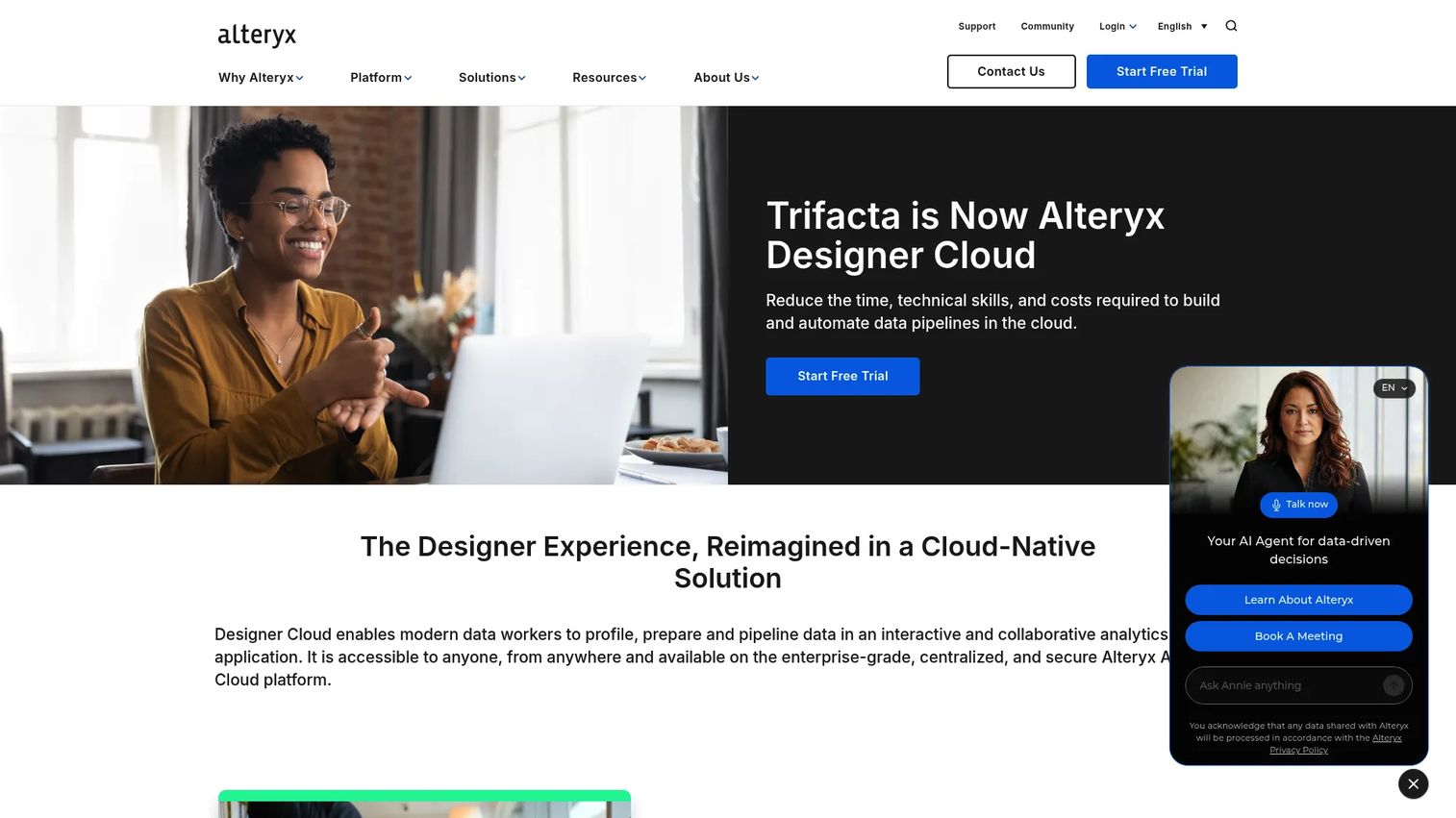
Trifacta Wrangler Enterprise's capabilities are now represented within Alteryx One Enterprise Edition as Designer Cloud (Trifacta Classic). The platform provides advanced data preparation, blending, governance, workflow scheduling, and API-triggered automation. It retains the visual Wrangle transformation language alongside enterprise security and hybrid deployment options.
Best for: Organizations that need governed, scalable data preparation with automation, scheduling, and hybrid deployment within an enterprise architecture.
Key features
- Visual data wrangling with the Wrangle transformation language
- Advanced data blending and connectivity to cloud warehouses
- Workflow scheduling, orchestration, and API-triggered automation
- Enterprise security, governance, and private processing
- Hybrid and on-premises deployment options
Why choose Trifacta Wrangler Enterprise: It suits organizations already invested in the Alteryx platform that want visual preparation capabilities with enterprise scheduling and governance. Teams evaluating it should confirm the current product roadmap and feature availability directly with Alteryx.
Trifacta Wrangler Enterprise pricing: Enterprise Edition pricing is not displayed publicly. Contact Alteryx for a quote.
A G2 rating specific to Trifacta Wrangler Enterprise under this classification was not verified at publication time.
6. Microsoft Power BI

Microsoft Power BI is a unified business intelligence platform for connecting, analyzing, visualizing, and sharing data. Data preparation runs through Power Query, which handles transformation, merging, and shaping before data enters the reporting model. For teams already using Microsoft 365 or Azure, Power BI connects naturally to existing infrastructure.
Best for: Product and business teams operating in Microsoft-centric environments who need prepared data to feed launch dashboards, adoption tracking, and stakeholder reporting.
Key features
- Power Query transformations for cleaning and shaping
- Data modeling and relationship management
- Interactive dashboard publishing and sharing
- Copilot AI-assisted report generation
- Scheduled data refresh and OneLake integration
Why choose Microsoft Power BI: The preparation and visualization stay within one tool and one license when teams are already on Microsoft 365. The tradeoff is that Power BI's preparation capabilities are optimized for BI output, not for standalone data quality workflows or complex multi-system orchestration.
Microsoft Power BI pricing: A free account is available. Power BI Pro costs $14/user/month billed annually. Power BI Premium Per User costs $24/user/month billed annually. Power BI in Microsoft Fabric uses variable capacity pricing.
A verified current G2 rating for Microsoft Power BI was not confirmed at publication time. Capterra shows 4.6/5.
7. Alteryx One Platform
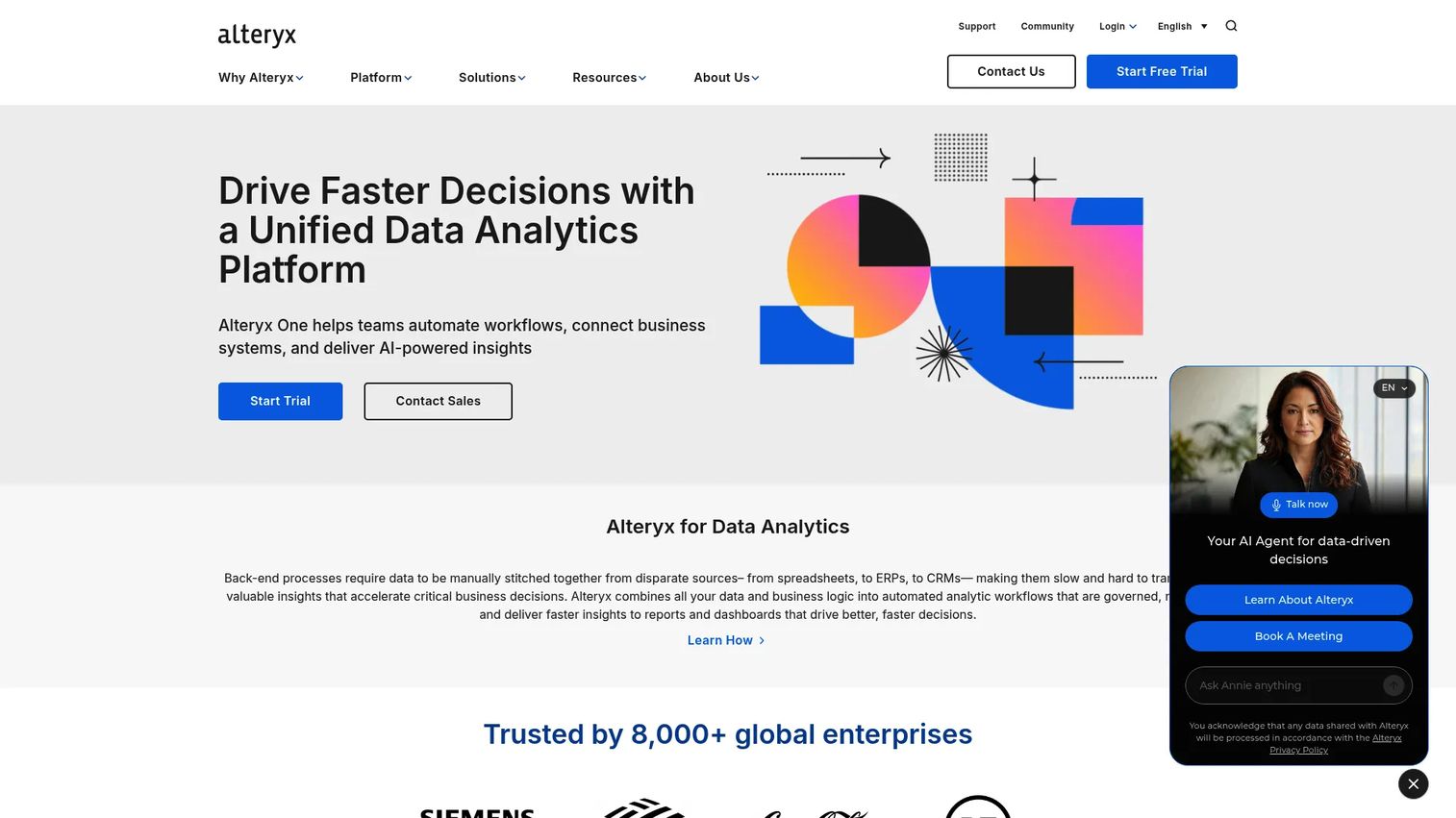
Alteryx One Platform is an AI-native analytics and automation platform for preparing, analyzing, and operationalizing data workflows without writing code. The visual workflow canvas supports data blending, repeatable transformations, AI-assisted insights, and scheduled automation. Over 100 data source connectors are available across tiers.
Best for: Analytics teams that need reusable, governed preparation workflows, particularly for recurring launch reporting and adoption analysis where manual spreadsheet work has become a bottleneck.
Key features
- Visual no-code workflow builder for data preparation
- Data blending across 100+ source connectors
- AI-powered assistance and automated insights
- Workflow scheduling and orchestration
- Enterprise governance with deployment flexibility
Why choose Alteryx One Platform: It suits organizations where non-engineers need to own repeatable data workflows without ongoing engineering support. The Starter tier at a published price makes evaluation accessible before committing to Professional or Enterprise.
Alteryx One Platform pricing: Starter Edition is $250/user/month billed annually. Professional Edition and Enterprise Edition are contact-sales pricing. A 30-day free trial is available.
Alteryx One Platform holds a 4.6/5 rating on G2.
8. DataRobot Agent Workforce Platform
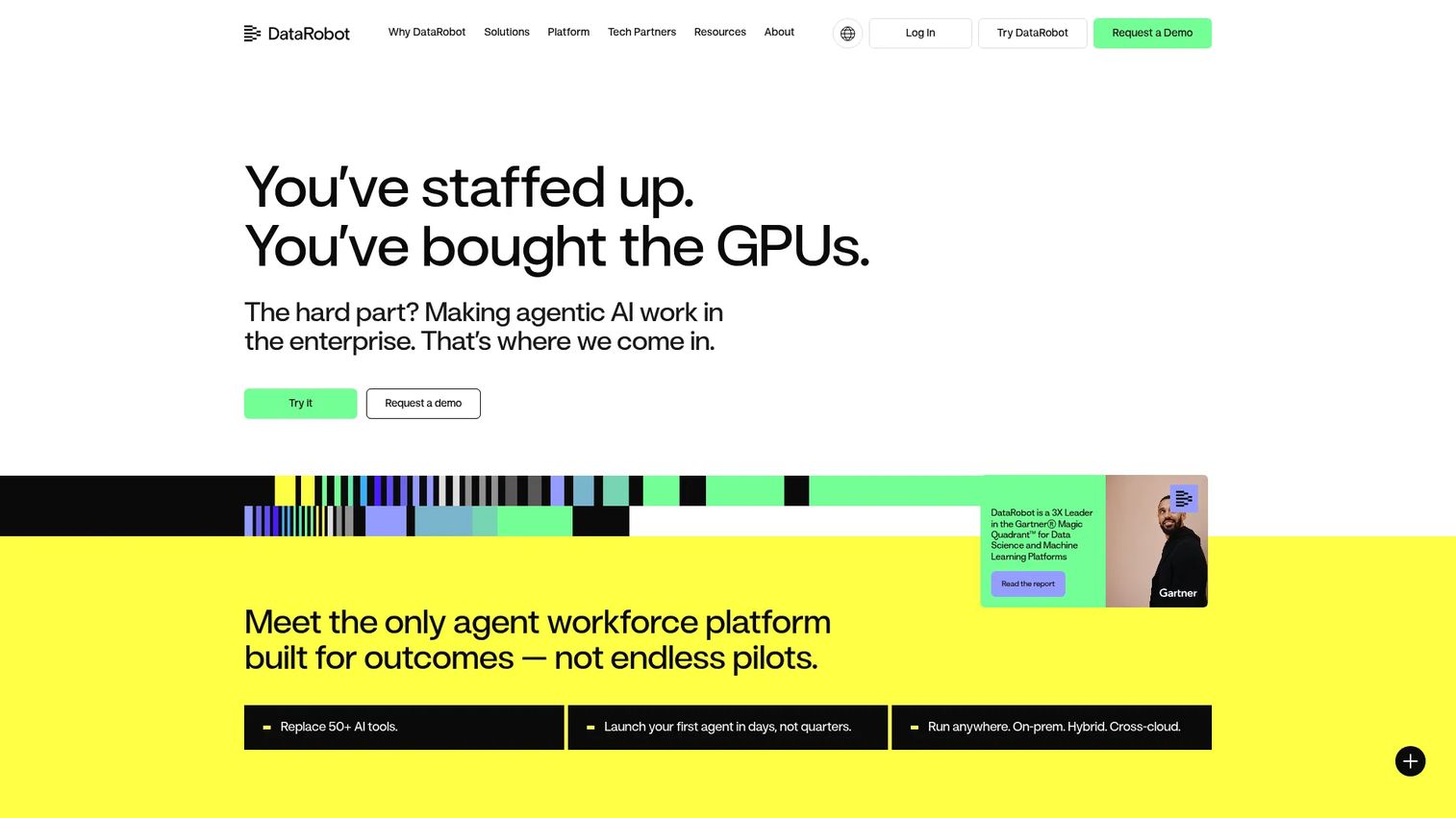
DataRobot is an enterprise platform for building, operating, and governing AI agents and machine learning workflows. Data preparation within DataRobot supports feature engineering, data quality, and model handoff in the context of predictive workflows. Deployment covers cloud, on-premises, hybrid, and sovereign environments with governance and compliance built in.
Best for: Product organizations where prepared data feeds churn prediction, expansion scoring, user behavior forecasting, or prioritization models.
Key features
- Agent development with customizable templates and integrations
- One-click deployment across cloud, on-premises, and hybrid environments
- Monitoring, tracing, lineage, and compliance governance
- Support for LLMs, vector databases, and predictive models
- Feature engineering in the context of ML pipeline preparation
Why choose DataRobot: It is the right choice when data preparation is inseparable from model development, not a general-purpose preparation need. Teams without an active ML practice will find the platform broader than required.
DataRobot Agent Workforce Platform pricing: Enterprise and flexible deployment licensing is available. Contact DataRobot for current pricing.
DataRobot holds a 4.4/5 rating on G2.
9. Microsoft Power Query
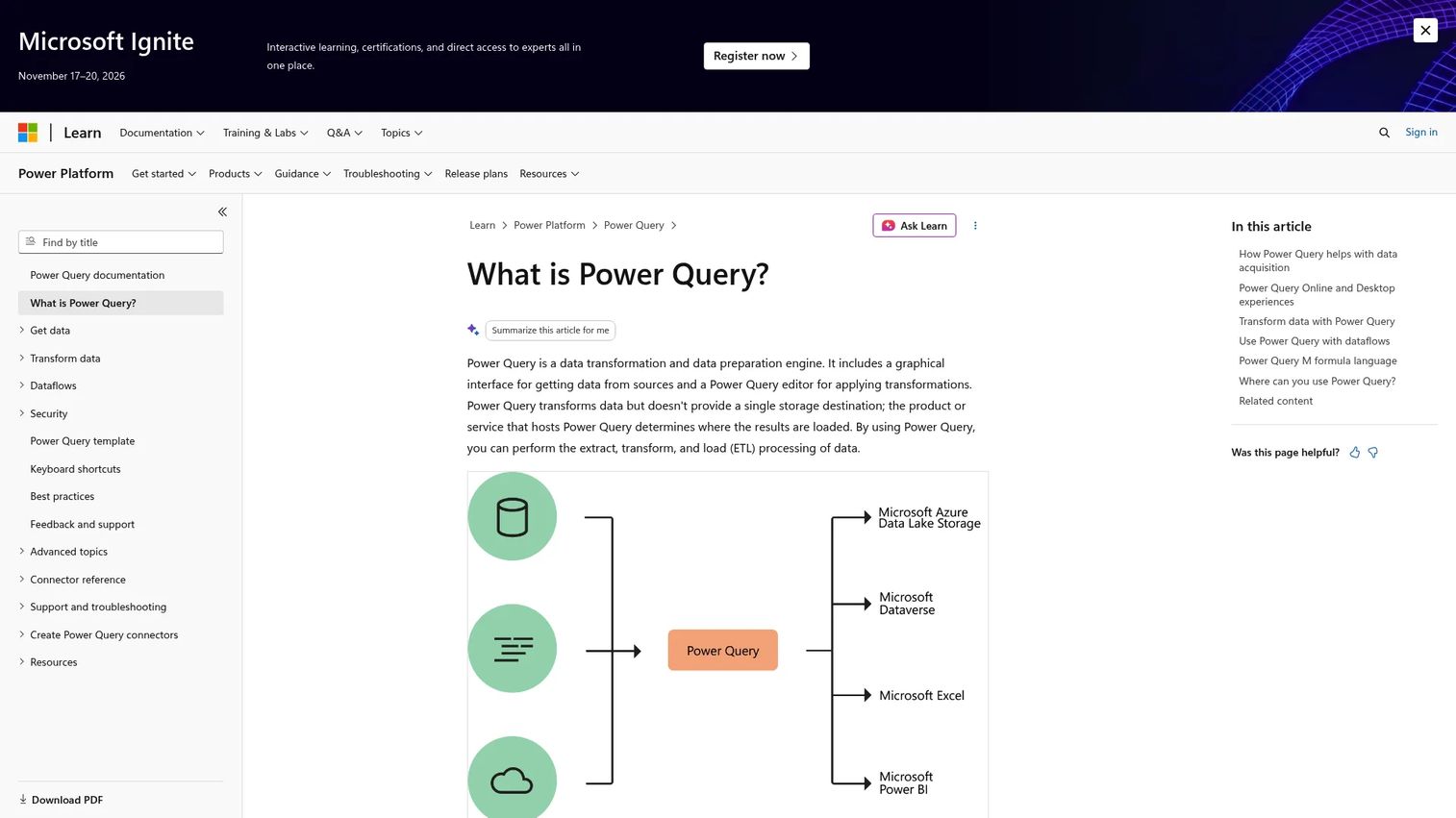
Microsoft Power Query is a data transformation and preparation engine built into Excel, Power BI, Power Automate, and Microsoft Fabric. It provides a graphical, no-code editor for connecting to hundreds of sources, reshaping data, and saving repeatable ETL queries. The Power Query M formula language supports advanced transformations when the visual interface reaches its limits.
Best for: Product managers and analysts who need accessible, self-service data shaping within Microsoft tools before centralizing ownership in a dedicated pipeline.
Key features
- Graphical no-code transformation editor
- Query step history for repeatable, auditable transformations
- Hundreds of source connectors including databases and cloud services
- Merge, append, group by, pivot, and unpivot operations
- Available across Excel, Power BI, and Microsoft Fabric dataflows
Why choose Microsoft Power Query: It is the lowest-friction entry point for self-service preparation inside the Microsoft stack. Teams that outgrow it in scale or governance can migrate transformations to Power BI dataflows or Azure Data Factory without rebuilding logic from scratch.
Microsoft Power Query pricing: Power Query is included as part of Microsoft products. Pricing depends on which Microsoft product hosts it, such as Excel standalone, Microsoft 365, or Power BI Pro.
Power Query holds a 4.4/5 rating on G2.
10. Tableau

Tableau is a visual analytics platform for connecting to data, building interactive dashboards, and sharing governed insights. Data preparation runs through Tableau Prep, which handles visual joins, unions, profiling, and cleaning before outputting prepared flows directly into Tableau analytics. Copilot AI assistance supports visualization and analysis.
Best for: Organizations already centered on Tableau for adoption, retention, or executive reporting who want preparation and visualization to stay within one platform.
Key features
- Tableau Prep flows for visual data preparation
- Visual joins, unions, and profiling
- AI-assisted dashboard analysis and visualization
- Cloud-hosted and self-hosted deployment options
- Interactive metrics monitoring and KPI tracking
Why choose Tableau: The preparation-to-visualization workflow stays within one license when the team already publishes Tableau dashboards. Tableau Prep's scope is appropriate for analyst-level preparation; complex orchestration or multi-domain quality management generally requires an adjacent tool.
Tableau pricing: Standard Edition starts at $15/user/month billed annually. Enterprise Edition is $35/user/month billed annually. Tableau+ requires contacting sales. A free trial is available.
A verified current G2 rating for Tableau was not confirmed at publication time. Capterra shows 4.6/5.
11. Qlik Cloud Analytics
Qlik Cloud Analytics is a SaaS analytics platform that includes no-code data preparation, interactive dashboards, AI-powered insights, predictive analytics, and automated reporting. Its associative engine lets analysts explore across related data sources without predefined drill paths, which makes cross-functional product reporting more flexible than traditional BI tools.
Best for: Teams that need to connect product usage data with account, revenue, and operational context for cross-functional dashboards and exploration.
Key features
- No-code data preparation and built-in data quality
- Associative analytics engine for free-form exploration
- AI-powered and natural-language insights
- Predictive analytics and AutoML capabilities
- Monitoring, alerting, and workflow automation
Why choose Qlik Cloud Analytics: It suits product teams that need both preparation and analysis in one platform, with the associative model enabling questions that weren't anticipated at dashboard design time. Pricing scales with data loaded into the platform.
Qlik Cloud Analytics pricing: Starter plan is $300/month billed annually for 10 users and 10 GB of data. Standard plan is $825/month for 25 GB. Premium plan is $2,750/month for 50 GB.
A verified current G2 rating specific to Qlik Cloud Analytics was not confirmed at publication time.
12. Altair RapidMiner
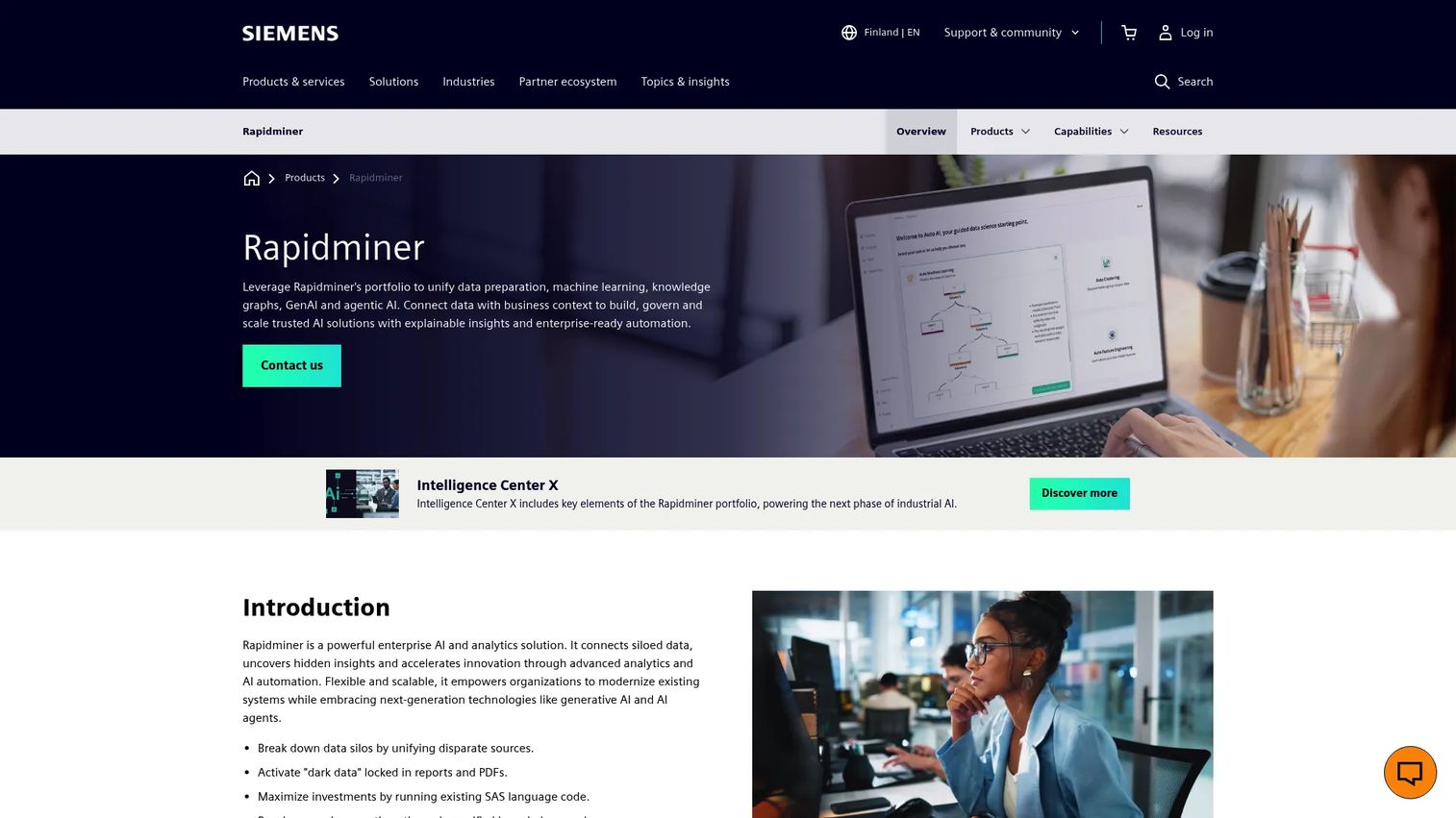
Altair RapidMiner is an enterprise data analytics and AI platform that supports drag-and-drop data preparation, machine learning, automated model building, feature engineering, and generative AI capabilities. It targets both technical and non-technical users through code-optional workflows and an interactive decision tree interface.
Best for: Data science and advanced analytics teams building predictive models on product behavioral data, with product managers consuming model outputs without owning implementation.
Key features
- Drag-and-drop, code-optional workflow design
- Automated ML including clustering, forecasting, and feature engineering
- Data connectivity, exploration, and ETL preparation
- Explainable AI and interactive decision trees
- Desktop, on-premises, cloud, and hybrid deployment
Why choose Altair RapidMiner: It makes sense when product decisions depend on predictive modeling or complex behavioral segmentation that goes beyond SQL-based aggregation. Non-commercial use is free, which lowers the barrier for initial evaluation.
Altair RapidMiner pricing: Altair AI Studio (RapidMiner Studio) is free for non-commercial purposes. Commercial pricing was not displayed on verified first-party pages at publication time. Contact Altair for commercial pricing.
Altair RapidMiner holds a 4.6/5 rating on G2.
13. Strategy One

Strategy One (formerly MicroStrategy One) is an AI-powered business intelligence platform that combines a governed semantic layer, natural-language analytics, interactive dashboards, pixel-perfect enterprise reporting, and embedded analytics. Over 100 data connectors support diverse source systems.
Best for: Mid-to-large enterprises where product metrics must align with finance, sales, and executive reporting definitions inside a centralized analytics standard.
Key features
- AI-powered natural-language analytics and agents
- Governed semantic layer and AI-powered data modeling
- Pixel-perfect enterprise reporting
- Interactive dashboards and mobile analytics
- 100+ data connectors and embedded analytics support
Why choose Strategy One: It fits organizations that need BI governance across departments, where a product activation metric and a finance ARR number must trace to the same underlying data model. The Standard tier at a published price makes it accessible for teams of 50 to 300 users.
Strategy One pricing: Standard plan is $13/user/month. Enterprise and Government plans require contacting sales. A free trial is available.
Strategy One holds a 4.2/5 rating on G2.
14. EasyMorph
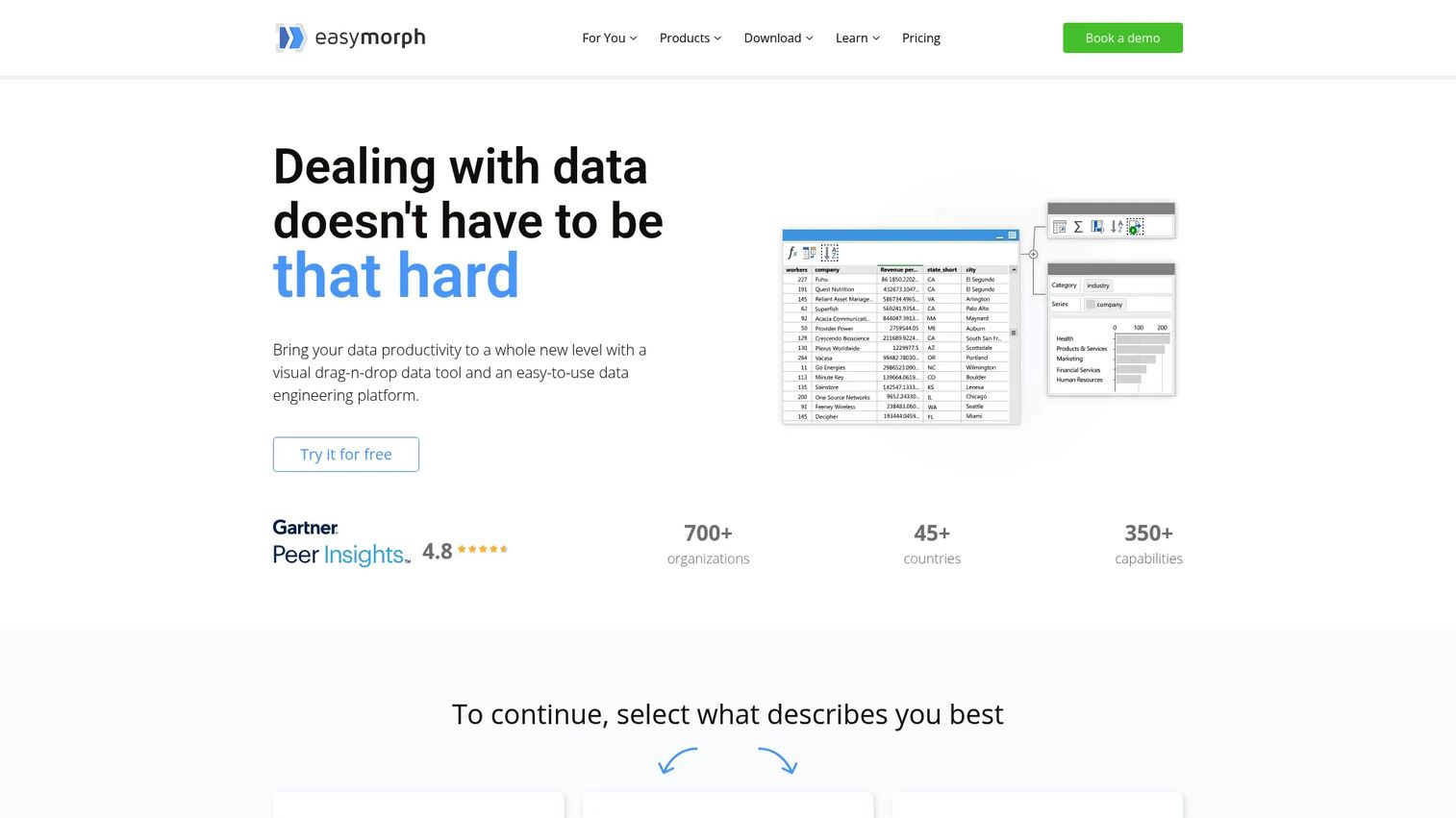
EasyMorph is a visual, no-code data preparation, ETL, and automation platform. It supports importing data from files, databases, cloud applications, and REST APIs, then applies transformation workflows with scheduling, conditional logic, loops, and error handling. Both desktop and hub (server-based) editions are available.
Best for: Analysts and operations teams that need repeatable, scheduled preparation workflows without building a full engineering pipeline or committing to an enterprise platform.
Key features
- Visual no-code data transformation workflows
- Import from files, databases, cloud apps, and REST APIs
- Workflow automation with scheduling, loops, and conditional logic
- Reusable project templates and parameters
- EasyMorph Hub for server-based scheduling and collaboration
Why choose EasyMorph: The permanent free tier makes it the lowest-cost entry point for self-service preparation among tools with real scheduling and automation capability. Teams that outgrow the free tier can move to Pro at a predictable price without renegotiating an enterprise contract.
EasyMorph pricing: The Free edition is available at no cost. Pro is $75/month billed as $900/year. EasyMorph Hub plans range from Basic Hub at $3,600/year to Enterprise Hub at $24,000/year. Pricing is in USD; EUR and CAD are available on request.
EasyMorph holds a 4.1/5 rating on G2, based on 14 reviews.
15. Datameer

Datameer is an AI-powered data transformation platform built natively for Snowflake. It supports both visual no-code workflows and SQL transformation, with data quality checks, lineage tracking, pipeline automation, and AI-assisted documentation built into the Snowflake environment.
Best for: Data teams operating a Snowflake-centered stack who need collaborative, governed transformation workflows accessible to both engineers and business analysts.
Key features
- Visual no-code and SQL transformation workflows
- Data quality, governance, and lineage tracking
- Pipeline automation with scheduling and job management
- Cloud file storage integration with Snowflake
- AI-assisted documentation and data discovery
Why choose Datameer: It is purpose-built for Snowflake, which means transformation logic runs where the data already lives. Teams not using Snowflake should evaluate alternatives with broader warehouse compatibility.
Datameer pricing: Pricing is per seat and requires contacting Datameer for a quote. A 14-day trial is available.
Datameer holds a 4.2/5 rating on G2.
16. Informatica Enterprise Data Preparation

Informatica Enterprise Data Preparation is a collaborative, self-service data preparation product built for enterprise DataOps, analytics, and data science teams. It combines machine-learning-enabled data discovery, AI-assisted curation, Excel-like preparation, end-to-end lineage, and reusable workflow recommendations.
Best for: Organizations with formal data management programs where product data, customer data, and financial data must share consistent definitions across a governed data catalog.
Key features
- ML-enabled data discovery and cataloging
- AI-assisted data collaboration and curation
- Excel-like, low-code data preparation and transformation
- Data profiling, cleansing, and quality rules
- End-to-end data lineage and impact analysis
Why choose Informatica Enterprise Data Preparation: It is the right choice when inconsistent definitions span multiple data domains and a single point of governance is a compliance or operational requirement. Implementation scope is significant; factor that into evaluation timelines.
Informatica Enterprise Data Preparation pricing: Contact Informatica for pricing. Current offerings use consumption-based pricing, but product-specific figures were not publicly displayed at publication time.
Informatica Enterprise Data Preparation holds a 4.3/5 rating on G2.
17. Looker
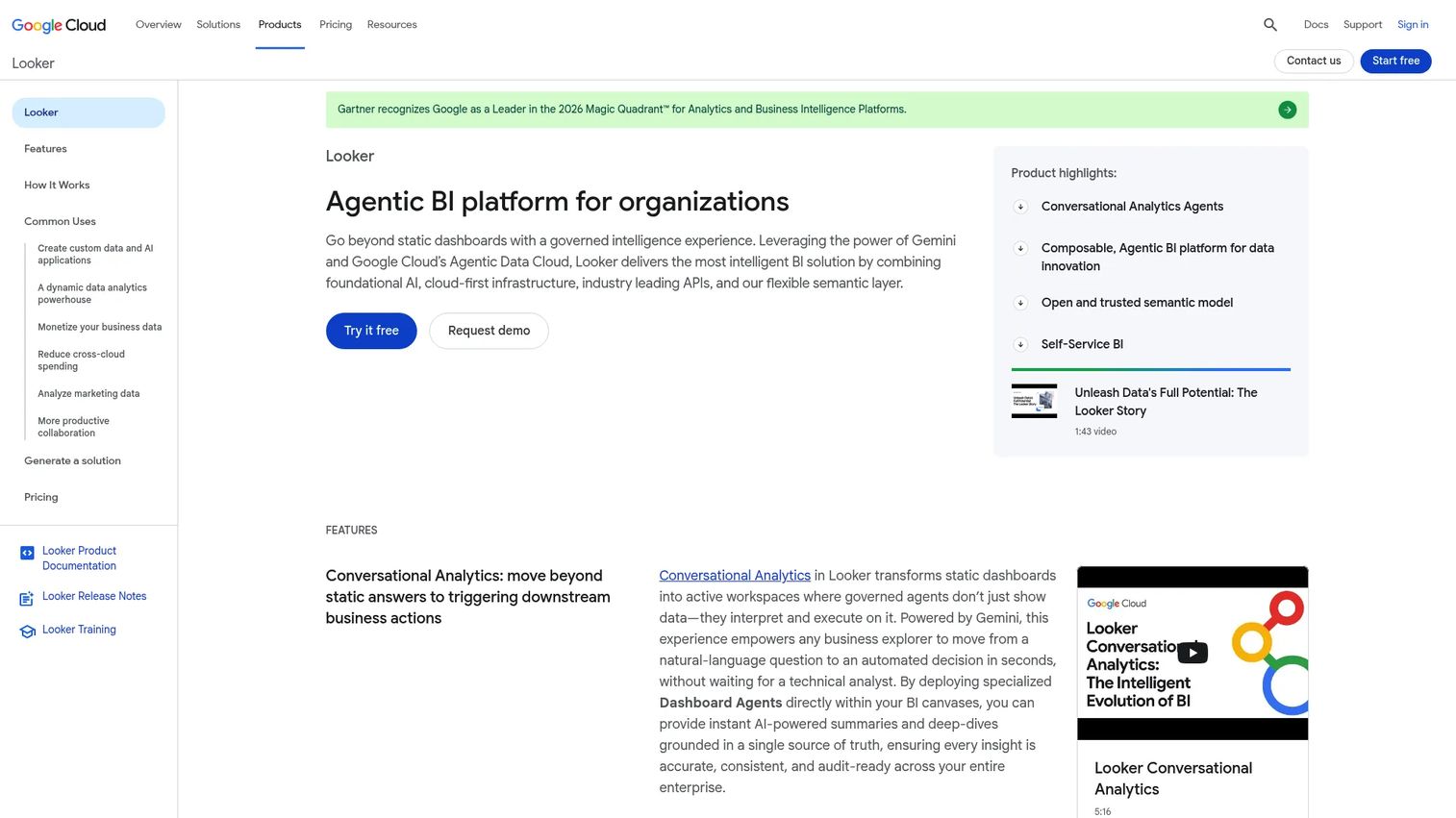
Looker is an agentic business intelligence platform from Google Cloud built on a universal semantic layer. LookML defines metrics, dimensions, and relationships centrally, so every dashboard and analyst query draws from the same governed definitions. Embedded analytics and API access extend those definitions to external surfaces.
Best for: Product, growth, sales, and finance teams that report different versions of activation or retention and need a single semantic layer to reconcile them.
Key features
- LookML-based universal semantic layer
- Governed metrics and derived tables
- Conversational analytics powered by Gemini
- Self-service exploration, visualization, and dashboards
- Google Cloud integration including BigQuery and IAM
Why choose Looker: Looker's primary value is metric consistency. When the engineering team, the product team, and the finance team all query "activation rate" and get different numbers, a semantic layer forces agreement at the definition level. Looker requires technical modeling investment upfront.
Looker pricing: All editions (Standard, Enterprise, Embed) require contacting sales. Platform pricing and user licensing are separate components. A free trial is advertised.
Looker holds a 4.4/5 rating on G2.
18. Zaloni Arena
Zaloni Arena is a data management platform providing an augmented catalog for self-service data enrichment and consumption. It covers data preparation, quality, lineage, governance, metadata management, data classification, and a self-service data marketplace.
Best for: Enterprises where product data sits inside a broader governed data marketplace or lakehouse environment requiring catalog, access control, and self-service provisioning.
Key features
- Active metadata catalog with automated discovery
- Data preparation and quality management
- Data lineage, classification, and governance
- Self-service data provisioning and marketplace
- Data ingestion and collaboration workflows
Why choose Zaloni Arena: It fits organizations that need data governance as infrastructure, not just a feature. Teams evaluating it should note that the official website currently shows limited public information. Verify availability and current product status directly with Zaloni before shortlisting.
Zaloni Arena pricing: Contact Zaloni for pricing. No public pricing was available at publication time.
Zaloni Arena holds a 4.0/5 rating on G2.
19. JMP
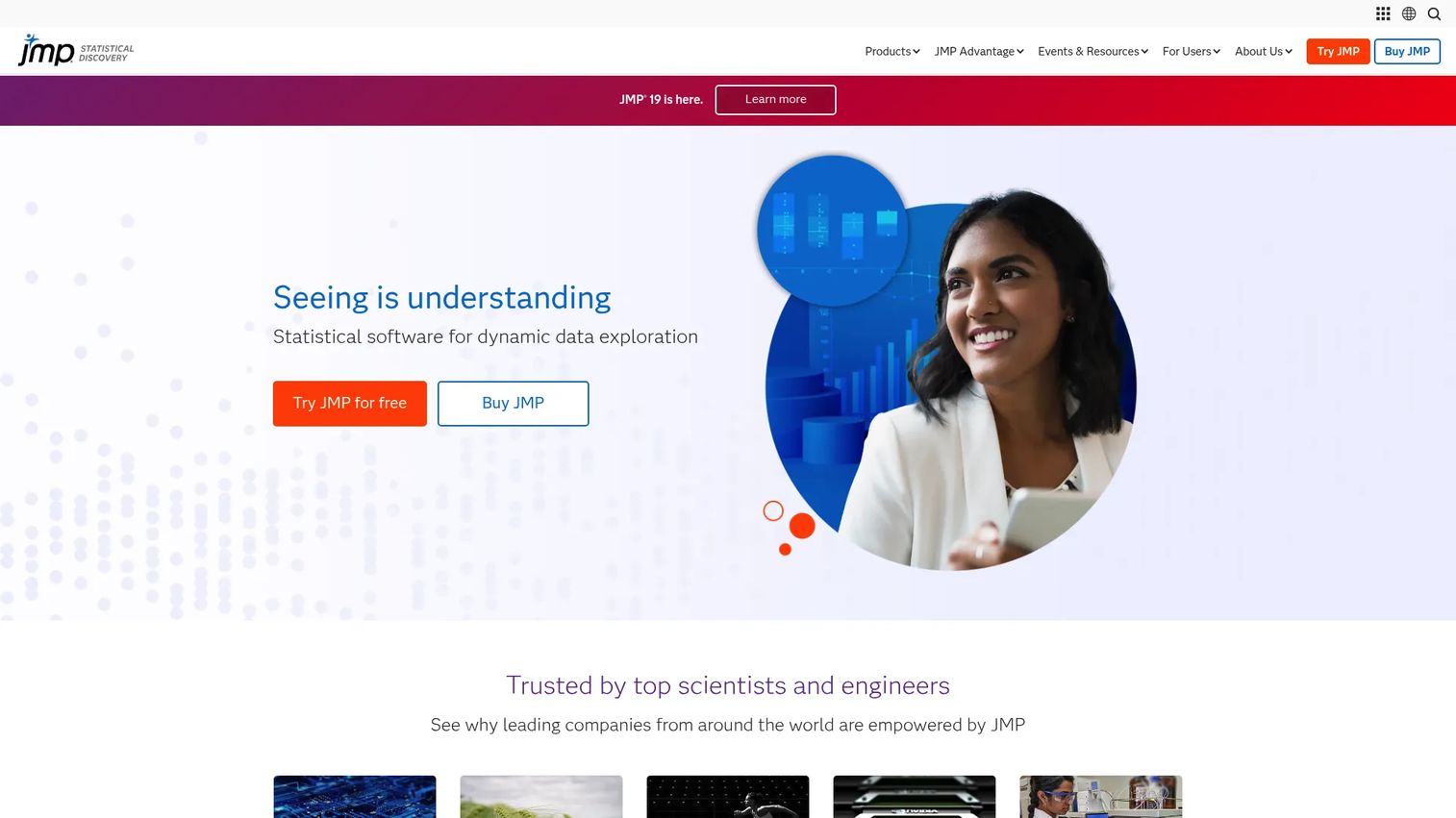
JMP from SAS is interactive statistical discovery and data analysis software for exploring, modeling, visualizing, and sharing data. It includes data access, blending, cleanup, and preparation alongside statistical modeling, design of experiments, predictive modeling, and automation scripting.
Best for: Scientists, engineers, researchers, and analysts investigating behavioral patterns before formalizing a dashboard or ML pipeline, particularly in experimentation-heavy product teams.
Key features
- Interactive data exploration and statistical visualization
- Data access, blending, cleanup, and preparation workflows
- Design of experiments and statistical modeling
- Predictive modeling and machine learning
- Automation scripting and results sharing
Why choose JMP: JMP suits exploratory analysis where the question is not yet well-formed enough for a SQL pipeline. It is a desktop-first statistical environment, which makes it practical for individual analysts rather than collaborative team workflows.
JMP pricing: JMP annual subscription is $1,390/user/year. JMP Pro and JMP Clinical are $8,820/user/year each. A 30-day free trial is available.
JMP holds a 4.5/5 rating on G2.
20. Cloud Dataprep by Trifacta
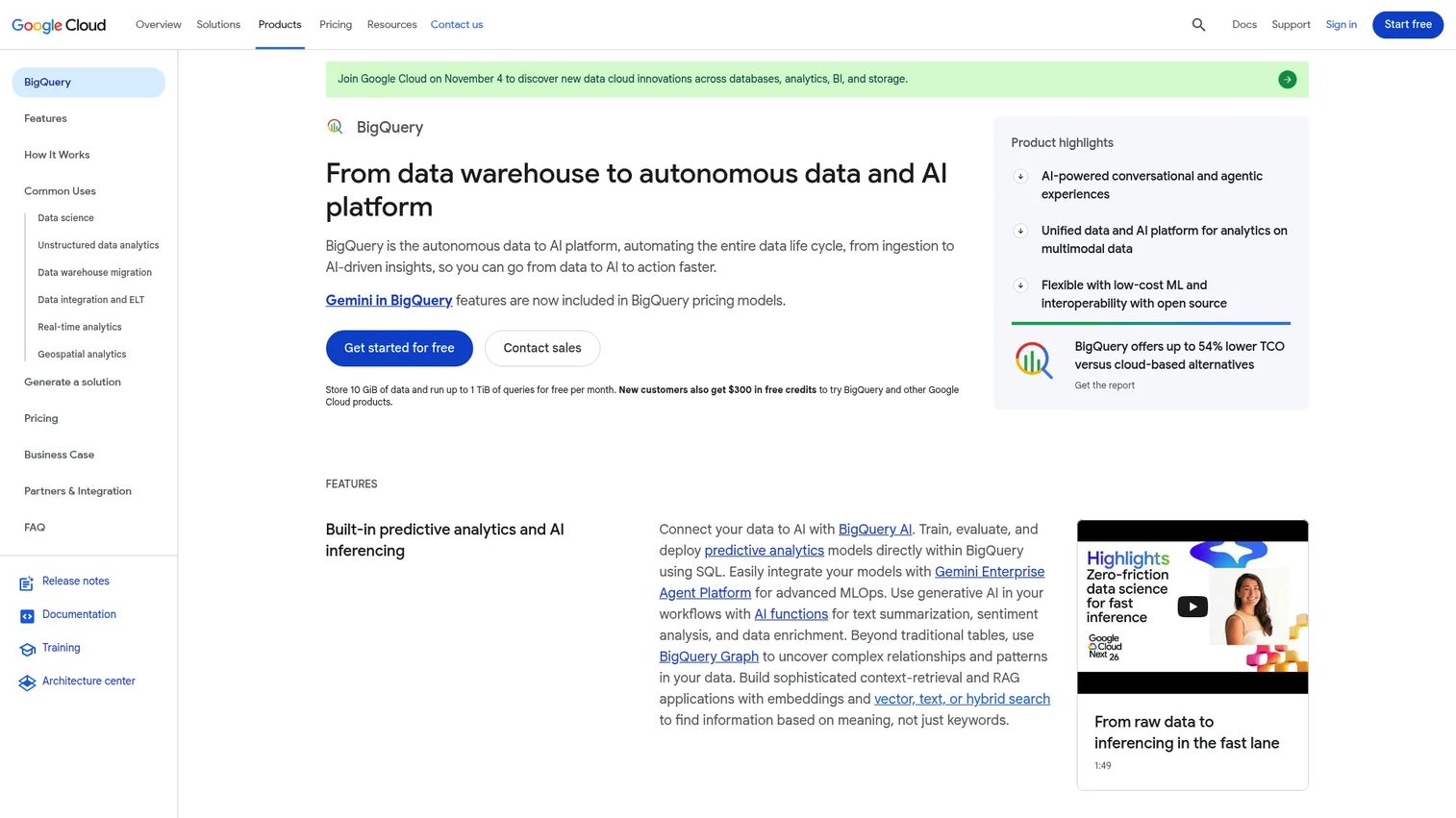
Cloud Dataprep by Trifacta is a Google Cloud data preparation service for visually exploring, cleaning, transforming, and preparing structured and unstructured data without writing code. It automatically detects schemas, data types, anomalies, missing values, and mismatched values, and integrates directly with Google Cloud Storage and BigQuery.
Best for: Analysts and data teams operating in Google Cloud who need visual, code-free data cleaning and preparation before loading into BigQuery or downstream analytics.
Key features
- Visual code-free data transformation with suggested next steps
- Automatic detection of schemas, anomalies, and missing values
- Direct integration with Google Cloud Storage and BigQuery
- Repeatable, schedulable data pipelines
- Schema management and reusable preparation recipes
Why choose Cloud Dataprep: It is purpose-built for Google Cloud workflows, which makes it the path of least resistance for teams already running on BigQuery. Teams should confirm current product availability and continuity directly with Google before committing, as the product page has shown redirect behavior.
Cloud Dataprep by Trifacta pricing: Pricing was not displayed on the product page at publication time. Contact Google Cloud for current figures.
Cloud Dataprep by Trifacta holds a 4.3/5 rating on G2, based on 16 reviews.
21. IBM Cloud Pak for Data
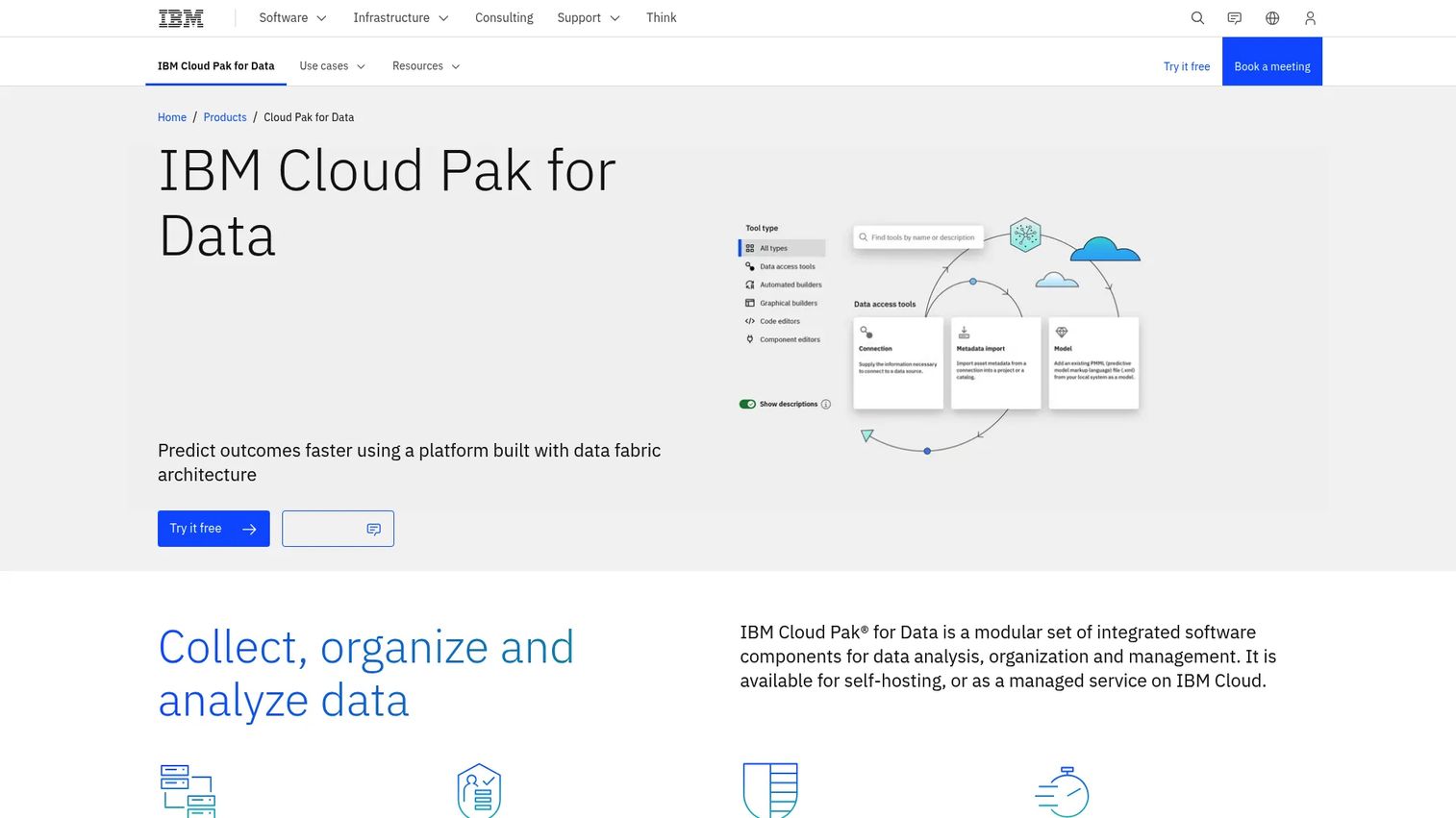
IBM Cloud Pak for Data is an integrated data and AI platform for collecting, organizing, governing, and analyzing data across hybrid cloud environments. It covers data preparation, catalog, governance, metadata management, policy enforcement, lineage, and end-to-end AI lifecycle capabilities from preparation through model deployment.
Best for: Organizations with strict governance requirements where product data must meet compliance standards across multiple business domains and hybrid or multicloud infrastructure.
Key features
- Data fabric architecture with distributed data access without moving it
- Built-in governance, metadata management, and policy enforcement
- End-to-end AI lifecycle from data preparation to model deployment
- Data quality management and lineage tracking
- Hybrid and multicloud deployment (self-managed or IBM Cloud)
Why choose IBM Cloud Pak for Data: It is appropriate when governance is a non-negotiable constraint, not a feature preference. Implementation scope is enterprise-grade; evaluation timelines and procurement cycles reflect that. For product teams inside large regulated organizations, it provides the governance layer that enables analytics work to proceed.
IBM Cloud Pak for Data pricing: IBM offers a free trial. The managed service uses consumption-based billing; self-managed software is priced by deployed compute capacity. Contact IBM for current pricing.
IBM Cloud Pak for Data holds a 4.3/5 rating on G2.
Considerations when choosing data preparation software
Match the tool to the primary data job
Clarify whether the main job is moving data between systems, cleaning and standardizing, applying business logic, profiling quality, enforcing governance, or preparing features for ML. A tool built for data movement (like Airbyte) solves a different problem than one built for semantic consistency (like Looker). Buying a platform that covers all jobs often means paying for capabilities that stay unused.
Check source connectivity against actual systems
List every system that feeds product decisions: Product analytics, application databases, CRM, billing, support, experimentation, and warehouse. A connector is useful only when it supports the required refresh frequency and handles the data volume the source produces. Verify connector maturity alongside connector count.
Evaluate data quality controls against business definitions
Look for profiling, validation rules, null-rate monitoring, duplicate detection, schema change alerts, lineage tracking, and ownership assignment. The critical question is whether quality checks tie to business definitions like activation, retention, or feature adoption, not just technical properties. A row count check does not catch a broken event property.
Test maintenance against your release cadence
Ask specifically how workflows respond to renamed events, new properties, changed schemas, and new product surfaces. Product teams ship frequently. Preparation workflows that require manual updates after every release create the same recurring cleanup cost the tool was supposed to remove. Request a live demonstration of a schema change scenario before committing.
Confirm governance and collaboration requirements
Evaluate permissions, audit history, versioning, documentation, reusable workflow libraries, and handoff workflows between PMs, analysts, engineers, and data scientists. Teams that grow from one analyst to a data function need governance built in from the start, not retrofitted later. Check how access control scales across teams and data domains.
How to choose the right data preparation software for your team
If your biggest issue is inconsistent product metrics
Prioritize governed modeling, profiling, reusable transformations, and shared metric definitions. Looker's semantic layer resolves the problem at the definition level, while Dataiku and Microsoft Power BI address it through governed preparation and reporting workflows. Qlik Cloud Analytics works well when cross-functional exploration matters alongside consistency.
If analysts spend too much time joining source systems
Prioritize connectivity, source discovery, reusable join logic, and scheduling. Airbyte handles data movement into the warehouse so downstream tools work on complete data. Toad Data Point gives analysts self-contained querying across multiple systems. EasyMorph provides repeatable transformation workflows without engineering involvement. Qlik Talend Cloud suits multi-domain integration at enterprise scale.
If you prepare data for machine learning
Prioritize feature engineering, reproducible workflows, model handoffs, and governance. Dataiku covers the full journey from raw data to deployed model. Altair RapidMiner provides accessible AutoML for analysts who are not ML engineers. DataRobot fits organizations deploying governed production models at scale. IBM Cloud Pak for Data handles the same need inside a highly regulated, hybrid environment.
If your organization needs enterprise governance
Prioritize lineage, access controls, metadata, deployment flexibility, and data quality management. Informatica Enterprise Data Preparation suits formal data management programs spanning multiple domains. IBM Cloud Pak for Data fits regulated organizations with hybrid infrastructure. Qlik Talend Cloud and Zaloni Arena address governance alongside integration and catalog requirements.
If you need quick self-service preparation
Start with Microsoft Power Query inside your existing Microsoft tools. EasyMorph's free tier supports visual workflows and scheduling without procurement. Toad Data Point gives SQL-comfortable analysts direct source access. JMP suits exploratory statistical work before a formalized pipeline is warranted.
Whichever direction you take, a practical starting process helps: Document the product decision the data must support, list the source systems involved, define acceptable freshness and quality thresholds, test one recurring workflow end-to-end, then measure maintenance effort after the first release cycle. That test reveals whether the tool fits real operating conditions, not just a clean demonstration dataset.
Conclusion
The right data preparation tool depends on the specific job: Moving data, cleaning and standardizing, enforcing governance, or enabling ML workflows.
For broad, collaborative preparation across analytics, experimentation, and machine learning, Dataiku is the strongest all-around platform. Airbyte handles source connectivity and pipeline reliability for warehouse-centered teams. Toad Data Point gives analysts direct, self-contained access across multiple systems. EasyMorph offers accessible, scheduled preparation at low cost. Qlik Talend Cloud and Informatica Enterprise Data Preparation suit organizations with formal governance requirements. Altair RapidMiner and DataRobot address predictive and ML preparation needs. Looker, Microsoft Power BI, and Qlik Cloud Analytics each combine some preparation with governed reporting and exploration.
For product managers, the measure of a successful data preparation setup is simple: Can you trust the numbers behind your next roadmap decision? Start with one high-value workflow, such as activation reporting or feature adoption tracking. Run the preparation process through one release cycle before expanding across the organization. That first iteration reveals where the real maintenance burden lives.
Explore how teams communicate product data and decisions through interactive demos and product management tools alongside the data stack.
FAQs
Data preparation software helps teams collect, profile, clean, transform, enrich, and validate raw data before it is used for analysis, reporting, experimentation, or machine learning. It turns inconsistent source data into reliable, analysis-ready datasets with repeatable, auditable workflows. The category spans tools from lightweight self-service preparation platforms to enterprise data management suites.
ETL (extract, transform, load) focuses on moving and transforming data between systems, typically to load it into a warehouse or data lake. Data preparation is broader: It includes profiling, quality assessment, enrichment, exploration, and business-user shaping, often after data has already landed in an analytical destination. Many modern tools perform both jobs, but their primary design reflects one orientation or the other.
The answer depends on the analytics stack and the primary blocker. If the problem is data movement, Airbyte gets product, CRM, and billing data into a usable location. If the problem is inconsistent metric definitions, Looker's semantic layer or Dataiku's governed workflows address it. If the problem is analyst self-service without engineering involvement, Toad Data Point or EasyMorph fit. Start by naming the actual bottleneck before evaluating tools.
Visual interfaces reduce repetitive SQL work, but SQL remains essential for complex transformations, warehouse-native workflows, testing data logic, and engineering ownership of production pipelines. Tools like EasyMorph and Microsoft Power Query generate transformation logic without requiring SQL, but SQL knowledge helps when visual interfaces hit their limits or when prepared outputs need validation against raw queries.
Preparation for ML includes cleaning and labeling training data, engineering features from raw behavioral signals, validating that training and scoring data share the same schema, ensuring reproducibility across model iterations, and maintaining a clear handoff between the preparation stage and model development. Tools like Dataiku and Altair RapidMiner integrate these steps into a single workflow. Without reliable preparation, model outputs reflect data quality problems rather than true behavioral patterns.
Automate checks for event volume against expected thresholds, required property null rates, duplicate user records, schema changes in source tables, identifier consistency across systems (user ID, account ID, session ID), data freshness relative to the defined refresh cadence, and metric reconciliation between product analytics and warehouse outputs. These checks catch instrumentation problems before they reach a roadmap presentation.
Cloud tools support elastic access, collaboration across distributed teams, and faster iteration. On-premises or hybrid deployments address data residency requirements, network security constraints, and infrastructure governance standards that some regulated industries impose. The right deployment model depends on data residency policy, existing infrastructure, and security review requirements, not on a general preference for one architecture over another.
Pricing varies significantly by user count, data volume, connector count, deployment model, governance features, execution frequency, and enterprise support requirements. Entry points range from free (EasyMorph, Power Query) to $15 to $35 per user per month for BI-adjacent tools, to $250 per user per month for analytics automation platforms, to contact-sales pricing for enterprise platforms. Factor in implementation time, analyst maintenance overhead, and integration costs alongside license fees when comparing total operating cost across options.