You added a third tutor last month. Now you are managing three calendars, chasing two overdue invoices, and answering the same "can we move Thursday?" text for the fifth time this week. The spreadsheet that ran your business at four students no longer holds at forty.
That breaking point is predictable. The online tutoring software market was valued at $7.8 billion in 2025 and is projected to reach $22.4 billion by 2034 at a 12.5% CAGR, according to Dataintelo (2025). Growth like that reflects a real shift: tutoring businesses are moving off manual coordination and onto systems that run scheduling, billing, and communication without the owner in the middle of every transaction.
The problem is rarely a lack of demand. It is that lesson scheduling, invoicing and payments, automated reminders, and parent communication all live in different tools that do not talk to each other. Every no-show is a manual follow-up. Every reschedule touches three apps. Every new tutor adds coordination overhead that scales linearly with headcount.
Good tutoring management software collapses that overhead into one operating layer. It is the difference between a business that depends on the founder remembering things and one that runs on repeatable process. If you are evaluating options the way a founder evaluates any system, this guide compares eight platforms on the criteria that actually determine whether the software earns its place in your stack. For teams also weighing adjacent operations tooling, our roundups of lead scoring software and event management software cover neighboring parts of the workflow.
What's inside
This guide covers tutoring software built for lesson scheduling, billing, student portals, attendance tracking, reminders, lead capture, and multi-tutor operations. It is written for tutoring business owners, education entrepreneurs, and center operators who are past the solo stage and need a system that scales without adding manual coordination.
We selected platforms based on four criteria: scheduling depth (recurring lessons, reschedules, calendar sync), payment workflows (invoicing, automated collection, payroll), portal and family communication quality, and scalability across multiple tutors or locations. Pricing and ratings reflect verified, current values where publicly available.
TL;DR
- Best overall for all-in-one tutoring ops: TutorBird combines scheduling, billing, student management, and portals in one predictable-priced tool.
- Best for scheduling-heavy teams: Appointy handles appointment and class booking with calendar sync and automated reminders.
- Best for branded portals and usage-based pricing: Tutorbase offers CRM, invoicing, and family workflows with a 1% invoice fee model.
- Best robust tutor management software for scaling operations: TutorCruncher covers scheduling, billing, payroll, and CRM at growth scale.
- Best for education businesses beyond tutoring: Teachworks fits tutoring, music, and language schools with scheduling and billing automation.
- Best for tutoring schools and institutions: DreamClass provides a full student information system with admissions and parent portals.
- Best for building a tutoring marketplace: Yo!Coach ships white-label software for launching a branded online learning platform.
What is tutoring software?
Tutoring software is a tutor management software platform that centralizes lesson scheduling, student and family records, invoicing and payments, communication, and reporting so a tutoring business runs on one system instead of scattered spreadsheets and inboxes.
The strongest platforms in this category share a common set of components. Understanding them helps you compare tools on outcomes rather than feature counts.
- Lesson scheduling: recurring bookings, one-off sessions, reschedules, and calendar sync across tutors.
- Student and family management: profiles, contact records, lesson history, and family management for multi-child households.
- Invoicing and payments: automated invoice generation, online payment collection, payment reminders, and payroll for tutors.
- Parent or student portal: a self-serve student portal where families book, reschedule, view lesson notes, and pay.
- Attendance and lesson notes: attendance tracking, progress reports, and session documentation.
- Reminders and automation: automated reminders over email and SMS to cut no-shows.
- Lead capture and CRM: intake forms, consultation booking, and pipeline tracking for new families.
- Integrations: calendar sync, payment processors, and communication tools that connect the stack.
The reason this matters for a founder is repeatability. When scheduling, billing, and communication run through one system, the business no longer depends on any single person's memory or availability. That is the difference between a tool and an operating system.
When to use tutoring software
Use it when scheduling starts breaking
Manual bookings work until they don't. The moment you are juggling multiple tutor calendars, recurring weekly slots, and last-minute reschedules, coordination becomes a part-time job. Tutor scheduling software centralizes availability, handles recurring lessons automatically, and syncs to the calendars your tutors already use. The signal to act is simple: when rescheduling a single lesson touches three tools, you have outgrown manual.
Use it when payments and reminders need automation
Chasing invoices is the least scalable work in a tutoring business. Automated invoicing and payments collect on schedule, send payment reminders without you drafting them, and reconcile against lessons delivered. Automated reminders over SMS and email also cut no-shows, which are pure lost revenue. When you are spending evenings on billing follow-up, automation pays for the software several times over.
Use it when families need self-serve access
A student portal lets families reschedule, review lesson history, access homework, and pay without emailing you first. Self-serve access is not just convenience. It removes you from the coordination loop and improves the customer experience at the same time. For families managing multiple children, family management inside the portal keeps everything in one login.
Use it when you are scaling tutors or locations
Once you add tutors or open a second location, centralized systems stop being optional. Multi-tutor management and multi-location support keep scheduling, billing, and reporting consistent across the operation. This is the founder handoff moment: the point where the business needs to run without you personally coordinating every booking and payment.
Comparison table
Here is how the eight platforms compare on primary intent, differentiation, lesson scheduling depth, pricing, and review ratings. Use it to shortlist before reading the full sections.
| # | Product | Intent | Key differentiation | Pricing | G2 rating |
|---|---|---|---|---|---|
| 1 | TutorBird | All-in-one tutoring ops | Scheduling, billing, student management, and portals at one predictable price | From $16.95/mo | Not listed |
| 2 | Appointy | Scheduling and booking | Appointment and class scheduling with calendar sync and reminders | Free; paid from $19.99/mo | 4.5/5 |
| 3 | Tutorbase | All-in-one ops, usage-based | CRM, invoicing, and portals with a 1% invoice fee | 1% invoice fee | Not listed |
| 4 | TutorCruncher | Robust tutoring management | Scheduling, billing, payroll, and CRM at scale | From $30/mo | 4.3/5 |
| 5 | Teachworks | Education business ops | Scheduling and billing for tutoring, music, and language schools | From $16.49/mo | 4.7/5 |
| 6 | DreamClass | School and institution SIS | Admissions, student records, scheduling, and portals | From $99/mo | Not listed |
| 7 | TUIO | Tuition and family admin | Recurring tuition billing and family communication | Varies | Not listed |
| 8 | Yo!Coach | Tutoring marketplace platform | White-label software for building an online learning marketplace | Quote | 4.6/5 |
The 8 best tutoring software platforms
1. TutorBird
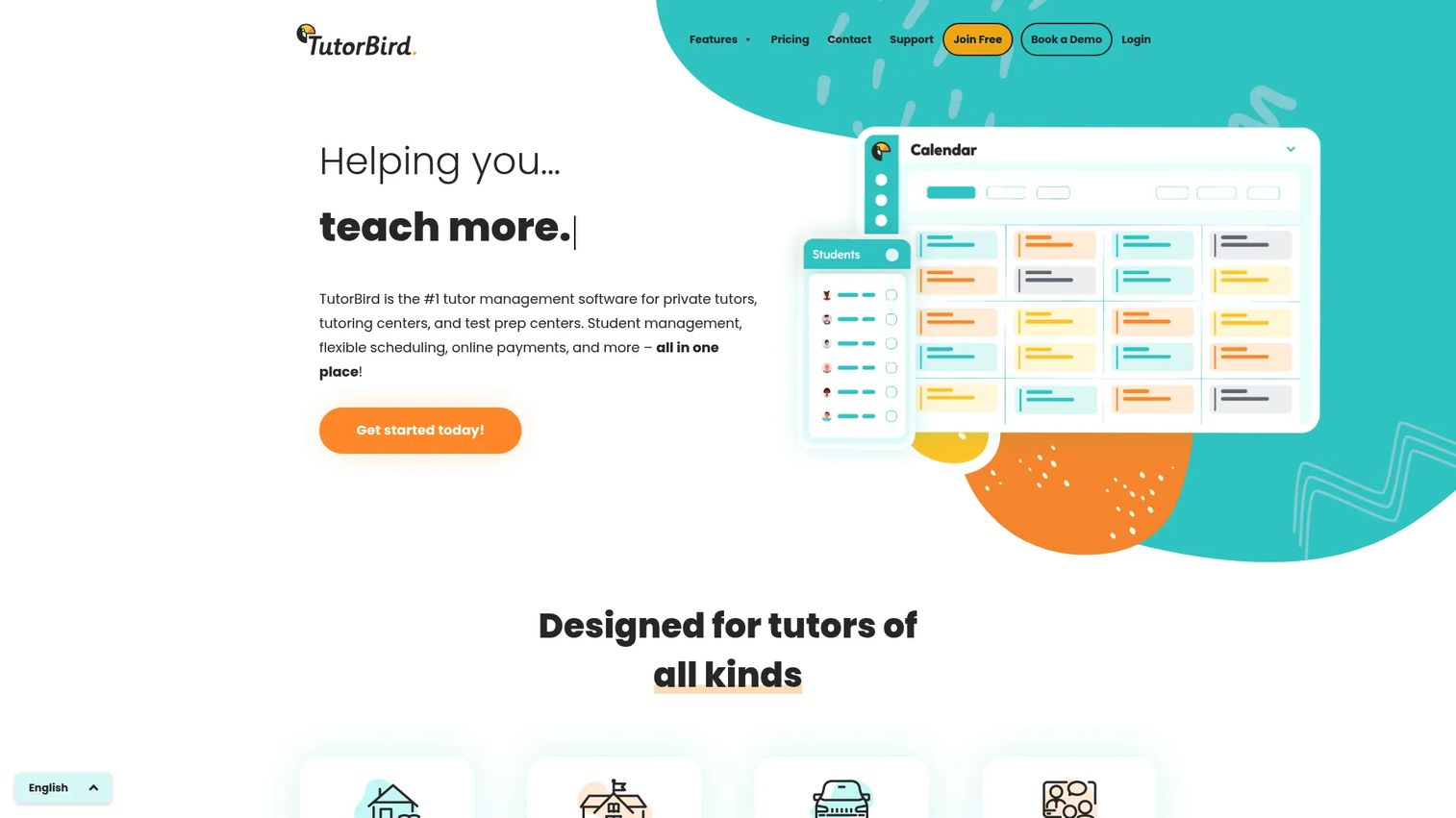
TutorBird is tutor management software built for tutoring businesses that want scheduling, billing, and student management in one place rather than stitched together from point tools. It handles the full operating loop, from booking a lesson to collecting payment, which makes it a strong all-in-one choice for owners moving off spreadsheets. For a founder, the appeal is that one system covers the workflow instead of three subscriptions that need manual reconciliation.
The platform emphasizes practical breadth over depth in any single area. You get lesson scheduling, attendance tracking, invoices and payments, a student portal, and even a website builder to run intake and lead capture from one place. Family communication and multi-tutor management round out the operating picture.
Best for: Tutors and tutoring centers that want scheduling, billing, and student management unified in a single tool.
Key strengths
- Student management: Centralized profiles, lesson history, and family management keep every household organized under one record.
- Scheduling and attendance: Recurring lessons, reschedules, and attendance tracking run from one calendar.
- Invoices and payments: Automated invoicing and payment collection reduce the manual billing follow-up that eats evenings.
Why choose TutorBird: If you want predictable pricing and a single tool that covers the core of tutoring operations without add-on sprawl, TutorBird fits. It suits owners who value operational simplicity and a clear per-tutor cost as the team grows.
TutorBird pricing: TutorBird uses one simple price of $16.95 per month for a single tutor or staff account, plus $4.95 per month for each additional tutor or staff member. All features are included at every level, and there is a 30-day free trial. There is no permanently free tier. On Capterra, TutorBird holds a 4.8 out of 5 rating across 268 reviews.
2. Appointy
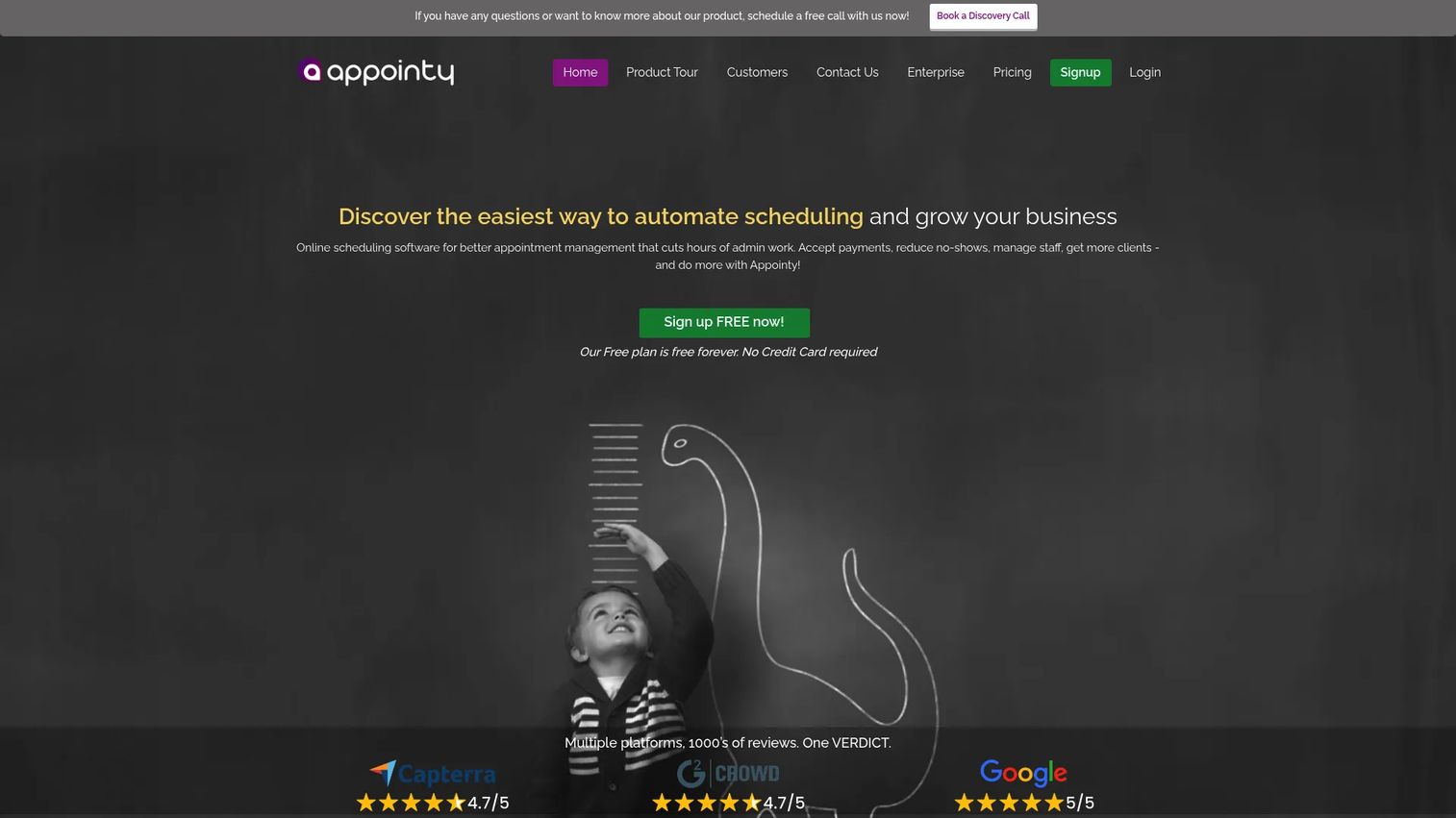
Appointy is online scheduling software for appointments, classes, events, and resource booking. It is not tutoring-specific, but for teams whose primary pain is appointment-heavy scheduling, it delivers a focused tutor scheduling software experience with strong automation. Founders running a booking-intensive operation will appreciate that it does the scheduling job thoroughly.
The platform centers on booking links, calendar sync, automated reminders, and payment collection at checkout. A branded booking portal lets families self-serve, and the mobile app plus a 20-plus-language booking interface support wider reach. Higher tiers add capacity for multi-location support and enterprise booking flows.
Best for: Businesses that need appointment and class scheduling with reliable calendar sync and reminders.
Key strengths
- Online appointment scheduling: Booking links and class scheduling handle both one-on-one and group sessions.
- Calendar sync: Google Calendar sync and an iCal feed keep tutor availability accurate across tools.
- Mobile and multilingual booking: A mobile app and 20-plus-language booking interface widen self-serve access.
Why choose Appointy: Choose Appointy when scheduling is the bottleneck and you want a proven booking engine with calendar sync and reminders. It fits teams that already handle billing elsewhere and need scheduling to run cleanly.
Appointy pricing: Appointy offers a Free plan at $0 per month, then Growth at $19.99 per month, Professional at $49.99 per month, and Enterprise at $79.99 per month, all billed annually with monthly prices also shown for paid tiers. Appointy holds a 4.5 out of 5 rating on G2.
3. Tutorbase
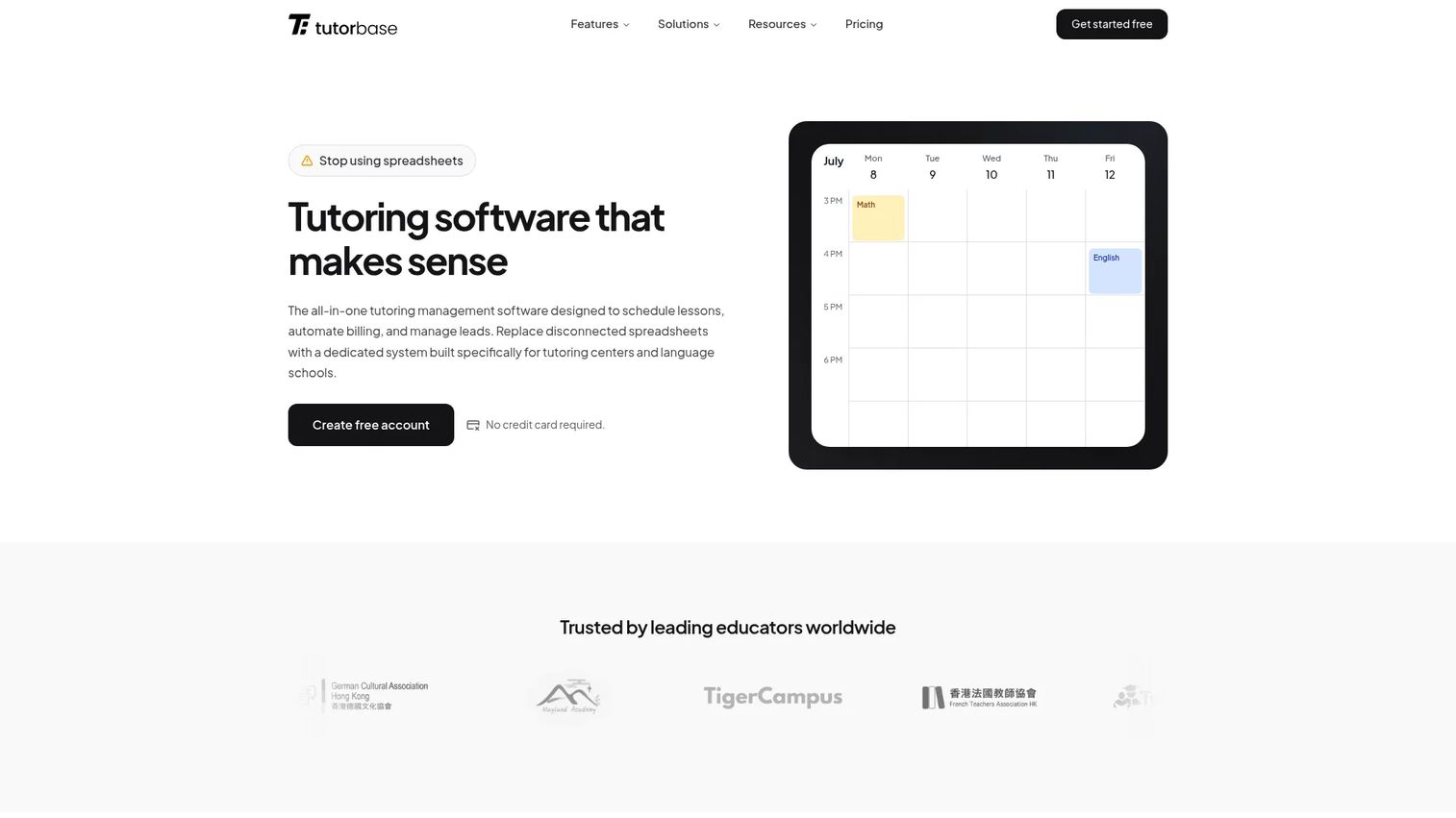
Tutorbase is tutoring management software for scheduling, billing, CRM, and payroll, built for centers and language schools that want an operational system with strong automation. Its pricing model stands out: the core platform is free, and Tutorbase charges a 1% fee only when you create invoices. For a founder watching CAC payback and burn, usage-based pricing that scales with revenue is easy to justify.
The platform covers scheduling with recurring lessons, automated invoicing and billing, and a student and family CRM with portals. Family-facing workflows and automation reduce the manual coordination that grows with the student base.
Best for: Tutoring centers and language schools that want an all-in-one ops platform with usage-based pricing.
Key strengths
- Scheduling and recurring lessons: Recurring bookings and reschedules run without manual re-entry.
- Automated invoicing and billing: Invoices generate and collect automatically, with a transparent 1% fee model.
- Student and family CRM and portals: A branded student portal gives families self-serve access to booking and payments.
Why choose Tutorbase: Tutorbase fits owners who want to avoid a fixed monthly subscription and prefer pricing that tracks with billed revenue. The 1% invoice fee model aligns the software cost to actual usage, which is attractive early in a growth curve.
Tutorbase pricing: Tutorbase offers a free core platform and charges a 1% fee when you create invoices. There is no monthly subscription, no per-student charge, and no stated setup cost. On Capterra, Tutorbase carries a 5.0 rating based on a single review.
4. TutorCruncher
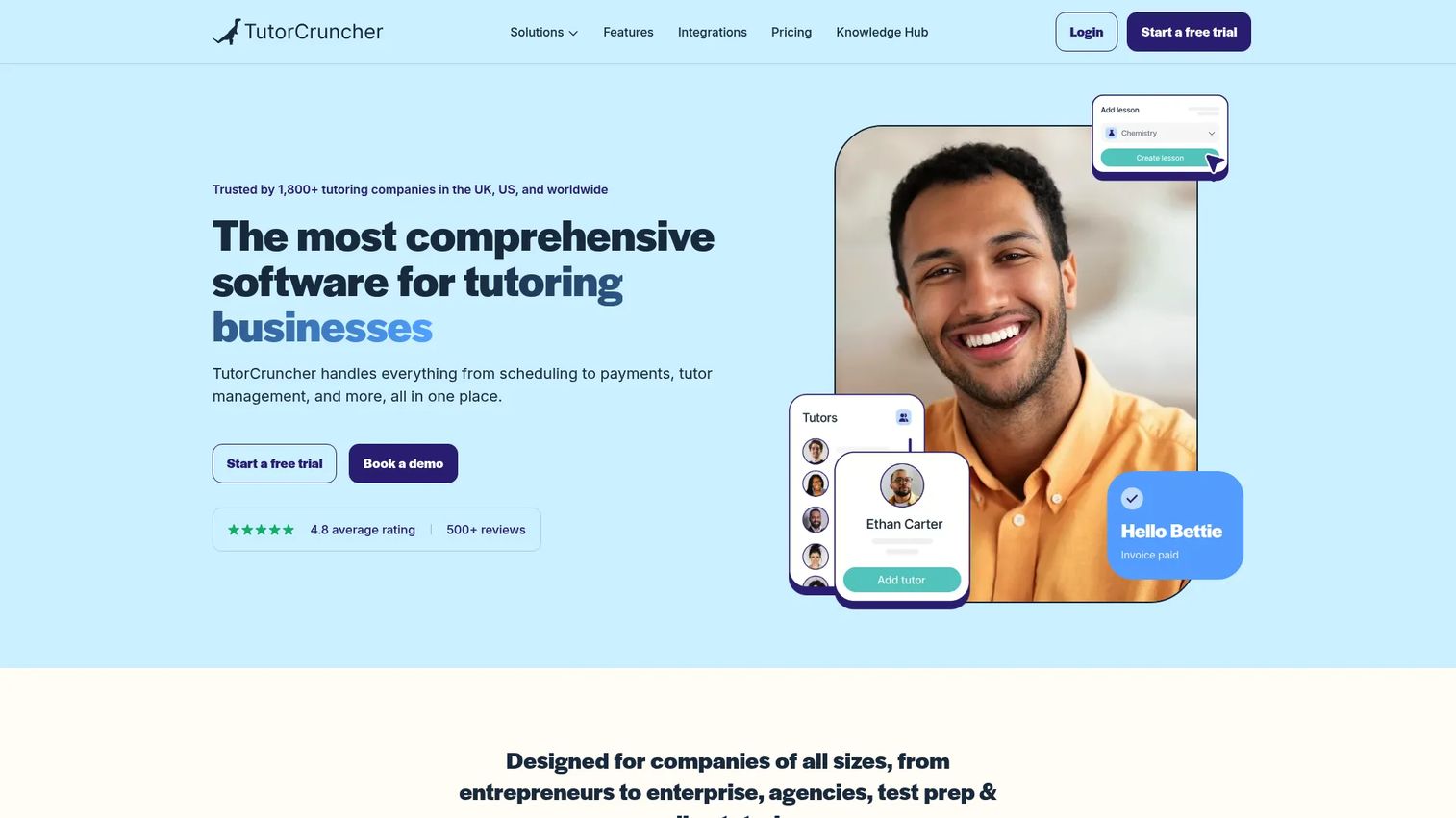
TutorCruncher is tutoring business management software for scheduling, billing, CRM, and automation, built for companies that need a robust operations platform as they scale. This is the option to evaluate when you are past the small-team stage and need tutor management software that handles client management, payroll, and reporting at growth volume.
The platform covers client management, calendar and scheduling, and billing and payroll in one system. Automation across invoicing, payment reminders, and communication reduces the manual overhead that otherwise scales with headcount, which is exactly the founder handoff problem this category exists to solve.
Best for: Tutoring companies that need an all-in-one operations platform built for scale.
Key strengths
- Client management: A full CRM tracks families, tutors, and lead capture in one record.
- Calendar and scheduling: Recurring lessons and reschedules sync across the operation.
- Billing and payroll: Automated invoicing plus tutor payroll close the financial loop in one tool.
Why choose TutorCruncher: TutorCruncher suits growing tutoring operations that have outgrown lightweight tools and need reporting, payroll, and multi-tutor management in one platform. It is the operations-first choice for teams focused on repeatability.
TutorCruncher pricing: TutorCruncher lists three public monthly plans: Pay as you go at $30 per month, Startup at $80 per month, and Enterprise at $240 per month. A two-week free trial is available, with no permanently free tier. TutorCruncher holds a 4.3 out of 5 rating on G2.
5. Teachworks
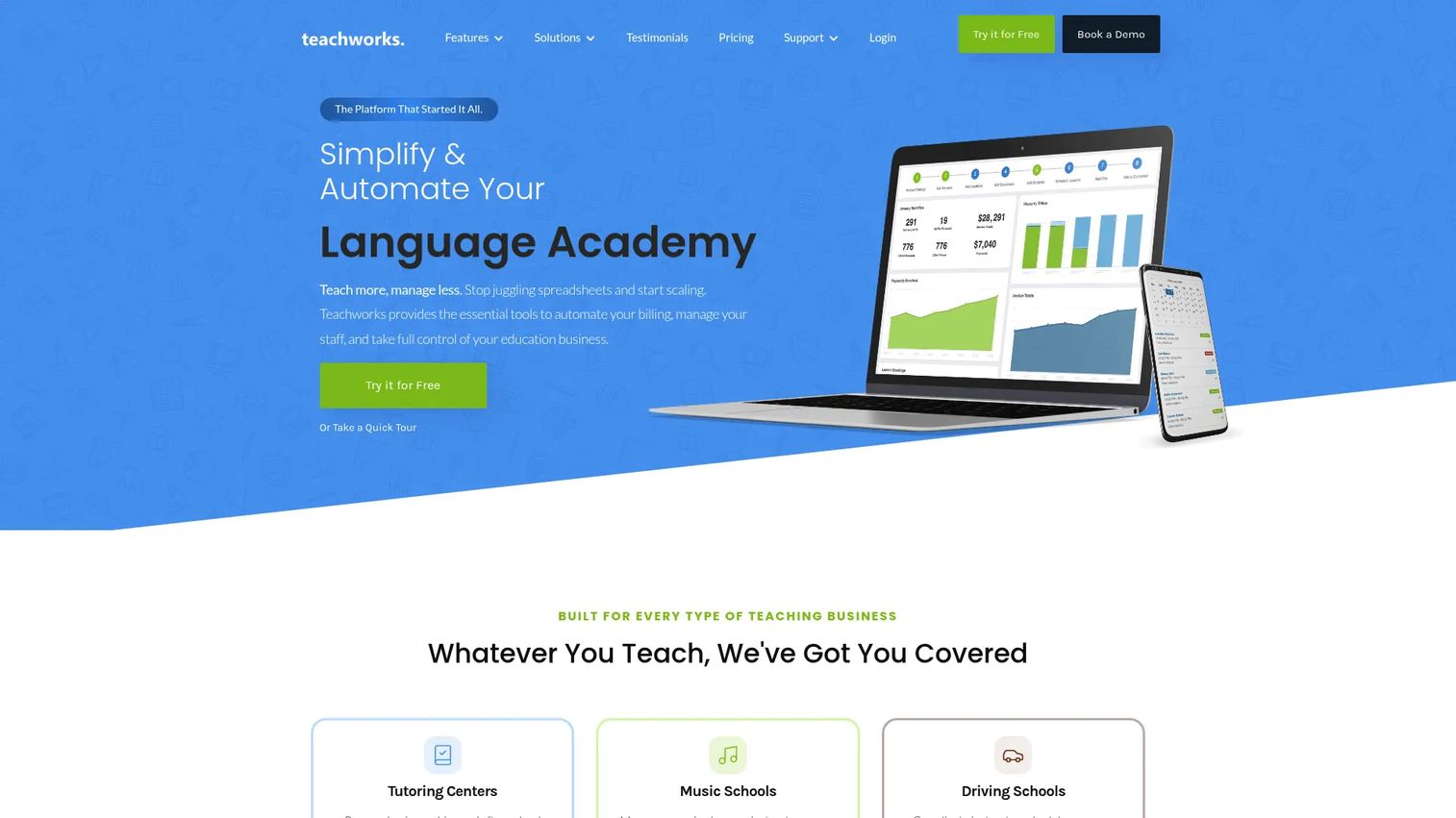
Teachworks is teaching business management software for scheduling, billing, communication, and operations. It serves education businesses beyond pure tutoring, including music, language, and driving schools, which makes it a strong fit for owners running a broader lesson-based operation. The pricing structure, a low base fee plus a small per-lesson charge, scales with delivery rather than seats.
The platform provides smart scheduling for individual and group lessons, student management with profiles and progress reports, and billing, invoicing, payments, payroll, and communication tools. Lesson history and progress reports support the family-facing side of the operation.
Best for: Education businesses such as tutoring, music, language, and driving schools that need scheduling and billing automation.
Key strengths
- Smart scheduling: Individual and group lesson scheduling handles varied class formats.
- Student management: Profiles, progress reports, and lesson history keep records complete.
- Billing and communication: Invoicing, payments, payroll, and messaging run from one system.
Why choose Teachworks: Teachworks fits teams that care about operational consistency across many tutors and lesson types. The per-student-lesson pricing rewards businesses whose volume varies month to month, and the strong review track record reflects reliable multi-tutor workflows.
Teachworks pricing: Teachworks offers three monthly plans with a fixed base fee plus a per-student-lesson charge: Starter at $16.49 per month plus $0.320 per student lesson, Growth at $47.99 per month plus $0.189 per student lesson, and Premium at $187.99 per month plus $0.065 per student lesson. A 21-day free trial is included. Teachworks holds a 4.7 out of 5 rating on G2.
6. DreamClass

DreamClass is school management software for educational institutions, positioned for tutoring schools and education businesses that need a broader class and student management system. Where lighter tools focus on individual lessons, DreamClass brings a full student information system with admissions, timetables, and parent and student portals. For operators running something closer to a school than a solo practice, that structure matters.
The platform covers admission management, student management, and scheduling and timetables, with billing and parent-facing portals built in. Class-style coordination across cohorts is where it stands apart from one-on-one scheduling tools.
Best for: Schools needing an all-in-one student information system with admissions, scheduling, and parent and student portals.
Key strengths
- Admission management: Structured intake and enrollment handle lead capture at institutional scale.
- Student management: Complete records, cohorts, and family management support larger operations.
- Scheduling and timetables: Class timetables coordinate multiple groups and tutors at once.
Why choose DreamClass: DreamClass fits when your operation looks like a school, with cohorts, admissions, and timetables rather than isolated lessons. The tiered student caps make capacity planning straightforward as enrollment grows.
DreamClass pricing: DreamClass offers three monthly plans, all including every feature: Standard at $99 per month for up to 100 students, Plus at $189 per month for up to 300 students, and Enterprise at $259 per month for up to 500 students. A 14-day free trial is available, and operations larger than 500 students require contacting sales.
7. TUIO
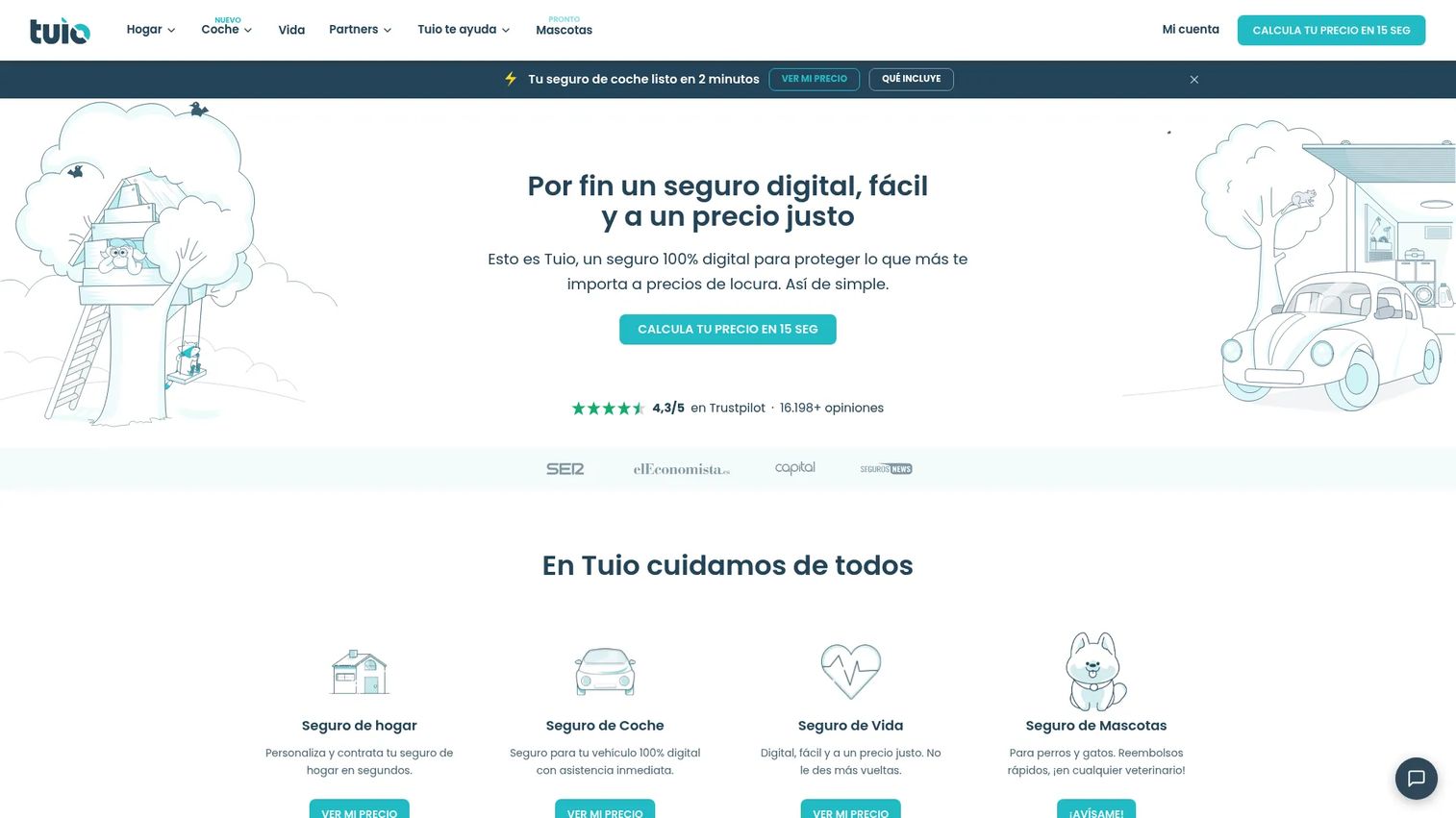
TUIO is positioned as a tuition and family administration platform for organizations that need structure around recurring tuition billing and parent-facing workflows. It fits daycares, preschools, and early childhood centers as well as tutoring operations that bill families on a recurring tuition basis and need clean family communication.
The platform's strength is recurring billing and family administration: invoicing and payments, payment reminders, and communication that keeps families informed without manual outreach. For operations where the billing relationship is with parents rather than individual students, that family-first structure is the differentiator.
Best for: Daycares, preschools, and early childhood centers managing tuition billing and family communications, alongside tutoring operations with recurring tuition.
Key strengths
- Recurring tuition billing: Automated invoicing and payments handle predictable monthly tuition.
- Payment reminders: Automated reminders reduce late payments without manual chasing.
- Family communication: Parent-facing messaging keeps households informed in one channel.
Why choose TUIO: TUIO fits organizations whose core need is recurring tuition and family administration rather than lesson-by-lesson scheduling. If your billing model is monthly tuition per family, its structure maps cleanly to how you actually operate.
TUIO pricing: TUIO's public pricing on its site reflects its consumer product lines rather than a single tutoring subscription, so confirm current tuition-management pricing directly with the vendor. On Capterra, the TUIO listing shows a 4.6 out of 5 rating across 200 reviews.
8. Yo!Coach
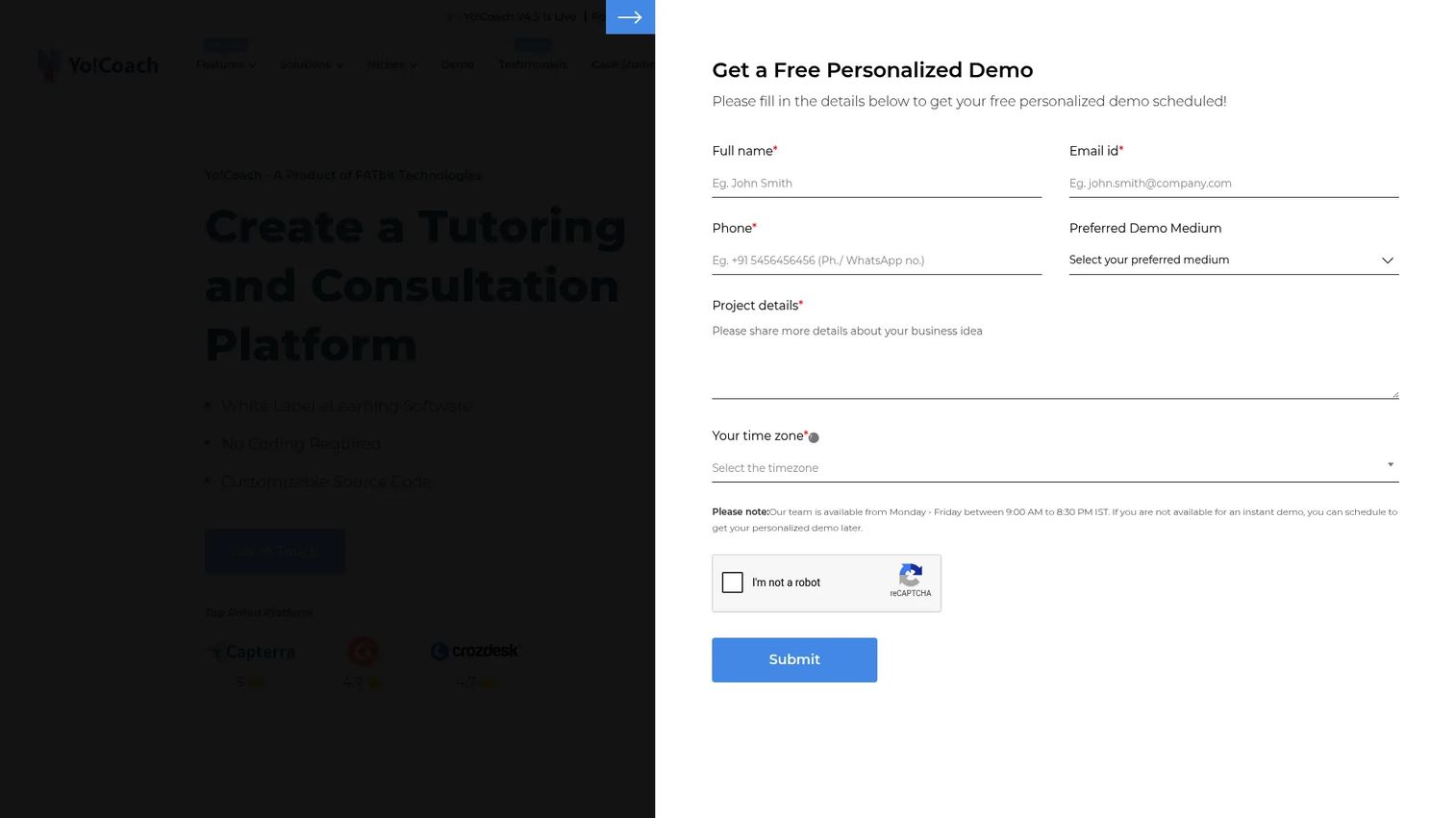
Yo!Coach is self-hosted, white-label software for building online tutoring, coaching, consultation, and e-learning marketplaces. Unlike the operations tools above, Yo!Coach is for founders whose business model is the platform itself: a multi-tutor marketplace where tutors are discovered, booked, and paid through your branded product. If you are building a two-sided online learning business, this is the category fit.
The platform ships with pre-integrated video and chat tools, payment gateways, and support for one-on-one and group coaching or consultation booking. White-label and customizable source code options let you own the brand and extend the platform as the marketplace scales.
Best for: Businesses launching a branded tutoring or coaching marketplace quickly.
Key strengths
- Pre-integrated communication and payments: Built-in video, chat, and payment gateways ship marketplace essentials day one.
- White-label and source code options: Full branding control and customizable code support platform-style scalability.
- Coaching and consultation support: One-on-one and group sessions plus consultation booking cover varied marketplace formats.
Why choose Yo!Coach: Yo!Coach is the pick when you are not running a tutoring business so much as building the platform others tutor on. Its marketplace-style workflows, tutor discovery, and branded control fit a founder building a scalable online learning product.
Yo!Coach pricing: Yo!Coach lists four packages, GoQuick Lite, GoQuick, GoCustom, and Go Enterprise, with pricing shown as a quote rather than a numeric amount. Plans are described as having lifetime validity with no recurring charges. Yo!Coach holds a 4.6 out of 5 rating on G2.
Considerations before you buy
Before committing, run each shortlisted tool against the criteria that determine whether it earns its place in your stack.
Scheduling depth and calendar sync
Confirm the tool handles recurring lessons, easy reschedules, and calendar sync with the calendars your tutors already use. Test how a single reschedule propagates across the system. If it still requires manual updates in multiple places, the scheduling depth is not there yet.
Payment workflow fit
Match the billing model to how you actually charge. Some tools price per seat, some per lesson, and some as a percentage of invoices. Verify that invoicing and payments, payment reminders, and payroll for tutors work the way your operation runs, not the other way around.
Portal and family experience
The student portal is where families experience your business daily. Evaluate whether they can self-serve on booking, reschedules, lesson history, and payments. Strong family management for multi-child households removes a large source of manual coordination.
Multi-tutor and multi-location scalability
If growth is the goal, confirm multi-tutor management and multi-location support before you commit. Ask how reporting and permissions work across tutors and sites. This is where a tool either supports the founder handoff or quietly recreates the bottleneck.
Migration help and onboarding
Ask what migration help the vendor provides for moving off spreadsheets. Check whether they import student records, lesson history, and billing data. The first-week setup experience is a fair proxy for how much the tool will fight you later.
Conclusion
The right pick depends on your stage and operating model, not on a feature checklist. For all-in-one tutor management software at a predictable price, TutorBird is the strongest overall fit. If scheduling is your bottleneck, Appointy delivers a proven booking engine. Tutorbase suits owners who want usage-based pricing that scales with billed revenue, while TutorCruncher and Teachworks are built for growing operations that need billing, payroll, and multi-tutor consistency. DreamClass fits school-style operations with admissions and cohorts, TUIO handles recurring tuition and family administration, and Yo!Coach is the choice for founders building a tutoring marketplace.
The next step is to match one tool to your real workflow. Rank your top three by scheduling complexity, payment model, and portal needs, then run a free trial with your actual student data. The software that removes the most manual coordination in the first week is the one that earns its place in your stack.
FAQs
At a minimum, look for lesson scheduling with recurring bookings, invoicing and payments, a student portal, attendance tracking, and automated reminders. Growing businesses should also confirm lead capture, family management, and multi-tutor management. The goal is one system that covers the operating loop from booking to payment.
For small tutoring businesses, TutorBird and Teachworks are strong starting points because both cover scheduling, billing, and student management at a low entry price. Tutorbase is worth considering if you prefer usage-based pricing with no fixed monthly fee. Match the billing model to your volume before deciding.
DreamClass offers full parent and student portals suited to school-style operations, while Tutorbase and TutorBird provide branded student portal access for tutoring centers. Evaluate whether families can self-serve on booking, reschedules, lesson history, and payments, since that is where a portal removes the most manual work.
Most platforms generate invoices automatically from delivered lessons, collect online payments, and send payment reminders without manual follow-up. Pricing models vary: TutorBird charges per tutor, Teachworks charges per student lesson, and Tutorbase charges a 1% invoice fee. Confirm the model matches how you actually bill families.
Yes. Automated reminders over email and SMS are the primary lever, and most platforms in this guide send them without manual effort. Combined with self-serve rescheduling through a student portal, reminders meaningfully cut no-shows, which is pure lost revenue in a lesson-based business.
Prioritize multi-location support, multi-tutor management, and consistent reporting across sites. TutorCruncher and DreamClass are built for scale, with CRM, payroll, and cohort or timetable coordination. Confirm how permissions and reporting work across locations before committing, since that determines whether the system supports the founder handoff.
For a solo tutor with a handful of students, a spreadsheet may hold for a while. The moment scheduling, billing, or reminders start eating evenings, entry-priced tools like TutorBird or Teachworks pay for themselves in time saved. Usage-based options like Tutorbase keep cost aligned with revenue early on.
Start by exporting your student records, lesson schedule, and billing history into a clean spreadsheet. Ask each vendor what migration help they offer, since many import this data for you during onboarding. Run a free trial with real data first, then move billing over once scheduling is verified working.