You did not lose a tool. You lost the time spent looking for it, the replacement purchase, and the crew hours waiting while someone searched three jobsites.
Weak tool visibility is an operating cost that compounds. Unclear ownership creates disputed handoffs. Stale inventory data means replacement orders for equipment already on another truck. Sign-out sheets become unreadable after one shift change. By the time a VP asks what the missing-tool replacement spend was last quarter, nobody can reconstruct it from a spreadsheet.
The global asset tracking software market reached $25.8 billion in 2025 and is projected to hit $84.8 billion by 2033, according to Grand View Research (2026). That growth reflects a real shift: Equipment-heavy operations are moving from passive spreadsheets to systems that produce usable field data.
The challenge is choosing a system crews will actually use. A platform nobody scans on site simply replaces one stale database with another. Which tool tracking software gives your team real field visibility without slowing the checkout workflow down?
What's inside
This guide compares 12 tool tracking software tools for construction, industrial, warehouse, and field-service operations. Tools were assessed on:
- Mobile checkout workflow speed and offline capability
- Asset identification method support (barcode, QR code, RFID, Bluetooth, GPS)
- Maintenance, inspection, and lifecycle depth
- Fit for tool crib control versus broader asset inventory software programs
- Pricing transparency and rollout practicality for growing teams
TL;DR
- Best for dedicated tool inventory management: ToolHound, for RFID, barcode, utilization, and industry-specific tracking across locations
- Best for mobile-first construction crews: Tooltribe, for fast field check-in and check-out with job and employee visibility
- Best for enterprise tool crib control: CribMaster, for industrial inventory, vending, and lifecycle workflows
- Best for QR code and GPS asset tracking: GoCodes, for quick tagging and mobile visibility across distributed teams
- Best for broader asset programs: EZOfficeInventory or Asset Panda, when tools sit inside a wider asset lifecycle management program
What is tool tracking software?
Tool tracking software is a system that records which tools and equipment a business owns, where each asset is located, who has it, and when it is due back, inspected, maintained, or replaced.
It covers asset inventory records, custody history, checkout workflows, and lifecycle events in one place. Unlike general-purpose inventory tools, dedicated tool tracking systems are built around the physical reality of shared field equipment: Assets move between employees, vehicles, jobsites, and storage locations constantly.
What tool tracking software manages
Common asset types covered by these platforms:
- Hand tools and powered tools
- Heavy equipment and trailers
- Tool kits and multi-part assemblies
- Consumables and spare parts
- Assigned employee assets
- Rental or chargeback equipment
Core capabilities to look for
When evaluating any tool tracking system, prioritize:
- Barcode, QR code, RFID, Bluetooth, or GPS identification support
- Mobile check-in and check-out with offline mode
- Employee, vehicle, jobsite, and project assignment
- Tool crib inventory and reorder controls
- Maintenance, inspections, repairs, and warranty records
- Utilization, loss, and replacement-cost reporting
- Role permissions and audit history
- Integrations with accounting or project management systems
Tool tracking software vs. asset management software
Tool tracking software prioritizes checkout speed, crew accountability, and field mobility. General asset lifecycle management software often covers a broader base: IT assets, facilities equipment, vehicles, and compliance records.
| Need | Tool tracking system | General asset management |
|---|---|---|
| High-volume crew checkout | Strong | Varies |
| Tool crib kiosk or scanner | Common | Rare |
| IT and facilities assets | Limited | Strong |
| Maintenance scheduling | Moderate to strong | Strong |
| Project cost codes | Construction-focused tools | Limited |
Many buyers need both categories. The correct starting point depends on whether operational control of shared tools is the primary job.
When to use tool tracking software
Stop replacing tools you already own
Replacement spending rises when teams cannot confirm whether a tool is lost, checked out, in repair, or sitting at another location. Tool tracking systems give custody records and tag-scan history that answer the question before a purchase order gets raised. Check-in and check-out accountability shifts the burden of proof from the organization to the individual holding the asset.
Run a tool crib without paper sign-out sheets
Centralized issue-and-return workflows need more than a clipboard. Tool crib software handles kiosks, scanners, employee records, due dates, and audit trails that paper cannot maintain across shift changes. The audit history becomes recoverable data rather than a memory exercise.
Track equipment across jobsites and vehicles
Field deployment means assets move daily. GPS or Bluetooth context answers where something is at a point in time, while mobile app updates from crews keep the inventory current between audits. Vehicle-based inventories reduce the gap between what a warehouse shows and what a truck actually carries.
Recover project costs through utilization and rental billing
Project cost codes, internal rental rates, and utilization reporting turn the tool inventory into a margin-control system. Operations that cannot charge tool use back to a project absorb the cost in general overhead. Systems with project billing support, like Tooltribe and ToolWatch, make that cost visible and recoverable.
Tool tracking software comparison
These 12 tools cover different operating models. A mobile-first jobsite app, a warehouse tool crib platform, and a configurable asset management system serve distinct workflows. Match the tool to the problem first.
| # | Product | Best for | Key differentiator | Pricing | G2 rating |
|---|---|---|---|---|---|
| 1 | ToolHound | Industrial and equipment-heavy operations | RFID, barcode, checkout, and utilization tracking | From $5,595/year | 4.3/5 |
| 2 | Tooltribe | Construction crews and field operations | Mobile jobsite checkout and project rental billing | From $100/month | 5.0/5 |
| 3 | GigaTrak | Dedicated tool crib workflows | Barcode accountability, kiosks, and cloud or self-hosted deployment | From $20/month | 4.5/5 |
| 4 | GoCodes | Mobile asset and equipment tracking | QR tags, GPS context, and smartphone scanning | From $500/year | 4.5/5 |
| 5 | Wasp AssetCloud | Small and mid-sized inventory teams | Barcode and RFID lifecycle tracking with audit reconciliation | Custom pricing | 4.2/5 |
| 6 | CribMaster | Enterprise tool crib management | Industrial inventory, vending, and RFID lifecycle controls | Custom pricing | N/A |
| 7 | EZOfficeInventory | Multi-location asset management | Asset lifecycle management with mobile tracking and reservations | From $63.55/month | 4.4/5 |
| 8 | Align | Construction equipment operations | Equipment, maintenance, safety, and field asset workflows | Custom pricing | 4.7/5 |
| 9 | Mitti | Teams digitizing operational workflows | Site-level operations and accountability | Custom pricing | 4.6/5 |
| 10 | SafetyCulture | Teams combining inspections with asset workflows | Inspection-led field operations and operational reporting | Free; Premium from $24/seat/month | N/A |
| 11 | ToolWatch | Contractors managing tools and materials | Construction asset control, field visibility, and cost recovery | Custom pricing | 3.7/5 |
| 12 | Asset Panda | Broad asset programs with custom tracking needs | Configurable workflows for diverse asset categories | Custom pricing | 4.2/5 |
Best 12 tool tracking software tools for 2026
1. ToolHound
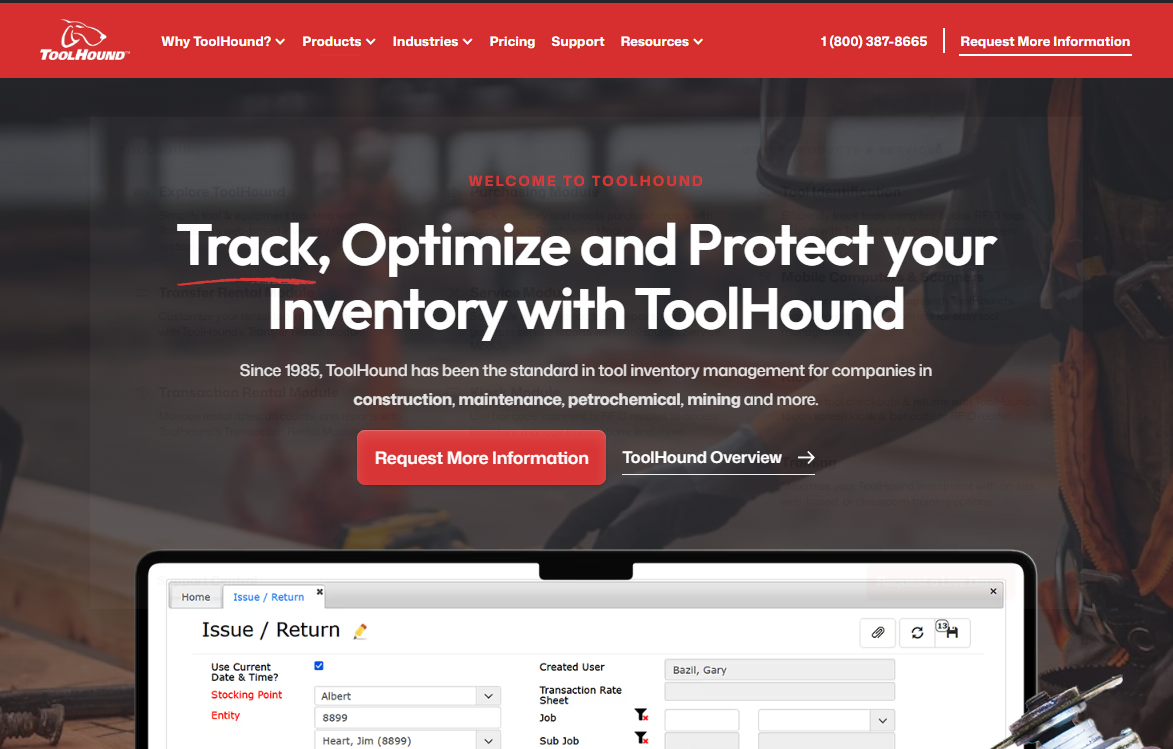
ToolHound is web-based tool inventory and equipment management software built for construction, mining, utilities, and industrial teams. It covers the full asset lifecycle from check-in and check-out through maintenance, disposal, and replacement-cost reporting. The platform supports both cloud and on-premise deployment, giving operations teams flexibility on where data lives.
Best for: Organizations moving from spreadsheets to a structured tool and equipment accountability platform.
Key features
- Barcode and RFID asset tracking with check-in/check-out and due-date controls
- Real-time inventory with low-stock alerts, transfers, and disposal tracking
- Maintenance scheduling, calibration records, and service histories
- Purchasing, rental management, and kiosk self-checkout
- Utilization and cost reporting across locations and personnel
Why choose ToolHound: It suits operations with large, high-value inventories where identifying idle, missing, or underused equipment directly affects replacement spend and project margins. If structured inventory control matters more than rapid mobile-first deployment, ToolHound belongs on the shortlist.
ToolHound pricing: The Essentials plan starts at $5,595/year and includes 2 stocking locations, 5 named users, and any 2 modules. Professional, Enterprise, and Unlimited tiers add more locations and named users; prices for those tiers require a quote.
G2 rating: 4.3/5
2. Tooltribe
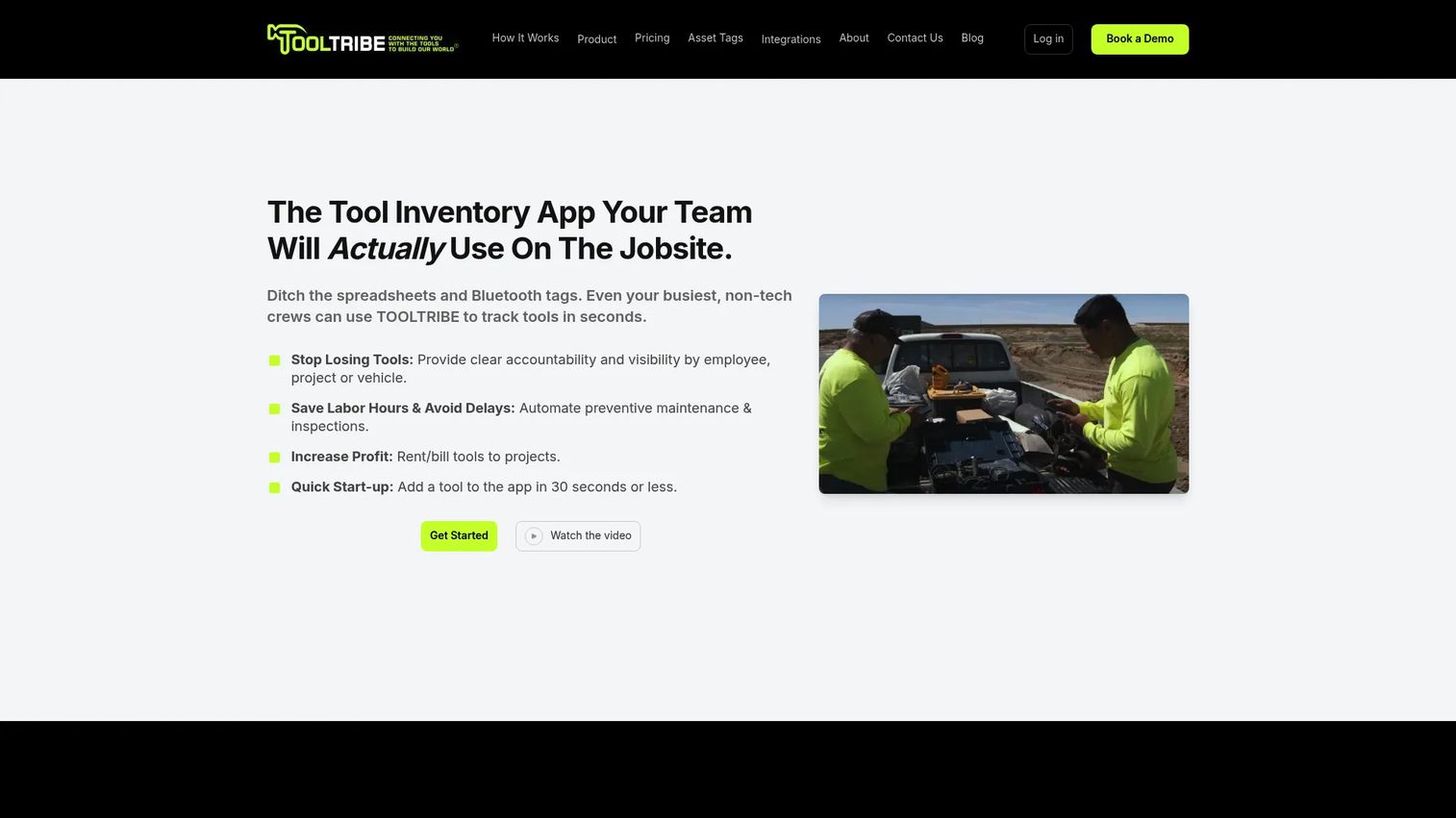
Tooltribe is a tool inventory and tracking app purpose-built for construction and field-service teams. Crews scan QR codes or barcodes from iOS and Android devices to check tools in and out by employee, project, or vehicle. Photos, serial numbers, and offline transfers let field workers complete transactions without relying on site connectivity.
Best for: Construction companies that need crews to scan, issue, and return tools from the field without a tool crib manager physically present.
Key features
- QR code, barcode, serial-number, and photo-based tracking
- Mobile iOS and Android app with offline synchronization
- Tool assignment by employee, project, or vehicle
- Preventive maintenance, repairs, and inspection scheduling
- Project tool rental and billing with rates, caps, and cost codes
Why choose Tooltribe: The strongest case is turning tool accountability into a daily crew workflow rather than a warehouse-only process. Project rental billing and cost codes make it especially useful when asset use needs to show up in job profitability, not just inventory reports.
Tooltribe pricing: The Starter plan runs $100/month and includes 10 users. Professional and Enterprise plans (20 users and above) require a quote. Professional adds maintenance scheduling and Procore integration; Enterprise adds project billing and SSO/SAML.
G2 rating: 5.0/5
3. GigaTrak
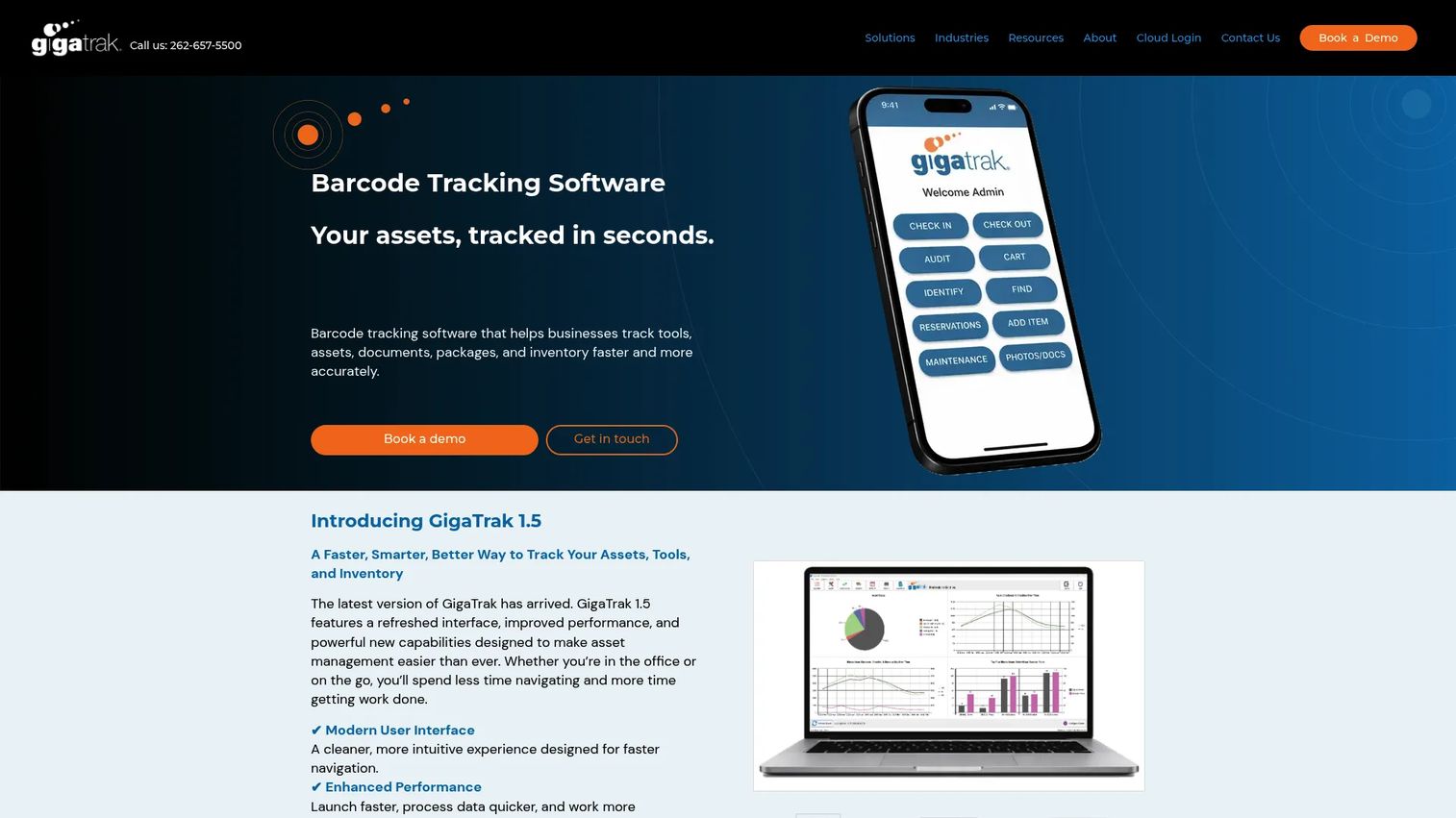
GigaTrak is barcode-based tracking software covering tools, assets, documents, packages, and inventory. It offers both cloud-hosted and self-hosted deployment, which is relevant for operations with data residency requirements or limited internet reliability on site. Mobile apps for iOS and Android support scanning without a desktop terminal.
Best for: Tool crib managers and operations teams that need a formal barcode-driven issue-and-return system with auditing and maintenance records.
Key features
- Barcode asset check-in/check-out with employee history
- Mobile apps for Android and iOS
- Maintenance schedules and repair tracking
- Audits, cycle counting, and reporting
- Cloud-hosted or self-hosted deployment options
Why choose GigaTrak: It suits businesses where a physical tool crib is the control point and repeatable checkout procedures are non-negotiable. The self-hosted option makes it a practical choice for teams that cannot put tool records in a third-party cloud. Pricing is transparent for several product configurations.
GigaTrak pricing: Cloud-based mobile users start at $20/month. Desktop cloud users start at $75/month. The self-hosted Tool Tracking system is a one-time cost of $2,495. Document Tracking and Inventory Management modules carry separate pricing.
G2 rating: 4.5/5
4. GoCodes
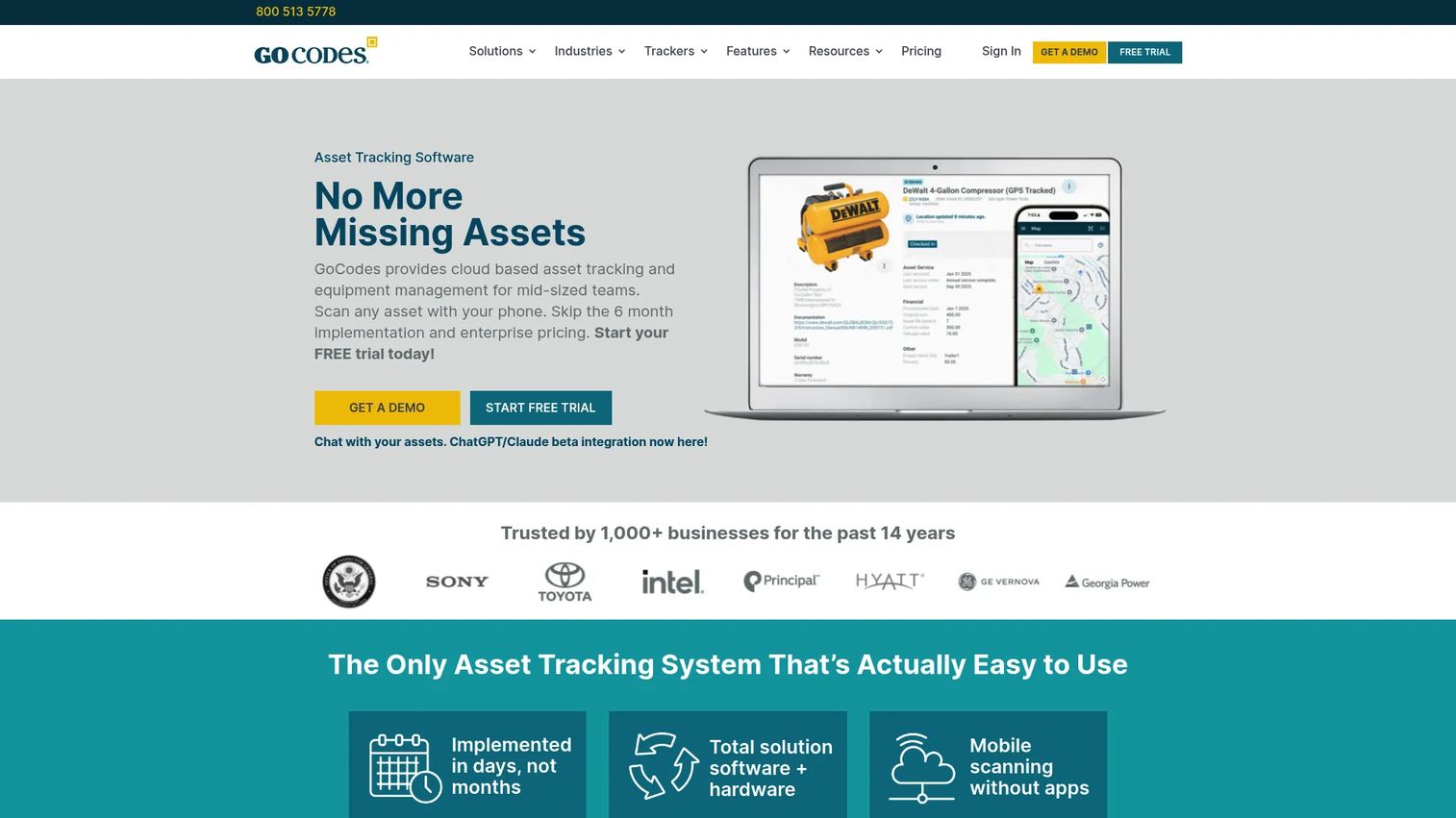
GoCodes is cloud-based barcode inventory software for tracking tools, equipment, and physical assets across distributed locations. The platform ships QR code tags with the subscription, and field users scan them with a smartphone. GPS location context is captured at the point of scan, giving managers a last-known-location for each asset without dedicated hardware.
Best for: Smaller distributed teams that need to tag tools quickly and create a usable mobile inventory without a complex implementation.
Key features
- QR code and barcode scanning via smartphone
- GPS location context at point of scan
- Check-in/check-out with complete history logs
- Maintenance scheduling and calibration tracking
- Custom asset fields and multi-location access
Why choose GoCodes: Speed of deployment is the primary advantage. Tagging an asset takes seconds and the 15-day free trial (no credit card required) lets a team validate the workflow before committing. It fits operations that need location visibility and accountability without investing in RFID hardware.
GoCodes pricing: Standard starts at $500/year for 200 assets and 3 users. Premium is $1,000/year (500 assets, 5 users). Premium Elite is $1,750/year (1,000 assets, 10 users). Professional is $2,500/year (2,000 assets, 20 users). Enterprise pricing is custom for unlimited assets and users. A 15-day free trial is available.
G2 rating: 4.5/5
5. Wasp AssetCloud
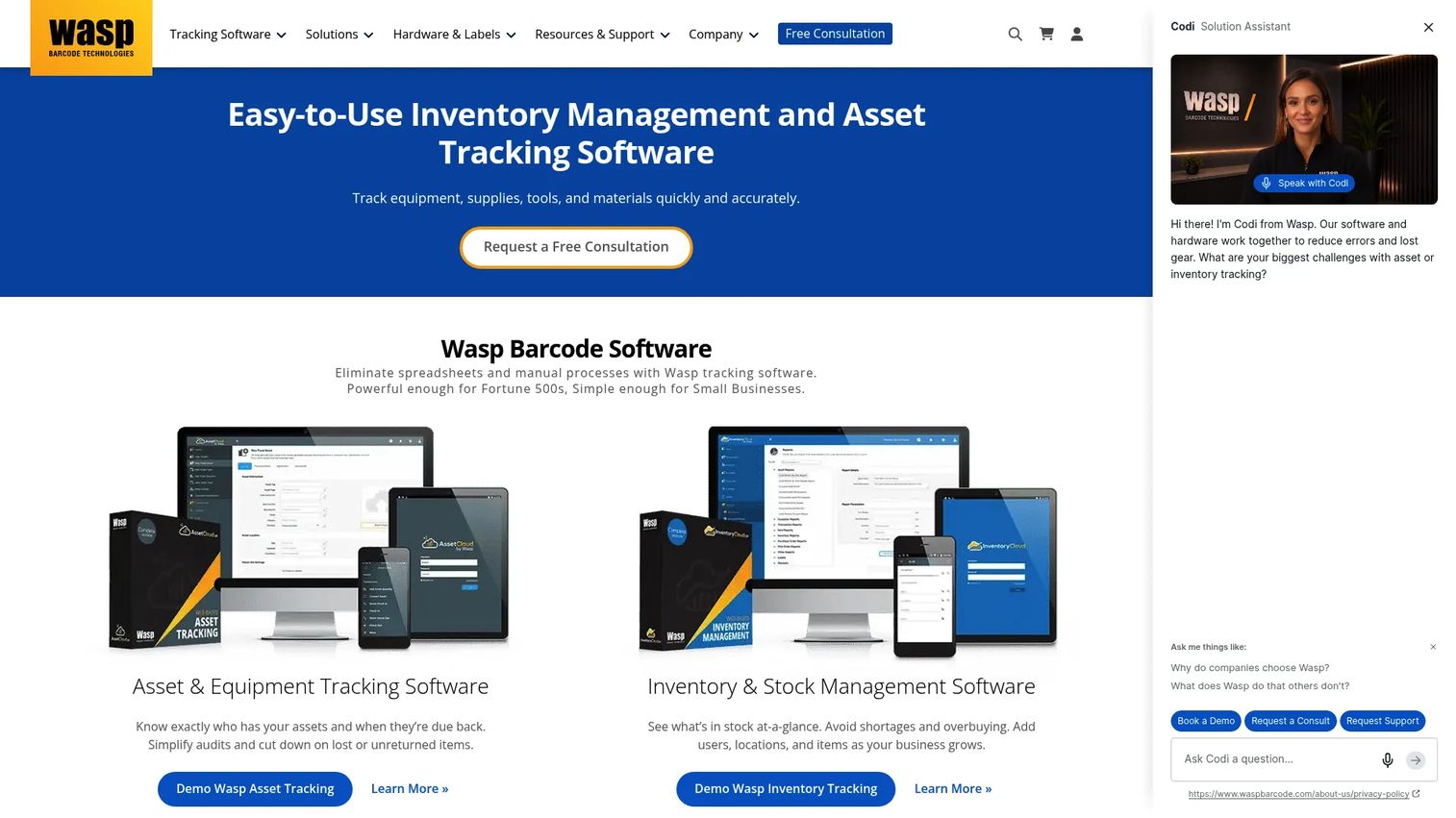
Wasp AssetCloud is cloud-based asset inventory software centered on barcode and RFID tracking across the full asset lifecycle. It handles check-in and check-out for employees, customers, and vendors, plus audit reconciliation, maintenance scheduling, and 25 pre-built reports. The mobile app for iOS and Android includes offline mode for field environments without reliable connectivity.
Best for: Small and mid-sized organizations that want a barcode-first system with more structure than a spreadsheet, without enterprise tool crib complexity.
Key features
- Mobile iOS and Android app with barcode/RFID scanning and offline mode
- Asset audits and audit reconciliation
- Check-in/check-out for employees, customers, and vendors
- Custom notifications and scheduled reporting
- Maintenance and work-order management
Why choose Wasp AssetCloud: It fits buyers who want predictable barcode workflows and standardized asset records without managing a large enterprise implementation. The 25 pre-built reports give operations leaders immediate visibility without custom development.
Wasp AssetCloud pricing: Wasp does not display current subscription pricing on its public pricing pages. Contact Wasp directly for a quote based on asset count, user count, and deployment requirements.
G2 rating: 4.2/5
6. CribMaster
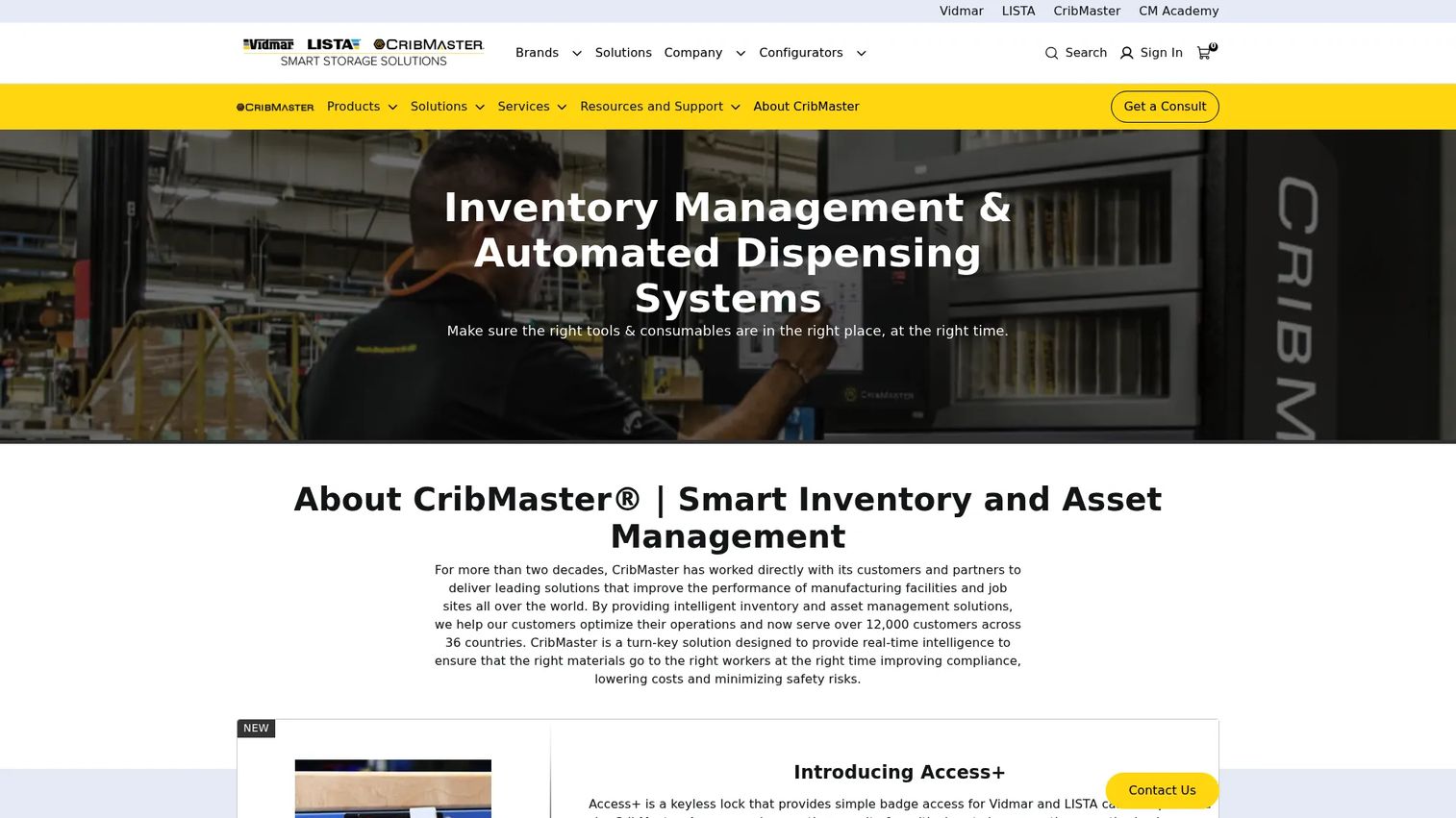
CribMaster is an enterprise-grade industrial inventory and asset management system combining software with automated storage, vending equipment, RFID, and mobile scanning. Now part of Stanley Black and Decker's tooling ecosystem, it serves manufacturing, aerospace, oil and gas, and other industrial environments that manage tools, consumables, and MRO inventory at scale.
Best for: Large organizations with complex tool crib operations, significant indirect-material spend, and formal inventory governance requirements across multiple sites.
Key features
- Real-time inventory information and management
- Mobile scanning for issuing, returning, cycle counts, and reorders
- RFID last-point-read tracking for tools and mobile assets
- Vending machine and automated storage integration
- MRO inventory management and calibration records
Why choose CribMaster: It earns consideration when the operation runs formal stores with vending cabinets, multiple storerooms, and structured governance for consumables and tooling. The depth of hardware integration separates it from software-only tool tracking platforms.
CribMaster pricing: CribMaster requires a quote. Pricing depends on site count, vending or storage hardware, modules, and deployment model. Contact CribMaster directly for a proposal.
7. EZOfficeInventory
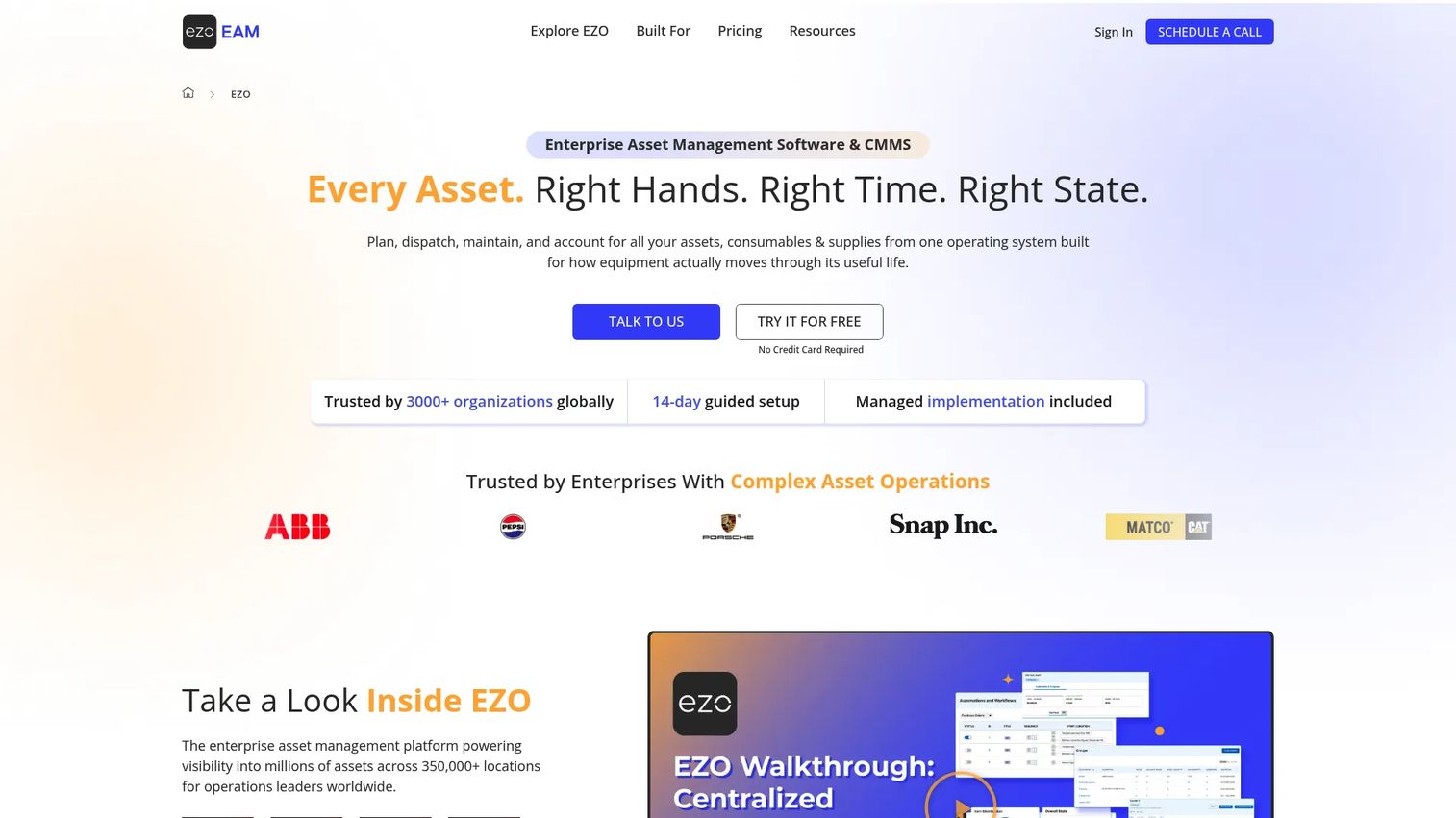
EZOfficeInventory is enterprise asset management and CMMS software for tracking, maintaining, and managing equipment, tools, consumables, and supplies across multiple teams and locations. It supports QR code and barcode labels, GPS, RFID, and telematics integrations, making it adaptable to varied asset types within a single database. The platform includes a reservations and request portal, which separates it from pure tool crib systems.
Best for: Multi-location businesses tracking tools alongside IT assets, facilities equipment, and other property under one asset lifecycle management program.
Key features
- QR code and barcode labels with GPS, RFID, and telematics support
- Asset custody tracking and reservations portal
- Preventive maintenance and work orders
- Multi-location management and inventory control
- Custom fields, automations, and integrations
Why choose EZOfficeInventory: It fits organizations that need a shared database for tool inventory alongside other asset categories. Teams evaluating it for high-volume crew checkout should test mobile scan speed during the 15-day free trial before committing.
EZOfficeInventory pricing: Essential starts at $63.55/month (300 items). Advanced is $85.51/month and Premium is $100.88/month, both based on 300 items. Enterprise pricing is custom. A 15-day free trial is available with no credit card required.
G2 rating: 4.4/5
8. Align
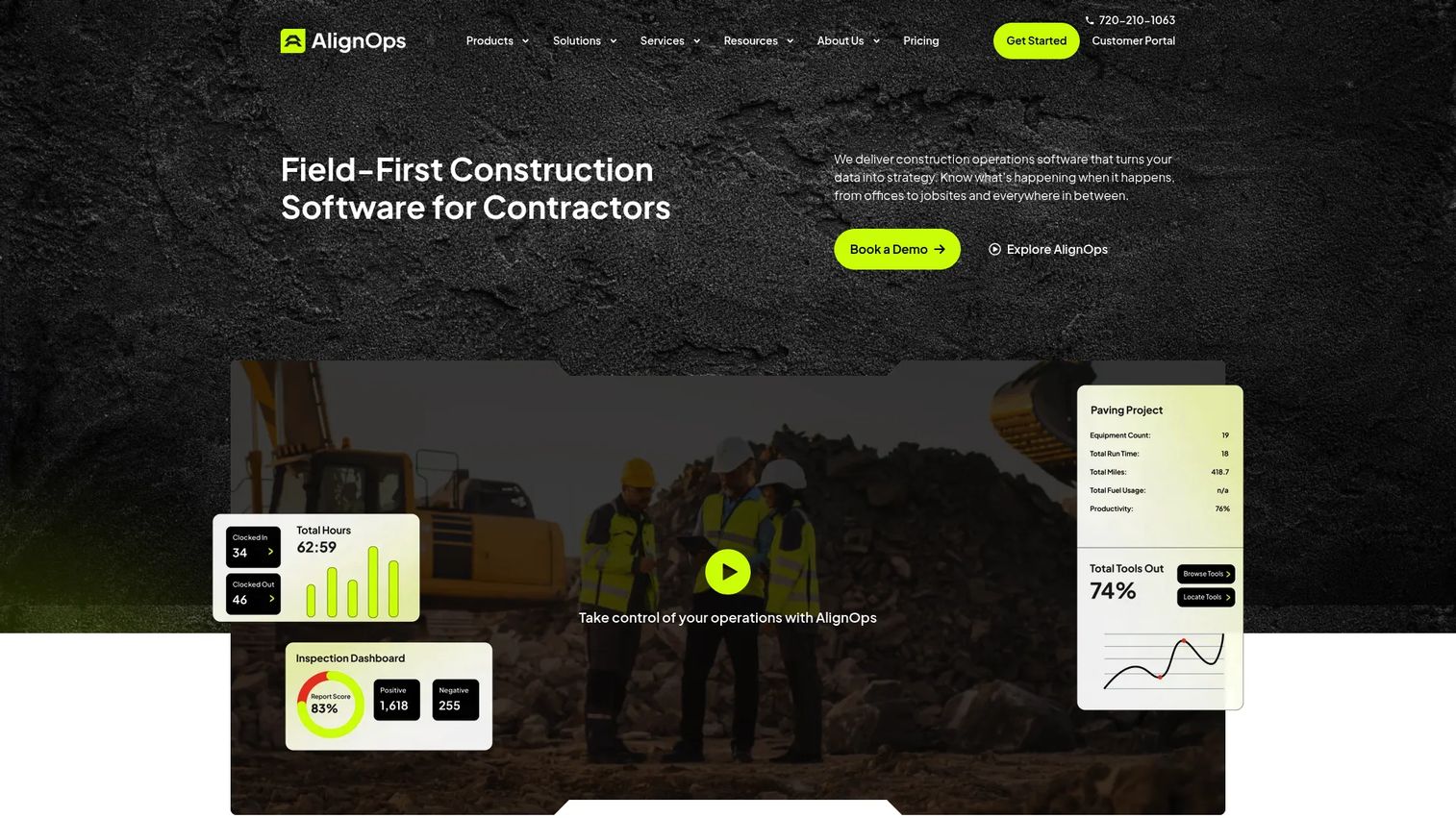
Align (also known as AlignOps) is a construction operations management platform covering field management, asset management, safety and risk management, and paving management. It brings together tool and equipment tracking, time tracking, job costing, workforce communications, and safety inspections in a platform designed specifically for the construction operating model.
Best for: Construction contractors with mixed fleets, shared equipment, and active projects where asset visibility, maintenance, and safety workflows need to sit together.
Key features
- Tool, equipment, and material management across projects
- Time tracking, job costing, and workforce communications
- Safety inspections, training, incidents, and analytics
- Maintenance scheduling and service history
- Field operations reporting
Why choose Align: It belongs on the shortlist when the tool problem is inseparable from equipment operations, safety compliance, and project execution. Buying a standalone tool tracker alongside a separate safety platform often creates the same data fragmentation it was meant to fix.
Align pricing: Align offers Essentials, Pro, and Enterprise tiers. Prices are not displayed on the pricing page and require a demo to obtain a quote. Cost depends on required modules and asset count.
G2 rating: 4.7/5
9. Mitti
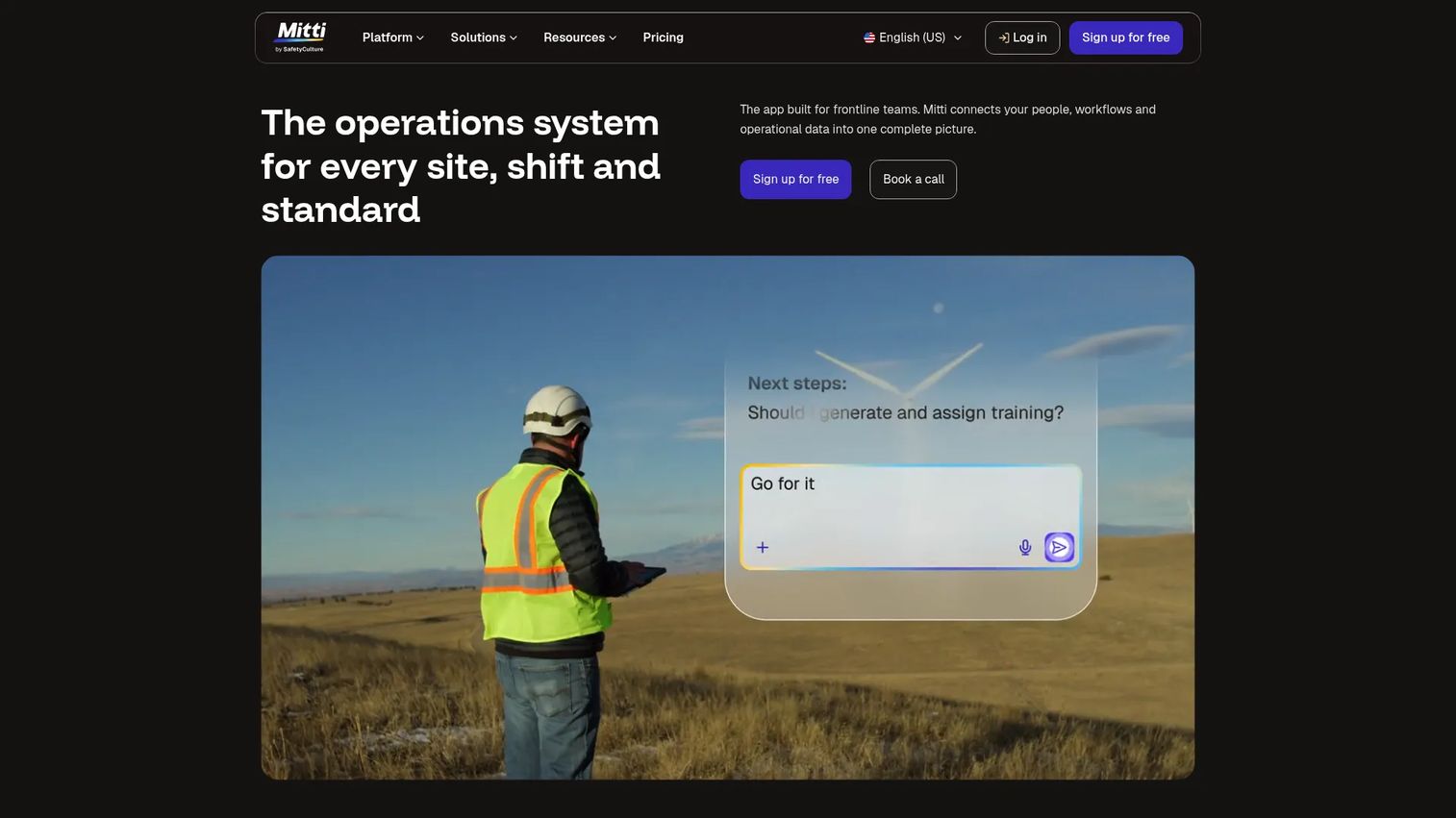
Mitti is an operations system built for site-level workflows, shifts, and operational standards. It targets teams that need to digitize accountability and operational routines across locations without the overhead of a large enterprise rollout.
Best for: Operations teams replacing paper sign-out sheets and fragmented records who want a cleaner adoption path than an enterprise implementation.
Key features
- Site-level operational workflows and accountability
- Mobile issue and return support
- Asset assignment and availability visibility
- Operational reporting and shift-based records
Why choose Mitti: It fits teams that need consistent custody and operational data without a complex configuration project. For crews where adoption is the primary risk, a platform built around practical daily workflows reduces the gap between software capability and what people actually use on site.
Mitti pricing: Mitti requires a quote. Contact Mitti directly for pricing based on site count and workflow requirements.
G2 rating: 4.6/5
10. SafetyCulture
SafetyCulture is a workplace operations platform covering inspections, tasks, asset management, training, issue reporting, analytics, and team communications. It is not a dedicated tool crib platform. Its strength lies in connecting equipment records to inspection and compliance workflows that frontline teams run daily on mobile devices.
Best for: Teams where tool tracking is connected to inspection compliance, safety reporting, or recurring frontline operational routines.
Key features
- Mobile inspections, audits, and checklists
- Asset management records
- Task and corrective action management
- Training and upskilling modules
- Analytics, dashboards, and workplace communications
Why choose SafetyCulture: Evaluate it when tool accountability is part of a broader inspection or safety program rather than a standalone inventory problem. High-volume tool crib checkout workflows may need a complementary system alongside SafetyCulture's asset module.
SafetyCulture pricing: Free plan available for up to 10 seats. Premium is $24/seat/month. Enterprise pricing is custom. Lite seats start from $5/seat/month when billed annually.
11. ToolWatch
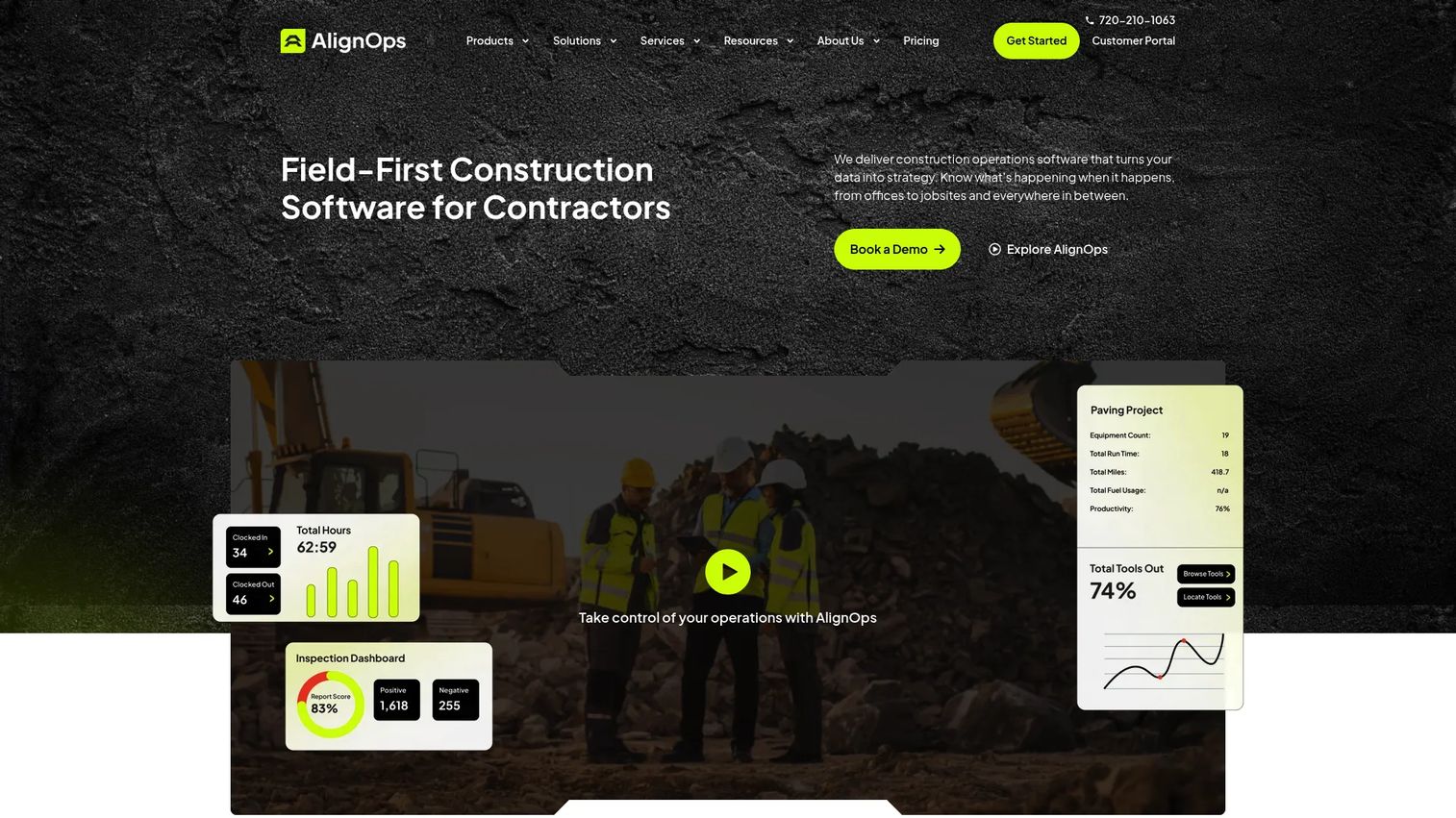
ToolWatch is construction asset and inventory management software for tracking tools, equipment, and consumables across jobsites and warehouses. It covers real-time asset visibility, field requests, transfers, purchasing, and maintenance alongside cost allocation reporting and ERP integrations. ToolWatch now operates under the AlignOps platform.
Best for: Construction contractors that need to connect tool availability with field logistics, material management, and project cost recovery.
Key features
- Tool and equipment tracking with barcode, GPS, and Bluetooth support
- Asset transfers, field requests, returns, and purchasing workflows
- Maintenance scheduling and service-history tracking
- Job costing and cost allocation reporting
- ERP integrations and operational dashboards
Why choose ToolWatch: It belongs on the list when a company needs more than ownership records and wants better coordination between the yard, warehouse, field crews, and project budgets. Construction-specific cost allocation sets it apart from generic asset management platforms.
ToolWatch pricing: ToolWatch offers Essentials, Pro, and Enterprise tiers. Pricing is not displayed publicly and requires contacting the sales team for a quote.
G2 rating: 3.7/5
12. Asset Panda
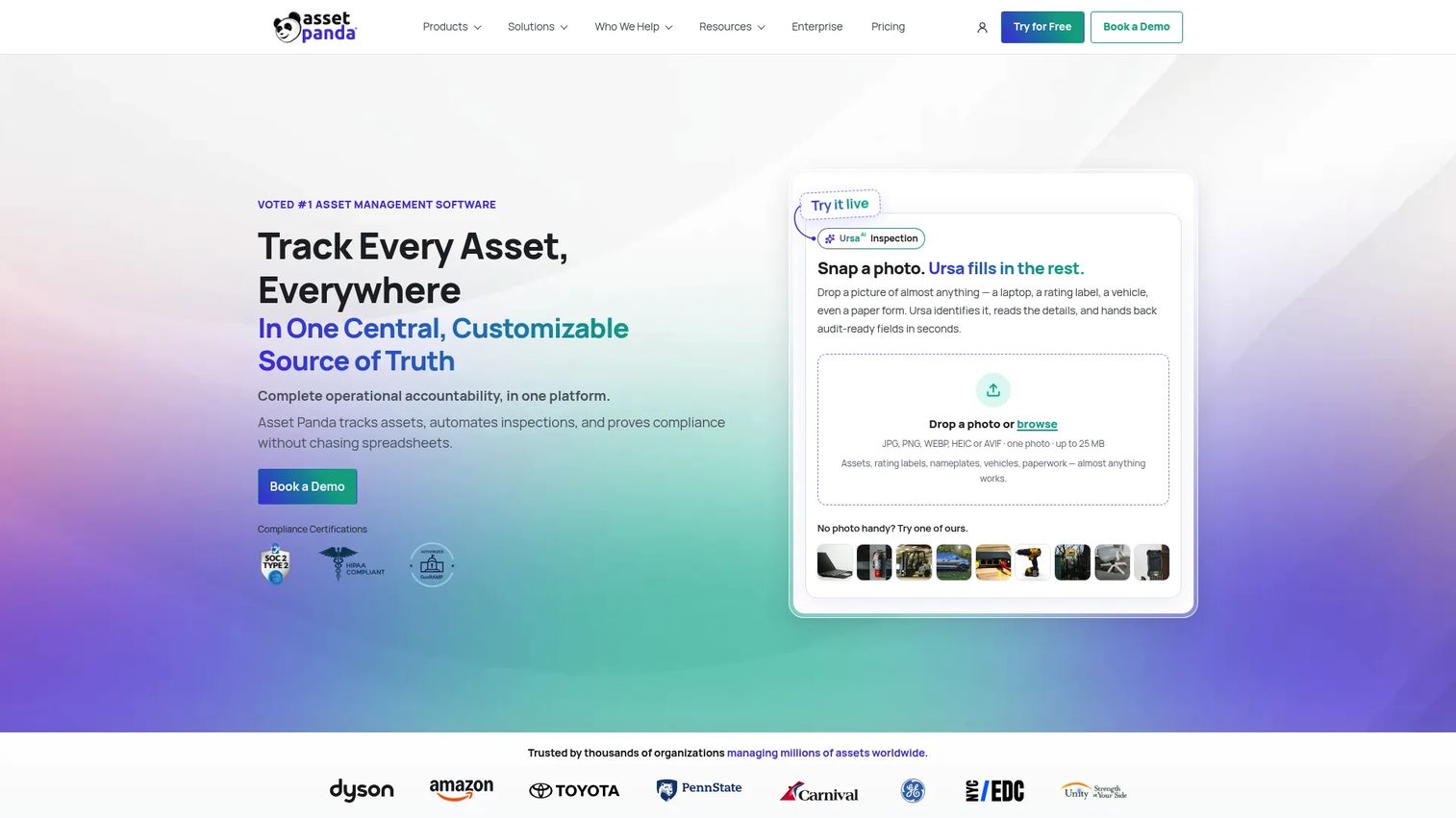
Asset Panda is a configurable cloud-based asset tracking software platform for managing tools, equipment, facilities assets, and other property through customizable workflows, fields, and permissions. Its Ursa AI features assist with column mapping, translation, workflow automation, and asset-record search. A free 7-day trial is available.
Best for: Organizations with mixed asset types that need flexible records, configurable approvals, and custom reporting across departments.
Key features
- Asset tracking with assignments, status, costs, documents, and lifecycle history
- Mobile barcode and QR code scanning with offline support
- Configurable workflows, fields, forms, permissions, and automations
- Inspections, maintenance, repair tracking, and audit reporting
- AI-assisted column mapping, translation, and asset-record search
Why choose Asset Panda: It fits businesses with varied operational assets and custom reporting requirements where a single configurable platform covers more use cases than a dedicated tool crib system. Teams that primarily need high-volume counter checkout should evaluate purpose-built tool tracking options alongside Asset Panda.
Asset Panda pricing: Asset Panda uses custom pricing based on asset count and organizational requirements. A 7-day free trial is available. Contact Asset Panda directly for a quote.
G2 rating: 4.2/5
Considerations when choosing tool tracking software
Match the tracking method to the loss problem
QR codes and barcodes work well for scan-based checkout accountability at low per-tag cost. RFID enables faster bulk inventory reads without individual scanning, which matters in high-volume tool cribs. Bluetooth helps locate assets within a proximity range. GPS applies to larger mobile equipment where real-time location matters more than individual scan events. No single technology is universally superior; the right choice follows the workflow.
Test the checkout workflow with the people who will use it
Run a pilot with a foreman, a tool crib manager, and one field crew before committing. Count the taps required to issue, transfer, and return an asset. A system that takes eight steps on a construction site in cold weather will not get used consistently. Checkout compliance requires that the fastest correct behavior is also the easiest behavior.
Decide whether tools are only inventory or part of project economics
Utilization reporting, cost codes, rental recovery, and jobsite allocation turn tool tracking into a gross margin control system. Operations that cannot charge tool use back to a project absorb the cost in overhead. If project cost visibility is a board-level concern, evaluate platforms with billing and cost code support early rather than treating it as a later upgrade.
Check lifecycle depth before you buy
Verify what maintenance scheduling, repair history, inspection records, calibration tracking, and warranty fields look like in practice. Some platforms offer these as add-on modules; others include them in base plans. A tool crib that generates repair history data is more valuable than one that only tracks location.
Plan for implementation ownership
Clarify who owns asset-data cleanup, label procurement, tagging, crew training, permission setup, and ongoing audits before signing. A system does not create accountability if tool records remain incomplete six months after go-live.
Conclusion
The right tool tracking software depends on the operating model, not on which platform has the longest feature list.
Choose ToolHound for dedicated industrial tool and equipment accountability with utilization depth. Tooltribe is the strongest pick for mobile-first construction crews that need project-level cost recovery. GigaTrak and CribMaster suit formal tool crib operations with kiosk and scanner infrastructure. GoCodes and Wasp AssetCloud cover barcode and QR-led tracking for teams that need a quick, low-hardware deployment. EZOfficeInventory and Asset Panda work best when tools sit inside a broader asset program that spans multiple departments. Choose SafetyCulture or Align when inspections, safety compliance, and field operations define the buying need. ToolWatch earns consideration for construction contractors tracking tools alongside materials and job costs.
Before expanding company-wide, run a 30-day pilot on one jobsite or one tool crib. Define a baseline first: Count missing-tool incidents, checkout compliance rate, average search time per incident, and replacement purchases in the prior quarter. Compare those numbers after the pilot. That data is what makes the case to the board and justifies the investment to a VP on day one.
FAQs
The best choice depends on the operating problem. Mobile-first crews that scan from the field are well served by Tooltribe or GoCodes. Formal tool crib operations fit GigaTrak or CribMaster better. Contractors that need project cost visibility alongside asset tracking should evaluate ToolWatch or Align. Test checkout workflow speed with actual crew members before committing to any platform.
Yes, but the asset model matters. Hand tools need fast issue-and-return workflows with minimal friction per scan. Heavy equipment typically requires location data, maintenance scheduling, inspection records, and utilization reporting. Some platforms cover both well; others are optimized for one or the other. Verify the asset record structure during a trial.
Each method solves a different visibility problem. QR codes and barcodes fit scan-based accountability at low cost per tag. RFID enables faster bulk reads without individual scanning. Bluetooth provides proximity signals for locating assets within a range. GPS is most useful for larger mobile equipment that moves between sites. Most operations combine methods, such as barcodes for hand tools and GPS for trailers.
Pricing depends on asset count, number of users, locations, hardware requirements, and module depth. GoCodes starts at $500/year for 200 assets. Tooltribe starts at $100/month for 10 users. ToolHound's Essentials plan starts at $5,595/year. EZOfficeInventory starts at $63.55/month for 300 items. CribMaster, Wasp AssetCloud, Align, ToolWatch, and Asset Panda require a direct quote. Calculate total first-year cost including tags, hardware, and implementation time.
Software improves custody records, audit trails, visibility into who held an asset last, and recovery workflows when something is reported missing. It does not eliminate theft. Physical storage controls, regular audits, and manager follow-up on unresolved checkouts are necessary alongside any software system.
Tool crib software manages the issuance, return, auditing, and maintenance of shared tools from a centralized inventory location, typically a locked storage room or kiosk. It supports labels, scanners, kiosk terminals, employee records, due dates, and reporting. GigaTrak, CribMaster, and ToolHound are examples with dedicated tool crib capabilities.
Most platforms in this list include some form of maintenance scheduling, repair history, and inspection records, but depth varies widely. ToolHound and EZOfficeInventory offer detailed maintenance and calibration workflows. SafetyCulture is specifically built around inspection and compliance routines. Run your exact maintenance scenario through a trial period before deciding a platform's inspection depth meets your requirements.
Implementation time depends on asset count, existing data quality, tag procurement and physical labeling, hardware setup, and crew training. A 50-asset pilot on one jobsite can go live in a week. A 5,000-asset multi-site rollout with RFID hardware typically takes two to four months. A phased approach starting with one location or one tool category reduces risk and surfaces adoption issues before a full deployment.