Your register works fine at one counter. Then you take it to a pop-up, a second location, or a busy Saturday market, and the whole setup falls apart. Cords, a bolted-down terminal, a card reader that only talks to one device. The checkout that felt solid indoors becomes the thing slowing down every sale.
That is the exact problem mobile POS software solves. Instead of tying payments to a fixed station, it runs checkout on the phone or tablet you already carry. You ring up a sale at the table, on the floor, in the parking lot, or across three stores from one back office.
The money is moving that way too. The mobile POS market is forecast to grow from $54.3 billion in 2025 to $127.8 billion by 2034, an 11.2% CAGR, according to Marketintelo (2025). Cloud-based deployment already accounts for 58.3% of global revenue, which tells you where buyers are heading: away from the boxed register, toward software that follows the seller.
But not every mobile POS system fits every business. A restaurant needs tableside ordering. A boutique needs deep inventory. A market vendor needs Tap to Pay and nothing else. Pick wrong and you either overpay for features you never touch or hit a wall the moment you grow.
What's inside
This guide covers mobile POS software for phone, tablet, and handheld workflows: the tools that let you sell away from a fixed counter without stitching together hardware and payment providers.
We selected each option on four things that actually matter when you buy:
- Mobile fit: does it run cleanly on phones, tablets, or handheld devices, or is mobile an afterthought?
- Payment flexibility: Tap to Pay, card readers, contactless payments, and how processing fees are structured.
- Inventory and reporting: how deep stock tracking, barcode scanning, and sales analytics go.
- Pricing clarity and business-type fit: what you pay in software versus processing, and which seller each tool is built for.
The list includes picks for free-first buyers, retail teams, restaurants, and on-the-go sellers.
TL;DR
- Best overall for most mobile sellers: Square. Free plan, broad hardware, works for retail, food, and services.
- Best free option: Loyverse. Free POS app with inventory, loyalty, and multi-store management.
- Best for ecommerce-linked sellers: Shopify POS. Syncs in-store and online inventory in one system.
- Best for restaurants and food service: Toast. Handheld ordering and tableside checkout built for the floor.
- Best for inventory-heavy retail: Lightspeed Retail. Deep catalog and multi-location stock control.
- Best for simple starter setups: eHopper. Lightweight POS for small shops and counters.
- Best for lower processing friction: Helcim. Interchange-plus pricing with no monthly fees.
- Best for PayPal-first sellers: PayPal Zettle. Simple in-person payments with no recurring fee.
What is mobile POS software?
Mobile POS software is a point of sale application that runs on a phone, tablet, or handheld device to process sales, accept payments, and manage transactions anywhere, instead of at a fixed register.
It helps to separate three things that people bundle together. The software is the app that rings up sales, tracks inventory, and reports numbers. The payment processing is the service that moves money from a customer's card to your account, priced as a percentage plus a per-transaction fee. The hardware is the physical gear: the phone or tablet, a card reader, an optional receipt printer, cash drawer, or barcode scanner. A good mobile POS system ties all three together, but you pay for each differently.
Mobile POS runs across several form factors, and the right one depends on how you sell:
- Phone: the lightest setup, often paired with Tap to Pay so the phone itself reads cards.
- Tablet or iPad: a bigger screen for faster checkout and a proper counter display.
- Handheld POS: rugged all-in-one devices with a built-in reader, common in restaurants and field service.
- Reader-based setups: a card reader that connects to your existing phone or tablet over Bluetooth or a plug.
Most mobile point of sale systems include a core set of features regardless of device:
- Item catalog with pricing, modifiers, and categories
- Card and contactless payment acceptance, including Tap to Pay
- Digital and printed receipts
- Basic inventory tracking, often with barcode scanner support
- Sales reporting and daily close-out
- Offline mode that queues transactions when the connection drops
When to use mobile POS software
Sell away from a fixed counter
Markets, pop-ups, trade shows, field service, and events all share one thing: there is no register to walk back to. A mobile POS app lets you take payment where the customer is standing. Speed and portability matter more than deep features here. You want a phone or handheld, Tap to Pay or a small reader, and a setup you can run out of a bag.
Replace a bulky register setup
If your counter is a tangle of a locked-down terminal, a separate card machine, and a printer nobody can move, a tablet POS or handheld consolidates it. One device handles the sale, the payment, and the receipt. It also frees a cashier to bust lines during a rush instead of funneling everyone to a single station.
Add flexibility to a multi-location operation
Once you run more than one location, the value shifts to the back office. You want inventory that syncs across stores, staff permissions that keep each employee in their lane, and reporting that rolls up every location into one view. A strong multi-location POS lets you change a price or check stock once and have it apply everywhere.
Comparison table
Here is how the eight tools stack up. Square leads because it fits the widest range of mobile sellers, then the list runs by how specialized each option gets. Pricing reflects each vendor's current published plans, and processing fees are separate from software cost in every case.
| # | Product | Best for | Key differentiator | Pricing | G2 rating |
|---|---|---|---|---|---|
| 1 | Square | Most mobile sellers across retail, food, services | One platform for payments, POS, and commerce | Free; paid plans $49 and $149/mo per location | 4.6/5 |
| 2 | Loyverse | Free-first small businesses | Full free POS with inventory and loyalty | Free; add-ons from $5/mo | 4.7/5 |
| 3 | Shopify POS | Sellers who already run an online store | Unified in-store and online inventory | POS Lite free; POS Pro $89/mo per location | - |
| 4 | Toast | Restaurants and food service | Handheld tableside ordering | Starter kit from $0/mo; processing and software fees apply | 4.2/5 |
| 5 | Lightspeed Retail | Inventory-heavy, multi-location retail | Deep catalog and stock control | From $89/mo | 4.0/5 |
| 6 | eHopper | Simple starter shops and counters | Lightweight POS with online ordering | Online ordering site $0; 30-day trial | - |
| 7 | Helcim | Owners focused on processing costs | Interchange-plus with no monthly fee | No monthly fee; interchange + margin | 3.9/5 |
| 8 | PayPal Zettle | PayPal-first small businesses | Simple in-person payments, no recurring fee | No monthly fee; 1.75% per card transaction | 4.4/5 |
Best 8 mobile POS software tools for 2026
1. Square
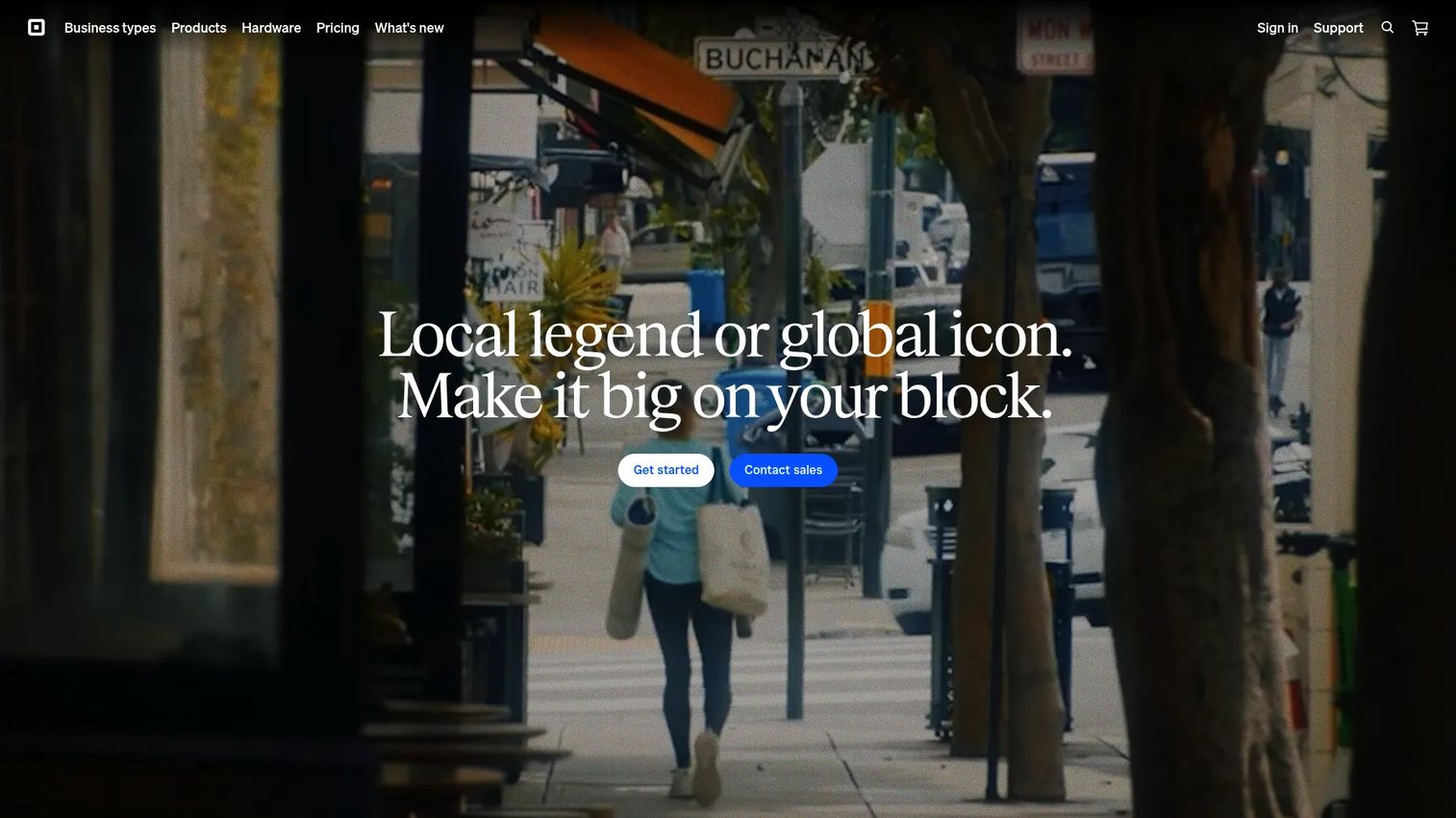
Square is the default answer for most people searching for mobile POS software, and for good reason. It runs the same point of sale across retail, restaurants, and service businesses, so a single account can cover a shop, a food truck, and a mobile appointment book. The Square Point of Sale app pairs with Tap to Pay on the phone itself, or with the Square Reader and Square Terminal when you want a dedicated device.
The hardware range is what makes Square work as a true mobile POS system. Start with just a phone and Tap to Pay, add a small reader for chip and swipe, or move up to a handheld Terminal with a built-in printer. Payments, online selling, invoicing, inventory, loyalty, and staff management all live in one platform, so you are not stitching separate tools together.
Best for: small to mid-sized sellers who want payments plus POS and commerce tools in one place, without picking a system per business type.
Key strengths
- One POS for retail, restaurants, and services
- In-person, online, invoice, and API payments
- Built-in inventory, loyalty, marketing, and staff tools
- Broad hardware: Tap to Pay, Reader, Terminal
Why choose Square: if you are not sure exactly how your checkout will look in a year, Square is the safest bet. It scales from a single phone to multiple locations without forcing a migration, and the free plan lets you start before committing a dollar to software.
Square pricing: Square Free is $0/month per location. Square Plus is $49/month per location, and Square Premium is $149/month per location. Square Pro is custom pricing for higher-volume sellers. Payment processing fees apply separately.
2. Loyverse
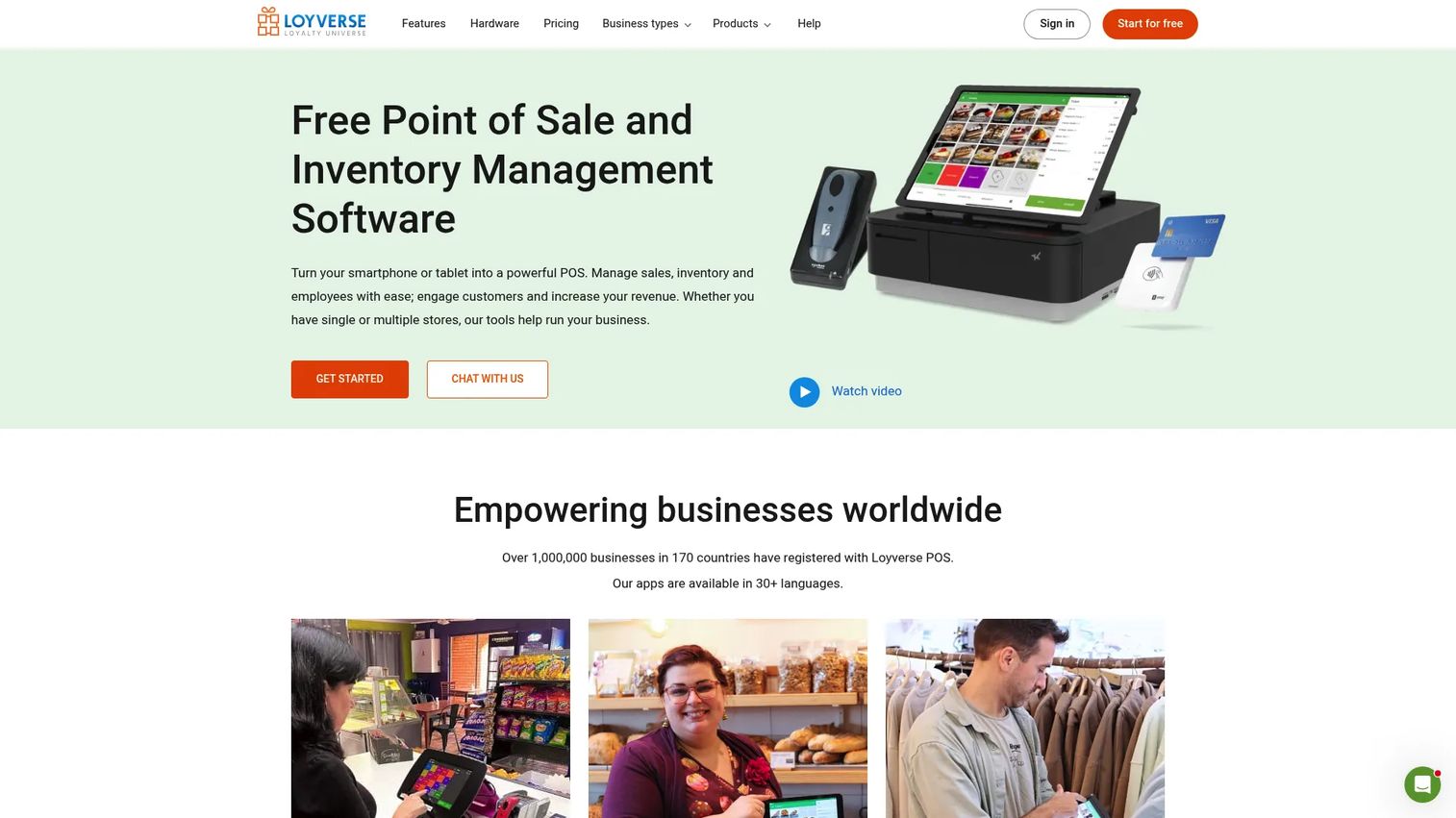
Loyverse is the pick when free actually means free. The core point of sale app runs on Android and iOS phones and tablets, and it includes sales analytics, inventory, loyalty, a customer display, a kitchen display, and multi-store management at no cost. That is a lot of mobile POS app for a budget of zero.
It works well for small retail shops, cafes, and food counters that want a real system without a monthly bill. Offline sales keep the register moving when the wifi drops, then sync when you reconnect. When you outgrow the free tier, the paid add-ons are priced per feature rather than as a forced bundle, so you only pay for what you turn on.
Best for: budget-conscious small retail, restaurant, and cafe owners who want a free POS with room to add paid features later.
Key strengths
- Free POS with inventory, loyalty, and analytics
- Free customer display and kitchen display
- Offline sales with automatic sync
- Multi-store management from one dashboard
Why choose Loyverse: if cost is the deciding factor and you still want inventory and loyalty built in, few tools match the free tier. You trade some of the broad hardware ecosystem of larger platforms for a system that costs nothing to start.
Loyverse pricing: the point of sale, dashboard, kitchen display, and customer display are free. Unlimited sales history is $5/month per store, employee management is $5/month per employee, and advanced inventory is $25/month per store. Paid add-ons include 14-day free trials.
3. Shopify POS
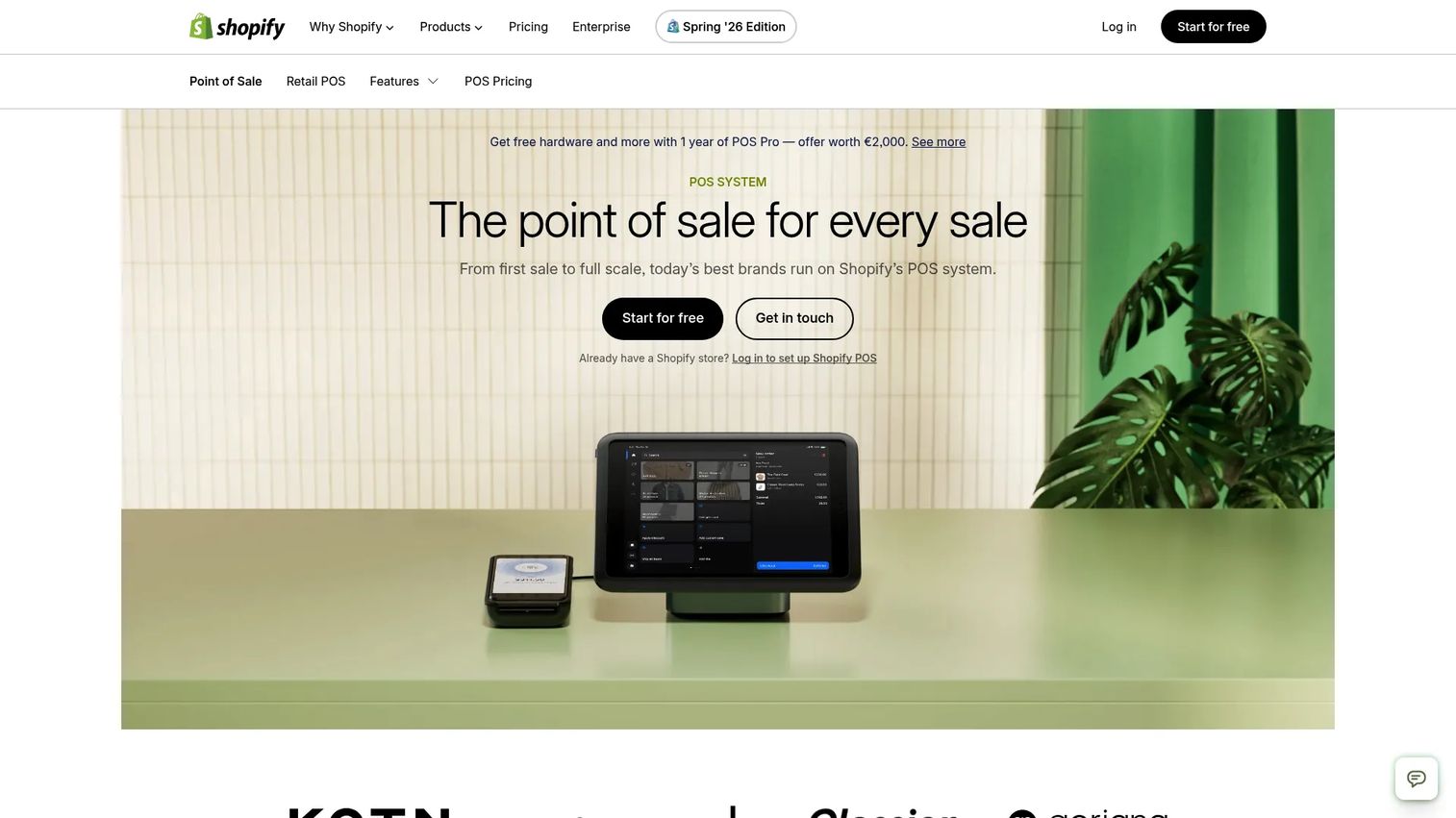
Shopify POS makes the most sense when you already sell online through Shopify. The whole point is that in-store and online run on one system: the same inventory, the same customer records, the same catalog. Sell a unit at a market and your online stock updates. Sell one online and your floor count drops.
For an omnichannel retailer, that unified inventory is the feature that pays for itself. Mobile checkout runs on phones and tablets, staff permissions keep each employee scoped to their role, and customer profiles follow the shopper across channels. If your business is online-first and you are adding in-person selling, this removes the reconciliation headache of two separate systems.
Best for: retailers who already run a Shopify store and want in-person selling to share one inventory and customer base.
Key strengths
- Omnichannel selling from one system
- Inventory synced across locations and online
- Staff permissions and customer management
- Mobile checkout on phone and tablet
Why choose Shopify POS: the value is the sync, not the standalone POS. If you do not run Shopify online, the case is weaker. If you do, the in-store side is close to free to add and removes double data entry.
Shopify POS pricing: Shopify POS Lite is included free with all Shopify plans. Shopify POS Pro is an add-on at $89/month per location, billed yearly, for advanced retail features.
4. Toast
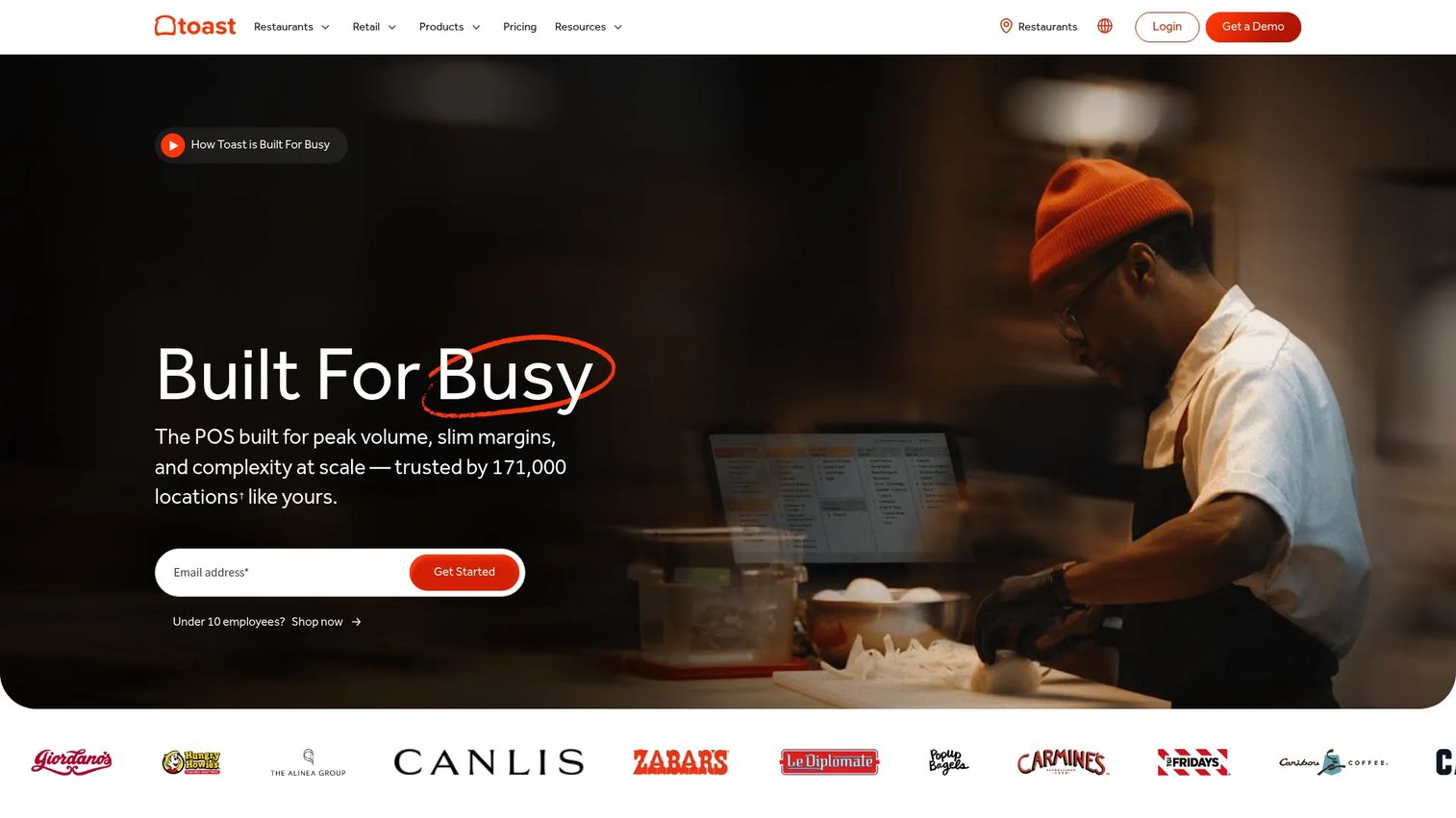
Toast is built for restaurants, and it shows in every part of the workflow. Handheld devices let servers take orders and run tableside checkout without walking back to a station, which speeds table turns and cuts errors between the floor and the kitchen. The kitchen display system, online ordering, loyalty, and offline mode are all designed around food service rather than bolted on.
This is a restaurant POS first. If you run a full-service dining room, a fast-casual counter, or a bar, the handheld ordering and kitchen routing are exactly what you want. If you run a boutique or a market stall, Toast is more system than you need, and a general mobile POS will fit better.
Best for: restaurants and food service operations that need handheld ordering, tableside payment, and kitchen routing in one platform.
Key strengths
- Handheld tableside ordering and checkout
- Kitchen display system for order routing
- Online ordering, loyalty, and marketing
- Offline mode and 24/7 support
Why choose Toast: for a restaurant, the tableside handhelds and kitchen integration are hard to beat. The trade-off is focus: this is a food-service system, so it is the wrong tool for pure retail.
Toast pricing: Toast lists a Starter kit from $0/month and pay-as-you-go options, with software and payment processing fees applying on top. Pricing applies to new customers and single locations, so confirm your exact quote for hardware and processing.
5. Lightspeed Retail
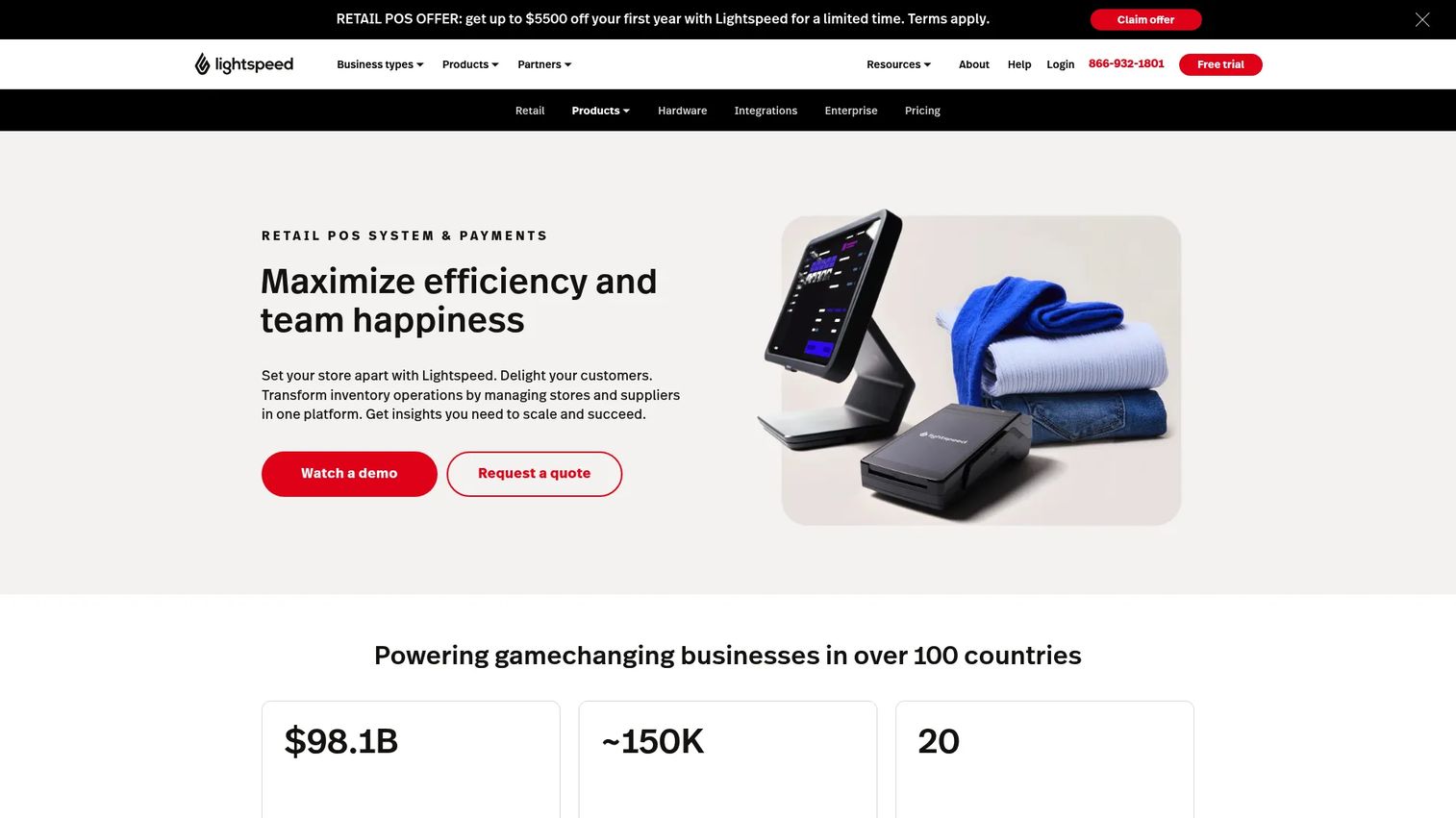
Lightspeed Retail is the choice when inventory is the hard part of your business. Cloud-based and built for retail, it handles deep catalogs, variants, purchase orders, and multi-location stock in a way lighter tools do not. If you carry thousands of SKUs across several stores, this is where a mobile POS starts earning its keep.
The reporting and analytics go past a daily sales total into what is selling, what is sitting, and what to reorder. It runs on iPad and other devices, supports ecommerce and omnichannel selling, and centralizes stock control so you are not counting the same item three times. For merchants with complex inventory needs, that depth is the whole reason to pick it.
Best for: multi-location retailers who need serious inventory, purchasing, and reporting alongside their mobile checkout.
Key strengths
- Deep inventory and catalog management
- Multi-location stock control
- Ecommerce and omnichannel selling
- Reporting and analytics beyond basic totals
Why choose Lightspeed Retail: if stock accuracy across locations is your daily pain, the inventory depth justifies the price. A simple market stand would not use most of it, so match the tool to the complexity you actually have.
Lightspeed Retail pricing: the Basic plan is $89/month, Core is $149/month, and Plus is $289/month. Pricing may vary and additional service fees can apply, so confirm your configuration.
6. eHopper
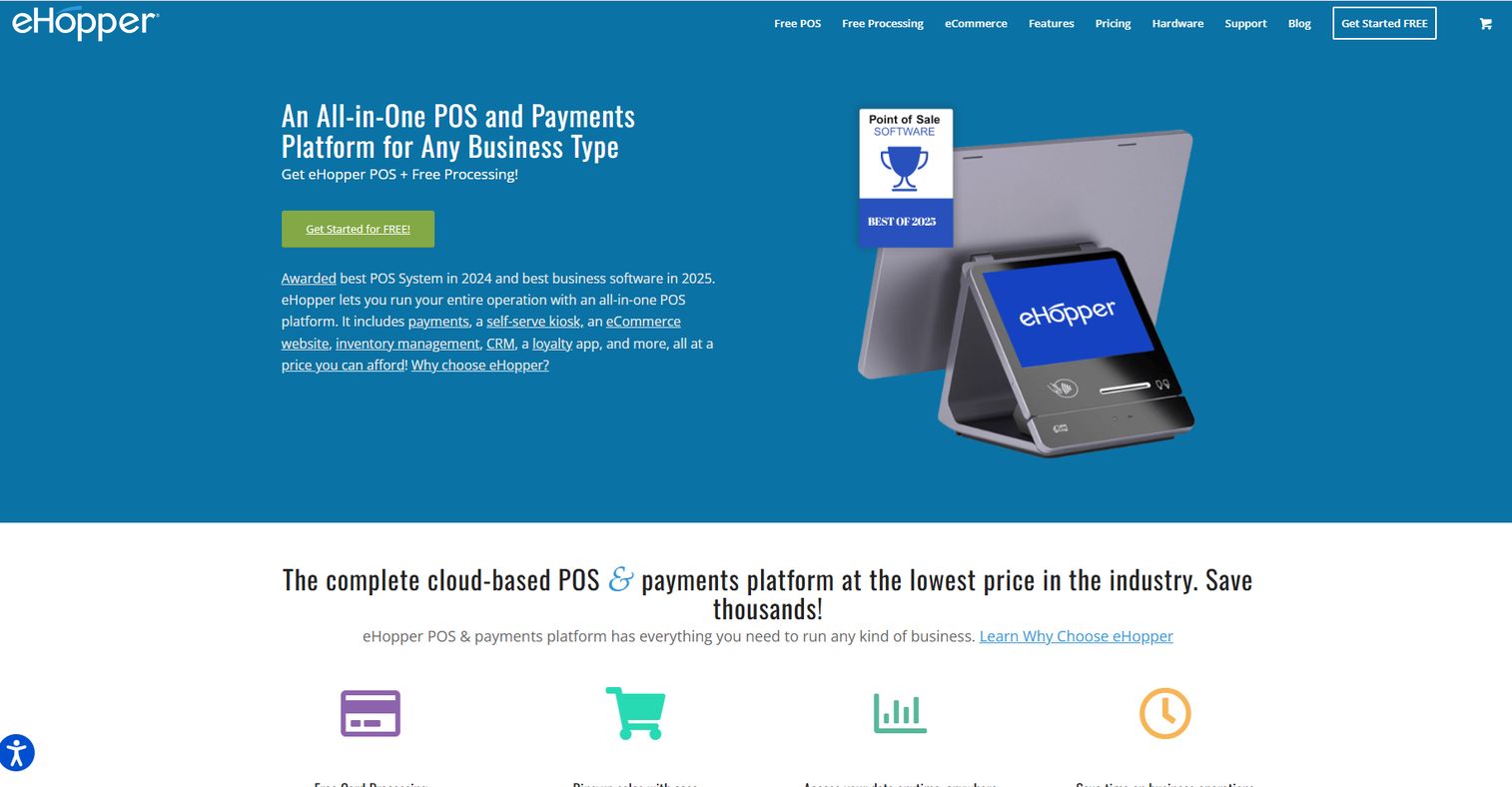
eHopper keeps things simple, which is exactly the point for small shops, cafes, and service counters that do not need a heavy platform. It runs on Windows PCs and tablets, works offline, and includes online ordering with pickup, delivery, and dine-in options. A QuickBooks Online integration handles the accounting handoff.
For a starter setup, this covers the basics: ringing sales, tracking receipts, and simple inventory without a steep learning curve. It is a fit for owners who want a working mobile point of sale system without paying for retail-scale inventory or restaurant-scale kitchen tooling they will never use.
Best for: small retailers and food counters that want a straightforward POS plus online ordering without complexity.
Key strengths
- Runs on Windows PCs and tablets
- Works offline
- Online ordering with pickup, delivery, dine-in
- QuickBooks Online integration
Why choose eHopper: it is a practical, no-frills option for a first system. If you expect to scale into deep multi-location inventory soon, a heavier platform may serve you longer.
eHopper pricing: eHopper's online ordering website is listed at $0.00 per month, and paid packages include Essential Plus, Freedom, Restaurant, and OmniChannel tiers with monthly and one-year billing options. A 30-day free trial is available. Check the current pricing page for the exact tier prices.
7. Helcim
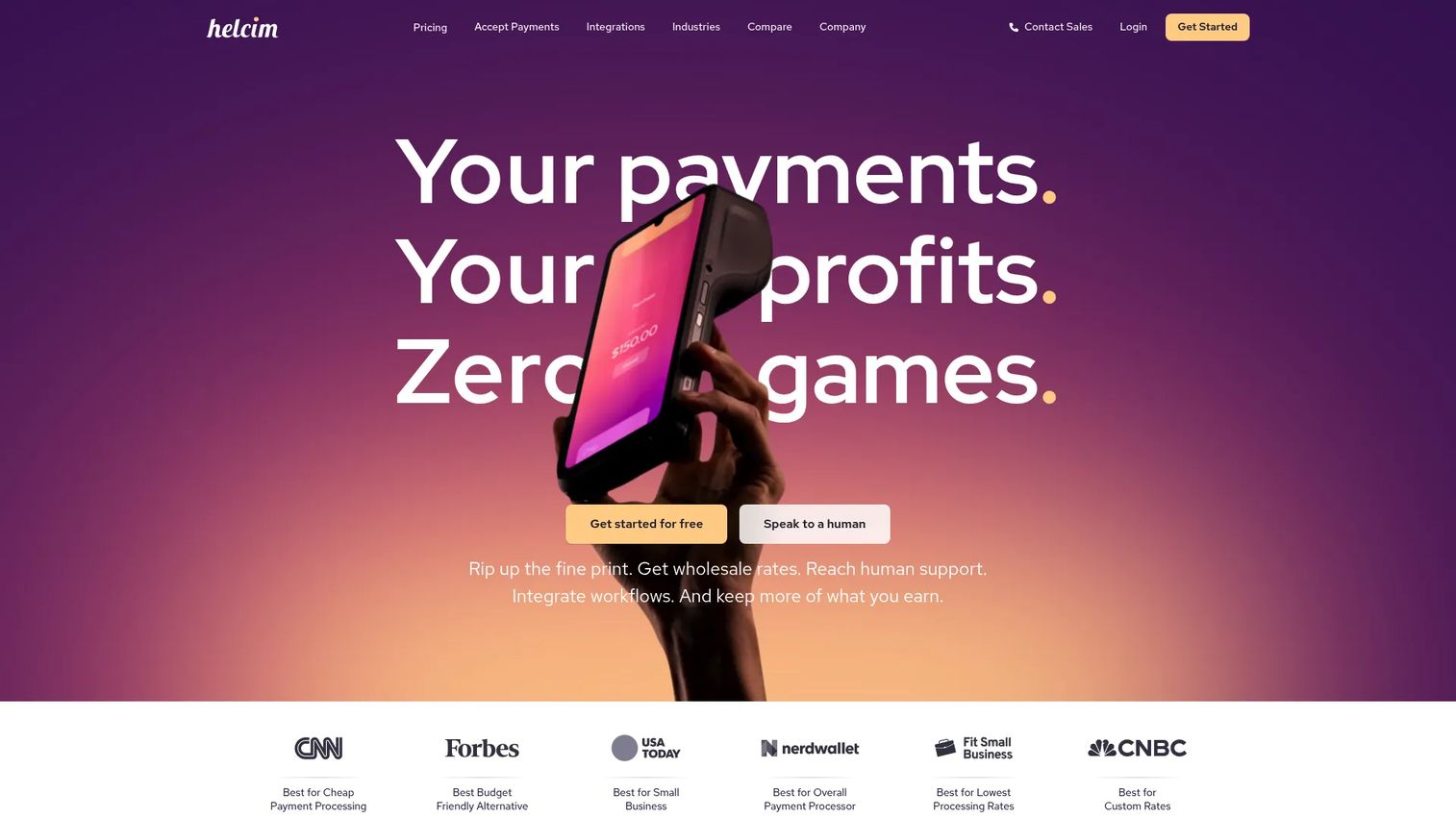
Helcim is for owners who look at their statement and care most about what processing actually costs. It uses interchange-plus pricing with volume discounts, no monthly fees, no signup fees, and no PCI fees. The POS, invoicing, virtual terminal, recurring payments, and payment links are included free, so you pay on transactions rather than subscriptions.
That structure appeals to merchants doing enough volume that a percentage difference on fees adds up faster than a flat monthly plan would. In-person and online payments both run through the same account, and hardware like the Smart Terminal or card reader is a separate one-time or financed cost.
Best for: small and mid-sized businesses that want transparent payment processing with no monthly fee and both in-person and online acceptance.
Key strengths
- Interchange-plus pricing with volume discounts
- No monthly, signup, or PCI fees
- Free POS, invoicing, and virtual terminal
- In-person and online payments in one account
Why choose Helcim: if processing economics drive your decision, the transparent fee model is the draw. Owners who prefer a fixed monthly price with bundled features may weigh it differently.
Helcim pricing: there are no monthly fees. In-person processing runs interchange plus 0.40% and 8¢ on monthly volume up to $50K, and keyed or online runs interchange plus 0.50% and 25¢ in that band. The Smart Terminal is $349 per unit or $32/month over one year, and the card reader is $199 per unit.
8. PayPal Zettle
PayPal Zettle is the simple answer for sellers already living in the PayPal world. There is no monthly fee for the POS app: you pay a percentage per card transaction and buy hardware separately. The app handles inventory, gift cards, reports, and staff tracking, and the readers accept card and contactless payments.
For a small business that wants in-person payments without a subscription and already uses PayPal for the rest of its money movement, this keeps everything under one roof. It is being presented by PayPal as PayPal Point of Sale, and some features are region- and eligibility-dependent, so confirm what is available in your market.
Best for: small businesses that want simple in-person payments plus lightweight POS tools, especially those already using PayPal.
Key strengths
- Accepts card and contactless payments
- POS app with inventory, gift cards, and reports
- Staff tracking built in
- Hardware options from reader to full terminal
Why choose PayPal Zettle: the no-monthly-fee model and PayPal tie-in make it easy to start. Sellers who need deep multi-location inventory will find more in a retail-focused platform.
PayPal Zettle pricing: there is no monthly or recurring fee for the POS app. Card transactions are 1.75%, invoices and payment links are 2.5%. Hardware is sold separately, with the PayPal Reader from £29 and the PayPal Terminal from £149. Some pricing is region-specific, so check your local rate.
Considerations
Before you commit, run each option through the same checklist. The right mobile POS system is the one that matches your hardware, your payment flow, and your business model, not the one with the longest feature list.
Hardware compatibility
Confirm whether the app runs on iOS, Android, or both, and whether it works with the phones and tablets you already own. Some tools tie you to their own hardware; others run on any recent device. If you want an iPad POS at the counter and a phone for the floor, check both are supported before you buy.
Payments and fees
Keep three numbers separate: software price, processing fees, and hardware cost. A free plan with high processing fees can cost more than a paid plan with low ones, depending on your volume. Confirm Tap to Pay support, which card readers work, and exactly how the provider handles offline payments and later syncing.
Inventory and reporting
Decide how deep your inventory really needs to go. A market stall needs a simple item list; a multi-location retailer needs barcode scanning, purchase orders, and stock that syncs across stores. Match the depth to your reality so you neither overpay nor hit a wall.
Business model fit
Match the tool to how you sell. A restaurant POS with kitchen routing is wasted on a boutique, and a retail catalog system is overkill for a coffee cart. Do not buy a food-service system for a simple market stand, or the reverse.
Scale and support
Check whether the tool supports more locations, more staff, and cleaner permissions as you grow, and how fast onboarding and support respond when something breaks mid-shift. The cost of a system that cannot scale shows up later, when migrating is the last thing you want to do.
Conclusion
If you want one answer, start with Square. It fits the widest range of mobile sellers, offers a free plan, and scales from a single phone to multiple locations without a migration. For free-first buyers, Loyverse gives you a genuinely capable POS at no software cost. Sellers already running an online store should look at Shopify POS for the unified inventory, and inventory-heavy retailers will get the most from Lightspeed Retail.
The specialized picks earn their place when your business demands them. Toast is the clear choice for restaurants and food service. Helcim rewards owners focused on processing economics, PayPal Zettle suits PayPal-first sellers, and eHopper works for simple starter counters.
Here is the practical move: choose the tool that matches your hardware and payment flow first, then check inventory depth and pricing. Start a free plan or trial, run real transactions for a week, and confirm the checkout feels fast in your actual workflow before you commit hardware money.
FAQs
Mobile POS software is a point of sale app that runs on a phone, tablet, or handheld device to process sales and accept payments anywhere. It differs from desktop POS by not needing a fixed station, so you can ring up a sale at a table, on the sales floor, or at a pop-up rather than at one bolted-down register.
Yes. Most mobile POS systems have a phone app, and many support Tap to Pay, which turns the phone itself into a contactless card reader with no extra hardware. A separate card reader or a tablet still helps when you need faster checkout, a larger display, or chip and swipe support alongside contactless.
At minimum, a phone or tablet and a way to accept cards, either Tap to Pay or a card reader. Depending on your business you may add a receipt printer, cash drawer, barcode scanner, and a customer display. A market vendor might use only a phone, while a busy retail counter runs a full tablet setup.
Costs split into three parts: software fees, processing fees, and hardware. Software ranges from free plans to roughly $89 to $289 per month for advanced retail tools. Even free plans carry processing fees, typically a percentage plus a per-transaction charge, so the free label refers to software, not payments.
Many mobile POS apps offer an offline mode that lets you keep ringing up sales when the connection drops, then syncs the transactions once you reconnect. How payments are authorized offline varies by provider, so verify the exact offline rules before you rely on it in a spot with weak signal.
It depends on the business. For a free-first start, Loyverse is strong. For general use across retail and services, Square is the safest default. For restaurants, Toast fits best, and for PayPal users, PayPal Zettle keeps things simple. Match the pick to your business type rather than chasing one universal winner.
An iPad POS gives you a bigger screen, faster item selection, and a proper counter display, which helps at higher checkout volume. A phone wins on portability and cost when you sell on the move. Use a phone for markets and field service, and a tablet at a fixed or busy counter.
Some do it well and some keep it basic, so depth varies widely. Simple systems track an item list and quantities, while retail-focused tools add barcode scanning, purchase orders, and stock that syncs across multiple locations. If inventory is central to your business, make barcode workflows and multi-location syncing a decision point.