The deal is closed. Verbally. The buyer said yes on the call. Then the paperwork goes out as an email attachment, and everything stops.
Legal wants a redline. Procurement needs a countersignature. Finance is out until Thursday. Your clean close-won slides into next quarter because a PDF is sitting in someone's inbox, unsigned.
That gap between "yes" and "signed" is where forecasts go to die. And it is almost entirely avoidable.
The e-signature market has grown fast for exactly this reason. Fortune Business Insights (2025) projects the digital signature and document signing market will expand from $13.7 billion in 2026 to $154.5 billion by 2034, a 35.4% compound annual growth rate. Verdocs (2025) reports that 95% of businesses now use or plan to implement e-signature technology. The tools moved from nice-to-have to standard infrastructure because deals move faster when signing is not a bottleneck.
This guide covers seven document signing tools built for teams that need agreements signed, tracked, and stored without the manual back-and-forth. If you close deals for a living, the destination of a signature request matters as much as the request itself, which is why teams that pair signing workflows with interactive product experiences tend to keep buyers engaged all the way through the buying committee.
What's inside
This guide is for account executives, RevOps teams, and sales leaders choosing electronic signature software that speeds up late-stage deal closure. We looked past feature checklists and evaluated tools on what actually moves revenue.
We selected and ranked the seven tools using four criteria:
- Workflow speed: how fast a document goes from draft to signed, including routing, reminders, and templates
- Security and audit trails: legal enforceability, identity verification, and status tracking
- Integrations: native connections to CRM, cloud storage, and productivity apps
- Pricing transparency and ease of adoption: clear plans and fast rollout across a team
TL;DR
Short on time? Here are the quick picks by scenario:
- Best for enterprise trust: Docusign eSignature, the most widely recognized name in e signature software
- Best for PDF-heavy teams: Adobe Acrobat Sign
- Best for Microsoft 365 workflows: Microsoft eSignature
- Best for sales docs and proposals: PandaDoc
- Best for simple, fast signing: Dropbox Sign
- Best for value-focused teams: Zoho Sign
- Best for lean operations: Nitro Sign
If your bottleneck is late-stage friction, prioritize CRM integration and workflow automation over raw feature count. The signature is the easy part. The routing and tracking around it are where deals stall.
What is document signing software?
Document signing software is a tool that lets people send, sign, track, and store agreements electronically instead of printing, scanning, and emailing attachments. It replaces manual signing with a routed digital workflow that captures a legally binding electronic signature and records every step.
Most platforms in this category share a common set of core features:
- Electronic signature capture: typed, drawn, or uploaded signatures that hold up legally
- Document routing and reminders: automatic sequencing to the right signer, with nudges when someone stalls
- Audit trail and status tracking: a timestamped record of who opened, viewed, and signed
- Templates and reusable workflows: saved documents and routing rules for repeat agreements
- Security and identity verification: encryption, access controls, and authentication of signers
- Integrations: native connections to CRM, cloud storage, and productivity apps
The distinction worth knowing early: an esignature is the broad legal category covering any electronic intent to sign, while a digital signature is a specific cryptographic method using certificates to verify identity. Most business agreements only need a standard electronic signature to be enforceable. Adoption backs this up. Verdocs (2025) reports overall e-signature adoption has reached 60 to 80% of organizations, with regulated sectors leading the way.
When to use document signing software
Close deals faster
Every day a contract sits unsigned is a day the deal can die. A buyer changes roles. A budget freezes. A competitor re-enters. Electronic signature software collapses the signing step from days to minutes by routing the agreement instantly and letting signers act from any device. When the mutual action plan says "signature by Friday," the tool is what makes Friday happen.
Reduce manual admin
Reps should sell, not chase paperwork. Templates turn a repeat MSA into a two-click send. Automatic reminders replace the "just following up on that contract" email you write four times a week. Routing rules make sure the document reaches the CFO after the champion signs, not before. That admin time goes back into pipeline.
Improve legal and procurement handoffs
Late-stage deals stall inside legal and procurement more than anywhere else. A clean document approval workflow with a full audit trail keeps those handoffs moving. Legal sees the exact version and signing history. Procurement gets the countersignature routed automatically. Everything lands in secure storage, so nobody hunts for the executed copy during renewal season.
Comparison table
Here is how the seven tools stack up on intent, differentiation, pricing, and rating. Pricing reflects entry paid tiers verified against each vendor's live pricing page. Use this as a shortlist, then read the sections below for the detail that matters to your workflow.
| # | Product | Best for | Key differentiator | Pricing | G2 rating |
|---|---|---|---|---|---|
| 1 | Adobe Acrobat Sign | PDF-heavy teams | Native PDF editing plus signing in one suite | From $16.99/mo per license | 4.4/5 |
| 2 | Docusign eSignature | Enterprise trust | Widest recognition and compliance depth | From $10/mo | 4.4/5 |
| 3 | Microsoft eSignature | Microsoft 365 workflows | Pay-as-you-go signing inside Microsoft 365 | $2 per request | Not listed |
| 4 | PandaDoc | Sales docs and proposals | Proposals, contracts, and e-sign in one flow | Free; from $19/seat/mo | 4.7/5 |
| 5 | Dropbox Sign | Simple, fast signing | Clean UX with embedded signing | Free; from $15/mo | 4.7/5 |
| 6 | Nitro Sign | Lean operations | Transparent low entry price | From $10/user/mo | 4.5/5 |
| 7 | Zoho Sign | Value-focused teams | Deep Zoho ecosystem integration | Free tier available | 4.4/5 |
Best document signing software for 2026
1. Adobe Acrobat Sign
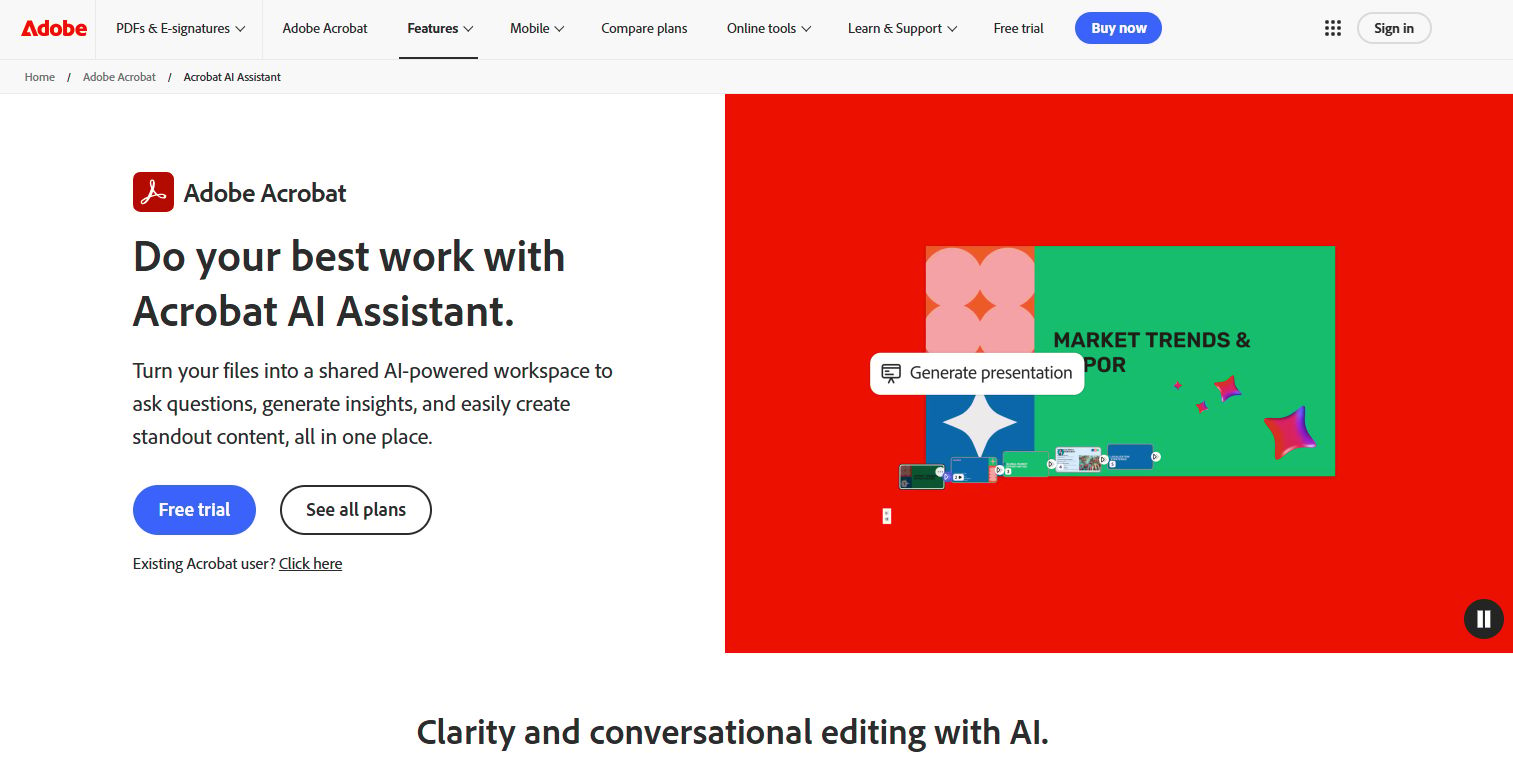
Adobe Acrobat Sign is Adobe's standalone e-signature solution for sending, signing, tracking, and managing agreements. It sits inside the broader Acrobat family, so teams that already live in PDFs get editing and signing in the same place. For sales orgs that handle contract-heavy, document-first deals, that combination removes a tool-switch from the close.
Best for: Teams that need Adobe-native e-signature workflows with document tracking and compliance-oriented signing features.
Key features
- Collect e-signatures and track responses
- Create web forms and reusable e-sign templates
- Bulk send multiple e-signature requests
Why choose Adobe Acrobat Sign: If your documents already originate in Acrobat, keeping signing in the same suite avoids exporting, re-uploading, and version drift. It fits organizations standardized on Adobe that want signing to feel like a native step, not a bolt-on.
Adobe Acrobat Sign pricing: Business plans are billed annually and shown monthly. Acrobat Standard for teams is $16.99/mo per license, Acrobat Pro for teams is $23.99/mo per license, and Acrobat Studio for teams is $29.99/mo per license. Enterprise pricing for the standalone Acrobat Sign solution is available through Adobe sales.
2. Docusign eSignature
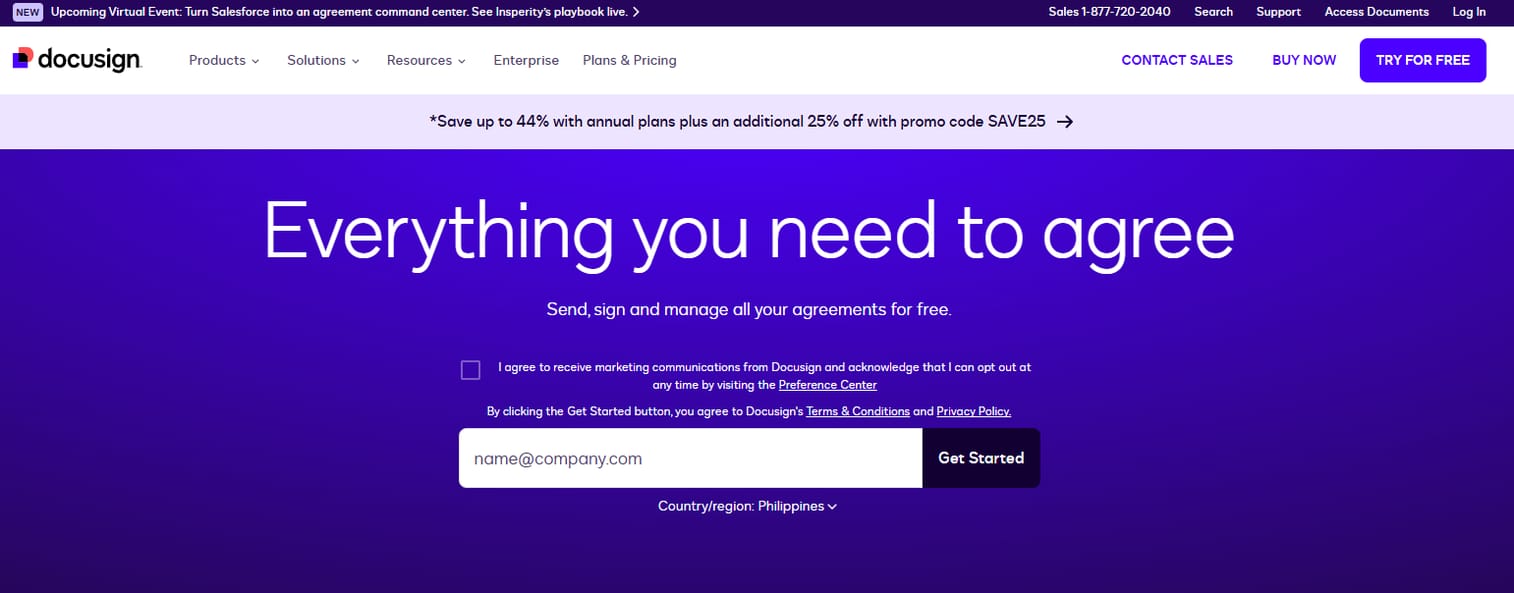
Docusign eSignature is the name most buyers already know, which matters more than it sounds. When you send an agreement through Docusign, the recipient recognizes the flow and trusts it. That familiarity removes a small but real point of hesitation in enterprise deals where every stakeholder is cautious. It supports templates, workflow collaboration, and the compliance controls that security reviews expect.
Best for: Teams needing a widely used e-signature workflow with templates, collaboration, and compliance controls.
Key features
- Send and sign agreements on any device
- Reusable templates and workflow collaboration
- Security and compliance controls
Why choose Docusign eSignature: For enterprise AEs orchestrating 8 to 15 stakeholders through legal and procurement, the incumbent-grade recognition and compliance depth reduce late-stage risk. Signing for recipients is free, which lowers friction across large buying committees.
Docusign eSignature pricing: Personal starts at $10/month billed annually. Standard is $25/month per user, and Business Pro is $40/month per user, both billed annually. Enhanced plans are available through Docusign sales for larger organizations.
3. Microsoft eSignature
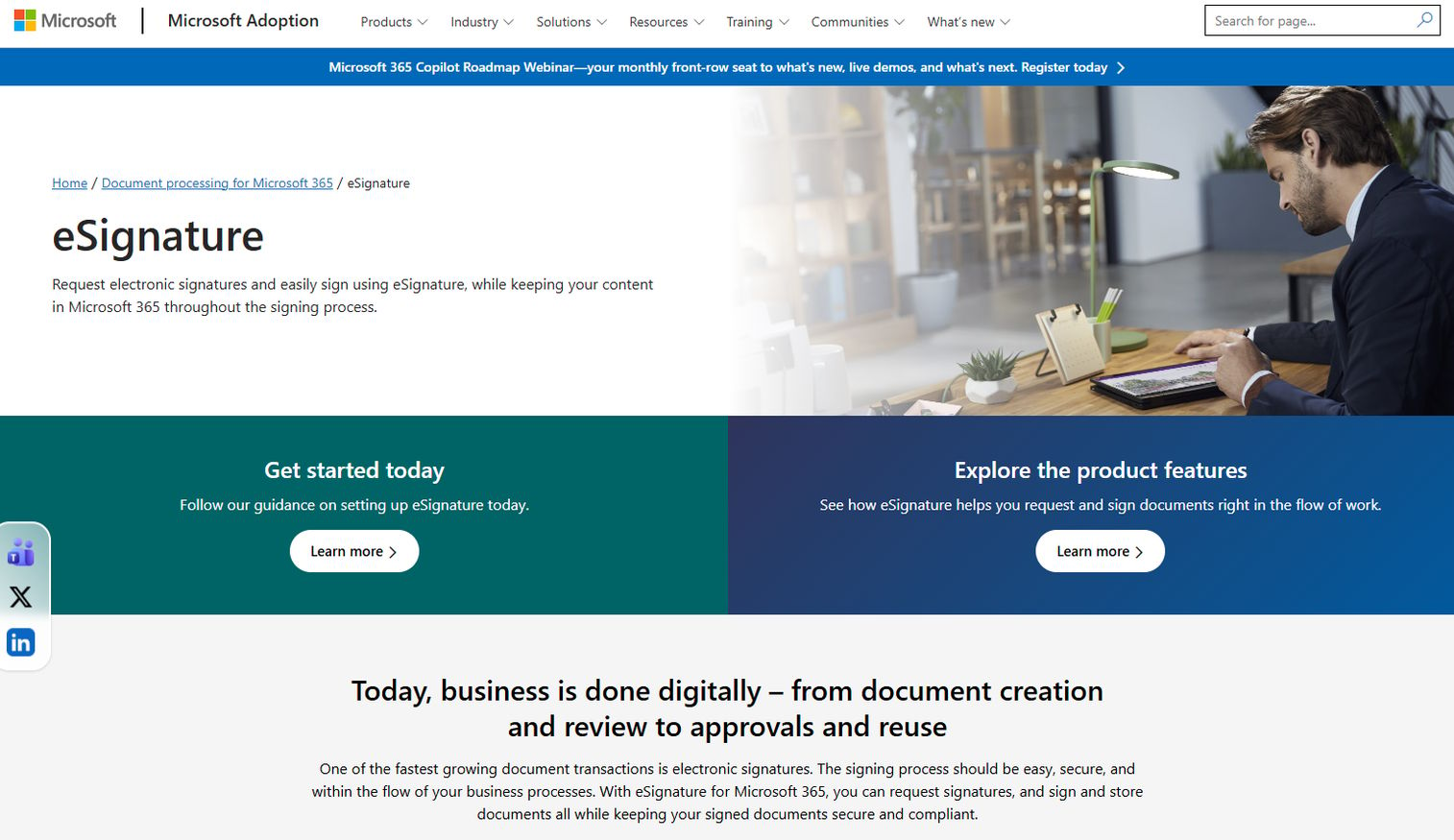
Microsoft eSignature is Microsoft 365's native electronic signature service for sending, signing, and storing documents inside the Microsoft ecosystem. If your team already runs on Microsoft 365, signing happens where the documents already live, with no new platform to adopt. Its pay-as-you-go model makes it a low-commitment option for teams with occasional signing needs.
Best for: Teams already using Microsoft 365 that want built-in e-signature workflows.
Key features
- Request signatures from internal or external recipients
- Sign documents by typing your name
- Audit trail and activity history
- Integration with Adobe Acrobat Sign and Docusign
Why choose Microsoft eSignature: For lean teams or those with variable signing volume, paying per request beats a per-seat subscription. Storing signed documents inside Microsoft 365 keeps records where your team already searches for them.
Microsoft eSignature pricing: eSignature is a pay-as-you-go service priced at $2 per request. Microsoft notes that up to five requests could be tried at no cost through June 2026 once pay-as-you-go billing is set up.
4. PandaDoc
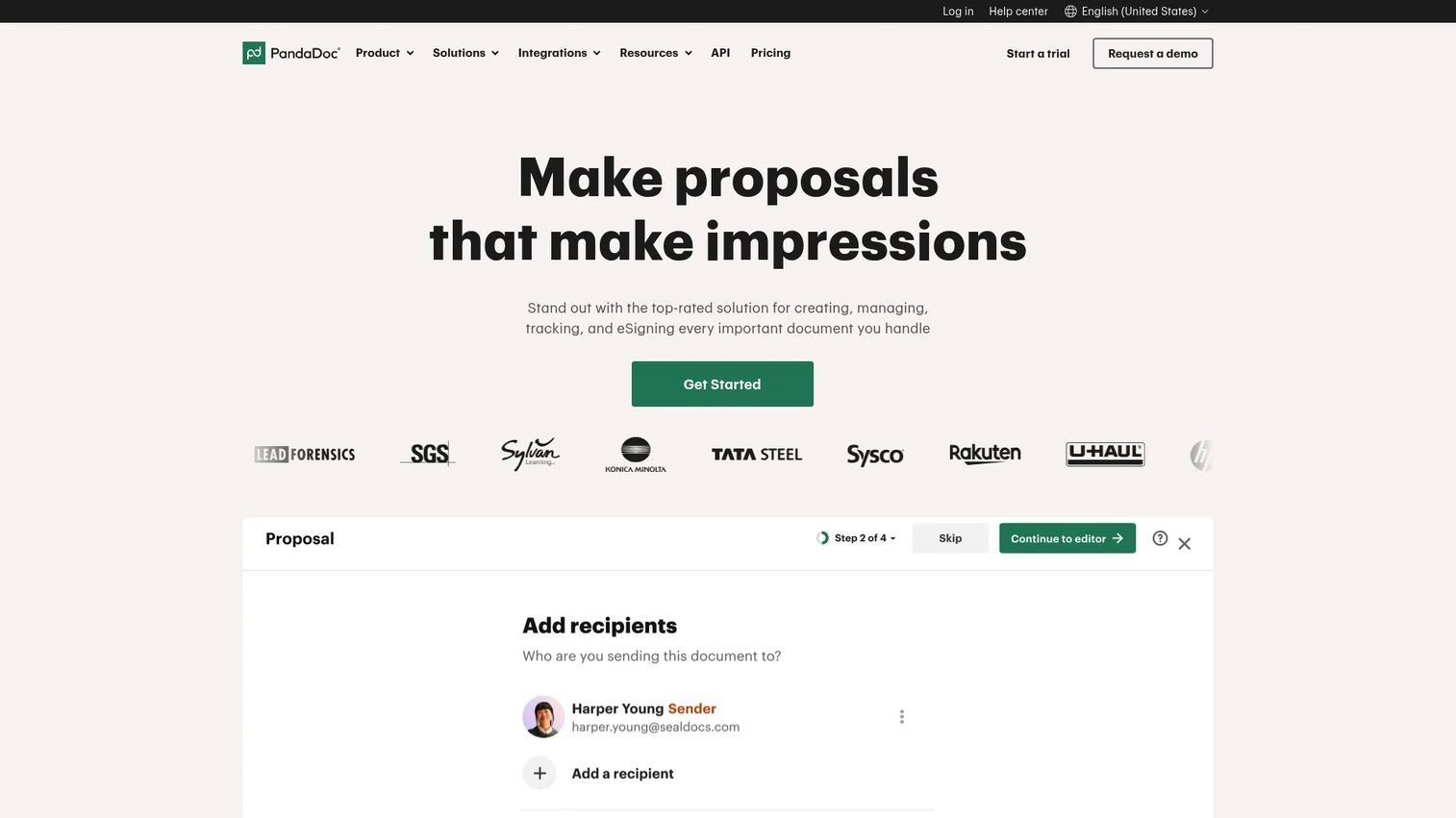
PandaDoc is document workflow software for creating, sending, tracking, and e-signing business documents. Unlike pure signing tools, it wraps proposals, quotes, and contracts into one flow, so a rep builds the proposal and captures the signature in the same place. For revenue teams, that means the whole late-stage document motion lives in one tool. It is a contract signing software built with sales in mind.
Best for: Teams that need proposals, contracts, e-signatures, and document tracking in one workflow.
Key features
- Drag-and-drop document editor
- Unlimited e-signatures and document uploads on paid plans
- CRM integrations, content library, approval workflows, and pricing tables
Why choose PandaDoc: If your reps build proposals and chase signatures separately today, consolidating them cuts steps and gives you document tracking on both. The CRM integrations and pricing tables make it a strong fit for AEs who send quote-driven agreements.
PandaDoc pricing: A free plan is available at $0. Starter is $19 per seat per month, and Business is $49 per seat per month, both billed annually. Enterprise uses per-seat or per-document pricing through PandaDoc sales.
5. Dropbox Sign
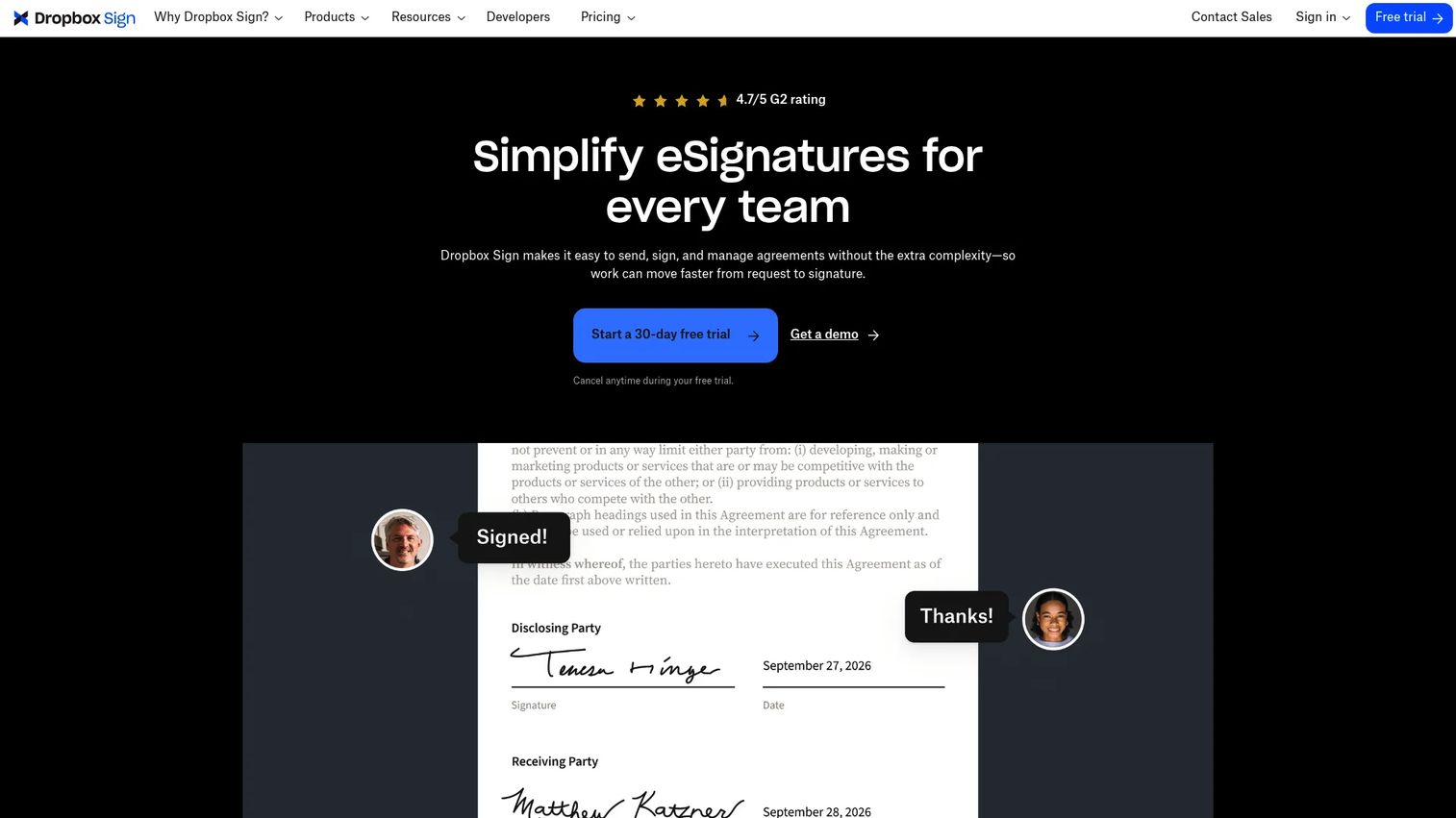
Dropbox Sign is an eSignature platform for sending, signing, and managing agreements online, formerly known as HelloSign. Its calling card is simplicity. The signing experience is clean enough that recipients rarely need instructions, which keeps the last mile of a deal from snagging on confusion. Embedded signing lets you drop the flow directly into your own product or portal.
Best for: Teams needing legally binding eSignatures with templates, reminders, and embedded signing.
Key features
- Reusable templates
- Audit trail
- Embedded signing
Why choose Dropbox Sign: When you want signing to just work without training recipients, the pared-down UX is the point. It suits SMB and mid-market teams that value speed and a low learning curve over heavy configuration.
Dropbox Sign pricing: A Free plan offers up to 3 signature requests per month. Essentials starts at $15/month billed annually, and Standard starts at $25 per user per month billed annually. Premium is available through Dropbox Sign sales.
6. Nitro Sign
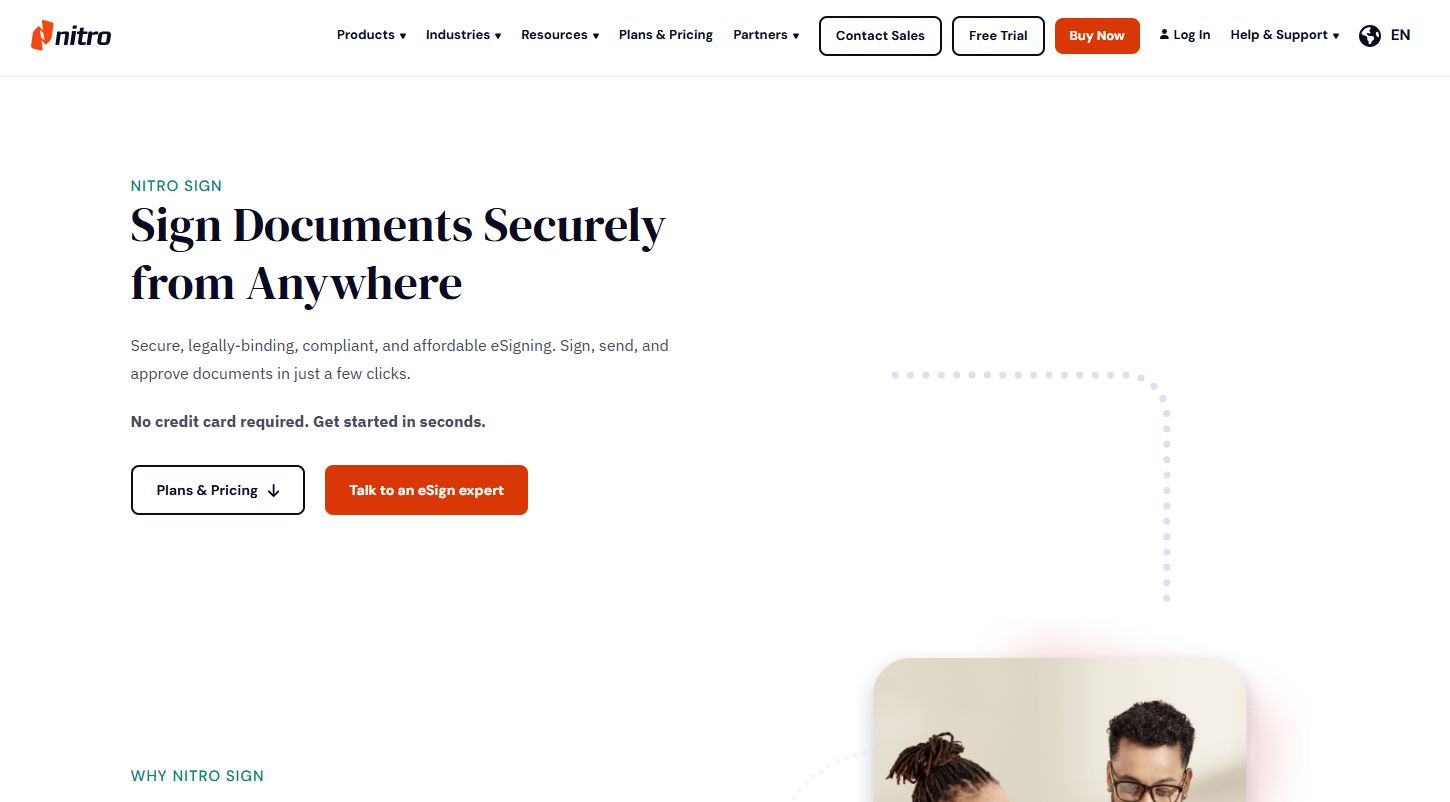
Nitro Sign is secure eSignature software for preparing, sending, signing, and managing documents digitally. It targets teams that want compliant signing without enterprise-tier pricing, with a transparent entry price that makes budgeting simple. For lean operations, the appeal is getting audit trails, reminders, and identity verification without paying for features they will not use.
Best for: Teams that want a lower-cost, compliant eSignature tool with transparent entry pricing.
Key features
- Send documents for eSignature with one or multiple documents per envelope
- Audit trails, manual reminders, and form-filling
- SSO, SMS/email OTP, API, and integrations
Why choose Nitro Sign: For a smaller team or a cost-conscious department, the published entry price removes the guesswork of contacting sales just to learn what signing will cost. It gives you the compliance basics for secure document signing at a predictable rate.
Nitro Sign pricing: Nitro Sign Standard is self-serve at $10 per user per month billed annually. Nitro Sign Plus and Nitro Sign Enterprise are custom or volume-priced through Nitro sales. A free trial is offered.
7. Zoho Sign
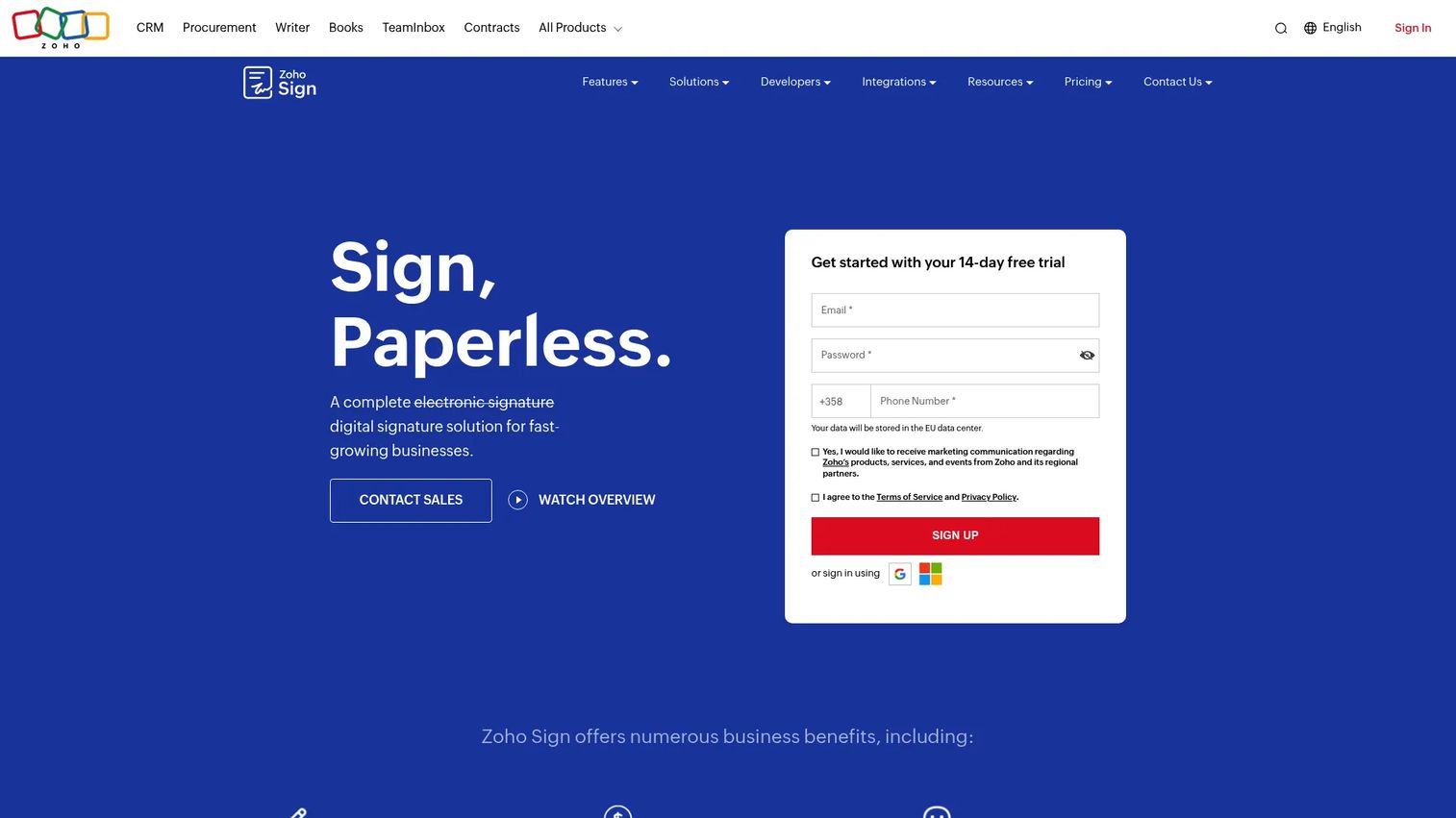
Zoho Sign is a cloud e-signature and document workflow platform for sending, signing, tracking, and managing documents. It shines for teams already running on Zoho, where signing plugs into the CRM and the rest of the suite without extra integration work. Value pricing and a functional free tier make it a practical pick for lean businesses.
Best for: Teams needing an affordable e-signature tool with workflow automation and Zoho ecosystem integration.
Key features
- Digital document signing and signature workflows
- Templates, reminders, audit trail, and tracking
- Integrations with Zoho apps and third-party tools; API/webhooks
Why choose Zoho Sign: If your stack already includes Zoho CRM or other Zoho apps, keeping signing inside the same ecosystem cuts integration overhead. The affordable pricing and workflow automation suit value-focused teams that want more than a bare-bones signer.
Zoho Sign pricing: A Free plan covers 1 user and 5 documents per month. Standard, Professional, and Enterprise plans are billed per user per month annually, with a Custom Plan and API/envelope option available. A 14-day free trial is offered.
Considerations
Before you commit, run the shortlist through this buyer's checklist. The right pick depends on your team's workflow more than any single feature.
Security and audit trails
Confirm the tool provides a timestamped audit trail, encryption in transit and at rest, and signer identity verification. For regulated deals, check that legal electronic signatures meet the enforceability standards your legal team requires. A complete audit trail is what turns a signature into evidence during a dispute or renewal.
Pricing and billing model
Decide whether per-seat or pay-as-you-go fits your volume. High-frequency SMB teams often do better on per-seat plans, while occasional signers save on usage-based pricing. Watch for features gated behind higher tiers, especially templates, bulk send, and CRM integration.
Integrations and stack fit
The tool should connect to your CRM, cloud storage, and email without custom work. Native CRM integration matters most for AEs, since it keeps signing status visible on the opportunity record. Verify the specific connectors you need are supported before you buy.
Template and workflow needs
If you send the same agreement types repeatedly, strong template and document approval workflow support will save the most time. Look for conditional routing, so the document reaches signers in the right order. Reusable workflows are where the real admin savings live.
Team scale and admin controls
For larger teams, check for SSO, role-based permissions, and centralized admin. Enterprise deals often require these before security review will clear a tool. Make sure the plan you choose scales without forcing a disruptive migration later.
Conclusion
The signature was never the hard part. The friction is everything around it: routing, reminders, legal handoffs, and the anxious wait while a deal sits unsigned in someone's inbox.
If you sell into enterprise and need buyer trust plus compliance depth, Docusign eSignature is the safe default. Document-heavy teams already in Adobe should look at Adobe Acrobat Sign, and Microsoft 365 shops get the least friction from Microsoft eSignature. Revenue teams that want proposals and signatures in one flow will find PandaDoc built for them. For simple, fast signing, Dropbox Sign is hard to beat, while Nitro Sign and Zoho Sign give lean and value-focused teams a compliant option at a predictable price.
Pick based on where your deals stall today. If handoffs are the problem, prioritize workflow automation and CRM fit. Then remember that a signature closes a deal, but keeping the buying committee engaged before that point is a separate job. Teams that let buyers experience the product through self-serve interactive demos tend to reach the signature stage with less resistance.
Start your journey with Guideflow today!
FAQs
An electronic signature is any electronic indication of intent to sign, such as typing your name or drawing a signature. A digital signature is a specific type that uses cryptographic certificates to verify the signer's identity and detect tampering. Most business agreements only need a standard electronic signature to be enforceable, while digital signatures are used where higher identity assurance is legally required.
Yes. In the United States, the ESIGN Act and UETA give electronic signatures the same legal standing as handwritten ones for most agreements. Reputable e signature software captures an audit trail with timestamps and signer verification, which is what holds up if a signature is ever challenged. Some regulated documents still require specific formats, so confirm with your legal team for edge cases.
Prioritize CRM integration first, since seeing signing status on the opportunity record removes guesswork from the forecast. Then look at template and workflow automation to cut admin, and audit trails for clean legal and procurement handoffs. Raw feature count matters less than how well the tool removes late-stage friction from your actual deals.
PandaDoc is often the strongest fit because it combines proposals, quotes, contracts, and e-signatures in one workflow built for revenue teams. Docusign eSignature is the go-to for enterprise deals where buyer trust and compliance depth matter most. The best choice depends on whether you need document creation and signing together or signing alone.
Leading electronic signature software uses encryption in transit and at rest, signer identity verification, and detailed audit trails. Enterprise-grade tools add SSO, role-based access, and compliance certifications that security reviews expect. Secure document signing depends as much on your configuration, such as requiring authentication for high-value agreements, as on the platform itself.
Yes. Most tools on this list offer native CRM integrations, and PandaDoc, Docusign eSignature, and Zoho Sign are especially strong here. CRM integration keeps signing status visible on the deal record, so AEs and managers see exactly where an agreement sits without leaving the pipeline view. Verify your specific CRM is supported before buying.
For predictable per-user pricing, Nitro Sign starts at $10 per user per month billed annually. Zoho Sign and PandaDoc both offer functional free tiers for very low volume, and Microsoft eSignature's $2-per-request model suits occasional signers. Match the billing model to your signing volume rather than chasing the lowest headline price.
Most business teams do not. Standard electronic signatures are enforceable for the vast majority of commercial agreements under laws like the ESIGN Act. Digital signature certificates matter mainly in regulated industries or cross-border contexts that legally require certificate-based identity verification, so check whether your specific documents demand that higher assurance level before adding the complexity.