Almost half of all global email traffic was spam in 2025, according to Kaspersky's 2026 threat report. That figure is striking on its own. What makes it worse is that modern spam is rarely just clutter. It carries credential-harvesting links, fraudulent invoices, ransomware payloads, and impersonation attacks designed to look like internal messages.
Your built-in mailbox filter was not designed to catch all of it. Security teams know this. Buyers know this too, which is why email protection comes up early in vendor diligence calls and security questionnaires. A misconfigured or absent spam layer can stall a deal faster than a missing feature.
This guide gives IT administrators, security leaders, and presales teams a buyer-ready shortlist. Every tool has been evaluated against real use cases, current pricing, and verified ratings so you can shorten your evaluation cycle, not lengthen it.
What's inside
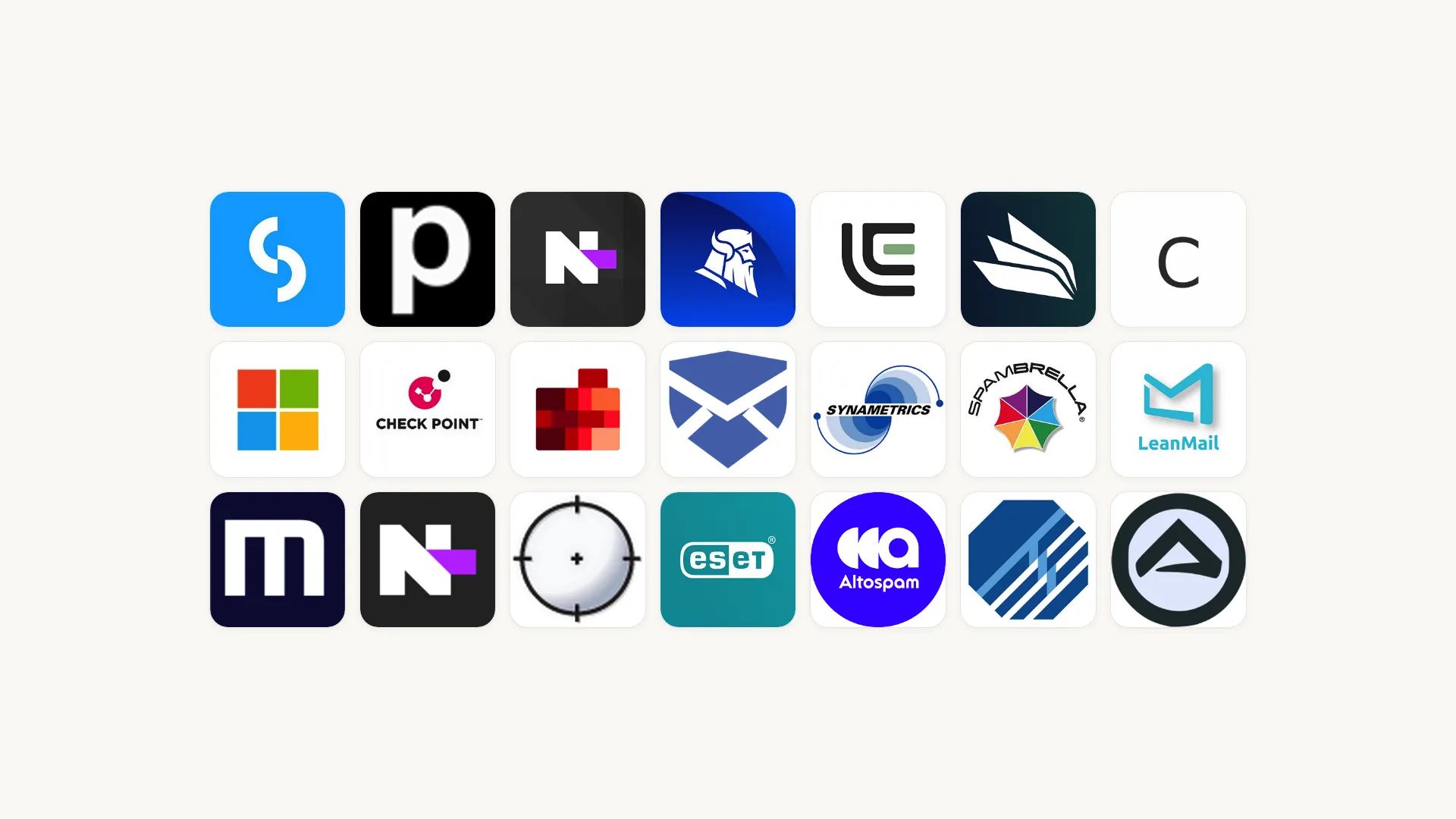
This guide compares 21 anti spam software products for 2026. It is written for IT admins, security teams, RevOps, presales engineers, and MSPs who need a practical shortlist, not a vendor brochure.
Selection criteria:
- Spam detection and email quarantine quality
- Phishing, malware, and attachment protection depth
- Fit for Microsoft 365, Google Workspace, Exchange, hosted mail, and MSP environments
- Pricing transparency, free trial availability, and verified G2 rating
Pricing and G2 ratings were verified against live vendor pages at time of writing. Where no current price was publicly available, that is stated plainly.
TL;DR
- Best for broad business email protection: SpamTitan covers spam, phishing, and malware across cloud and gateway deployments, starting at $1.95 per user per month annually
- Best for Microsoft 365-native teams: Microsoft Defender for Office 365 integrates directly into the Microsoft admin environment, with Plan 1 at $2.00 per user per month
- Best for enterprise email security: Mimecast and Proofpoint Core Email Protection suit organizations with mature security programs and broader email governance requirements
- Best for MSPs and service providers: N-able Mail Assure handles multi-tenant management, and SpamExperts supports inbound and outbound filtering at domain scale
- Best free or lightweight desktop option: SPAMfighter offers a free Standard tier for personal use, with Pro at $29.00 per year
- Best for outbound sender reputation: MailChannels protects hosting providers and platforms from outbound abuse, with a free tier up to 3,000 emails per month
What is anti spam software?
Anti spam software detects, filters, blocks, quarantines, and reports unwanted or malicious email before it reaches user inboxes or leaves a company's domain.
Modern tools do more than remove newsletter clutter. Business-grade products protect against phishing links, malware attachments, invoice fraud, account takeover attempts, and domain impersonation. Many also scan outbound mail to prevent compromised accounts from damaging sender reputation.
Common anti-spam techniques
- Reputation-based filtering: Checks sender IP and domain against known block lists and allow lists
- SPF, DKIM, and DMARC alignment: Validates that the sending server is authorized by the domain owner
- Bayesian filtering: Uses statistical patterns across known spam to score incoming messages
- Machine learning detection: Identifies evolving attack patterns based on behavioral signals
- Greylisting: Temporarily rejects unknown senders and accepts retry messages from legitimate mail servers
- URL rewriting and sandboxing: Rewrites links for click-time checking and detonates attachments in an isolated environment
- Impersonation detection: Flags display-name spoofing and lookalike domains
- User reporting feedback loops: Lets recipients report missed spam to improve filter accuracy
Key features to look for
- Email quarantine with user release and admin review workflows
- Allow lists and block lists with domain and sender-level controls
- Phishing detection and anti-impersonation policies
- Malware and ransomware attachment scanning
- URL protection with click-time rewriting
- Admin dashboards with threat reports and audit logs
- Integration with Microsoft 365, Google Workspace, Exchange, and hosted mail environments
- Outbound email scanning for compromised account detection
When to use anti spam software
Protect business email from phishing and malware
Spam is not only an inbox nuisance. A single convincing phishing message can hand an attacker valid credentials, trigger a wire transfer, or plant ransomware across a shared drive. Presales and security teams regularly field questions about email filtering during vendor diligence, particularly when sensitive buyer communications or customer data passes through company mail. A documented anti-spam layer with quarantine logs and threat reports answers those questions directly.
Reduce false positives without losing control
Aggressive filtering creates its own problem. Legitimate customer messages, purchase orders, partner updates, and support notifications can land in quarantine instead of the inbox. Good anti-spam tools give admins quarantine dashboards, user release workflows, and sender-specific allow rules so the filter stays tight without blocking business-critical mail. Test this during any trial before you commit.
Support Microsoft 365, Google Workspace, Exchange, or hosted mail
Many organizations start with the spam filtering built into their mail platform, then add a dedicated layer as risk or admin workload grows. Cloud-based anti-spam services, gateway filters, and API-based tools each fit different mail environments differently. Choose a tool that matches your infrastructure without requiring awkward routing or unsupported connectors.
Anti spam software comparison
The table below summarizes all 21 tools by use case, key differentiator, pricing, and G2 rating. Use it as a quick reference before reading the full entries. Pricing and ratings reflect vendor pages and live G2 listings at time of writing.
| # | Product | Best for | Key differentiator | Pricing | G2 rating |
|---|---|---|---|---|---|
| 1 | SpamTitan | Business spam and phishing filtering | Gateway and cloud protection for SMBs, MSPs, enterprises | From $1.95/user/month (annual) | N/A |
| 2 | Microsoft Defender for Office 365 | Microsoft 365-native teams | Native M365 protection: Safe Links, Safe Attachments, anti-phishing | Plan 1: $2.00/user/month (annual) | N/A |
| 3 | Mimecast | Enterprise email security and governance | AI-powered threat protection with continuity and archiving | Custom pricing | 4.3/5 |
| 4 | Proofpoint Core Email Protection | Enterprise threat protection | Multi-model AI for phishing, BEC, and malware defense | Custom pricing | 4.0/5 |
| 5 | Avanan | API-based cloud email security | Inline protection for Microsoft 365 and Google Workspace | Custom pricing | 4.7/5 |
| 6 | N-able Mail Assure | MSP email protection | Multi-tenant filtering, continuity, and archiving | Custom pricing | 4.0/5 |
| 7 | SpamExperts | Service providers and web hosts | Inbound and outbound filtering at domain scale | Custom pricing | N/A |
| 8 | Zerospam | API-based abuse detection | IP and email reputation checks with WordPress anti-spam | Free; paid from $8/month | N/A |
| 9 | SPAMfighter | Desktop spam filtering | Community-powered filtering for Windows email clients | Free; Pro $29/year | 4.8/5 |
| 10 | Heimdal Email Security | Security-stack teams | Email protection with sandboxed macro and PDF analysis | Custom pricing | N/A |
| 11 | Trustifi | Encryption plus email security | AI inbound protection and AES-256 outbound encryption | Custom pricing | 4.8/5 |
| 12 | ESET Endpoint Security | Endpoint-led security teams | Multilayered endpoint suite with mail client protection | Custom pricing | N/A |
| 13 | Libraesva Email Security | Advanced gateway filtering | Semantic AI and Adaptive Trust AI for deception detection | Custom pricing | 4.8/5 |
| 14 | Xeams | Flexible mail server filtering | On-premise and cloud email server with integrated spam filtering | Free; Enterprise from $1.67/user/month (annual) | N/A |
| 15 | ALTOSPAM | Hosted European email security | Managed anti-spam, anti-phishing, and anti-malware filtering | Custom pricing | N/A |
| 16 | MailChannels | Outbound sender reputation | Outbound filtering and abuse detection for hosting providers | Free up to 3,000 emails/month; Starter $99.99/month | 3.3/5 |
| 17 | Spambrella | Managed email security | Hosted filtering with URL defense, sandboxing, and DLP | Custom pricing | 4.3/5 |
| 18 | Topsec Cloud Solutions | Managed cloud email services | Fully managed protection with DMARC and phishing awareness | Custom pricing | N/A |
| 19 | ContentCatcher | Small business email filtering | Spam filtering and content controls for smaller teams | N/A | N/A |
| 20 | LeanMail | Outlook inbox productivity | Modular Outlook add-ins for inbox prioritization and organization | From €4/month per module (annual) | N/A |
| 21 | Antideo | Email validation and spam prevention | API-based email, IP, and phone validation | Free; paid from $5/month | 4.7/5 |
Best 21 anti spam software tools for 2026
1. SpamTitan
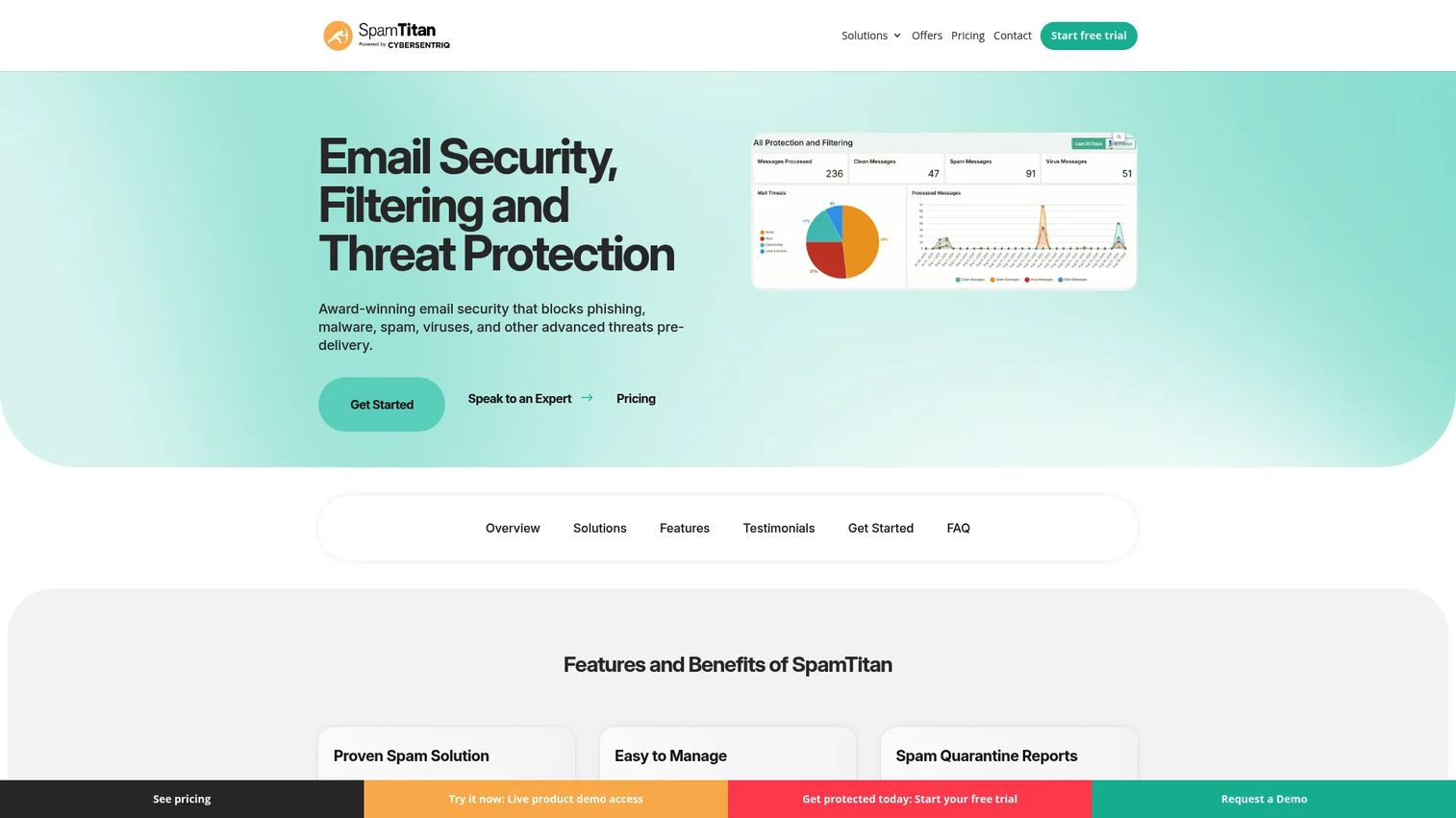
SpamTitan is a business-grade anti spam email software that blocks spam, phishing, malware, and malicious links across both cloud and gateway deployments. It serves SMBs, MSPs, and enterprise customers, with multi-tenant management options for service providers. The platform covers inbound and outbound email scanning alongside quarantine workflows, data loss prevention, and policy controls.
Best for: IT teams that need a practical, scalable email security layer without building a complex enterprise security program.
Key features
- Spam, phishing, and malware filtering with inbound and outbound scanning
- Email quarantine with whitelisting and blacklisting controls
- Malware attachment scanning and malicious link detection
- Microsoft 365 compatibility with cloud and gateway deployment options
- Multi-tenant management console for MSP use
Why choose SpamTitan: SpamTitan is a solid first shortlist option for business email protection. It covers the core threat categories without requiring an enterprise security budget, and the MSP console makes it practical for service providers managing multiple client domains.
SpamTitan pricing: Starts at $1.95 per user per month, billed annually. Pricing varies by mailbox count, deployment type, and contract term. Contact the vendor for a direct quote based on your user count and deployment model.
2. Microsoft Defender for Office 365
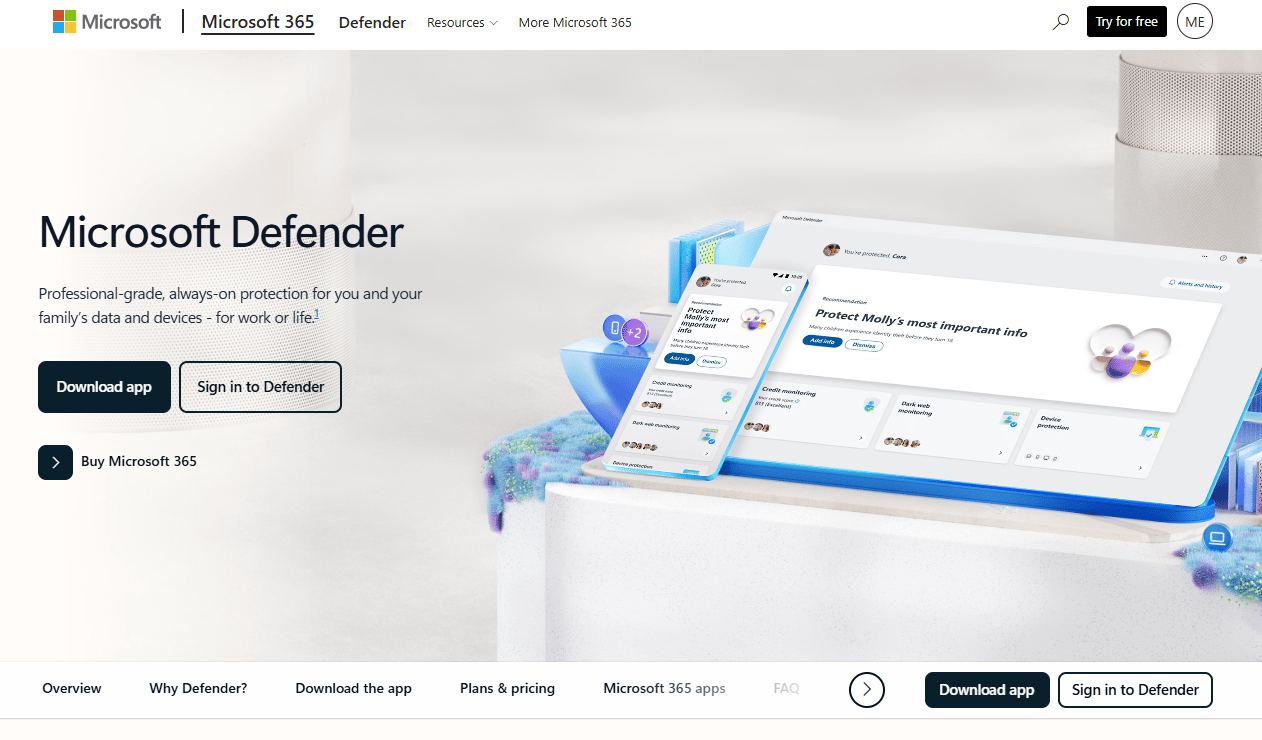
Microsoft Defender for Office 365 protects Microsoft 365 email, Teams, SharePoint, and OneDrive against phishing, business email compromise, malware, and malicious links. It covers real-time URL protection and zero-day attachment scanning out of the box, with Plan 2 adding threat hunting, automated investigation, and attack simulation training.
Best for: Organizations already standardized on Microsoft 365 that want email and collaboration protection inside their existing admin environment.
Key features
- Safe Links: Real-time URL scanning at click time
- Safe Attachments: Zero-day malware detonation and blocking
- Anti-phishing policies with impersonation detection
- Threat Explorer reporting for investigation and response
- Attack simulation training available in Plan 2
Why choose Microsoft Defender for Office 365: The native fit with Microsoft 365 administration reduces the complexity of managing a separate email security vendor. Some organizations still add a third-party layer when they need different reporting depth or want a managed service wrapper, but for teams already invested in the Microsoft stack, this is the natural starting point.
Microsoft Defender for Office 365 pricing: Plan 1 costs $2.00 per user per month, billed annually. Plan 2 costs $5.00 per user per month, billed annually, and includes automated investigation, attack simulation training, and cross-domain XDR capabilities. Both plans renew automatically.
3. Mimecast
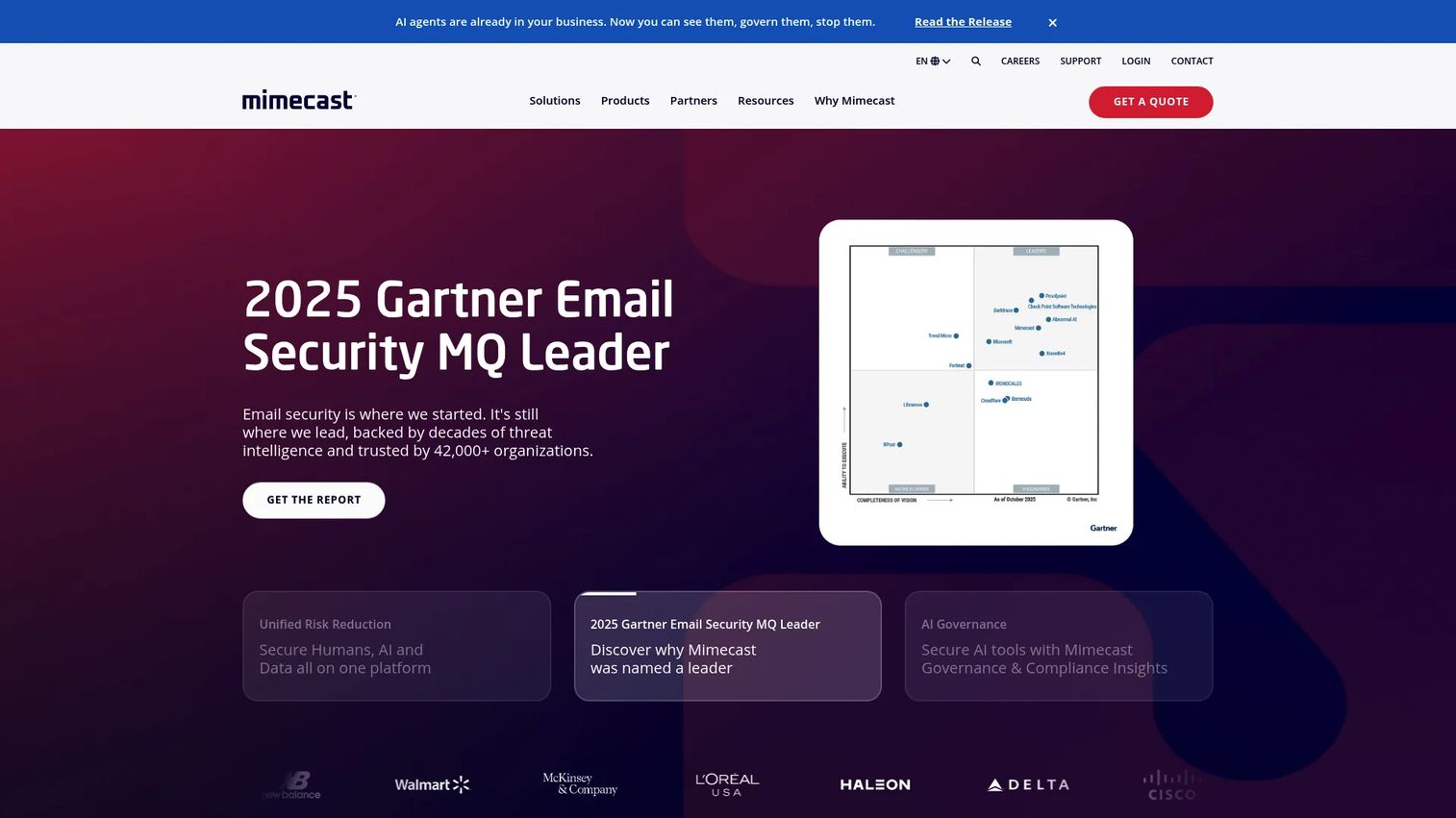
Mimecast is an enterprise cybersecurity platform built around AI-powered email threat protection, security awareness training, insider risk management, data governance, and email continuity. It is one of the more complete enterprise email security platforms available, covering archiving, eDiscovery, secure messaging, and backup alongside the core spam and phishing filtering layer.
Best for: Enterprise security teams that need spam filtering as part of a broader email security and resilience program, not as a standalone tool.
Key features
- AI-powered email threat protection with phishing and malware defense
- Security awareness training and phishing simulation campaigns
- Insider risk management and data protection controls
- Email continuity, archiving, backup, and recovery
- Collaboration data governance and eDiscovery
Why choose Mimecast: Mimecast suits organizations that need protection, continuity, and governance under one vendor contract. If you only need spam filtering, it may carry more scope than your budget requires. For teams with complex email governance requirements, the breadth is an advantage.
Mimecast pricing: Mimecast uses custom pricing across its solution plans. Contact the vendor and request pricing based on seat count, the specific modules you need, and contract scope.
G2 rating: 4.3/5
4. Proofpoint Core Email Protection
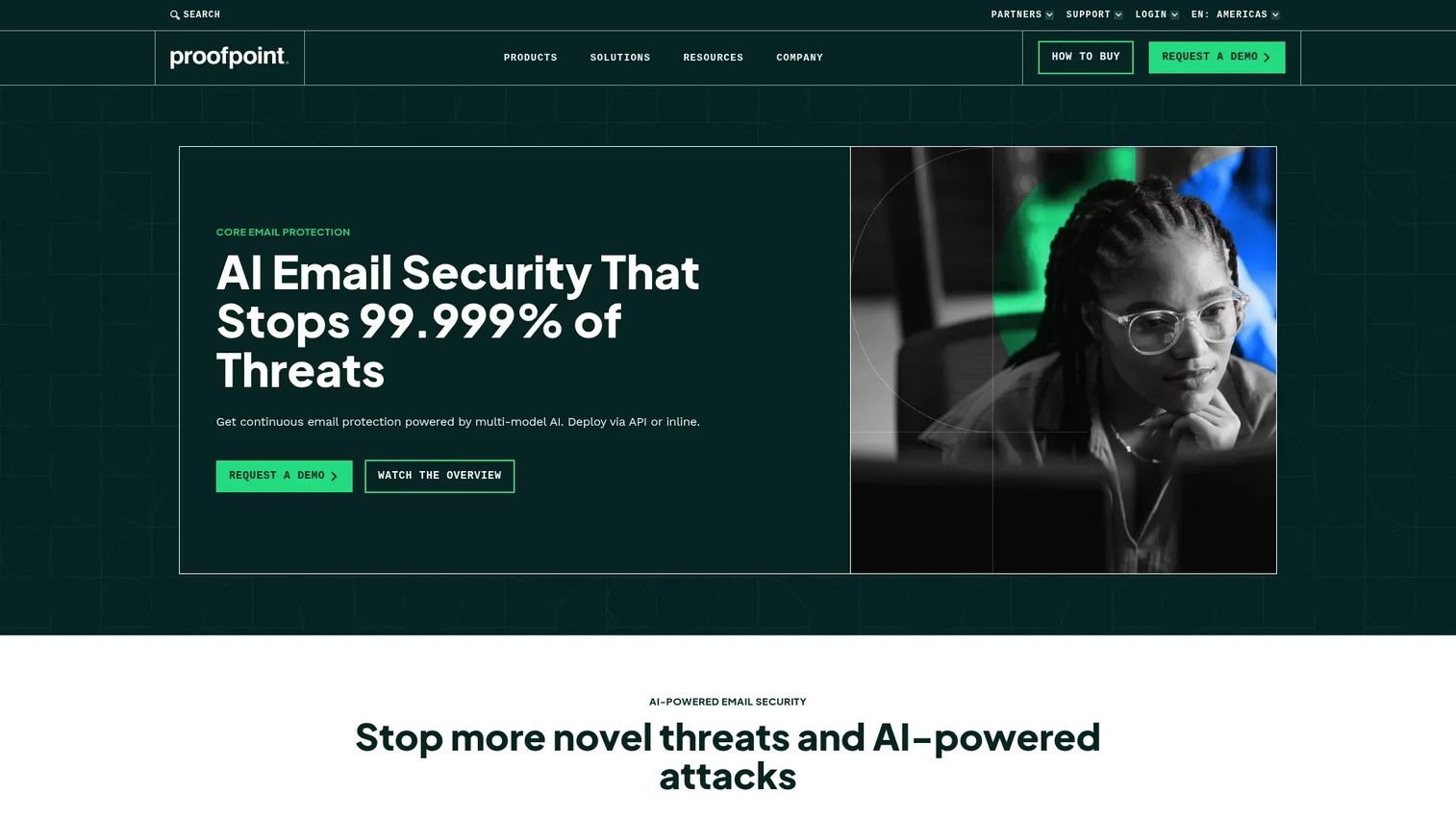
Proofpoint Core Email Protection is an enterprise-grade email security platform that uses multi-model behavioral AI to detect phishing, business email compromise, ransomware, and account takeover attempts. It supports API, gateway, and hybrid deployment across Microsoft 365 and Google Workspace environments, with post-delivery remediation and unified threat investigation built in.
Best for: Security teams that need mature enterprise email threat protection with strong threat intelligence and policy enforcement.
Key features
- Multi-model behavioral AI for phishing and BEC detection
- Continuous protection: Pre-delivery, post-delivery, and at click time
- API, secure email gateway, or hybrid deployment options
- Post-delivery malicious message remediation
- Microsoft 365 API integration
Why choose Proofpoint Core Email Protection: Proofpoint is a well-established choice for larger security programs with high-risk users and structured security operations. Teams at smaller organizations may find the scope and cost exceed what they need from a spam filter.
Proofpoint Core Email Protection pricing: Proofpoint does not display numeric pricing on its product pages. Contact the vendor directly for a quote. Pricing reflects seat count, deployment model, and the specific protection modules included.
G2 rating: 4.0/5
5. Avanan
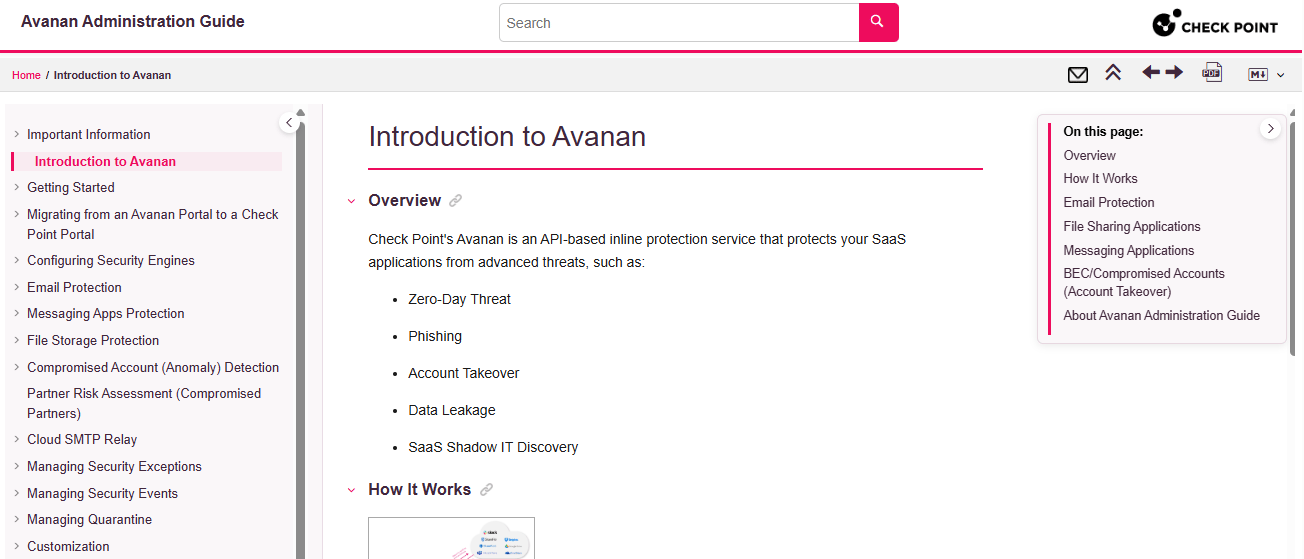
Avanan is a cloud-based email and collaboration security platform, now part of Check Point's Harmony portfolio, that delivers inline threat prevention for Microsoft 365, Gmail, and other SaaS environments. The platform covers phishing, account takeover, URL emulation, sandboxing, and content disarm and reconstruction through an API-based architecture that does not require mail routing changes.
Best for: Cloud-first teams that want API-based email security for Microsoft 365 or Google Workspace without the complexity of a traditional mail gateway.
Key features
- API-based deployment without mail routing changes
- Phishing and malware prevention with URL emulation at click time
- Account takeover defense and anomaly detection
- Sandboxing and content disarm and reconstruction (CDR)
- Data loss prevention on Complete Protect plan
Why choose Avanan: The API-first architecture appeals to teams that want modern cloud email protection without managing MX record changes or gateway infrastructure. Run a trial focused on detection quality and admin workflow before committing, since deployment experience varies by environment.
Avanan pricing: Advanced Protect and Complete Protect plans are available for email only or email plus collaboration. Pricing is quote-based; contact Check Point for a figure based on users, applications covered, and deployment scope.
G2 rating: 4.7/5
6. N-able Mail Assure
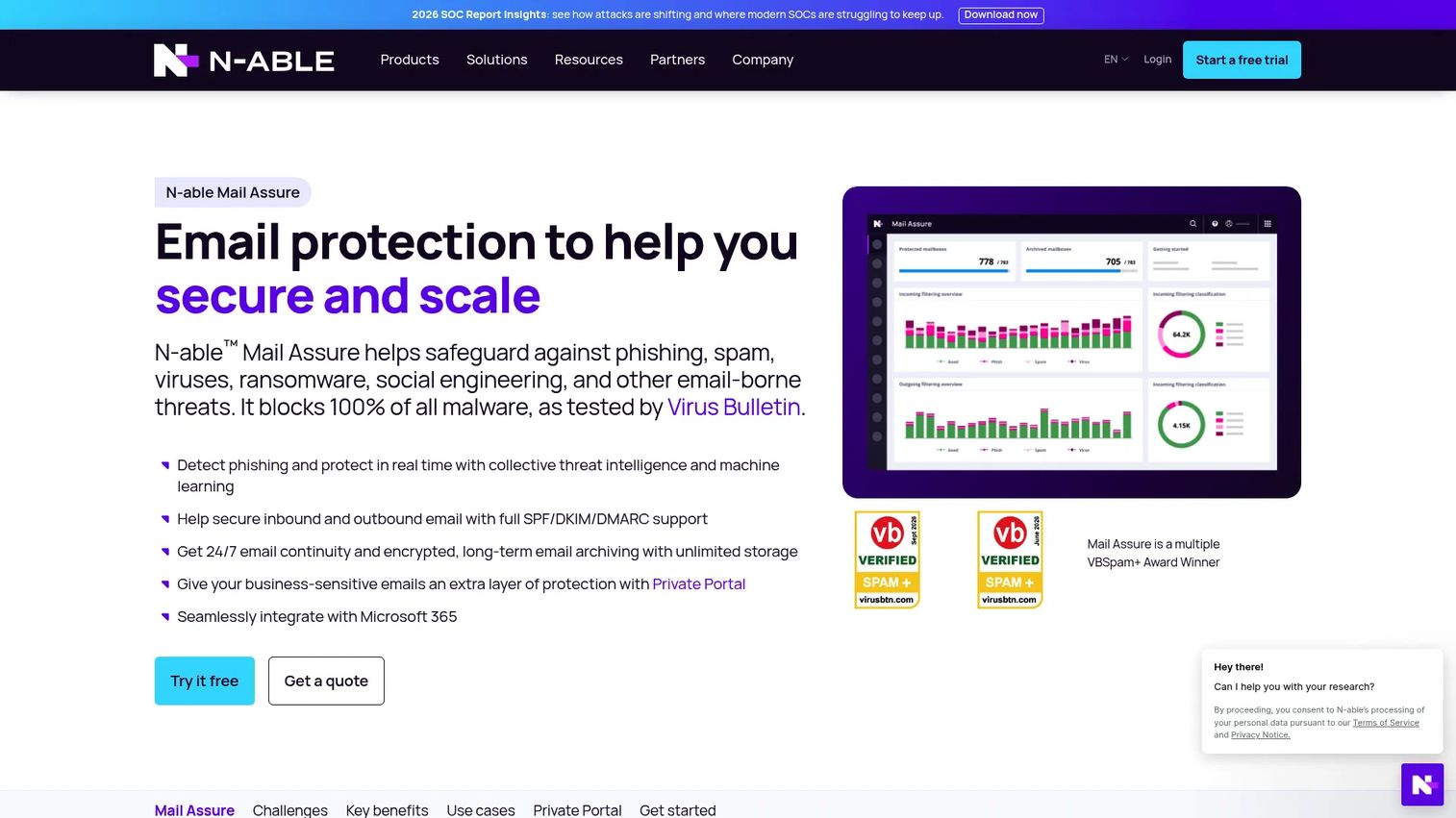
N-able Mail Assure is a cloud-based email security platform designed for managed service providers. It combines spam and threat filtering with 24/7 email continuity, encrypted long-term archiving, and Microsoft 365 integration across a multi-tenant management console. The Secure Private Portal lets MSPs handle sensitive email delivery without exposing content to unauthorized access.
Best for: MSPs that manage spam filtering across multiple client domains and need centralized reporting and continuity alongside protection.
Key features
- Machine learning and collective threat intelligence for filtering
- SPF, DKIM, and DMARC authentication support
- 24/7 email continuity with fallback MX service
- Encrypted long-term email archiving
- Multi-tenant console with per-client management
Why choose N-able Mail Assure: The multi-tenant design makes Mail Assure practical for service providers running dozens or hundreds of client environments. Internal IT teams managing a single domain may prefer a simpler single-tenant tool with less MSP-oriented overhead.
N-able Mail Assure pricing: N-able does not display a public price for Mail Assure. A free trial is available. Request pricing directly from the vendor, and expect the quote to reflect the number of protected mailboxes and contract term.
G2 rating: 4.0/5
7. SpamExperts
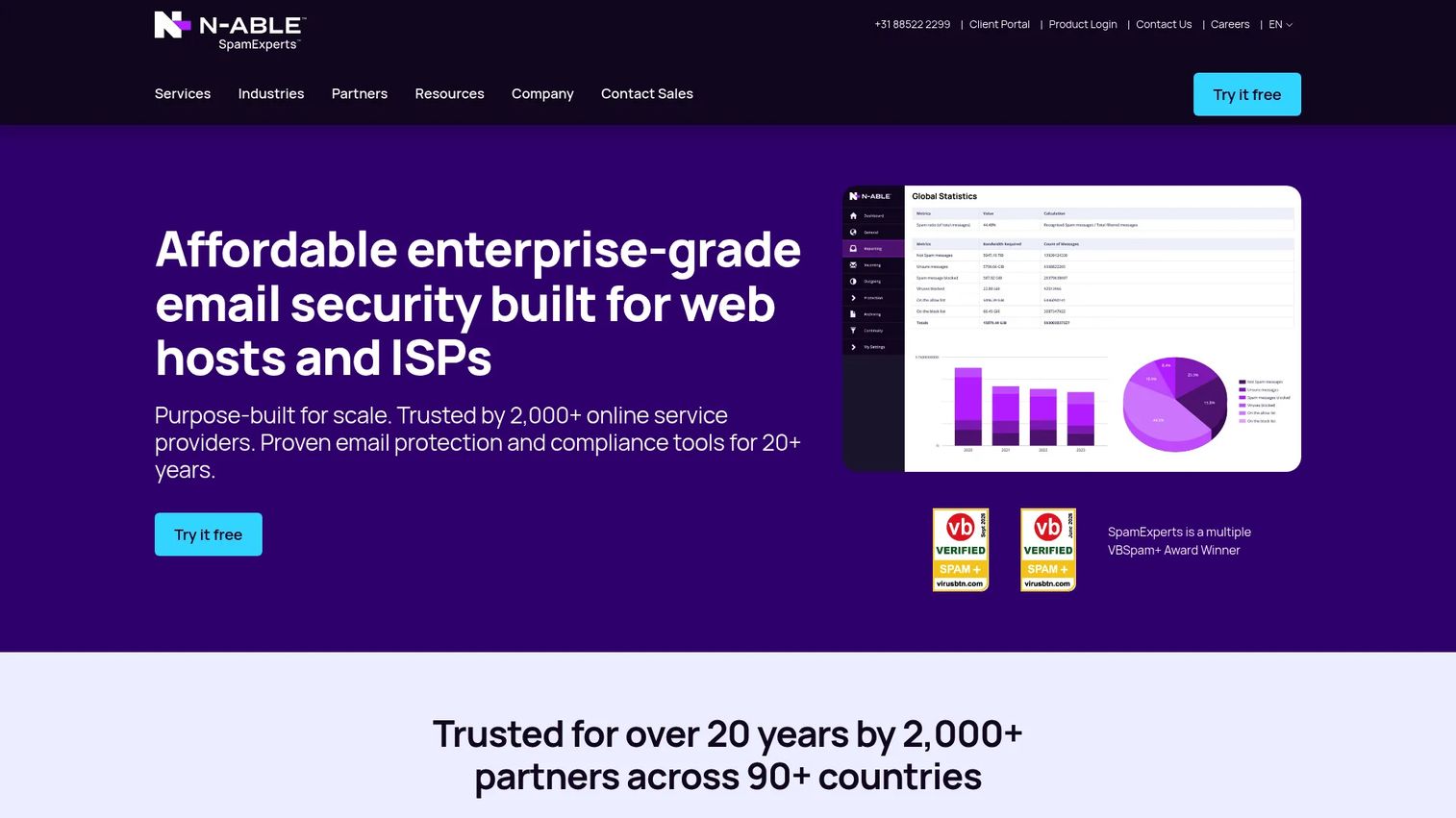
SpamExperts provides email filtering and archiving for web hosts, ISPs, and telecommunications providers. The platform handles inbound filtering for spam, phishing, malware, and ransomware alongside outbound filtering to prevent IP block listing and domain reputation damage. It supports cloud or on-premises deployment with live quarantine, multilevel access controls, and API and control-panel integrations.
Best for: Hosting providers and ISPs that need spam filtering across many customer domains with inbound and outbound coverage.
Key features
- Inbound filtering for spam, phishing, malware, and ransomware
- Outbound filtering to prevent IP block listing
- Encrypted email archiving with configurable retention
- Cloud or on-premises deployment options
- API and control-panel integrations for service-provider platforms
Why choose SpamExperts: SpamExperts is built for providers managing filtering at domain scale, with strong outbound reputation tools that matter when hundreds of customer sending IPs share infrastructure. Single-company buyers may find business-focused platforms a better fit.
SpamExperts pricing: SpamExperts does not display pricing publicly. Contact the vendor for a quote that covers your domain count, deployment model, and service-provider agreement scope.
8. Zerospam
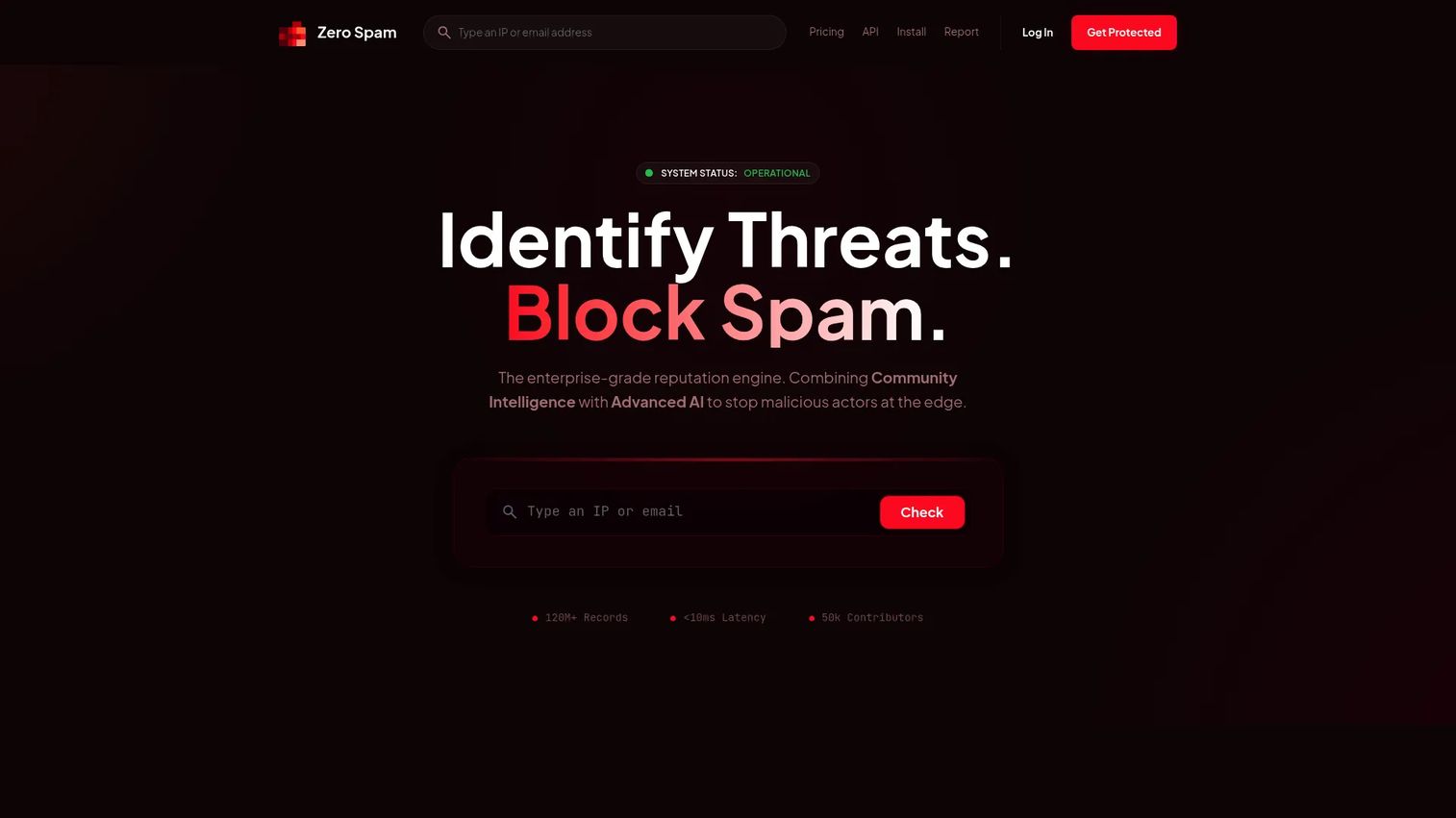
Zerospam is an API-based threat intelligence and abuse detection service. The core product provides IP and email reputation lookups, threat confidence scoring, source intelligence, and a WordPress anti-spam plugin that works without CAPTCHAs. It is aimed at developers, websites, and applications that need lightweight spam and bot protection rather than a full email security gateway.
Best for: Development teams and website operators that need API-based email and IP abuse detection to protect forms, lead capture, and application inputs.
Key features
- IP and email reputation lookups with threat confidence scoring
- Source intelligence and IP history with geolocation
- WordPress anti-spam plugin without CAPTCHAs
- JavaScript-based visitor protection
- Abuse reports and activity history on higher tiers
Why choose Zerospam: Zerospam fills a specific gap: Protecting application inputs and forms from bot abuse and disposable email submissions without requiring mailbox-level gateway infrastructure. Organizations seeking full inbox protection should pair it with a dedicated email security service.
Zerospam pricing: The Explorer API license is free for 10 requests per month. Essentials costs $8 per month; Business costs $15 per month; Platform costs $100 per month. Annual billing is also available: Essentials $78 per year, Business $144 per year, Platform $960 per year.
9. SPAMfighter
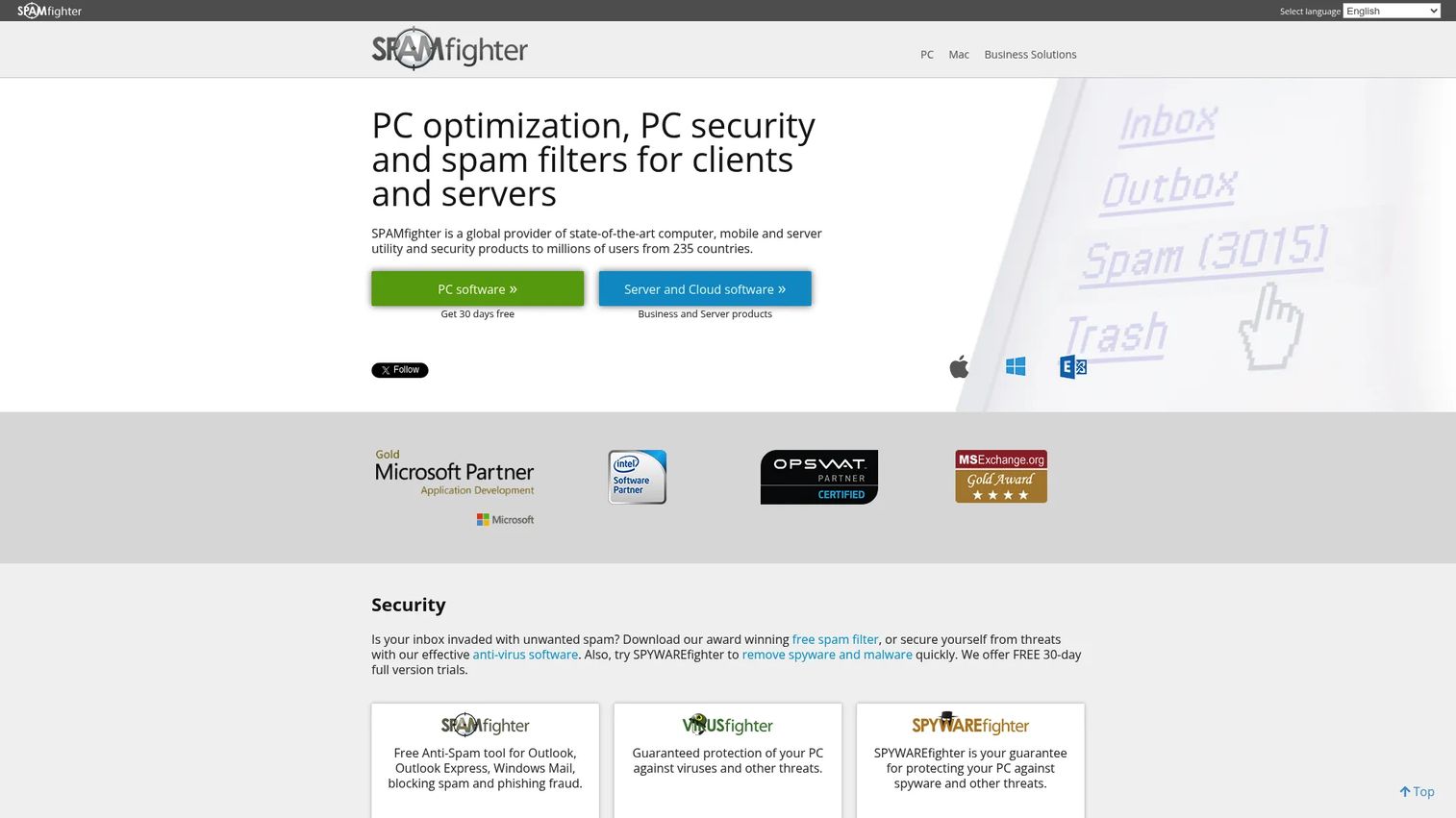
SPAMfighter is a Windows-based spam and phishing filter for desktop email clients. It runs a community-powered reporting network where millions of users flag spam, and those signals improve filtering for all participants. The Standard tier is free for non-commercial personal use; the Pro tier removes ads, adds language filtering, and covers commercial use.
Best for: Individuals and small organizations running Windows desktop email clients who want lightweight spam filtering without a cloud gateway.
Key features
- Community-powered spam reporting and filtering
- Blacklist and whitelist management
- Language-specific filtering on Pro tier
- Filtering for incoming, outgoing, and internal email
- Support for common Windows desktop email clients
Why choose SPAMfighter: SPAMfighter works for legacy desktop email setups where a cloud anti-spam service would be overkill. It is not a substitute for an enterprise cloud email security gateway, and organizations facing phishing or malware risk will need a more capable solution.
SPAMfighter pricing: Standard is free for non-commercial personal use. SPAMfighter Pro costs $29.00 per year and removes advertising, adds language filtering, and covers commercial use.
G2 rating: 4.8/5
10. Heimdal Email Security
Heimdal Email Security is a cloud-based email protection product within Heimdal's broader security suite. It scans inbound and outbound communications for spam, phishing, malware, botnet traffic, and fraud. The platform includes advanced threat protection with sandboxed macro and PDF analysis, SPF, DKIM, and DMARC authentication, deep attachment inspection, and quarantine with audit logs and threat tracing.
Best for: Security teams that want email protection as part of a broader Heimdal security stack rather than a standalone email gateway.
Key features
- Inbound and outbound email scanning for spam, phishing, and malware
- Advanced threat protection with sandboxed macro and PDF analysis
- SPF, DKIM, and DMARC authentication checks
- Deep attachment and content inspection
- Quarantine, retention, audit logs, and threat tracing
Why choose Heimdal Email Security: Heimdal suits teams already evaluating broader security consolidation with one vendor. Buyers should confirm that email-specific features in the plan they are considering meet their filtering requirements, rather than assuming all Heimdal products are included by default.
Heimdal Email Security pricing: Heimdal does not display pricing publicly. Three product tiers exist: Email Security 365, Email Security 365 with Integrated Cloud Email Security (ICES), and Email Security ATP and Fraud Prevention. Request pricing at the vendor's pricing page with your user count and product selection.
11. Trustifi
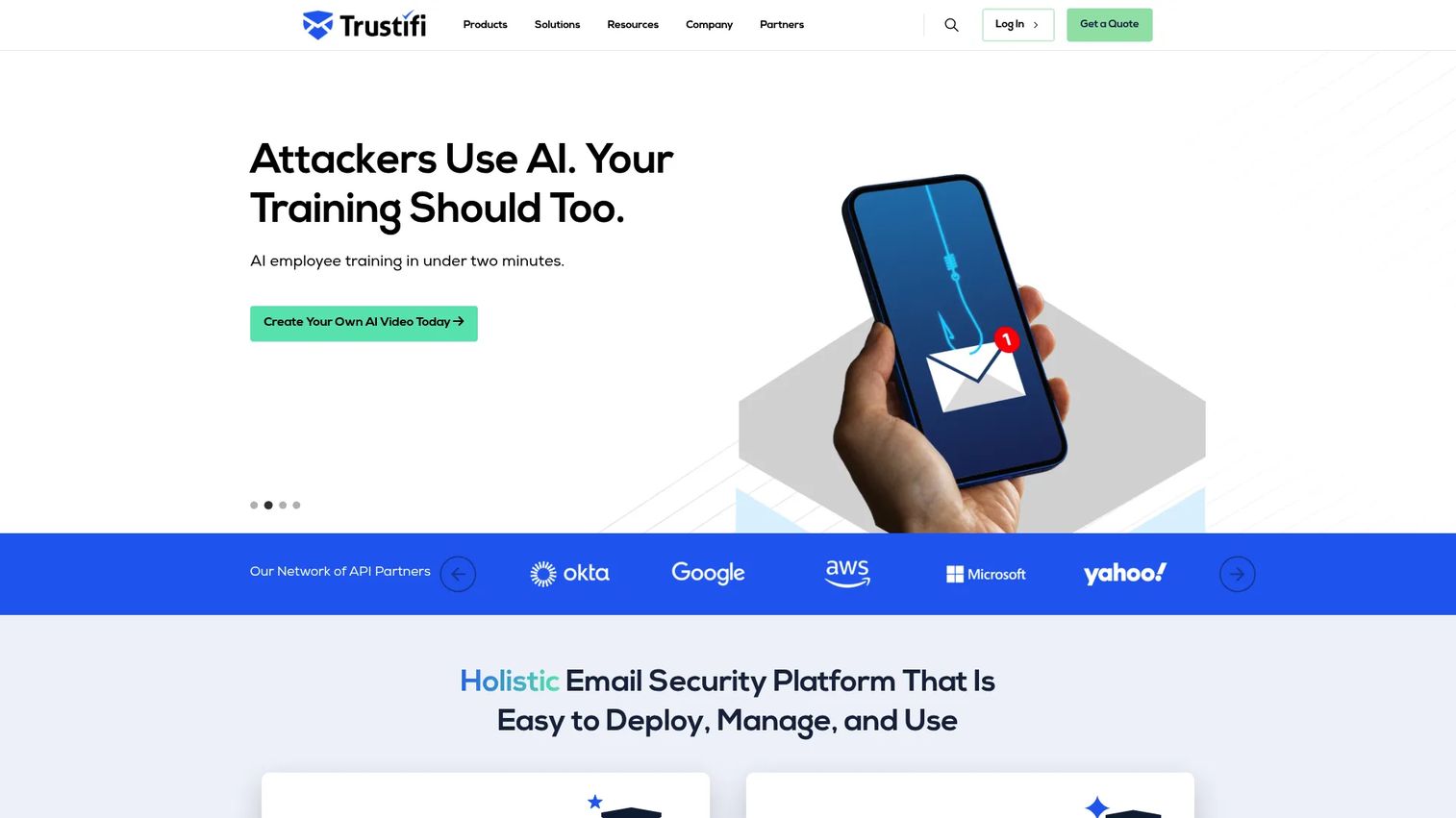
Trustifi is a cloud-based email security platform that combines AI-powered inbound threat protection with AES-256 outbound encryption, data loss prevention, compliance automation, and account takeover defense. It covers the full inbound threat stack including phishing, malware, ransomware, spoofing, impersonation, and business email compromise, while also providing encrypted reply workflows and recipient authentication for outbound messages.
Best for: Organizations that need both inbound spam and phishing defense and outbound email encryption in one purchase.
Key features
- AI-powered inbound protection against phishing, malware, ransomware, spoofing, and BEC
- AES-256 outbound encryption with encrypted reply and recipient authentication
- DLP with automated rules, compliance policies, and OCR-based content detection
- Account takeover protection
- Compliance reporting and audit trail
Why choose Trustifi: Trustifi suits teams where outbound secure messaging matters as much as inbound filtering. Compare encryption requirements separately from spam filtering needs before buying, since some organizations may need only one side of the platform.
Trustifi pricing: Trustifi uses custom pricing. Request a quote at the vendor's site based on user count, required modules, and compliance use cases.
G2 rating: 4.8/5
12. ESET Endpoint Security
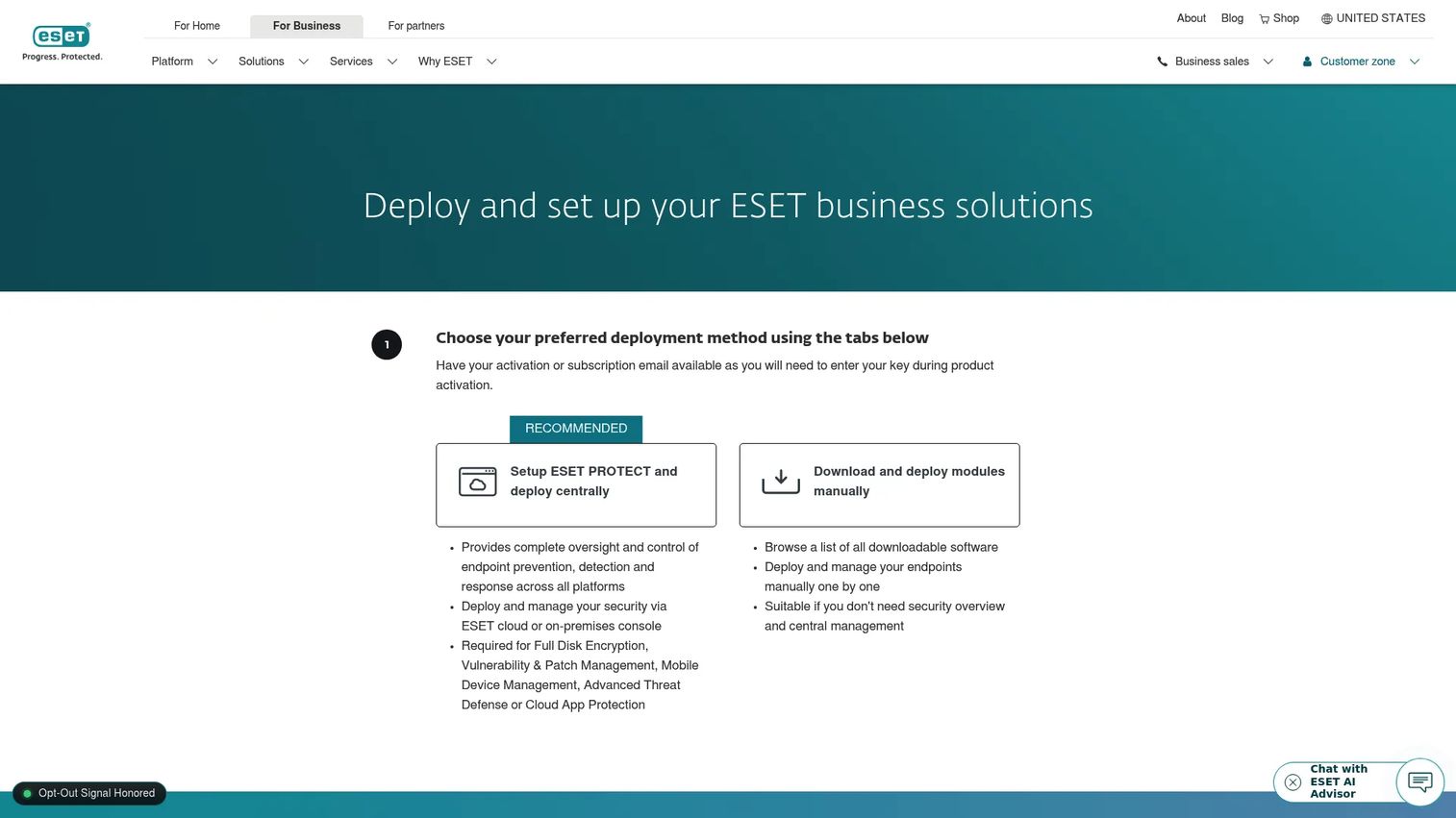
ESET Endpoint Security is a multilayered endpoint protection platform that covers ransomware, targeted attacks, data breaches, fileless attacks, and advanced persistent threats. Email and web protection features sit within the broader endpoint suite and can protect mail clients alongside device-level defenses. Management runs through the cloud-based or on-premises ESET PROTECT console.
Best for: Organizations that want anti-spam and email protection bundled with endpoint security under a single vendor contract.
Key features
- Multilayered protection against ransomware, targeted attacks, and fileless malware
- Mail client protection with spam filtering capability
- Cross-platform coverage: Windows, macOS, Linux, Android, and iOS
- Centralized management through the ESET PROTECT console
- Ransomware Shield and automated remediation
Why choose ESET Endpoint Security: ESET fits teams that want broad endpoint coverage and do not want a separate email gateway vendor. Avoid positioning it as a full-feature secure email gateway; it is most effective when the email protection layer complements, rather than replaces, a dedicated spam filtering service.
ESET Endpoint Security pricing: ESET Endpoint Security is available within ESET PROTECT subscription tiers (Core, Premium, Ultimate). Pricing was not publicly displayed on the U.S. pricing page at time of writing. Contact ESET or a partner for a quote based on seat count and plan.
13. Libraesva Email Security
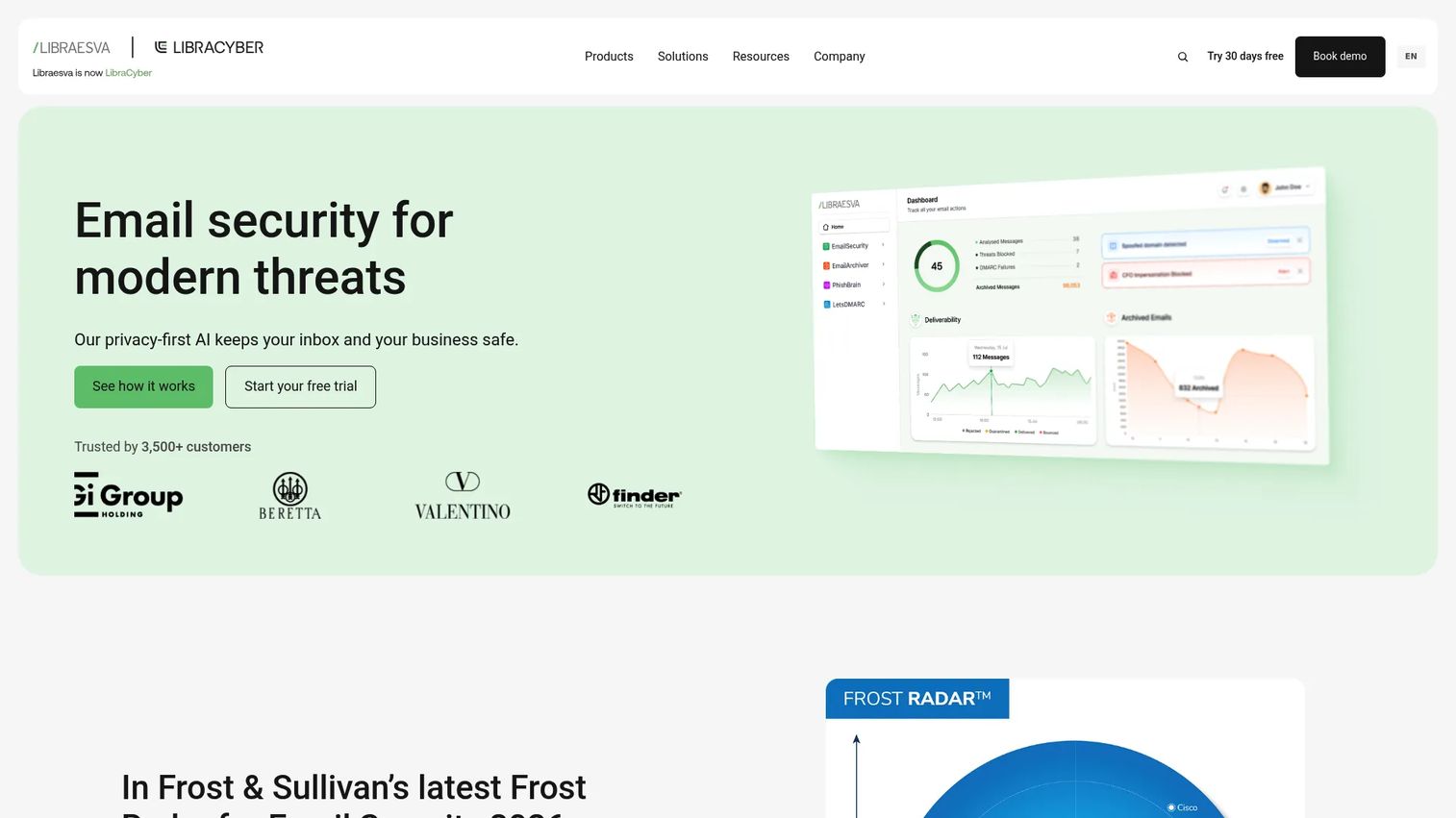
Libraesva Email Security is an AI-powered secure email gateway that uses Semantic AI for intent-based deception detection and Adaptive Trust AI to identify communication-pattern anomalies. The platform includes deep-inspection attachment sandboxing, active URL analysis, and automatic account takeover protection. It is designed for organizations that want privacy-focused, layered protection deployed locally or in a chosen cloud environment.
Best for: IT teams that want a dedicated secure email gateway with advanced AI-based filtering and control over their deployment environment.
Key features
- Semantic AI for intent-based deception detection
- Adaptive Trust AI for communication-pattern anomaly detection
- Deep-inspection attachment sandboxing
- Active URL analysis and link protection
- Automatic Account Takeover Protection
Why choose Libraesva Email Security: Libraesva appeals to security teams that want granular gateway-based controls and privacy-conscious deployment flexibility. Confirm the admin workload and deployment model during a trial before committing, since gateway products require more configuration than API-based alternatives.
Libraesva Email Security pricing: Libraesva does not display pricing publicly. Request a quote from the vendor, which will reflect your seat count, deployment model, and required modules.
G2 rating: 4.8/5
14. Xeams
Xeams is an email server and spam-filtering platform for Windows, Linux, UNIX, macOS, and BSD environments. The Community Edition is free and includes AI-powered junk filtering, quarantine controls, and web-based administration. The Enterprise edition adds email archiving, clustering, high availability, and end-to-end encryption. Xeams supports standalone, firewall, and hybrid operating modes for organizations with their own mail infrastructure.
Best for: Technical teams that want flexible spam filtering integrated directly into their own mail server infrastructure.
Key features
- AI-powered junk and spam filtering
- Standalone, firewall, and hybrid operating modes
- Email archiving with search capability
- End-to-end email encryption
- Clustering and high-availability support
- SMTP, POP3, IMAP, DKIM, SPF, DMARC, and MTA-STS support
Why choose Xeams: Xeams gives admins direct control over the mail server and spam filtering stack without a recurring per-mailbox SaaS fee for small deployments. It requires more technical ownership than a hosted cloud filtering service, so weigh admin capacity before choosing it.
Xeams pricing: The Community Edition is free. Enterprise pricing starts at $1.6667 per user per month for 1 to 9 users billed annually, or $1.9167 per user per month on monthly billing. Per-user rates decrease at higher volumes. Shared cloud deployment adds $100 per month per machine on top of the subscription.
15. ALTOSPAM
ALTOSPAM is a managed email security service providing multi-level spam and malware filtering, phishing detection, quarantine with configurable reports, and email continuity controls. The service has historically served European markets and operates as a hosted anti-spam provider. Note that the ALTOSPAM brand and pricing page have been associated with Hornetsecurity's portfolio, so verify current product status and regional support directly with the vendor before buying.
Best for: Organizations seeking a hosted European email security service with spam, malware, and phishing filtering.
Key features
- Multi-level spam and malware filtering
- Phishing filter with Secure Links protection
- Quarantine with configurable reports and one-click release
- Email continuity controls
- Hosted deployment with admin reporting
Why choose ALTOSPAM: ALTOSPAM is a relevant option for teams prioritizing hosted European email protection and a managed service approach. Confirm current branding, data handling policies, and regional support before purchasing, given the vendor's association with a larger portfolio.
ALTOSPAM pricing: ALTOSPAM does not display numeric pricing publicly on the primary pricing page. Contact the vendor for a quote, and verify current product ownership and plan structure at the time you request it.
16. MailChannels
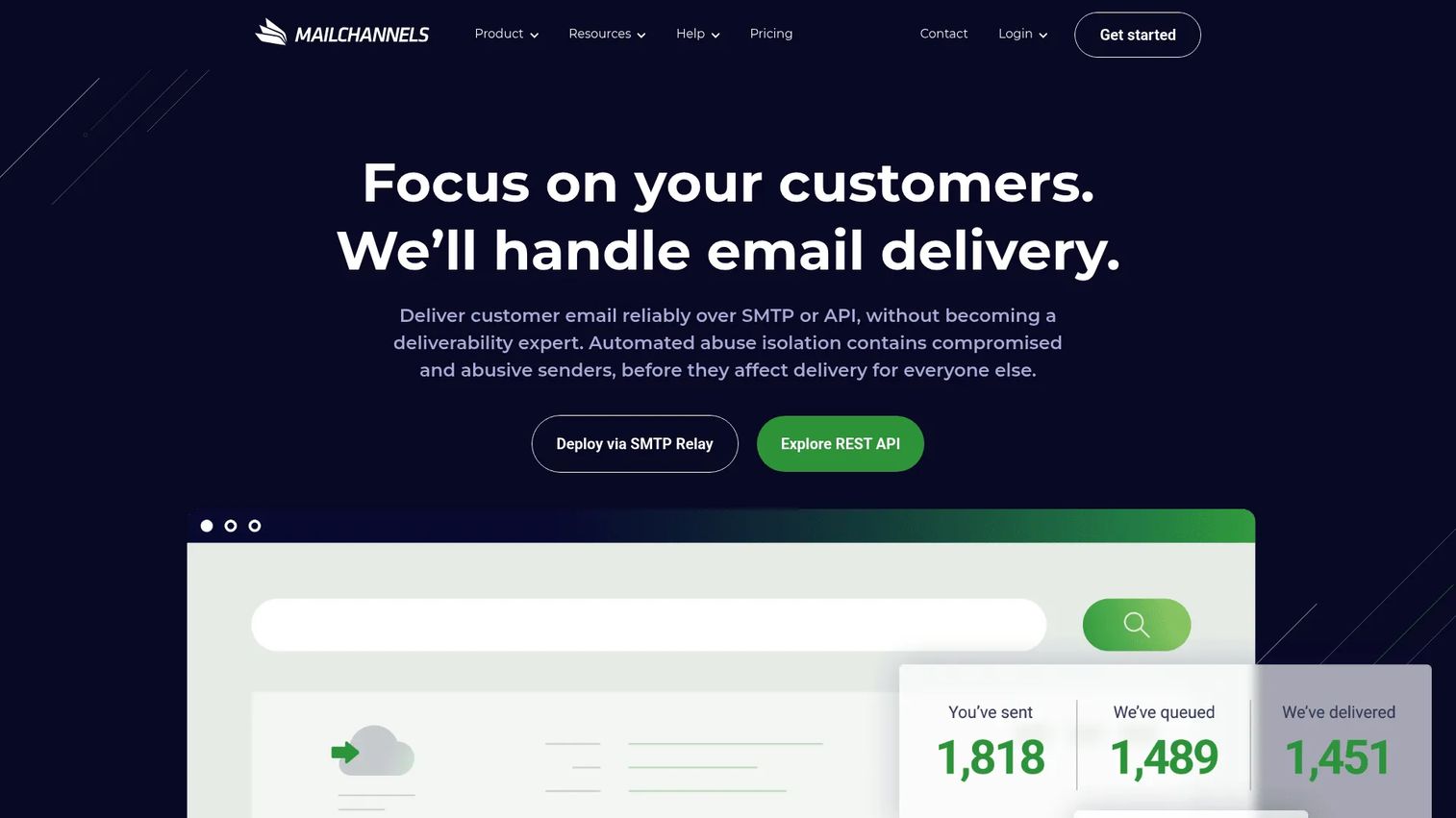
MailChannels provides outbound email filtering and transactional email infrastructure for hosting providers, platforms, and developers. The platform includes compromised-account detection, automated abuse response, sender-level isolation, rate limits, and reputation controls. Unlike most tools in this list, MailChannels is explicitly outbound-focused: It protects the sending infrastructure rather than the receiving inbox.
Best for: Hosting providers and multi-tenant platforms that need to stop outbound spam before it damages domain or IP sender reputation.
Key features
- Outbound spam filtering with sender-level isolation and rate limits
- Compromised-account detection and automated abuse response
- SMTP relay and REST API integrations
- Reputation controls for delivery protection
- Volume-based pricing for email-platform scale
Why choose MailChannels: Outbound filtering is a different problem than inbox protection. MailChannels addresses the risk of a compromised customer account blasting spam from your infrastructure and burning your sending reputation. Hosting providers and SaaS platforms sending high email volumes will find the most direct value here.
MailChannels pricing: The free tier covers up to 3,000 emails per month. The Starter plan is $99.99 per month for 40,000 emails per month. The Standard plan is $524.99 per month for 1,000,000 emails per month. Enterprise pricing requires contacting sales.
G2 rating: 3.3/5
17. Spambrella
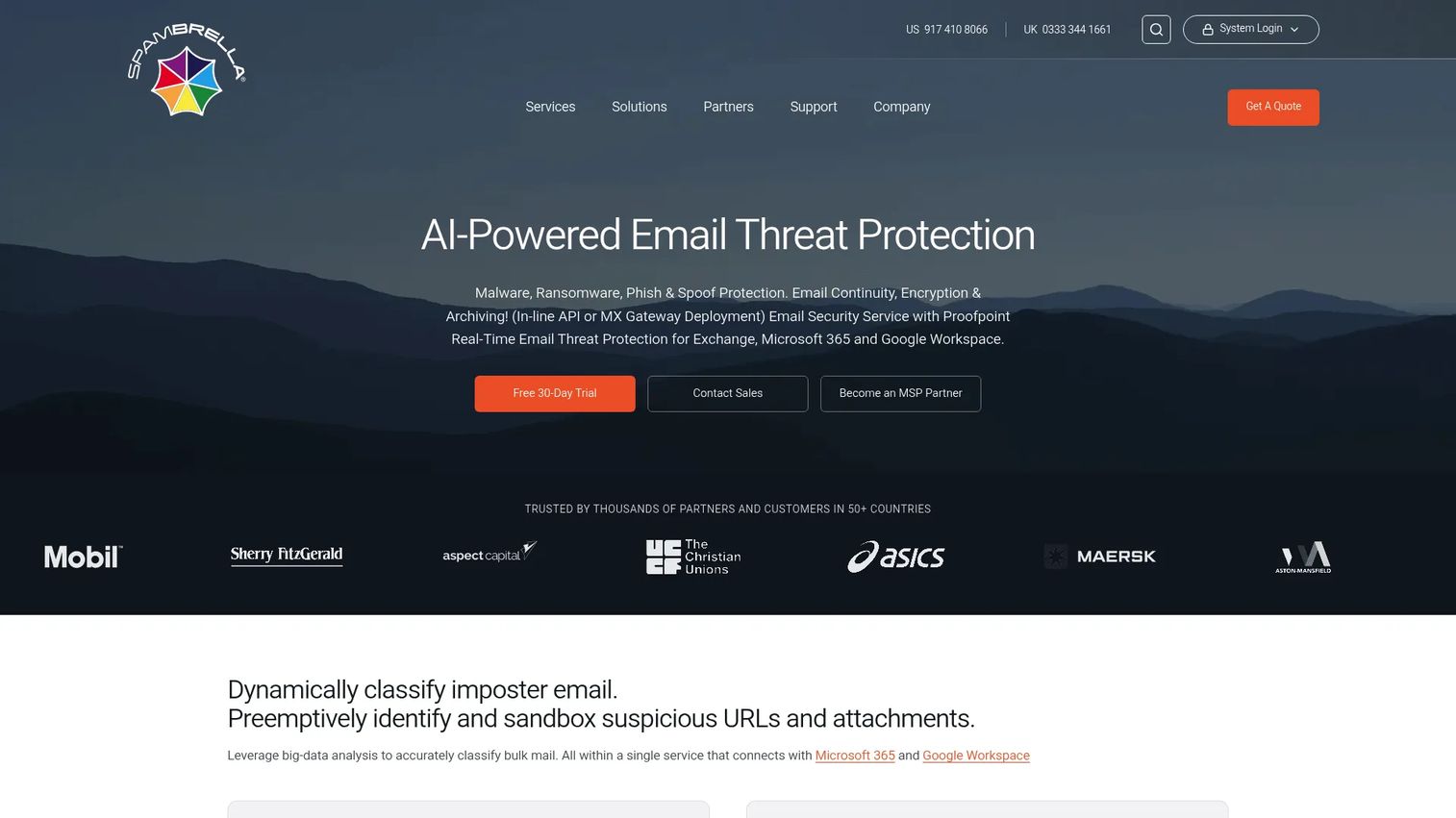
Spambrella is a cloud-based email security and protection service for organizations and managed service providers. It covers spam, phishing, malware, ransomware, and business email compromise alongside URL defense, attachment sandboxing, email encryption, DLP, archiving, and eDiscovery. Microsoft 365 and Azure Active Directory integration is built in, and the service includes configurable content-filtering rules and quarantine management.
Best for: SMEs and MSPs that want managed cloud email security rather than self-managed spam filtering infrastructure.
Key features
- Email threat protection: Spam, phishing, malware, ransomware, and BEC
- URL Defense and attachment filtering with sandboxing
- Email encryption, DLP, archiving, and eDiscovery
- Configurable content-filtering rules and quarantine management
- Microsoft 365 and Azure Active Directory integration
Why choose Spambrella: Spambrella suits buyers who want managed support around email security operations rather than owning the configuration themselves. Confirm support scope and the extent of platform dependencies before signing a contract. A 30-day free trial is available.
Spambrella pricing: Spambrella uses tailored service packages. The vendor does not display a current public price. Request a quote directly, and expect pricing to reflect user count, included modules, and support level.
G2 rating: 4.3/5
18. Topsec Cloud Solutions
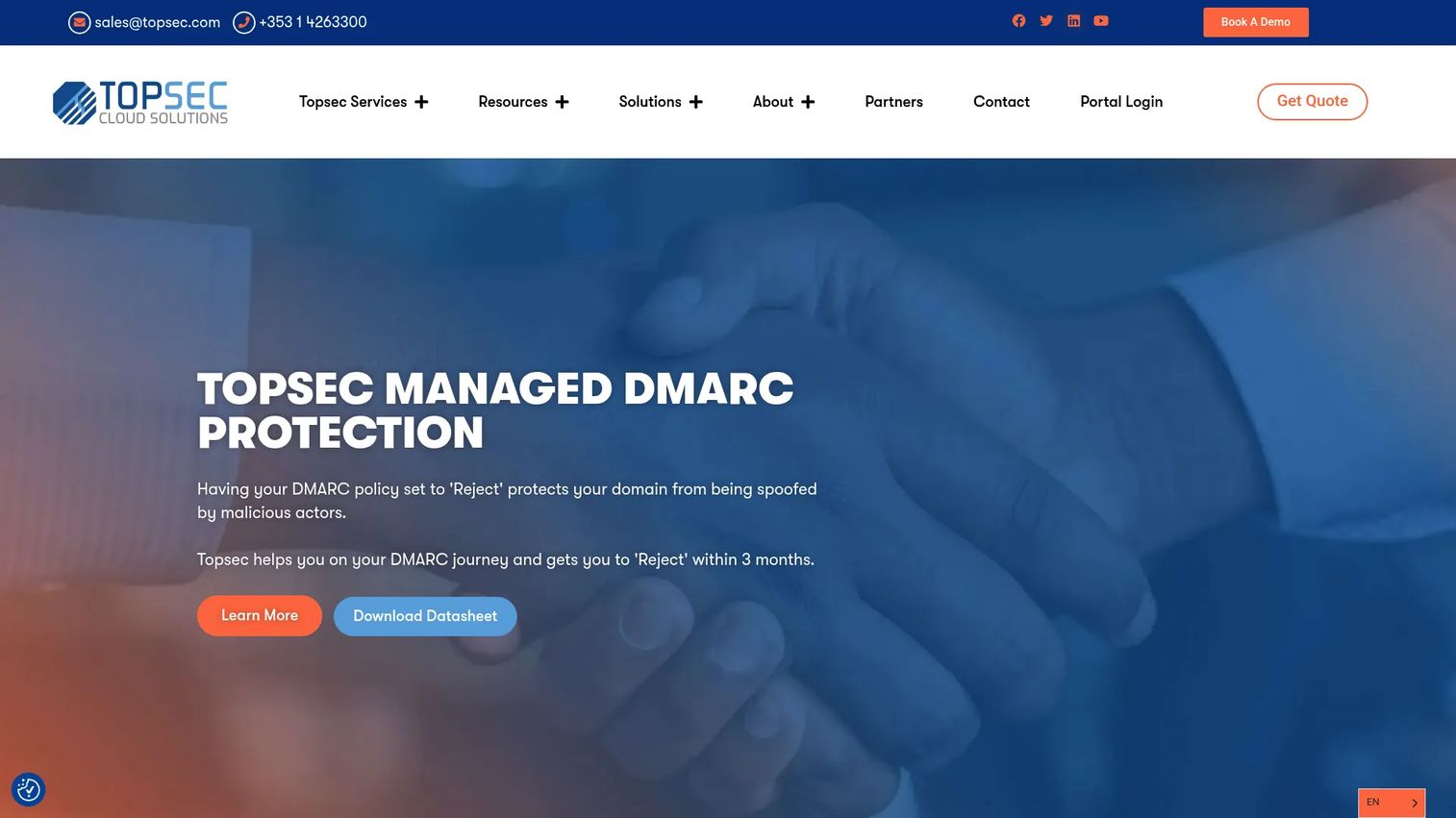
Topsec Cloud Solutions is a managed cloud-based email and web security provider. The platform covers managed email security with malware, spam, virus, phishing, and ransomware protection, managed DMARC, phishing awareness training with customizable simulations, attachment sandboxing, email continuity, queue management, and a BreachDetect feature for compromised-credential monitoring.
Best for: Organizations that want a fully managed email and web security service with concierge support and policy customization.
Key features
- Managed email security: Malware, spam, virus, phishing, and ransomware protection
- Managed DMARC protection
- Phishing awareness training with customizable simulations and reporting
- Attachment sandboxing
- BreachDetect for compromised-credential monitoring
Why choose Topsec Cloud Solutions: Topsec is a strong option for teams that prefer a fully managed service model over self-managed tools. Verify geographic availability and support coverage before purchasing, since managed service delivery quality depends on regional operations.
Topsec Cloud Solutions pricing: Topsec does not display pricing publicly. Request a quote through the vendor's site, which will reflect your organization's size, required modules, and support requirements.
19. ContentCatcher
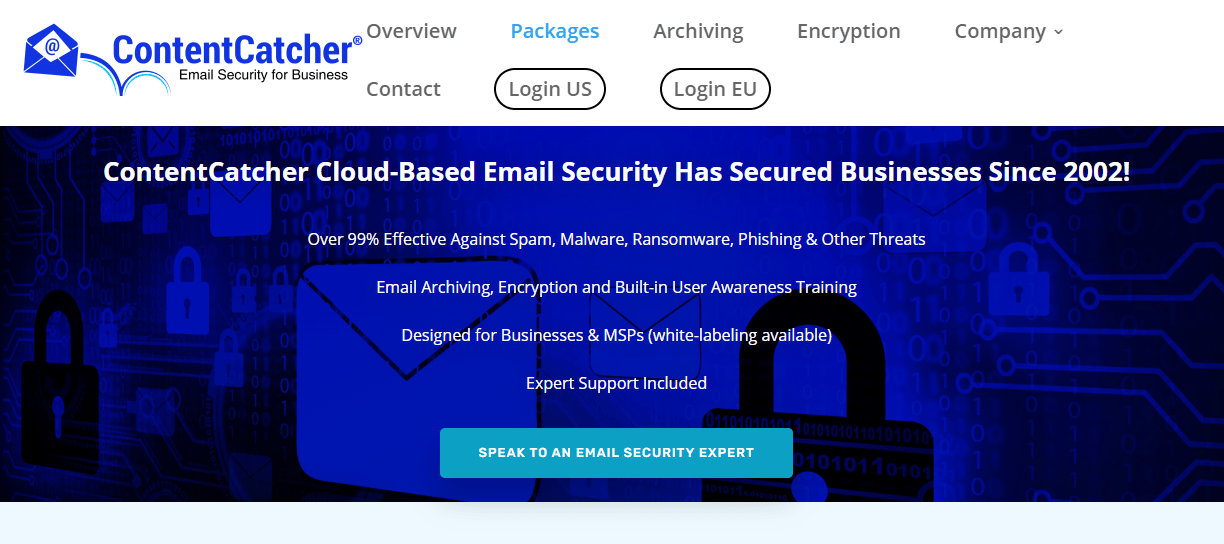
ContentCatcher is an email filtering and content control service targeting small businesses with straightforward email management needs. The platform is designed for teams that need spam filtering, quarantine, and policy controls without the complexity of an enterprise email security gateway.
Best for: Small businesses needing email filtering and content controls without a heavy security platform overhead.
Key features
- Spam filtering with quarantine management
- Content controls and email policy settings
- Reporting tools for admin review
- Small business-oriented administration
- Email productivity and management controls
Why choose ContentCatcher: ContentCatcher fits smaller teams whose primary need is inbox cleanup and basic content policy enforcement. Organizations facing phishing, malware, or compliance requirements should evaluate tools with deeper threat protection capabilities.
ContentCatcher pricing: The official ContentCatcher pricing page was unavailable for verification at time of writing. Contact the vendor directly for current pricing and plan information before committing.
20. LeanMail
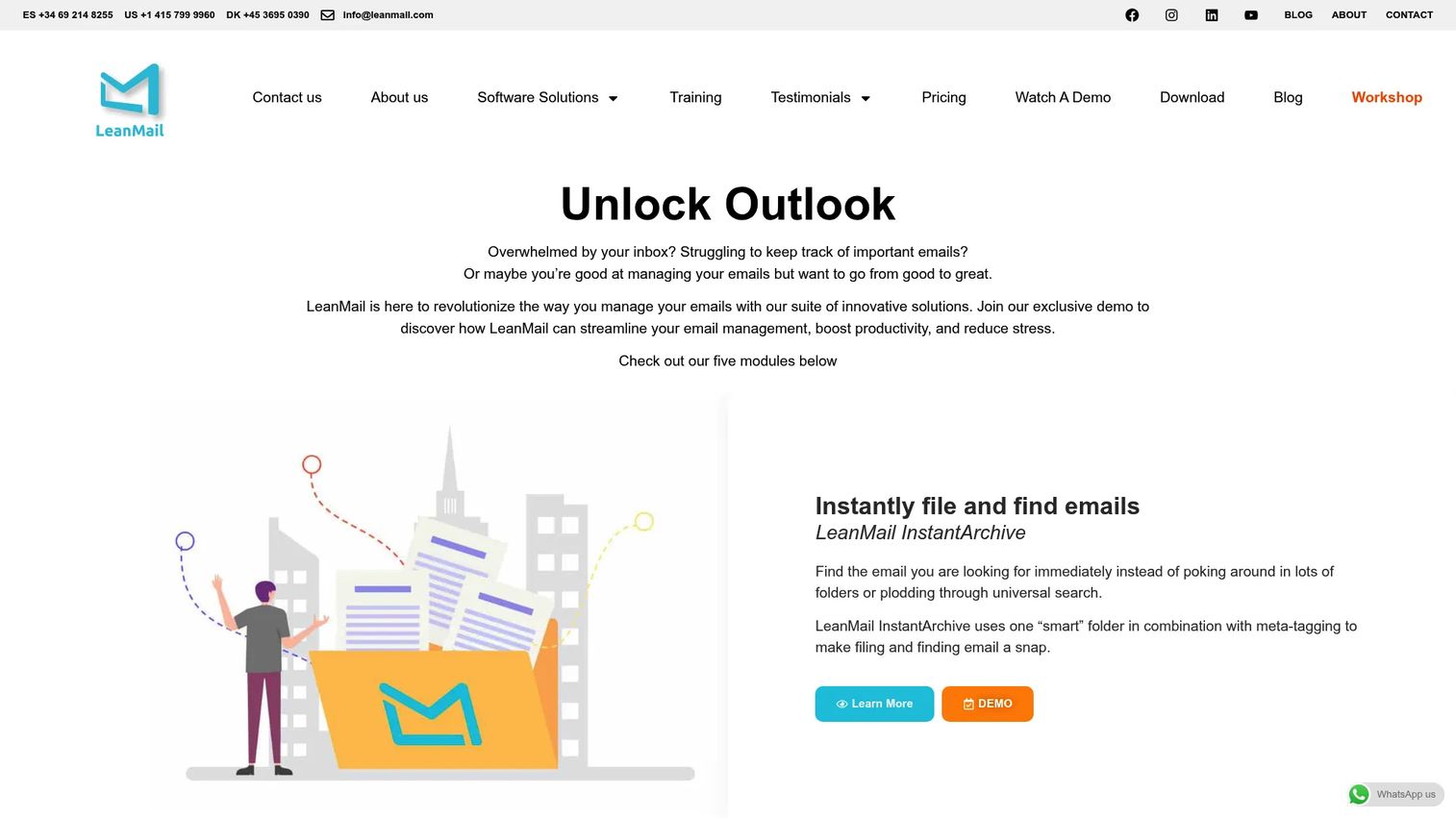
LeanMail is an Outlook productivity solution built as a set of modular add-ins for inbox prioritization, archiving, planning, and shared mailbox management. Modules include InstantArchive, Prioritize, Plan, Inbox480, and Shared Inbox. LeanMail is closer to inbox workflow management than enterprise anti-spam protection; it does not function as a spam filter gateway or threat protection layer.
Best for: Microsoft Outlook-heavy users and organizations seeking structured inbox prioritization, filing, and shared-mailbox management.
Key features
- InstantArchive for fast email filing and organization
- Prioritize for email importance sorting
- Plan for adding notes, tasks, and due dates to emails
- Inbox480 for separating essential from non-essential email
- Shared Inbox management for team mailboxes
Why choose LeanMail: LeanMail solves inbox productivity problems for Outlook users who need structure and prioritization, not threat defense. Teams facing phishing, malware, or high spam volume should evaluate dedicated email security tools instead of, or alongside, LeanMail.
LeanMail pricing: Individual modules cost €4 per month each, billed annually. The LeanMail Suite bundles multiple modules at €10 per month annually. The LeanMail PowerSuite costs €12 per month annually. The DelayedDelete module is free. Volume discounts are available on request.
21. Antideo
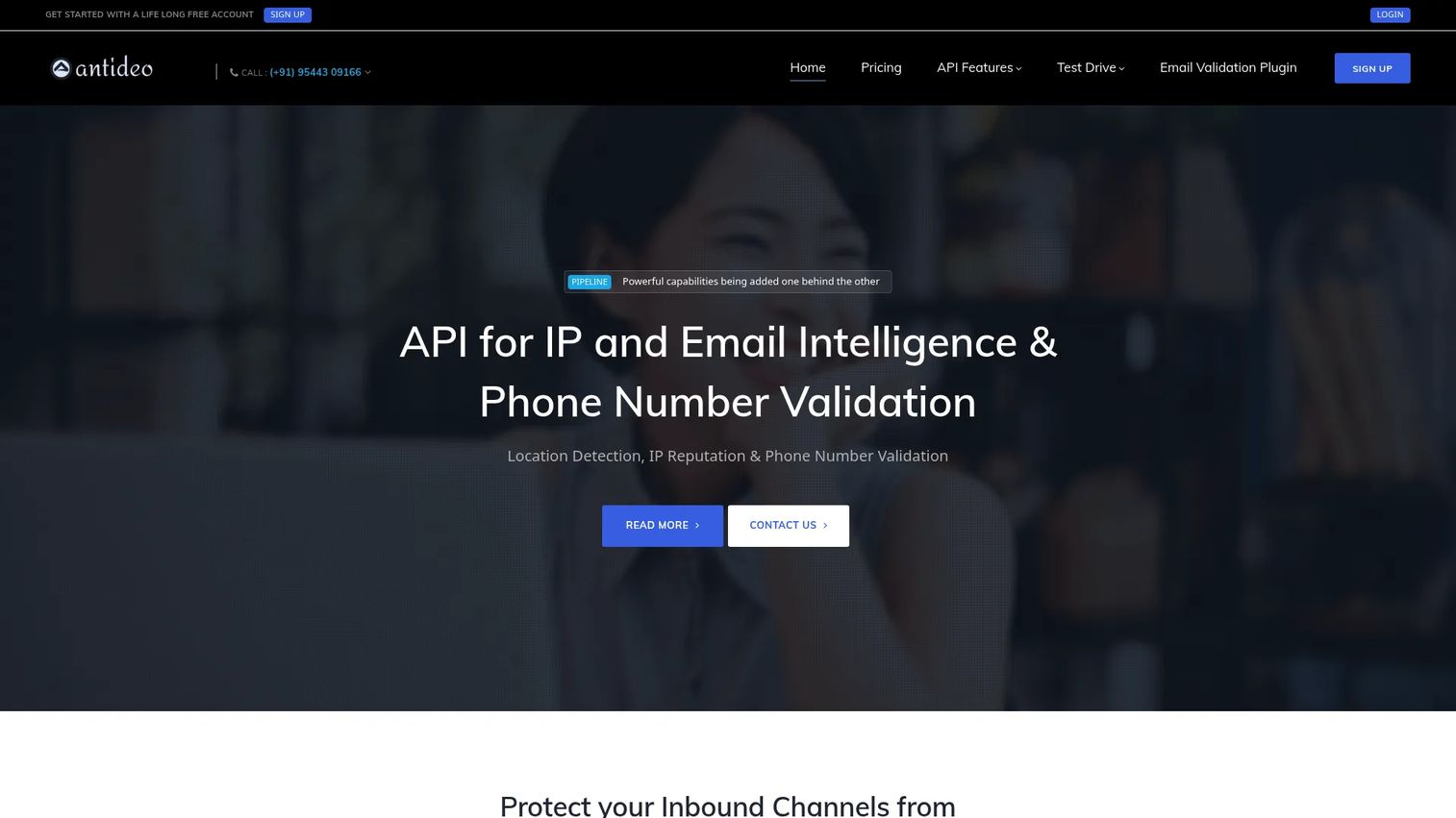
Antideo is an API-based validation and intelligence service for email addresses, IP addresses, and phone numbers. It checks for disposable emails, free-provider addresses, scam or spam addresses, blacklisted addresses, syntax errors, IP reputation, proxy detection, infected IPs, and geolocation. Antideo is not a mailbox security gateway; it complements anti-spam workflows by validating inputs before messages are sent or received.
Best for: Businesses that need API-based email validation, domain health checks, and form spam prevention to protect lead capture and sender reputation.
Key features
- Email validation: Disposable, free, generic, scam, blacklisted, and syntax checks
- IP reputation, proxy detection, infected-IP checks, and geolocation
- Phone-number validation with country, carrier, and time-zone data
- REST API with IP history reporting
- Free tier for low-volume validation needs
Why choose Antideo: Antideo is most valuable as a complement to a mailbox-level security tool, not a replacement. Use it to validate form submissions, clean lead lists, and check sender reputation before routing mail, while relying on a full anti-spam service for inbox threat protection.
Antideo pricing: The free plan covers 10 requests per hour. Paid plans: $5.00 per month for 50 requests per hour, $10.00 for 100 requests per hour, $20.00 for 300 requests per hour, $50.00 for 1,000 requests per hour, and $80.00 for 2,000 requests per hour. All plans billed monthly.
G2 rating: 4.7/5
Considerations when choosing anti spam software
Match the tool to your email environment
The most important check before evaluating any anti-spam tool is whether it supports your mail infrastructure. Microsoft 365, Google Workspace, on-premises Exchange, hosted mail, and hybrid environments each have different integration paths. Reject tools that require awkward MX record changes, unsupported connectors, or manual mailbox configuration that your team cannot maintain.
Test false positives before buying
Overly aggressive filtering creates its own business problem. Customer messages, partner invoices, calendar invites, and procurement notifications can land in quarantine instead of the inbox. Run a trial using a representative sample of recent mail, including both legitimate business email and known spam or phishing attempts. Review quarantine accuracy, user release workflows, and admin time before committing to a vendor.
Check protection beyond spam
A spam filter that blocks newsletter clutter but misses a BEC attempt or a malware payload is not doing enough. Evaluate whether the tool covers phishing, malicious URL protection, attachment sandboxing, impersonation detection, and account takeover defense. The best tools reduce unwanted email and block genuinely harmful messages.
Review admin workflow and reporting
Presales teams and security leads often need to produce evidence of email protection during vendor diligence. Check whether the tool provides quarantine dashboards, role-based admin access, policy templates, and exportable threat reports. Good reporting shortens security questionnaire response time and reduces the number of repetitive calls your team fields during a deal.
Understand pricing drivers
Anti-spam software pricing varies by user count, protected domain count, MSP plan structure, and add-on modules such as archiving, continuity, encryption, and DLP. Know which drivers apply to your situation before requesting quotes. A per-user rate that looks low can multiply quickly when archiving and advanced threat protection are added as separate line items.
Conclusion
Anti spam software choices depend on your email environment, risk profile, and administrative capacity. No single tool is the right answer for every team.
SpamTitan is a strong broad option for business email protection across cloud and gateway setups. Microsoft Defender for Office 365 is the natural starting point for organizations already on the Microsoft 365 stack. Mimecast and Proofpoint Core Email Protection suit enterprise programs that need security, governance, and continuity under one program. N-able Mail Assure and SpamExperts cover MSP and service-provider use cases with multi-tenant management and outbound reputation tools. SPAMfighter handles lightweight desktop filtering for individuals and small teams. MailChannels is the focused pick for hosting providers protecting outbound reputation.
Pick three tools from this list that match your environment and risk profile. Run a trial against a mix of known spam, recent phishing attempts, and normal business mail. Evaluate quarantine accuracy, admin effort, and reporting quality before signing a contract. That combination tells you more than any feature checklist.
Choosing security software is easier when buyers can see how a product works before a live call. If your team sells complex software and wants to show product value faster, create a guided product experience buyers can explore on their own with interactive demos.
Start your journey with Guideflow today!
FAQs about anti spam software
Anti spam software is a category of tools that detect, filter, block, quarantine, and report unwanted or malicious email before it reaches user inboxes or leaves a company's mail environment. Business-grade products typically include phishing detection, malware scanning, attachment analysis, and sender reputation checks alongside basic spam filtering. Admin dashboards and quarantine workflows let IT teams review and release held messages.
The right choice depends on your email environment, risk exposure, and admin capacity. Microsoft 365 teams often start with Microsoft Defender for Office 365 for native integration. Organizations that need broader coverage across archiving, continuity, and governance look at Mimecast or Proofpoint. MSPs managing multiple client domains tend to evaluate N-able Mail Assure or SpamExperts. Start with the deployment model that fits your infrastructure, then compare filtering depth and reporting quality.
Free tools can work for personal use or small desktop email setups. Business environments typically need admin controls, quarantine workflows, phishing protection, and reporting that free personal tools do not provide. Test false positives and threat coverage carefully before relying on a free product for a team with real compliance or security requirements.
Microsoft 365 includes built-in Exchange Online Protection, which handles basic spam filtering. Advanced protection, including Safe Links, Safe Attachments, and anti-phishing policies, is available through Microsoft Defender for Office 365 at Plan 1 ($2.00/user/month) or Plan 2 ($5.00/user/month). Some organizations add a third-party layer for deeper reporting, managed service support, or layered defense against advanced threats not covered by the native Microsoft stack.
Modern anti-spam tools use sender authentication checks (SPF, DKIM, DMARC), domain and IP reputation scoring, URL rewriting and click-time analysis, attachment sandboxing, and machine-learning models trained on known attack patterns. Impersonation detection flags display-name spoofing and lookalike domains. No tool catches every phishing attempt, so user training and multi-factor authentication remain important layers alongside the filtering software.
Spam filtering focuses on identifying and blocking unwanted or suspicious messages based on sender reputation, content patterns, and authentication checks. Email security is a broader term that can include phishing defense, malware scanning, outbound DLP, encryption, archiving, continuity, and user behavior analysis. Many modern anti-spam tools combine both categories, which is why the terms are often used interchangeably even when the scope differs significantly between products.
Feed the trial a mix of known spam, recent phishing attempts, legitimate customer emails, partner messages, invoices, and support notifications. Review quarantine accuracy, admin time to investigate held messages, user experience when releasing legitimate mail, and the quality of threat reports. Also check integration with your mail platform and CRM before the trial ends. Reporting quality matters particularly for security questionnaires and compliance conversations.
Yes. Several tools in this list scan outbound email to catch compromised accounts, policy violations, or spam bursts originating from inside the organization. Outbound filtering protects domain and IP sender reputation, which directly affects email deliverability for the entire organization. Service providers and hosting companies care about this most, since a single compromised account can burn sending infrastructure shared across many customers. MailChannels is purpose-built for this use case.