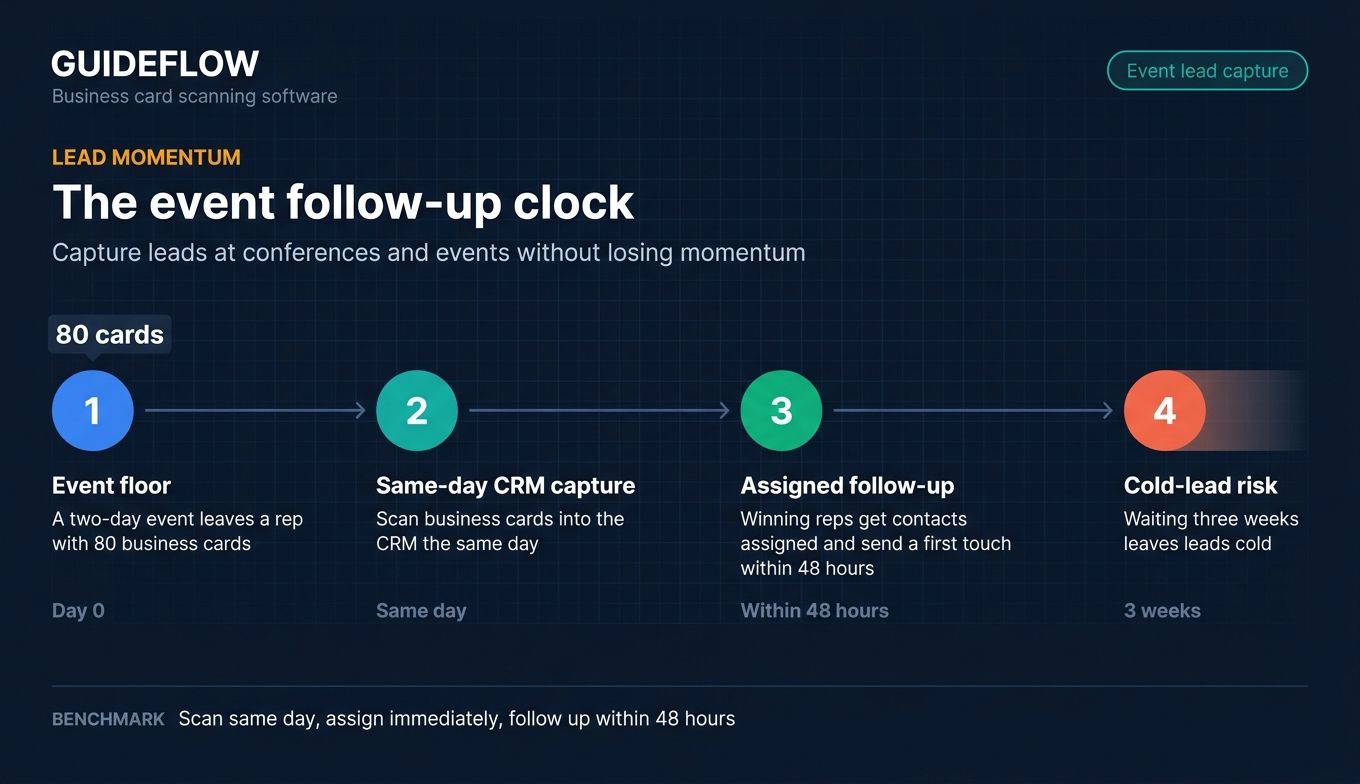
You worked the floor for two days. You came home with 80 business cards rubber-banded in your bag. Three weeks later, half of them are still sitting there, and the leads who actually wanted to talk have gone quiet. Business card scanning software exists to close that exact gap, turning a photo of a card into a clean CRM contact in seconds so follow-up happens while interest is still warm.
The problem is rarely the cards. It is the manual data entry that nobody on the team wants to do. Salesforce research has repeatedly found that sales reps spend only around a third of their time actually selling, with the rest swallowed by admin work like logging contacts and updating records. Every card you type by hand is a few minutes you are not prospecting, demoing, or closing. Multiply that across an event-heavy quarter and a full team, and the cost is real pipeline.
A good business card scanner app fixes this at the point of capture. You snap the card, OCR pulls the name, title, company, phone, and email, and the contact lands in your CRM ready for the next touch. No spreadsheet purgatory, no leads going cold while someone gets around to typing. This guide ranks the 10 best business card scanning software tools for 2026, judged on the things sales teams actually feel: accuracy, CRM sync, ease of use in the field, and pricing. Once those contacts are in the CRM, teams often pair the follow-up with lead retrieval software to keep event leads moving through the funnel.
What's inside
This guide is for sales teams that collect physical cards at conferences, in the field, and in meetings, then need those contacts in the CRM fast and clean. It also helps RevOps and enablement leaders standardizing a single tool across reps.
We ranked each business card scanner against four criteria that matter most to teams:
- OCR accuracy: how reliably it parses name, title, company, phone, and email, including messy or multilingual cards.
- CRM sync and integrations: native connections to Salesforce, HubSpot, Pipedrive, and Zoho versus plain CSV or vCard export.
- Ease of use and mobile workflow: how few steps it takes to scan a business card on a phone in a busy hall.
- Pricing: free tiers, per-seat costs, and scan caps that affect team rollout.
TL;DR
Short on time? Here are the decision shortcuts:
- Best CRM-native option (and best free pick): the HubSpot business card scanner, free with any HubSpot account and feeding contacts straight into the CRM.
- Best OCR accuracy for international datasets: ABBYY, recognized for its high-accuracy OCR engine and multilingual recognition.
- Best for relationship-driven networkers: Covve, with human-verified scanning and contact maintenance reminders.
- Best for contactless event lead capture: Popl, built for badge and card scanning at trade shows with CRM sync.
- Best for teams standardizing capture: Haystack and Blinq, both pairing branded digital cards with paper-card scanning and team admin.
- Best capture-inside-a-CRM: Salesflare, a lightweight B2B CRM with built-in card scanning and follow-up automation.
What is business card scanning software
Business card scanning software uses OCR (optical character recognition) to convert a photo of a physical business card into a structured digital contact, complete with parsed fields like name, title, company, phone, and email. Instead of typing each detail by hand, you point your phone at the card, and the software reads it, organizes it, and sends it where it needs to go.
Most tools in this category are mobile-first. You will find a business card reader app on both iOS and Android, often with a web companion for managing the contacts you capture. The better ones move beyond simple text extraction into AI-assisted parsing, contact enrichment, and direct CRM sync, so a scanned card becomes a usable lead record without manual cleanup.
Here is what a modern business card scanner typically includes:
- OCR text extraction and field parsing: reads the card and maps each piece of text to the right field (name, title, company, phone, email).
- AI-assisted parsing and contact enrichment: fills gaps and corrects formatting, sometimes adding firmographic detail.
- CRM sync: native integrations with Salesforce, HubSpot, Pipedrive, and Zoho on many tools.
- Export formats: vCard (VCF), CSV, and Excel for tools without native CRM connections.
- Mobile capture and batch scanning: iOS and Android apps, with multi-card capture for high-volume events.
- Deduplication and contact organization: merges duplicates and keeps the address book searchable.
- Digital business card and QR exchange: some tools add a shareable virtual card alongside scanning.
The category overlaps with two adjacent terms. A business card reader and a visiting card scanner describe the same OCR-to-contact job, just with different regional phrasing. A digital business card is the reverse: a shareable virtual card you send, rather than a paper card you capture. Many tools now do both.
When to use business card scanning software
Scanning software earns its place in a few specific moments. If any of these sound like your week, it belongs in your stack.
Capture leads at conferences and events without losing momentum
Events generate the densest pile of leads you will ever collect, and the shortest window to act on them. When you scan business cards into the CRM the same day, follow-up can start before competitors even unpack their bags. The reps who win event leads are not the ones with the best booth. They are the ones whose contacts are in the system, assigned, and getting a first touch within 48 hours. Teams running booths often combine this with event marketing software to coordinate capture, follow-up, and ROI reporting in one flow.
Keep CRM contact data clean across the sales team
Manual entry is where data quality goes to die. One rep types "VP Sls," another drops the area code, a third forgets the company entirely. A shared scanner enforces consistency, so every captured contact lands in the system the same way, ready for routing and follow-up. That clean handoff matters once a lead is qualified and moves from SDR to AE. The next touch is often a tailored follow-up, and many teams pair it with an interactive demo so the prospect can experience the product at their own pace right after the event. Clean capture data is what makes that personalized follow-up possible at scale. Reps who want to share that demo instantly can drop a link into the same first-touch email a scanned card triggers.
Digitize and organize an existing pile of cards
Plenty of teams have a drawer or a shoebox of cards collected over years. Bulk-scanning that backlog turns dead paper into a searchable, deduplicated contact database. Tools with batch scanning and dedupe handle the volume without creating a mess of duplicates, so the history becomes useful instead of forgotten.
Business card scanning software comparison
The table below sorts the field by relevance to sales teams. The standout pattern: CRM-native tools (HubSpot, Salesflare) keep data clean automatically, while OCR-first apps (ABBYY, CamCard) win on raw accuracy, and digital-card platforms (Blinq, Popl, HiHello, Haystack) bundle scanning with contactless sharing. Pricing and G2 ratings were verified against vendor pages and live G2 listings as of June 2026. Where a vendor does not publish a number, the cell notes it rather than guessing.
| # | Product | Intent | Key use case | Pricing | G2 rating |
|---|---|---|---|---|---|
| 1 | CamCard | Best for team card capture | Scan and share cards, sync to CRM | Request pricing; 10-day free trial | 4.5/5 |
| 2 | HubSpot business card scanner | Best CRM-native and free | Scan straight into HubSpot CRM | Free with HubSpot account | 4.4/5 |
| 3 | ABBYY | Best OCR accuracy | High-accuracy, multilingual scanning | FineReader PDF from $16/mo | 4.7/5 |
| 4 | Covve | Best for networkers | Human-verified scans, contact upkeep | From $12/seat/mo | 4.8/5 |
| 5 | HiHello | Best digital plus scanning | Digital cards and lead capture | Free; paid from $8/mo | 4.6/5 |
| 6 | Popl | Best for contactless events | Badge and card scanning at events | Free plan; team pricing on request | 4.6/5 |
| 7 | Blinq | Best digital-first | Digital cards, scan-to-contact, CRM sync | Free; Premium from $7.33/mo | 4.8/5 |
| 8 | Contacts+ | Best for large address books | Scan, dedupe, sync contacts | Free; Premium from $9.99/mo | 4.4/5 |
| 9 | Haystack | Best for team standardization | Branded cards plus paper scanning | Free; Pro from $4.50/user/mo | 4.7/5 |
| 10 | Salesflare | Best capture-inside-a-CRM | Scan to CRM with follow-up automation | From $29/user/mo | 4.8/5 |
The 10 best business card scanning software tools for 2026
1. CamCard
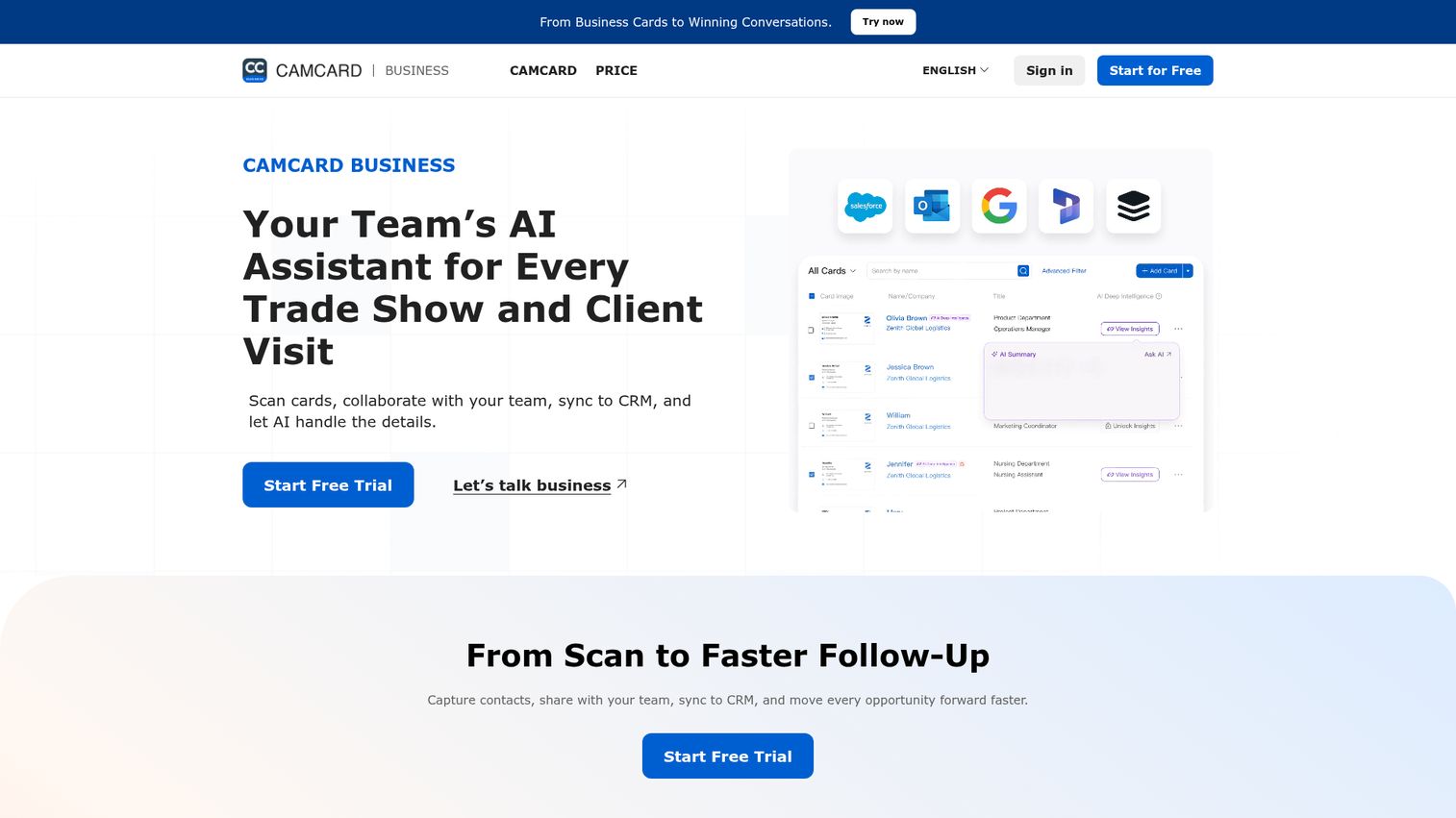
CamCard is one of the longest-running names in the category and a fixture on best business card scanner app lists. CamCard Business focuses on team capture: scan a card with AI-powered recognition, share the lead with colleagues through role-based access, and sync it to your CRM. Multilingual recognition makes it a fit for reps who collect cards across regions.
Best for: sales, business development, and marketing teams that need to scan cards, manage contacts, share leads, and push them into a CRM.
Key strengths
- AI business card scanning: captures contacts and parses fields automatically from a single photo.
- Team sharing with permissions: distributes captured leads across the team with role-based access controls.
- CRM sync: connects to Salesforce, Microsoft Dynamics, SugarCRM, Google Contacts, and Outlook Contacts.
Why choose CamCard: if your team works internationally and you want captured cards shared and synced rather than trapped on one rep's phone, CamCard's team-first design fits. The role-based permissions matter once more than a couple of people are scanning at events.
CamCard pricing: CamCard's business pricing page shows "Request Pricing" alongside a 10-day Business free trial, with no public price listed. Reach out through their pricing page for a quote and start with the trial to test recognition on your own cards before committing.
2. HubSpot business card scanner
The HubSpot business card scanner lives inside the HubSpot mobile app and turns a scanned card directly into a CRM contact. No export, no second tool, no copy-paste. For teams already running HubSpot, this is the most frictionless path from paper to pipeline, and it is free with a HubSpot account. If you are still choosing a system of record, our roundup of the best CRM software breaks down the leading options.
Best for: teams already on HubSpot who want capture to feed the CRM with zero extra steps.
Key strengths
- Scan to CRM contact: a scanned card becomes a HubSpot contact instantly, ready for follow-up.
- Free with any HubSpot account: included in HubSpot's free-forever CRM, no separate purchase.
- iOS and Android apps: the scanner ships inside HubSpot's mobile CRM on both platforms.
Why choose the HubSpot scanner: the value is the lack of a handoff. Because the contact lands in the same system your sequences, tasks, and reporting already run on, follow-up starts immediately and nothing gets lost between a scanning app and the CRM. That is the cleanest data hygiene story on this list for HubSpot shops.
HubSpot pricing: the scanner is free with a HubSpot account. HubSpot's broader platform starts with a free tier for up to 2 users, with Starter seats from $7/mo/seat and Professional from $450/mo, but you do not need a paid plan to use the scanner itself.
3. ABBYY
ABBYY is widely recognized for one of the most accurate OCR engines on the market, and that accuracy is the whole reason it belongs here. ABBYY Business Card Reader applies that engine to cards, with strong multilingual recognition and tight integration into the Apple ecosystem. If your cards are dense, stylized, or printed in non-Latin scripts, ABBYY is the name accuracy-first buyers reach for.
Best for: accuracy-first users and teams handling large, international, or multilingual card datasets.
Key strengths
- AI-based OCR: high-accuracy text recognition that handles complex and multilingual cards.
- PDF and document productivity: the FineReader engine extends well beyond cards into full document workflows.
- Document comparison and conversion: Corporate tier adds automated conversion up to 5,000 pages per month.
Why choose ABBYY: accuracy compounds. Every field ABBYY parses correctly is one fewer your reps have to fix, and across a large dataset that saves real cleanup time. Pick ABBYY when getting the data right the first time matters more than bundled digital-card features.
ABBYY pricing: ABBYY FineReader PDF Standard starts at $16/month, or $99/year, with a Corporate tier at $24/month or $165/year. There is no permanent free tier, but ABBYY offers a 7-day free trial with no payment required so you can test OCR quality before subscribing.
4. Covve
Covve is built for people who treat relationships as the core of the job. It scans business cards, badges, QR codes, and digital profiles, then organizes everything with networking features like contact maintenance and reminders. Covve leans on human-verified scanning to push accuracy higher than pure OCR, which networkers who cannot afford a wrong number appreciate.
Best for: sales, field marketing, and networking teams that need accurate event lead capture and CRM-ready contact data.
Key strengths
- Unlimited card and lead scans: capture as much as an event throws at you without hitting a wall.
- AI lead research and qualification: enriches and qualifies captured leads automatically.
- CRM and export options: integrations plus exports to phone contacts, Excel, Outlook, or Google Contacts.
Why choose Covve: the human-verified accuracy and built-in reminders make Covve more than a scanner, it is a system for staying in touch. If your pipeline depends on relationships you nurture over time, the contact-maintenance layer earns its keep.
Covve pricing: Covve Starter is $12/seat/mo or $119/seat/yr for individuals. Team is $20/seat/mo, adding admin management, analytics, collaboration, and branded digital cards. Business is $31/seat/mo, adding included CRM integrations, a 99.95% availability SLA, and a dedicated account manager. There is no free tier, but a free trial is available.
5. HiHello
HiHello is a professional presence platform that pairs digital business card creation with paper-card scanning and lead capture. Reps share a branded digital card via QR or link, scan the cards they receive, and let HiHello enrich and organize the contacts. It is a strong fit for teams that want to give and get cards in one app.
Best for: teams and enterprises that want centralized control over digital cards, email signatures, lead capture, and brand presence.
Key strengths
- Digital business cards: branded, shareable cards reps send by QR or link.
- Lead capture and CRM integrations: captured contacts flow into your CRM, not a dead-end address book.
- Email signatures and virtual backgrounds: extends the same branding across other touchpoints.
Why choose HiHello: the value is two-way exchange. Reps hand over a polished digital card and capture the other side's paper card in the same workflow, with admin controls so the whole team stays on-brand. That makes it a clean standard for organizations that care about presentation. Teams that lean on QR sharing can also explore our picks for the best QR code generator software.
HiHello pricing: the Personal plan is free for 1 user. Professional is $8/month for a single user with branded card features. Business is $6/user/month for 5 to 100 users, adding team cards, email signatures, CRM integrations, SSO, analytics, and lead capture. Enterprise is custom pricing for 101+ users.
6. Popl
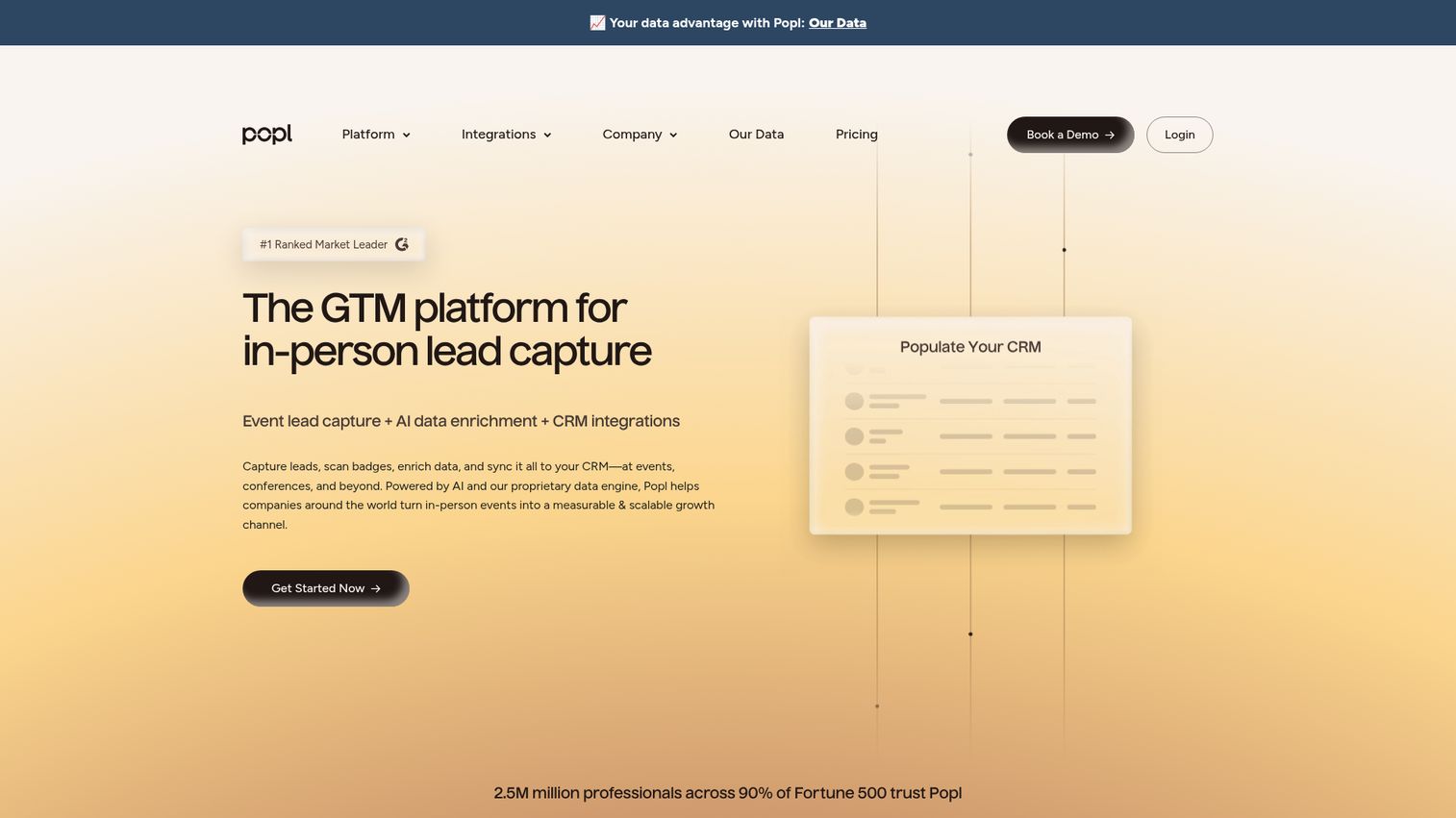
Popl is an in-person go-to-market platform built around event lead capture. Its universal scanner reads event badges, business cards, and QR codes, captures leads through custom forms, enriches them in real time, and syncs to your CRM. For field and event teams that want contactless exchange plus high-volume scanning, Popl is purpose-built.
Best for: B2B teams that need to capture, enrich, qualify, and sync leads from conferences, trade shows, and in-person events.
Key strengths
- Universal badge scanner: reads event badges, business cards, QR codes, custom forms, and manual entry.
- Real-time enrichment and CRM sync: captured leads are enriched and pushed to CRM and marketing automation instantly.
- Team campaigns and ROI tracking: qualifying questions, branding controls, and event ROI reporting for the whole team.
Why choose Popl: Popl treats events as a measurable channel, not a card-collection exercise. The qualifying questions and ROI tracking turn a stack of scans into reportable pipeline, which is exactly what RevOps wants after a costly trade show. Teams that run a heavy event calendar should also weigh dedicated event management software to plan and measure the whole program.
Popl pricing: Popl offers a free plan for individuals. For teams, event lead capture pricing is usage-based on the number of leads captured, and the pricing page asks you to request pricing or book a demo for a custom quote. Reach out through their pricing page to scope a plan around your event volume.
7. Blinq
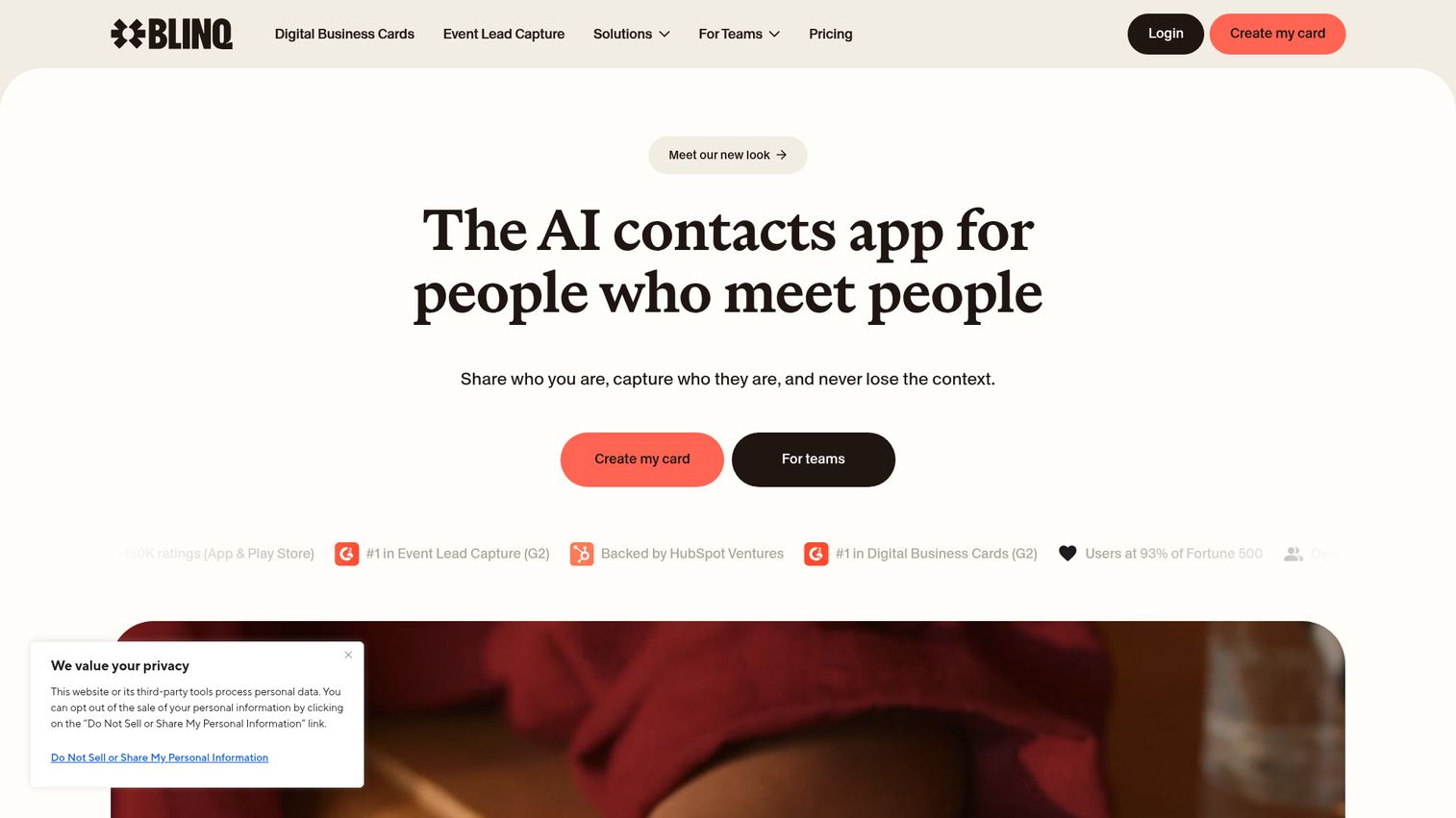
Blinq is a digital business card platform that also handles scanning. Reps share contact details by QR code, email, SMS, Apple Wallet, or Google Wallet, then use a universal contact scanner to capture paper cards into CRM-ready records. AI contact enrichment and an AI notetaker round out the capture workflow for digital-first networkers.
Best for: teams that need branded digital cards, event lead capture, and CRM-ready contact data.
Key strengths
- Digital cards with wallet sharing: share via QR, email, SMS, Apple Wallet, and Google Wallet.
- Universal contact scanner with AI enrichment: scan paper cards and enrich the contact automatically.
- Team admin and CRM sync: templates, brand controls, automated provisioning, and contact sync to your CRM.
Why choose Blinq: Blinq's free tier is genuinely useful, and the paid tiers add the scanning, enrichment, and team controls that make it a full capture system. Choose it when you want digital-first sharing as the default and scanning as the fallback for the cards you still receive.
Blinq pricing: the Free plan is free forever with two digital cards and unlimited sharing. Premium is $7.33/month billed annually, adding the universal contact scanner, AI notetaker, and AI enrichment. Business is $4.99/month per card billed annually, adding team cards, admin management, and brand control. Enterprise is custom with SSO, SCIM provisioning, and a dedicated CSM.
8. Contacts+
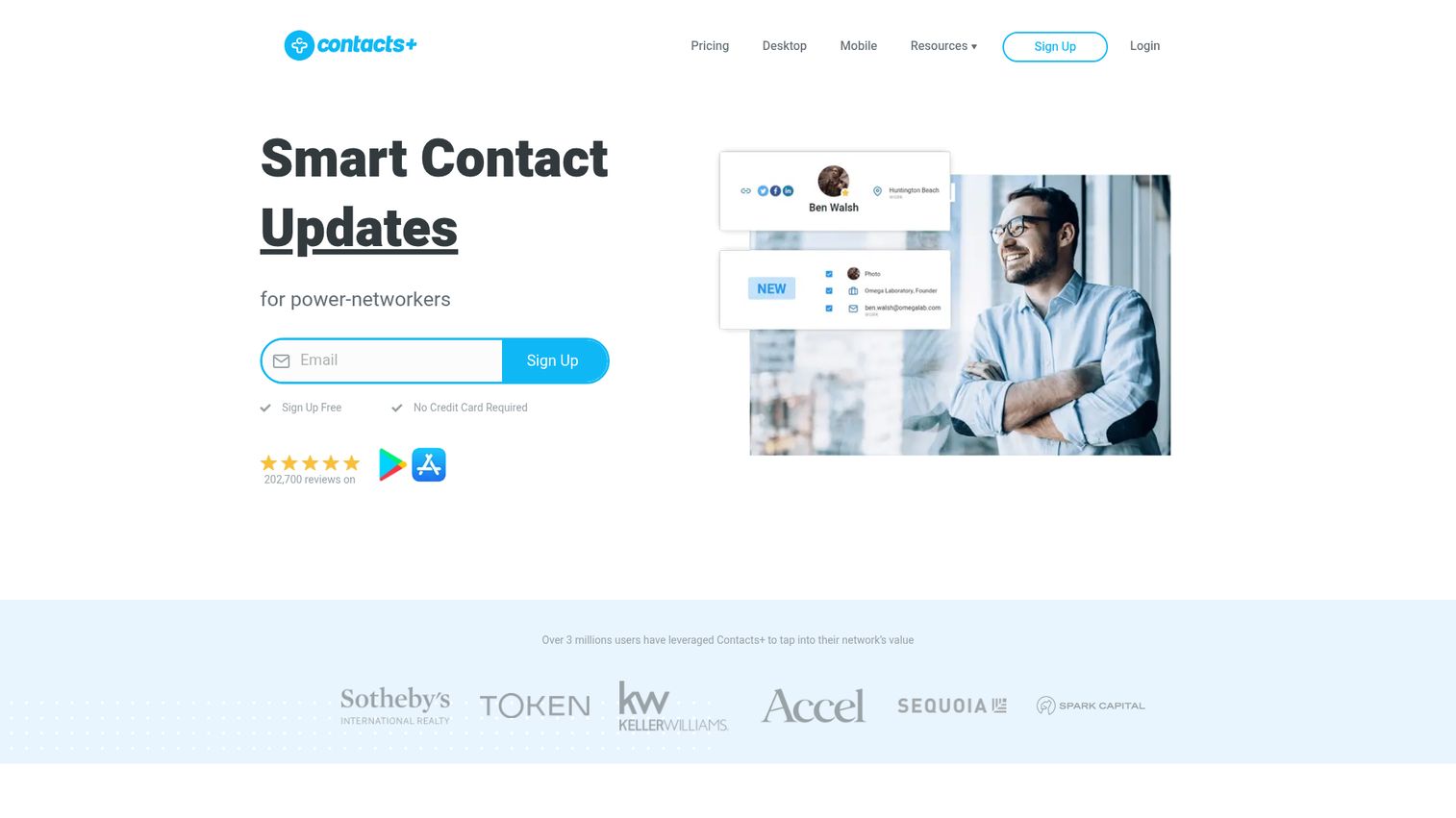
Contacts+ started as a contact manager and grew into a capable business card reader app. It scans cards, transcribes them with AI, deduplicates aggressively, and syncs across Gmail, Outlook, Microsoft 365, Apple iCloud, phones, and web apps. If your problem is a sprawling, messy address book as much as new cards, Contacts+ is built for exactly that.
Best for: individuals and teams that need a unified, synced, enriched address book across multiple sources.
Key strengths
- Cross-platform sync: keeps contacts consistent across Gmail, Outlook, Microsoft 365, Apple, phones, and web.
- Automatic deduplication: identifies and merges duplicate contacts so the database stays clean.
- AI card scanning and signature extraction: captures cards and pulls contacts from email signatures.
Why choose Contacts+: the dedupe and multi-source sync are the standouts. When historical card piles and modern capture both flow into one deduplicated address book, the whole team works from clean data instead of fighting duplicates.
Contacts+ pricing: the Free plan covers 1 synced account and 1,000 contacts. Premium is $9.99/month billed annually (or $13.99 monthly), adding 5 synced accounts, 25,000 contacts, enrichment, and signature extraction. Teams is $12.99/user/month billed annually (or $17.99 monthly), adding a shared address book.
9. Haystack
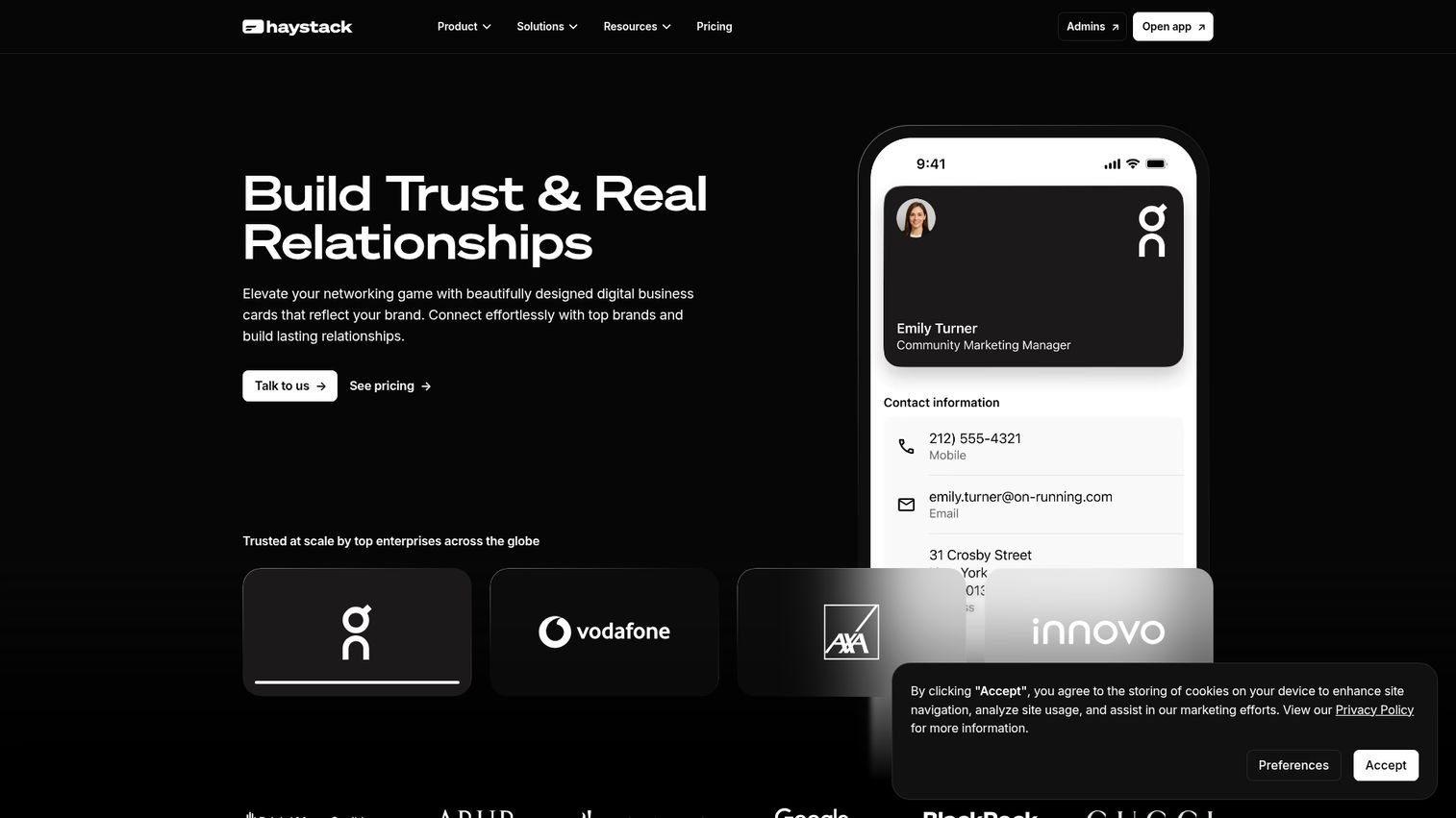
Haystack is a digital business card platform built for teams and enterprises that want to standardize card capture across many people. It pairs branded digital cards, shareable by QR, email, SMS, NFC, and link, with an AI paper-card scanner that syncs contacts to your CRM. Team admin, SSO, and SOC 2 Type II support make it a fit for larger rollouts.
Best for: organizations that want to replace paper cards with centrally managed, branded digital cards and lead capture workflows.
Key strengths
- Branded digital cards across channels: share by QR, email, SMS, LinkedIn, iMessage, NFC, and link.
- AI paper card scanner with CRM sync: scan received cards and push contacts to the CRM.
- Enterprise team controls: permissions, templates, Active Directory and HRIS integrations, SSO, analytics, and SOC 2 Type II.
Why choose Haystack: Haystack is the standardization play. When you need every rep on a consistent, on-brand card and every scanned contact flowing to the CRM the same way, the central admin and security controls do the heavy lifting.
Haystack pricing: the Personal plan is free for sole operators. Pro is $4.50/user/month billed annually (or $7.95 monthly), adding customization, branding, CRM integrations, and analytics. Business is $2.50/user/month billed annually (or $4.95 monthly) for team deployment and shared contacts. Enterprise is custom with dedicated success and HRIS integrations.
10. Salesflare
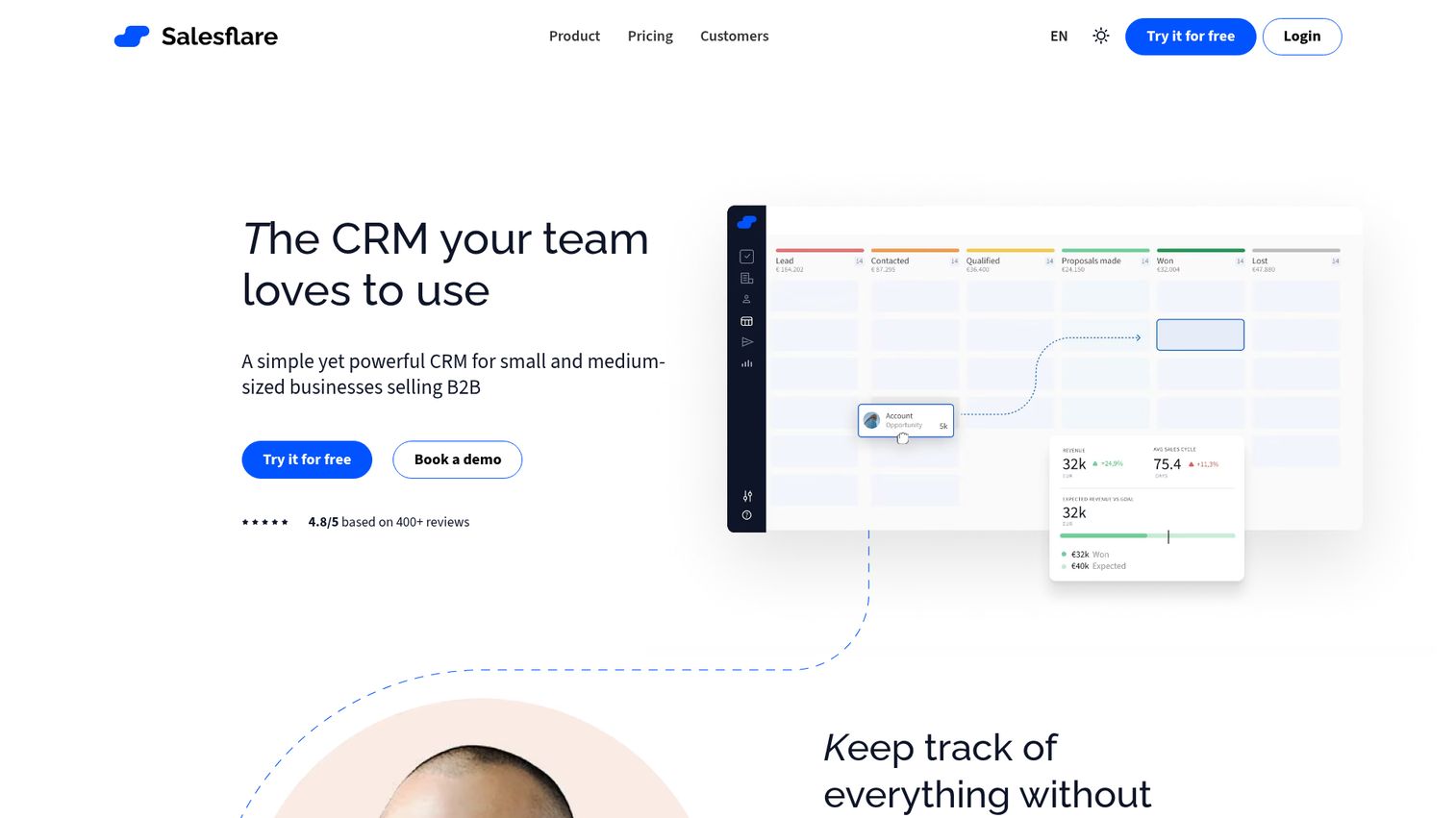
Salesflare is a CRM for small and medium B2B teams that happens to scan business cards directly into itself. Snap a card in the mobile app and it becomes a lead in your pipeline, then Salesflare automates the data input from emails, signatures, and meetings around it. For small teams that want capture and CRM in one tool, this is the tightest loop on the list. Pairing it with the right sales engagement tools keeps every captured lead in an active follow-up cadence.
Best for: small and medium B2B sales teams that want an automation-driven CRM with less manual data entry.
Key strengths
- Automated CRM data input: pulls contact data from emails, signatures, social profiles, meetings, and calls.
- Built-in card scanning to pipeline: scanned cards become leads inside the CRM, no second tool.
- Visual pipelines and email sequences: automated follow-up sequences keep captured leads warm.
Why choose Salesflare: the appeal is consolidation. Capture, enrichment, pipeline, and follow-up automation live in one system, so a card you scan at an event is in your pipeline with a follow-up sequence running before you leave the venue.
Salesflare pricing: Growth is $29/user/month billed annually (or $39 monthly), including CRM automation, tracking, and 5 lead credits. Pro is $49/user/month annually (or $64 monthly), adding multi-email workflows and custom dashboards. Enterprise is $99/user/month annually with a 5-user minimum. There is no permanent free tier, but Salesflare offers a 30-day free trial.
How to choose business card scanning software for your sales team
The right business card scanner depends less on feature counts and more on how it fits your CRM, your team, and your event volume. Run any shortlist through these five checks before you commit.
OCR accuracy and field-parsing quality
Accuracy is the whole point, so test it on the cards you actually collect. Scan complex examples first: logos overlapping text, non-Latin scripts, dense two-sided layouts, and stylized fonts. The tool that parses your hardest cards cleanly is the one that saves your reps the most cleanup time.
CRM and integration depth
Decide whether you need native sync or can live with export. Tools that sync directly to Salesforce, HubSpot, Pipedrive, or Zoho keep the whole team's data clean automatically, while CSV or vCard export adds a manual step where errors and delays creep in. For team data hygiene, native sync wins.
Pricing model and free tier limits
Watch the per-seat math. A price that looks fine for one rep can scale aggressively across a field team, so model the cost at your real headcount. On free plans, check the scan caps and contact limits, because a free business card scanner app that stops at 10 scans a month will not survive a single conference.
Data ownership, privacy, and security
Know where your contact data lives and confirm you can get it out. For team or enterprise rollout, verify export rights, SSO, and compliance posture (SOC 2 and similar) before you load thousands of contacts into a tool you might leave.
Ease of adoption across roles
Adoption is everything. If scanning a card takes more than a few taps, reps will revert to the camera roll and the cards will pile up again. Favor speed and minimal steps, and test the workflow in the field, not just at your desk.
Conclusion
The best business card scanning software for your team comes down to where your contacts need to land. If you run HubSpot, the free HubSpot business card scanner is the obvious starting point, capturing cards straight into the CRM with no extra tool or cost. If raw accuracy on international cards matters most, ABBYY is the name to test, while Covve wins for relationship-driven networkers who need human-verified scans and contact upkeep.
For event-heavy teams, Popl turns trade shows into measurable pipeline with badge and card scanning plus ROI tracking. Teams standardizing capture across many reps should look at Haystack or Blinq for branded digital cards paired with scanning, and small B2B teams that want capture inside the CRM should try Salesflare.
The practical next step: pick the tool that matches your CRM, then test it on your messiest stack of real cards before an event, not after. Most of these tools offer a free tier or trial, so scan 20 of your hardest cards and see which one parses them cleanly and lands them where your follow-up actually happens. And once the contact is in, a personalized demo page is often the fastest way to turn that fresh lead into a real conversation.
FAQs
There is no single winner, it depends on your CRM and accuracy needs. For teams on HubSpot, the free HubSpot business card scanner is the strongest pick because contacts land straight in the CRM. For accuracy-first users with international cards, ABBYY's OCR engine is hard to beat, and the best free option overall is HubSpot's scanner if you already use the platform.
Yes. The HubSpot business card scanner is free with any HubSpot account, and tools like HiHello, Blinq, Haystack, and Contacts+ all offer free tiers. Watch the limits, though, because free plans often cap the number of scans, contacts, or synced accounts, which can run out fast at a busy event.
Modern OCR and AI parsing handle clean, standard cards very well, pulling name, title, company, phone, and email reliably. Accuracy drops on stylized fonts, heavy logos, and non-Latin scripts, which is where tools with human-verified scanning like Covve add a checking layer. For mixed or international stacks, test your hardest cards before committing.
Yes, and how they sync matters. Native integrations push contacts straight into Salesforce, HubSpot, Pipedrive, or Zoho, which keeps team data clean automatically. Tools without native sync export to CSV or vCard, which works but adds a manual import step where data can get delayed or mangled. For shared team data hygiene, native sync is the safer choice.
Yes. HubSpot includes a business card scanner inside its mobile CRM app on both iOS and Android. You scan a card and it becomes a HubSpot contact instantly, ready for follow-up tasks and sequences. It is free with a HubSpot account, which makes it the easiest path from paper to pipeline for any team already on the platform.
A business card scanner uses OCR to convert a physical card you receive into a digital contact. A digital business card is the reverse: a shareable virtual card, usually via QR code or NFC, that you send to others. Many tools, including Blinq, HiHello, Popl, and Haystack, now do both in a single app.
Many tools support batch scanning built for high-volume event capture, letting you process a stack of cards quickly rather than one at a time. Event-focused platforms like Popl and Covve are designed for exactly this, with unlimited or high scan volumes so a full conference does not overwhelm the app.
Most leading apps support both. CamCard, HubSpot, Covve, HiHello, Popl, Blinq, Contacts+, Haystack, and Salesflare all run on iOS and Android. A few add platform-specific perks, such as ABBYY's tighter integration with Apple features like Spotlight, but core scanning and CRM sync work across both ecosystems.