Your team just spent three days rebuilding answers you already wrote last quarter. Someone pulled the security section from an old deal, someone else copied a value prop from a slide that's now out of date, and legal caught a compliance line that should have been retired in January. The deadline is Friday. The buyer will read it in fifteen minutes.
That is the real cost of managing responses without a system. Not the drafting itself, but the searching, the version drift, and the approvals that stall in email threads no one can find. For a sales enablement manager, this is the exact friction that erodes win rates: inconsistent answers, stale messaging, and reps who wait on other teams instead of moving deals forward.
The market is responding to this. The global RFP software market is projected to grow from USD 2.28 billion in 2024 to USD 7.38 billion by 2032, at a 15.83% CAGR through 2032, according to Verified Market Research (2024). Buyers are digitizing response operations because ad hoc documents and scattered spreadsheets do not scale past a handful of deals.
This guide compares seven platforms built for that job. RFP management software gives you a single place to store approved answers, draft with AI, route reviews across sales, PMM, legal, security, and RevOps, and export clean responses on time. Whether you handle a dozen questionnaires a year or several a week, the right rfp tool changes response speed, content governance, and consistency across every stakeholder involved.
What's inside
This is a comparison of seven request for proposal software platforms, ranked by relevance to structured RFP response management first and broader proposal software second. We evaluated each on six criteria that matter most to enablement and revenue teams: content library strength, AI drafting quality, collaboration and review workflow, integrations with your existing stack, governance controls like version control and approvals, and security. Pricing and G2 ratings reflect verified vendor and G2 sources at the time of writing. Every tool here earns its place for a specific team profile, not a generic feature checklist.
TL;DR
- Best AI-first enterprise choice: Responsive, for high-volume teams managing RFPs, RFIs, DDQs, and security questionnaires with centralized governance.
- Best for content accuracy at scale: Loopio, for sales-led teams that want fast first drafts and a maintainable knowledge library.
- Best for regulated industries: RocketDocs, for teams that need private AI, security certifications, and auditability.
- Best proposal-centric fit: PandaDoc, for sales teams combining proposals, quoting, CPQ, and e-signature in one workflow.
- Best for branded sales proposals: Proposify, for teams that prioritize document design, tracking, and CRM integrations.
- Best budget-conscious option: PowerRFP, for smaller teams and procurement groups that want AI-assisted RFP workflows without a large commitment.
What is RFP software?
RFP software is a platform for managing responses to requests for proposal, storing reusable answers in a searchable content library, drafting with AI, coordinating reviews across teams, and exporting finished responses. It turns a scattered, manual process into a repeatable rfp workflow.
Beyond RFPs, most rfp response management platforms handle adjacent request types that share the same core mechanics: a question comes in, an approved answer goes out, and the whole thing needs an audit trail. That includes RFIs (requests for information), DDQs (due diligence questionnaires), and security questionnaires, which security and IT teams increasingly gate deals on.
Here is what an rfp automation software platform typically does:
- Content library: Stores approved, reusable answers with ownership, tags, and expiration so responses stay accurate.
- AI drafting: Suggests relevant answers, drafts first passes, and summarizes source material to speed up responses.
- Collaboration and approvals: Routes sections to the right subject matter experts across sales, PMM, legal, and security, then tracks sign-off.
- Version control: Keeps a single source of truth so no one submits a superseded answer.
- Audit trail: Logs who changed what and when, which matters for compliance and regulated deals.
- Integrations: Connects to CRM, cloud storage, and communication tools so responses live inside your existing workflow.
- Export: Produces clean, formatted responses in Word, Excel, PDF, or the buyer's required template.
The distinction worth holding onto: proposal software often centers on sales document design and e-signature, while rfp response management is built around structured questionnaires and knowledge governance. Several tools on this list straddle both, which is exactly why matching the tool to your actual workflow matters more than the category label.
When to use RFP software
Centralize response knowledge
If your best answers live in Slack threads, an AE's personal doc folder, and a spreadsheet three people swear is current, you are losing time and accuracy on every response. A centralized knowledge library fixes this by making approved answers findable in seconds, tagged by product, persona, and stage. For a sales enablement manager, this is the same governance problem you already solve for pitch decks and battlecards, applied to the response process.
Speed up multi-stakeholder reviews
RFPs rarely belong to one person. Legal owns the terms, security owns the questionnaire, PMM owns positioning, and IT confirms technical claims. Without a system, those reviews happen in parallel email threads and someone always works off the wrong draft. RFP software routes each section to the right owner, tracks approvals, and holds version control so the submitted response reflects every sign-off, not the version someone saved on Tuesday.
Standardize responses at scale
As response volume grows, consistency breaks down first. The same security question gets three different answers depending on who drafts it. Recurring questionnaires get rebuilt from scratch. RFP automation software turns repeatable questions into repeatable answers, so a growing team produces consistent, on-message responses without a senior rep reviewing every line.
Comparison table
Below is a side-by-side view of all seven tools, sorted by relevance to structured RFP response management, then broader proposal workflows. Use it to shortlist two or three before reading the detailed sections. Governance depth, AI drafting, security posture, and workflow breadth are the differentiators worth weighing against your response volume and compliance needs.
| # | Product | Intent | Key differentiation | Pricing | G2 rating |
|---|---|---|---|---|---|
| 1 | Responsive | Enterprise RFP response management | AI-powered strategic response across RFPs, DDQs, and security questionnaires | From $5,000/year for 5 users | 4.5/5 |
| 2 | Loopio | Sales-led RFP and questionnaire responses | Response Intelligence AI plus collaborative content library | Custom (Foundations, Enhanced, Enterprise) | 4.6/5 |
| 3 | RocketDocs | Regulated-industry response management | Private generative AI with Word and Excel add-ins | Custom | 4.2/5 |
| 4 | PandaDoc | Proposal and document automation | Proposals, quoting, CPQ, and e-signature in one system | From $19/user/mo (annual) | 4.7/5 |
| 5 | Proposify | Branded sales proposals | Drag-and-drop proposal design with tracking and analytics | From $19/user/mo (annual) | Not listed |
| 6 | Adobe Acrobat | PDF and document foundation | Full PDF editing, e-sign, and AI document tools | From US$14.99/mo | 4.5/5 |
| 7 | PowerRFP | Budget-conscious RFP workflow | AI RFP generator with evaluation and scorecard tools | Free; Pro from $25/mo (annual) | Not listed |
1. Responsive
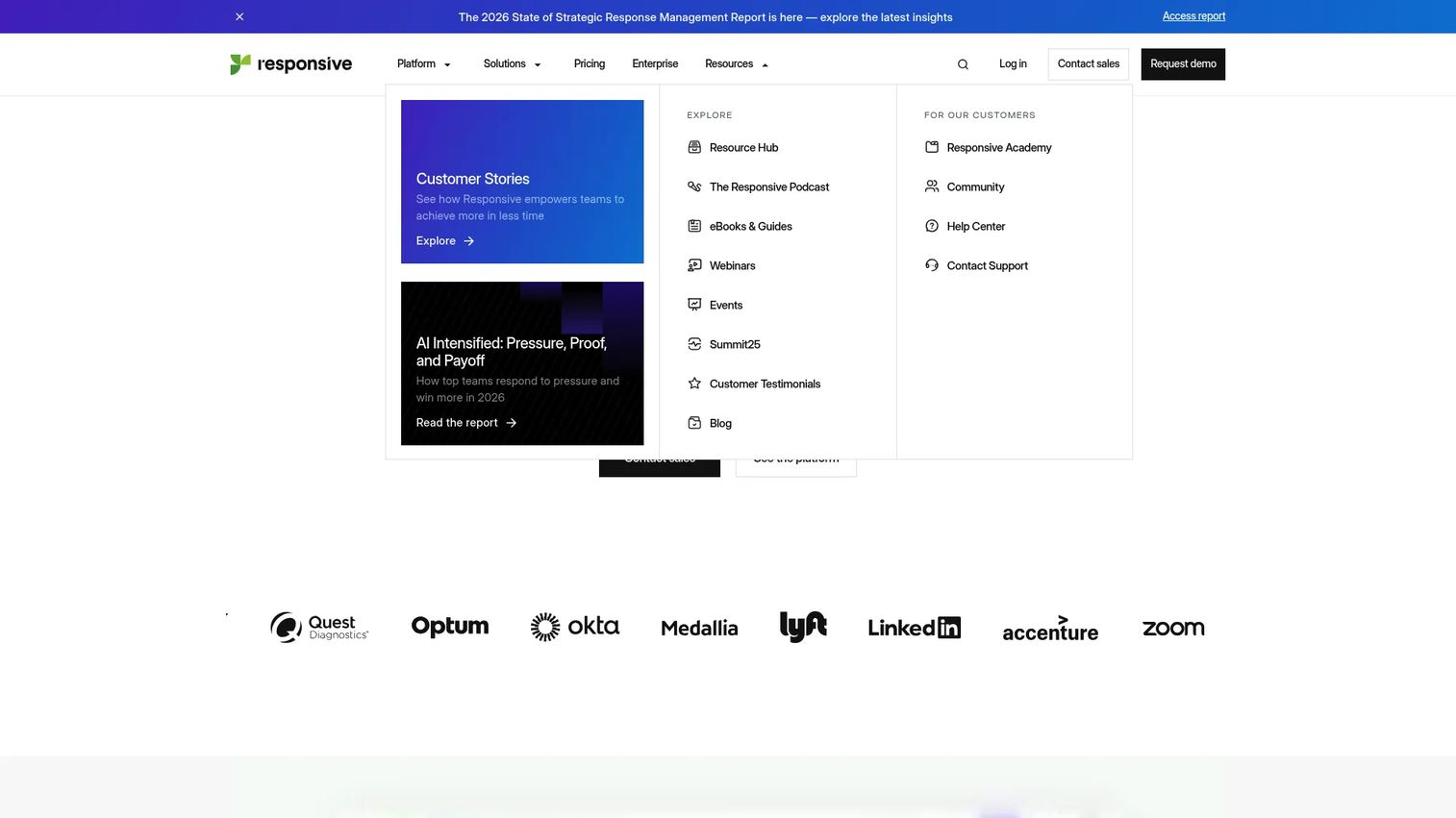
Responsive positions itself around Strategic Response Management, a category framing that covers RFPs, RFIs, DDQs, security questionnaires, and other complex information requests in one platform. It is built for teams treating responses as a revenue function, not an administrative chore. The differentiation is AI-assisted drafting layered on top of a centralized content library, wrapped in enterprise governance that keeps large, cross-functional response operations consistent.
For a sales enablement manager, the appeal is control. Responsive is engineered for the messy reality of multiple simultaneous responses, distributed subject matter experts, and answers that need to stay on-message across every deal. Rather than answering questions one at a time, teams manage a response pipeline with ownership, approvals, and reuse baked in.
Best for: Larger teams with recurring, high-volume response workflows across sales, security, and compliance.
Key strengths
- Centralized content library: Stores approved answers with governance so responses stay accurate and consistent at scale.
- AI-powered response support: Drafts first-pass answers and surfaces relevant content to cut manual writing time.
- Collaboration workflows: Routes sections to the right experts and tracks review across sales, PMM, legal, and security.
Why choose Responsive: If your response volume justifies a platform built specifically for strategic response management, Responsive is the most complete fit. It suits organizations where RFPs, security questionnaires, and DDQs land constantly and consistency across them directly affects win rate. Smaller teams with occasional RFPs may find it more platform than they need.
Responsive pricing: The Lite Edition starts at $5,000/year for 5 users, billed annually, per Responsive's pricing page. Emerging, Growth, and Enterprise editions require contacting sales, structured as an annual platform fee plus user licenses and add-ons. There is no free tier. Responsive holds a 4.5/5 rating on G2.
2. Loopio
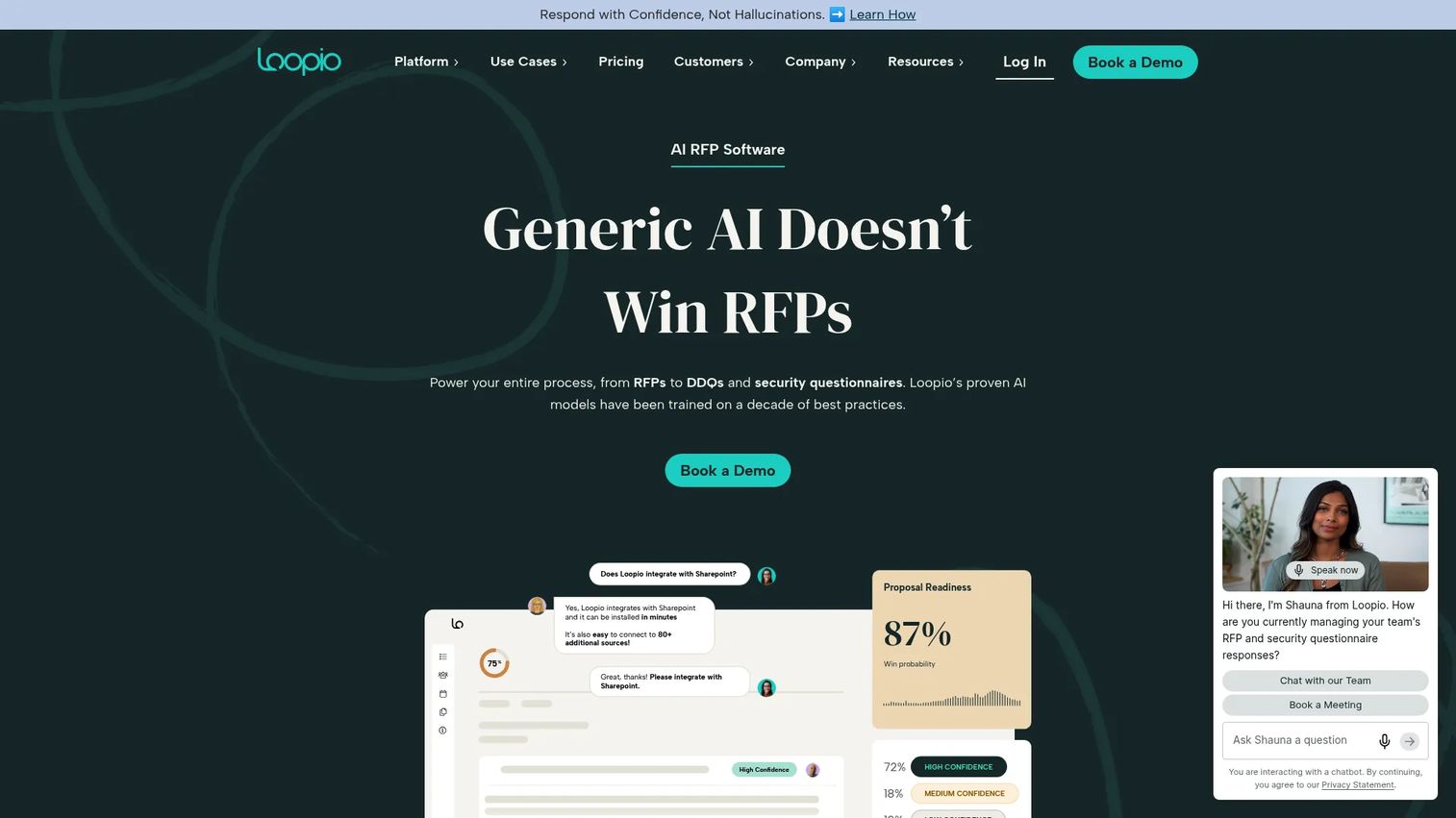
Loopio is response management software built for RFPs, RFIs, DDQs, security questionnaires, and related sales responses, with a strong emphasis on first-draft speed and content accuracy. Its centralized, collaborative content library is the backbone: teams populate it with vetted answers, then Loopio's Response Intelligence AI surfaces the right ones as new questions come in. The result is faster drafts that stay consistent with approved messaging.
For sales-led teams, Loopio hits the sweet spot between structure and usability. It gives reps a fast path to a solid first draft without forcing a heavy process, while giving enablement and PMM the governance to keep answers current. Integrations with Salesforce, Slack, Microsoft, and cloud storage keep responses inside the tools teams already work in.
Best for: Enterprise and mid-market teams managing RFP and security questionnaire responses at scale.
Key strengths
- Response Intelligence AI: Surfaces the most relevant library content so first drafts come together faster.
- Collaborative content library: Maintains a single, vetted source of answers with ownership and review built in.
- Broad integrations: Connects to Salesforce, Slack, Microsoft, and cloud storage to keep work in-workflow.
Why choose Loopio: Choose Loopio when your priority is consistent, accurate answers produced quickly by a team that will not tolerate a clunky process. It rewards teams willing to invest in a well-maintained library, since library quality directly drives draft quality.
Loopio pricing: Loopio offers Foundations (10 seats), Enhanced, and Enterprise plans with flexible, custom pricing rather than published numbers. Request a quote through Loopio's pricing page for figures tied to your seat count and needs. Loopio holds a 4.6/5 rating on G2.
3. RocketDocs
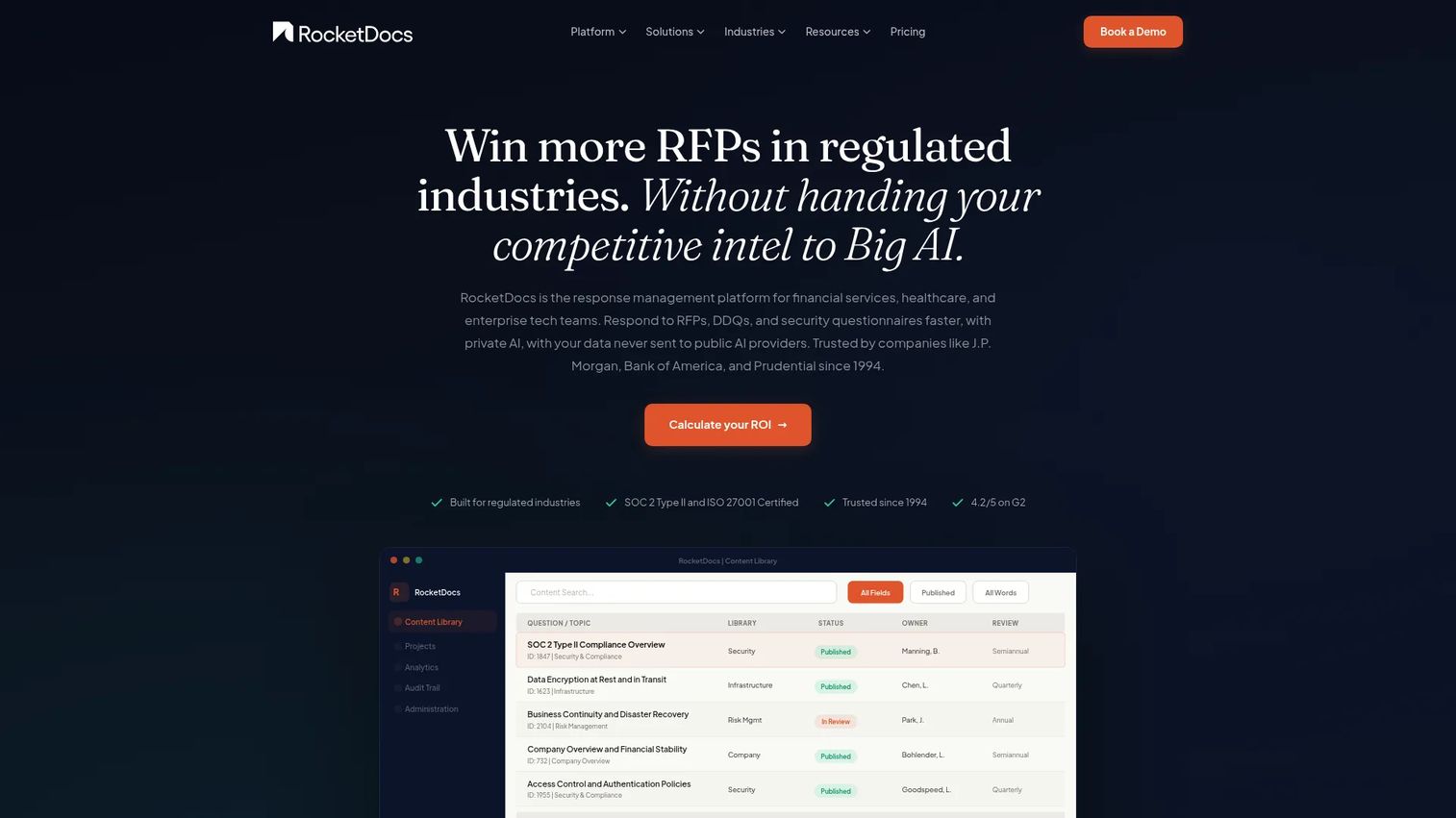
RocketDocs is enterprise response management software aimed squarely at regulated industries, handling RFPs, DDQs, security questionnaires, and sales proposals. Its lead differentiator is private generative AI, which appeals to teams that cannot route sensitive content through public AI models. Security and compliance are the primary hooks, backed by an audit trail and workflow automation designed for auditability.
For enablement teams supporting deals in finance, healthcare, or government, RocketDocs speaks their language: trust, control, and defensibility. The content library pairs with workflow automation so responses move through defined review stages, and the Word and Excel add-in via LaunchPad lets subject matter experts contribute inside the tools they already use, rather than learning a new interface.
Best for: Mid-sized and enterprise teams handling high-volume RFP, DDQ, and security questionnaire workflows in regulated environments.
Key strengths
- Private generative AI: Drafts responses without exposing sensitive content to public AI models.
- Content library with workflow automation: Moves responses through defined review stages with a clear audit trail.
- Word and Excel add-in via LaunchPad: Lets experts contribute inside familiar tools without switching context.
Why choose RocketDocs: Choose RocketDocs when security posture and auditability are non-negotiable, not nice-to-haves. It fits teams whose deals hinge on passing security and compliance review, where a defensible audit trail and private AI matter more than the slickest editor.
RocketDocs pricing: RocketDocs uses custom pricing based on team size, content volume, and required modules, with no public numeric price listed. Expect an implementation and onboarding process typical of enterprise response platforms. RocketDocs holds a 4.2/5 rating on G2.
4. PandaDoc
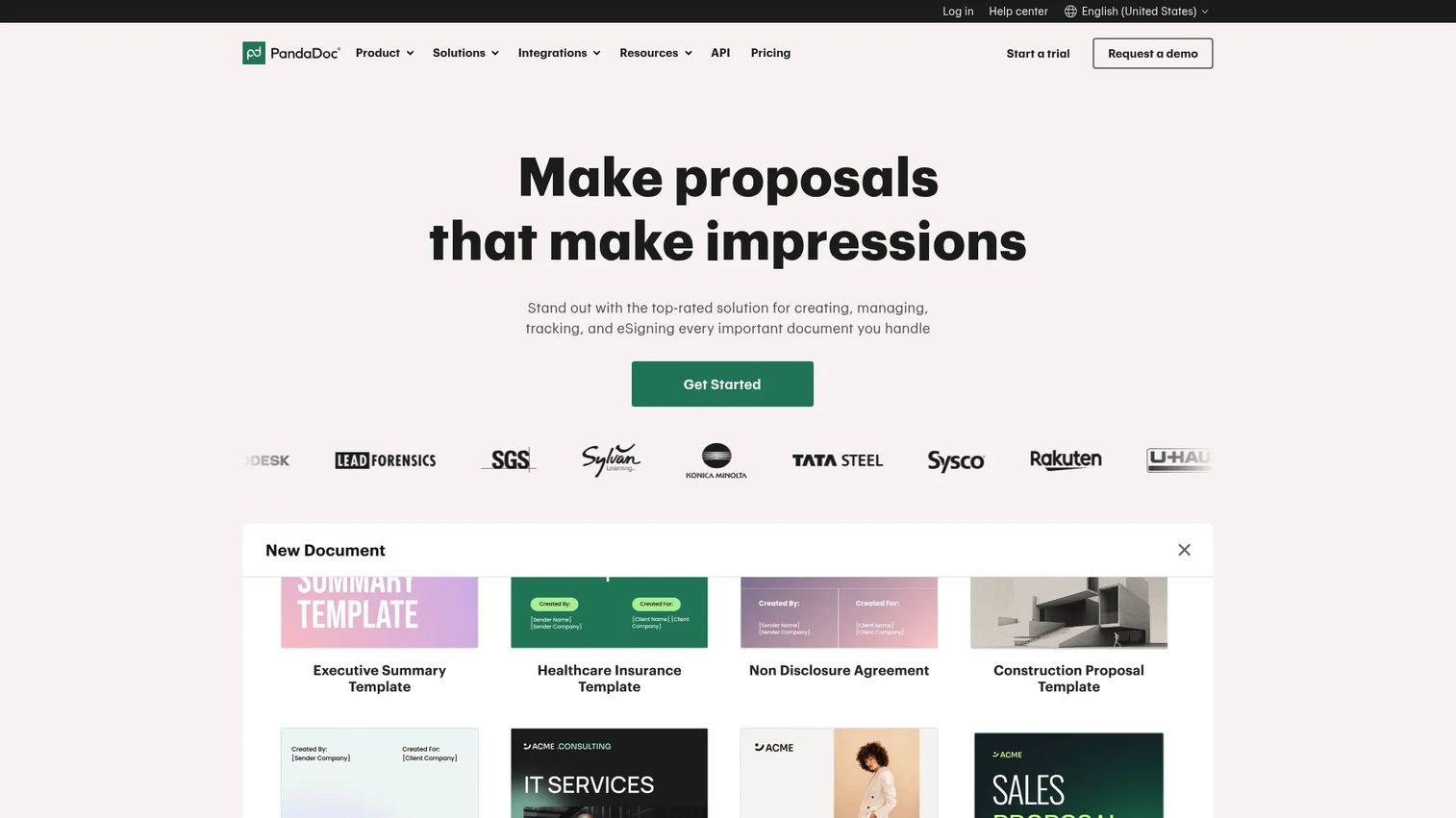
PandaDoc sits more on the proposal software and document automation side of the spectrum than pure rfp response management, but it captures plenty of RFP-intent traffic for good reason. It combines a drag-and-drop document editor, e-signatures, quoting, CPQ, and pricing tables in one system. For sales-led motions where the RFP and the proposal blur together, that consolidation is the draw.
For enablement teams whose reps spend more time on proposals, quotes, and contracts than on formal security questionnaires, PandaDoc keeps the whole document workflow in one place. It shines when the goal is to create, send, track, and close a branded document, less so when the job is managing a 300-question knowledge library. Many mixed-workflow teams run it alongside a dedicated response tool.
Best for: Sales teams that need proposal, contract, quote, and e-signature workflows in one system.
Key strengths
- Drag-and-drop document editor: Builds branded proposals and documents without design bottlenecks.
- E-signatures and signing order: Closes documents faster with built-in signing workflows.
- Quote pricing tables and approvals: Handles quoting and CPQ inside the same document.
Why choose PandaDoc: Choose PandaDoc when your document workflow is sales-proposal-first and RFP responses are the lighter part of the job. It is a stronger fit for closing motions than for heavy, library-driven response operations, and its e-signature and CPQ depth is a genuine advantage for that use case.
PandaDoc pricing: PandaDoc offers a Free eSign plan at $0, a Starter plan at $19/user/mo billed annually ($35 monthly), and a Business plan at $49/user/mo billed annually ($65 monthly), per PandaDoc's plan comparison. Enterprise is contact-us. PandaDoc holds a 4.7/5 rating on G2.
5. Proposify
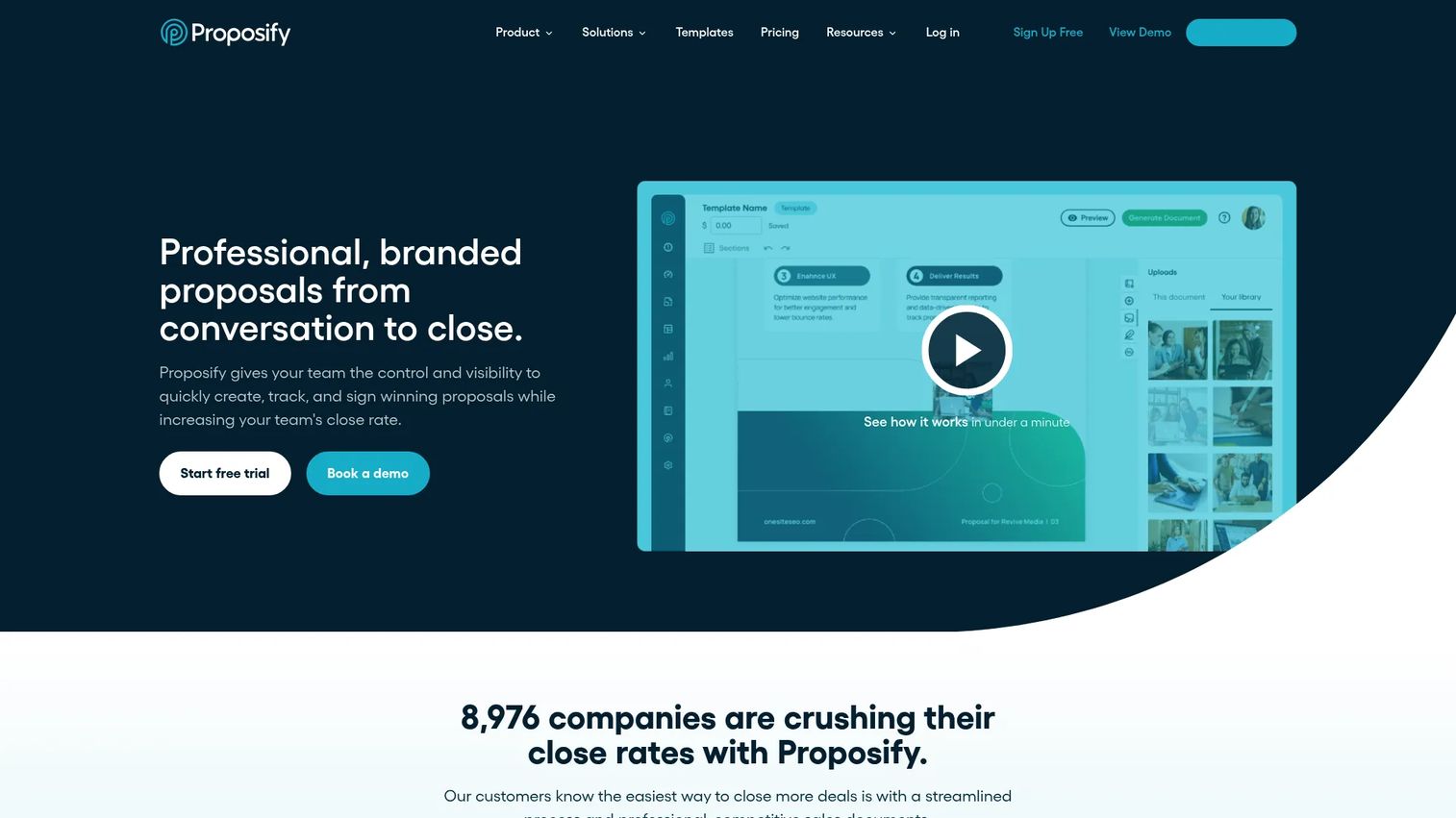
Proposify is proposal and quote automation software focused on creating, sending, tracking, and e-signing branded sales documents. Its strengths are design and visibility: a drag-and-drop editor for polished proposals, interactive quoting with pricing tables, and document tracking that tells reps when a prospect opens and engages with a proposal. CRM integrations and permission controls round out a proposal-first workflow.
For enablement teams, Proposify's value is consistency of the outbound document. Custom branding and templates mean every rep sends an on-brand proposal, and analytics show which sections get read. It can handle lighter RFP use cases, but its center of gravity is the sales proposal, not a structured questionnaire library.
Best for: Sales teams that need branded proposals, quoting, and e-signatures in one workflow.
Key strengths
- Proposal creation with drag-and-drop editing: Produces branded, consistent documents reps can send without design help.
- Interactive quoting and pricing tables: Lets buyers configure options inside the proposal itself.
- E-signatures, tracking, and analytics: Shows engagement so reps know when and how to follow up.
Why choose Proposify: Choose Proposify when the branded, trackable sales proposal is your core document and RFPs are occasional. It rewards teams that care about proposal design and follow-up timing, and it can flex into lighter RFP work when needed.
Proposify pricing: The Basic plan is $29/user/mo monthly or $19/user/mo billed annually, per Proposify's pricing page. The Team plan runs $49/user/mo quarterly or $41/user/mo annually, and the Business plan starts at $3,900/year with premium onboarding. A 14-day free trial is available with no credit card required.
6. Adobe Acrobat
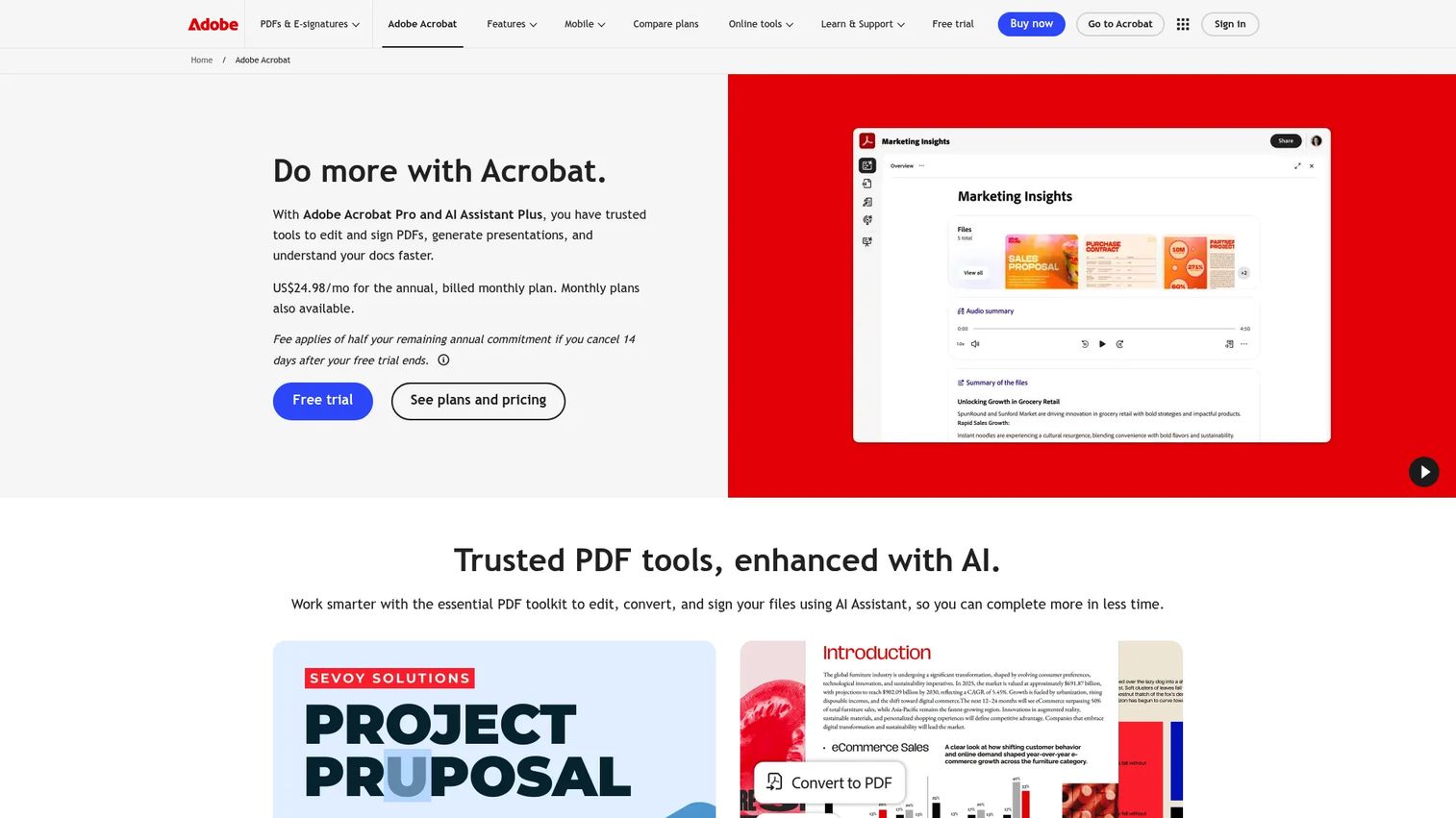
Adobe Acrobat is Adobe's PDF productivity platform for creating, editing, converting, signing, sharing, and protecting documents. It is not RFP response management software, and it does not pretend to be. But many teams use it as the document foundation underneath their process: editing PDFs, running e-signature workflows, and now using AI-powered tools like summaries and insights to work through source material faster.
For enablement teams early in their maturity, Acrobat covers the basics of document handling and e-sign at a low per-seat cost. The honest read: teams tend to outgrow it for RFP operations once response volume rises, because it lacks a searchable answer library, reuse, and multi-stakeholder review routing. It remains useful as a document-layer tool in a larger stack, not the system of record for responses.
Best for: Teams and individuals who need a full-featured PDF editor with e-sign and AI capabilities.
Key strengths
- Edit, convert, and organize PDFs: Handles the document-manipulation basics any response process touches.
- E-signature workflows and form handling: Manages signing and forms without a separate tool.
- AI-powered document tools: Summarizes and surfaces insights from long source documents.
Why choose Adobe Acrobat: Choose Acrobat when you need reliable PDF editing and e-signature as a foundation, and your RFP volume does not yet justify a dedicated response platform. It is the document layer, not the library-based response engine, and it pairs well with a purpose-built tool as you scale.
Adobe Acrobat pricing: Acrobat Reader is free. Acrobat Standard starts at US$14.99/mo, Acrobat Pro at US$19.99/mo, and Acrobat Studio at US$29.99/mo, all annual billed monthly, per Adobe's pricing page. An AI Assistant add-on runs US$1.99/mo. Adobe Acrobat holds a 4.5/5 rating on G2.
7. PowerRFP
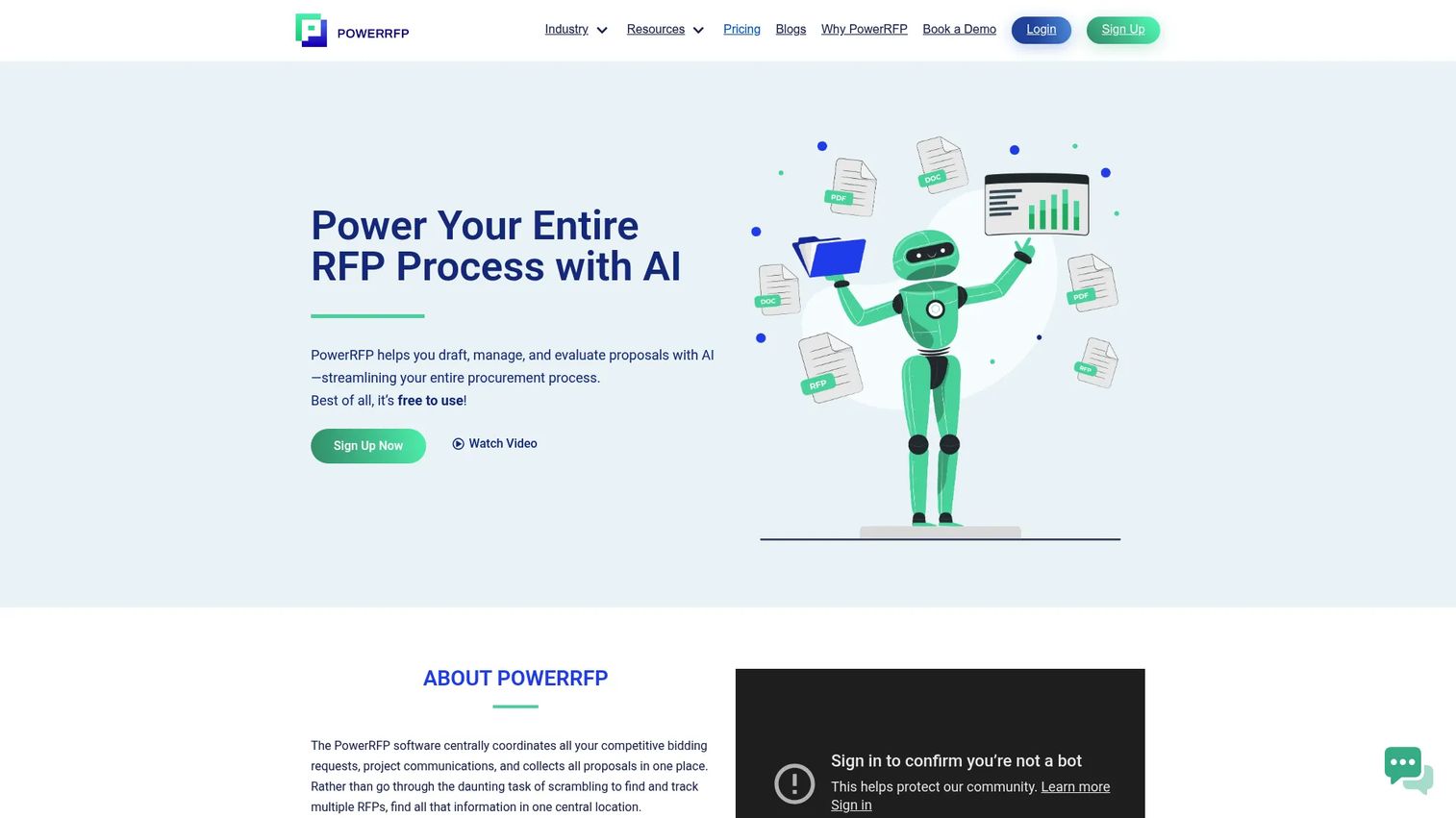
PowerRFP is AI-powered RFP management software for drafting, managing, and evaluating proposals, positioned for teams that want a simple, affordable entry point. Its AI RFP generator produces first drafts, centralized project and bid management keeps multiple responses organized, and built-in evaluation and scorecard tools support the review side of the workflow. Supplier messaging rounds out a lightweight, end-to-end tool.
For smaller teams and procurement groups, PowerRFP lowers the barrier to structured RFP work with a free plan and low-cost Pro tier. It is a practical starting point for teams handling recurring RFPs without the volume or compliance demands that justify an enterprise platform. As response volume, stakeholder count, and governance needs grow, teams typically graduate to a more robust rfp tracking software platform.
Best for: Procurement teams and small businesses that need a simple, AI-assisted RFP workflow.
Key strengths
- AI-powered RFP generator: Drafts responses quickly to get teams past the blank page.
- Centralized project and bid management: Keeps multiple RFPs and bids organized in one place.
- Built-in evaluation and scorecard tools: Supports structured review and comparison of responses.
Why choose PowerRFP: Choose PowerRFP when budget and simplicity matter most and your RFP process is straightforward. It fits smaller teams getting organized for the first time, and it scales up to a point before more complex, multi-stakeholder operations call for deeper governance and integrations.
PowerRFP pricing: PowerRFP offers a free Starter plan at $0/month and a Pro plan at $25/month billed annually ($300/year) or $35/month billed monthly, per PowerRFP's site. A 30-day free Pro trial is available.
Considerations before you buy
Shortlisting is easier when you evaluate against how your team actually works, not a generic feature list. Weigh these before committing.
Content library and governance
The library is the engine. Assess how answers are stored, tagged, owned, and expired, and whether version control keeps a single source of truth. For a sales enablement manager, this is the same governance discipline you apply to decks and battlecards. Weak governance means stale answers reaching buyers.
AI drafting quality and control
AI should speed up first drafts and surface relevant content, not replace review. Test how well the AI matches your approved messaging and whether it draws only from vetted library content. In regulated settings, confirm whether the vendor offers private AI so sensitive material never touches public models.
Collaboration and approval workflow
Responses cross sales, PMM, legal, security, and RevOps. Check that the tool routes sections to the right owners, tracks approvals, and holds an audit trail. In-workflow delivery matters: if experts have to leave their tools to contribute, adoption drops.
Integrations and export
Confirm the platform connects to your CRM, cloud storage, and communication stack so responses live where teams already work. Then check export: the tool must produce clean output in Word, Excel, PDF, or the buyer's required template without manual reformatting.
Security and compliance fit
For regulated deals, security posture is a gate, not a preference. Look for the certifications your buyers demand, a defensible audit trail, and permission controls that limit who sees sensitive content. Match the platform's compliance depth to your actual response requirements.
Conclusion
The right rfp software depends on your response volume, workflow complexity, and how much governance and cross-functional coordination your team needs. For high-volume, enterprise response operations across RFPs, DDQs, and security questionnaires, Responsive is the most complete strategic response management platform. Loopio is the strong pick for sales-led teams that want fast, accurate first drafts backed by a maintainable content library. RocketDocs stands out for regulated industries that need private AI and auditability.
If your workflow leans toward branded sales proposals and closing documents, PandaDoc and Proposify are the better fits, with PandaDoc adding CPQ and quoting depth. Adobe Acrobat works as a document foundation for teams not yet at the volume that justifies a dedicated platform. PowerRFP is the practical, budget-conscious entry point for smaller teams and procurement groups.
Start by mapping your real workflow: how many responses, how many stakeholders, and what compliance demands you face. Shortlist two tools that match that profile, then run a live RFP through each before you commit. The best tool is the one your team will actually adopt.
Start your journey with Guideflow today!
FAQs
RFP software is used to manage responses to requests for proposal: storing reusable answers in a content library, drafting with AI, coordinating reviews across stakeholders, and exporting finished responses. Most platforms also handle RFIs, DDQs, and security questionnaires, since they share the same question-to-approved-answer mechanics.
The core features are a searchable content library, AI drafting, version control, an audit trail, approval workflows, strong search, integrations with your CRM and document tools, and clean export. For enablement teams, governance features like ownership and content expiration matter as much as drafting speed, because they keep answers accurate over time.
Not exactly. Proposal software usually centers on designing, sending, and e-signing sales documents, while rfp response management is built around structured questionnaires and knowledge governance. Some tools straddle both, so match the platform to whether your core job is closing branded proposals or managing a large reusable answer library.
AI in ai rfp software drafts first-pass answers, suggests relevant library content, and summarizes long source material to speed up responses. It shortens the time from blank page to reviewable draft, but it still needs governance and human review to keep answers accurate and on-message. In regulated settings, private AI keeps sensitive content off public models.
Prioritize findability, clear content ownership, and approval workflows that route sections to the right experts. Then check integrations with your CRM and document stack, and analytics that show which answers get reused and where responses stall. In-workflow delivery drives adoption, so favor tools that meet experts inside the systems they already use.
Yes, if the team handles recurring questionnaires, repeats the same answers, or needs better collaboration than email threads allow. Smaller teams often start with a lighter, lower-cost rfp tool or a proposal-focused platform, then move to a dedicated response system as volume, stakeholder count, and compliance demands grow.
Compare workflow depth, AI drafting quality, security and compliance fit, pricing model, and integrations against your actual response volume. Shortlist two options that match your profile, then run a real RFP through each before deciding. The platform your team will consistently adopt beats the one with the longest feature list.