



Customer training software helps businesses onboard, educate, and retain customers through structured learning experiences. The category spans learning management systems (LMS) built for external audiences and interactive demo platforms that let users learn by clicking through your actual product.
This guide breaks down 12 customer training tools for 2026. It covers when to use each type, the features that matter most, and how to choose between course-based learning and hands-on product walkthroughs.
What this guide covers
This guide covers the best customer training software for 2026, including both learning management systems (LMS) and interactive demo platforms. You'll find a breakdown of what customer training software actually is, when to use it, and the features that matter most for customer success teams.
We selected these 12 tools based on G2 ratings, scalability for customer education, and how well they serve external training use cases.
TL;DR
Best for interactive product training: Guideflow
Best customer education LMS for enterprise: Docebo
Best budget-friendly customer training LMS: TalentLMS
Best for customer onboarding at scale: Skilljar
Key insight: Interactive demos and LMS platforms serve different training needs. Choose based on whether customers benefit more from product walkthroughs or course-based learning.
What is customer training software
Customer training software enables businesses to onboard, educate, and retain customers by providing structured learning experiences. The category includes learning management systems (LMS) designed for customer education and interactive demo platforms that let users learn by doing.
A "customer education LMS" is a learning management system built for training external users like customers and partners, rather than internal employees. This distinction matters because external training requires different access models, branding options, and content approaches.
Customer training LMS vs traditional employee LMS
The differences between customer-facing and employee-focused LMS platforms are significant:
Audience: A customer LMS serves external users who may never log into your corporate systems. Traditional LMS platforms serve internal employees with existing credentials.
Access: Customer training often requires self-serve, no-login options. Employee LMS platforms typically use gated corporate access.
Content focus: Customer training centers on product adoption and value realization. Employee training often emphasizes compliance and skills development.
Branding: White-labeling is essential for customer-facing platforms. Internal branding is acceptable for employee systems.
Interactive demos vs course-based learning
Aspect | Interactive demos | Course-based LMS |
|---|---|---|
Best for | Feature walkthroughs, onboarding moments | Certification programs, deep skill building |
Time to create | Minutes | Hours to days |
Customer effort | Self-guided, on-demand | Structured, time commitment |
Tracking | Engagement and completion by step | Quiz scores, certifications |
Many organizations use both. Interactive demos handle quick product education, while LMS platforms support formal certification programs.
Why customer training software matters for customer success teams
Customer Success Managers face a common set of challenges: repetitive education, support overload, low product adoption, and difficulty scaling their efforts. Customer training software addresses each of these directly.
Reduce support ticket volume
Self-serve training content deflects common "how do I" questions - with self-service channels costing $1.84 per contact compared to $13.50 for assisted support. When customers find answers independently, your support team handles fewer basic tickets and focuses on complex issues that actually require human attention.
Accelerate time to value
Time-to-value (TTV) is the period between a customer's purchase and when they experience their first meaningful outcome. Structured onboarding and training programs shorten this window by guiding customers to key features faster.
The faster customers reach value, the more likely they are to stick around and expand their usage. OnRamp's 2026 State of Onboarding Report found that 57% of companies that cut onboarding investment saw churn increase within six months.
Improve product adoption rates
There's a direct connection between training completion and feature discovery. Customers who complete training use a wider range of features, realize more value from your product, and become more deeply embedded in their workflows.
Shallow adoption is a leading indicator of churn. Customers who only use basic features are easier to replace with competitors.
Scale customer education without scaling headcount
CSMs often struggle with too many accounts per representative. Self-serve training extends their reach by providing a one-to-many education model. Instead of scheduling individual calls for every new customer, you can point them to training resources and reserve live time for strategic conversations.
Measure training impact on retention
Customer training platforms track metrics like completion rates, engagement, and quiz scores. This data can be connected to business outcomes like retention.
A Forrester Consulting study found 96% of organizations report positive ROI from customer education. Trained customers are more engaged and less likely to churn.
When to use a customer learning platform
Not every organization requires dedicated customer training software. Here's when it makes sense:
Onboarding new customers at scale: When manual onboarding calls become a bottleneck, a platform helps you standardize the first experience for all new customers.
Launching new features or products: When you release updates, training content helps customers discover new capabilities faster than scheduling live sessions.
questions, creating self-serve answers in a centralized knowledge hub can significantly reduce this burden."how to" questions, creating self-serve answers in a centralized knowledge hub can significantly reduce this burden.
Enabling self-serve customer education: When your customers prefer learning at their own pace rather than attending scheduled calls, self-serve training becomes essential.
Key features of customer education platforms
When evaluating options, look for the following capabilities:
No-code content creation tools
Creating training content without developer resources speeds up your ability to respond to customer needs. Look for capture-based tools that record your screen, drag-and-drop editors, and template libraries.
Learning paths and assessments
Learning paths are sequenced content modules designed for progressive skill building. Assessments like quizzes and practical tests verify comprehension and can unlock certifications.
Analytics and engagement tracking
The metrics that matter include completion rates, drop-off points, time spent on content, and quiz scores. Analytics inform content improvements and prove the ROI of your training program.
CRM and support tool integrations
Training data flowing into systems like Salesforce, HubSpot, Intercom, and Zendesk enables CSMs to see a customer's training status alongside their account health.
Personalization for customer segments
The ability to tailor content by role, industry, use case, or account is critical. Look for features like dynamic variables, conditional content logic, and segment-specific learning paths.
Mobile learning and accessibility
Customers expect to learn on any device. Responsive design, dedicated mobile apps, and offline access meet modern learning expectations.
Customer training software comparison table
# | Product | Best for | Key differentiator | Pricing | G2 rating |
|---|---|---|---|---|---|
1 | Guideflow | Interactive product training | No-code interactive demos in minutes | Free tier available | 4.8/5 |
2 | Docebo | Enterprise customer education | AI-powered learning platform | Custom pricing | 4.4/5 |
3 | TalentLMS | SMB customer training | Affordable, quick setup | Starts at $69/mo | 4.6/5 |
4 | LearnUpon | Multi-audience training | Customer, partner, and employee training in one platform | Custom pricing | 4.6/5 |
5 | Skilljar | Customer onboarding at scale | Purpose-built for external customer education | Custom pricing | 4.6/5 |
6 | WorkRamp | Revenue enablement | Combines internal sales and external customer training | Custom pricing | 4.6/5 |
7 | Northpass | Gainsight users | Native integration with Gainsight CS platform | Custom pricing | 4.6/5 |
8 | 360Learning | Collaborative learning | Empowers subject matter experts to create content | Custom pricing | 4.6/5 |
9 | Absorb LMS | Complex training programs | Flexible and scalable with strong reporting | Custom pricing | 4.5/5 |
10 | Litmos | Pre-built content libraries | SAP-backed LMS with extensive content marketplace | Custom pricing | 4.2/5 |
11 | LearnWorlds | Monetizing training | E-commerce and white-labeling for selling courses | Starts at $24/mo | 4.7/5 |
12 | iSpring Learn | PowerPoint-based training | Strong authoring tools for converting slides to courses | Starts at $2.99/user/mo | 4.6/5 |
12 customer training tools and platforms reviewed
1. Guideflow
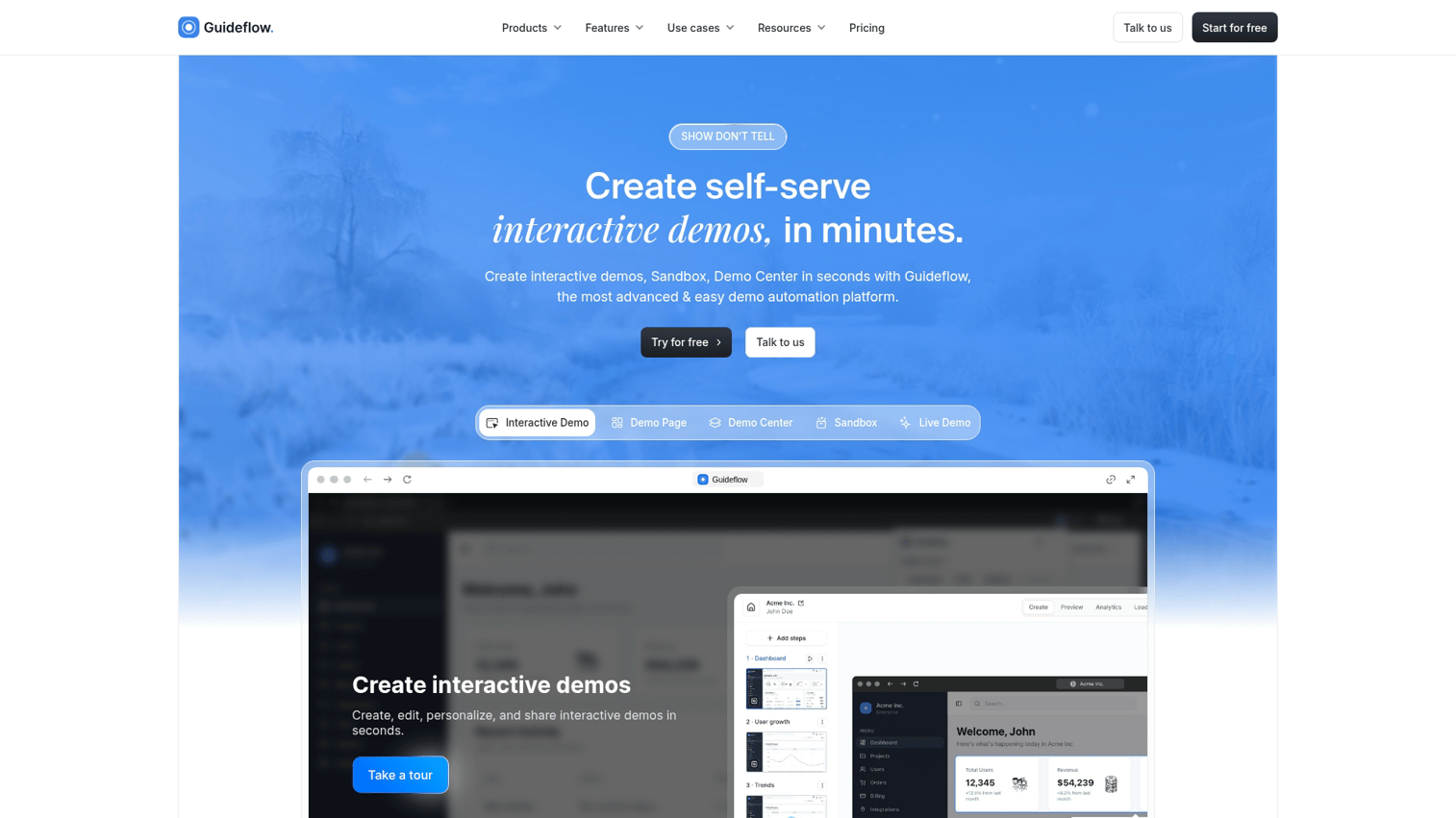
Guideflow is an interactive demo platform built for modern customer training. Instead of creating lengthy video tutorials or static documentation, you capture actual product workflows and turn them into clickable, step-by-step training experiences.
The platform uses browser-based capture to record your product as you use it. Within minutes, you have an interactive guide that customers can click through at their own pace.
Best for: Interactive product training, feature walkthroughs, self-serve onboarding.
Key strengths
Browser-based capture creates training directly from your actual product
AI-powered step generation and translations accelerate content creation
Embed anywhere in help center, in-app, email campaigns, or knowledge base
Analytics track completion and engagement by step
Personalization features tailor content for different customer segments
Why choose Guideflow: Choose Guideflow when you want customers to learn by doing, not by passively watching videos. The speed of creation (minutes, not hours) means you can keep training content current as your product evolves.
Pricing: Free tier available with 5 guideflows. Paid plans start at $40/month for unlimited guideflows and advanced features.
Start your journey with Guideflow today!
2. Docebo
Docebo is an enterprise customer education LMS that uses AI to personalize and automate learning experiences. The platform handles large-scale customer academies, formal certification programs, and global training initiatives.
Best for: Large-scale customer academies, formal certification programs, global enterprises.
Key strengths
AI-powered content suggestions and personalization
Advanced analytics and reporting capabilities
Supports extended enterprise (customer, partner, and employee training)
Strong compliance and security features for enterprise requirements
Why choose Docebo: When you want an enterprise-grade LMS with advanced AI features and the ability to scale to thousands of learners across multiple regions.
Pricing: Custom enterprise pricing.
3. TalentLMS
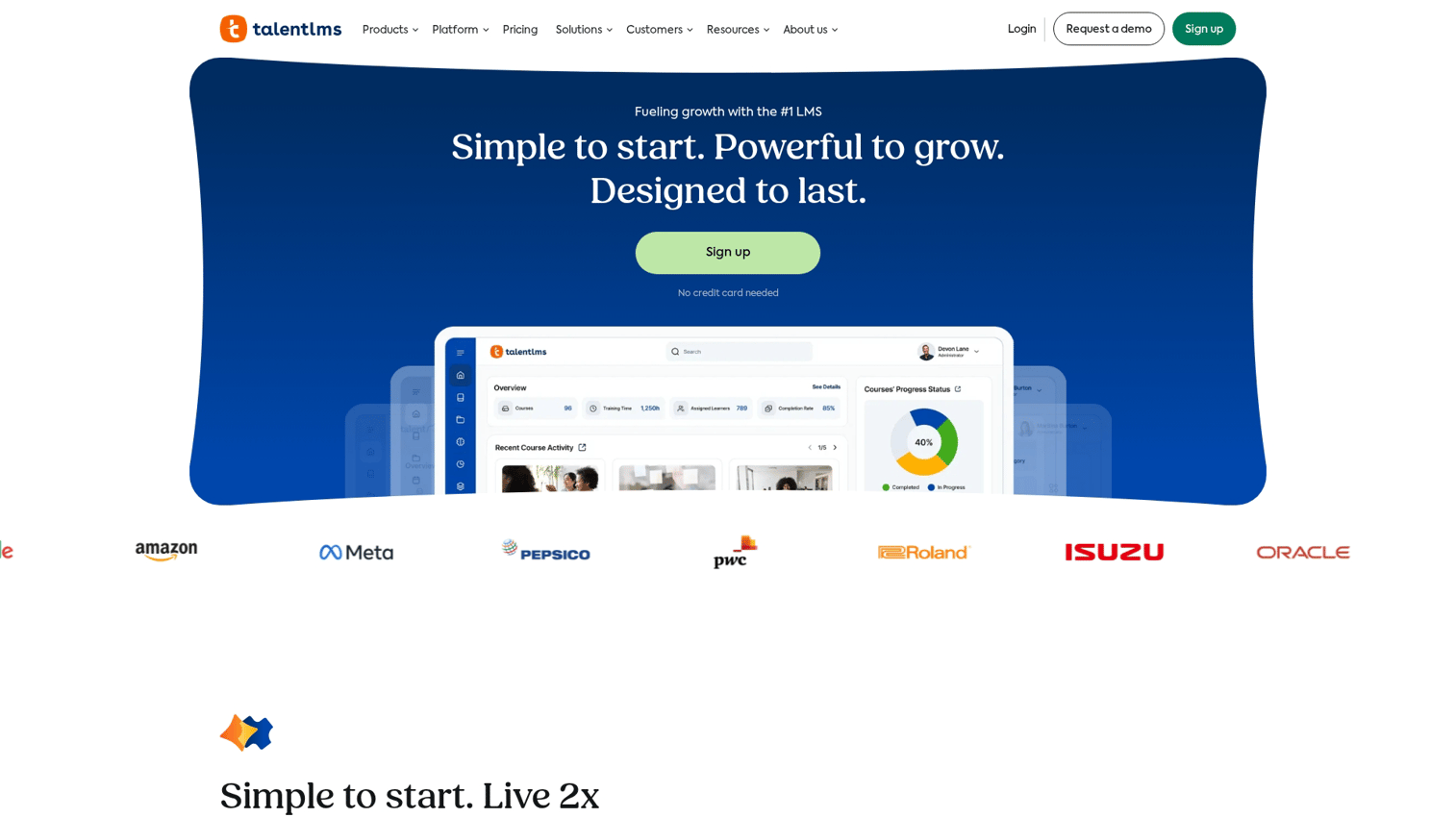
TalentLMS is a cloud-based LMS known for its simplicity and ease of use. The platform offers quick setup and an intuitive interface, making it accessible for small to medium-sized businesses starting their customer education programs.
Best for: SMBs, teams wanting quick implementation, budget-conscious organizations.
Key strengths
Fast and easy setup process
Intuitive user interface for both admins and learners
Affordable and transparent pricing tiers
Built-in course authoring tools
Why choose TalentLMS: When you want an affordable LMS that can be launched quickly without a steep learning curve or dedicated training staff.
Pricing: Free tier for small usage. Paid tiers start at $69/month and scale with users.
4. LearnUpon
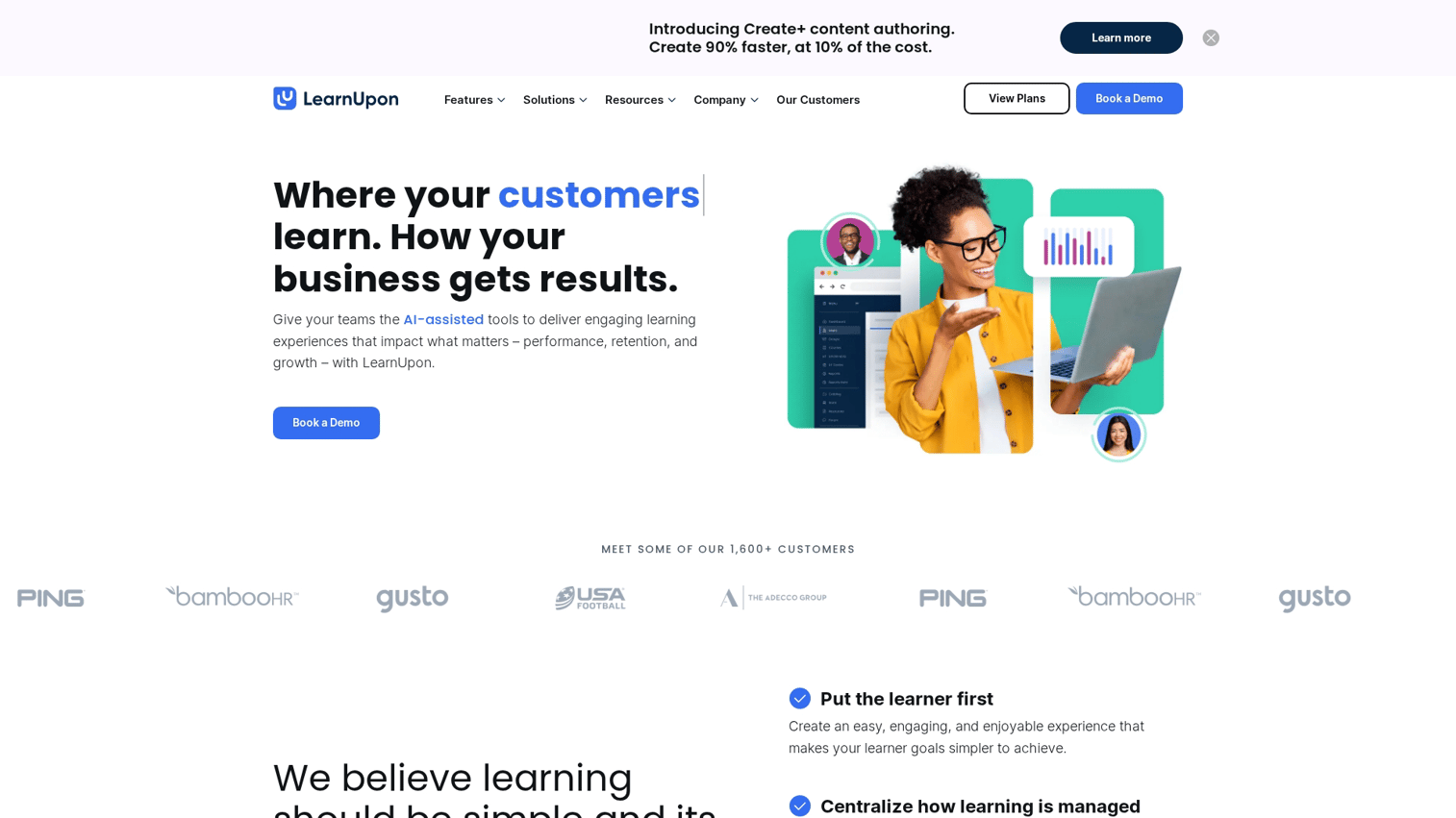
LearnUpon is a multi-audience LMS designed to handle customer, partner, and employee training within a single platform. This consolidation appeals to organizations with diverse training requirements who want to avoid managing multiple systems.
Best for: Organizations training customers, partners, and employees simultaneously.
Key strengths
Multi-portal architecture creates unique learning environments for each audience
Strong integration capabilities with tools like Salesforce
User-friendly interface for learners and administrators
Robust reporting across all training audiences
Why choose LearnUpon: When you want one platform to manage all external and internal training initiatives without juggling separate tools.
Pricing: Custom pricing based on active users.
5. Skilljar
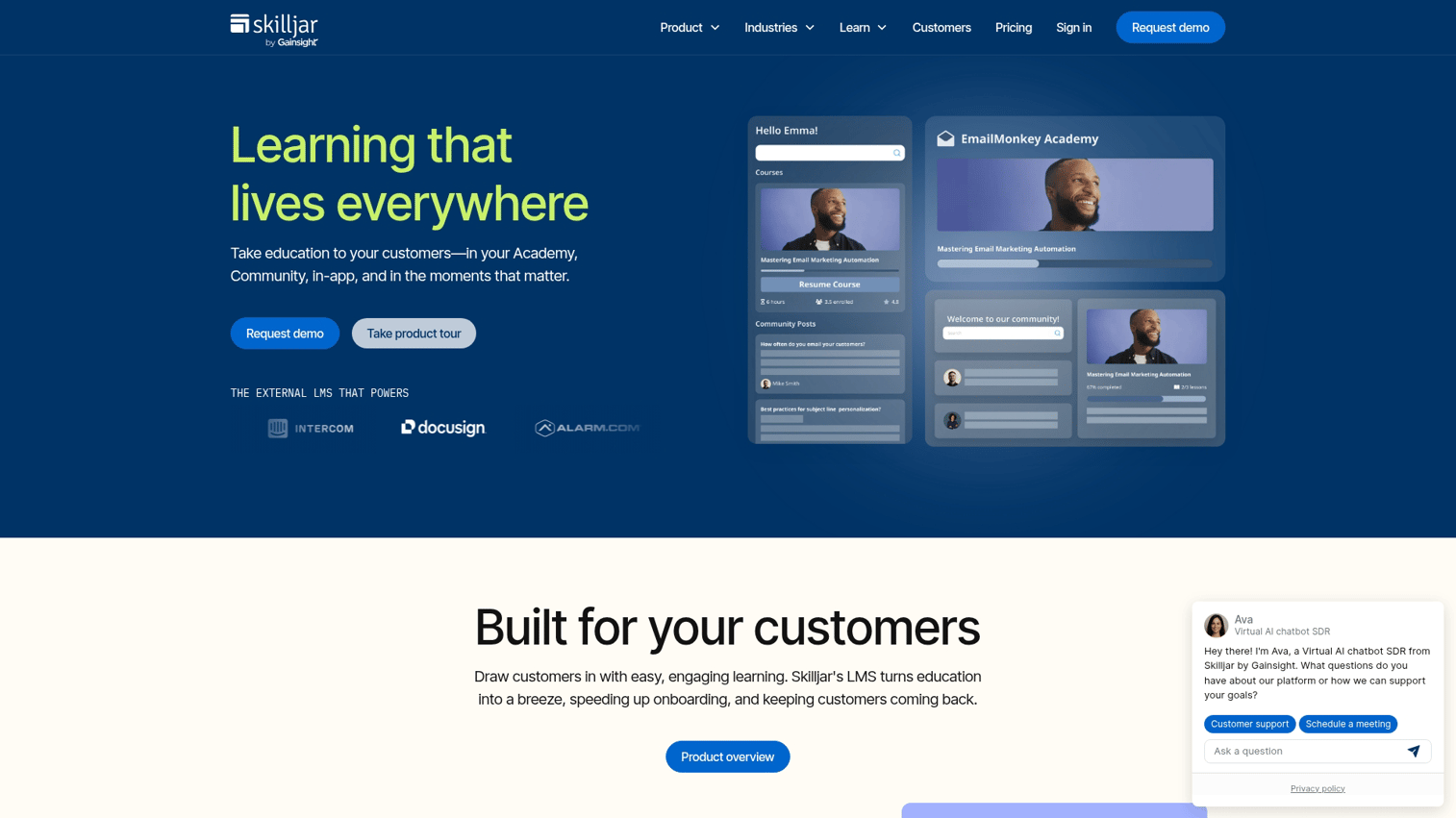
Skilljar is a purpose-built customer education platform, not a repurposed employee LMS. The platform offers strong analytics and deep integrations with customer success tools. It is a top choice for B2B SaaS companies with dedicated customer education teams.
Best for: SaaS companies with dedicated customer education teams and a focus on data-driven training.
Key strengths
Deep integrations with Salesforce, Gainsight, and other CS platforms
Robust analytics connecting training data to business outcomes like retention
Native support for certifications and course monetization
Purpose-built for external customer education use cases
Why choose Skilljar: When customer education is a strategic priority for your business and you want to measure its impact on retention and expansion.
Pricing: Custom pricing.
6. WorkRamp
WorkRamp positions itself as a learning cloud covering both revenue enablement and customer education. The platform combines internal and external training capabilities, appealing to organizations that want to align sales, support, and customer training efforts.
Best for: Revenue-focused organizations combining sales enablement and customer training.
Key strengths
All-in-one platform for internal and external training
Strong features for creating sales playbooks and coaching
Collaborative content creation tools
Unified analytics across all learning programs
Why choose WorkRamp: When you want a single platform for both sales enablement and customer training without managing separate systems.
Pricing: Custom pricing.
7. Northpass
Northpass is now part of Gainsight, offering strong integration with the leading customer success platform. This makes it an excellent choice for organizations already using Gainsight for customer success management.
Best for: Companies using Gainsight for customer success.
Key strengths
Native integration with Gainsight for unified customer view
No-code authoring tools for easy content creation
Focus on driving product adoption and customer outcomes
Tight connection between training data and CS workflows
Why choose Northpass: When you're a Gainsight user and want a seamlessly integrated education solution that connects training to your existing CS processes.
Pricing: Custom pricing.
8. 360Learning
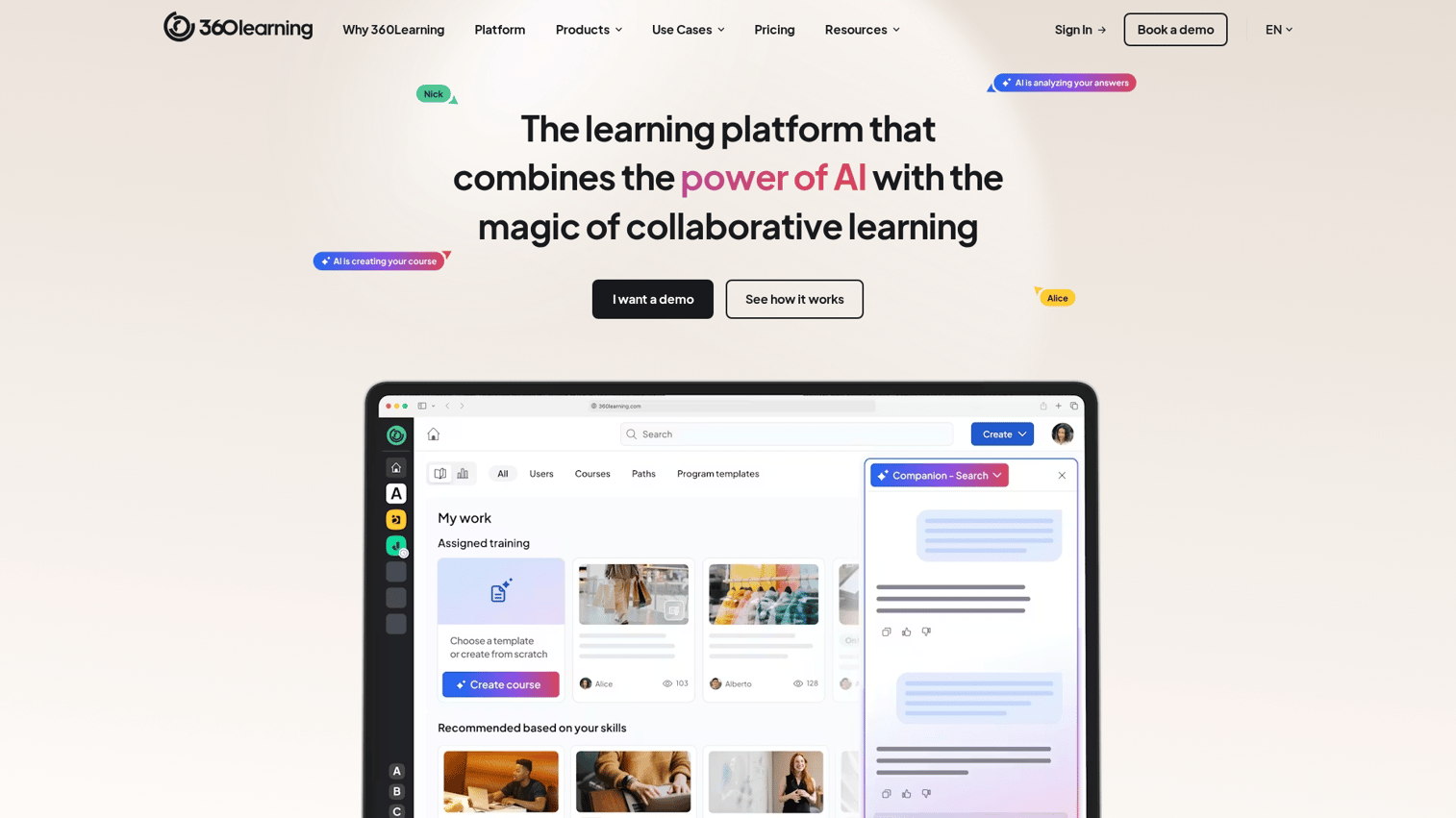
360Learning is a collaborative learning platform emphasizing peer learning and contributions from subject matter experts. The platform works well for organizations wanting to scale content creation by empowering experts across different teams.
Best for: Organizations leveraging internal subject matter experts for content creation.
Key strengths
Collaborative authoring and feedback tools
AI-powered features to identify relevant experts and content
Focus on social learning and peer-to-peer knowledge sharing
Fast content creation through expert collaboration
Why choose 360Learning: When you want to empower subject matter experts to create training content directly and foster a culture of collaborative learning.
Pricing: Team and Business tiers available.
9. Absorb LMS
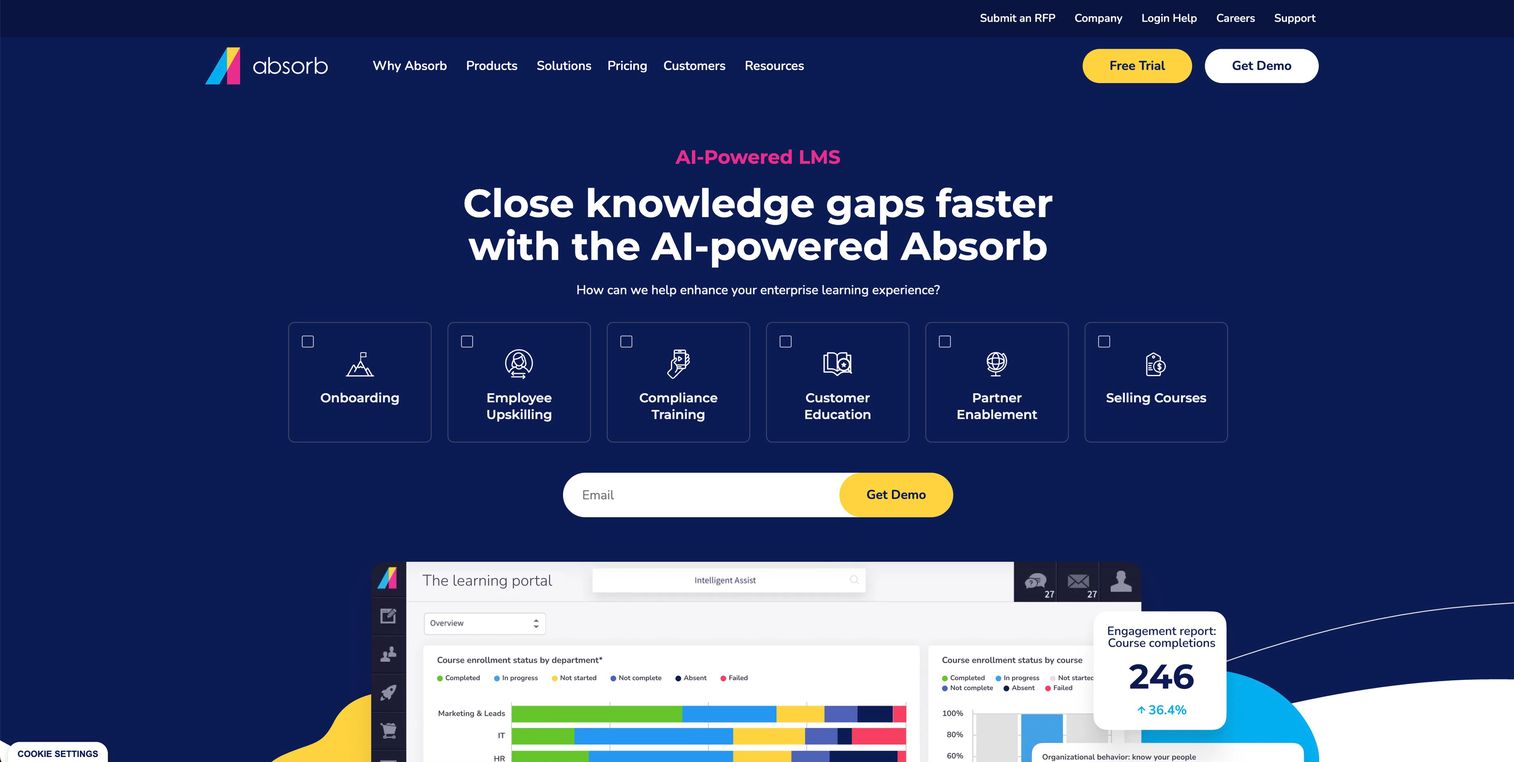
Absorb LMS is a flexible and scalable learning management system known for strong reporting and excellent mobile experience. The platform fits mid-market to enterprise companies with complex training requirements.
Best for: Mid-market to enterprise companies with complex training programs.
Key strengths
Highly intuitive and engaging learner interface
Advanced reporting and analytics dashboards
Strong e-commerce and mobile learning capabilities
Flexible configuration for complex training requirements
Why choose Absorb LMS: When you want a flexible platform with advanced reporting to manage sophisticated training programs across multiple audiences.
Pricing: Custom pricing.
10. Litmos
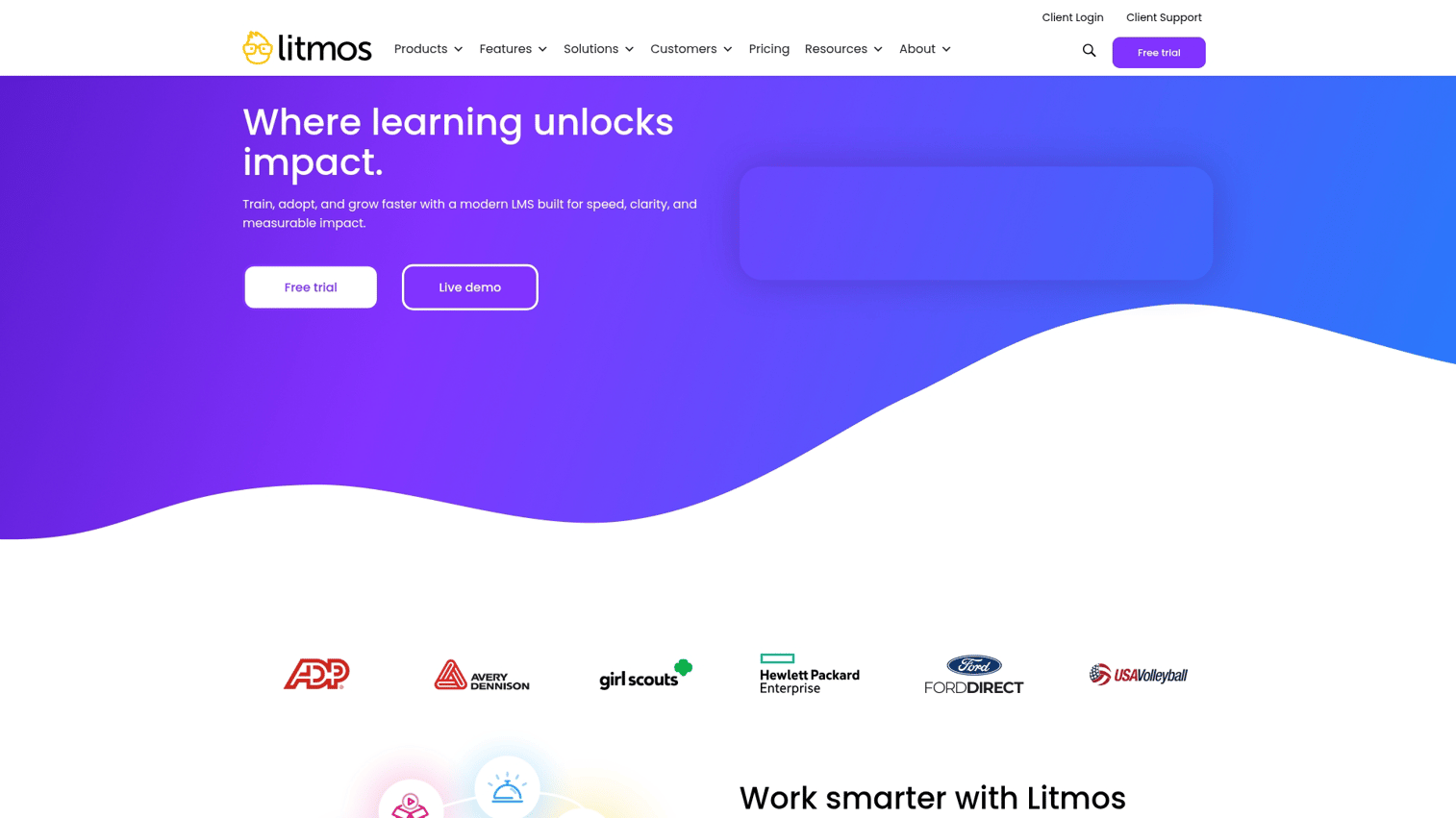
Litmos is an SAP-backed LMS with an extensive content library. The platform offers quick deployment and a wide range of off-the-shelf courses, supplementing custom product training with pre-built content.
Best for: Organizations wanting pre-built content alongside custom training.
Key strengths
Large library of off-the-shelf training courses
Rapid deployment and easy-to-use interface
SAP backing ensures enterprise-level stability
Content marketplace for supplementary training
Why choose Litmos: When you want ready-made courses on general topics alongside your custom product training.
Pricing: Per-user pricing.
11. LearnWorlds
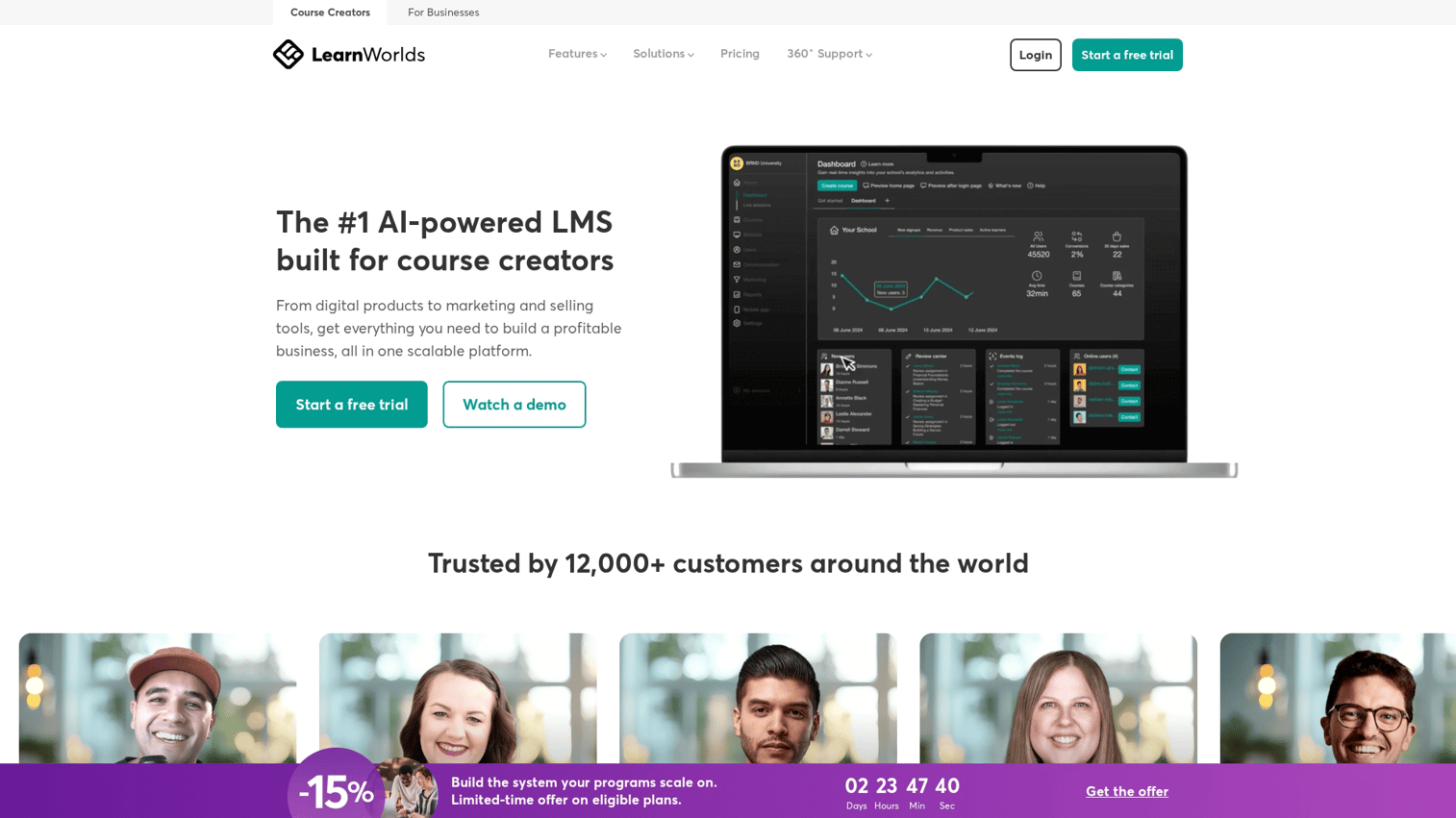
LearnWorlds is a course platform with strong monetization focus. Built-in e-commerce capabilities and robust white-labeling make it ideal for organizations selling customer training or treating education as a revenue stream.
Best for: Monetizing customer training, selling certifications.
Key strengths
Advanced e-commerce and marketing tools
Highly customizable white-labeling options
Interactive video and assessment features
Built for selling courses and certifications
Why choose LearnWorlds: When customer education is also a revenue stream for your business.
Pricing: Tiered plans starting at $24/month.
12. iSpring Learn
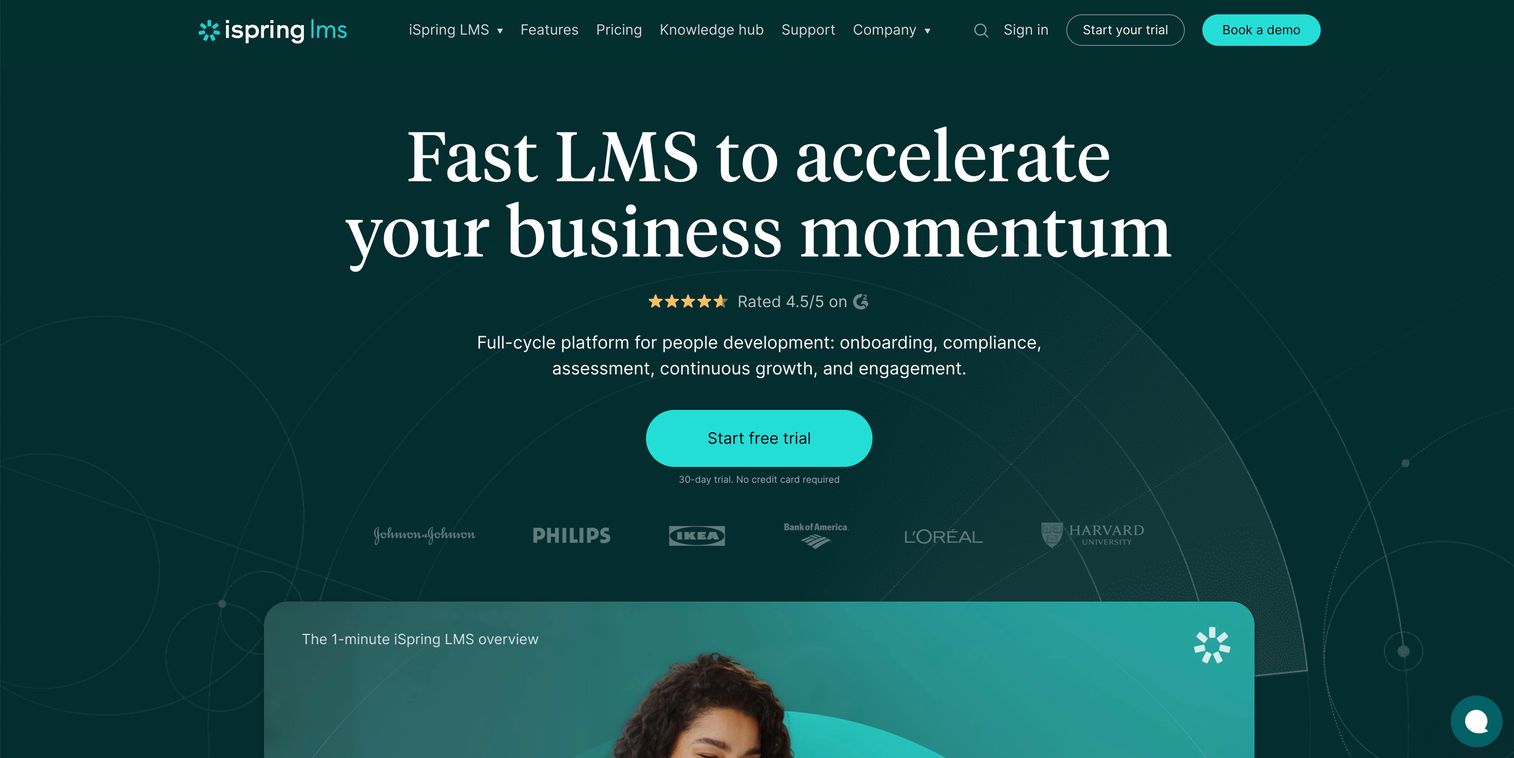
iSpring Learn is an LMS with powerful authoring tools that excel at converting PowerPoint presentations into interactive courses. The platform works well for teams with existing slide-based training content.
Best for: Teams converting existing presentations into online courses.
Key strengths
Seamless PowerPoint-to-course conversion
Robust authoring suite for creating interactive content
Simple, user-friendly interface for learners
Integrated authoring tools included in pricing
Why choose iSpring Learn: When you have existing PowerPoint content you want to transform into engaging e-learning courses quickly.
Pricing: Per-user pricing starting at $2.99/user/month, including authoring tools.
How to choose the right customer training platform
Selecting the right tool depends on your specific situation. Here's a framework for making the decision:
Define your customer education goals
Start by clarifying your desired outcomes:
Support ticket reduction: Interactive demos and in-app guides
Formal certifications: Full LMS platforms with assessments
Feature adoption: Interactive product walkthroughs
Revenue generation: Platforms with e-commerce capabilities
Evaluate content creation complexity
Consider who will create content and their technical skills. No-code tools like interactive demo platforms enable faster creation by non-technical team members. Full LMS platforms may require dedicated instructional designers.
Check integration requirements
List the critical integrations you want:
CRM: Salesforce, HubSpot for account context
Support: Zendesk, Intercom for ticket deflection tracking
Analytics: Product analytics tools to correlate training with adoption
SSO: Single sign-on for enterprise security requirements
Consider scalability and pricing model
Understand common pricing models: per-user, per-active-learner, or flat rate. Calculate total cost of ownership at your projected scale to avoid surprises as you grow.
Test customer experience before committing
Try the tools from the customer's perspective. Sign up for a trial as a learner, not just an administrator. Evaluate the friction in the learning process, mobile experience, and time to complete sample training.
Build customer training programs with interactive product demos
Interactive demos offer a powerful complement to traditional LMS platforms for product-focused training. The key advantage: customers learn by doing, not just watching.
Speed of creation matters here. With capture-based tools, you can build and deploy training in minutes rather than days. This means your training content can keep pace with product updates.
Most importantly, you can embed this training where customers already are. In-app guides, help center articles, email campaigns, and knowledge bases all become distribution channels for contextual, just-in-time learning.
Start your journey with Guideflow today!
FAQs about customer training software
Customer training software serves external users who require self-serve access without corporate credentials. It focuses on product adoption rather than compliance and requires white-label branding for customer-facing experiences. Employee LMS platforms typically use gated access and emphasize internal skills development.
Interactive demos excel at product walkthroughs and feature training, while LMS platforms better serve certification programs and structured curricula. Many organizations use both together to cover different learning moments in the customer journey.
Implementation varies from minutes for interactive demo tools to weeks or months for enterprise LMS platforms. The timeline depends on integration complexity, content migration requirements, and customization scope.
No-code tools enable product, CS, and marketing teams to create training content without instructional design specialists. Larger programs may benefit from dedicated resources for strategy and maintenance, but it's not a requirement to get started.
Organizations measure ROI by tracking support ticket deflection, time-to-value reduction, and feature adoption increases. They also correlate training completion with retention and monitor customer satisfaction scores.
Essential integrations include CRM (Salesforce, HubSpot), support platforms (Zendesk, Intercom), analytics tools, and single sign-on (SSO) providers for enterprise security compliance. The specific requirements depend on your existing tech stack.
Customers who complete onboarding and training programs typically show higher retention rates. They understand the product's value more deeply and use more features effectively, making them less likely to switch to competitors.
Keep training short and contextual. Embed content where customers already work, whether that's in-app, in your help center, or in email campaigns. Use interactive formats over passive video, and send timely reminders based on user behavior rather than arbitrary schedules.










