Admissions live in one tool. Attendance in another. Grades sit in a shared spreadsheet nobody trusts by March. Parent updates go out over email threads that get buried. Every one of those systems is a place where information gets re-entered, lost, or contradicted.
That fragmentation is expensive. It costs staff hours, it produces avoidable reporting errors, and it leaves families and administrators without a clear view of what is actually happening. And the pressure is not slowing down. The school management software market is projected to grow from $20.18B in 2025 to $42.58B by 2030, a 15.5% CAGR, according to The Business Research Company (2026). Roughly 70% of schools have adopted some form of digital learning tool, per Market Research Future (2024), which means the days of running a school on disconnected spreadsheets are ending fast.
The right school management software pulls admissions, student records, attendance, scheduling, grades, fees, and parent communication into one operational system. That is the difference between reacting to problems and seeing them coming. This guide compares 15 platforms so you can shortlist the ones that fit your school type, not just the ones with the longest feature list.
If you evaluate software for a living, you already know the pattern. The same operational discipline that guides picks like contract management or event management tools applies here: match the tool to the job, verify the modules you actually need, and run a real walkthrough before you sign.
What's inside
This guide is for school leaders, administrators, and operations staff evaluating a centralized system rather than a single-department tool. It covers a mix of enterprise district platforms, private school systems, budget-friendly options, and customizable builders.
We selected and compared each platform on six criteria that matter most for operational fit:
- Breadth of core modules (admissions, attendance, grades, fees, scheduling)
- Role-based portals for admins, teachers, students, and parents
- Mobile access and self-service
- Integrations with existing tools
- Security and compliance posture
- Fit by school type and size
Pricing and ratings reflect verified vendor and G2 data where publicly available. Where a vendor keeps pricing behind a quote, we say so plainly.
TL;DR
- Best for large K-12 districts: PowerSchool, for its integrated student information system depth and district-scale reporting.
- Best for private and independent schools: Gradelink, for all-in-one academics, communication, and billing with a high satisfaction score.
- Best for modern UX without enterprise bloat: Alma, a cloud SIS with clean dashboards and family portals.
- Best low-cost or free starting point: eSkooly, free forever on its Basic plan with paid upgrades.
- Best for custom workflows: Zoho Creator, a low-code builder for schools with unique processes.
- Best for higher education: Ellucian Banner, an ERP/SIS built for colleges and universities.
What is school management software?
School management software is the system a school uses to manage admissions, student records, attendance, scheduling, grades, fees, communication, and parent access from one platform. It replaces the patchwork of spreadsheets, standalone gradebooks, and email chains that most schools accumulate over time.
You will see it described several ways depending on scope. A student information system (SIS) focuses on the system of record: enrollment, demographics, attendance, and grades. A school ERP extends into finance, HR, and business operations. A learning management system (LMS) handles course content, assignments, and online learning. Many modern platforms blend these categories, which is why "school management software," "school administration software," and "education management software" often refer to overlapping products.
Core capabilities schools should expect:
- Admissions and enrollment: online applications, registration, and student onboarding
- Student records: a single source of truth for demographics, health, and academic history
- Attendance tracking: daily and period-level, with automated alerts
- Gradebook and report cards: grading, transcripts, and progress reporting
- Scheduling and timetables: class, room, and teacher assignment
- Fee and billing management: invoicing, payments, and financial reporting
- Parent portal software: self-service access to grades, attendance, and messages
- Communication tools: email, SMS, and push notifications to families and staff
- Role-based access: distinct views for admins, teachers, students, and parents
- Reporting and compliance: state reporting, audit trails, and data governance
The strongest school management system software ties all of this together so a change in one place updates everywhere.
When to use school management software
Not every school needs the same system on the same timeline. Here is how to pattern-match your situation.
Centralize school operations
When admissions data lives in one tool, attendance in a second, and grades in a spreadsheet, staff re-enter the same student information three times. That duplication is where errors creep in. A centralized student management software platform gives every department one record to work from, which cuts duplicate entry and closes reporting gaps between systems.
Improve parent and student visibility
When parents cannot see grades, attendance, or fee balances without emailing the office, communication breaks down and the front desk absorbs the load. Parent portal software with notifications and self-service fixes this. Families check updates themselves, staff field fewer routine questions, and important messages stop getting lost in inboxes.
Replace manual admin workflows
When staff spend hours each week logging attendance by hand, chasing fee payments, building timetables, or assembling report cards, that is time not spent with students. Education management software automates the repetitive parts. The result is measurable staff time savings and fewer transcription errors on the records that matter most.
Comparison table
Compare by use case, not feature count. A district of 20,000 students and a 200-student private school have almost nothing in common operationally, so the "best" platform depends entirely on your scale, budget, and school type. The table below sorts by relevance to the broadest set of school buyers.
| # | Product | Intent | Key differentiation | Pricing | G2 rating |
|---|---|---|---|---|---|
| 1 | PowerSchool | Large K-12 districts | Integrated SIS with district-scale analytics and compliance | Quote-based | 4.2/5 |
| 2 | Infinite Campus | K-12 districts | Unified SIS with 1,500+ tools and online registration | Quote-based | Not listed |
| 3 | Skyward | K-12 districts | SIS plus school ERP for finance and HR | Custom by enrollment | 3.8/5 |
| 4 | Frontline Education | K-12 administration | Human capital and special education workflows | Quote-based | 4.1/5 |
| 5 | Alma | K-12 schools and networks | Cloud SIS with BeaconAI analytics and family portals | Quote-based | 4.1/5 |
| 6 | Gradelink | Private and K-12 schools | All-in-one SIS with communication and billing | From $106/mo | 4.7/5 |
| 7 | Blackbaud Education Management | Private/independent schools | Integrated LMS, SIS, enrollment, and campus workflows | Custom quote | 3.8/5 |
| 8 | QuickSchools | Small to mid-size schools | Lightweight SIS with fast setup | Quote-based | Not listed |
| 9 | MySchoolWorx | Private K-12 schools | Parent communication and daily administration | Quote-based | 3.5/5 |
| 10 | DreamClass | Small to mid-size providers | Straightforward cloud SIS across the student lifecycle | From $99/mo | 4.9/5 |
| 11 | Ellucian Banner | Colleges and universities | Higher-ed ERP/SIS with financial aid and HR | Quote-based | Not listed |
| 12 | Classter | Schools and higher ed | Modular SIS/LMS with billing and portals | From €8.50/student | 4.6/5 |
| 13 | Fedena | Schools and institutes | School ERP with free cloud hosting | From $999/yr | Not listed |
| 14 | eSkooly | Budget-conscious schools | Free-forever plan with multi-role portals | Free / from $67 | Not listed |
| 15 | Zoho Creator | Custom-workflow teams | Low-code builder for bespoke school apps | From $8/user/mo | 4.3/5 |
The 15 best school management software platforms
1. PowerSchool
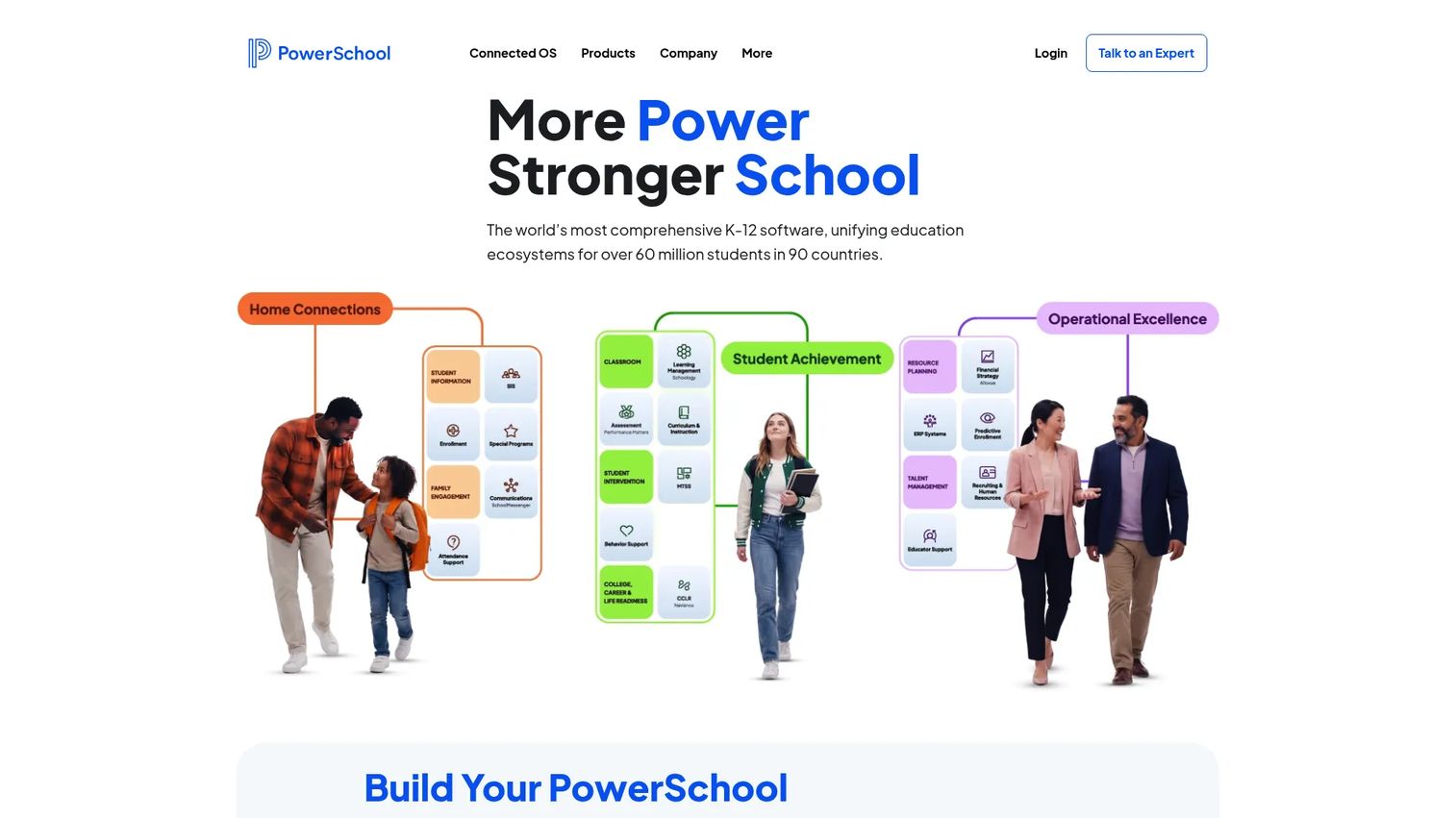
PowerSchool is one of the most widely deployed K-12 education platforms, built to run student information, learning, analytics, and school operations across large districts. Its student information system handles scheduling, attendance, reporting, data management, faculty management, and enrollment at a scale most competitors cannot match. For districts juggling complex compliance and multi-school reporting, that breadth is the whole point.
Best for: K-12 districts and schools that need an integrated student information and operations platform at scale.
Key strengths
- District-scale SIS: Scheduling, attendance, reporting, and enrollment built for thousands of students.
- Parent and student portals: Mobile access to grades, progress, assignments, and notifications.
- Data and compliance tooling: Analytics and reporting across K-12 operations and state requirements.
Why choose PowerSchool: If you run a district with layered reporting obligations and need one system that scales, PowerSchool's depth is hard to beat. It is heavier than a small private school needs, but that heft is exactly what large-district administration demands.
PowerSchool pricing: PowerSchool does not publish core product pricing. The site directs schools to request a demo or quote, so expect pricing scoped to enrollment, modules, and district size. PowerSchool holds a 4.2/5 rating on G2.
2. Infinite Campus
Infinite Campus is an all-in-one student information system built specifically for K-12 districts. It centralizes student data, attendance, grading, and district-level administration, and layers on more than 1,500 tools to handle the operational edge cases larger districts run into. Online registration and integrated payments round out the administrative side.
Best for: K-12 school districts that need a unified SIS with room to add capabilities over time.
Key strengths
- Comprehensive SIS: More than 1,500 tools covering the full range of district administration.
- Campus Online Registration: Streamlined enrollment and re-registration for families.
- Campus Payments: Integrated fee collection tied to the student record.
Why choose Infinite Campus: It fits districts that want a deep, single-vendor system of record rather than a stitched-together stack. The tooling breadth means it handles complexity well, and the portal experience keeps parents and students connected to grades and attendance on mobile.
Infinite Campus pricing: No public pricing is listed. Product pages direct visitors to request a demo or contact sales, so pricing is scoped per district. Confirm module inclusions during your evaluation.
3. Skyward
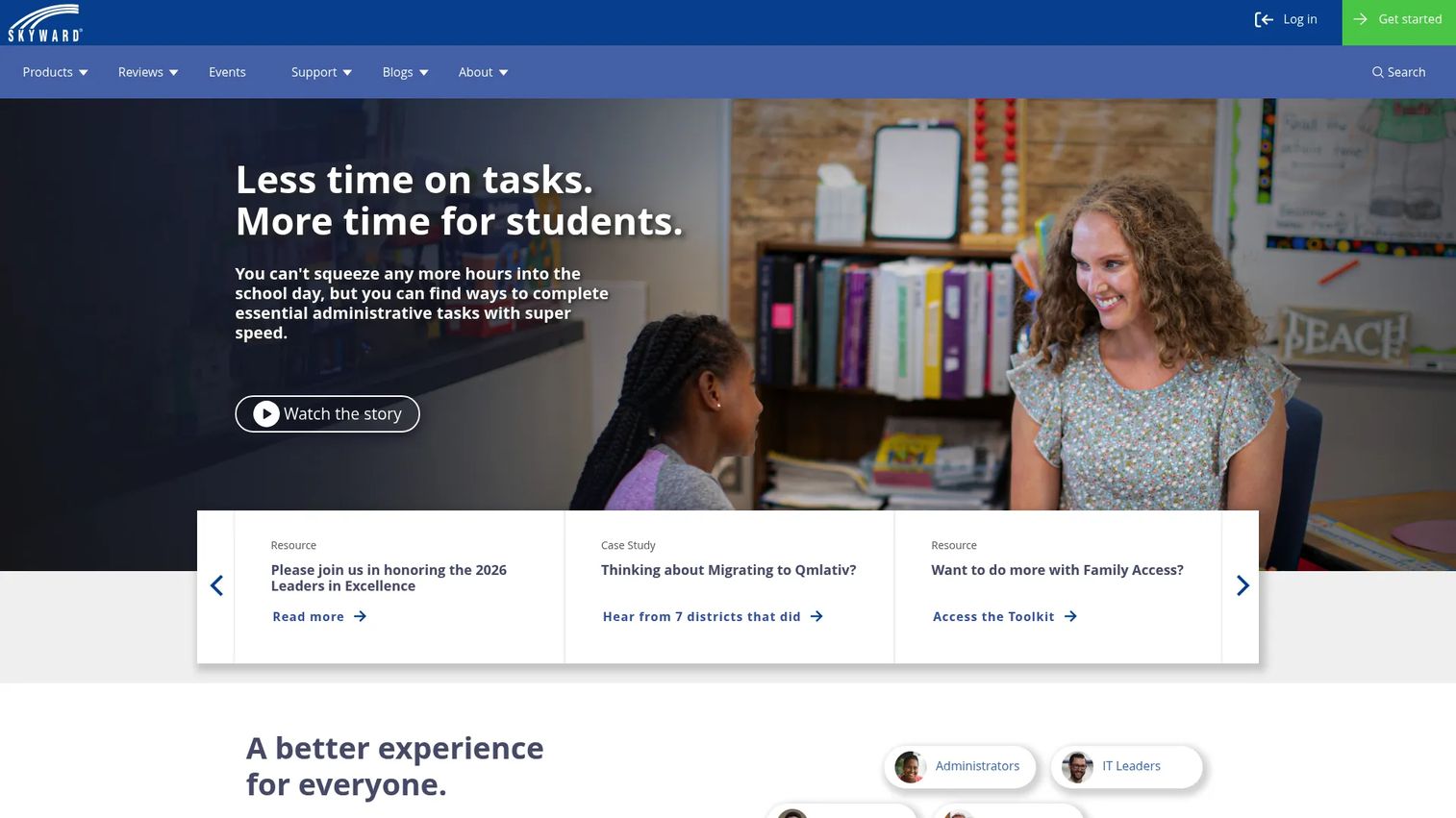
Skyward is a long-established K-12 platform that pairs a student information system with a full school ERP for finance and HR. That combination makes it a strong fit for districts that want student records and back-office business operations under one roof rather than integrating two separate vendors. Classroom tools, family engagement, and student services fill out the suite.
Best for: K-12 districts that need SIS and ERP capabilities in a single system.
Key strengths
- Student information system: Core records, attendance, and grading for K-12.
- School ERP: Finance and HR workflows integrated with student data.
- Family and classroom tools: Engagement features and student services in one place.
Why choose Skyward: For districts where finance and HR are as much a headache as academics, Skyward's ERP depth removes a separate system from the stack. It is a mature, established option, which appeals to administrators who value stability over the newest interface.
Skyward pricing: Skyward states pricing is custom, based on enrollment, number of campuses, and the features you personalize. No fixed public price is shown, so request a scoped quote. Skyward holds a 3.8/5 rating on G2.
4. Frontline Education
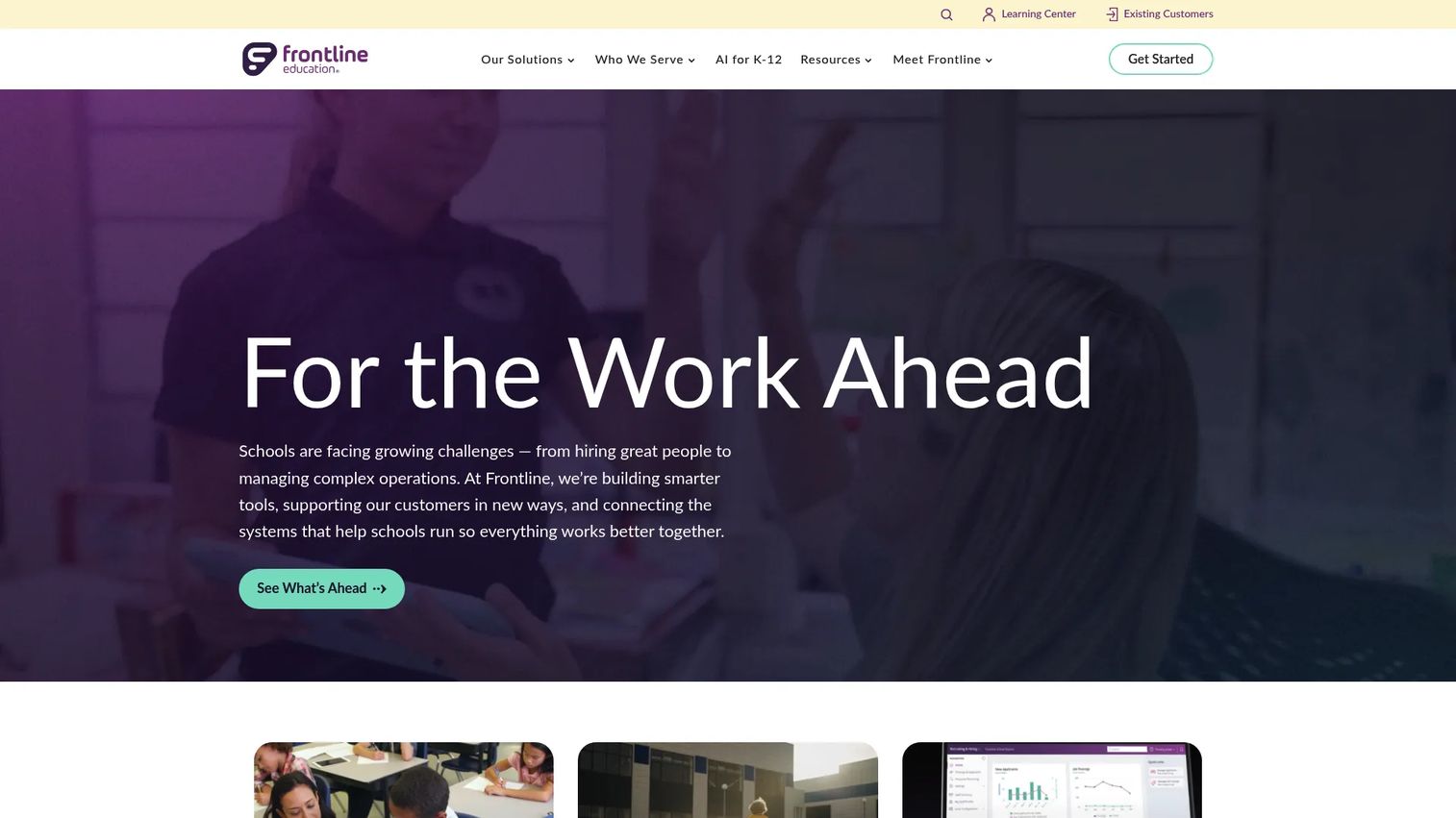
Frontline Education approaches school administration from a different angle than a pure SIS. Its strength is the operational layer around students: human capital workflows like hiring, onboarding, payroll, absences, and professional development, plus special education documentation and compliance. For districts where staffing and compliance eat the most administrative time, that focus matters.
Best for: K-12 districts that need a connected administration suite spanning HR, special education, and business operations.
Key strengths
- Human capital workflows: Hiring, onboarding, payroll, absence management, and PD in one place.
- Special education documentation: Compliance-ready records for IEPs and student services.
- Business operations and analytics: Reporting across administrative functions.
Why choose Frontline Education: Choose it when your biggest operational drag is staffing and compliance, not the gradebook. It complements a core SIS well and gives HR and special education teams infrastructure built for their specific workflows.
Frontline Education pricing: Frontline does not publish public pricing and uses a demo and contact-sales flow. Scope pricing to the modules your district needs. Frontline holds a 4.1/5 rating on G2.
5. Alma
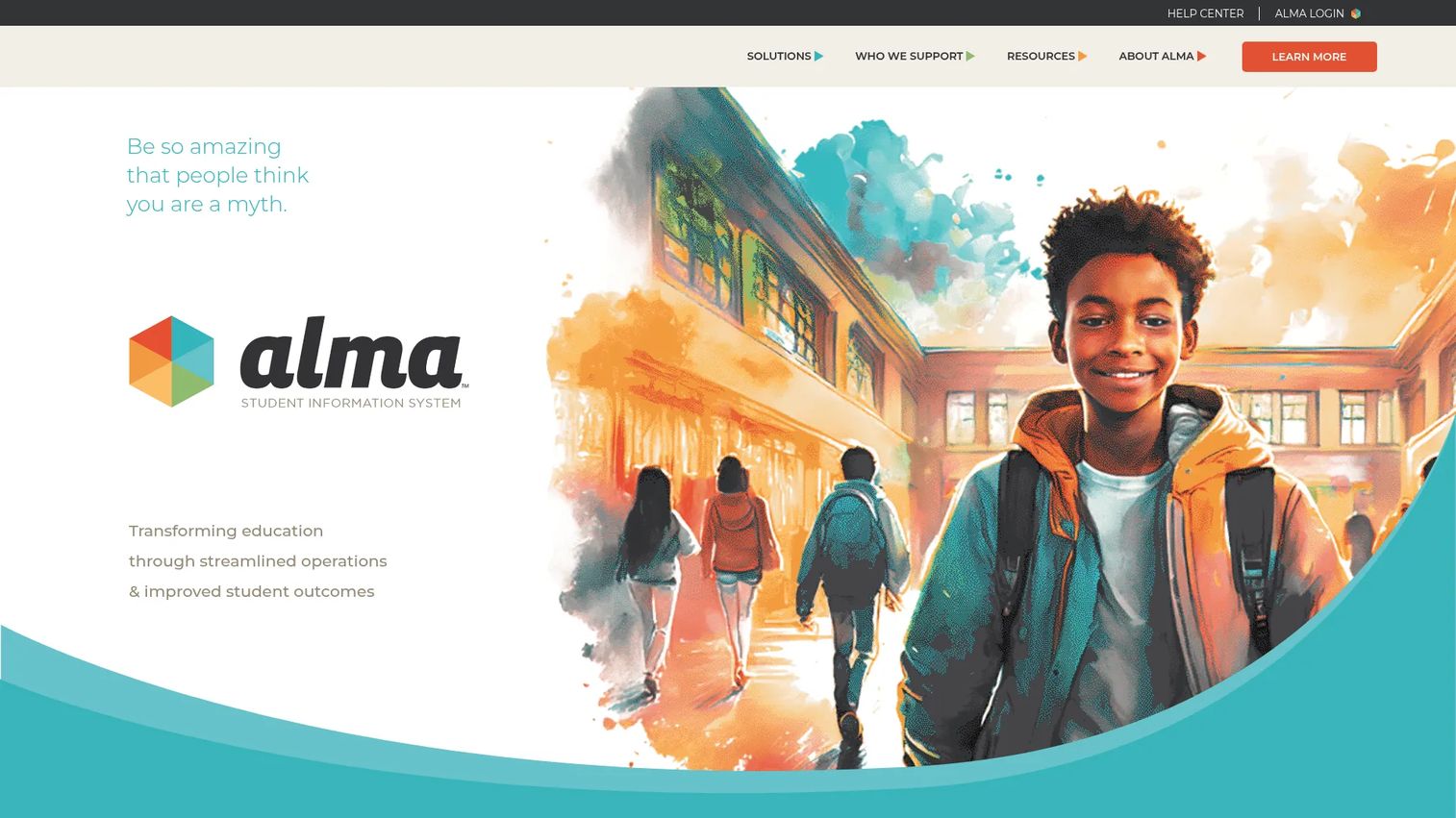
Alma is a cloud-based student information system for schools, districts, and networks that leads with clean UX and modern dashboards. It handles student information management, delivers analytics through BeaconAI, and gives families parent and student portals with mobile access. For schools that want capability without the visual weight of legacy enterprise software, Alma hits a useful middle ground.
Best for: K-12 schools and districts that want a cloud SIS with strong analytics and family portals, minus the enterprise bloat.
Key strengths
- Student information management: A modern SIS core with an approachable interface.
- BeaconAI analytics: Dashboards that surface student and school data clearly.
- Family portals and mobile access: Self-service for parents and students on any device.
Why choose Alma: It suits smaller teams and schools that prize usability. Staff ramp faster on a clean interface, and the analytics give leaders a clearer operational picture without exporting to a separate tool.
Alma pricing: Alma's site confirms its SIS capabilities but does not display public pricing, so request a quote scoped to your enrollment and modules. Alma holds a 4.1/5 rating on G2.
6. Gradelink
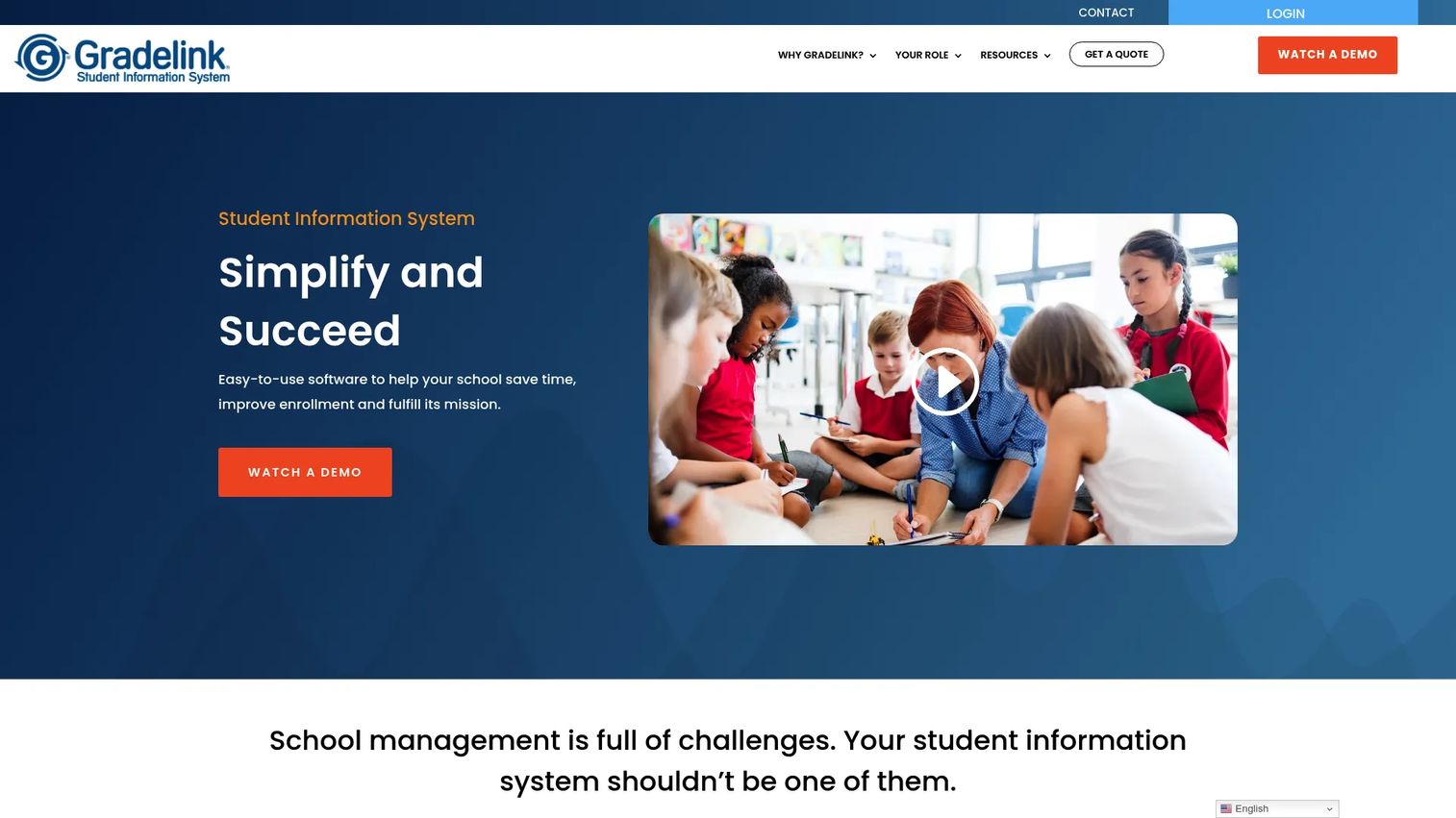
Gradelink is a cloud-based student information system aimed squarely at private and K-12 schools that want academics, communication, admissions, and billing in one place. Its gradebook, lesson plans, attendance, and transcripts cover the academic core, while email blasts and parent/student access keep families in the loop. Integrations with Google Classroom, Apple School Manager, and Microsoft School Data Sync connect it to the tools schools already run.
Best for: Private and K-12 schools that need an all-in-one SIS with built-in communication and billing.
Key strengths
- Academic core: Gradebook, lesson plans, attendance, and transcripts in one system.
- Communication tools: Email blasts plus parent and student access.
- Ecosystem integrations: Google Classroom, Apple School Manager, and Microsoft School Data Sync.
Why choose Gradelink: It earns one of the highest satisfaction scores on this list and keeps the buying decision simple for schools that do not want enterprise complexity. The instant-quote pricing and transparent add-ons make budgeting straightforward.
Gradelink pricing: Pricing is quote-based by enrolled students, starting at $106/mo for the core Gradelink SIS, with a one-time setup around $275. Add-ons include EnrollMe ($20.83/mo plus setup), SmartSend Pro ($16.67/mo), and Gradelink Payments at no monthly cost. Gradelink holds a 4.7/5 rating on G2.
7. Blackbaud Education Management
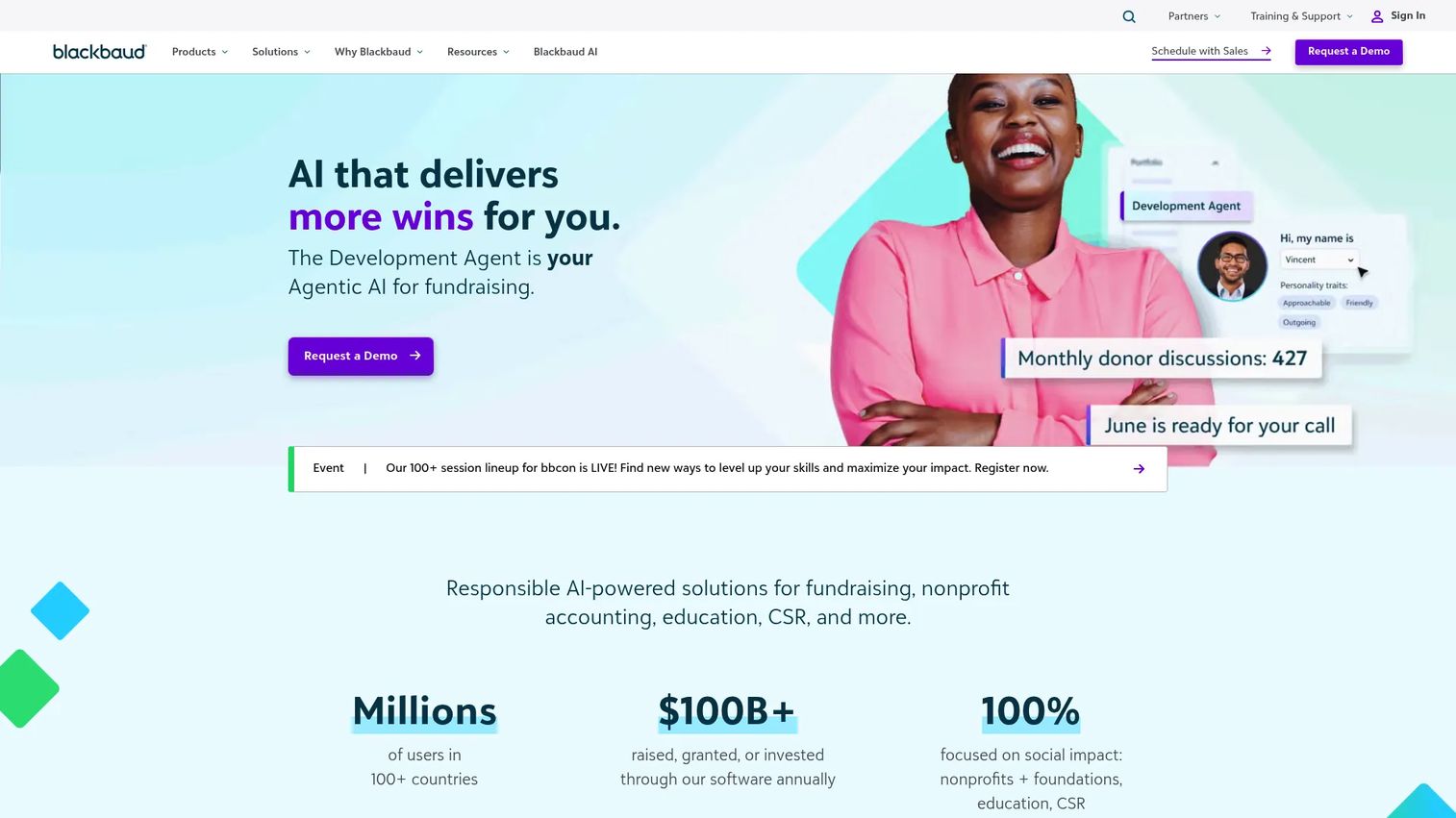
Blackbaud Education Management is a cloud education platform for K-12 and higher education, built around integrated student, learning, enrollment, and campus management. Its LMS connects directly to the SIS, and the platform centralizes assignments, grading, and assessment alongside a family, athletics, advising, and activities portal. For independent schools that also run advancement and enrollment programs, Blackbaud's broader ecosystem is the draw.
Best for: Private and independent schools seeking an integrated education management platform tied into a larger ecosystem.
Key strengths
- Integrated LMS and SIS: Learning management connected to the student record.
- Centralized academics: Assignment, grading, and assessment tools in one place.
- Multi-role portal: Family, athletics, advising, and activities in a single hub.
Why choose Blackbaud Education Management: Independent schools already using Blackbaud for advancement or enrollment gain a connected platform across the student lifecycle. The ecosystem breadth is the reason to choose it, especially for schools that treat fundraising and admissions as core operations.
Blackbaud pricing: Blackbaud provides customized pricing via personalized quote; no public numeric pricing is shown for Education Management. The closest G2 entry, Blackbaud Learning Management System, holds a 3.8/5 rating.
8. QuickSchools
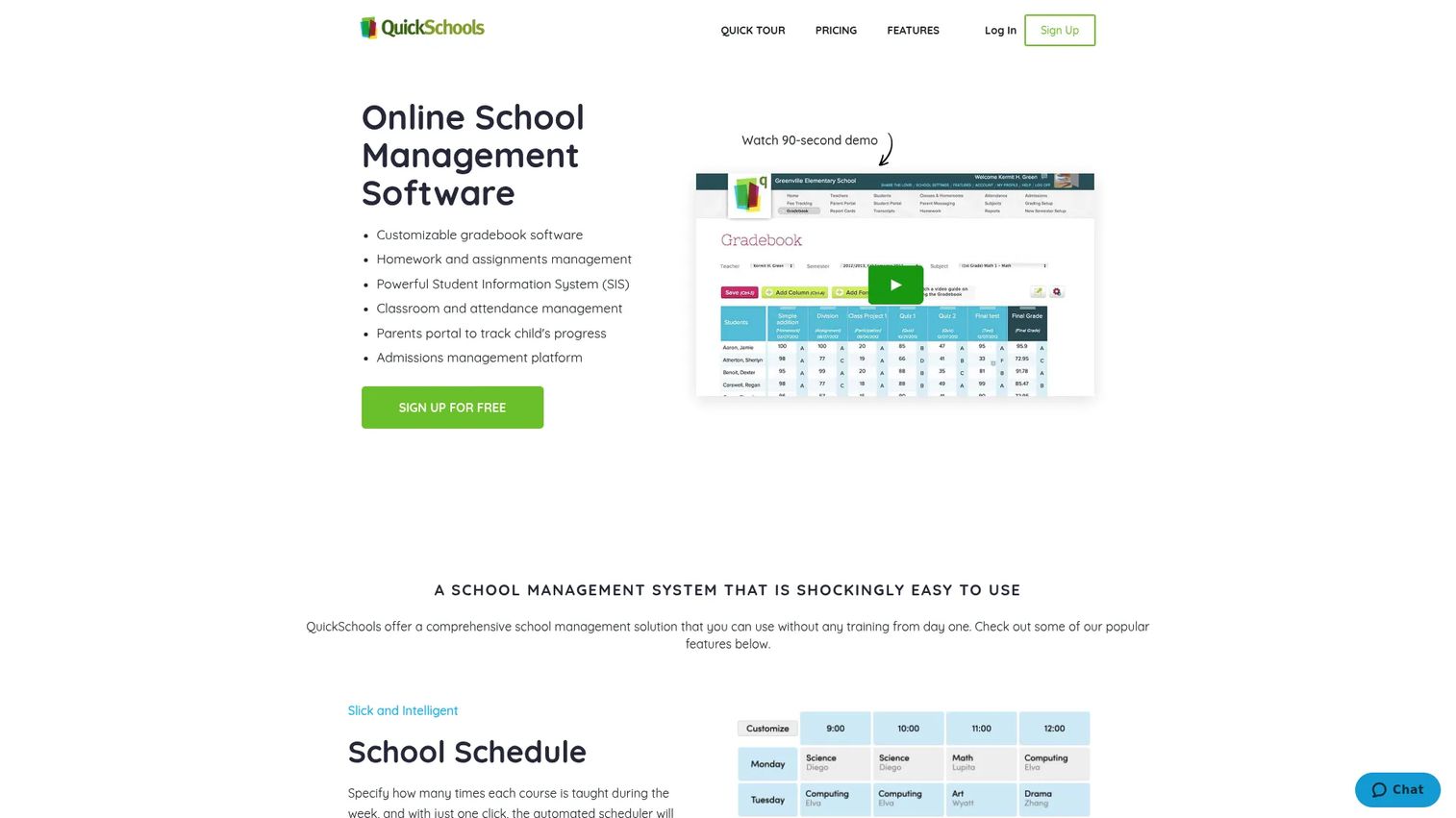
QuickSchools is a lighter-weight option for schools that want core SIS functionality without a long implementation. It covers the essentials, gradebook, attendance, scheduling, and portals, with an emphasis on quick setup and ease of use. For a small school moving off spreadsheets, that simplicity shortens the path to a working system.
Best for: Small to mid-size schools that want core SIS features with fast setup and minimal overhead.
Key strengths
- Fast setup: Get a working system running quickly without a heavy rollout.
- Core SIS features: Gradebook, attendance, and scheduling essentials.
- Role-based portals: Access for admins, teachers, students, and parents.
Why choose QuickSchools: It fits schools that value simplicity and speed over deep configuration. Larger or more complex schools may eventually want more advanced reporting and modules, but for a straightforward operational base, QuickSchools gets you running fast.
QuickSchools pricing: QuickSchools uses a quote-based model rather than a single public price. Confirm plan tiers and any per-student scaling during your evaluation, and ask about the modules included at each level.
9. MySchoolWorx
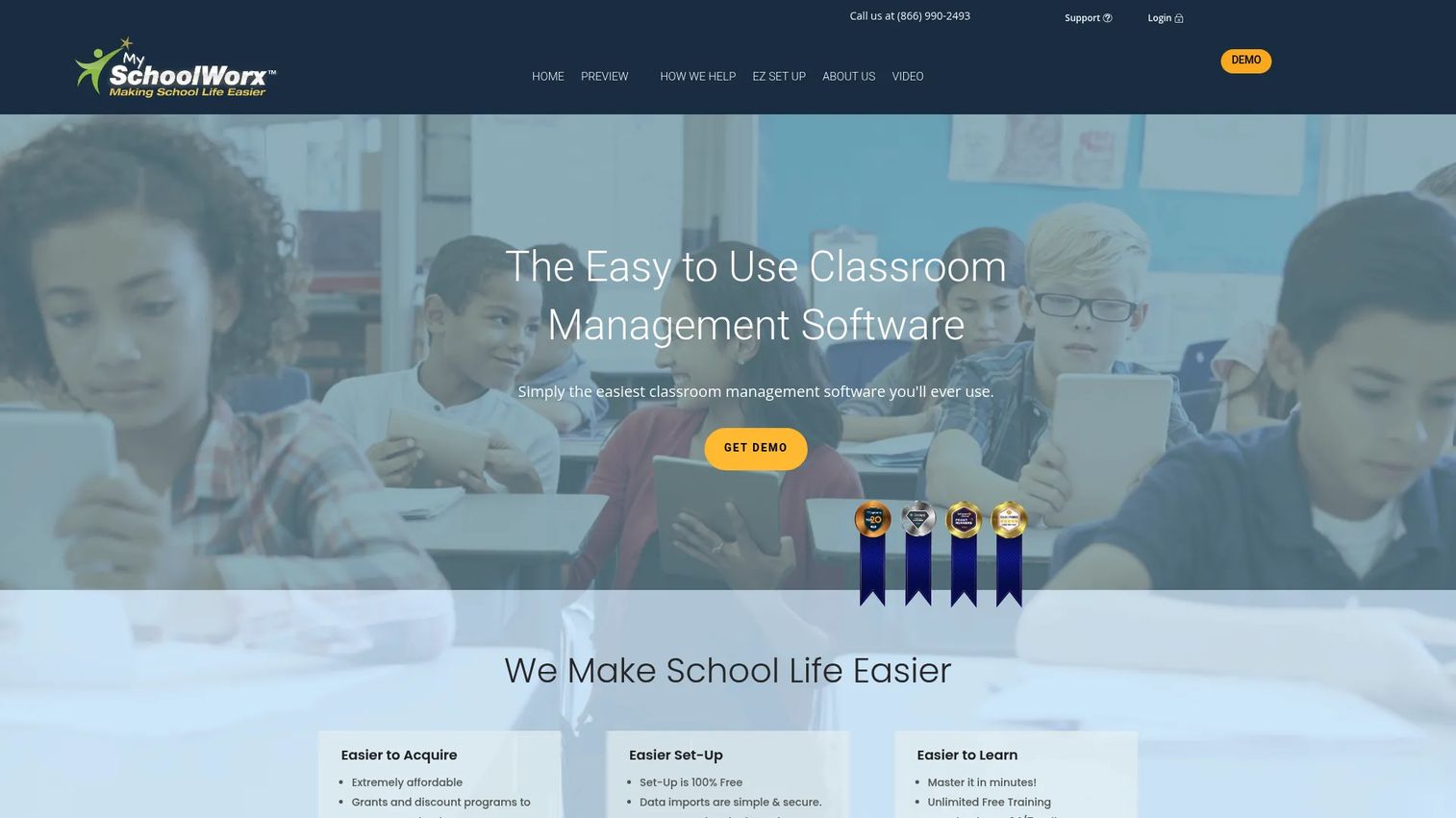
MySchoolWorx is a cloud-based K-12 platform built around parent communication and daily administration. It handles online enrollment, lesson plans, grades, assignments, and a gradebook, plus parent communications with alerts and SMS texting. The design leans toward smaller and mid-size schools that want an accessible, communication-first system.
Best for: Private K-12 schools that need an all-in-one administration and parent-communication platform.
Key strengths
- Online enrollment: Digital registration tied to the student record.
- Academic tools: Lesson plans, grades, assignments, and gradebook.
- Parent communication: Alerts and SMS/texting to keep families informed.
Why choose MySchoolWorx: It suits smaller schools where parent communication is the priority and simplicity drives adoption. Staff and families get up to speed quickly, which matters when a school does not have dedicated IT support.
MySchoolWorx pricing: The site emphasizes free setup and affordability with demo and trial language, but no public numeric pricing is listed. Request a quote to confirm cost against your enrollment. MySchoolWorx holds a 3.5/5 rating on G2 based on limited reviews.
10. DreamClass
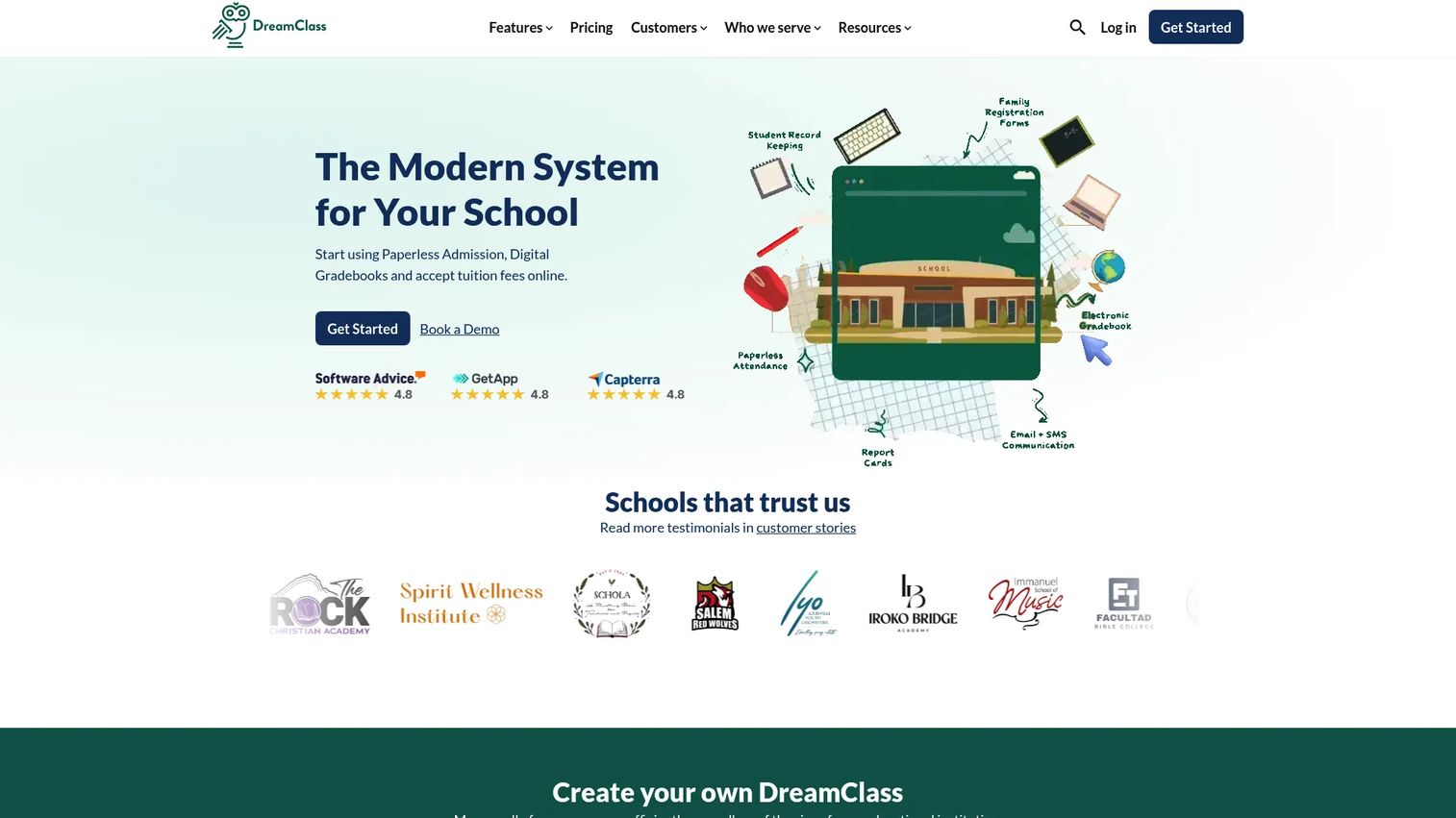
DreamClass is a cloud-based school management platform built for educational institutions that want a straightforward all-in-one system. It covers admissions management, academic and gradebook management, and attendance tracking, along with scheduling and communication. The clear, transparent pricing and quick onboarding make it approachable for schools that do not want a drawn-out procurement cycle.
Best for: Private schools and small-to-mid-sized education providers that need an all-in-one cloud SIS.
Key strengths
- Admissions management: Digital applications and enrollment workflows.
- Academic and gradebook management: Grades, assignments, and academic records.
- Attendance tracking: Daily and period-level attendance with reporting.
Why choose DreamClass: Transparent pricing and a fast start set it apart for smaller institutions. It carries the highest satisfaction rating on this list, and the tiered plans map cleanly to school size, so you pay for the capacity you actually use.
DreamClass pricing: Plans start at $99/month for Standard (up to 100 students), $189/month for Plus (up to 300 students), and $259/month for Enterprise (up to 500 students). Annual billing is offered at different displayed rates, and a 14-day free trial is available. DreamClass holds a 4.9/5 rating on G2.
11. Ellucian Banner
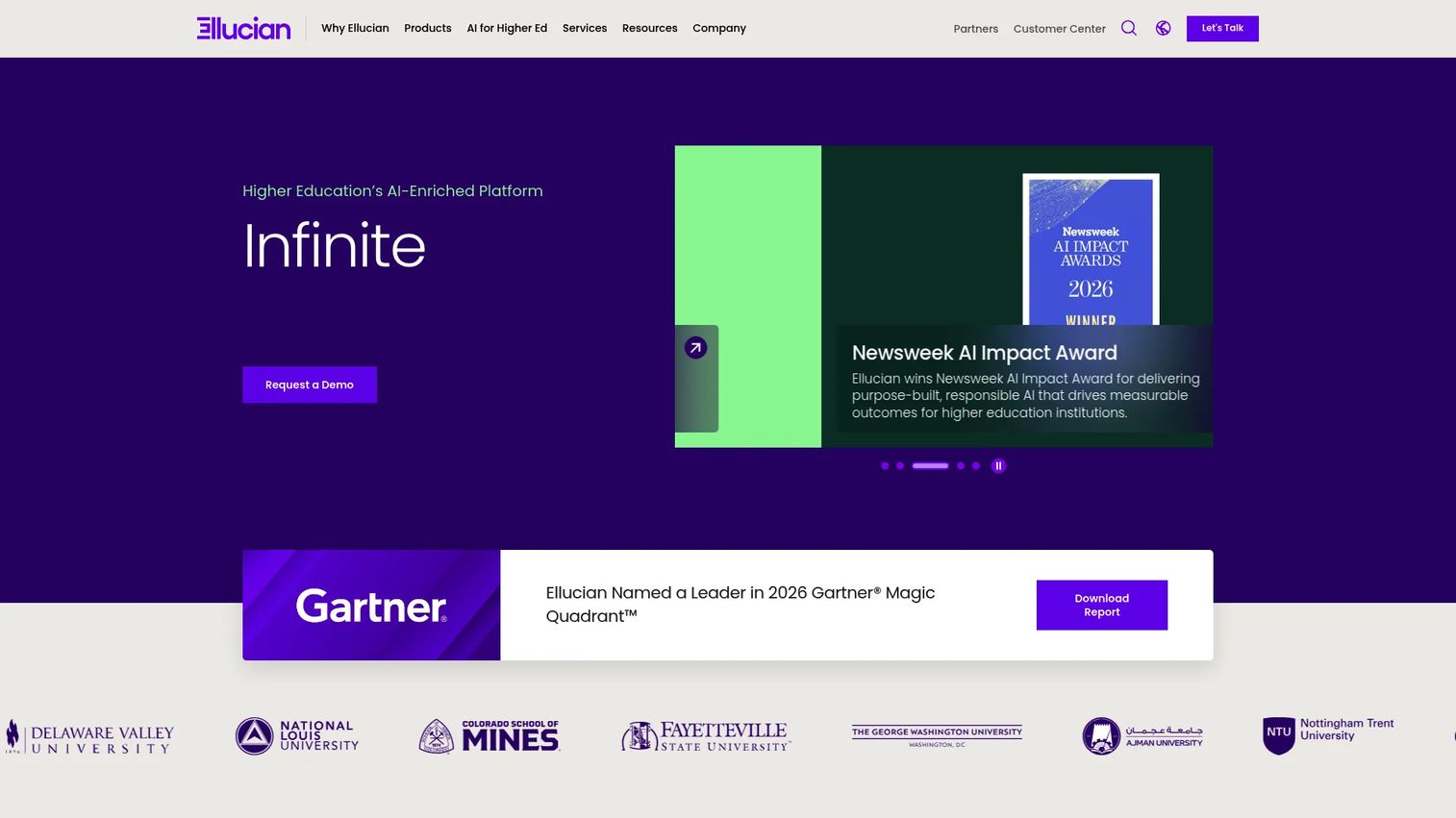
Ellucian Banner serves a different school segment than the rest of this list: higher education. It is an ERP/SIS platform for colleges and universities, covering student, finance, financial aid, HR, and analytics workflows. Student self-service handles admissions, registration, and grades, while the finance and HR modules run the institutional back office. It earns a place here because higher-ed institutions face the same fragmentation problem at a larger scale.
Best for: Colleges and universities modernizing core student and back-office systems.
Key strengths
- Higher-ed ERP/SIS: SaaS-based platform built for institutional scale.
- Student self-service: Admissions, registration, and grades for students.
- Finance, aid, and HR modules: Full back-office coverage for institutions.
Why choose Ellucian Banner: If you run a college or university, K-12 platforms will not fit your enrollment, financial aid, and institutional workflows. Banner is built for that complexity, which is exactly why it belongs on a higher-ed shortlist rather than a K-12 one.
Ellucian Banner pricing: Ellucian does not publish public pricing for Banner; institutional deployments are quoted directly. Scope pricing to your modules and enrollment during evaluation.
12. Classter
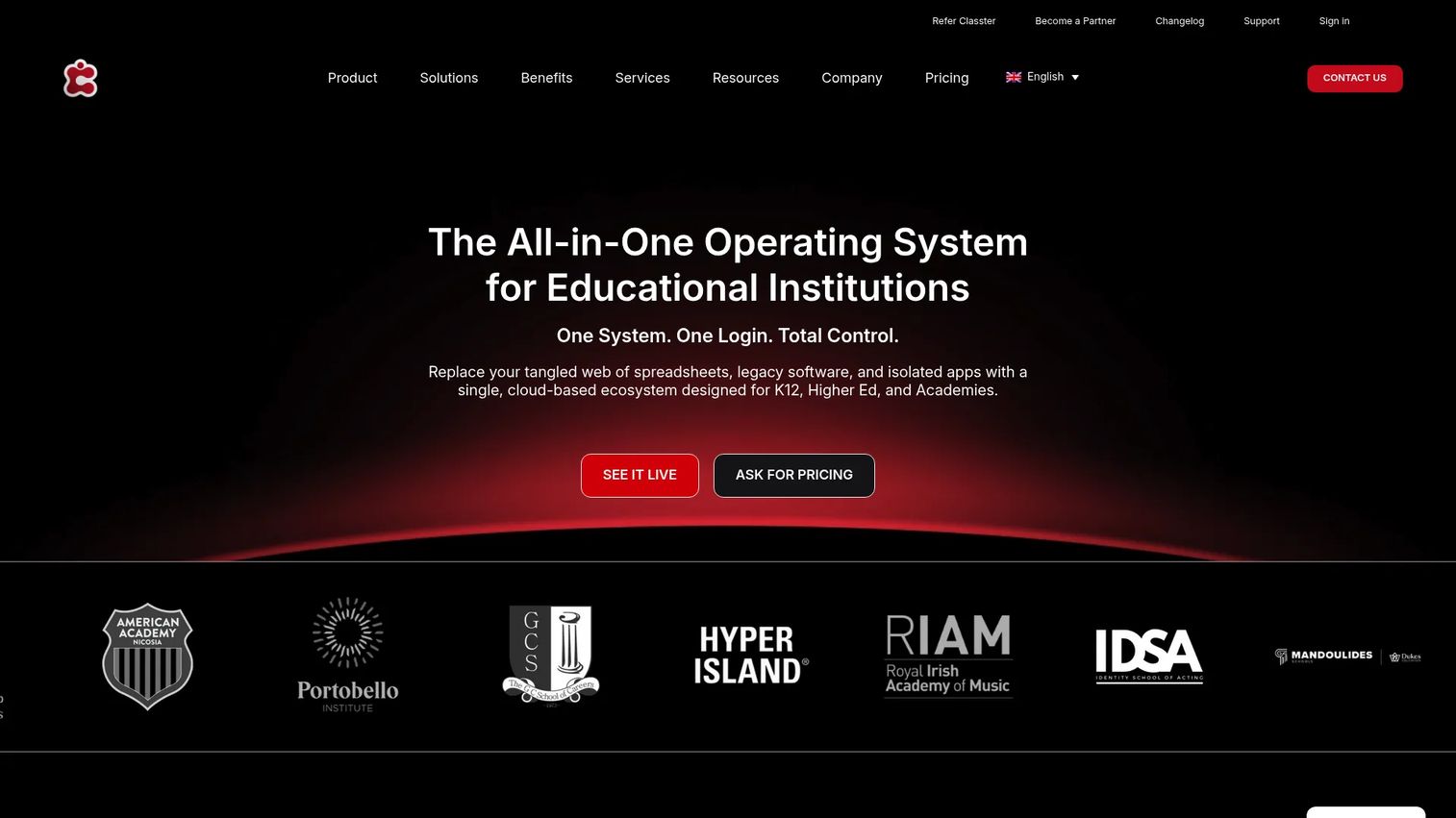
Classter is a cloud-based all-in-one platform that combines a student information system, an LMS, and billing across different school types. Its modular structure lets institutions turn on the pieces they need, from academic management to payments to portals. For schools that want flexibility to build the exact configuration they require, the modular approach is the appeal.
Best for: Schools and higher-education institutions that want a modular SIS/LMS with billing and portal workflows.
Key strengths
- SIS core: Student information management across school types.
- LMS and academics: Learning management and academic tooling in one platform.
- Billing and payments: Integrated financial workflows tied to student records.
Why choose Classter: The modular model means you assemble the platform to fit your operation rather than paying for a fixed bundle. That flexibility, plus workflow customization and integrations, suits institutions with specific requirements across academics, billing, and portals.
Classter pricing: Classter uses custom pricing based on institution size, type, and modules, illustrated with per-student examples: Core at €8.50 per student, Academics & LMS at €6.50 per student, and Surveys & Quizzes at €6.50 per student, billed annually or bi-annually. Classter holds a 4.6/5 rating on G2.
13. Fedena
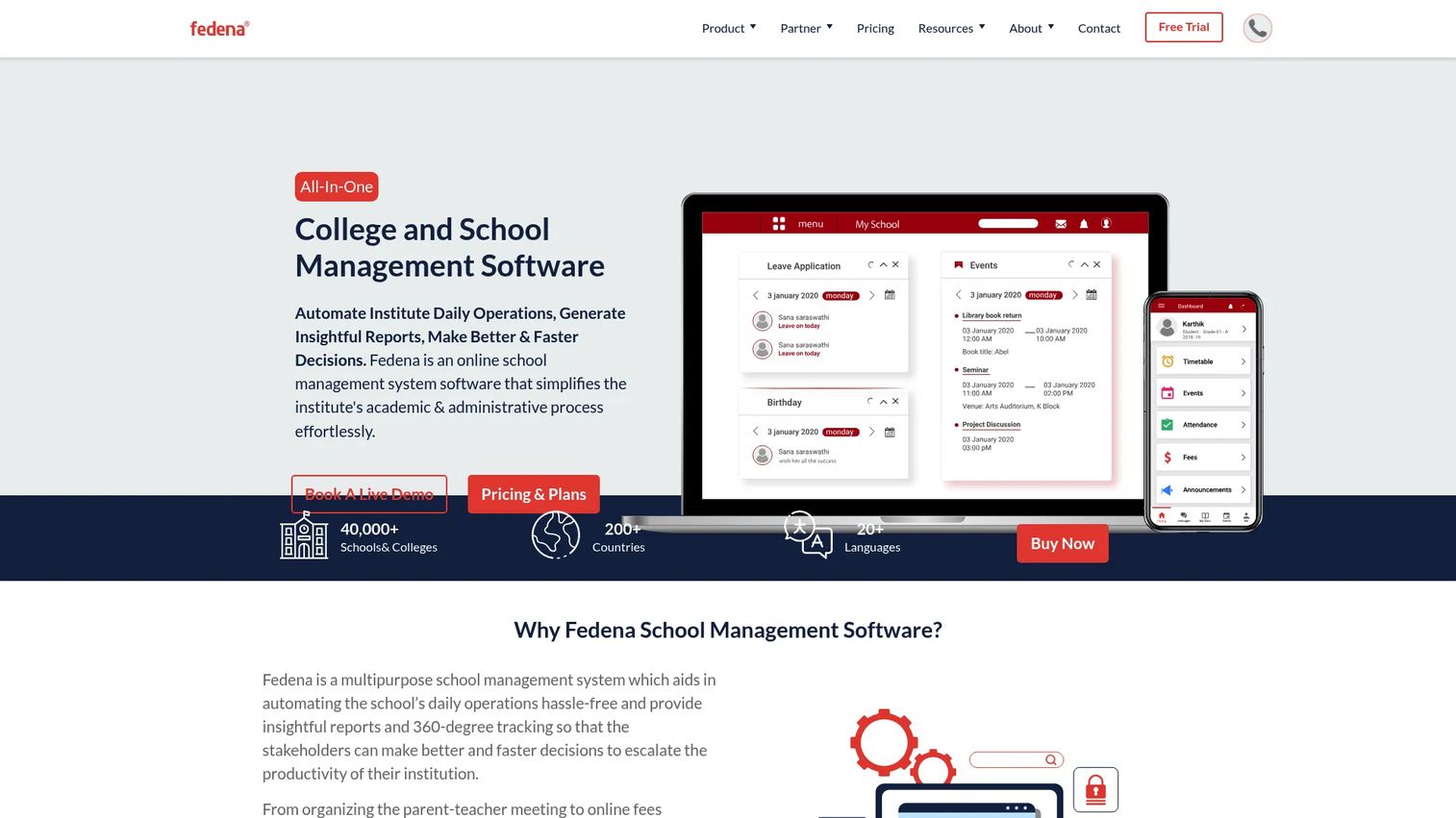
Fedena is a school ERP built to manage both academic and administrative operations from one system. It covers admissions, attendance, timetable management, fees, finance, and gradebook, giving schools a broad modular platform without stitching together separate tools. Free cloud hosting is included across plans, which lowers the operational overhead of running it.
Best for: Schools and educational institutions that want an all-in-one ERP with modular administration.
Key strengths
- Admissions management: Application and enrollment workflows.
- Attendance and timetable management: Scheduling and daily attendance in one place.
- Fees, finance, and gradebook: Financial and academic operations under one platform.
Why choose Fedena: Transparent, published pricing and included cloud hosting make it a predictable buy for schools that want ERP breadth without a custom-quote process. The 14-day free trial lets you validate fit before committing.
Fedena pricing: Public plans are billed yearly: Standard at $999, Premium at $1,399, and Ultimate at $1,699, with an Enterprise tier via sales. All plans include free cloud hosting, and a 14-day free trial is available.
14. eSkooly
eSkooly is a cloud-based school management platform with a free-first model that appeals to budget-conscious schools. Its Basic plan is free forever, and it covers a broad range of academic administration: multi-user portals for admins, teachers, students, and parents, plus fees, exams, attendance, accounts, and reporting. Unlimited SMS and WhatsApp communication and live classes round out the feature set.
Best for: Schools or institutes that want a free school management system with optional paid white-label or self-hosted upgrades.
Key strengths
- Multi-role portals: Access for admins, teachers, students, and parents.
- Free communication: Unlimited SMS/WhatsApp messaging and live classes.
- Broad admin modules: Fees, exams, attendance, accounts, and reporting.
Why choose eSkooly: For a school that needs to move off spreadsheets without a budget line for software, the free Basic plan is a genuine starting point. Paid Pro and LMS tiers add white-label and self-hosted options as needs grow, so you can start free and upgrade deliberately.
eSkooly pricing: Basic is free forever. Paid options include a Desktop upgrade at $96/year, lifetime Pro tiers (Standard $67, Premium $149, Business $999), and LMS tiers (Standard $129, Business $999). Capterra reviewers rate it 4.3/5.
15. Zoho Creator
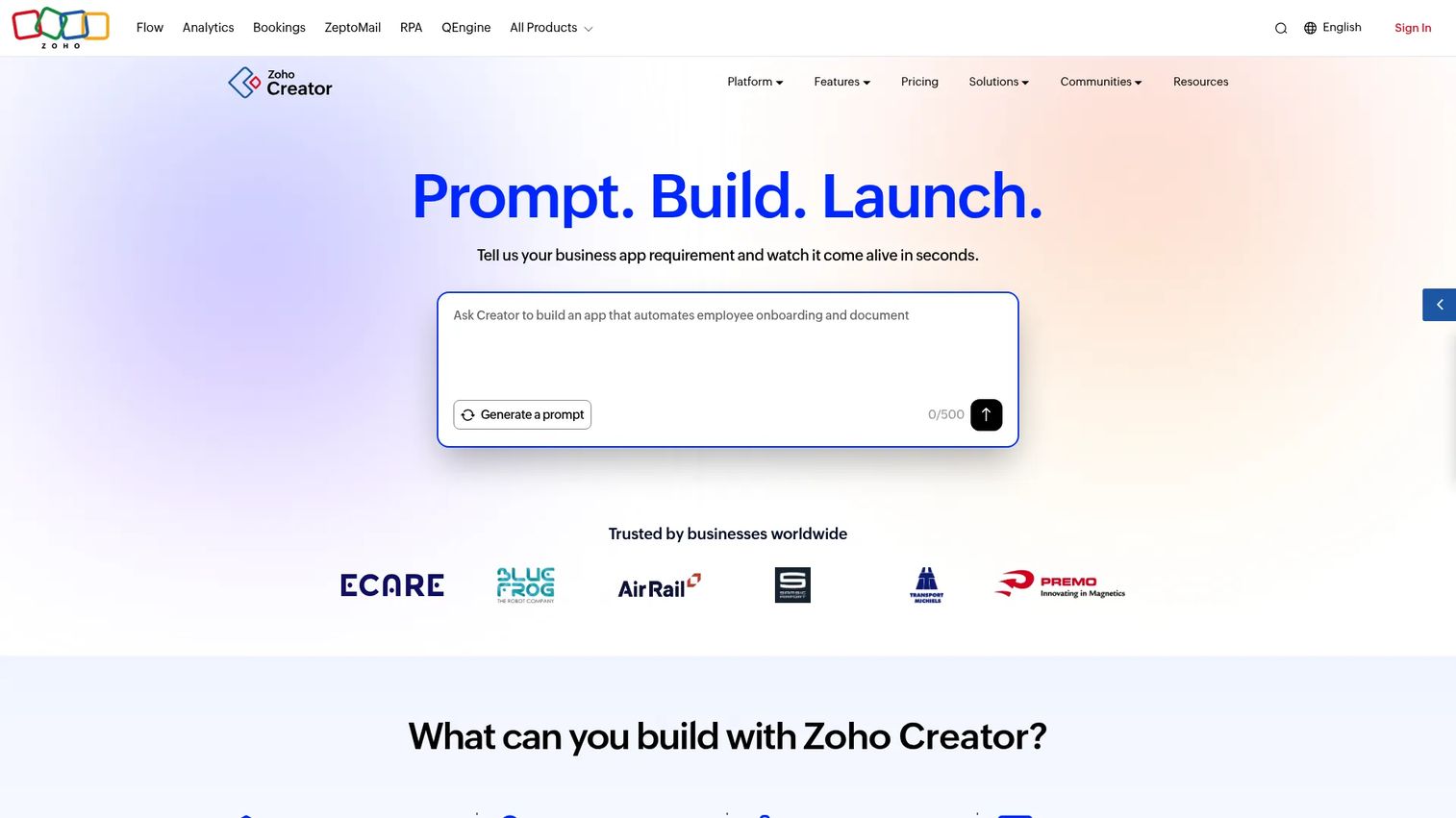
Zoho Creator is not a dedicated school platform. It is an AI-powered low-code application development platform, and it belongs on this list for schools with workflows that packaged SIS products cannot bend to fit. With drag-and-drop app building, workflow automation, and native iOS and Android apps, a school can build exactly the admissions, attendance, or fee process it runs, rather than adapting to someone else's model.
Best for: Schools and teams that need to build custom internal apps and workflows with low code.
Key strengths
- Drag-and-drop building: Assemble custom forms and apps without heavy development.
- Workflow automation: Scripted logic to automate school-specific processes.
- Native mobile apps: iOS and Android apps for the workflows you build.
Why choose Zoho Creator: Choose it when your processes are genuinely unusual and a turnkey SIS forces too many compromises. It is not a pre-built school management system the way dedicated platforms are, so plan for build time, but the payoff is software that matches your operation exactly.
Zoho Creator pricing: Standard runs $8/user/month, Professional $20/user/month, and Enterprise $25/user/month, all billed annually, plus a Free Edition and a 15-day free trial. Zoho Creator holds a 4.3/5 rating on G2.
Considerations before you buy
A shortlist is only useful if you pressure-test it against your school's reality. Run each finalist through these criteria before you commit.
Module coverage vs. your actual workflows
List the modules you use weekly: admissions, attendance, gradebook, fees, scheduling, communication. Then confirm each finalist covers them natively, not through a paid add-on you did not budget for. A platform that nails five of six workflows still leaves you maintaining a spreadsheet for the sixth.
Role-based portals and parent access
Parents, students, teachers, and admins each need a distinct view. Verify the parent portal software gives families self-service access to grades, attendance, and fees, and that the mobile experience actually works. Weak portals push routine questions back to your front office.
Security, compliance, and data ownership
Student data carries real obligations. Confirm the vendor's security posture, where data is hosted, and how state or district reporting is handled. Ask directly who owns the data and how you export it if you ever leave.
Fit by school size and type
A district SIS will overwhelm a 200-student private school, and a lightweight tool will buckle under district-scale reporting. Match the platform to your enrollment and complexity, not to the longest feature list.
Implementation and migration effort
Ask how long onboarding takes, what data migration from spreadsheets involves, and what support you get during the switch. The best-fit platform still fails if the rollout stalls mid-year.
Choosing the right platform for your school
The right pick comes down to school type and operational need. Large K-12 districts that need deep SIS and district-scale reporting should start with PowerSchool, Infinite Campus, or Skyward, with Frontline Education layered in where HR and special education are the heavier lift. Private and independent schools that want simplicity and strong communication will find Gradelink, MySchoolWorx, Blackbaud Education Management, or DreamClass a better fit. Budget-conscious schools can start with eSkooly's free tier, while colleges and universities belong on Ellucian Banner. Schools with genuinely unusual processes should evaluate Zoho Creator, and those wanting modular flexibility should look at Classter or Fedena.
Whatever your school type, the process is the same. Shortlist three platforms that fit your size and budget, list the must-have modules you use every week, and run a live walkthrough with the admins who will actually use the system daily. The tool that survives that test, not the one with the longest feature list, is the one that will centralize your operations and give staff and families the visibility they need.
FAQs
A student information system (SIS) is the system of record for student data: enrollment, demographics, attendance, and grades. School management software is broader and often includes the SIS plus fees, scheduling, communication, admissions, and parent portals. In practice, many platforms combine both, so the terms overlap.
Pricing ranges widely by school size and model. Budget options like eSkooly start free, DreamClass begins at $99/month, and Gradelink starts around $106/month. Enterprise district platforms like PowerSchool and Infinite Campus use custom quotes scoped to enrollment and modules, so request pricing directly.
Most modern school management systems are cloud-based, which means no on-site servers and automatic updates. Security posture varies by vendor, so confirm data hosting, access controls, and compliance with student data regulations before you buy. Ask directly how data is exported if you ever migrate away.
Private schools should prioritize admissions and enrollment, billing and fee management, parent communication, and a clean gradebook. All-in-one platforms like Gradelink, DreamClass, and Blackbaud Education Management bundle these well. Ease of adoption matters more than enterprise depth for smaller teams.
Not always. An SIS manages records, attendance, and grades, while an LMS handles course content and online learning. Schools with heavy online or blended instruction benefit from both, and some platforms like Classter and Blackbaud integrate the two. Smaller schools often start with an SIS and add an LMS later.
It depends on school size and data complexity. Lightweight tools like QuickSchools and DreamClass can be running in days to weeks, while district-scale platforms like PowerSchool or Skyward often take months, especially with data migration and staff training. Ask each vendor for a realistic timeline scoped to your enrollment.
Platforms built around family engagement tend to have the strongest parent portal software. Alma, Gradelink, and MySchoolWorx all emphasize self-service parent access to grades, attendance, and communication. Verify the mobile experience specifically, since that is where families spend most of their time.
Confirm the platform imports your existing student data cleanly, that the modules you use weekly are covered natively, and that role-based portals fit your staff and families. Run a live walkthrough with the admins who will use it daily, and clarify data ownership and export before you sign.