
Your finance lead has one headcount number. Recruiting has another. The hiring managers each have a spreadsheet that hasn't been touched since the last board meeting. And you, the founder, are trying to reconcile all three the night before an investor update.
This is how most growth-stage companies plan hiring. Distributed spreadsheets, version drift, and a quarterly scramble to answer a simple question: can we actually afford these roles, and when? The global workforce planning software market hit USD 8.7B in 2024 and is projected to grow at a 10.4% CAGR through 2033, according to Dataintelo (2025). That growth is not abstract. It reflects how many teams have decided the spreadsheet approach no longer holds up under board scrutiny.
For a founder, headcount planning is not an HR chore. It is burn, runway, and hiring discipline expressed as a plan you can defend. Every open role is a bet against your cash position. Get the timing wrong and you either starve the growth engine or blow the runway. Headcount management software exists to make those bets visible, testable, and connected to the people who actually approve and fill the roles.
The right headcount planning and forecasting tool turns a chaotic planning cycle into something repeatable. It centralizes the plan, models the budget impact of each hire, routes approvals, and pushes approved roles into your recruiting workflow. If you're evaluating workforce planning software this year, this shortlist compares the seven tools most finance and HR teams put on their list, with pricing and G2 ratings where they're public. If your evaluation touches adjacent stacks, it's worth reviewing tools for ai recruiting, contract management, and event management too, since planning rarely happens in isolation.
What's inside
This guide compares tools for planning headcount, modeling scenarios, routing approvals, and syncing approved roles into hiring workflows. It's written for finance leaders, HR ops, RevOps-adjacent operators, and founders who are replacing spreadsheets or trying to coordinate finance, HR, recruiting, and leadership in one place.
We selected tools based on four criteria: collaboration across teams, org chart-based planning and scenario modeling, budget visibility and forecasting, and depth of HRIS and ATS integration. Security and permissions rounded out the review, since headcount data is among the most sensitive a company holds. Every tool here earns its spot on one of those dimensions.
TL;DR
- Best for org chart-based planning: ChartHop ties plans directly to org structure with visual scenario modeling and approval routing.
- Best inside a broader HR and finance stack: Paylocity keeps headcount plans, payroll, and budget tracking in one platform.
- Best for spreadsheet replacement across operations: Rippling unifies headcount management, workflow automation, and recruiting sync.
- Best for finance-led strategic planning: Pigment leads with scenario analysis and cross-functional forecasting for FP&A buyers.
- Best for large, complex enterprises: Workday, Oracle Fusion Cloud HCM, and SAP SuccessFactors anchor planning inside enterprise HCM suites with deep governance.
- Rule of thumb: Match the tool to your planning maturity, not the longest feature list.
What is headcount planning software?
Headcount planning software is a tool that lets finance, HR, and leadership teams plan, model, approve, and track hiring in one system, connecting workforce plans to budget and recruiting execution.
It differs from basic employee headcount tracking in a fundamental way. Tracking tells you who you have today. Planning tells you who you should hire, when, at what cost, and whether the business can support it. A spreadsheet-based hiring plan captures intent but drifts the moment finance and recruiting update their copies separately. Headcount management software keeps a single employee record as source of truth and forces every change through a controlled path.
Core capabilities you should expect:
- Scenario planning and workforce modeling: Build multiple hiring plans, adjust assumptions, and compare the runway impact of each before committing.
- Approval workflows: Route new roles through finance, hiring managers, and leadership with a clear audit trail.
- Budget tracking and variance analysis: Tie every planned role to a salary cost and compare planned versus actual spend.
- Permissions and access controls: Restrict who sees compensation data and who can approve or edit plans.
- HRIS and ATS integration: Sync approved roles into recruiting, and keep the org current from your system of record.
- Dashboards and reporting: Give leadership a board-ready view of headcount, cost, and hiring progress.
Get those six right and org chart-based planning stops being a quarterly firefight. It becomes a system.
When to use headcount planning software
Not every company needs a dedicated planning tool on day one. Here are the moments where spreadsheet chaos starts to cost more than the software.
Replace disconnected spreadsheets
When finance, HR, and recruiting each maintain their own version of the plan, reconciliation becomes a full-time job. One team approves a role, another never hears about it, and a third is still forecasting against last quarter's numbers. Good centralized planning kills version drift. Everyone works from the same live plan, changes are logged, and the number your board sees is the number the whole company is executing against.
Model hiring scenarios before committing budget
Every hire changes your burn and your runway. A headcount planning tool lets you test the revenue, margin, and runway impact of a hiring plan before you approve a single requisition. You can build a conservative case, an aggressive case, and a downside case, then bring all three to a board conversation. That's the difference between defending a plan and guessing at one.
Connect approved plans to hiring execution
Approval is where most plans go to die. A role gets signed off, then sits in a spreadsheet while recruiting waits for someone to tell them it's live. The strongest tools turn approval into action: the moment a role is approved, it becomes a requisition in your ATS, with recruiting synchronization and workflow automation removing the manual handoff. Less drift, faster time-to-fill.
Comparison table
The lens here is simple: how directly does each tool serve headcount planning and forecasting, versus treating it as one module inside a larger suite? The first four tools lead with planning. The last three anchor planning inside enterprise HCM platforms. Pricing and G2 ratings are shown where they're publicly available.
| # | Product | Intent | Key use case | Pricing | G2 rating |
|---|---|---|---|---|---|
| 1 | ChartHop | People analytics and workforce planning | Org chart-based planning with approval routing | From $5 per employee/month | 4.3/5 |
| 2 | Paylocity | HR, payroll, and finance platform | Headcount plans inside unified HR ops | Custom | 4.4/5 |
| 3 | Rippling | Unified HR, IT, and finance | Spreadsheet-free headcount management | Custom | 4.6/5 |
| 4 | Pigment | Business planning and FP&A | Strategic, finance-led scenario planning | Custom | 4.6/5 |
| 5 | Workday | Enterprise HR and finance | Enterprise workforce planning at scale | Custom | 4.2/5 |
| 6 | Oracle Fusion Cloud HCM | Enterprise HCM suite | Workforce planning inside a broad HCM ecosystem | Custom | 3.8/5 |
| 7 | SAP SuccessFactors | Enterprise HCM suite | Strategic workforce planning for SAP-centric orgs | Custom | - |
1. ChartHop
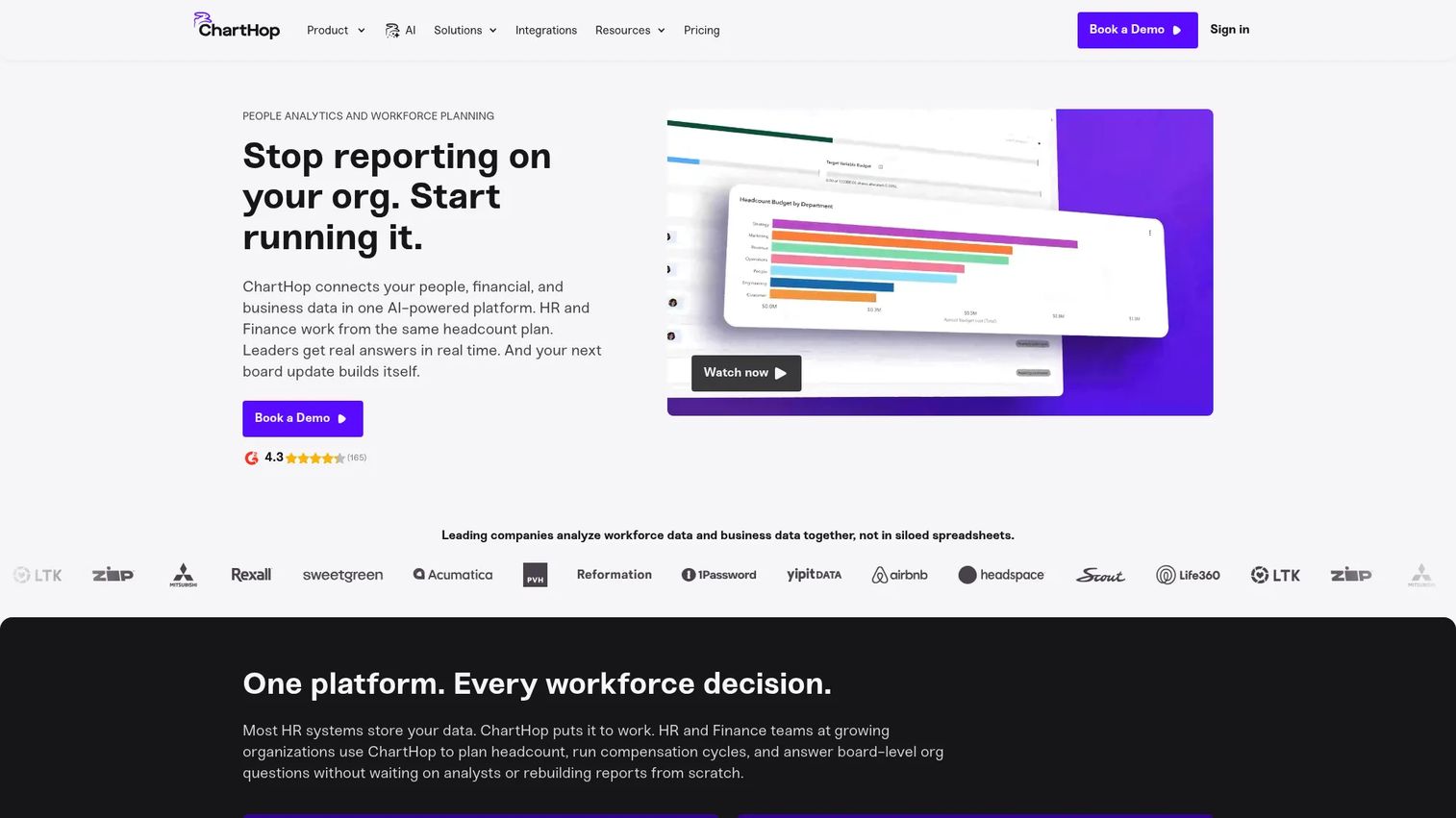
ChartHop is a people analytics and workforce planning platform built around the org chart. Where most tools treat headcount as a list of line items, ChartHop treats it as structure. You plan by dragging roles into the org, model reorganizations visually, and see the cost and reporting-line impact of every change in real time. That visual approach resonates with founders and finance leaders who think in terms of teams and reporting structure, not rows in a sheet.
Its reputation is strongest in mid-market HR and finance teams who want planning tied directly to org structure and approval routing. Because it also carries HRIS, compensation, performance, and engagement modules, the plan stays connected to the live employee record rather than diverging from it.
Best for: Mid-market HR and finance teams that want org chart-based planning with visual scenario modeling and clean approval routing.
Key strengths
- Org chart-based planning: Model headcount changes visually against real reporting structure, not abstract line items.
- Collaborative scenario modeling: Build and compare hiring scenarios with finance and leadership in the same view.
- Approval workflows and budget visibility: Route roles for sign-off with cost impact visible at every step.
Why choose ChartHop: If your planning instinct is to open the org chart first, ChartHop matches how you already think. It suits teams that want scenario modeling, approval routing, and people analytics in one modular platform rather than stitching together separate tools. The trade-off versus enterprise suites is scope: ChartHop is focused on people planning, not a full finance ERP.
ChartHop pricing: ChartHop Core starts at $5 per employee per month, billed annually. Additional modules start at $3 per employee per month. Enterprise pricing is custom, and a free trial is available. ChartHop holds a 4.3/5 rating on G2.
2. Paylocity
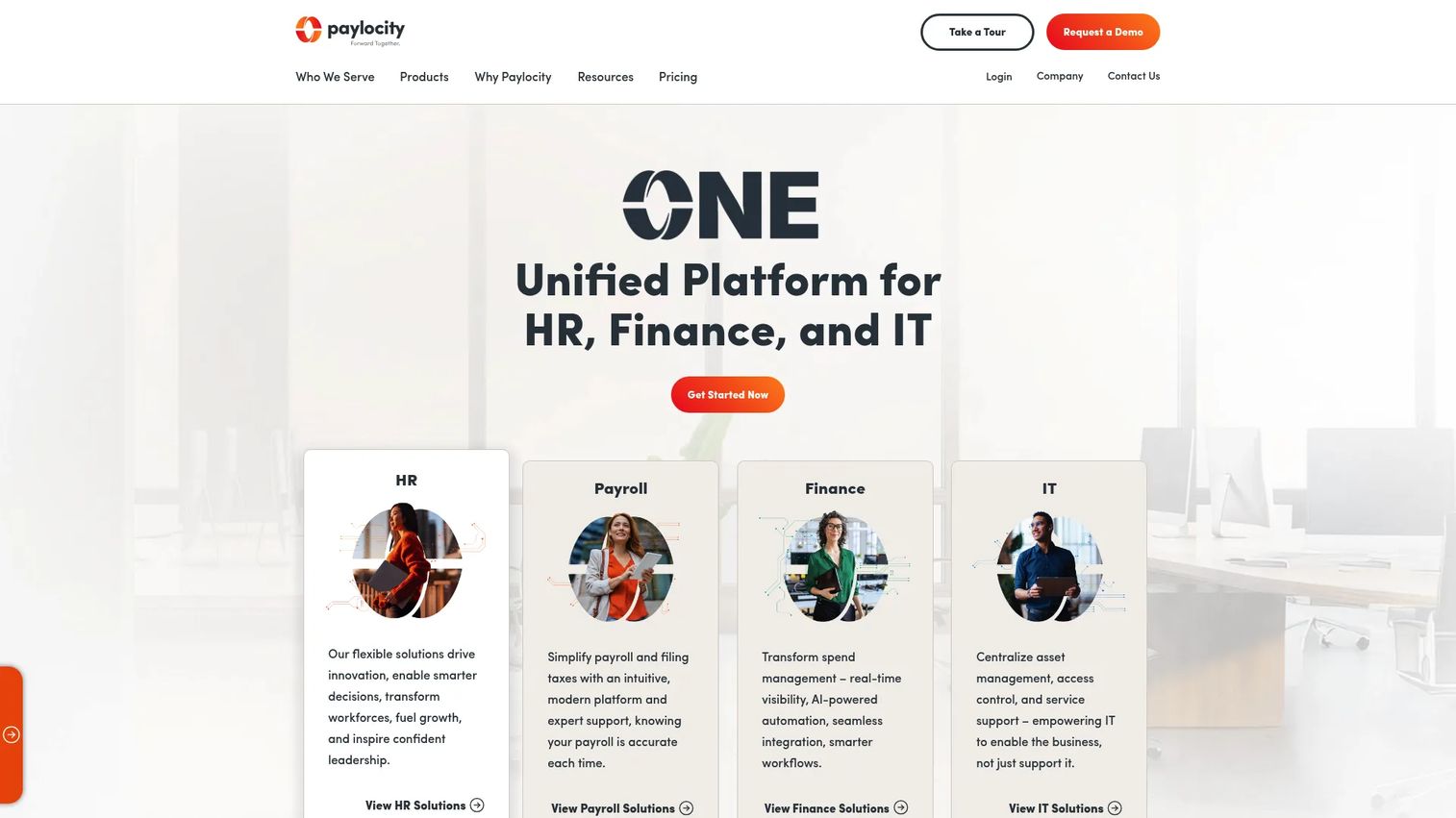
Paylocity is a cloud platform spanning HR, payroll, finance, and IT, with headcount planning positioned as one capability inside a broader system. The appeal is alignment. When your headcount plans, payroll data, and budget tracking live in the same platform, the numbers finance forecasts and the numbers HR runs payroll against are the same numbers. That removes a common source of variance between plan and actual.
Paylocity leans into permissioned collaboration, letting finance and HR work the same plan while controlling who sees compensation detail. Its automation workflows and AI-assisted tools handle the routine coordination that otherwise eats a planning cycle.
Best for: Mid-market to enterprise teams that want workforce planning inside a unified HR and payroll operation rather than a standalone tool.
Key strengths
- Centralized headcount plans: Keep plans, payroll, and budget data in one platform to reduce plan-versus-actual variance.
- Permissioned collaboration: Let finance and HR co-own plans with granular access controls over sensitive data.
- Budget allocation and variance analysis: Track planned spend against actuals with recruiting connection points built in.
Why choose Paylocity: Paylocity fits teams that already want to consolidate HR and payroll and see headcount planning as a natural extension of that stack. If you value one system of record over a specialized planning layer, this is a strong consolidation play. Teams looking for a dedicated FP&A-grade planning engine may want to compare it against finance-led options.
Paylocity pricing: Paylocity uses custom pricing and directs prospective buyers to request a quote; no public starting price is listed. Paylocity holds a 4.4/5 rating on G2.
3. Rippling
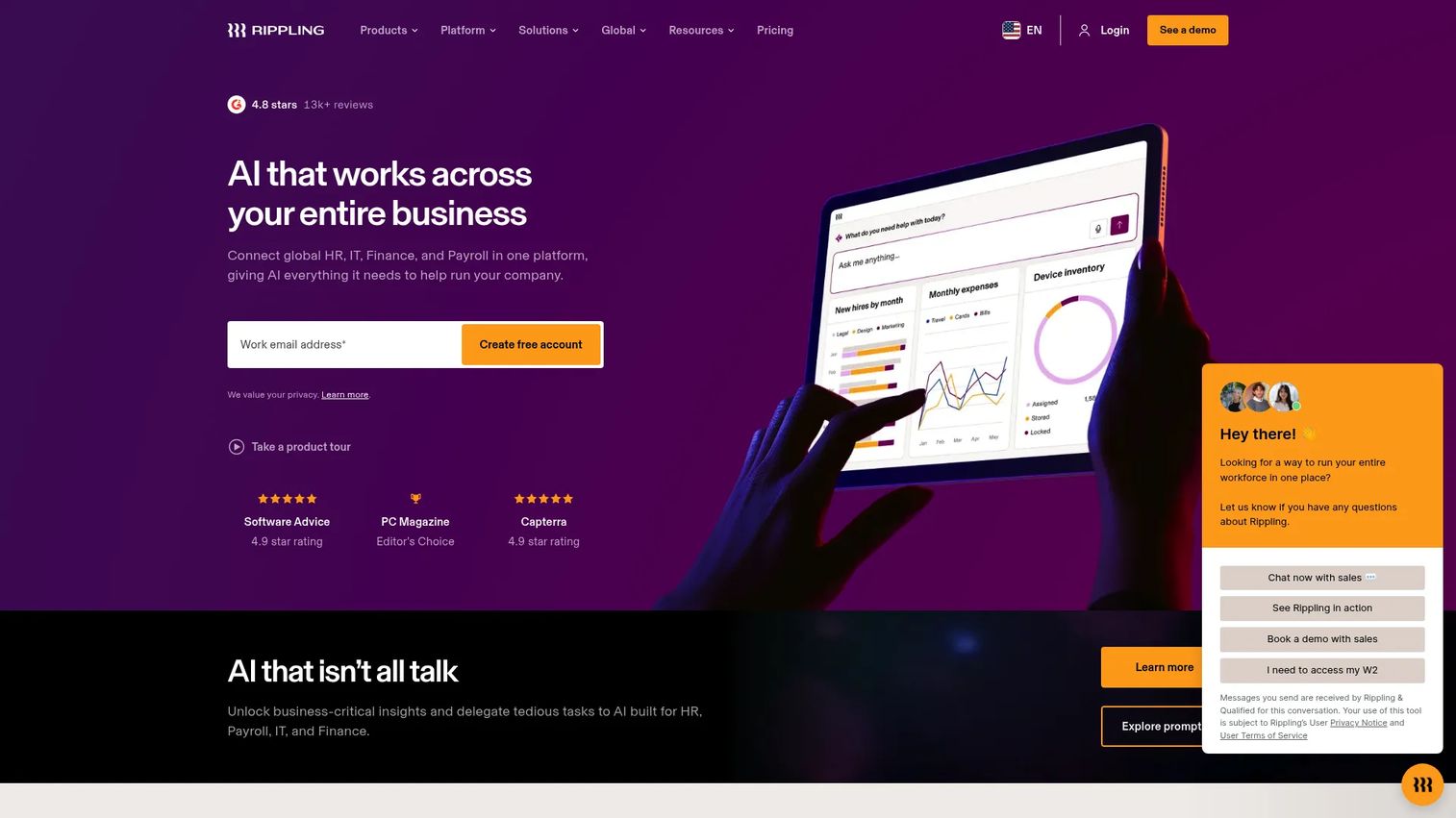
Rippling frames the category around one goal: eliminate the spreadsheet. It unifies HRIS, payroll, IT, and finance operations, so headcount management lives alongside the employee lifecycle rather than in a separate planning file. That single-source-of-truth angle is the point. When a role is approved, the same system that manages devices, payroll, and access provisions everything downstream.
For headcount planning specifically, Rippling pairs unified data with workflow automation, analytics, and AI insights, plus recruiting notifications that keep hiring teams in the loop as plans change. The result is planning that plugs into operations instead of sitting outside them.
Best for: Companies that want headcount planning to live inside a broader HR, IT, and finance operations platform with strong automation.
Key strengths
- Unified headcount management: Manage plans, employee data, payroll, and IT provisioning from one system of record.
- Workflow automation and AI insights: Automate approvals and surface headcount analytics without manual reconciliation.
- Recruiting synchronization: Notify recruiting automatically as approved roles move into the hiring workflow.
Why choose Rippling: Rippling is the pick when spreadsheet replacement and operational consolidation matter more than a standalone planning interface. Because products are purchased alongside the core Rippling Platform, packaging can span multiple modules, so scope your needs before buying. For teams drowning in disconnected tools, that consolidation is the whole value.
Rippling pricing: Rippling provides custom quotes, and individual products are purchased alongside the required core Rippling Platform; no public list price is shown. Rippling holds a 4.6/5 rating on G2.
4. Pigment
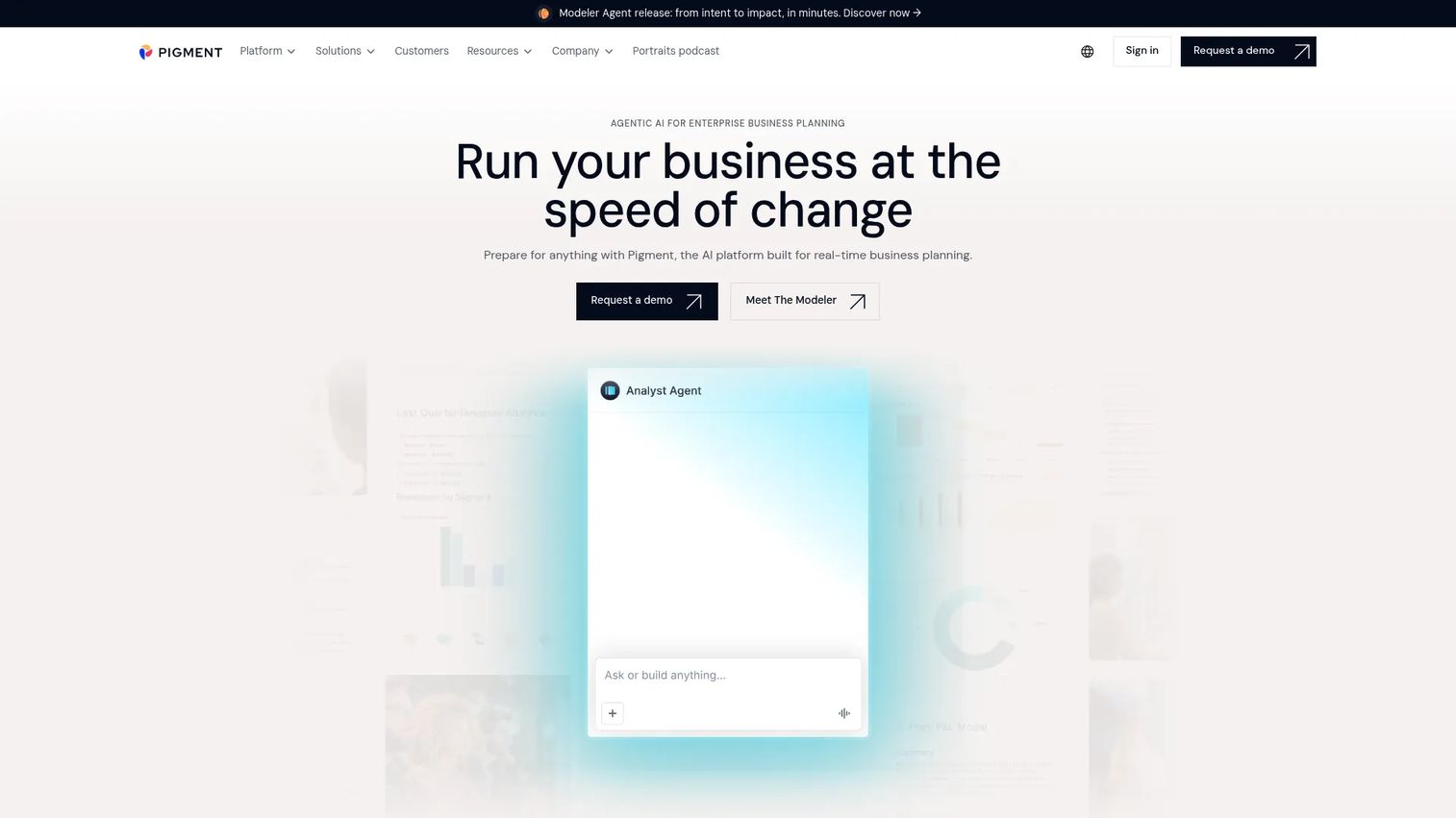
Pigment leads with strategic planning and business alignment rather than HR administration. It's a business planning and performance management platform where headcount is one dimension of a larger financial model. For finance-led buyers, that framing matters. You're not just planning heads; you're modeling how each hire flows through revenue, margin, and cash across the whole plan.
Pigment's strength is scenario analysis and custom forecasting across Finance, Sales, HR, and Operations, backed by AI agents for planning and modeling and a unified, governed data layer. That cross-functional line of sight gives executives a single view of how workforce decisions ripple through the business.
Best for: Finance-led teams and FP&A functions that need headcount modeled inside a broader strategic plan, not just an HR view.
Key strengths
- Strategic scenario analysis: Model workforce decisions against revenue, margin, and cash in one connected plan.
- Custom forecasting: Build flexible workforce models that flex with business assumptions and drivers.
- Cross-functional collaboration: Give Finance, Sales, HR, and Operations a shared, governed source of truth.
Why choose Pigment: Pigment fits when the buyer is finance, not HR, and headcount is one input into a company-wide model. It excels at executive visibility and business alignment. Because it is a planning platform rather than an HRIS, teams that primarily need employee record management and recruiting execution should pair it with an HR system of record.
Pigment pricing: Pigment structures pricing around a platform fee, license count, and features, with Explorer, Contributor, and Editor license types referenced in its documentation. No public price is listed; buyers contact Pigment directly. Pigment holds a 4.6/5 rating on G2.
5. Workday
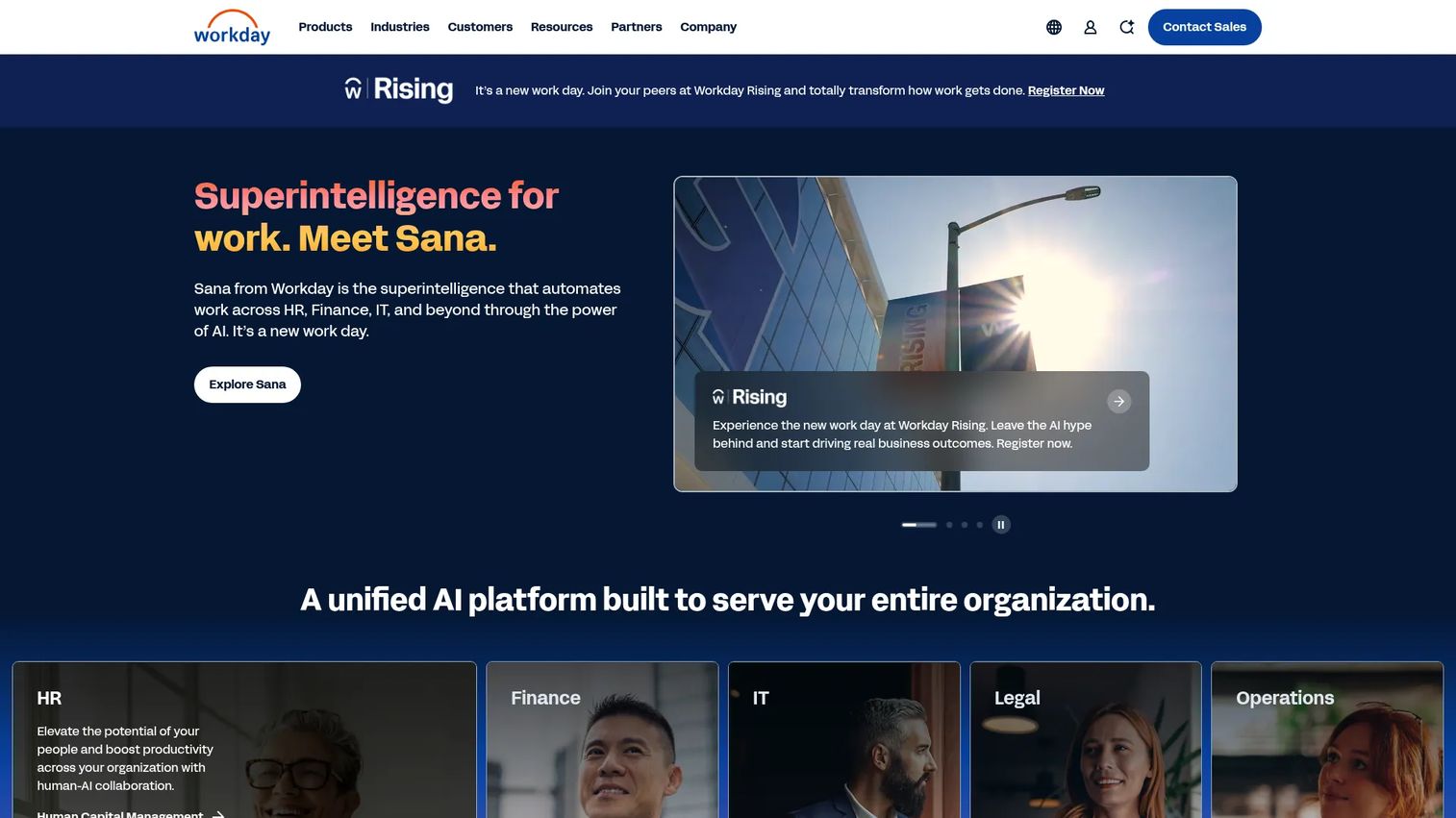
Workday is an enterprise AI platform for HR and finance, and headcount planning sits inside a much larger unified suite. For large organizations with complex workforce structures, the appeal is that planning, the HRIS system of record, payroll, and finance all run on one platform. Workday Adaptive Planning adds dedicated workforce and financial modeling on top of that foundation.
Where Workday is strongest is governance and enterprise-grade reporting. In organizations that already run Workday-heavy stacks, doing headcount planning inside the same platform means one source of truth, consistent permissions, and reporting that stands up to audit. For a company managing thousands of employees across regions and legal entities, that consolidation is worth the implementation weight.
Best for: Large enterprises with complex workforce structures that already run, or plan to run, on a unified Workday stack.
Key strengths
- Unified HR and finance platform: Plan headcount inside the same system that runs the HRIS, payroll, and finance.
- AI-powered workforce insights: Surface workforce and business signals across the enterprise.
- Adaptive planning and workforce management: Model headcount and financials together with enterprise governance.
Why choose Workday: Workday is the natural fit when you are already invested in its ecosystem and need headcount planning to inherit the same governance and reporting rigor. It suits large, process-heavy organizations over lean startups. The value scales with organizational complexity, so it is best matched to enterprises rather than early-stage teams.
Workday pricing: Workday does not publish pricing for its core products. Workday Adaptive Planning offers a 30-day free trial, with paid planning and consolidation offerings quoted on request. Workday holds a 4.2/5 rating on G2.
6. Oracle Fusion Cloud HCM
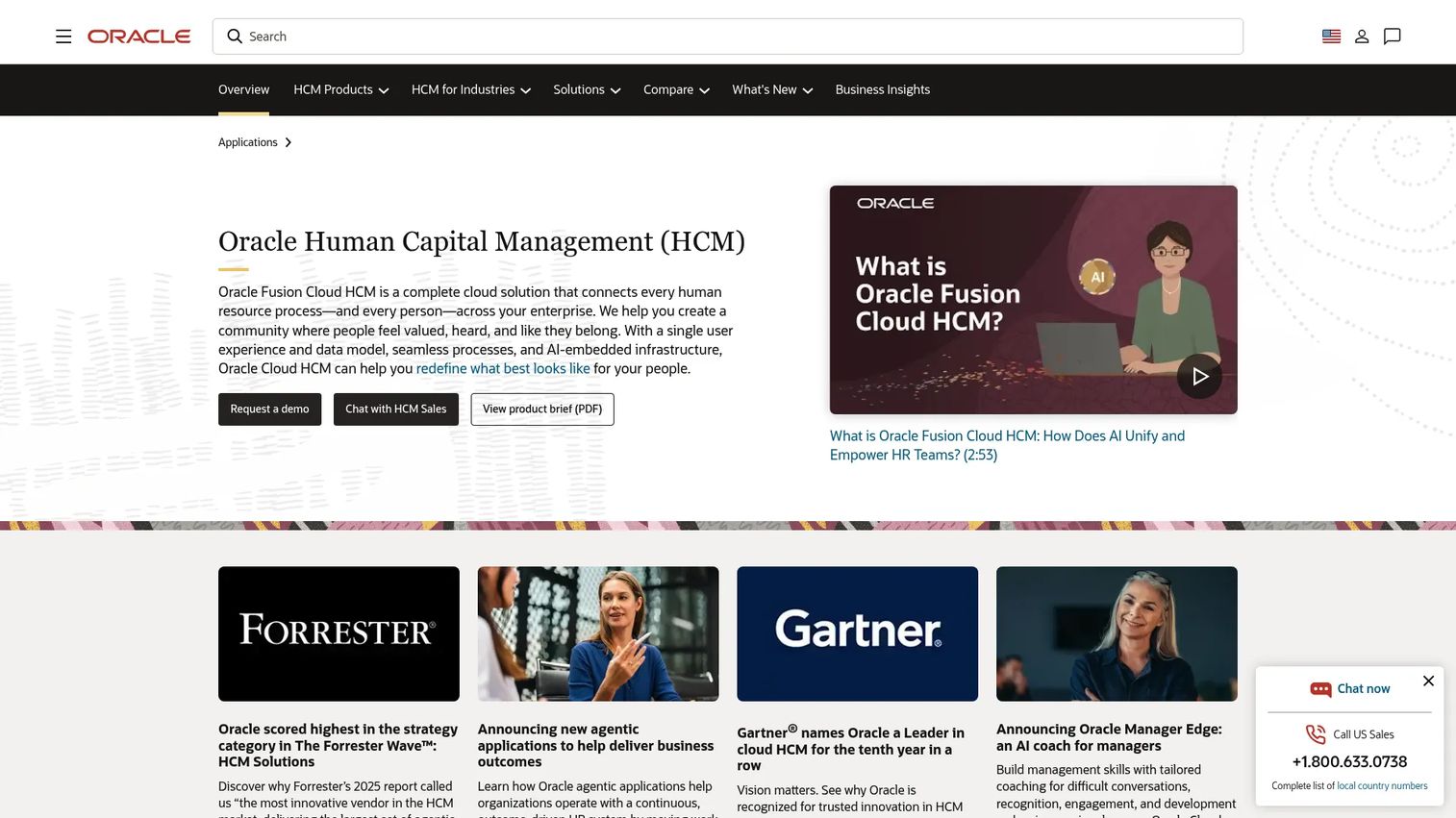
Oracle Fusion Cloud HCM is Oracle's cloud human capital management suite, covering core HR, talent, workforce management, payroll, analytics, and employee experience. Workforce planning lives inside that broad ecosystem, which means headcount decisions connect to recruiting, compensation, learning, and succession in one governed platform. For enterprises already standardized on Oracle, that alignment across finance, HR, and broader enterprise planning is the draw.
The suite is built for large, process-heavy organizations that need enterprise controls, global workforce management, and deep governance over sensitive data. It is less about a lightweight planning experience and more about planning as one connected function inside a full HCM platform.
Best for: Large, process-heavy enterprises, especially those already invested in the Oracle ecosystem, that need workforce planning inside a full HCM suite.
Key strengths
- Core HR and global workforce management: Manage headcount across regions and legal entities with enterprise controls.
- Talent management across the lifecycle: Connect planning to recruiting, learning, performance, compensation, and succession.
- Workforce analytics and employee experience: Layer analytics and the Oracle ME experience platform on top of planning.
Why choose Oracle Fusion Cloud HCM: Oracle fits enterprises that want workforce planning embedded in a comprehensive HCM ecosystem with strong governance and enterprise controls. It aligns well with finance, HR, and broader enterprise planning needs. Given its breadth, it suits large organizations with the process maturity to adopt a full suite rather than teams seeking a focused planning tool.
Oracle Fusion Cloud HCM pricing: Oracle does not publish public list pricing for its HCM suite; the product routes prospective buyers to request a demo or contact sales. Oracle's Global Human Resources Cloud holds a 3.8/5 rating on G2.
7. SAP SuccessFactors
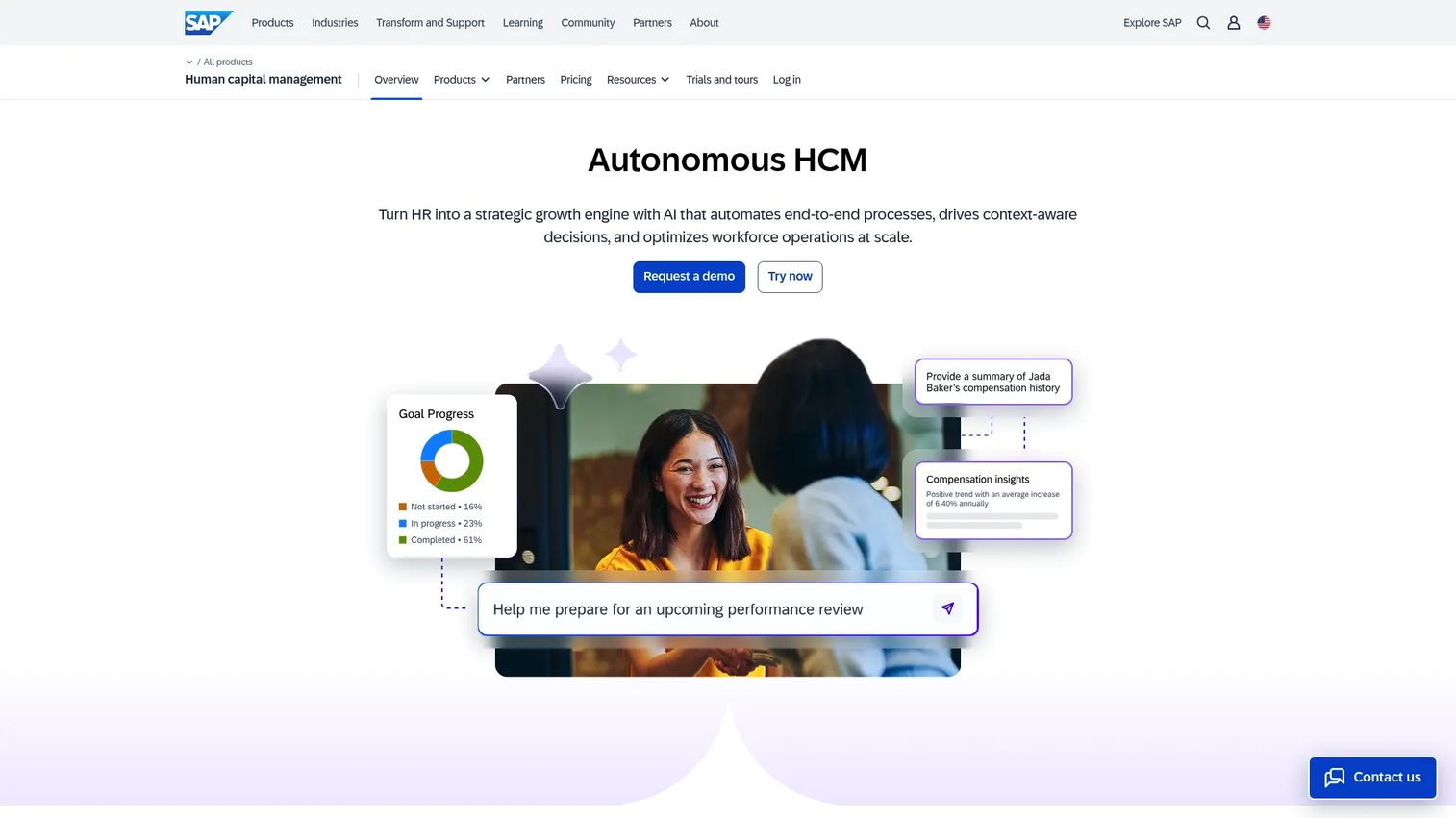
SAP SuccessFactors is SAP's AI-enabled human capital management software, spanning core HR, payroll, talent, and workforce management. Strategic workforce planning is a core part of the suite, and its natural home is organizations that already run SAP-centric systems. When your ERP, finance, and HR data already sit in SAP, keeping strategic workforce planning in the same environment means consistent data, enterprise permissions, and planning workflows that inherit existing governance.
The suite is built for global, process-heavy HR and finance operations. AI assistants and agentic HR workflows handle routine coordination, while core HR and talent management keep the plan connected to the live workforce. For large or growing enterprises standardized on SAP, that integration is the primary reason to choose it.
Best for: Global, process-heavy organizations already running SAP-centric systems that want strategic workforce planning inside their existing environment.
Key strengths
- Strategic workforce planning: Model long-range workforce needs inside an enterprise HCM suite.
- AI assistants and agentic HR workflows: Automate routine HR and planning coordination at scale.
- Core HR, payroll, and talent management: Keep planning connected to the live workforce and enterprise permissions.
Why choose SAP SuccessFactors: SAP SuccessFactors is the fit for enterprises already invested in SAP that want planning to inherit existing data and governance. It suits global operations with complex HR and finance processes. Because it is a full enterprise HCM suite, it is best matched to large organizations rather than lean teams looking for a focused planning layer.
SAP SuccessFactors pricing: SAP does not publish public pricing for SuccessFactors; the HCM pages route to contact sales or price on request. Pricing is quoted per organization based on scope and modules.
Considerations
Once you've narrowed the list, evaluate against the criteria that actually determine whether a tool earns its place in your stack.
HRIS and ATS integration depth
A plan that can't push approved roles into your ATS creates the same manual handoff you're trying to remove. Check which HRIS you'll sync from as your source of truth, and confirm the ATS integration writes requisitions, not just exports a list. Depth matters more than the length of the integration marketing page.
Budget and compensation modeling
The tool should tie every planned role to a fully loaded cost, not just a base salary. Look for variance analysis that compares planned versus actual spend and compensation planning that reflects bands, benefits, and location. Weak budget tracking turns a planning tool into a nicer org chart.
Permissions and auditability
Headcount and compensation data is among the most sensitive you hold. Evaluate permissions and access controls at the field level, not just the plan level, and confirm every approval and edit leaves an audit trail. That trail is what makes the plan defensible in a board or due-diligence review.
Approval workflow flexibility
Your approval chain rarely fits a template. Test whether approval workflows can route by department, cost threshold, or seniority, and whether they handle the exceptions that always come up. Rigid workflows push people back into email and Slack, which defeats the purpose.
Scenario planning quality
The point of scenario planning is to test decisions before you commit budget. Assess how quickly you can build a downside case, compare scenarios side by side, and see the runway impact of each. Slow or shallow modeling means the tool won't get used when it matters most.
Implementation effort and change management
Enterprise suites deliver depth but ask for more implementation and change management. Lighter, focused tools get you to a working plan faster. Match the effort to your stage: a 40-person company and a 4,000-person company should not choose the same way.
Conclusion
The shortlist sorts cleanly by buyer type. For org chart-based planning with visual scenario modeling, ChartHop is the strongest focused pick. For teams consolidating HR, payroll, and finance, Paylocity and Rippling keep planning inside a unified operation. For finance-led strategic workforce planning, Pigment models headcount inside a company-wide plan. And for large enterprises with complex structures and heavy governance needs, Workday, Oracle Fusion Cloud HCM, and SAP SuccessFactors anchor planning inside full HCM suites.
For a founder, this decision maps straight to the metrics that survive board scrutiny: runway, predictability, and execution discipline. The right tool turns hiring plans into operating decisions you can defend, and turns approvals into requisitions without drift.
One piece of advice: choose for your current planning maturity, not the longest feature list. A focused tool you'll actually use beats an enterprise suite you'll implement for a year and adopt at 20%. Pick the platform that matches where your team is today, and let it earn its place in your stack within the first quarter.
FAQs
Headcount planning software is a tool that lets finance, HR, and leadership plan, model, approve, and track hiring in one system, connecting workforce plans to budget and recruiting. It differs from tracking tools, which record who you employ today; planning tools focus on who you should hire, when, and at what cost. The goal is one live plan instead of competing spreadsheets.
The terms overlap heavily and are often used interchangeably. In practice, headcount planning focuses on the specific roles, timing, and cost of hiring, while workforce planning is broader and includes skills, capacity, and long-range organizational strategy. Most headcount planning tools support both, with workforce forecasting and strategic workforce planning layered on top of role-level plans.
Prioritize collaboration across finance, HR, and recruiting, accurate budget tracking tied to fully loaded costs, flexible approval workflows, and deep HRIS and ATS integration. Permissions and auditability matter because compensation data is sensitive. The tool should also make scenario planning fast enough that teams actually use it during a live planning cycle.
For the core planning cycle, yes. A dedicated tool removes version drift, centralizes approvals, and connects plans to execution in ways spreadsheets cannot. That said, hybrid workflows are common; teams often still export data or model quick one-off scenarios in a sheet. The difference is that the system of record stays in the tool, not in someone's local file.
Most tools offer both. HRIS integration keeps the org chart and employee record current from your system of record, so planning starts from accurate data. ATS integration pushes approved roles into recruiting as requisitions, removing the manual handoff. When evaluating, confirm the integration writes data both ways rather than exporting a static list.
It ties every planned role to a salary and fully loaded cost, then rolls those costs into a live budget. Scenario modeling lets you test how different hiring plans affect burn and runway before you commit. Variance analysis then compares planned spend to actuals, so the forecast stays honest as the year progresses.
The tipping point usually arrives when spreadsheet chaos costs more than the software. That often happens around 50 to 150 employees, when finance, HR, and recruiting each maintain separate plans and reconciliation becomes a recurring firefight. Smaller teams may manage in spreadsheets; growth-stage companies under board scrutiny rarely can for long.
Track planning cycle time, forecast accuracy, and hiring discipline. If a tool cuts your planning cycle from weeks to days, tightens the gap between planned and actual spend, and reduces roles that stall between approval and requisition, it is paying for itself. For a founder, the clearest ROI signal is a plan clean enough to survive board and due-diligence scrutiny without a scramble.