
A customer DMs you on Instagram about a billing error. An hour later, the same person comments on your latest Facebook post, frustrated. By afternoon, they have @-mentioned you on X, this time with a screenshot and a bigger audience watching.
Three threads. Zero shared context. One angry customer who thinks you are ignoring them.
That is the daily reality for support teams managing customer questions across social channels. The volume keeps climbing, and the clock is always running. According to the 2025 Sprout Social Index, 73% of social media users expect a brand to respond within 24 hours. Miss that window and the cost is real: the same research found 73% of consumers will buy from a competitor when a brand fails to respond.
Native apps were not built for this. Switching between Instagram, X, WhatsApp, and Facebook tabs means lost context, duplicate replies, and threads that slip through the cracks. Your agents burn time hunting for conversation history instead of resolving issues. Your KPIs (first-contact resolution, average handle time, CSAT) suffer because the tooling fights you.
Social customer service software fixes the structural problem. It pulls every mention, comment, and message into one workspace so your team can triage, route, and resolve without tab-switching. The better tools layer in AI to deflect repetitive questions before an agent touches them. Pairing your support stack with interactive self-serve guides is one of the most effective ways to deflect repetitive "how do I" questions before a human is ever needed.
This guide compares the tools that do this well, judged through the metrics support teams actually own.
What's inside
This guide is for support leaders and frontline agents who manage customer conversations across social and messaging channels: Heads of Support, Customer Support Managers, Support Ops, and senior agents at SaaS and ecommerce companies.
We assessed each tool against four criteria that matter to a support queue, not a marketing dashboard:
- Channel coverage breadth: how many social and messaging channels it unifies.
- Unified inbox and thread continuity: whether one customer stays one conversation across channel switches.
- AI automation and deflection: how much repetitive volume the AI resolves before an agent steps in.
- Analytics and pricing transparency: whether it reports the KPIs you own, at a price you can plan around.
Every claim here was checked against vendor pages and live G2 listings. If you're also evaluating how your team manages social engagement, our roundup of the best social media management tools is a useful companion read.
TL;DR
Short on time? Here are the social media customer service tools by support team profile:
- Best for enterprise omnichannel scale: Sprinklr Service, for teams supporting customers across 30+ voice, social, and digital channels.
- Best for blending social marketing and care: Sprout Social, with its unified Smart Inbox and case management.
- Best full helpdesk with social built in: Zendesk, for support orgs that want social inside complete omnichannel ticketing.
- Best free entry point: Freshdesk, Zoho Desk, HubSpot Service Hub, and LiveAgent all offer free or low-cost starting tiers.
- Best for DTC and ecommerce: Gorgias, purpose-built for Shopify brands managing social DMs and comments.
- Best AI-driven deflection: Sprinklr Service and Zendesk, with conversational AI agents that resolve repetitive questions automatically.
What is social customer service software
Social customer service software centralizes customer questions, complaints, and mentions from social and messaging channels into a single workspace where support teams triage, route, and resolve them. Instead of monitoring native apps separately, agents work every conversation from one queue with full context attached.
This is a distinct category from social media management tools, which focus on publishing and scheduling. Social customer care software is built for resolution: it sits closer to your helpdesk than your content calendar. It is also a slice of the broader digital customer service software market, focused specifically on the social and messaging surface.
Core features of a social media customer service software platform usually include:
- Unified inbox across Facebook, Instagram, X, WhatsApp, LinkedIn, YouTube, and TikTok.
- Social listening, monitoring, and message categorization so nothing relevant gets missed.
- AI-powered routing, drafting, and conversational agents that handle repetitive volume.
- Thread continuity that keeps one customer's conversation intact across channel switches.
- Sentiment, CSAT, and crisis or escalation alerts that flag at-risk threads early.
- Analytics and reporting tied to support KPIs, not vanity engagement numbers.
Many teams pair the platform with interactive self-serve guides embedded in help centers and ticket replies. These clickable walkthroughs answer repetitive "how do I" questions visually, which works best as a deflection layer alongside your social tool, catching common questions before they ever reach a human agent. Tools like this overlap with the broader knowledge base software category that many support teams use for self-service.
When support teams use social customer service software
Social customer support tools earn their place when your conversations outgrow the native apps. Three situations make the case.
Triage mentions and DMs from one inbox
When customers reach you across five platforms, your agents waste time switching tabs and reconstructing context. A unified inbox consolidates every comment, DM, and mention into one queue. Agents see conversation history, route by topic or priority, and stop missing threads. The result is faster triage and fewer duplicate replies.
Deflect repetitive "how do I" questions before they reach an agent
A large share of social messages are the same handful of setup and how-to questions. Conversational AI can resolve many of these instantly, and saved replies handle the rest. Teams sharpen this further by linking interactive self-serve guides directly in responses, so customers walk through the steps themselves. Layering these visual walkthroughs alongside your social tool works best for trimming repetitive volume off the queue, freeing agents for the issues that genuinely need a human. Many teams use these guides to build self-service experiences that scale support without adding headcount.
Catch and resolve escalations before they go public
A frustrated DM is a private problem. A frustrated public thread is a brand problem. Sentiment analysis and crisis alerts flag at-risk conversations as they happen, so your team can step in before a complaint spreads. For high-volume brands, this early warning is the difference between a quiet save and a public mess.
Comparison table
Below is a side-by-side look at the ten social media customer service tools in this guide. Pricing reflects published vendor figures at the time of writing, and G2 ratings are pulled from each tool's live listing. Some vendors quote custom enterprise pricing only.
| # | Product | Intent | Key use case | Pricing | G2 rating |
|---|---|---|---|---|---|
| 1 | Sprinklr Service | Enterprise omnichannel | Unified social, voice, and digital service across 30+ channels | Custom | 4.3/5 |
| 2 | Sprout Social | Social marketing + care | Smart Inbox with case management for social teams | From $79/seat/mo | 4.4/5 |
| 3 | Zendesk | Full helpdesk | Social channels inside omnichannel ticketing | From $19/agent/mo | 4.3/5 |
| 4 | Freshdesk | SMB to mid helpdesk | Social plus ticketing with Freddy AI | Free; from $19/agent/mo | 4.4/5 |
| 5 | Zoho Desk | Budget-conscious teams | Affordable omnichannel desk with Zia AI | Free tier available | 4.4/5 |
| 6 | Gorgias | DTC / ecommerce | Shopify-native social DM and comment support | From $10/mo | 4.6/5 |
| 7 | HubSpot Service Hub | HubSpot-native teams | CRM-connected inbox and ticketing | Free; from $10/seat/mo | 4.4/5 |
| 8 | Hootsuite | Social engagement + light support | Social inbox, listening, and response management | Custom | 4.3/5 |
| 9 | LiveAgent | Affordable all-in-one | Omnichannel helpdesk with social channels | From $15/agent/mo | 4.5/5 |
| 10 | Nextiva | Broad CX + communications | Social inbox inside a unified CX platform | From $15/user/mo | 4.5/5 |
1. Sprinklr Service
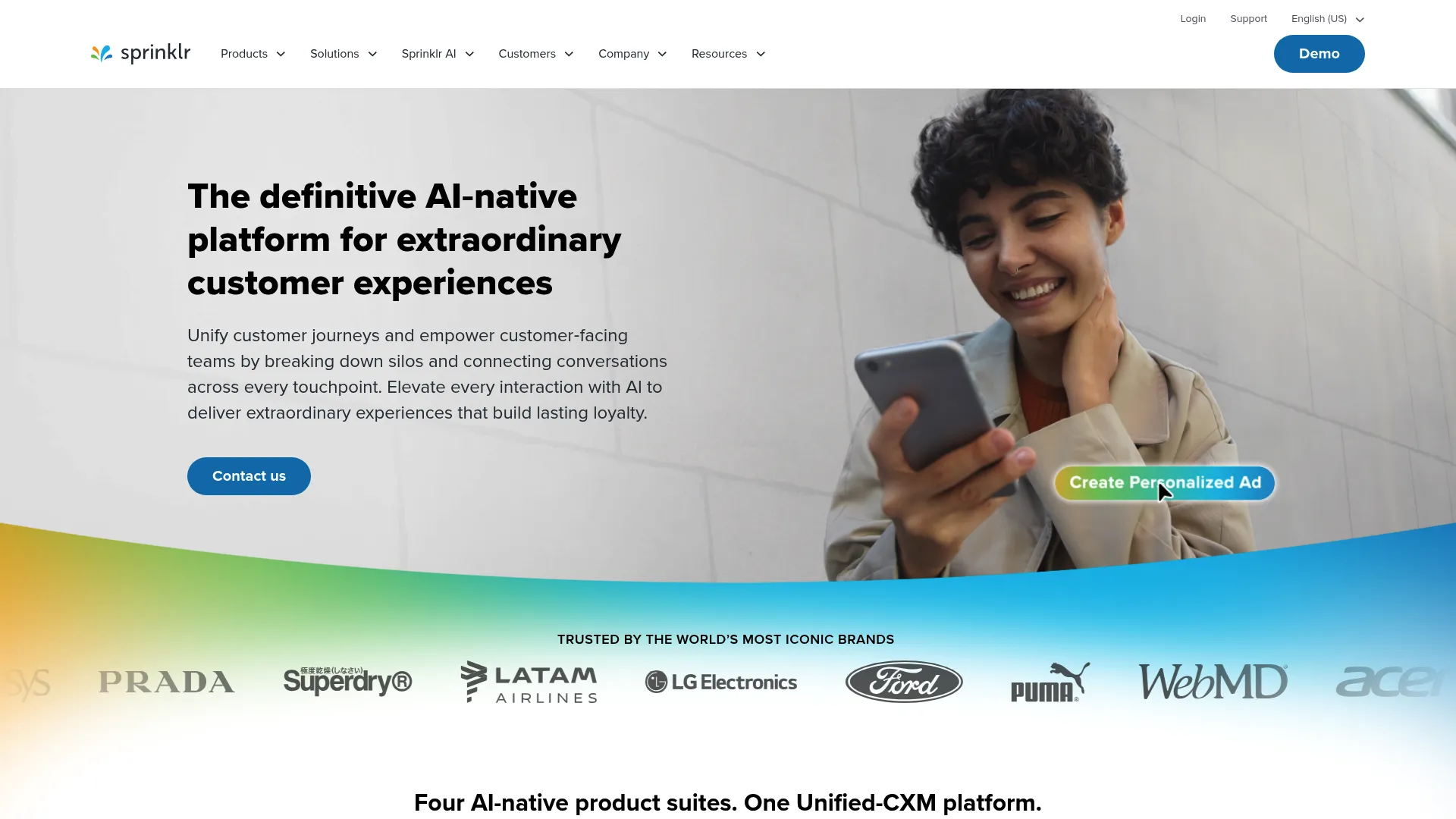
Sprinklr Service is an AI-native contact center platform that handles customer service across voice, social, and digital channels from a single workspace. It is built for large enterprises with high message volume, where social mentions, DMs, and comments arrive faster than any human queue can absorb. Sprinklr connects agents to customers across more than 30 channels, with a unified view of every conversation regardless of where it started. You can also explore an interactive Sprinklr demo to see how its workspace looks in practice.
Best for: Large enterprises managing high-volume, multi-channel social support where brand risk and response speed are both critical.
Key strengths
- 30+ channel coverage: Unifies voice, social, and digital channels so agents work every conversation from one context-rich desktop.
- AI-powered routing and assistance: Classifies incoming messages automatically and routes them, with real-time agent assistance during live conversations.
- Self-service and conversational AI: Conversational AI, IVR, and knowledge base capabilities deflect repetitive questions before they reach an agent.
Why choose Sprinklr Service: If your support org spans dozens of channels and you need social listening, AI routing, and crisis alerts in one platform, Sprinklr is built for that scale. It is an enterprise commitment, not a quick SMB pickup, but for high-volume teams the unified context and AI deflection directly move first-contact resolution and average handle time.
Sprinklr Service pricing: Sprinklr does not publish standard plan pricing. The Sprinklr Service product page directs buyers to talk to an expert for a custom quote rather than listing tiers or a starting price. There is no advertised public free tier, so budget for an enterprise sales conversation and confirm seat and channel terms before committing.
2. Sprout Social
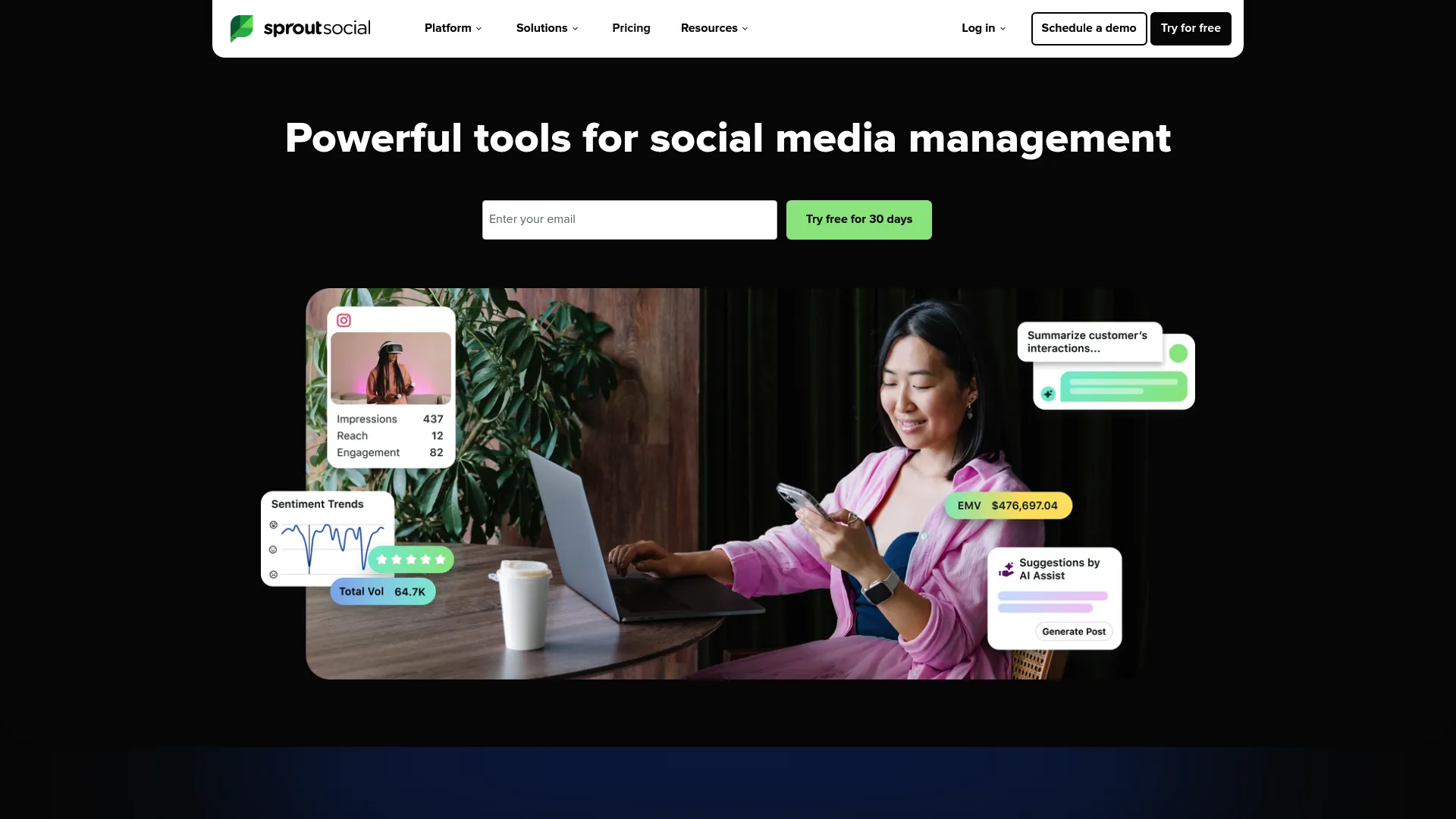
Sprout Social is an AI-powered social media management and intelligence platform with strong customer care capabilities baked in. Its unified Smart Inbox gathers messages across social platforms into one view, and its case management features let care teams triage responses to Cases while seeing critical customer information in one place. For teams where social support and social marketing share an owner, Sprout keeps both motions in a single tool. If marketing reporting matters too, see our guide to the best social media analytics tools.
Best for: Teams that blend social marketing and customer support and want care, publishing, and listening under one roof.
Key strengths
- Smart Inbox: Consolidates messages across networks into one queue, so agents triage without jumping between native apps.
- Case management: Routes messages to Cases and surfaces customer context, with a Salesforce Service Cloud integration for a complete customer view.
- Listening and reporting: Social listening, tagging, and customer care reports give support teams the KPI visibility marketing dashboards skip.
Why choose Sprout Social: Sprout is the natural pick when your social team owns both engagement and support. The Advanced tier adds AI-assisted replies, Smart Inbox sentiment, helpdesk integrations, and spike alerts, which matter when volume is unpredictable. It is per-seat software, so factor in how your team scales.
Sprout Social pricing: Sprout offers a 30-day free trial but no permanent free tier. The Essentials plan starts at $79 per seat per month billed annually, or $99 billed monthly, and includes up to five social profiles. Standard is $199 per seat per month, Professional is $299, and Advanced is $399, all billed annually. Enterprise pricing is custom.
3. Zendesk
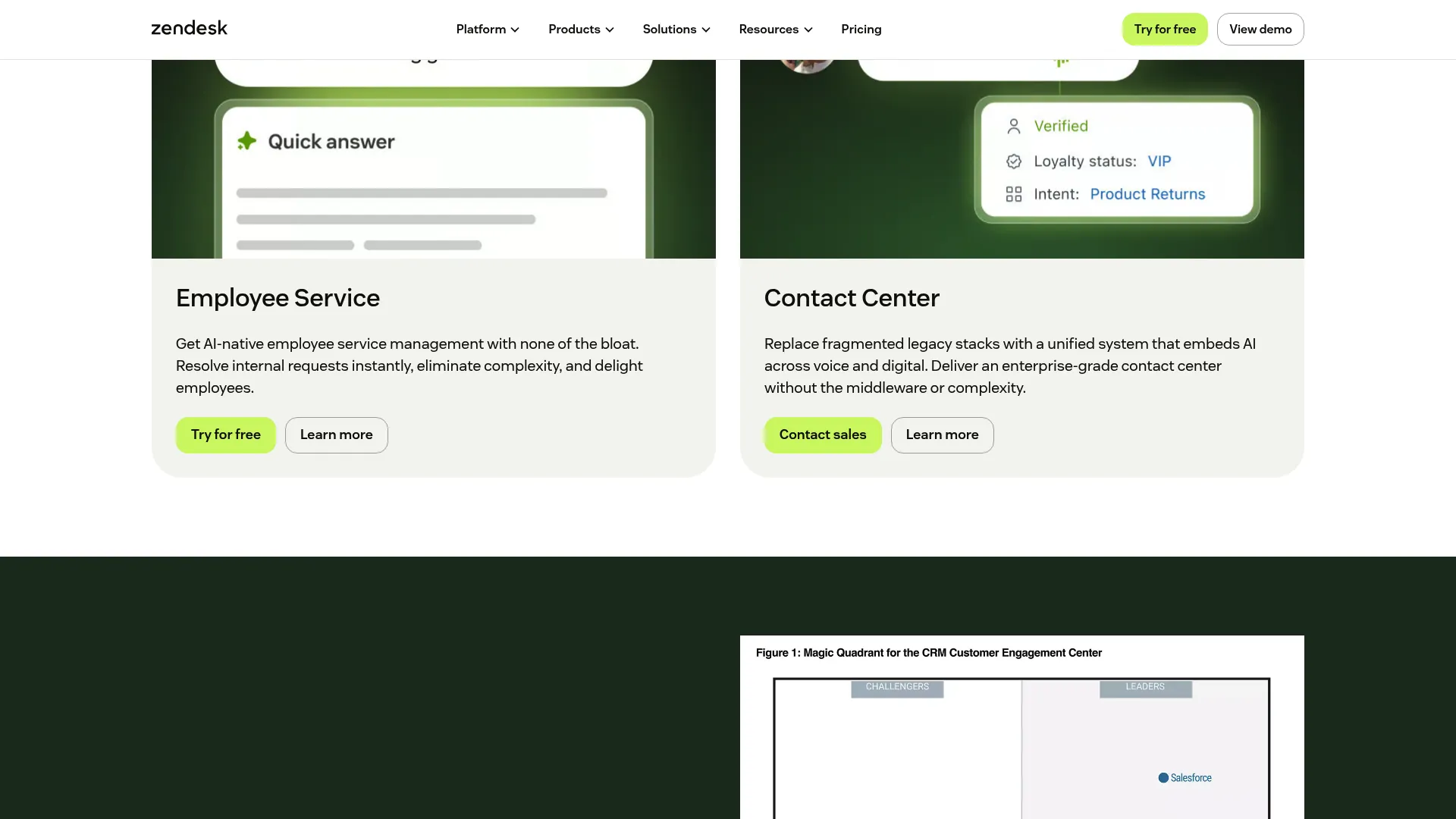
Zendesk is an AI-powered customer service platform that brings social channels into a complete omnichannel ticketing system. Social DMs and comments land in the same agent workspace as email, chat, and phone, so support teams handle every channel with the same macros, routing, and analytics. For orgs that want social customer support inside a full helpdesk rather than a standalone social tool, Zendesk fits cleanly. You can walk through an interactive Zendesk demo to see how the workspace handles social tickets.
Best for: Support organizations that want social channels managed inside a complete, scalable omnichannel helpdesk.
Key strengths
- Omnichannel agent workspace: Social, email, chat, and voice all flow into one ticketing view with shared macros and routing.
- AI Agents and automation: AI Agents resolve common requests automatically, with Action Builder and omnichannel routing handling the rest.
- Analytics and QA: Reporting, workforce management, and quality assurance tie social conversations to the KPIs your team is measured on.
Why choose Zendesk: If social is one of many channels you support, folding it into Zendesk avoids running a separate tool and a separate workflow. The trade-off is that Zendesk is a helpdesk first, so deep social listening is lighter than a social-native platform. For ticket-driven teams, that is usually the right trade.
Zendesk pricing: Zendesk offers a 14-day free trial but no permanent free tier on its pricing page. Support Team starts at $19 per agent per month billed yearly. Suite Team is $55, Suite Professional is $115, and Suite Enterprise with Copilot is quoted by sales. A qualified startup program is available separately.
4. Freshdesk
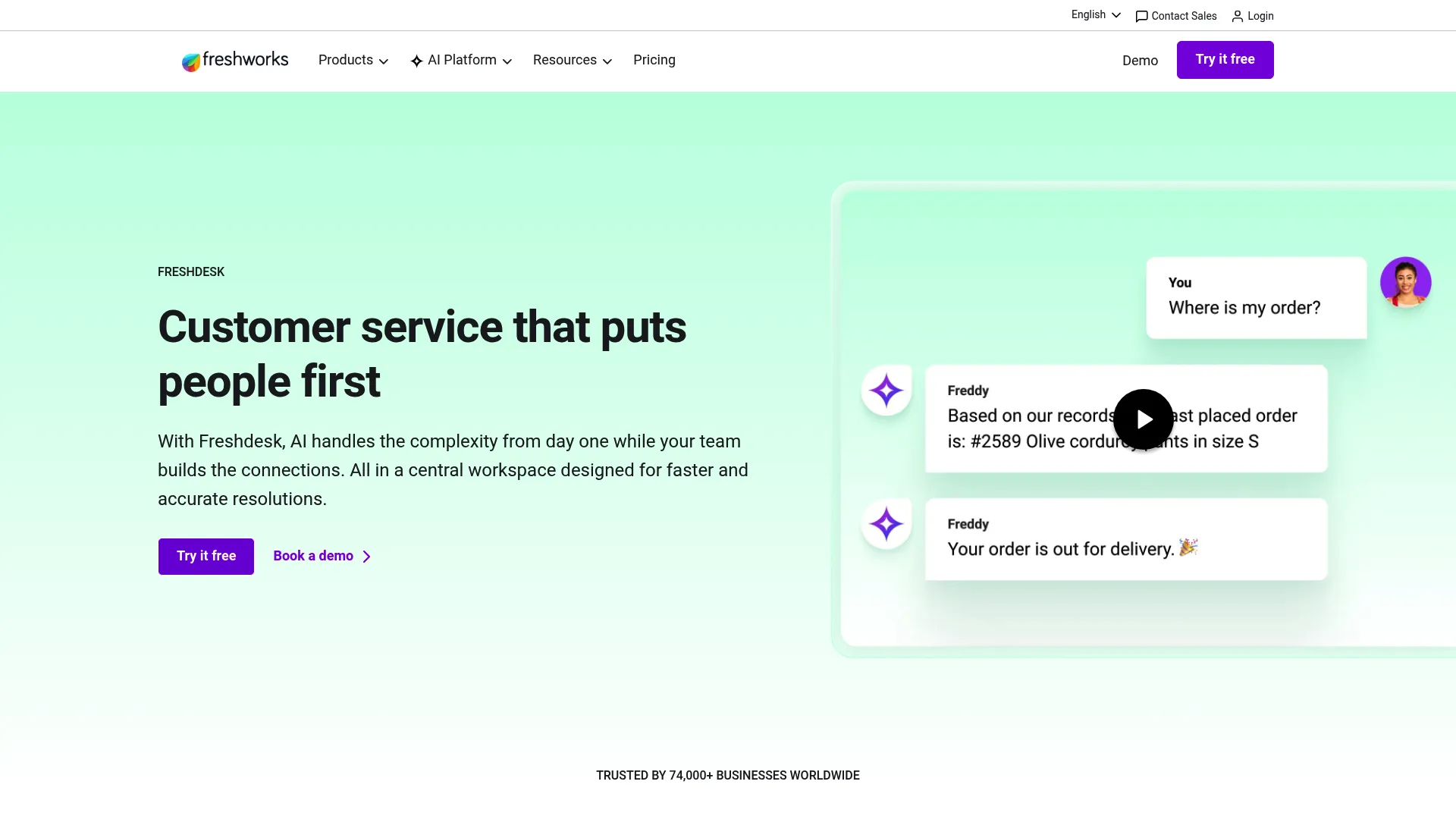
Freshdesk is an AI-powered customer service platform that centralizes support conversations, including social channels, into one agent workspace. With Freshdesk Omni and Freshchat covering social and messaging, plus Freddy AI handling automation, it gives SMB and mid-market teams a social-plus-helpdesk setup without enterprise pricing. Advanced ticketing keeps the queue organized as volume grows.
Best for: SMB to mid-market support teams that want social channels and full ticketing in one affordable platform.
Key strengths
- Advanced ticketing: Organizes social and email conversations into a single, structured queue with routing and automation.
- Freddy AI Agent: Resolves repetitive questions automatically, deflecting volume before it reaches a human.
- Freddy AI Copilot: Assists agents in real time, drafting and suggesting responses to cut handle time.
Why choose Freshdesk: Freshdesk hits a strong middle ground: more affordable than enterprise platforms, more capable than bare-bones tools. The free starting program lets small teams prove the workflow before paying. As you scale, the AI tiers add real deflection power.
Freshdesk pricing: Freshdesk offers a free program for one to two agents for six months. Paid plans bill annually: Growth at $19 per agent per month, Pro at $55, and Enterprise at $89. The free entry point makes it easy to test on your highest-volume channel before committing budget.
5. Zoho Desk
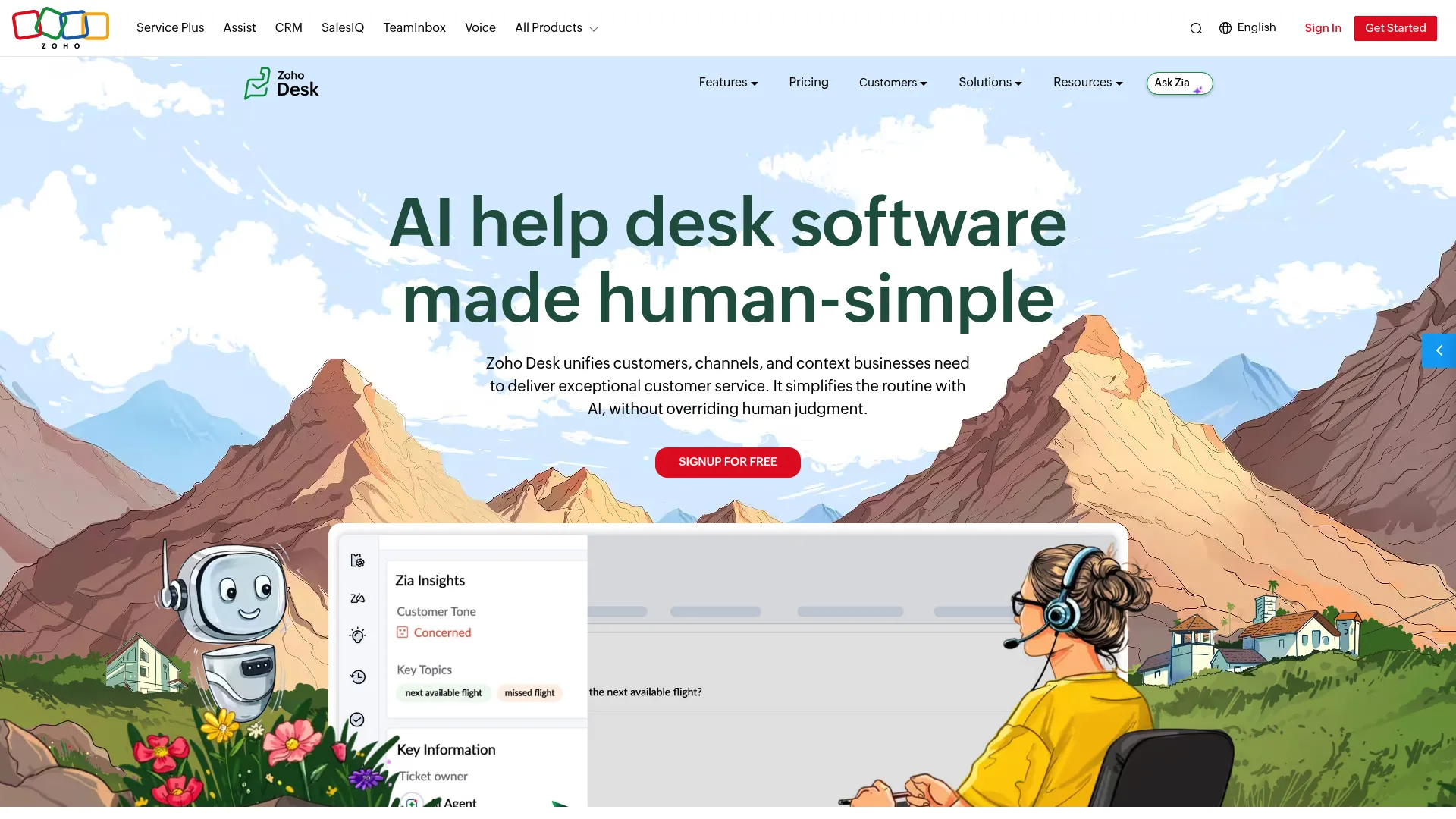
Zoho Desk is a customer service help desk that manages support tickets and omnichannel conversations, including social media, email, phone, chat, and web forms. Its Zia AI assists with automation and self-service, while its ticket management handles merge, clone, split, and parent-child workflows. For budget-conscious teams, especially those already in the Zoho ecosystem, it delivers a configurable social customer service platform at a low entry price.
Best for: Budget-conscious support teams, particularly those already running other Zoho products.
Key strengths
- Omnichannel support: Brings social media, email, phone, live chat, and web forms into one ticketing queue.
- Flexible ticket management: Merge, clone, split, and parent-child ticketing keep complex social threads organized.
- Self-service help center: Knowledge base, guided conversations, an ASAP widget, and a multilingual help center deflect questions before they reach agents.
Why choose Zoho Desk: Zoho Desk is the value play. If you want omnichannel social support without a steep per-agent bill, and you already use Zoho tools, the integration and pricing both work in your favor. Note that Zia AI and some automation features sit on higher tiers, so check which capabilities you need.
Zoho Desk pricing: Zoho Desk offers a free forever edition for small teams trying basic ticketing. Paid editions (Express, Standard, Professional, and Enterprise) scale up automation, self-service, and AI. Pricing shown on the live pricing page varies by region and currency, so confirm your local rate and which features unlock at each tier before buying.
6. Gorgias
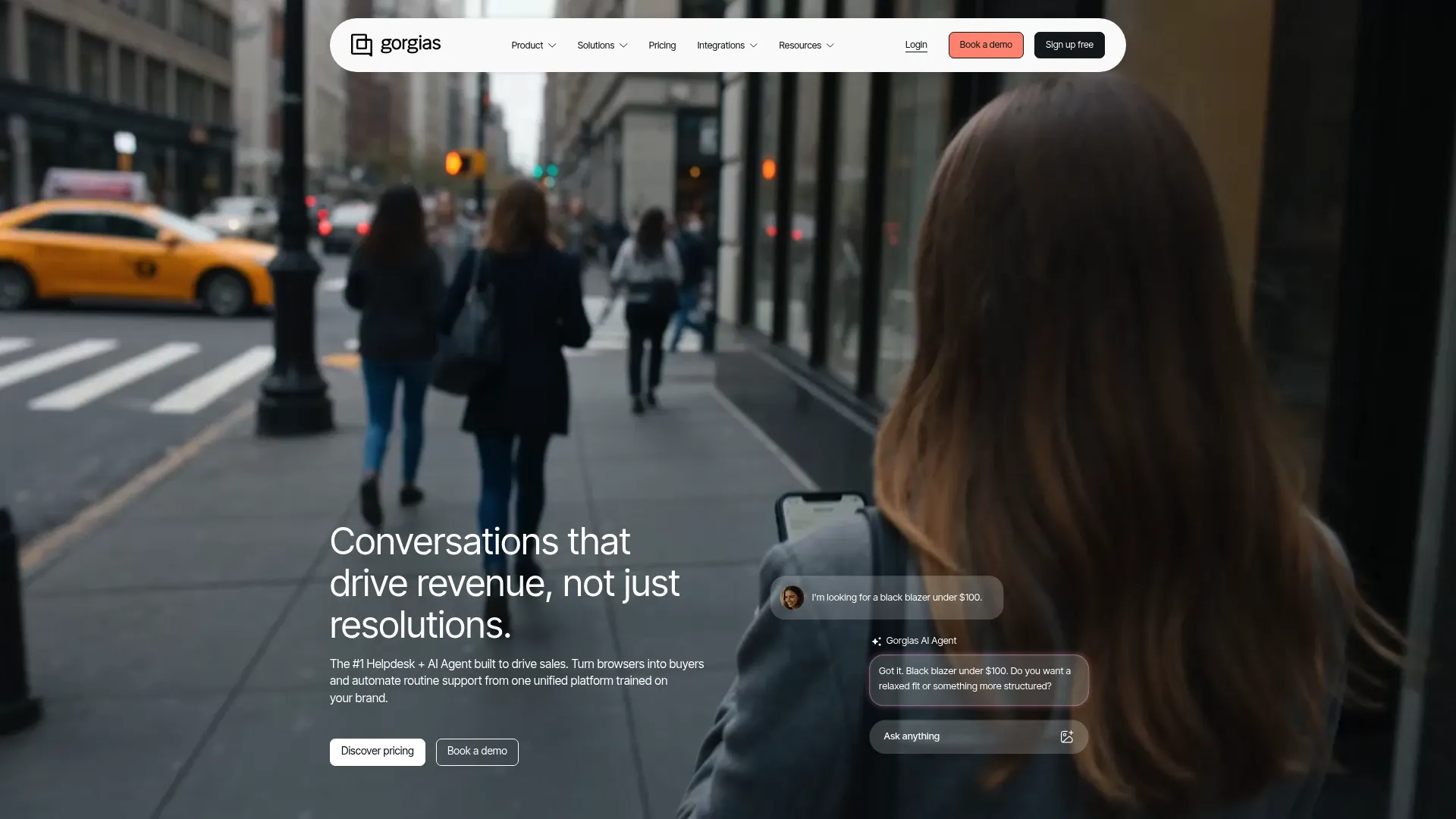
Gorgias is a conversational AI platform built specifically for ecommerce customer support. Its omnichannel helpdesk covers email, live chat, Facebook, Instagram, TikTok, WhatsApp, SMS, and voice, with social DMs and comments managed alongside order and customer data. Deep Shopify integration means agents see the full purchase context inside the support workflow, which is exactly what DTC support teams need to resolve social questions fast. See how Gorgias supports onboarding through interactive content in this Gorgias customer story.
Best for: DTC and ecommerce support teams, especially Shopify brands handling high social DM and comment volume.
Key strengths
- Ecommerce-native channels: Manages social comments and DMs from Facebook, Instagram, TikTok, and WhatsApp alongside email and chat.
- Shopify integration: Surfaces order and customer data inside the ticket, so agents resolve "where's my order" without leaving the workflow.
- AI Agent: Automates resolutions for FAQs, returns, refunds, order edits, and product recommendations.
Why choose Gorgias: If you sell online, Gorgias is built for your exact workflow. The order context inside every social conversation cuts handle time on the repetitive ecommerce questions that flood social channels. Pricing is tied to ticket volume rather than seats, which suits lean teams handling spiky demand.
Gorgias pricing: Gorgias prices by monthly billable tickets and offers a 7-day trial, with no permanent free tier. Starter is $10 per month for 50 tickets, Basic is $60 for 300 tickets, Pro is $360 for 2,000 tickets, and Advanced is $900 for 5,000 tickets. Enterprise is custom. The AI Agent is priced separately at $0.90 per resolved conversation on annual plans.
7. HubSpot Service Hub
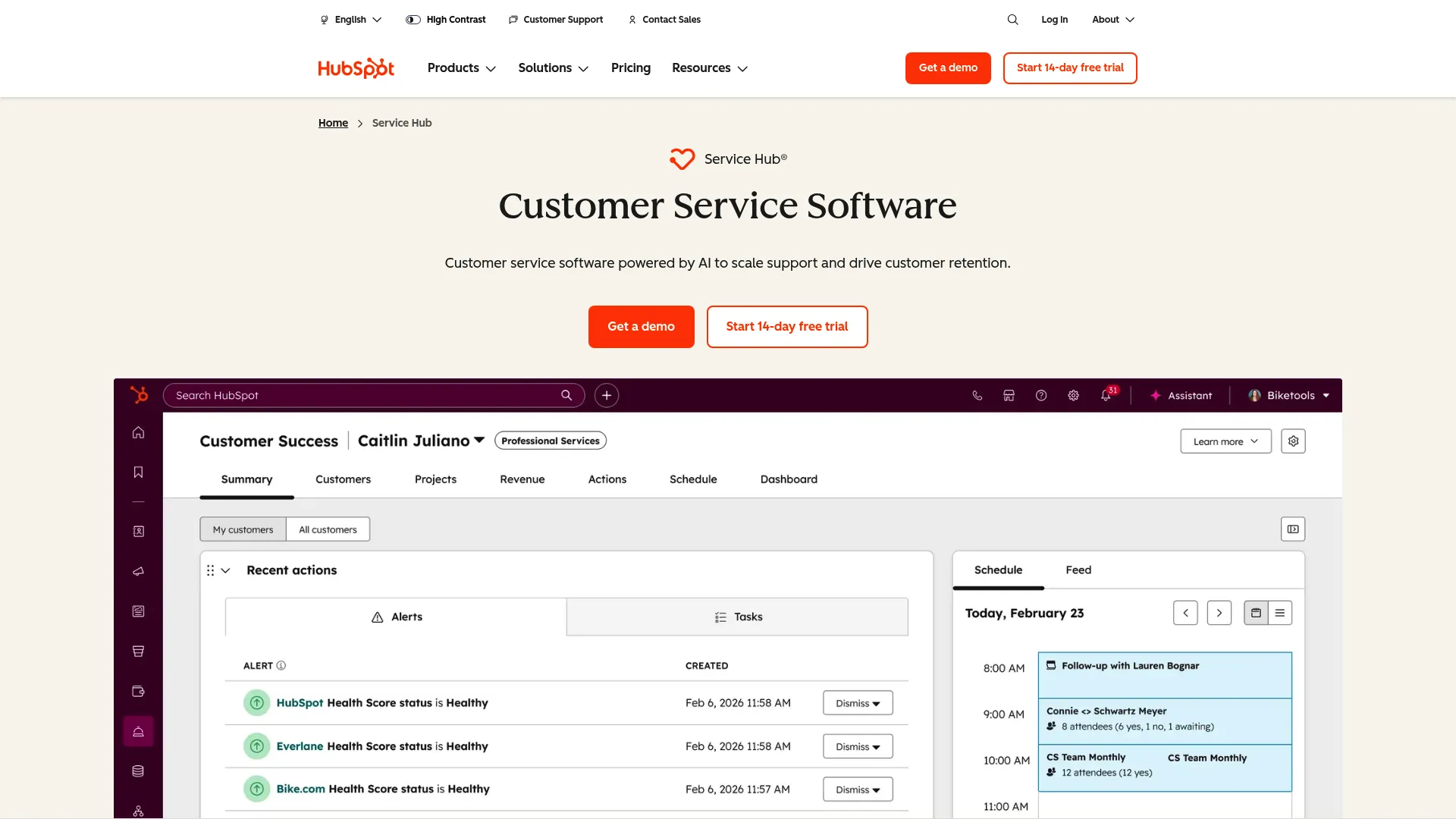
HubSpot Service Hub is AI-powered customer service software built on HubSpot's unified customer platform. It combines a connected inbox, ticketing, and a help desk workspace with social-adjacent channels, all sitting natively on top of HubSpot CRM. For teams already standardized on HubSpot, every support conversation carries full CRM context, which keeps social customer support tightly tied to the rest of the customer relationship.
Best for: Support teams already running HubSpot CRM who want service tightly connected to customer data.
Key strengths
- Help desk workspace and ticketing: Organizes inbound conversations into a structured queue with multiple pipelines and automation.
- Omnichannel communication: Brings shared inbox, live chat, and team email together with CRM context attached to every contact.
- Knowledge base and customer portal: Self-service content deflects repetitive questions and lets customers track their own tickets.
Why choose HubSpot Service Hub: The case for Service Hub is the CRM. If you already live in HubSpot, support conversations inherit every contact, deal, and history record automatically. It leans CRM-native rather than social-first, so confirm your priority social channels are covered before committing.
HubSpot Service Hub pricing: Service Hub has a free tier with contact management, ticketing, and team email. Starter is $10 per seat per month (a limited-time discounted rate for new customers), Professional is $100 per seat per month, and Enterprise is $150 per seat per month. The free tier lets you test the workflow at no cost before upgrading.
8. Hootsuite
Hootsuite is a social media management platform that pairs publishing and scheduling with a social inbox, listening, and response management. For teams that handle social engagement and light customer support together, Hootsuite keeps both in one place: schedule content, monitor mentions, and respond to incoming messages from a single dashboard. It ranked number one in social listening in the G2 Summer 2025 report, which signals how strong its monitoring side is.
Best for: Teams that manage social engagement and light support together rather than running a dedicated helpdesk.
Key strengths
- Social inbox: Routes incoming messages and DMs into one queue with auto-routing and tagging on higher tiers.
- Social listening: Tracks trends, mentions, hashtags, and sentiment with alerts, useful for catching escalations early.
- Analytics and reporting: Performance reports, benchmarks, and exportable custom reports tie engagement to outcomes.
Why choose Hootsuite: Hootsuite fits teams where support and social marketing overlap and the queue is manageable without full ticketing. Its listening strength makes it good at surfacing brand conversations before they escalate. For heavy ticket-driven support, a dedicated helpdesk will serve you better.
Hootsuite pricing: Hootsuite's pricing page lists Standard, Advanced, and Enterprise plans, billed per user with annual options referenced and a free trial available. Standard includes up to 10 social accounts and one inbox; Advanced adds unlimited accounts, saved replies, and expanded listening; Enterprise is custom with SSO and enterprise support. Confirm current rates directly on the pricing page.
9. LiveAgent
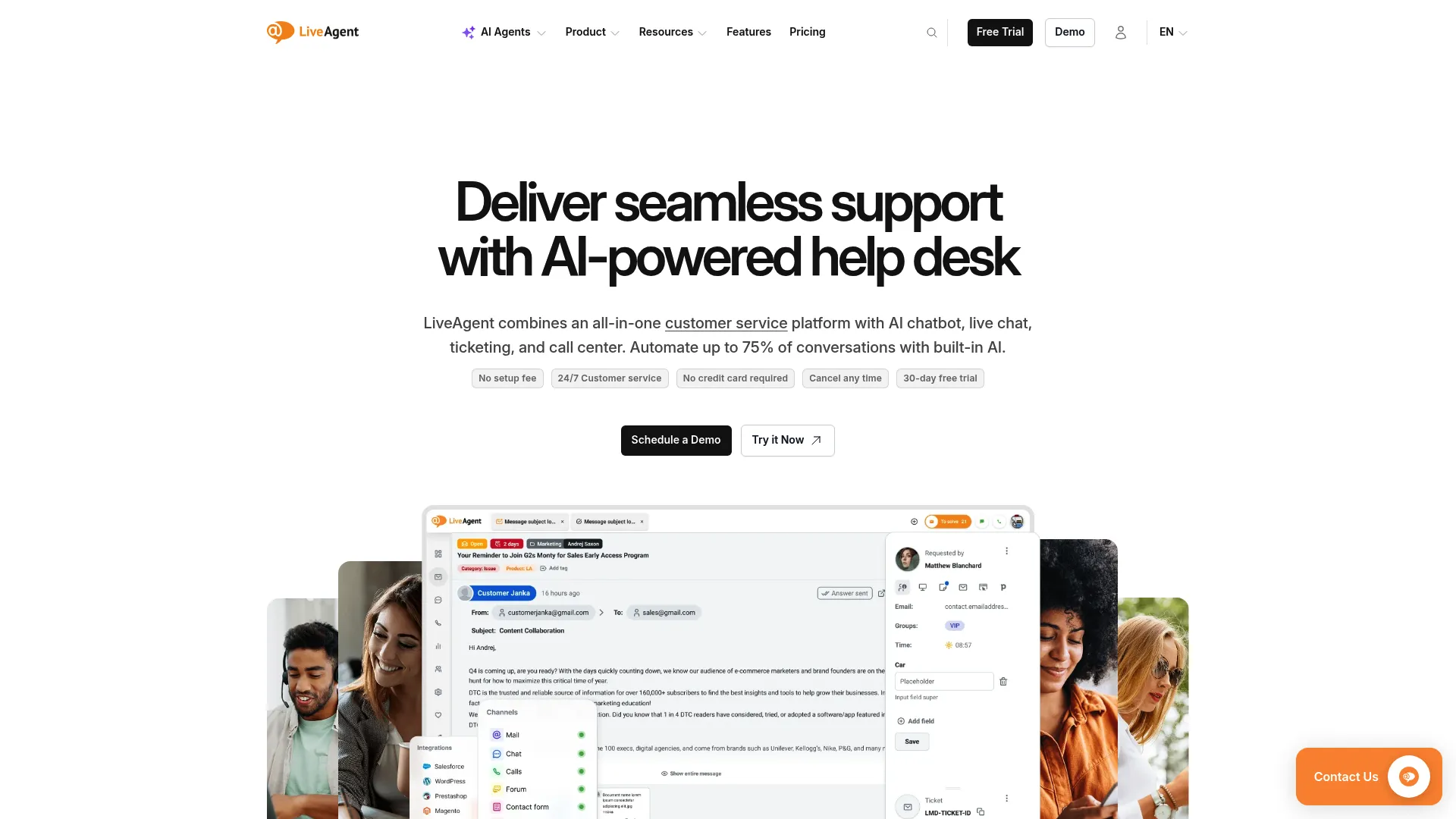
LiveAgent is an AI-powered help desk that combines live chat, ticketing, a call center, knowledge base, and omnichannel support. Its universal inbox pulls email, live chat, phone, and social channels into one queue, with social and messaging integrations including Facebook, Instagram, X, Viber, Telegram, and WhatsApp on its top tier. For SMBs that want an affordable all-in-one tool covering social media support alongside other channels, LiveAgent delivers broad capability per dollar.
Best for: SMBs that want an affordable, all-in-one omnichannel helpdesk that includes social channels.
Key strengths
- Universal inbox: Unifies email, live chat, phone, social media, and WhatsApp into one ticketing queue.
- Advanced ticketing: Automation rules, SLAs, canned messages, tags, and routing keep the queue organized as it grows.
- Built-in AI support: An AI chatbot and AI answer assistant help deflect and draft responses to repetitive questions.
Why choose LiveAgent: LiveAgent packs a lot of channel coverage into low per-agent pricing, which makes it attractive for budget-conscious teams. Worth noting: social and messaging channel integrations sit on the Large business tier, so if social is your priority, plan for that tier rather than the entry plan.
LiveAgent pricing: LiveAgent offers a 30-day free trial. Small business is $15 per agent per month billed annually, Medium business is $29 (adding call center and reports), Large business is $49 (adding SSO and social and messaging channels), and Enterprise is $69 (adding a dedicated account manager and priority support). Social channels arrive at the Large business tier.
10. Nextiva
Nextiva provides a unified customer experience platform spanning voice, SMS, chat, email, social, video, and contact center workflows. Its social inbox and review management sit inside a broader communications suite powered by the AI-driven NEXT platform. For teams that want social customer support as one part of a wider CX and business communications setup, rather than a standalone social tool, Nextiva consolidates it all.
Best for: Teams that want social support folded into a broader customer experience and business communications platform.
Key strengths
- Unified communications: Voice, SMS, live chat, email, social, and video meetings in one platform.
- Review and reputation management: Monitors and manages reviews alongside social conversations for a fuller brand picture.
- Routing and analytics: Call routing, voicemail transcription, reporting dashboards, and analytics tie interactions to outcomes.
Why choose Nextiva: Nextiva makes sense when your team owns more than social, including phone and messaging, and wants one vendor for the whole CX stack. The breadth is the draw. If you only need social customer care, a focused tool may fit more tightly, but for consolidation Nextiva is compelling.
Nextiva pricing: Nextiva has no free plan. Small Business plans bill annually at Core for $15 per user per month, Engage at $25, and Scale at $75. Enterprise contact center plans (Essential from $75 per agent per month, Professional, and Premium) are quoted by sales. Annual Small Business pricing applies to new customers with 1 to 100 employees on a 12-month minimum term.
What support teams should verify before buying
A demo always looks clean. Your queue is messier. Check these five things before you sign.
Channel coverage vs. where your customers actually are
Confirm the tool covers your highest-volume channels, not just the legacy ones. If most of your DMs come through Instagram and WhatsApp, a platform strong on Facebook and X is the wrong fit. Map your actual channel mix first, then match it to the tool.
Thread continuity and conversation history
Verify that a customer who switches from a public comment to a DM stays one continuous thread. Fragmented history forces agents to reconstruct context and risks duplicate replies. Continuity directly affects handle time and the customer's sense that you are paying attention.
AI deflection and automation depth
Evaluate how much repetitive volume the AI agent actually resolves, and how cleanly it hands off to a human when it cannot. Shallow automation that escalates everything adds steps instead of removing them. Ask for the resolution rate on questions like yours, not a generic demo.
Analytics tied to your KPIs
Check that the tool reports deflection rate, first-contact resolution, average handle time, and CSAT, not just likes and impressions. Marketing dashboards measure reach. Support teams need resolution metrics. If the analytics do not match what you are measured on, you will end up exporting data manually.
Pricing model and seat scaling
Watch per-seat pricing that punishes a growing team, and confirm which features are gated to enterprise tiers. A low entry price means little if the AI deflection or social channels you need only unlock at the top tier. Price the plan you will actually run, not the headline number.
How to choose the right social customer service software for your team
The right tool depends on your team size, channel mix, and where social sits in your support stack. Here is how the picks break down by profile.
If you're an SMB or early-stage support team, start with a free or low-cost tier. Freshdesk's free program, Zoho Desk's free edition, HubSpot Service Hub's free tier, and LiveAgent's affordable entry plan all let you test social customer support without upfront commitment. Run one on your highest-volume channel before paying for anything.
If you run mid-market omnichannel support, a full helpdesk that folds social into broader ticketing usually wins. Zendesk and Freshdesk both put social channels in the same workspace as email, chat, and phone, so your team runs one workflow and one set of analytics across everything.
If you're enterprise with crisis and brand risk, Sprinklr Service is built for scale, with 30+ channels, AI routing, social listening, and crisis alerts in one platform. The custom pricing reflects the enterprise commitment, but for high-volume teams the unified context and deflection pay back in resolution speed.
If you're DTC or ecommerce, Gorgias is purpose-built for your workflow. Order context inside every social conversation cuts handle time on the repetitive shipping and returns questions that dominate social channels for online sellers.
Whichever platform you pick, layering self-serve interactive guides alongside it works well for trimming repetitive "how do I" questions off the queue before an agent ever touches them. The same approach helps teams boost product adoption with interactive demos across onboarding and support.
Conclusion
Social customer service software solves a structural problem: scattered conversations across Instagram, Facebook, X, WhatsApp, and TikTok pulled into one queue your team can actually work. The right pick depends on your profile. Sprinklr Service fits enterprise omnichannel scale. Sprout Social suits teams blending social marketing and care. Zendesk and Freshdesk bring social into full helpdesk ticketing. Gorgias is the DTC and ecommerce choice. Zoho Desk, HubSpot Service Hub, and LiveAgent offer affordable or free starting points.
Do not buy on the demo. Shortlist two or three tools that match your channel mix and budget. Run a free trial on your single highest-volume channel, and measure two things over two weeks: deflection rate and response time. Those numbers tell you more than any feature list.
Start with the tool whose pricing and channel coverage fit your team today, then scale the AI and analytics as your volume grows. The goal is simple: every social conversation resolved fast, in one place, without your agents drowning in tabs.
FAQs
Social customer service software is a tool that centralizes customer questions, complaints, and mentions from social and messaging channels into a single workspace. Support teams use it to triage, route, and resolve conversations from Facebook, Instagram, X, WhatsApp, and other channels without switching between native apps. The better platforms add AI routing and deflection to handle repetitive volume.
The best tool depends on your team size and channel mix. For enterprise omnichannel scale, Sprinklr Service covers 30+ channels with AI routing. For teams blending social marketing and care, Sprout Social offers a unified Smart Inbox with case management. For DTC and ecommerce, Gorgias is purpose-built for Shopify support workflows.
Look for a unified inbox across your priority channels, broad channel coverage, AI-powered routing and deflection, and thread continuity that keeps one customer as one conversation. Sentiment and crisis alerts help you catch escalations early. And insist on analytics tied to support KPIs like deflection rate, first-contact resolution, average handle time, and CSAT, not just engagement metrics.
Yes. Several tools offer free or near-free starting tiers. Freshdesk has a free program for one to two agents for six months, Zoho Desk offers a free forever edition, HubSpot Service Hub has a free tier with ticketing and a shared inbox, and LiveAgent provides a low-cost entry plan. Verify exactly which social channels and features are included at the free level before committing.
Social media management tools focus on publishing, scheduling, and content planning. Social customer service software focuses on resolving inbound support across channels: triage, routing, ticketing, and deflection. Some platforms, like Sprout Social and Hootsuite, do both, but the customer service capability is the part that drives resolution metrics rather than reach.
Support teams track deflection rate, first-contact resolution, average handle time, CSAT, and response time. Deflection rate shows how much repetitive volume self-service and AI resolve before an agent steps in. Response time matters especially on social, where the 2025 Sprout Social Index found 73% of users expect a reply within 24 hours.
Yes. Small businesses are well served by free and low-cost tiers from tools like Freshdesk, Zoho Desk, HubSpot Service Hub, and LiveAgent. Because many of these are priced per seat or per ticket, watch how the cost scales as your team and volume grow, and confirm that your priority social channels are covered at the tier you can afford.
Reduce repetitive tickets with three layers working together. Conversational AI agents resolve common questions instantly, saved replies speed up the rest, and self-serve guides linked in your responses let customers walk through steps themselves. Pairing automation with visual self-serve content catches the high-frequency "how do I" questions before they reach a human agent.