The last 5% of a project eats the most time. A superintendent walks the site, spots 40 defects, snaps photos on a phone, and jots notes in a notebook that nobody else can read. Two of those items land in an email. Three go into a group text. The rest live in the super's head until someone asks about them at closeout.
Then the handover date slips. Not because the work is hard, but because nobody could agree on what was still open, who owned it, or whether it was actually fixed.
That is the real cost of scattered punch list management. The global punch list management software market was valued at $1.8 billion in 2025 and is forecast to reach $4.6 billion by 2034 at an 11.2% CAGR, according to MarketIntelo (2025). Teams are moving off paper and spreadsheets fast, and 81.4% of deployments in 2025 were cloud-based, per the same source.
The question is not whether to use construction punch list software. It is which tool matches how your team actually works in the field.
What's inside
This guide is for construction project managers, superintendents, owner reps, architects, and GC ops leads who need to close out projects with fewer missed items and cleaner handoffs.
We picked tools based on four things that matter in real punch workflows:
- Field capture: photo capture, markup, annotation, and voice, done fast on-site
- Ownership and status: clear assignment, due dates, and closed-loop tracking
- Reporting and exports: client-ready reports and shareable progress
- Stack fit: integrations, mobile behavior, and how it plugs into existing tools
We stuck to tools with real punch list tracking capability, not generic project management apps that happen to have a checklist.
TL;DR
- Best for PDF markup depth: Bluebeam, if your team lives in drawings and needs precise on-document punch tracking.
- Best mobile-first field tool: Fieldwire, for site walkthroughs with photo-based issue logging and blueprint pinning.
- Best for broader ops plus punch: SafetyCulture, when you need inspections, quality control checklists, and punch lists in one place.
- Best punch-list-specific product: PunchIQ, for teams that want AI-assisted capture and closeout as the whole job.
- Best for Autodesk-standardized teams: Autodesk Construction Cloud, when issue tracking sits inside a full platform.
- Best for visual client feedback: Punchlist.com, for pinned feedback on files across construction and design work.
- Best for daily field ops: Raken, for teams tying punch and closeout to daily reporting.
What is punch list software?
Punch list software is a tool for capturing, assigning, tracking, and closing out incomplete or defective work items on a construction project before final handover.
The core workflow is the same across tools. You walk the site, capture each issue with a photo and a note, pin it to a location on a drawing or plan, assign it to the responsible trade or person, set a status, and track it until someone verifies the fix. When every item hits "closed," you generate a report and move to handover.
A construction punch list app usually covers these capabilities:
- Field capture: photos, markups, annotations, and sometimes voice notes taken on-site
- Location pinning: attach items to a spot on a plan, drawing, or floor
- Assignment: route each item to a trade, sub, or team member with a due date
- Status tracking: move items through open, in progress, ready for review, and closed
- Reporting and exports: produce PDFs and shareable reports for stakeholders
- Real-time collaboration: keep everyone looking at the same list, updated live
A quick terminology note. In the US, teams say "punch list." In the UK, Australia, and much of the Commonwealth, the same thing is called a "snag list." Some walkthrough software vendors use both terms. The workflow is identical: find defects, log them, fix them, verify them.
When to use punch list software
Run field walkthroughs without losing items
A field walkthrough generates issues faster than anyone can write them down. Punch list software lets you capture each one on-site with a photo, a markup, and a note, then pin it to the exact location on a plan.
The context stays attached to the item. Six weeks later, nobody argues about which door, which wall, or which floor. The photo and the pin settle it. That is the difference between a punch item that gets fixed and one that gets lost.
Track ownership and status through closeout
Missed closeout dates almost always trace back to unclear ownership. Punch list management fixes this by forcing every item to have an owner and a status.
A typical status taxonomy runs: open, assigned, in progress, ready for review, verified, closed. Each item moves through the sequence with a due date and a responsible party. Notifications push the right person when something lands in their queue. Nobody wonders who has the ball, because the ball is always visible.
Reduce project handover friction
Project handover breaks down when the owner and the GC disagree on what is done. Reporting and exports solve that by turning the live list into a shared source of truth.
Instead of a verbal "we're almost there," you send a report showing 340 items closed, 12 open, and exactly who owns each remaining one. Punch list closeout becomes a documented, defensible process. The handover conversation gets shorter because the numbers do the talking.
Comparison table
Here is a side-by-side view of all seven tools. Ratings are from G2 where available, and pricing reflects each vendor's current published plans.
| # | Product | Best for | Key differentiator | Pricing | G2 rating |
|---|---|---|---|---|---|
| 1 | Bluebeam | PDF-based punch workflows | On-drawing markups and measurement | From $260/user/year | 4.5/5 |
| 2 | Fieldwire | Mobile field execution | Plan-based task tracking on-site | Free; paid from $39/user/mo | 4.5/5 |
| 3 | SafetyCulture | Punch plus broader ops | Inspection and checklist platform | Free; Premium $24/seat/mo | Not listed |
| 4 | PunchIQ | Punch-list-specific closeout | AI-organized field capture | Free demo; paid from $9.99/user/mo | Not listed |
| 5 | Autodesk Construction Cloud | Autodesk-standardized teams | Issue tracking inside full platform | Quote-based | Not listed |
| 6 | Punchlist.com | Visual client feedback | Pinned feedback on files and media | From $17/mo | 5.0/5 |
| 7 | Raken | Daily field operations | Punch tied to daily reporting | Quote-based | 4.6/5 |
The pattern is clear. Tools split into three camps: document-centric (Bluebeam), mobile-first field execution (Fieldwire, PunchIQ, Raken), and broader platforms where punch is one module (SafetyCulture, Autodesk Construction Cloud). Punchlist.com sits slightly apart, strong on visual feedback across construction and design work. Your choice depends on where your team already spends its day.
Best punch list software for 2026
1. Bluebeam
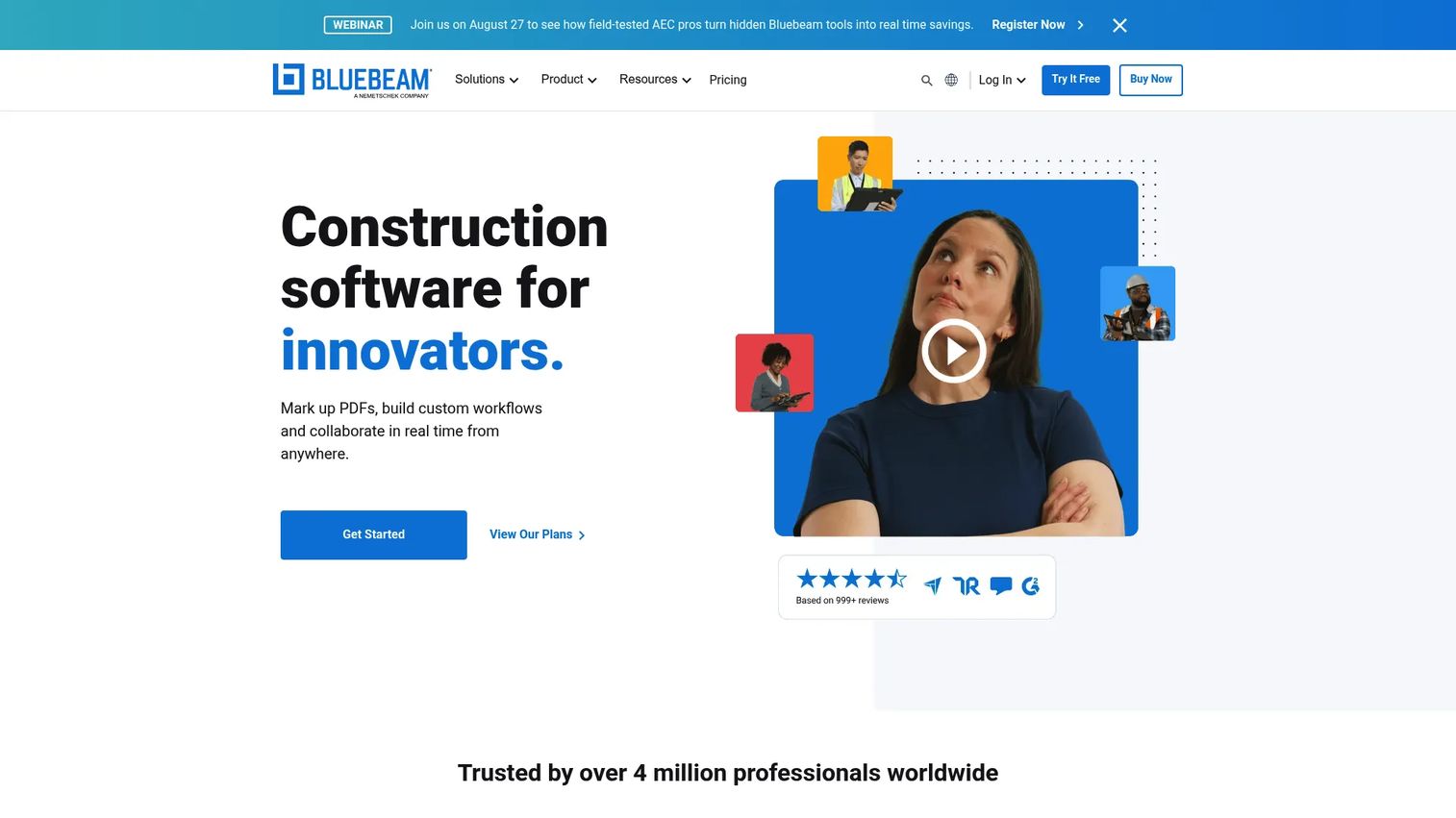
Bluebeam is the tool AEC teams reach for when the punch list lives on the drawings. Its Revu desktop app, plus web and mobile access, turns PDFs into working documents you can mark up, measure, and track. If your workflow runs on construction documents, Bluebeam keeps punch items pinned right where they belong.
The Markups List and Tool Chest let you log defects directly on the sheet, then filter and status them. Studio handles collaboration so multiple people can work the same set in real time. For teams that already annotate and measure inside PDFs, adding punch tracking is a natural extension, not a new system.
Best for: AEC teams who manage punch items directly on construction drawings and need precise measurement and markup.
Key strengths
- PDF creation, viewing, editing, and markups
- Measurement tools: length, area, perimeter, count, angle, volume
- Studio collaboration plus web and mobile access
Why choose Bluebeam: Pick it if your team already runs on PDF drawings and wants punch tracking that stays document-centric. It performs best when the drawing is the single source of truth.
Bluebeam pricing: Four annual plans. Basics is $260 per user, Core is $330, Complete is $440, and Max is $590 per user, all billed annually. A 14-day free trial is available.
2. Fieldwire
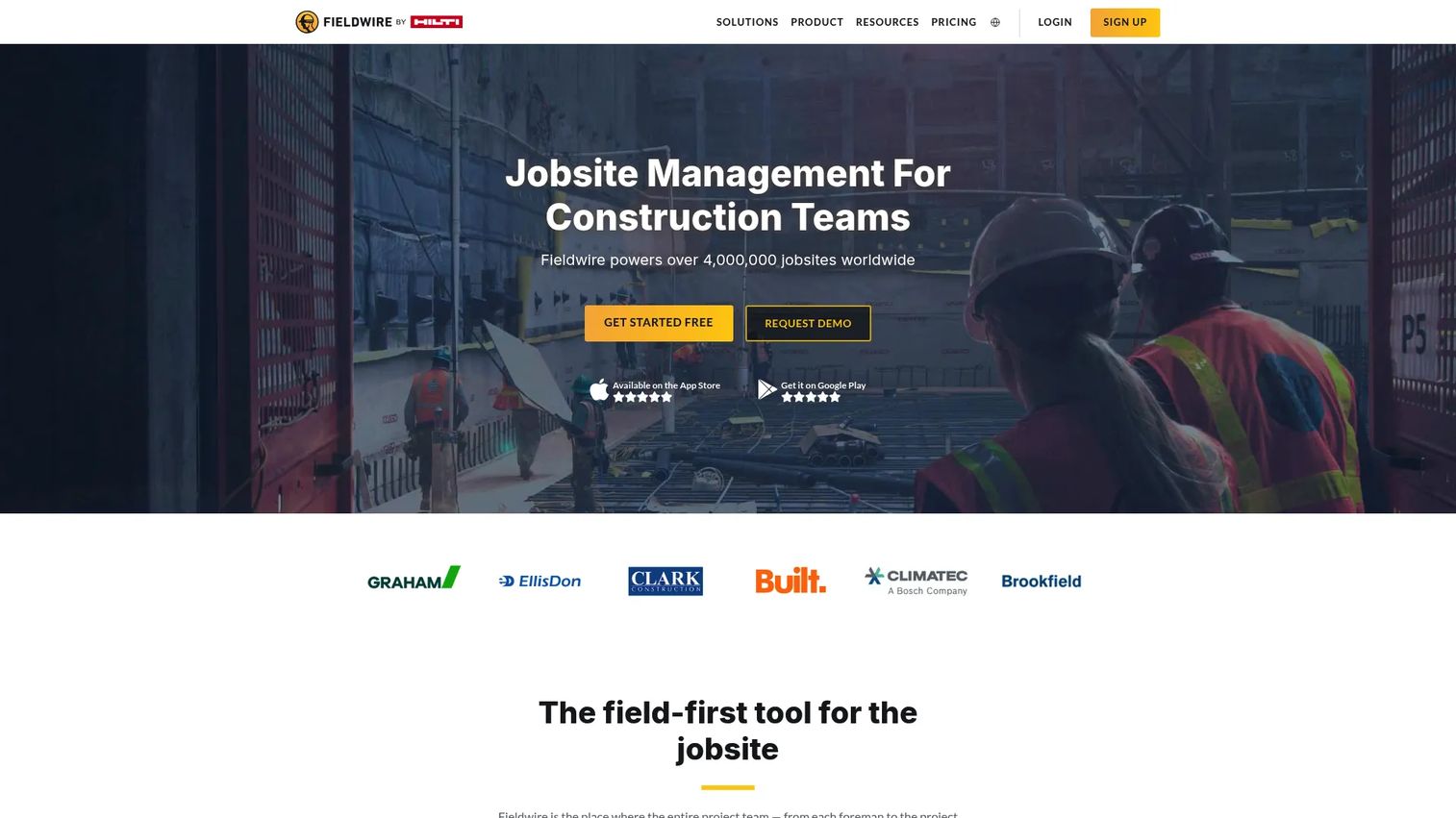
Fieldwire is built for the person walking the site. It is a mobile-first construction field management platform for plans, tasks, photos, checklists, and coordination. For punch lists, that means logging an issue, snapping a photo, pinning it to the blueprint, and assigning it, all from a phone in the field.
The strength here is execution speed. Custom task statuses let you build your own punch taxonomy. Sheet Compare catches changes between plan revisions. Reports and exports turn the live task list into client-ready output. Fieldwire keeps the field team moving without waiting to get back to a desk.
Best for: Construction teams that need a mobile-first tool for field coordination and plan-based punch list tracking.
Key strengths
- Plan viewing with task pinning and blueprint location
- Custom task statuses and custom forms
- Photos, checklists, reports, and exports
Why choose Fieldwire: Pick it when the punch process happens on-site and mobile capture matters most. It fits teams that want field execution and closeout control from one app.
Fieldwire pricing: Basic is free per user with limits. Pro is $39 per user per month, Business is $64, and Business Plus is $89 per user per month, all billed annually.
3. SafetyCulture
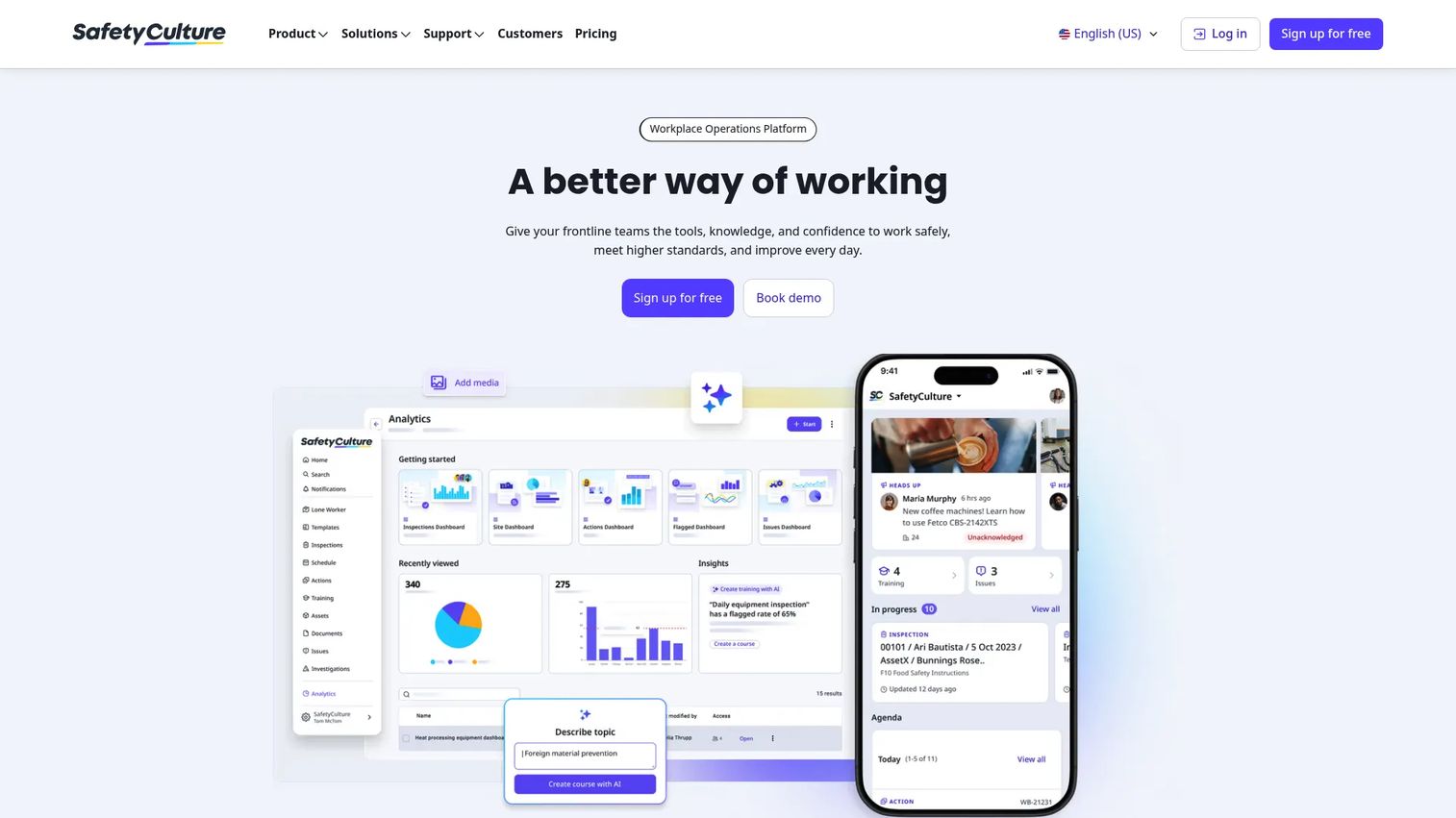
SafetyCulture is a workplace operations platform for inspections, actions, training, and reporting. Punch lists fit naturally into its template and inspection model. You digitize a checklist, capture issues on mobile, assign actions, and generate reports, all in the same workflow you use for safety and quality control checklists.
The reason teams choose it is breadth. If you already run safety audits and quality inspections through SafetyCulture, adding punch list tracking means one platform instead of two. The template system adapts to punch, snag, QA, or any structured field process.
Best for: Teams that need a mobile-first platform for safety, quality, and operations workflows alongside punch lists.
Key strengths
- Templates for digitizing checklists and paper processes
- Inspections with report generation
- Schedules, actions, and task management
Why choose SafetyCulture: Pick it when punch is one of several field workflows you want in one place. It performs best for teams running inspections and quality control checklists next to their punch process.
SafetyCulture pricing: Free plan for up to 10 seats. Premium is $24 per seat per month. Lite seats start at $5 per seat per month billed annually, and full seats are $24 per seat per month billed annually. Enterprise is custom.
4. PunchIQ
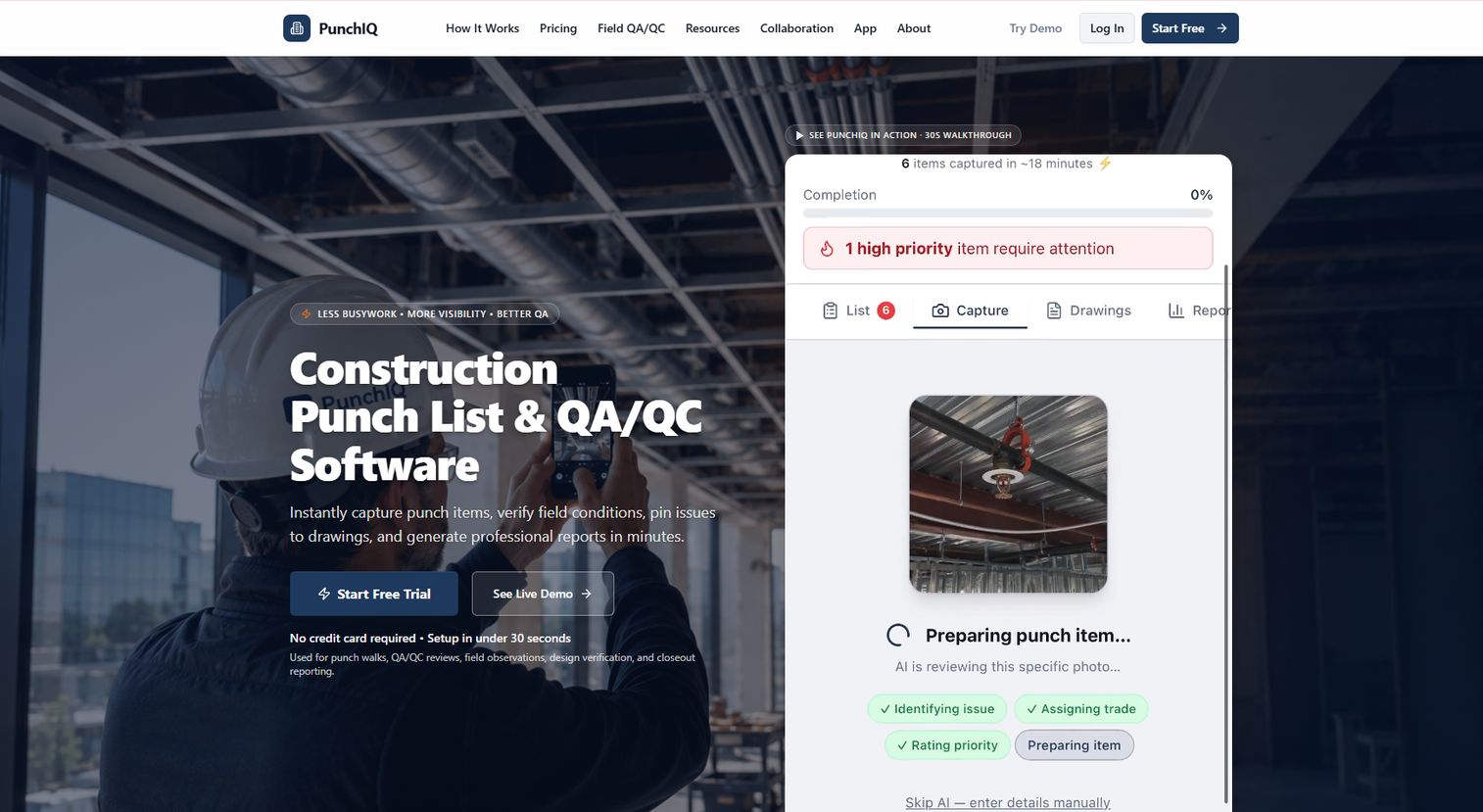
PunchIQ is a mobile-first construction punch list and QA/QC tool built around field capture, verification, and closeout. It is a punch-list-specific product, so the whole design points at one job: get defects logged, organized, and closed fast. You capture observations with photos, voice, or manual entry, and its AI organizes them into punch items and QA/QC records.
That AI layer is the differentiator. Instead of manually typing and categorizing every observation, you talk or snap, and the system structures it. Items pin to drawings, and reports come out client-ready. For teams that want punch and closeout as the primary workflow rather than a module inside a bigger platform, PunchIQ is purpose-built.
Best for: Construction teams that need punch lists, QA/QC, and closeout reporting as a dedicated workflow.
Key strengths
- Capture observations with photos, voice, or manual entry
- AI organizes observations into punch items and QA/QC records
- Pin issues to drawings and generate client-ready reports
Why choose PunchIQ: Pick it when punch list closeout is the core job and you want AI to cut the manual sorting. It fits field teams that value fast capture and verification.
PunchIQ pricing: A free demo is available. Starter is $9.99 per user per month, Pro is $19.99 per user per month, and Team is $149 per company per month. Enterprise is custom. All paid plans include a 7-day free trial.
5. Autodesk Construction Cloud
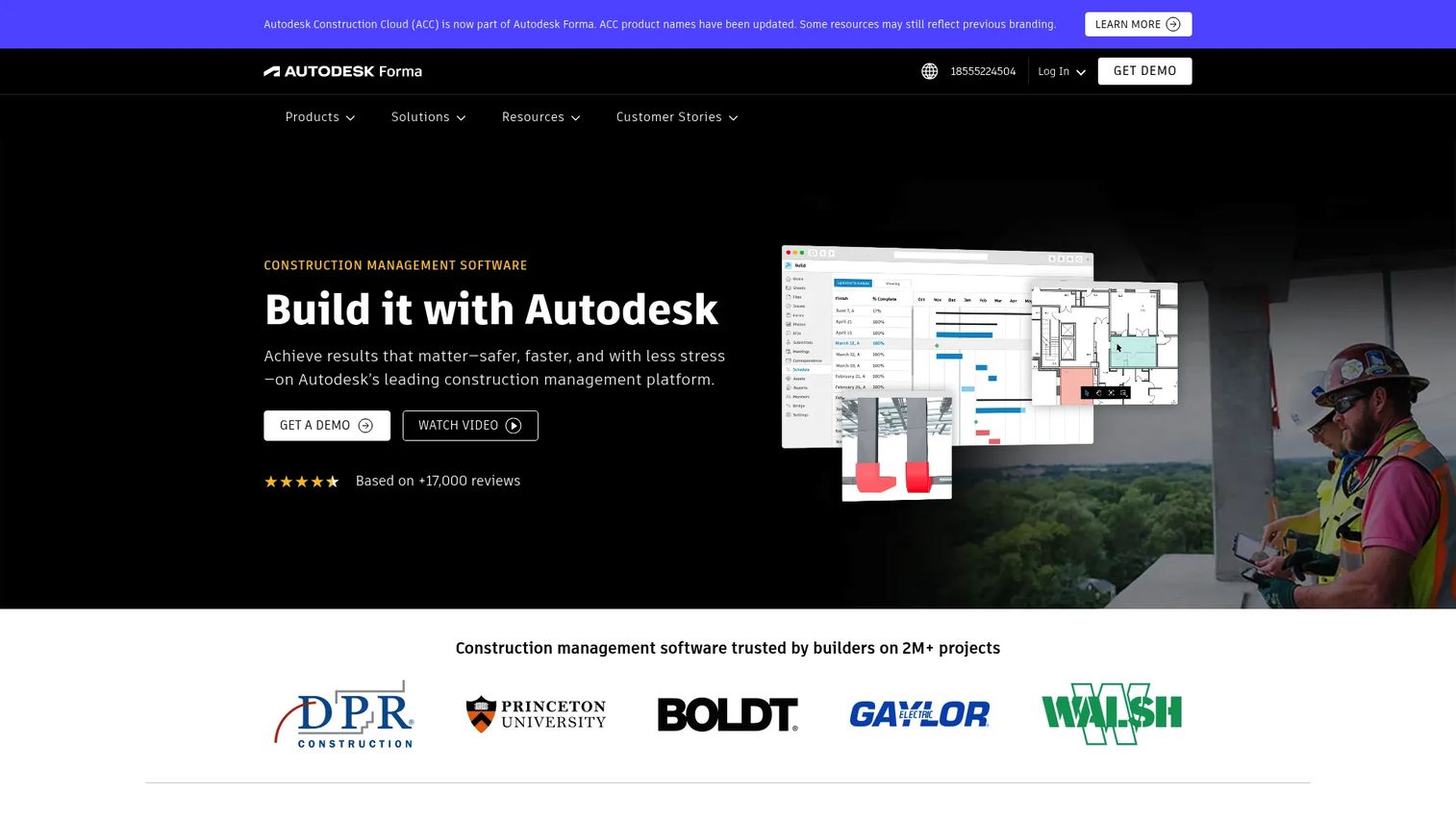
Autodesk Construction Cloud treats punch as issue tracking inside a full construction management platform. Document management, model coordination, and project management all connect, so a punch item lives in the same system as your drawings, RFIs, and BIM models. For teams already standardized on Autodesk, that connection is the whole point.
The value is project visibility. Issues raised in the field tie back to documents and models, and leadership gets a single view of open items across the project. It is less a standalone punch app and more a punch capability inside a coordinated platform. If your project data already lives in Autodesk, keeping punch there avoids another silo.
Best for: General contractors and project teams that need punch tracking inside a connected construction management platform.
Key strengths
- Document management
- Model coordination
- Project management with connected issue tracking
Why choose Autodesk Construction Cloud: Pick it when your team already runs on Autodesk and wants punch items connected to documents and models. It fits larger, coordinated project workflows.
Autodesk Construction Cloud pricing: Autodesk uses quote-based pricing with product bundles. Contact Autodesk for a quote tied to your project size and product mix.
6. Punchlist.com
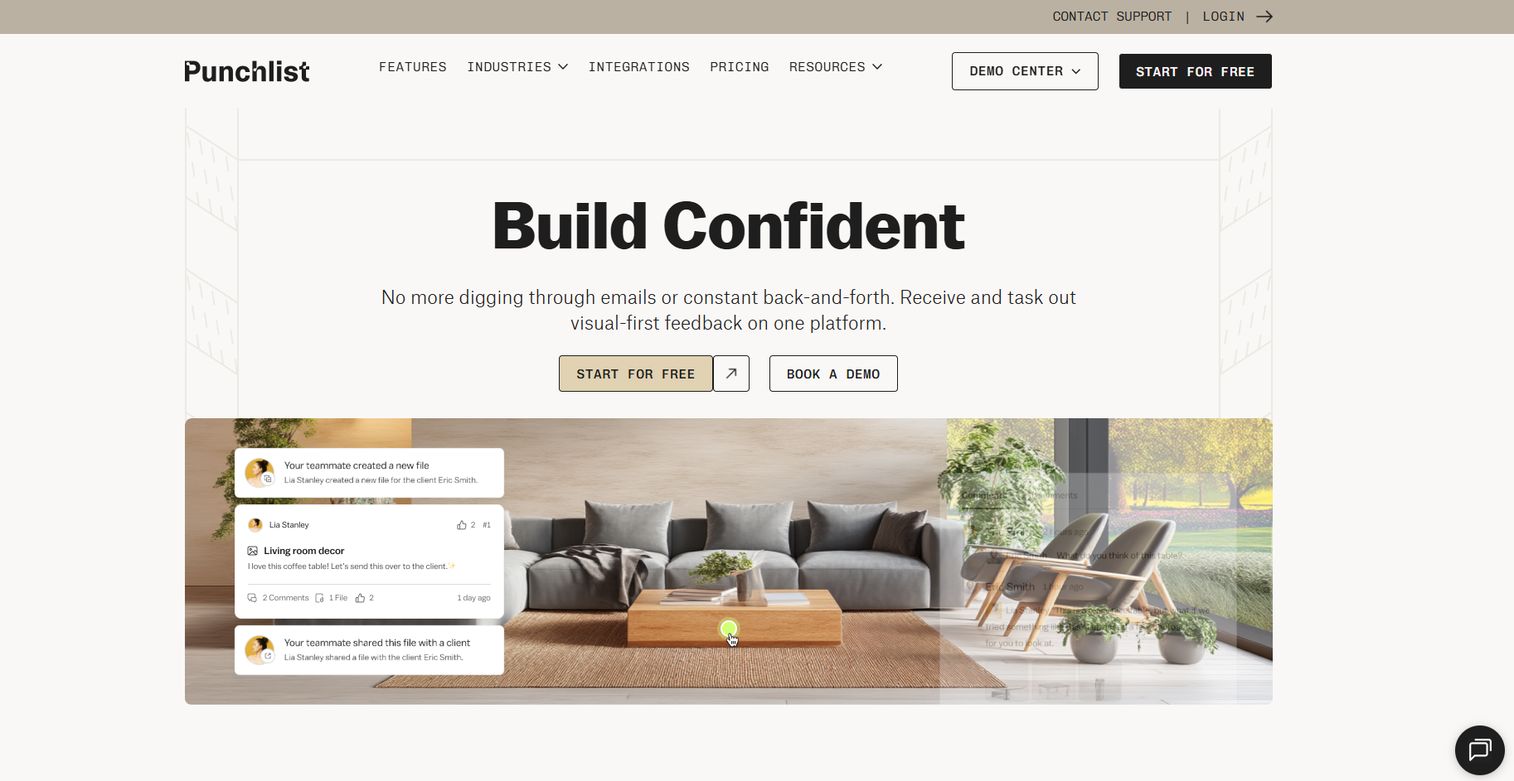
Punchlist.com approaches punch through visual feedback pinned to files, live URLs, PDFs, and video. You share a file, collaborators drop pinned comments, and you track revisions until each item is resolved. It works for construction punch as well as design and creative review, which is why it appears across both worlds.
The strength is collaboration clarity. Guest accounts let clients and subs give feedback without friction, and integrations plus webhooks connect it to the rest of your stack. For teams that want visual, pin-based feedback and revision tracking rather than a plan-centric punch app, Punchlist.com fits the pattern.
Best for: Interior designers, architects, construction teams, and agencies who need visual client feedback management.
Key strengths
- Share files, live URLs, PDFs, and video for feedback
- Guest accounts with free guest access
- Integrations and webhooks
Why choose Punchlist.com: Pick it when visual feedback and revision tracking matter more than plan pinning. It fits teams that span construction and design work and need clients in the loop.
Punchlist.com pricing: Studio is $17 per month, Professional is $71 per month, and Premium is $125 per month. Enterprise is a custom plan. Annual billing saves 10%, and a free option is available to start.
7. Raken
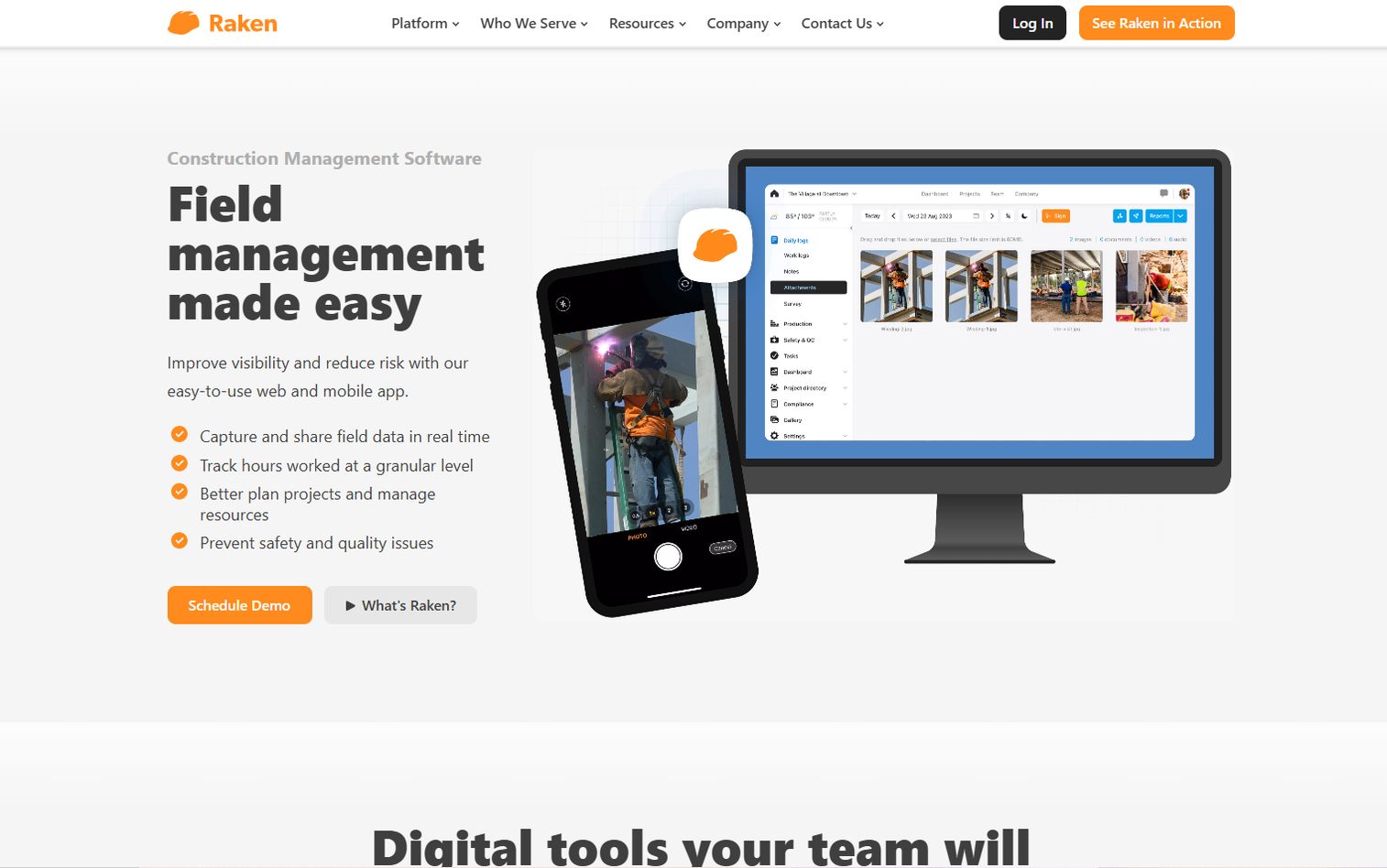
Raken is field-first construction software for daily reporting, time tracking, safety, and project management. Punch and closeout fit into its daily field operations model, so the same app that logs your daily progress report also tracks open items and quality issues. For teams that run their day out of Raken, punch is part of the routine, not a separate task.
The angle here is field-to-office flow. Superintendents log the day, capture issues, and the office sees it all in one place. Raken earns its spot in a punch comparison because closeout does not happen in isolation, it happens alongside daily reporting and jobsite coordination. If daily reporting is already your habit, adding punch tracking is low effort.
Best for: Construction contractors who need field-to-office reporting and jobsite coordination with punch built in.
Key strengths
- Daily progress reporting
- Time tracking and production
- Safety and quality management
Why choose Raken: Pick it when punch closeout sits alongside daily reporting and field ops. It fits contractors who want one field-first tool for the whole jobsite routine.
Raken pricing: Raken lists Basic and Performance plans and offers a free trial, but does not publish numeric prices. Request a personalized quote from Raken for pricing tied to your team.
Considerations
Capture quality matters
Check how fast you can log an item in the field. Look at photo capture, markup, and annotation, plus whether voice notes are supported. The best punch list app captures context in seconds, because a superintendent walking a site will not stop to type paragraphs. Test it one-handed on a phone before you commit.
Ownership and status rules
Verify that every item can carry an owner, a due date, and a clear status. Look at the status taxonomy and whether it is customizable. Check notifications, so the right person hears when an item lands in their queue. Closed-loop tracking, where nothing closes without verification, is what keeps punch list closeout honest.
Reporting and exports
Confirm the tool produces client-ready reports and shareable progress. Check export formats, usually PDF, and whether reports filter by trade, area, or status. Good reporting turns project handover from a debate into a document. If the owner can see 340 closed and 12 open at a glance, the conversation gets short.
Integrations and stack fit
Look at how the tool connects to your construction tech stack: file management, drawing tools, and communication apps. A construction punch list app that plugs into what you already use avoids another silo. Check whether it syncs with your document system so punch items and drawings stay in step.
Mobile and field usability
Test device support, offline behavior, and speed in the field. Sites lose signal, so offline capture that syncs later is not optional. Check how the app performs on the phones your crews actually carry. Speed in the field beats feature depth that nobody uses because it is too slow to open.
Conclusion
The right punch list software for construction depends on where your team already works.
If your punch list lives on drawings, Bluebeam keeps it document-centric with markup and measurement. If the work happens on-site, Fieldwire and PunchIQ lead on mobile capture, with PunchIQ adding AI to cut the manual sorting. If you want punch alongside inspections and quality control checklists, SafetyCulture puts it in one platform. Teams standardized on Autodesk get connected issue tracking in Autodesk Construction Cloud. For visual client feedback across construction and design, Punchlist.com fits. And Raken ties punch closeout to daily field reporting.
Your next step is simple. Match the tool to your current maturity: document-centric, mobile-first, broader platform, or collaboration-heavy. Then run a real walkthrough with your top two picks before you buy. The tool that feels fast one-handed on a phone at 7 a.m. is the one your crew will actually use.
Fewer missed items. Cleaner handoffs. That is the whole point.
FAQs
Punch list software is a tool for capturing, assigning, tracking, and closing out incomplete or defective work items before a construction project reaches final handover. It replaces scattered notes, photos, and emails with one system where every issue has an owner, a location, and a status. The core job is getting to closeout with fewer missed items.
They mean the same thing. "Punch list" is the standard term in the United States, while "snag list" is used in the UK, Australia, and much of the Commonwealth. Both refer to the list of defects and incomplete items that must be resolved before project handover. The workflow is identical: find, log, fix, verify.
Yes, and mobile is where most punch work happens. Superintendents and inspectors capture issues on-site with photos, markups, and notes directly from a phone or tablet. Look for offline support too, since job sites often lose signal and you need capture that syncs once you reconnect.
It makes ownership and status visible to everyone. Instead of debating what is done, you show a report with exact counts of open and closed items and who owns each remaining one. That turns punch list closeout into a documented, defensible process and shortens the handover conversation because the numbers settle it.
Prioritize field capture with photo, markup, and annotation, clear assignment with due dates and status tracking, and reporting with exports. Add integrations that fit your construction tech stack and strong mobile plus offline behavior. Those five cover the real workflow: capture, assign, track, report, and close.
Construction is the primary fit, since the punch list workflow was built for building closeout. But the underlying pattern, visual task tracking with pinned feedback and revision status, extends to adjacent work like interior design, renovation, and creative review. Some tools serve both construction and design teams for that reason.
Evaluate field capture speed, reporting and export quality, integrations with your existing stack, mobile and offline usability, and overall workflow fit. Run a real field walkthrough with your top two picks rather than relying on a feature list. The tool that is fastest to use one-handed in the field is usually the one your crew adopts.