Your inspector finishes a walkthrough, snaps a dozen photos on a personal phone, scribbles notes on a paper checklist, and drives back to the office. Then someone spends the next hour matching photos to line items, chasing a missing signature, and retyping everything into a spreadsheet before the report can go out.
That gap between the field and the record is where inspections break. Details get lost. Follow-up stalls. Compliance data ends up inconsistent because two inspectors filled out the same form three different ways.
The mobile inspection software market was valued at $4.2 billion in 2025 and is forecast to reach $10.8 billion by 2034, a 12.3% CAGR, according to MarketIntelo (2025). That growth tracks a simple shift: field teams are moving off paper and generic forms apps onto tools built for offline inspections, evidence capture, and compliance reporting.
This guide compares seven tools that handle that work as an operational system, not just a digital checklist. You will see how each handles offline use, photo capture, signatures, reporting, and asset tracking, plus where each one fits best.
What's inside
This guide is for operations, compliance, and field teams evaluating a mobile inspection app to replace paper, spreadsheets, or a generic forms tool. We picked and ranked tools against the criteria that decide whether software survives real field conditions.
- Offline reliability: does it work with no signal, and how does syncing behave afterward
- Configurable forms: can you build and edit inspection forms without heavy admin work
- Evidence capture: photo capture and annotations, plus signature capture on site
- Compliance and reporting: audit-ready records, exports, and follow-up workflows
- Asset tracking: barcodes, asset IDs, and recurring inspection schedules
TL;DR
- Best overall for broad field inspection workflows: InspectAll, which pairs mobile inspections with asset tracking and a web portal.
- Best for EHS and compliance-heavy teams: Mobile Inspection, built around configurable inspections and offline sync.
- Best for desktop plus mobile sync: 3D Mobile Inspector, a free companion app tied to the 3D Inspection System.
- Best for barcoded asset tracking: InspectNTrack, which schedules and documents inspections by checkpoint.
- Best for photo-rich home inspection reporting: Spectora and Home Inspector Pro both center on fast mobile report writing.
- Best for digital audits at scale: GoAudits, focused on checklists, scoring, and compliance-oriented reporting.
What is mobile inspection software
Mobile inspection software lets teams run inspections from a phone or tablet, capture evidence in the field, and turn results into structured reports without paper or manual re-entry.
It replaces the old model: paper checklists, camera rolls full of unlabeled photos, and hours of after-the-fact data cleanup. Instead, the inspector works through digital checklists on site, and the finished report is ready when they leave.
Core capabilities across mobile inspection tools include:
- Digital checklists and inspection forms: configurable templates for safety, quality, equipment, and audit workflows
- Offline inspections: full data capture with no network, then sync once a connection returns
- Photo capture and annotations: in-app photos tied to specific line items, with markup and timestamps
- Signature capture: on-site sign-off from inspectors, clients, or responsible parties
- Compliance reporting: audit-ready records for OSHA, EHS, and other standards, exportable as branded reports
- Real-time dashboards: visibility into completed, pending, and failed inspections across teams
- Asset tracking: barcodes, QR codes, and asset IDs that link inspections to physical equipment
The category spans several use cases. Some tools lean into EHS inspection software and OSHA inspection software workflows. Others focus on home inspection reporting. A few are built around asset tracking and recurring maintenance. The right pick depends on which of those jobs sits at the center of your work.
When to use mobile inspection software
Replace paper checklists in the field
Paper forms create delay and drift. A checklist filled out by hand has to be transported, read, and retyped, and every step adds a chance for error. Two inspectors also tend to record the same finding differently, so your data never lines up. A mobile inspection app standardizes the form, forces required fields, and captures the record once, at the source.
Capture evidence on site
The strongest reason to inspect on a device is evidence. Photo capture and annotations let an inspector document a defect, circle the exact problem, and attach it to the right line item while standing in front of it. Timestamps and location data prove when and where. Signature capture closes the loop with on-the-spot sign-off, so there is no chasing approvals later.
Track compliance and follow-up
An inspection that ends with a report nobody acts on is wasted work. Digital reports, real-time dashboards, and automated notifications turn findings into follow-up. Failed items can trigger work order follow-up, corrective actions get assigned, and audit-ready records stay organized for the next compliance review. That is the difference between a checklist and a system.
Comparison table
We ranked these seven tools by how well they cover core field inspection work: offline use, configurable forms, evidence capture, compliance reporting, and asset tracking. Pricing and ratings below reflect verified vendor and review sources at time of writing. Where a vendor does not publish pricing or a rating is not established, we note that rather than guess.
| # | Product | Best for | Key differentiator | Pricing | G2 rating |
|---|---|---|---|---|---|
| 1 | InspectAll | Broad inspections plus asset tracking | Mobile app, web app, and portal with barcode asset tracking | From $49/user/mo | Not established |
| 2 | Mobile Inspection | EHS and safety teams | Configurable inspections with offline sync | Not published | Not established |
| 3 | 3D Mobile Inspector | Desktop plus mobile sync | Free companion app to the 3D Inspection System | Free (app) | Not established |
| 4 | InspectNTrack | Barcoded asset tracking | Barcode-driven inspection and maintenance scheduling | Quote-based | 4.6/5 |
| 5 | Spectora | Home inspection reporting | AI-assisted mobile report writing | From $109/mo | 2.8/5 |
| 6 | Home Inspector Pro | Report writing plus business tools | One plan with desktop, mobile, and operations tools | From $89/mo | Not established |
| 7 | GoAudits | Digital audits at scale | Checklists, scoring, and compliance reporting | Custom pricing | Not established |
Best 7 mobile inspection software tools for 2026
Each tool below follows the same pattern: what it is, who it fits, key features, why you would choose it, and pricing. Read for fit against your primary job, offline inspections, compliance reporting, or asset tracking, rather than raw feature count.
1. InspectAll
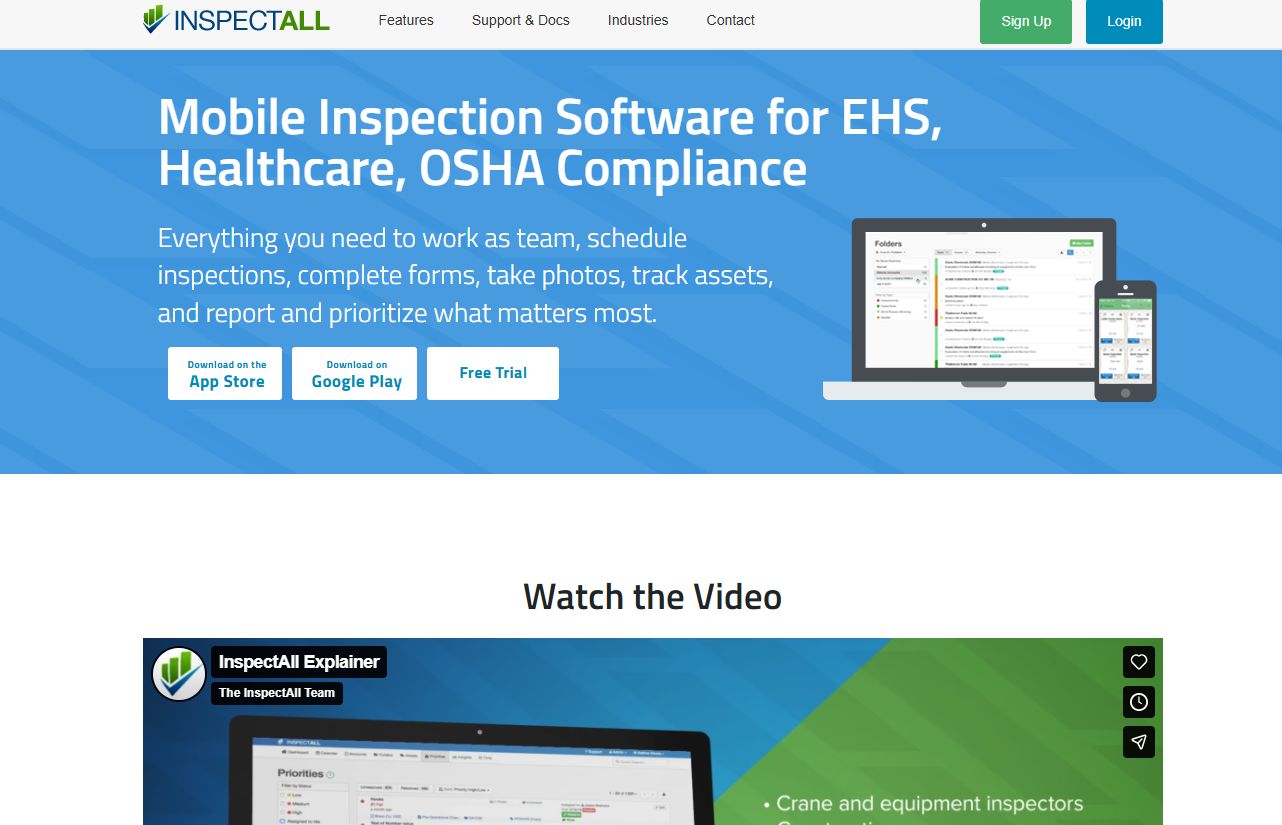
InspectAll is inspection, audit, and asset-management software built for regulated industries. It pairs a mobile app for field work with a web app for configuration and reporting, plus a portal for visibility. That three-part structure is why it lands at the top for teams that need broad field inspection workflows rather than a single narrow use case.
The mobile app handles inspections, audits, and checklists on site, including offline. The web app is where admins configure forms, schedule work, and generate reports. Asset tracking runs across barcodes, QR codes, RFID, and GPS, so inspections tie directly to physical equipment.
Best for: Companies in regulated industries that need mobile inspections, audits, and asset tracking in one system.
Key features
- Mobile app for field inspections, audits, and checklists
- Web app for configuration, reporting, and scheduling
- Asset tracking with barcodes, QR codes, RFID, and GPS
- Photo reporting and compliance documentation
- Portal for cross-team inspection visibility
Why choose InspectAll: If your work spans safety, quality, and equipment inspections against compliance standards, InspectAll covers the whole loop from field capture to asset record. It fits operations teams that want asset tracking and inspection reporting software in the same tool rather than stitched together.
Pricing: Plans start at $49/user/month with discounts for more licenses. Billing is month-to-month with no annual fees, and a free 14-day trial is available.
2. Mobile Inspection
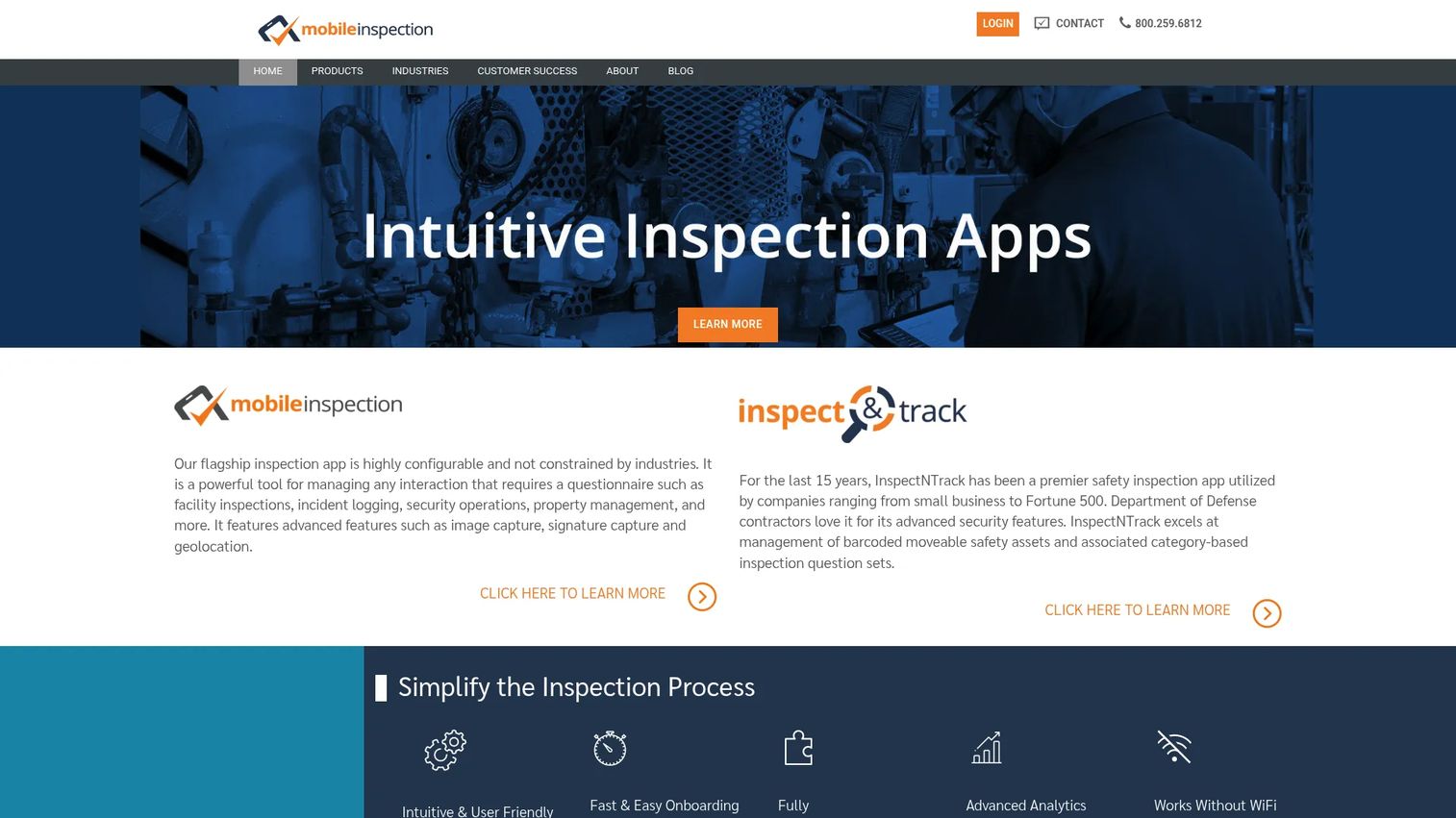
Mobile Inspection is cloud-based inspection software aimed at EHS and safety teams that need to create, schedule, and track configurable inspections. It leans into the paperless workflow: build custom forms, run them on any device, and let corrective-action rules drive follow-up.
The form builder supports custom questions, templates, and routing rules, so a safety lead can shape inspections to match real hazards. Offline inspection capability means field work continues without signal, then syncs to the cloud. Image capture and annotation cover the evidence side.
Best for: EHS and safety teams needing configurable paperless inspections with reliable offline support.
Key features
- Custom questions, templates, and routing rules
- Mobile and web access on iPhone, iPad, Android, and desktop
- Offline inspection capability with cloud sync
- Image capture and annotation
- Reporting and corrective-action follow-up rules
Why choose Mobile Inspection: For compliance-heavy teams, the combination of configurable forms and corrective-action routing turns inspections into tracked follow-up rather than static PDFs. It suits EHS inspection software buyers who care most about form flexibility and OSHA-style records.
Pricing: Mobile Inspection does not publish pricing publicly. Contact the vendor for a quote based on your team size and deployment.
3. 3D Mobile Inspector
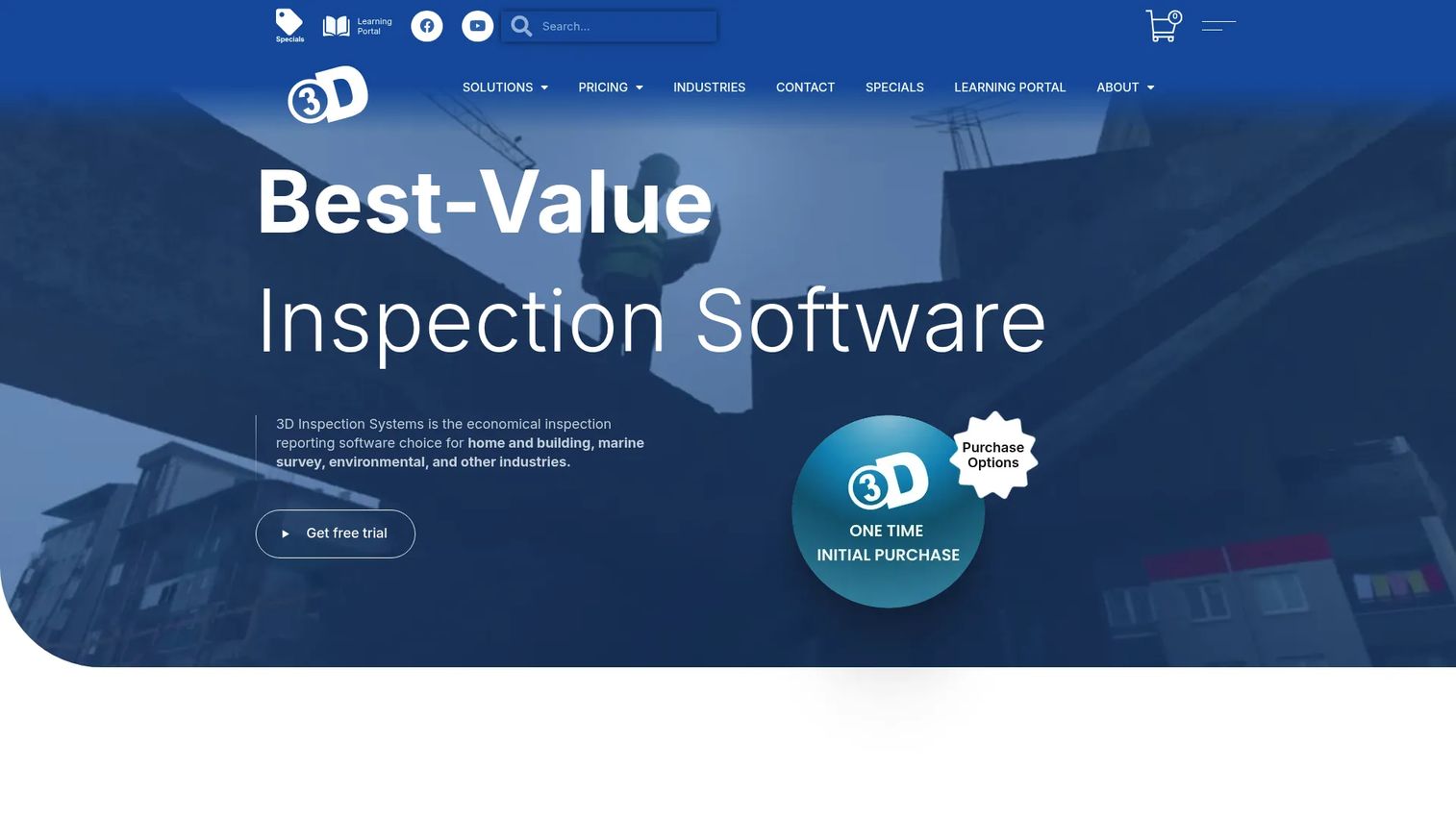
3D Mobile Inspector is a free companion app for the 3D Inspection System, the desktop inspection software from 3D Inspection Systems. Inspectors collect observations, findings, and photos on a phone, tablet, or Windows device, then transfer everything back to the desktop for the finished report.
It uses the same custom forms you build in the desktop software, so the mobile experience mirrors your existing templates. Photo capture inserts images into a gallery, and you can bookmark fields or replicate items, rooms, and components to speed up repetitive entry. Reports transfer via Cloud3D Services and Office Management.
Best for: Home and property inspectors who already use the 3D Inspection System and want mobile data collection tied to desktop reporting.
Key features
- Uses custom forms from the 3D Inspection System desktop software
- Photo capture and gallery insertion
- Bookmark fields and replicate items, rooms, and components
- Report transfer via Cloud3D Services and Office Management
- Runs on phone, tablet, and Windows devices
Why choose 3D Mobile Inspector: If your reporting already lives in the 3D Inspection System, the mobile app extends that workflow to the field at no extra software cost. It fits inspectors who want a desktop-to-mobile sync rather than a standalone cloud tool.
Pricing: The mobile app is free. The desktop 3D Inspection System runs $1,199 for the Standard Edition and $1,399 for the Premier Edition as one-year licenses, with Focus Edition pricing varying by package.
4. InspectNTrack
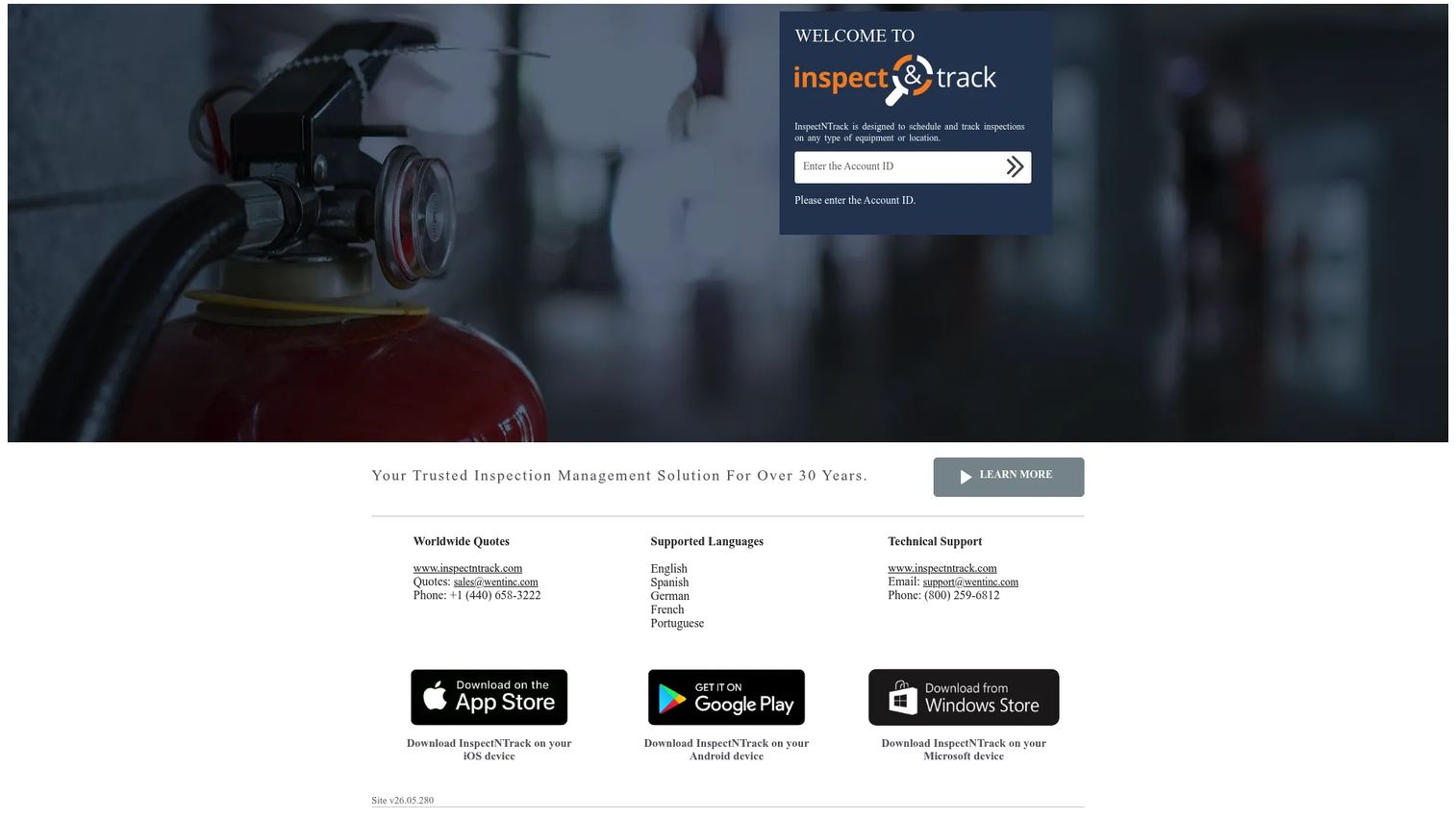
InspectNTrack is inspection management software built around barcode-driven scheduling, tracking, and documentation of inspections and maintenance activities. Where other tools center on the form, InspectNTrack centers on the checkpoint: scan an asset, run its inspection, and keep a complete history per location.
That checkpoint model makes it strong for asset tracking and recurring inspections. The barcode-driven app works across any type of device or checkpoint, so movable and fixed assets alike stay on schedule. It documents both inspections and maintenance, which suits teams managing equipment fleets.
Best for: Organizations needing barcode-based inspection and maintenance tracking across many assets or locations.
Key features
- Barcode-driven inspection app
- Schedules, tracks, and documents inspections and maintenance
- Works on any type of device or checkpoint
- Recurring inspection scheduling
- Asset and location history records
Why choose InspectNTrack: If your core problem is proving that every asset got inspected on time, the barcode-and-checkpoint approach gives you audit-ready coverage. It fits compliance and facilities teams that treat asset tracking as the primary job.
Pricing: InspectNTrack does not publish public pricing and works on a quote basis. Contact the vendor for details tied to your asset count and deployment.
5. Spectora
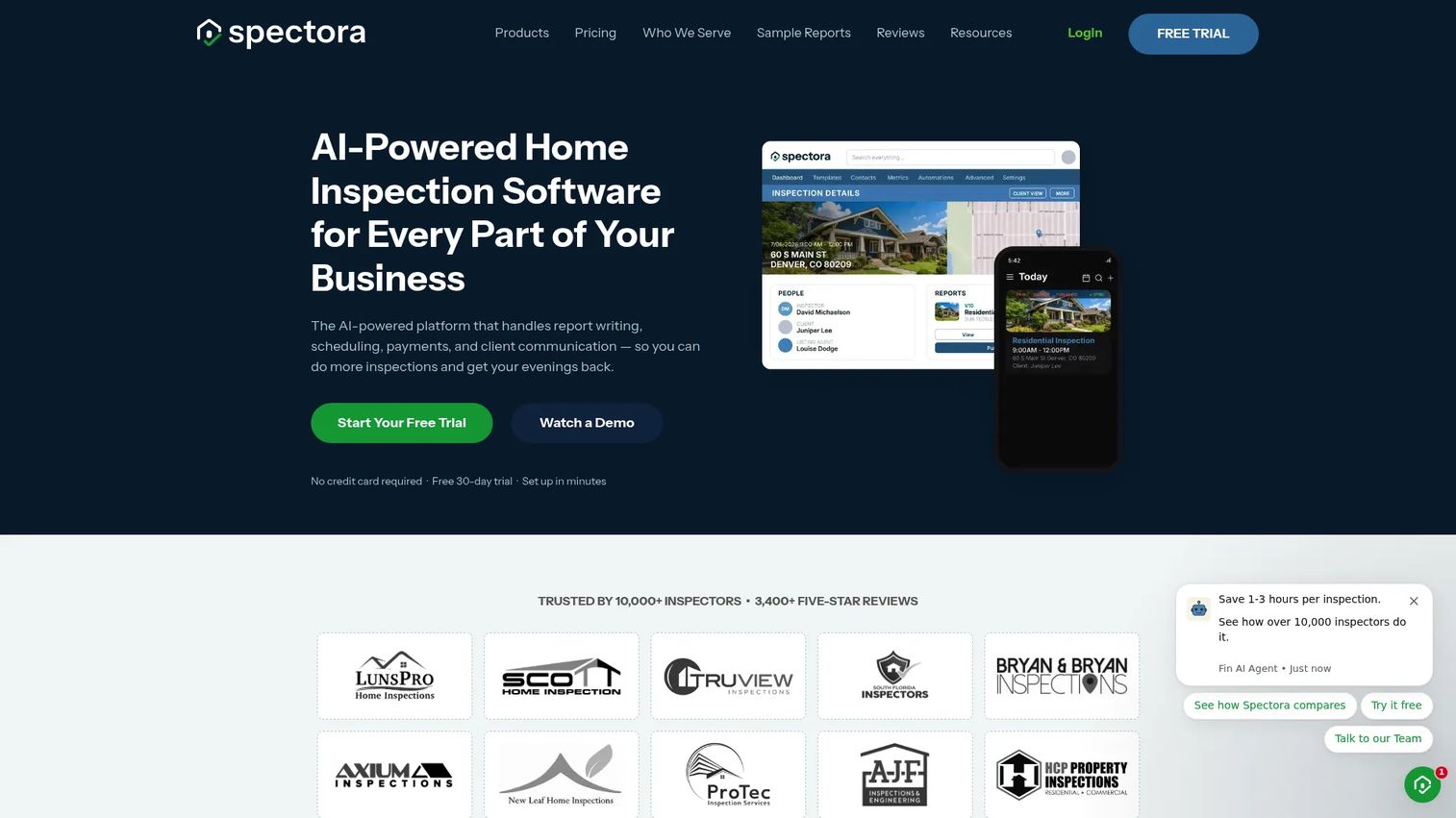
Spectora is AI-powered home inspection software focused on fast mobile report writing, scheduling, payments, and client communication in one platform. It targets home inspection businesses that want the whole operation, not just the report, in a single tool.
The mobile and web report writer is the core. Photos, findings, and signatures come together into a clean client-facing report, and AI tools like Comment Assist speed up narrative writing. Scheduling, payments, and client messaging round out the business side.
Best for: Home inspection businesses wanting an all-in-one reporting and operations platform.
Key features
- Mobile and web report writing
- Photo capture and signature capture
- AI tools for inspectors, including Comment Assist
- Scheduling, payments, and client communication
- Client-facing branded reports
Why choose Spectora: For a solo inspector or small firm, running reporting and business operations from one place cuts the tool count. It fits home inspectors who value photo-rich reporting and client experience over industrial asset tracking.
Pricing: The monthly subscription is $109/month, or $1,090/year annually, with all features included. Additional inspectors are $99/month each. A free trial covers two inspections, and the Spectora Advanced add-on is $4/inspection.
6. Home Inspector Pro
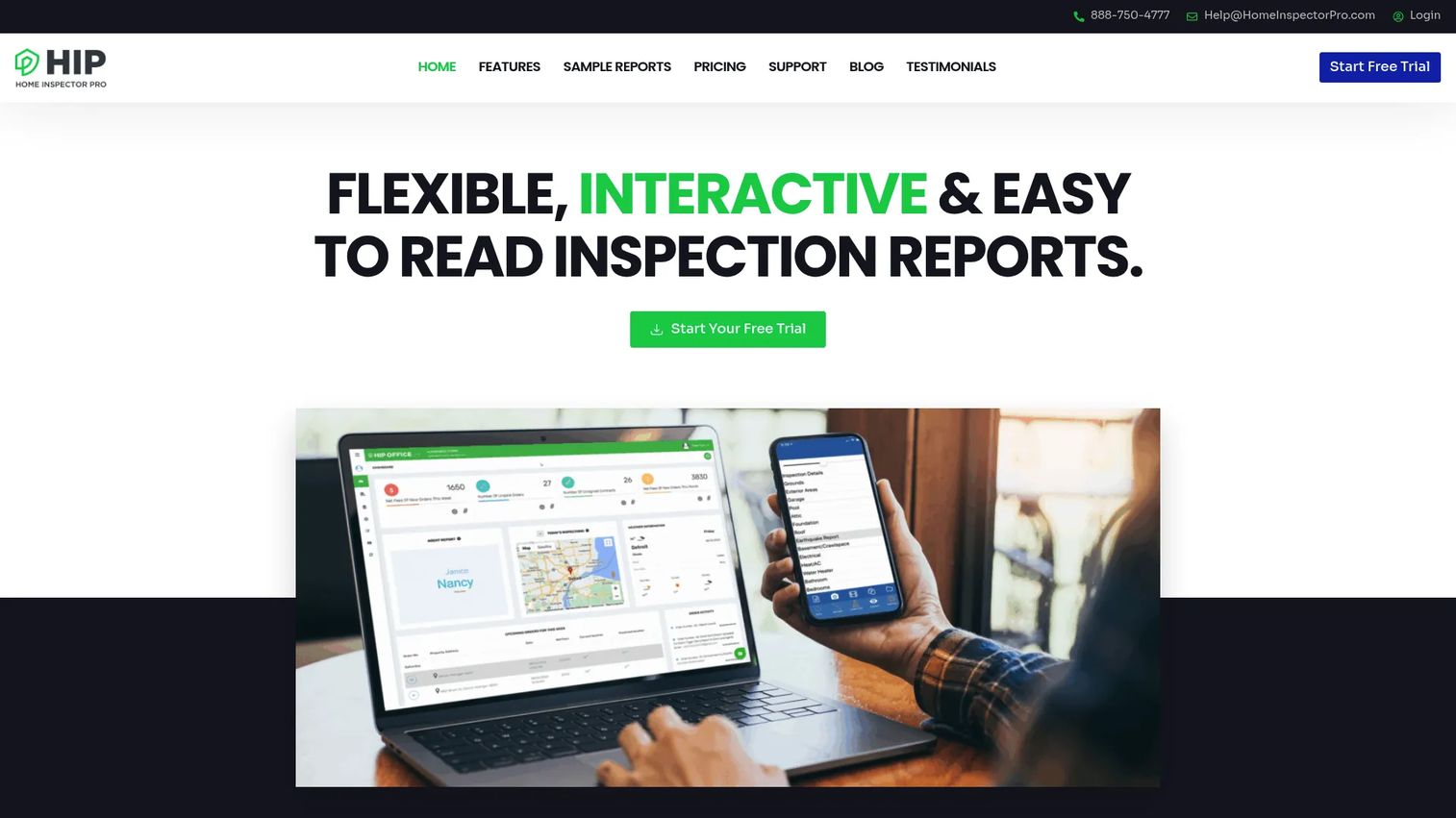
Home Inspector Pro is home inspection report-writing and business management software that runs on both desktop and mobile. It pairs customizable report templates with the operational tools an inspection business needs to run day to day.
The report writer supports desktop and mobile inspection workflows, so you can build on a laptop and finish in the field or the reverse. Templates are customizable, and the platform folds in scheduling, contracts, payments, and automation. AI-powered report translation is included in the single plan.
Best for: Home inspectors needing report writing plus integrated business management.
Key features
- Desktop and mobile report writing
- Customizable report templates
- Collaborative team inspections
- AI-powered report translation
- Scheduling, contracts, payments, and automation
Why choose Home Inspector Pro: The single-plan structure means every feature is available without tier gymnastics, which suits inspectors who want photo-rich reporting and business tools without piecing together add-ons. It fits firms that value desktop-plus-mobile flexibility.
Pricing: Home Inspector Pro is $89/month on one simple plan that includes desktop, mobile, customizable templates, collaborative inspections, AI report translation, and business management tools. Annual discounts are available.
7. GoAudits
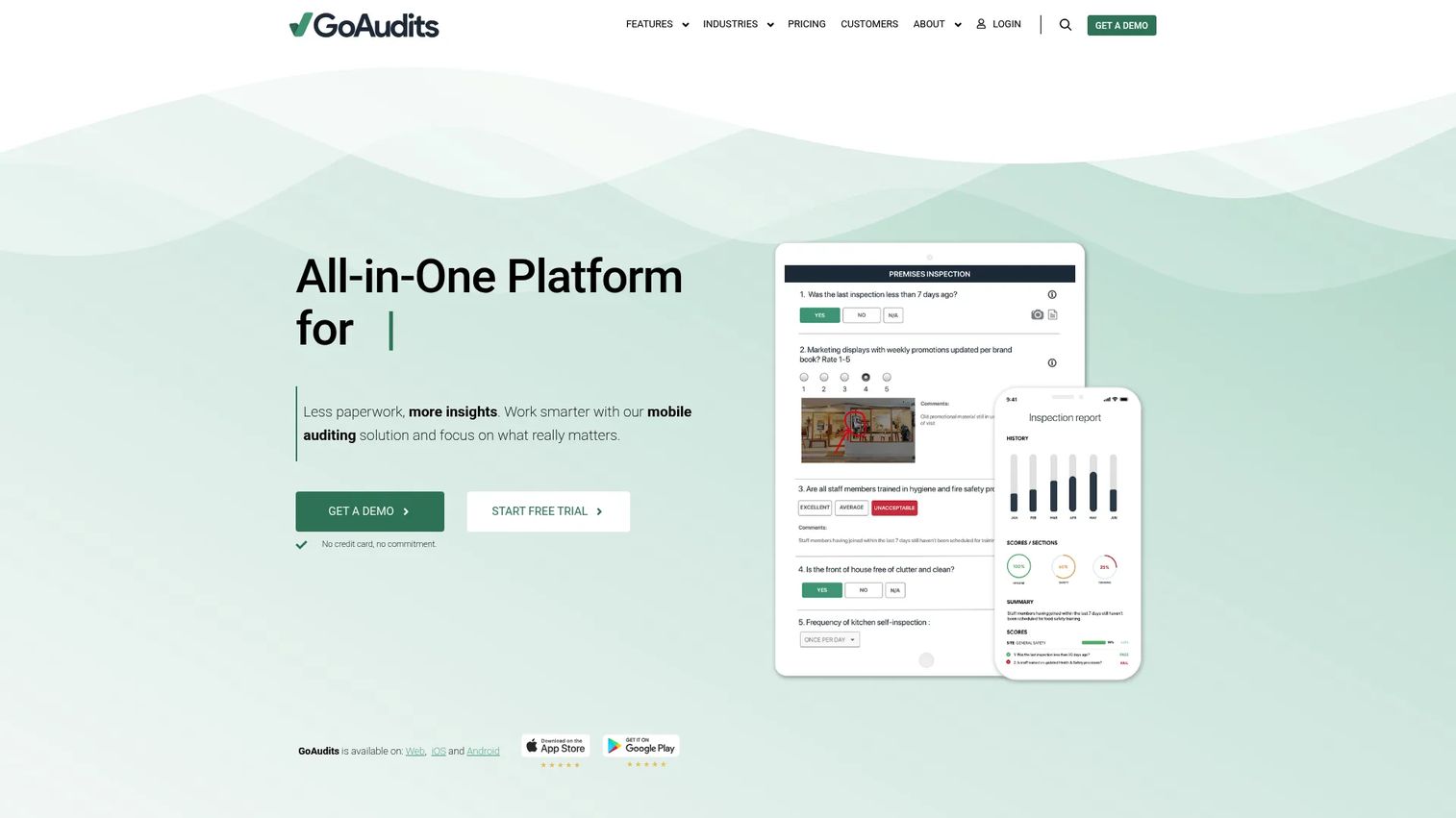
GoAudits is a mobile inspection and audit app built around digital checklists, scoring, and compliance-oriented reporting. It suits teams that run recurring audits across sites and want consistent scores and follow-up actions from every visit.
The app centers on digital checklists that an inspector completes on a phone or tablet, including offline. Photos attach to findings, scores roll up automatically, and reports generate on the spot. Compliance-oriented workflows and follow-up actions turn failed items into assigned corrective work.
Best for: Multi-site teams running recurring digital audits and inspections with scoring and compliance reporting.
Key features
- Digital checklists and inspection forms
- Mobile field reporting with offline support
- Photo capture and annotations
- Automated scoring and instant reports
- Compliance-oriented follow-up workflows
Why choose GoAudits: If your work is repeatable audits across locations, the scoring and instant-report model gives you comparable data across every site. It fits quality and compliance teams that want structured audits rather than one-off inspections.
Pricing: GoAudits uses custom pricing based on team size and needs. Contact the vendor for a quote and to arrange a demo of the app.
Considerations
Before committing to any mobile inspection app, run each option through this checklist. The right tool depends less on feature count and more on how it behaves in your actual field conditions.
Offline reliability
Confirm the app truly captures full inspections with no network, not just a cached form. Ask how syncing behaves when a connection returns: does it upload cleanly, handle conflicts, and preserve photos and signatures. For field inspection app work in basements, remote sites, or dead zones, offline inspections are the deal-breaker, not a nice-to-have.
Form flexibility
Check whether you can build and edit inspection forms yourself without a heavy admin project or vendor tickets. Look at custom questions, conditional logic, and reusable templates. Your workflows will change, and a tool that makes form edits slow becomes a bottleneck.
Evidence capture
Test photo capture and annotations, signature capture, and any file limits. Verify that photos tie to specific line items, not a general gallery, and that markup and timestamps carry into the report. Evidence that is hard to attach on site tends to get skipped.
Reporting and follow-up
Look at how reports export and share, and whether findings drive action. Strong inspection reporting software makes reports easy to brand, send, and store, and connects failed items to work order follow-up or corrective actions. Real-time dashboards help managers see status without chasing inspectors.
Asset and compliance workflows
If asset tracking matters, confirm the tool supports asset IDs, barcodes, and recurring inspection schedules. For compliance reporting, verify audit-ready records that map to OSHA, EHS, or your standard. These workflows are what separate an inspection system from a digital checklist.
Conclusion
The best mobile inspection software depends on which job sits at the center of your work. For broad field inspections with asset tracking baked in, InspectAll covers the widest ground. For EHS and compliance-heavy teams, Mobile Inspection and GoAudits both lean into configurable forms and follow-up. For barcoded asset tracking, InspectNTrack is purpose-built.
If your work is home inspection reporting, Spectora and Home Inspector Pro both center on fast, photo-rich mobile reports plus business tools. And if your reporting already lives on the desktop, 3D Mobile Inspector extends it to the field for free.
Narrow your shortlist by the two criteria that fail teams most often: offline reliability and reporting depth. Pull a free trial or demo of your top two, run one real inspection in the field with each, and see which survives your worst-signal site. That single test tells you more than any feature list.
Start your journey with Guideflow today!
FAQs
Mobile inspection software is used to run inspections from a phone or tablet, capture photos and signatures in the field, and turn results into structured reports. Teams use it to replace paper checklists, standardize records, and speed up compliance reporting and follow-up.
Most quality tools support offline inspections, letting inspectors complete full checklists with no network and sync once a connection returns. Offline reliability varies, so confirm the app captures photos and signatures offline and handles syncing cleanly before you commit.
Look for configurable inspection forms, offline support, photo capture and annotations, signature capture, compliance reporting, and real-time dashboards. Asset tracking with barcodes matters if you inspect physical equipment. The right mix depends on whether your core job is safety, audits, home inspection, or asset management.
It standardizes inspection forms so every record is consistent, timestamps evidence, and keeps audit-ready records organized for review. Many tools map to OSHA or EHS standards and route failed items to corrective actions, so compliance reporting becomes a byproduct of the workflow rather than a separate task.
Yes. Photo capture and annotations let inspectors document defects and tie images to specific line items, while signature capture collects on-site sign-off from inspectors or clients. Both are core features, though annotation depth and file limits differ across tools.
For equipment-heavy work, yes. Tools like InspectAll and InspectNTrack use barcodes, QR codes, and asset IDs to link inspections to physical assets and keep a full history per checkpoint. That supports recurring inspections and proves every asset was inspected on schedule.
For broad field inspection workflows, InspectAll is a strong overall pick because it combines mobile inspections, a web portal, and asset tracking. EHS teams often prefer Mobile Inspection or GoAudits, while asset-focused teams lean toward InspectNTrack. The best fit depends on your primary workflow.
A general forms app captures answers, but dedicated inspection software adds asset tracking, barcode scanning, scheduling, compliance-mapped records, and follow-up workflows. If you only need simple data entry, a forms app may do. If you need audit-ready inspection reporting software and offline reliability at scale, a purpose-built tool pays off.