Your board treasurer is reconciling dues against a bank statement in a spreadsheet. Your community manager is chasing a violation notice through three email threads. A homeowner just called for the second time this week asking where to pay their assessment. None of these people are doing strategic work. They are doing manual work that software should have absorbed years ago.
That gap is closing fast. According to Industry Research (2026), 68% of community associations in North America now run on digital management platforms, and the global HOA and condo association management software market hit USD 1.51 billion in 2024. The Foundation for Community Association Research (2026) counts roughly 373,000 U.S. community associations at the end of 2025, projected to reach 377,000 in 2026. More than 60 million people live in HOA-governed communities. The volume is real, and so is the operational drag when dues collection, accounting, resident communication, and maintenance requests each live in a different tool.
The problem is not a lack of options. It is that most HOA software reviews read like feature dumps, with pricing buried behind a demo request and no honest guidance on which tool fits a 30-unit self-managed board versus a 3,000-door management company. This guide fixes that. We compared eight HOA management software platforms on the criteria that actually decide a purchase: accounting depth, communication tools, homeowner portals, and how transparent the vendor is about what you will pay.
What's inside
This is a buyer's comparison guide for homeowners association software, written for self-managed boards, community managers, and property managers who also run HOA or condo association portfolios. We selected the eight tools based on four criteria: accounting and bank syncing depth, resident communication tools, portal and self-service functionality, and pricing transparency. We prioritized platforms built for community association software needs, not generic property management tools that treat HOAs as an afterthought. Where pricing is public, we cite it directly. Where a vendor gates pricing behind sales, we say so plainly.
TL;DR
- Best for self-managed HOAs: Easy HOA, with flat unit-based pricing and unlimited support.
- Best for all-in-one community management: PayHOA, strong on billing and resident communication.
- Best for accounting-heavy teams: Buildium, with deep property accounting and public tiers.
- Best for white-labeled portals and managed services: Condo Control, built around resident portals and mobile access.
- Best for larger community management operations: Vantaca, an operating system for CAM companies.
- Best for unit-based pricing and finance control: Yardi Breeze, at $1 per unit per month.
- Best for broader property managers running HOA portfolios: AppFolio Property Manager.
- Best for enterprise community association management: CINC Systems, with deep financial controls.
What is homeowners association software?
Homeowners association software is a platform that centralizes the financial, communication, and operational work of running a community association, replacing spreadsheets, disconnected email, and separate bank portals with one system. It handles dues and assessment billing, accounting, resident communication, maintenance requests, violation tracking, document storage, and homeowner self-service in a single place.
Community association software and condo association software fall under the same umbrella. The differences are usually about scale, ownership structure, and how much of the work is handled by a board versus a professional management company.
Core capabilities buyers should expect:
- HOA accounting software: general ledger, budgets, financial reporting, and bank syncing so dues reconcile against real transactions.
- HOA billing software: recurring invoices, autopay, and HOA payment processing for assessments and special fees.
- HOA communication tools: email, text, and mailed notices with a record of what was sent to whom.
- Homeowner portal: a self-service space where residents pay, submit requests, access documents, and vote.
- HOA maintenance requests: intake, assignment, and tracking of work orders and architectural change requests.
- HOA violations management: logging, notices, escalation, and resolution tracking.
- Documents and reporting: governing documents, meeting records, and board-level reporting.
The category exists to reduce manual work. Every hour a board member spends reconciling a ledger by hand or re-explaining where to pay dues is an hour the software should have removed.
When to use HOA software
Centralize dues, invoices, and payment tracking
If your treasurer spends board meetings explaining why the bank balance does not match the dues log, you have outgrown spreadsheets. Software with bank syncing, autopay, and HOA billing software features automates the parts that eat time: recurring assessment invoices, payment reminders, and reconciliation. Look for tools that connect directly to your bank account and post transactions automatically. PayHOA, Buildium, and Yardi Breeze all lean hard into this.
Replace scattered resident communication
When notices go out by email one week, text the next, and mailed letter the week after, nobody has a record of who received what. That gap creates disputes and compliance risk. Unified HOA communication tools let you send email, text, and print from one place and keep a log tied to each unit. Easy HOA and PayHOA both include messaging with a communication history attached to resident records.
Give residents a self-service portal
A homeowner portal cuts the volume of calls and emails your board fields. When residents can pay dues, submit HOA maintenance requests, access governing documents, and vote online without picking up the phone, your admin load drops. Condo Control and Vantaca build their platforms around a resident portal and mobile app, which is the expectation most homeowners now bring from every other service they use.
HOA software comparison table
Here is the shortlist ranked by overall fit for homeowners association software buyers, with verified pricing and ratings where publicly available. Use it to narrow to two or three tools before reading the full sections.
| # | Product | Intent | Key differentiation | Pricing | G2 rating |
|---|---|---|---|---|---|
| 1 | Easy HOA | Self-managed HOAs | Flat unit-based pricing, unlimited support | From $49/mo | Not yet rated |
| 2 | PayHOA | All-in-one community management | Billing, accounting, and communication in one | From $54/mo (or $49/mo billed yearly) | 4.7/5 |
| 3 | Buildium | Accounting-heavy teams | Deep property accounting, public tiers | From $62/mo | 4.4/5 |
| 4 | Condo Control | White-labeled portals, managed services | Resident portal and mobile app | Custom quote | 4.8/5 |
| 5 | Vantaca | Larger CAM operations | Workflow automation for management companies | Custom quote | 4.5/5 |
| 6 | Yardi Breeze | Unit-based pricing, finance control | $1 per unit per month, strong ledger control | From $1/unit/mo ($100/mo minimum) | 4.1/5 |
| 7 | AppFolio Property Manager | Broader property managers with HOA portfolios | All-in-one operating platform | Custom quote | 4.5/5 |
| 8 | CINC Systems | Enterprise community association management | Deep financial controls, board packets | Custom quote | 4.6/5 |
1. Easy HOA
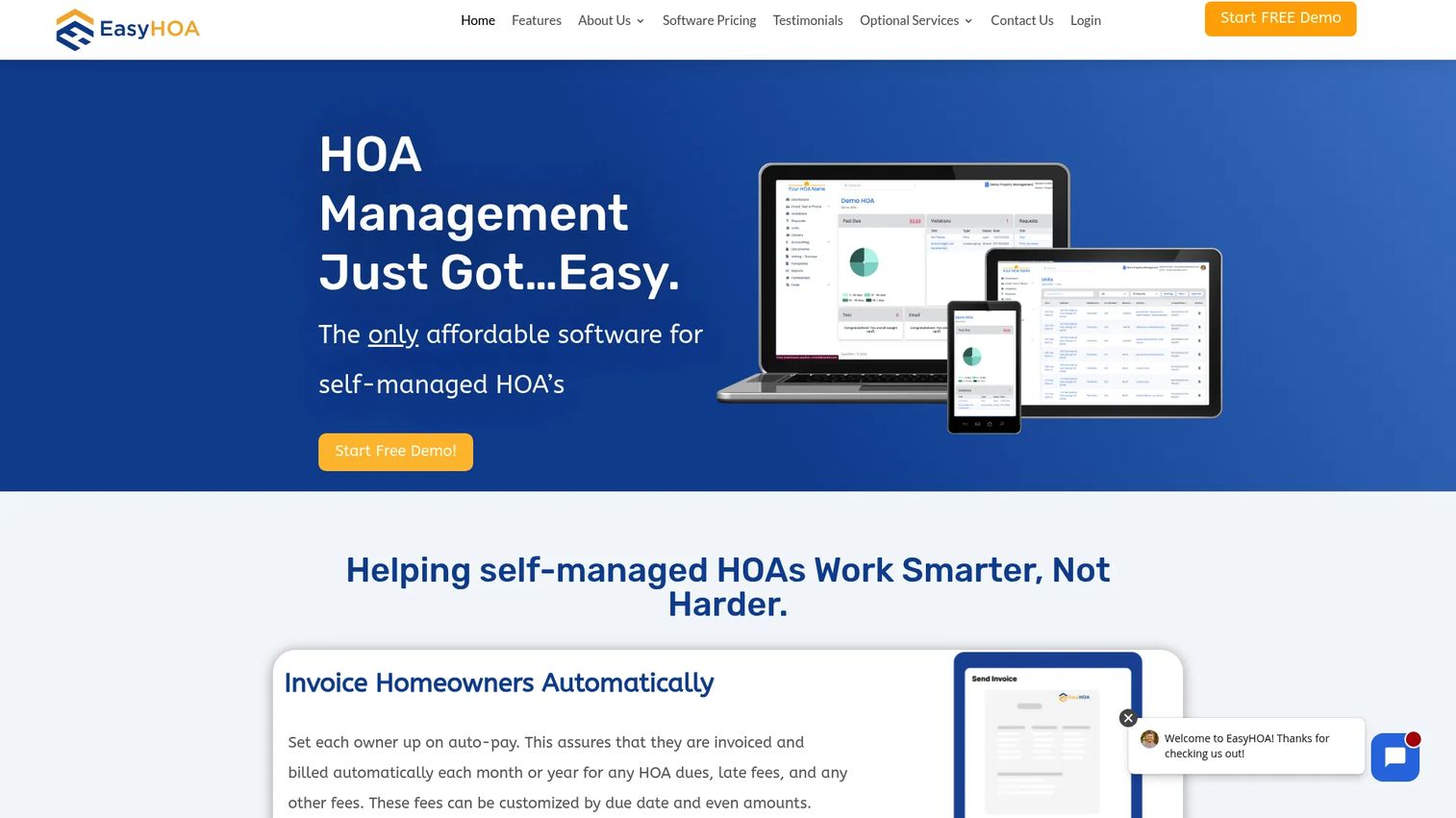
Easy HOA is built for self-managed communities that want one platform without a consultant to set it up. It combines invoicing automation, accounting with a connected bank account, email and text messaging, violations tracking, documents, and electronic voting. For a small board running the association themselves, it removes the two biggest time sinks: collecting dues and keeping residents informed.
Best for: Self-managed HOAs and small-to-medium community managers who want an all-in-one platform with predictable pricing.
Key strengths
- Flat unit-based pricing: One price by unit count, full access, and unlimited support at every tier.
- Accounting with bank connection: Link a bank account and reconcile dues against real transactions.
- Built-in communication and voting: Email and text messaging plus electronic voting, all tied to resident records.
Why choose Easy HOA: If you are a self-managed board without a professional manager, Easy HOA's model fits how you actually operate. There is no per-feature upsell and no separate charge for support, which matters when the people running the software are volunteers. The transparent tier structure means you know your cost before you commit.
Easy HOA pricing: Pricing scales by unit count, starting at $49 per month for 1 to 25 units, $69 per month for 26 to 50 units, $89 per month for 51 to 100 units, and $99 per month for 101 to 150 units. Over 150 units is custom pricing. Every tier includes full access and unlimited support. There is no free tier. G2 does not yet show user reviews for Easy HOA, so a peer rating is not available.
2. PayHOA
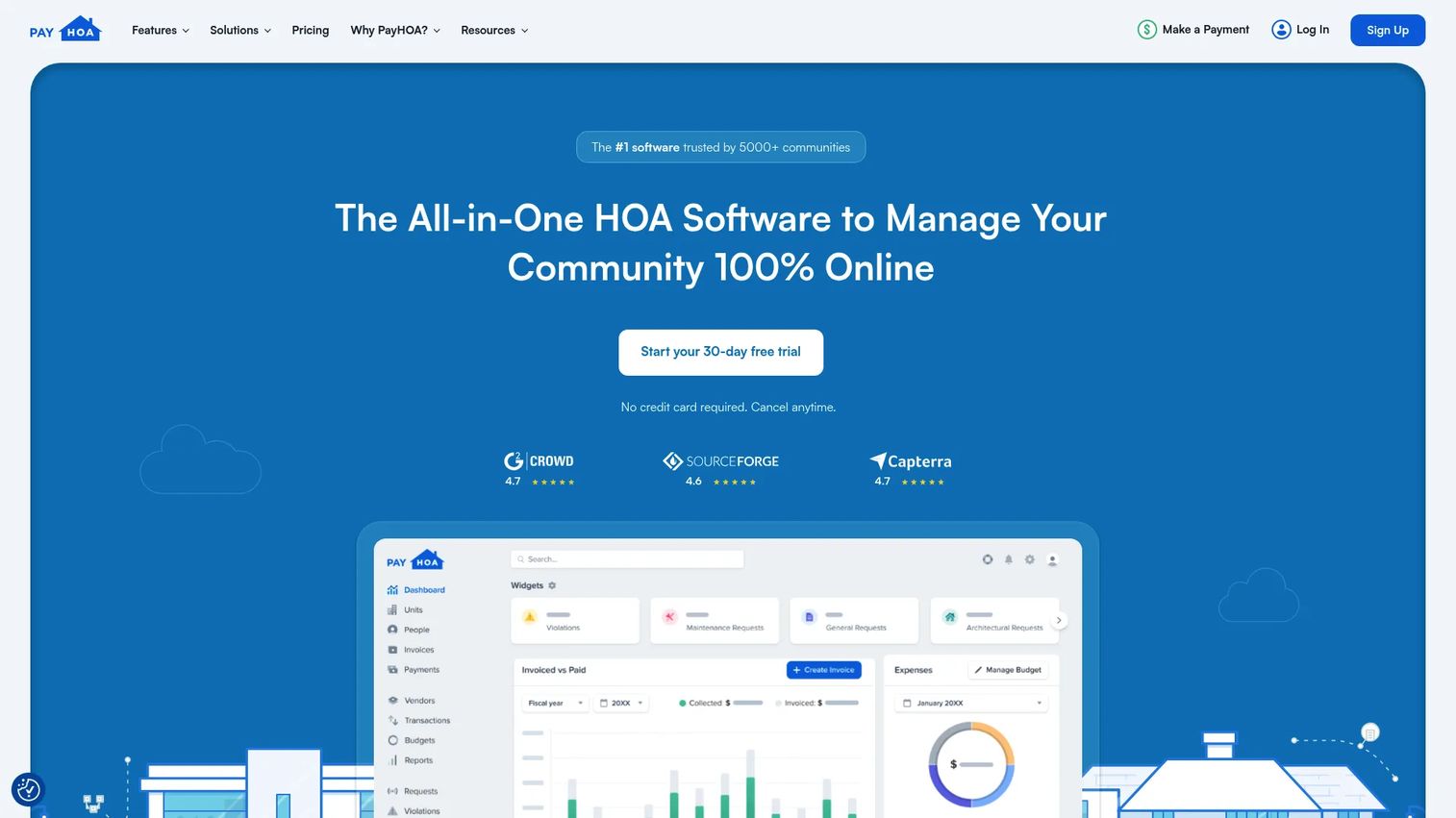
PayHOA is an all-in-one HOA and community association management platform serving both self-managed communities and management companies. It brings online payments, unit management, requests and violations, financial reporting, and communication tools into one system. The pitch is straightforward: every feature is included in the price, and pricing scales only with the number of units you manage.
Best for: Self-managed HOAs and community association managers who want billing, accounting, and communications in a single system with no feature gating.
Key strengths
- All features on every plan: Online payments, accounting, requests, violations, and communication with no upsells.
- Unit-based pricing with a free trial: Cost scales by unit count, with a 30-day trial and no credit card required.
- Financial reporting and autopay: Recurring billing, HOA payment processing, and reporting built for board oversight.
Why choose PayHOA: PayHOA is a strong fit when you want the full feature set without decoding a tier matrix. Because everything is included, a self-managed board and a management company get the same capabilities and differ only on unit count. The 4.7/5 G2 rating reflects consistent satisfaction across both audiences.
PayHOA pricing: Plans scale by unit count. The 0 to 25 unit tier is $54 per month, or $49 per month billed yearly. It moves up to $65 per month (26 to 50 units), $109 per month (51 to 100 units), $142 per month (101 to 150 units), and continues up per tier. At 500+ units, pricing is $0.55 per unit per month with a $275 monthly minimum. Annual billing carries a 10% discount. A 30-day free trial is available with no credit card required. G2 rating: 4.7/5.
3. Buildium
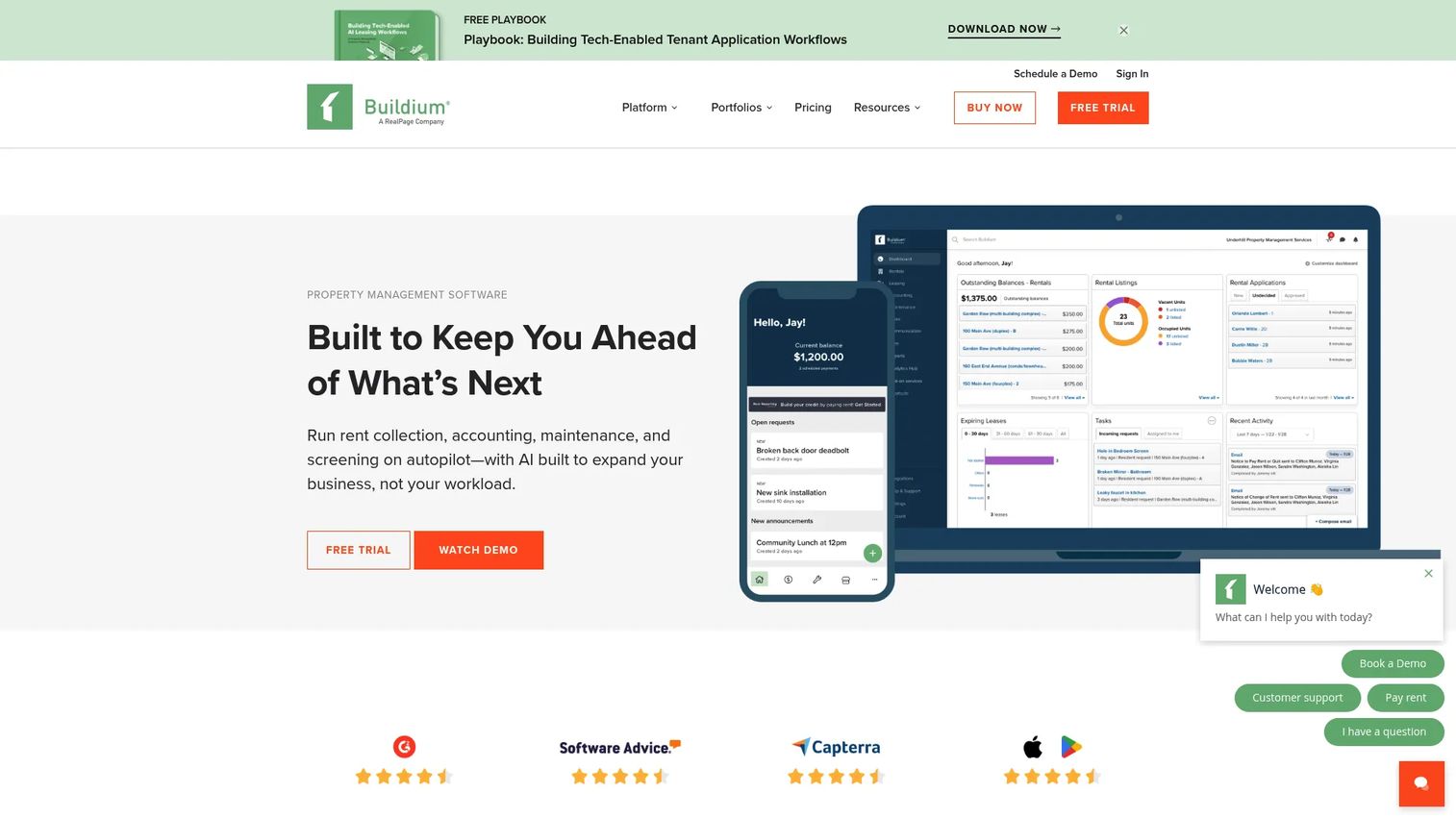
Buildium is a property management platform with strong HOA and association features, built for teams that need accounting depth above all. It handles property accounting, maintenance requests and work orders, online leasing, tenant screening, resident and board communications, and bank syncing. For an association that treats financial accuracy as non-negotiable, the accounting engine is the draw.
Best for: Property managers and management companies that need an all-in-one platform for accounting, operations, and communications across a portfolio.
Key strengths
- Deep property accounting: General ledger, reporting, and reconciliation built for portfolio-scale finance.
- Maintenance and work orders: Structured intake, assignment, and tracking of HOA maintenance requests.
- Public, tiered pricing: Three published plans, so you can size cost before talking to sales.
Why choose Buildium: Buildium fits when accounting is the center of gravity and you want published pricing rather than a quote process. It scales from smaller self-managed setups to management companies, though the depth of its accounting is most valuable to teams that run finances daily. The 14-day free trial lets you test the ledger before committing.
Buildium pricing: Three public plans, all billed monthly: Essential at $62 per month, Growth at $192 per month, and Premium at $400 per month. A free 14-day trial is available with no credit card required, and there is no free tier. Some pricing is plan- and unit-dependent, so confirm your unit count against the plan you choose. G2 rating: 4.4/5.
4. Condo Control
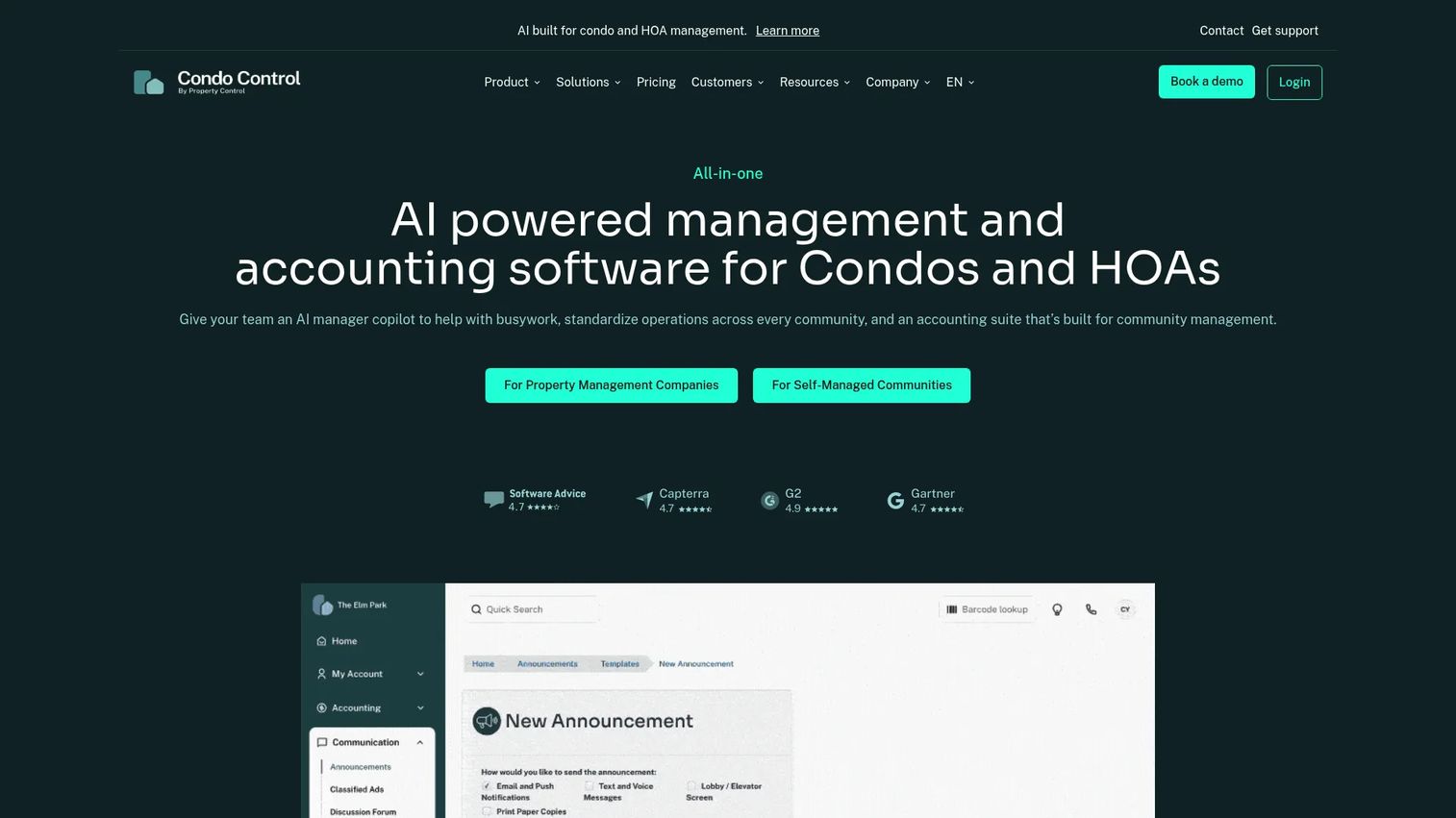
Condo Control is cloud-based community operations software for condos, HOAs, and co-ops, organized around the resident experience. It centers on a resident portal and mobile app, maintenance and architectural change requests, and voting and meetings support. For communities where resident communications and self-service drive the workload, the portal-first design is the point.
Best for: Condo and HOA communities that want a resident communications and operations platform with a strong portal and mobile app.
Key strengths
- Resident portal and mobile app: Homeowner portal access for payments, requests, documents, and updates.
- Requests and architectural review: Maintenance requests plus architectural change request workflows in one place.
- Voting and meetings: Built-in support for online voting and meeting management.
Why choose Condo Control: Condo Control is a strong pick when the homeowner portal and mobile experience are the priority, especially for condo association software buyers whose residents expect app-based access. Its highest G2 rating on this list reflects how well the resident-facing side lands. The tradeoff is pricing opacity, which you resolve through a quote.
Condo Control pricing: Condo Control does not publish numeric pricing. Its pricing page lists plan names (Standard Living, Modern Living, Premium Living) and directs you to request a custom quote. Because the quote reflects your community size and plan, ask specifically what is included at each tier before you decide. G2 rating: 4.8/5.
5. Vantaca
Vantaca is community association management software built for HOA and CAM companies that run at scale, positioned as an operating system rather than a point tool. It combines community management workflows, integrated accounting and payments, and a homeowner and board portal called Vantaca Home. The differentiator is workflow automation: routing, approvals, and process control across a large portfolio.
Best for: HOA and community association management companies that want workflow automation plus resident and board self-service across many communities.
Key strengths
- Workflow automation: Automated routing and approvals for requests, violations, and board processes.
- Integrated accounting and payments: Finance and HOA payment processing built into the management workflow.
- Board and homeowner portal: Vantaca Home gives residents and boards self-service access.
Why choose Vantaca: Vantaca fits management companies that have outgrown lighter tools and need process control across a portfolio. The automation layer is what larger operations pay for, since it removes repetitive routing work that scales badly by hand. Smaller self-managed boards will find it more platform than they need.
Vantaca pricing: Vantaca does not publish pricing on its site. The product is demo-led, so pricing comes through a sales conversation. When you request a quote, ask about implementation scope and onboarding timeline, since a platform this deep involves a configuration process. G2 rating: 4.5/5.
6. Yardi Breeze
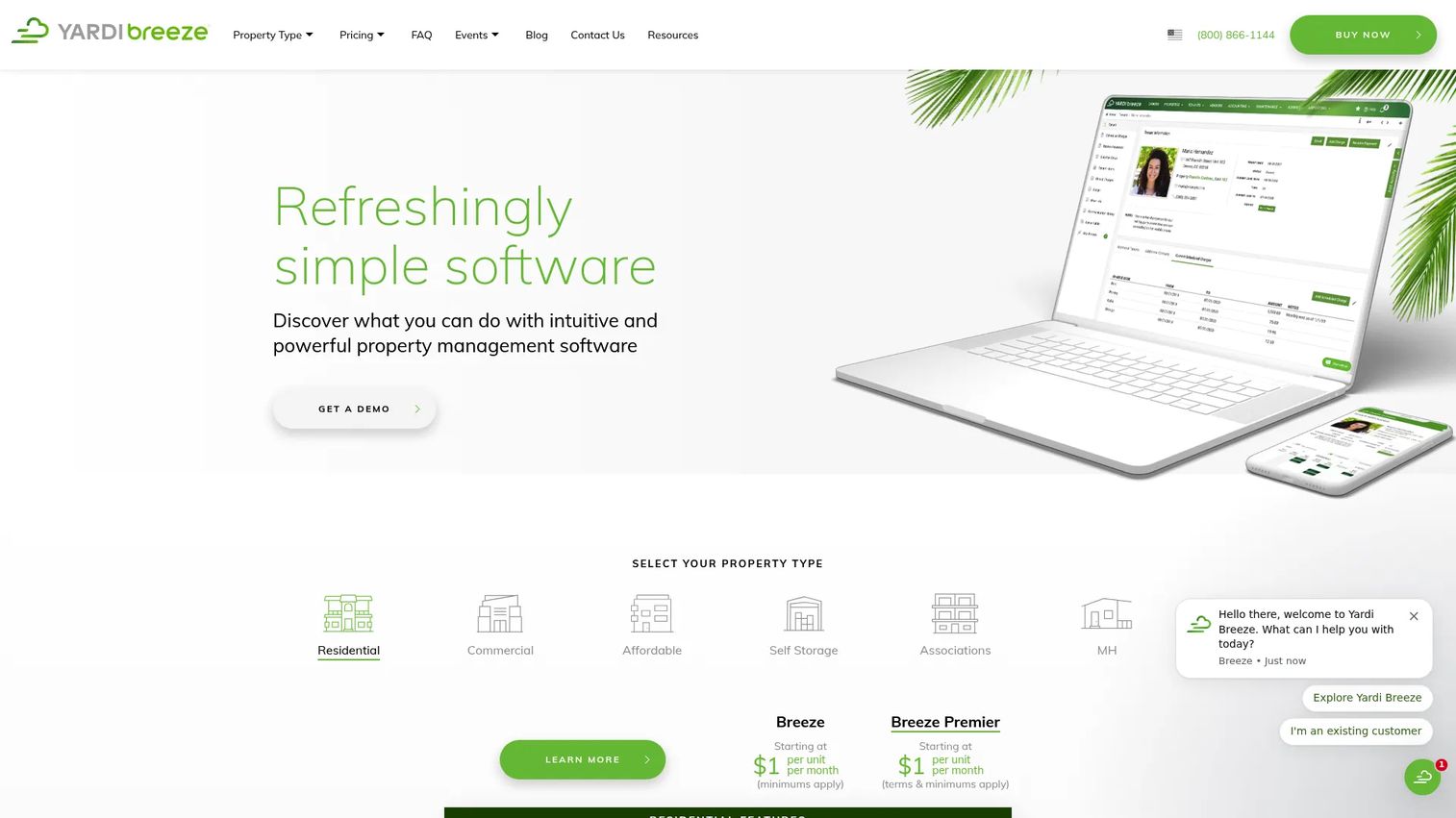
Yardi Breeze is cloud-based property management software for residential and commercial portfolios, with association management, ledger control, and owner communication for HOAs and condos. It covers property management, rent and dues collection, accounting, maintenance, owner tools, and marketing and leasing. The appeal for HOA buyers is simple per-unit pricing paired with strong finance controls.
Best for: Small to mid-sized associations and property managers who want straightforward per-unit pricing and dependable financial controls.
Key strengths
- Transparent per-unit pricing: $1 per unit per month makes cost predictable as your community grows.
- Strong ledger and accounting control: HOA accounting software features with reliable reconciliation.
- Maintenance and owner communication: Request tracking plus owner-facing communication in one system.
Why choose Yardi Breeze: Yardi Breeze fits associations that value predictable per-unit economics and want finance controls backed by an established vendor. The per-unit model scales cleanly, and the monthly minimum keeps small communities honest about total cost. Setup involves an annual agreement, so factor the commitment into your decision.
Yardi Breeze pricing: Residential Breeze starts at $1 per unit per month with a $100 monthly minimum on an annual agreement. Residential Breeze Premier also starts at $1 per unit per month with a $400 monthly minimum. Commercial Breeze starts at $2 per unit per month with a $200 monthly minimum, and commercial Breeze Premier is contact-sales only. There is no free tier. G2 rating: 4.1/5.
7. AppFolio Property Manager

AppFolio Property Manager is cloud property management software for residential operators that also supports HOA and COA portfolios. It covers property accounting and reporting, marketing and leasing, work order management and maintenance, inspections and unit turns, integrated communication, and a Realm-X assistant for messaging. For a property manager whose book includes HOAs alongside rentals, running both in one platform is the value.
Best for: Residential property managers who need one operating platform and also manage HOA or COA portfolios.
Key strengths
- All-in-one operating platform: Accounting, leasing, maintenance, and communication across property types.
- Work order and inspection management: Structured maintenance requests, inspections, and unit turns.
- Integrated communication and AI messaging: Resident communications with a Realm-X assistant for drafting.
Why choose AppFolio: AppFolio makes sense when HOAs are one part of a broader residential portfolio and you want a single platform rather than a dedicated HOA tool. The breadth is the point, since managing rentals and associations in one system removes duplicate work. A dedicated HOA-only buyer may find it broader than needed.
AppFolio pricing: AppFolio uses quote-based pricing across three plans: Core, Plus, and Max. All are quote-based, and AppFolio states that minimum spend and unit minimums apply. Because there is no public price and no free tier, request a quote sized to your unit count and confirm the minimum before committing. Rated 4.5/5 on G2.
8. CINC Systems
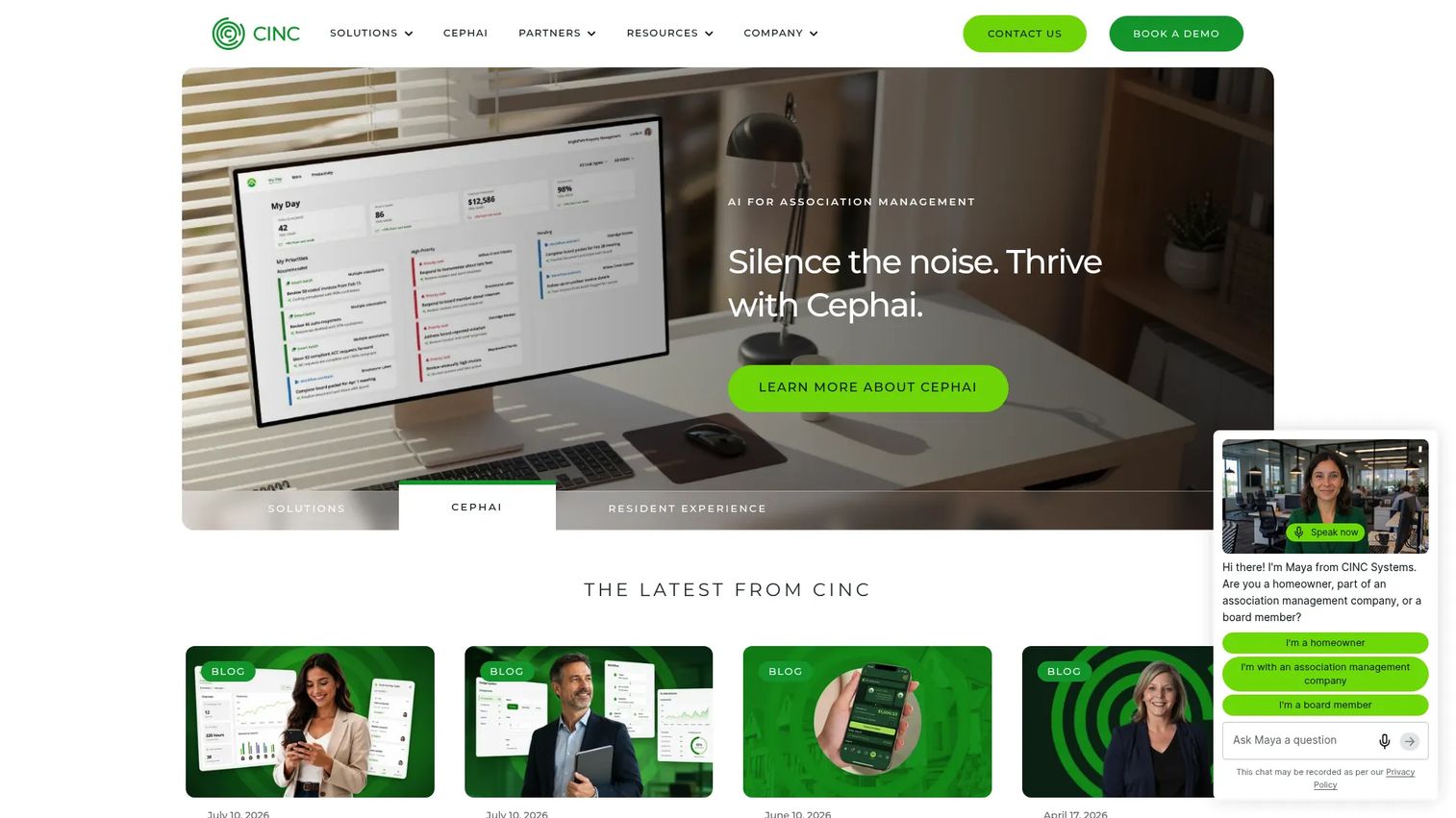
CINC Systems is cloud-based, AI-native community association management software for HOAs and CAM companies that need depth and process rigor. It covers financial management and reporting, management tools for requests, violations, and board packets, and resident engagement features including messaging, voting, and reservations. For enterprise-scale management companies, the financial controls and board-packet automation are the core draw.
Best for: Community association management companies that need an all-in-one HOA platform with deep financial controls.
Key strengths
- Financial management and reporting: Enterprise-grade accounting and financial reporting for large portfolios.
- Board packet and management tools: Automated board packets plus requests and HOA violations management.
- Resident engagement: Messaging, online voting, and amenity reservations in the resident experience.
Why choose CINC Systems: CINC Systems fits management companies operating at enterprise scale where financial control and process depth matter most. The board-packet automation alone saves significant manual assembly time for teams producing packets across many communities. Given the depth, expect an implementation process rather than a quick self-serve start.
CINC Systems pricing: CINC Systems does not publish pricing on its site and directs prospects to book a demo or contact sales. Because pricing is quote-based, ask about implementation scope, onboarding timeline, and what financial features are included at your portfolio size. G2 rating: 4.6/5.
Considerations before you buy
Before you commit to any HOA management software, verify these five things against your actual community.
Accounting depth versus your needs
Not every board needs enterprise accounting. A small self-managed HOA may only need dues billing, bank syncing, and basic reporting. A management company running hundreds of doors needs a full general ledger and audit-ready reporting. Match the accounting engine to how you actually run finances, not to the biggest feature list.
Communication and record-keeping
Confirm the tool logs every notice against the unit it went to. HOA communication tools that send email and text but do not keep a per-resident record leave you exposed in disputes. Ask whether mailed notices, texts, and emails all live in one communication history.
Portal and mobile self-service
A homeowner portal only helps if residents actually use it. Check the mobile experience, since most homeowners will pay dues and submit HOA maintenance requests from a phone. Weak mobile access means the calls and emails keep coming.
Pricing transparency and total cost
Some tools publish flat or per-unit HOA software pricing. Others gate everything behind a quote. Neither is wrong, but for a quote-based vendor, get the total cost in writing including minimums, implementation, and any onboarding fees before you sign.
Self-managed versus managed fit
Self-managed HOA software like Easy HOA and PayHOA is built for volunteer boards. Platforms like Vantaca and CINC Systems are built for professional management companies. Buying up-market means paying for automation you will not use; buying down-market means outgrowing the tool. Be honest about which side you are on.
Conclusion
The right homeowners association management software depends on who runs your community and how deep your accounting needs go. For self-managed boards that want transparent pricing and unlimited support, Easy HOA and PayHOA are the strongest starting points. If accounting depth with published tiers is the priority, Buildium fits. For a resident portal and mobile-first experience, Condo Control leads. Yardi Breeze wins on predictable per-unit economics.
At the management-company end, Vantaca and CINC Systems deliver the workflow automation and financial controls that portfolio-scale operations need, while AppFolio suits property managers running HOAs alongside rentals.
Your next step is simple. Shortlist two or three tools based on three variables: community size, whether you are self-managed or professionally managed, and how much accounting depth you actually need. Then run a trial or request a quote sized to your unit count, and confirm total cost before you sign anything.
FAQs
Homeowners association software is a platform that centralizes dues collection, accounting, resident communication, maintenance requests, violation tracking, documents, and homeowner self-service in one system. It replaces the spreadsheets, email threads, and separate bank portals that most boards start with. The goal is to cut manual work and give both boards and residents a single place to operate.
At minimum, look for HOA accounting software with bank syncing, HOA billing software for recurring dues and autopay, HOA communication tools that log every notice, a homeowner portal for self-service, and maintenance and violations tracking. Document storage and board-level reporting round out the core set. The right depth depends on whether you are a small board or a management company.
HOA software pricing ranges widely. Flat and per-unit tools start around $49 to $62 per month for small communities, and per-unit models like Yardi Breeze run $1 per unit per month with monthly minimums. Enterprise and management-company platforms like Vantaca, AppFolio, and CINC Systems use quote-based pricing, so total cost depends on your portfolio size and implementation scope.
Yes. Self-managed HOA software like Easy HOA and PayHOA is designed for volunteer boards running a single community, with simpler setup and predictable pricing. Property management software like Buildium and AppFolio is built for professionals managing rentals and associations across a portfolio, with deeper accounting and more operational tools. Buy the one that matches how your community is actually run.
Most modern HOA software handles both. Tools like PayHOA, Buildium, and Yardi Breeze offer HOA payment processing with autopay and connect directly to a bank account so dues reconcile against real transactions automatically. Bank syncing is one of the biggest time savers for treasurers, so confirm the tool connects to your specific bank before you commit.
Yes, a homeowner portal is a core feature of most community association software. Platforms like Condo Control and Vantaca build their experience around a resident portal and mobile app where homeowners pay dues, submit requests, access documents, and vote. Because most residents will use the portal from a phone, check the mobile experience closely.
A small or self-managed HOA should prioritize transparent pricing, unlimited support, and only the features it will actually use: dues billing, bank syncing, resident communication, and a homeowner portal. Tools like Easy HOA and PayHOA are built for this profile, with unit-based pricing that scales gently. Avoid paying for enterprise automation a volunteer board will never touch.
Start by defining your community size, whether you are self-managed or professionally managed, and how deep your accounting needs go. Shortlist two or three tools that fit that profile, then read HOA software reviews, run a free trial where available, and request a quote sized to your unit count for the quote-based vendors. Confirm total cost, including minimums and implementation, before signing.