Your company-wide email got a 12% open rate. The other 88% of your workforce never saw it.
That's the reality for most organizations still relying on email and outdated intranets to reach their people. According to Gallup, only 13% of employees strongly agree that their organization's leadership communicates effectively. The gap is even wider for deskless and frontline workers, roughly 80% of the global workforce, who often don't have a company email address, let alone a desk.
Employee communications software closes that gap. These internal communication platforms centralize how you share news, updates, and feedback across every location and device. Some are purpose-built employee communication apps for frontline teams. Others are team communication tools that started in chat and expanded outward. The right choice depends on your workforce composition, your existing tech stack, and whether you need to reach someone on a factory floor or in a home office.
We evaluated dozens of business communication software platforms to find the 15 that work best for mobile-first teams in 2026. If you're also evaluating how to showcase your product to employees during onboarding or training, interactive demos can complement any comms platform.
What's inside
This guide covers the 15 best employee communications software options for 2026, with a focus on mobile accessibility and frontline worker support. Each review includes features, pricing, integrations, AI capabilities, and honest trade-offs. You'll also find a comparison table, a decision framework, and key features to prioritize during your evaluation.
TL;DR
- Staffbase is the strongest enterprise employee communications platform for organizations with 1,000+ employees and mixed workforces
- Connecteam offers the best value for SMBs with large frontline teams, starting free for up to 10 users
- Workvivo (by Zoom) is the top pick if employee experience and culture are your primary goals
- Slack is a strong collaboration tool but not a true employee comms platform on its own
- Blink and Beekeeper are purpose-built mobile communication apps for teams in healthcare, hospitality, and manufacturing
- Email-only teams should look at ContactMonkey or PoliteMail before deploying a full platform
What is employee communications software (and why your team needs it in 2026)
Employee communication software is a platform that centralizes how organizations share information, updates, and two-way feedback with their entire workforce, across all locations and devices. Think of it as the connective tissue between leadership and every employee, whether they're at a desk, on a shop floor, or driving a delivery route.
It's worth distinguishing this category from general collaboration tools. Slack and Microsoft Teams are built for real-time, peer-to-peer messaging. Purpose-built internal communication tools like Staffbase, Workvivo, and Blink are designed for top-down and organization-wide communications: company news, targeted updates, CEO messages, crisis alerts, and employee feedback loops.
The 2026 context makes these tools more critical than ever. Hybrid work is the norm. AI is entering the comms stack. And executives are under increasing pressure to prove communication ROI with real data, not anecdotes. Meanwhile, email doesn't reach frontline workers, most intranets see less than 20% adoption, and fragmented tools create information silos that cost time and engagement. For organizations looking to improve employee advocacy, a strong internal comms foundation is essential.
The core problems employee communication tools solve:
- Messages don't reach deskless or frontline workers who lack company email
- No single channel connects desk-based and non-desk employees
- Communication effectiveness can't be measured or proven to leadership
- Information silos across departments, locations, and shifts
How we evaluated these employee communication tools
We assessed each platform across six criteria, weighted toward mobile accessibility given this article's focus on reaching mobile and frontline teams.
- Mobile accessibility & frontline worker support - Does the app work offline? Can workers onboard without a company email? Push notifications and BYOD support matter here.
- Core communication features - News feeds, targeted messaging, push notifications, newsletters, video, and surveys.
- Analytics & measurement - Open rates, read receipts, read time, engagement metrics, and sentiment tracking. This is the number-one gap in most organizations' current comms approach.
- Integrations - HRIS (Workday, BambooHR, SAP), SSO (Okta, Azure AD), collaboration tools (Teams, Slack), and payroll systems.
- AI capabilities - Content generation, auto-translation, personalized content feeds, and smart send times. Emerging in 2026 but becoming table stakes for enterprise.
- Pricing & scalability - Cost per user, free tiers, enterprise pricing, and total cost of ownership.
Quick comparison table - 15 best employee communications software at a glance
Before diving into detailed reviews, here's a side-by-side snapshot of all 15 internal communication platforms.
| # | Tool | Best For | Starting Price | Mobile App | AI Features | Free Plan |
|---|---|---|---|---|---|---|
| 1 | Staffbase | Enterprise internal comms at scale | Custom (enterprise) | ✅ | ✅ | ❌ |
| 2 | Connecteam | All-in-one for frontline teams | ~$29/mo (up to 30 users) | ✅ | Limited | ✅ |
| 3 | Workvivo | Employee experience & social engagement | Custom (mid-high) | ✅ | ✅ | ❌ |
| 4 | Slack | Real-time team messaging | $8.75/user/mo | ✅ | ✅ | ✅ |
| 5 | Blink | Mobile-first frontline industries | Custom (mid-range) | ✅ | ✅ | ❌ |
| 6 | Microsoft Viva | Microsoft 365 organizations | ~$12/user/mo add-on | ✅ (via Teams) | ✅ (Copilot) | ❌ |
| 7 | Haiilo | Multichannel publishing & advocacy | Custom (mid-high) | ✅ | ✅ | ❌ |
| 8 | Poppulo | Enterprise comms analytics | Custom (enterprise) | ✅ | ✅ | ❌ |
| 9 | ContactMonkey | Teams keeping Outlook/Gmail | ~$200/mo (small teams) | ❌ (email only) | ✅ | ❌ |
| 10 | Beekeeper | Manufacturing & hospitality ops | Custom (mid-range) | ✅ | ✅ | ❌ |
| 11 | Appspace | Digital signage + comms | Modular pricing | ✅ | Limited | ❌ |
| 12 | Flip | Simple non-desk worker app | Custom (mid-range) | ✅ | Limited | ❌ |
| 13 | Speakap | Franchise & multi-location retail | Per-user (mid-range) | ✅ | Limited | ❌ |
| 14 | DeskAlerts | Urgent/critical notifications | Per-user (affordable) | ✅ | ❌ | ❌ |
| 15 | PoliteMail | Measuring Outlook email effectiveness | Per-user annual license | ❌ (email only) | ✅ | ❌ |
Pricing verified as of early 2026. "Custom" means you'll need to request a quote.
The 15 best employee communications software for 2026
Here's our in-depth look at each platform, with features, pricing, honest pros and cons, and ideal use cases.
1. Staffbase - best for enterprise internal communications at scale
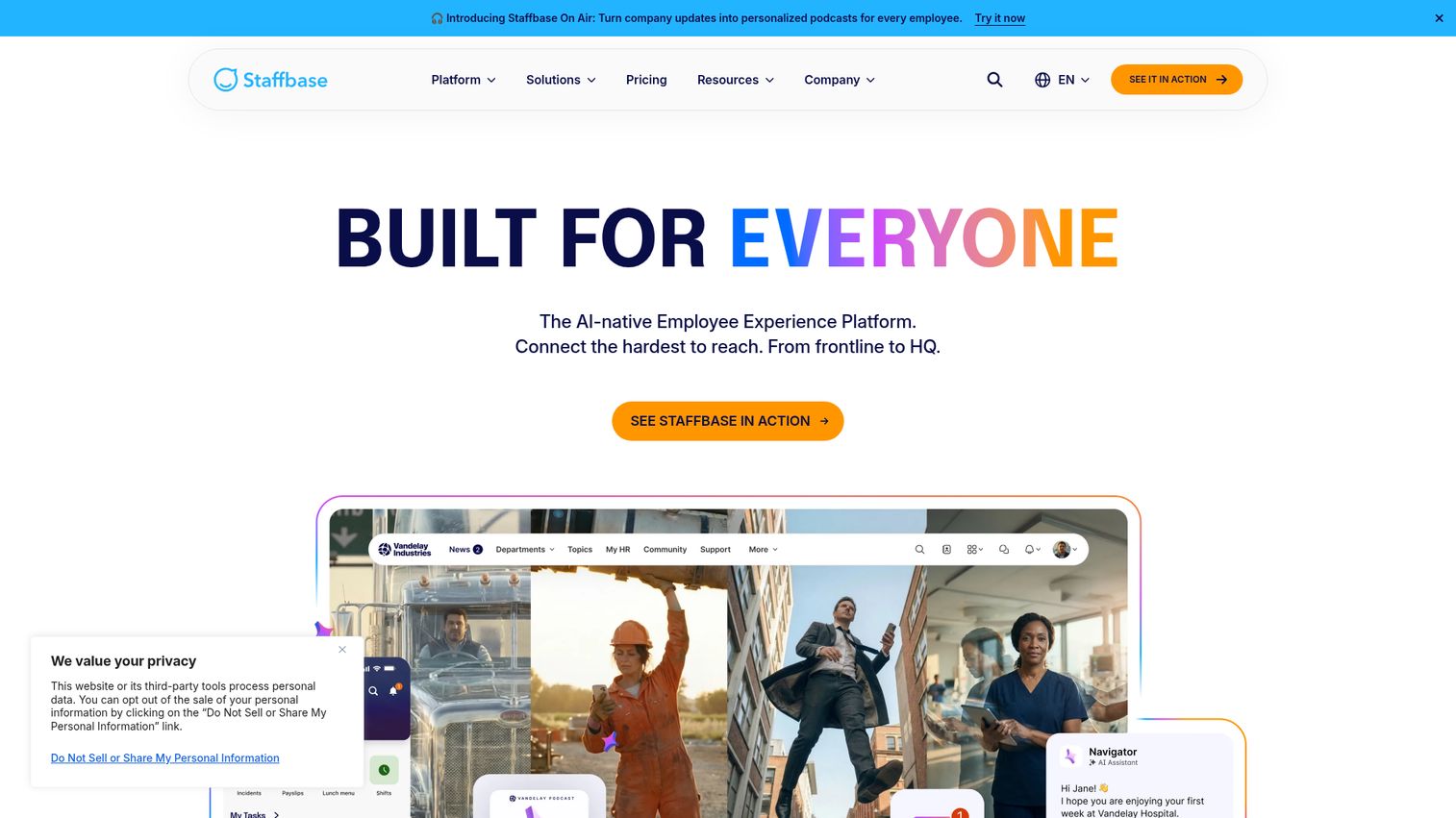
Staffbase is an enterprise-grade employee communications platform used by 2,800+ companies to manage email, intranet, and mobile app communications from a single hub.
Where Staffbase tends to stand out is content targeting and analytics. You can segment messages by department, location, role, or language, then track exactly who opened, read, and engaged with each piece. For internal comms teams that need to prove ROI to leadership, this level of measurement is a real differentiator among corporate communication tools.
Best for: Organizations with 1,000+ employees, especially those with mixed desk and deskless workforces.
Key strengths
- Branded employee app with strong offline access and push notifications
- AI companion for content creation and auto-translation across languages
- Advanced analytics dashboard with open rate, read time, and engagement tracking
- Content targeting by department, location, role, and language
- Native integrations with Microsoft 365, SharePoint, SAP SuccessFactors, and Workday
Pricing: Custom enterprise pricing. No public tiers. Typically starts mid-range for enterprise contracts.
The trade-offs are real: Staffbase is expensive for SMBs, setup is complex, and it's overkill if you have fewer than 500 employees. But for large enterprises that need a full-featured employee communications platform, it's the benchmark.
2. Connecteam - best all-in-one platform for frontline teams
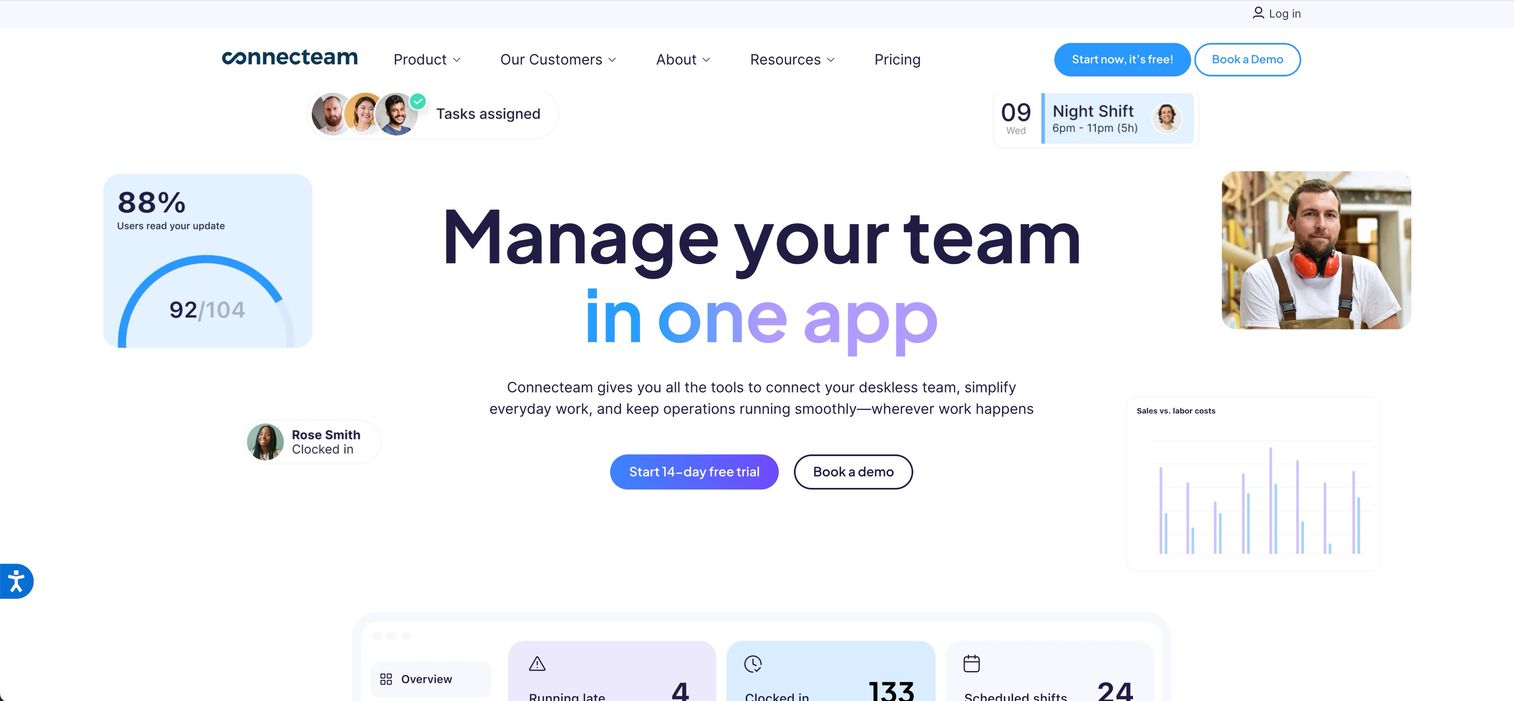
Connecteam is a mobile-first operations and communications platform designed specifically for deskless workers. It bundles a company news feed, targeted updates, chat, surveys, knowledge base, digital forms, time tracking, and scheduling into a single employee communication app. You can explore a Connecteam interactive demo to see the interface in action.
The value proposition is consolidation. Instead of stitching together five or six tools, frontline teams get everything in one app that works on personal devices and doesn't require a company email to onboard. That's a big deal for restaurants, retail stores, and field service operations.
Best for: SMBs and mid-market companies with large frontline or deskless workforces.
Key strengths
- Free plan for up to 10 users with paid plans from ~$29/month for 30 users
- Built mobile-first with no email required for employee onboarding
- All-in-one: comms, scheduling, time tracking, forms, and training
- Company news feed with targeted updates and push notifications
- Integrations with QuickBooks, Gusto, Xero, and Zapier
Pricing: Free for up to 10 users. Paid plans from ~$29/month for up to 30 users.
The downsides: analytics aren't as sophisticated as Staffbase or Poppulo, the UI can feel cluttered with so many modules active, and it's not ideal for enterprises with 10,000+ employees. But for the price, it's hard to beat.
3. Workvivo (by Zoom) - best for employee experience & social engagement
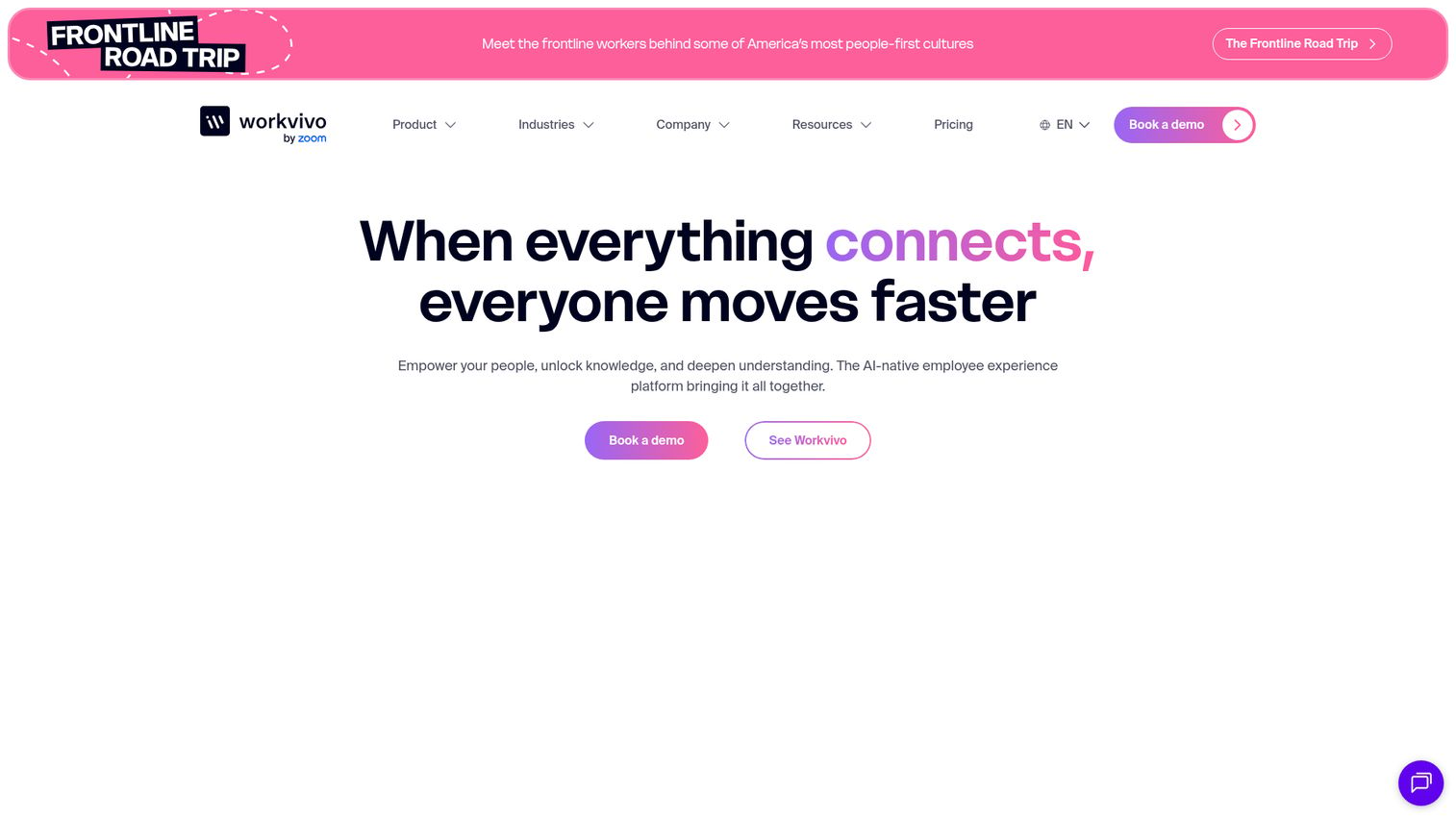
Workvivo was acquired by Zoom in 2023 and has become the employee experience software arm of the Zoom Workplace suite. It looks and feels like a corporate social network, with an activity feed, podcasts, live video, recognition and shoutouts, and surveys.
The UX is where Workvivo stands apart. Employees tend to actually enjoy using it, which is rare for internal comms platforms. That translates to higher adoption rates and more organic engagement compared to traditional top-down broadcast tools.
Best for: Culture-first organizations that want an employee experience platform, not just a broadcast channel.
Key strengths
- Social-media-style activity feed that drives organic engagement
- Recognition and shoutout features tied to company values
- Podcasts, live video, and rich media support
- Integrations with Zoom, Microsoft Teams, Slack, Workday, and BambooHR
- AI-powered content recommendations and smart notifications
Pricing: Custom pricing. Mid-to-high range for enterprise.
The honest trade-off: Workvivo is stronger for social engagement and culture than for structured, top-down corporate communications. If you need tight editorial control over company news, Staffbase is a better fit. Pricing isn't transparent, and it's newer to the enterprise comms category.
4. Slack - best for real-time team messaging & collaboration
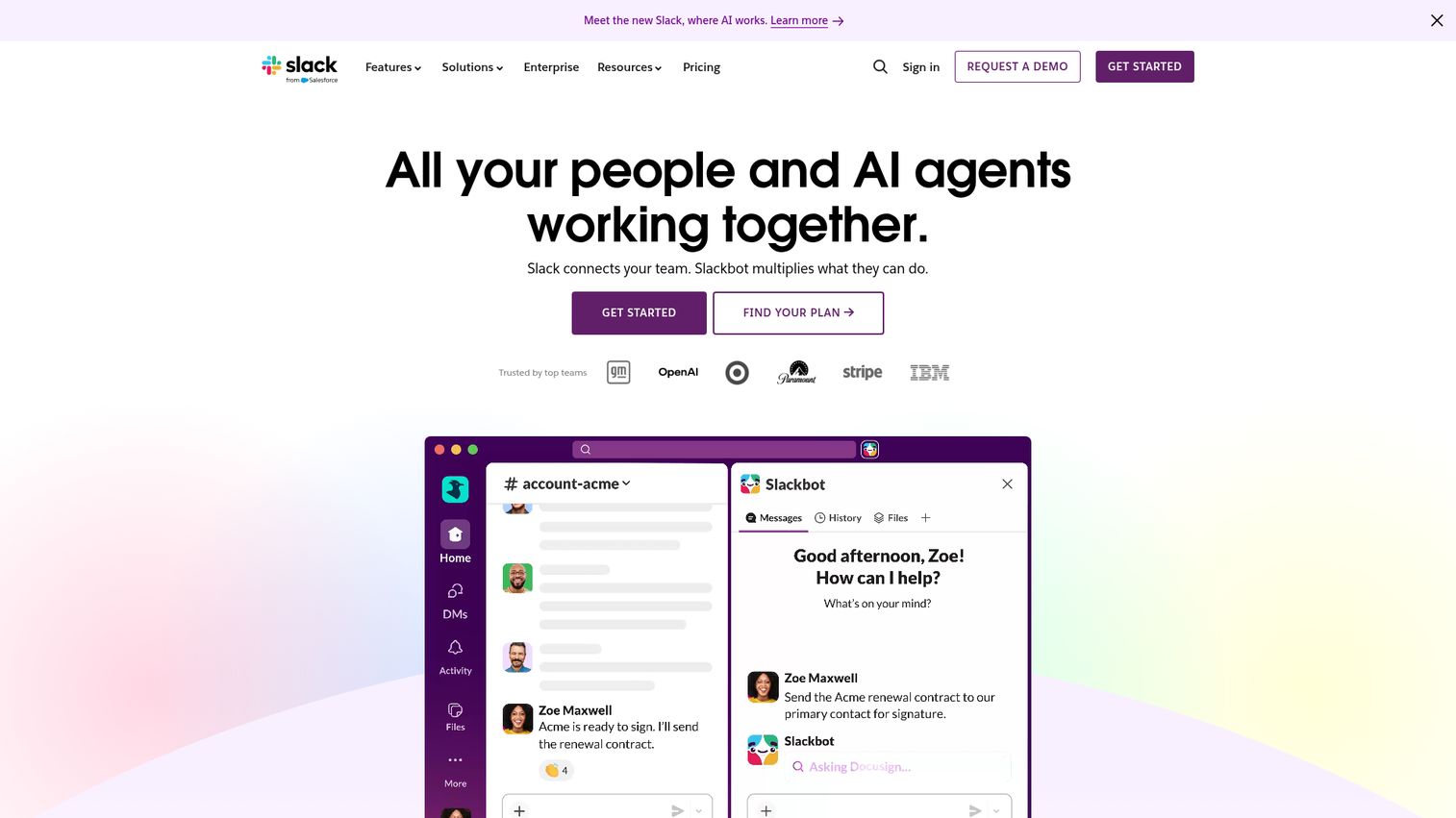
Slack is the dominant real-time messaging platform and one of the most widely used employee collaboration tools on the market. Channels, threads, huddles, Workflow Builder, Canvas, and 2,600+ app integrations make it a powerhouse for communication tools for remote teams.
But here's the important distinction: Slack is a collaboration tool, not a true employee communications platform. It has no news feed, no audience targeting by role or location, no built-in analytics for communication effectiveness, and it's poorly suited for reaching deskless workers who don't sit in front of a screen all day.
Best for: Knowledge workers and tech teams needing real-time collaboration. Best paired with a dedicated employee comms platform for company-wide communications.
Key strengths
- Massive integration library with 2,600+ apps
- Slack AI for search, channel recaps, and conversation summaries
- Huddles for quick audio/video conversations
- Workflow Builder for automating routine processes
- Slack Connect for external partner communication
Pricing: Free plan available. Pro from $8.75/user/month. Business+ from $12.50/user/month. Enterprise Grid is custom.
If 100% of your workforce is desk-based and already lives in Slack, it can serve as your primary internal communication tool. But if you have frontline workers, need targeted messaging, or want to measure whether your CEO's quarterly update was actually read, you'll need a dedicated platform alongside it.
5. Blink - best mobile-first platform for frontline industries
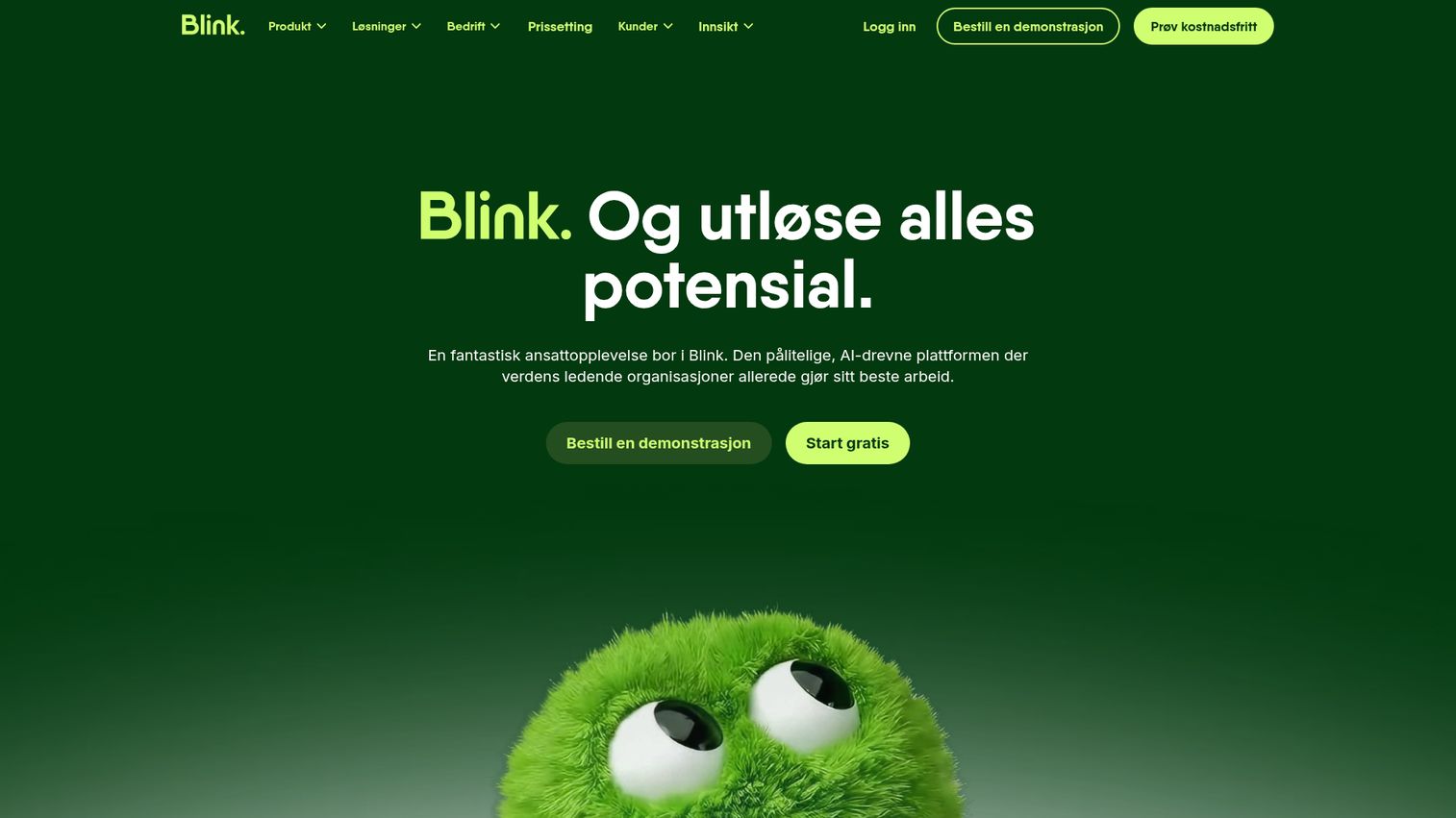
Blink is purpose-built for frontline workers in healthcare, retail, hospitality, and logistics. It's a mobile-first super app with a news feed, secure chat, digital forms, surveys, recognition, a knowledge hub, and shift management integrations.
What makes Blink stand out is deployment speed. Many organizations go live in weeks, not months, and report strong adoption rates among workers who've never used a workplace app before. The real-time communication software features are designed for people who don't have company email or computers.
Best for: Healthcare systems, hospitality chains, retail networks, and logistics companies with 500+ frontline employees.
Key strengths
- Exceptional mobile UX designed for non-desk workers
- Fast deployment timeline measured in weeks
- AI-powered content creation and translation features
- Integrations with Microsoft 365, ADP, Kronos, and ServiceNow
- Strong analytics on message reach and employee engagement
Pricing: Custom pricing. Typically mid-range on a per-user model.
The limitations: Blink is less feature-rich for desk-based corporate comms, has a smaller integration library than Staffbase, and offers limited intranet functionality. It's a frontline-first tool, and it doesn't pretend otherwise.
6. Microsoft Viva - best for organizations already in the Microsoft 365 ecosystem
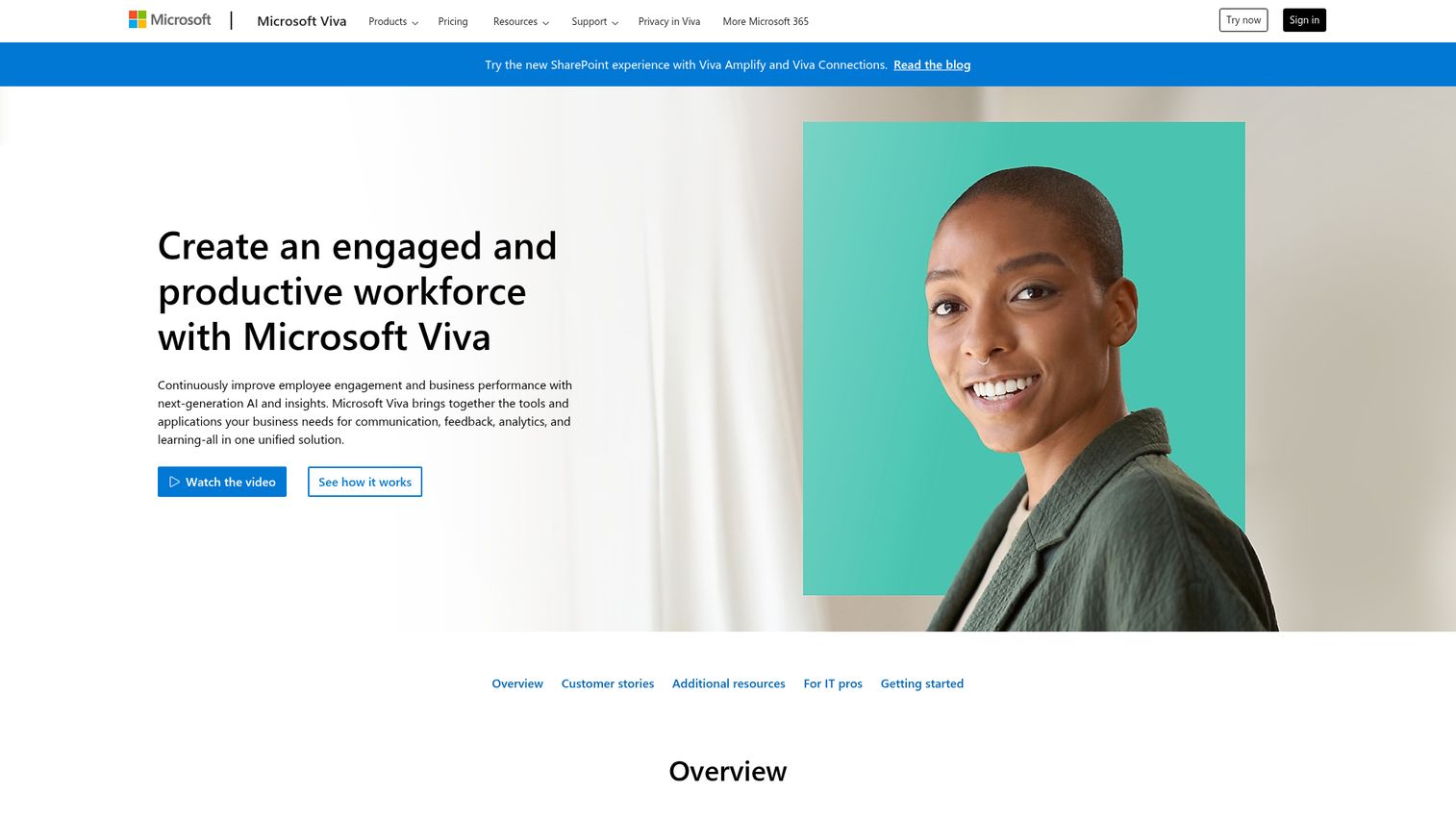
Microsoft Viva is Microsoft's employee experience platform suite, embedded within Teams and Microsoft 365. It's a collection of digital workplace solutions: Viva Connections (company intranet in Teams), Viva Engage (the Yammer successor for social and community), Viva Amplify (multi-channel publishing to email, Teams, and SharePoint), and Viva Insights (wellbeing analytics). You can browse a Microsoft interactive demo to see how the interface works.
The appeal is obvious: if you're already a Microsoft 365 enterprise, there's no additional app to deploy. Copilot AI integration runs across the Viva suite, and enterprise security is built in.
Best for: Large enterprises already invested in Microsoft 365 that want to extend their existing stack rather than add a new vendor.
Key strengths
- Native integration with SharePoint, Outlook, Teams, and Azure AD
- Viva Amplify publishes once to email, Teams, and SharePoint simultaneously
- Copilot AI integration across the Viva suite
- No additional app deployment for existing M365 organizations
- Enterprise-grade security and compliance
Pricing: Included in some Microsoft 365 plans. Viva suite add-on is approximately $12/user/month.
The trade-offs: the experience is fragmented across multiple Viva modules, it requires full Microsoft 365 commitment, it's less intuitive for frontline workers than purpose-built tools like Blink or Connecteam, and setup complexity can be significant. If you're not a Microsoft shop, look elsewhere.
7. Haiilo - best for multichannel publishing & employee advocacy
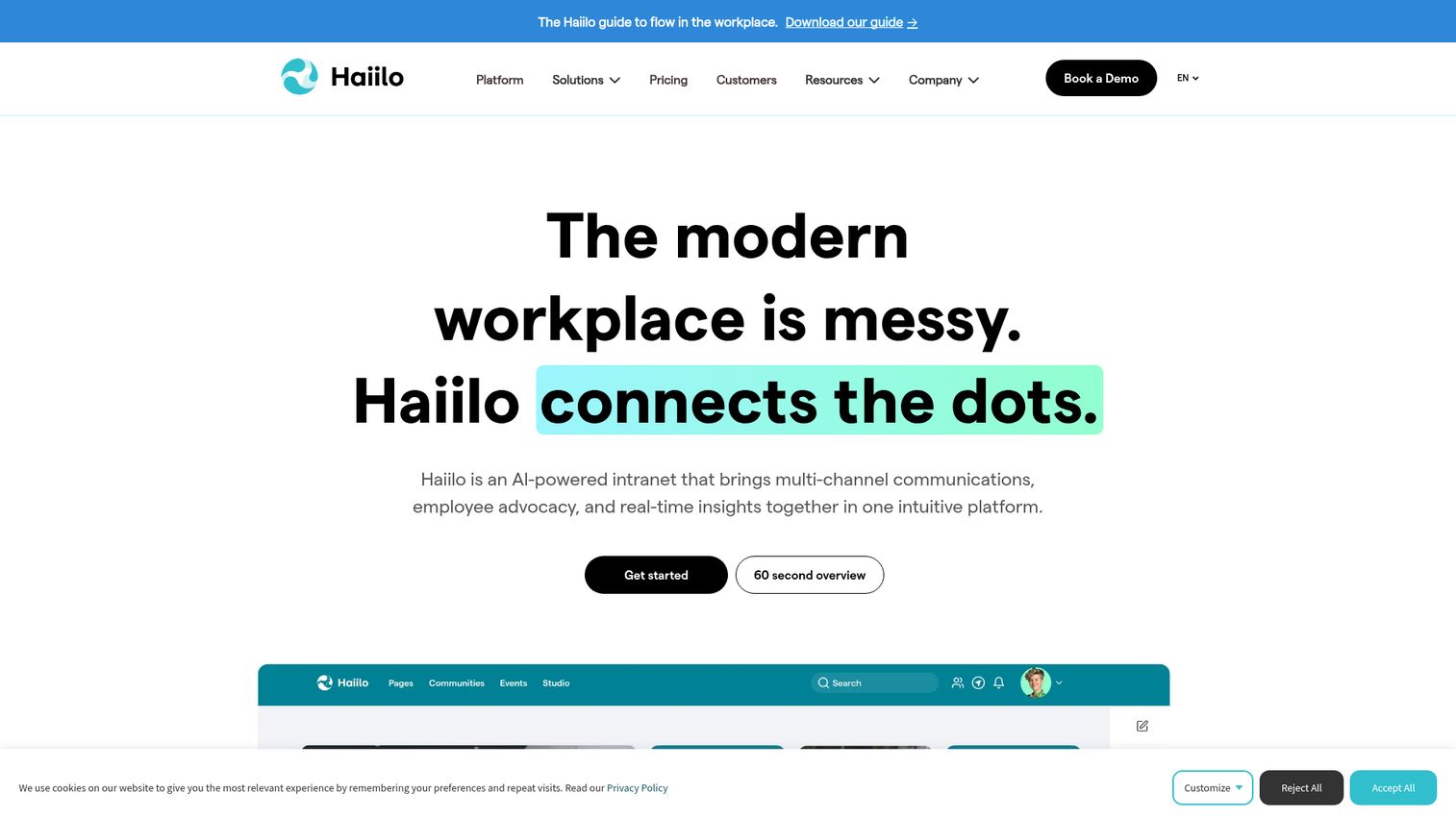
Haiilo is a European-headquartered platform combining internal communications, employee advocacy, and intranet in one corporate communication tool. The unique angle is the advocacy module: employees can share approved company content on LinkedIn and other social platforms directly from the app. If advocacy is a priority, also check our roundup of the best employee advocacy software tools.
Multichannel publishing lets you push content to app, email, intranet, Teams, and digital signage from a single workflow. Strong European data compliance (GDPR) makes it a natural fit for global companies with EU operations.
Best for: European enterprises and global companies wanting combined internal comms plus employee advocacy.
Key strengths
- Employee advocacy module for social sharing on LinkedIn
- Multichannel publishing across app, email, intranet, and signage
- Content targeting, analytics, and surveys built in
- AI content assistant for drafting and translation
- Strong GDPR compliance for European data requirements
Pricing: Custom. Mid-to-high range.
The advocacy module is a genuine differentiator, but not every organization needs it. Haiilo is less known in North America, has a smaller partner network than Staffbase or Poppulo, and the advocacy feature adds cost for teams that won't use it.
8. Poppulo - best for enterprise communication analytics & measurement
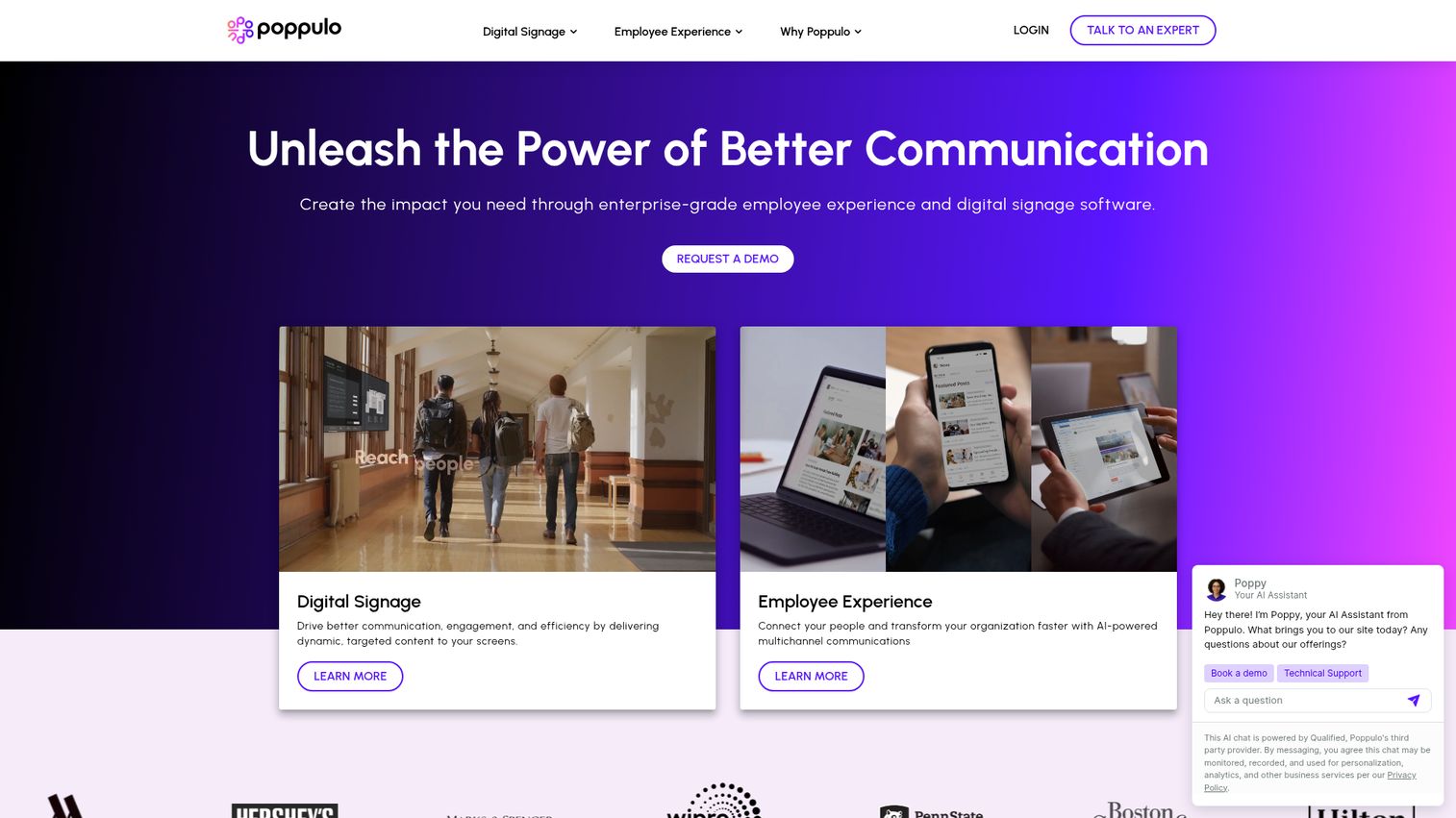
Poppulo is an enterprise-focused workforce communication platform (formerly Newsweaver + Four Winds Interactive) that combines employee comms with digital signage and workplace management. If your primary need is proving communication ROI with detailed analytics, Poppulo is where you should start your evaluation.
The analytics go deeper than most competitors: open rates, read time, sentiment analysis, audience segmentation reporting, and content performance tracking across channels. The digital signage integration is unique, letting you reach workers in break rooms, factory floors, and lobbies.
Best for: Large enterprises (5,000+ employees) that need to prove communication ROI with detailed analytics.
Key strengths
- Advanced analytics including open rates, read time, and sentiment
- Omnichannel messaging across email, app, Teams, intranet, and digital signage
- AI-powered content optimization and audience targeting
- Approval workflows for regulated industries
- Digital signage integration for physical workplace communication
Pricing: Custom enterprise pricing.
The honest assessment: Poppulo has a steep learning curve, it's expensive, and it's overkill for SMBs. But for enterprises in regulated industries that need to demonstrate measurable communication effectiveness, the analytics depth justifies the investment.
9. ContactMonkey - best for teams that want to keep using Outlook/Gmail
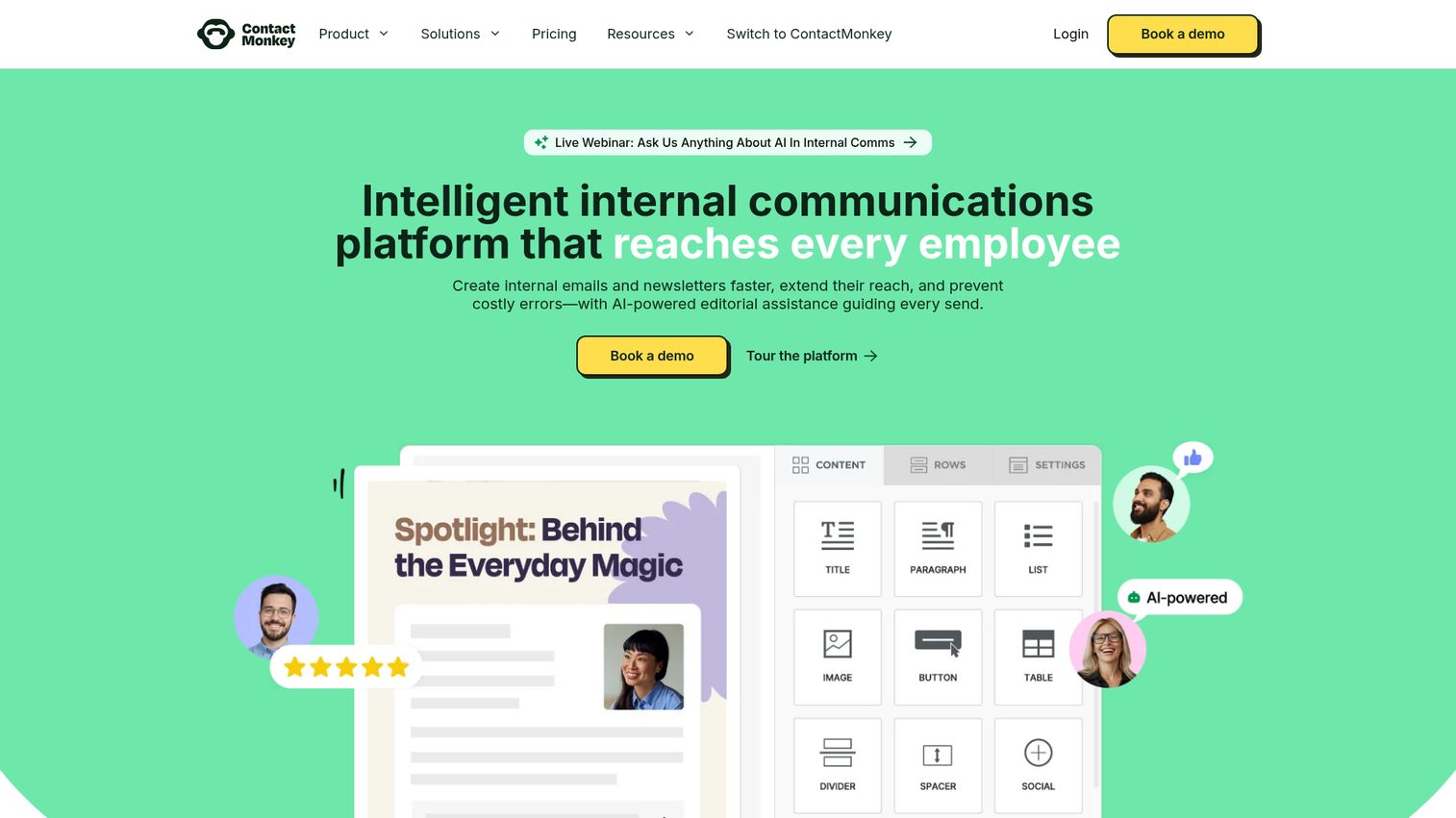
ContactMonkey is an internal email platform that works inside Outlook and Gmail. There's no new app to deploy, no change management battle, and no IT project. You build emails with a drag-and-drop builder, embed surveys, segment audiences, and track analytics, all from within the email client your team already uses. See the ContactMonkey interactive demo for a closer look at the builder.
For internal comms teams at desk-based organizations who want to upgrade their email marketing and internal newsletters without deploying a new platform, this is the path of least resistance.
Best for: Internal comms teams at desk-based organizations who need better email analytics without a new platform.
Key strengths
- Works entirely inside Outlook and Gmail with zero change management
- Drag-and-drop email builder with responsive templates
- Email analytics including opens, clicks, and read time
- Employee surveys embedded directly in emails
- AI writing assistant for email content creation
Pricing: Starts at approximately $200/month for small teams. Scales per user.
The limitation is clear: ContactMonkey is email-only. No app, no intranet, no chat. It doesn't reach workers without email. If you need multichannel communication, this isn't your primary platform. But as a layer on top of your existing email workflow, it's one of the best communication tools for employees who live in their inbox.
10. Beekeeper - best for operational communication in manufacturing & hospitality
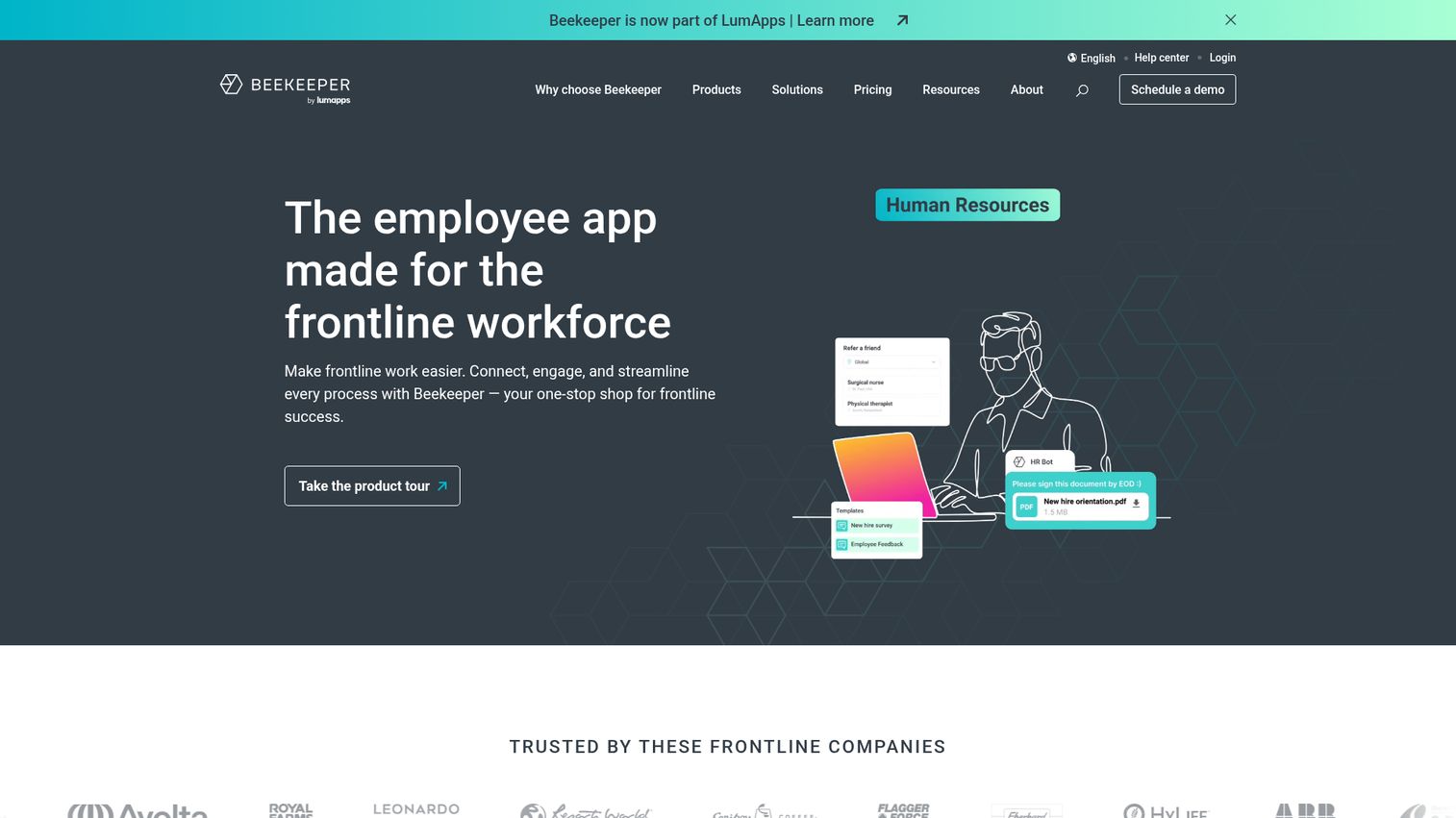
Beekeeper is a mobile-first workforce communication platform designed for operational and frontline communication in manufacturing, hospitality, retail, and construction. Auto-translation in 100+ languages makes it a standout for multilingual workforces.
Streams (targeted news feeds), chat, shift-relevant updates, digital forms, and automated workflows are all built for workers who don't sit at desks. No email required. Works on personal devices.
Best for: Manufacturing plants, hotel chains, and construction companies with multilingual frontline teams.
Key strengths
- Auto-translation supporting 100+ languages for multilingual teams
- Streams for targeted, shift-relevant news and updates
- Digital forms and automated operational workflows
- Mobile-first design requiring no company email for onboarding
- Integrations with SAP, Workday, ADP, and Zapier
Pricing: Custom. Mid-range per-user pricing.
Beekeeper is less robust for corporate or desk-based communications, and its analytics are less advanced than Poppulo or Staffbase. Brand recognition is smaller. But for multilingual frontline operations, it's purpose-built in a way that general-purpose tools can't match.
11. Appspace - best for digital signage + employee communications
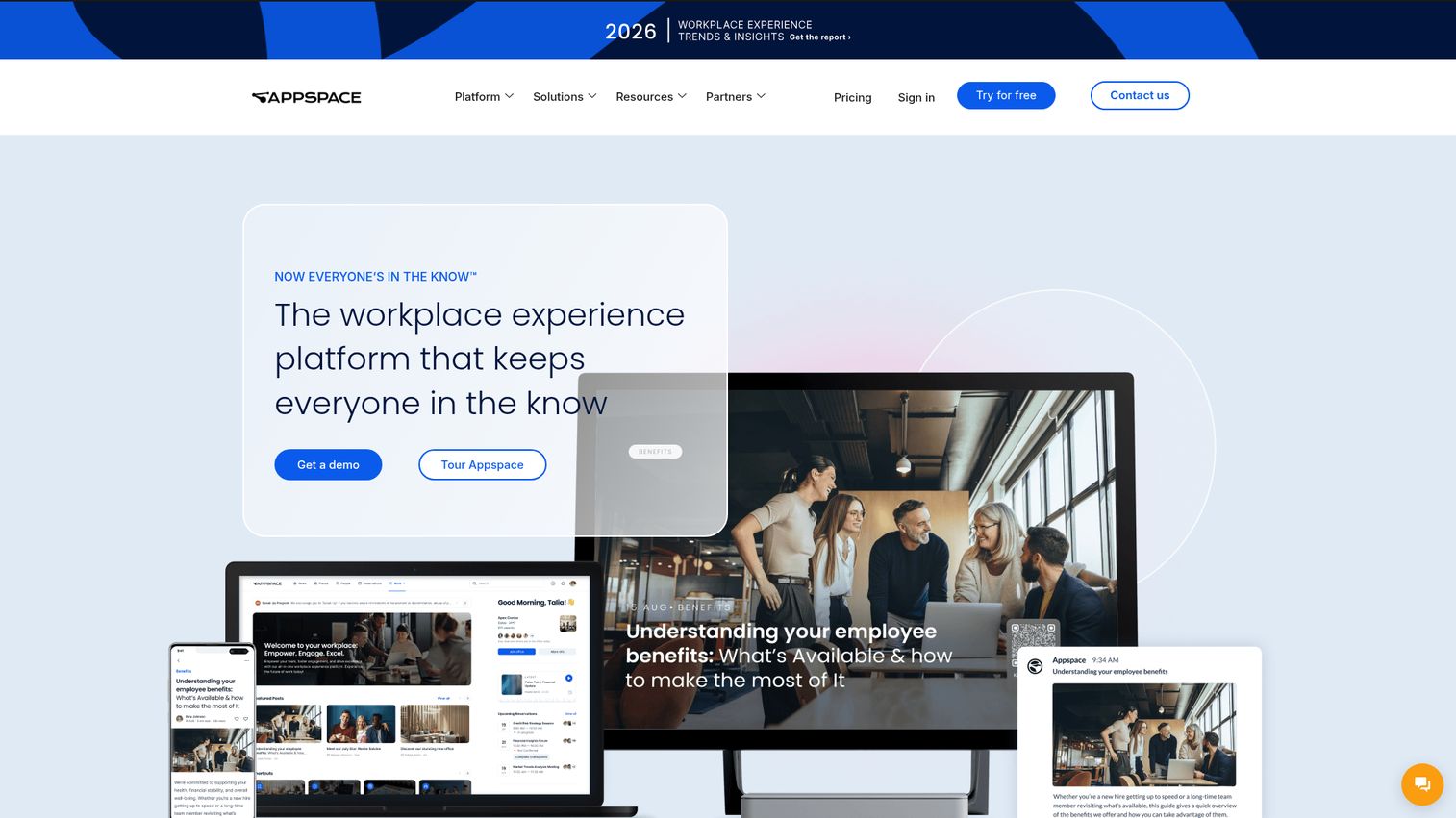
Appspace is a workplace experience platform combining employee communications with digital signage, room booking, and space management. If you have physical locations and want to reach workers through screens in break rooms, lobbies, and factory floors alongside a mobile app, Appspace covers both.
The content cards system lets you create once and publish across mobile app, intranet, and physical signage displays.
Best for: Organizations with physical locations that want to combine digital signage with employee communications.
Key strengths
- Combined digital signage and employee comms in one platform
- Room and desk booking for hybrid workplace management
- Content cards for cross-channel publishing
- Integrations with Microsoft Teams, Zoom, Google Workspace, and Slack
- Targeted notifications across mobile and physical displays
Pricing: Modular pricing. Comms module and signage module priced separately.
The risk: Appspace covers a lot of ground, which means its comms features aren't as deep as pure-play platforms like Staffbase. Pricing is complex, and you'll need signage hardware investment for the physical display features.
12. Flip - best for reaching non-desk workers via a simple employee app
Flip is a German-based mobile employee communication app focused on simplicity for frontline and non-desk workers. The UX is intentionally stripped down, which drives high adoption among workers who aren't tech-savvy.
News feed, chat, document sharing, shift planning integrations, surveys, onboarding modules, and multilingual support cover the essentials without overwhelming users.
Best for: European companies (especially DACH region) with large non-desk workforces needing a simple, high-adoption mobile app.
Key strengths
- Extremely simple UX driving high adoption among non-tech-savvy workers
- Mobile-first design requiring no company email
- Multilingual support for diverse workforces
- Shift planning and HRIS integrations with SAP and Microsoft 365
- Onboarding modules and document sharing built in
Pricing: Custom. Competitive mid-range pricing.
Flip is less feature-rich than Staffbase or Workvivo, has limited brand presence outside Europe, and offers fewer advanced analytics. But if your priority is getting a non-desk workforce to actually use the app, simplicity is the feature that matters most.
13. Speakap - best for franchise & multi-location retail communication
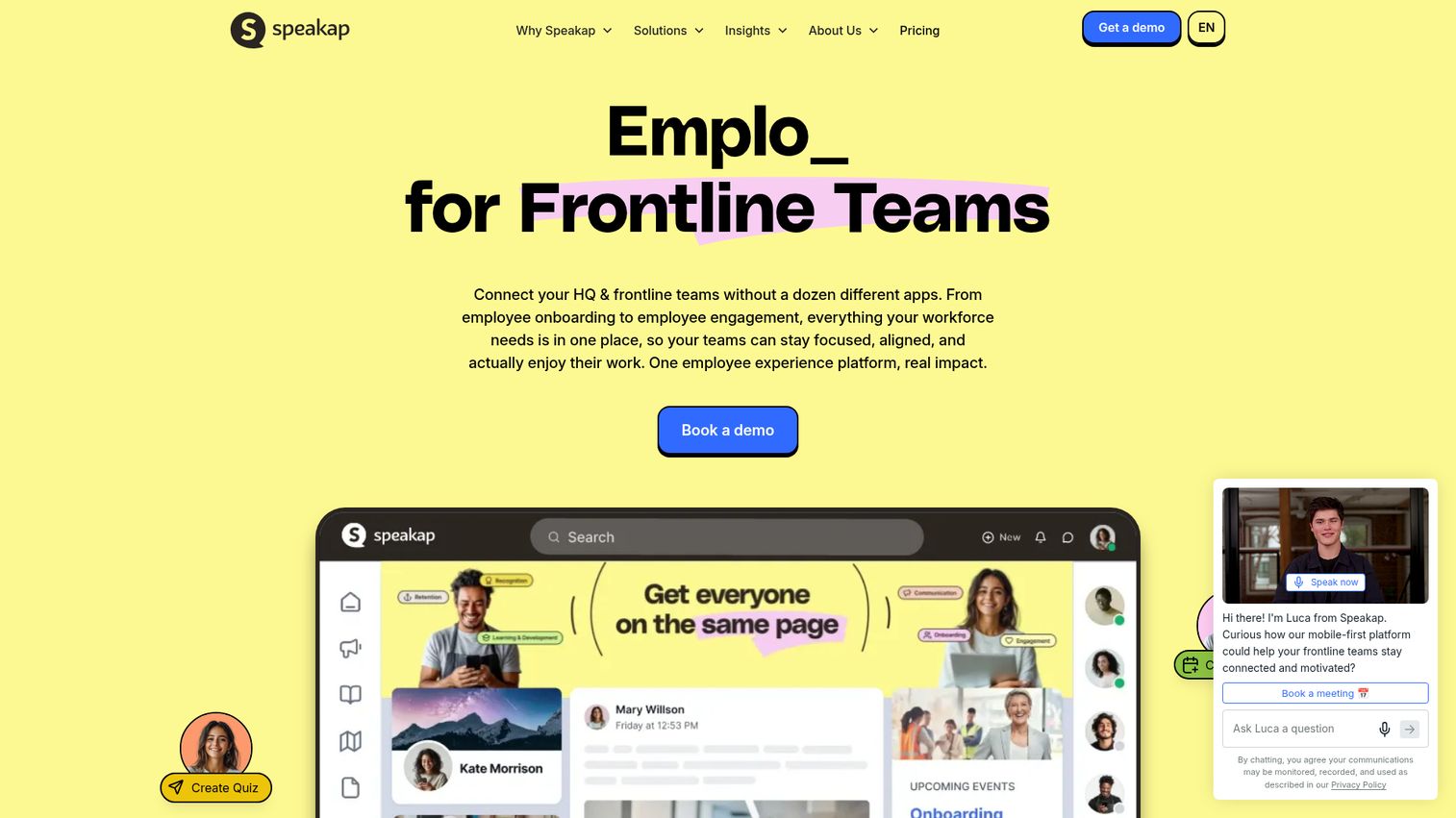
Speakap is an employee communications platform built for multi-location businesses: franchises, retail chains, and hospitality groups. Location-based targeting lets you send different content to different stores, branches, or regions from a single dashboard.
White-label branding means the app looks like yours, not Speakap's. That matters for franchise operations where brand consistency extends to internal tools.
Best for: Franchise operations, retail chains, and multi-location hospitality businesses.
Key strengths
- Location-based content targeting for multi-site operations
- White-label branding for franchise consistency
- News feeds, chat, digital forms, and knowledge base
- Offline capabilities on the mobile app
- Integrations with Microsoft 365, Google Workspace, and POS systems
Pricing: Per-user pricing. Mid-range.
Speakap is a smaller company with less global support than enterprise leaders. Fewer integrations and less sophisticated analytics are the trade-offs. But for the specific use case of franchise and multi-location retail communication, the targeting capabilities are a strong fit.
14. DeskAlerts - best for urgent/critical notifications & alerts
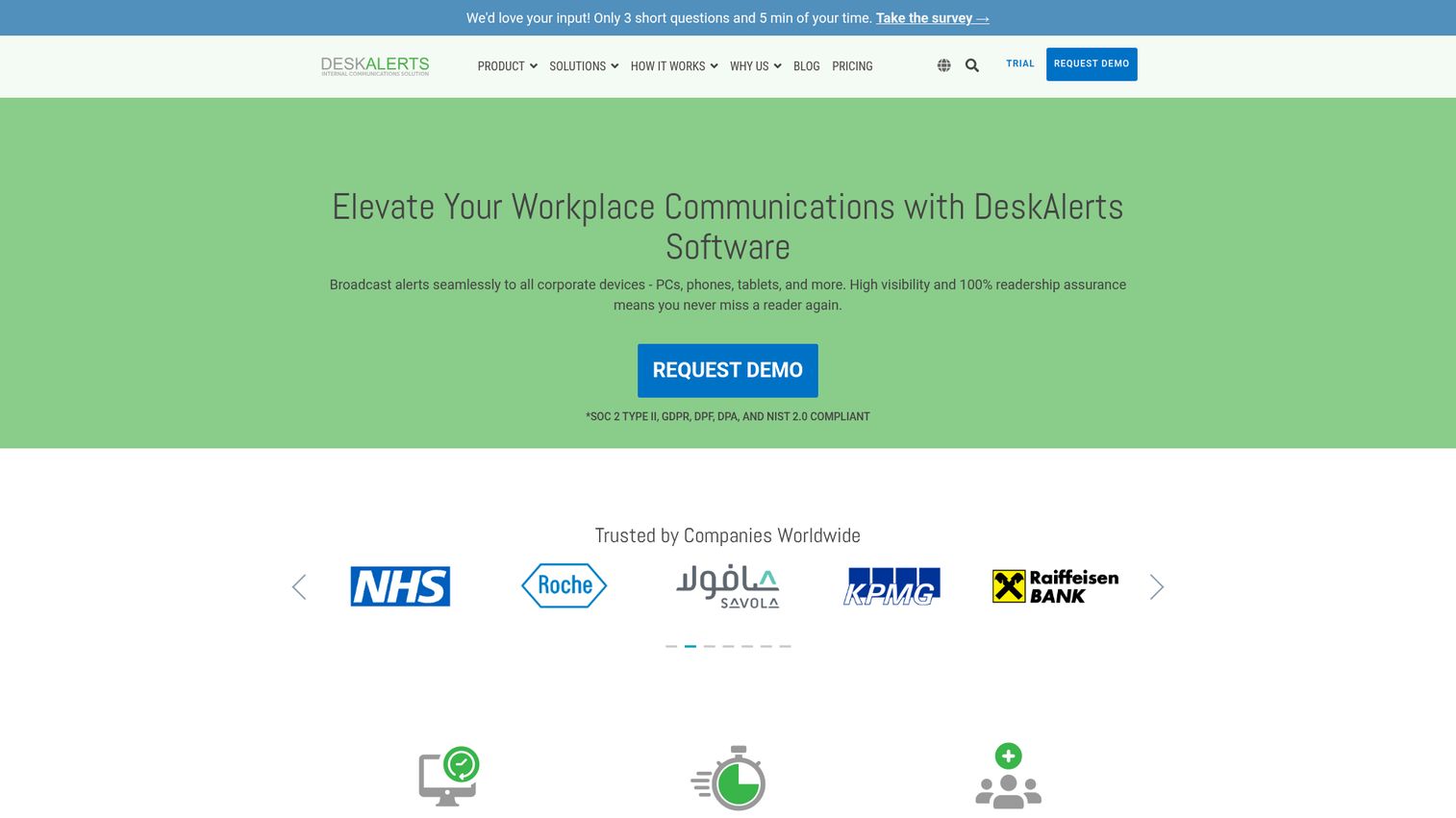
DeskAlerts is a desktop and mobile alert system that pushes critical notifications directly to employee screens through pop-ups, scrolling tickers, lock screen alerts, and video alerts. The key difference: these alerts can't be ignored the way email can.
Read confirmation tracking tells you exactly who saw the message. For IT outages, safety alerts, compliance updates, or crisis communication, that guaranteed visibility matters.
Best for: Organizations needing guaranteed-delivery alerts for IT outages, safety, compliance, or crisis communication. Best used alongside a broader comms platform.
Key strengths
- Desktop pop-up alerts that can't be missed like email
- Mobile push notifications and scrolling news tickers
- Read confirmation tracking for compliance documentation
- Digital signage integration and video alert support
- Simple deployment with Active Directory integration
Pricing: Per-user pricing. Affordable for the notification-focused feature set.
Important note: DeskAlerts is not a full communications platform. There's no social feed, no chat, no intranet. It can feel intrusive if overused. Think of it as a complement to your primary employee communications software, not a replacement.
15. PoliteMail - best for measuring Outlook email effectiveness
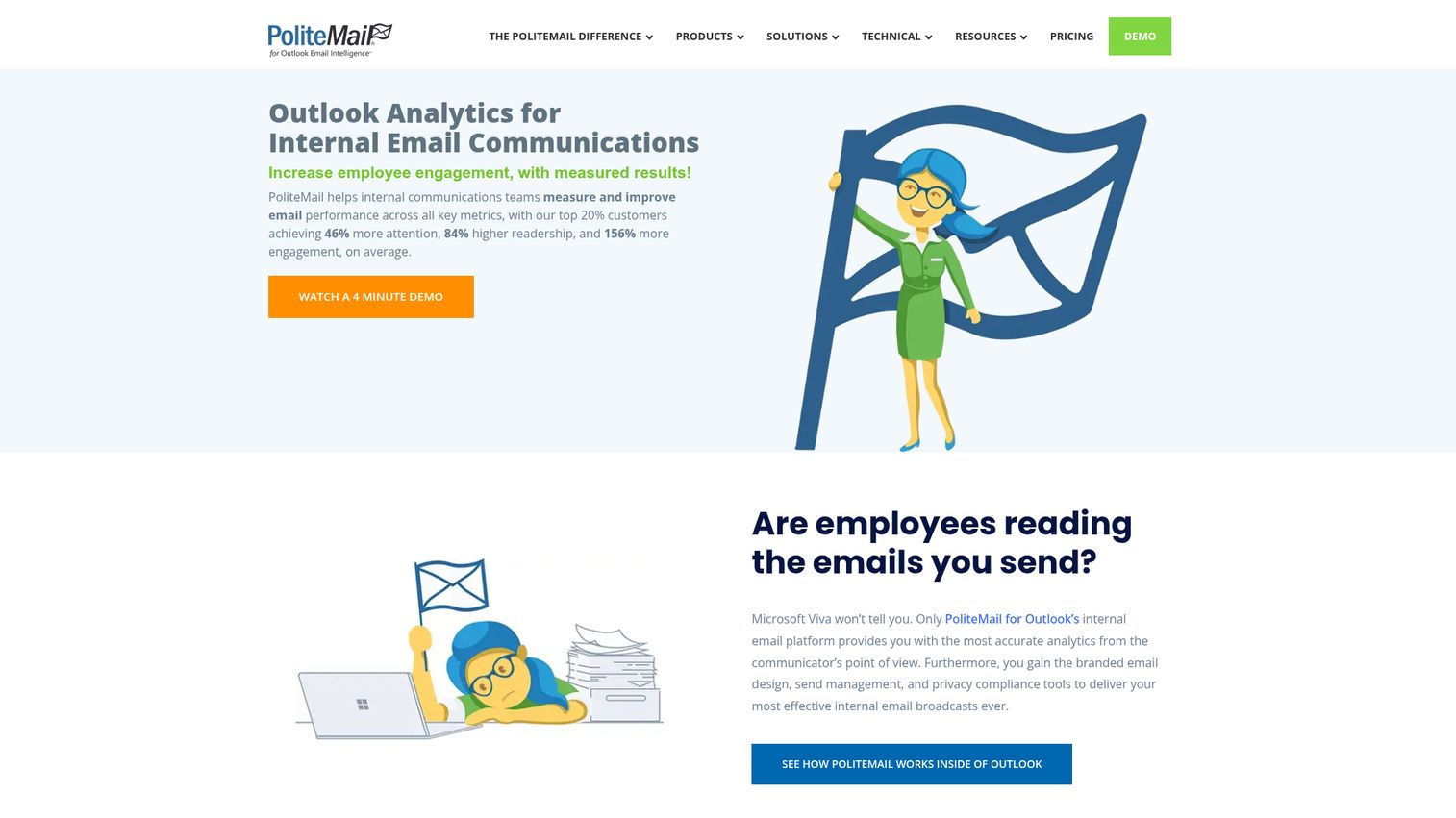
PoliteMail is a Microsoft Outlook plugin that adds analytics, templates, audience management, and A/B testing to internal email communications. If you're a Microsoft-heavy organization and want to measure whether leadership emails are actually being read, PoliteMail does that without requiring anyone to change their workflow.
Email analytics include opens, reads, read time, click-through, and attention rate. Audience segmentation and scheduled sends round out the feature set. For teams also interested in email tracking capabilities, PoliteMail covers the internal side well.
Best for: Internal comms teams in Microsoft-heavy organizations who need to measure email engagement without deploying a new platform.
Key strengths
- Works entirely within Microsoft Outlook with zero workflow change
- Detailed email analytics including read time and attention rate
- A/B testing for subject lines and content optimization
- Responsive email templates and audience segmentation
- AI-powered subject line and content optimization
Pricing: Per-user annual licensing. Affordable entry point.
The limitations mirror ContactMonkey's: Outlook-only (no Gmail support), email-only channel, no app or intranet or chat. If your workforce is 100% desk-based and lives in Outlook, PoliteMail is a smart, focused choice. If you have frontline workers, you'll need a mobile-first platform alongside it.
Honorable mentions - other employee communication tools worth considering
These tools didn't make the top 15 but are worth knowing about for specific use cases:
- Google Workspace - Not a dedicated employee comms tool, but Google Chat + Spaces + Sites can serve as a basic internal communication layer for Google-first organizations
- Chanty - Affordable team messaging alternative to Slack with built-in task management; good for small teams on a budget
- Workshop - Email-first internal communications platform with strong analytics; a solid alternative to ContactMonkey
- SnapComms - Desktop and mobile alert tool similar to DeskAlerts; strong in healthcare and government sectors. You can preview the interface with a SnapComms interactive demo
- 15Five - More of a performance management and employee feedback software tool, but its check-ins, pulse surveys, and recognition features complement a comms platform. See the 15Five interactive demo to explore its features
- StaffCircle - UK-based employee engagement and performance platform with communication features
- 8seats - Lightweight team communication tool for small businesses
- Igloo Software - Intranet platform with communication features; good for knowledge-heavy industries. See our guide to the best intranet software for more options
- SafetyCulture (iAuditor) - Operational platform with communication features for safety-focused industries
- Workcloud Communication (Zebra) - Push-to-talk and messaging for retail and warehouse frontline workers using Zebra devices
Key features to look for in employee communications software
Mobile app & frontline worker access
Around 80% of the global workforce is deskless. If your employee communication app doesn't work on a personal phone, offline, and without a company email for onboarding, you're excluding most of your people. Look for native mobile apps with push notifications and BYOD support. For teams evaluating mobile demo capabilities to support onboarding and training, mobile-first design is equally critical.
Targeted & multichannel messaging
The ability to segment audiences by location, department, role, and language separates internal comms platforms from basic chat tools. The best platforms let you publish once and distribute to app, email, intranet, Teams, digital signage, and SMS simultaneously. If you're also investing in SMS marketing software, make sure your comms platform integrates with it.
Analytics & measurement
Open rates, read rates, read time, click-through, and sentiment analysis tell you whether your communications are actually working. This is how you prove ROI to leadership and identify communication gaps before they become engagement problems. If you can't measure it, you can't improve it. Teams looking for deeper product analytics to complement their comms data should consider dedicated analytics platforms as well.
AI-powered content & personalization
AI writing assistants, auto-translation for multilingual workforces, smart send times, and personalized content feeds are becoming standard in 2026. Not all tools have these capabilities yet, but they're increasingly expected at the enterprise level. For more on how content creation software is evolving with AI, see our dedicated guide.
Integrations & security
Check for native connections to your HRIS (Workday, BambooHR, SAP), SSO providers (Okta, Azure AD), and collaboration tools (Teams, Slack). For healthcare and finance, SOC 2, GDPR, and HIPAA compliance are non-negotiable. API access matters for custom integrations. You can also explore our roundup of the best employee survey tools to complement your comms stack.
How to choose the right employee communications platform for your organization
Following employee communication best practices starts with matching the tool to your actual workforce and use case. Here's a step-by-step framework:
1. Audit your workforce composition
What percentage of your employees are deskless versus desk-based? This single question determines whether you need a mobile-first tool (Connecteam, Blink, Beekeeper) or an email and intranet-first tool (ContactMonkey, PoliteMail, Staffbase).
2. Map your current tool stack
Are you a Microsoft shop or a Google shop? What HRIS do you use? Choose a platform that integrates natively with what you already have. Adding a tool that creates another data silo defeats the purpose.
3. Define your primary use case
Top-down broadcast communications, two-way engagement, crisis alerts, and operational workflows are all different problems. Different tools excel at different use cases. Staffbase is strong for editorial-style corporate comms. Workvivo is built for social engagement. DeskAlerts is purpose-built for urgent notifications.
4. Set your budget
The range spans from free (Connecteam for up to 10 users) to $10+/user/month for enterprise platforms. Calculate total cost including implementation, training, and ongoing administration.
5. Run a pilot
Test with 100 to 500 users in one department or location before a full rollout. Measure adoption rate at 30, 60, and 90 days. If adoption is below 50% after 90 days, the tool isn't the right fit, no matter how good the feature list looks. Using interactive product tours during pilot onboarding can accelerate adoption by letting employees explore the platform at their own pace.
Quick decision guide:
- If 50%+ of your workforce is deskless → prioritize Connecteam, Blink, Beekeeper, or Flip
- If you're a Microsoft 365 enterprise → evaluate Microsoft Viva or Staffbase first
- If you just need better email analytics → ContactMonkey or PoliteMail
- If you need guaranteed-delivery alerts → DeskAlerts or SnapComms
- If employee experience and culture are the priority → Workvivo
There's no single "best" employee communications software. The right pick depends on your workforce, your budget, and the specific problem you're solving. Narrow your shortlist to 2 to 3 tools in the category that matches your primary need, then request demos.
Start your journey with Guideflow today!
FAQs about employee communications software
Employee communications software is a category of tools that help organizations deliver information, updates, and two-way communication to their entire workforce, including deskless and frontline workers, through channels like mobile apps, email, intranets, and digital signage. It's distinct from general collaboration tools like Slack or Teams, which are built for peer-to-peer messaging rather than organization-wide communications.
The concrete benefits include improved employee engagement, faster information delivery to all workers regardless of location, reduced email overload through targeted messaging, better reach to frontline and deskless workers, and measurable communication ROI through analytics. Companies with effective communication are 3.5x more likely to outperform their peers, according to research from Watson Wyatt (now Willis Towers Watson).
Yes. Most modern platforms integrate with HRIS systems (Workday, BambooHR), identity providers (Okta, Azure AD), collaboration tools (Microsoft Teams, Slack), payroll systems, and digital signage hardware. Enterprise tools like Staffbase and Poppulo tend to have deeper native integrations, while SMB tools often rely on Zapier or APIs for custom connections. Integration depth varies significantly, so check specific compatibility before committing.
When employees feel informed and heard, engagement rises. Specific mechanisms include targeted content that delivers relevant information instead of noise, two-way feedback through surveys, comments, and reactions, recognition features that reinforce company values, and analytics that help comms teams optimize what they send. Platforms like Workvivo focus specifically on the engagement angle through social-media-style interaction.
Connecteam offers the best value as an all-in-one platform, Blink provides the strongest UX for healthcare and hospitality, and Beekeeper is the top choice for multilingual manufacturing teams. The key criteria for frontline tools are mobile-first design, no company email required, offline access, push notifications, and simplicity. If workers can't figure out the app in their first five minutes, adoption will suffer.
Pricing ranges from free (Connecteam for up to 10 users) to $3 to $15/user/month for mid-market tools, to custom enterprise pricing for platforms like Staffbase, Poppulo, and Workvivo. Cost typically depends on number of users, modules selected, and contract length. Request quotes from at least 3 vendors and negotiate annual contracts for discounts. Budget for implementation and training costs on top of the license fee.
Slack and Teams are designed for real-time, peer-to-peer collaboration: chat, channels, file sharing, and huddles. Employee communications platforms are designed for top-down and organization-wide communication: company news, targeted updates, CEO messages, crisis alerts, and employee feedback at scale. Many organizations use both. Slack handles day-to-day team collaboration while a platform like Staffbase or Blink handles company-wide communications.
It depends on your workforce. If 100% of employees are desk-based and active in Teams, Microsoft Viva may be sufficient. But if you have frontline or deskless workers who don't use Teams daily, or if you need advanced analytics, targeted messaging by location and role, and multichannel publishing, a dedicated platform fills gaps that Teams can't. Many companies run Teams plus a dedicated comms platform together, and that's often the right approach.