Your activation dashboard says onboarding is working. Support tickets say users are stuck. The underlying data lives across your product database, CRM, billing system, and a folder of exported spreadsheets that someone last touched three sprints ago.
This is not a reporting problem. It is an extraction problem. The gap between "we have data" and "we have data we can act on" is filled by pipelines that either run reliably or quietly fail. A completed extraction job can still deliver late records, duplicated rows, or fields that shifted meaning when your schema changed two releases back.
The data-integration market reached $13.13 billion in 2025, according to Mordor Intelligence (2026), and the tools in this space now span ETL platforms, document AI, web scraping APIs, and developer frameworks. Picking the right one starts with knowing which job you actually need to do.
This guide gives product and data teams a shortlist built around source type first, not vendor marketing.
What's inside
This guide covers 10 data extraction tools evaluated for product managers and data teams at B2B SaaS companies. Tools were selected based on four criteria:
- Source coverage: Which data types does the tool handle? (SaaS APIs, databases, PDFs, public web)
- Reliability and maintenance overhead: Who owns the pipeline after launch?
- Validation controls: Can the tool surface bad data before it reaches a dashboard?
- Pricing clarity: Is the cost model predictable at the volume your team runs?
| If your source is... | Start by evaluating... |
|---|---|
| SaaS apps and databases | ETL or ELT platforms |
| PDFs, invoices, forms | Document AI or OCR platforms |
| Public websites | Web scraping tools or scraping APIs |
| Custom pages or workflows | Developer frameworks |
TL;DR
- Best for flexible connector coverage and custom pipelines: Airbyte, with 700+ connectors and both open-source and managed deployment options
- Best for managed enterprise replication: Fivetran handles connector maintenance and schema changes automatically
- Best for no-code SaaS and database syncs: Hevo Data or Skyvia get pipelines running without engineering involvement
- Best for invoices, PDFs, and business documents: Rossum (high-volume, AI-driven) or Docparser (rule-based, recurring layouts)
- Best for public-web data collection: Bright Data for scale and proxy infrastructure, Octoparse for no-code scraping, Diffbot for structured entity data, Scrapy for full developer control
The right choice depends on your source type, not a universal ranking. A document parser cannot replace an ETL platform, and no ETL platform extracts meaning from a scanned invoice.
What are data extraction tools?
Data extraction tools collect data from systems such as APIs, databases, documents, websites, and SaaS applications, then prepare it for analysis, automation, or loading into another system.
The category spans fundamentally different jobs. Before comparing vendors, identify which data extraction method matches your source.
Structured data
Relational databases, CRM tables, product-event exports, and standardized API payloads fall into this category. Fields are typed, named, and consistent. ETL and ELT connectors handle these well, and change data capture software adds the ability to extract only what changed since the last sync.
Semi-structured data
JSON, XML, HTML responses, logs, and webhook payloads carry structure but require parsing and field mapping. The schema may shift when an API version changes or a vendor adds new fields, so monitoring is essential.
Unstructured data
Scanned PDFs, invoices, emails, images, and free-form web content require OCR or AI to extract anything usable. Confidence scores matter here: A completed extraction job can still misread a table header or miss a line item. Exception queues and human review are part of any production document workflow.
Main data extraction methods
- API extraction: Pull data from SaaS systems using authenticated HTTP requests, rate limits, and pagination
- Database querying and change data capture: Read records directly or stream only changed rows since the last sync
- SaaS connector-based ETL or ELT: Managed connectors handle auth, rate limits, and schema normalization
- OCR and document AI: Convert images and PDFs into machine-readable fields using optical character recognition and trained models
- Web scraping: Programmatically collect data from public web pages using selectors, browser automation, or scraping APIs
- Custom code: Build bespoke crawlers or extraction pipelines using frameworks like Scrapy
Extraction inside ETL and ELT
Extraction is the first stage of any ETL or ELT pipeline. It does not guarantee usable analytics by itself. After extraction, teams still need mapping, transformation, loading, monitoring, and clear ownership of who fixes failures.
| Stage | What happens |
|---|---|
| Extract | Pull raw data from the source |
| Transform | Clean, normalize, and reshape it |
| Load | Write it to the destination |
Modern ELT workflows load raw data into a warehouse first, then transform it in place. The extraction step is the same either way.
When to use data extraction tools
Consolidate product and revenue data
Your activation and retention analysis relies on joining product events, account records, subscription status, and support signals. Manual CSV exports break when your release cadence increases. A reliable extraction pipeline turns fragmented instrumentation into a source-of-truth dataset that survives schema changes and supports experiment readouts without engineering intervention every sprint.
Automate document-heavy operations
Finance, procurement, and operations teams process invoices, purchase orders, and contracts at volumes where manual rekeying creates delays and data-quality failures. Document extraction tools apply OCR and AI to pull fields, but they require confidence thresholds and exception queues. A single misread line item can trigger a financial error, so validation is not optional.
Collect public-web data for research
Competitive pricing checks, catalog monitoring, and market research often depend on data that lives on public websites. Web scraping tools and scraping APIs handle the technical complexity of rendering, pagination, and IP rotation. Before deploying at scale, confirm the target site's terms of service, applicable law, and rate-limit obligations apply.
Keep dashboards current as systems change
Recurring syncs break when APIs change versions, tokens expire, or source schemas drift. A data extraction tool needs monitoring, alerting, and backfill support, not just the ability to run the first successful job.
Data extraction tools comparison
Pricing and G2 ratings verified October 2026 from each vendor's pricing page and G2 listing.
| # | Product | Best for | Key differentiator | Pricing | G2 rating |
|---|---|---|---|---|---|
| 1 | Airbyte | Flexible SaaS, API, and database pipelines | 700+ connectors with open-source and managed options | From $20/month | 4.4/5 |
| 2 | Fivetran | Managed enterprise data replication | Automated connector maintenance and schema handling | Free tier; usage-based | 4.4/5 |
| 3 | Hevo Data | No-code warehouse ingestion | Managed pipelines with credit-based pricing | From $299/month | 4.4/5 |
| 4 | Skyvia | No-code cloud data integration | Browser-based integration, backup, and SQL query tools | Free; from $99/month | 4.8/5 |
| 5 | Rossum | AI document extraction | Intelligent processing for invoices and business documents | From $18,000/year | 4.5/5 |
| 6 | Bright Data | Large-scale web data collection | Proxy infrastructure plus scraping APIs | From $1.50/1K requests | 4.7/5 |
| 7 | Octoparse | Visual no-code web scraping | Point-and-click builder with cloud scheduling | Free; from $69/month | 4.8/5 |
| 8 | Diffbot | Automated web-data structuring | AI-driven entity and article extraction | Free tier; from $299/month | 4.9/5 |
| 9 | Docparser | Structured PDF and form extraction | Rule-based parsing for repeatable document layouts | From $39/month | N/A |
| 10 | Scrapy | Custom developer-led web extraction | Open-source Python framework for bespoke crawlers | Free and open source | N/A |
Best 10 data extraction tools for 2026
1. Airbyte
Airbyte is an open-source data movement platform that covers data extraction from SaaS applications, APIs, files, and databases, with more than 700 connectors to warehouses, lakehouses, and operational destinations. Teams can deploy it as a managed cloud service or run it self-hosted, giving engineering organizations control over where data moves and how connectors are maintained. A no-code Connector Builder and a low-code Connector Development Kit let teams build custom sources when the catalog does not cover an edge case.
Best for: Product and data teams that need flexible, scalable extraction across a wide mix of SaaS products, APIs, and databases.
Key features
- 700+ data connectors for SaaS apps and databases
- Database replication with change data capture support
- No-code Connector Builder and low-code CDK for custom sources
- Incremental sync to reduce load on source systems
- Cloud, self-hosted, and hybrid deployment options
Why choose Airbyte: It fits teams that need connector breadth and want control over deployment, whether they prefer managed infrastructure or self-managed environments that comply with internal data governance requirements.
Airbyte pricing: Managed Standard plans start at $20/month (5 credits included; additional credits at $5 each). The Plus plan runs $189/month with 40 credits. Pro and Enterprise Flex tiers use custom capacity-based pricing. Airbyte Core is free and open source for self-managed use.
G2 rating: 4.4/5 (verified October 2026).
2. Fivetran
Fivetran is a managed data movement platform built for teams that want maintained connectors without writing or owning a connector framework. It handles automated schema changes, incremental updates, change data capture, and pipeline monitoring, so the data team focuses on what arrives in the warehouse rather than why a connector broke. Prebuilt dbt-compatible models help standardize data shapes at the transformation layer.
Best for: Data teams that prioritize managed SaaS and database replication over building custom connector logic.
Key features
- Prebuilt managed connectors for SaaS apps and databases
- Automated incremental updates and change data capture
- Schema drift detection and automated handling
- Delete capture and row filtering
- Private networking for secure connections
Why choose Fivetran: It is the right call when data freshness and connector reliability matter more than deep customization. Usage-based pricing means cost scales with Monthly Active Rows, so model your expected volume before committing.
Fivetran pricing: A Free plan covers up to 500,000 connector MAR, 3,500 activation MAR, and 5,000 model runs per month. Standard, Enterprise, and Business Critical plans use usage-based pricing. A $5 base charge applies to standard connections outside the Free plan.
G2 rating: 4.4/5 (verified October 2026).
3. Hevo Data
Hevo Data is a no-code ELT and data movement platform for teams that need pipelines running without building a connector framework from scratch. It supports 150+ integrations across cloud applications, databases, and event sources, with automated schema mapping, deduplication, and both real-time and batch replication modes. Python and drag-and-drop transformations let analysts shape data without waiting for engineering.
Best for: Product managers and analytics teams that need no-code ingestion with managed operations and fast time-to-first-data.
Key features
- 150+ integrations for SaaS apps and databases
- Automated schema mapping and deduplication
- Real-time and batch replication modes
- Python and drag-and-drop transformation options
- Pipeline observability with monitoring and alerts
Why choose Hevo Data: It removes the connector-building step for teams without dedicated data-platform engineers, which matters when you need experiment readouts or activation reporting validated in days rather than weeks. Test source coverage and credit consumption at your expected event volume before scaling.
Hevo Data pricing: A Free plan covers up to 1M events/month for limited connectors. The Starter plan starts at $299/month (credit-based). Professional starts at $549/month. Business Critical uses custom credit pricing.
G2 rating: 4.4/5 (verified October 2026).
4. Skyvia
Skyvia is a browser-based cloud data platform that combines ETL, ELT, reverse ETL, import/export, backup, workflow automation, and SQL query tools in one workspace. With 200+ prebuilt connectors and a no-code interface, it covers common SaaS and database integration workflows without requiring infrastructure to operate. Self-service analytics through Excel, Google Sheets, and Looker Studio connectors give non-technical stakeholders direct access to data.
Best for: Teams that need accessible cloud data movement and operational utilities, including backups and scheduled imports, without managing servers.
Key features
- 200+ prebuilt connectors for SaaS and databases
- ETL, ELT, and reverse ETL pipeline options
- Scheduled import, export, and replication jobs
- Cloud data backup workflows
- SQL query tools for direct data access
Why choose Skyvia: It fits product and ops teams that want integration, backup, and ad hoc querying from a single interface. Complex transformation logic or unusual source systems may need closer connector review before committing.
Skyvia pricing: A Free Data Integration plan is available. Paid plans start at $79/month (Basic, billed annually) or $99/month on a monthly basis. Standard runs $159/month annually, Professional $399/month annually, and Enterprise uses custom annual pricing.
G2 rating: 4.8/5 (verified October 2026).
5. Rossum
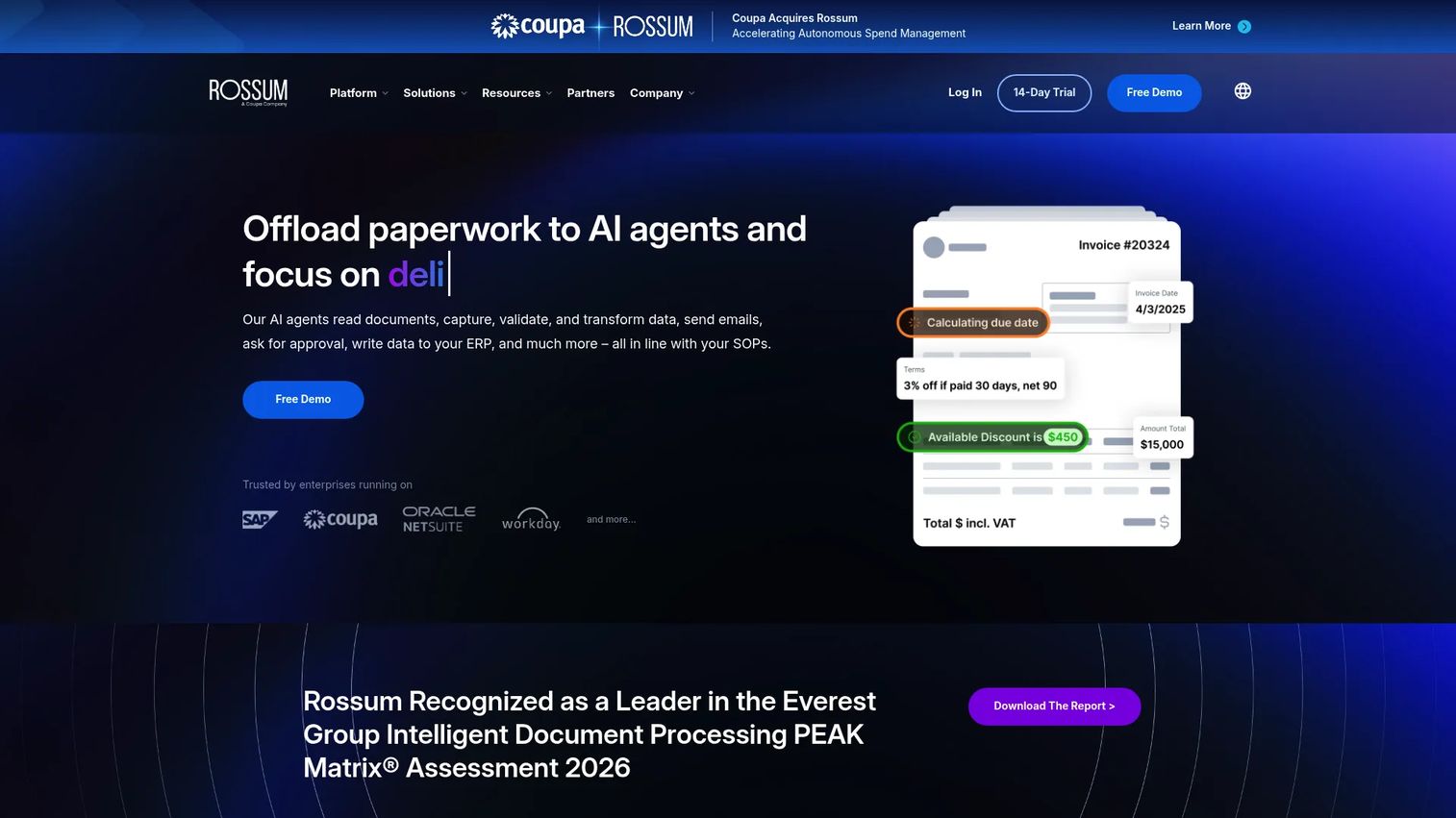
Rossum is an AI-powered document automation platform designed for transactional business documents: Invoices, purchase orders, and similar operational files processed at high volume. Its transactional LLM supports 276 languages and handles handwriting, split documents, duplicate detection, and master-data matching. Validation queues route uncertain extractions to human reviewers before they reach downstream systems, which is the critical safeguard when a misread field can trigger a payment error.
Best for: Operations and finance teams processing high volumes of invoices, purchase orders, or complex business documents where field-level accuracy affects financial outcomes.
Key features
- AI document understanding across 276 languages
- Invoice, PO, and complex document field extraction
- Validation queues and exception routing
- Document splitting, routing, and duplicate detection
- Approval workflows and audit logs
Why choose Rossum: It handles the cases where OCR alone fails: Messy scans, line-item tables, variable layouts, and multilingual documents. Test on a representative sample of your messiest files, not just clean PDFs, before assessing accuracy.
Rossum pricing: The Starter plan starts at $18,000 per year. Business, Enterprise, and Ultimate tiers are priced by document volume and workflow complexity; contact Rossum for a quote. A 14-day free trial is available.
G2 rating: 4.5/5 (verified October 2026).
6. Bright Data
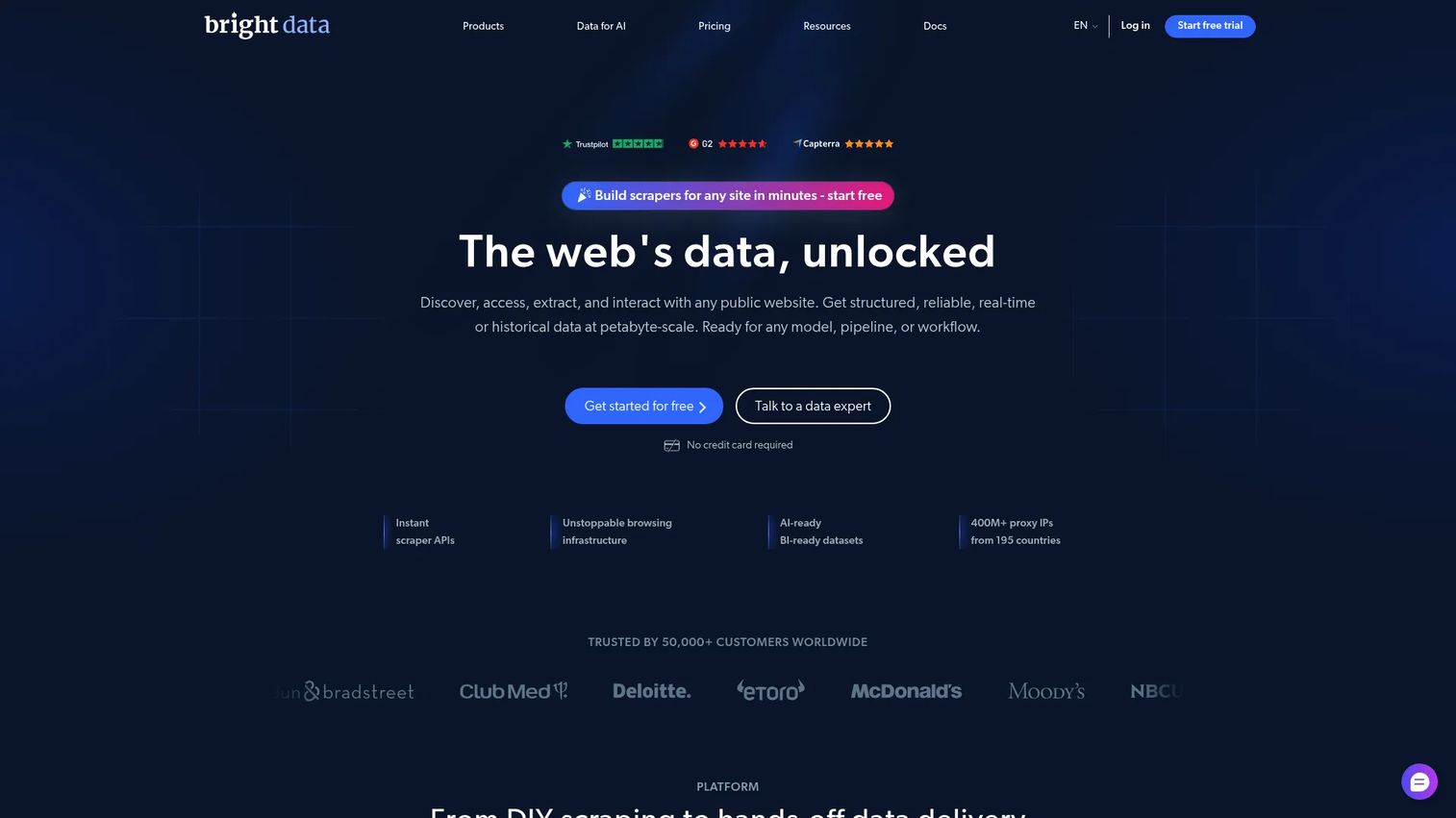
Bright Data is a web data platform for teams that need to collect public web data at scale, with managed proxy infrastructure covering residential, mobile, ISP, and datacenter IPs. Its scraping APIs handle CAPTCHA bypass, anti-bot controls, and JavaScript rendering, delivering structured JSON output. Prebuilt datasets and continuously refreshed data feeds give teams access to structured web data without running their own crawlers. The platform also provides browser automation compatible with Puppeteer, Playwright, and Selenium.
Best for: Teams that need high-volume or technically complex public-web extraction where IP management, rendering, and request reliability are constraints.
Key features
- Scraping APIs with CAPTCHA bypass and JS rendering
- Residential, mobile, ISP, and datacenter proxy networks
- Prebuilt and continuously refreshed web datasets
- Browser automation compatible with major frameworks
- MCP server for AI and structured data access
Why choose Bright Data: It is the right fit for competitive pricing intelligence, catalog monitoring, and large-scale research where technical barriers on target sites make self-managed scraping expensive. Review legal requirements, site terms, and data-handling obligations with your legal team before extracting at scale.
Bright Data pricing: An MCP Server free tier covers 5,000 requests. Pay-as-you-go runs $1.50 per 1,000 requests. A Scale plan is $499/month. Enterprise pricing is custom. Other products (proxy, datasets) carry separate pricing models.
G2 rating: 4.7/5 (verified October 2026).
7. Octoparse
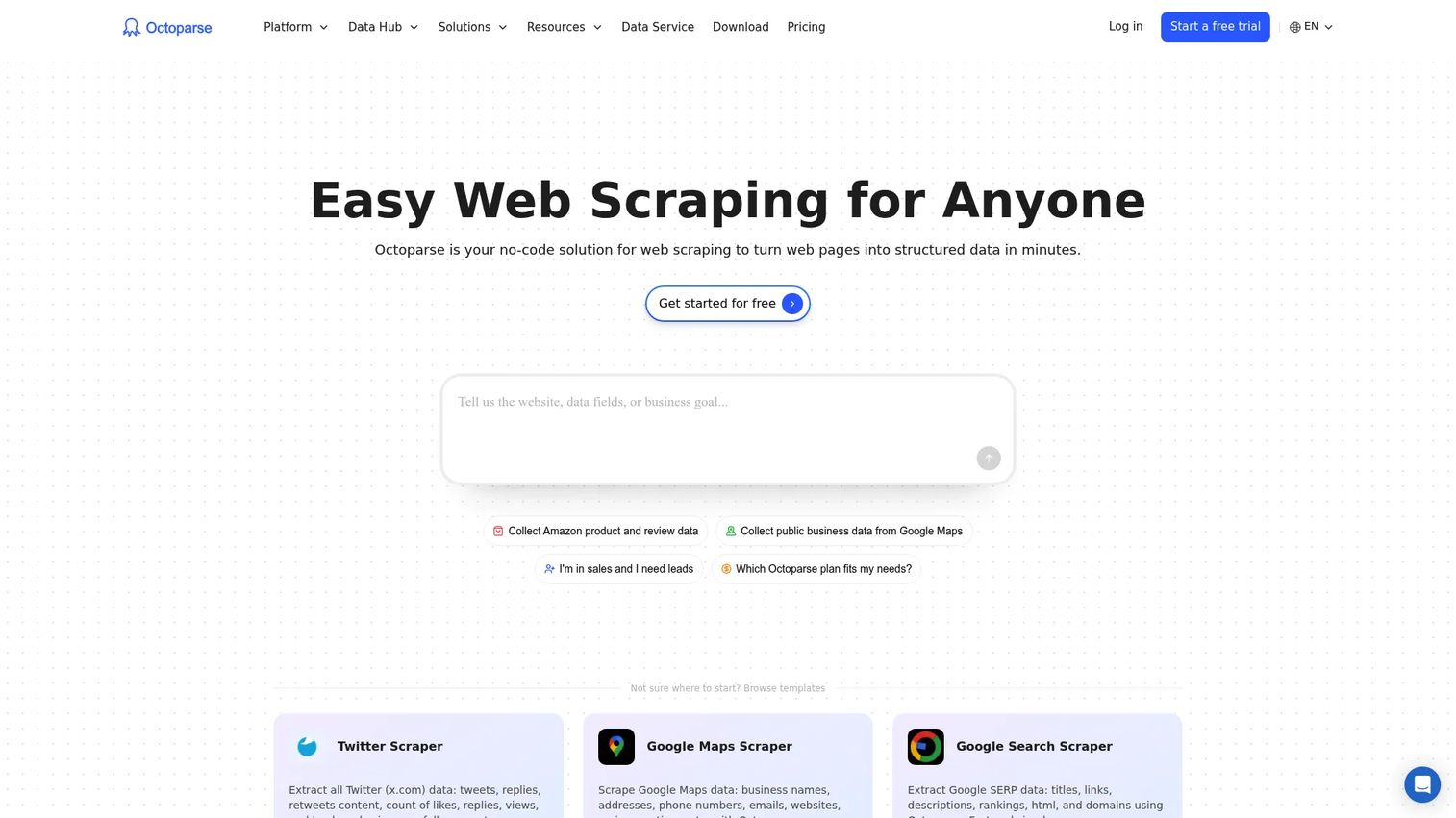
Octoparse is a visual web scraping platform that lets teams extract data from web pages without writing a crawler. An auto-detection builder identifies fields by clicking on page elements, and prebuilt templates cover common use cases such as e-commerce listings and social media profiles. Cloud extraction runs on schedule with IP rotation, and outputs go directly to Excel, CSV, JSON, databases, or Google Sheets. An API and MCP Server add programmatic access for teams that need to trigger extractions from other systems.
Best for: Non-technical teams that need recurring, visual web scraping for research or monitoring without engineering support.
Key features
- Visual no-code scraper builder with auto-detection
- Prebuilt templates for common site types
- Cloud extraction with scheduling and IP rotation
- Multiple export formats: Excel, CSV, JSON, XML, databases
- API and MCP Server for programmatic access
Why choose Octoparse: It helps teams validate a web-data workflow quickly. Dynamic sites with frequent layout changes, login barriers, or aggressive anti-bot controls can still require technical support, so test against your target sites in the free plan before upgrading.
Octoparse pricing: A permanent Free plan is available. Standard runs $69/month billed annually. Professional is $249/month billed annually. Enterprise uses custom pricing.
G2 rating: 4.8/5 (verified October 2026).
8. Diffbot
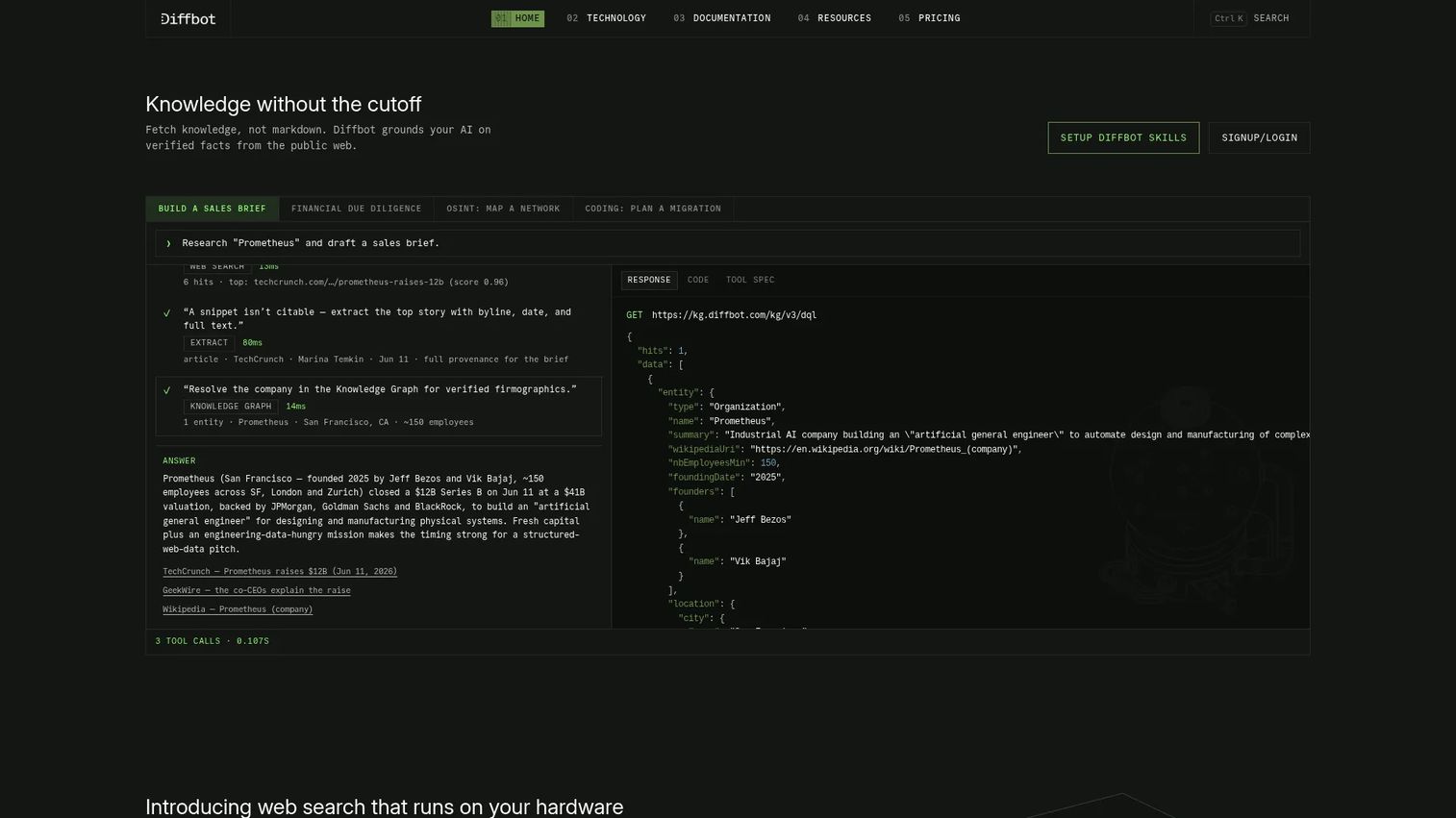
Diffbot converts web content into structured JSON through AI-driven extraction, covering articles, products, companies, people, and entities. Its Knowledge Graph connects extracted entities into queryable relationships, and a natural-language processing layer adds sentiment, facts, and relationship data on top of raw extraction. A web search API rounds out the suite for teams that need structured access to web content at the query level. This is enrichment and intelligence tooling, not a visual scraper for one-off research tasks.
Best for: Teams that need structured company, person, product, or article data from the public web for enrichment and competitive intelligence workflows.
Key features
- Structured JSON extraction from articles, products, and entities
- Knowledge Graph with queryable entity relationships
- Natural-language processing for facts and sentiment
- Web crawling API for bulk site processing
- Web search API for query-level data access
Why choose Diffbot: It is the right tool when extracting meaning from web content matters as much as collecting page elements. Test output quality against your specific industry and entity types, as accuracy varies for niche markets and ambiguous company names.
Diffbot pricing: A Free plan includes 10,000 credits per month. The Startup plan runs $299/month (250,000 credits). Plus is $899/month (1,000,000 credits plus Crawl access). Enterprise pricing is custom.
G2 rating: 4.9/5 (verified October 2026).
9. Docparser
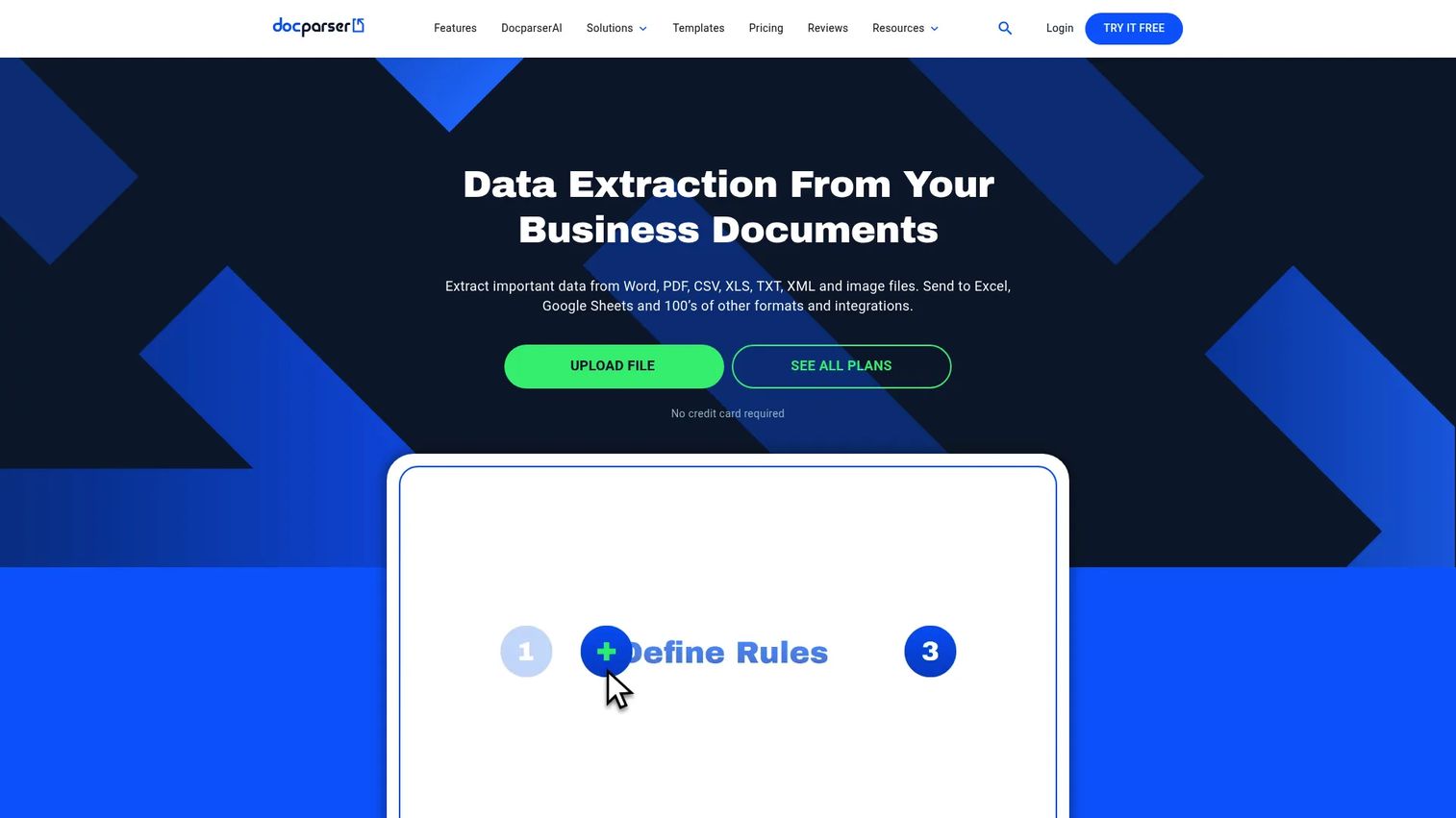
Docparser extracts structured data from PDFs, Word documents, scanned images, and business forms using configurable parsing rules rather than a trained AI model. Teams define rules for specific field locations, table patterns, and line items, then apply those rules repeatedly across a document type. Outputs route to CSV, Excel, JSON, REST API, or webhooks, and cloud integrations connect parsed data to business systems. It is strongest when document layouts are consistent and predictable.
Best for: Teams processing recurring PDFs, invoices, or forms with stable layouts where rule-based parsing is more predictable than AI inference.
Key features
- No-code rule-based parsing for PDFs and images
- OCR support for scanned document preprocessing
- Table and line-item extraction
- Export to CSV, Excel, JSON, and XML
- REST API, webhooks, and cloud integrations
Why choose Docparser: Rule-based extraction is highly predictable on consistent layouts. Variable document formats, handwritten notes, or complex multi-page structures may require testing before committing, as Rossum's AI approach handles variability better in those scenarios.
Docparser pricing: A 14-day free trial is available. Starter plans run $39/month ($32.50/month billed annually). Professional is $74/month ($61.50/month annually). Business is $159/month ($133/month annually). Enterprise pricing is available on request.
10. Scrapy
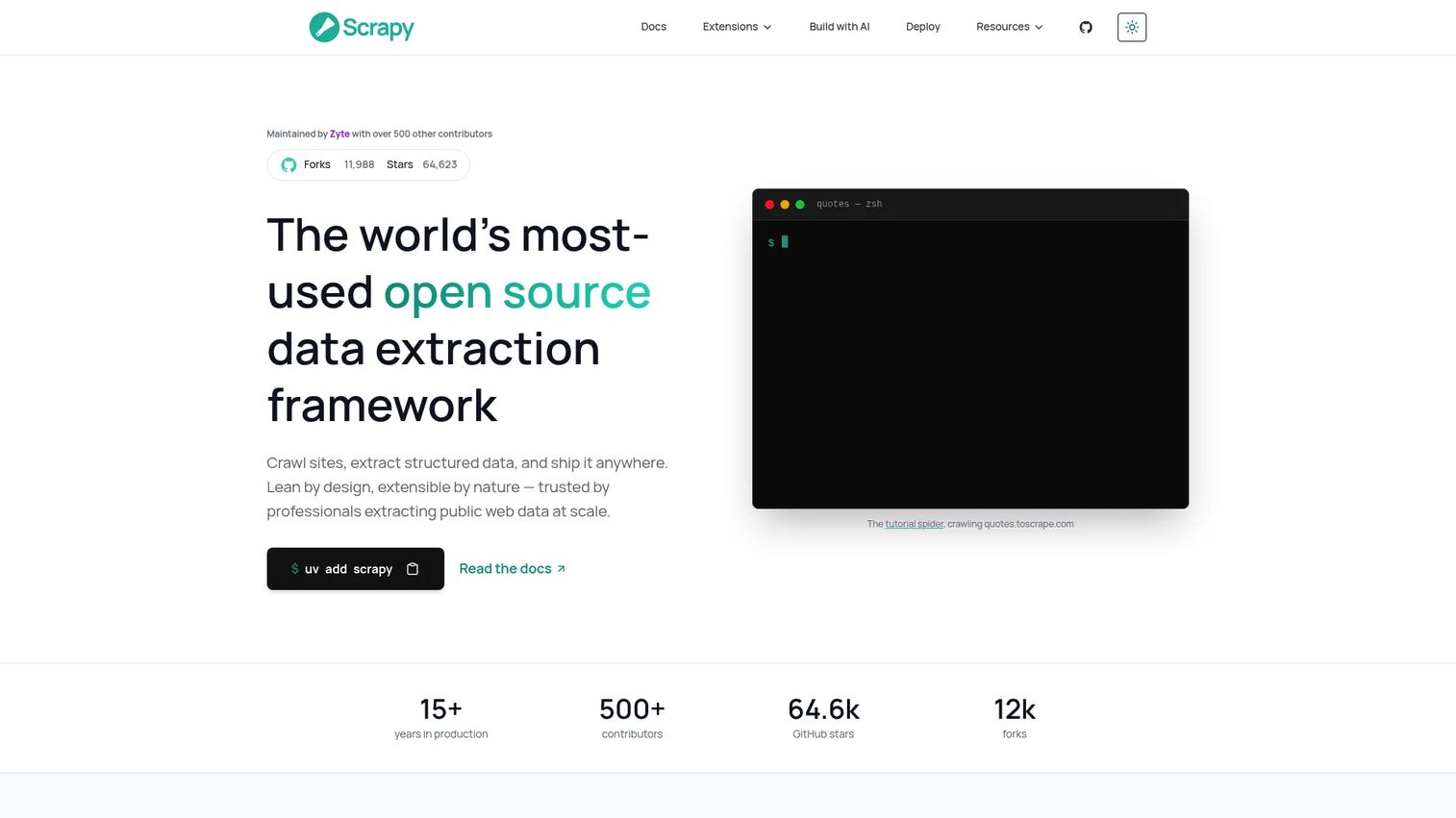
Scrapy is an open-source Python framework for building web crawlers and data extraction pipelines from code. Unlike visual or managed tools, Scrapy gives developers full control over request handling, selector logic, item pipelines, middleware, and feed exports. It is asynchronous by design, supporting concurrent requests to handle large-scale crawls efficiently. An interactive shell lets engineers test selectors before running a full crawl.
Best for: Engineering teams that need full control over custom, code-based web extraction where specialized logic or scale outgrows visual tools.
Key features
- CSS and XPath selectors for precise field targeting
- Asynchronous crawling for concurrent request handling
- Structured item pipelines and multiple feed export formats
- Interactive shell for selector testing
- Extensible middleware, signals, and plugin architecture
Why choose Scrapy: The build-versus-buy question is the right frame here. Choose Scrapy when extraction logic is specialized enough that it creates durable product or research value, and when you have engineering capacity to own the crawler, monitoring, and maintenance long-term.
Scrapy pricing: Scrapy is free and open source under the BSD license. Infrastructure, proxy services, monitoring, and the engineering time to build and maintain crawlers represent the real operating cost.
Considerations when choosing data extraction tools
Match the tool to the source type first
Do not compare a document parser to an ETL platform as candidates for the same job. A PDF extractor cannot replicate a SaaS database, and an ETL connector cannot read a scanned invoice. Identify whether your source is a structured API, a database, an unstructured document, or a public website before shortlisting vendors.
Price the maintenance, not just the subscription
A lower subscription can generate a higher engineering bill if the team owns connector logic, scraper maintenance, proxy management, schema mappings, and failure recovery. Ask who owns the pipeline six months after launch and what one week of debugging costs at your engineering rate.
Validate before trusting downstream output
Run sample jobs on representative inputs before connecting a pipeline to a dashboard. For document AI tools, test low-quality scans, tables with merged cells, and handwritten fields. For SaaS connectors, test deleted records, changed field names, and late-arriving events. A pipeline that completed successfully may still have produced wrong data.
Define your freshness requirement before evaluating
A daily activation dashboard and a weekly competitive scan have fundamentally different staleness tolerances. Evaluate retries, backfill support, rate-limit handling, token refresh, and alerting against the freshness your use case actually requires, not the maximum the vendor advertises.
Confirm security and governance requirements
Review access controls, credential storage, data retention policies, destination permissions, and audit logging. For public-web extraction, involve legal and security teams where data handling, personal data, or scraping at scale creates compliance risk.
Conclusion
Data extraction is not one category with one winner. The right tool depends on where your data lives, how often it changes, and who will own the pipeline after launch.
For recurring SaaS and database extraction, Airbyte and Fivetran both cover the core job. Airbyte gives teams more control and deployment flexibility; Fivetran trades customization for lower maintenance overhead. Hevo Data and Skyvia are strong no-code options for teams that want pipelines running without a dedicated data-platform engineer.
For document-heavy workflows, Rossum handles variable and complex business documents at scale, while Docparser is predictable and cost-effective for repeatable layouts.
For public-web data, Bright Data is the infrastructure choice for high-volume or technically blocked sites. Octoparse handles visual no-code scraping. Diffbot structures entity-level intelligence from web content. Scrapy gives engineering teams full control when specialized logic justifies the build.
The best next step is to pick the one source and destination that matter to a current product decision, run a realistic extraction test with representative data, and measure field accuracy, data freshness, and exception rate before standardizing on a platform.
Start your journey with Guideflow today!
FAQs
The main data extraction techniques are API extraction, database querying, change data capture, web scraping, OCR, document AI, and custom code using frameworks like Scrapy. The right method depends on the source format: Structured APIs and databases use connectors or CDC, documents use OCR or AI parsing, and public websites use scraping tools or browser automation.
In ETL (Extract, Transform, Load), extraction is the first stage: Pulling raw data from one or more sources before any cleaning or reshaping occurs. Modern ELT pipelines load raw data into a warehouse first, then transform it there, but the extraction step functions the same way in both approaches. Extraction alone does not produce analysis-ready data; mapping, validation, and transformation follow.
Web scraping is one extraction method, specifically for collecting data from public websites. Data extraction is broader, covering SaaS APIs, relational databases, files, documents, emails, event streams, and public web pages. A product team pulling CRM records into a warehouse is doing data extraction but not web scraping.
Document AI and rule-based parser tools handle PDFs, invoices, and purchase orders. Rossum is better for high-volume, variable document types, and multilingual content where AI inference outperforms fixed rules. Docparser fits workflows where layouts are consistent and predictable enough that rule-based parsing is reliable. In both cases, evaluate field-level accuracy and line-item support using your actual documents before choosing.
ETL and ELT platforms handle recurring SaaS and database ingestion. Airbyte covers the widest connector catalog with open-source flexibility. Fivetran reduces internal connector maintenance with a managed approach. Hevo Data and Skyvia are strong no-code options. Key evaluation factors are connector coverage for your specific sources, sync frequency, schema-drift handling, CDC support, and warehouse destination compatibility.
Many tools detect or adapt to schema changes automatically, but none eliminate the need for monitoring. A field rename, type change, deleted column, or API version bump can still silently distort downstream reporting even when the extraction job reports success. Set up volume anomaly alerts and null-rate monitoring alongside your pipeline, and define a clear owner who reviews failures before they reach a dashboard.
Track data freshness (how old the latest record is), successful-run rate, volume anomalies, duplicate record counts, null-rate changes, and time-to-resolve on failures. These metrics connect pipeline health to decision confidence. A pipeline with 99% technical uptime but 10% of records arriving six hours late still breaks an activation dashboard that needs same-day data.
Legality depends on what data is collected, how it is accessed, applicable jurisdiction, the target site's terms of service, and whether personal data is involved. Public web data and private personal data carry different treatment under laws like GDPR and CCPA. Before collecting data at scale from public websites, consult your legal team, especially if the data includes user-generated content, personal identifiers, or anything a site's robots.txt file restricts.